9/6/22, 11:01 AM
Belkin Official Support - Setting up the Belkin WIC004
https://www.belkin.com/us/support-article?articleNum=318772
1/4
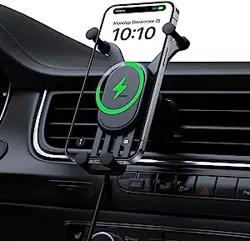
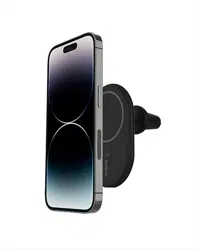
The Belkin BOOST↑CHARGE™ Magnetic Wireless Car Charger 10W, WIC004 allows you to mount your
iPhone® 13 and iPhone 12 series devices on the car vent mount and quickly charge your devices in the car
with up to 10W of power. This article will help you set up the Belkin WIC004.
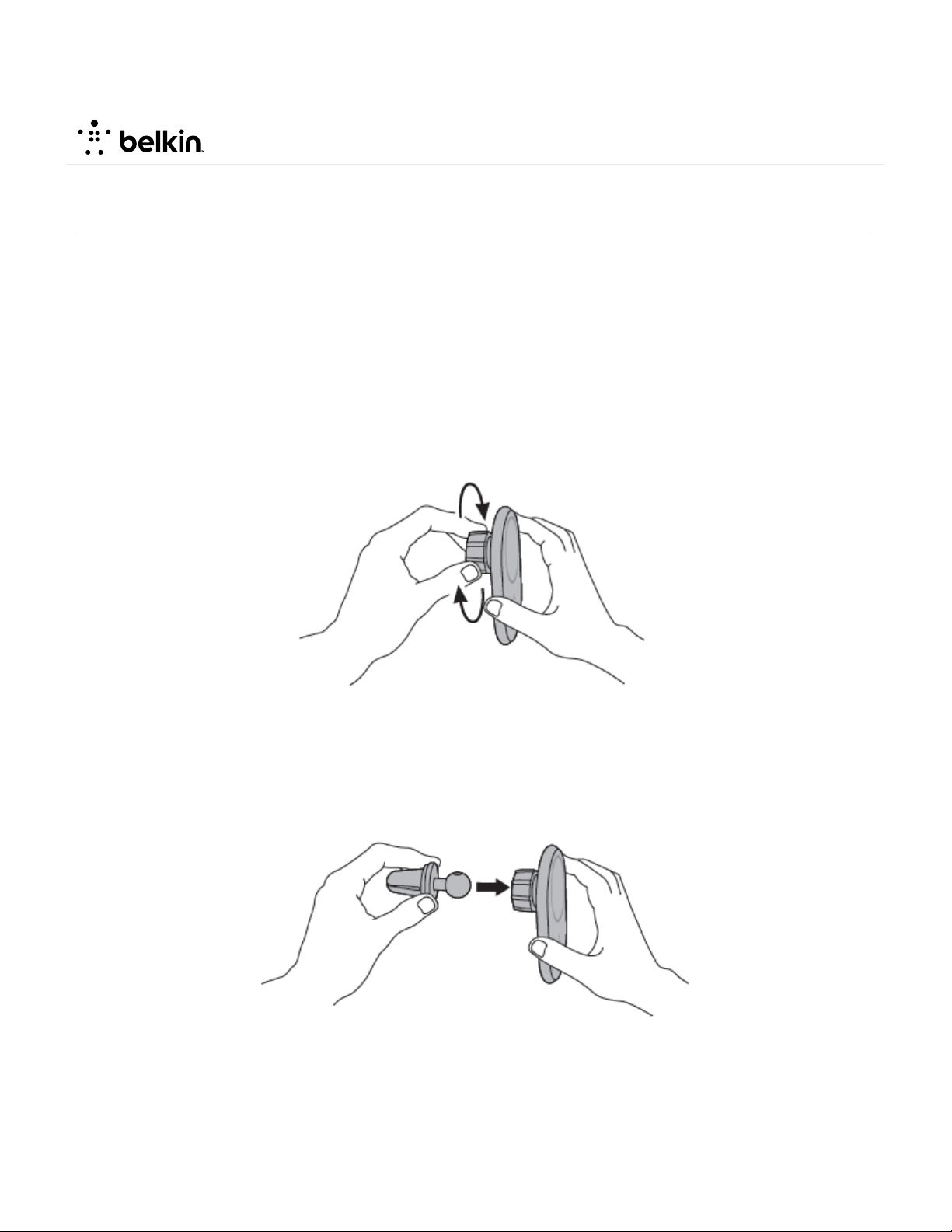
Step 1:
Twist the cap clockwise to open.
Step 2:
Insert the clip unto the cap.
Step 3:
Twist the cap counterclockwise to lock the clip.
Setting up the Belkin WIC004
9/6/22, 11:01 AM
Belkin Official Support - Setting up the Belkin WIC004
https://www.belkin.com/us/support-article?articleNum=318772
2/4
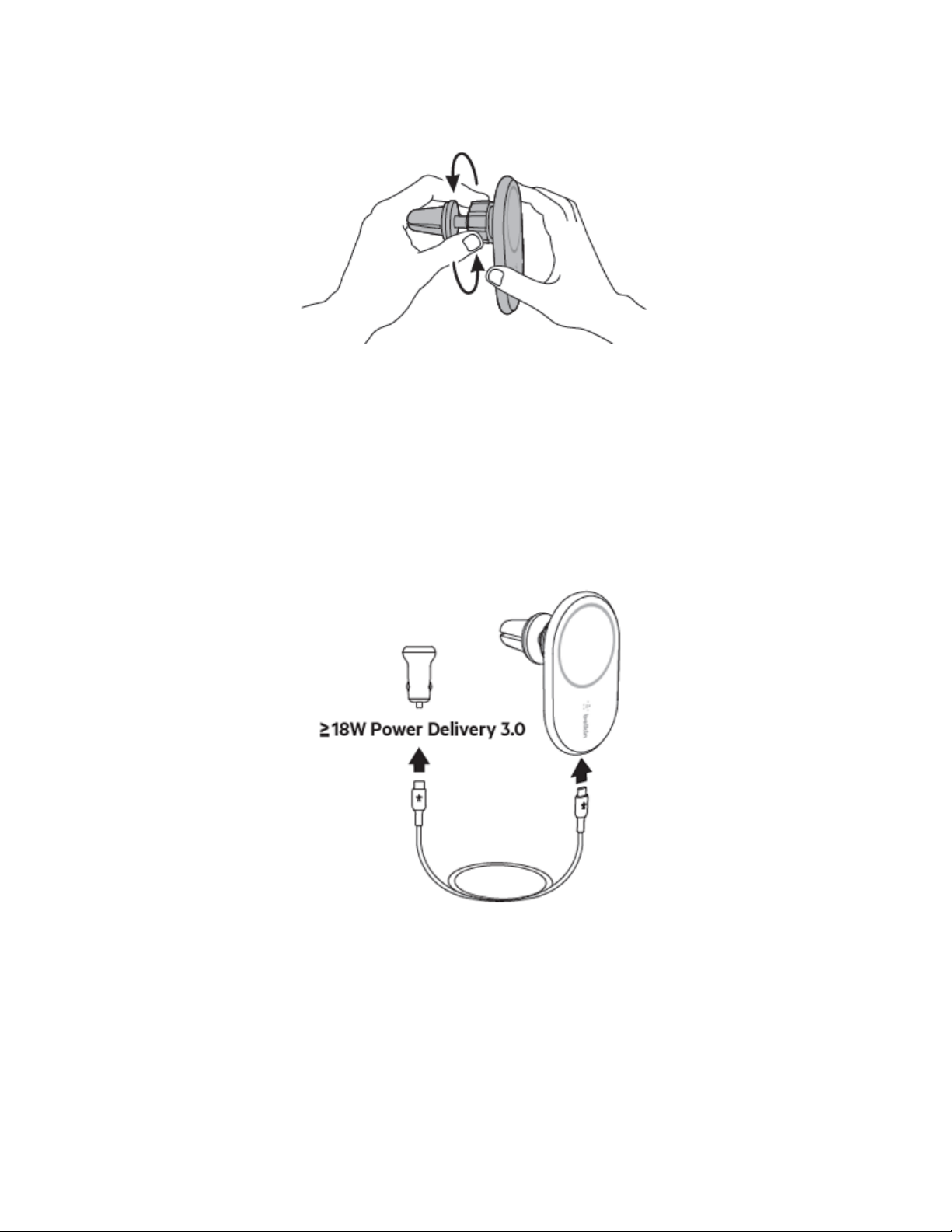
Step 4:
Connect the provided USB-C® cable into the Belkin WIC004 and plug the other end into the USB-C PD
car power supply.
NOTE: The Belkin WIC004btBK model has an included USB-C PD car power supply unit while Belkin
WIC004btBK-NC does not.
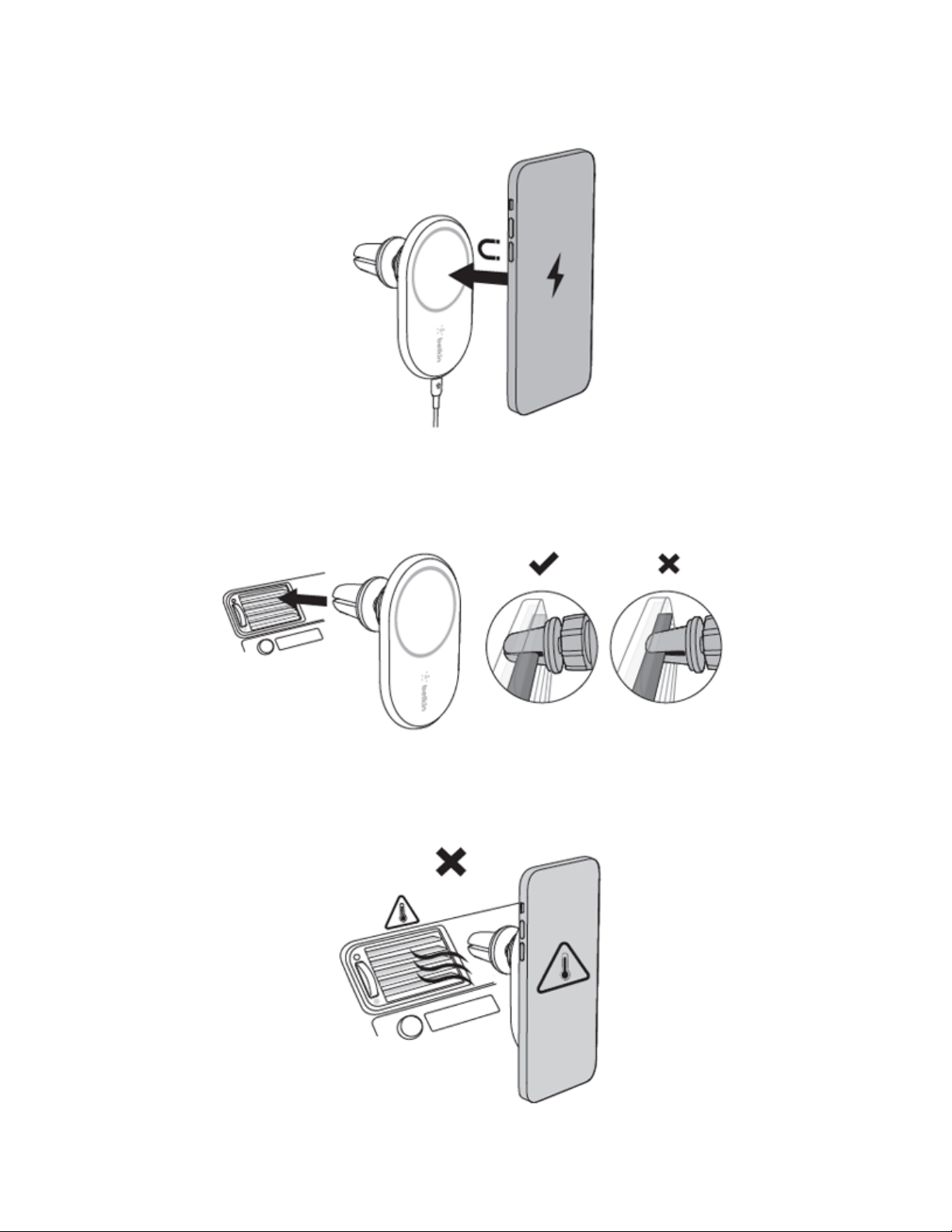
Step 5:
Place the back of your phone onto the flat surface of the mount. The magnets on the Belkin WIC004
will align your phone perfectly and securely on the mount.
QUICK TIP: You can set your phone on the mount in either portrait or landscape mode.
9/6/22, 11:01 AM
Belkin Official Support - Setting up the Belkin WIC004
https://www.belkin.com/us/support-article?articleNum=318772
3/4
Step 6:
Securely clip the Belkin WIC004 into your car vent.
NOTE: Do NOT clip the device on the car vent when your heater is ON.
9/6/22, 11:01 AM
Belkin Official Support - Setting up the Belkin WIC004
https://www.belkin.com/us/support-article?articleNum=318772
4/4
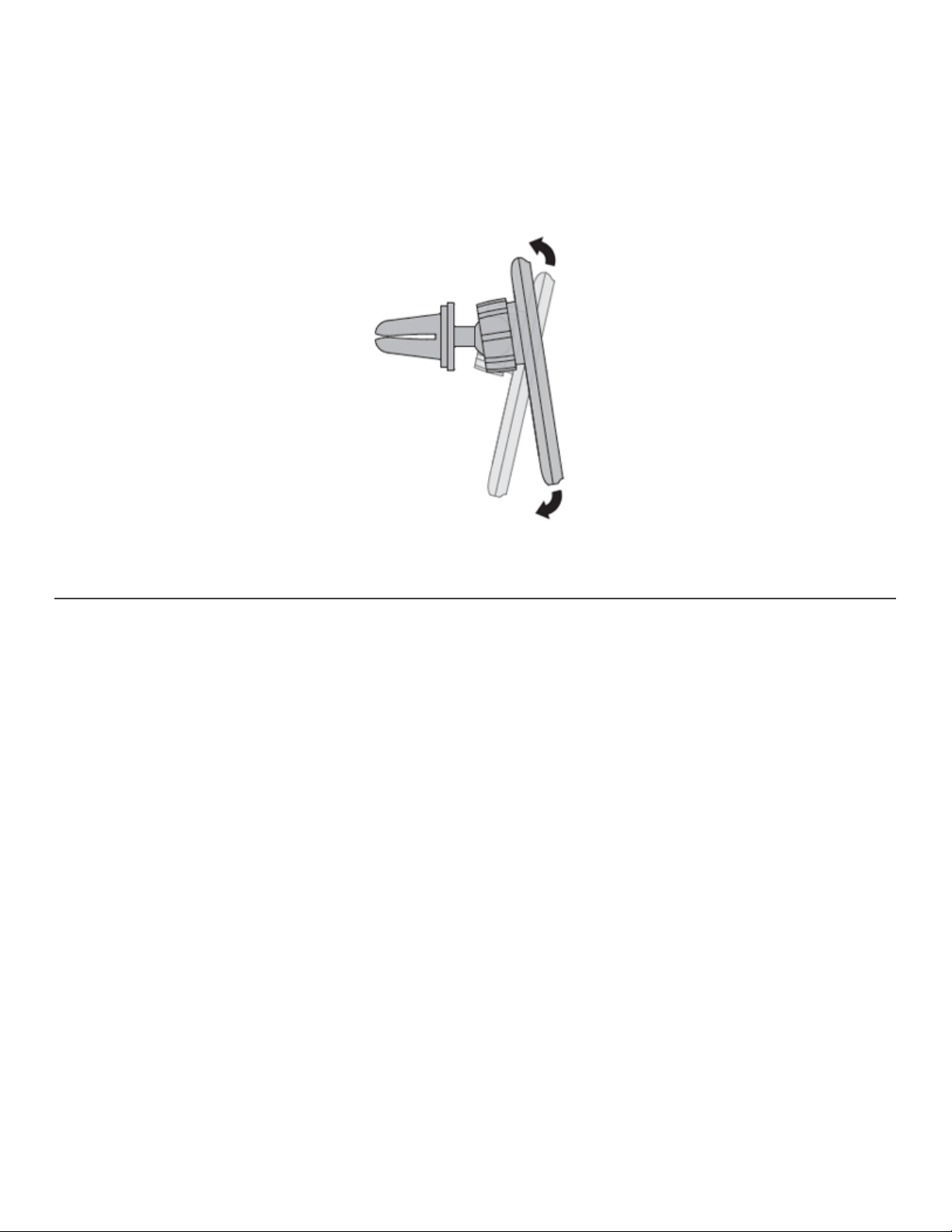
Step 7:
Adjust the view angle of your phone.
© 2022 Belkin International, Inc.