
U50G7PG

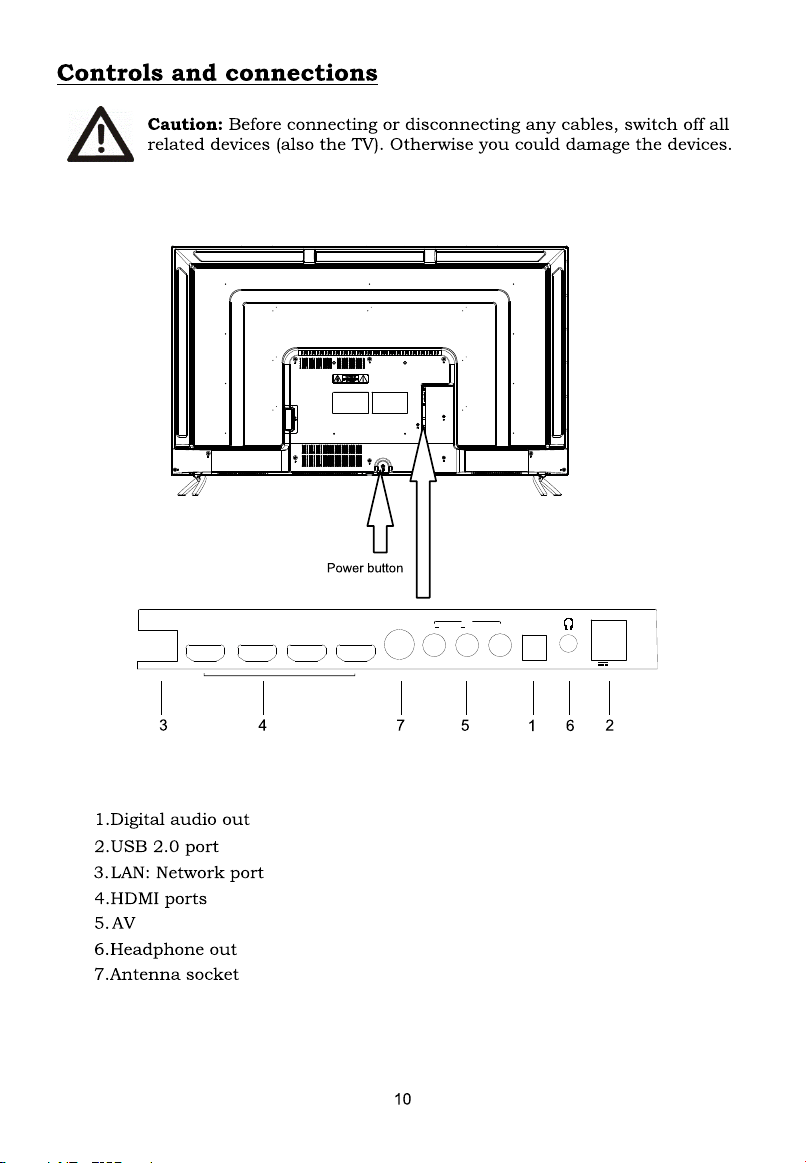
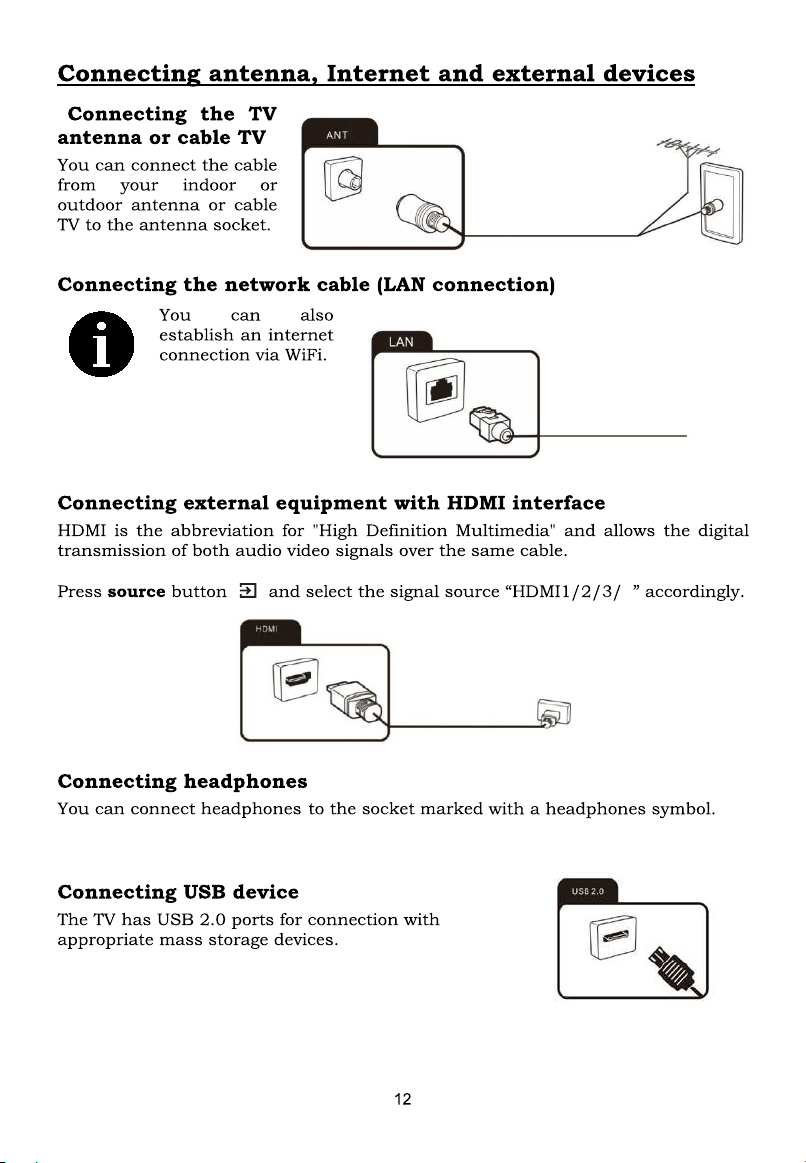
LAN
HDMI4 HDMI3
HDMI2
HDMI1(ARC)
ANT
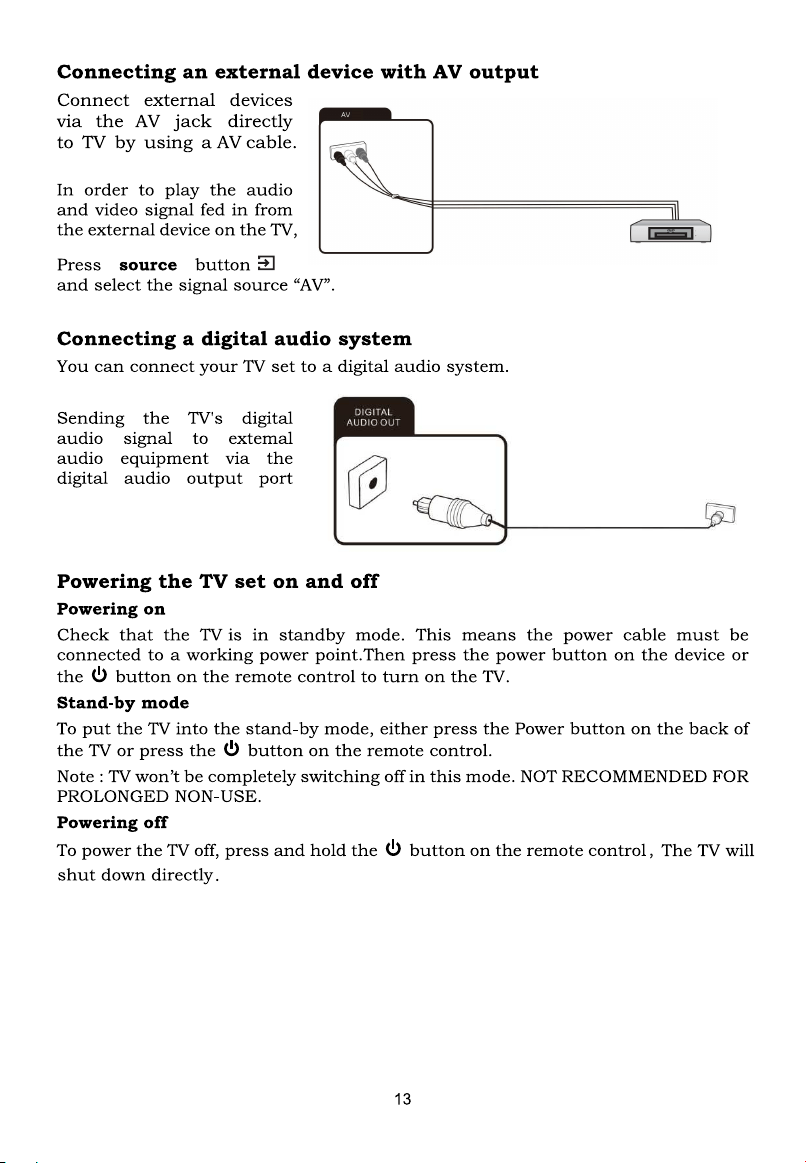
LR
AUDIO
VIDEO
AV
DIGITAL
AUDIO OUT
USB2.0
(5V 500mA)
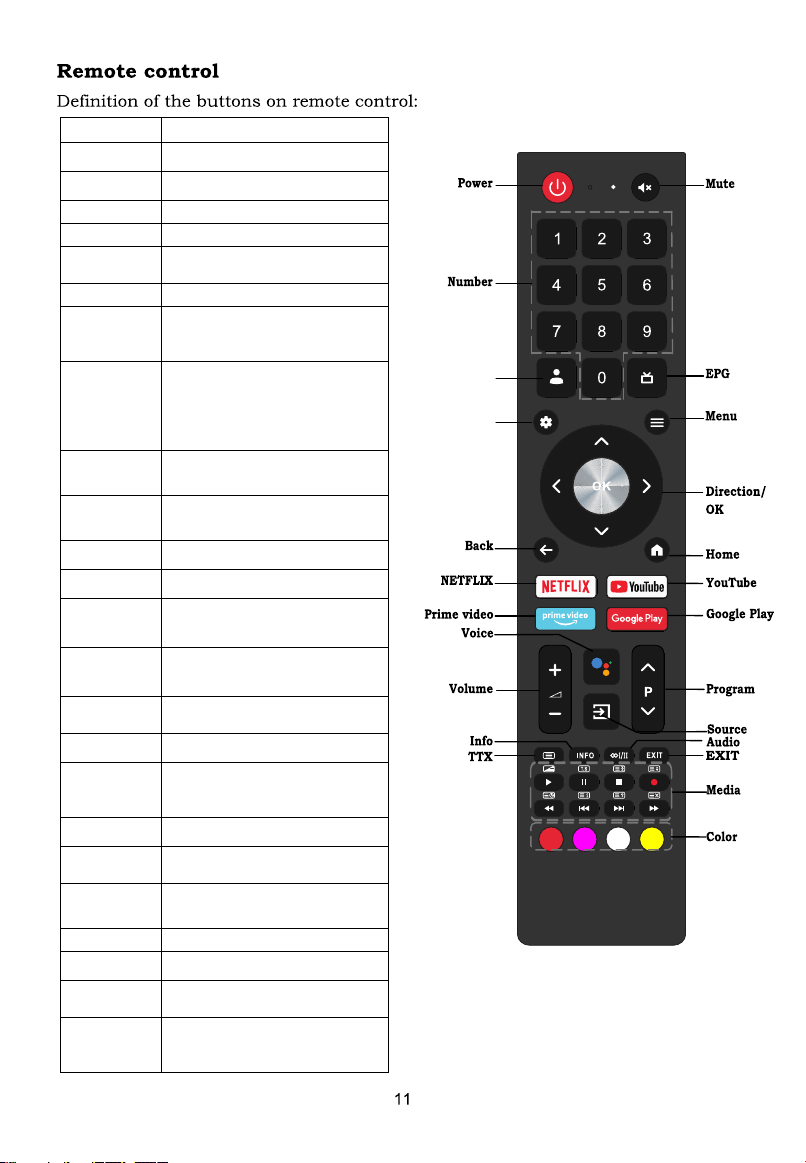
Account
Dashboard
Buttons
Description
Power
Turn on/off TV
Mute
Mute or restore sound
Number
Number buttons
Account
Switch account
EPG
Launch Electronic Program
Guide
Dashboard
Displays dashboard Menu
Menu
Display main menu,while
on any external input
source
Direction/
OK
Press the direction
buttons to select menu
options or settings. Press
OK to select or confirm
menu item.
Back
Return to previous menu
or setting
Home
Open Android TV
Homepage
NETFLIX
Open NETFLIX App
YouTube
Open YouTube App
Prime
video
Open prime video App
Google
Play
Open Google Play App
Voice
Activate Voice command
Function/Google assist
Volume
Adjust the volume
Program
Select programs in
ascending or descending
order
Source
Select signal source
Info
Display program
information
Audio
Select audio languages
and Audio
channels
TTX
Show or hide Teletext
EXIT
Quit the current interface.
Media
Control media playback in
Media mode
Color
Use in accordance with
the Operation
interface instructions
4
NOTE: It is recommended to watch the TV in HOME mode, Select "Home" mode
,you can also press in
settings->System->Retail
->Set to Off.
under Select TV mode in the boot guide
Mode
If TV is turned into standby mode during initial installation setup, it might cause higher
standby power consumption.
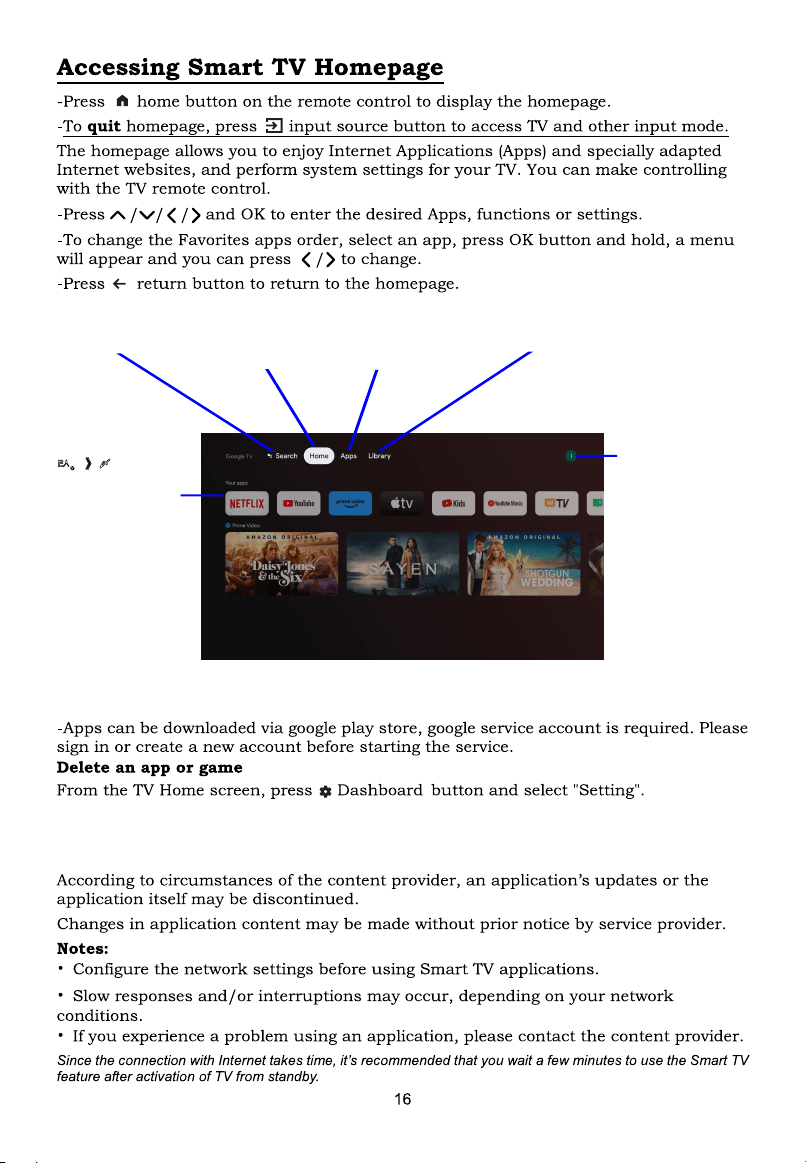
-Under "Setting", Select Apps.
-Under "Apps" select "see all apps" and choose the app you want to remove.
-Select Uninstall.
Dashboard
Dashboard contains
user account,
settings page, input
source list, etc.
<RXU
apps
Customizable for
quick access.
Google Assistant
Find content and
get answers
Home
Your Google TV
Homepage.
Apps
Access the App
Centre to display all
installed apps.
Lidrary
View records,
manage watch list.
Note
7K HOD\RXWDQGIXQFWL RQDOL W\RIWK HK RPHSDJHZL OOFK DQJHG\QDPL FDOO\ZL WK WK HYHUVL RQRIWK HODXQFK HU
$OOL PDJHVL QWK HXVHUPDQXDODUHIRUUHIHUHQFHRQO\
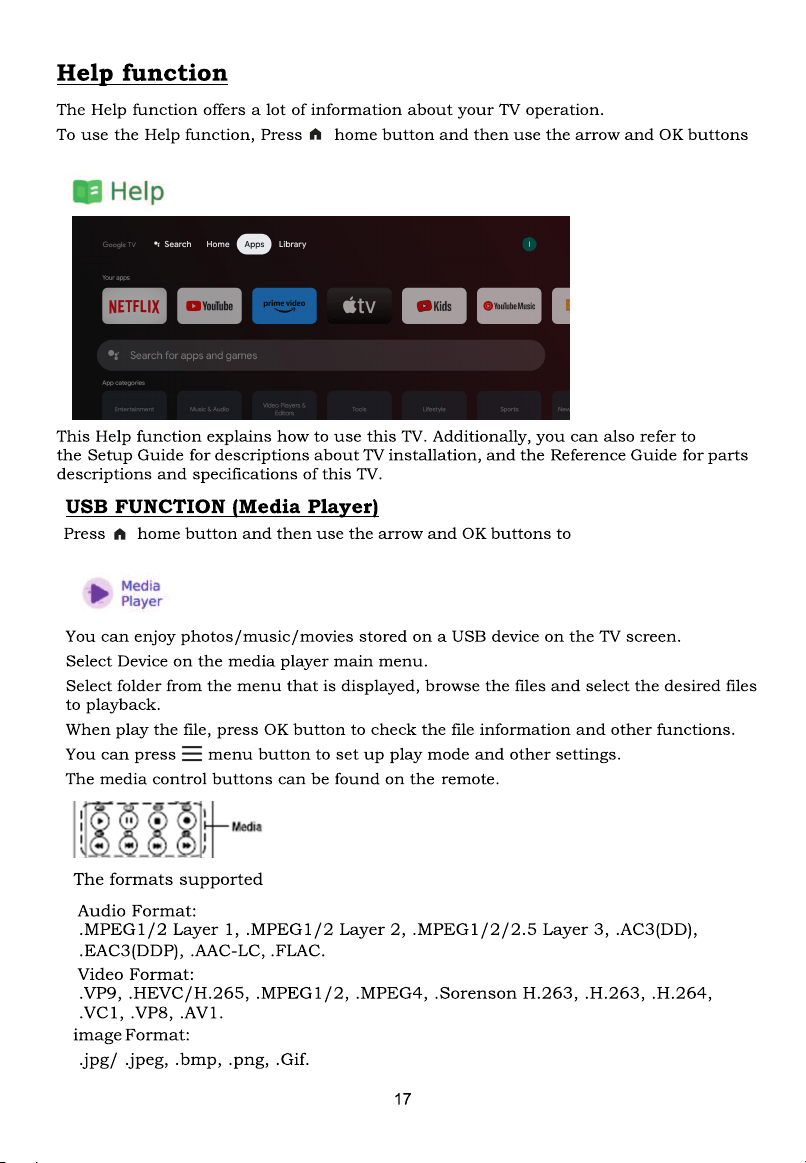
pps" to select Help app.to select and enter "A
pps"select and enter "A
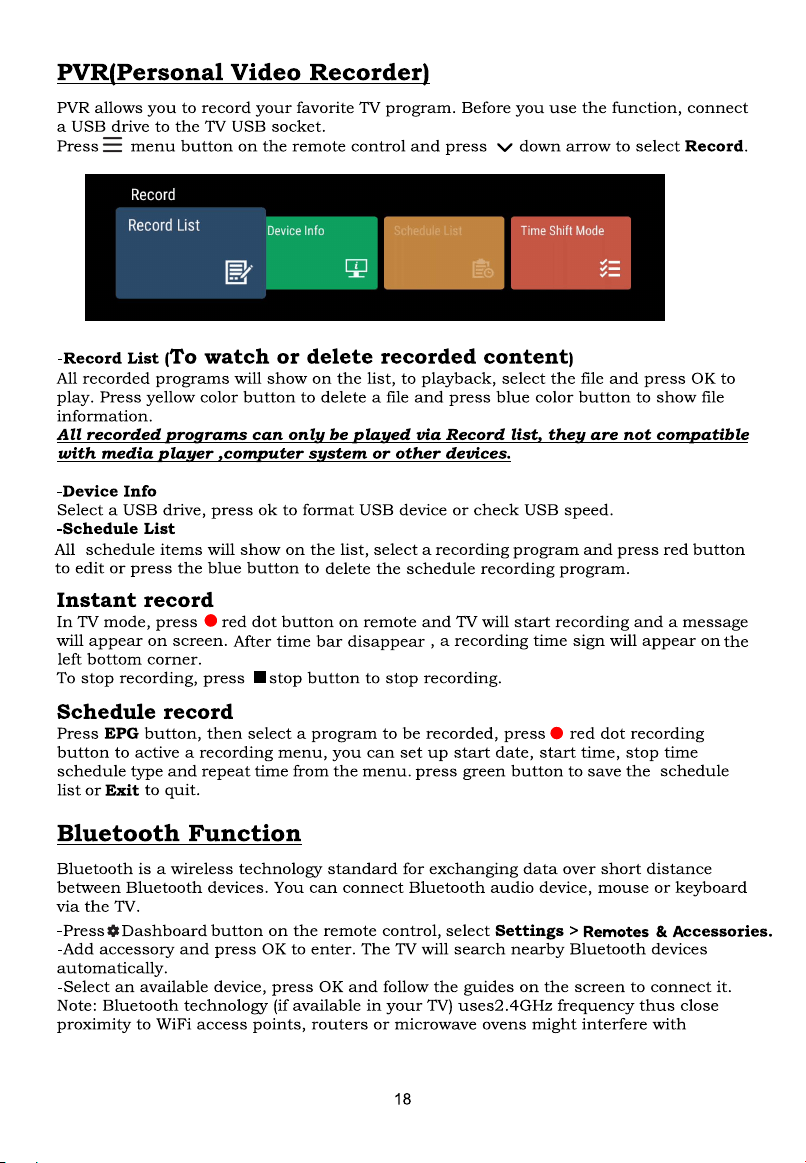
Media Player. to select
21
22
23
200 x 200