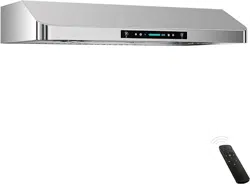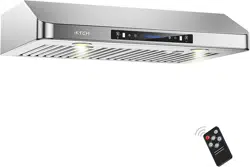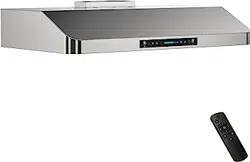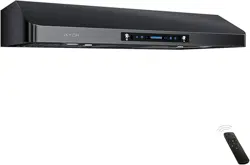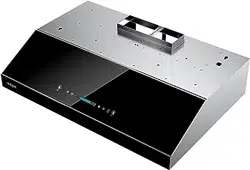
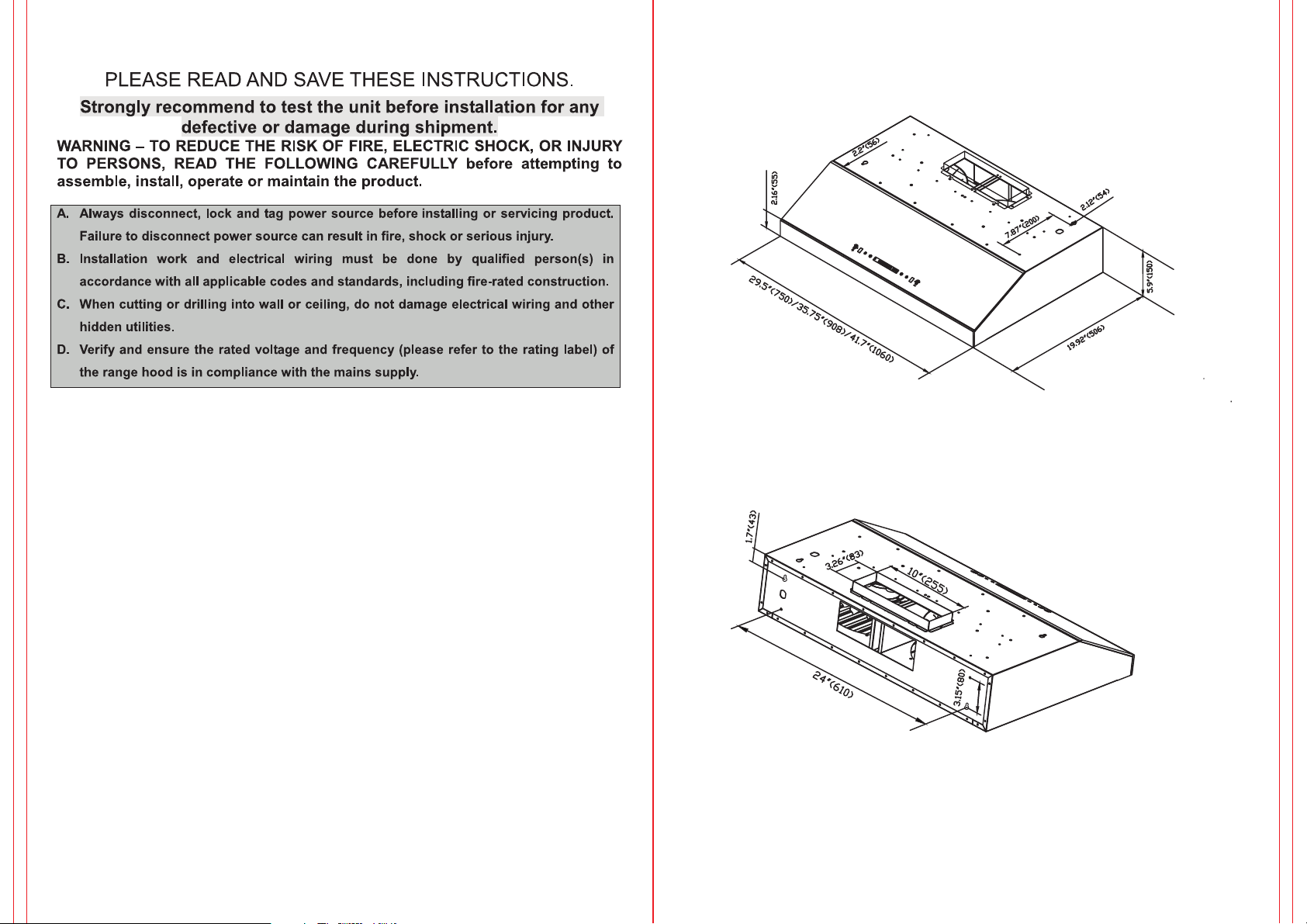
3-1/4” x 10” RECTANGLE
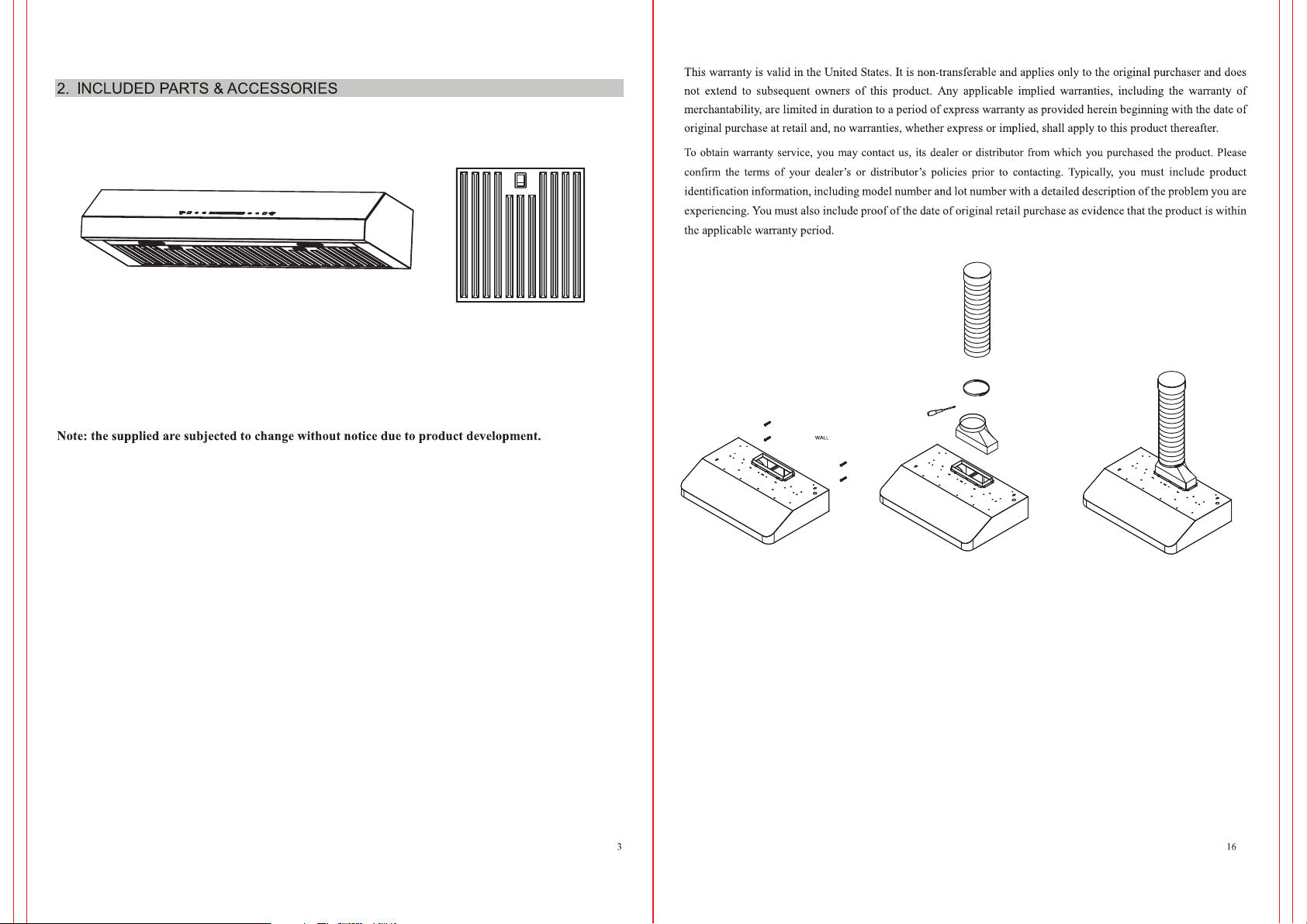
TOP / REAR VENT OPTIONS
www.iktch.com
www.iktch.com
www.iktch.com
iktch.com
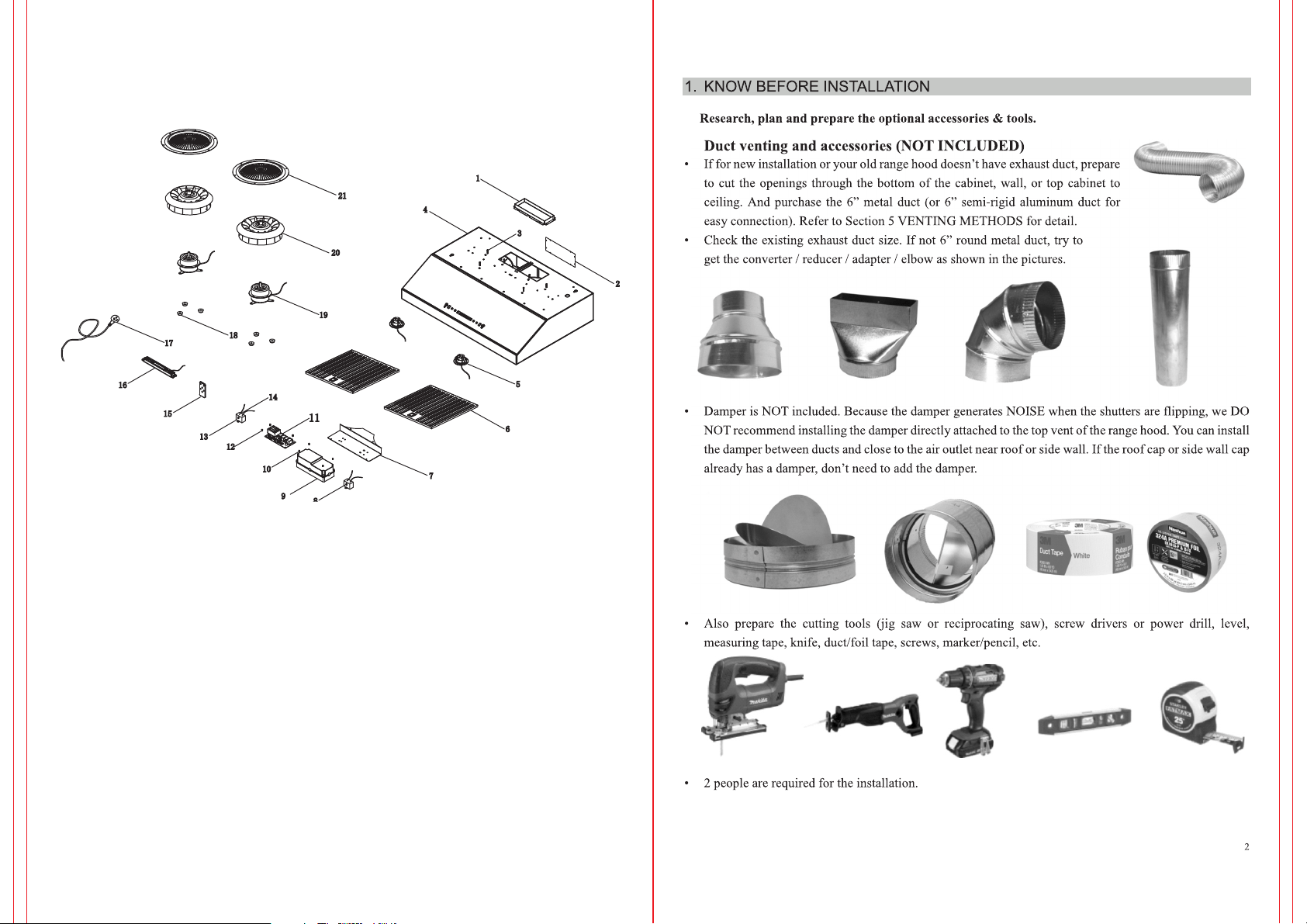
IKC02-30-B/IKC02-30-W/IKC02-36-B/IKC02-36-W
18
17
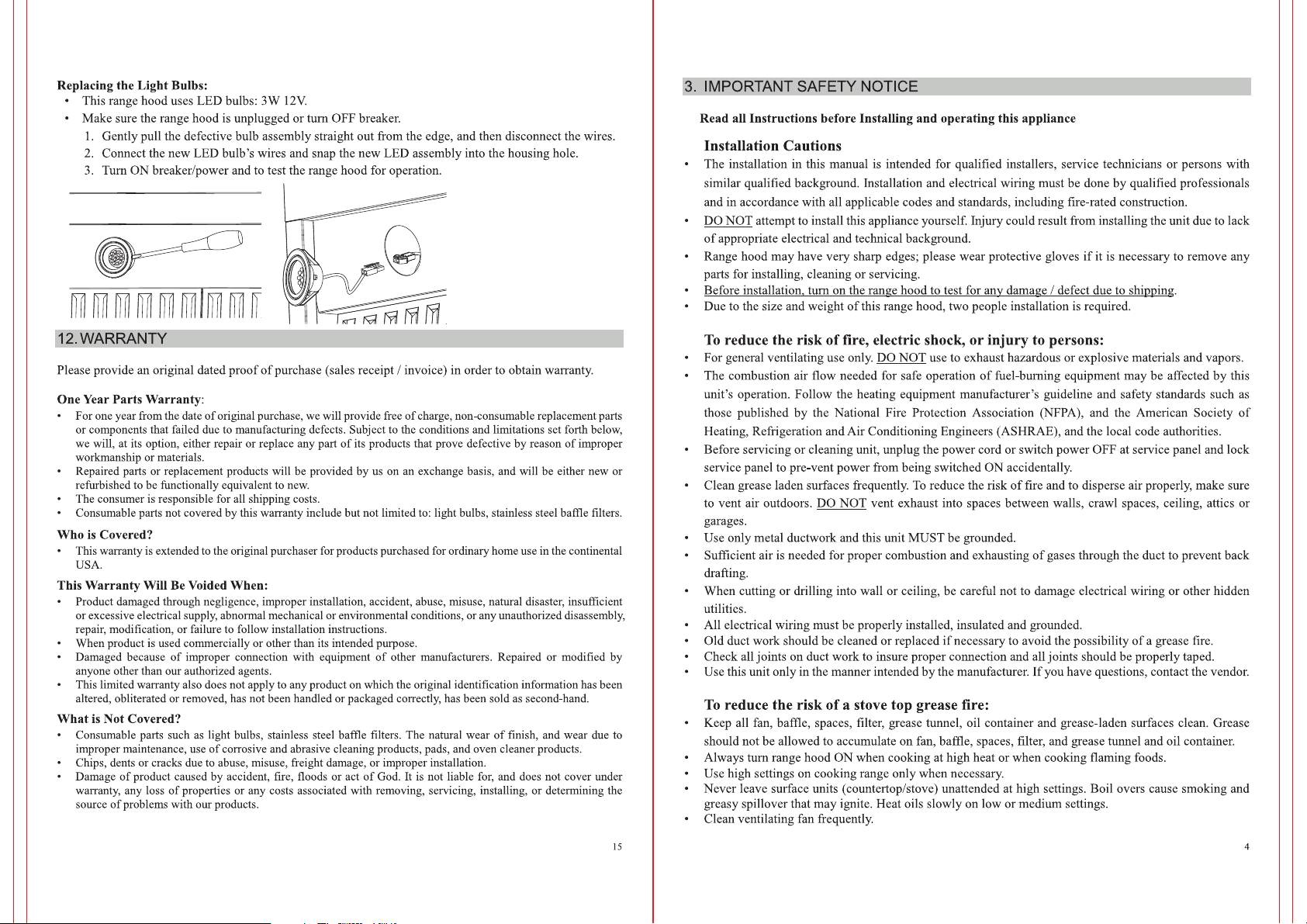
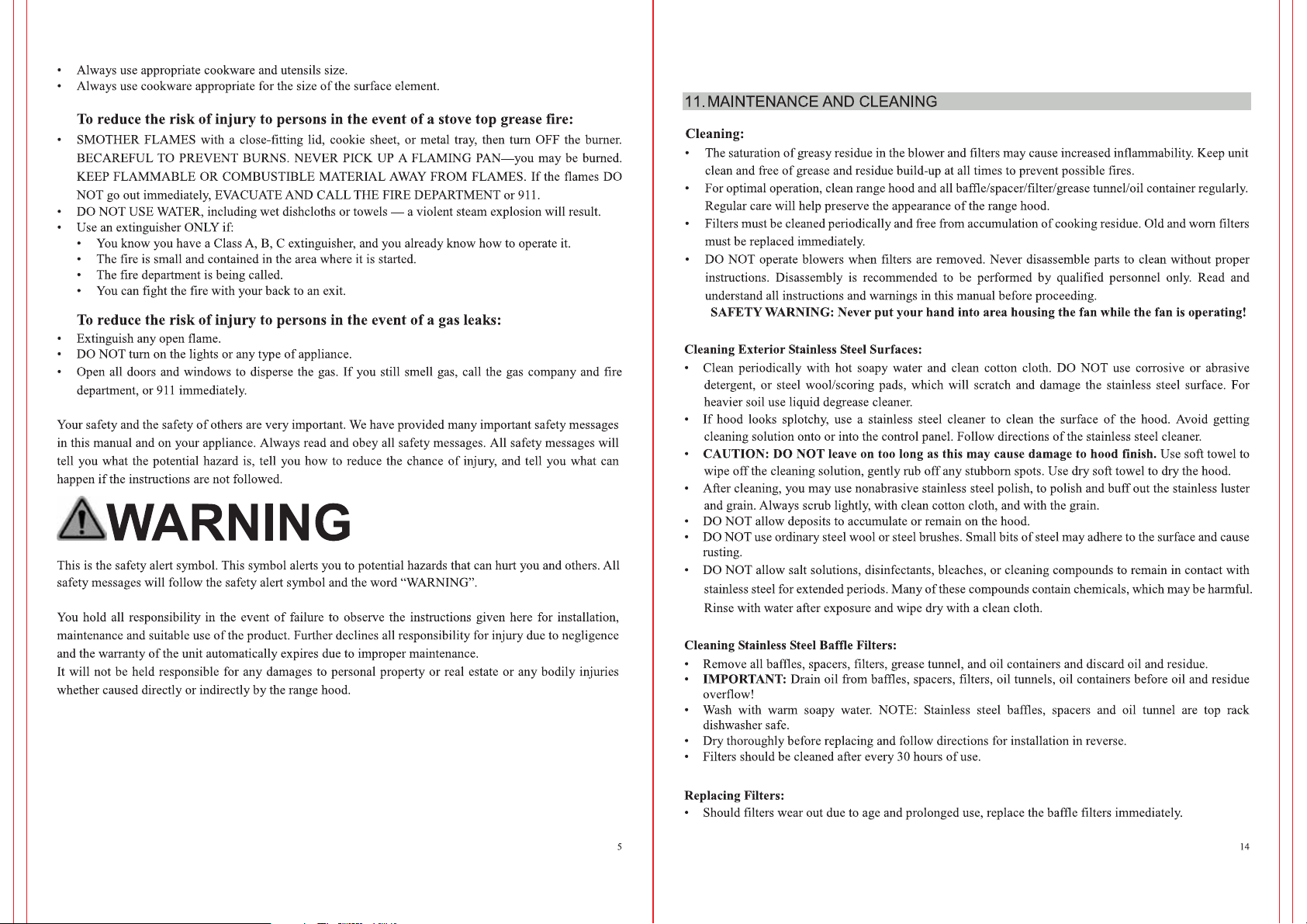
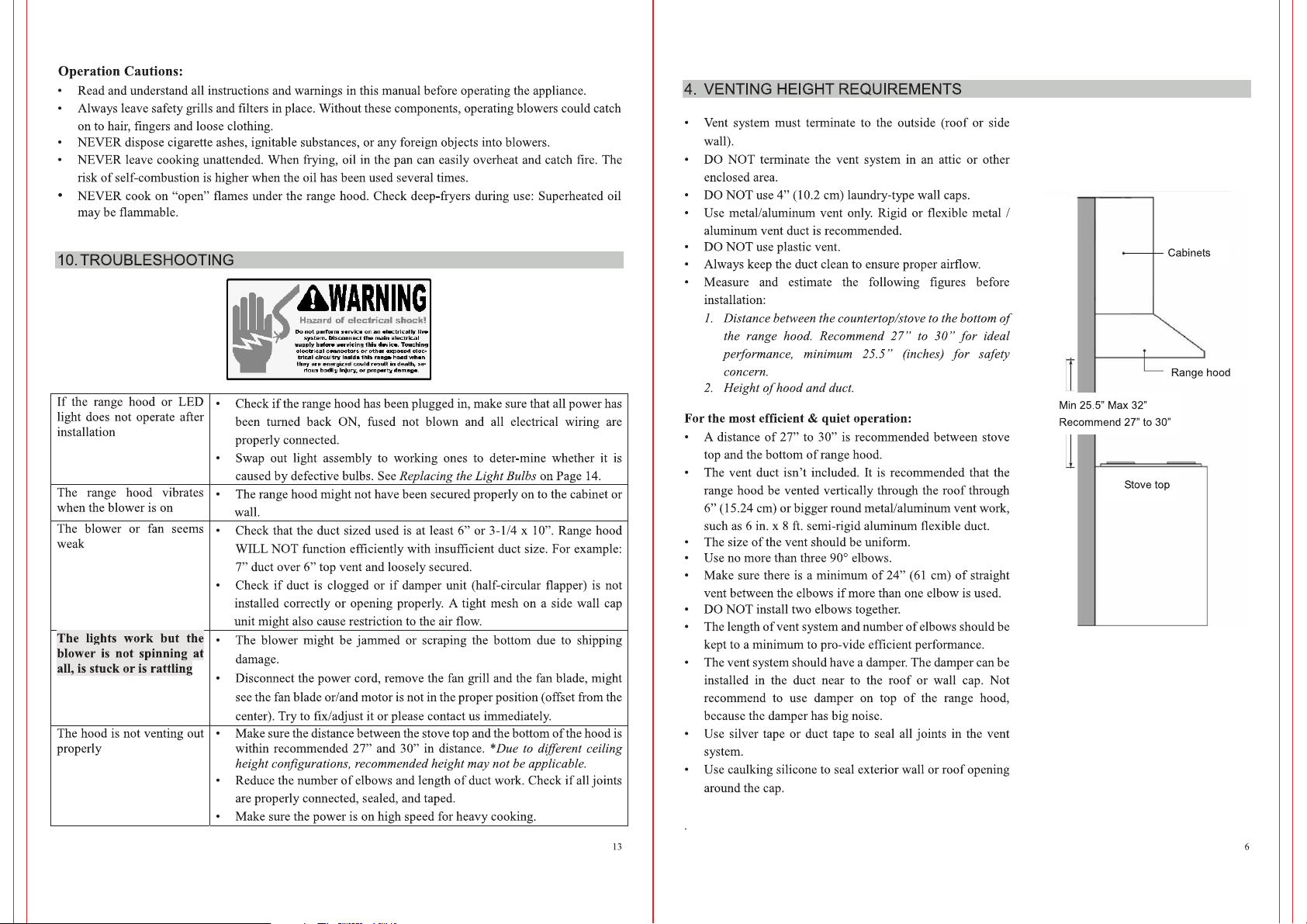
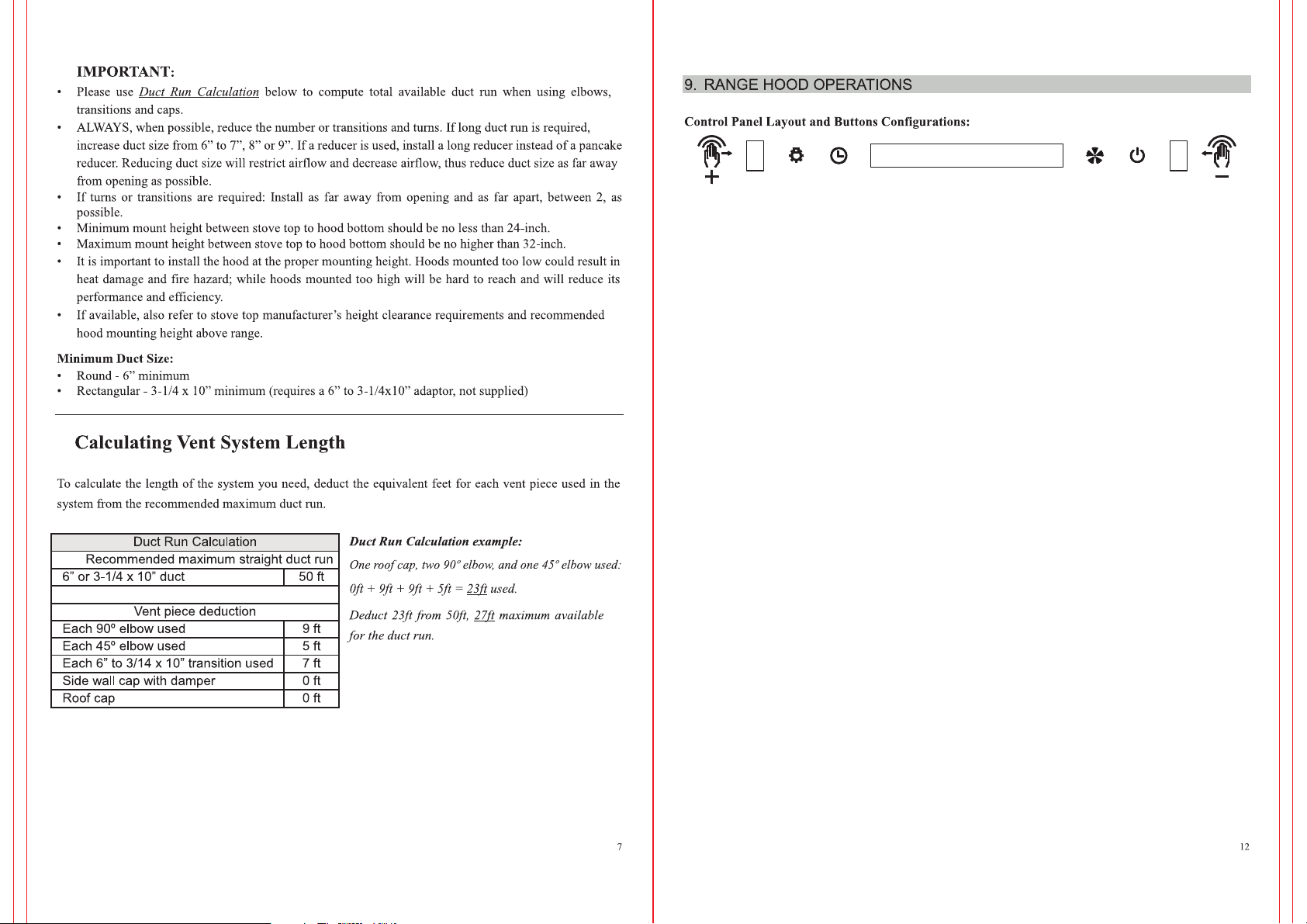
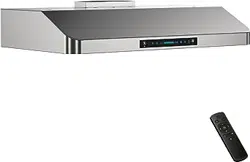
1.From left to right side: Lighting Key (K1), Timer Key (K2), LED Display, Speed Key
(K3), Power Key (K4)
2.When the power supply connected, all indicate lighting is On and then Off in 1 second.
To press K4 to open the hood.
st
3.When the hood is On, to press K3 to open Fan Speed 1 , to press again to open Fan
ndrdth
Speed 2, as so forth, to open Fan Speed 3 and 4 by K3. The Fan Speed is changed as
1-2-3-4-0-1-2-3-4.
4.If there was any fan speed working, to press K2 to open Timer Mode, the default is 3
minutes and do count-down step. Or to press K2 or K3 to set the timer as wanted, the
maximum timer is 15 minutes.
5.To press K1 to open or close the lamp. The luminance of lighting can be adjusted from
0% to 100% as wanted by touching K1.
st
6.Gesture Control: to move your hand from left side to right side to open 1 Fan Speed.
ndrdth
And again to open 2 Fan Speed, and 3, and 4.
On the contrary, to move your hand from right side to left to reduce the speed level.
Please Note: when using gesture control function, please make sure to move your hand from
2 signal ports completely.
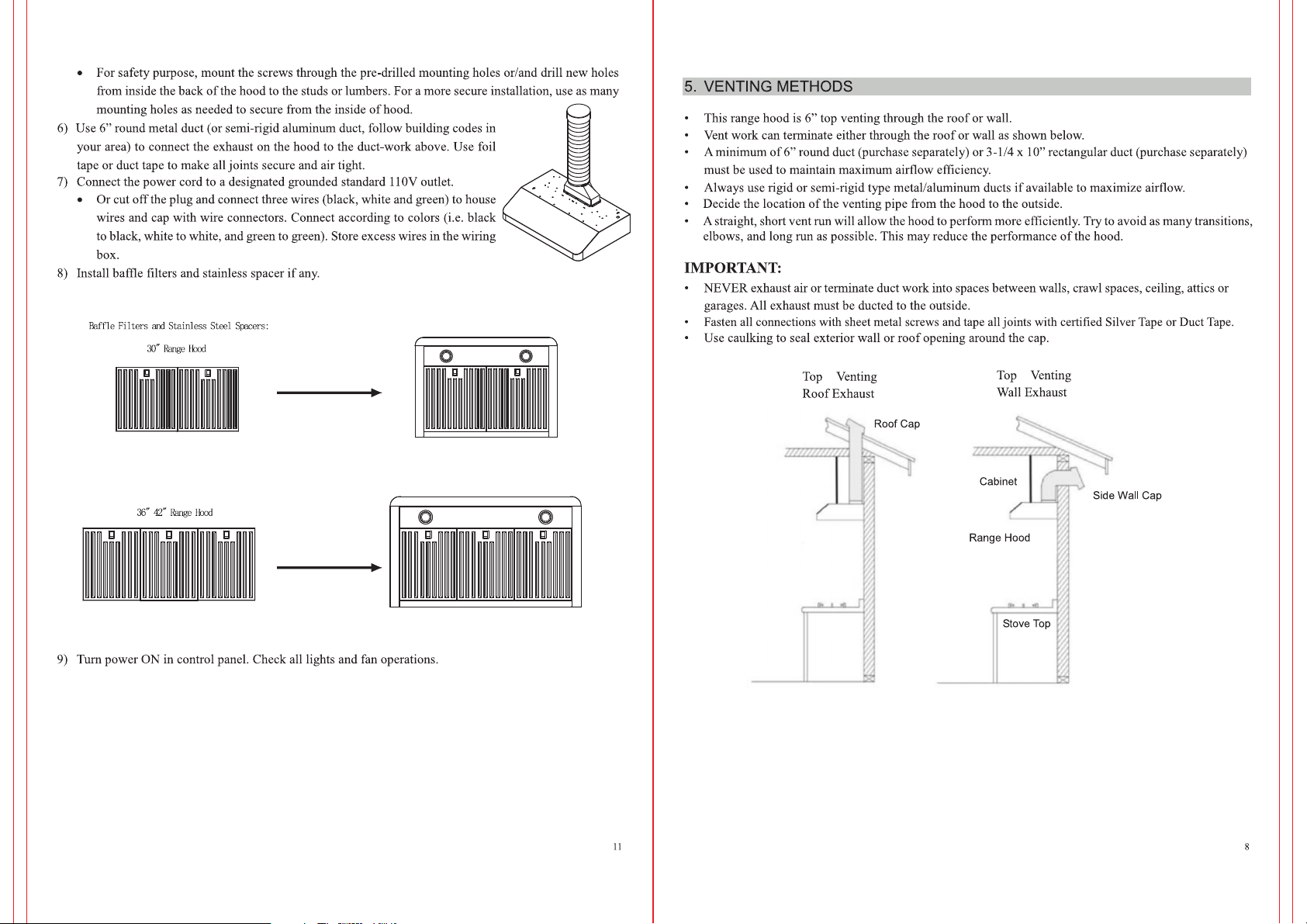
Four-speed Gesture Sensing & Touch Control Switch Panel
3-1/4” X 10” Rectangle Top / Rear Vent Options
1-15 minutes adjustable timer