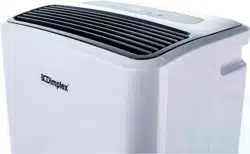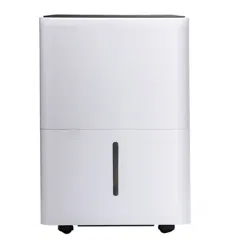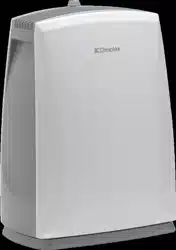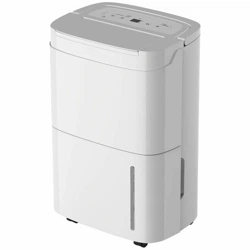
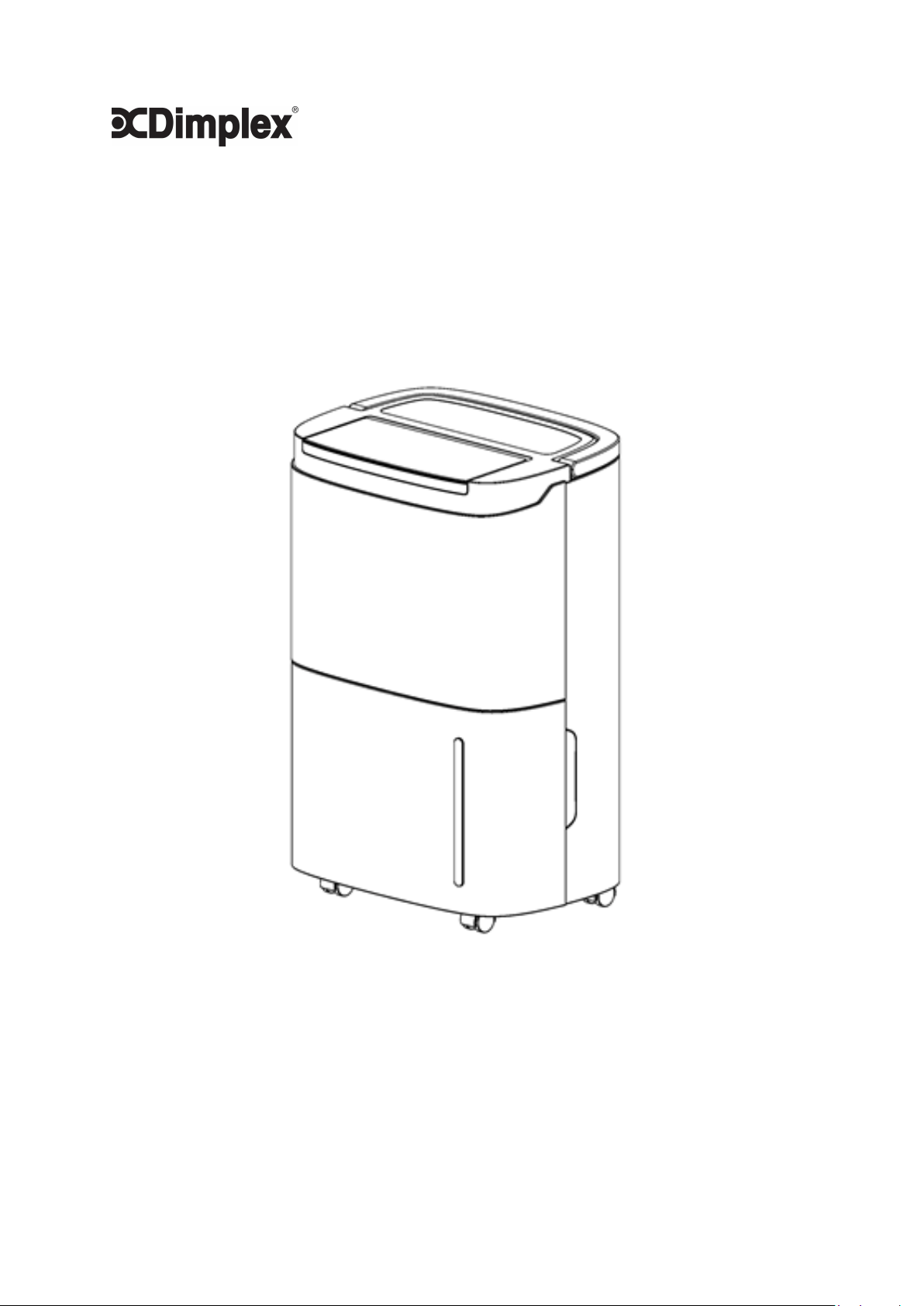
DEHUMIDIFIER 20L
INSTRUCTION MANUAL
GDDEY20

Table of Contents
Safety Warning… ...................................................................... 2
Frequent enquiries ..................................................................... 3
Installation… .............................................................................. 4
Components .......................................................................... 5
Control Panel ............................................................................. 6
Operation Methods ................................................................. 7
Drainage .....................................................................................8-9
Maintenance ....................................................................... 10
Troubleshooting ........................................................................ 11
Model
GDDEY20
Operating Voltage
220V-240V~50Hz
Dehumidification Capacity
20L/DAY
Rated Power
420W
Net Weight
15KG
Refrigerant
R134a
TECHNICAL SPECIFICATIONS
Noise Level
Operating Temperature
Between 5-32 degrees celcius
46dB(A)
Dimensions
343mmw x 512mmh x 240mmh

Safety Warning
For your safety, please read the following contents carefully
before using this dehumidifier:
2
Prohibited:
▲ Please do not place this dehumidifier close to heating devices (flame or heaters,
etc.).
▲ Please do not turn on or turn off this dehumidifier by plugging in or pulling out
the plug.
▲ Do not use insecticide spray or other flammable substances in the vicinity of this
dehumidifier.
▲ Do not scratch appearance of this dehumidifier withanything sharp.
▲ Do not splash oil or water into this dehumidifier.
▲ Do not clean this dehumidifier with water, please wipe it with a damp soft cloth.
▲ Do not wipe this dehumidifier with chemical solvents such as benzene, gasoline
and alcohol, etc. If this dehumidifier is dirty, please wipe with neutral detergent.
▲ Please do not incline this dehumidifier over 45°or place this dehumidifier
upside down.
Safety requirements:
Place this dehumidifier on a flat, even surface to reduce vibration and noise.
Do not place this dehumidifier in water or other liquids.
In order to prevent accidents, please do not use this dehumidifier if
wires or other connections are damaged.
This appliance can be used by children aged from 8 years and above and persons
with reduced physical, sensory or mental capabilities or lack of experience and
knowledge IF they have been given supervision or instruction concerning use of
the appliance in a safe way and understand the hazards involved.
Children should not play with the appliance.
Please remove from power source before cleaning.
Please use at the specified voltage.
This dehumidifier can only be used indoors, please do not use for other purposes.
Please do not place heavy objects on this dehumidifier.
Please empty water tank to prevent overflow and spill before restarting this
dehumidifier.
Please do not place on an incline in case that the spilled water damages the
dehumidifier.
Please do not place waste or hard objects into the dehumidifier in case tdamage
occurs.
If the supply cord is damaged, it must be replaced by the manufacturer, their
service agent or a similarly qualified person in order to avoid a hazard.
When this dehumidifier is not used for a long time, please unplug the electric cord.
Power supply of the Dehumidifier shall comply with the safety regulations
where it is used and ensure reliable grounding.

Frequently Asked Questions
Q: Why is less water stored in water tank of the
dehumidifier in winter?
In winter, the ambient temperature is lower and air is drier, therefore the
dehumidification ability of the dehumidifier is lower - compared to warmer,
summer months.
Q: Why isn't the unit working, or has stopped
working suddenly?
Dehumidifier may be full of water or water tank is not installed properly, drain
the water in water tank, or check water tank positioning.
The target humidity level may have been reached. Adjust target humidity
level and re-check operation.
Relative humidity of the room may be outside of operating range (30% -
80%), similarly ambient temperature of room may not be within operating
temperature (5-32C).
Q: Why is hot air blown out from air supply outlet?
This dehumidifier extracts the air in the room, and the dehumidification unit
cools the air, the temperature decreases below the condensation point, the
air condenses into water drops, which falls into water tank finally, and the
dehumidified air is heated by the temperature returning unit. This can
reduce energy consumption and also accelerate dehumidification, therefore,
hot air is blown out, and this not a fault.
Q: My unit sounds too noisy, is this a fault?
Some noise is part of normal operation, these units are not completely
silent or quiet. A reasonable level of noise should be expected. If you believe
this is above average, check the unit is placed on a flat surface to reduce
reverberation. You may also like to check the air filter is clean. Adding
rubber pads underneath the unit can absorb some residual noise too.
Installation
4
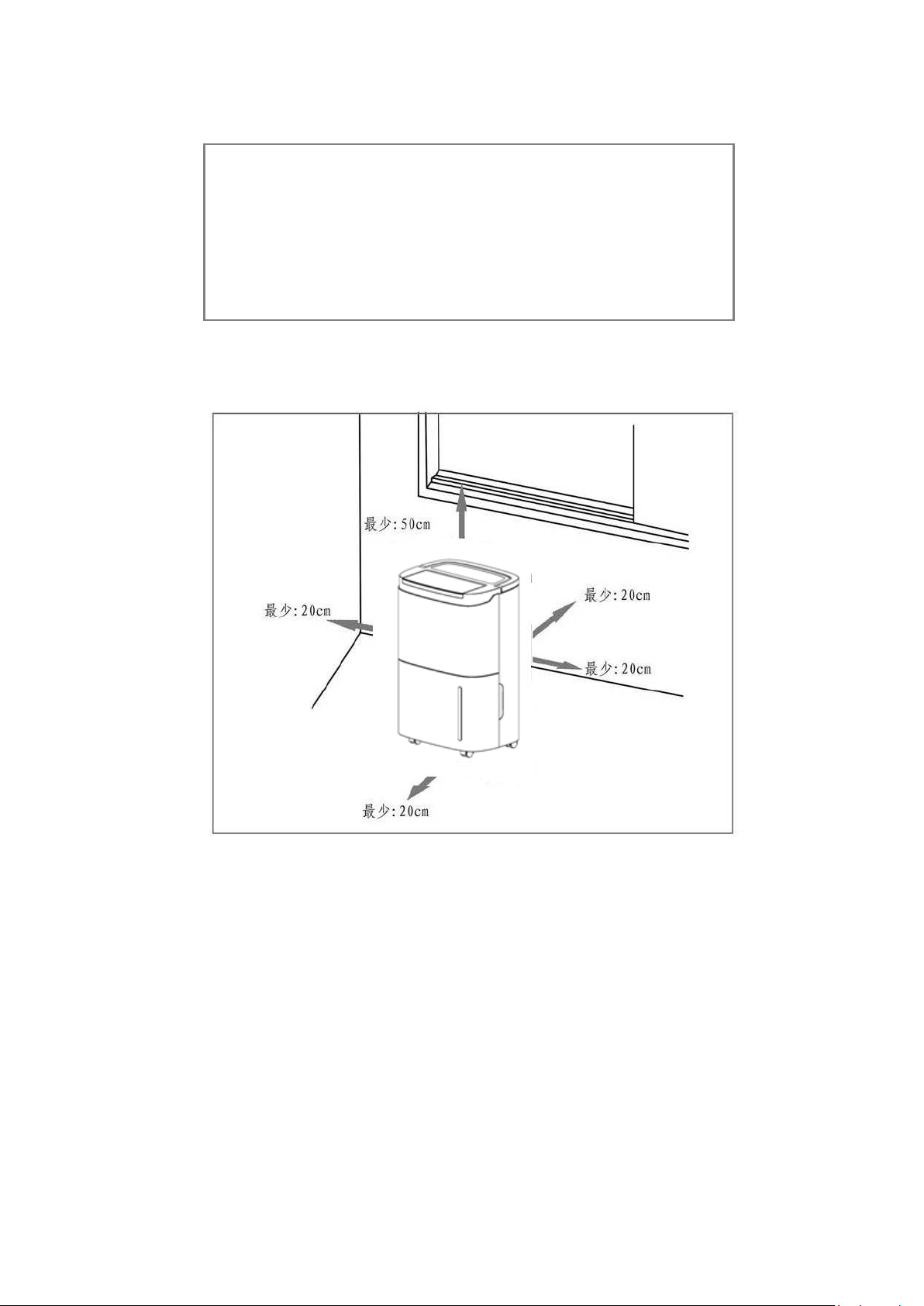
Minimum:50cm
Minimum:20cm
Minimum:20cm
Minimum:20cm
Minimum:20cm
Please drain any water from water tank before running.
During running please do not open doors and windows as much as
possible, as open doors and windows will increase power usage of
the product.
When the dehumidifier is installed, a certain space must be
reserved around this dehumidifier, the minimum distance above is
50cm, and the minimum distance in front/rear and left/right
is 20cm as required, as shown in figure below.

Handle
Wrapping post
Drain
Filter frame
Wheel
Control panel
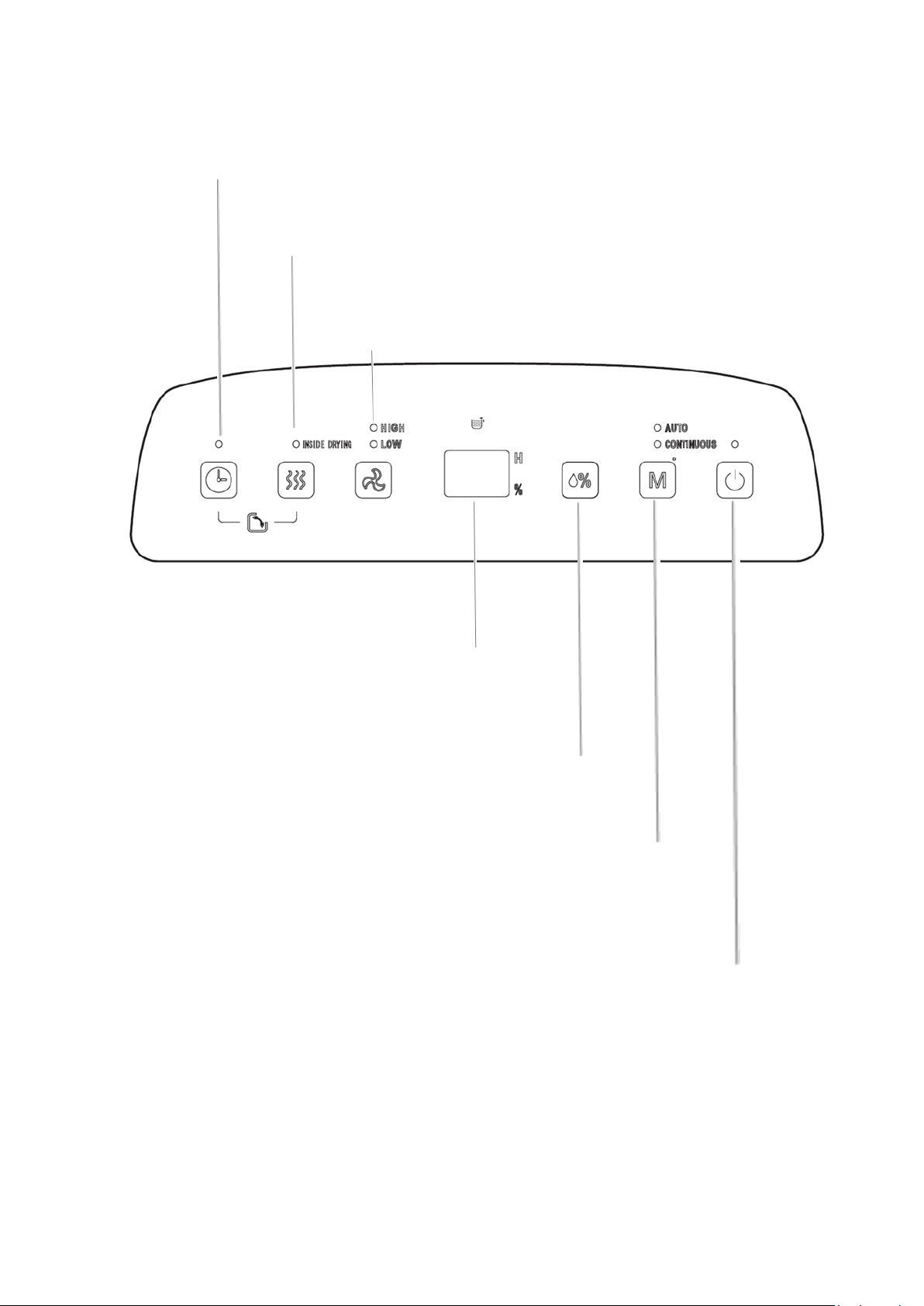
Timer
Press this key to set the timer of the dehumidifier (between 1-24 hours). To
cancel the timer, press twice continuously after confirmation of setting
time.
Inside Drying
Press this key to start the internal drying
procedure within the dehumidifier, this can prevent
mold inside the dehumidifier due to damp. The whole drying procedure needs approximately 1h.
Air speed
In AUTO or CONTINUOUS mode air speed
HIGH or LOW can be selected.
LCD Display
In AUTO, CONTINUOUS AND INSIDE DRYING modes, this figure
displays room humidity (% represents percentage of humidity).
Display shows the set time in timer state
Humidity setting
Once this key is pressed, the humidity is displayed circularly
in the range of 30% - 80% increasing by 5% increments.
Note setting a target humdity is only possible while in AUTO
mode.
Mode
During startup or timer startup press this key to select AUTO,
CONTINUOUS and DRYING modes, etc., and the indicator lamp
corresponding to the selected mode is on. Long press (3 seconds)
the Mode button to activate the Child Lock. Repeat the process to
turn the Child Lock off.
On/off key Press this key to turn on or turn off the dehumidifier.
6

Operating method
Description of functions
Setting the timer
When the dehumidifier is running, press the [Timer key] to adjust time from 1h
to 24h, pressing the key once to increase the setting time by 1h. After the
setting time exceeds 24h, the figure returns to 1 to restart cycle. When the set
time expires, the dehumidifier turns off automatically. After the setting is
selected, if you don't press the timer key again within five seconds, the set
time is confirmed.
AUTO mode
Select AUTO dehumidification, and adjust target humidity percentage. When
the ambient humidity of the room is higher than the target the compressor will
start and the fan will run at the chosen speed. If the room humidity is lower than
the set humidity by -5%, then the compressor will stop but the fan will run at the
set speed.
If the ambient air is too dry (i.e. < 40%) you may like to try our 3 in 1 Power Tower
(DCEVPT8L). With three functions, the product humidifies, purifies and cools air
for ultimate home comfort.
CONTINUOUS (Laundry) mode
Select CONTINUOUS dehumidification for ongoing dehumidification regardless of
relative humidity in the room. This mode is excellent for drying laundry. The
compressor is in operation and the fan runs at high speed to aid in drying. Air
speed can be regulated via the speed button.
INSIDE DRYING function
Press the [Inside Drying key] to start drying within the dehumidifier.
Procedure needs approximate 1h:
1.
The dehumidifier starts at HIGH air speed and releases air continuously for
30min;
2.
The dehumidifier turns to run at LOW air speed and lasts for 20min;
How to stop:
1.
Press the key again to cancel drying in dehumidifier, and recover to the
running state before start of drying.
2.
Press the [Power key] to stop drying in dehumidifier and recover to the standby
state.
SWING function
To activate the swing louvre, press the Timer button and the Inside Drying button at
the same time to start or end the swing function.
7
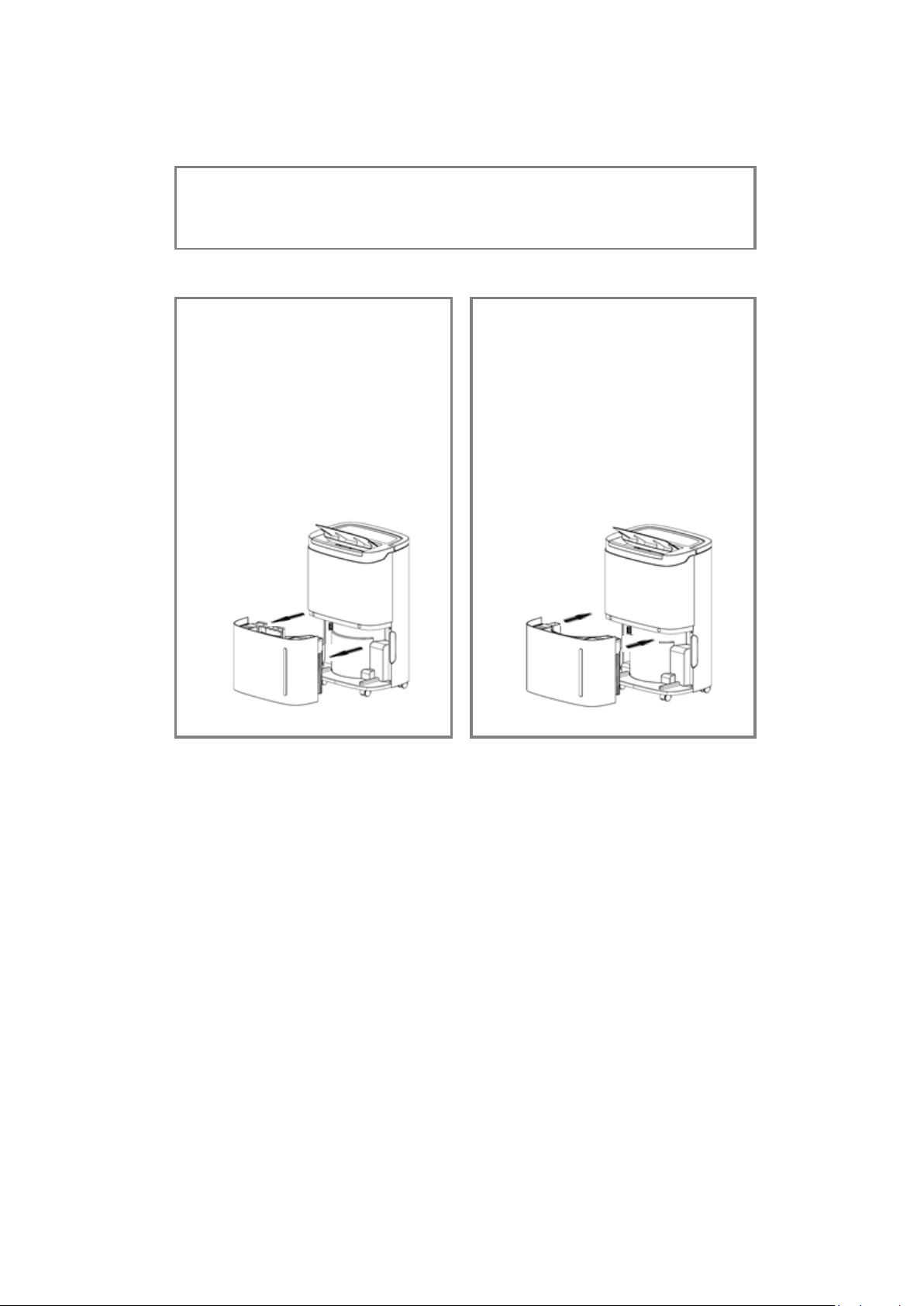
Drainage
1.
Use of water tank
Attention: when the water tank is full of water, please empty it. Before
putting the water tank into the dehumidifier, please confirm whether
the floater rotates flexibly or not, and then push it in position with both
hands.
8
When the water tank is full of water, the full water icon on LCD
flashes (the compressor and fan will stop running), the BUZZER
sounds for 10 times to remind the user, until the water is drained.
Placing both hands at
the side of the back cover,
gently remove the water tank
and open the tank cover on the
right side of the body. Pour
the water from the gap between
water tank and the cover.
Close the tank cover and
rotating water tank handle
down,then put the water tank
gently and put it back in the
right place to restart
dehumidifier.

dehumidifier to drain water.
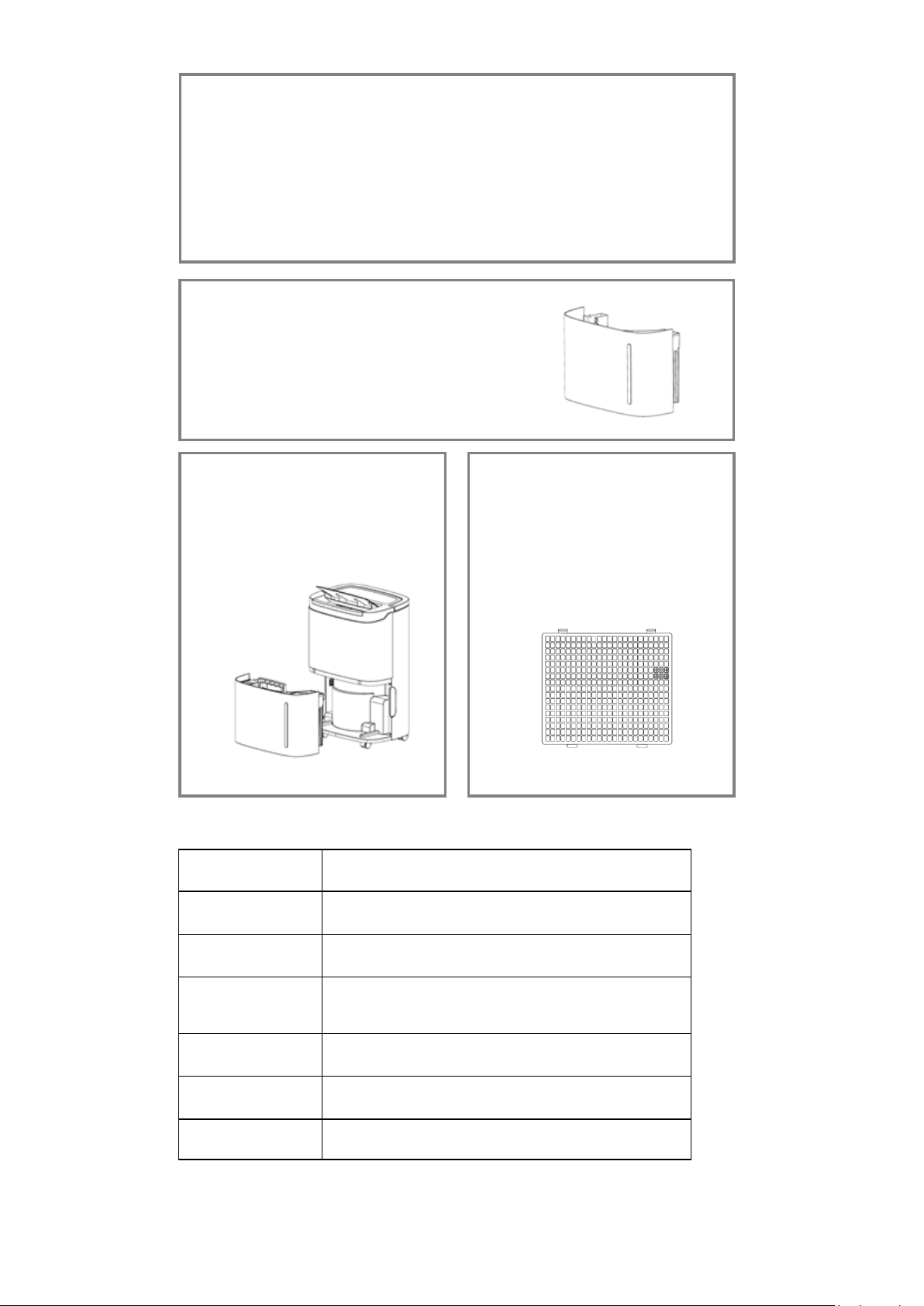
Maintenance
Precautions:
Please disconnect power supply before maintenance or repair to
prevent electric shock.
If the dehumidifier is not used for a long time, please disconnect
power supply.
Please do not clean the dehumidifier body with chemical solvents
such as alcohol, gasoline and benzene, etc.
Please clean the water tank and its
cover with soft cloth dipped in cold
or warm water regularly to prevent
mould inside the dehumidifier.
Wipe the surface of the
dehumidifier slightly with wet
cloth, and do not use detergent
or abrasive in case the plastic
surface is damaged.
If using frequesntly, please clean
the filter and the frame at
least once every two weeks with
cold or warm water, do not use
chemical solvents or hot water.
Displayed code
Description
FL The water tank is full
E1 The coil sensor detects anomaly
E2
The room temperature sensor
detects anomaly
P1 The unit is in the defrosting state,normal
CL
LC Child lock is on
The unit is in the internal drying state,normal
Troubleshooting
If the following problems occur to the dehumidifier the following solutions
can be adopted.
Symptoms Possible reasons Solutions
The dehumidifier does
not run
Is it disconnected from the power? Reinsert power plug into socket.
Is the water tank full of water? (or
is it placed at incorrect position)
Drain water from the water
tank, and then attach the
water tank again.
The ambient temperature is lower
than 5℃or higher than 32℃
Unfortunately this device will
only operate within the
temperature range of 5-32C
The dehumidification
function is not effective
Is the room temperature or
humidity too low?
In colder and drier areas
the dehumidification ability
will be reduced.
Are the air outlet or inlet blocked?
Clean and recheck operation
Air is not blown out Is the air filter blocked?
Noise is abnormal during
operation
Is the dehumidifier placed improperly
so that it is inclined or unstable?
Please place the
dehumidifier on a level
surface
Is the air filter blocked?
There is “tittering” sound
The flowing sound of
refrigerant, which is a normal
phenomenon.
Water leaks
Connection of drainage pipe
becomes loose
Fasten drainage pipe.
Drainage system is blocked
Remove obstacles and
straighten out water pipe.
Frosting occurs
The ambient temperature is low, and
it is in the state waiting for defrost.
This normal and the
dehumidifier has an
automatic defrosting function.
11
Clean and recheck operation
Clean and recheck operation