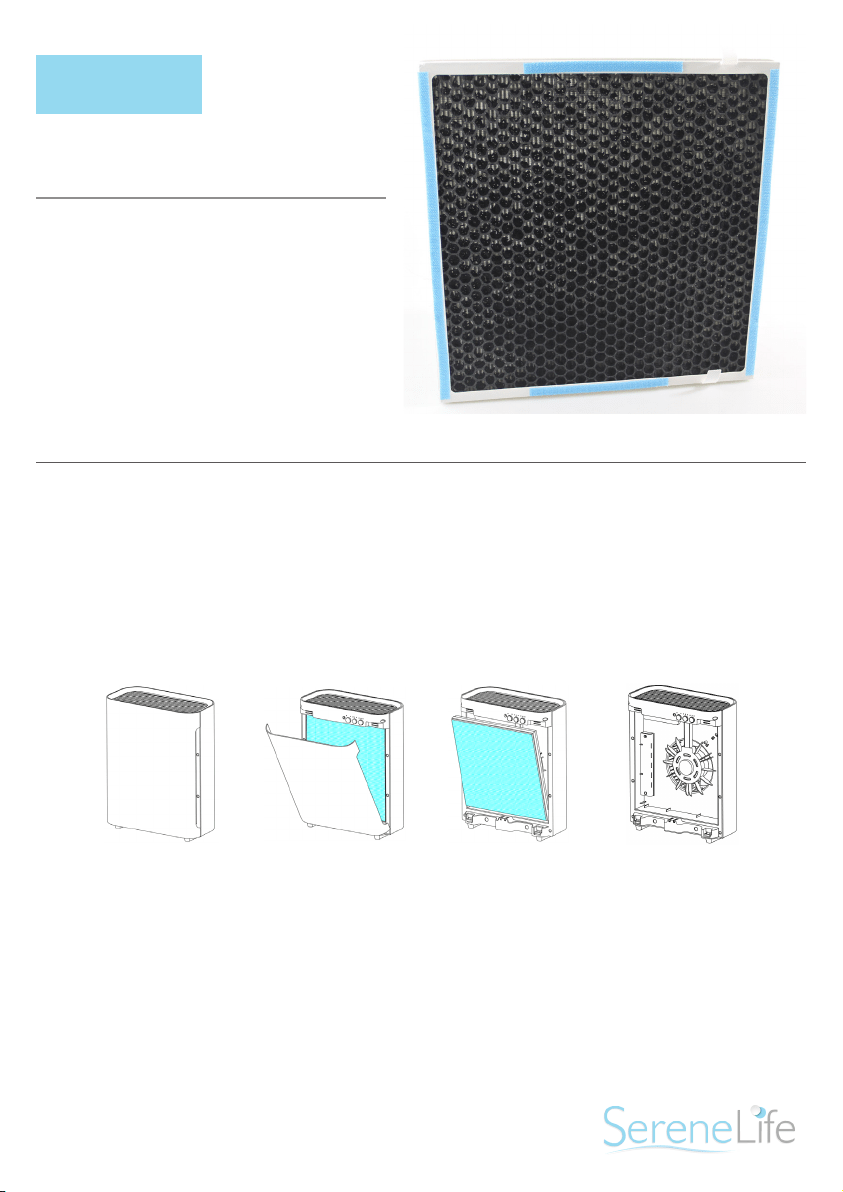
REPLACEMENT FILTER
QUICK GUIDE
MODEL: PRTSLAPFT1
USED IN:
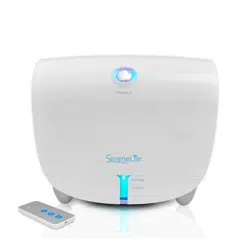
PSLAPU35 Air Filter
INSTALLING & REMOVING FILTERS
The POWER light ickering continuously indicates that it is time to replace the
lter. Replace the lter according to the directions then press the POWER/UV-C
button and hold for 5 seconds to restart the system. The light will stop ickering.
*Combination Filter will last approximately 6 months.
Open the front cover from the top.
Remove the combination lter by pulling the two strips.
Insert new Combination Filter into the unit. Consult the strips on the lter for
correct installation direction.
Reattach the extra Pre-lter to the Combination Filter.
Reattach the front cover of the unit and securely latch into place.
Press and hold the POWER/UV-C Button for 5 seconds to reset Filter Change
Indicator.
1.
2.
3.
4.
5.
6.