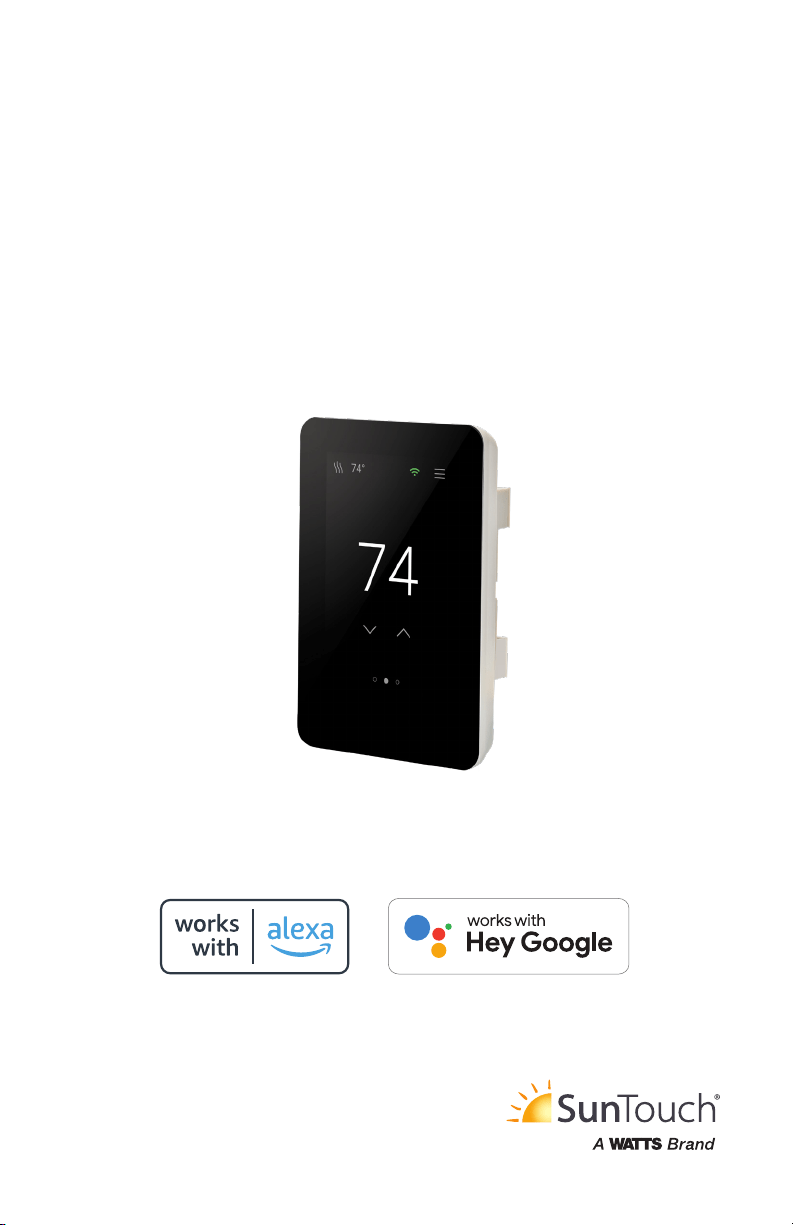
Use Alexa or Hey Google to control your thermostat along
with music, lighting, security cameras, locks, and more!
Alexa/Hey Google
Configuration and Voice Controls
SunStat
®
ConnectPlus
SunTouch
®
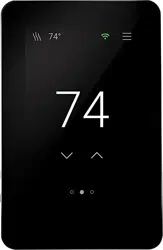
Thermostat

2
Your ConnectPlus thermostat includes the capability to connect to the Amazon Alexa and Google
Home mobile apps.
To use these features, the thermostat must be connected to the Watts Home mobile app.
After you complete these steps, you can immediately use the voice controls.
1. Connect the thermostat to the Watts Home mobile app.
2. Download the Amazon Alexa mobile app from the App Store or Google Play and create an
account.
3. Select More then Skills & Games.
4. Use the Search icon to find and select Watts Home.
5. Select Enable to use.
6. Enter the email address and password for your Watts Home account.
7. Select Discover devices.
Only the Watts Home mobile app owner account can be connected to Alexa or Google Home.
Overview
Amazon Alexa Setup
After you complete these steps, you can immediately use the voice controls.
1. Connect the thermostat to the Watts Home mobile app.
2. Download the Google Home mobile app from the App Store or Google Play and create an
account.
3. In the upper left, select the plus sign (+), next Set up device, then Works with Google.
4. Use the Search icon to find and select Watts Home.
5. Enter the email address and password for your Watts Home account.
Google Home Setup
3
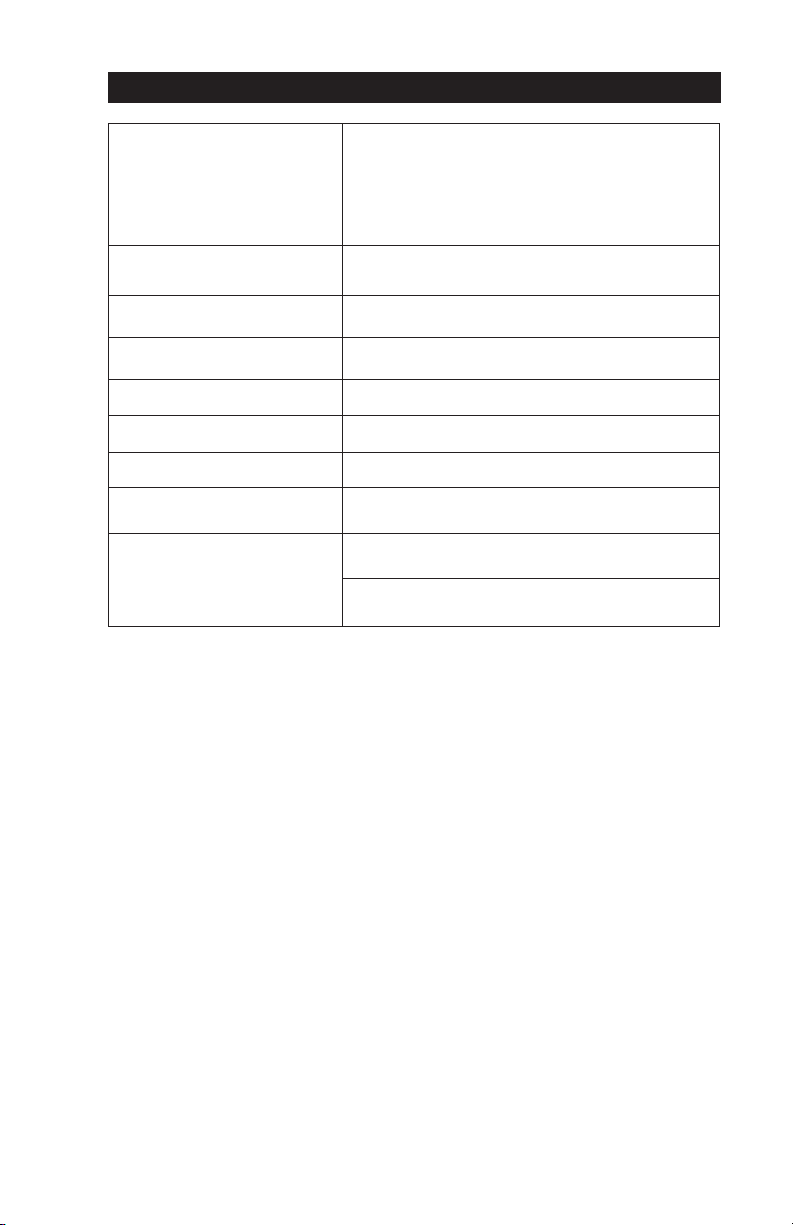
To Do This
Say This
Check the current temperature
"Alexa/Hey Google, what is the <thermostat name>
temperature?"
Check the current setpoint
"Alexa/Hey Google, what is the <thermostat name> set
to?"
Check the current mode
"Alexa/Hey Google, what mode is the <thermostat
name>?"
Set to Away "Alexa/Hey Google, set the <thermostat name> to Eco."
Change the mode to Heat "Alexa/Hey Google, set the <thermostat name> to Heat."
Change the mode to Off "Alexa/Hey Google, set the <thermostat name> to Off."
Set a specific temperature
"Alexa/Hey Google, set the <thermostat name> to
<desired temperature>."
Change the setpoint
"Alexa/Hey Google, turn up/down the <thermostat
name>."
"Alexa/Hey Google, turn up/down the <thermostat name>
by <number> degrees."
Voice Controls

IS-ST-ConnectPlus Voice 2150 © 2021 Watts
USA: T: (888) 432-8932 • F: (417) 831-4067 • SunTouch.com
Canada: T: (888) 208-8927 • F: (905) 481-2316
Latin America: T: (52) 55-4122-0138 • SunTouch.com
SunTouch product specifications in U.S. customary units and metric are approximate and are provided for reference only.
For precise measurements, please contact SunTouch Technical Service. Suntouch reserves the right to change or modify
product design, construction, specifications, or materials without prior notice and without incurring any obligation to make
such changes and modifications on SunTouch products previously or subsequently sold. Refer to the owner’s manual for
warranty information.
Amazon, Alexa and all related logos are trademarks of Amazon.com, Inc. or its affiliates. Google, Google Home, Google Play
and other related marks and logos are trademarks of Google LLC.
All specifications are subject to change without notice.