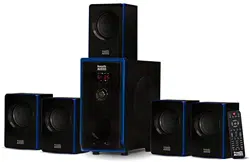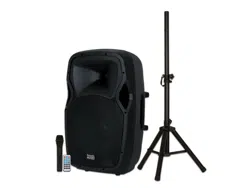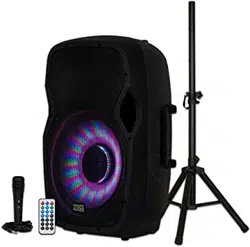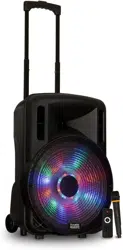
Battery Powered Bluetooth
Speaker with LED Display
PRTY
www.acousticaudio.com
User’s Manual for models:
PRTY81, PRTY82, PRTY121,
PRTY122, PRTY151 & PRTY152
Thank you for your recent purchase of
Acoustic Audio by Goldwood products.
Please read the full manual before
attempting to operate your speaker.
www.acousticaudio.com
This symbol on the product or on it’s packaging indicates that this product shall not be
treated as household waste. Instead it shall be given to the applicable collection point for
the recycling of electrical and electronic equipment. By ensuring this product is disposed of
correctly, you will help prevent potential negative consequences for the environment and
human health, which could otherwise be caused by inappropriate waste handling of this
product. The recycling of materials will help conserve natural resources. For more detailed
information about recycling of this product, please contact your local city oce, your
household waste disposal service or the business from which you purchased the product.
Page 1 Page 2
PRODUCT FEATURES:
- BUILT IN BLUETOOTH RECEIVER
- USB/ TF CARD READER
- MULTI- COLOR LED SUBWOOFER DISPLAY
- RCA OUTPUT
- FM TUNER
- AUX INPUT
- PLUG & PLAY CONNECTIONS
- RECHARGEABLE BATTERY
- WIRELESS MICROPHONE INCLUDED
- PORTED FOR FULLER BASS
- ADJUSTABLE POLE MOUNT FOR STAND
- REMOTE CONTROL INCLUDED
PRTY121
- Freq. Response: 40Hz - 20kHz
- Eciency/ Sensitivity: 95dB
- 12” Accordion Edge Woofer
PRTY122
- Freq. Response: 30Hz - 20kHz
- Eciency/ Sensitivity: 96dB
- 12” Accordion Edge Woofer
PRTY82
- Freq. Response: 55Hz - 20kHz
- Eciency/ Sensitivity: 94dB
- 8” Accordion Edge Woofer
PRTY81
- Freq. Response: 60Hz - 20kHz
- Eciency/ Sensitivity: 93dB
- 8” Accordion Edge Woofer
PRTY152
- Freq. Response: 20Hz - 20kHz
- Eciency/ Sensitivity: 98dB
- 15” Accordion Edge Woofer
PRTY151
- Freq. Response: 20Hz - 20kHz
- Eciency/ Sensitivity: 97dB
- 15” Accordion Edge Woofer
APPLICATIONS:
- HOME AUDIO SPEAKER
- KARAOKE SPEAKER
- PA SPEAKER
- DJ SPEAKER
- LIVE SOUND SPEAKER
- FIXED INSTALLATIONS
- STUDIO MONITOR
SPECIFICATIONS:
BLUETOOTH RECEIVER INSTRUCTIONS:
1. Press MODE button on back panel of speaker to launch bluetooth
application. The digital display will read “blue”.
2. While the speaker searches for your device, make sure to activate
bluetooth on your device and nd “BT SPEAKER”.
3. Once your device is connected you may now play media from your
device, wirelessly.
BATTERY POWER INSTRUCTIONS:
This product has a built in rechargeable battery for use outdoors or
away from a power source. Before rst use outdoors, make sure to
charge your speaker for 8-10 hours to ensure the longevity of
future charges.
When charging and using the speaker simultaniously, the speaker
will switch to the power supplied by the adapter and charge the
built in battery. Once unplugged, the power switches back to the
built in battery. The battery indicator light will show red when a
charge is required and green when the charge is full. General full
charge time is 8-10 hours but can be shortened if you do not need
a full charge. If the battery discontinues working for the anticipated
time, contact the manufacturer to change the battery.
If you do not use the speaker for a long period of time, be sure to
charge the speaker every 6 months to avoid invalidity.
USB INPUT INSTRUCTIONS:
Make sure to format your ash drive or USB device with music or
other programming before attempting to play it from your speaker.
Please be sure the les on your USB device are in MP3 format or they
will not play. Use higher quality les to achieve the best sound. You
can control your connected USB device using the provided remote
control or rear panel controls.
Page 3 Page 4
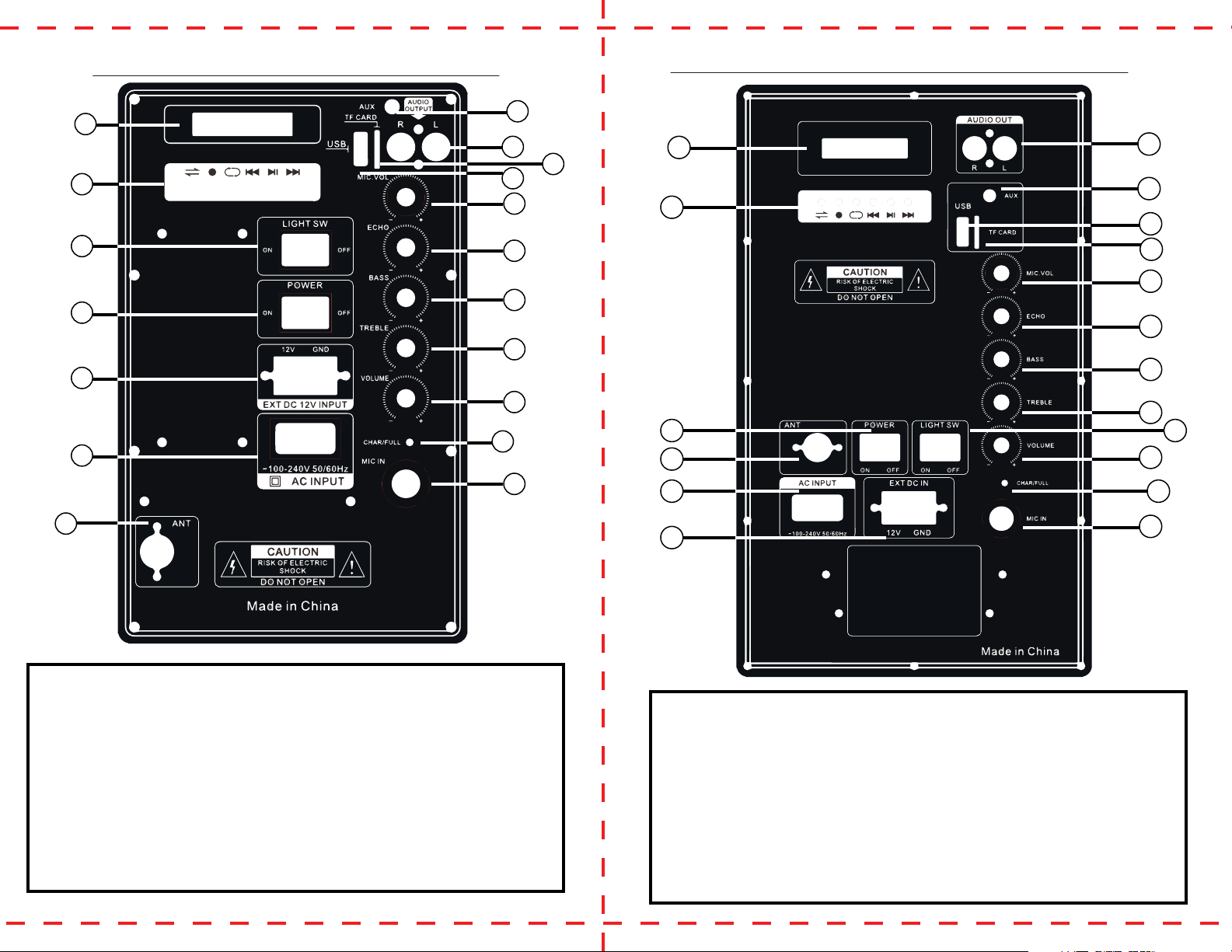
PRTY81 & PRTY82 BACK PANEL FUNCTION
1
8
9
10
11
12
13
14
15
16
17
18
2
3
4
5
6
7
1. Digital Display Screen
2. MP3 Player Controls
3. Power Switch for LED Sub Display
4. Power ON/ OFF Switch
5. Rechargeable Battery Door
6. AC Input
7. Antenna Input
8. AUX Input
9. RCA Output
10. TF Card Input
11. USB Input
12. Wireless Mic Volume
13. Echo Control Knob
14. Bass Control Knob
15. Treble Control Knob
16. Master Volume Knob
17. Battery Charge Indicator
18. Microphone Input
1. Digital Display Screen
2. MP3 Player Controls
3. Power ON/ OFF Switch
4. Antenna Input
5. AC Input
6. Rechargeable Battery Door
7. RCA Output
8. AUX Input
9. USB Input
10. TF Card Input
11. Wireless Mic Volume
12. Echo Control Knob
13. Bass Control Knob
14. Treble Control Knob
15. Power Switch for LED Sub Display
16. Master Volume Knob
17. Battery Charge Indicator
18. Microphone Input
PRTY121, 122, 151, 152 BACK PANEL FUNCTION
1
7
8
9
10
11
12
13
14
15
16
17
18
2
3
4
5
6
Page 5 Page 6
1
2
4
5
6
7
8
9
10 11
12
3
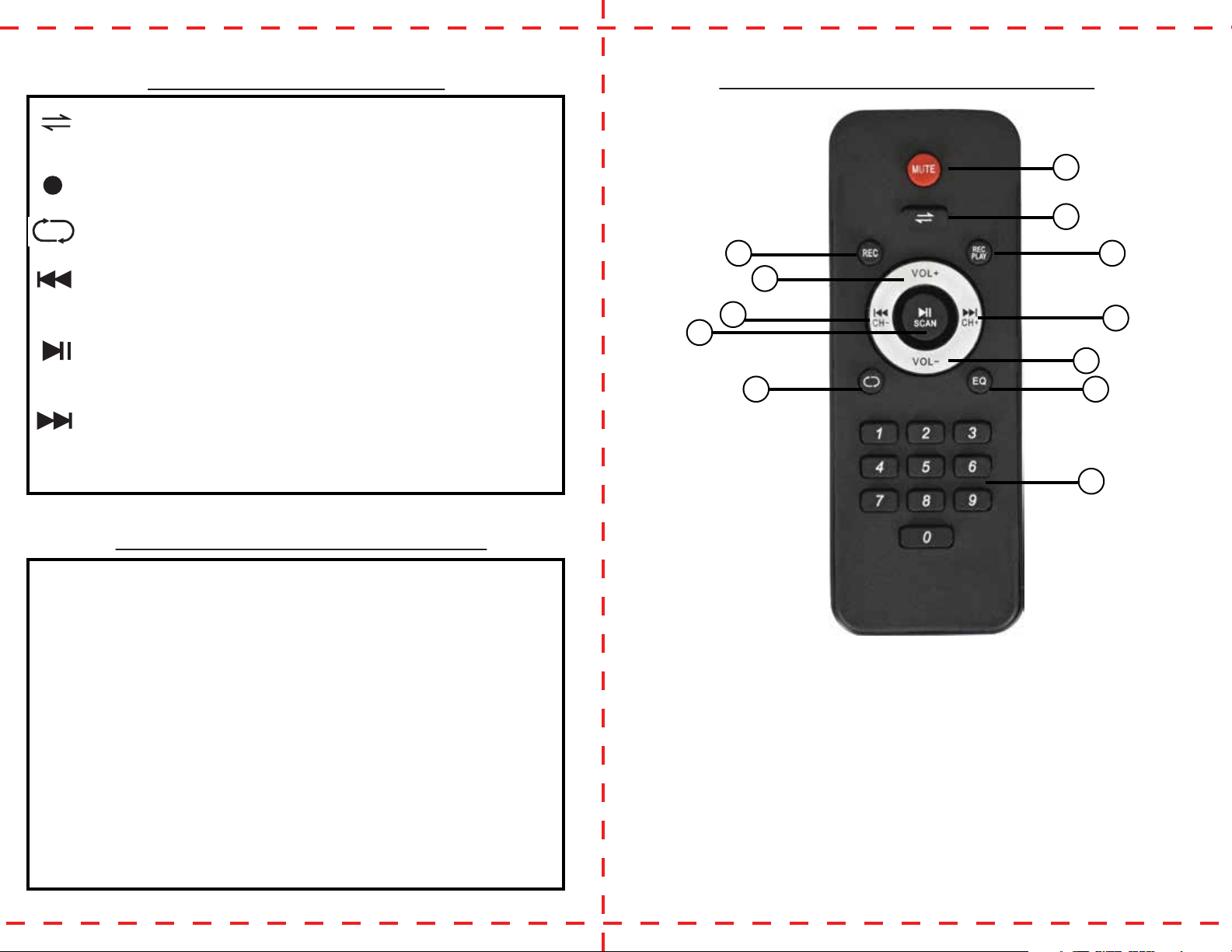
1. Mute - suspend all sound
2. Mode - toggle between LINE IN,
USB, FM, BLUETOOTH
3. Record- Record microphone
sound
4. Play Recording
5. Volume +
6. Previous Track/ FM Channel
Down
7. Next Track/ FM Channel Up
8. Play/Pause/ FM Auto Scan
9. Volume -
10. Repeat Track- once for repeat
all, twice for repeat one
11. EQ - toggle between EQ modes
12. Numbers - to choose desired
track or station
REMOTE CONTROL FUNCTION:
1. Open battery door and install battery according to the markings
inside the latch. Close door.
2. Turn power to “ON” and if light is not indicated, make sure
batteries are good or inserted correctly.
3. Make sure the antenna is vertically upward to achieve the best
polarity.
4. Press and hold “Repeat” to turn microphone priority ON/ OFF.
5. Press and hold “Record” to start recording microphone sound.
5. Use Mic Volume knob on the back panel of the speaker to
control the volume of the microphone.
6. Keep the microphone within 5-15 feet of the system in order to
achieve uninterrupted sound. Use at 45 degree angle and 2-3
inches from your mouth.
7. If wireless mic discontinues working, change the battery.
8. If you no longer want to use the microphone but want to come
back to it, simply switch it o and on to continue and discontinue
use.
MP3 PLAYER FUNCTION:
- MODE - Press once to get to the following mode. Toggle
between LINE IN, BLUETOOTH, FM, USB, TF. Press and hold to turn
voice announcement on or o.
- RECORD - Press and hold in USB/ LINE or BT mode to start or
stop recording and press once to play recording.
- REPEAT - Press once to repeat ALL, press again to repeat
ONE and press and hold to turn microphone priority
- PREVIOUS - Press once in LINE or USB mode to go to previ-
ous track. Press and hold to rewind track. Press once in FM mode to
descend channels.
- PLAY/PAUSE - Press once to play or pause in USB/ LINE mode,
press and hold to choose language. In FM mode, press and hold to
auto search channels.
- NEXT - Press once in LINE or USB mode to go to next track.
Press and hold to fast forward track. Press once in FM mode to
ascend channels.
WIRELESS MIC INSTRUCTIONS: