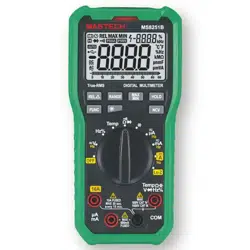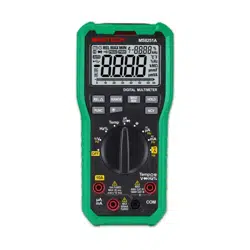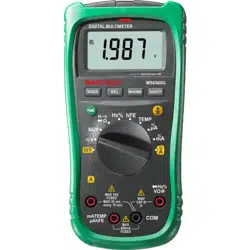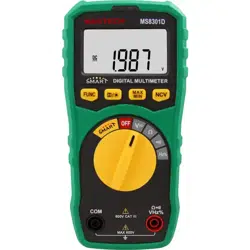

Mastech MS8301B Digital Multimeter

Product's Documents

Below are documents related to this product, you can read online or download:
User Manual Installation Instruction
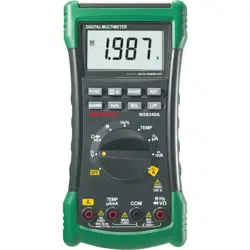
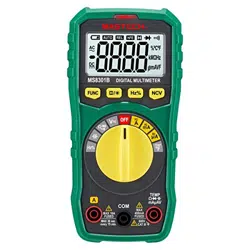
MS8301B photo

User Guide

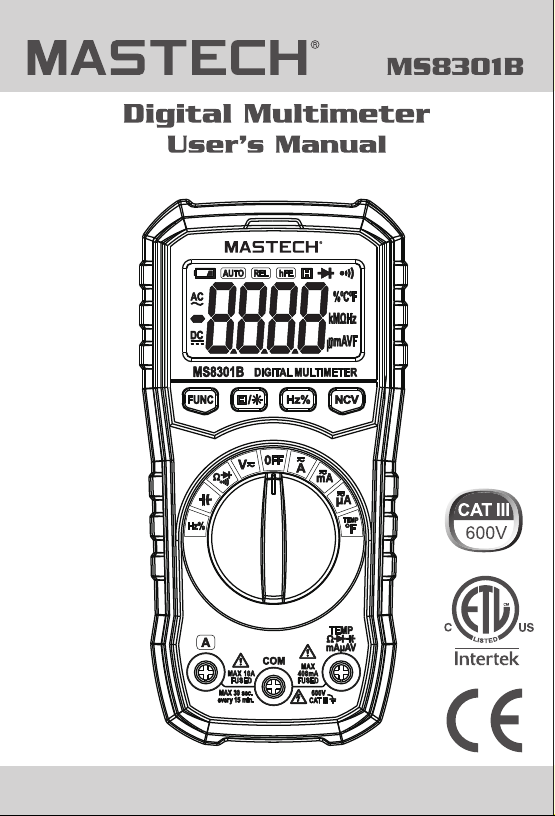
This is the main product document for model MS8301B.

The file format is pdf, 28 pages, you can download this manual here .

background
background
background
background
background
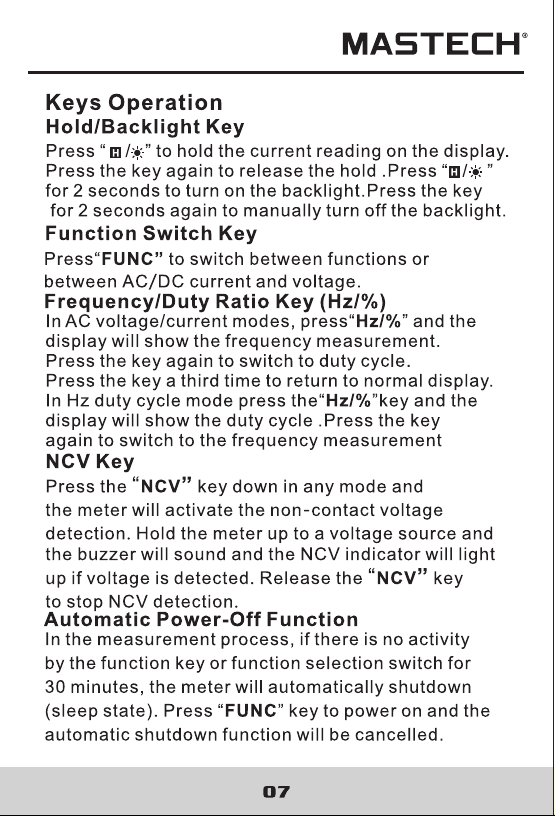
This meter
This
background
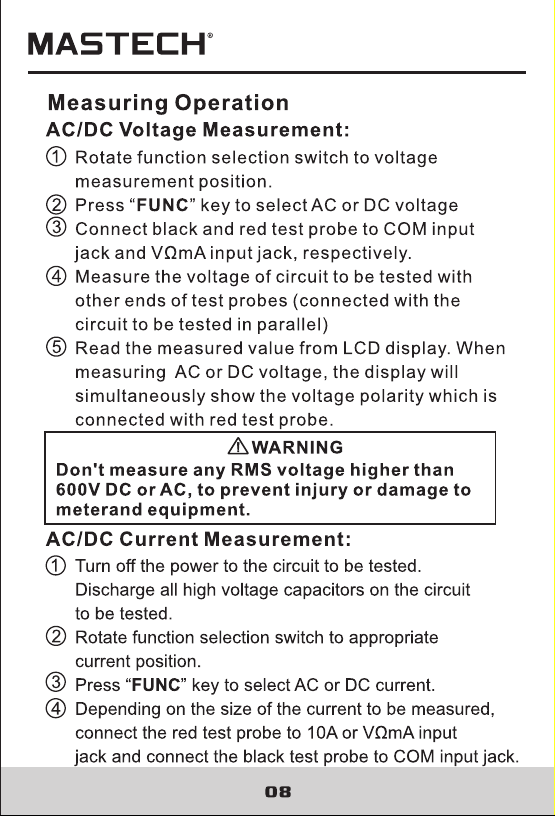
This meter
This
background
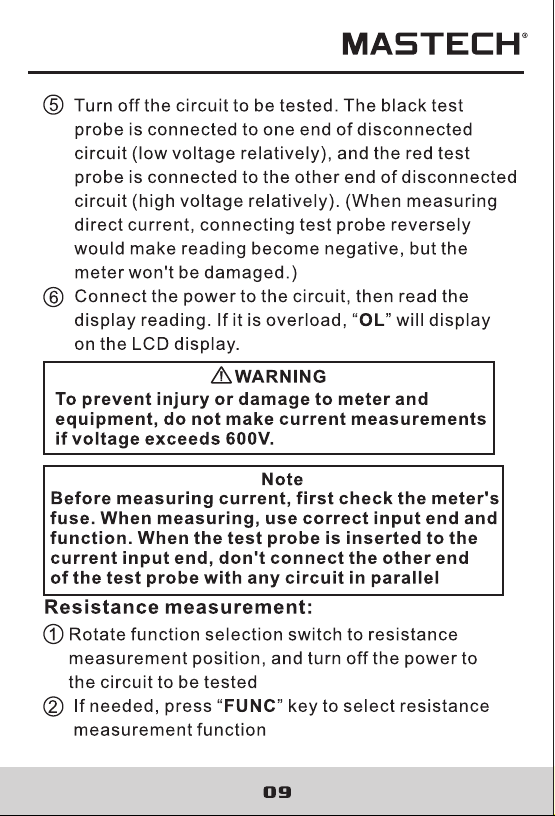
background
background
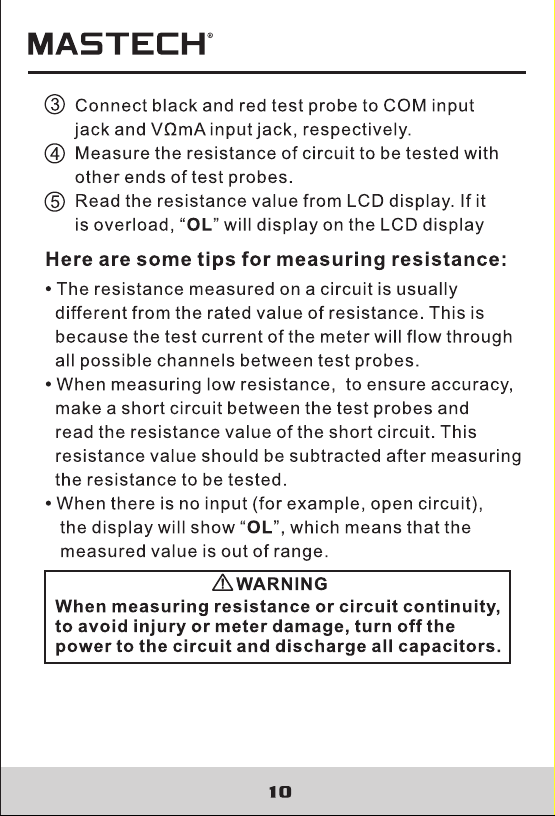
background
background
background
background
background
background
background
background
background
background
background
background
background
background
background
background
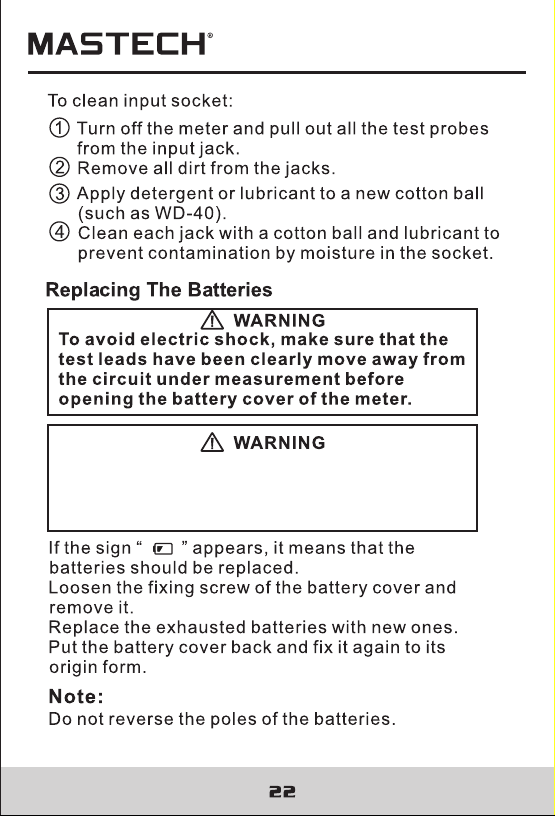
Do not mix old and new batteries. Do not
mix alkaline, standard (carbon-zinc), or
rechargeable (ni-cad, ni-mh, etc) batteries.
background
Do not mix old and new batteries. Do not
mix alkaline, standard (carbon-zinc), or
rechargeable (ni-cad, ni-mh, etc) batteries.
background
R-00-05-1385
background
R-00-05-1385

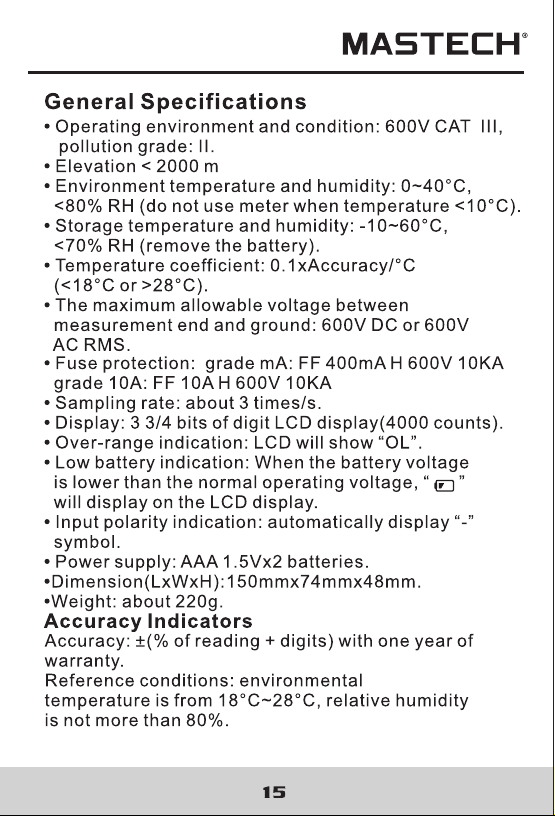
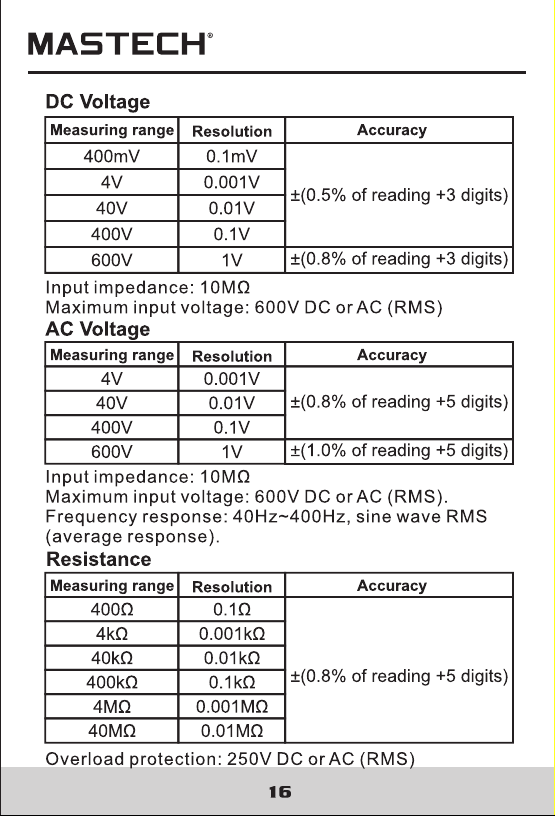
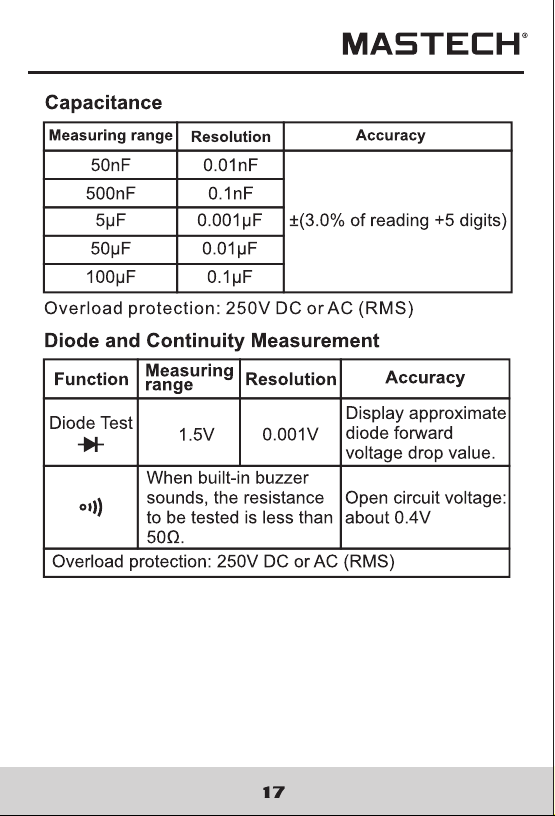
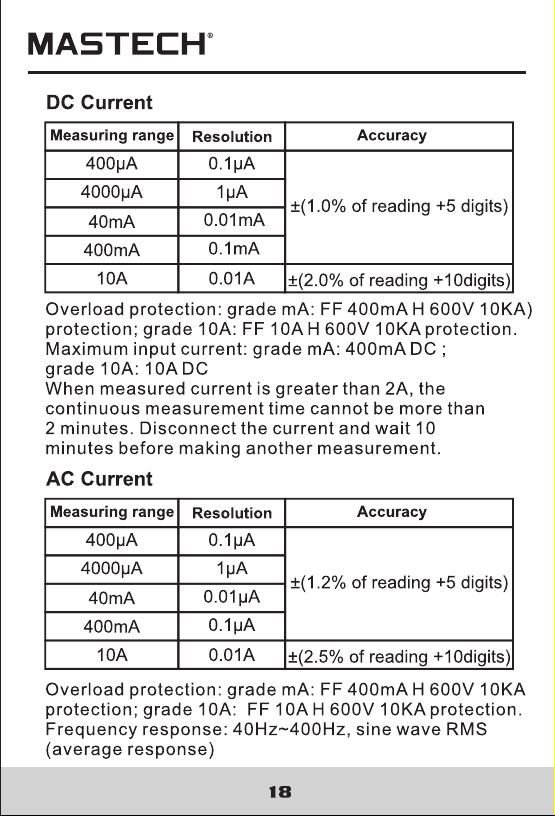
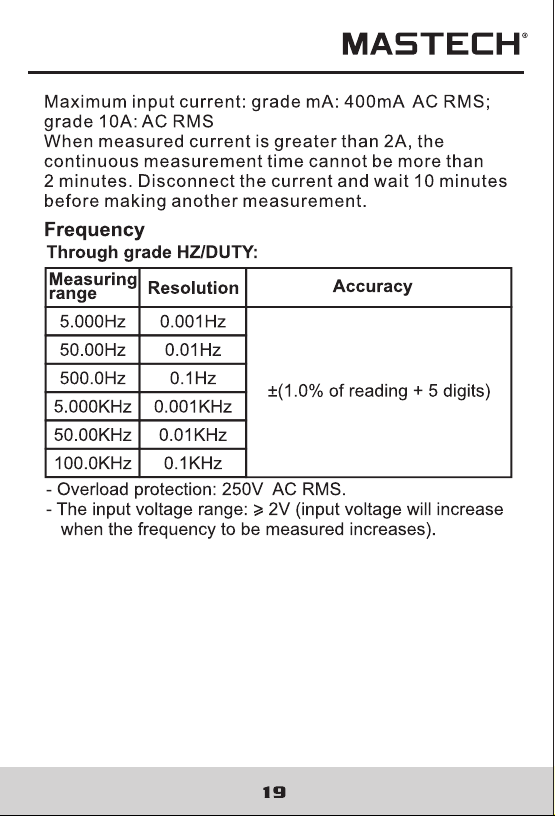
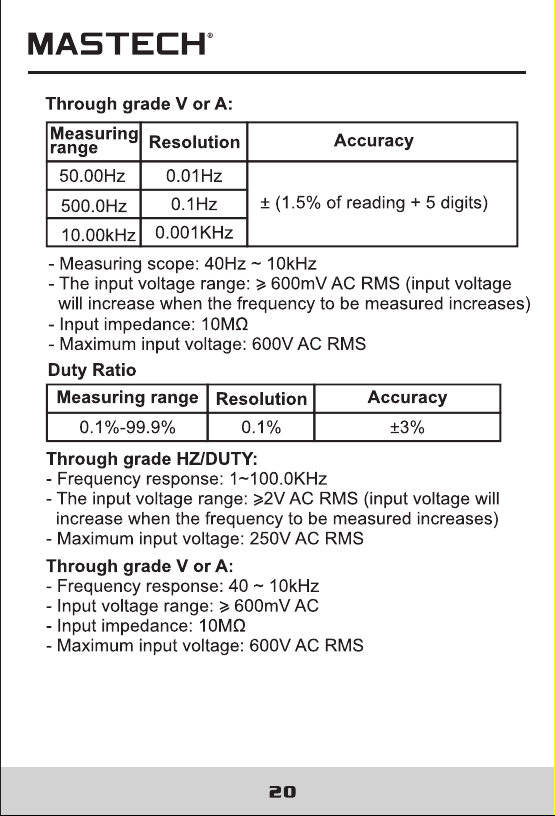
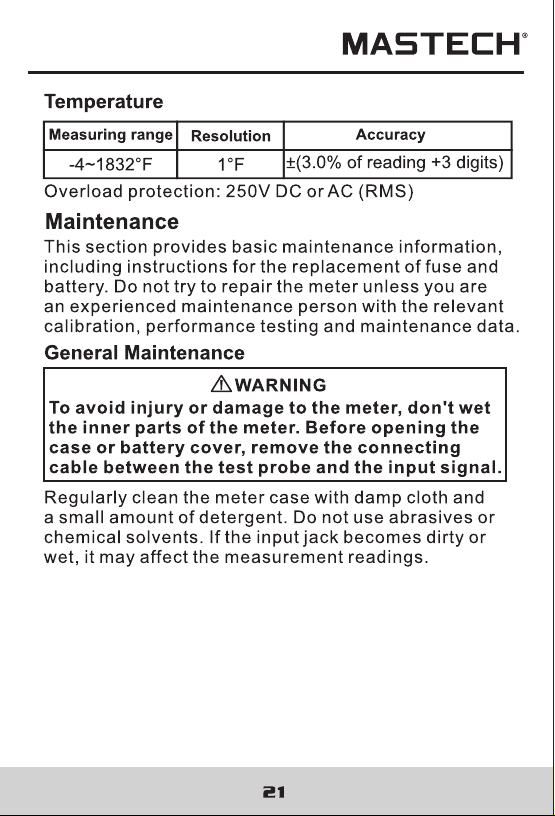
Specifications

Indexed Terms: Digital Multimeter

Mastech MS8301B Questions and Answers


#1 How do I replace the batteries in the Mastech MS8301B Digital Multimeter?

To replace the batteries, ensure the test leads are removed from the circuit, loosen the fixing screw of the battery cover, remove the old batteries, and replace them with new ones, ensuring not to reverse the poles. (Page 26)

#2 What should I do if the low battery indicator is lit?

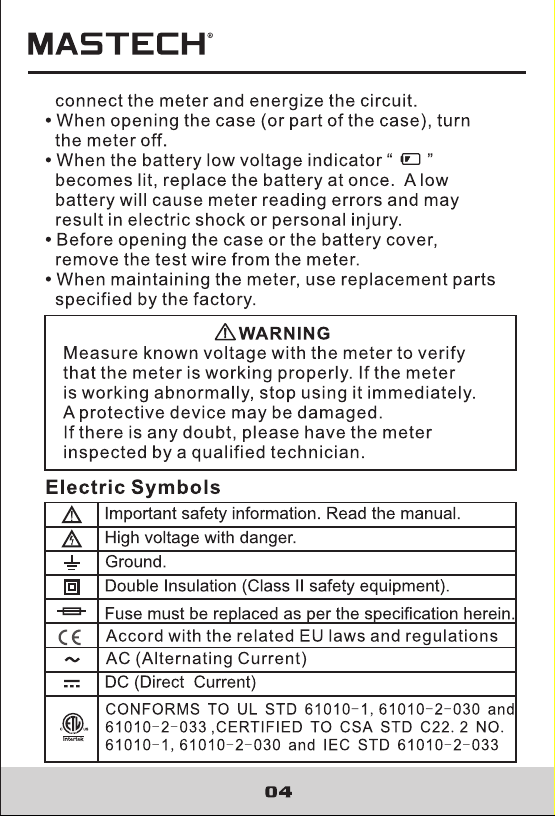
If the low battery indicator '©' appears, replace the battery immediately to avoid meter reading errors and potential electric shock. (Page 8)

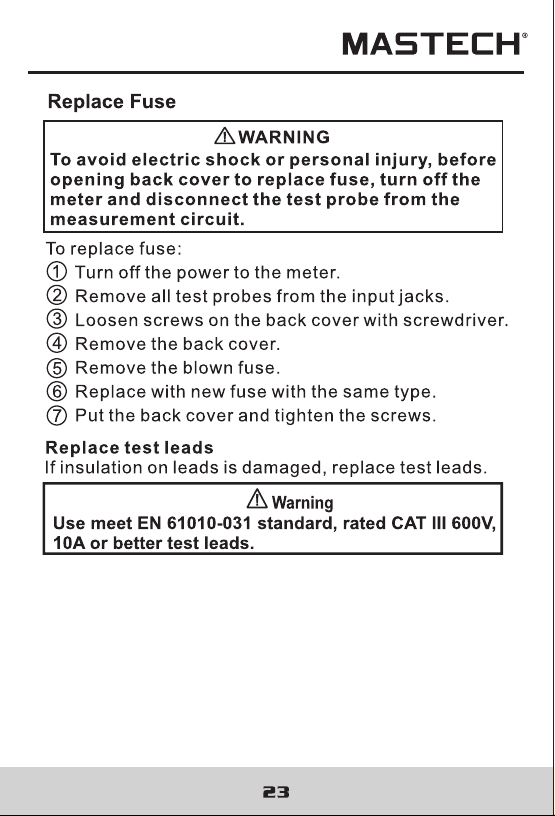
#3 How do I replace the fuse in the Mastech MS8301B?

To replace the fuse, turn off the meter, disconnect all test probes, loosen the screws on the back cover, remove the blown fuse, and replace it with a new fuse of the same type before reassembling the cover. (Page 27)

See other models: MS2026R MS6252D MS5201 MS6512 MS5202