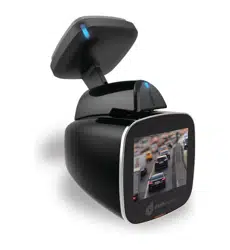
#4 WHY WIFI CANNOT BE CONNECTED TO?
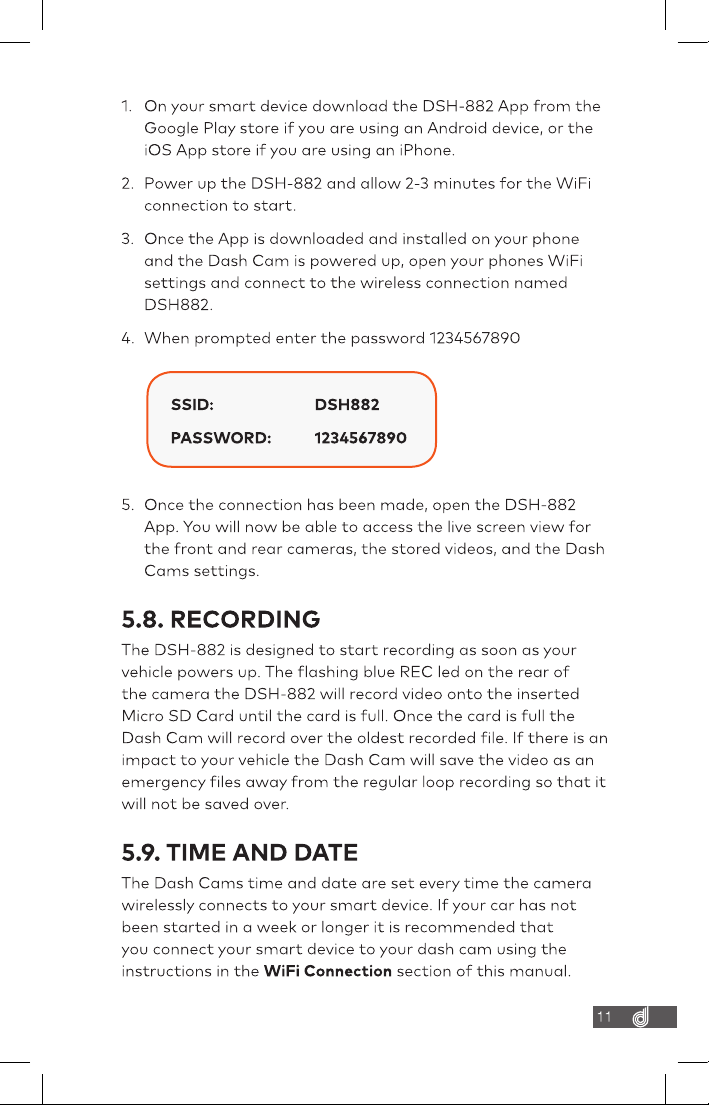
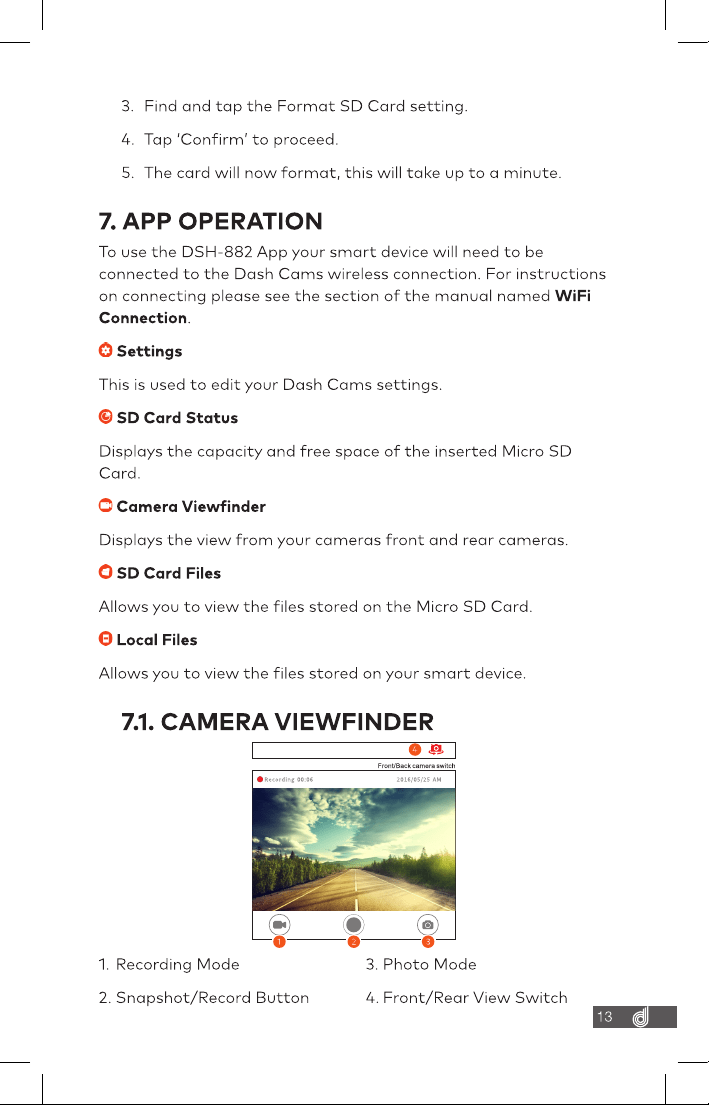
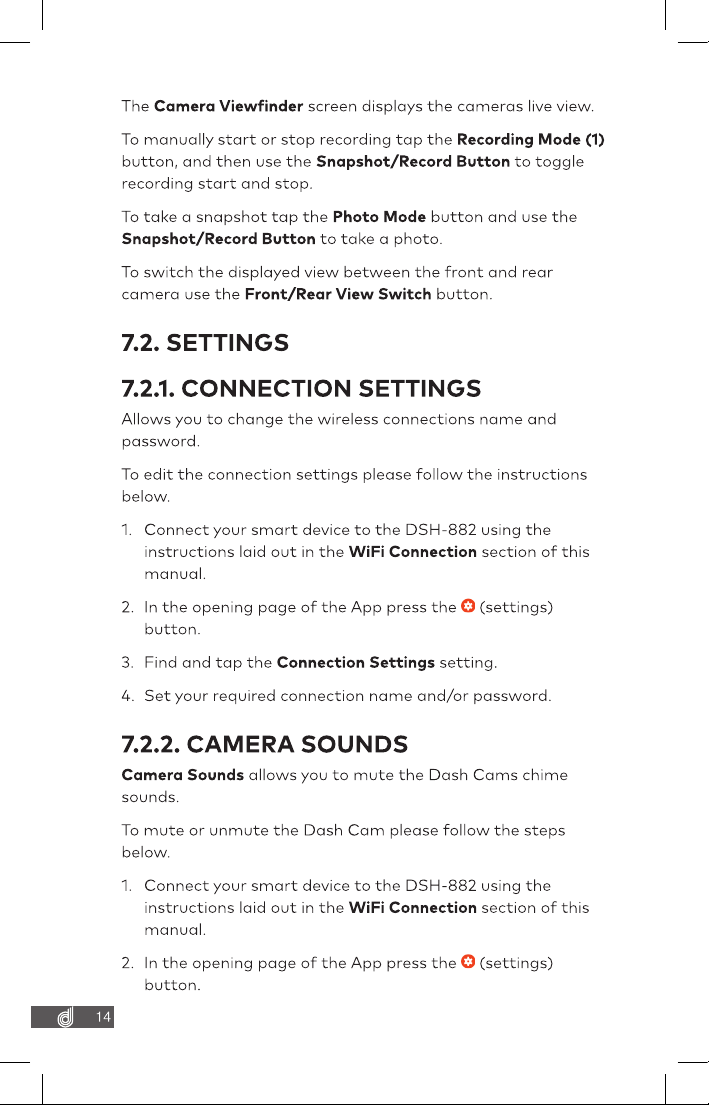
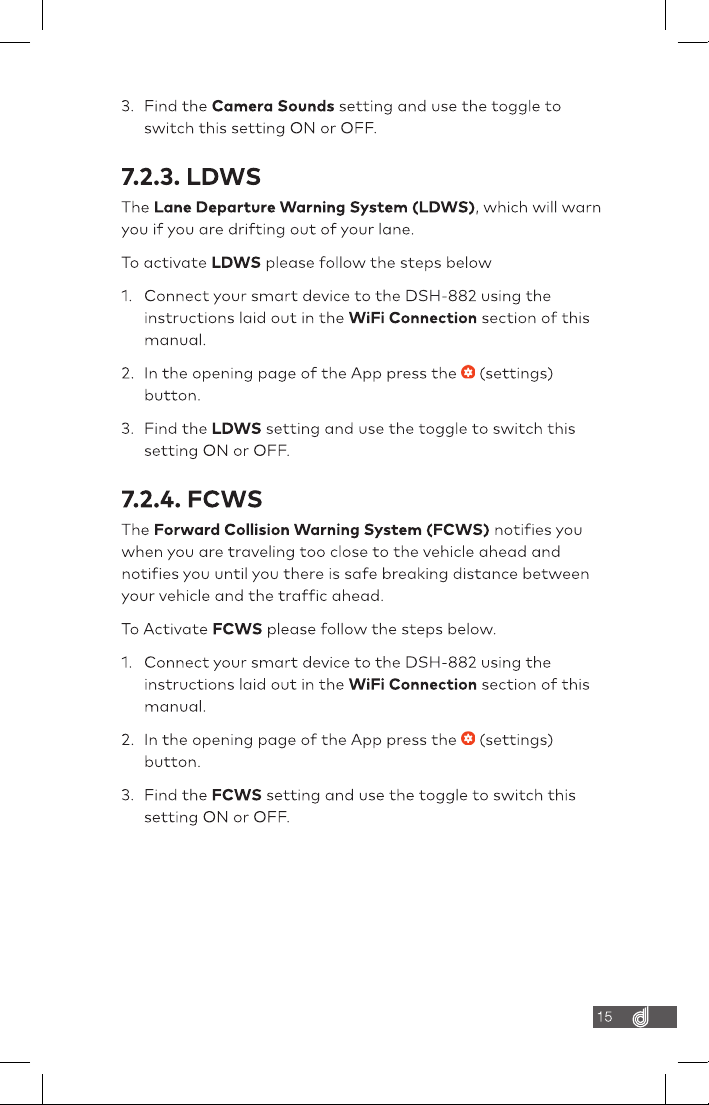
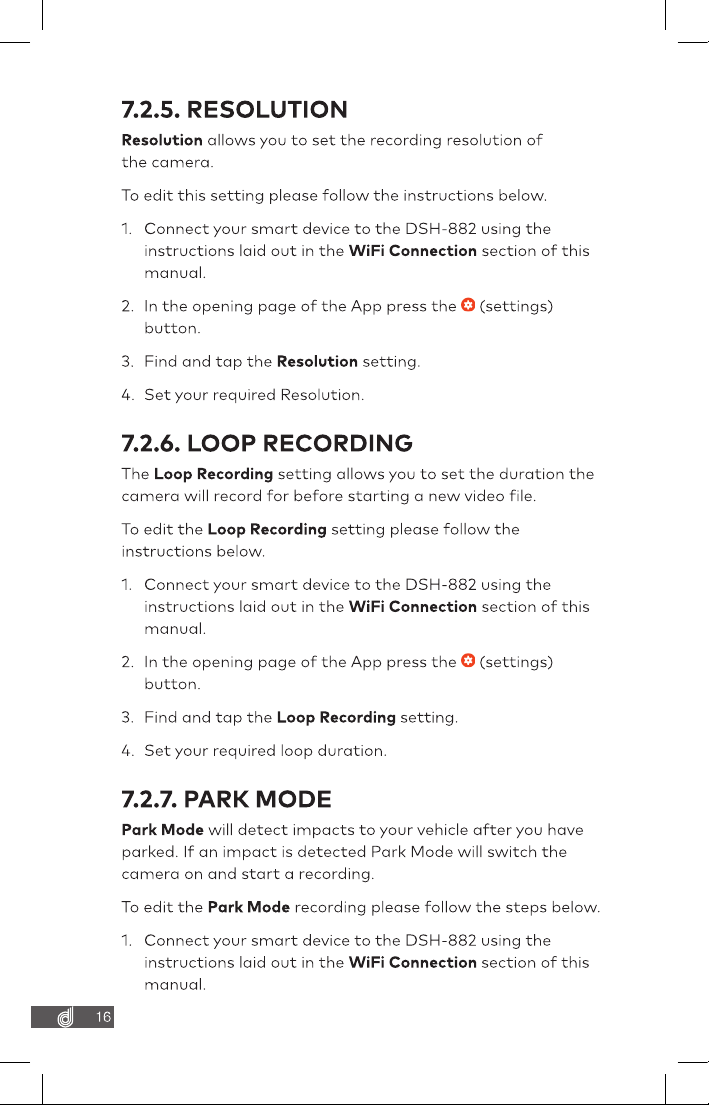
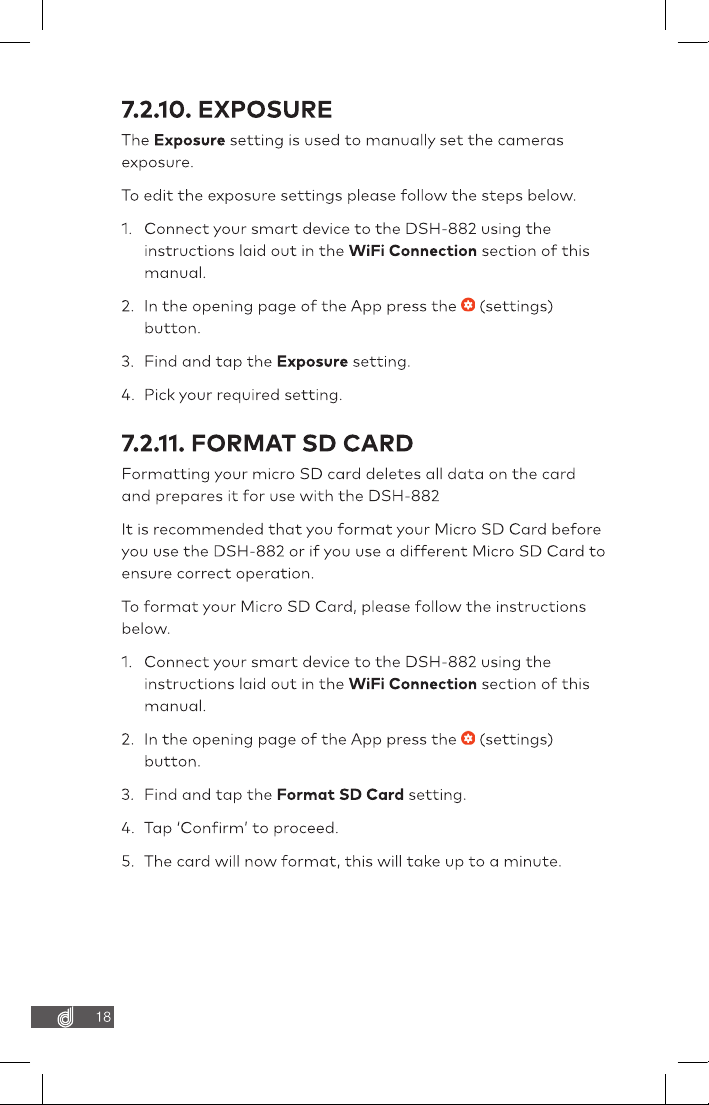
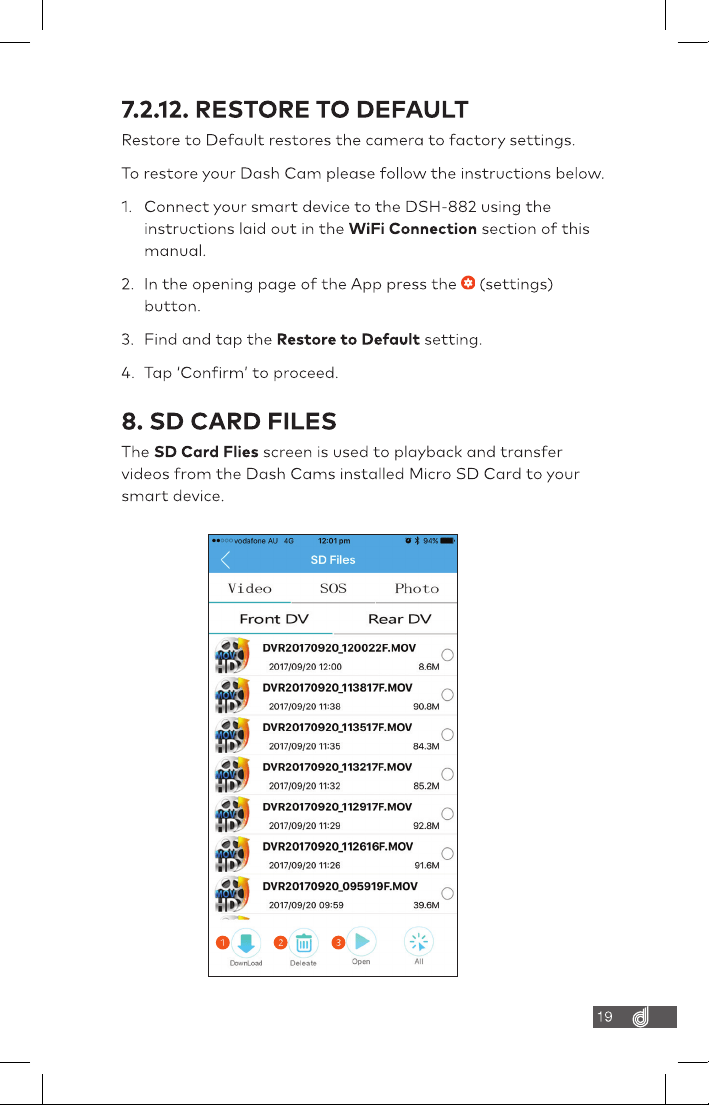
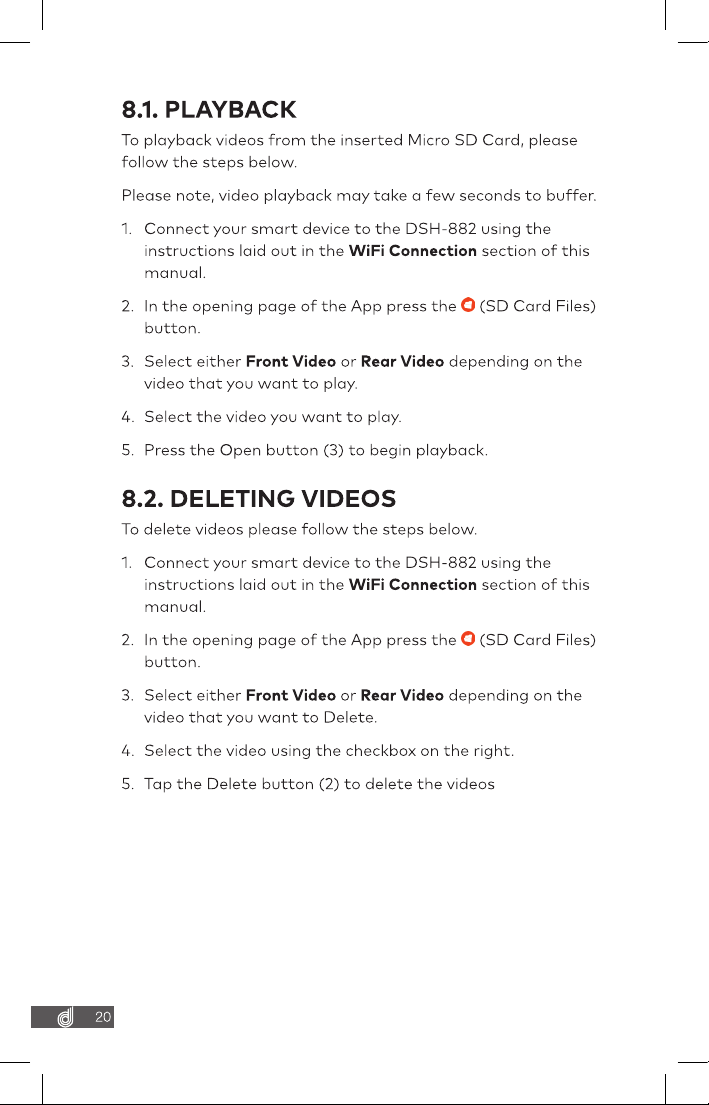
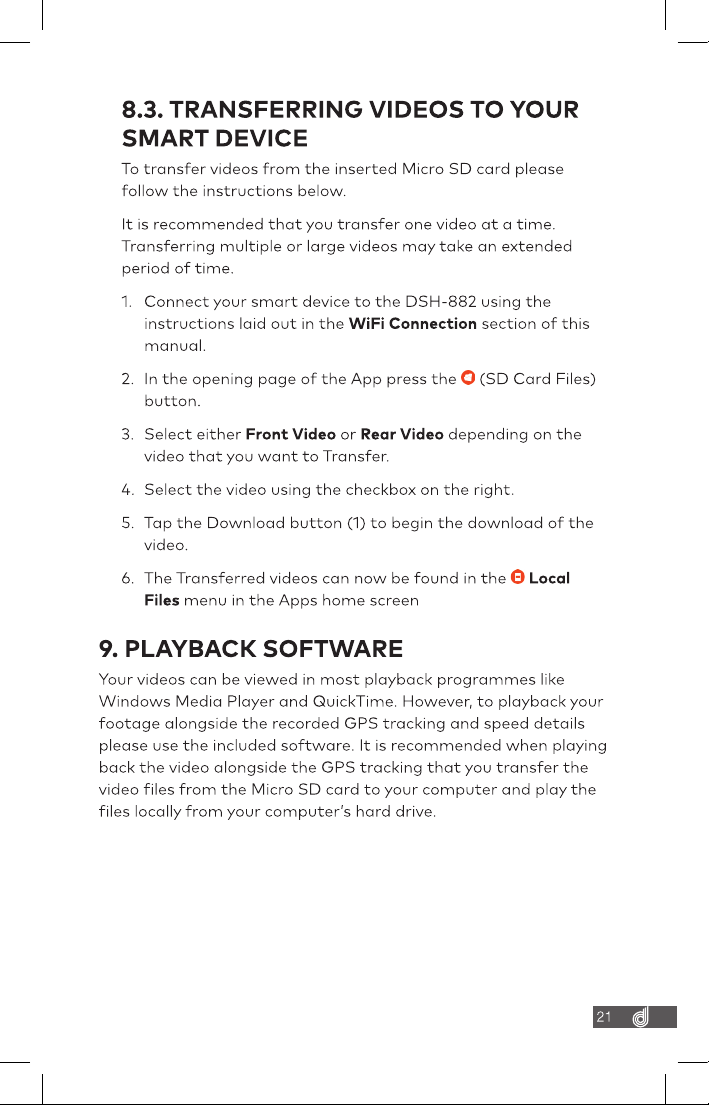
Ensure Dashcam’s WIFI is On , It gives voice alert to inform the WIFI On/Off Status . WIFI can be turned On-off by short pressing the Power On button on front camera On your smart device download the Dashmate App, specific to the model that you bought , from the Google Play store if you are using an Android device, or the iOS App store if you are using an iPhone. Power up the Dashmate DVR and allow less than 2 minutes for the WIFI connection to start. Once the App is downloaded and installed on your phone and the Dash Cam is powered up, open your phones WIFI settings and connect to the wireless connection named DSH-XXXX When prompted enter the password 12345678 WIFI Name: DSH-XXXX Password: 12345678