GETTING
STARTED WITH
WAVE
:
3
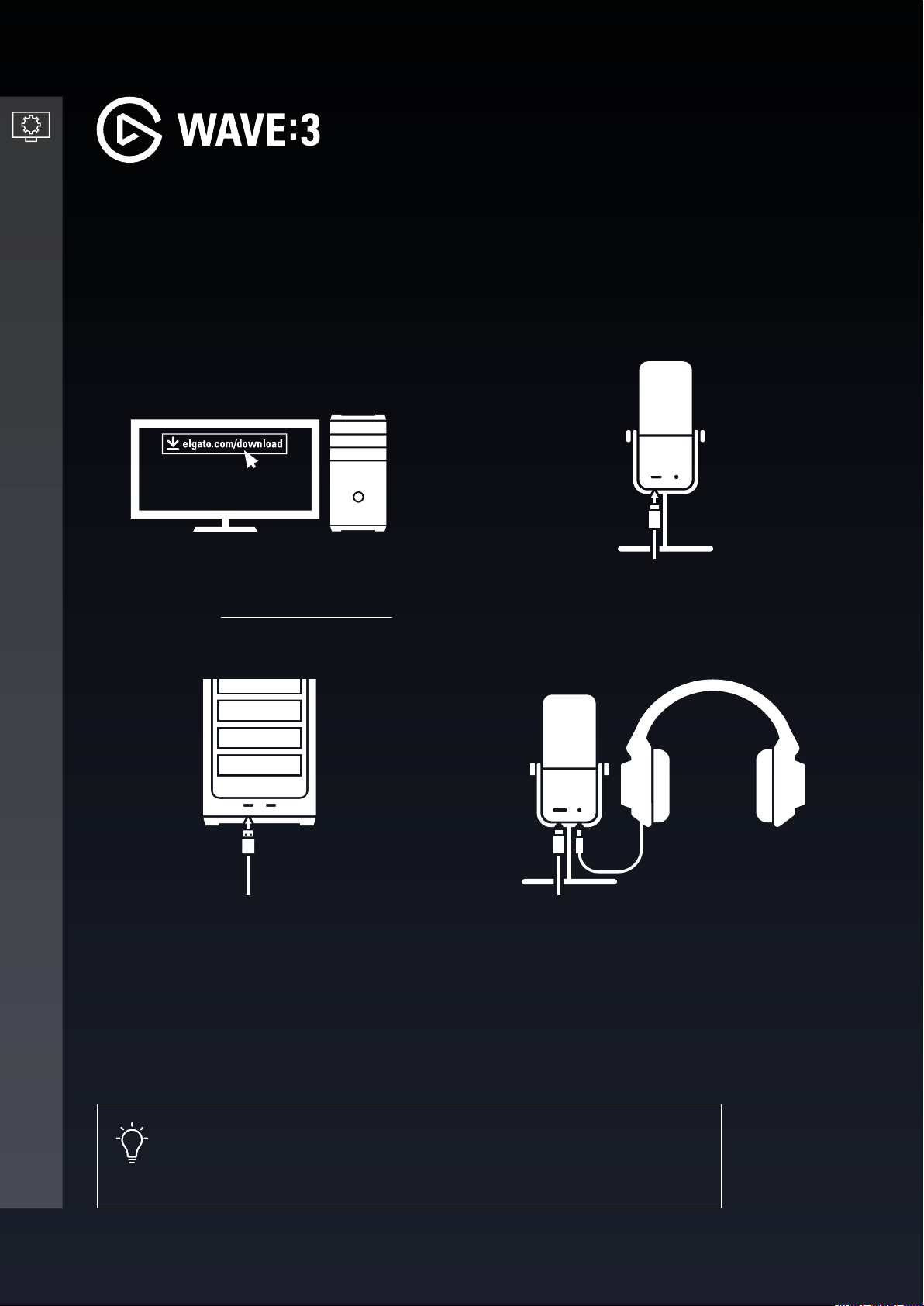
Plug in the provided USB-C cable into
the USB-C port on the microphone.
Plug the USB-A plug into an available
USB-A slot on your computer.
Connect headphones to the 3.5mm
headphone jack on the back of the
microphone.
SETTING UP WAVE
:
3
3
4
1 2
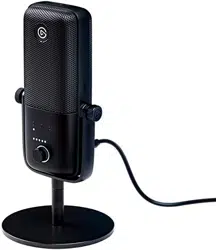
Wave:3 is plug-n-play with no software required for it to function. However, Wave:3 is truly
unleashed when used with the Wave Link software.
2/8 | Version 01 | February 19 2021
Download and install the Elgato Wave
Link Software - elgato.com/download
Pro tip
Plugging headphones into the Wave:3 headphone jack will provide
clearer, latency-free audio.

F
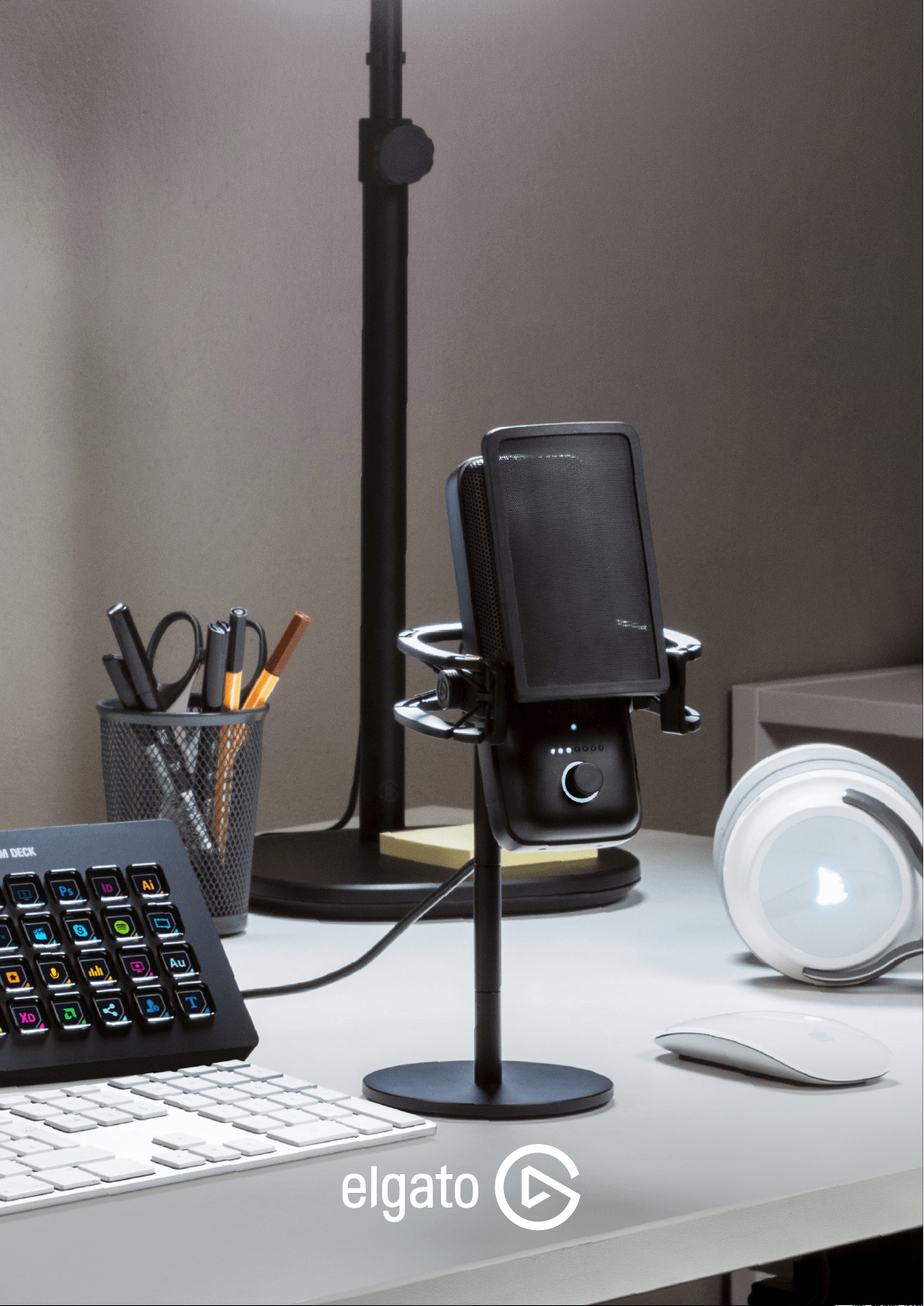
or optimal sound quality, is it
recommended that the microphone is
placed approximately "two fists" length
away, or approximately 6 inches. Wave
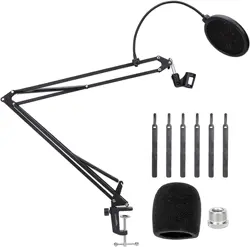
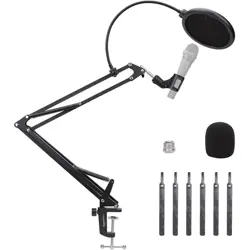
Extension Rods and mic arms can also
assist with creating the proper setup.
Ensure that the microphone capsule is
facing you, slightly angled towards your
mouth.
To keep background noise at a minimum,
it is recommended to keep the gain
as low as possible. A good reference
level is 40% gain, which you can set
via the Wave Link software or onboard
microphone control dial.
USAGE RECOMMENDATIONS
3
1
2
3/8 | Version 01 | February 19 2021
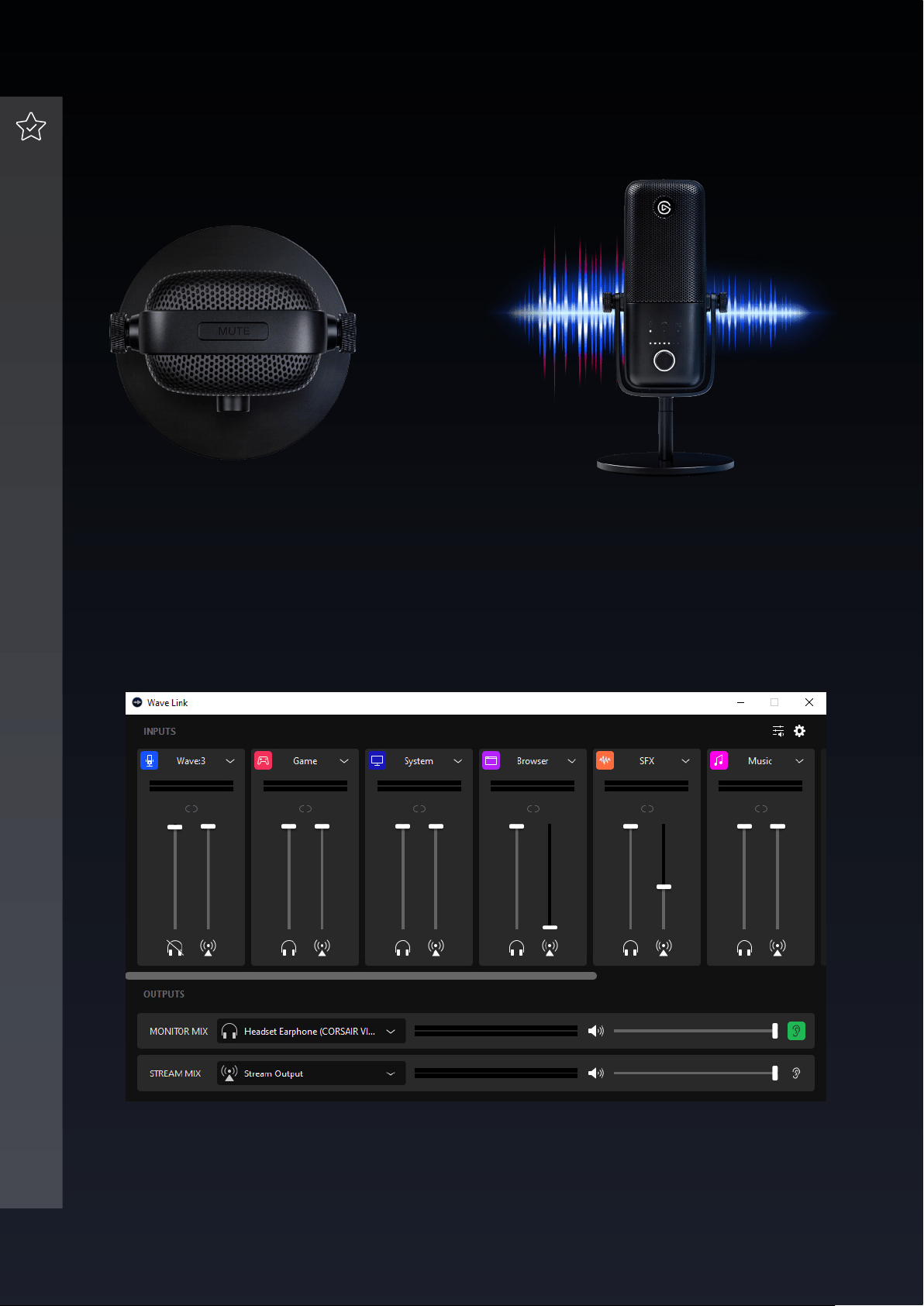
Proprietary ClipGuard Technology
analyzes the audio feed in real-time and
adjusts levels to ensure that audio never
peaks due to plosive breath sounds or
shouting.
Wave Link software allows for direct control of Wave:3 and up to eight other audio sources
and enables you to create two independent output mixes.
WAVE
:
3 FEATURES
3
4/8 | Version 01 | February 19 2021
1 2
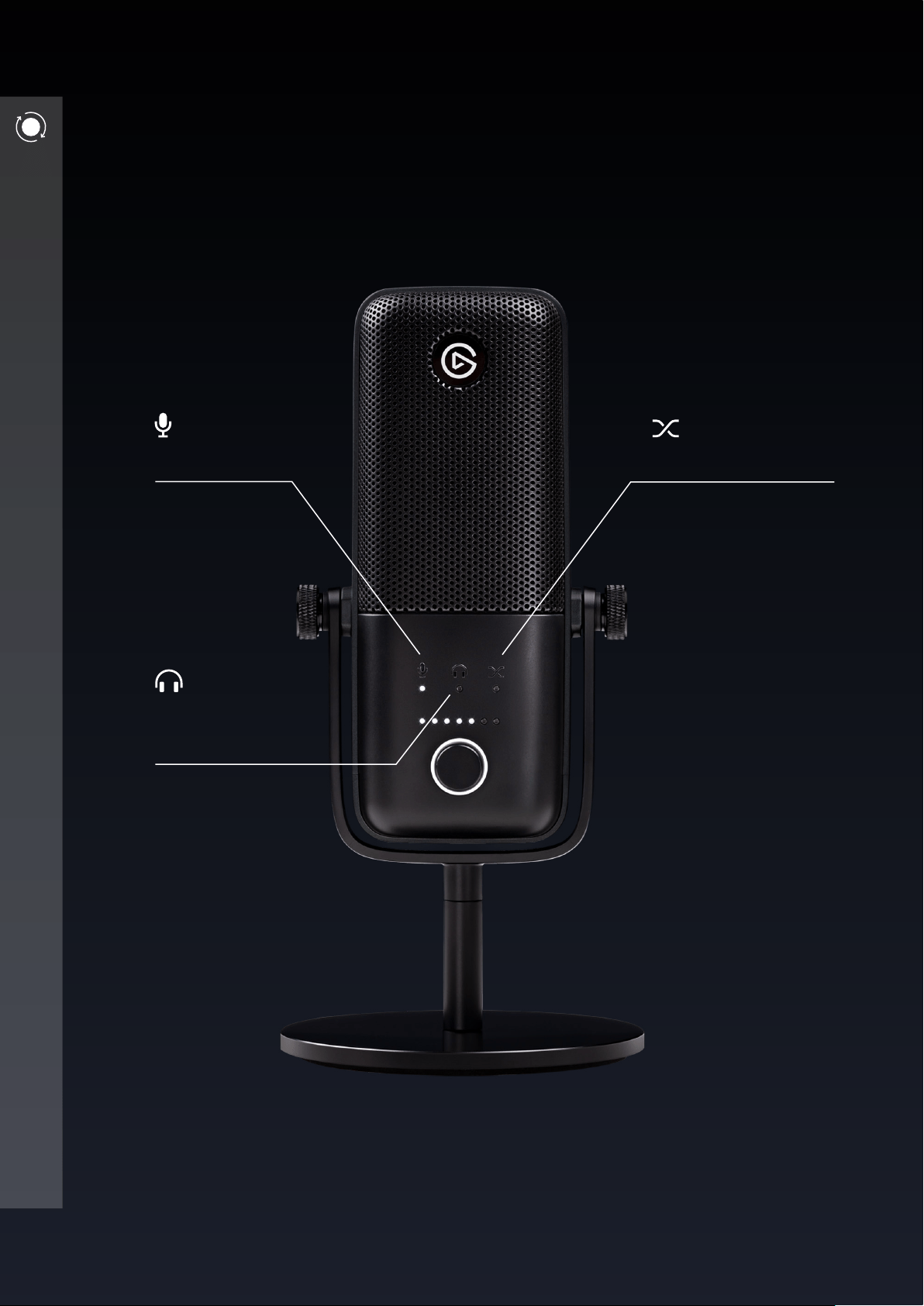
Tap the capacitive mute button to
instantly and silently engage mute.
ONBOARD CONTROLS
Wave:3 features a multifunctional dial to instantly tweak important settings.
By clicking in the dial, alternate between these settings:
Mic Gain
Adjust the
incoming sound
level, e.g. your
voice.
Mic/PC Mix Monitor
Adjust the mix of
real-time monitoring and
PC audio played through
the headphone output.
5/8 | Version 01 | February 19 2021
Headphone
Volume
Control the volume
of headphones
connected to
the high-power
headphone output
on Wave:3.
PRO TIP
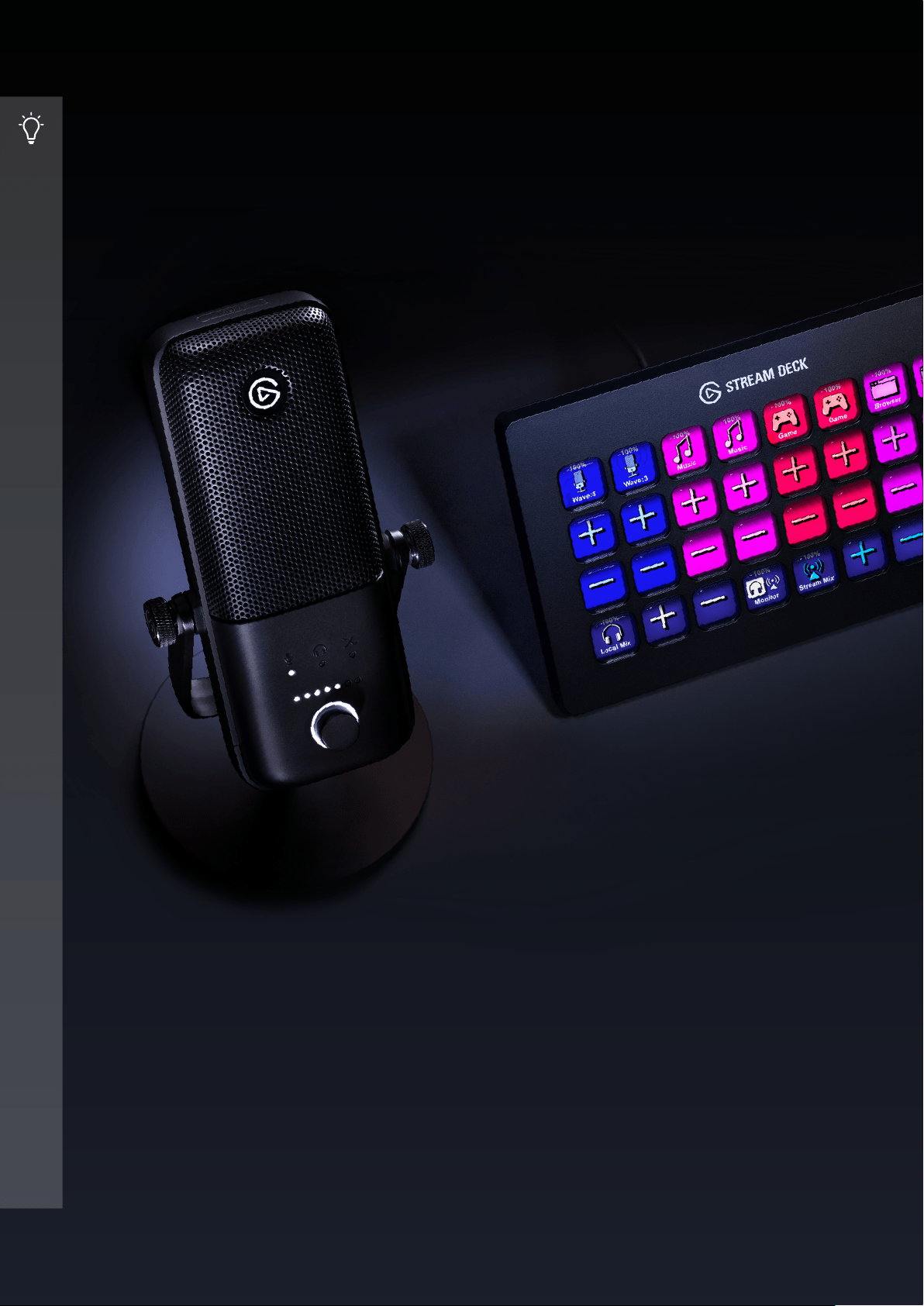
WORKS WITH STREAM DECK
Advanced A/V automation at your ngertips.
Combined with Stream Deck and Wave Link, your Wave:3 becomes a production powerhouse.
Simply install the Wave Link plugin located on the Stream Deck store, and gain the ability to
change the gain, headphone volume, PC/Monitor mix, and more at the tap of a key.
6/8 | Version 01 | February 19 2021
USING YOUR FAVORITE APPS
Wave:3 works seamlessly with apps like Zoom and Microsoft Teams to provide crystal clear
audio input with just a few clicks of a mouse. To enable your Wave:3 microphone in Zoom
and Teams, rst make sure it‘s plugged in and the LED indicators are illuminated on the front
of the microphone.
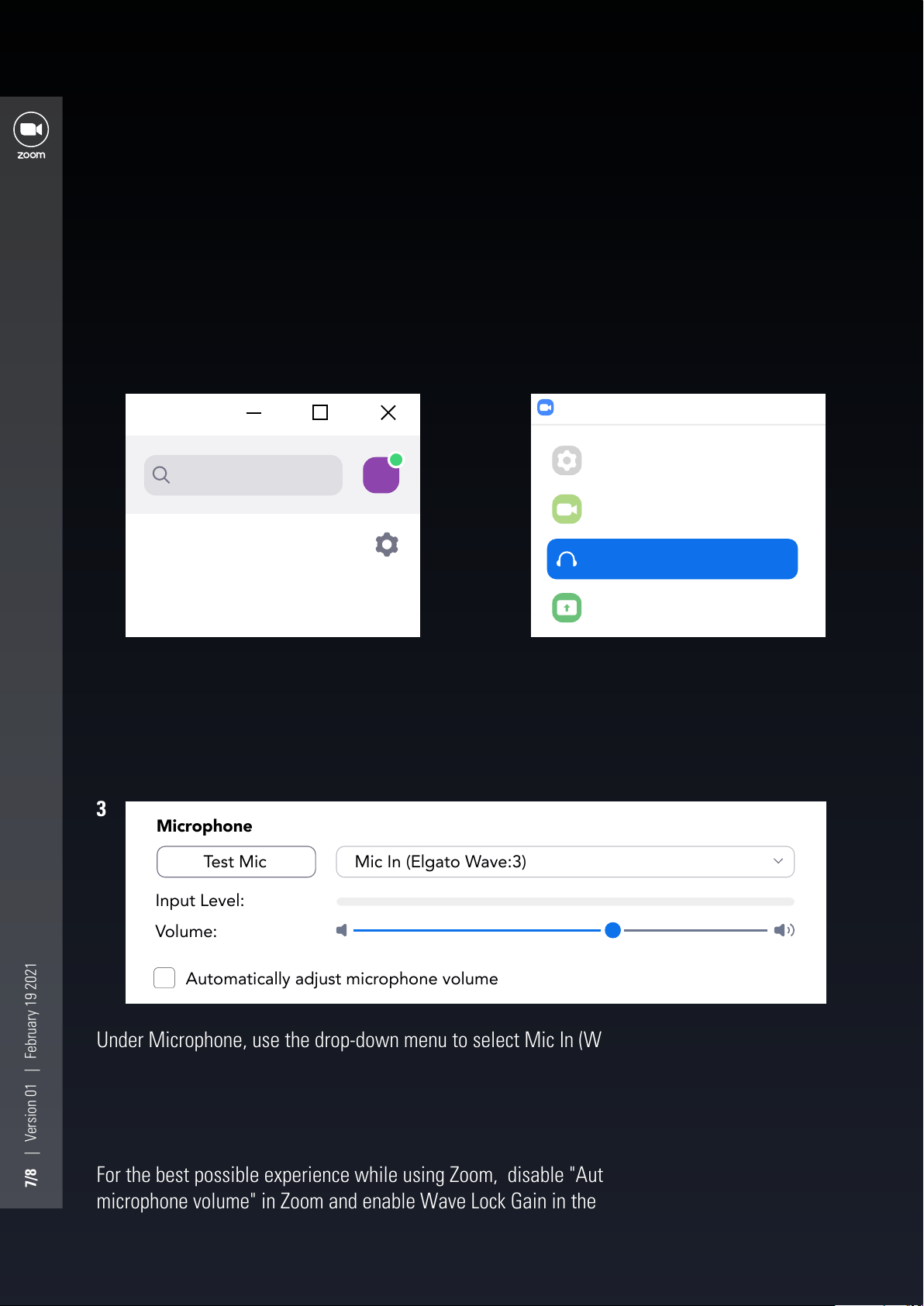
On the left-hand side of the Settings
menu, you should locate and click in the
"Audio" section.
While Zoom is open, locate the "Settings"
menu, or the cogwheel, in the top right-
hand corner.
Under Microphone, use the drop-down menu to select Mic In (Wave:3)
2
1
3
ZOOM
For the best possible experience while using Zoom, disable "Automatically adjust
microphone volume" in Zoom and enable Wave Lock Gain in the Wave Link software.
7/8 | Version 01 | February 19 2021
CM
Search
Settings
General
Video
Share Screen
Chat
Audio
Input Level:
Test Mic
Automatically adjust microphone volume
Mic In (Elgato Wave:3)
Volume:
Microphone
MICROSOFT TEAMS
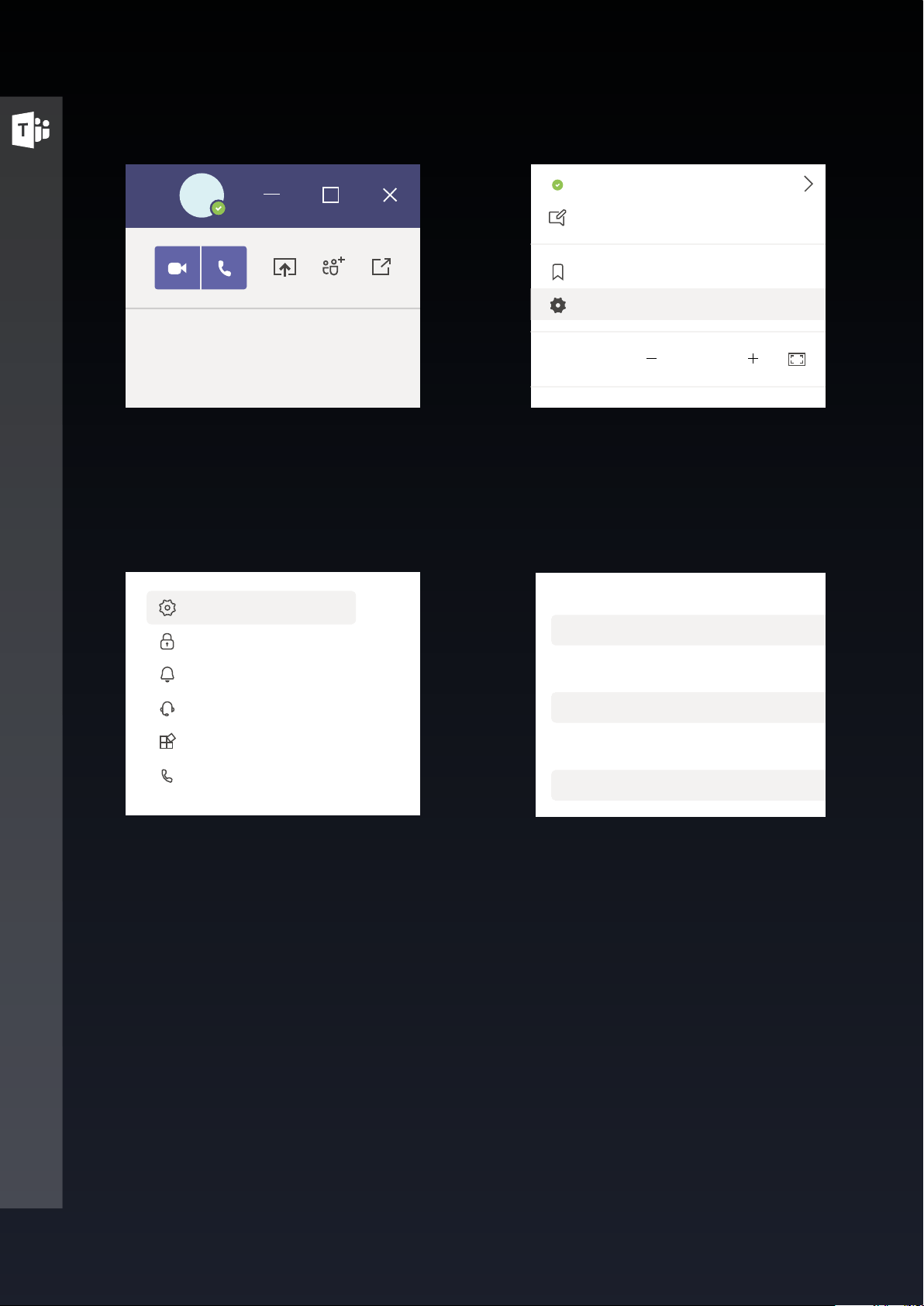
In the drop-down menu, select Settings,
or the cogwheel.
Under Microphone, use the drop-down
menu to select Mic In (Wave:3)
While Microsoft Teams is open, click on
your prole picture in the top right, next
to the minimize button.
On the left-hand side of the Settings
menu, locate Devices in the list.
2
4
1
3
For the best possible experience while using Microsoft Teams, be sure to enable Wave Lock
Gain in Wave Link software.
Custom Setup
Headphones (Elgato Wave:3)
Mic In (Elgato Wave:3)
Speaker
Microphone
Audio devices
8/8 | Version 01 | February 19 2021
CM
Avaible
Set status message
Saved
Settings
Zoom
Keyboard shortcuts
(100%)
General
Privacy
Notifications
Devices
Permissions
Calls