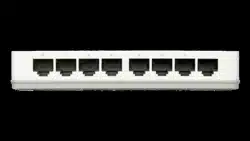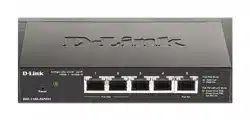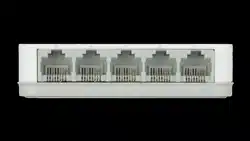

QUICK
INSTALLATION
GUIDE
5/8 PORT DESKTOP
UNMANAGED SWITCH
GO-SW-5E/8E
INSTALLATIONSANLEITUNG
GUIDE D’INSTALLATION
GUÍA DE INSTALACIÓN
GUIDA DI INSTALLAZIONE
INSTRUKCJA INSTALACJI
INSTALAČNÍ PŘÍRUČKA
TELEPÍTÉSI SEGÉDLET
GO-SW-5E & 8E
2
ENGLISH
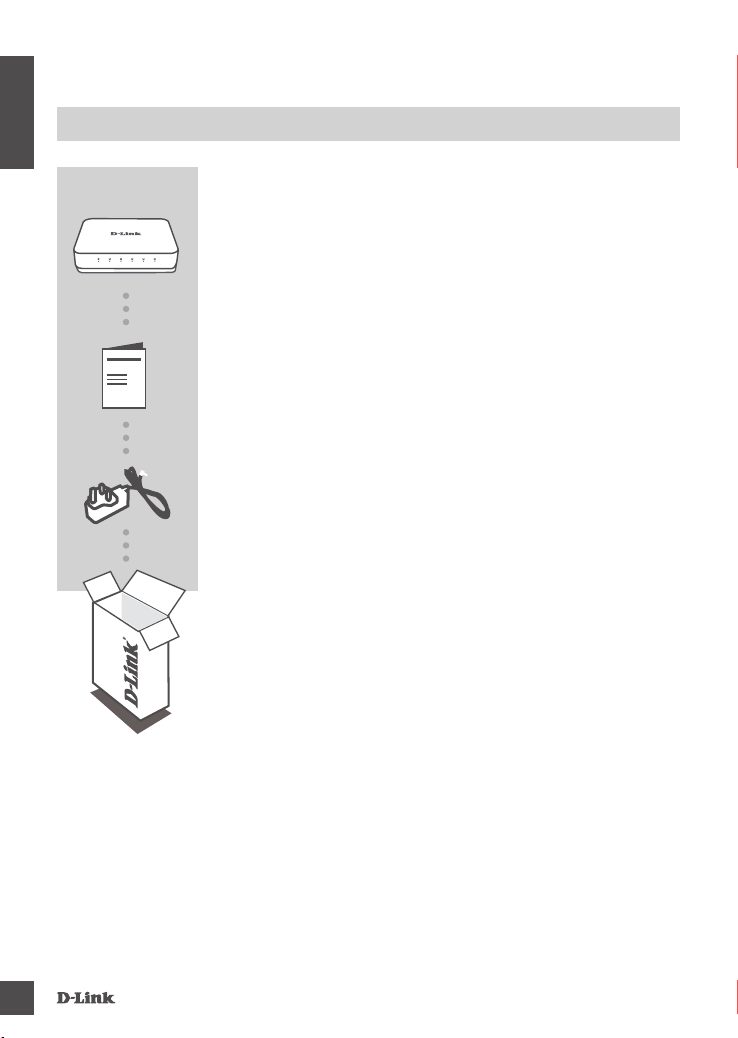
CONTENTS OF PACKAGING
POWER ADAPTER
5V 0.55A
If any of these items are missing from your packaging, contact
your reseller.
5/8 PORT DESKTOP UNMANAGED SWITCH
GO-SW-5E/8E
CONTENTS
QUICK START GUIDE
GO-SW-5E & 8E
3
ENGLISH
PRODUCT SETUP
SWITCH SET-UP
Step 1
Connecting the power adapter
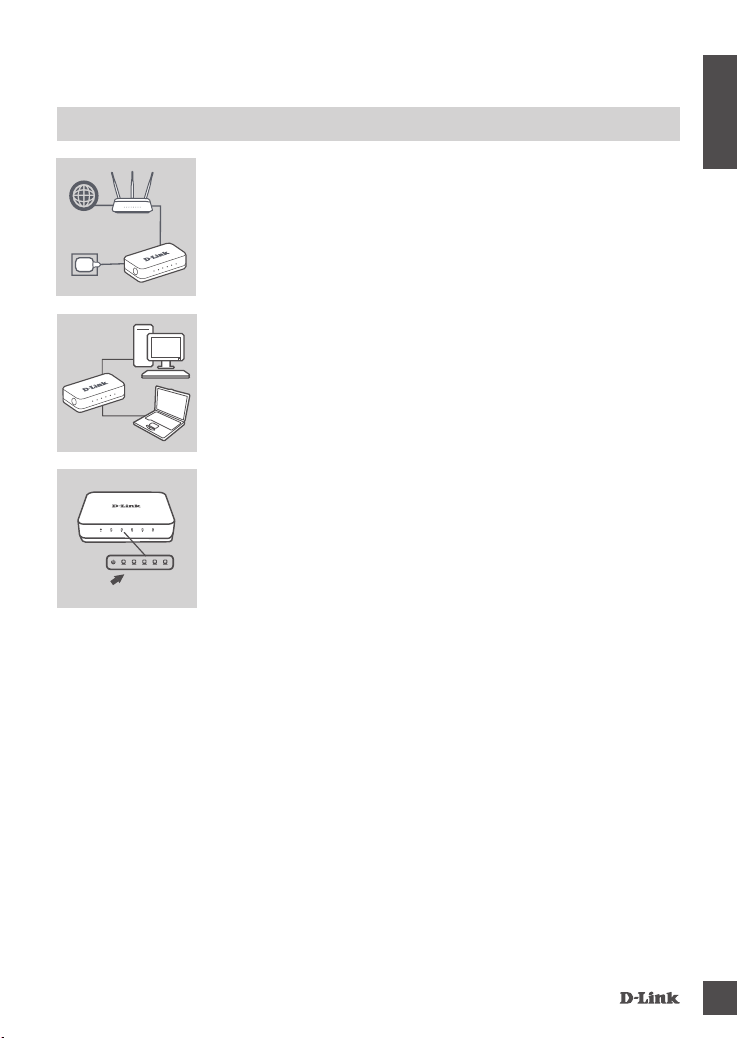
Plug the power adapter into a free wall socket, then plug the other
end of the power adapter cable into the power port of the GO-SW-
5E/8E. The power LED will light up, conrming that the device is
powered up successfully.
Step 2
Connecting your Network Devices
Use a LAN cable to connect your network device to one of the
Ethernet ports of GO-SW-5E or GO-SW-8E.
Step 3
Determine that the Switch is Powered On
The Power LED indicator light is green when the Switch is receiving
power; otherwise, it is off.
Determine that the Network Devices are Connected
The Link/Act LED indicator light is green when the port is connected to a
device.
The green indicator blinks as data is transmitted or received.
RouterInternet
LED
GO-SW-5E & 8E
4
ENGLISH
TROUBLESHOOTING
SETUP AND CONFIGURATION PROBLEMS
1. WHAT TO DO IF THE POWER LED IS NOT LIT UP?
Check if the power adapter is properly connected to a wall socket and the back of the the switch.
2. WHAT TO DO IF A CONNECTED DEVICE IS NOT DETECTED?
First check if the Port LED is ashing. If the Port LED is not illuminated, try connecting the device
using a different LAN cable.
GO-SW-5E & 8E
5
TECHNICAL SUPPORT
http://www.dlink.com/warranty

Ver. 2.00(EU) 2020/03/17