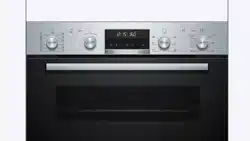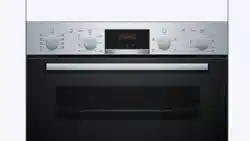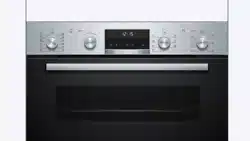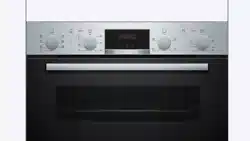
USER
MANUAL
EN User Manual
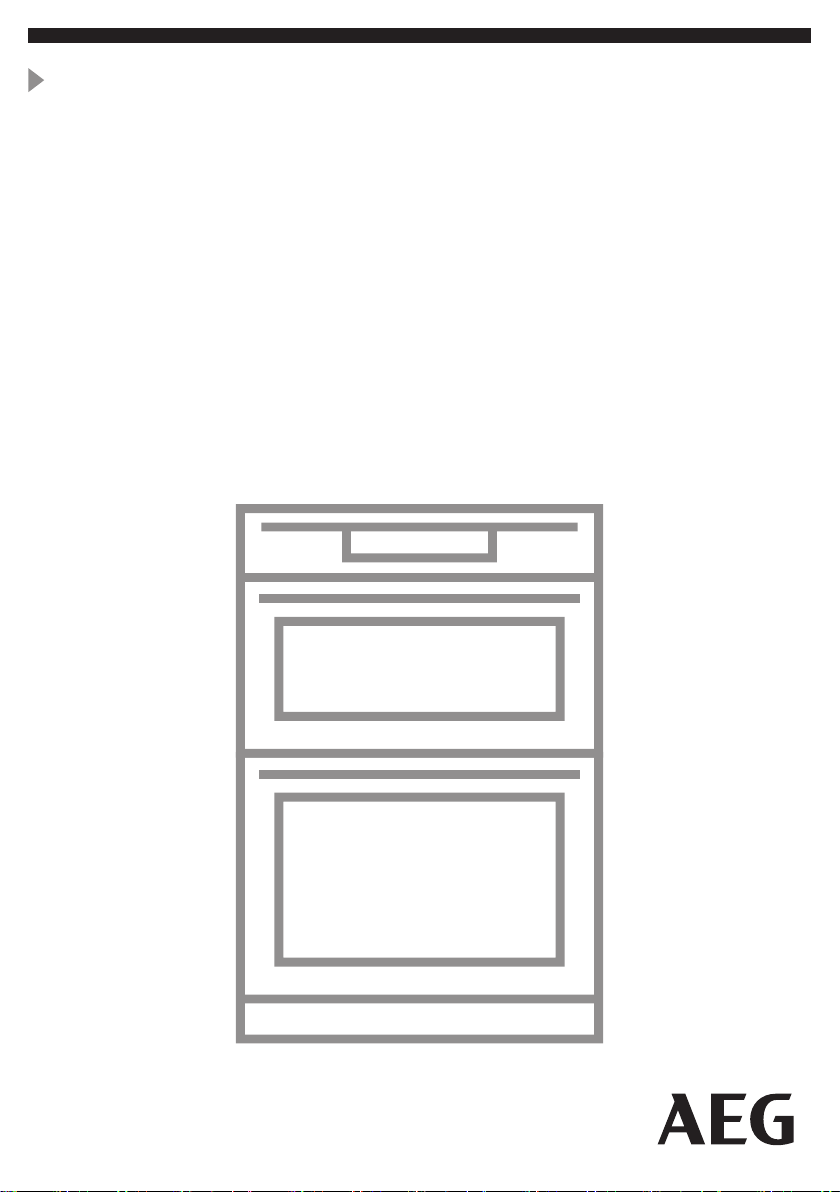
Built-In Double Oven
DEK431010M
Welcome to AEG! Thank you for choosing our appliance.
In our drive to be sustainable, we are reducing paper assets and provide full user
manuals online. Access your full user manual at aeg.com/manuals
Get usage advice, brochures, trouble shooter, service and repair information at
aeg.com/support
1. PRODUCT DESCRIPTION
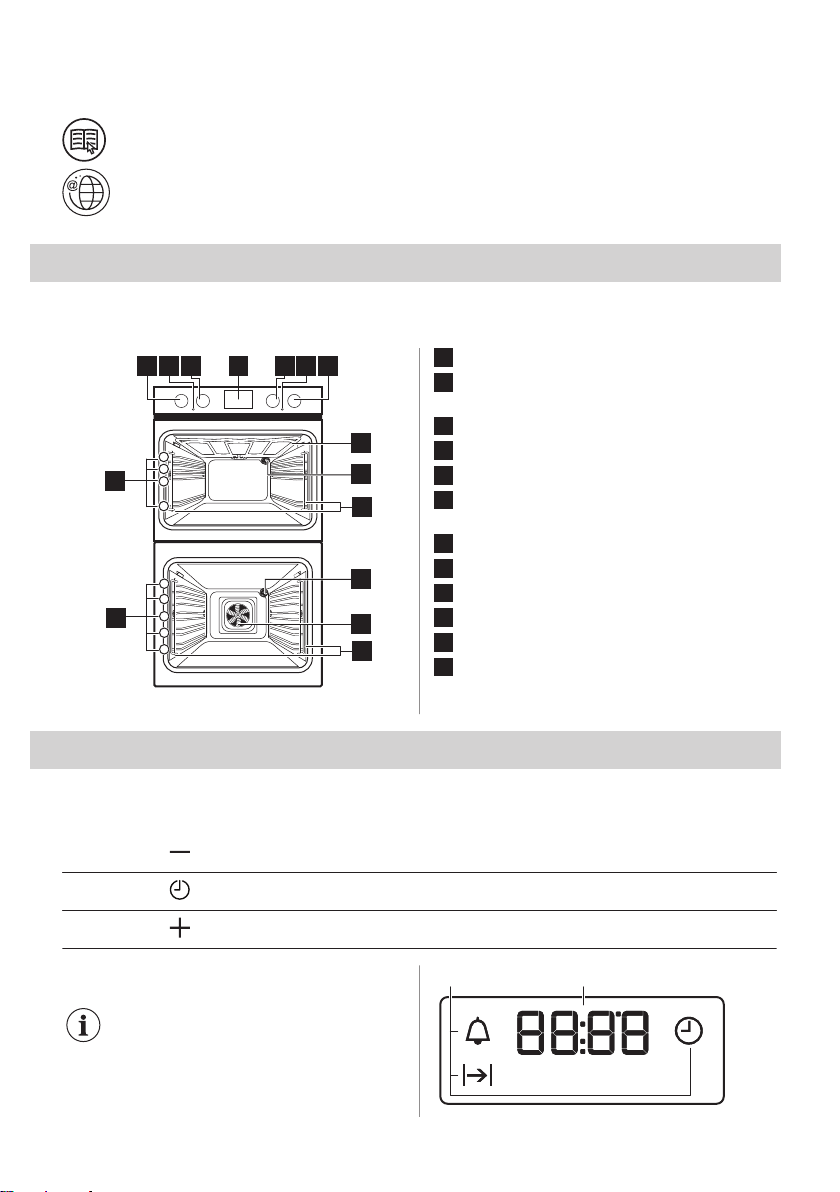
1.1 General overview
1 3 4 5 762
8
10
9
9
1
2
3
4
12
11
11
12
1
2
3
4
5
1
Knob for the top oven functions
2
Temperature indicator / symbol for the
top oven
3
Knob for the top oven temperature
4
Display
5
Knob for the main oven functions
6
Temperature indicator / symbol for the
main oven
7
Knob for the main oven temperature
8
Heating element
9
Lamp
10
Fan
11
Shelf support, removable
12
Shelf positions
2. CONTROL PANEL
2.1 Sensor fields / Buttons
To set the time.
To set a clock function.
To set the time.
2.2 Display
The display works only with the
main oven.
A B
2 ENGLISH
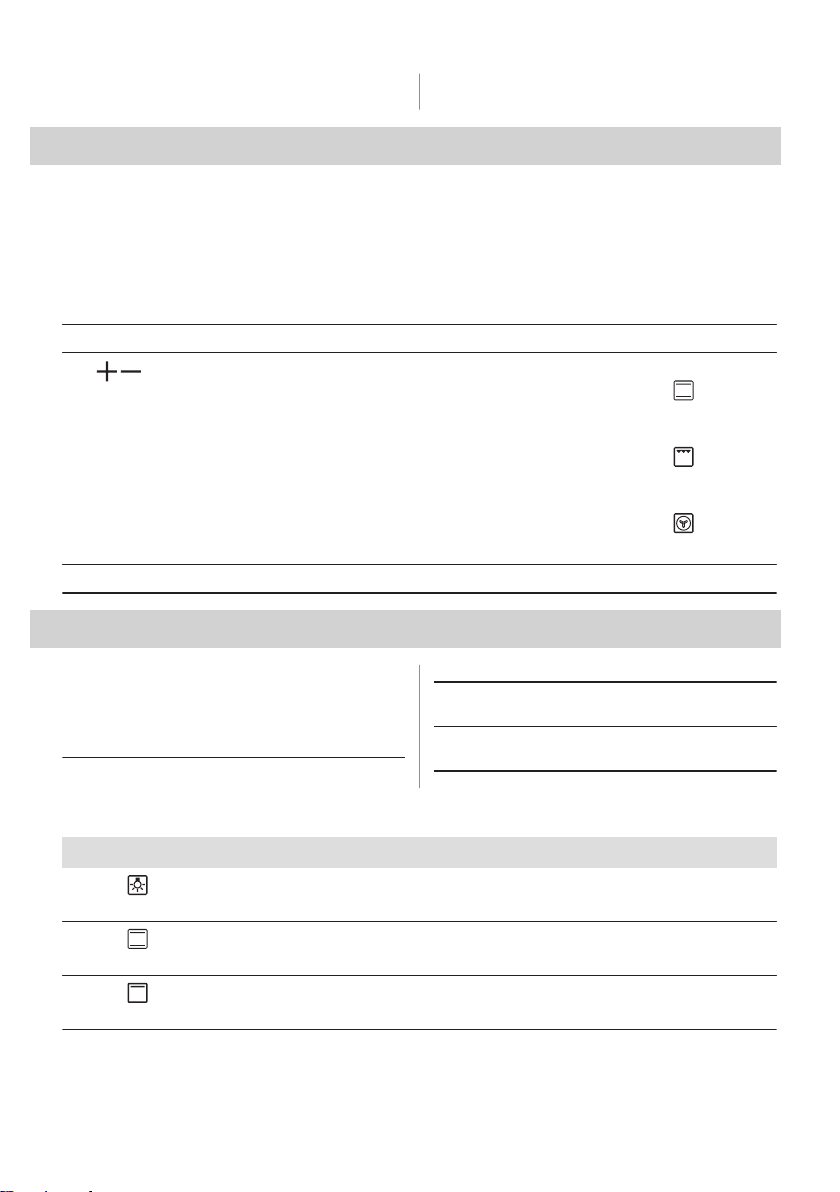
A. Clock functions B. Timer
3. BEFORE FIRST USE
3.1 Before first use
The oven can emit an odour and smoke during preheating. Make sure that the room is
ventilated.
Preheat both ovens. Heat up one oven at a time.
Step 1 Step 2 Step 3
Set the clock Clean the oven Preheat the empty oven
1. , - press to set the time.
After approximately 5 sec., the
flashing stops and the display
shows the time.
1. Remove all accessories and re‐
movable shelf supports from
the oven.
2. Clean the oven and the acces‐
sories with a soft cloth, warm
water and a mild detergent.
1. Set the maximum temperature
for the function: .
Time: 1 h.
2. Set the maximum temperature
for the function: .
Time: 15 min.
3. Set the maximum temperature
for the function: .
Time: 15 min.
Turn off the oven and wait until it is cold. Place the accessories and the removable shelf supports in the oven.
4. DAILY USE
4.1 How to set: Heating function
Step 1 Turn the knob for the heating functions
to select a heating function.
Step 2 Turn the control knob to select the tem‐
perature.
Step 3 When the cooking ends, turn the knobs
to the off position to turn off the oven.
4.2 Top oven functions
Heating function Application
Light
Oven lamp
Conventional Cooking
Traditional baking, crispiness, crust gloss
Top Heat
Browning cooked dishes
ENGLISH 3
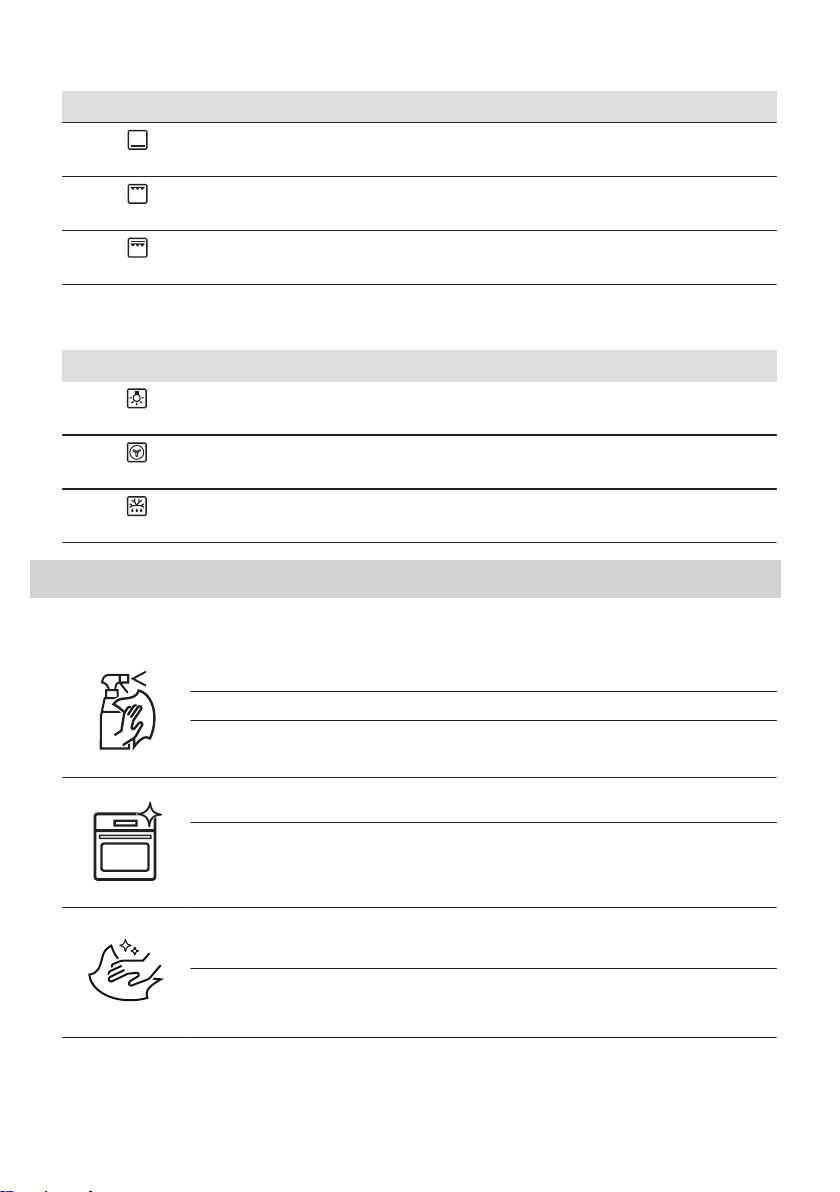
Heating function Application
Bottom Heat
Preserving food
Grill
Toasting, grilling
Fast Grilling
Toasting, grilling
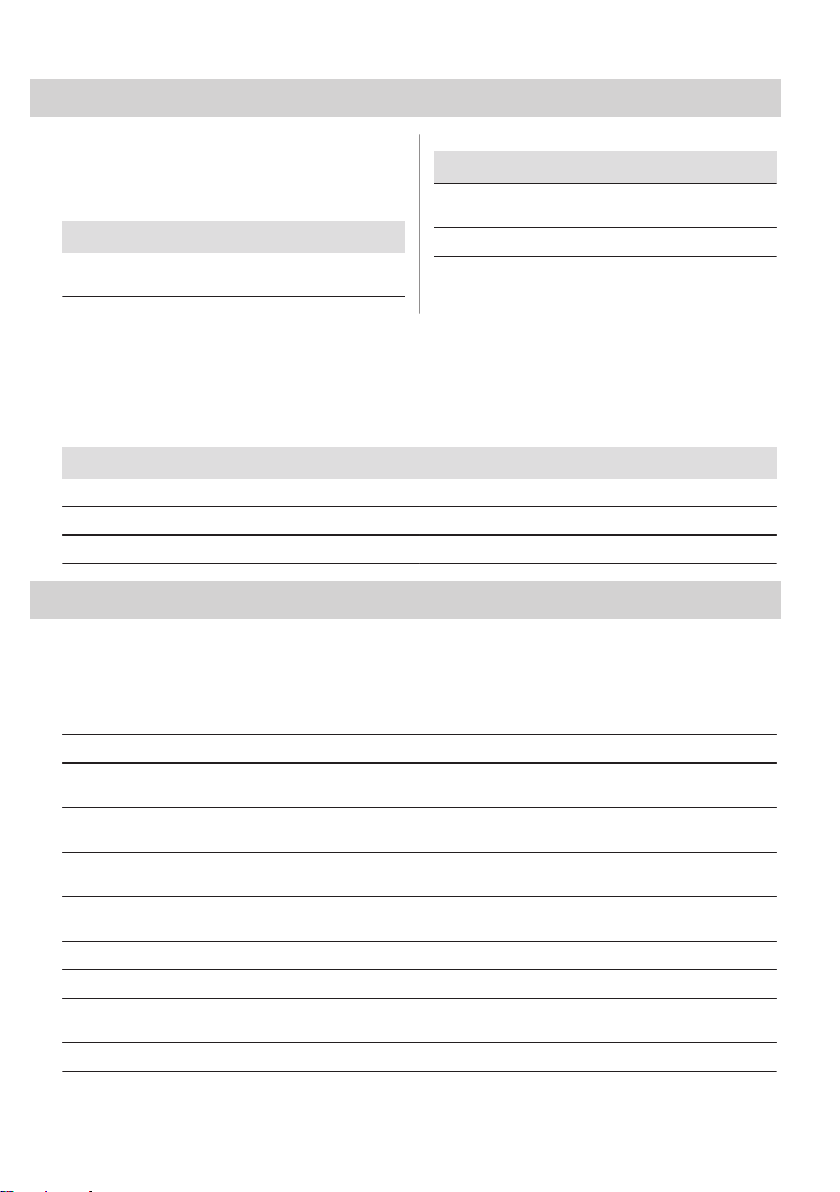
4.3 Main oven functions
Heating function Application
Light
Oven lamp
True Fan Cooking
Even baking, tenderness, drying
Defrost
Defrosting
5. CARE AND CLEANING
5.1 Notes on cleaning
Cleaning Agents
Clean the front of the oven with a soft cloth with warm water and a mild detergent.
Use a cleaning solution to clean metal surfaces.
Clean stains with a mild detergent.
Everyday Use
Clean the cavity after each use. Fat accumulation or other residue may cause fire.
Do not store the food in the oven for longer than 20 minutes. Dry the cavity with a soft cloth
after each use.
Accessories
Clean all accessories after each use and let them dry. Use a soft cloth with warm water and
a mild detergent. Do not clean the accessories in a dishwasher.
Do not clean the non-stick accessories using abrasive cleaner or sharp-edged objects.
4 ENGLISH
6. TROUBLESHOOTING
6.1 What to do if...
In any cases not included in this table please
contact with an Authorised Service Centre.
Problem Check if...
The oven does not heat
up.
The fuse is blown.
Problem Check if...
The display shows
"12.00".
There was a power cut.
Set the time of day.
The lamp does not work. The lamp is burnt out.
6.2 Service data
If you cannot find a solution to the problem yourself, contact your dealer or an Authorised
Service Centre.
The necessary data for the service centre is on the rating plate. The rating plate is on the front
frame of the oven cavity. Do not remove the rating plate from the oven cavity.
We recommend that you write the data here:
Model (MOD.) .........................................
Product number (PNC) .........................................
Serial number (S.N.) .........................................
7. ENERGY EFFICIENCY
7.1 Product Information Sheet according to UK Ecodesign and Energy
Labelling Regulations
Supplier's name AEG
Model identification DEK431010M 944171699
Energy Efficiency Index
Top oven: 106.8
Main oven: 95.2
Energy efficiency class
Top oven: A
Main oven: A
Energy consumption with a standard load, conventional mode
Top oven: 0.78 kWh/cycle
Main oven: -
Energy consumption with a standard load, fan-forced mode
Top oven: -
Main oven: 0.79 kWh/cycle
Number of cavities 2
Heat source Electricity
Volume
Top oven: 42 l
Main oven: 66 l
Type of oven Built-In Oven
ENGLISH 5
Mass 47.7 kg
BS EN 60350-1 - Household electric cooking appliances - Part 1: Ranges, ovens, steam ovens and grills - Meth‐
ods for measuring performance.
7.2 Energy saving
The oven has features which
help you save energy during
everyday cooking.
Make sure that the oven door is closed when
the oven operates. Do not open the oven
door too often during cooking. Keep the door
gasket clean and make sure it is well fixed in
its position.
Use metal cookware to improve energy
saving.
When possible, do not preheat the oven
before cooking.
Keep breaks between baking as short as
possible when you prepare a few dishes at
one time.
Cooking with fan
When possible, use the cooking functions
with fan to save energy.
Residual heat
When the cooking duration is longer than 30
min, reduce the oven temperature to
minimum 3 - 10 min before the end of
cooking. The residual heat inside the oven
will continue to cook.
Use the residual heat to warm up other
dishes.
Keep food warm
Choose the lowest possible temperature
setting to use residual heat and keep a meal
warm.
8. ENVIRONMENTAL CONCERNS
Recycle materials with the symbol . Put
the packaging in relevant containers to
recycle it. Help protect the environment and
human health by recycling waste of electrical
and electronic appliances. Do not dispose of
appliances marked with the symbol with
the household waste. Return the product to
your local recycling facility or contact your
municipal office.
6 ENGLISH
*

7
www.aeg.com/shop
867370755-A-502021