
My “Simple” Instructions for Woods Model #50008
To Get Started:
Consumers may find timers on shelves with a blank screen. This is shipped from the
manufacturer as a pre-installed battery to preserve the life of the device while on retailers’
shelves prior to the consumer purchasing the timer.
Take an object such as a toothpick or extended paperclip: place in the hole (R) for 3-5 seconds;
Release. Digital 8888888888 will generate and transition to 12:00.
Set Military or Standard Time:
Press and HOLD the CLOCK Key for about 5 seconds; (24H) should appear.
Release and press the HOUR Key 1 time to change to (12H)
Press the CLOCK key 1 time for normal clock display.
Set the Current Time:
Press & Hold the CLOCK key with your right thumb; simultaneously or at the SAME time, with
your left finger/thumb, press the HOUR key to set the current hour
Release
Press & Hold the CLOCK key with your right thumb; simultaneously or at the SAME time, with
your left finger/thumb, press the Minutes key to set the current minutes
Release
Press & Hold the CLOCK key with your right thumb; simultaneously or at the SAME time, with
your left finger/thumb, press the Day key to set the current day of the week
Programming the Timer
Press 1x-- DO NOT HOLD the PROGRAM key--1 X: (1 ON --: --) appears
Press or Toggle—DO NOT HOLD-- the DAY key until ALL 7 days display as a group or the days
you prefer
Immediately, press/toggle the Hour key until you reach your appropriate a.m. or p.m. hour.
Press PROGRAM button 1X— (1 OFF --: --) appears
Press or Toggle—DO NOT HOLD-- the Minute key until your desired minutes display. You may
skip this step if it is :00 o’clock that you need—it will appear as your default minutes
Press the CLOCK button to exit the programs.

My “Simple” Instructions for Woods Model #50008
If you set a PROGRAM in error, simply:
Find that Program by pressing PROGRAM.
Press and hold the RST/RCL button for 1-2 seconds—this deletes, resets and/or recalls the
programmed time.
Follow this link should you not have a display screen upon purchase.
https://www.youtube.com/watch?v=TRTuNE5QL_E
Follow this link to choose standard or military time.:
https://www.youtube.com/watch?v=Vg_n-EdJdQs
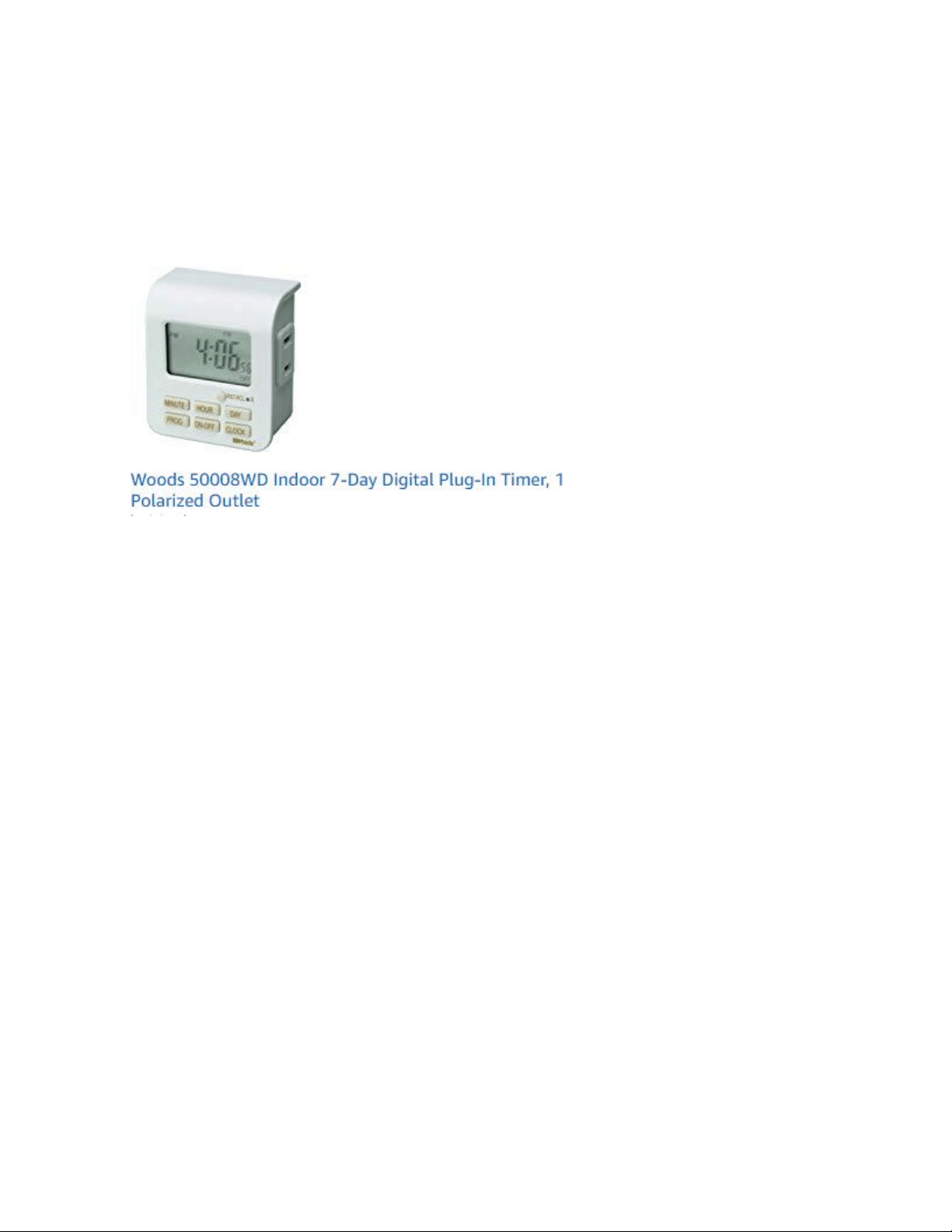
My “Simple” Instructions for Woods Model #50008