INSTRUCTION
BOOKLET
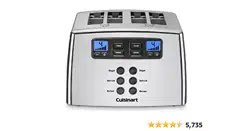
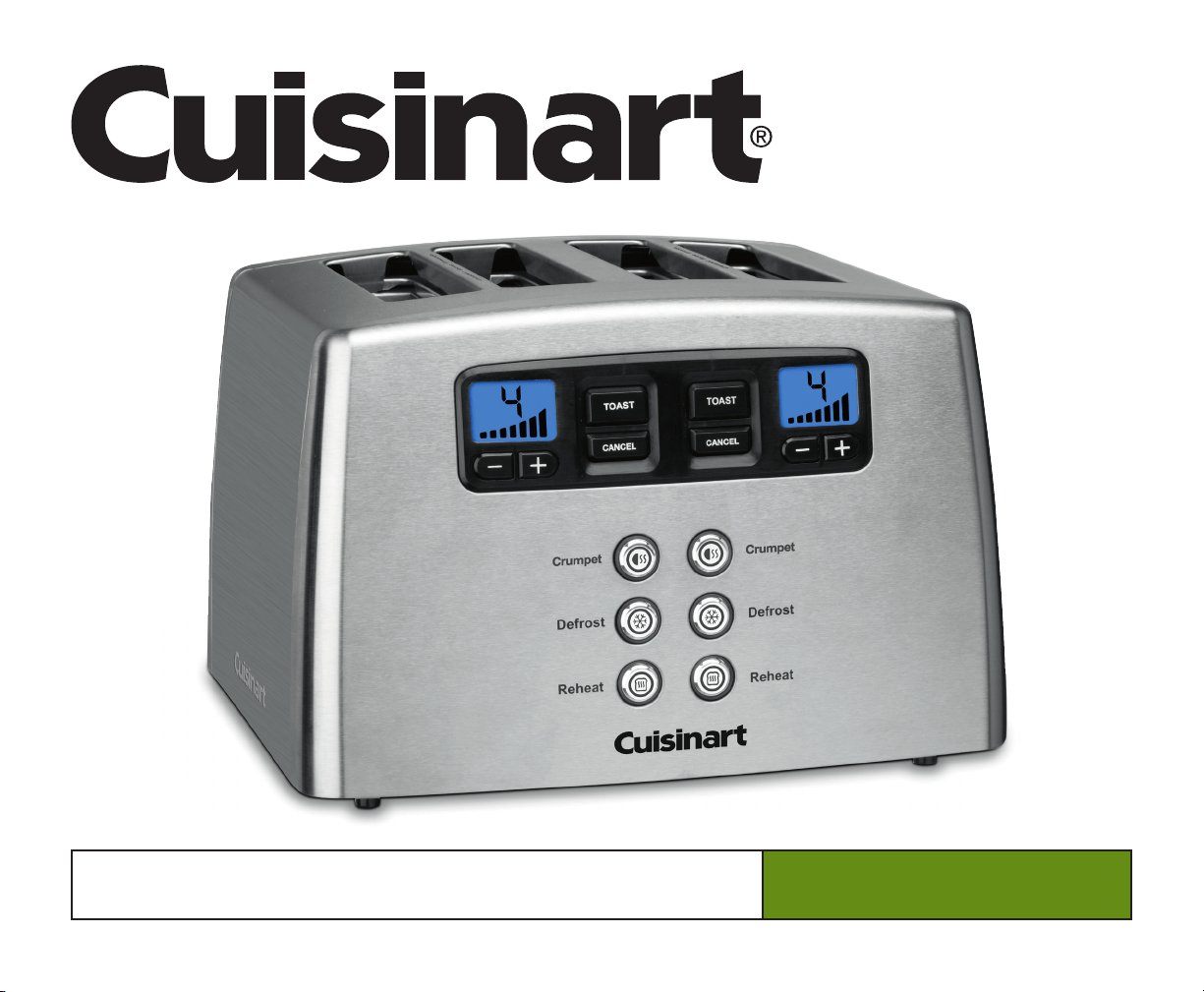
Motorised Metal 4-Slice Toaster
For your safety and continued enjoyment of this product, always read the instruction book carefully before using.
CPT-440XA Series

2
IMPORTANT SAFEGUARDS
When using an electrical appliance, basic safety precautions should
always be followed, including the following:
1. Read all instructions.
2. Do not touch hot surfaces. Use handles or knobs.
3. To protect against electrical shock, do not place any part of the
toaster in water or other liquid. See instructions for cleaning.
4. This appliance should not be used by or near children, or
individuals with certain disabilities.
5. Always unplug from outlet when not in use and before cleaning.
Allow to cool before cleaning or handling.
6. Do not operate any appliance with a damaged cord or plug, or after
the appliance has malfunctioned or has been dropped or damaged in
any way, or if it is not operating properly. Return the toaster to the
store or retailer where purchased for examination or repair.
7. The use of accessory attachments not recommended by Cuisinart
®
may cause injury.
8. Do not use outdoors.
9. Do not let cord hang over the edge of the table or countertop
or touch hot surfaces.
10. Do not place toaster on or near a hot gas or electric burner or
in a heated oven.
11. Do not use this toaster for other than intended use.
12. Oversize foods, metal foil packages or utensils must not be inserted
in the toaster, as they may involve a risk of re or electric shock.
13. A re may occur if the toaster is covered or touching ammable
materials, such as curtains, draperies or walls, when in operation.
Do not operate under wall cabinets.
14. Do not attempt to dislodge food when the toaster is plugged into
electrical outlet.
15. To avoid possibility of re, do not leave toaster unattended
during use.
16. To disconnect, push the cancel button, then remove plug from wall.
17. Do not operate your appliance in an appliance garage or under a wall
cabinet. When storing in an appliance garage, always unplug the
unit from the electrical outlet. Not doing so could create a risk
of re, especially if the appliance touches the walls of the garage
or the door touches the unit as it closes.
18. Children should be supervised to ensure that they do not play with the
appliance.
19. This appliance is not intended for use by persons (including children)
with reduced physical, sensory or mental capabilities, or lack of
experience and knowledge, unless they have been given supervision
or instruction concerning use of the appliance by a person respon-
sible for their safety.
20. The temperature of accessible surfaces may be high when the
appliance is operating.
21. The instructions shall state that appliances are not intended to be
operated by means of an external timer or separate remote-control
system.
22. The bread may burn, therefore do not use the toaster near or below
combustible material, such as curtains.
23. This appliance is intended to be used in household and similar
appliances such as:
– staff kitchen areas in shops, ofces and other working environment;
– farm houses;
– by clients in hotels, motels and other residential type environment;
– bed and breakfast type environment.
SAVE THESE INSTRUCTIONS
FOR HOUSEHOLD USE ONLY
CONTENTS
Important Safeguards....................................2
Features and Benefits ...................................3
Use and Care ..........................................4
Cleaning and Maintenance ...............................5
Warranty ..............................................6
2
3
8
1
4
5
9
5a
6
7
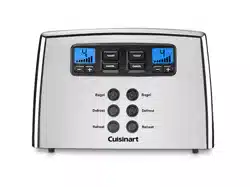
FEATURES AND BENEFITS
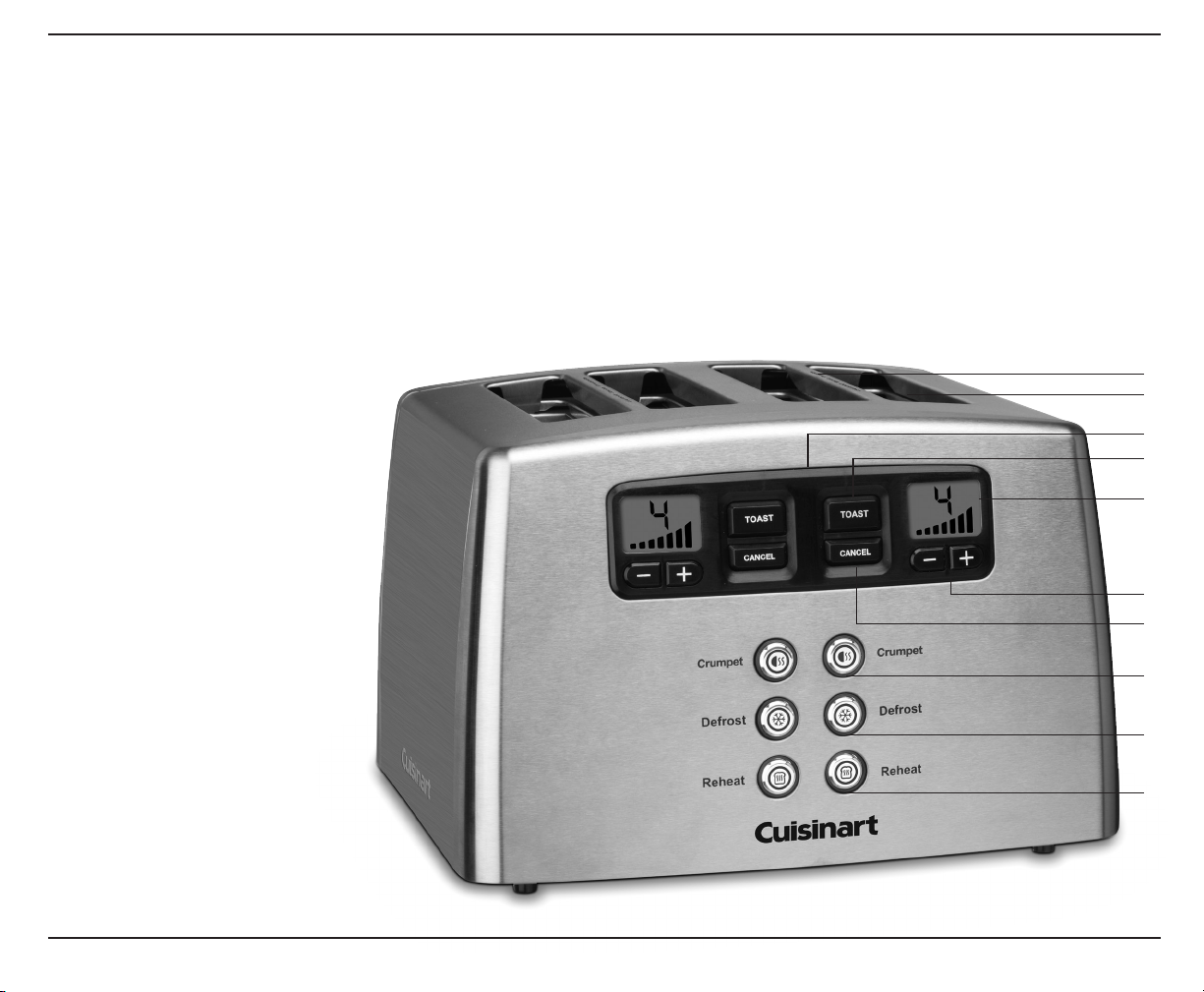
1. Dual Control Panels
Two sets of controls toast breads on different settings.
Use controls on the left for slots 1 and 2 and controls
on the right for slots 3 and 4.
2. 4cm Toasting Slots
Wide toaster slots toast a wide variety of items.
3.
Browning Control Buttons +
/
-
Set selected shade. Seven browning levels
toast from light to dark.
4. Toast Buttons
Activate the toasting cycle.
5. Crumpet Buttons
Reduce the heat on the
outside of each toasting slot,
to perfectly toast the
crumpet. LEDs light when
selected.
5a. Crumpet Icons
Show the proper placement
for crumpet toasting.
6. Defrost Buttons
Defrost and toast frozen bread.
LEDs light when selected.
7. Reheat Buttons
Reheat without browning
or toasting. LEDs light when
selected.
8. Cancel Buttons
Interrupt toasting process.
9. Dual LCD Countdown
Windows
Blue backlit LCD screens
display the shade setting
selected, and provide a
countdown so you know
when your toast is ready.
10. Slide-out Crumb Tray (not shown)
Pulls out to clean crumbs that collect in bottom of toaster.
11. Cord Storage (not shown)
Takes up excess cord and keeps countertop neat.
12. Audible Tone ( not shown)
Lets you know when toasting is nished.
13. BPA Free (not shown)
All materials that come in contact with food are BPA free.
3
4
USE AND CARE
Unwind the power cord. Check that the crumb tray is in place and that
there is nothing in the toaster slots. Plug power cord into the wall outlet.
1. Insert slice(s) of bread
2. Set the browning control
+
/
-
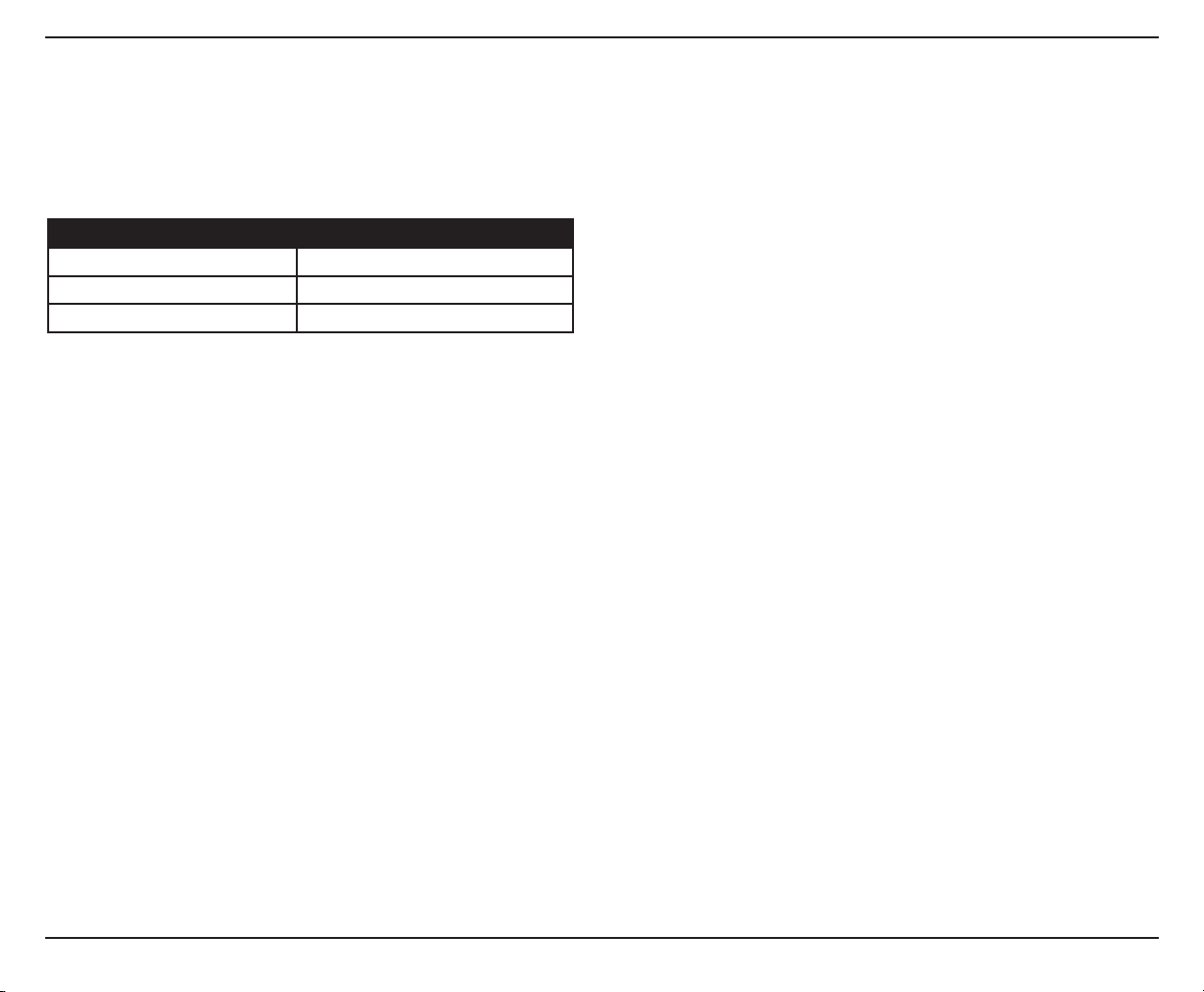
Press browning control buttons (+ -) to select desired toast shade:
Browning Control Setting Shade
1-2 light
3-5 medium
6-7 dark
Some notes on browning
Toasting is a combination of cooking and drying the bread. Therefore,
differences in moisture level from one bread to another can result in
varying toasting times.
• For slightly dry bread, use a lower setting than you normally would.
• For very fresh bread or whole wheat bread, use a higher setting than
normal.
• Breads with very uneven surfaces (such as English mufns) will
require a higher toast setting.
• Thickly cut pieces of bread (including crumpet) will take longer to
toast, sometimes signicantly longer, since more moisture must be
evaporated from the bread before toasting can occur. Very thick
pieces may require two cycles.
• When toasting raisin or other fruit breads, remove any loose raisins,
etc. from the surface of the bread before putting into the toaster. This
will help prevent fruit pieces from falling into the toaster or sticking to
the guide wires in the slot.
Single slice toasting
If you are toasting a single slice of bread, set the heat selector to a
lighter setting than you normally would. The toaster is designed to heat
the whole toasting chamber for two slices. By lowering the heat for a
single slice, you won’t overtoast.
Frozen waffles, pancakes, french toast and frozen crumpet
These breads and pastries should be warmed using the Defrost button.
Toaster pastries
Exercise caution with toaster pastries; the lling can become quite hot,
long before the surface of the pastry becomes browned. Never leave
toaster pastries unattended while toasting or warming.
3. To begin toasting
Press the toast button to lower the carriage into the toasting
chamber.
4. To stop toasting
When the toasting cycle is nished, the toast will be raised.
If you wish to stop the cycle before it is nished, simply press
the Cancel button.
Tips
• Never force foods into the toasting slot. Foods should t freely
between the guide wires.
• Do not place buttered breads or pastries with llings or frostings in
the toaster, as this could create a re hazard.
• Uneven toasting is usually due to bread slices of uneven thickness.
• After use, unplug your toaster from the electrical outlet.
Defrost button
The Defrost button is designed to rst defrost and then toast the bread,
which extends the toasting cycle slightly.
1. Insert slice(s) of bread.
2. Set the browning control.
Settings 1-2
For refrigerated breads and thinner frozen items such as
frozen pancakes.
Settings 3-5
For toaster pastries, frozen wafes and (thin) French toast,
and refrigerated crumpet.
Settings 6-7
For thicker frozen items such as crumpet, hand-cut bread and
thick French toast.
3. Press the Defrost button. Blue LED indicates feature is
activated.
4. Press the toast button to start.

5
To stop cycle
When the defrost cycle is complete, the toaster will raise the
bread. If you wish to stop the cycle before it is nished, simply
press the Cancel button to interrupt.
After use, unplug the toaster from the electrical outlet.
Reheat button
The reheat feature allows you to reheat bread without browning
or toasting.
1. Insert slice(s) of bread.
2. Press the Reheat button. Blue LED indicates feature is
activated.
3. Press the toast button to start.
To stop cycle
When the reheat cycle is complete, the toaster will raise the
bread. If you wish to stop the cycle before it is nished, simply
press the Cancel button to interrupt.
Crumpet button
The crumpet feature reduces heat on one side of the toasting slot.
This toasts the side of the crumpet slightly more than the other side
1. Insert slice(s) of bread or crumpet
2. Press the crumpet button. Blue LED indicates feature is
activated.
3. Press the toast button to start.
To stop cycle
When the cycle is complete, the toaster will raise the crumpet(s).
If you wish to stop the cycle before it is nished, simply press the
Cancel button to interrupt.
Fail-Safe
• Should the unit sense that it is over-heating it is designed to
activate a “Fail-Safe” to ensure it can cool down quickly
and be able to return to a safe, usable state.
• When the Fail-Safe is activated all the LCD and LED lights
will come on and the unit will sound (3) one-second audible
tones. The LCD and LED lights will remain on until the unit is
unplugged and re-plugged into the outlet.
CLEANING AND MAINTENANCE
Always allow the toaster to cool completely before cleaning.
1. Always unplug the toaster from the electrical outlet before cleaning.
2. Do not use abrasive cleansers. Simply wipe the exterior with a clean
damp cloth and dry thoroughly. Apply any cleansing agent to a cloth,
not to the toaster, before cleaning.
3. To remove crumbs, slide out the crumb tray and discard crumbs.
Wipe clean and replace. Never operate the toaster without the
crumb tray in place.
4. To remove any pieces of bread remaining in the toaster, turn the
toaster upside down and gently shake. Never insert any hard or
sharp instruments into the slot, as this could damage the toaster
and cause a safety hazard.
5. Never wrap the cord around the outside of the toaster. Use the cord
storage cleats on the underside of the toaster.
6. Any other servicing should be performed by an authorised service
representative.

WARRANTY
THREE-YEAR LIMITED WARRANTY
This warranty supersedes all previous warranties on Cuisinart
®
Motorised Metal 4-Slice Toaster.
This warranty is available to consumers only. You are a consumer
if you own a Cuisinart
®
Motorised Metal 4-Slice Toaster that was
purchased at retail for personal, family, or household use.
This warranty is not available to retailers or other commercial
purchasers or owners.
We warrant that your Cuisinart
®
Motorised Metal 4-Slice Toaster
will be free of defects in material or workmanship under normal
home use for three years from the date of original purchase.
Please visit our website, www.cuisinart.com.au for the fastest
most efficient way to complete your product registration.
or
Call toll-free
1800 808 971 (AUST), 0800 435 000 (NZ),
or
Write to
Cuisinart
®
Australia
24 Salisbury Road
Asquith NSW 2077
or
Cuisinart
®
New Zealand
44 Apollo Drive Mairangi Bay
Auckland New Zealand
However, the above registration methods do not eliminate the
need for the consumer to maintain the original proof of purchase
in order to obtain the warranty benefits. In the event that you do
not have proof of purchase date, the purchase date for purposes
of this warranty will be the date of manufacture.
If your product should prove to be defective within the warranty
period, we will repair it(or, if we think it necessary, replace it)
without charge to you.
This warranty expressly excludes any defects or damages
caused by accessories, replacement parts, or repair service other
than those that have been authorised by Cuisinart
®
.
This warranty does not cover any damage caused by accident,
misuse, shipment or other than ordinary household use.
Please also be sure to include a return address, daytime phone
number, description of the product defect, product serial number
19 (stamped on bottom of product base), and any other
information pertinent to the product’s return.
Your Cuisinart
®
Motorised Metal 4-Slice Toaster has been
manufactured to strict specification and has been designed for
use with the Cuisinart
®
Motorised Metal 4-Slice Toaster
accessories and replacement parts. These warranties expressly
exclude any defects or damages caused by accessories,
replacement parts, or repair service other than those that have
been authorised by Cuisinart
®
. These warranties do not cover any
damage caused by accident, misuse, shipment, or other than
ordinary household use. These warranties exclude all incidental
or consequential damages.
6

7
NOTES:
Any other trademarks or service marks of third parties used herein
are the trademarks or service marks of their respective owners.
Cuisinart offers an extensive assortment of top quality products to make life in the kitchen
easier than ever. Try some of our other countertop appliances, cookware, tools and gadgets.
www.cuisinart.com.au
Food
Processors
Coffeemakers
Blenders
Mini Food
Processor
Ice-cream
makers
IB-13/221
©2013 Cuisinart
Units 20-21 Ground Floor,
7 Narabang Way, Belrose NSW
Australia
Visit our Website:
www.cuisinart.com.au
Printed in China