12V PSU for Hub/Hub Plus/ReX User
Manual
Updated December 15, 2020
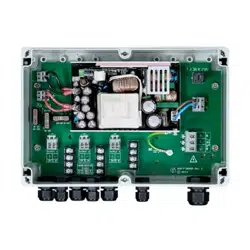
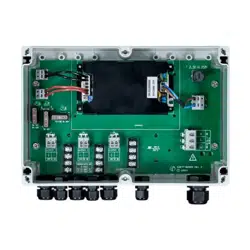
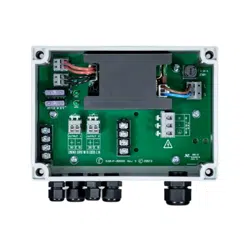
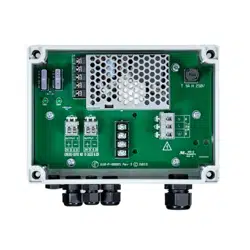
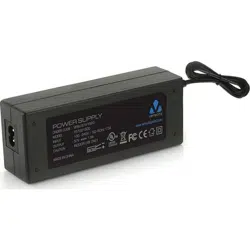
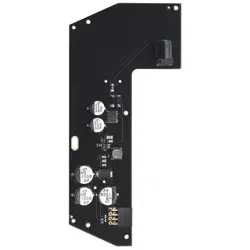
12V PSU for Hub/Hub Plus/ReX is a power supply unit, connecting the Hub/Hub
Plus control panels as well as the ReX radio signal extender to 12 volt DC
sources. This is an electronic board, replacing the standard 110/230 V power
supply unit in the body of the device.
Installing
12V PSU for Hub/Hub Plus/ReX should be installed by a qualied electrician only.
Before installing the power supply, make sure that the device is disconnected
from the mains.
When installing the 12V PSU for Hub/Hub Plus/ReX, follow the general electrical
safety rules, as well as the requirements of electrical safety regulatory acts.
Never disassemble the device while it is under voltage!
Installation process:
1. Remove the screws and take off the device from the SmartBracket
mounting panel, shifting it down with force.
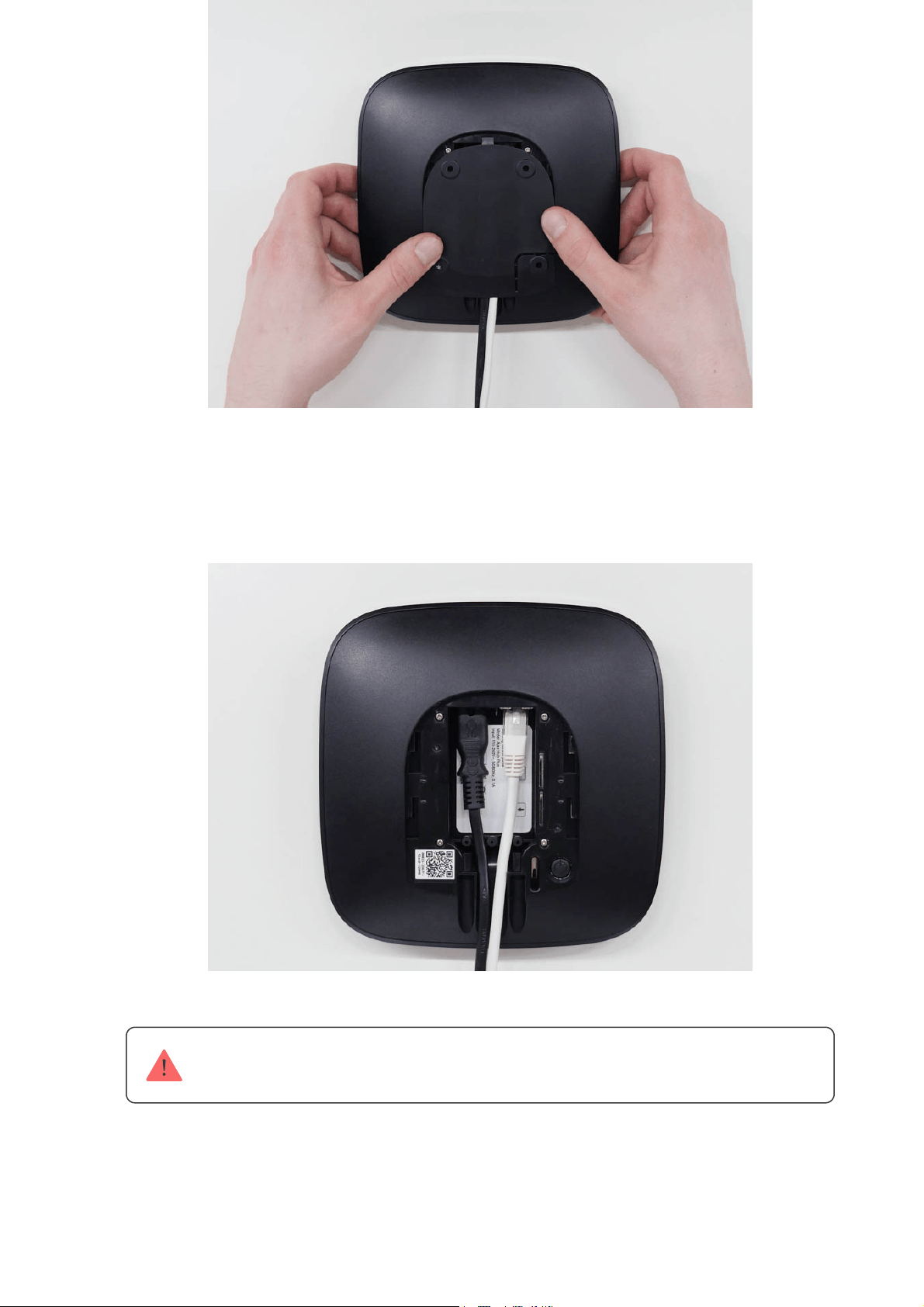
2. Switch off the device holding the power button for 2 seconds.
3. Disconnect power and Ethernet cables.
Wait 5 minutes for the capacitors to discharge.
4. Remove four screws of the back lid and take it off.
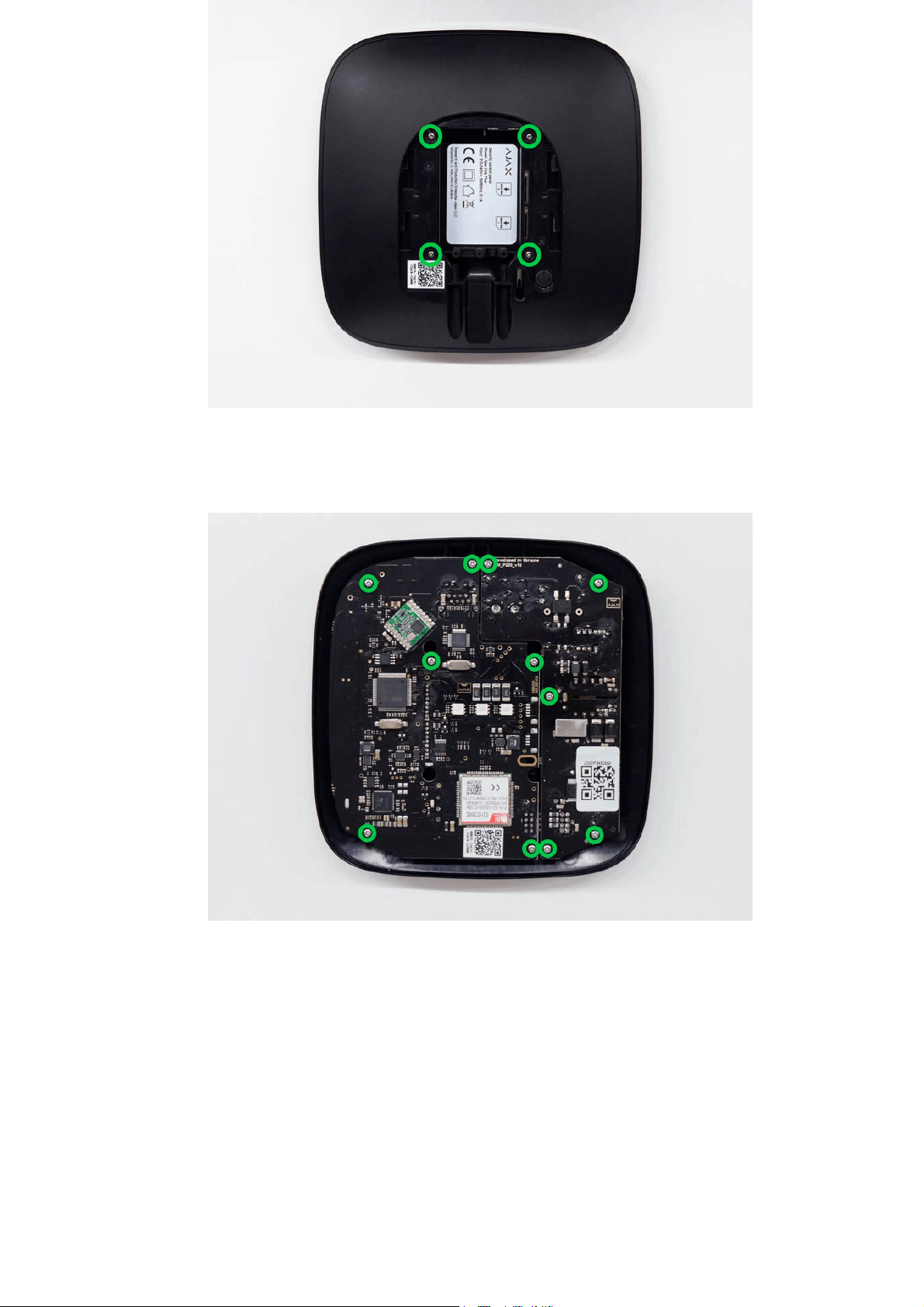
5. Remove the screws attaching the boards to the device body.
6. Carefully remove both boards, keeping them in the same plane and not
disconnecting them. There is a connector between boards: do not break it.
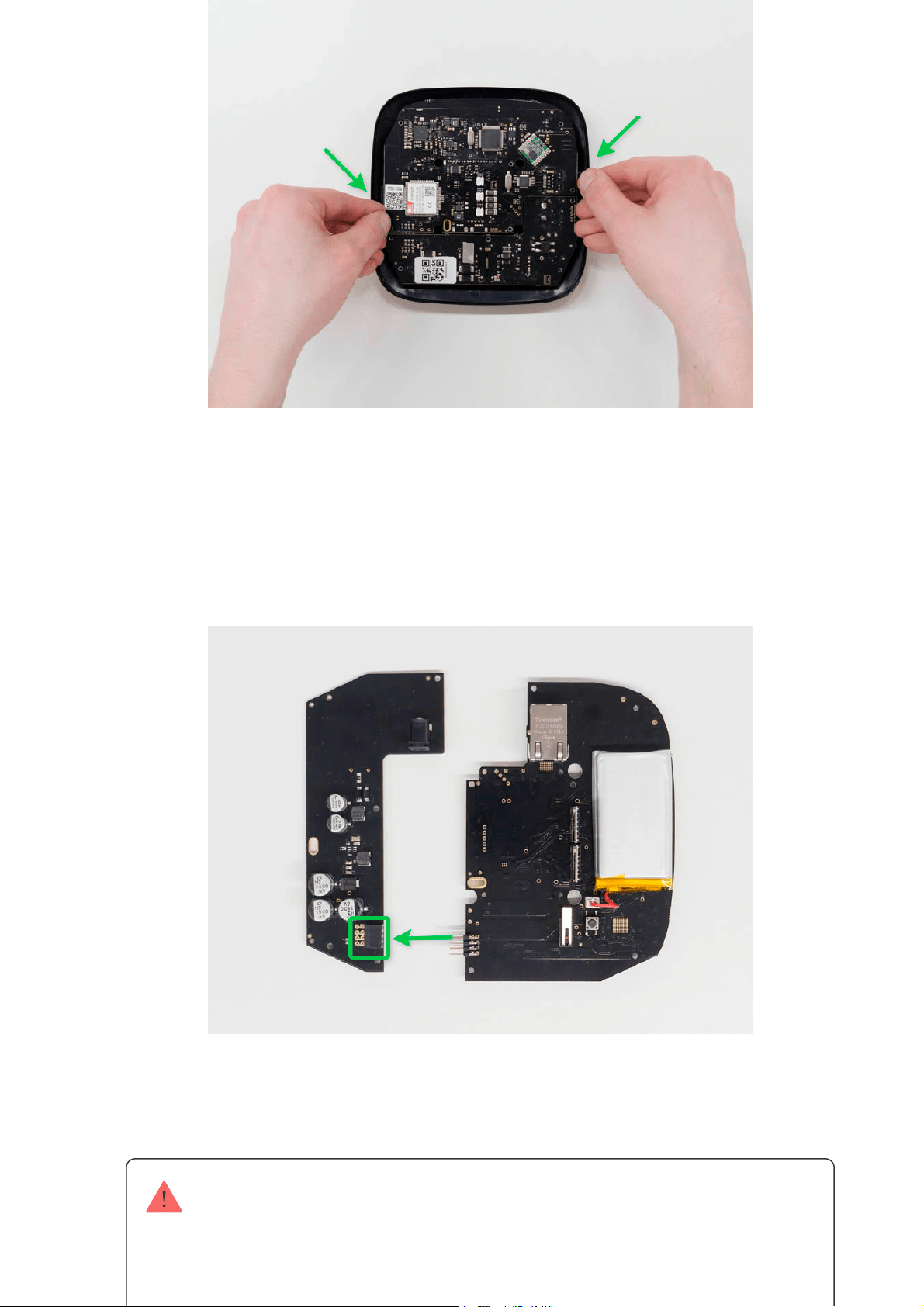
7. Disconnect the power supply unit (smaller board) from the mainboard.
8. Connect 12V PSU for Hub/Hub Plus/ReX to the mainboard using the eight-
pin connector between them. Do not warp or bend the antennas while
replacing the board: this can cause the device to malfunction.
9. Reassemble the boards and the device body than tighten the screws.
Check that the battery and its cables are not clamped. When installed properly, the
boards stand rmly on all guides and do not stagger. Holding the boards together
with the back lid, turn the device over. The SIM card slot, power, and Ethernet
sockets should match accurately and t the corresponding sockets, and the power
button should not be stuck.Change the information about input voltage on the

Switch on the device, wait until loading, and check the external power status in
the Ajax app. If there is no power, and you are using a terminal adapter, check
the polarity of the connected wires. If there is no power even after reconnecting,
please contact the Support Service.
Maintenance
The device does not require technical maintenance.
Tech specs
Input voltage 8-20 V DC
Output voltage 4.65 V DC ± 3%
Switch on voltage 8 V DC ± 2.5%
Switch off voltage 6.9-7.5 V (depending on load)
Max input current < 1 A
Max output current 1,5 A
Connection to mains
Socket: 6.5 × 2 mm
Plug: 5.5 × 2,1 mm
Dimensions 138 × 64 × 13 mm
device body to avoid incorrect power connections in the future. Use the special
bundled sticker with the instruction.
10. Connect the power (and Ethernet cable) to the appropriate sockets.
11. Switch on the 12 V power source.
Do not connect the power cable with a voltage that exceeds the acceptable input
voltage.
12. Switch on the device by holding the power button for 2 seconds.
13. Close and x the SmartBracket mounting panel.

Weight 30 g
Complete Set
Warranty
Warranty for the AJAX SYSTEMS MANUFACTURING Limited Liability Company
products is valid for 2 years after the purchase.
If the device does not function correctly, please contact the Support Service
rst. In half of the cases, technical issues can be solved remotely!
Technical support:
1. Ajax 12V PSU for Hub/Hub Plus/ReX
2. Terminal adapter
3. Quick start guide
Warranty Obligations
User Agreement
suppor[email protected]