Read the instructions carefully and keep for future reference
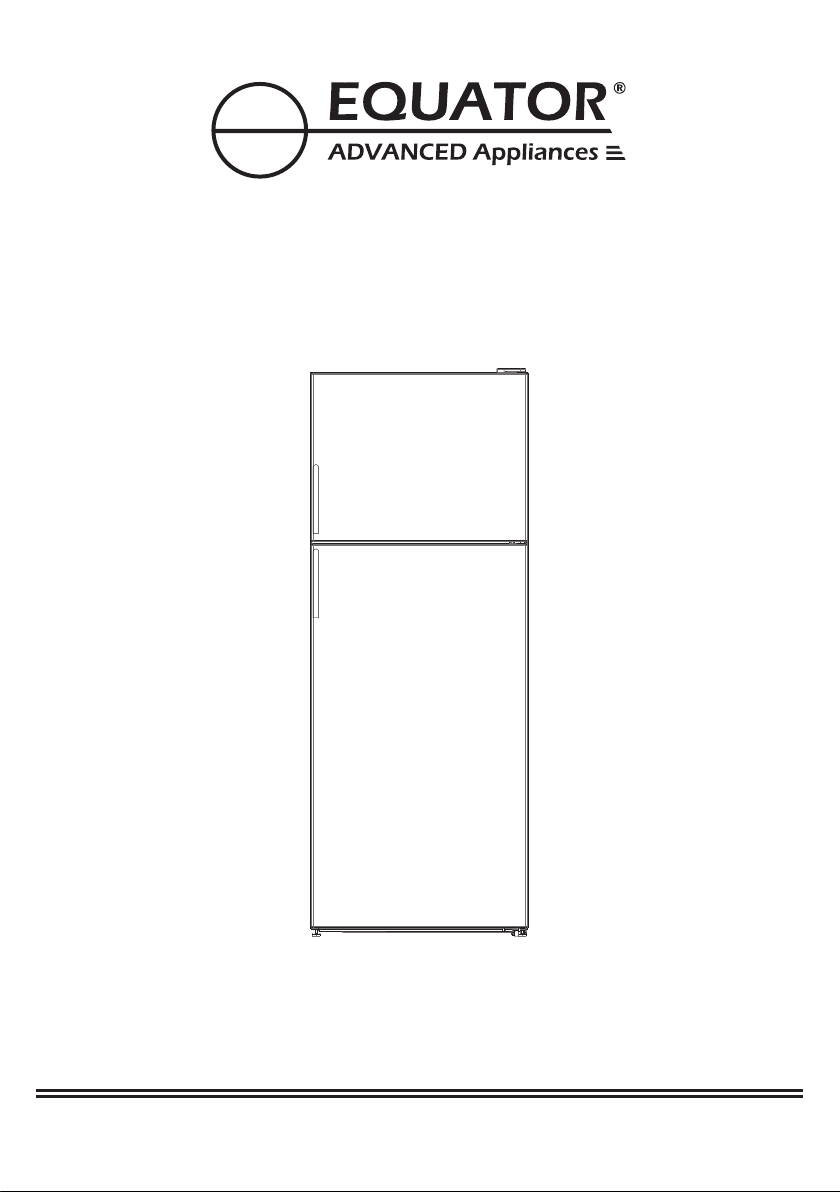
OWNER’S MANUAL
Model - RF 142 S
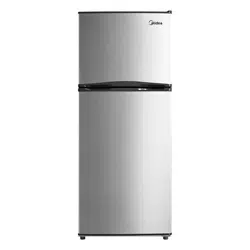
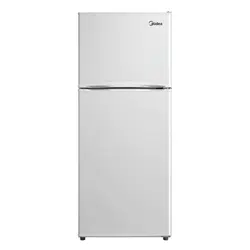
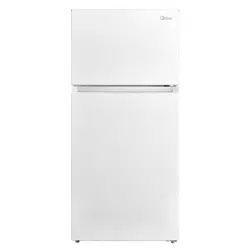
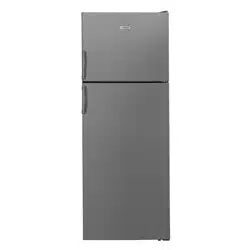
TOP MOUNTED REFRIGERATOR

Equator Appliances undertakes to the consumer-owner to repair
or, at our option, to replace any part of this product which proves
to be defective in workmanship or material under normal personal,
family or household use, in USA and Canada, for a period of one
year from the date of original purchase. During this period, we will
provide all labor and parts necessary to correct such defect, free
of charge, if the appliance has been assembled and operated in
accordance with the written instructions with the appliance.
In no event shall Equator Appliances be liable for incidental
or consequential damages or for damages resulting from
external causes such as abuse, misuse, incorrect voltage or
acts of God. This warranty does not cover service calls which
do not involve defective workmanship or materials covered
by this warranty. Accordingly, diagnosis and repair costs for
a service call which does not involve defective workmanship
or materials will be the responsibility of the consumer-owner.
Warranty
Exclusions
Specifically, the following work is not covered under
warranty and does not constitute warranty work:
Installation - e.g. installing as built-in
Maintenance - e.g. cleaning appliance using solvents
Mishandling - e.g. breakage of door, door handle or shelves
Most work is covered. The defining factor is, has the machine
malfunctioned (Equator Appliances is responsible) or has the
customer omitted or done something to cause the appliance to
malfunction (customer is responsible). Some States do not
allow the exclusion or limitation of incidental or consequential
damages, so the above limitation or exclusion may not apply
to you.
Appliance Desk
Phone/Text: 1-800-776-3538
Email:
Web: www.ApplianceDesk.com
Business hours: 9:00 am to 5:00 pm weekdays
For Customer Service:
This warranty is given by:
Equator Appliances
10222 Georgibelle Drive, Suite 200
Houston, Texas 77043-5249
Since it is a responsibility of the consumer-owner to establish
the warranty period by verifying the original purchase date,
Equator Appliances recommends that a receipt, delivery slip or
some other appropriate payment record be kept for that purpose.
This warranty gives you specific legal rights, and you may also
have other rights which vary from State to State.
WARRANTY SERVICE
GENERAL
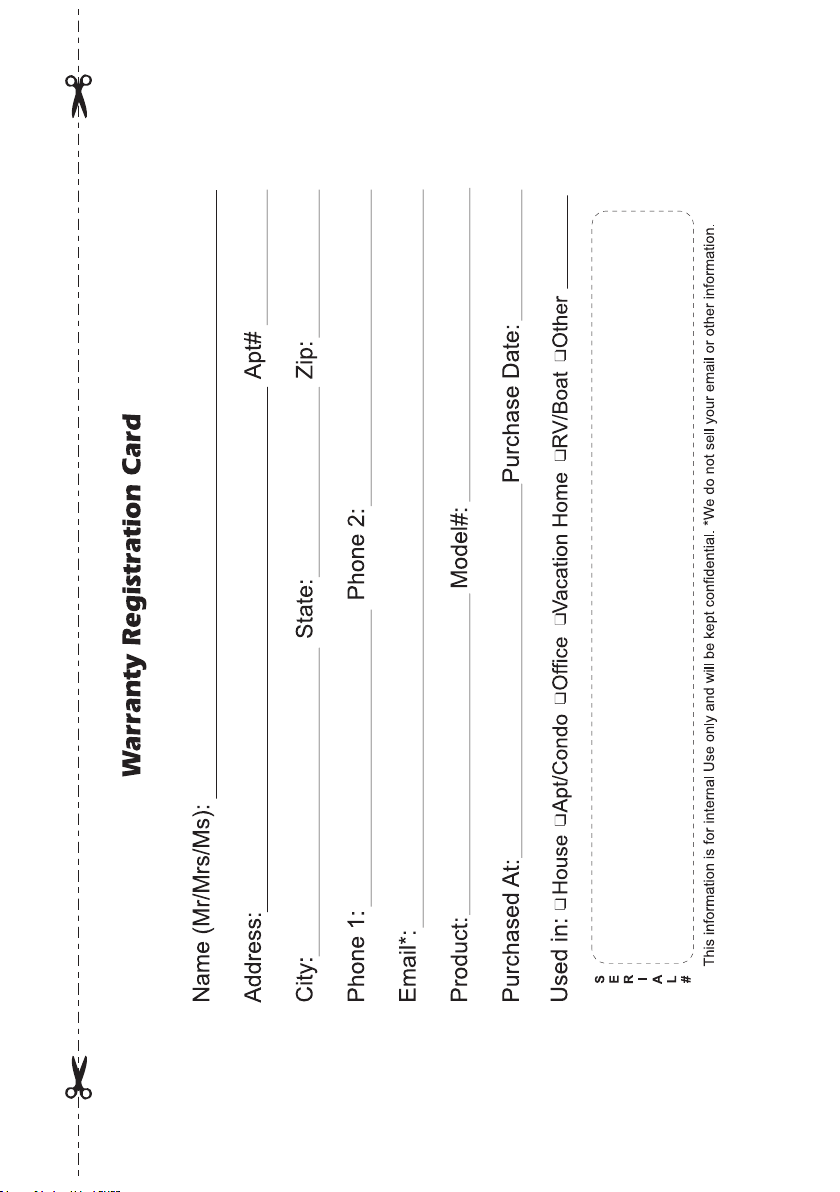
You can register your Warranty by ANY ONE of the following methods:
2. Register online at ApplianceDesk.com/Warranty
1. Scan the QR Code
3. Cut out and mail the Warranty Card located on the last page.
1
2
Children should be supervised to ensure that they do not climb
on or play with the appliance.
This appliance is not intended for use by persons (including
children) with reduced physical, sensory or mental capabilities,
or lack of experience and knowledge, unless they have been
given supervision or instruction.
This appliance is not intended for use at very high altitudes.
refrigerator freezer
refrigerator
freezer
refrigerator freezer
refrigerator freezer,
refrigerator freezer
refrigerator freezer
refrigerator freezer
refrigerator freezer
refrigerator freezer
refrigerator freezer
refrigerator freezer
refrigerator
freezer
110V at 60Hz.
6" (150mm)
4" (100mm)
2" (50mm)
3
3" (75mm).
19.6"
2" (50mm)
0.8"
0.8"
4
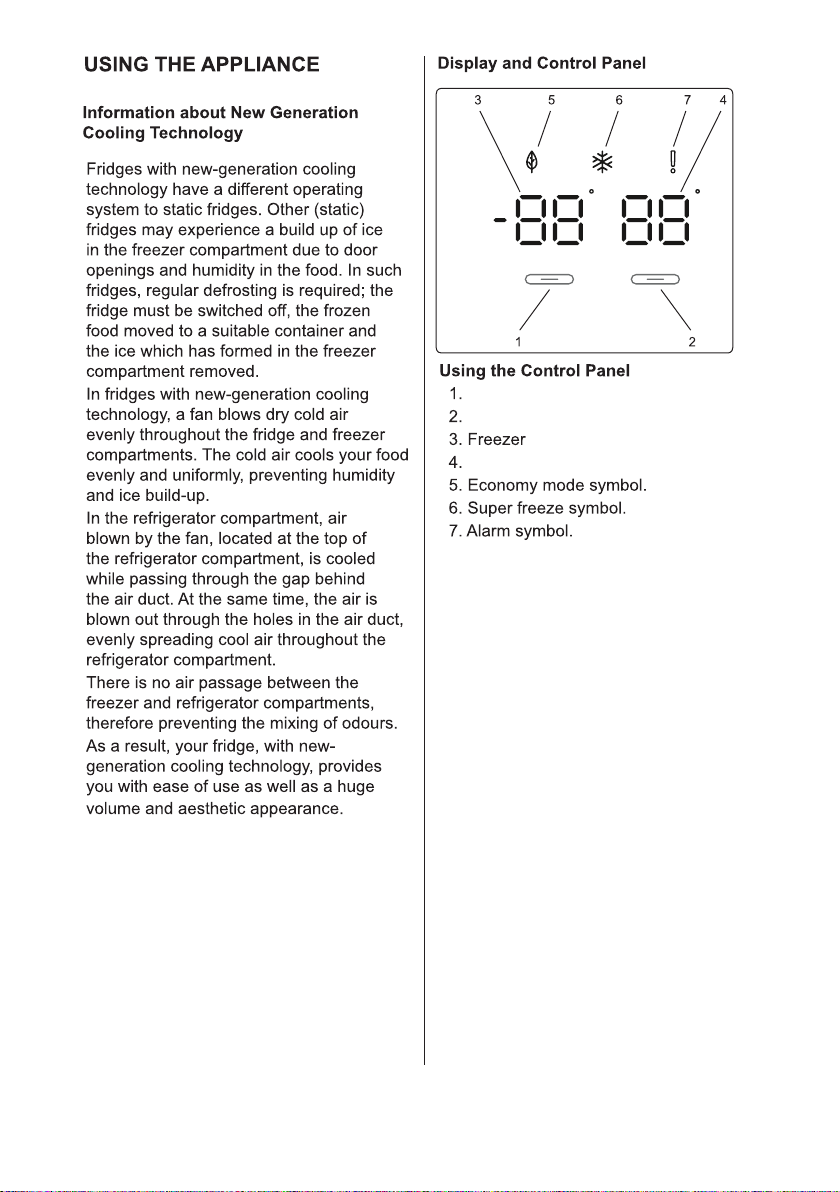
Freezer button to set temperature
Refrigerator button to set temperature
temperature display
Refrigerator temperature display
Temperature Settings
The default temperature setting for the freezer
is 0°F (-18°C). At this setting the appliance is
automatically in Eco Mode (5). To decrease the
temperature, press the left Freezer button (1).
The temperature decreases in 2-degree
increments.
The default temperature setting for the refrigerator
is 39°F (4°C). To change the temperature, press
the right Refrigerator button (2). The temperature
changes in 2-degree increments.
Super Freeze can be used to freeze food quickly.
To activate Super Freeze mode, press and hold
the Freezer button (1) for 3 seconds. The Super
Freeze symbol (6) will illuminate, and a beep will
sound to confirm that the Super Freeze mode is
on. To cancel Super Freeze mode, press and
hold the Freezer button for 3 seconds, or it will
automatically cancel after 24 hours.
5
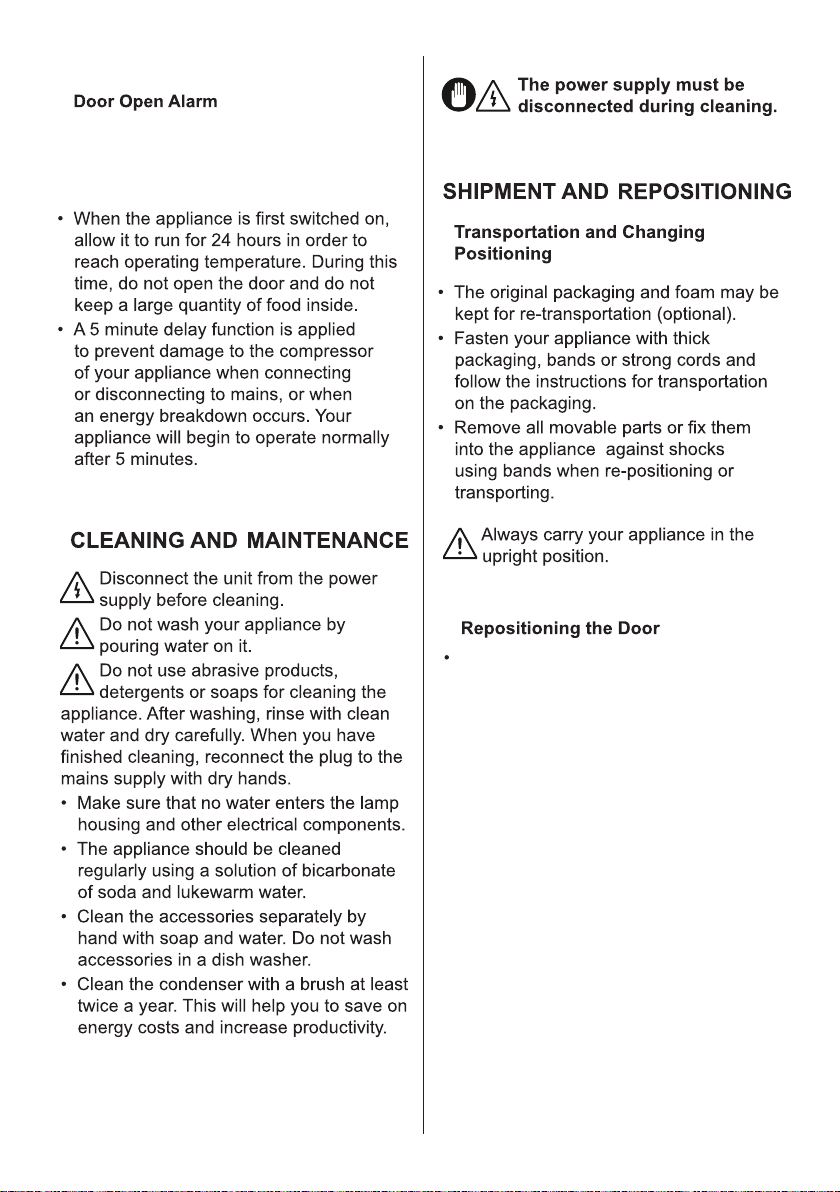
The doors of the refrigerator can be reversed
according to preference. Please see Door
Reversal Instructions manual.
If the appliance door remains open
for more than 2 minutes, an alarm
will sound.
6
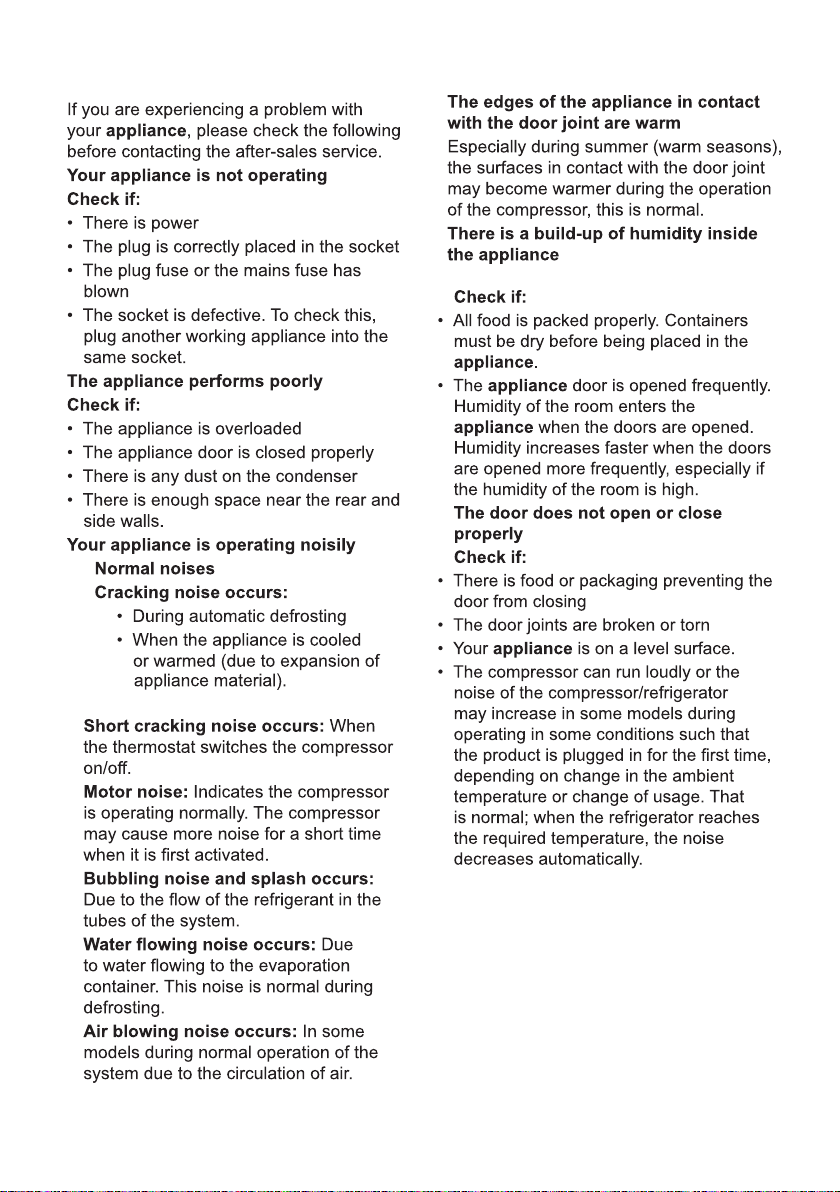
Troubleshooting
7
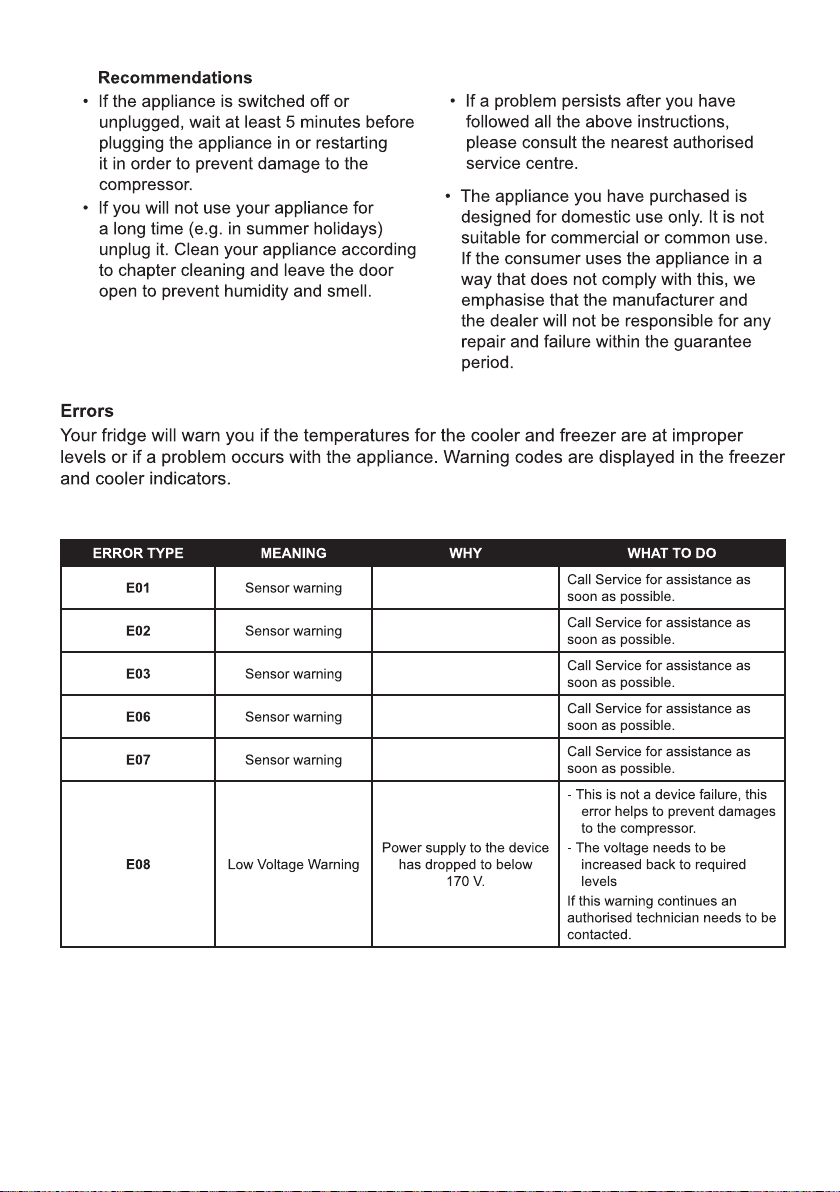
8
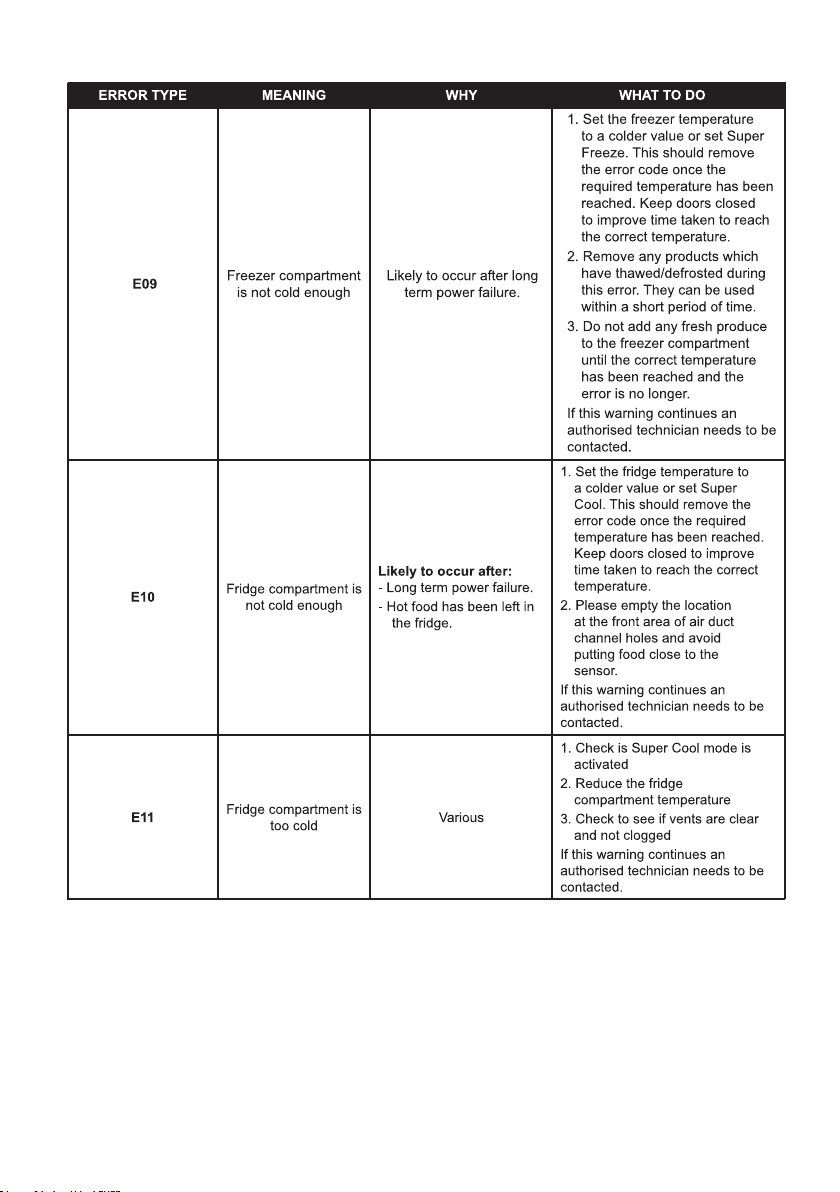
State of California Proposition 65 Warnings:
WARNING:This product contains one or more chemicals known to the State of California to cause cancer.
WARNING:This product contains one or more chemicals known to the State of California to cause birth
defects or other reproductive harm.
9
10

10222 Georgibelle Drive, Suite 200
Houston, TX 77043-5249