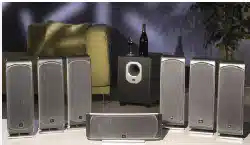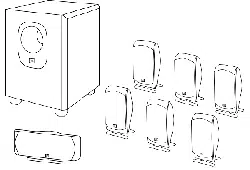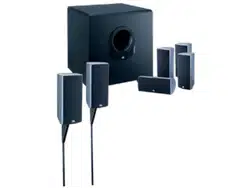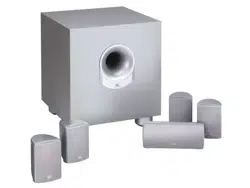
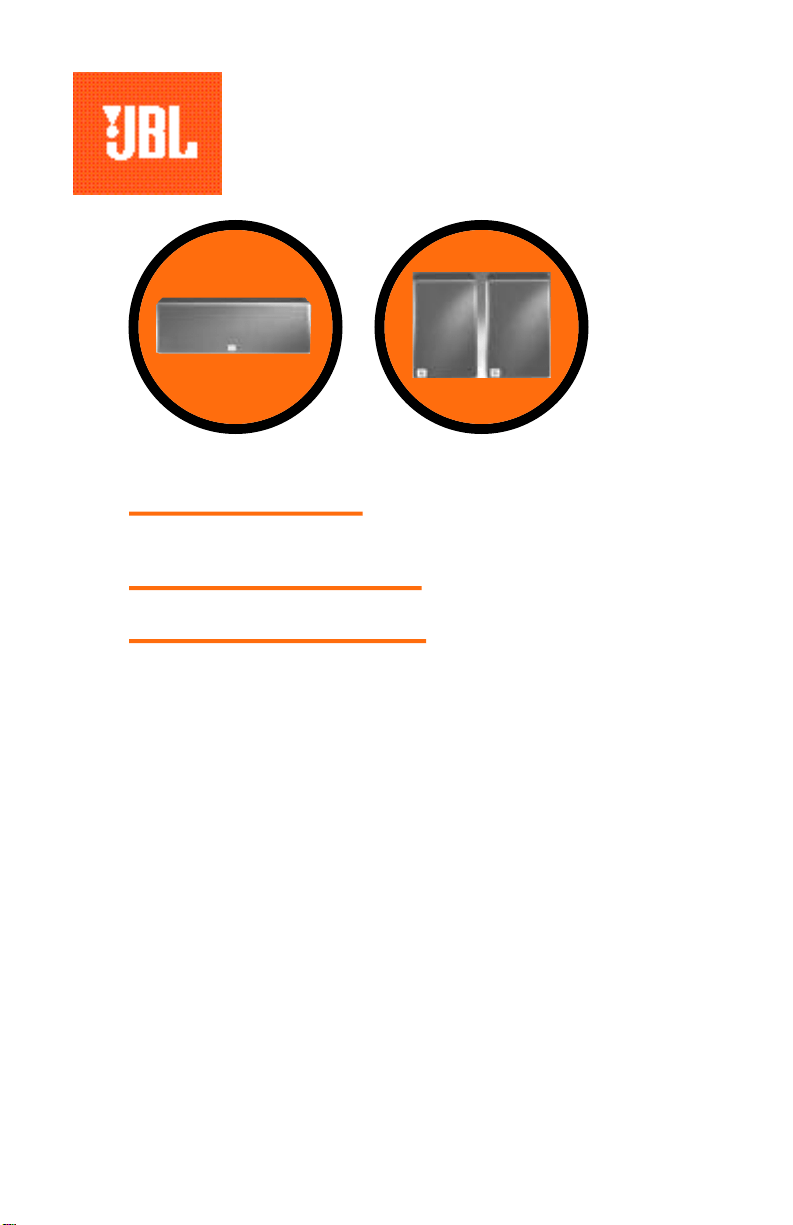
SU Center
SU Surround
simple setup guide
thank you for choosing JBL. For over 50 years, JBL
has been involved in every aspect of musical and film recording
and reproduction, from live performances to monitoring the
recordings you play in your home, car, or office.
We’re confident that the JBL system you have chosen will
provide every note of enjoyment that you expected – and that
when you think about purchasing additional audio equipment for
your home, car, or office, you will once again choose JBL.
Please take a moment to complete the enclosed profile card.
It enables us to keep you posted on our latest advancements,
and helps us to better understand our customers and build
products that meet your needs and expectations.
JBL Consumer Products
SU Center/Surround OM 7/22/98 3:09 PM Page 1
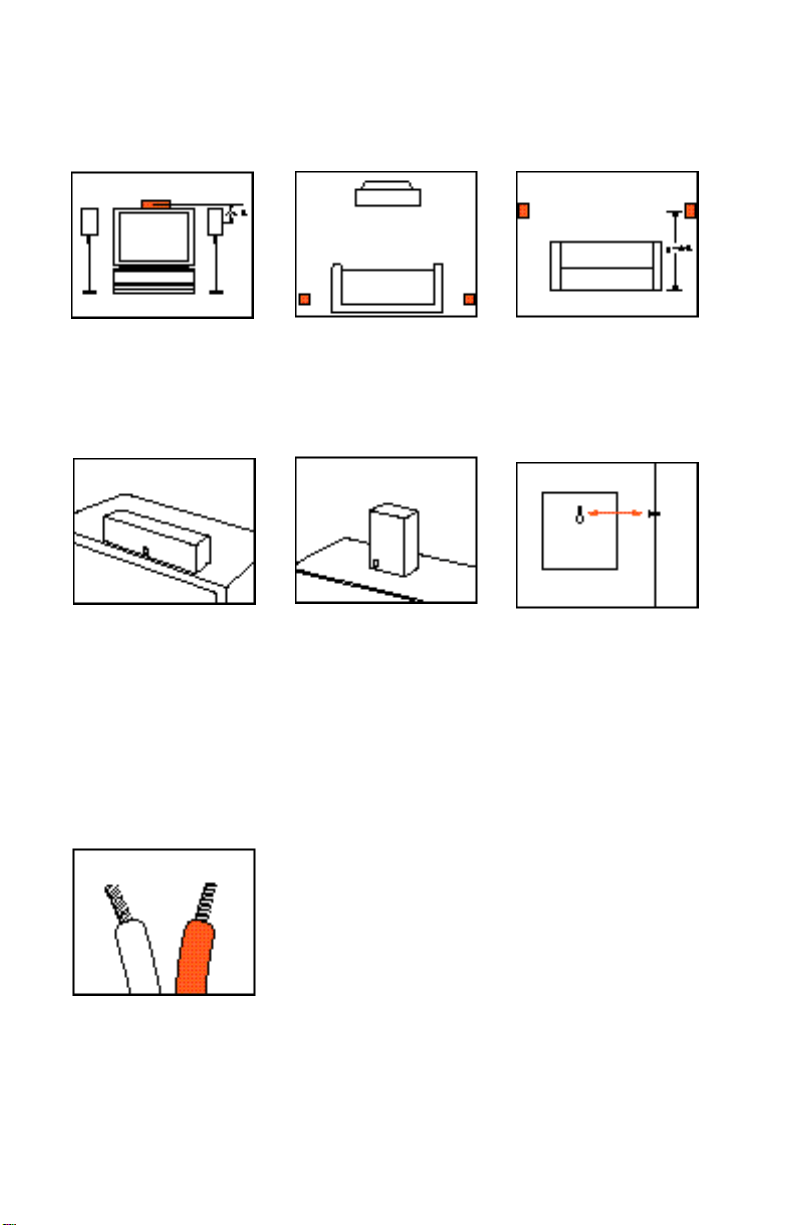
On TV.
Mounting Options
SU Surround
On shelves.
SU Surround
SU Center
one.Speaker Placement
SU Center
On wall.
The customer is responsible
for proper selection and use
of mounting hardware, avail-
able through hardware stores,
to properly and safely wall-
mount the speakers.
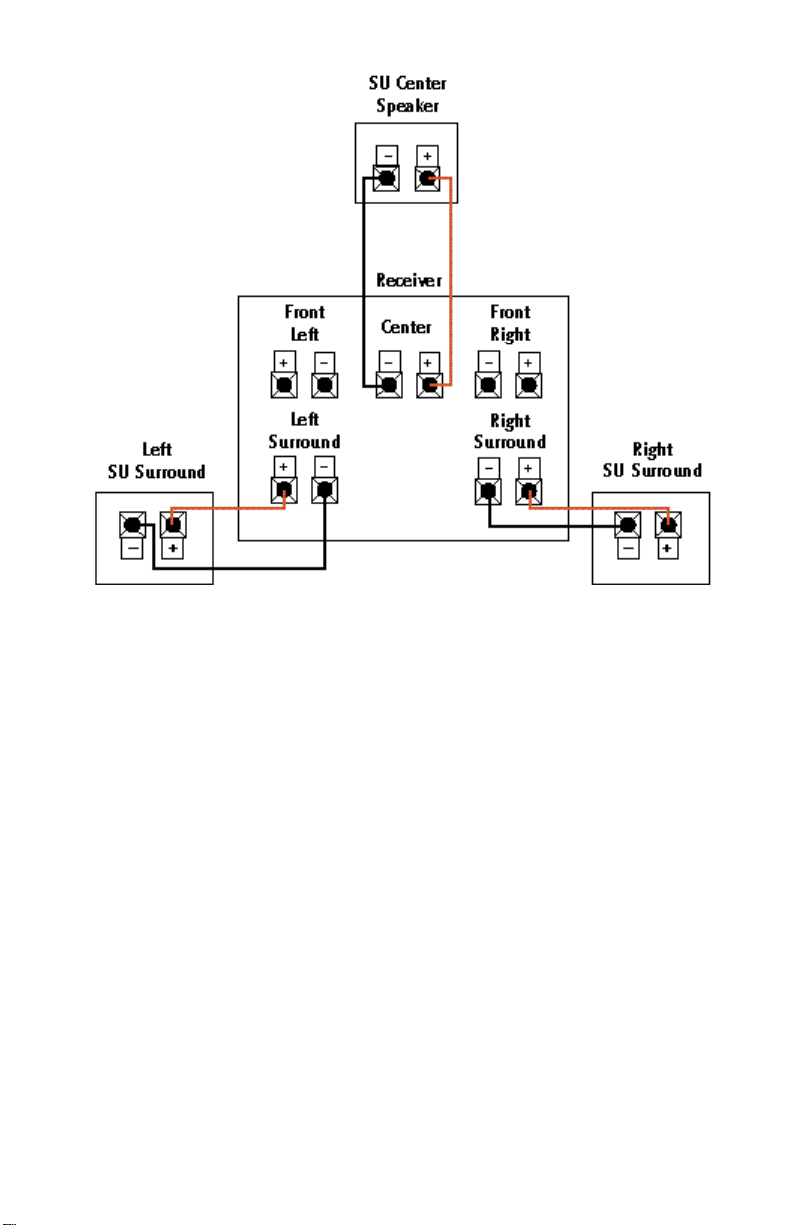
two.Speaker Connections
Separate and strip the ends of
the speaker wire as shown.
Speakers and electronics ter-
minals have corresponding (+)
and (–) terminals. It is impor-
tant to connect both speakers
identically: (+) on the speaker
to (+) on the amplifier and (–)
on the speaker to (–) on the
amplifier. Wiring “out of phase”
results in thin sound, weak
bass and a poor stereo image.
Connection Tips
SU Center/Surround OM 7/22/98 3:09 PM Page 2
If there is no sound from
the surround speakers,
check the following:
• Check all wires and con-
nections between receiver/
amplifier and speakers. Make
sure all wires are connected.
Make sure none of the
speaker wires are frayed,
cut, or punctured.
• Review proper operation of
your receiver/amplifier and its
surround-sound features.
• Make sure the movie or TV
show you are watching is
recorded in Dolby
*
Surround.
If it is not, check to see if
your receiver/amplifier has
other surround modes you
may use.
If there is no sound from
the center speaker, check
the following:
• Make sure that your
receiver’s Center Channel
Mode is in the “normal” or
“wide” position. If it is in
the “phantom” position, the
center speaker will not play.
• Check all connections
between processor/amplifier
and the center speaker.
If the system plays at low
volumes but shuts off as
volume is increased, check
the following:
• Check all wires and con-
nections between receiver/
amplifier and speakers. Make
sure all wires are connected.
Make sure none of the
speaker wires are frayed,
cut, or punctured.
• If more than one pair of
main speakers is being used,
check the minimum imped-
ance requirements of your
receiver/amplifier.
Troubleshooting
SU Center/Surround OM 7/22/98 3:09 PM Page 3

JBL Cons u m er Pro d uc t s
80 Crossways Park West, Wo o d b u r y, NY 11797
8500 Balboa Boulevard, No r t h r i dge, CA 9132 9
w w w. j b l . c o m
©
1997 JBL, Inc o r p o ra t e d . JBL is a re g i s t e re d
t ra de m ark of JBL, Inc o r p o ra t e d .
* Tra de m ark of Dolby Labora t o r ie s.
5/97 Part No. 15-30-4233-00
Specifications
High-Frequency Transducer:
Low Frequency:
(high-polymer laminate)
Crossover Frequency:
Frequency Response (–6dB):
Sensitivity (1 watt/1 meter):
Impedance:
Recommended Maximum
Power Handling*:
Dimensions (H x W x D):
Weight:
SU Center
2-1/2" fiber cone
4-1/2" (2)
7.5kHz
90Hz – 20kHz
90dB
8 ohms (nominal)
100 watts
6 x 18-1/2 x 5-7/8"
152 x 470 x 149mm
10 lbs/4.5 kg
SU Surround
1/2" poly dome
4-1/2"
9.0kHz
100Hz – 20kHz
90dB
8 ohms (nominal)
50 watts
8-11/16 x 5-7/8 x 5-1/4"
221 x 149 x 133mm
5 lbs/2.3 kg
*The maximum recommended
amplifier power rating will
ensure proper system head-
room to allow for occasional
peaks. We do not recommend
sustained operation at these
maximum power levels.
Occasional refinements may
be made to existing products
without notice, but will
always meet or exceed origi-
nal specifications unless
otherwise stated.
SU Center/Surround OM 7/22/98 3:09 PM Page 4