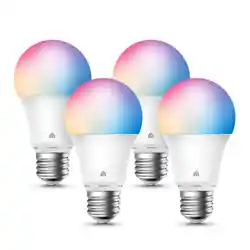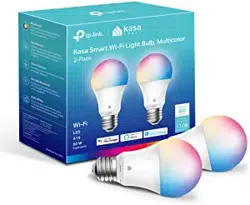

Get the Kasa Smart app
from the App Store or
Google Play.
1. DOWNLOAD KASA
Let’s get started with your new Smart Bulb.
2. ADD TO KASA
Follow the instructions in the
Kasa app to complete the
installation and setup.
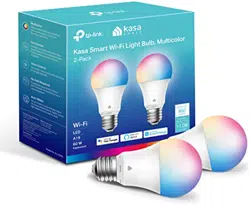
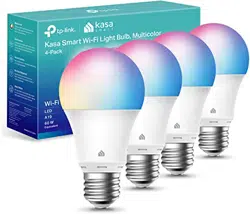
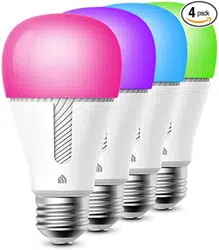
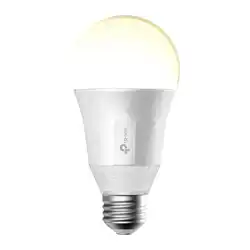
*Image may dier from
actual product.
Need some help?
Visit www.tp-link.com/support
for User Guides, FAQs, Warranty & more
?
• Do not use the device where wireless devices are not allowed.
• Keep the device away from water, re, humidity or hot environments.
• Do not attempt to disassemble, repair, or modify the device. If you need service,
please contact us.
• Only use the control provided with or specied by these instructions to control
this device.
• NOT FOR EMERGENCY LIGHTING.
Please read and follow the above safety information when operating the device.
We cannot guarantee that no accidents or damage will occur due to improper use
of the device. Please use this product with care and operate at your own risk.
7106509207 REV2.2.0 © 2021 TP-Link
www.tp-link.com