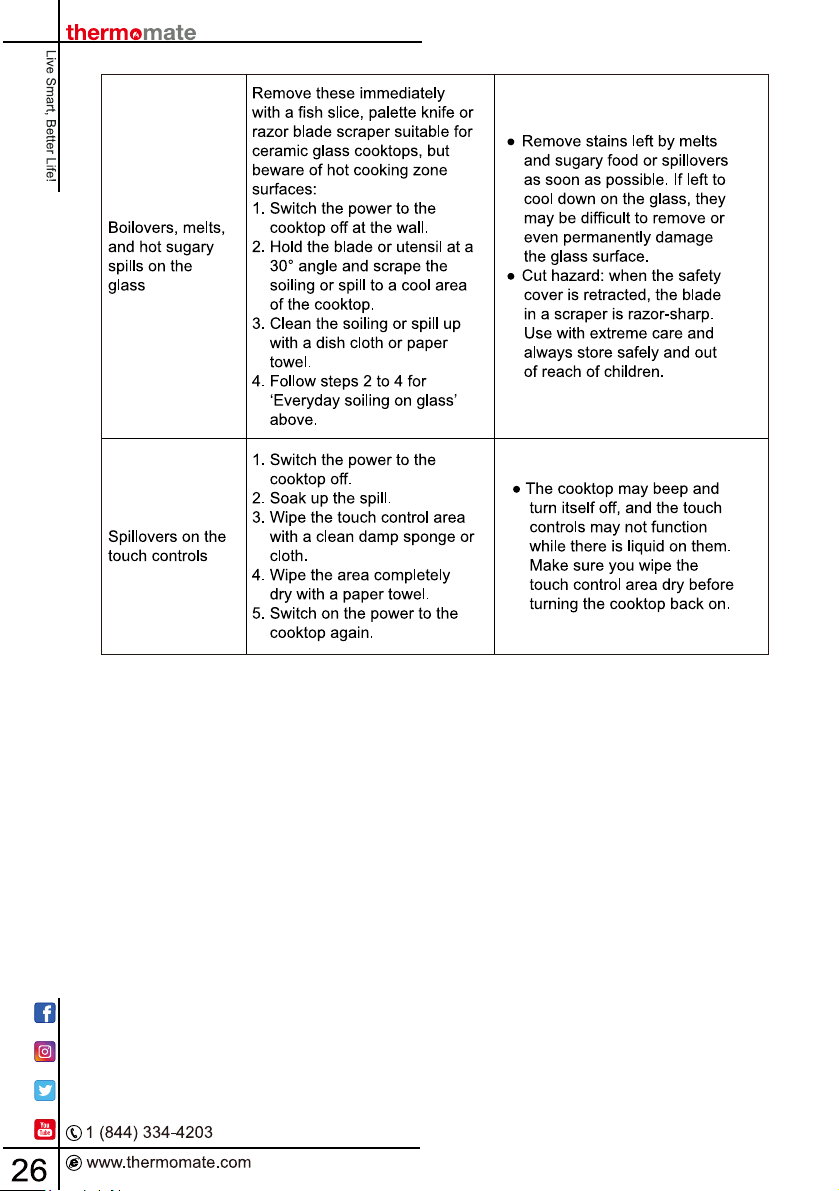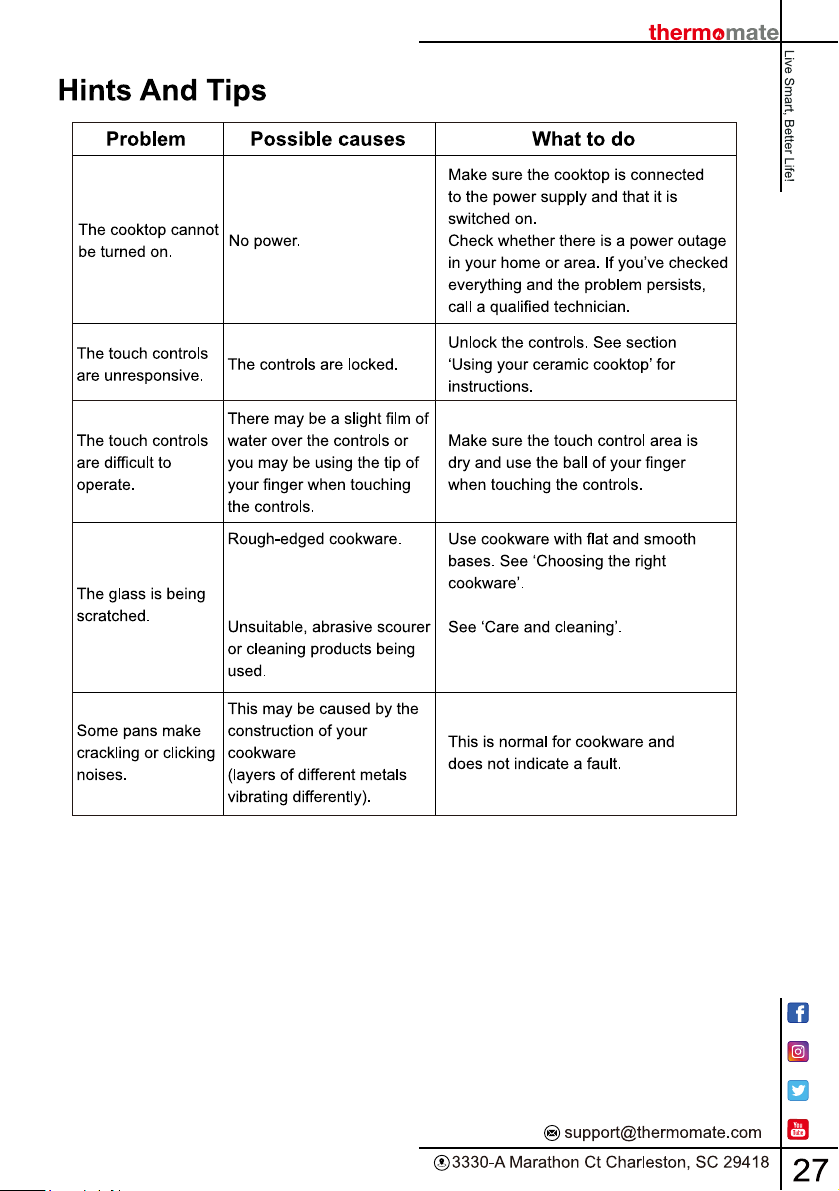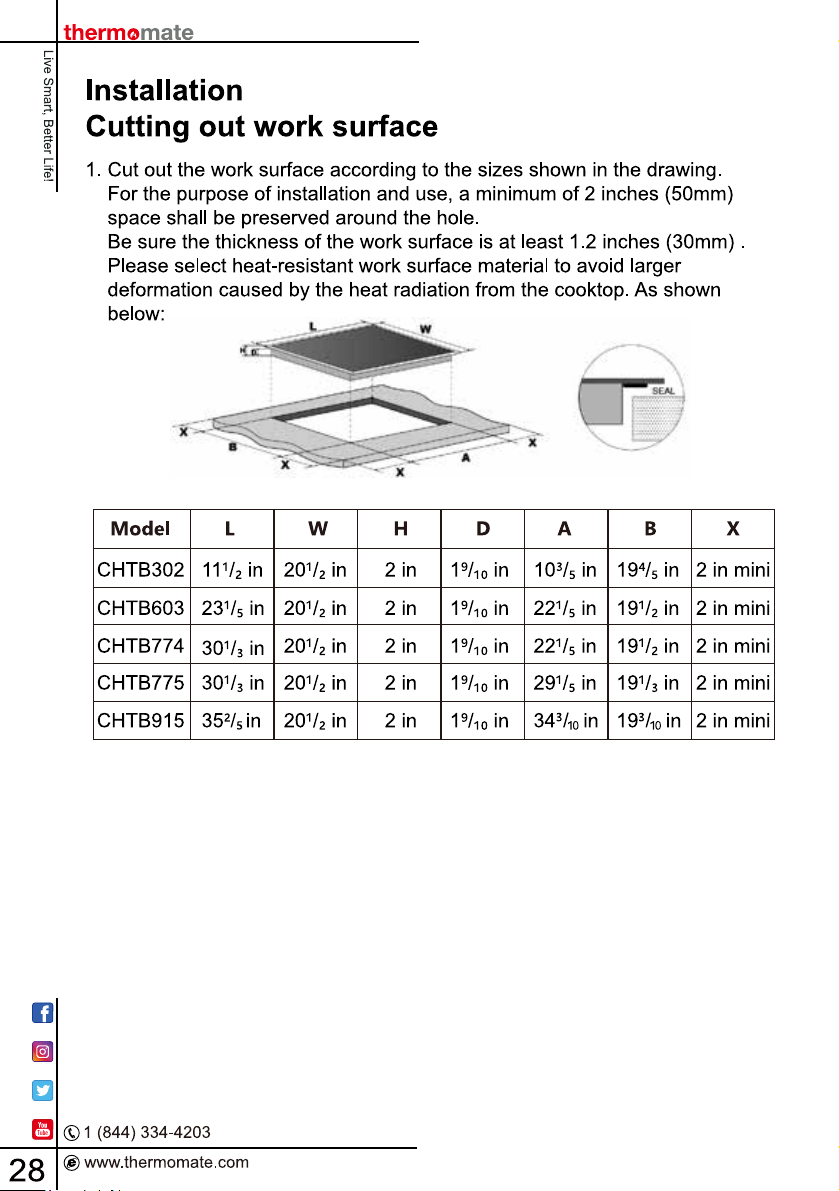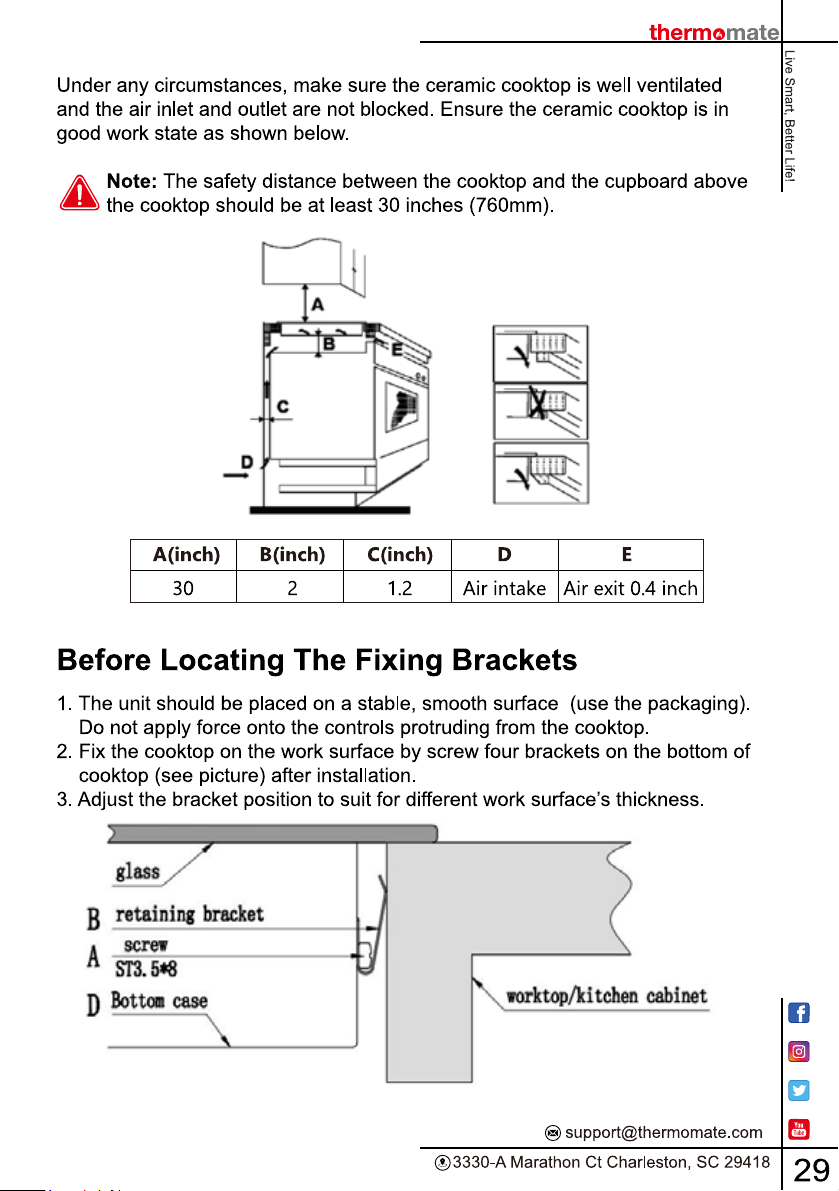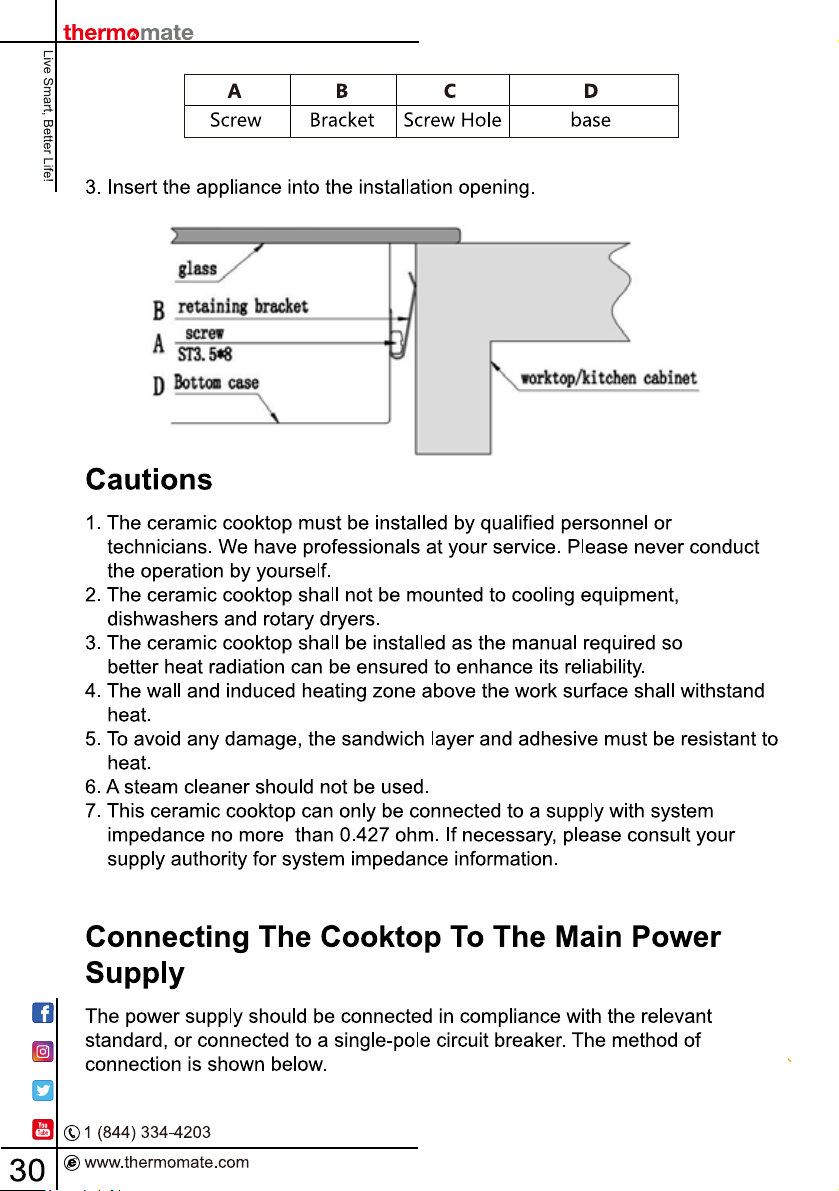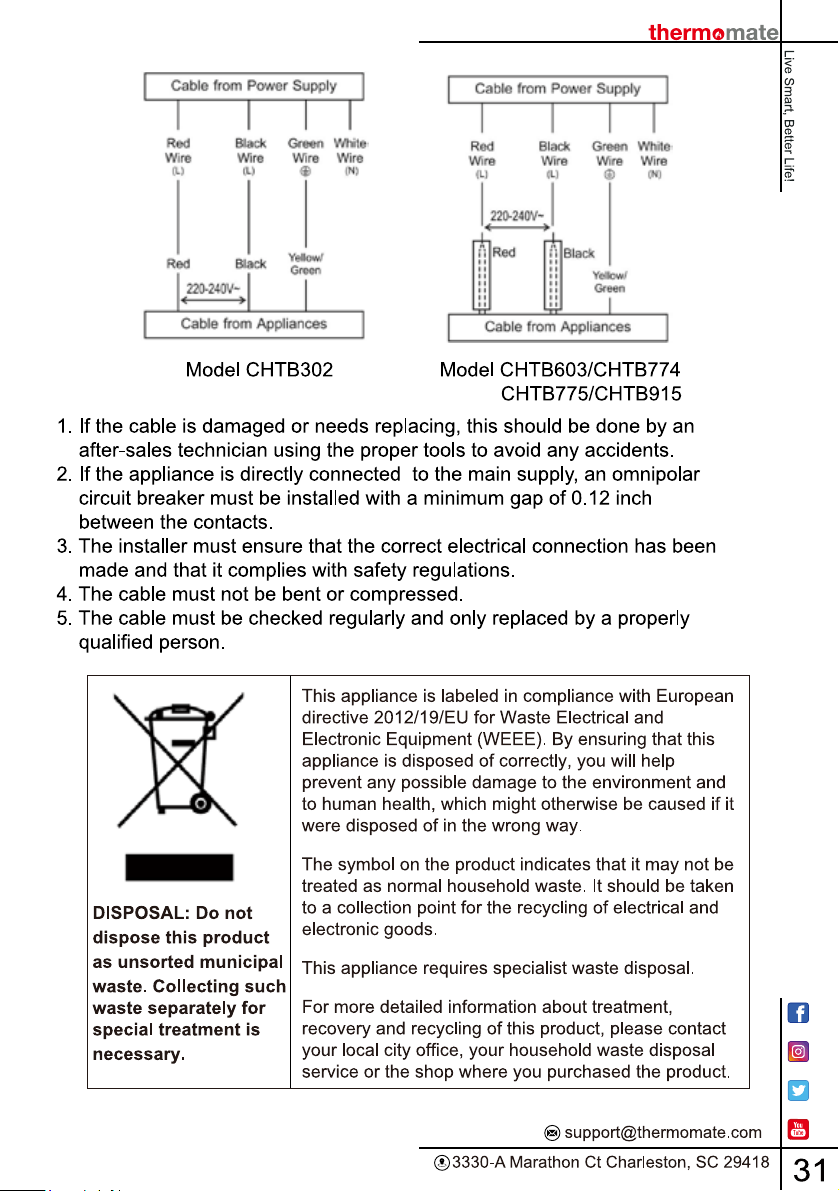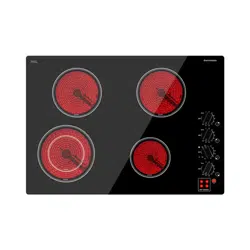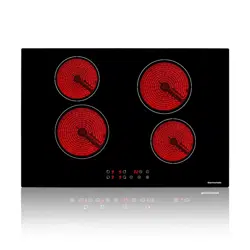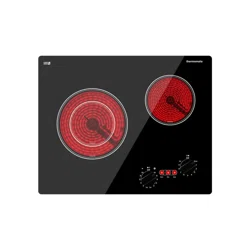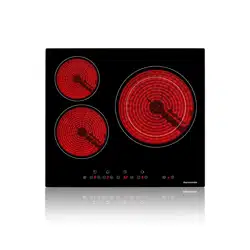




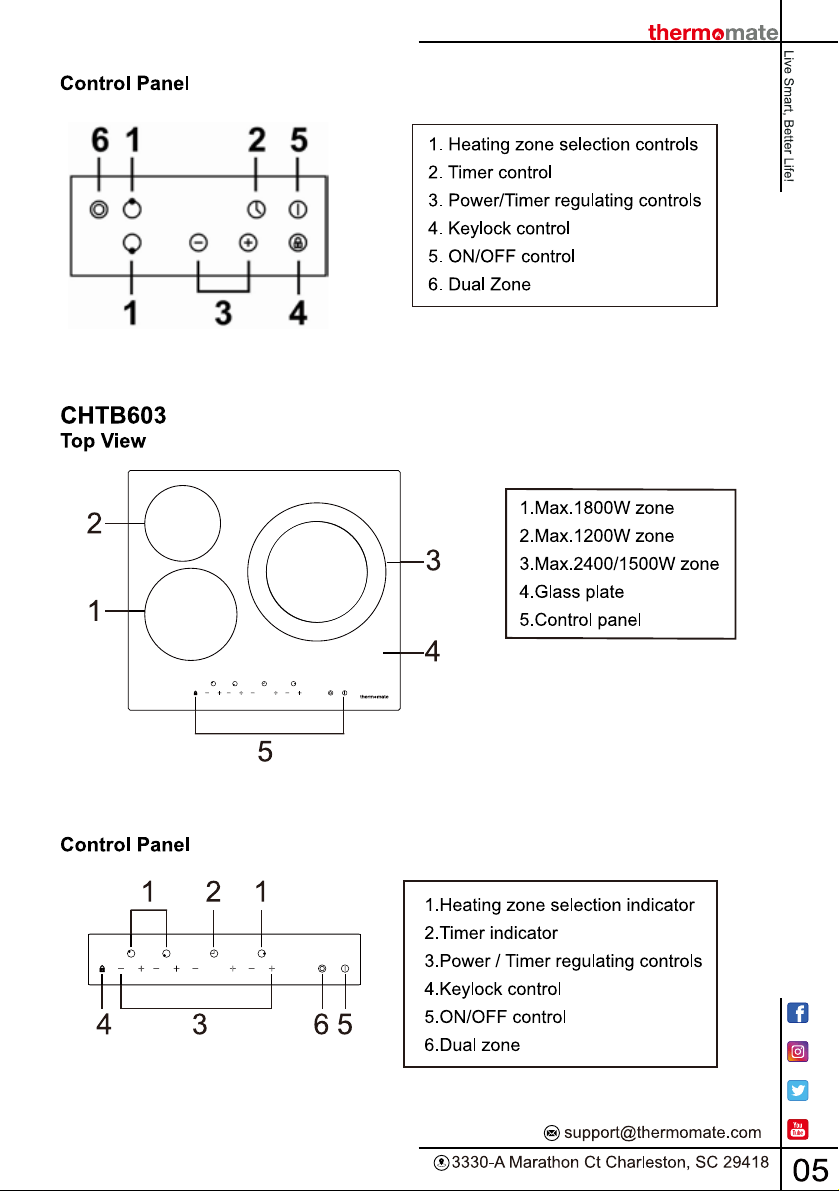
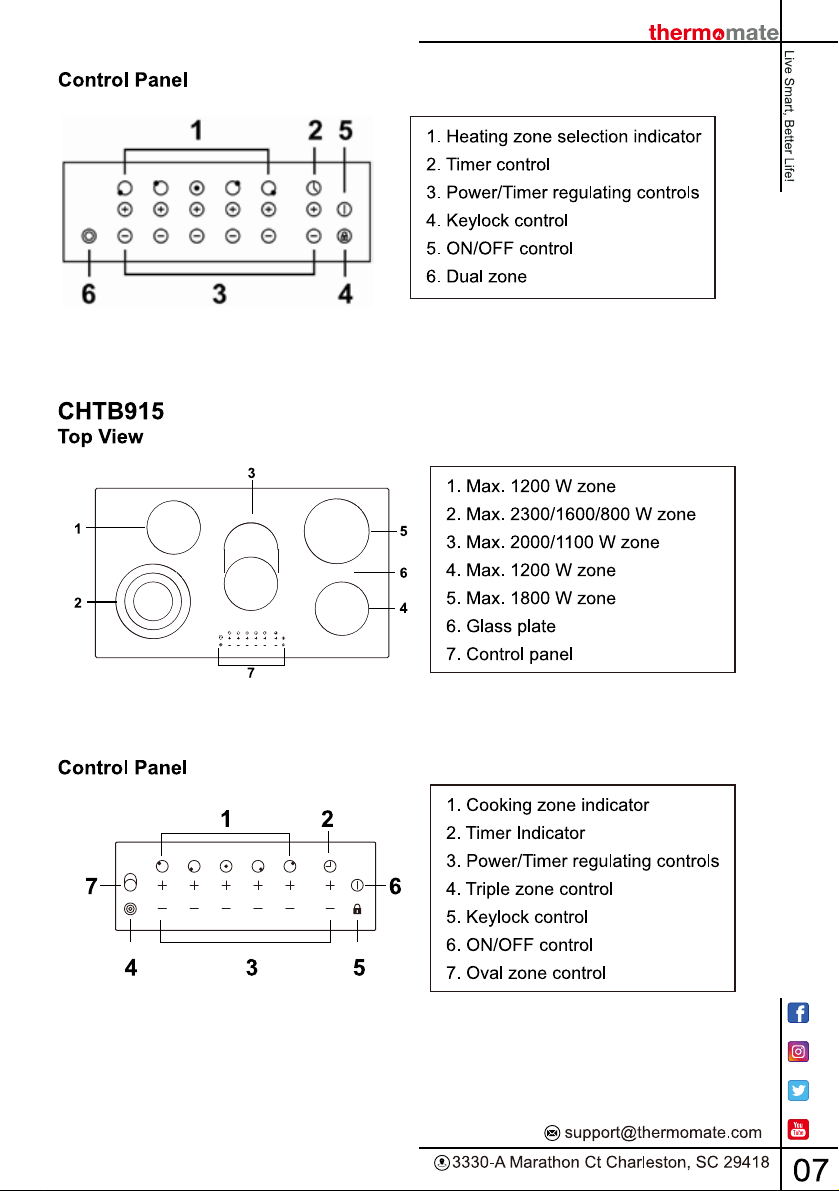
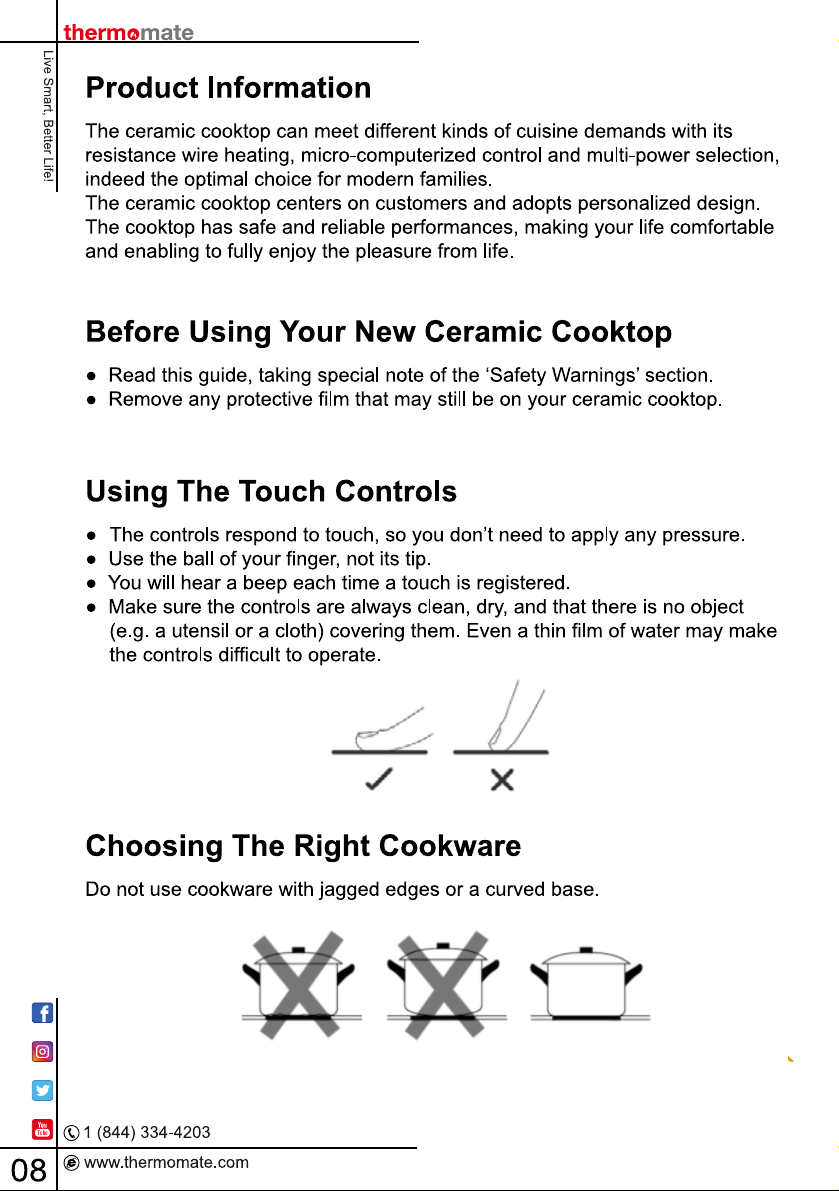
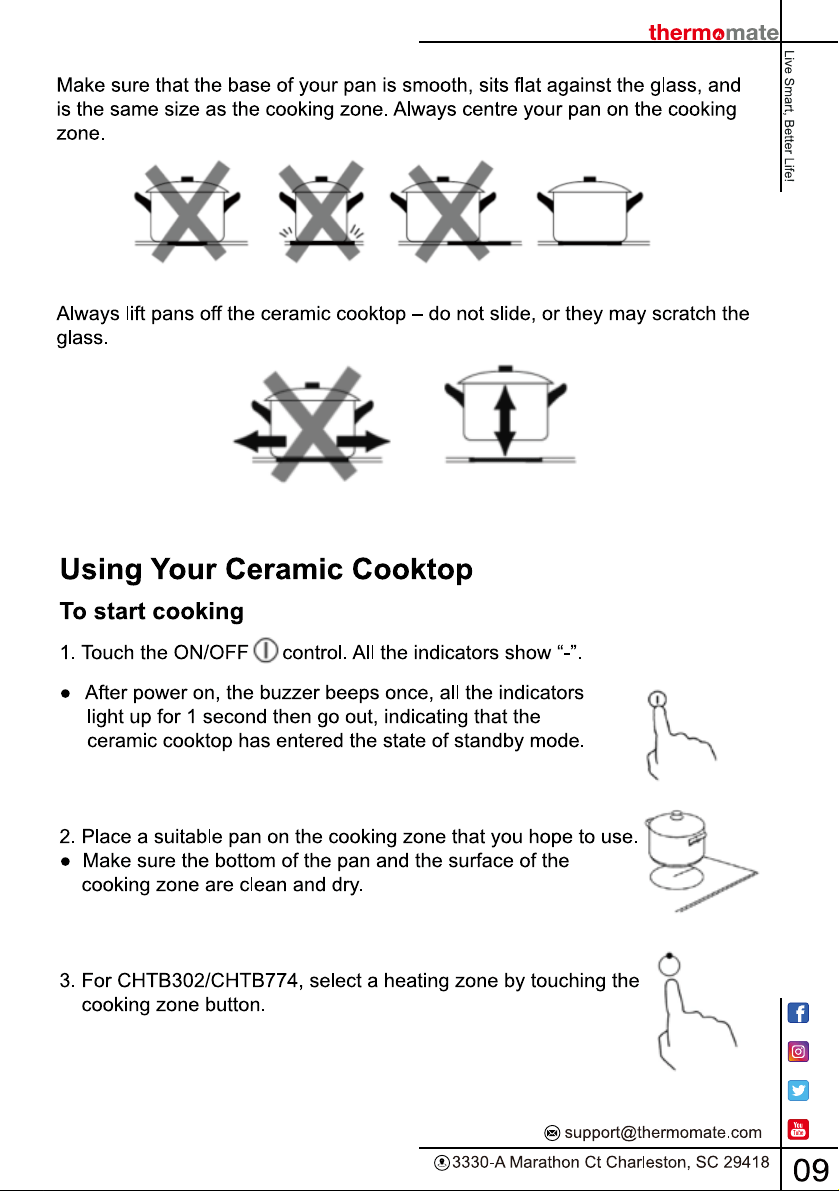
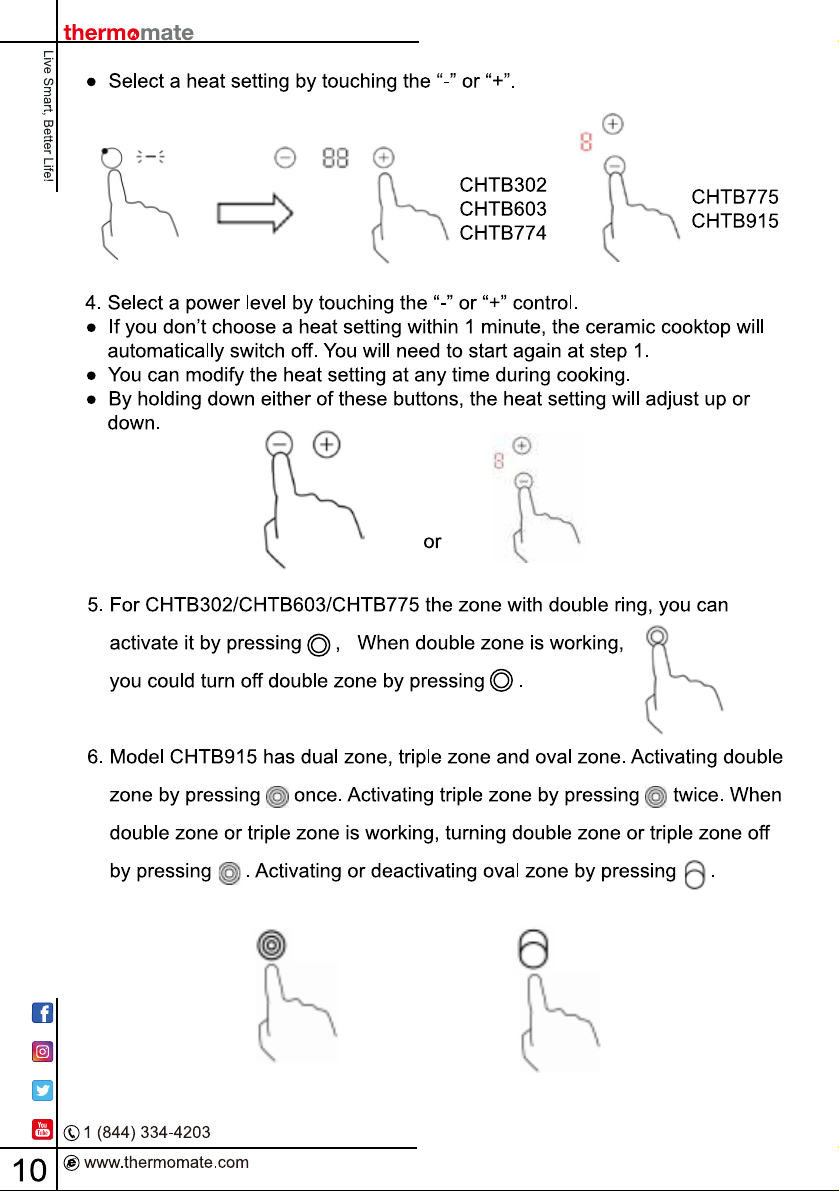
Thermomate ‎CHTB603 24 Inch Built-in Ceramic Cooktop Sensor Touch

Product's Documents

Below are documents related to this product, you can read online or download:
CHTB603 photo

User Manual

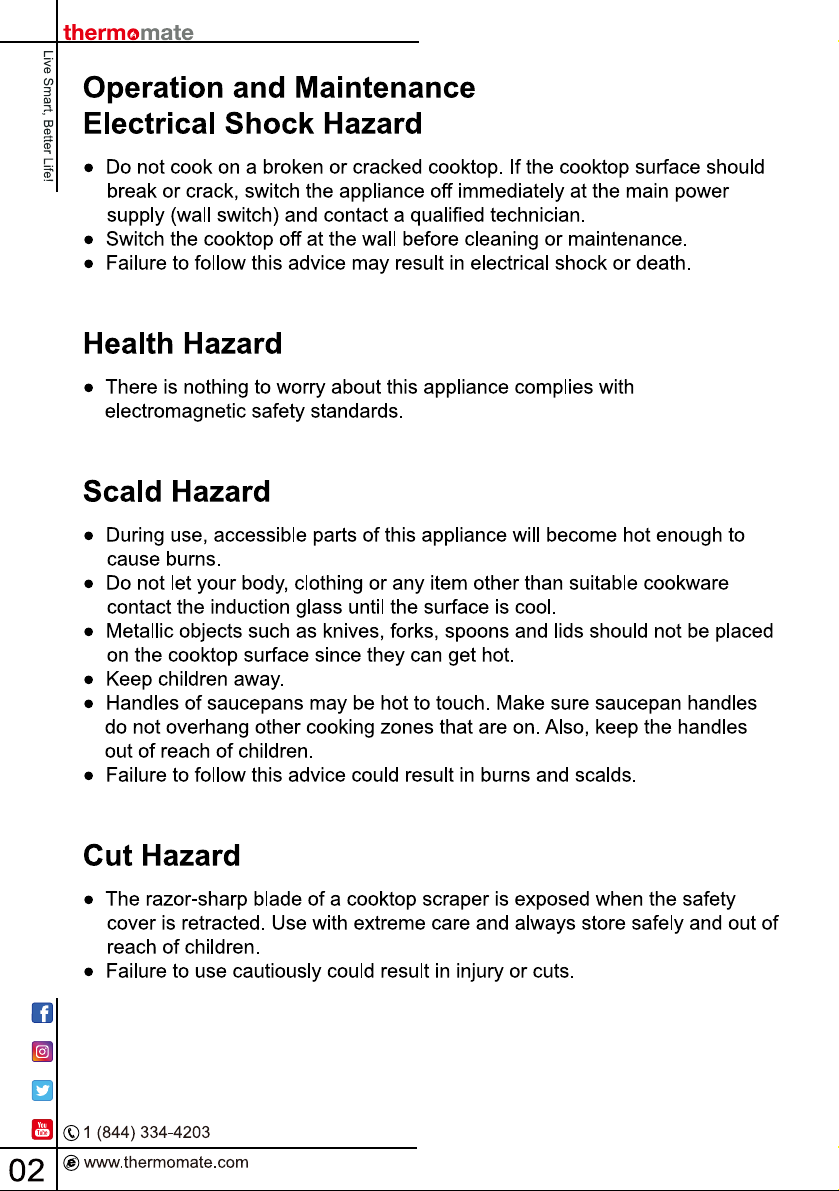
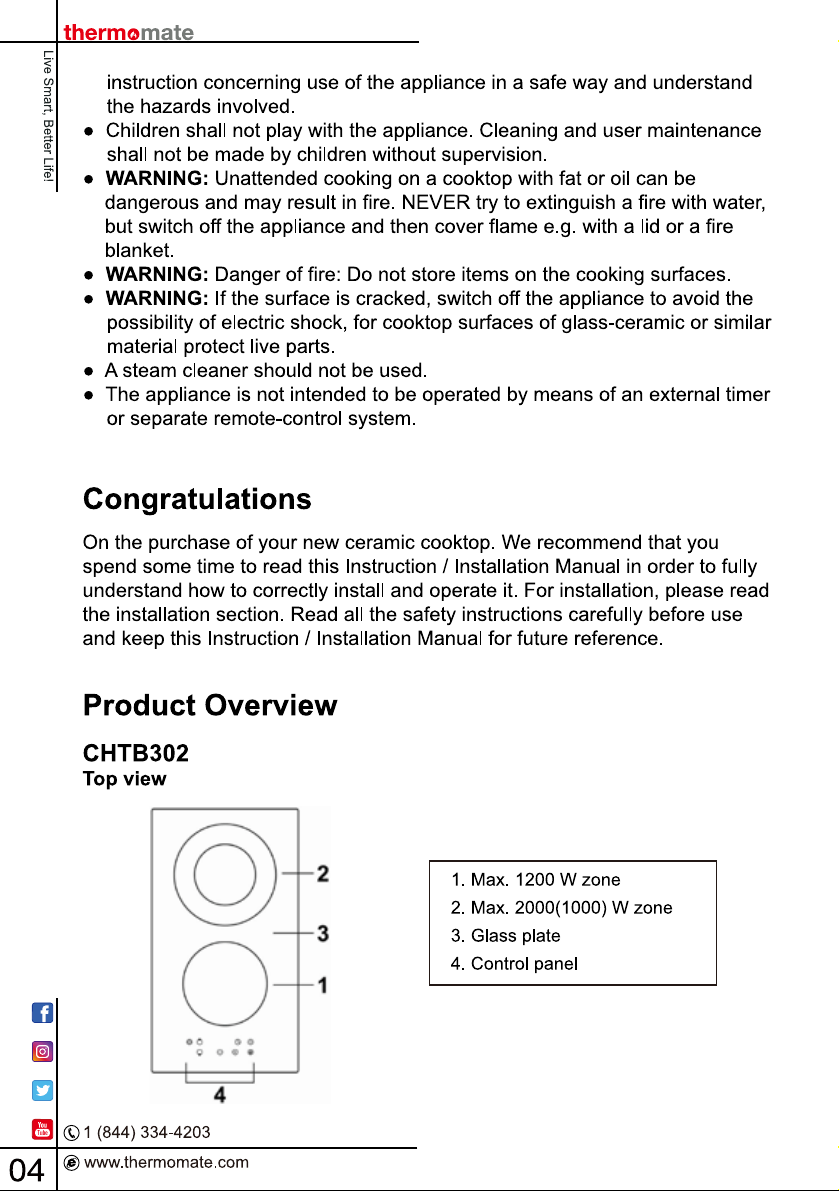
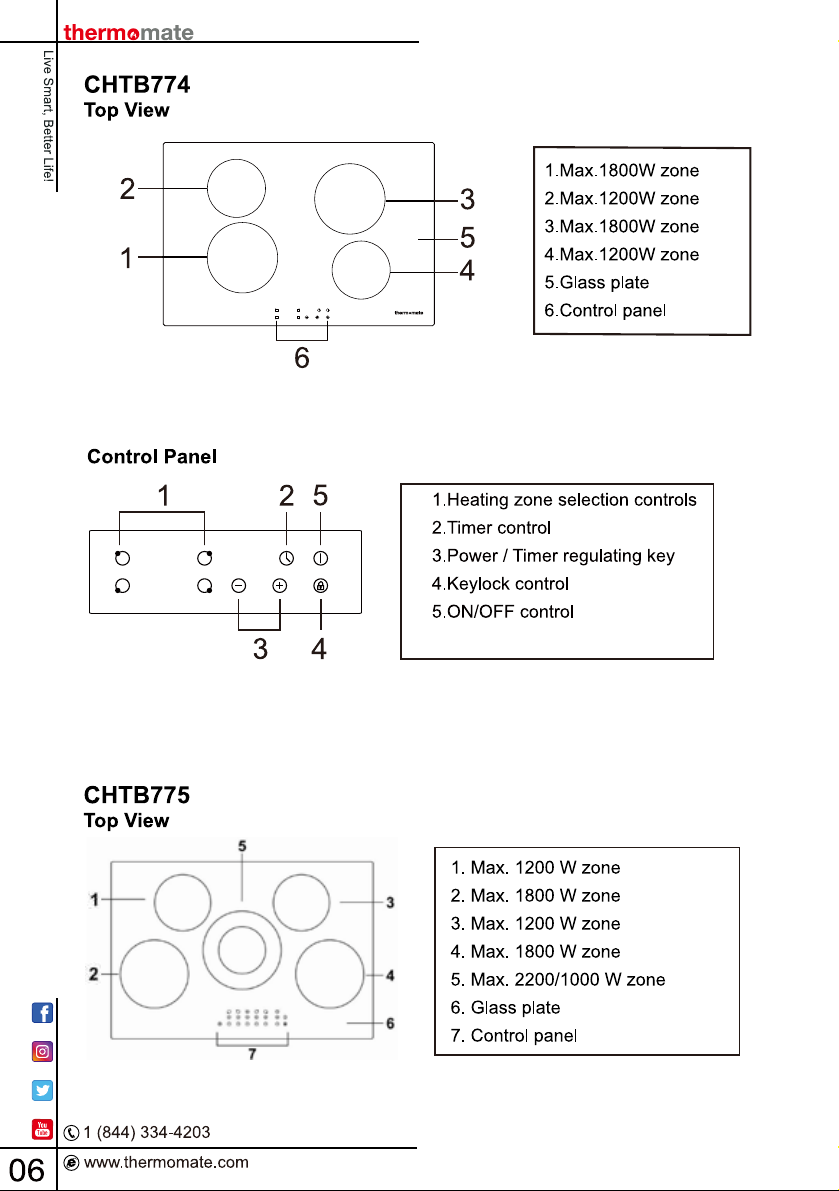
This is the main product document for model CHTB603.

The file format is pdf, 36 pages, you can download this manual here .

background
background
background
background
background
background
background
background
background
background
background
background
background
background
background
background
background
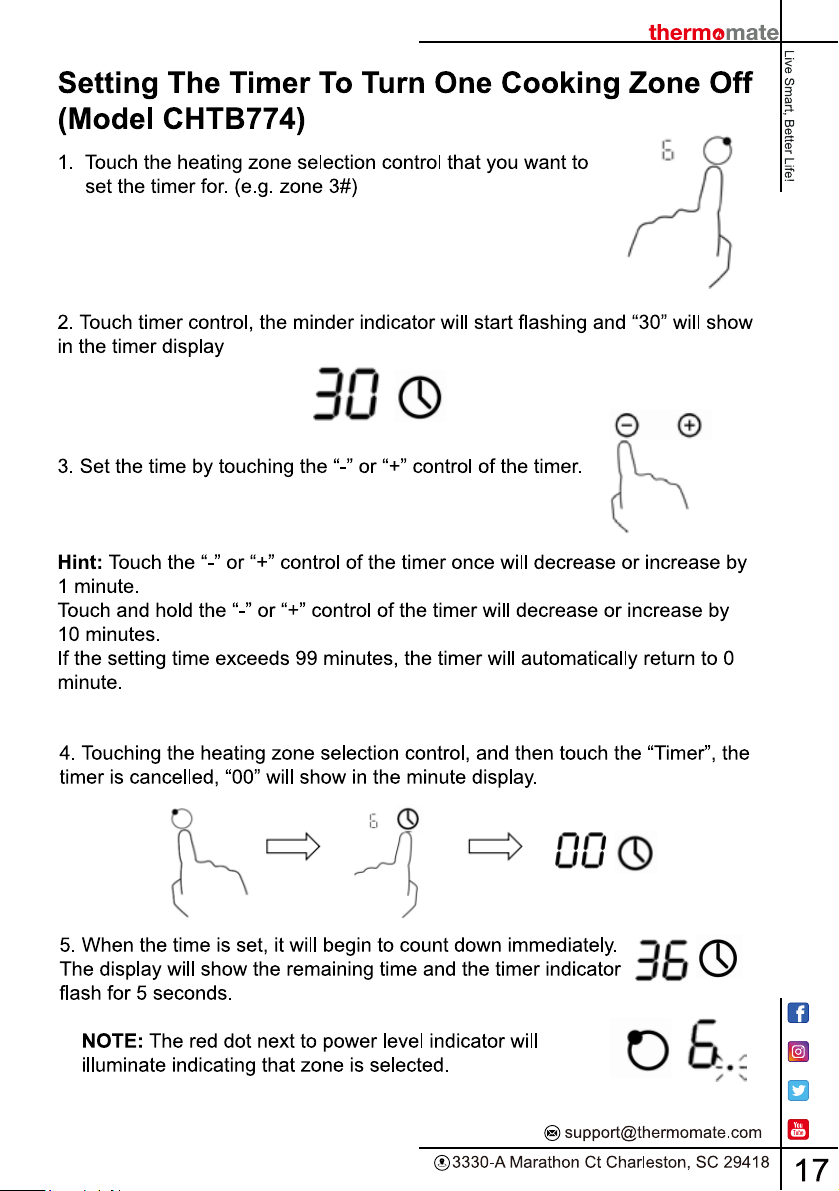
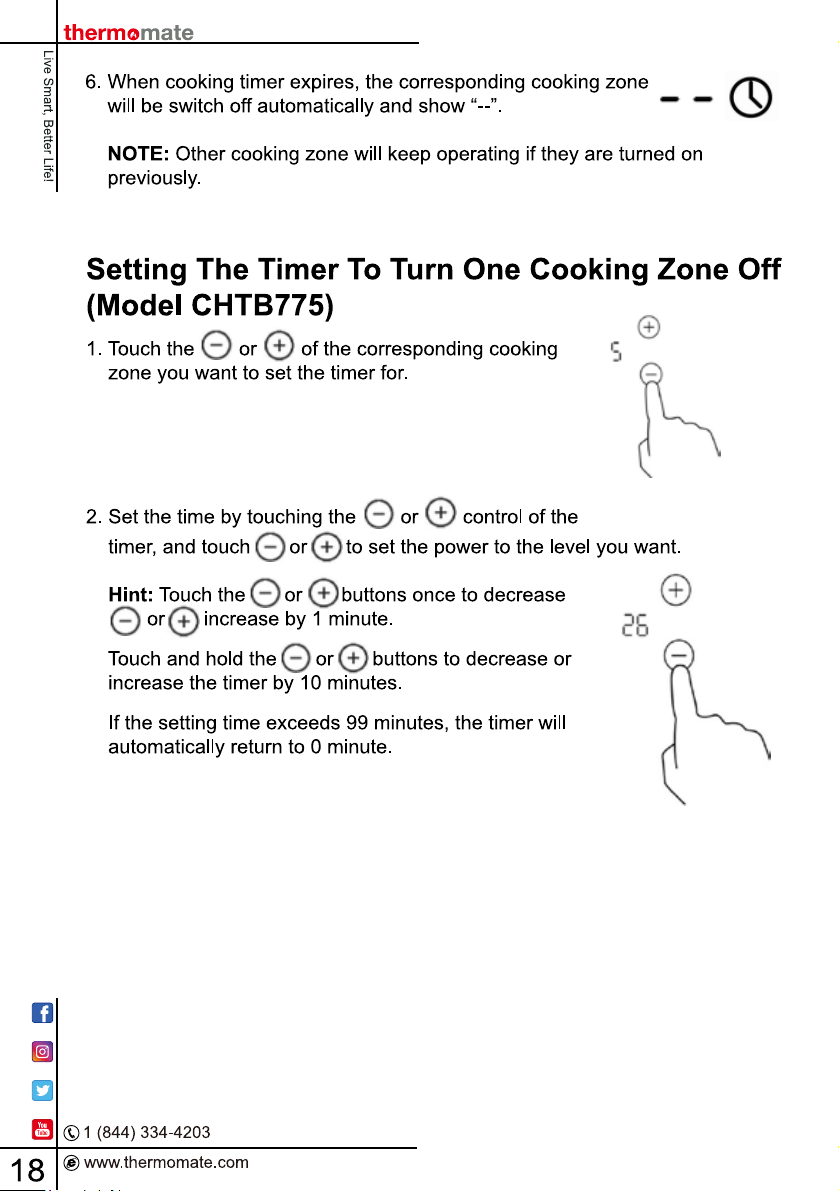
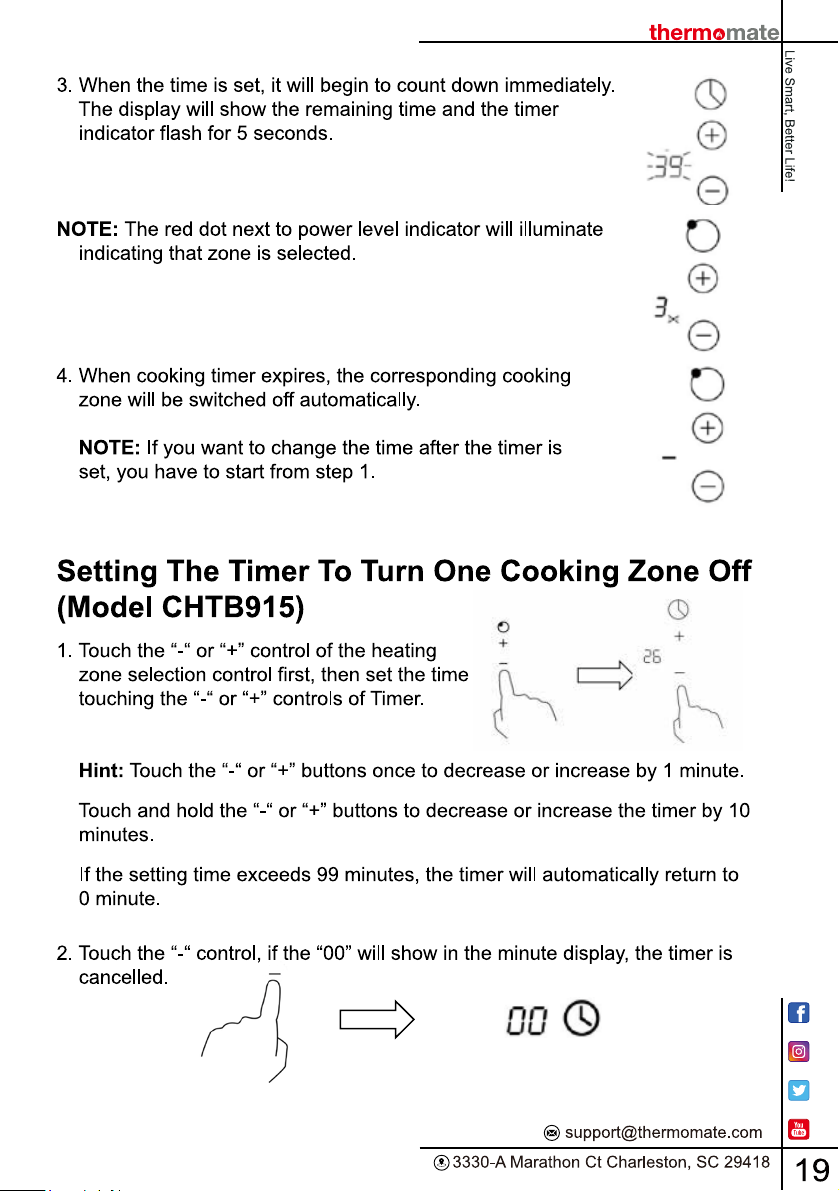
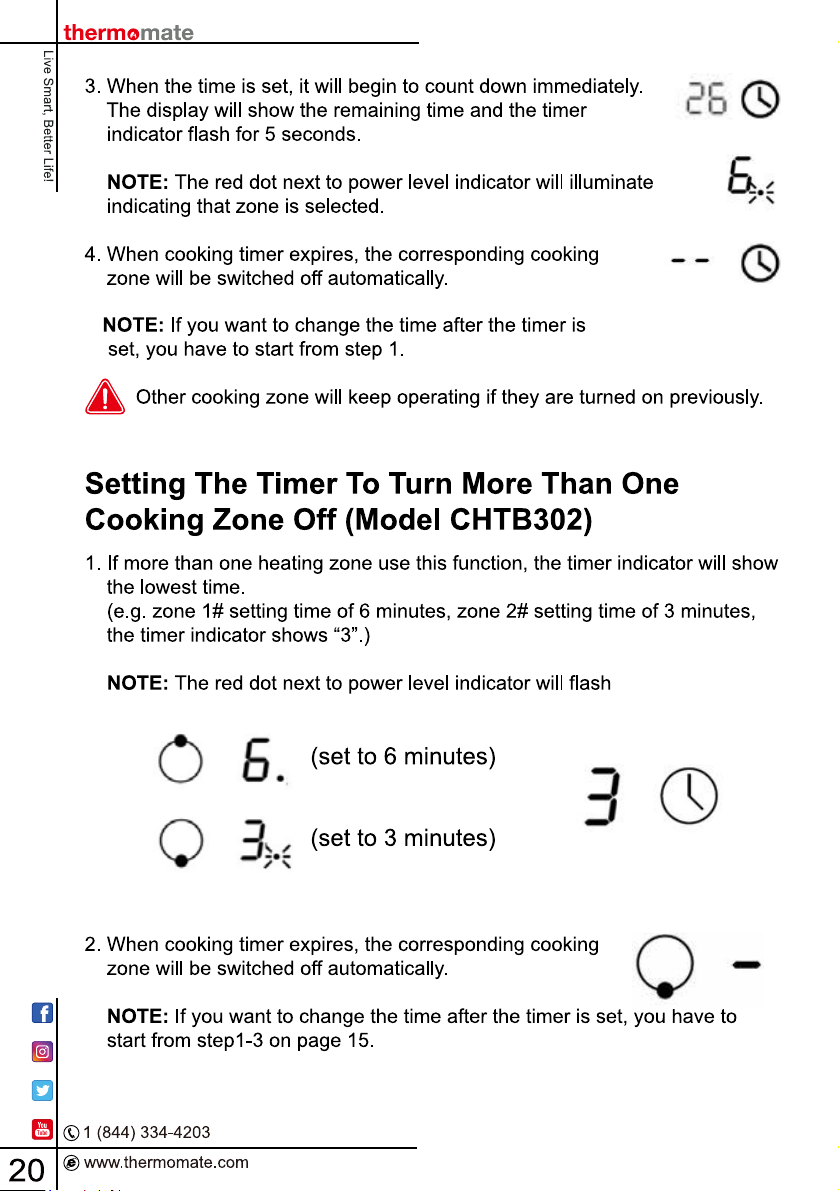
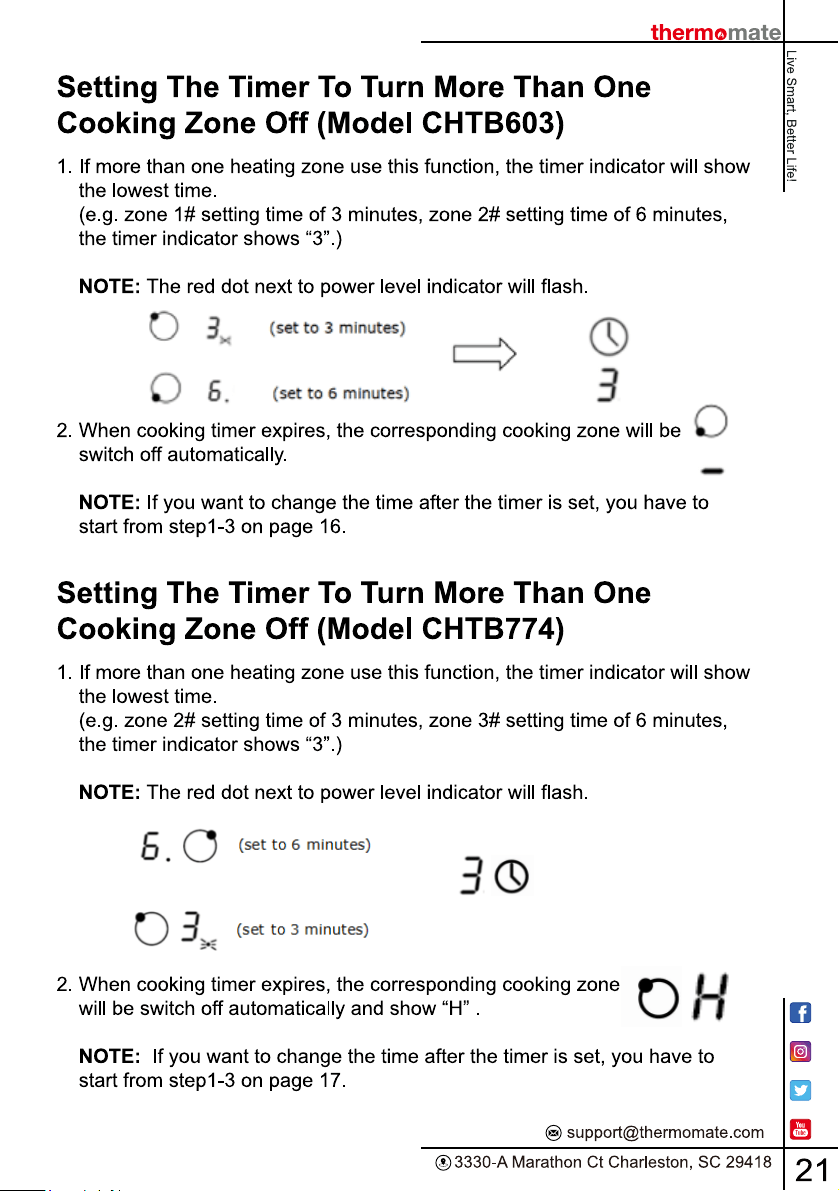
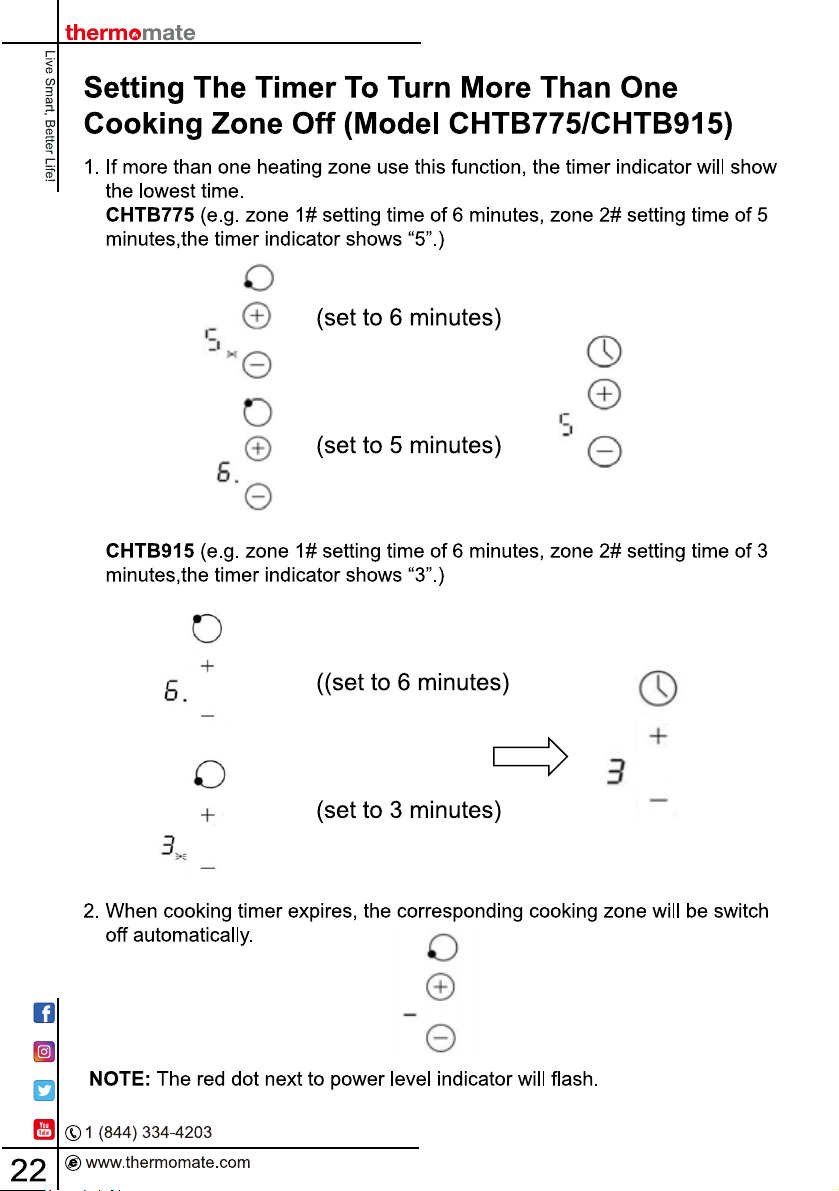
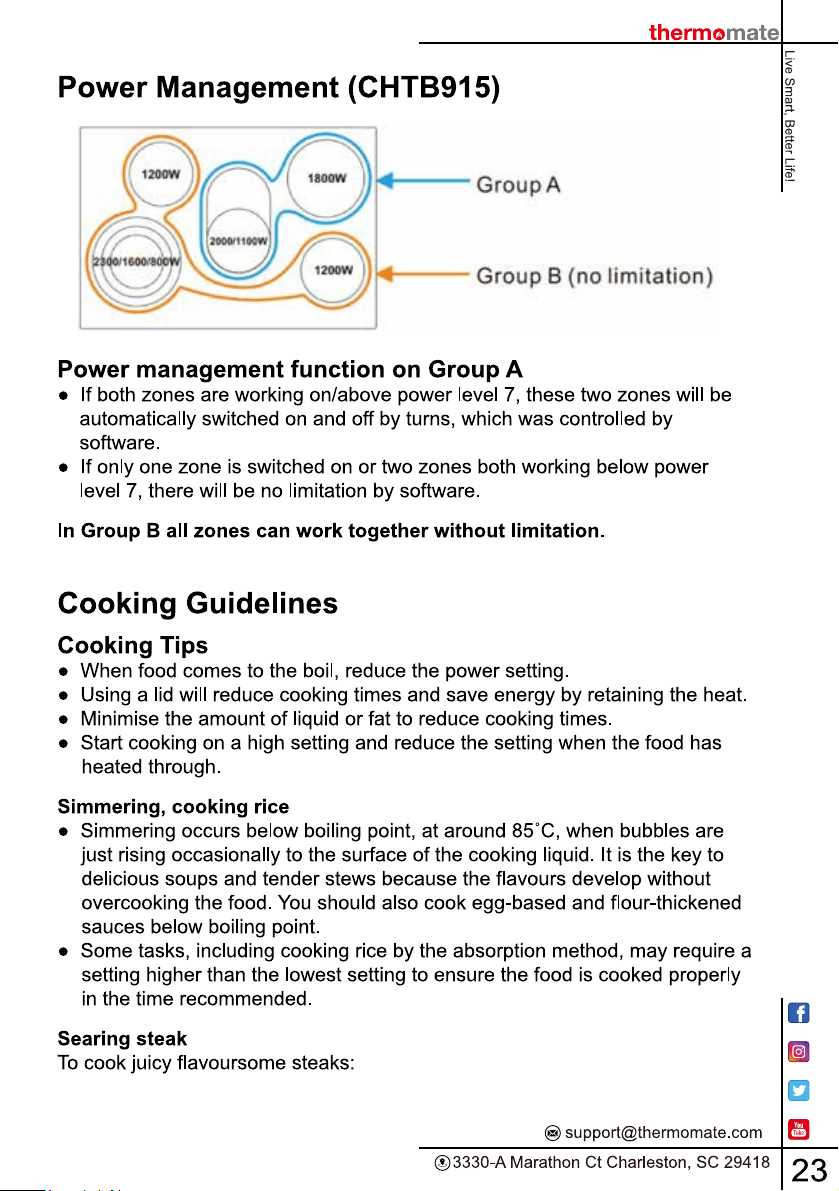
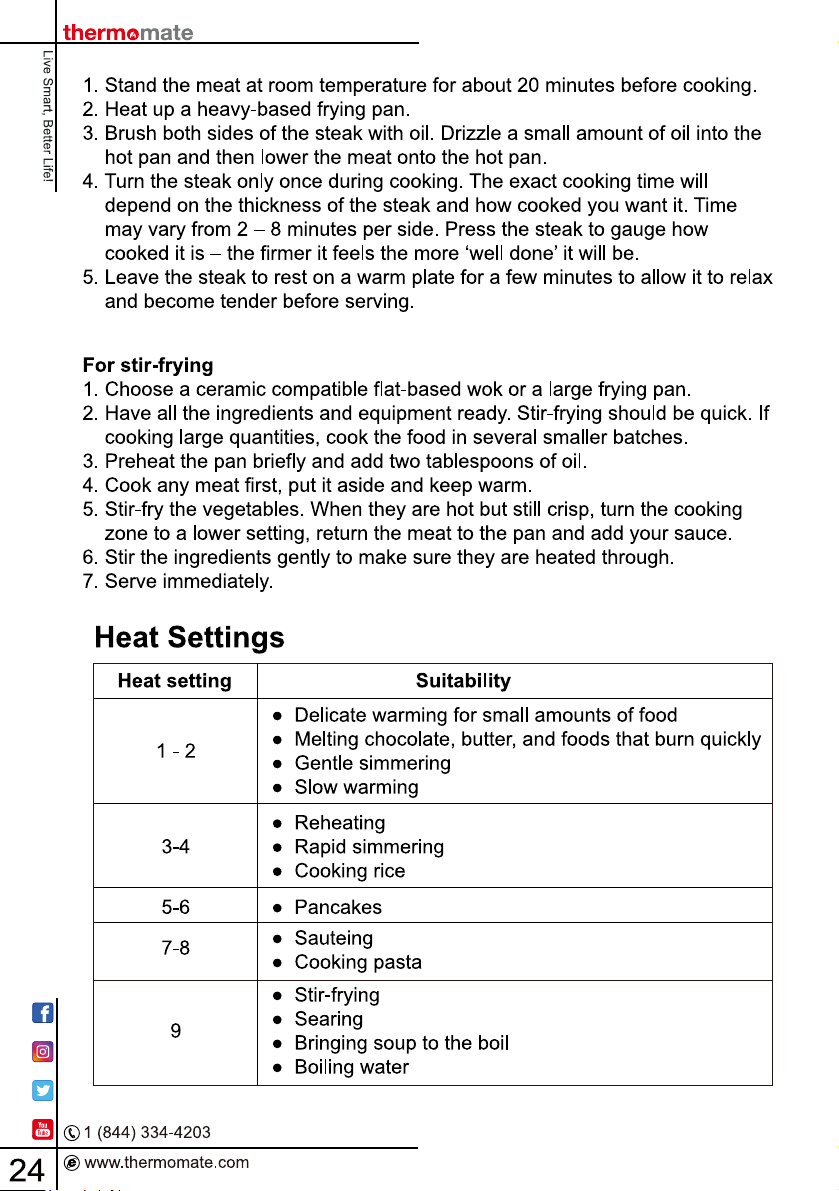
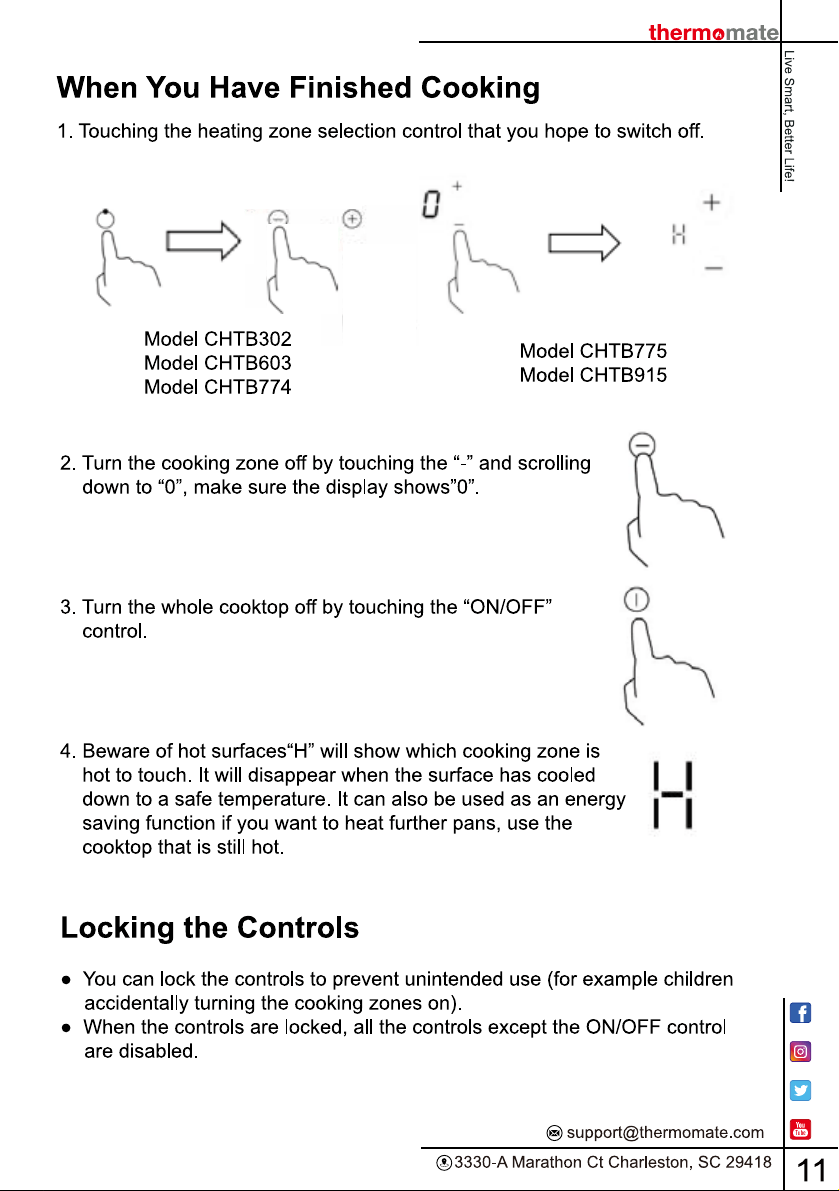
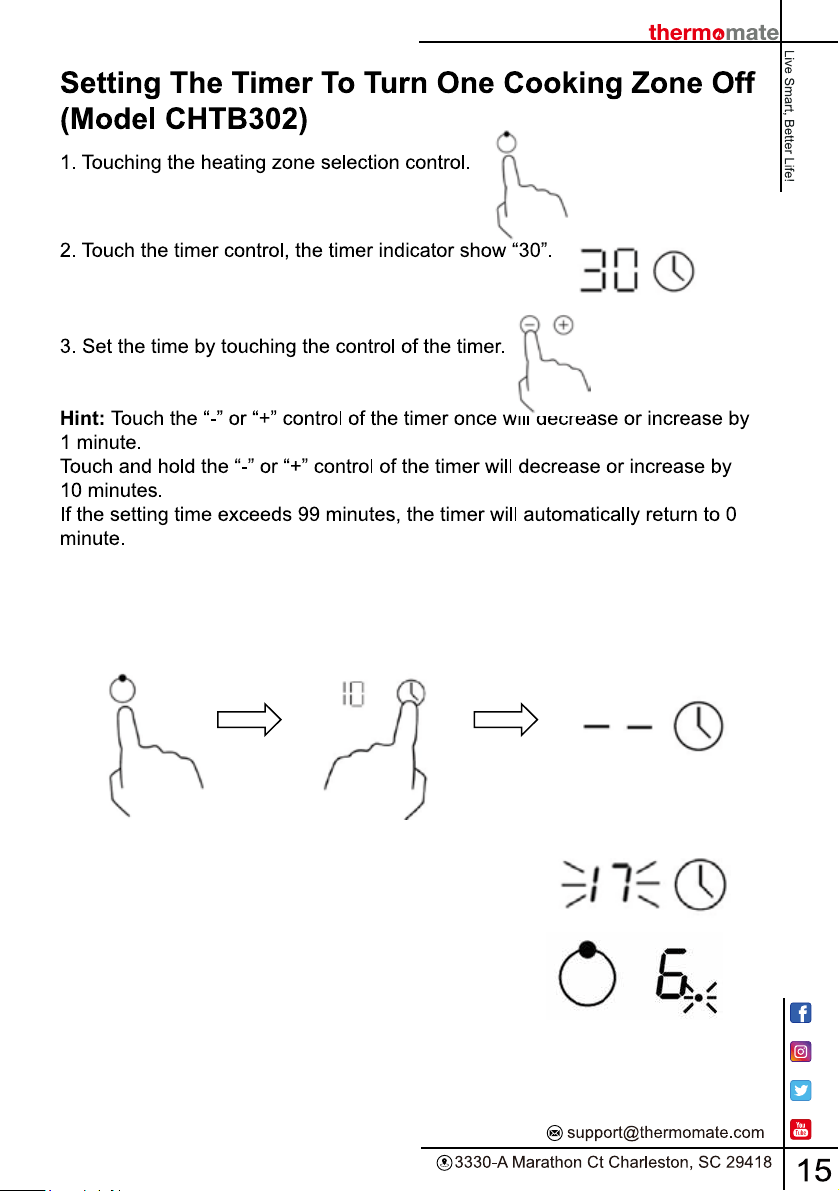
4. Touching the heating zone selection control, and then touch the ‘Timer’, the
timer is cancelled, and the “--” will show in the minute display.
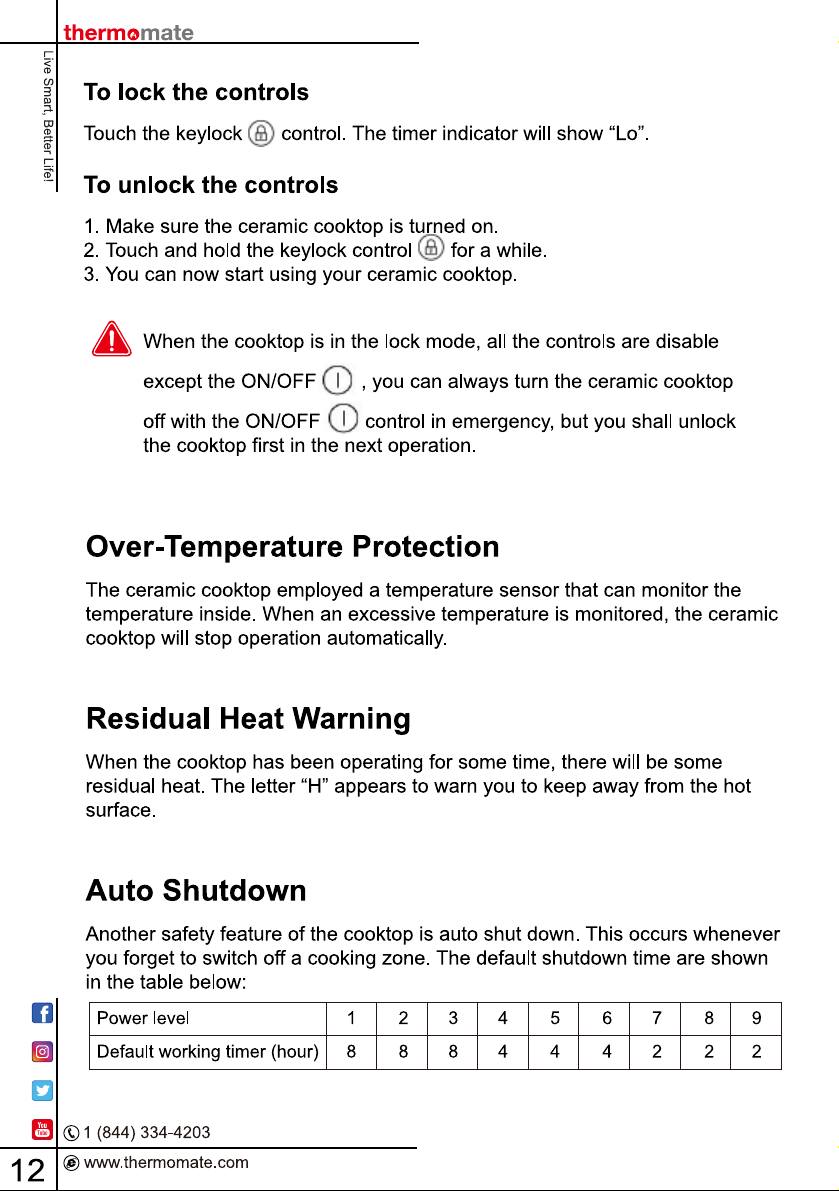
5. When the time is set, it will begin to count down
immediately. The display will show the remaining
time and the timer indicator flash for 5 seconds.
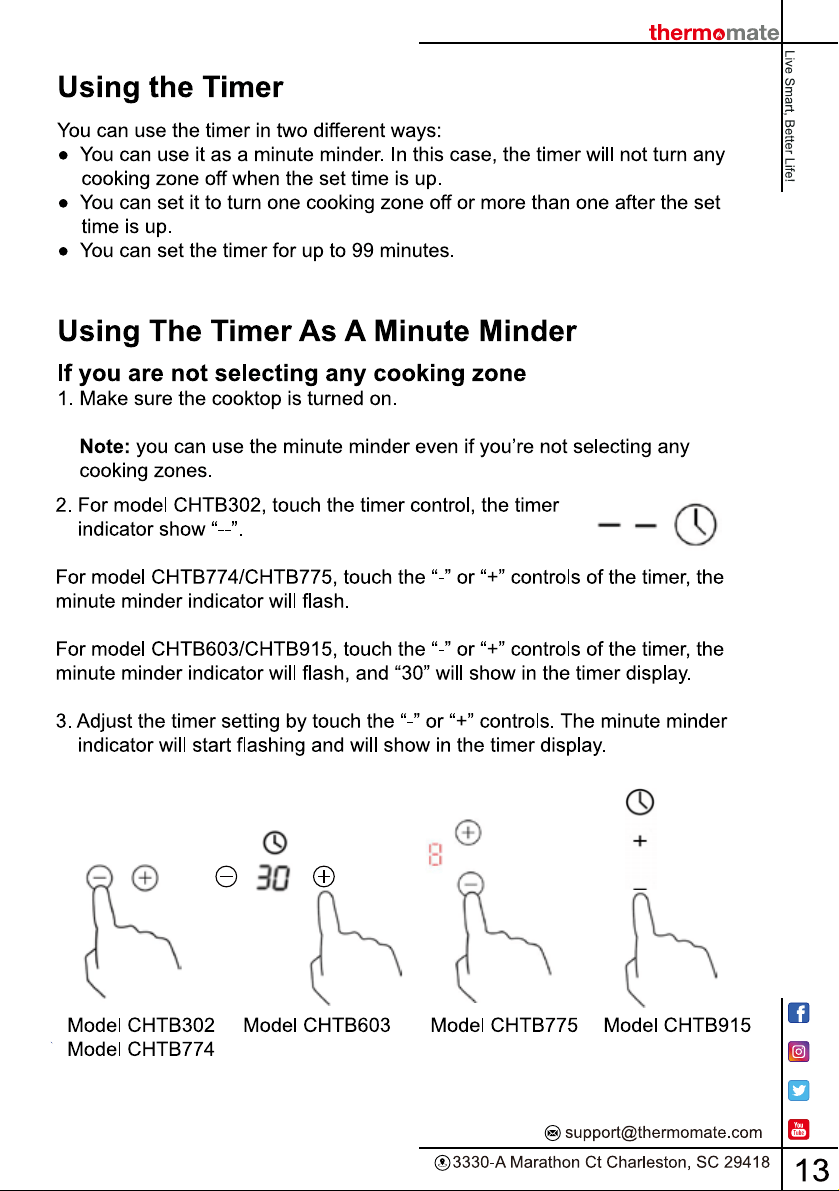
NOTE: The red dot next to power level indicator
will illuminate indicating that zone is selected.
background
background
background
background
background
background
background
background
background
background
background
background
background
background
background
background
background
background
background

Specifications

Thermomate CHTB603 Questions and Answers

See other models: CHMB2212C ES250