Quick Setup Guide
NS-GCH101/NS-GCH101-C
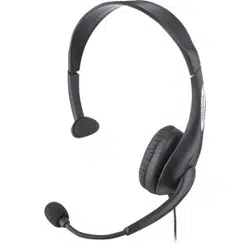
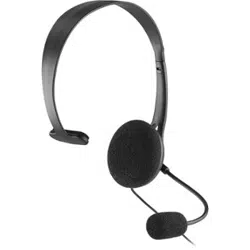
PS4® Chat Headset
Warning: Loud noises can damage your hearing.
Caution: When you have nished using your headset, store in a safe place to avoid
accidental damage.
PACKAGE CONTENTS
• PS4 Chat Headset
• Quick Setup Guide
FEATURES
• Traditional over-head design
• Adjustable boom microphone
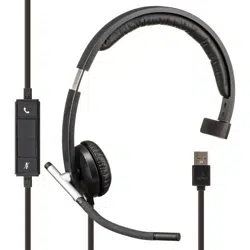
• Inline microphone mute controls
SETTING UP YOUR GAME CONSOLE
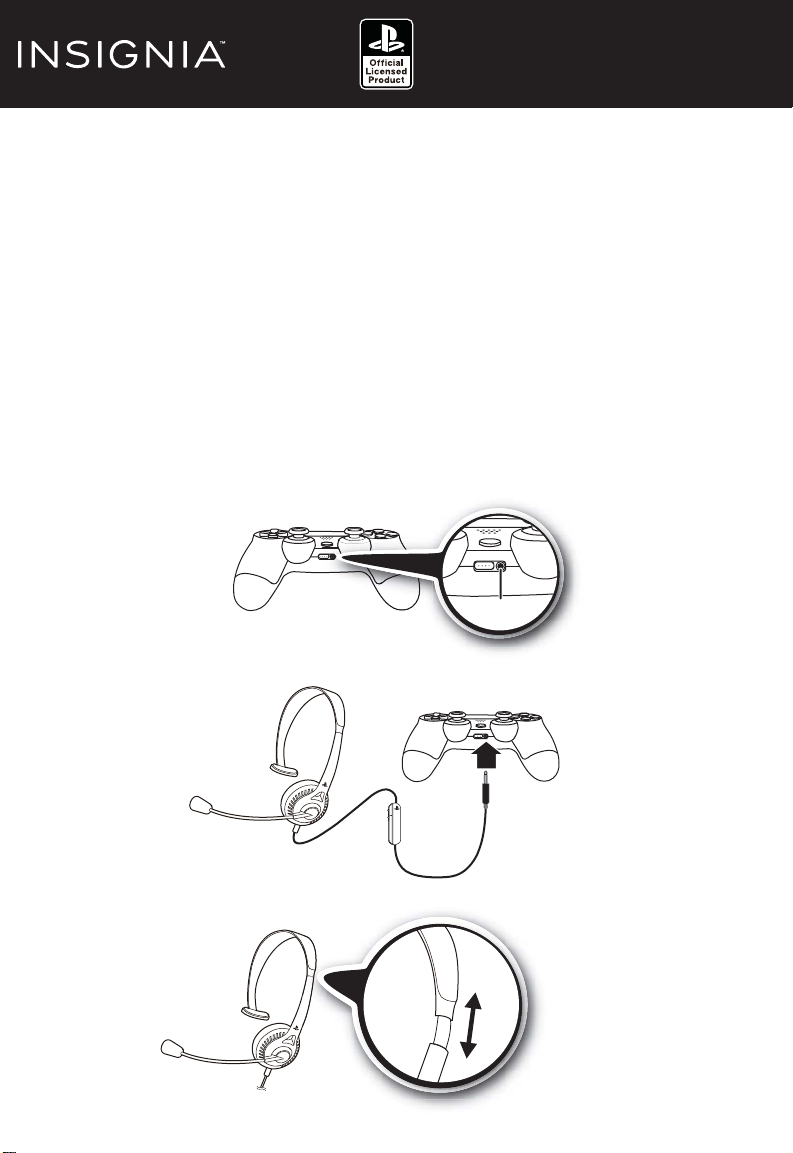
1 Locate the 3.5 mm audio jack on the DUALSHOCK®4 controller.
2 Plug the 3.5 mm audio cable from the headset into the DUALSHOCK® 4 audio output jack.
3 Adjust the headband for comfort and make sure that the speaker is on your left or
right ear.
Before using your new product, please read these instructions to prevent any damage
ON
OFF
the
DU
AL
SH
OC
K
4
c
on
tr
ol
le
r.
the headset into t
he
DUALSHOC
K®
3.5 mm audio jack
ort
and
make
sure
that
the
spea
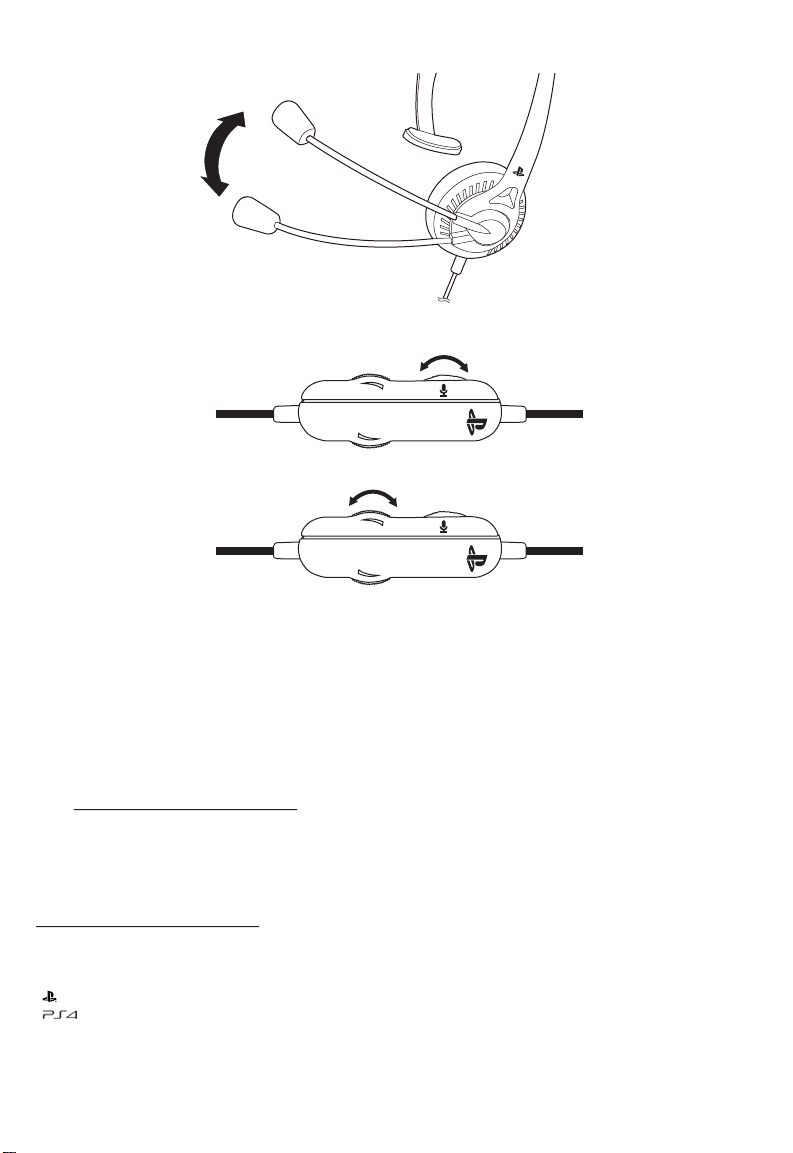
4 Adjust the microphone to a comfortable position.
5 Use the ON/OFF switch on the headset control unit to mute or un-mute the
microphone.
SPECIFICATIONS
• Nominal impedance: 16Ω±15%
• Speaker frequency response: 100-6,000Hz
• Microphone response: 150-4,000Hz
• Cable length: 4 ft. (1.2 m)
ONE-YEAR LIMITED WARRANTY
Visit www.insigniaproducts.com for details.
CONTACT INSIGNIA:
For customer service, call 1-877-467-4289 (U.S. and Canada) or 01-800-926-3000 (Mexico)
www.insigniaproducts.com
Manufactured and distributed under license by Sony Computer Entertainment America LLC.
“ ”, “PlayStation” and “DUALSHOCK” are registered trademarks of Sony Computer Entertainment Inc.
“ ” is a trademark of the same company.
INSIGNIA is a trademark of Best Buy and its affiliated companies.
Registered in some countries.
Distributed by Best Buy Purchasing, LLC
7601 Penn Ave South, Richfield, MN 55423 U.S.A.
©2014 Best Buy. All rights reserved.
Made in China
ON OFF
ON OFF
Volume UP
Volume DOWN
V1 ENGLISH 14-0069