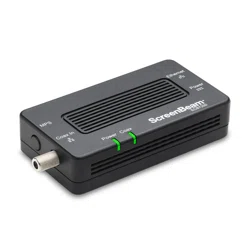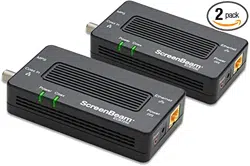

MoCA Network Adapters
This Quick Start Guide will walk you through the easy
steps to connect your MoCA Network Adapters.
Quick Start Guide
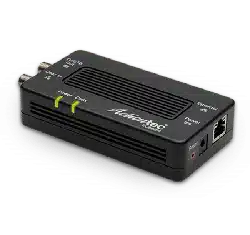
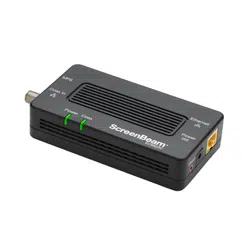
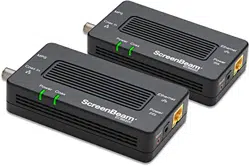
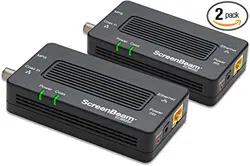
(2) MoCA Network Adapters
(2) Ethernet Cables
(2) Power Adapters
(2) Coaxial Cables
(2) Coaxial Splitters
Package Contents:
ECB7250 KIT
MoCA Network Adapter 2
Power
Ethernet Cable
Coaxial wiring
behind the wall
Coax
Ethernet
Power
Power
Coax
Coax In
ECB7250
MPS
Notes: A MoCA splitter is required if there is an existing
device using the coax connection (i.e., Set-top box or TV)
MoCA-ready network
MoCA Network Adapter 1
Ethernet Cable
Splitter
1
POE
3
POE
2
Coaxial wiring
behind the wall
Coax
Cable or Fios
Modem/Router
Ethernet
Power
Power
Coax
Coax In
ECB7250
MPS
Internet Service entry
MoCA Network Adapter 1
Power
Ethernet Cable
POE
2
Coaxial wiring
behind the wall
Coax
Cable or Fios
Modem/Router
Ethernet
Power
Power
Coax
Coax In
ECB7250
MPS
Internet Service entry
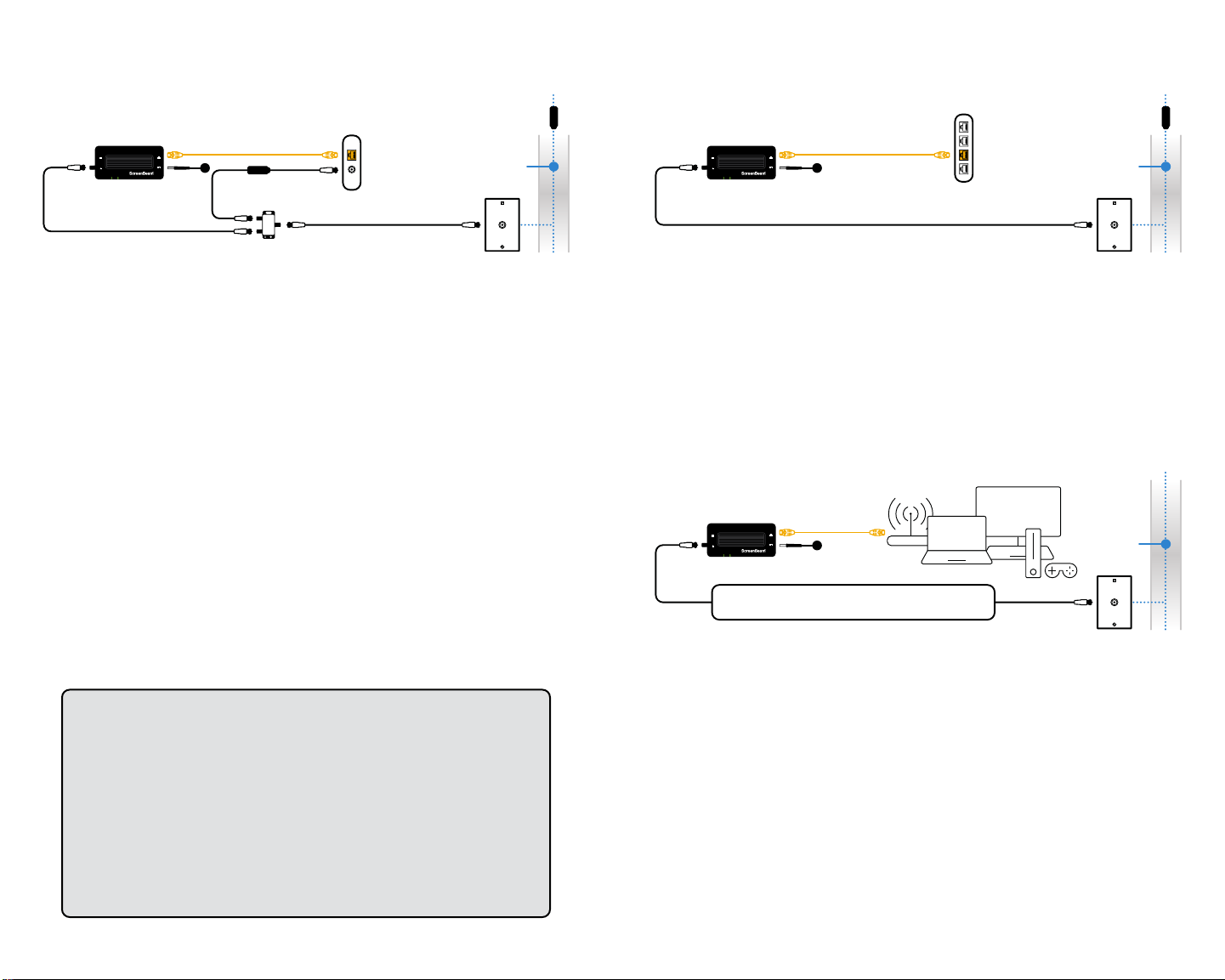
Step 1: Scenario A - Internet Modem / Router
with Coax Port
Notes: Your Internet will be down temporarily during this step.
a TurnoyourCableorFiosmodem/router.
b Remove existing coaxial cable from your modem/router.
c Connect existing coaxial cable from the Coax Outlet to the Coax
Splitter IN port.
d Connect the 2nd coaxial cable from the Coax Splitter’s port to the
modem/router.
e Turn on your modem/router, wait for the Internet ready light.
f Connect the 3rd coaxial cable from the ECB7250 Adapter’s Coax
In port to the Coax Splitter’s port.
g Connect the Ethernet Cable from the ECB7250 Adapter’s Ethernet
port to an available LAN port on your modem/router.
h Connect the power for the ECB7250 Adapter and wait until the
Power light is GREEN.
i TheECB7250Adapter’sCoaxlightisoandwillbeGREEN when
another ECB7250 Adapter is detected.
j Proceed to step 2
Step 1: Scenario B - Internet Modem / Router
without Coax Port
a Connect the Ethernet Cable from the ECB7250 Adapter’s
Ethernet port to an available LAN port on your router/switch.
b Connect the coaxial cable from ECB7250 Adapter’s Coax In to
the Coax Outlet.
c Connect the power for the ECB7250 Adapter and wait until the
Power light is GREEN.
d TheECB7250Adapter’sCoaxlightisoandwillbeGREEN when
another ECB7250 Adapter is detected.
e Proceed to step 2
Step 2: Room that needs Internet
a Locate an available Coax Outlet in the area you would like
to expand your Internet.
Note: Use the provided MoCA splitter if there is an existing device using
the coax connection (i.e., Set-top box or TV).
b Connect the coax cable from the Coax Outlet to the ECB7250
Adapter’s Coax In port.
c Connect the power for the ECB7250 Adapter.
d Wait until both the Power and Coax lights turn GREEN.
e Connect the Ethernet Cable from the Network Adapter to a
Networking Device of your choice.
Notes
1 A 3-way MoCA splitter (not included) is required if there are
2 existing devices using the coax connection (i.e., Set-top box
and cable modem).
2 Cablesubscribers:AMoCAPOEltershouldbeinstalledatthe
Internet Service entry point to prevent signal leakage and interfere
with other neighborhood MoCA networks. Please contact your
service provider.
3 Certain DOCSIS 3.1 Cable modems/routers may get interfered
bytheMoCA2.5signal.AMoCAPOElter(notincluded)should
be installed in between the cable modem and the MoCA splitter.

©2021 ScreenBeam Inc.
©2021 ScreenBeam Inc. and the ScreenBeam logo are trademarks or registered
trademarks of ScreenBeam Inc. in the U.S. and/or other countries. All other names
or marks referenced are the names or marks of their respective owners. Product
photo may differ from actual product. However, functionality remains as stated.
Specifications are subject to change without notice.
PN 0530-0857-001
Congratulations! You’ve successfully connected your
device to the Internet.
Additional MoCA Network Adapters may be purchased
and connected to other devices needing an Ethernet
connection and that are near a coaxial port.
Tech Support
Forregistrationoraccesstousermanuals,wall-mount
templates, software updates, etc. visit our webpage:
retailsupport.screenbeam.com