5
1
FAMILIARISATION
7a
7b
2b
2a
6
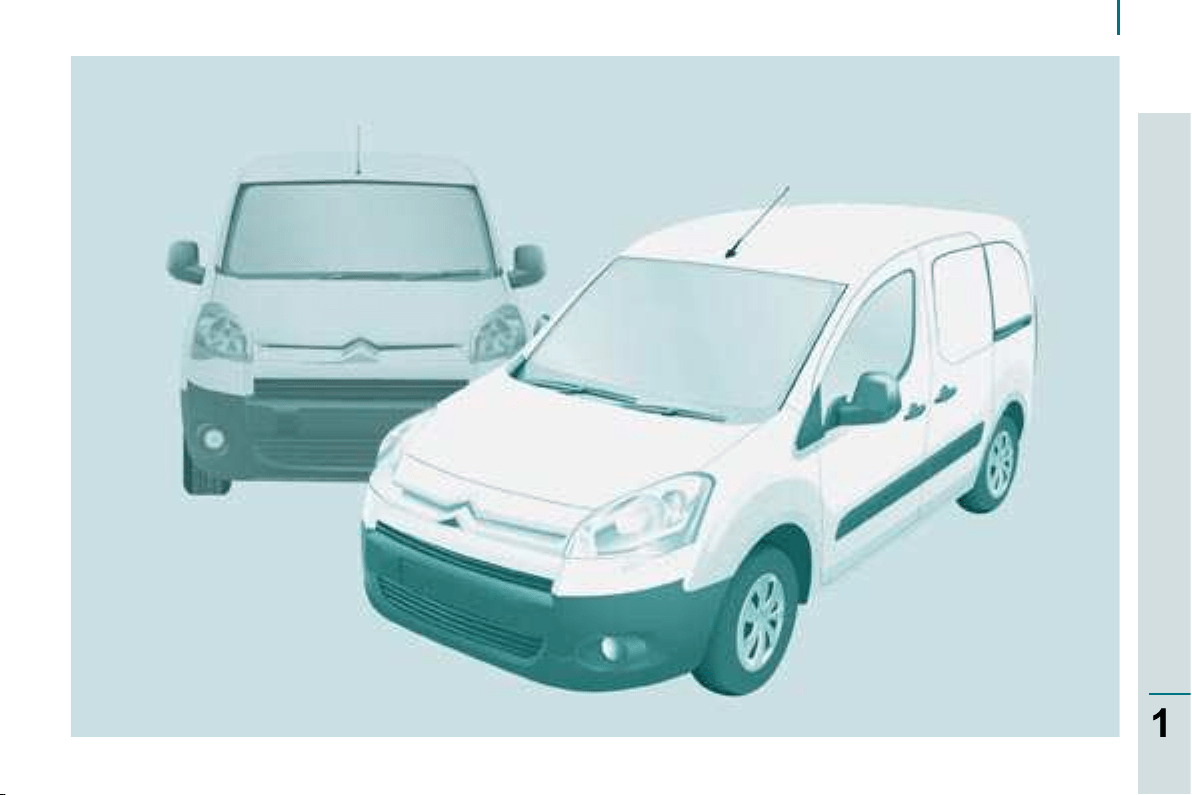
Exterior
15
113
110
Key
:
chapter identifi cation
:
page identifi cation
19
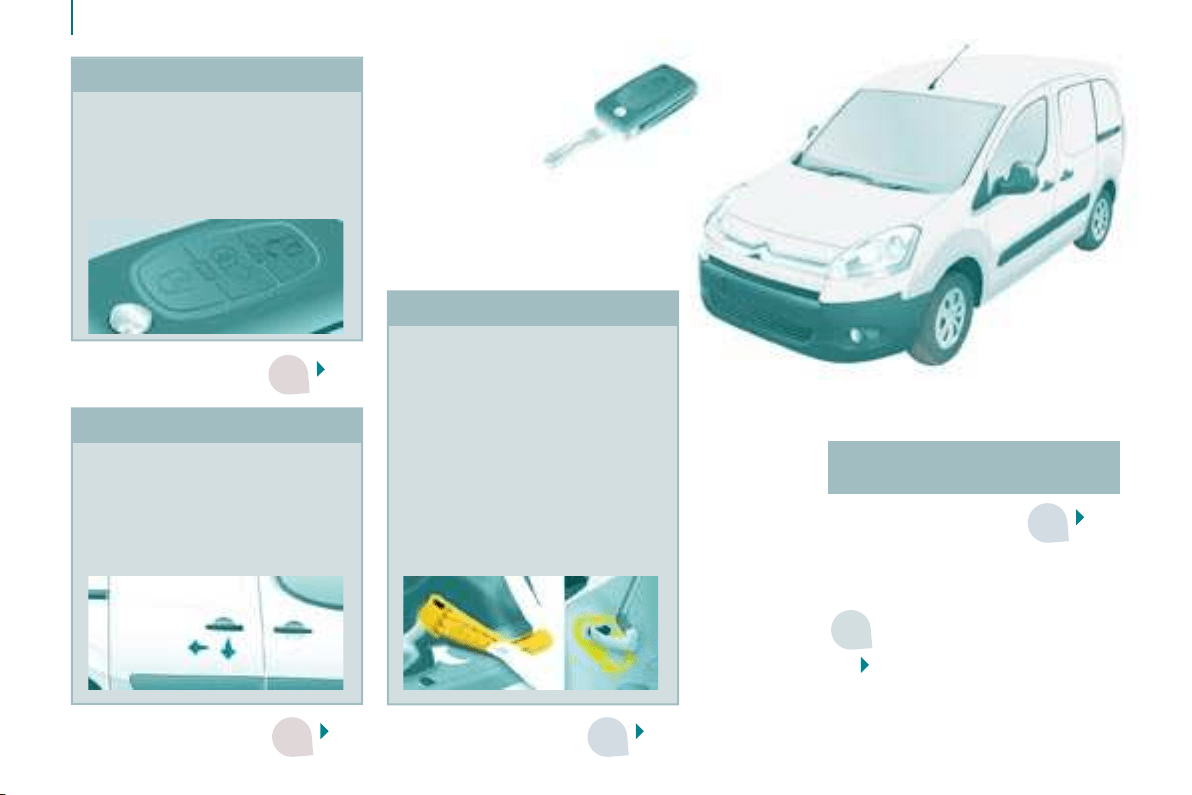
Key - Remote control
Selective unlocking of the cab
and load space.
Locking of the load space only.
Complete locking of the vehicle.
Opening the bonnet
Take care when working under
the bonnet.
Raise the bonnet slightly by
reaching in a fl at hand, palm
down, to make access to the
lever easier. Engage the base of
the strut in the hole provided to
hold the bonnet open.
Fix the strut in its location,
identifi ed by a sticker on the
left-hand panel side of the
vehicle.
Sliding side door
Pull the handle towards you then
towards the rear and open the
door guiding the rearward sliding
until the point of resistance has
been passed.
Professional equipment -
Accessories
4
2c
8a
8b
2e
2d
9
7
1
FAMILIARISATION
Exterior
20
22
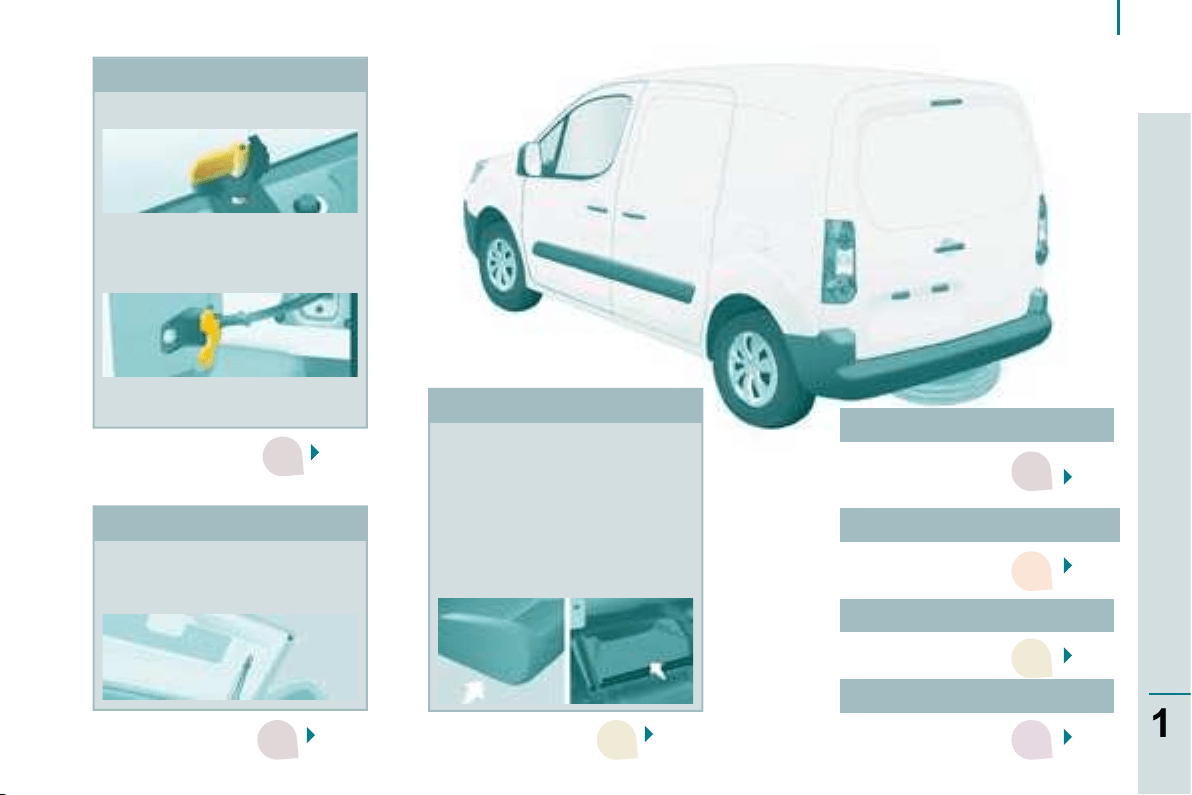
Rear roof fl ap
The rear roof fl ap is only
compatible with the hinged
doors.
Changing bulbs
127
23
Tailgate and rear screen
Hinged rear doors
Spare wheel
The tools are located under
the right-hand seat.
Raise the carrier with the
wheel fl ush against the fl oor.
In the case of a vehicle fi tted
with a towbar, the vehicle
must be raised in order to
disengage the spare wheel
from the carrier.
122
Asymmetrical (2/3 - 1/3).
This lock makes it possible
to keep the large door closed
and drive with the small door
open.
This control permits opening
to approximately 180°.
Useable dimensions
138
Parking assistance
76
8
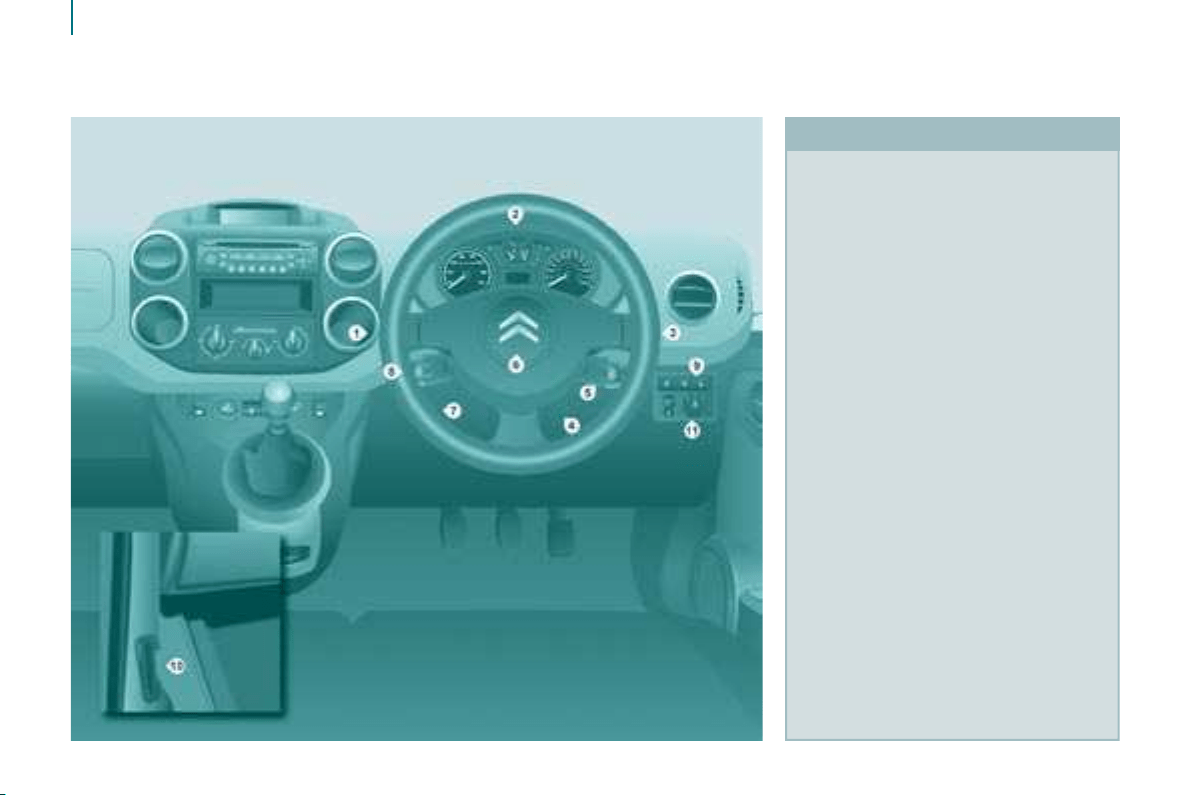
Interior
INSTRUMENTS AND CONTROLS
1. Lights and direction indicators
stalk.
2. Instrument panel with display.
3. Wipers, wash-wipe, trip
computer controls.
4. Ignition.
5. Audio equipment, hands-free kit
control.
6. Driver’s air bag, horn.
7. Steering wheel height and depth
adjustment.
8. Cruise control, speed limiter
switch.
9. Control pad, parking assistance,
headlamp beam adjustment,
ESP.
10. Bonnet release.
11. Electric exterior mirror
adjustment.
9
1
FAMILIARISATION
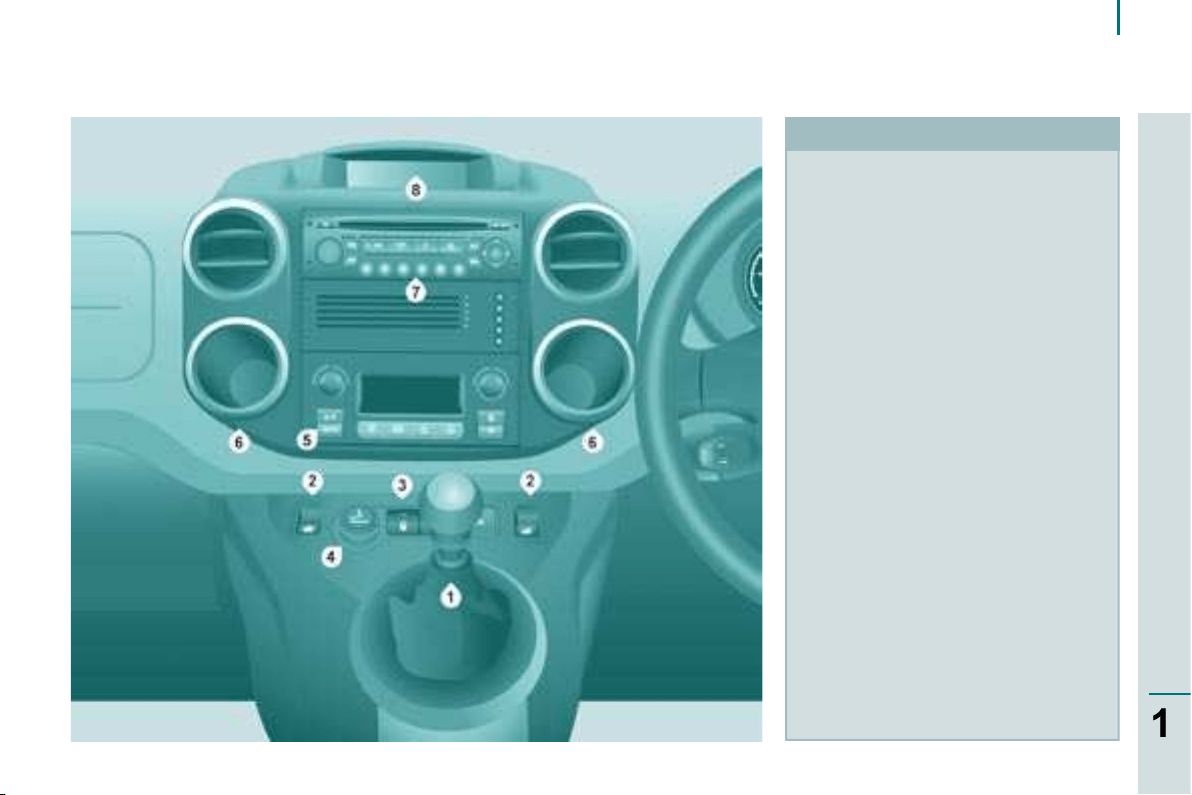
Interior
CENTRE CONSOLE
1. Gear lever.
2. Controls bar: electric window.
3. Controls bar: hazard warning
lights, central locking (passenger
compartment, load space).
4. Lighter.
5. Heating-ventilation controls.
6. Storage compartment.
7. Audio equipment, CD changer.
8. Display.
3
5
3
2
3
10
Interior
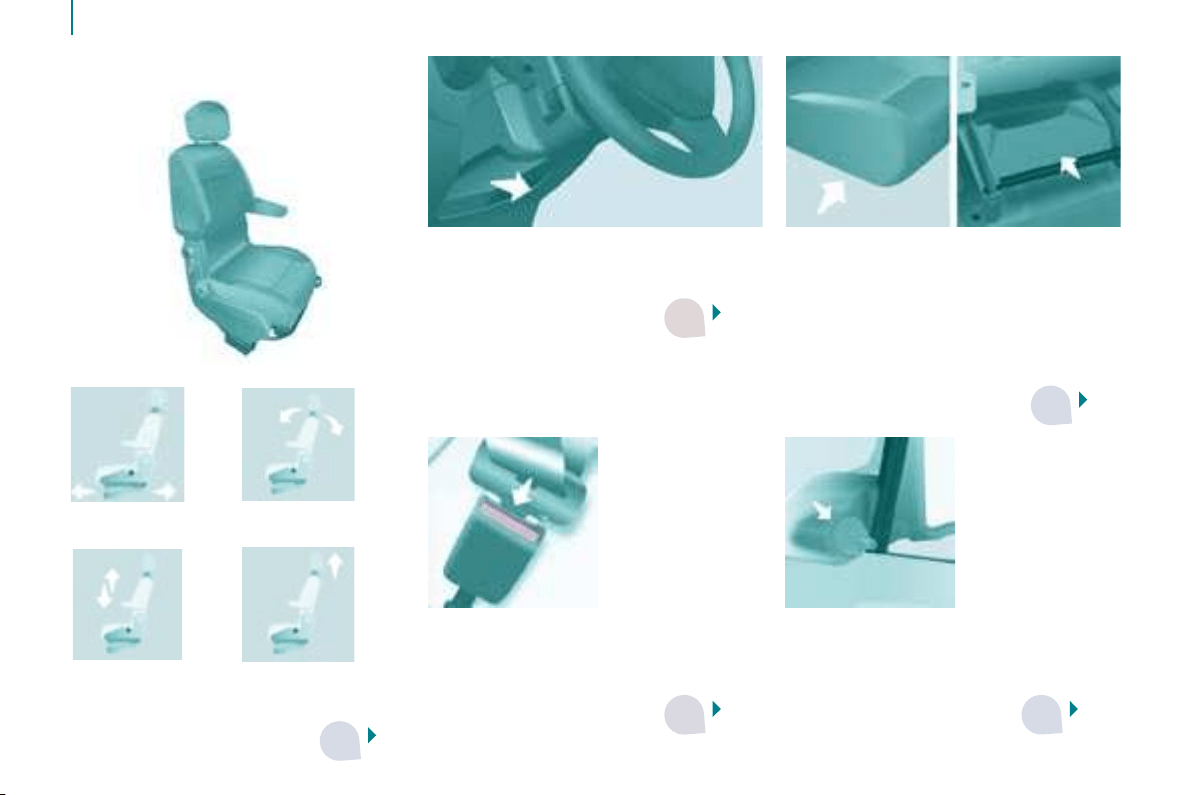
Storage compartments
These are placed under the front
seats. For greater ease, reach behind
the seat to access them.
The tool kit and the jack are stored
under the right-hand seat and can be
accessed from the rear.
Steering wheel
Adjust the height and depth
of the steering wheel.
Mirrors
Manual adjustments.
Electric adjustments.
Seat belts
Height adjustment.
Fastening.
1.
Forwards-backwards
adjustment.
2. Angle.
3. Height. 4. Head restraint
height and
angle.
Driver’s seat
57
63
37
73
97
SIT COMFORTABLY
3
3
3
3
4
11
1
FAMILIARISATION
Interior
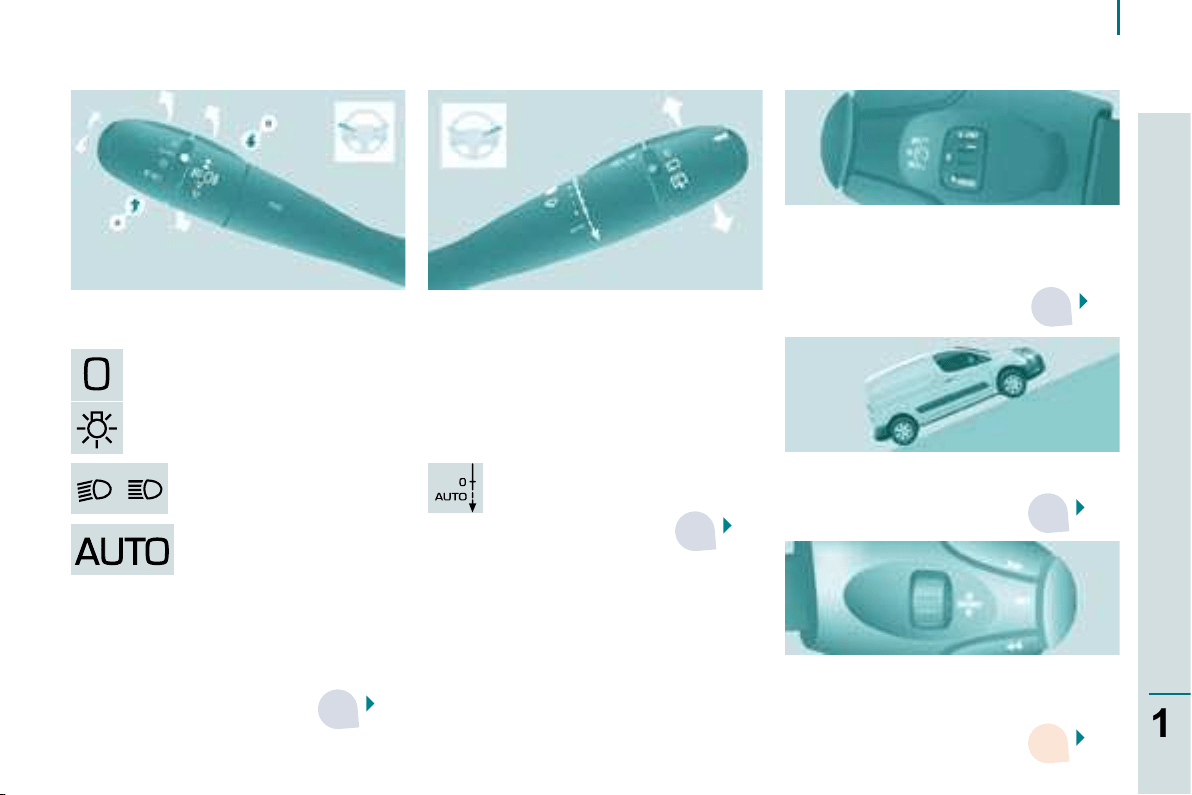
Lights off.
Side lights.
Main beam headlamps
(blue).
Dipped headlamps (green).
Wipers stalk
2 fast.
1 normal.
I intermittent.
0 off.
single wipe.
AUTO, press the stalk down.
AUTO, automatic
switching on of the lights.
40
Lights stalk
43
Cruise control, Speed limiter
In cruise control mode, the vehicle
speed must be higher than 25 mph
(40 km/h) with at least 4th gear
engaged.
Hill start assistance
45,
48
39
SEE CLEARLY DRIVE SAFELY
Motorway function: press up or down
once, without passing the point of
resistance; the corresponding direction
indicators will fl ash three times.
Audio equipment, hands-free kit
This can play MP3 CDs and permits
the matching of a Bluetooth telephone
to the hands-free kit.
78
3
3
3
3
12
Interior
CAB SPACE
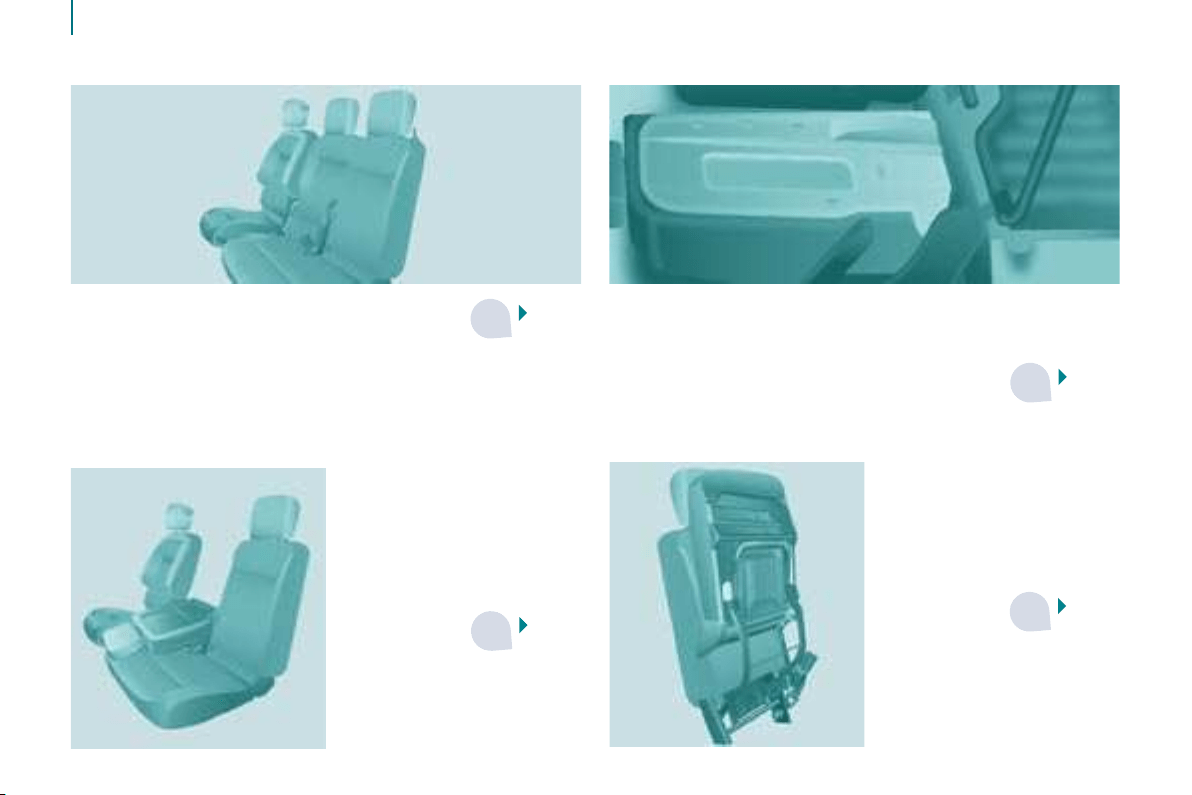
Extenso cab
- foldaway position:
permits the
transportation of high
loads in the cab part.
59
60
60
Side seat
- retracted position, permits the transportation of long
loads inside the vehicle, up to 3 m with the doors closed,
Centre seat
A storage space under
the seat cushion can be
made secure by fi tting a
padlock (not supplied).
59
3
3
3
3
5
13
1
FAMILIARISATION
Interior
LOAD SPACE
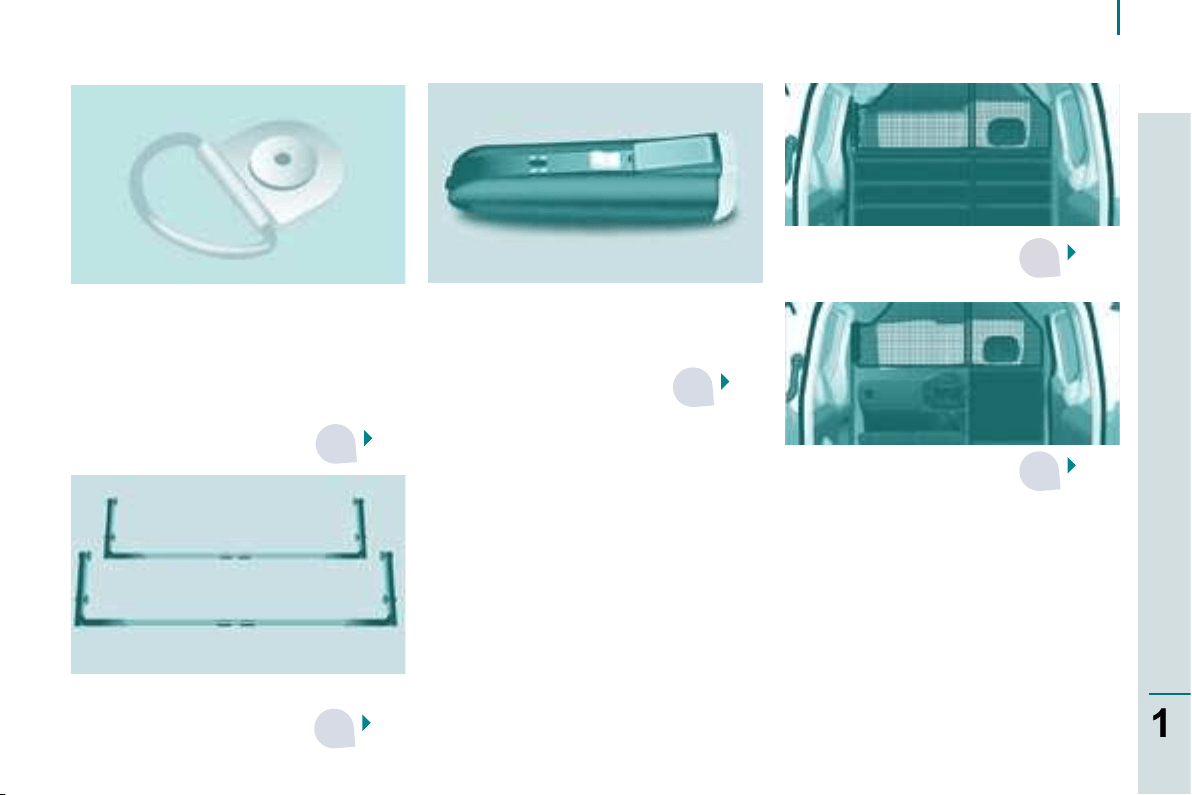
Stowing rings
We recommend that the load is
immobilised by securing it fi rmly using
the stowing rings on the fl oor and that
heavy objects are placed at the front
(towards the cab).
Torch
Incorporated in the wall, this lights
the boot and can be removed when
changing a wheel, ...
68
70
65
Partitions
69
69
Removable fl ap
This can be removed to
permit the loading of long
objects.
Interior rack
Maximum loads
Overhead storage compartment: 5kg.
Retractable seat, in the seat back folded
onto seat cushion position: 50 kg.
Transverse roof bars: 75 kg.
Interior rack: 10 kg per bar.
Roof rack: 120 kg.
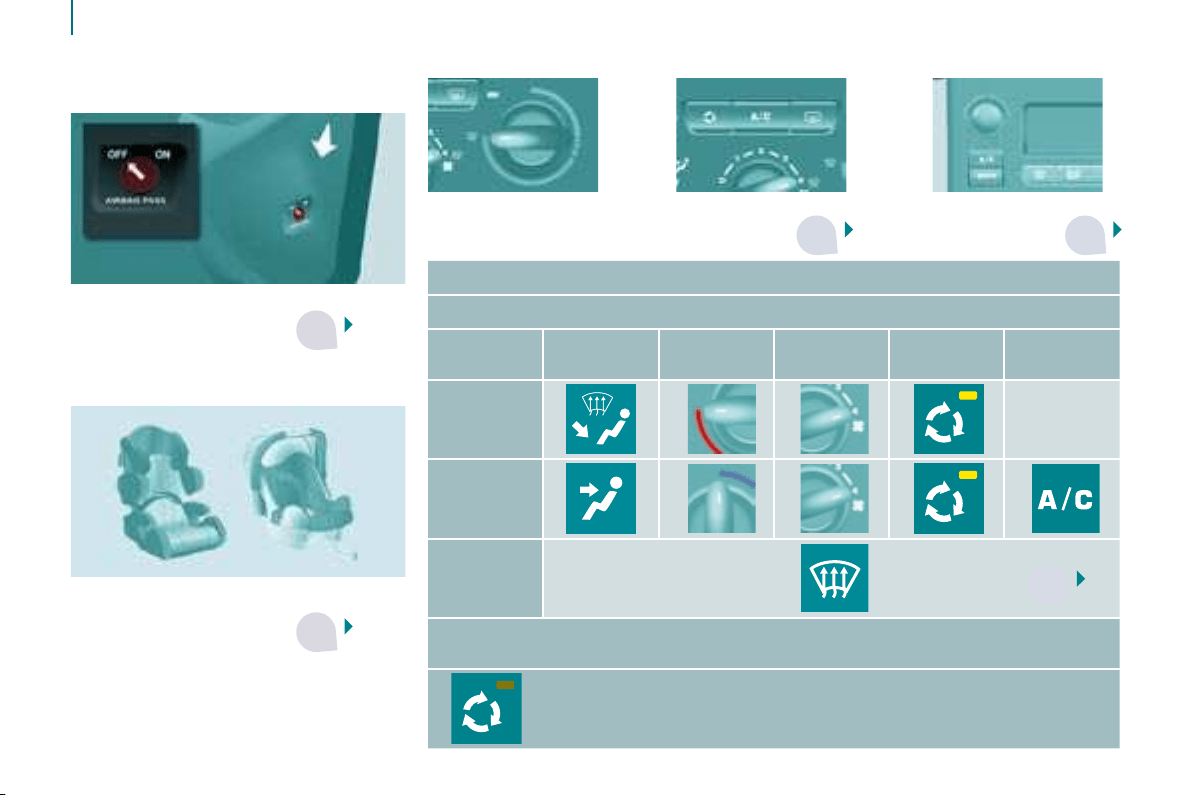
3 3
5
5
3
14
Interior
VENTILATION
Heating Automatic air
conditioning
51
53
Air conditioning
CHILD SAFETY
Child seats
103
102
Air bag disarming
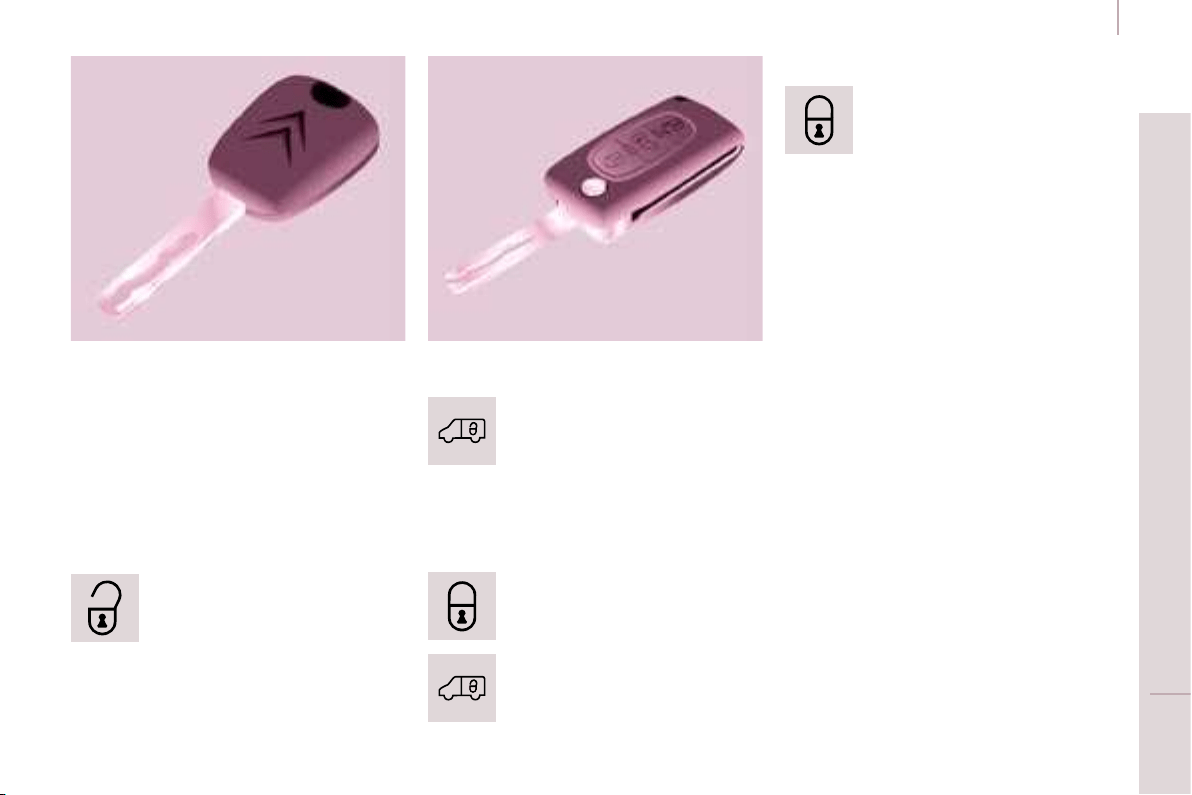
Recommended settings for the Manual Air Conditioning
For optimum use of the system, we recommend:
If
I require...
Air
distribution
Temperature
Air fl ow
Air
recirculation
AC
Heating -
Cooling
De-icing
Demisting
55
With Automatic Air Conditioning, operation in AUTO mode is recommended
irrespective of the requirement.
Remember to switch the system off when the ambient air suits
your requirements.
15
Accesses
READY TO SET OFF
2
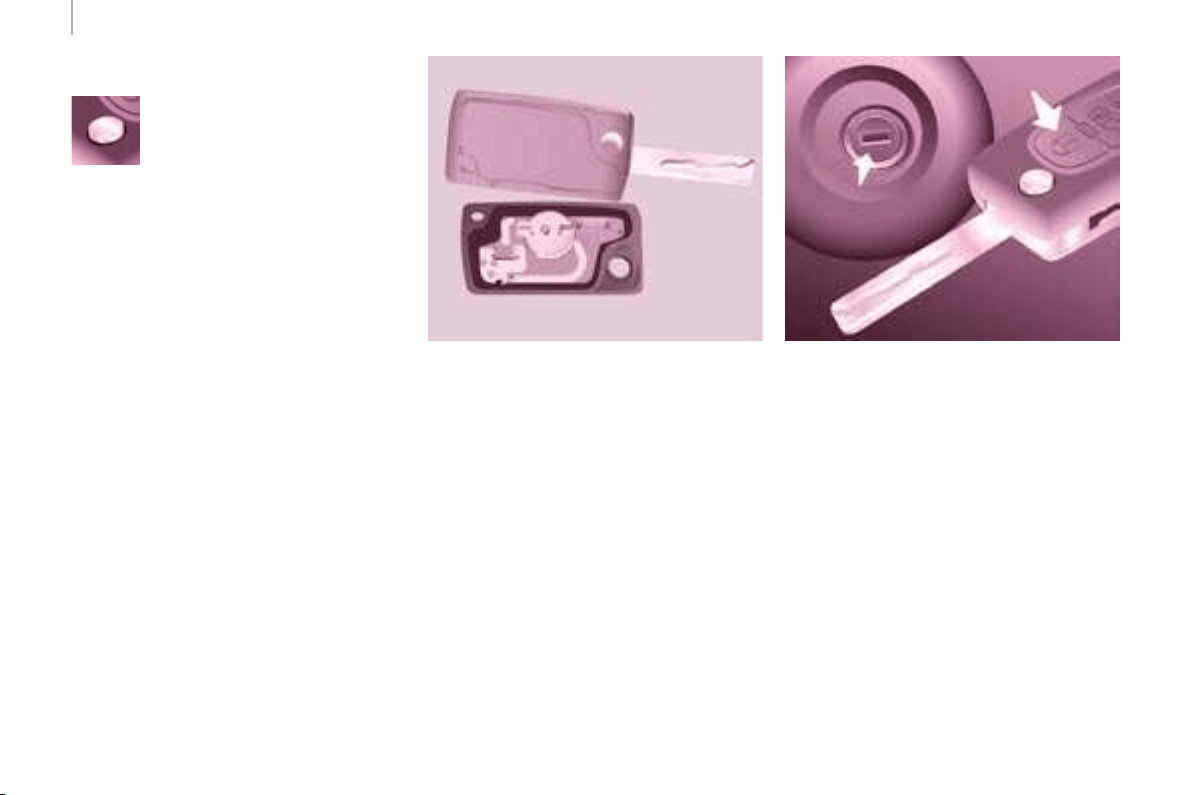
KEY
This locks and unlocks the locks on the
vehicle and starts the engine.
ACCESSES
Security of use
REMOTE CONTROL
Unlocking
Unlocking the load space
Central locking
Press this button to lock the
vehicle completely.
The direction indicators fl ash once.
If one of the doors is open
(transportation of long loads) or is not
closed correctly, the central locking will
not work.
Deadlocking
A second press on the closed padlock
on the remote control within fi ve
seconds after locking changes the
locking to deadlocking.
This is confi rmed by fi xed lighting
of the direction indicators for
approximately two seconds.
Deadlocking renders the exterior
and interior door opening handles
inoperative: do not leave anyone inside
the vehicle when it is deadlocked.
If deadlocking is activated from inside
the vehicle using the remote control, it
will change to normal locking when the
vehicle is started.
To unlock the load space only:
Press this control to unlock
the load space, the front
doors alone remain locked.
Press this control to lock the
vehicle completely.
Press this button to unlock all
of the rear doors.
Press this button once to
unlock the front doors.
Press this button again
to unlock your vehicle
completely.
The direction indicators fl ash twice.
16
Accesses
Good practice
Take care not to allow the remote
control to come into contact with
grease, dust, rain or a damp
environment.
A heavy object attached to the key
(keyring, ...) weighing on the shaft of
the key in the switch, may cause a
malfunction.
REMOTE CONTROL
Programming the remote
control
Following changing of the remote
control battery or disconnection of the
vehicle battery, the remote control may
have to be reprogrammed.
Wait at least one minute before using
the remote control.
Insert the key in the ignition switch with
the buttons (padlocks) of the remote
control facing you.
Switch on the ignition.
Press the locking padlock for at least
fi ve seconds within the next ten
seconds.
Switch off the ignition.
Wait at least one minute before using
the remote control.
The remote control is now working
again.
Use only identical batteries or
batteries of an equivalent type to those
recommended by CITROËN dealers.
Do not discard the remote control
batteries, they contain metals which
are harmful to the environment.
Deposit them at a CITROËN
dealership, or at any other approved
collection point.
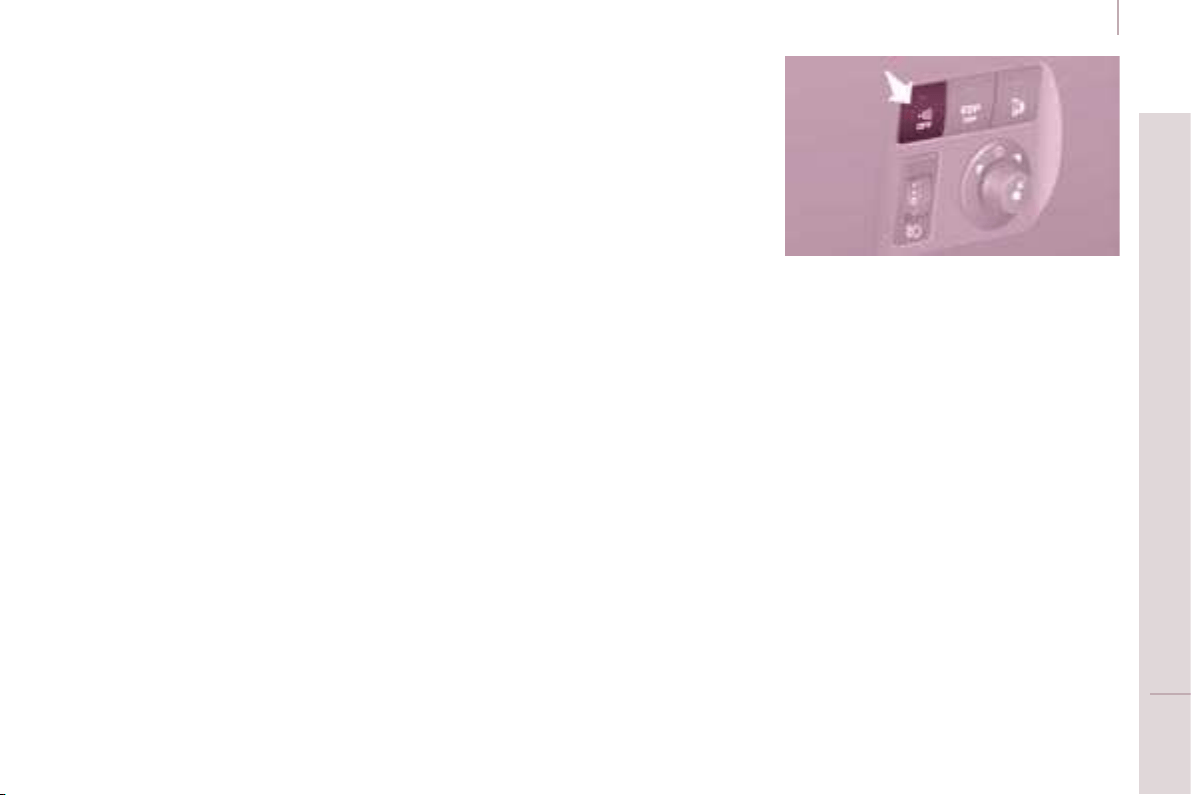
Folding/unfolding the key
Changing the battery
Battery ref.: CR1620/3 volts.
The information "battery fl at" is given
by an audible signal, accompanied by
a message on the display.
To replace the battery, unclip the
casing using a coin at the ring.
If the remote control does not work
after the battery has been changed,
reprogramme the remote control.
There is a risk of damage if the
replacement battery does not conform.
Press this button to release
the key from its housing.
To fold the key, press this
chromed button then fold
the key into the housing.
If you do not press the button, the
mechanism may be damaged.
17
Accesses
READY TO SET OFF
2
When purchasing a second-hand
vehicle:
- have the keys memorised by a
CITROËN dealer to ensure that
the keys in your possession are
the only ones which can start the
vehicle.
Good practice
Do not make any modifi cations to the
electronic immobiliser system.
Operating the remote control, even
when it is in your pocket, may result in
involuntary unlocking of the doors.
The simultaneous use of other
high frequency equipment (mobile
telephones, domestic alarms…), may
interfere with the operation of the
remote control temporarily.
ELECTRONIC IMMOBILISER
All of the keys contain an electronic
immobiliser device.
This device locks the engine supply
system. It is activated automatically
when the key is removed from the
ignition.
After the ignition is switched on, a
dialogue is established between the
key and the electronic immobiliser
system.
The metal part of the key must be
unfolded correctly for correct dialogue
to take place.
If you lose your keys
Visit a CITROËN dealer with the
vehicle’s V5 registration document and
your identifi cation document.
A CITROËN dealer will be able
to retrieve the key code and
the transponder code so that a
replacement key can be ordered.
The remote control does not operate
while the key is in the ignition, even if
the ignition is off.
As a safety precaution (with children
on board), remove the key from the
ignition when leaving the vehicle, even
for a short time.
ALARM
If fi tted on your vehicle, this provides
two types of protection:
- exterior protection: it sounds if a
front/rear door or the bonnet is
opened.
- interior protection: it sounds if
the volume inside the passenger
compartment changes (breaking
of a window or a movement inside
the vehicle).
If your vehicle is fi tted with a separation
partition, the interior protection is not
active in the load space.
Locking the vehicle with
complete alarm
Setting the alarm
- Switch off the ignition and get out of
the vehicle.
- Set the alarm within fi ve minutes of
getting out of the vehicle, by locking
or deadlocking using the remote
control. The red diode, located
on the button, fl ashes once per
second.
18
Accesses
FRONT DOORS
From the inside
Use the door opening control to unlock
and open the door concerned.
From the outside
Use the remote control to lock/unlock
the vehicle.
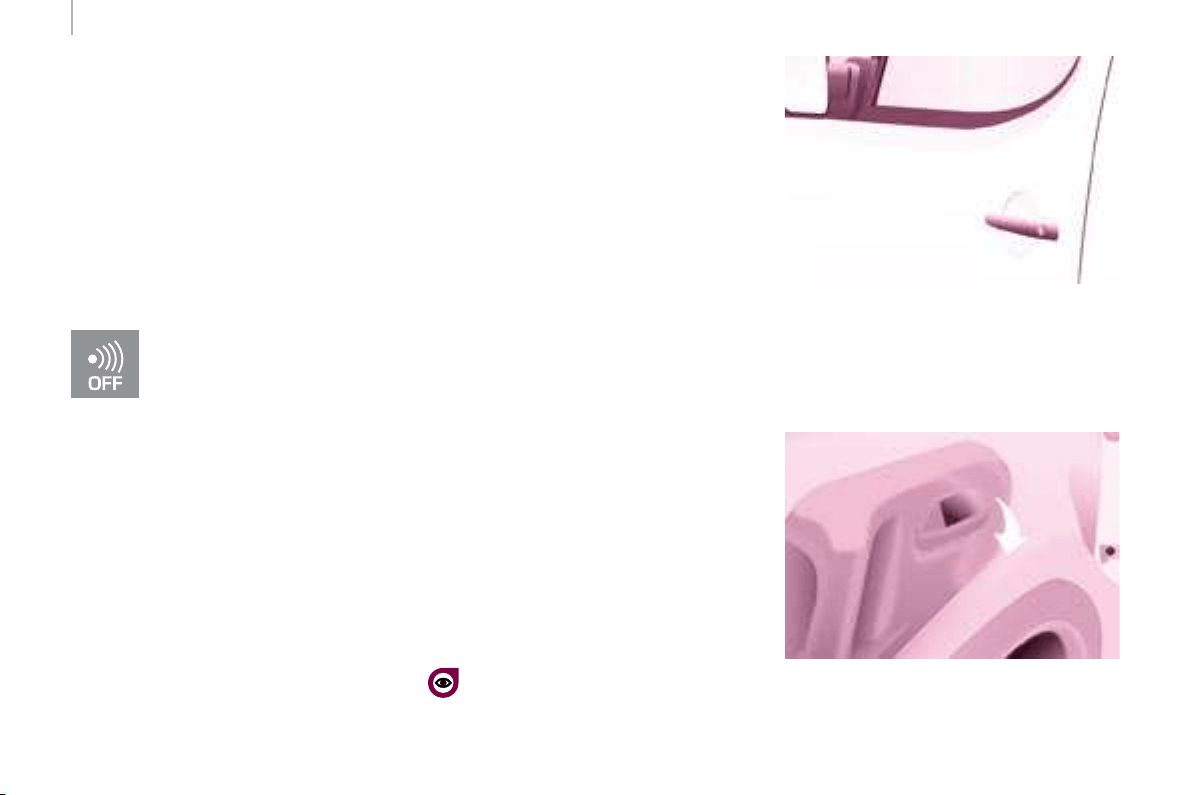
Insert the metal part of the key in the
lock on the driver’s side if the remote
control does not work.
Triggering
The siren sounds, the direction indicators
fl ash for approximately 30 seconds and
the red diode fl ashes rapidly.
- To switch it off, insert the key and
switch on the ignition.
When the alarm has been triggered ten
times in succession (when triggered
for the eleventh time) it is deactivated.
Repeat the rules for setting the alarm.
Locking the vehicle without
alarm
- Insert the key in the lock on the
driver’s door and lock it.
Do not set the alarm when washing
your vehicle.
Failure of the remote control
When the alarm is set but the remote
control does not operate:
-
Unlock the doors with the key and
open the door. The alarm is triggered.
- Switch on the ignition in the
next ten seconds. The alarm is
disarmed.
Incorrect operation
When the ignition is switched on, if the
red diode remains on for ten seconds,
there is a fault in the siren connection.
Contact a CITROËN dealer to have the
system checked.
Automatic setting of the alarm
Depending on the country in which
the vehicle is sold, the alarm is set
automatically approximately 2 minutes
after the last door is closed.
To prevent triggering of the alarm when
a door is opened, it is imperative to
press the remote control unlocking
button again.
Do not make any modifi cations
to the alarm system as this could
cause faults.
Locking the vehicle with
exterior protection only
If, while you are away from the vehicle,
you wish to leave a window partially
open or a pet inside the vehicle, you
should choose exterior protection only.
- Switch off the ignition.
- In the next ten seconds,
press the button until
the red diode is on
continuously.
- Get out of the vehicle.
- Within the next fi ve minutes, set
the alarm by locking or deadlocking
using the remote control (the red
diode fl ashes once a second).
Disarming
- Unlock the vehicle with the remote
control or switch on the ignition, the
red diode goes out.
19
Accesses
READY TO SET OFF
2
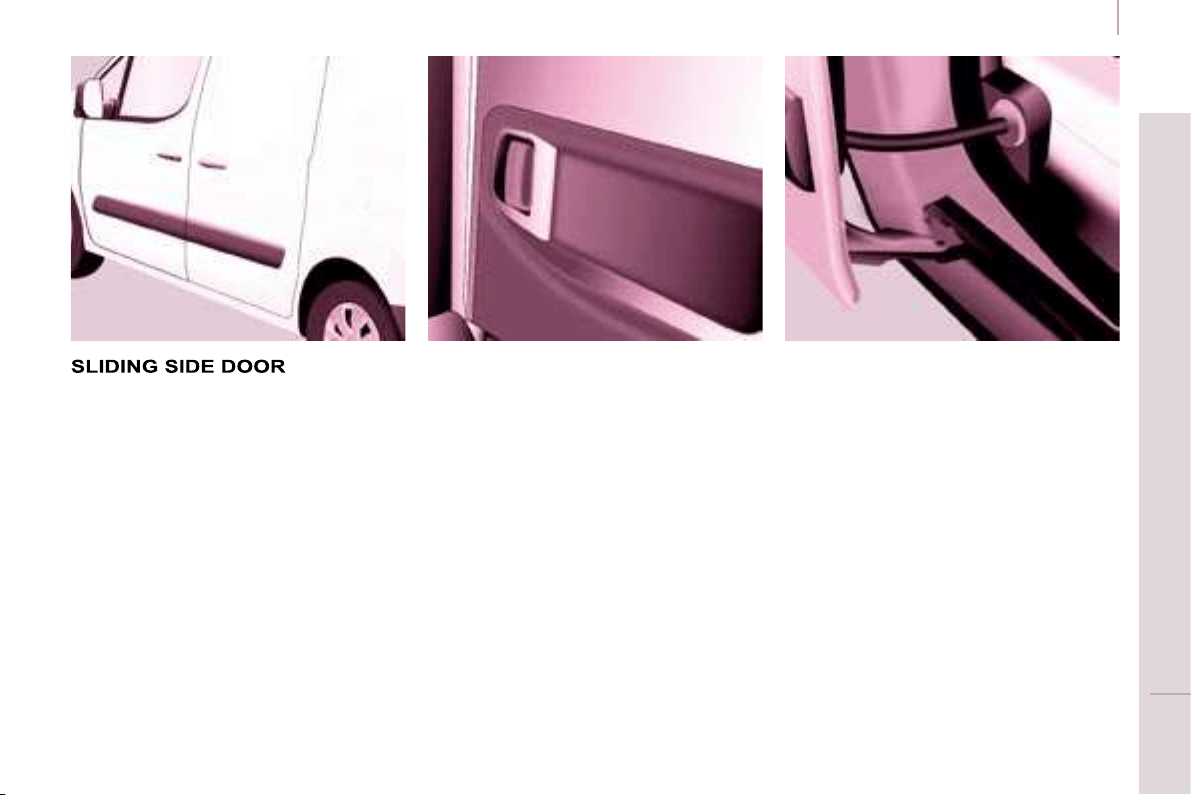
From the inside
Unlock and open the side door using
this handle, guiding the rearward
sliding to the point of resistance. Pass
this point to hold the door open.
Good practice
Take care not to block the guide space
on the fl oor to allow the door to slide
correctly.
If your vehicle is parked on a slope,
guide the sliding of the side door. In
fact, the door could open or close more
rapidly due to the slope of the ground
and could cause injury.
For safety and operation reasons, do
not drive with the sliding side door
open.
From the outside
Pull the handle towards you then
towards the rear and open the side
door, guiding the rearward sliding to
beyond the point of resistance to hold
it open.
Accesses
Practice
It is possible to drive with the
right-hand door open to make the
transportation of long loads easier.
The left-hand door is kept closed by
the distinctive "yellow" lock, positioned
at the base of the door. This closed
door must not be used as a load
retainer.
Driving with the right-hand door open
is a special dispensation. Comply with
the usual safety indications to attract
the attention of other drivers.
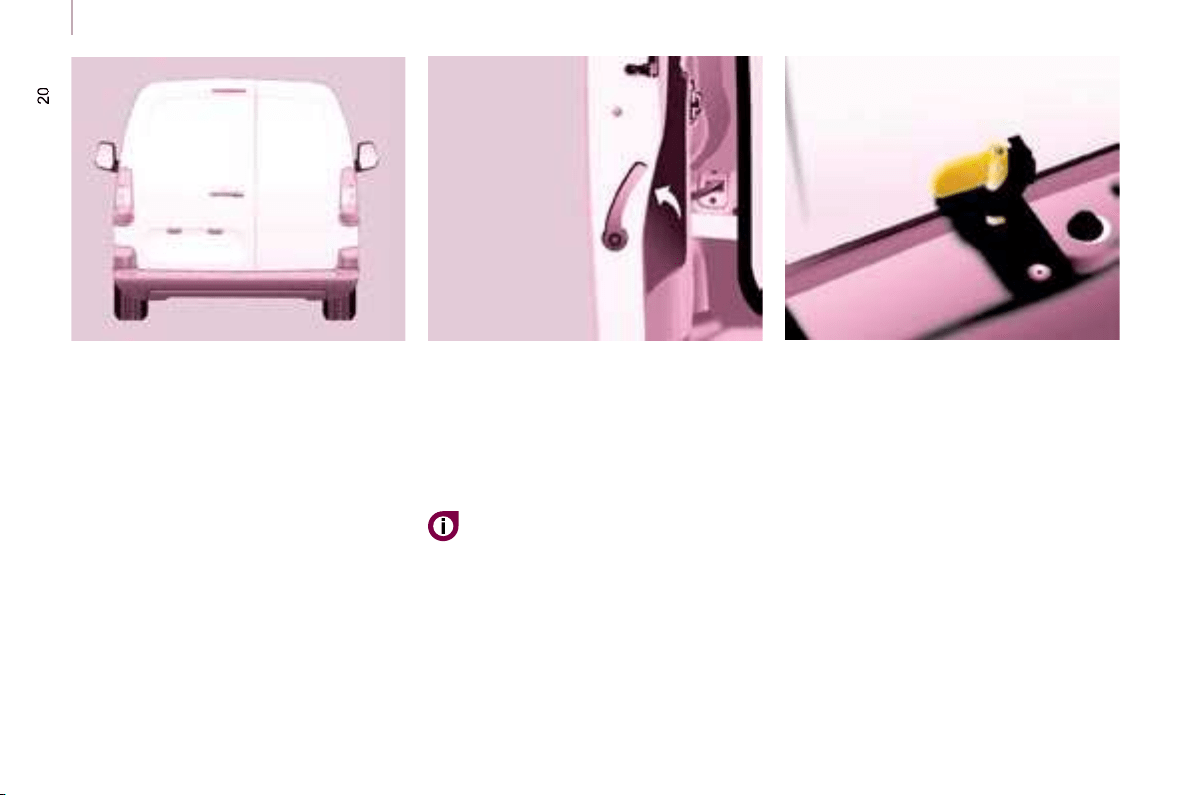
HINGED REAR DOORS
From outside
Pull the lever to open the right-hand
door.
To close, start with the right-hand door
then close the left-hand door.
To open, pull the handle towards you.
The hinged rear doors are
asymmetrical (2/3 - 1/3), with the
smaller door on the right.
They are fi tted with a central lock.
With the roof rear fl ap, the rear
bumper has been strengthened to
serve as a footrest on accessing
the vehicle.
21
Accesses
READY TO SET OFF
2
From inside
Pull the handle towards you to open
the left-hand door.
Opening to approximately 180°
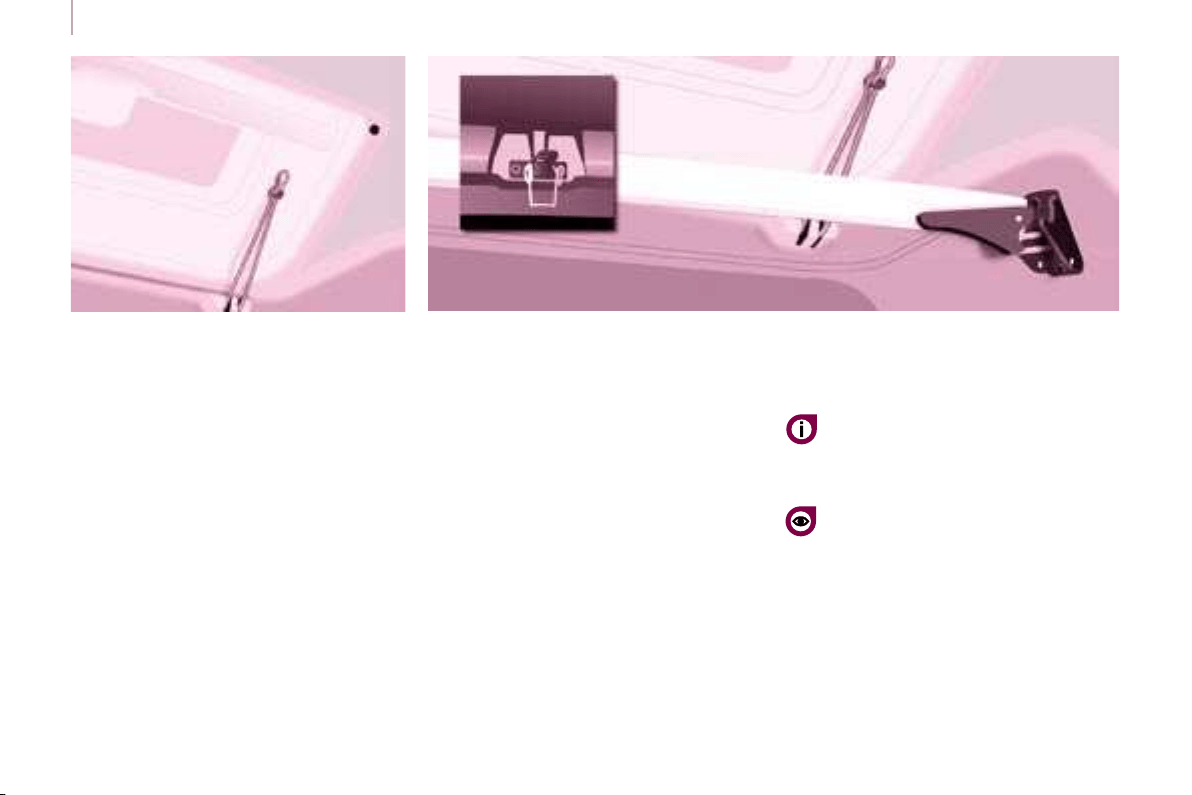
A check strap system permits extension
of the opening from approximately 90°
to approximately 180°.
Pull the yellow control when the door
is open.
The check strap will re-attach
automatically on closing.
22
Accesses
REAR ROOF FLAP
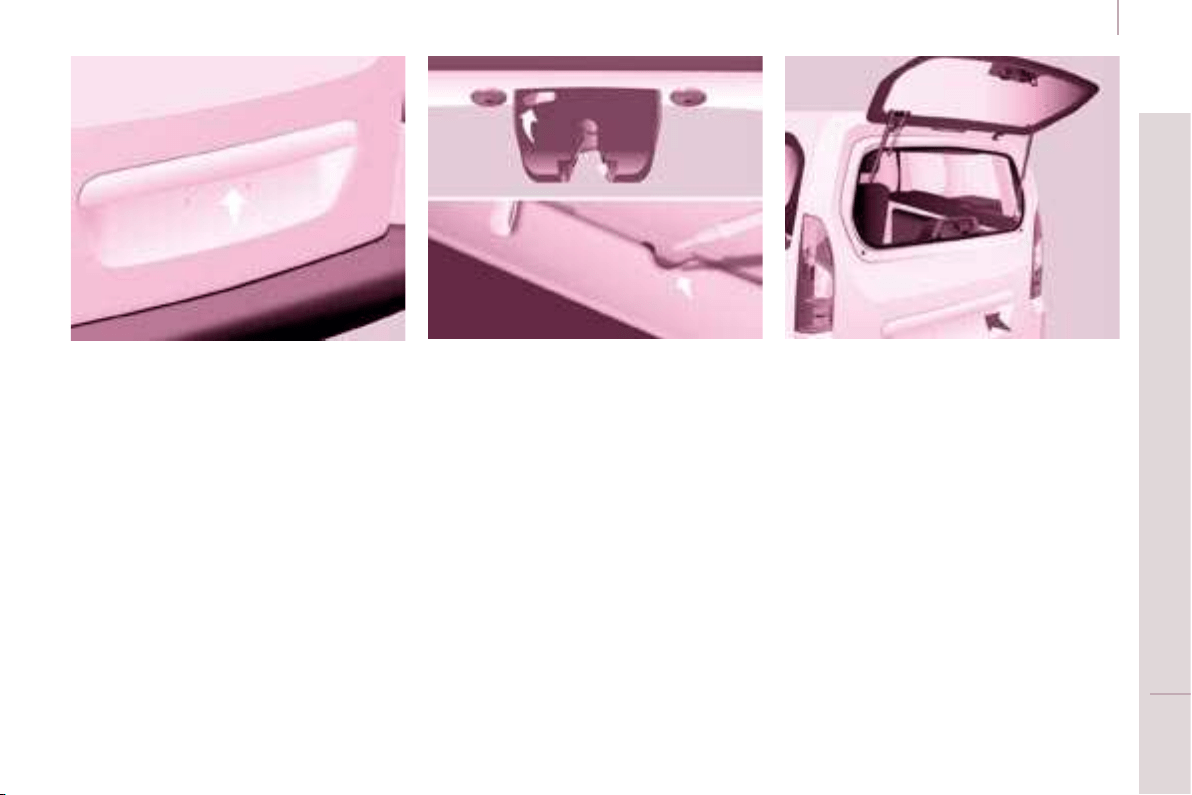
This rear roof fl ap is only compatible
with the hinged doors.
To open the rear roof fl ap:
- raise the black paddle of the toggle,
- relieve the toggle by pressing the
rear roof fl ap (downwards) then
release the hook,
- lift the rear roof fl ap,
- pass the point of resistance to
secure the rear roof fl ap using the
support struts.
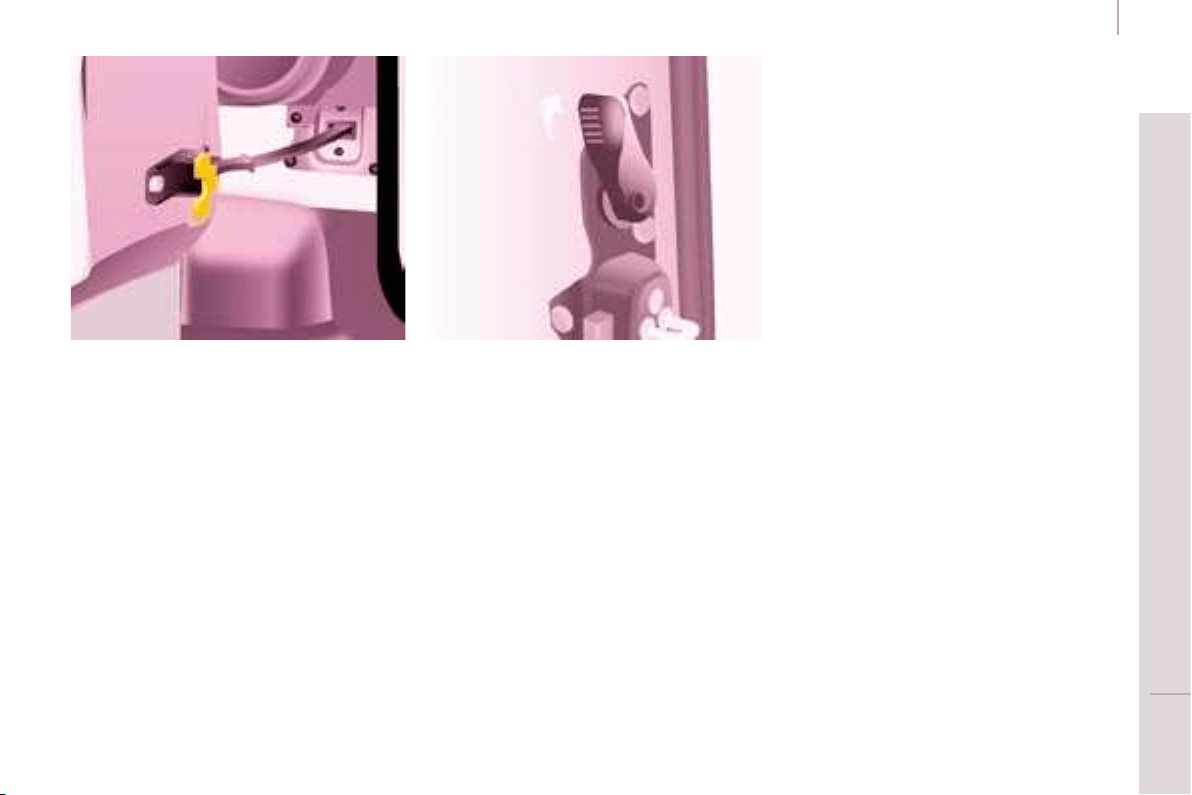
Support bar
A support bar is provided for
transporting long loads, after opening
the rear roof fl ap.
Fold back the support bar by lifting the
lever.
Support it to the door pillar.
Support the long loads to be
transported, lift them and reposition the
support bar with one hand.
Ensure that it is secured correctly by
pressing the handle downwards past
the point of resistance and secure the
loads fi rmly.
The rear bumper has been
strengthened to serve as a
footrest on entering the vehicle.
Never drive without the support
bar in place.
The rear doors only lock when the
support bar is installed.
When the rear roof fl ap is open, take
care when driving where height is
restricted.
Never rest loads directly on the rear
doors.
Comply with the usual indications, to
attract the attention of other drivers.
The side supports can be used as
hooking points.
- lower the black paddle to secure
the rear roof fl ap.
Securing the rear roof fl ap places it
on the seal correctly and guarantees
sealing without noise.
To close the rear roof fl ap:
- check that the support bar is
secured correctly,
- lower the rear roof fl ap,
- while pressing the rear roof fl ap
(downwards), take hold of the two
loops of the spring then place the
hook in its housing,
23
Accesses
READY TO SET OFF
2
TAILGATE
From outside
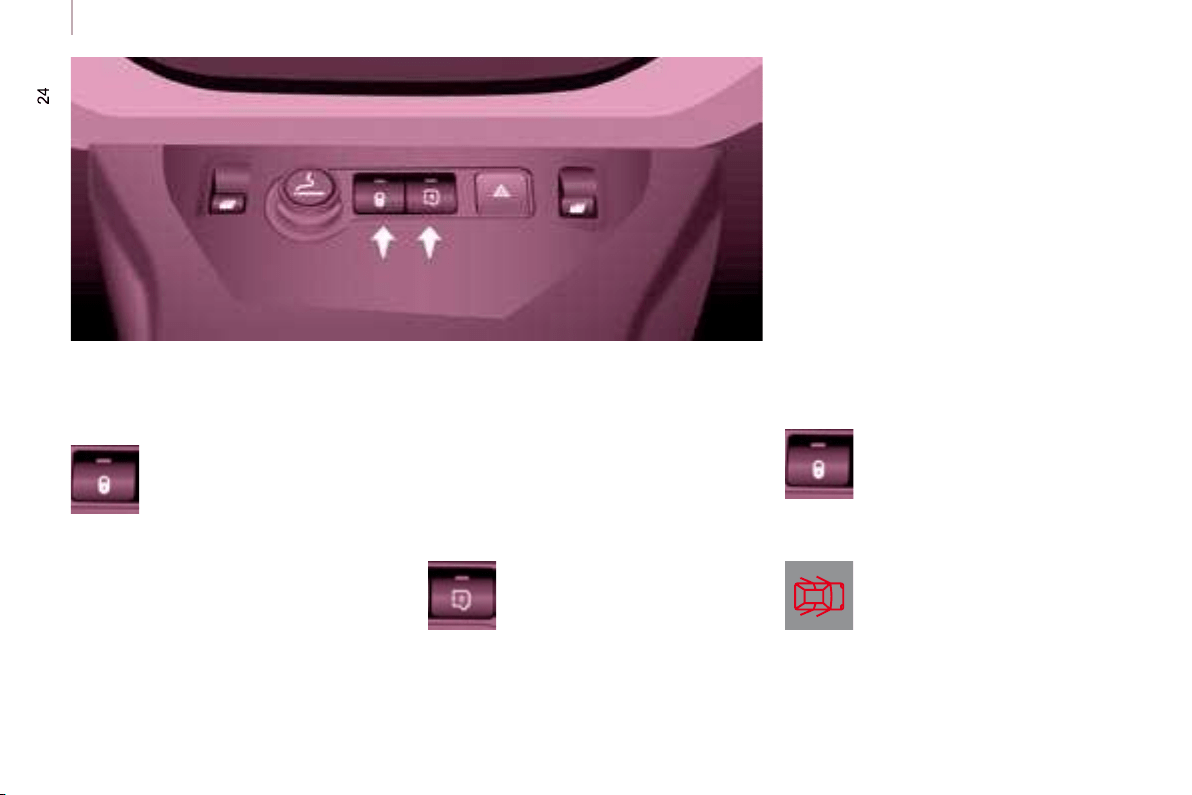
Locking/unlocking is by means of the
remote control.
To open, press the control below the
trim then raise the tailgate.
A pull strap is available to close the
tailgate in the high position.
Guide the closing of the tailgate to the
balance point of its travel then apply a
fi nal press on the tailgate to close it fully.
From inside
Emergency control
In the event of a central unlocking
operating fault, this permits unlocking
of the tailgate from the inside.
Insert a small screwdriver in the
opening, between the door and the
fl oor. To unlock the lock, move the
catch to the left then push the tailgate.
Tailgate screen
The opening rear screen allows you to
access the rear of the vehicle directly,
without having to open the tailgate.
Opening
After unlocking the vehicle using the
remote control or the key, press the
control and raise the rear screen to
open it.
Closing
Close the rear screen by pressing
the centre of the glass until it is fully
closed.
The tailgate and tailgate screen cannot
both be open at the same time, to
prevent damage to the glass and the
screen itself.
Accesses
The control diode:
- fl ashes when the doors are locked with
the vehicle stationary and the engine off,
- comes on when the doors are locked
and from the time the ignition is
switched on.
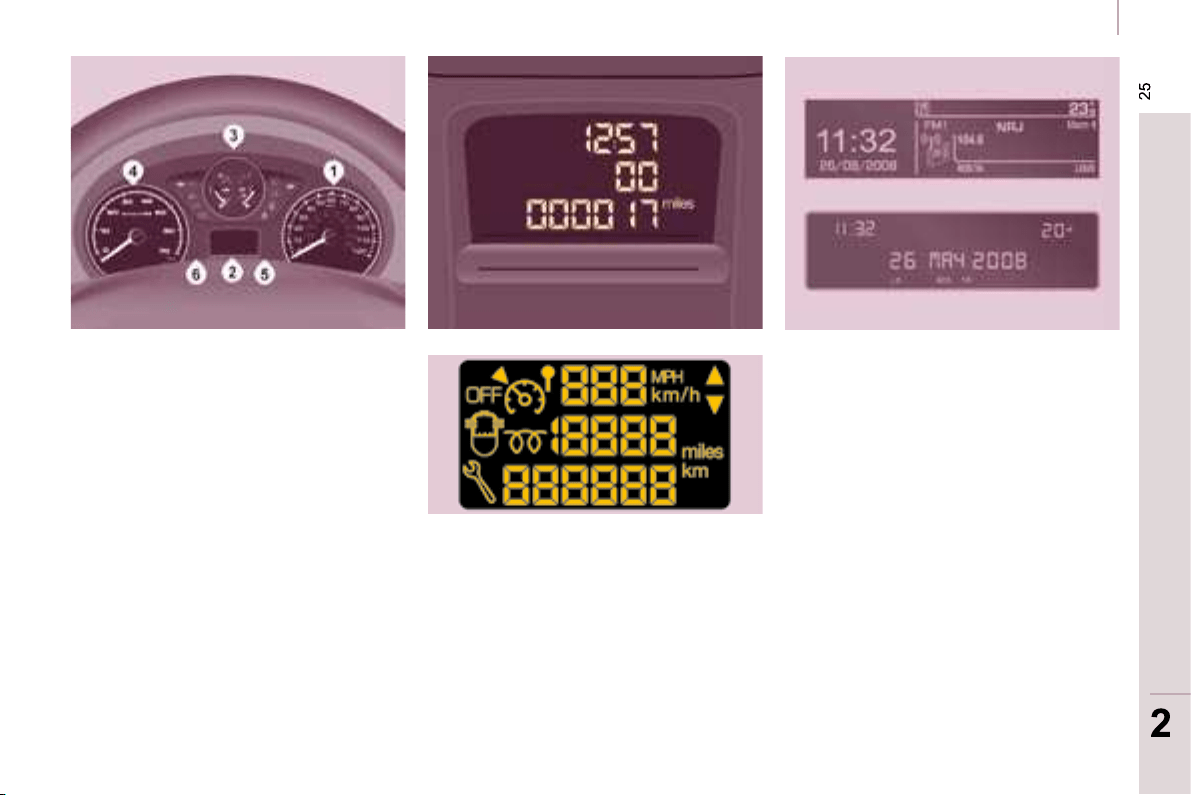
CENTRAL LOCKING
Cab and load space
Load space
Locking while driving
When the vehicle moves off, as soon
as you reach approximately 6 mph
(10 km/h), the system locks the doors.
A noise characteristic of central locking
is heard. The diode on the control on the
fascia central control panel comes on.
During the journey, opening a door
results in complete unlocking of the
vehicle.
In the event of a serious impact, the
doors are unlocked automatically
to permit access by the emergency
services.
Protection against attack
An initial press permits
central locking of the front
and rear doors, when they
are closed.
A second press permits central
unlocking of the vehicle.
The control is inactive when the vehicle
has been locked using the remote
control or the key from the outside.
Activating/deactivating the function
With the ignition on, press
and hold this button to
activate or deactivate the
function.
Door open warning light
If this warning light comes on,
check that all of your vehicle’s
doors are closed correctly.
Press to lock/unlock the rear
doors without changing the
locking status of the cab.
The doors can still be opened
from the inside.
READY TO SET OFF
25
25
2
2
Instruments and controls
INSTRUMENTS AND CONTROLS
INSTRUMENT PANEL
Dials
1. Distance recorder in kilometres/
miles.
2. Display.
3. Fuel level, coolant temperature.
4. Rev counter.
5. Trip distance recorder/service
indicator zero reset.
6. Instrument panel lighting rheostat.
Displays
- Speed limiter/cruise control.
- Kilometres/Miles travelled.
- Service indicator, engine oil level
indicator, total kilometres/miles.
- Presence of water in the diesel
fi lter.
- Diesel pre-heating.
Screens
The information is presented on board
the vehicle in different display formats
according to the vehicle’s equipment.
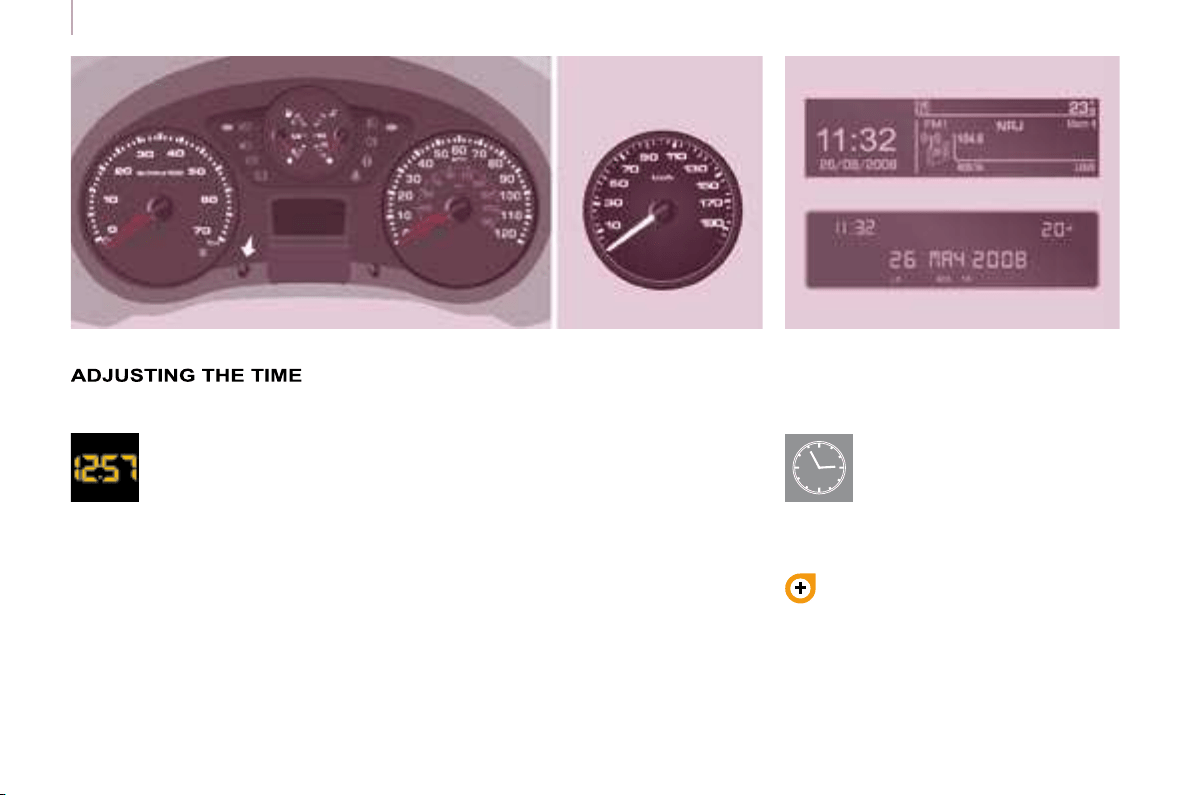
26
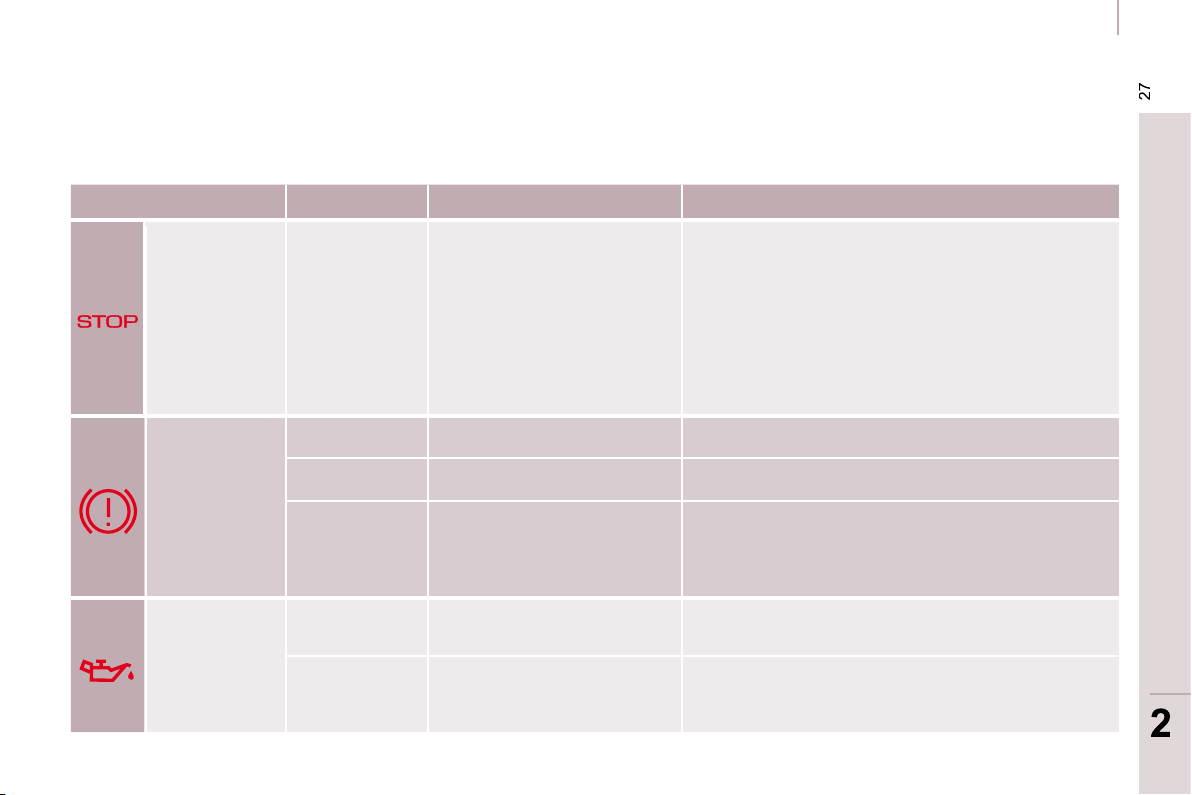
Instruments and controls
Centre console with display
Instrument panel without display
- turn to the right to increase the
hours (hold the button to the right
for rapid scrolling),
- turn to the left: 24 H or 12 H is
displayed,
-
turn to the right to select 24 H or 12 H,
- turn to the left to complete the time
adjustment.
After approximately 30 seconds
without any action, the display returns
to the normal display.
To adjust the time and date
indicated on the display, refer to
the "Adjusting the date and time"
section of chapter 4.
Centre console without display
To adjust the time of the
clock, use the left-hand button
on the instrument panel then
carry out the operations in the
following order:
- turn to the left: the minutes fl ash,
- turn to the right to increase the
minutes (hold the button to the right
for rapid scrolling),
- turn to the left: the hours fl ash,
The display - time sequence
is linked according to model
(version). The access to
the "Date" adjustment is
only active when the model
version offers a date in words.
READY TO SET OFF
27
27
2
2
Instruments and controls
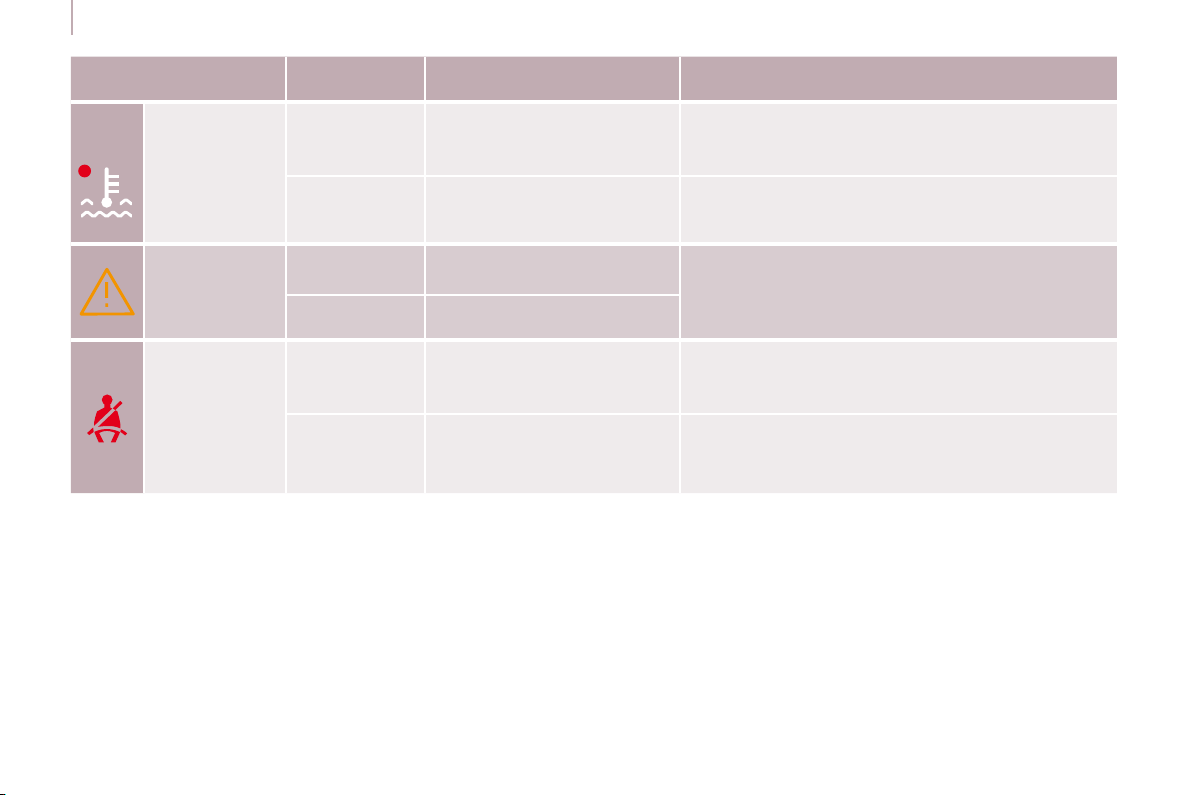
WARNING LIGHTS
Each time the vehicle is started: a series of warning lights comes on applying a self-test check. They switch off almost
immediately. When the engine is running: the warning light becomes a warning if it remains on continuously or fl ashes. This
initial warning may be accompanied by an audible signal and a message which appears on the display.
Do not ignore these warnings.
Warning light is indicates Solution - action
STOP
lit, associated
with another
warning
light and
accompanied
by a message
on the display.
major faults linked with
the "Brake fl uid level",
"Engine oil pressure and
temperature", "Coolant
temperature", "Electronic
brake force distribution" and
"Power steering" warning
lights.
You must stop, park and switch off the
ignition. Have the fault checked by a CITROËN
dealer.
Handbrake/
Brake fl uid
level/EBFD
lit.
that the handbrake is applied or
has not been released fully.
Releasing the handbrake switches off the warning
light.
lit. a low brake fl uid level. Top up using a fl uid recommended by CITROËN .
remaining on even
though the level
is correct and
associated with the
ABS warning light.
a failure of the electronic
brake force distribution.
You must stop, park and switch off the
ignition. Have the fault checked by a CITROËN
dealer.
Engine oil
pressure and
temperature
lit while driving.
insuffi cient pressure or a
high temperature.
Park and switch off the ignition then allow to
cool. Visually check the level. Chapter 7, "Levels"
section.
remaining on,
even though
the level is
correct.
a major fault. Have the fault checked by a CITROËN dealer.
28
Instruments and controls
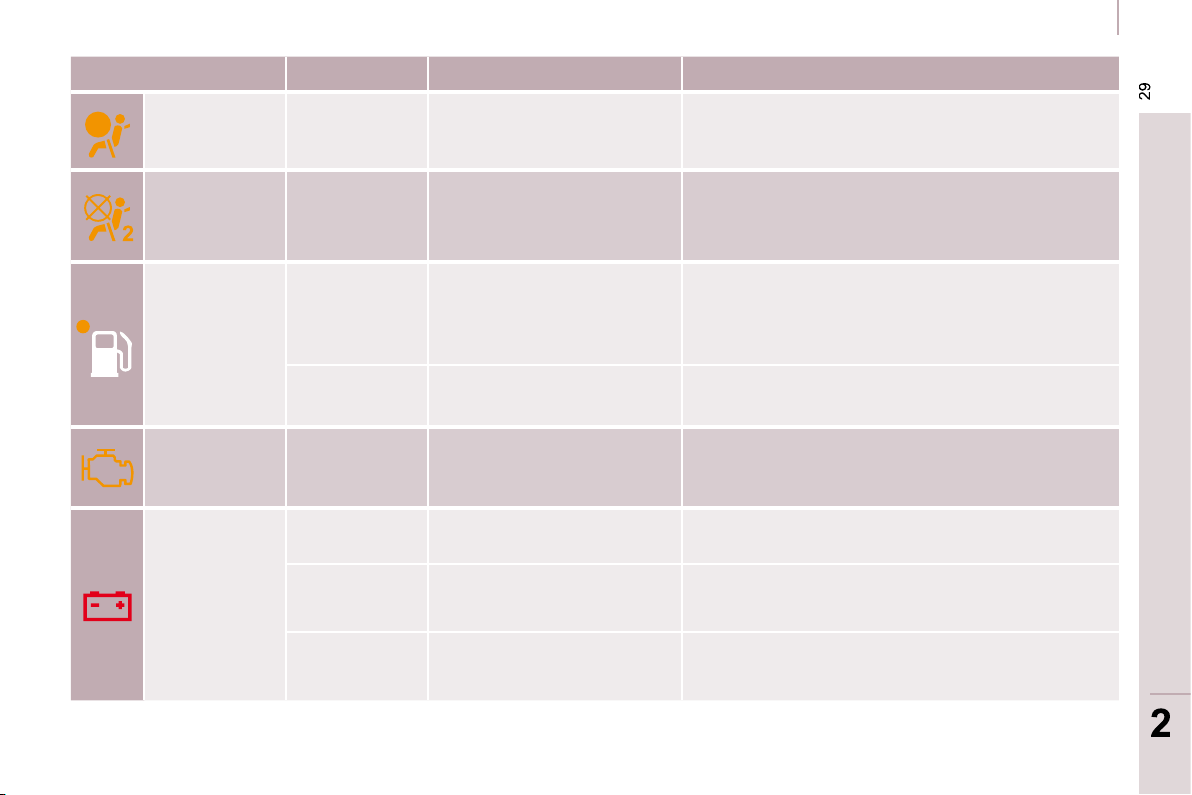
Warning light is indicates Solution - action
Coolant
temperature
and level
lit with needle
in the red
zone.
an abnormal increase in
temperature.
Park and switch off the ignition then allow to cool.
Visually check the level.
fl ashing. a drop in the coolant level.
Chapter 7, "Levels" section. Consult a CITROËN
dealer.
Service
lit temporarily. minor faults or warnings.
Consult the warnings log on the display or on
the screen. If your vehicle is equipped with a
trip computer or a screen: refer to the "Audio
equipment - Trip computer" section of chapter 4.
Consult a CITROËN dealer.
remaining on. major faults.
Driver’s
seat belt not
fastened
lit then
fl ashing.
the driver has not fastened
his seat belt.
Pull the strap then insert the tongue in the
buckle.
accompanied
by an audible
signal then
remains on.
the vehicle is moving with
the driver’s seat belt not
fastened.
Check that the seat belt is fastened by pulling the
strap. Chapter 5, "Seat belts" section.
READY TO SET OFF
29
29
2
2
Instruments and controls
Warning light is indicates Solution - action
Front/side air
bag
fl ashing or
remaining on.
a failure of an air bag.
Have the system checked by a CITROËN dealer
without delay. Chapter 5, "Air bags" section.
Front
passenger air
bag disarmed
lit.
the intentional disarming of
this air bag in the presence
of a rear-facing child seat.
Chapter 5, "Air bags-child safety" section.
Low fuel
level
lit with gauge
needle in the
red zone.
that the fuel reserve is
being used.
Fill up with fuel without delay. The evaluation of
the fuel reserve is a parameter which is sensitive
to the style of driving, the profi le of the road, the
time elapsed and the distance travelled from the
time the warning light comes on.
fl ashing.
cutting off of the supply
following a serious impact.
Restore the supply. Chapter 7, "Fuel" section.
EOBD
emission
control
system
fl ashing or
remaining on.
a failure of the system.
There is a risk of damage to the catalytic
converter. Have the system checked by a
CITROËN dealer.
Battery
charge
lit.
a fault in the charging
circuit.
Check the battery terminals, …
Chapter 8, "Battery" section.
fl ashing.
placing of the active
functions on standby
(economy mode).
Chapter 8, "Battery" section.
remaining on,
in spite of the
checks.
a faulty circuit, an ignition or
injection malfunction.
Have the fault checked by a CITROËN dealer.
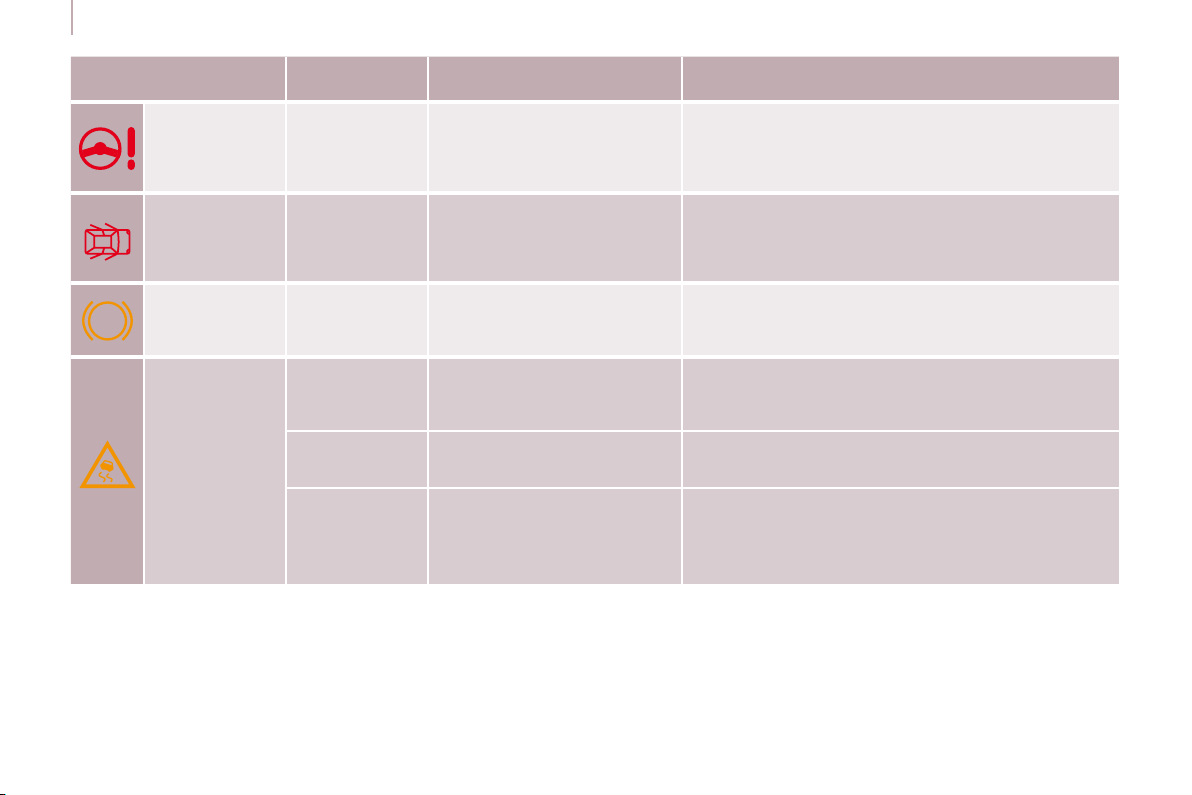
ABS
30
Instruments and controls
Warning light is indicates Solution - action
Power
steering
lit. a malfunction of the system.
The vehicle retains conventional steering without
assistance. Have the system checked by a
CITROËN dealer.
Door open
detection
lit and
accompanied
by a message
on the display.
that a door is not closed
correctly.
Check that all of the doors are closed.
ABS remaining on.
a failure of the anti-lock
braking system.
The vehicle retains conventional braking.
Consult a CITROËN dealer.
ESP
fl ashing.
triggering of the ASR or
ESP regulation.
The system optimises drive and permits
improvement of the directional stability of the
vehicle. Chapter 5, "Driving safety" section.
remaining on.
a malfunction of the system.
E.g.: under-infl ation of the
tyres.
E.g.: check the pressure of the tyres. Have the
system checked by a CITROËN dealer. (Wheel
speed sensor, hydraulic block, ...).
remaining
on with the
diode on the
button (on the
fascia) lit.
deactivation of the system
at the request of the driver.
Operation of the system is deactivated.
Reactivation is automatic above 30 mph (50 km/h)
or after pressing the button (on the fascia).
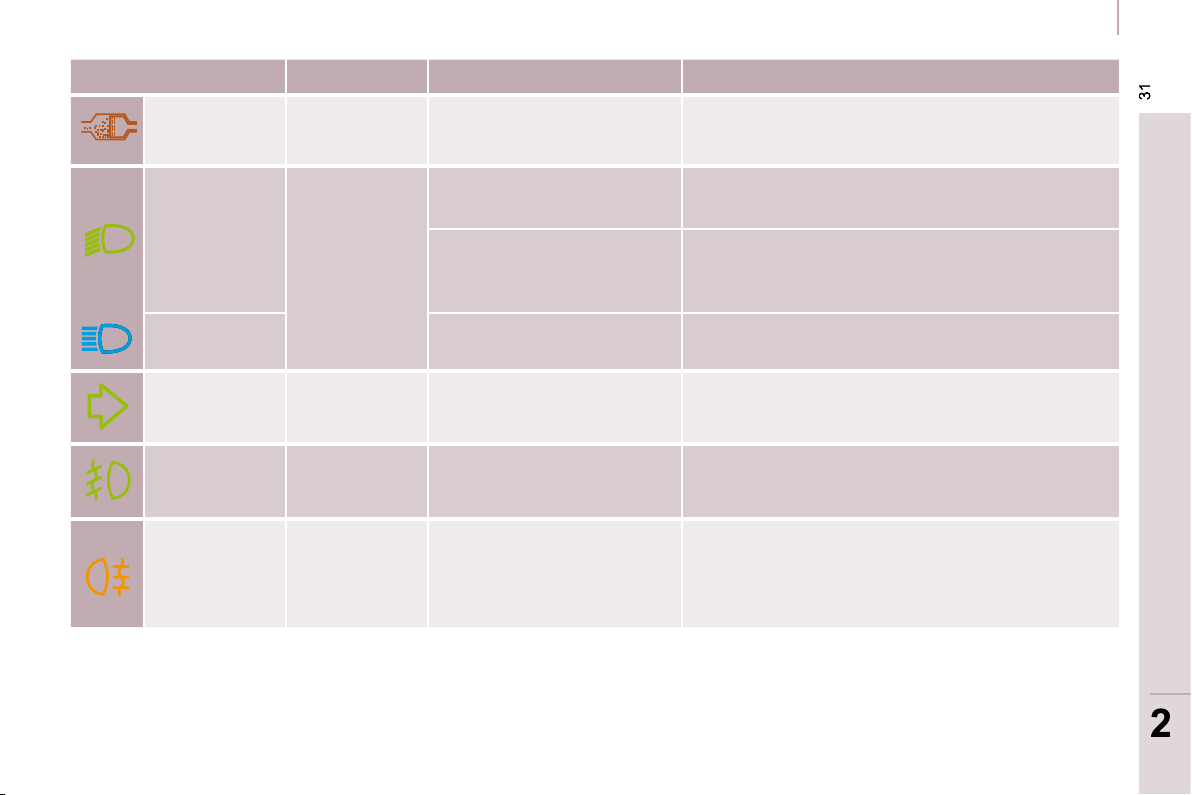
READY TO SET OFF
31
31
2
2
Instruments and controls
Warning light is indicates Solution - action
Particle
emission fi lter
lit.
a malfunction of the particle
emission fi lter (diesel
additive level, risk of
clogging, ...).
Have the fi lter checked by a CITROËN dealer.
Chapter 7, "Levels" section.
Dipped
headlamps/
Daytime
lights
lit.
a manual selection or
automatic lighting.
Turn the ring on the lights stalk to the second
position.
lighting of the dipped
headlamps from the time the
ignition is switched on: daytime
lights (depending on the country
in which the vehicle is sold).
Chapter 3, "Steering wheel controls" section.
Main beam
headlamps
pulling of the stalk towards
you.
Pull the stalk to return to dipped headlamps.
Direction
indicators
fl ashing with
buzzer.
a change of direction via the
lights stalk, to the left of the
steering wheel.
To the Right: control to be pushed upwards.
To the Left: control to be pushed downwards.
Front fog
lamps
lit. a manual selection.
The fog lamps only operate if the side lights or
dipped headlamps are on.
Rear fog
lamps
lit. a manual selection.
The fog lamps only operate if the side lights or
dipped headlamps are on. In conditions of normal
visibility, take care to switch them off on penalty of
being booked. "This light is a dazzling red."
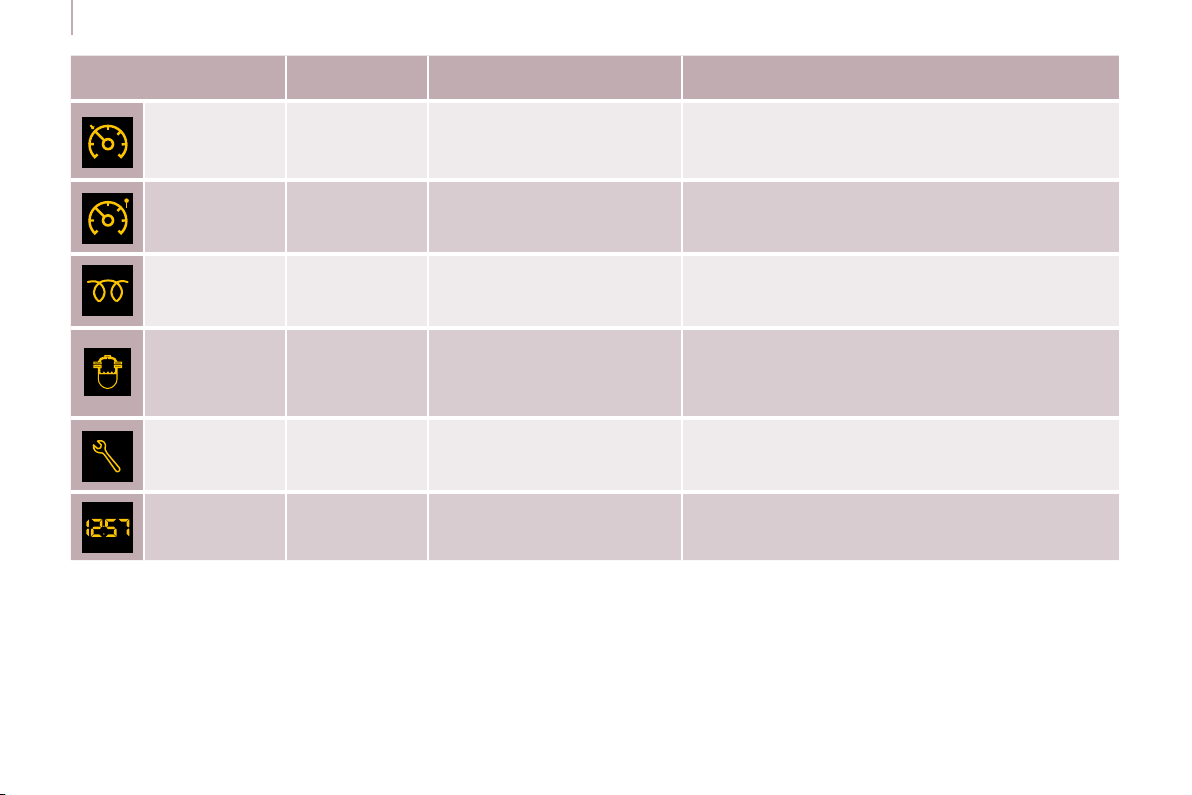
32
Instruments and controls
Warning light on
the display
is indicates Solution - action
Cruise
control
lit. cruise control selected.
Manual selection. Chapter 3, "Steering wheel
controls" section.
Speed limiter lit. speed limiter selected.
Manual selection. Chapter 3, "Steering wheel
controls" section.
Diesel
pre-heating
lit.
climatic conditions requiring
pre-heating.
Wait until the warning light is switched off before
operating the starter.
Presence of
water in the
diesel fi lter
lit and
accompanied by
a message on
the display.
water in the diesel fi lter.
Have the fi lter bled by a CITROËN dealer without
delay. Chapter 7, "Checks" section.
According to country.
Service
spanner
lit.
that a service will be due
shortly.
Refer to the list of checks in the servicing booklet.
Have the service carried out by a CITROËN
dealer.
Time fl ashing. adjustment of the time.
Use the left-hand button on the instrument panel.
Chapter 2, at the beginning of the "Instruments
and controls" section.
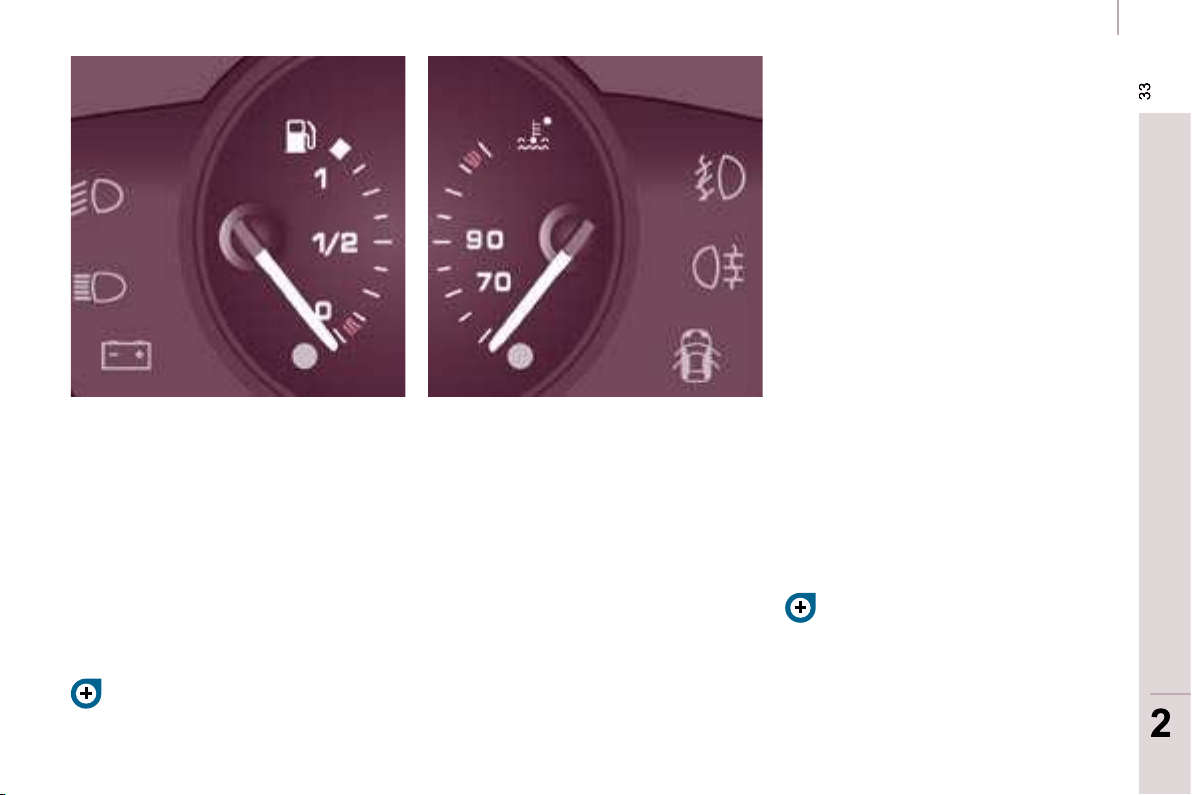
READY TO SET OFF
33
33
2
2
Instruments and controls
FUEL GAUGE
COOLANT TEMPERATURE
The needle is positioned between
the blue zone and the red zone:
normal operation.
In arduous conditions of use or hot
climatic conditions, the needle may
move close to the red graduations.
What you should do if the needle
enters the red zone:
Reduce your speed or let the engine
run at idle.
What you should do if the warning
light comes on:
- stop immediately, switch off the
ignition. The fan may continue to
operate for a certain time up to
approximately 10 minutes.
- wait for the engine to cool down in
order to check the coolant level and
top it up if necessary.
As the cooling system is pressurised,
follow this advice in order to avoid any
risk of scalding:
- wait at least one hour after
switching off the engine before
carrying out any work,
- unscrew the cap by 1/4 turn to
allow the pressure to drop,
- when the pressure has dropped,
check the level on the expansion
bottle,
-
if necessary, remove the cap to top up.
If the needle remains in the red
zone, have the system checked by a
CITROËN dealer.
Refer to the "Levels" section of
chapter 7.
Refer to the "Fuel" section of
chapter 7.
The fuel level is tested each time the
key is turned to the "running" position.
The gauge is positioned on:
- 1: the fuel tank is full,
approximately 60 litres.
- 0: the reserve is now being
used, the warning light comes on
continuously. The reserve when
the warning fi rst comes on is
approximately 8 litres.

34
Instruments and controls
Puncture
Stop immediately, avoiding any sudden
movement of the steering wheel and
the brakes.
Change the damaged (punctured or
very defl ated) tyre, and have the tyre
pressure checked as soon as possible.
Sensor(s) not detected
Under-infl ation detection is absent
from one (or several) tyre(s). Contact a
CITROËN dealer to replace the faulty
sensor(s).
This message is also displayed when
one of the tyres is away from the
vehicle (being repaired) or when a
wheel without a sensor is fi tted.
All repairs and changing of tyres on a
wheel fi tted with this system must be
carried out by a CITROËN dealer.
The tyre under-infl ation detection
system is a driving aid which does
not take the place of vigilance or the
responsibility of the driver.
This system does not remove the need
to have the tyre pressure checked
regularly (including the spare wheel), to
ensure that the dynamic performance
of the vehicle remains at its best and
to avoid premature wear of the tyres,
in particular in the case of arduous
driving (heavy load, high speed).
The system may temporarily be
disturbed by radio broadcasts on a
frequency close to it.
DETECTION
- CO (carbon monoxide),
- HC (unburnt hydrocarbons),
- NOx (nitrogen oxides) or particles,
detected by oxygen sensors placed
upstream and downstream of the
catalytic converters.
Therefore, the driver is warned of any
malfunction of this emission control
system by the lighting of this specifi c
warning light on the instrument panel.
There is a risk of damage to the
catalytic converter. Have it checked by
a CITROËN dealer.
EMISSION CONTROL
Flat tyre
Check the tyre pressure as soon as
possible.
Refer to the "Changing a wheel"
section of chapter 8.
If the damaged tyre is temporarily
stored inside the vehicle, it will again
emit this message to remind you of the
necessity of having it repaired. This will
prevent another warning of the same
type being displayed.
Sensors check the tyre pressure during
driving (speed higher than 12 mph
[20 km/h]) and trigger a warning in the
event of a malfunction or puncture.
EOBD (European On Board
Diagnosis) is a diagnostics
system which complies with,
among others, the standards
concerning authorised
emissions of:
Any anomaly detected
(fl at or punctured tyre,
malfunction of a sensor)
is indicated by visual
and audible information
and is accompanied by a
message on the display.
READY TO SET OFF
35
35
2
2
Instruments and controls
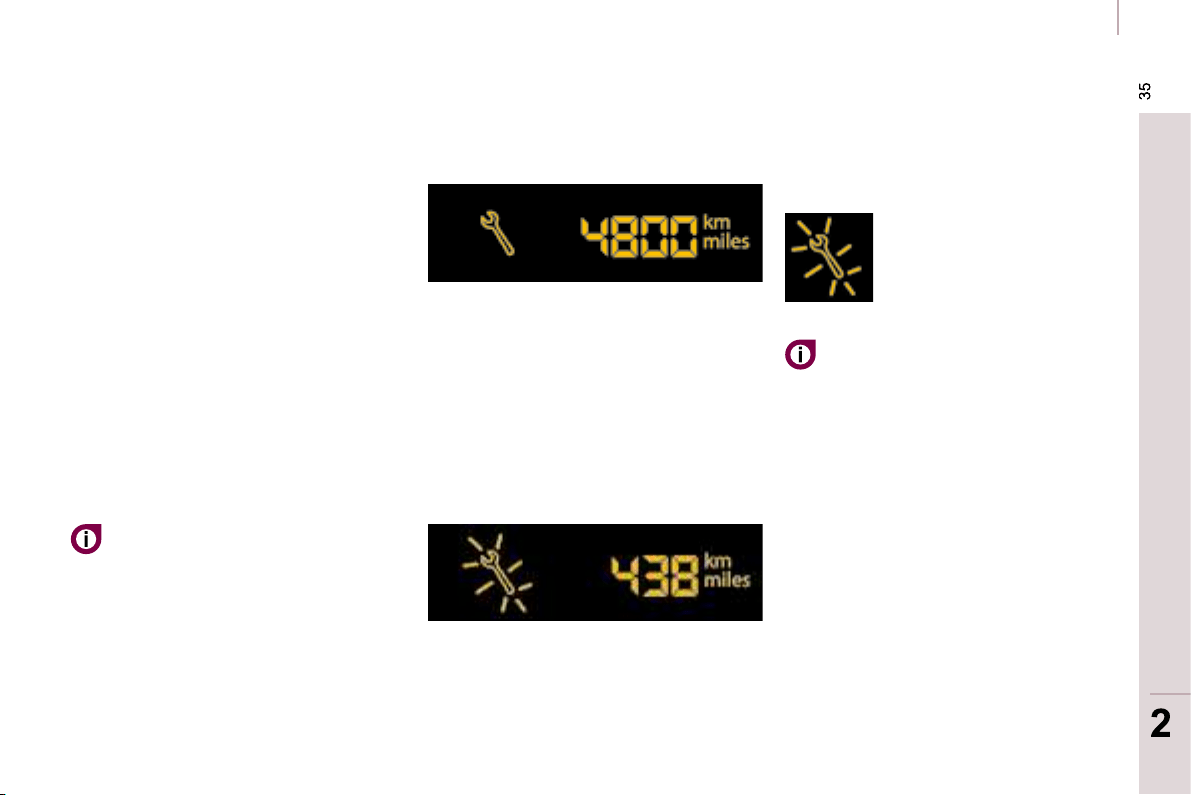
SERVICE INDICATOR
This programmes service intervals
according to the use of the vehicle.
More than 1 000 miles/km before the
next service is due
Example: 4 800 miles/km remain
before the next service is due. When
the ignition is switched on and for a
few seconds, the display shows:
A few seconds after the ignition is
switched on, the oil level is displayed,
then the total distance recorder
resumes normal operation showing the
total and trip distances.
Less than 1 000 miles/km before the
next service is due
Each time the ignition is switched on
and for a few seconds, the spanner
fl ashes and the number of miles/
kilometres remaining is displayed:
A few seconds after the ignition is
switched on, the oil level is displayed,
then the total distance recorder
resumes normal operation and the
spanner remains lit. This indicates that
a service should be carried out shortly.
Service overdue
First of the two terms reached: the
spanner also lights up if the two-year
interval has elapsed.
Operation
A few moments after the ignition
has been switched on, the spanner
indicating a service operation lights
up; the display for the total distance
recorder tells you (in round fi gures)
the distance remaining before the next
service.
The points at which a service is due
are calculated from the last indicator
zero reset.
The point at which a service is due is
determined by two parameters:
- the distance travelled,
- the time which has elapsed since
the last service.
The distance remaining before the
next service may be weighted by
the time factor, depending on the
driver’s driving habits.
With the engine running the
spanner remains lit until the
service has been carried out.
Each time the ignition is
switched on and for a few
seconds, the spanner
fl ashes and the excess
distance is displayed.

36
Instruments and controls
Trip recorder zero
reset button
After this operation, if you wish
to disconnect the battery, lock
the vehicle and wait for at least
fi ve minutes, otherwise the zero re-set
will not be registered.
Zero re-set
Your CITROËN dealer carries out this
operation after each service.
However, if you carry out the service
yourself, the re-set procedure is as
follows:
- switch off the ignition,
- press and hold the trip recorder
reset button,
- switch on the ignition.
The display begins a countdown.
When the display shows "=0" , release
the button; the spanner disappears.
Engine oil level indicator
When the ignition is switched on, the
engine oil level is indicated for a few
seconds, after the service information.
Oil level correct
Lack of oil
Flashing of "OIL" ,
linked with the
service warning light,
accompanied by an
audible signal and a message on the
display, indicates a lack of oil which
could damage the engine.
If the lack of oil is confi rmed by a check
using the dipstick, it is essential that
the level is topped up.
Oil level gauge fault
Flashing of "OIL--"
indicates a
malfunction of the
engine oil level gauge.
Consult a CITROËN dealer.
The level read will only be correct
if the vehicle is on level ground
and the engine has been off for
more than 15 minutes.
Dipstick
A = maximum, never exceed
this level as a surplus of oil
may damage the engine.
Contact a CITROËN dealer
without delay.
B = minimum, top up the level
via the oil fi ller cap, using
the type of oil suited to your
engine.
With the lights on, press
the button to vary the
intensity of the lighting
of the instruments and
controls. When the lighting
reaches the minimum (or
maximum) setting, release
the button then press it again to
increase (or reduce) the brightness.
As soon as the lighting is of the
required brightness, release the button.
With the ignition on, press
the button until the zeros
appear.
Lighting rheostat
37
READY TO SET OFF
37
2
2
Gearboxes and steering wheel
GEARBOX
5-speed - reverse gear gearbox
To change gear easily, always press
the clutch pedal fully.
To prevent the mat from becoming
caught under the pedal:
- ensure that the mat and its fi xings
on the fl oor are positioned correctly,
- never fi t one mat on top of another.
When driving, avoid leaving your hand
on the gear knob as the force exerted,
even if slight, may wear the internal
components of the gearbox over time.
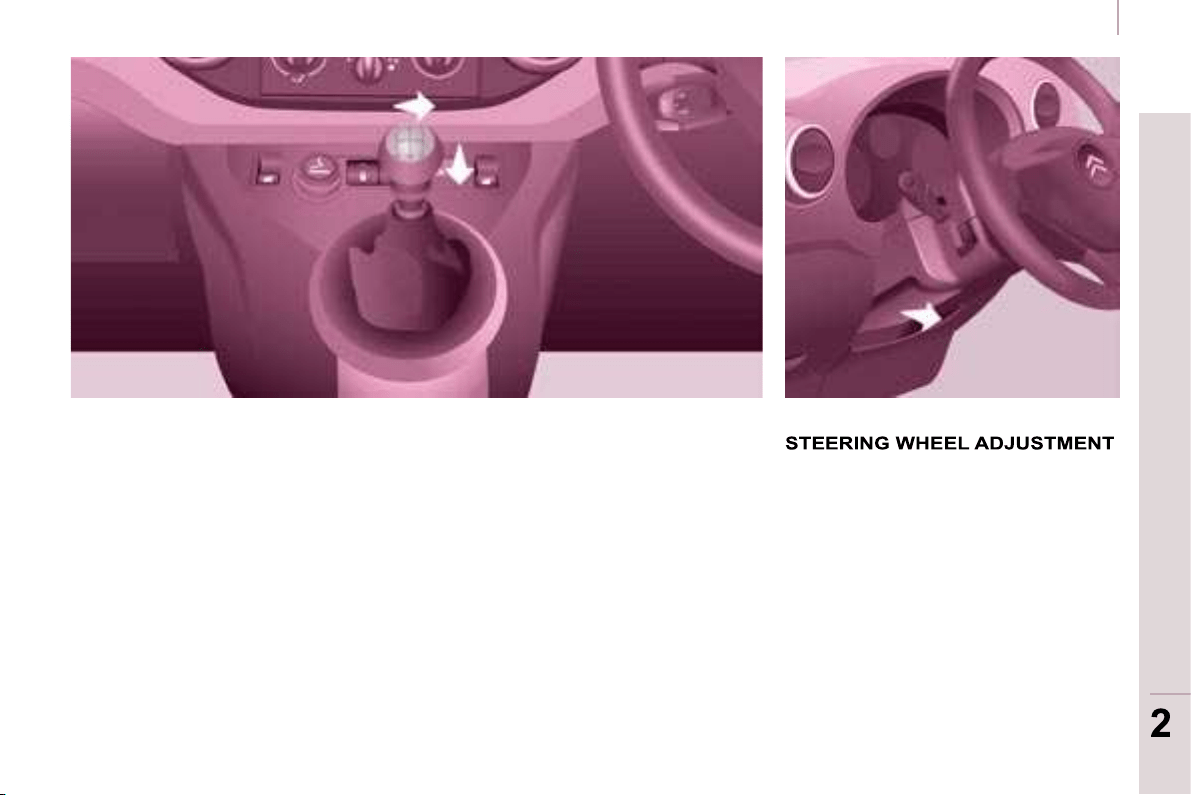
To engage reverse gear, wait until the
vehicle is stationary then push the gear
lever to the right then down.
The lever should be moved slowly
to reduce the noise on engaging
reverse gear.
When the vehicle is stationary, unlock
the steering wheel by pulling the lever.
Adjust the height and depth of the
steering wheel, then lock by pushing
the lever fully.
Starting and stopping
Good practice when stopping Good practice when starting
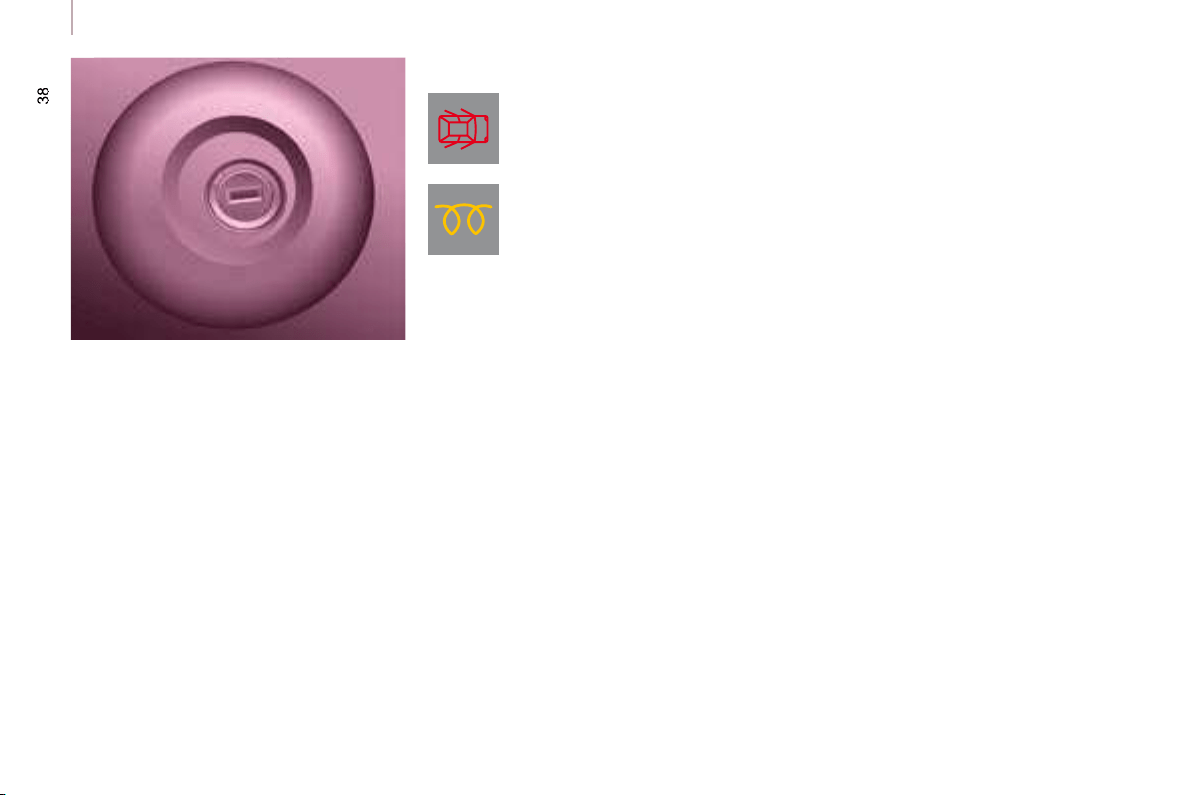
Diesel pre-heating warning
light
If the temperature is high
enough, the warning light
comes on for less than one
second, you can start without
waiting.
In cold weather, wait for this warning
light to switch off then operate the
starter (Starting position) until the
engine starts.
Door or bonnet open
warning light
If this comes on, a door or the
bonnet is not closed correctly, check!
Minimise engine and gearbox wear
When switching off the ignition, let the
engine run for a few seconds to allow
the turbocharger (Diesel engine) to
return to idle.
Do not press the accelerator when
switching off the ignition.
There is no need to engage a gear
after parking the vehicle.
STARTING AND STOPPING
Running and accessories position.
To unlock the steering, turn the
steering wheel gently while turning the
key, without forcing. In this position,
certain accessories can be used.
Starting position.
The starter is operated, the engine
turns over, release the key.
STOP position: steering lock.
The ignition is off. Turn the steering
wheel until the steering locks. Remove
the key.
39
READY TO SET OFF
39
2
2
Starting and stopping
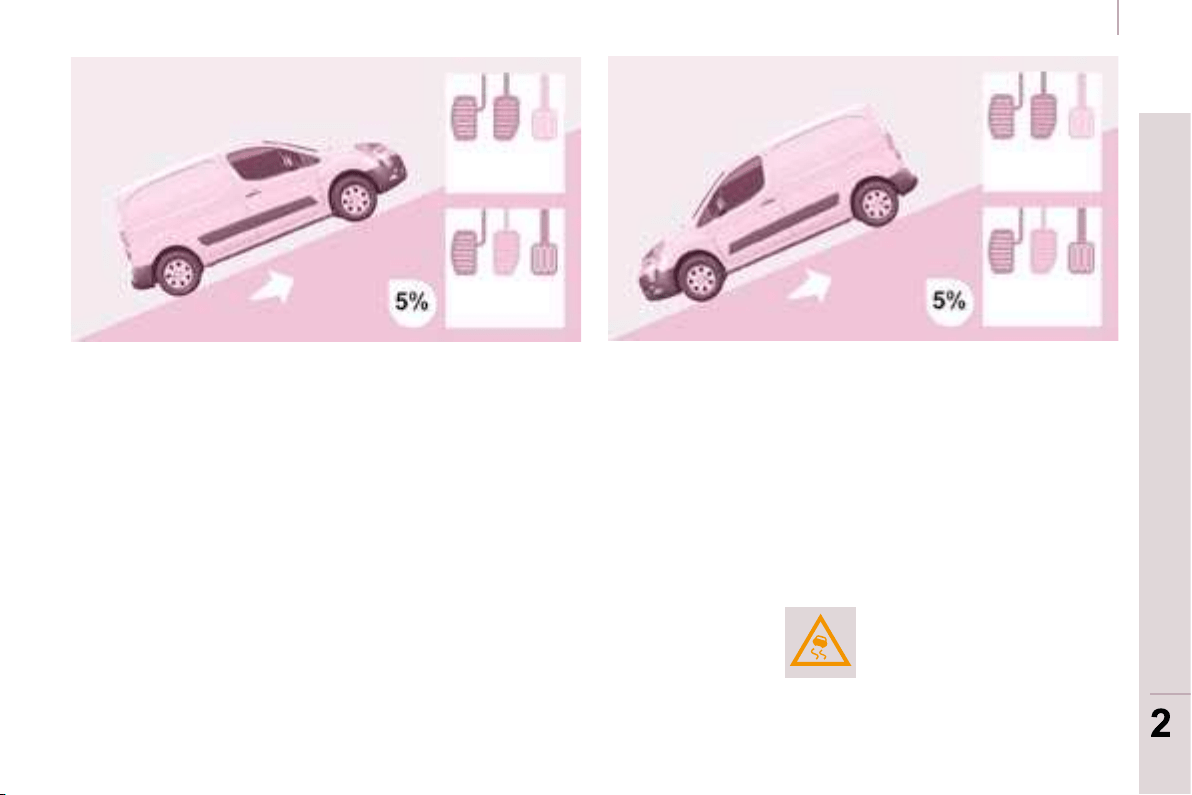
HILL START ASSISTANCE
Operation
With the brake pedal and clutch pedal
pressed, from the time you release the
brake pedal you have approximately
2 seconds before the vehicle starts
to roll back and without using the
handbrake within which to move off.
During the moving off phase, the
function is deactivated automatically,
gradually releasing the braking
pressure. During this phase, the typical
noise of mechanical disengaging of
the brakes can be heard, indicating the
imminent movement of the vehicle.
Anomaly
The hill start assistance is deactivated
in the following situations:
- when the clutch pedal is released,
- when the handbrake is applied,
- when the engine is switched off,
- when the engine stalls.
If a malfunction of the system
occurs, this warning light
comes on accompanied
by an audible signal and
confi rmed by a message on
the display. Contact a CITROËN dealer
to have the system checked.
This function, linked with the ESP,
makes hill starts easier and is activated
in the following conditions:
- the vehicle must be stationary,
engine running, foot on the brake,
- the gradient of the road must be
steeper than 5 %,
- uphill, the gearbox must be in
neutral or in a gear other than
reverse,
- downhill, reverse gear must be
engaged.
40
Steering wheel controls
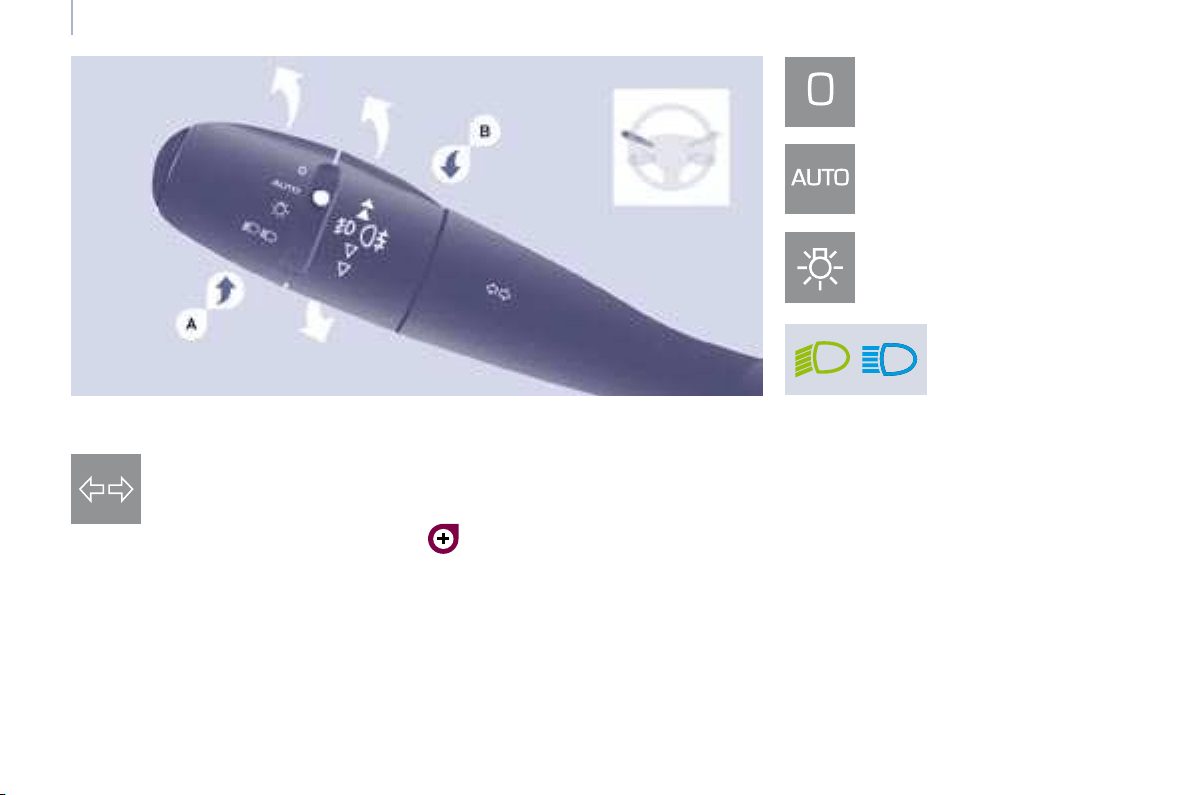
DIRECTION INDICATORS
(green flashing)
"Motorway" function
Press the control up or down to fl ash
the corresponding direction indicator
three times.
LIGHTING CONTROL
Left : downwards passing the
point of resistance.
Right : upwards passing the
point of resistance.
Front and rear lights
Selection is by turning ring A .
Lights off
Automatic lights
Side lights
Dipped beam (green)
Main beam (blue)
Dipped beam/main beam change
Pull the stalk fully towards you.
Lights-on buzzer
When the ignition is switched off, when
the driver’s door is opened, a buzzer
sounds if you have left your lights on.
Checking by means of the indicator
lights on the instrument panel is
described in the "Instruments and
controls" section of chapter 2.
40
Steering wheel controls
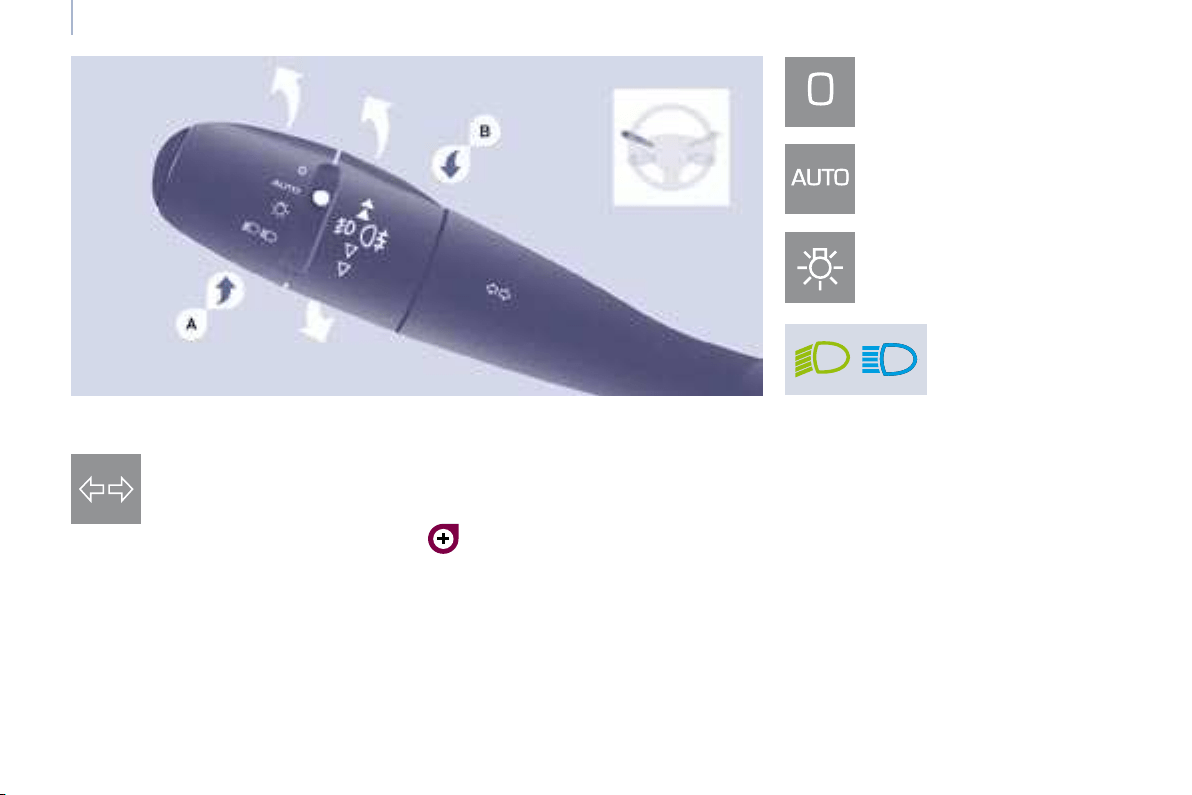
DIRECTION INDICATORS
(green flashing)
"Motorway" function
Press the control up or down to fl ash
the corresponding direction indicator
three times.
LIGHTING CONTROL
Left : downwards passing the
point of resistance.
Right : upwards passing the
point of resistance.
Front and rear lights
Selection is by turning ring A .
Lights off
Automatic lights
Side lights
Dipped beam (green)
Main beam (blue)
Dipped beam/main beam change
Pull the stalk fully towards you.
Lights-on buzzer
When the ignition is switched off, when
the driver’s door is opened, a buzzer
sounds if you have left your lights on.
Checking by means of the indicator
lights on the instrument panel is
described in the "Instruments and
controls" section of chapter 2.
41
Steering wheel controls
ERGONOMICS and COMFORT
3
Daytime lights
Depending on the country in which the
vehicle is sold, the vehicle may be equipped
with daytime lights. The dipped headlamps
come on when the vehicle is started.
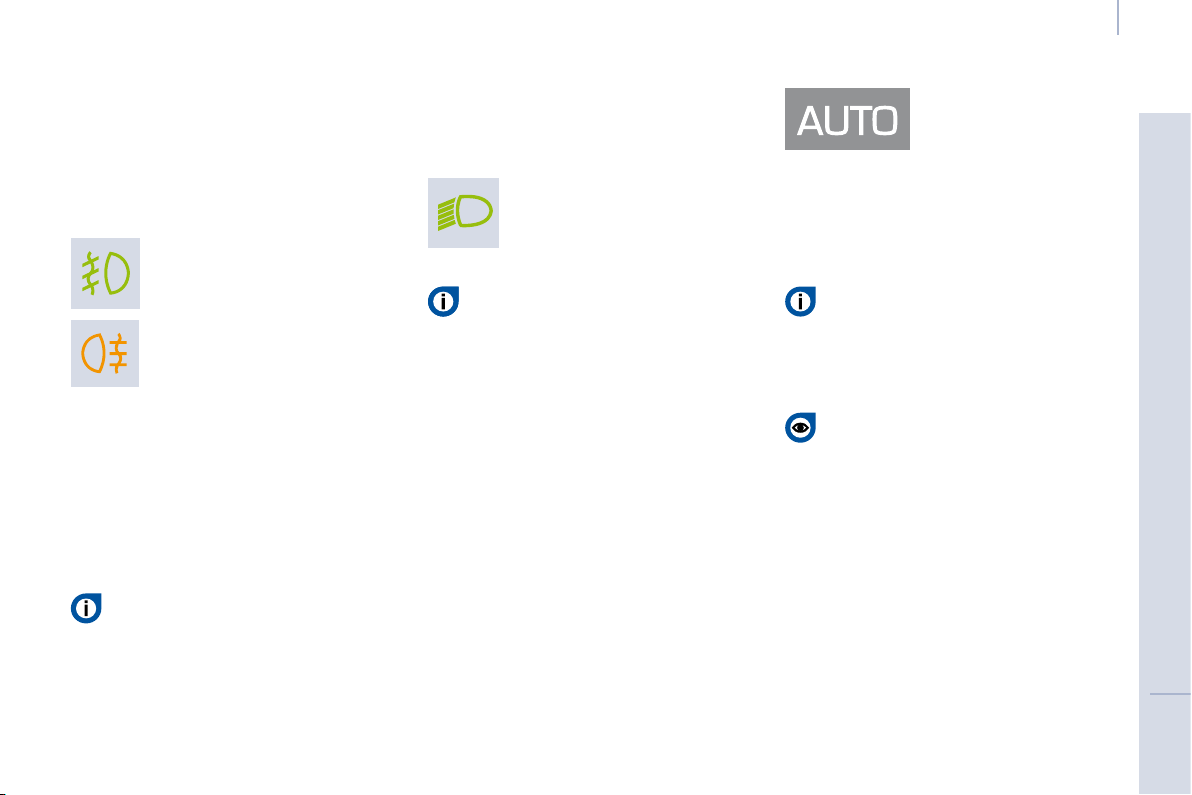
Rear fog lamps (amber,
2nd rotation of the ring
forwards).
Front fog lamps (green,
1st rotation of the ring
forwards).
Front and rear fog lamps
Rotate ring B forwards to switch on and
rearwards to switch off. The status is
confi rmed by the light on the instrument
panel.
These operate with the side lights and
the dipped beam headlamps.
Do not forget to switch them off
when they are no longer needed.
Automatic switching on of the lights
switches off the rear fog lamps, but the
front fog lamps remain on.
This warning light comes on
on the instrument panel.
The instruments and controls
(instrument panel, display, air
conditioning control panel, ...)
are only lit on switching to the automatic
switching on of the lights mode or when
the lights are switched on manually.
To switch off the front and rear fog
lamps, turn the ring rearwards twice
in succession.
In clear weather or in rain, both day
and night, rear fog lamps dazzle and
are prohibited.
Automatic switching on of the lights
In foggy weather or in snow,
the brightness sensor can detect
suffi cient light. As a consequence,
the lights will not come on automatically.
If necessary, you must switch on the
dipped headlamps manually.
Do not cover the brightness
sensor located on the windscreen,
behind the mirror. It is used for
the automatic switching on of the lights
and for the automatic wipers.
Activation
Turn the ring to the AUTO position.
The activation of this function is
accompanied by a message on the
display.
Deactivation
Turn the ring forwards or rearwards.
The deactivation of this function is
accompanied by a message on the
display.
The function is deactivated temporarily
when you use the manual lights stalk.
The side lights
and dipped beam
headlamps switch
on automatically if
the light is poor, or
during operation of the windscreen
wipers. They switch off as soon as the
light becomes bright enough or the
windscreen wipers stop.
This function is not compatible with the
daytime lights.
42
Steering wheel controls
If the brightness sensor
does not function
correctly , the lights come on
accompanied by the service
warning light, an audible signal
and a message on the display.
Consult a CITROËN dealer.
Follow-me-home lighting
The temporary maintaining of the
dipped headlamps lighting, with the
ignition off, makes the driver’s exit
easier when the light is poor.
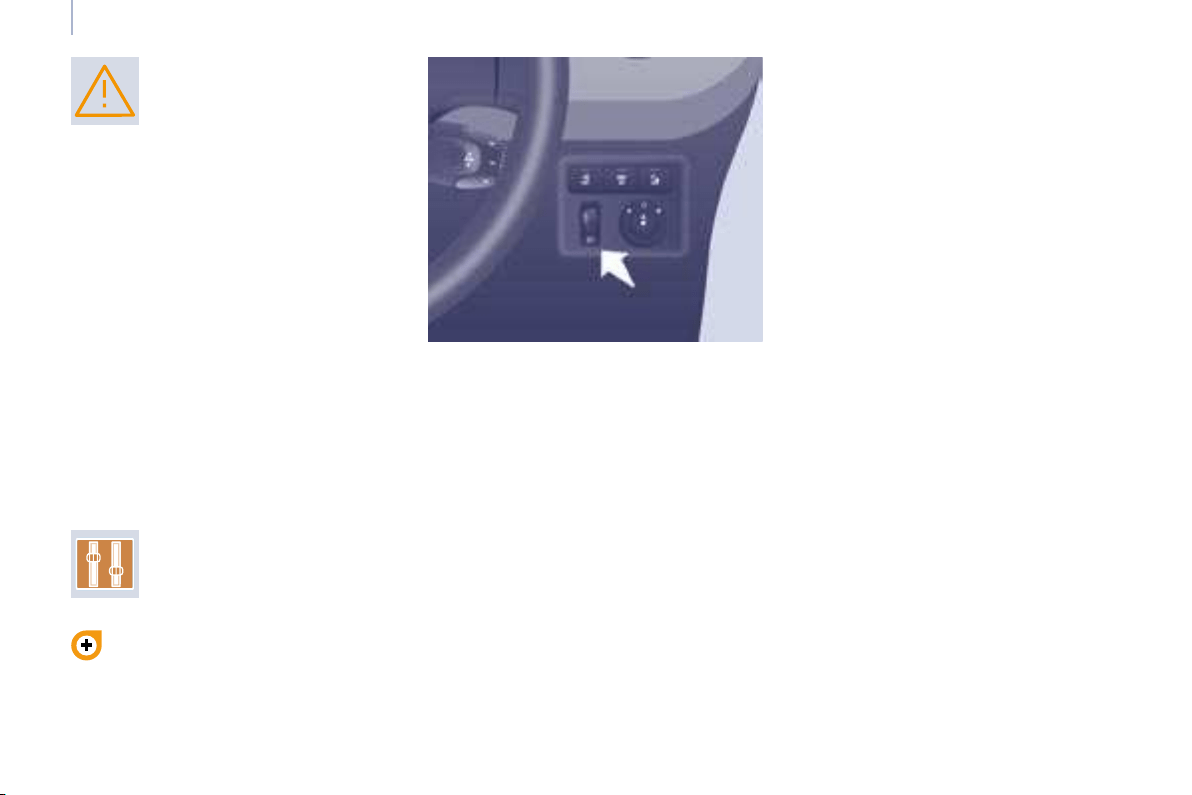
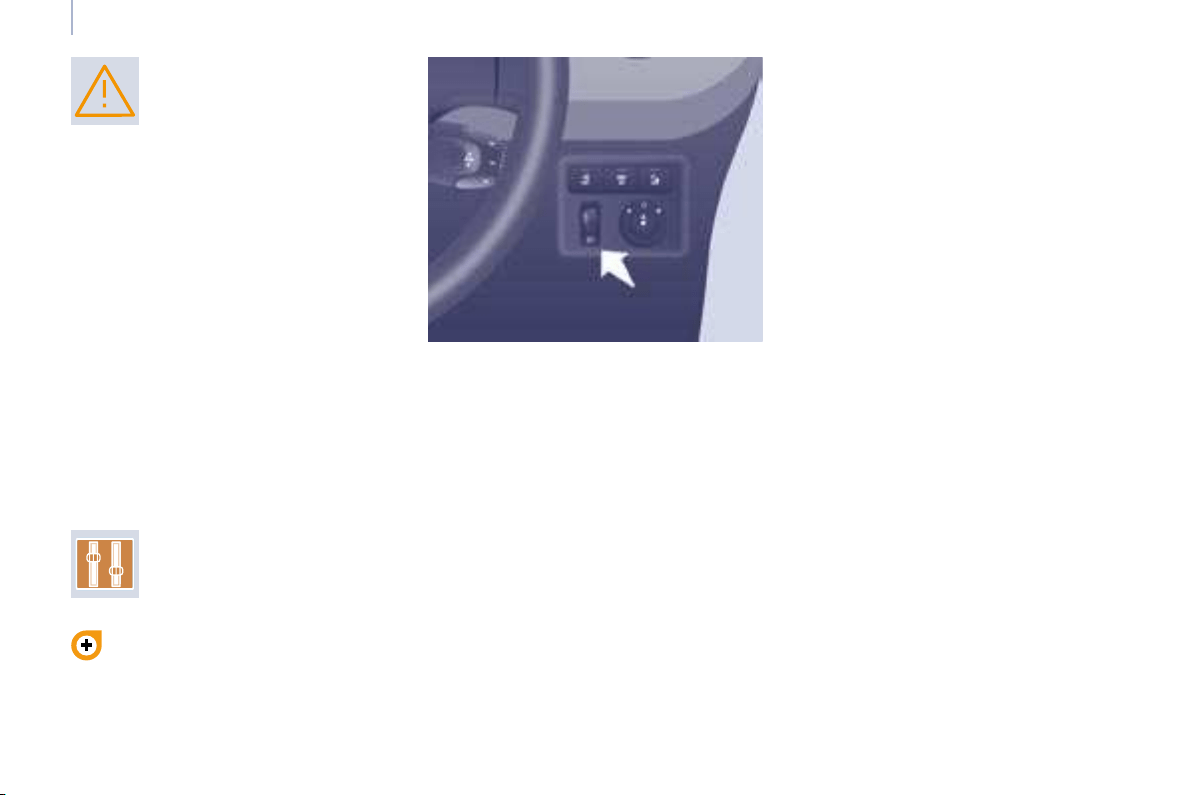
HEADLAMP BEAM
Depending on the load in your vehicle,
the beam setting must be adjusted.
0 - No load.
1 - Partial load.
2 - Average load.
3 - Maximum authorised load.
Manual operation
- With the ignition off, "fl ash" the
headlamps within one minute after
switching off the ignition.
The follow-me-home lighting switches
off automatically after a set time.
Automatic operation
Refer to the "Display fl ow chart"
section of chapter 4.
Activate the function via the
"Vehicle confi g" menu.
Initial setting is position 0.
42
Steering wheel controls
If the brightness sensor
does not function
correctly , the lights come on
accompanied by the service
warning light, an audible signal
and a message on the display.
Consult a CITROËN dealer.
Follow-me-home lighting
The temporary maintaining of the
dipped headlamps lighting, with the
ignition off, makes the driver’s exit
easier when the light is poor.
HEADLAMP BEAM
Depending on the load in your vehicle,
the beam setting must be adjusted.
0 - No load.
1 - Partial load.
2 - Average load.
3 - Maximum authorised load.
Manual operation
- With the ignition off, "fl ash" the
headlamps within one minute after
switching off the ignition.
The follow-me-home lighting switches
off automatically after a set time.
Automatic operation
Refer to the "Display fl ow chart"
section of chapter 4.
Activate the function via the
"Vehicle confi g" menu.
Initial setting is position 0.
43
Steering wheel controls
ERGONOMICS and COMFORT
3
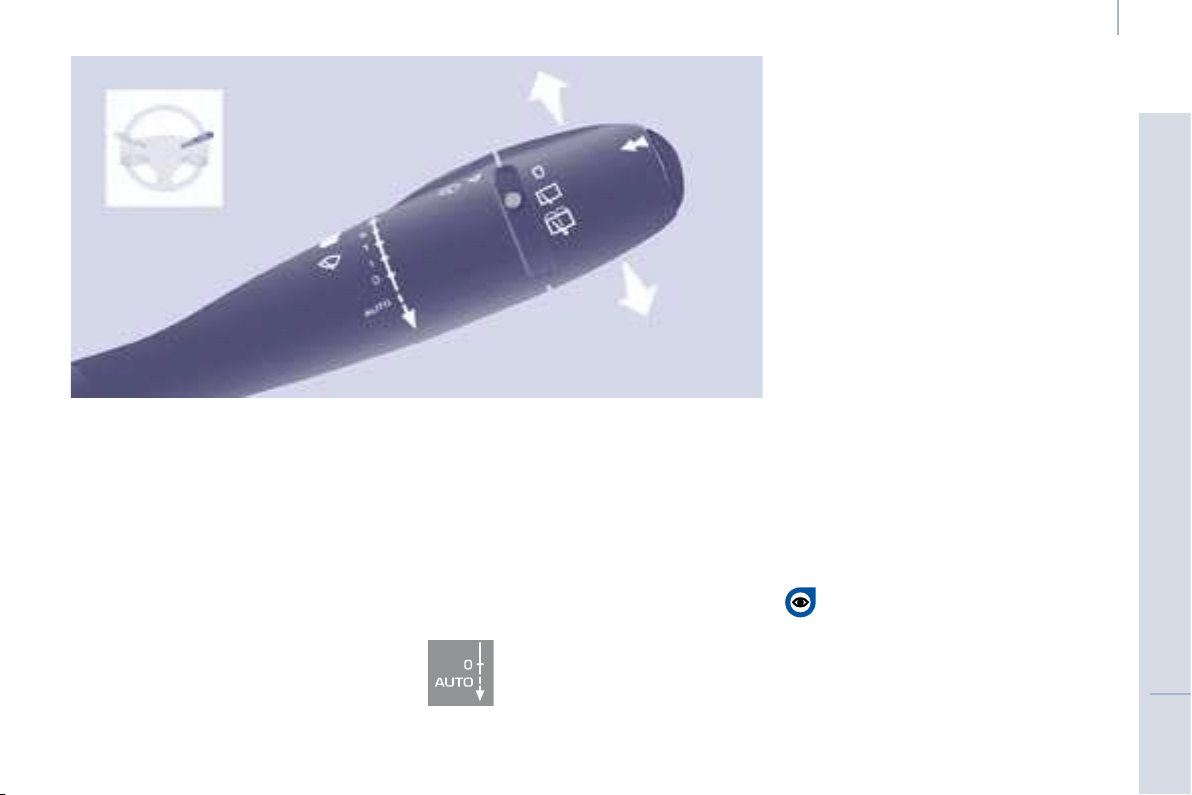
2 Fast wipe (heavy rain).
1 Normal wipe (moderate rain).
l Intermittent wipe.
0 Off.
Single wipe
(press downwards).
In the I ntermittent position, the wiping
speed is in proportion to the vehicle
speed.
WINDSCREEN WIPER STALK
Manual windscreen wipers
Whenever the ignition has been
switched off for more than one
minute, with the windscreen wiper stalk
in position 2, 1 or I, the stalk must be
reactivated:
- move the stalk to any position,
- then move it back to the required
position.
Do not cover the rain sensor,
located in the centre of the
windscreen, behind the mirror.
Activation
Press the control downwards. Activation
of the function is accompanied by
a message on the display.
Deactivation/Switching off
Place the windscreen wipers stalk in
position I , 1 or 2 . Deactivation of the
function is accompanied by a message
on the display.
In the event of malfunction of the
automatic windscreen wipers, the
windscreen wipers will operate in
intermittent mode.
Contact a CITROËN dealer to have the
system checked.
In the AUTO position, the windscreen
wipers operate automatically and adapt
their speed to the intensity of the rainfall.
When not in AUTO mode, for the
other positions, refer to the manual
windscreen wipers section.
The automatic windscreen wipers
function must be reactivated if the
ignition has been switched off for more
than one minute, by pressing the stalk
downwards.
When using an automatic car
wash, switch off the ignition to
avoid triggering of the automatic
wiping.
In winter, it is advisable to wait for the
windscreen to completely clear of ice
before operating the automatic wipe.
Automatic windscreen wipers
44
Steering wheel controls
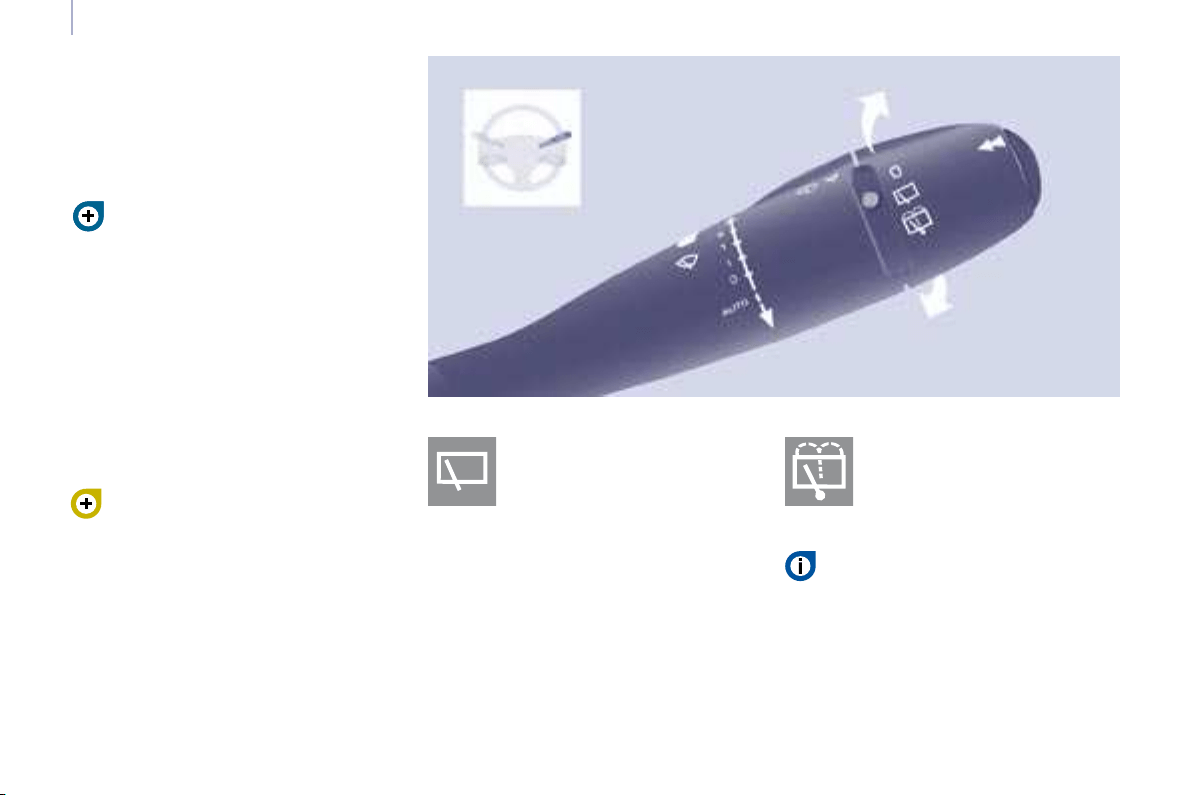
Wash-wipe and headlamp wash
Pull the stalk towards you, the wash-wipe
is accompanied by a timed sweep of the
wipers.
The headlamp wash is linked with the
wash-wipe, it is triggered if the dipped
headlamps are on.
Turn the ring past the fi rst
notch: the windscreen wash
then the windscreen wiper
operate for a fi xed time.
In winter, in the event of a
considerable amount of snow
or ice, switch on the rear screen
demister. Once de-icing is complete,
remove the snow or ice which has
accumulated on the rear wiper
blade. You can then operate the rear
windscreen wiper.
To top up the levels, refer to the
"Levels" section of chapter 7.
Special position of the
windscreen wipers
In the minute following switching
off of the ignition, any action on the
stalk positions the wipers against the
windscreen uprights.
This action enables you to position
the wiper blades for winter parking,
cleaning or replacement.
Refer to the "Changing a
windscreen wiper blade" section of
chapter 8.
To park the wipers in their normal
position after this has been done, switch
on the ignition and move the stalk.
Turn the ring to the fi rst notch.
Rear windscreen wash Rear windscreen wiper
45
Steering wheel controls
ERGONOMICS and COMFORT
3
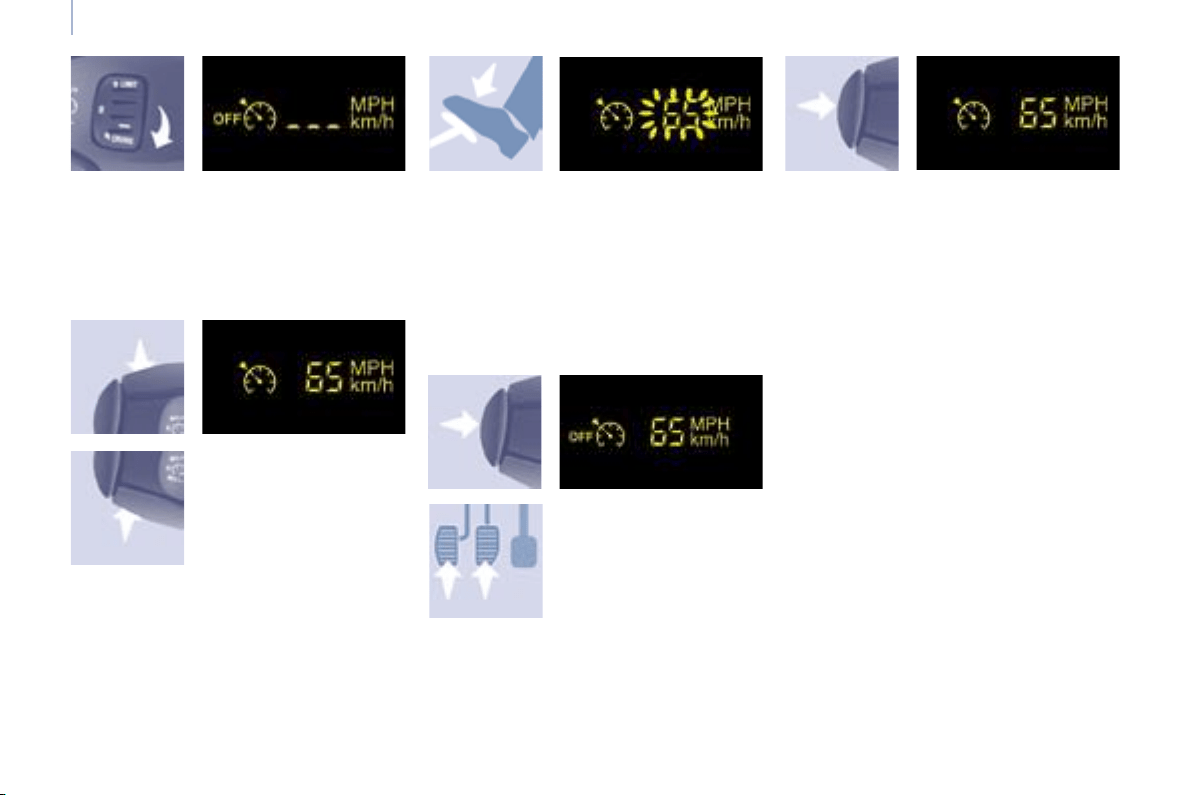
CRUISE CONTROL "CRUISE"
In order for it to be programmed or
activated, the vehicle speed must be
greater than 25 mph (40 km/h) with at
least 4th gear engaged.
This cruise control shows the function
selection status on the instrument
panel and displays the programmed
speed:
Function selected,
displaying of the
"Cruise Control"
symbol.
Function deactivated,
OFF (example at
107 km/h).
Function activated
(example at
107 km/h).
Vehicle speed above
(e.g. 118 km/h),
the programmed
speed is displayed
fl ashing.
Operating fault
detected,
OFF - the dashes
fl ash.
"This is the speed at which the driver
wishes to drive".
This aid to driving in free-fl owing
traffi c enables the vehicle to maintain
the speed programmed by the driver,
unless a steep gradient makes this
impossible.
46
Steering wheel controls
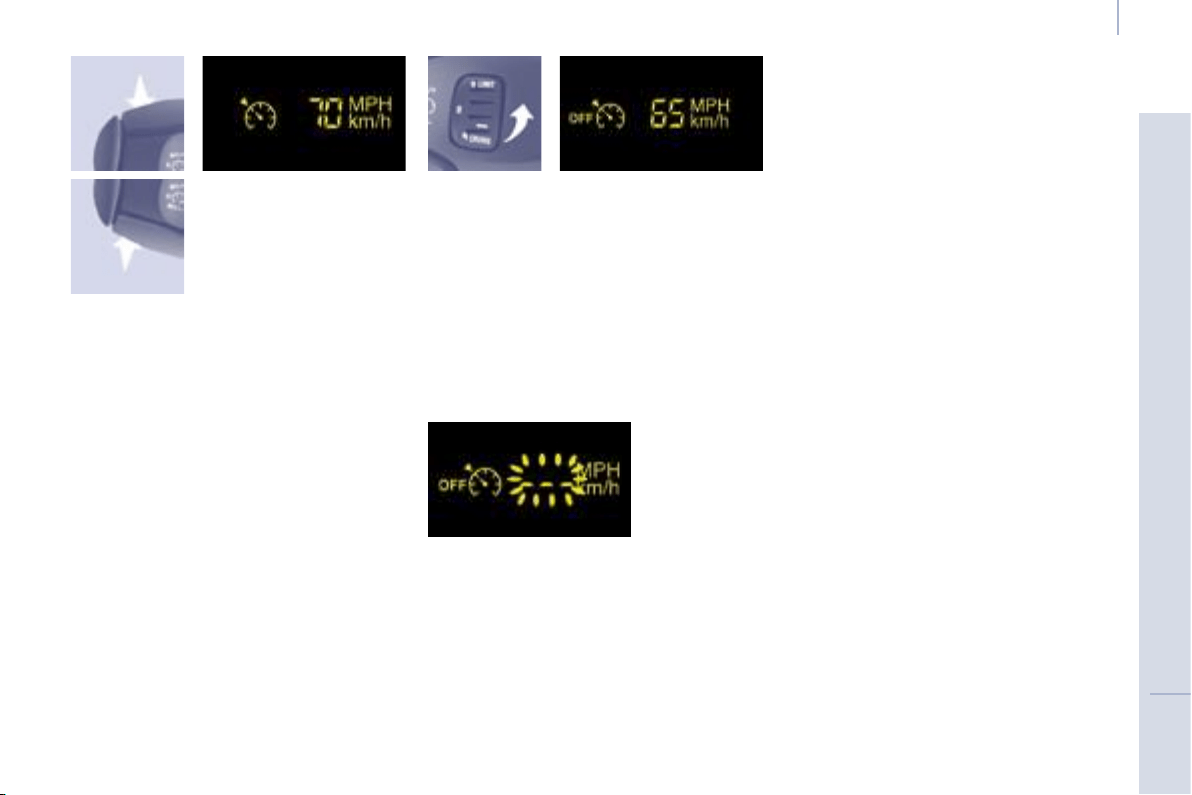
Selecting the function
- Place the switch in the CRUISE
position. The cruise control is
selected but is not yet active and
no speed has been programmed.
First activation/
programming a
speed
- Reach the chosen
speed by pressing
the accelerator.
- Press the SET -
or SET + button.
This programmes/activates the
reference speed and the vehicle will
maintain this speed.
Temporary exceeding of the
speed
It is possible to accelerate and drive
momentarily at a speed greater than
the programmed speed. The value
programmed fl ashes.
When the accelerator pedal is
released, the vehicle will return to the
programmed speed.
Deactivation (off)
- Press this button or
the brake or clutch
pedal.
Reactivation
- Following deactivation of the cruise
control, press this button.
Your vehicle will return to the last
programmed speed.
Alternatively, you can repeat the "fi rst
activation" procedure.
47
Steering wheel controls
ERGONOMICS and COMFORT
3
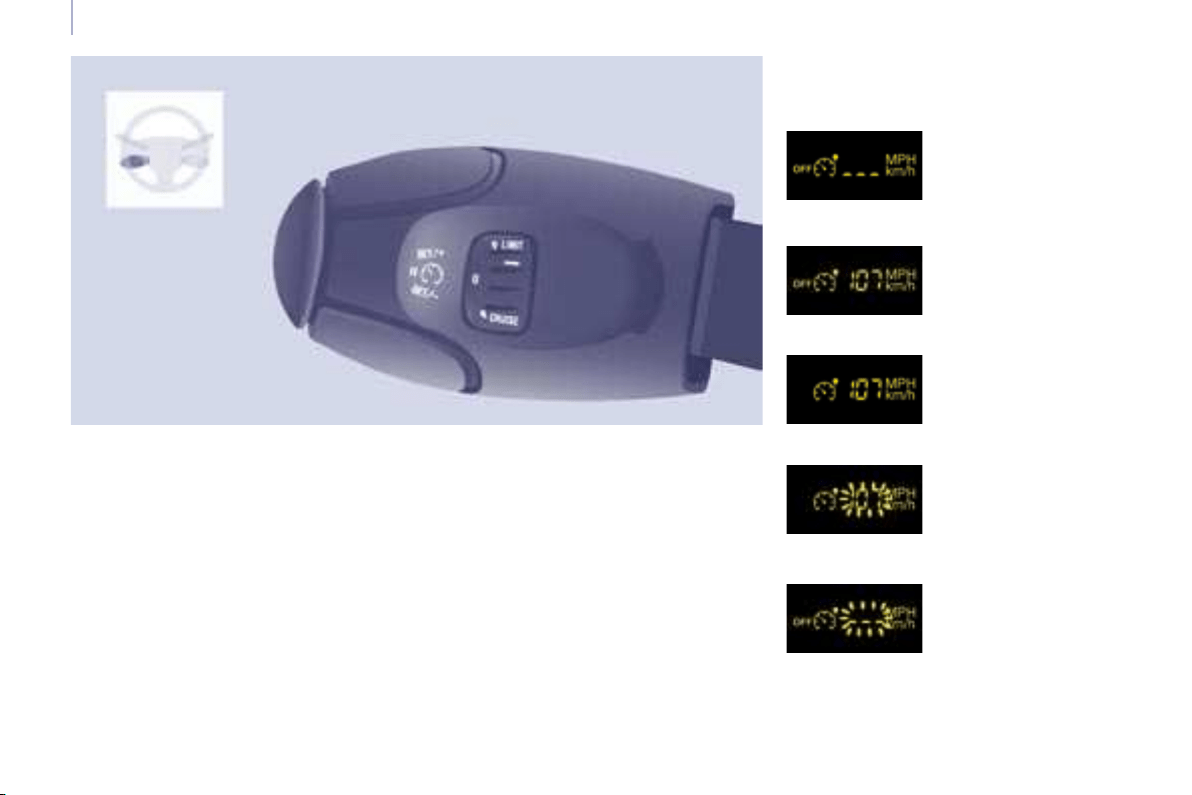
Changing the
programmed speed
There are two methods
of memorising a
speed higher than the
previous one:
Switching the function off
Operating fault
The programmed speed is cleared then
replaced by three dashes. Contact a
CITROËN dealer to have the system
checked.
Cancelling the programmed
reference speed
When the vehicle becomes stationary,
after switching off the ignition, the
system no longer memorises a speed.
Without using the accelerator:
- press the Set + button.
A brief press increases the speed
by 1 mph (km/h).
A maintained press increases
the speed in steps of 5 mph (km/h).
Using the accelerator:
- exceed the memorised speed until
the speed required is reached,
- press the Set + or Set - button.
To memorise a speed lower than the
previous one:
- press the Set - button.
A brief press decreases the speed
by 1 mph (km/h).
A maintained press decreases the
speed in steps of 5 mph (km/h).
- Place the dial in position 0 or
switch off the ignition to switch
everything off.
Good practice
When changing the programmed
reference speed by means of
a maintained press, pay attention as
the speed can increase or decrease
rapidly.
Do not use the cruise control on
slippery roads or in heavy traffi c.
In the event of a steep slope, the cruise
control cannot prevent the vehicle from
exceeding the programmed speed.
In any event, the cruise control cannot
replace the need to observe the speed
limits, nor can it replace the need for
vigilance and responsibility on the part
of the driver.
It is advisable to leave your feet near
the pedals.
To avoid any jamming under the
pedals:
- ensure that the mat and its fi xings
on the fl oor are positioned correctly,
- never place one mat on top of
another.
48
Steering wheel controls
However, pressing the pedal beyond
this point of resistance to the fl oor
permits exceeding of the programmed
speed. To resume use of the limiter,
simply reduce the pressure on the
accelerator pedal gradually and return
to a speed below that programmed.
The operating actions may be
carried out when stationary, with the
engine running, or with the vehicle
moving.
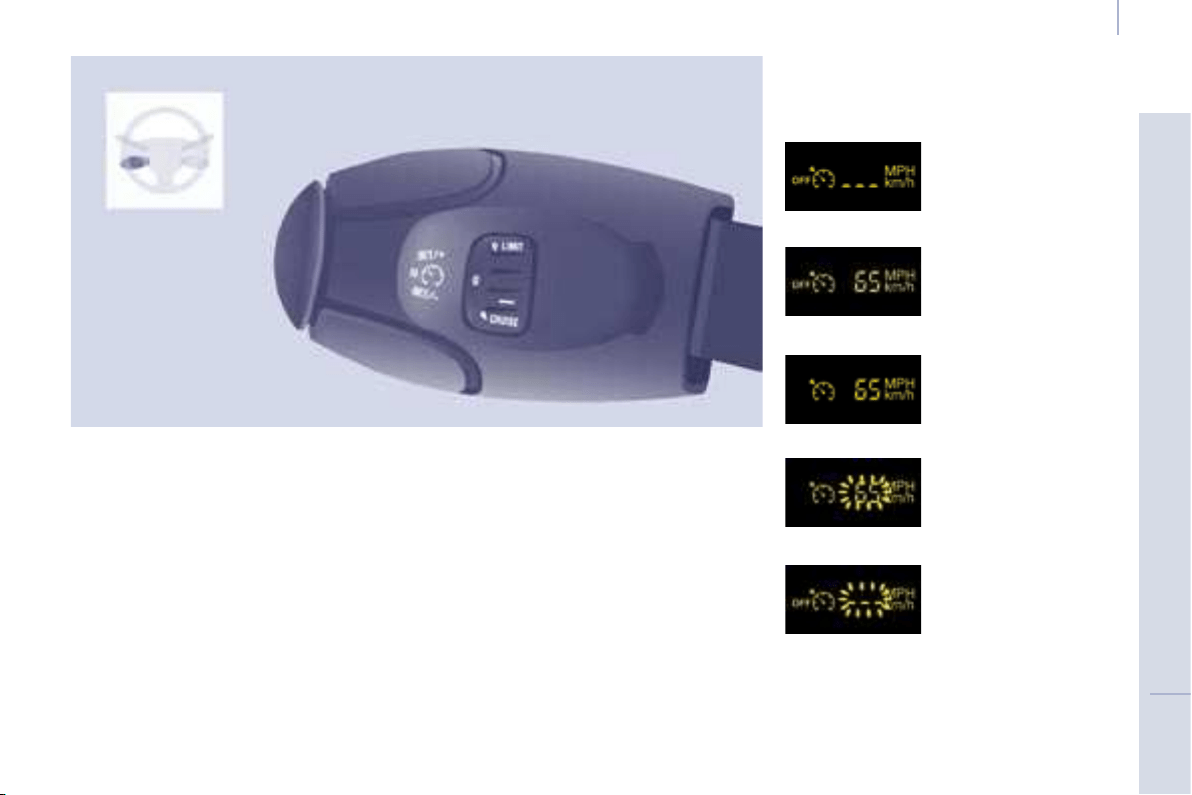
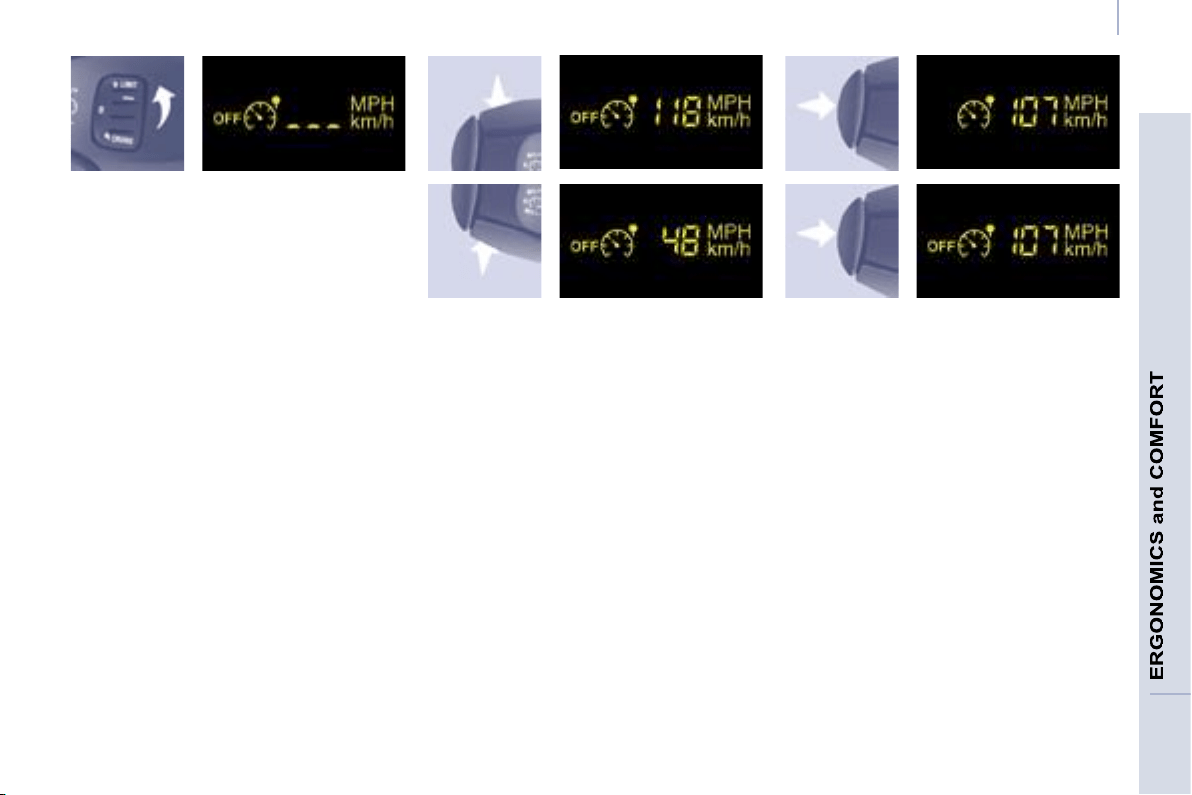
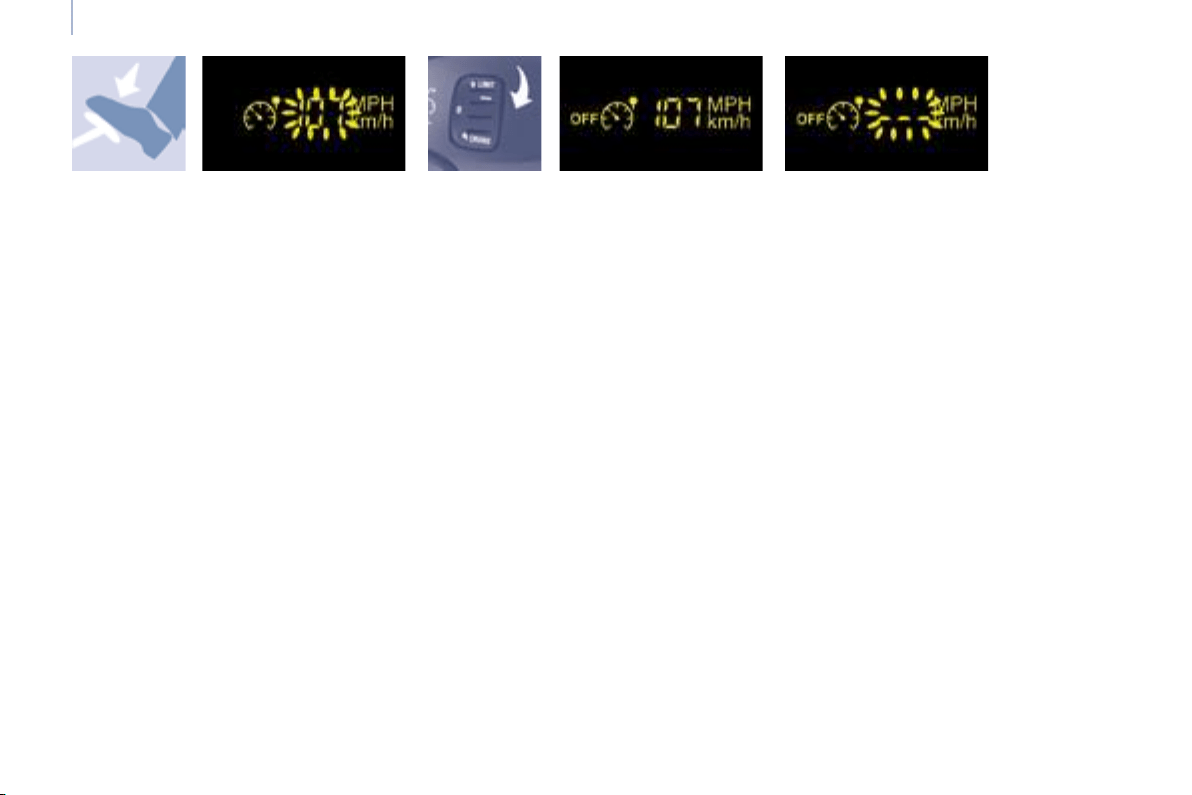
This speed limiter shows the function
selection status on the instrument
panel and displays the programmed
speed:
SPEED LIMITER "LIMIT"
Function selected,
displaying of the
"Speed Limiter"
symbol.
Function deactivated,
last programmed
speed - OFF
(example at 65 mph
(107 km/h)).
Function activated
(example at 65 mph
(107 km/h)).
Vehicle speed above
(example 70 mph
(118 km/h)),
the programmed
speed is displayed
fl ashing.
Operating fault
detected,
OFF - the dashes
fl ash.
"This is the selected speed which the
driver does not wish to exceed".
This selection is made with the engine
running while stationary or with the
vehicle moving. The minimum speed
which can be programmed is 20 mph
(30 km/h).
The speed of the vehicle responds
to the pressure of the driver’s foot as
far as the accelerator pedal point of
resistance which indicates that the
programmed speed has been reached.
49
Steering wheel controls
3
Selecting the function
- Place the dial in the LIMIT position.
The limiter is selected but is not yet
active. The display indicates the
last programmed speed.
Programming a speed
A speed can be programmed without
activating the limiter but with the engine
running.
Activation/Deactivation (off)
Pressing this button once activates
the limiter, pressing the button again
deactivates it (OFF).
To memorise a speed higher
than the previous one:
- press the Set + button.
A brief press increases the speed
by 1 mph (km/h).
A maintained press increases the
speed in steps of 5 mph (km/h).
To memorise a speed lower than the
previous one:
- press the Set - button.
A brief press decreases the speed
by 1 mph (km/h).
A maintained press decreases the speed
in steps of 5 mph (km/h).
50
Steering wheel controls
Exceeding the programmed
speed
Pressing the accelerator pedal in order
to exceed the programmed speed
will have no effect unless you press
the pedal fi rmly beyond the point of
resistance .
The limiter is deactivated temporarily
and the programmed speed fl ashes.
To return to the limiter function, reduce
your speed to below the programmed
speed.
Switching the function off
- Place the dial in position 0 or switch
off the ignition to switch the system
off.
The last programmed speed remains in
the memory.
Operating fault
The programmed speed is cleared
then replaced by three dashes.
Contact a CITROËN dealer to have the
system checked.
Good practice
Flashing of the speed
The speed fl ashes:
- following forcing of the accelerator
point of resistance,
- when the limiter cannot prevent an
increase in the vehicle speed due
to the profi le of the road or on a
steep descent,
- in the event of sharp acceleration.
In any event, the speed limiter cannot
replace the need to observe speed
limits, nor can it replace the need for
vigilance and responsibility on the part
of the driver.
Always pay attention to the profi le of the
road and sharp acceleration and stay in
complete control of your vehicle.
To avoid any jamming under the pedals:
- ensure that the mat and its fi xings
on the fl oor are positioned correctly,
- never place one mat on top of
another.
51
ERGONOMICS and COMFORT
3
3
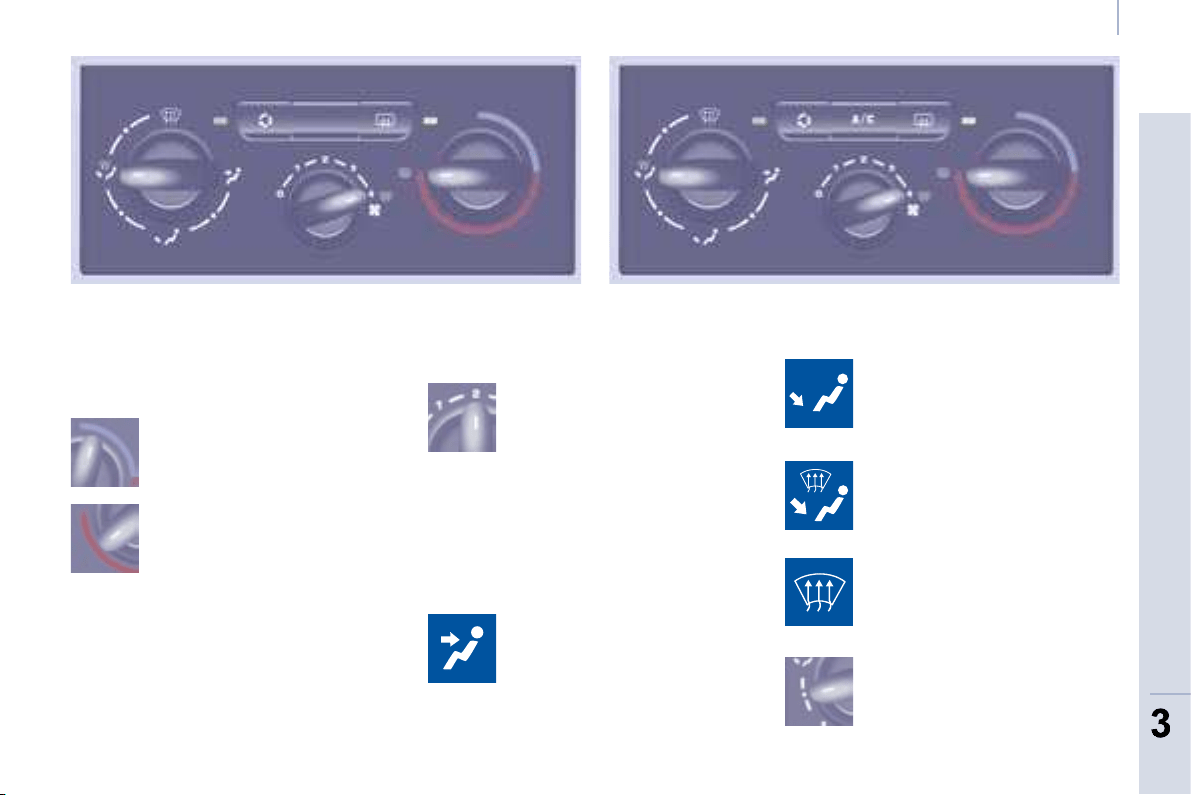
Ventilation
VENTILATION
the side vents and the central
vents,
Air flow
the footwells,
the windscreen and
the footwells,
the windscreen.
The air distribution can be
modulated by placing the
control in the intermediate
positions, marked "".
Manual adjustments:
Air distribution
The air supply distribution is determined
by the following symbols:
in the red zone, triggers
heating of the interior
ambient air.
Control positioned:
in the blue zone, triggers
cool air,
The force of the blown air
at the vents varies from 1 to
the strongest 4. Position 0
switches it off.
Heating control panel Air conditioning control panel
Remember to adjust this control in order
to reach the ambient air comfort level.
Temperature
52
Ventilation
Intake of exterior air
Recirculation of interior air
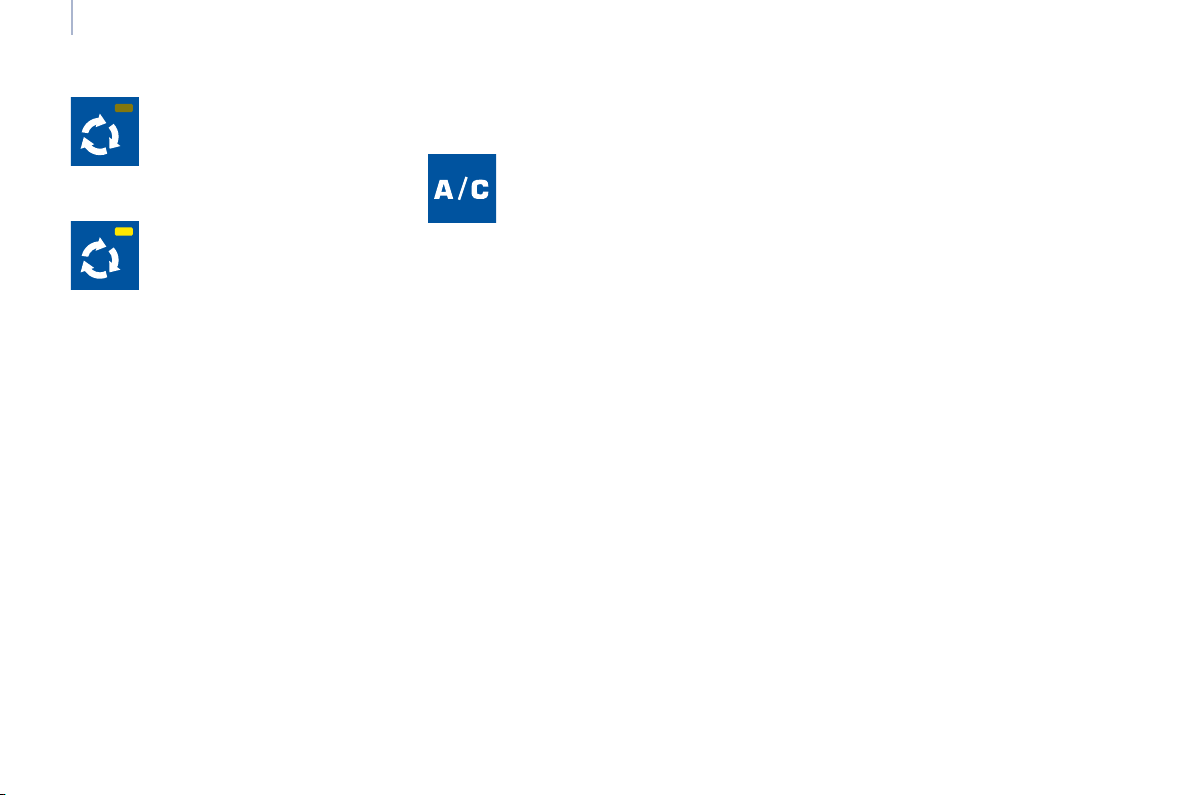
Air conditioning A/C
The diode on the button
is off. This is the preferred
operating position.
Pressing the button triggers
the operation of the air
conditioning, the diode is lit.
Pressing the button again
switches the function off and
the diode is switched off.
The air conditioning does not operate
if the air fl ow is set to 0.
The air conditioning can only operate
with the engine running.
The diode on the button is
lit. Recirculation temporarily
prevents exterior odours
and smoke from entering the
passenger compartment.
Used with the setting of the force of
blown air (from 1 to 4), recirculation
enables you to obtain the required
ambient air comfort level more quickly
with both hot or cold settings.
This position should only be temporary.
When your ambient air comfort level
has been reached, return to the
intake of exterior air position to permit
renewal of the air in the passenger
compartment and avoid misting.
This operating mode is preferable.
55
ERGONOMICS and COMFORT
3
3
Ventilation
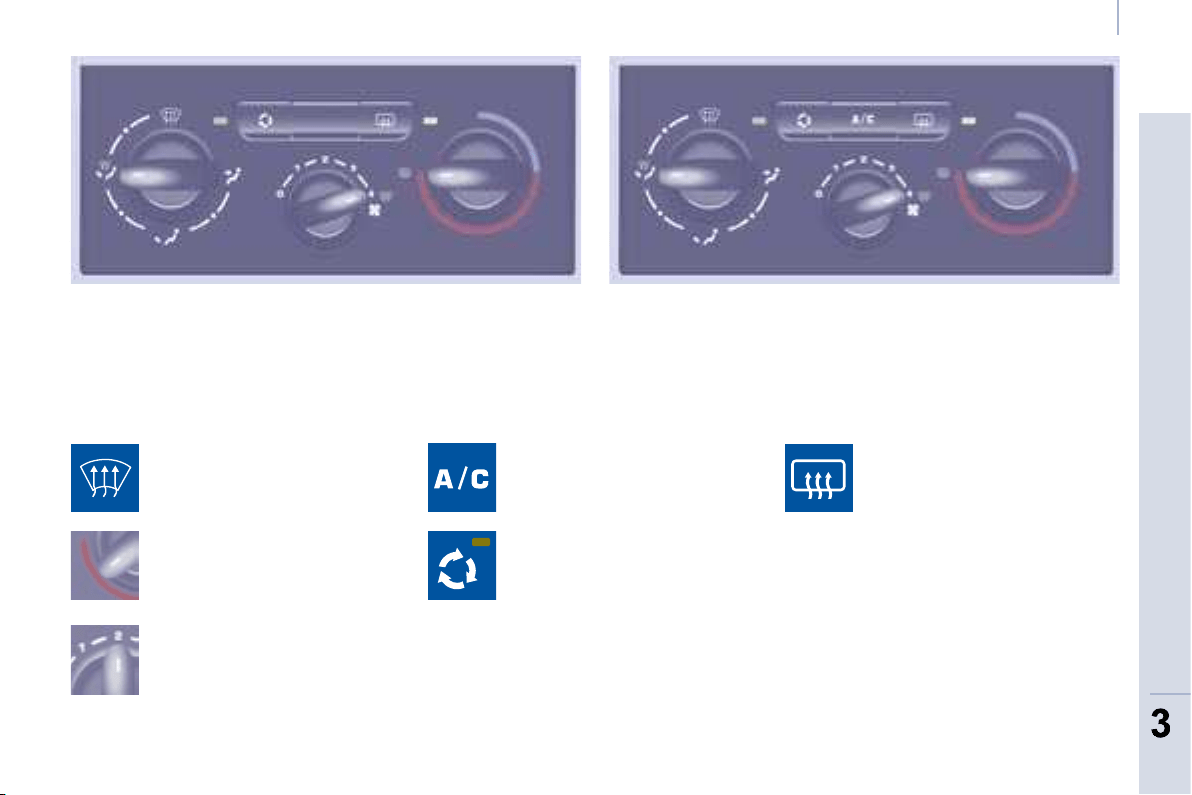
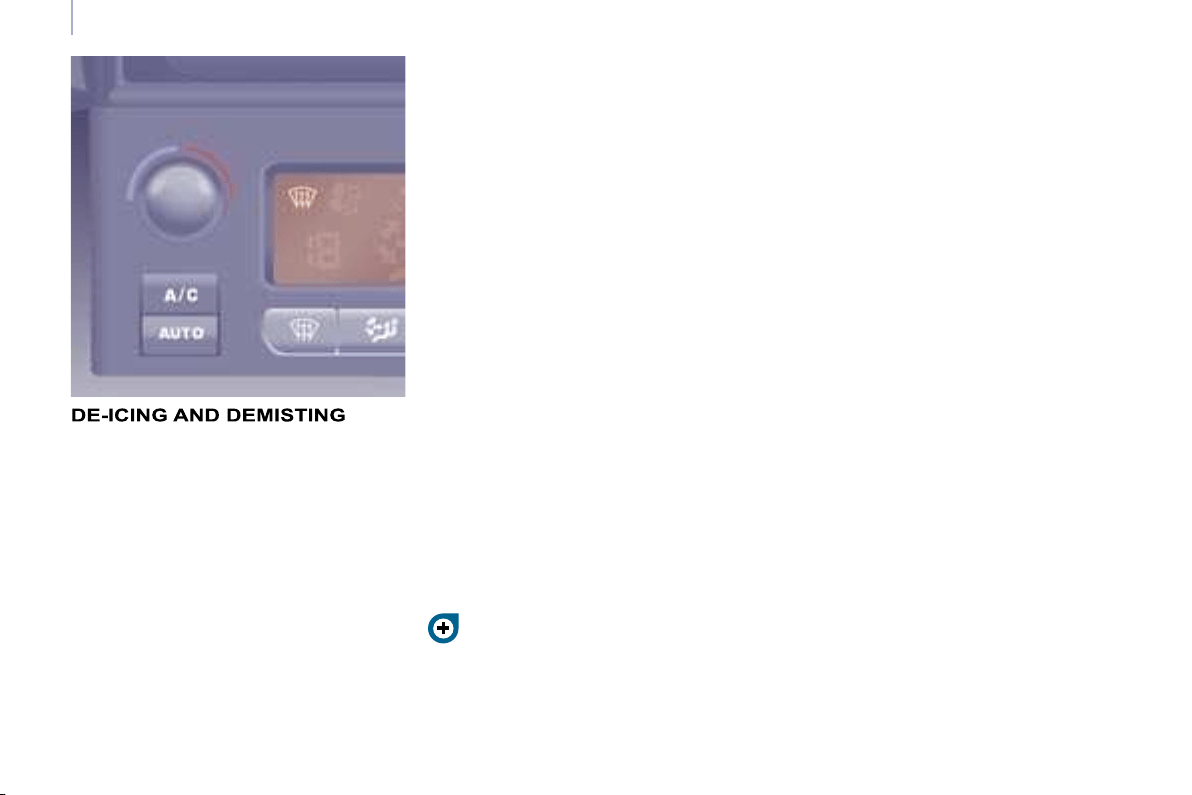
DE-ICING AND DEMISTING
Manual mode
Direct the control to this
temperature setting.
Increase the air fl ow setting.
Press the air conditioning.
Returning to exterior air
intake open permits renewal
of the air in the passenger
compartment (diode off).
Direct the control to this air
distribution setting.
De-icing the rear screen and/
or mirrors
Pressing this button, with the
engine running, activates the
rapid demisting - de-icing of
the rear screen and/or electric
mirrors.
This function switches off:
- when the button is pressed,
- when the engine is switched off,
- automatically to prevent excessive
energy consumption.
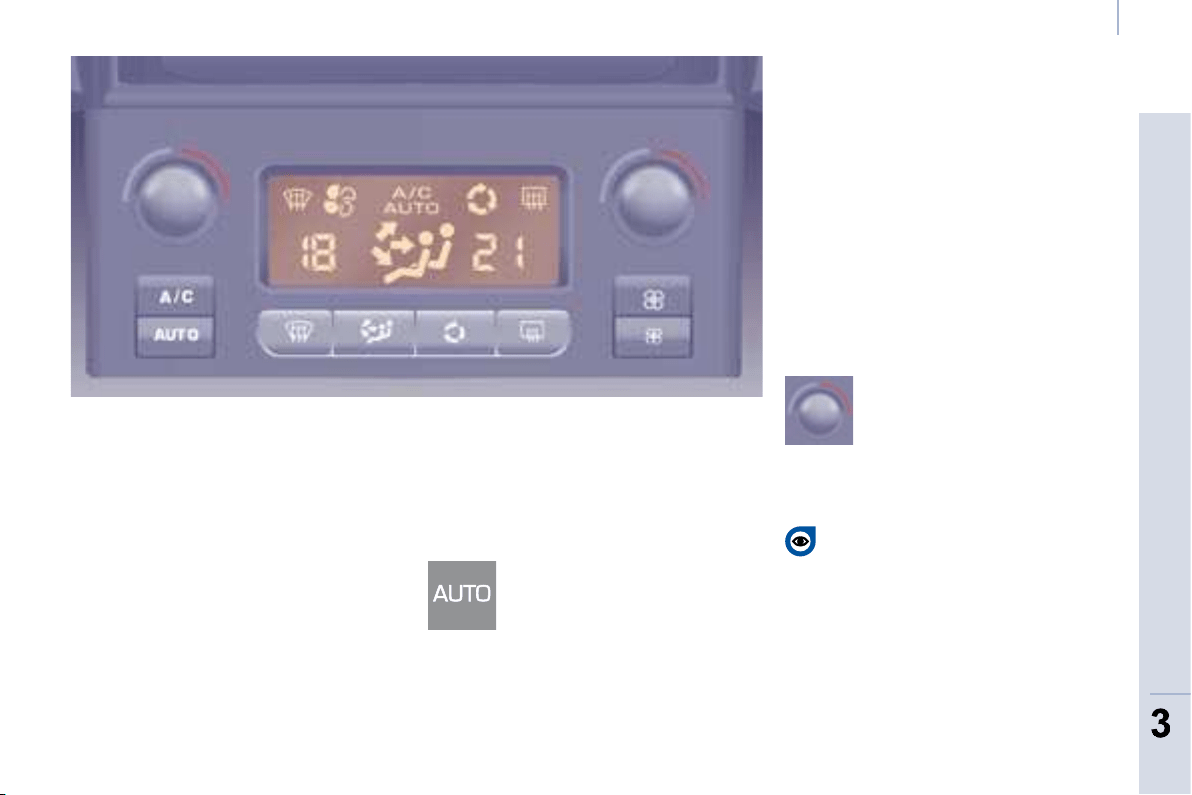
53
ERGONOMICS and COMFORT
3
3
Ventilation
Good practice
For maximum cooling or heating of the
passenger compartment, it is possible
to exceed the value 15 by turning until
LO is displayed or the value 27
by turning until HI is displayed.
On entering the vehicle, the inside
temperature may be much colder (or
warmer) than is comfortable. There is
no advantage in changing the value
displayed in order to quickly reach the
level of comfort required. The system
will use its maximum performance
to reach the comfort value set.
AUTOMATIC AIR CONDITIONING WITH SEPARATE ADJUSTMENTS
Automatic operation
AUTO comfort programme
This is the normal air conditioning
system operating mode.
Driver or passenger side comfort
value
The value indicated on the display
corresponds to a level of comfort and
not a temperature in degrees Celsius
or Fahrenheit.
Turn this control to the left
or to the right to decrease or
increase the value. A setting
around the value 21 provides
optimum comfort. However,
depending on your requirements, a
setting between 18 and 24 is usual.
Do not cover the sunshine sensor
located on the fascia.
Press this button, the AUTO
symbol is displayed.
In accordance with the comfort
value selected, the system
controls the distribution, the
fl ow and the intake of air to guarantee
comfort and a suffi cient circulation of
air in the passenger compartment. No
further action on your part is required.
When the engine is cold, to prevent
an excessive diffusion of cold air, the
air diffuser will reach its optimum level
gradually.
For your comfort, the settings are stored
when the ignition is switched off and are
reinstated the next time the vehicle
is started.
The automatic function will no longer
be maintained if you change a setting
manually (AUTO is cleared).
FOR THE DRIVER AND PASSENGER
54
Ventilation
Manual operation
You can, according to your
requirements, make a different selection
from that offered by the system by
changing a setting. The other functions
will still be controlled automatically.
Pressing the AUTO button restores fully
automatic operation.
Air distribution
Pressing this button several
times in succession directs
the air fl ow towards:
- the windscreen,
- the windscreen and footwells,
- the footwells,
- the side vents, central vents and
footwells,
- the side vents and central vents.
Air fl ow
Press the small fan button to
reduce the fl ow or the large
fan button to increase the fl ow.
On the display, the blades of the fan fi ll
when the fl ow is increased.
Switching the air
conditioning On/Off
Press this button, the A/C
symbol is displayed and the
air conditioning is activated.
Deactivating the system
Press the air fl ow small fan
button until the fan symbol
disappears from the display.
This action deactivates all
of the system’s functions, with the
exception of the air recirculation and
rear screen demisting (if fi tted on your
vehicle). Your comfort setting is no
longer maintained and is switched off.
For your comfort, do not deactivate the
system for long periods.
Intake of exterior air/
Recirculation of interior air
Press this button to
recirculate the interior air.
The recirculation symbol is
displayed.
Pressing the large fan
button or the AUTO button
reactivates the system with
the values set before it was
deactivated.
Recirculation prevents exterior odours
and smoke from entering the passenger
compartment. Avoid prolonged operation
in interior air recirculation mode (risk of
condensation, odour and humidity).
Pressing this button again activates the
intake of exterior air.
Pressing this button again switches off
the air cooling.
The ventilation outlet, located in the
glove box, diffuses cool air (if the
air conditioning is on) regardless
of the reference temperature requested
in the passenger compartment and
regardless of the exterior temperature.
56
Ventilation
GOOD PRACTICE
Vents
"Leave them open"
For optimum distribution and diffusion
of hot or cool air in the passenger
compartment, there are adjustable
central and side vents which can
be directed sideways (right or left)
or vertically (up or down). For your
comfort while driving, do not close
them and direct the fl ow of air towards
the windows instead.
Air vents in the footwells and directed
towards the windscreen complete the
equipment.
Do not block the vents located at the
windscreen or the air extractor located
in the boot.
Dust filter, odour filter
(activated carbon)
This fi lter traps certain dust and limits
odours.
Ensure that this fi lter is in good
condition and have all of the fi lter
elements replaced regularly.
Refer to the "Checks" section of
chapter 7.
Air conditioning
In all seasons, the air conditioning
should only be used with the windows
closed. However, if the interior
temperature remains high after a
prolonged period parked in the sun, do
not hesitate to ventilate the passenger
compartment for a few minutes.
Use the AUTO mode as much as
possible as it permits optimised
control of all of the functions: air fl ow,
passenger compartment comfort
temperature, air distribution, air
intake mode or air recirculation in the
passenger compartment.
Operate the air conditioning system
for 5 to 10 minutes, once or twice a
month, to keep it in perfect working
order.
It is normal that the condensation
created by the air conditioning system
results in a fl ow of water which may
form a puddle under the vehicle when
parked.
If the system does not produce cold air,
do not use it and contact a CITROËN
dealer.
Automatic mode: visibility
programme
The comfort programme (AUTO) may
not be suffi cient to quickly demist or
de-ice the windows (humidity, several
passengers, ice).
In this case, select the visibility
programme. The visibility programme
indicator light comes on.
It activates the air conditioning, the air
fl ow and provides optimum distribution
of the ventilation to the windscreen and
side windows.
It deactivates the air recirculation.
57
ERGONOMICS and COMFORT
3
3
Seats
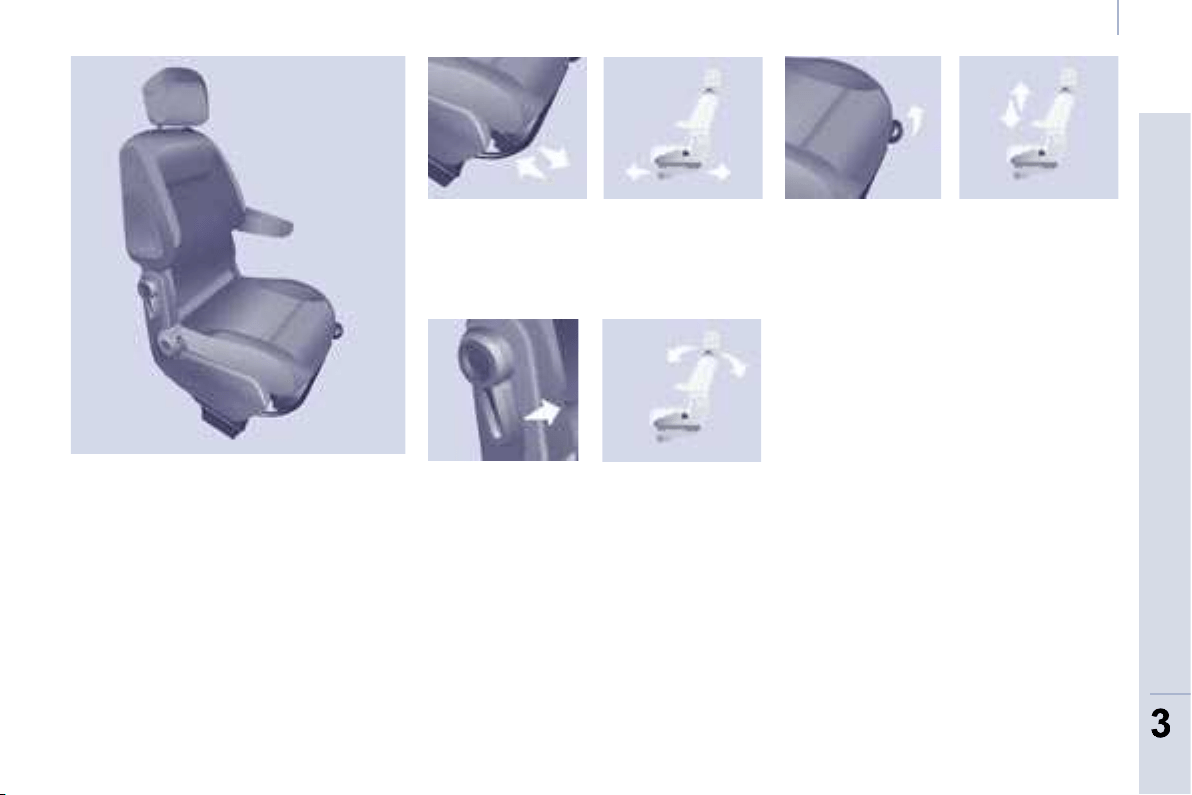
FRONT SEATS
Depending on the version and
confi guration of your vehicle, different
front seats are fi tted, either:
- a driver’s seat and a passenger
seat,
- an individual driver’s seat
and a modular bench.
Depending on the models, the following
adjustments are available:
1 - Forwards/backwards adjustment
Lift the bar and slide the seat forwards
or backwards.
3 - Driver’s seat height adjustment
To raise the seat, pull the handle upwards
then take your weight off the seat cushion.
To lower the seat, pull the handle
upwards then push on the seat
cushion.
2 - Seat back angle adjustment
With your back pressed against the seat
back, move the lever forward and set
the required angle.
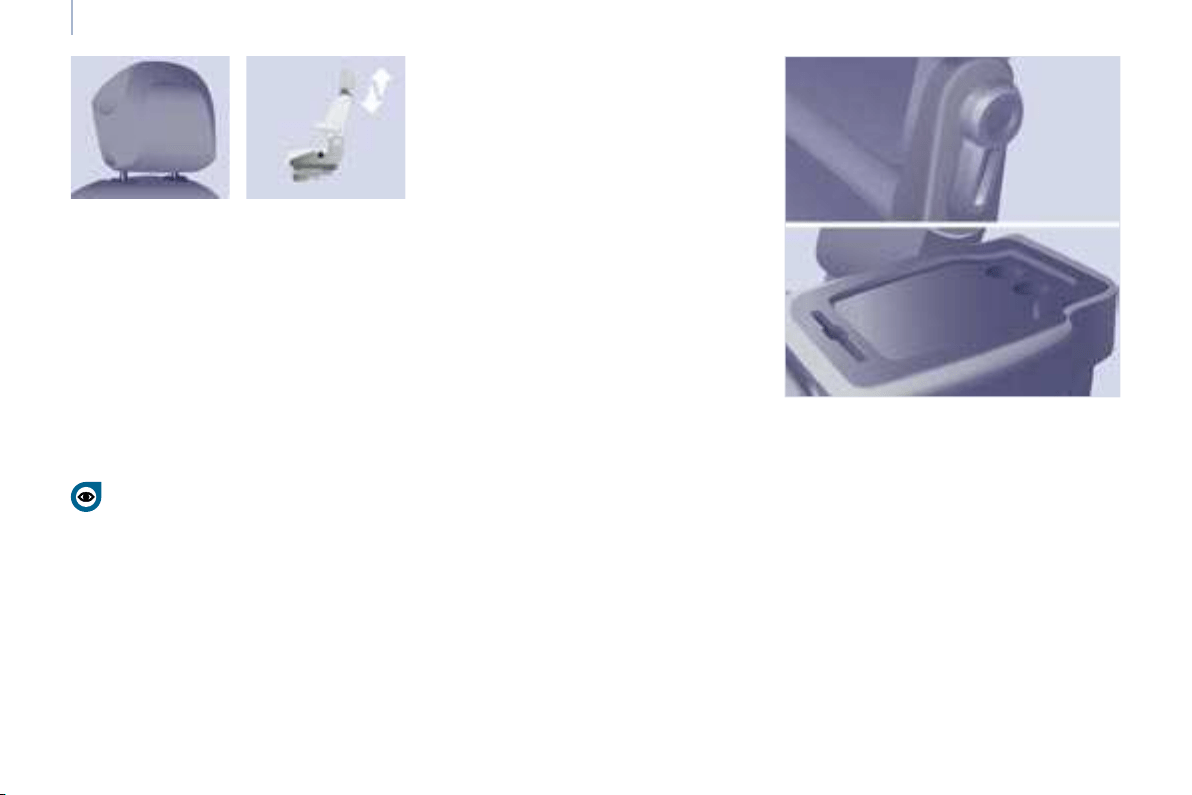
58
Seats
Never drive with the head
restraints removed; they must be
in place and correctly adjusted.
Armrest
To access the vertical position, raise
the armrest until it locks.
Lower the armrest to put it back in the
position for use.
To remove the armrest, press the release
button from the vertical position and move
aside the armrest.
To put the armrest back in place, clip it
in the vertical position.
If the vehicle is fi tted with the additional
console and an armrest, to fold the
passenger seat to the table position
remove the console or the armrest.
PASSENGER SEAT
The back of the individual passenger
seat can be folded to form a writing
table.
This position also permits the
transportation of long loads.
Head restraint height adjustment
To raise the head restraint, slide it
vertically upwards.
To lower the head restraint, press the
button and slide the head restraint
vertically downwards.
The adjustment is correct when the upper
edge of the head restraint is level with the
top of the head.
To remove the head restraint, press
the button and pull the head restraint
upwards.
To re-install, engage the head restraint
rods in the holes, making sure they are
aligned with the seat back.
Folding the seat back
Pull the lever forwards then tilt the seat
back.
Returning the seat back to its
original position
Pull the lever forwards then raise the
seat back until it locks.

58
Seats
Never drive with the head
restraints removed; they must be
in place and correctly adjusted.
Armrest
To access the vertical position, raise
the armrest until it locks.
Lower the armrest to put it back in the
position for use.
To remove the armrest, press the release
button from the vertical position and move
aside the armrest.
To put the armrest back in place, clip it
in the vertical position.
If the vehicle is fi tted with the additional
console and an armrest, to fold the
passenger seat to the table position
remove the console or the armrest.
PASSENGER SEAT
The back of the individual passenger
seat can be folded to form a writing
table.
This position also permits the
transportation of long loads.
Head restraint height adjustment
To raise the head restraint, slide it
vertically upwards.
To lower the head restraint, press the
button and slide the head restraint
vertically downwards.
The adjustment is correct when the upper
edge of the head restraint is level with the
top of the head.
To remove the head restraint, press
the button and pull the head restraint
upwards.
To re-install, engage the head restraint
rods in the holes, making sure they are
aligned with the seat back.
Folding the seat back
Pull the lever forwards then tilt the seat
back.
Returning the seat back to its
original position
Pull the lever forwards then raise the
seat back until it locks.
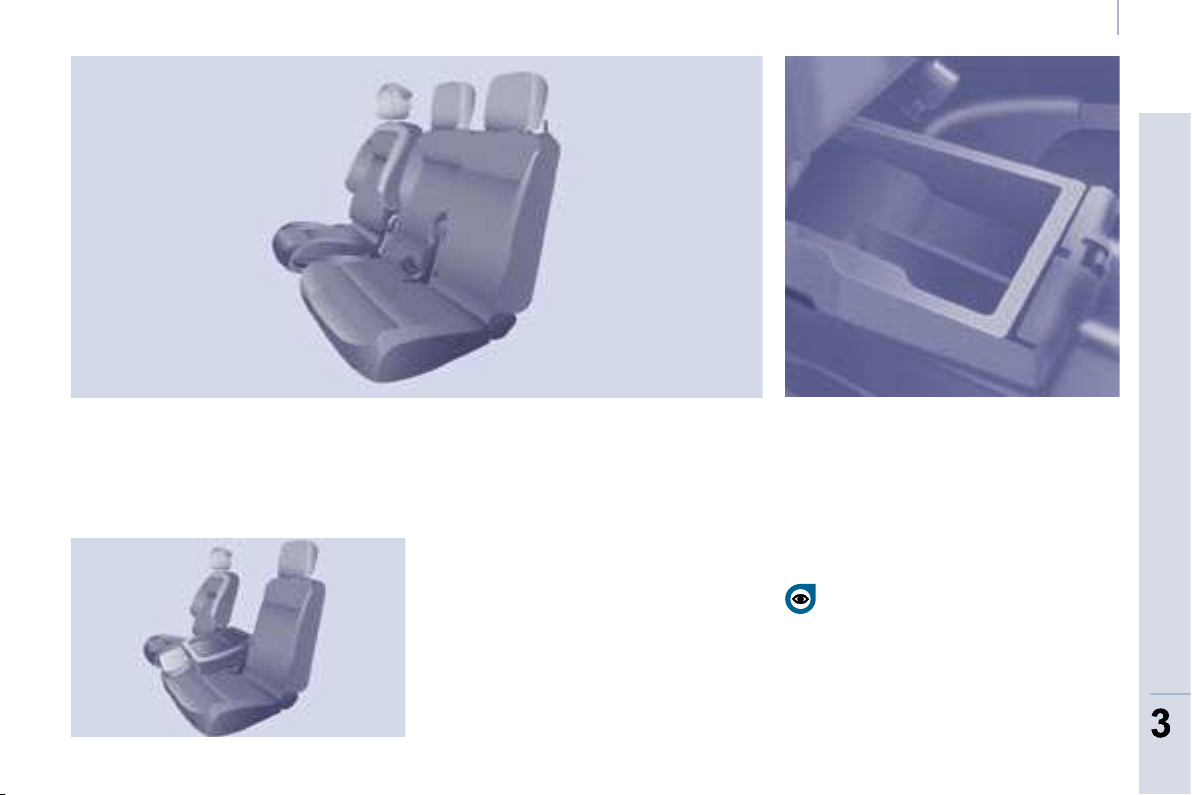
59
ERGONOMICS and COMFORT
3
3
Seats
Storage compartment under the seat
cushion
Raise the centre seat cushion to gain
access to the storage compartment.
This space can be made secure by
fi tting a padlock (not supplied).
EXTENSO CAB
Centre seat
This is fi tted with a 3-point seat belt
with the seat belt return fi xed on the
load retaining ladder behind the driver.
Mobile offi ce position
Pull the tab located on the lower edge
of the seat to lower the seat back
incorporating a writing table equipped
with a strap.
To return the seat back to the upright
position, pull the tab and guide the seat
back until it locks.
During the operations, take care not to
trap the tab under the seat cushion.
Before locking the seat in the sitting
position, always take care to leave
the seat belt buckles visible and
the associated straps available for the
passengers.
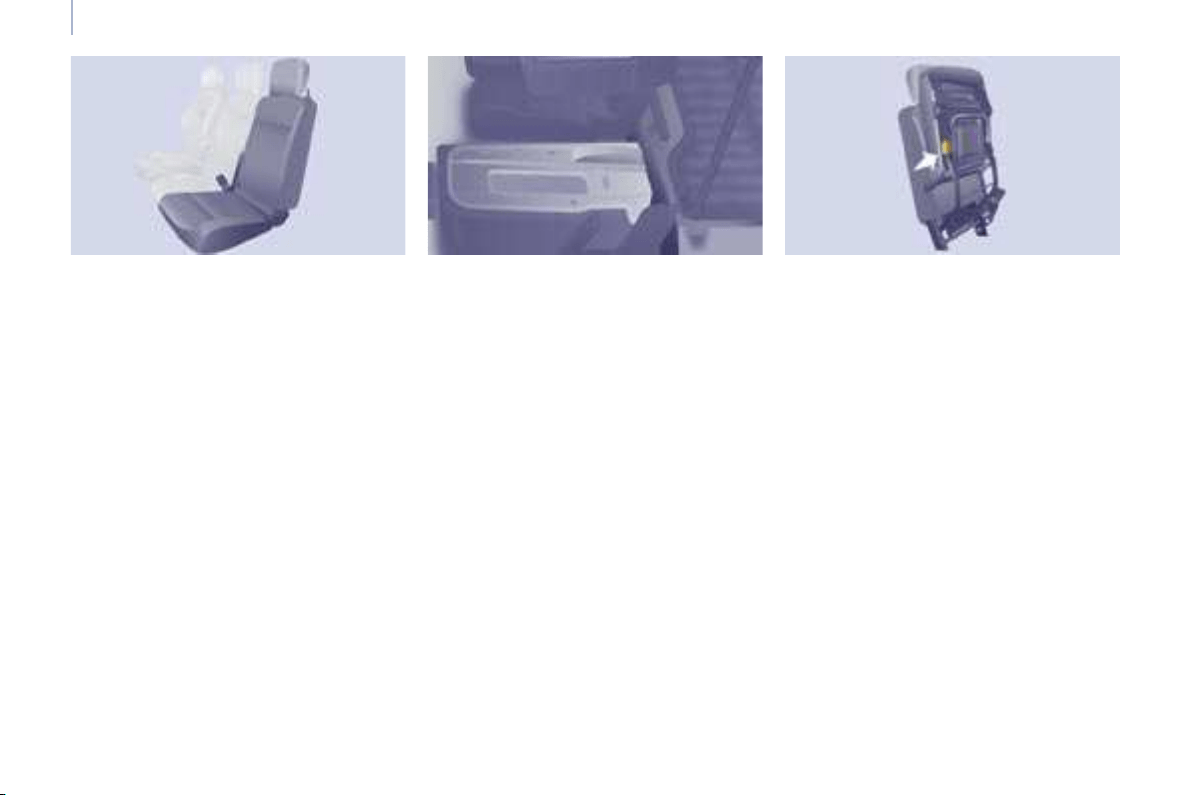
60
Seats
Foldaway position
Raise the yellow lever located at the
base of the seat to release and raise
the entire seat to the foldaway position
(seat cushion raised against the seat
back) until it locks.
This position permits the transportation
of high loads in the cab part.
To return the seat to the sitting position,
push the yellow lever located under the
seat cushion and lower the entire seat
until it is upright and locked on the fl oor
in the seat position.
Side seat
The back of the side seat is fi tted with
a metal shell.
Retracted position
Pull the tab located on the upper edge
of the seat by the head restraint to tilt
and guide the entire seat.
It inserts itself into the fl oor in the front
seat position and so forms a continuous
fl at fl oor with the load space.
This position permits the transportation
of long loads inside the vehicle, up to 3 m
(3.25 m in the case of the long versions)
with the doors closed.
In the retracted position, the maximum
weight on the seat back is 50 Kg.
To return the seat to the sitting position,
raise the seat back until it locks on the
fl oor in the seat position.
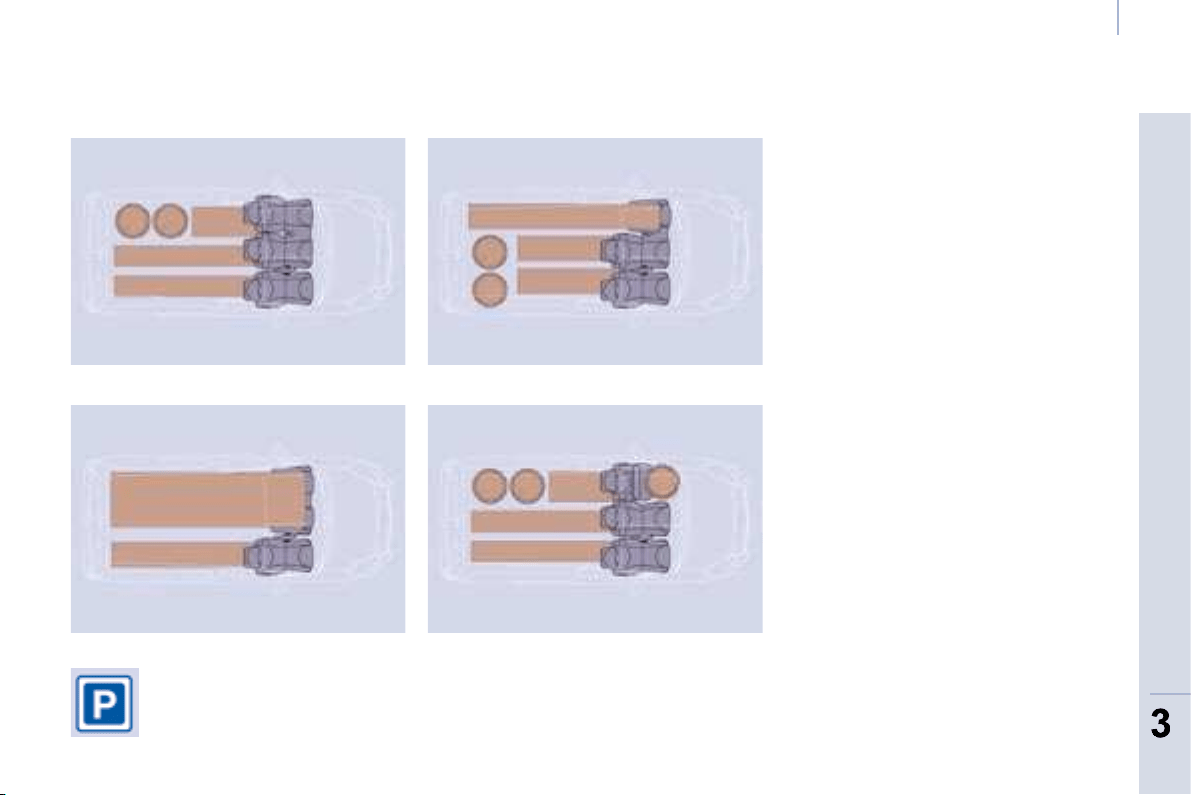
61
ERGONOMICS and COMFORT
3
3
Seats
CONFIGURATIONS
Examples of various layouts combining comfort and practicality
The various operations
must be carried out while
stationary.
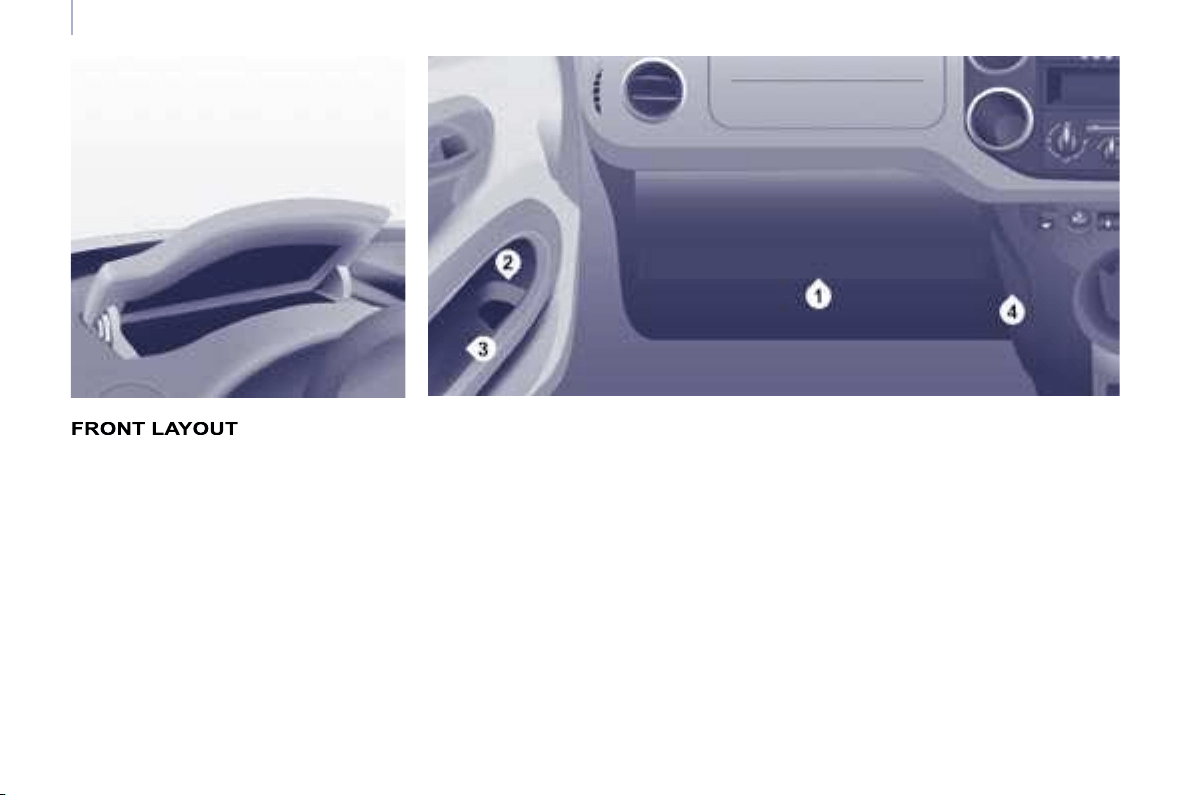
62
Practical information
1. Lower glove box
An auxiliary socket is located in the
glove box (cable not supplied) for the
connection of portable equipment
(MP3 player, ...).
Upper storage compartment
This is located on the fascia, behind
the steering wheel.
A recess makes lifting of the lid easier
when opening. Guide it to its rest
position.
To close, guide the lid then press
the centre gently.
Any liquid which could spill risks
causing an electrical short circuit
and therefore a potential fi re.
3. Side storage compartment
4. Bag hook
Only hang fl exible bags which are not
too heavy on this hook.
2. Storage tray and bottle holder
(1.5 L)
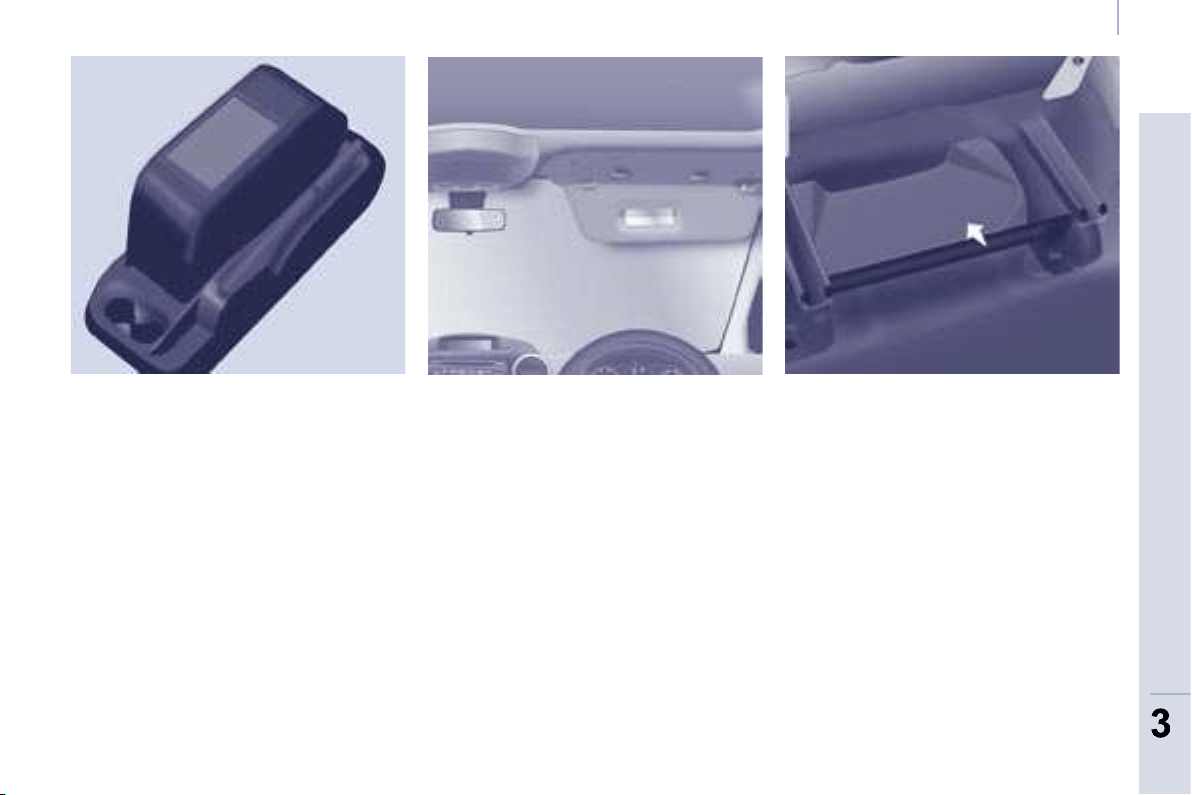
63
ERGONOMICS and COMFORT
3
3
Practical information
Overhead storage unit
This is located above the sun visors
and can accommodate various objects
(a jumper, fi le, gloves...).
The openings concealed by the sun
visors allow you to see and access
the objects stored in the overhead
storage unit.
The maximum weight permitted
in the overhead storage unit is 5 Kg.
Do not place objects in this storage
unit which could present a risk to the
occupants.
Central storage console
This console offers an appreciable
additional storage area: it can be
removed and clips onto a base which
also incorporates two cup holders at
the rear.
Ensure that the object (bottle, can...)
placed in the cup holder is retained
securely and does not risk being
dislodged while driving.
Any liquid which could spill presents
a risk of damage on contact with the
instrument panel and centre console
controls.
Take care.
Sun visor
To prevent dazzle from ahead, fold the
sun visor down.
A pocket is provided in the driver’s sun
visor for storing toll cards, tickets, ...
Storage compartments under
seats
Storage compartments may be
provided in the fl oor under the front
seats.
The tool kit and the jack are stored
under the right-hand seat. Move the seat
forward for easier access to the storage
compartment.
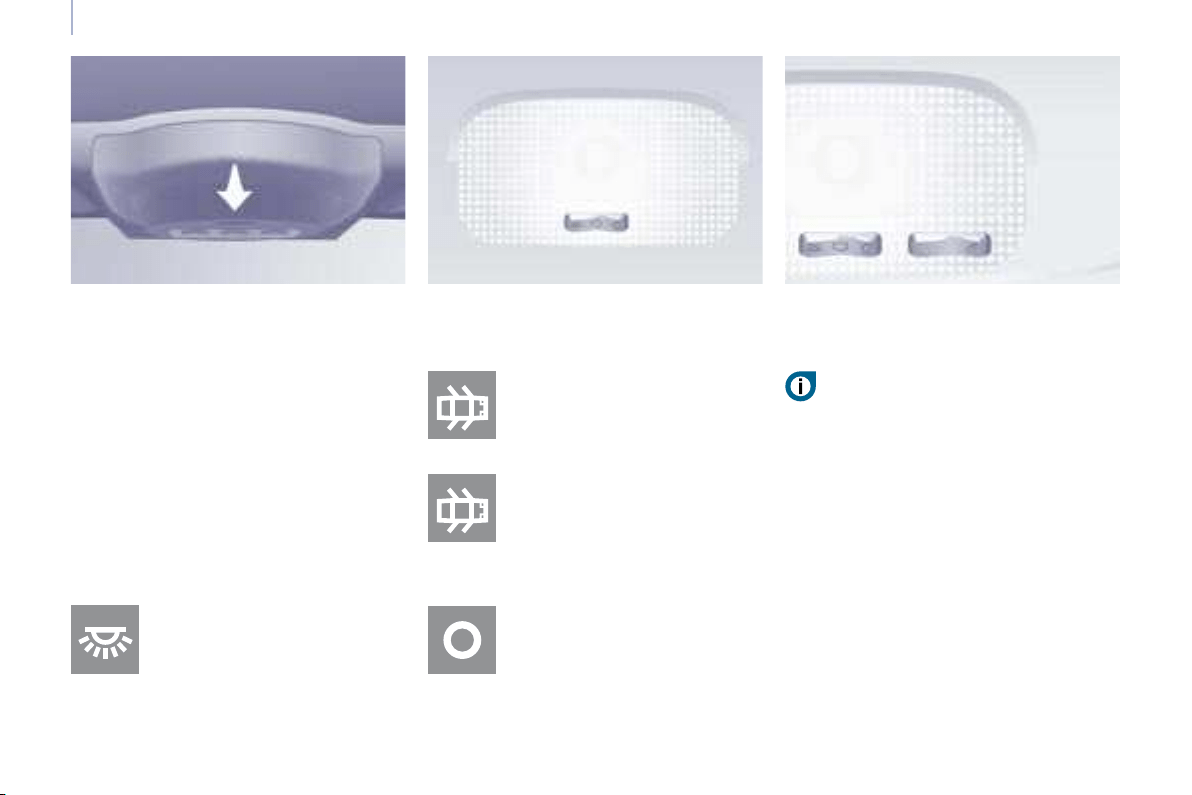
64
Practical information
Automatic switching on/off
The front courtesy light comes on when
the key is removed from the ignition, when
the vehicle is unlocked, when one of the
front doors is opened and for location of
the vehicle using the remote control.
It switches off gradually after the ignition
is switched on and when the vehicle is
locked.
Cab: comes on when one of
the front doors is opened.
These are switched on and off
by means of a manual switch,
with the ignition on.
Load space: comes on when
one of the rear doors
is opened.
If the doors remain open for
a few minutes, the courtesy
lights are switched off.
Permanently off.
Permanently on, ignition on.
Front courtesy light
COURTESY LIGHTS
Rear courtesy light Front individual reading lights
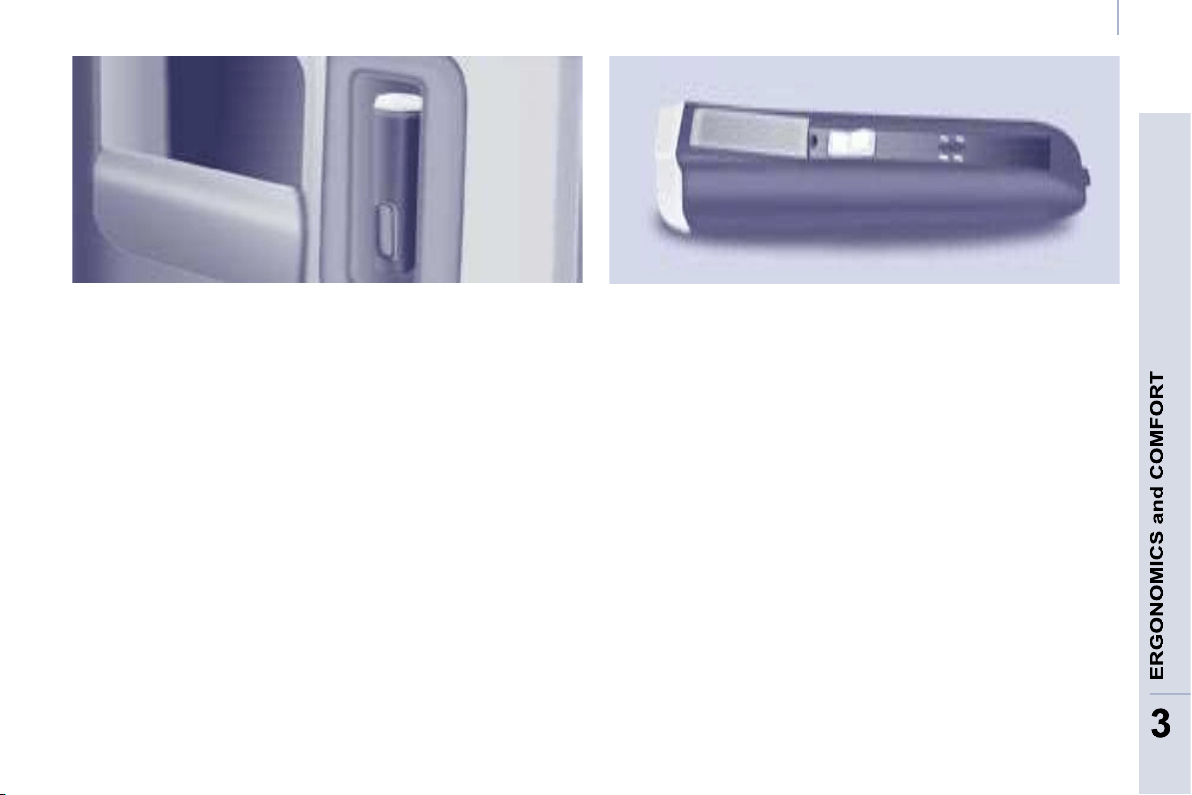
65
3
3
Practical information
TORCH
A removable torch, incorporated in the
wall of the boot, carries out two functions:
- boot light,
- torch.
The boot light operates automatically
when the boot is opened.
The torch operates with NiMH type
storage batteries.
Observe the polarities when fi tting
these storage batteries.
Using the torch
Remove it from its location by pulling
from the top.
Press the switch, located on the back
of the torch, to switch it on or off.
The retaining clip allows you to position
the torch for precise use (for example,
lighting while changing a wheel).
Storing the torch
Always put the torch back starting by
positioning the lower part in its location.
If it is not engaged correctly it may not
charge and may not come on when the
boot is opened.
Putting the torch back in place
switches it off automatically if it has not
been switched off already.
The torch has a maximum operating
time of 45 minutes and charges within
a few hours while driving.
Never replace the storage batteries
with conventional batteries.

66
Practical information
Bench seat
The crew cab consists of a 3-seat
bench, located in row 2, the one-piece
back of which is solid with the "load
retainer" grille.
Access to the rear seats is via the sliding
side door.
Head restraints and seat belts
The three seats are equipped with
inertia reel seat belts. The seat belts of
the side seats are solid with the panels,
whereas the seat belt of the centre seat
is solid with the back of the bench seat.
Each seat has a head restraint bolted
onto the load retaining grille and which
can be removed.
Do not store a head restraint inside
the vehicle unless it is stowed or fi xed
to a support.
Do not drive with rear passengers
without fi rst bolting the head restraints
in place.
Placing the bench seat in the
fully folded position
- If necessary, move the front seats
forward and fasten the strap of the
seat belt of the centre seat.
- Check that the seat belt straps and
buckles are positioned correctly
along the side panels, to ensure
that the sliding of the seat back
is not hindered.
- Release the seat back using
the control A .

67
ERGONOMICS and COMFORT
3
3
Practical information
Putting the bench seat back
in the seat position
- In a single movement:
take hold of the red strap and pull
the assembly horizontally towards
the rear. Guide the movement until
the feet of the bench seat lock on
the fl oor.
- Raise the seat back.
The control A locks automatically.
- Check that the bench is locked on
the fl oor correctly once it has been
returned to the seat position.
Do not let the assembly fall sharply.
Good practice
There is no need to assist, guide or
support using the arm which remains
free during the tilting movement.
The rear seat belt casings are not
designed for securing the load
transported. Use the stowing rings
on the fl oor only.
The bench seat of the crew cab is not
suitable for the installation of a child
seat.
- Using the same hand, fold the seat
back and the associated grille onto
the seat cushion.
- Take hold of the red strap (like
a handle) and lift and assembly
vertically, guiding the movement
to the fully folded position.
The raised seat rests against the backs
of the seats of row 1.
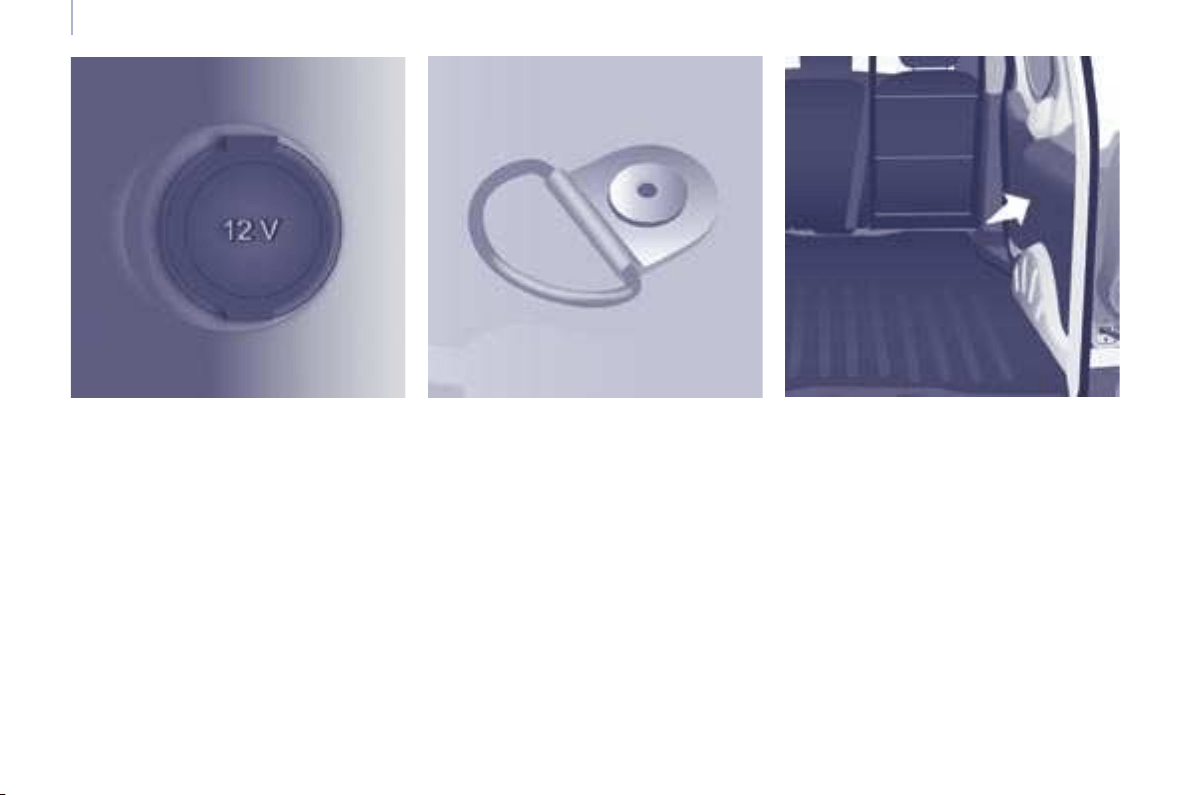
68
Practical information
LOAD SPACE LAYOUT
12 volt socket
Associated with the torch, it is
advisable to limit its use to avoid
discharging the battery. Maximum
power: 120 W.
Stowing rings
Use the stowing rings on the rear fl oor
to secure your loads.
As a safety precaution in case of sharp
braking, you are advised to immobilise
the load by securing it fi rmly using the
stowing rings and place heavy objects
as far forwards as possible (towards
the cab).
Trims
The lower parts of the sides are fi tted
with load protection trims.
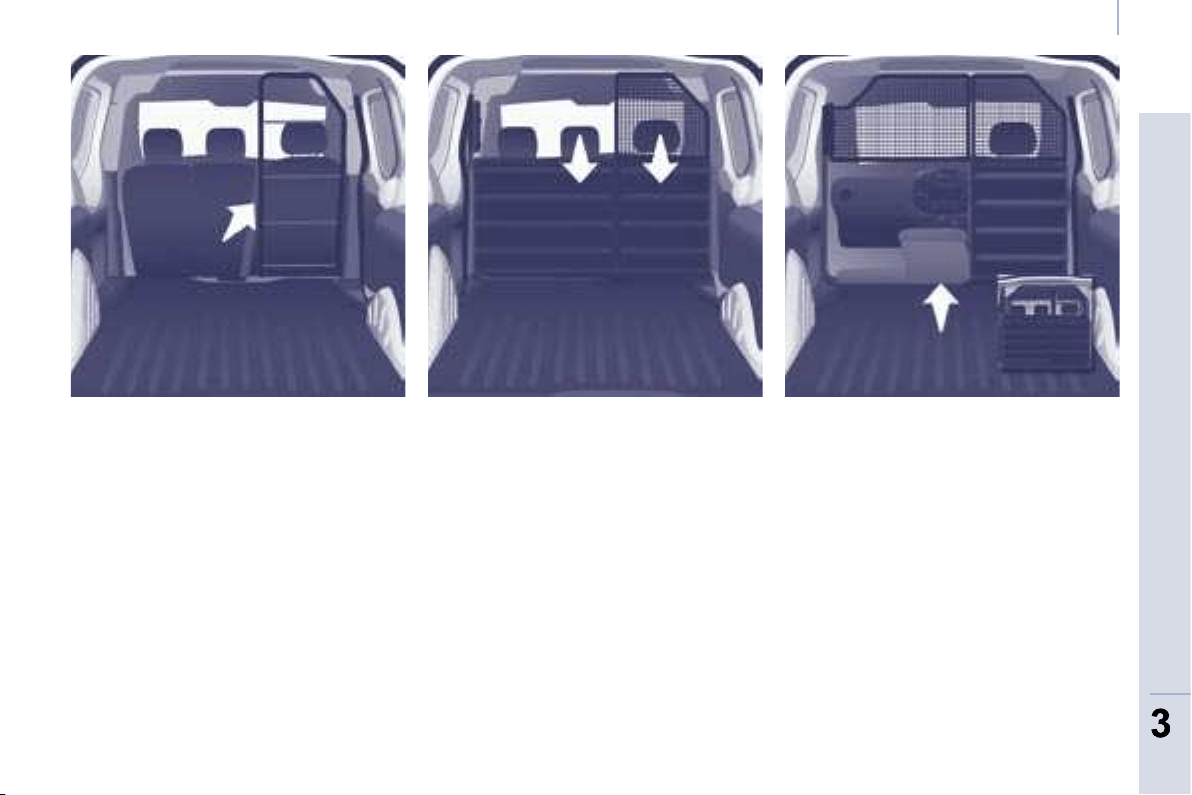
69
ERGONOMICS and COMFORT
3
3
Practical information
Ladder Partition with fl ap Mid-height partition
Load retainers
Your vehicle can be equipped with
a wide range of load retainers to
effectively protect the driver and front
passenger(s), while maintaining the
loading adaptability.
Removable flap
The fl ap located on the panel section
of the mid-height partition, behind
the passenger seat(s), can be removed
to permit the loading of long objects.
- Turn the control located at the top
of the fl ap to release it.
- Lift the fl ap to remove it from its
location.
- Pivot the fl ap by 90° to the right.
- Store it behind the driver’s seat,
clipping it into the securing lugs.
Contact a CITROËN dealer for
information about the different
accessory load retainer models.
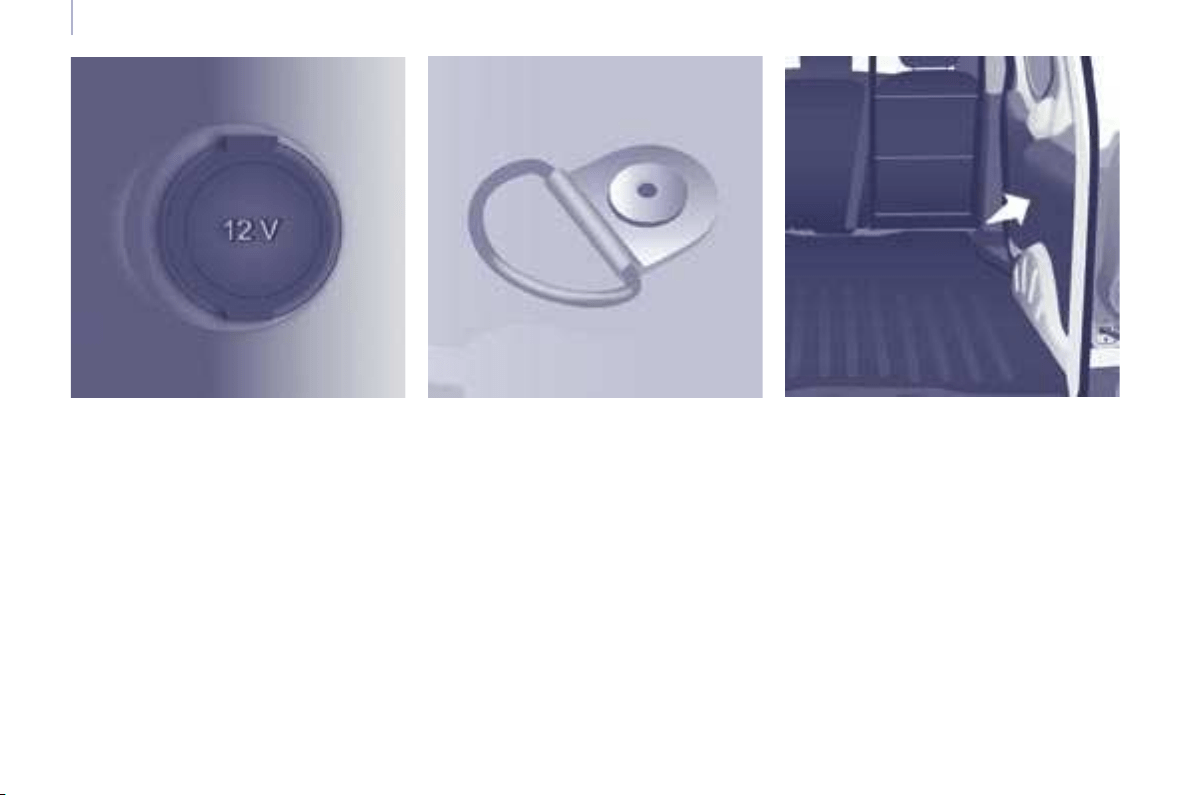
68
Practical information
LOAD SPACE LAYOUT
12 volt socket
Associated with the torch, it is
advisable to limit its use to avoid
discharging the battery. Maximum
power: 120 W.
Stowing rings
Use the stowing rings on the rear fl oor
to secure your loads.
As a safety precaution in case of sharp
braking, you are advised to immobilise
the load by securing it fi rmly using the
stowing rings and place heavy objects
as far forwards as possible (towards
the cab).
Trims
The lower parts of the sides are fi tted
with load protection trims.
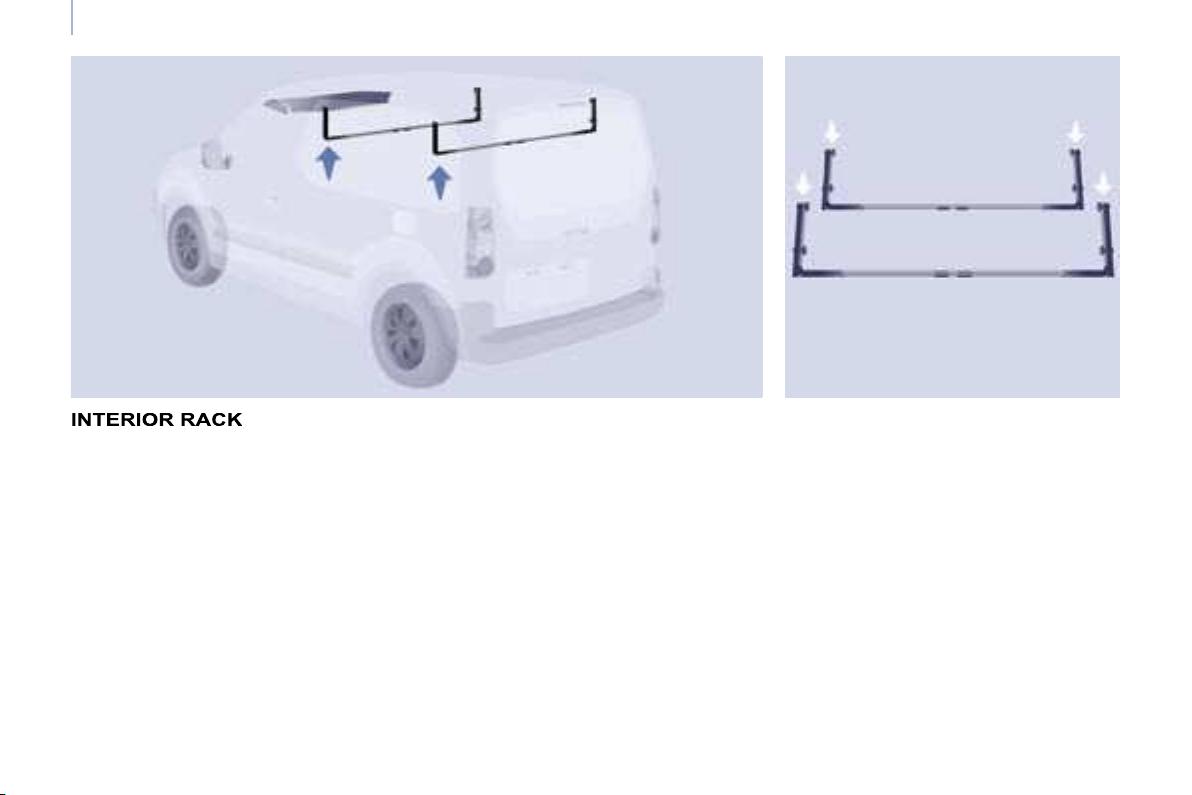
70
Practical information
The two interior bars are covered
with rubber and incorporate a strap
passage to secure the loaded objects.
The interior rack consists of two bars
to be installed at the top of the space
leaving the lower area of the passenger
compartment free.
It permits the transportation of long loads
(2 metres maximum) with the doors or
tailgate closed. The long load must rest
on the overhead storage compartment
and the two bars.
However, be sure to comply with
the loads and weights permitted.
Maximum load: 10 kilogrammes per bar.
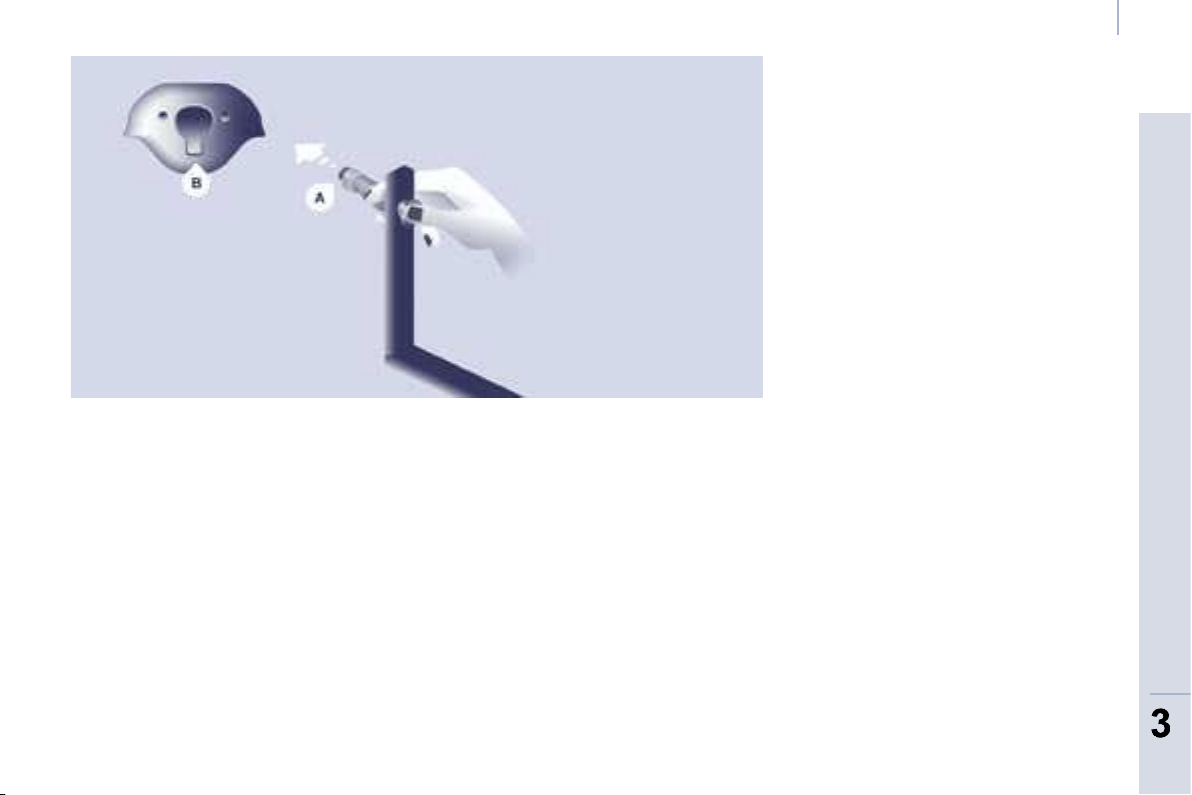
71
ERGONOMICS and COMFORT
3
3
Practical information
Fitting the bars
- Unscrew the knurled wheels
located at the ends of the bars fully.
- Take hold of the bar by the ends
to slide them towards the inside
to retract them.
- Extract the metal end piece A taking
hold of the end of the bar like
a syringe.
- Insert the end piece A on one side
then lower it to fi x it in the base of
the notch B .
Storing
When the bars are not in use:
- partially loosen the knurled wheels,
- lift the bar slightly,
- pivot it upwards by 180°,
- tighten the knurled wheels.
Good practice
In the event of a front impact, the rack
is disengaged to avoid injury to the
occupants of the vehicle. The slight
clearance observed in the bar is linked
with this safety disengagement.
Do not loosen or place the bars in a
position other than those described
above.
The load on the rack must rest on the
overhead storage compartment and
be strapped using the strap passages
provided on the bars.
The bars are not grab handles for the
passengers.
- Carry out the same operations
on the other side.
- Ensure that they are engaged
correctly at the base of the notch.
- Tighten the knurled wheels and
check the tightening by pushing
the bar sideways.
To remove, proceed in the reverse
order.
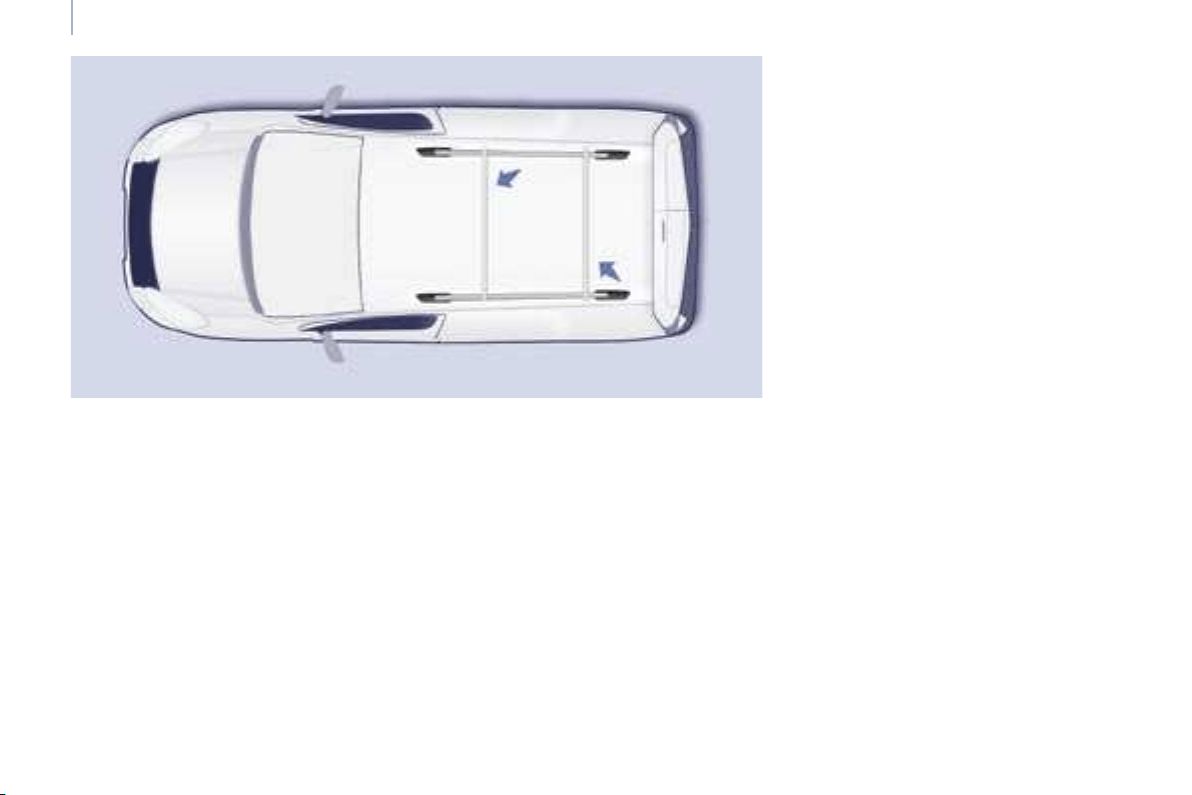
72
Practical information
ROOF BARS
If you install transverse bars on these bars, refer to the weight values indicated
by the manufacturer but do not exceed 75 Kg.
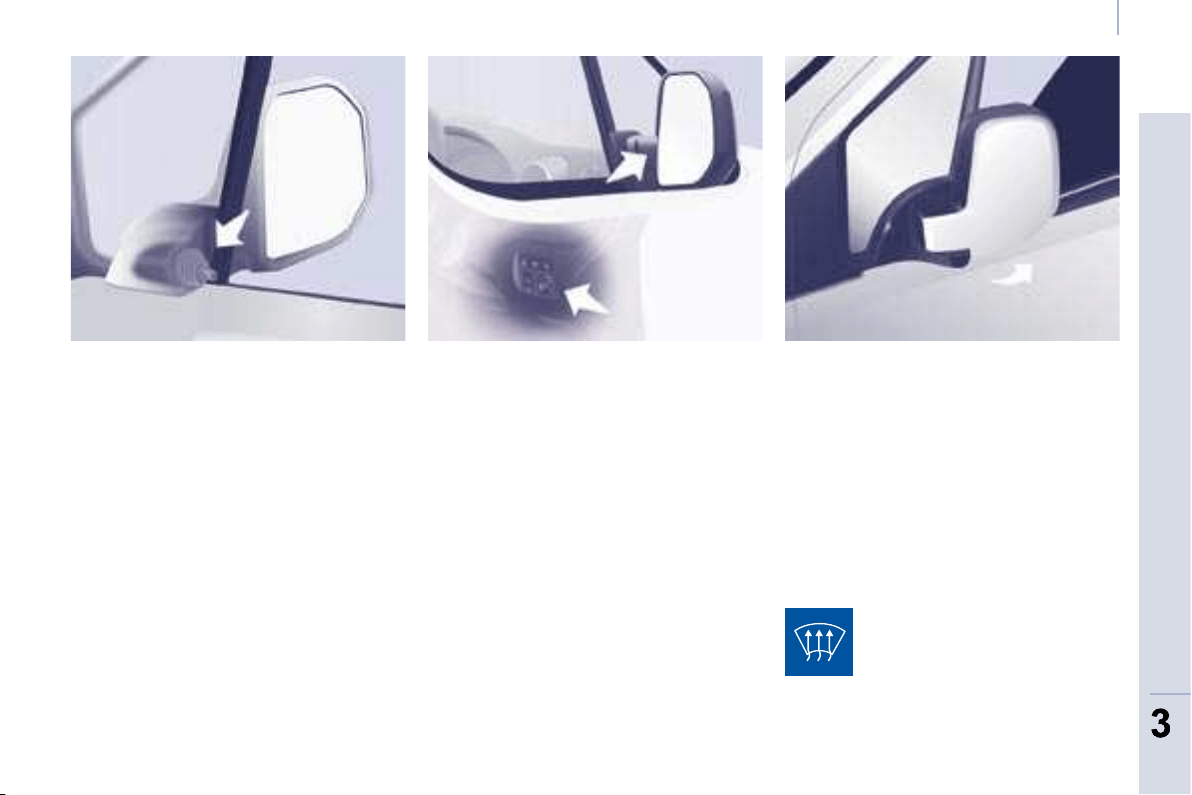
73
ERGONOMICS and COMFORT
3
3
Mirrors and windows
Electric exterior mirrors
- Move the control to the right or to
the left to select the corresponding
mirror.
- Move the control in all four
directions to adjust.
- Return the control to the central
position.
Electric folding/unfolding
The mirrors can be folded or unfolded
electrically from the inside, with the
vehicle parked and the ignition on:
- Place the control in the central
position.
- Turn the control downwards.
MIRRORS
Heated mirrors
Manual exterior mirrors
Move the lever in all four directions
to adjust.
When the vehicle is parked, the
exterior mirrors can be folded back
manually.
The mirrors are not equipped with
automatic de-icing.
The electric mirrors can be
heated. Press the rear screen
de-icing button.
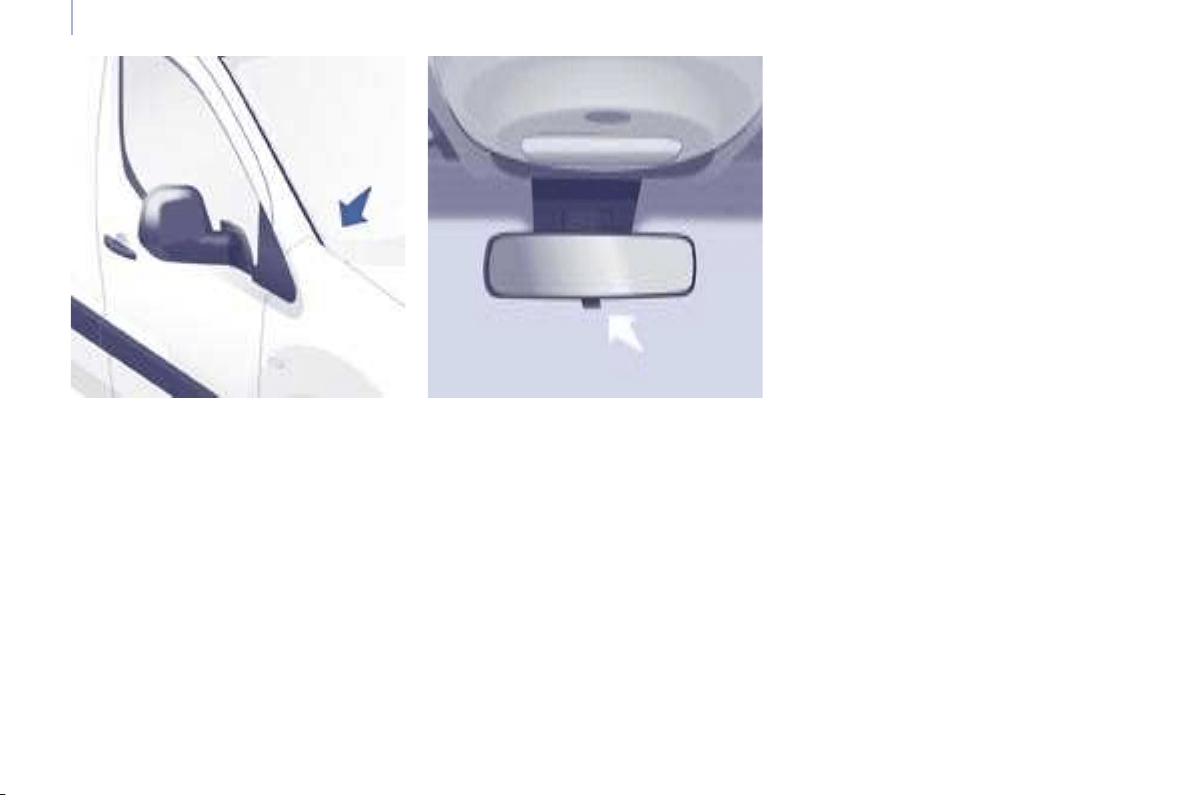
74
Mirrors and windows
Forced folding
If the mirror casing has come out of
its initial location, with the vehicle
stationary reposition the mirror casing
manually or use the electric folding
control.
Manual interior mirror
The interior mirror has two positions:
- day (normal),
- night (anti-dazzle).
To change from one to the other, push
or pull the lever on the lower edge of
the mirror.
Areas for toll cards/car
park tickets
The athermic windscreen has two non-
refl ective zones located either side of
the base of the interior mirror.
They are intended for affi xing toll cards
and/or car park tickets.
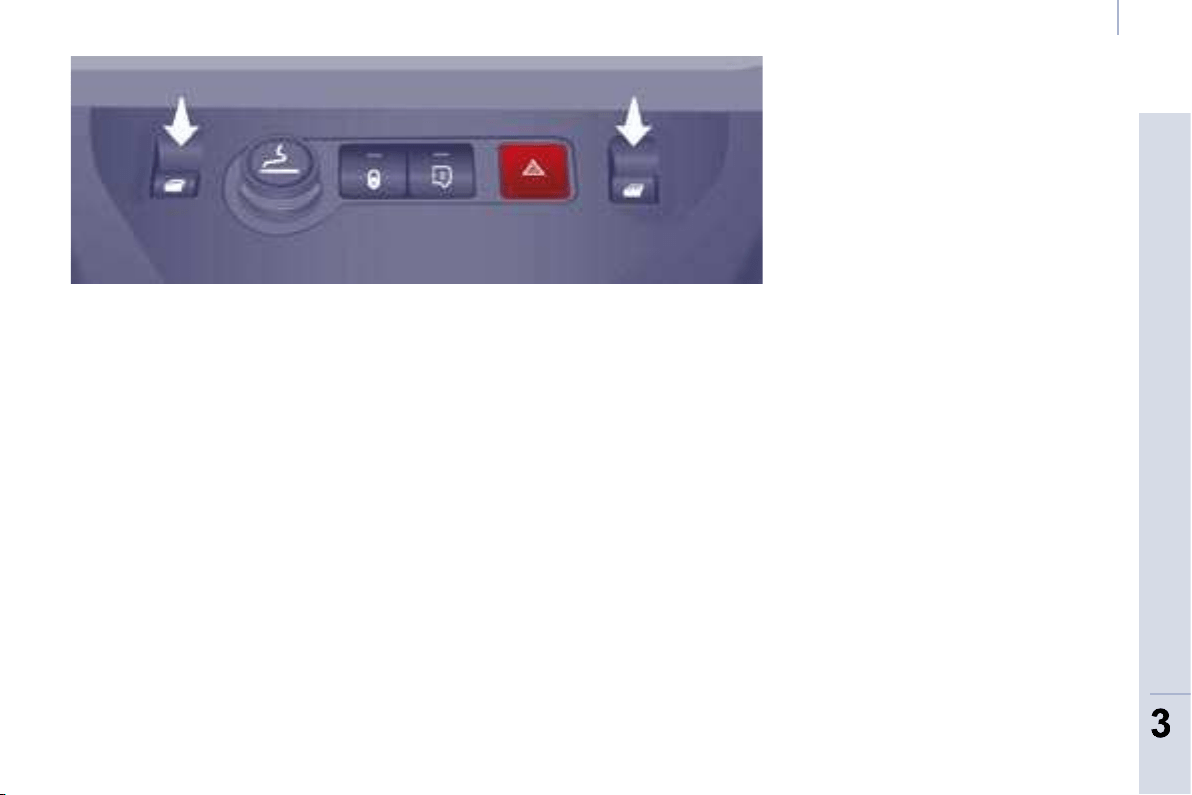
75
ERGONOMICS and COMFORT
3
3
Mirrors and windows
ELECTRIC WINDOWS
1. Driver’s electric window control
2. Passenger electric window control
There are two operating modes:
Safety auto-reverse
When the window rises and meets an
obstacle, it stops and partially lowers.
Automatic mode
Press or pull the control, beyond the
point of resistance. The window opens
or closes fully when the control is
released. Pressing the control again
stops the movement of the window.
The electrical functions of the electric
windows are deactivated:
- approximately 45 seconds after
the ignition is switched off,
- after one of the front doors
is opened, if the ignition is off.
Manual mode
Press or pull the control, without passing
the point of resistance. The window
stops when you release the control.
Reinitialisation
Following reconnection of the battery,
or in the event of a malfunction, the
safety auto-reverse function must be
reinitialised.
Good practice
If the electric windows meet an
obstacle during operation, you must
reverse the movement of the window.
To do this, press the control concerned.
When the driver operates the
passenger electric window controls, he
must ensure that no one is preventing
correct closing of the windows.
The driver must ensure that the
passengers use the electric windows
correctly.
Be aware of children when operating
the windows.
Following several consecutive closing/
opening operations of the electric
window control, a protection system is
triggered which only authorises closing
of the window. After closing, wait
approximately 40 minutes. Once this
time has elapsed, the control becomes
operational again.
Lower the window fully, then raise it, it
will rise in steps of a few centimetres
each time the control is pressed.
Repeat the operation until the window
is fully closed.
Continue to press the control for at
least one second after the window
closed position has been reached.
The safety auto-reverse does not
operate during these operations.
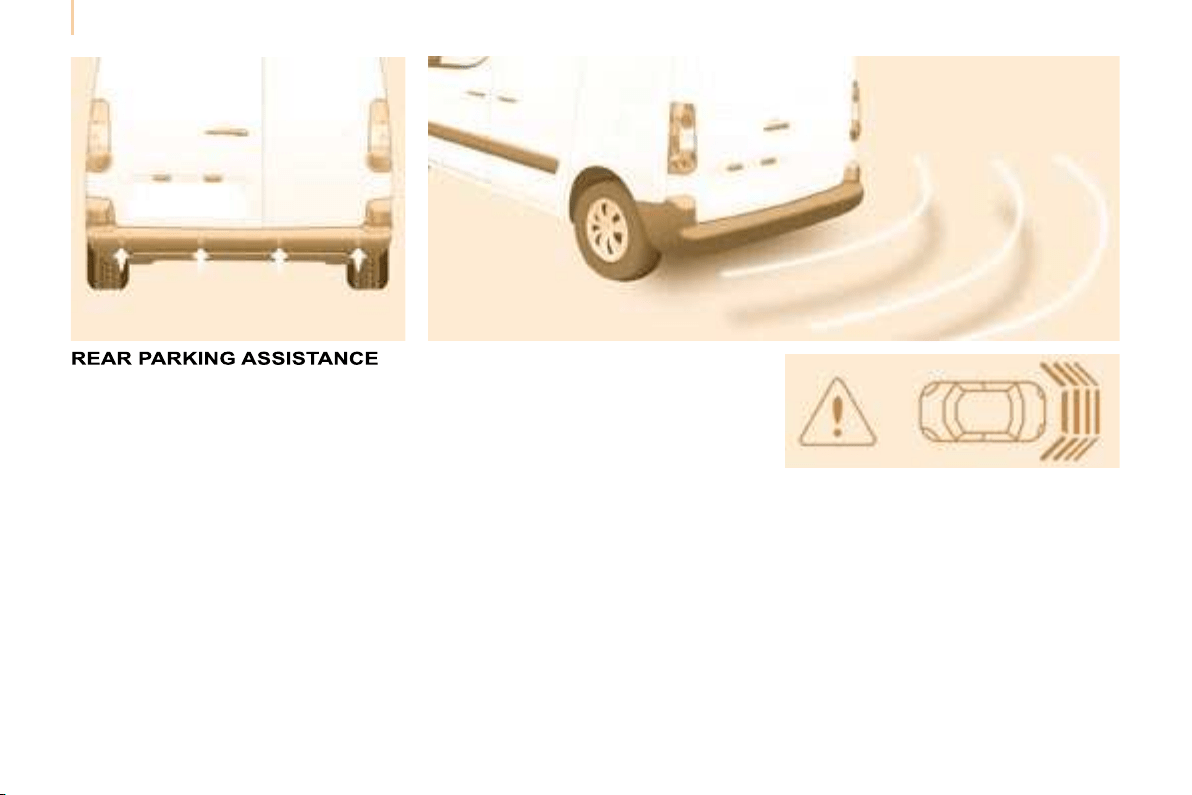
76
Parking assistance
The audible and/or visual rear parking
assistance consists of four proximity
sensors, installed in the rear bumper.
The sensors detect any obstacle which
enters the fi eld: person, vehicle, tree,
fence, behind the vehicle during the
manoeuvre.
Certain objects detected at the
beginning of the manoeuvre will no
longer be detected at the end of the
manoeuvre due to the blind spots
between and below the sensors.
Examples: stake, roadworks cone or
pavement post.
Engage reverse gear
Display on the screen
Stop the assistance
Change to neutral.
An audible signal confi rms the activation
of the system by engaging reverse gear.
The proximity information is indicated by
an audible signal which becomes more
rapid as the vehicle approaches
the obstacle.
When the distance between the rear
of the vehicle and the obstacle is less
than approximately thirty centimetres,
the audible signal becomes
continuous.
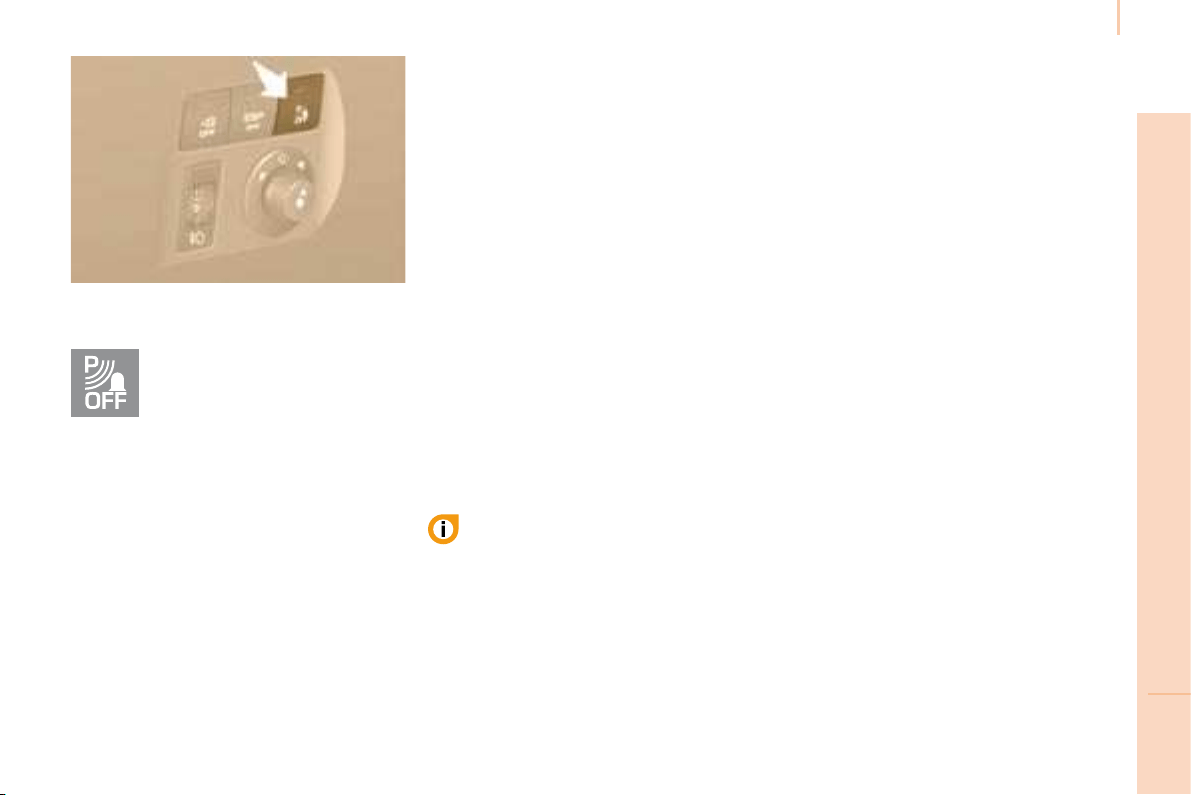
77
IN-CAR TECHNOLOGY
4
Parking assistance
Activation/Deactivation
Operating fault
In the event of an operating fault, when
reverse gear is engaged the diode on
the button comes on, accompanied
by an audible signal and a message
on the display. Consult a CITROËN
dealer.
Good practice
In bad weather or in winter, ensure that
the sensors are not covered with mud,
ice or snow.
The system will be deactivated
automatically if a trailer is being towed
or if a bicycle carrier is fi tted (vehicle
fi tted with a towbar or bicycle carrier
recommended by CITROËN ).
The parking assistance cannot, in any
circumstances, take the place of the
vigilance and responsibility of the driver.
You can activate or deactivate
the system by pressing this
button.
The activation or deactivation
of the system is stored when
the vehicle stops.
You are advised to deactivate the
system if your vehicle is fi tted with a
rear ladder or if you are transporting
a load which exceeds the length of
the vehicle.
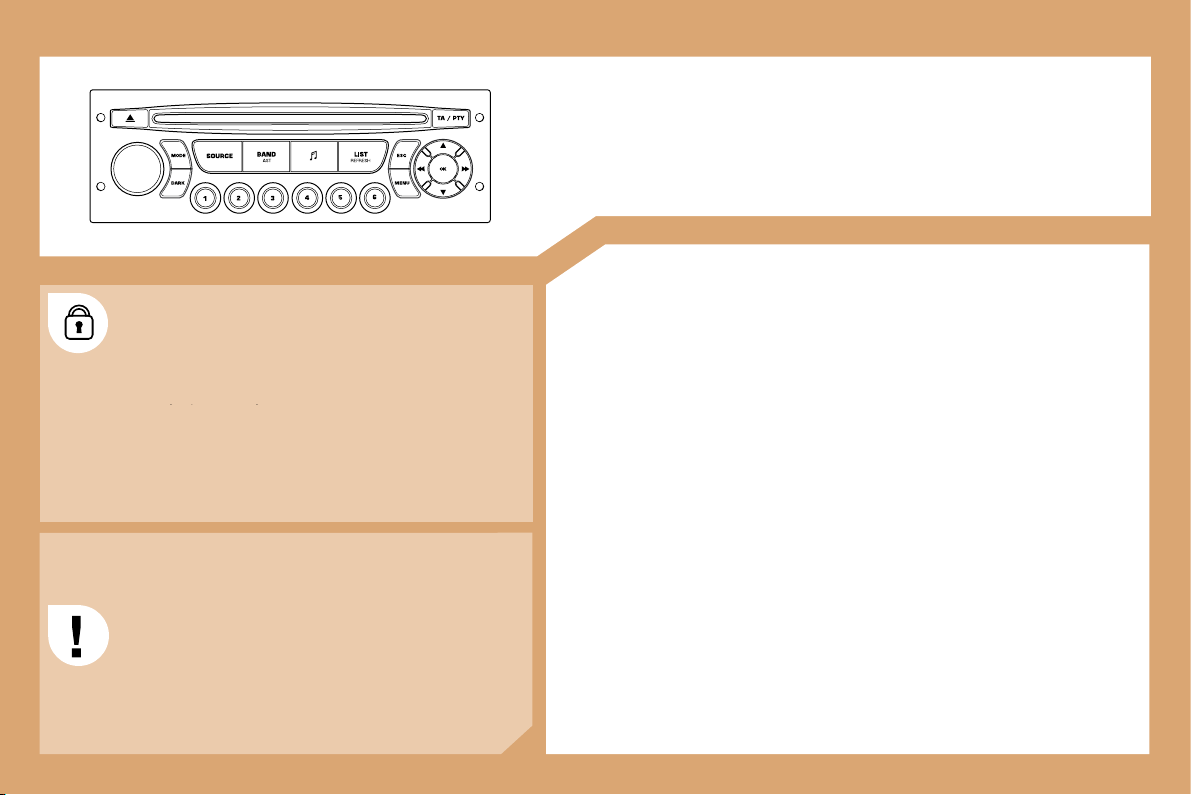
78
AUDIO EQUIPMENT
MP3/HANDS-FREE KIT
CONTENTS
01 First steps pg. 79
02 Displays and menus pg. 80
03 Audio pg. 82
04 Hands-free kit pg. 85
05 Trip computer pg. 87
06 Control short-cuts pg. 88
07 Confi guration pg. 89
08 Display fl ow charts pg. 91
The audio equipment is coded in such a way that it
will only operate in your vehicle. If it is to be installed
in another vehicle, contact a CITROËN dealer for
will only operate in your vehicle. If it is to be installe
confi guration of the system.
For safety reasons, the driver must carry out operations
which require prolonged attention while the vehicle is
stationary.
When the engine is off, and in order to prevent
discharging of the battery, the audio equipment may
switch off after a few minutes.
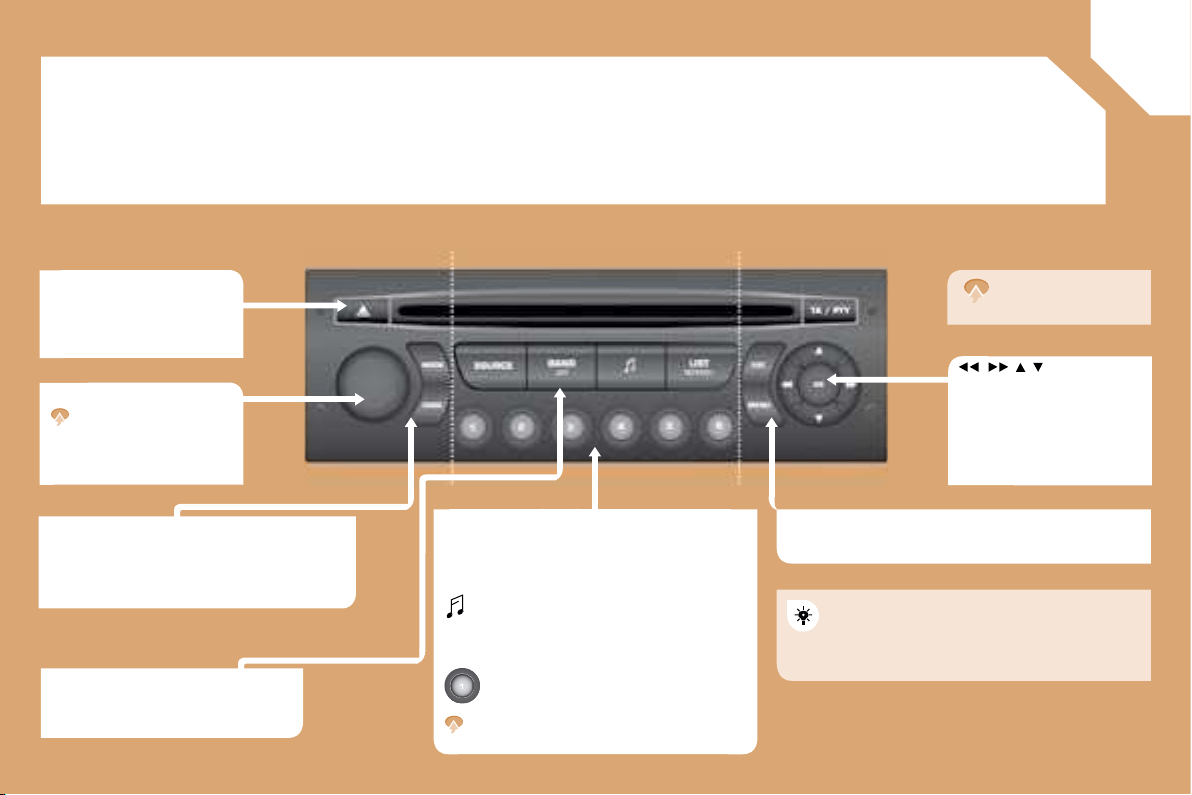
01
79
FIRST STEPS
CD eject.
On - Off.
Volume dial.
Mode:
Selection of the screen display mode.
Dark:
Hide the screen display, until completely
black, by successive presses. Pressing again
reactivates the display.
Source:
Selection of the source; radio, CD and
CD changer.
Band:
Selection of the FM1, FM2, FMast and
AM wavebands.
: Setting the audio options:
Front/rear balance, left/right balance,
loudness, sound ambiences.
List:
Displaying of the local stations, of the
tracks on the CD or of the MP3 directories.
- Storing of a station.
- Selection of a stored radio station.
- Selection of a CD in the CD changer.
updating of the stations received.
ESC:
Abandon current operation.
Menu:
Displaying of the general menu.
Navigator
which selects the choices
above or the step by step or
rapid advances.
Pressing the navigation dial
confi rms the choice, but does
not store it.
A long press is
required.
For a detailed global view of the menus
available, refer to the "Display fl ow chart"
section of this chapter.
BAND - AST:
Storing of the 6 strongest
transmitters received on FM.
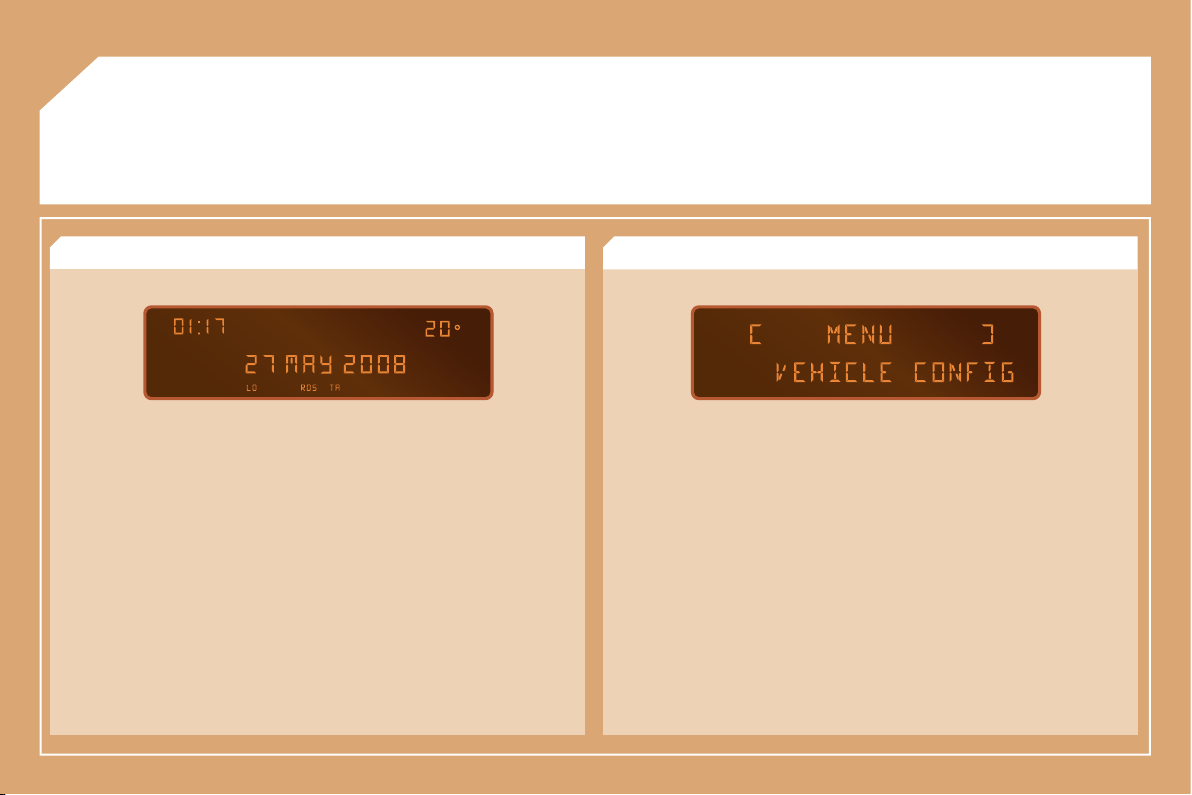
80
02
DISPLAY AND MENU A
RADIO: RDS search, REG mode. CD: introscan, random play, repeat.
VEHICLE CONFIGURATION: activation/deactivation of the equipment.
DISPLAY ADJUST: year, month, day, hour, minute, 12 or 24 hour mode.
> GENERAL MENU
> DISPLAY A
This displays the following information, via the audio equipment control pad:
- the time,
- the date,
- the exterior temperature (this fl ashes if there is a risk of ice),
- the audio source displays (radio, CD, ...),
- the accesses check (doors, boot, ...),
- the warning messages or information messages displayed temporarily,
can be cleared by pressing the "ESC" button,
- the trip computer,
OPTIONS: equipment status diagnostics.
Press the MENU button then OK.
LANGUAGES.
UNITS: temperature (°C or °F), fuel consumption (l/100, mpg or km/l).
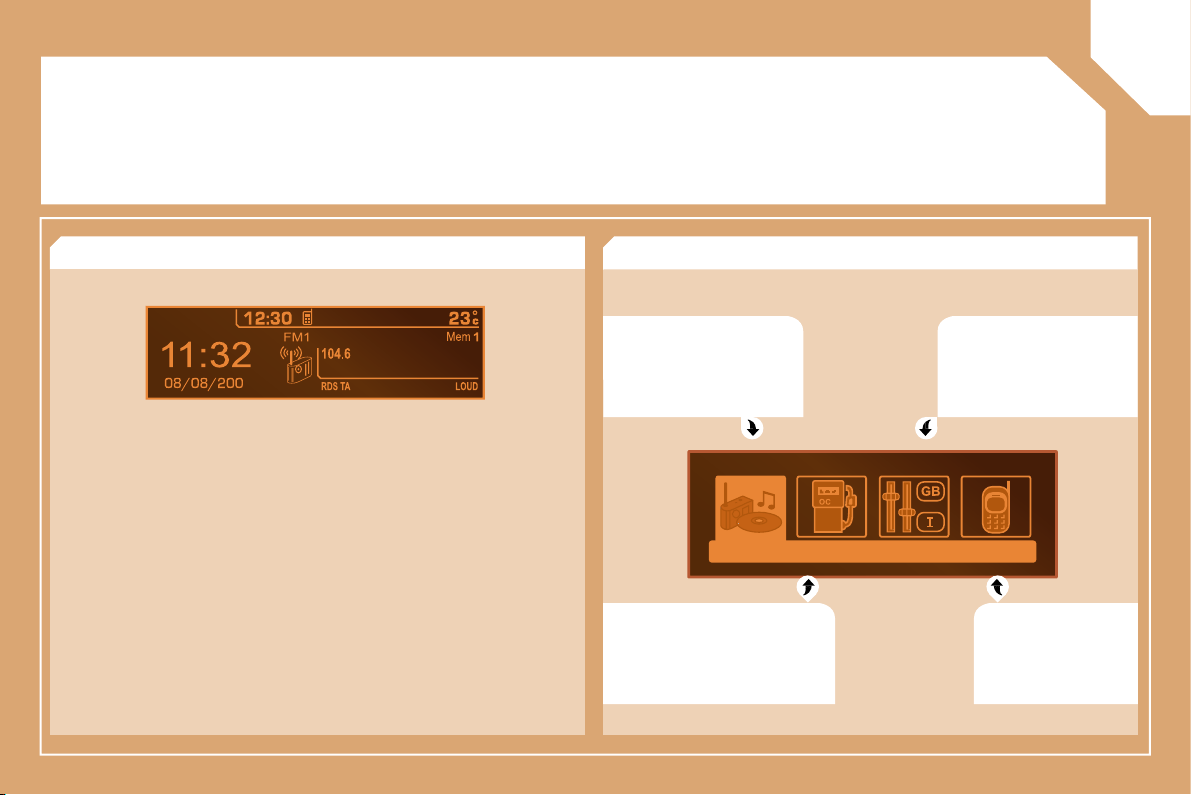
NRJ
8
02
81
DISPLAY AND MENU C
AUDIO FUNCTION:
radio, CD, options.
PERSONALISATION-
CONFIGURATION:
vehicle parameters,
display, languages.
TELEPHONE:
hands-free
kit, matching,
management of a
call.
> GENERAL MENU
> DISPLAY C
This displays the following information, via the audio equipment control pad:
- the time,
- the date,
- the exterior temperature (this fl ashes if there is a risk of ice),
- the audio source displays (radio, CD, ...),
- the accesses check (doors, boot, ...),
- the warning messages (e.g.: "Antipollution fault") or information
messages (e.g.: "Auto lighting activated") displayed temporarily, can be
cleared by pressing the "ESC" button,
- the trip computer,
- the location of a faulty wheel,
- the detection of a rear obstacle.
TRIP COMPUTER: distance
entering, warnings, status of
functions.
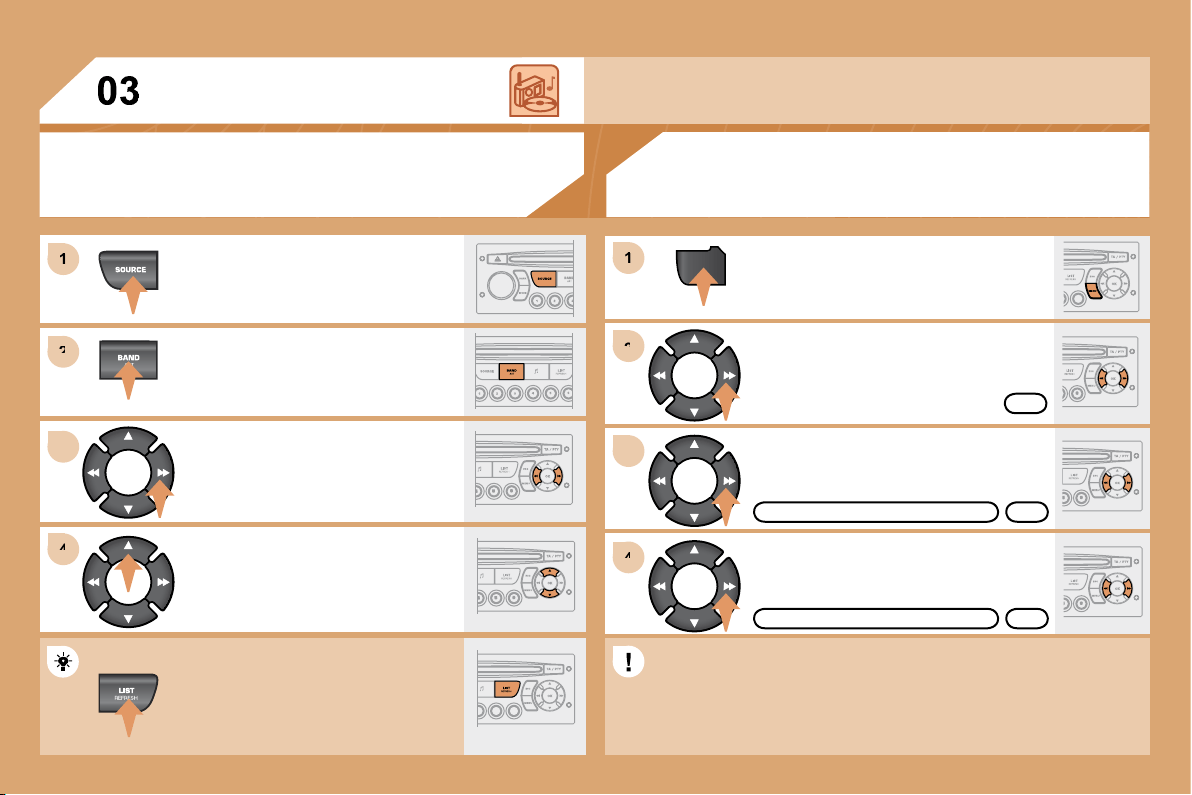
82
1
1
2
2
3
3
4
4
MENU
2
2
4
4
3
3
1
1
AUDIO
Press the SOURCE button several
times in succession and select the
radio.
Press the BAND AST button to select
a waveband: FM1, FM2, FMast, AM.
Briefl y press one of the buttons to
carry out an automatic search of the
radio stations.
Press one of the buttons to carry out a
manual search of the radio stations.
Press the LIST REFRESH button to
display the list of stations received
locally (30 stations maximum).
To update this list, press for more than
two seconds.
Select ACTIVATE FREQUENCY
FOLLOWING (RDS) then press OK.
RDS appears on the display.
Select the FM WAVEBAND
PREFERENCES function then
press OK.
Select AUDIO FUNCTIONS then
press OK.
Press the MENU button.
FM WAVEBAND PREFERENCES
ACTIVATE FREQUENCY FOLLOWING (RDS)
The external environment (hills, buildings, tunnels, basement car parks) may block
reception, including in RDS mode. This is a normal effect of the way in which radio waves
are transmitted and does not indicate any failure of the audio equipment.
RDS
The RDS, if displayed, enables you to continue listening to the
same station by means of frequency following. However, in certain
conditions, this RDS station is not followed throughout the country
as radio stations do not cover 100 % of the territory. This explains
the loss of reception of the station during a journey.
OK
OK
OK
RADIO
SELECTING A STATION
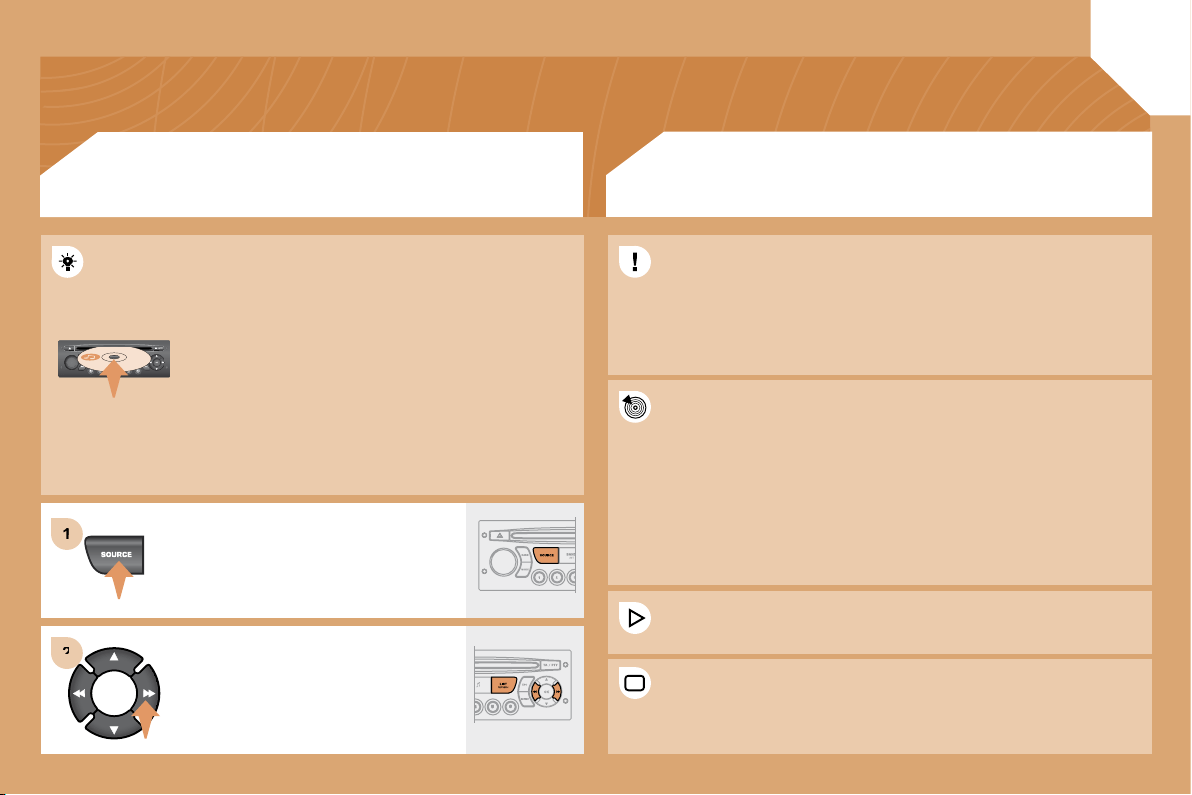
1
1
2
2
83
Insert circular compact discs only.
Some anti-pirating systems, on original discs or CDs
copied using a personal recorder, may cause faults
which are no refl ection on the quality of the original
player.
Without pressing the EJECT button, insert a CD in the
player, play begins automatically.
To play a disc which has already been
inserted, press the SOURCE button
several times in succession and
select CD.
Press one of the buttons to select a
track on the CD.
Press the LIST REFRESH button to
display the list of tracks on the CD.
CD
PLAYING A CD
The MP3 format, an abbreviation of MPEG 1.2 & 2.5 Audio Layer 3,
is an audio compression standard which permits the recording of
several tens of music fi les on a single disc.
The playing and displaying of an MP3 compilation may depend on the
recording programme and/or the parameters used.
In order to be able to play a recorded CDR or CDRW, when recording
select standards ISO 9660 level 1.2 or Joliet.
If the disc is recorded in another format, it may not be played
correctly.
It is recommended that the same recording standard is always used
for an individual disc, with as low a speed as possible for optimum
sound quality.
In the particular case of a multi-session CD, the Joliet standard is
recommended.
The audio equipment will only play fi les with the extension ".mp3".
No other type of fi le (.wma, .mp4...) can be played.
It is advisable to restrict fi le names to 20 characters without using
special characters (e.g.: " " ? ; ù) to avoid any playing or displaying
problems.
MP3 CD
INFORMATION AND ADVICE
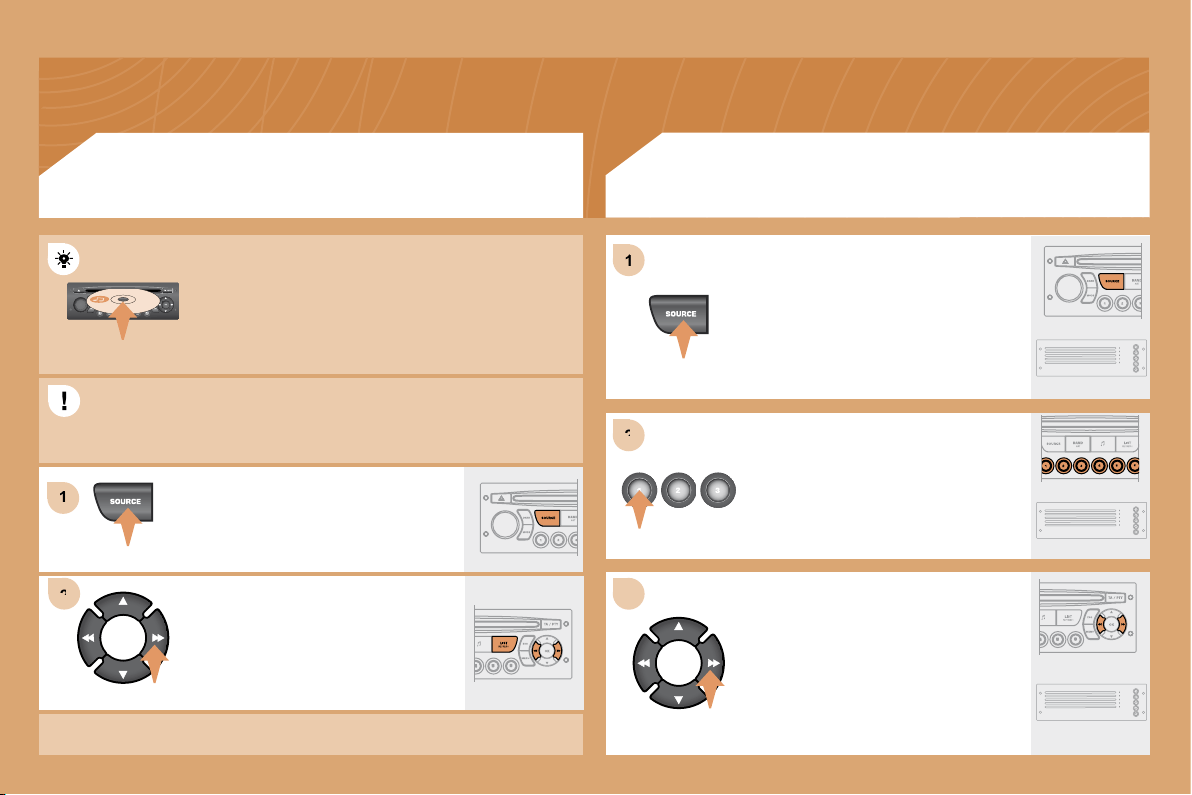
84
1
1
2
2
1
1
2
2
3
3
Insert an MP3 compilation in the player.
The audio equipment searches for all of the music
tracks, which may take anything between a few
seconds and several tens of seconds, before play
begins.
On a single disc, the CD player can read up to 255 MP3 fi les spread
over 8 directory levels. However, it is advisable to keep to a limit of
two levels to reduce the access time before the CD is played.
To play a disc which has already been
inserted, press the SOURCE button
several times in succession and
select CD.
Press one of the buttons to select a
track on the CD.
Press the LIST REFRESH button to
display the list of directories of the
MP3 compilation.
CD
PLAYING AN MP3 COMPILATION *
CD CHANGER - not MP3 compatible
Insert the CDs in the changer one by
one.
Press the SOURCE button several
times in succession and select CD
CHANGER.
Press one of the buttons on the
numeric keypad to select the
corresponding CD.
Press and hold one of the CD
changer buttons to eject the
corresponding CD.
Press one of the buttons to select a
track on the CD.
Press and hold one of the buttons for
fast forwards or backwards play.
Playing a CD
* According to level of fi nish.
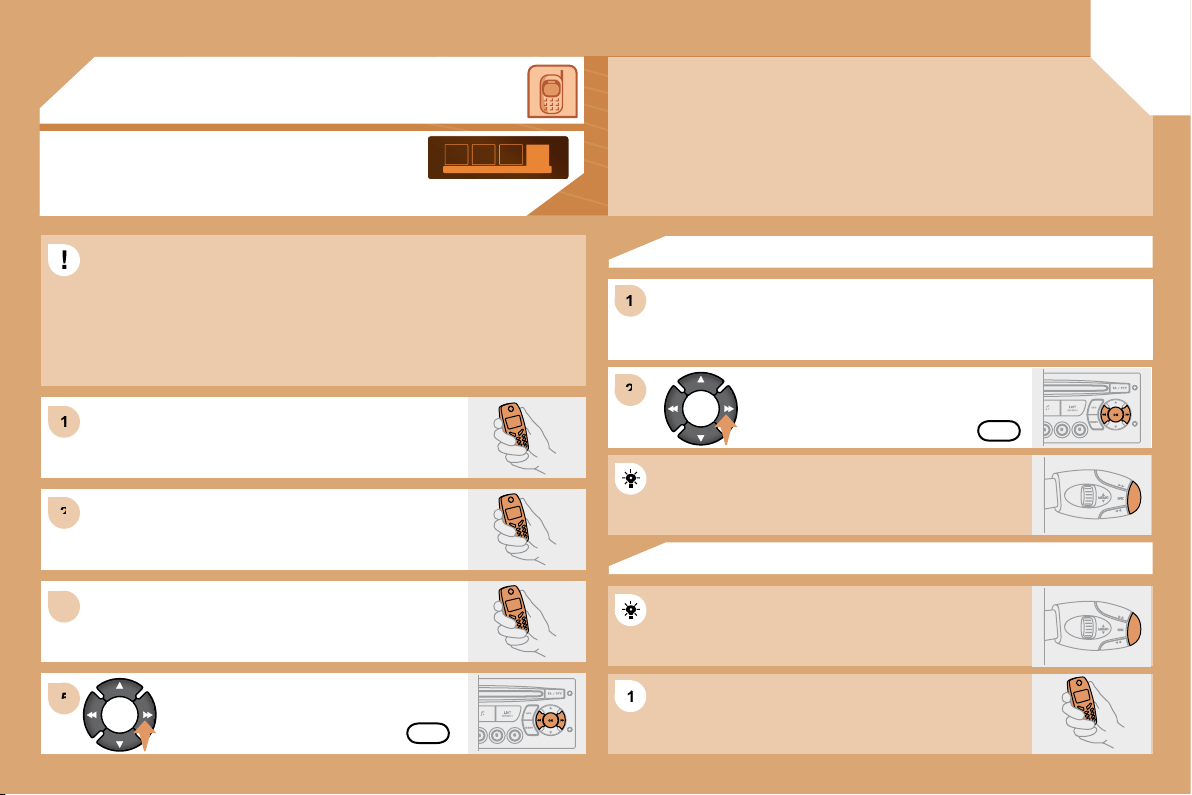
1
1
2
2
3
3
1
1
2
2
5
5
1
1
04
85
Select the YES tab on the display
using the buttons and confi rm by
pressing OK.
HANDS-FREE KIT
For safety reasons and because they require prolonged attention on
the part of the driver, the operations for matching of the Bluetooth
mobile telephone with the audio equipment hands-free kit must be
carried out with the vehicle stationary and the ignition on.
Select the accessory which corresponds to the
name of the vehicle, a superimposed confi guration
display appears on the multifunction display.
Activate the telephone’s Bluetooth function and
carry out a search of the Bluetooth accessories
present for the telephone.
Select the YES tab on the display using
the buttons then confi rm by pressing OK.
Enter the vehicle’s authentication code (=1234).
Depending on the telephone, you may be asked
to enter this code before the superimposed
confi guration display appears.
YES
YES
The services offered by the hands-free kit depend on the network, the SIM card and the
compatibility of the Bluetooth equipment used.
Consult your telephone’s manual and your operator to fi nd out which services are
available to you. A list of mobile telephones which offer the best range of services is
available from the network. Consult a CITROËN dealer.
Refer to the end of the "Correct use of the hands-free kit telephone" section.
RECEIVING A CALL
An incoming call is announced by a ring and a superimposed display
on the multifunction display.
Press the end of the steering wheel stalk to accept
the call.
Press the end of the steering wheel stalk for more
than two seconds to access your directory.
To dial a number, use the keypad on your
telephone.
MAKING A CALL
MATCHING A TELEPHONE
DISPLAY C
86
The matching of a new Bluetooth mobile telephone does not work while the
vehicle is being driven.
How many mobile telephones can be stored in the audio equipment.
Is it possible to scroll through the phone book contacts more quickly than
line by line.
Are all of the numbers associated with a contact displayed on the audio
equipment display.
For safety reasons and because they require prolonged attention on
the part of the driver, the operations for matching the Bluetooth mobile
telephone with the audio equipment hands-free kit must be carried out with
the vehicle stationary and the ignition on.
Up to 4 different mobile telephones can be stored. The mobile telephone
stored as 1 will be connected fi rst, then number 2, …
The controls << >> on the control panel or on the steering wheel control
permit direct access to the fi rst contact recorded starting with the next/
previous letter of the alphabet.
A maximum of 4 different numbers for one contact in Vcard format are
displayed: "Home", "Work", "Mobile" and "Car".
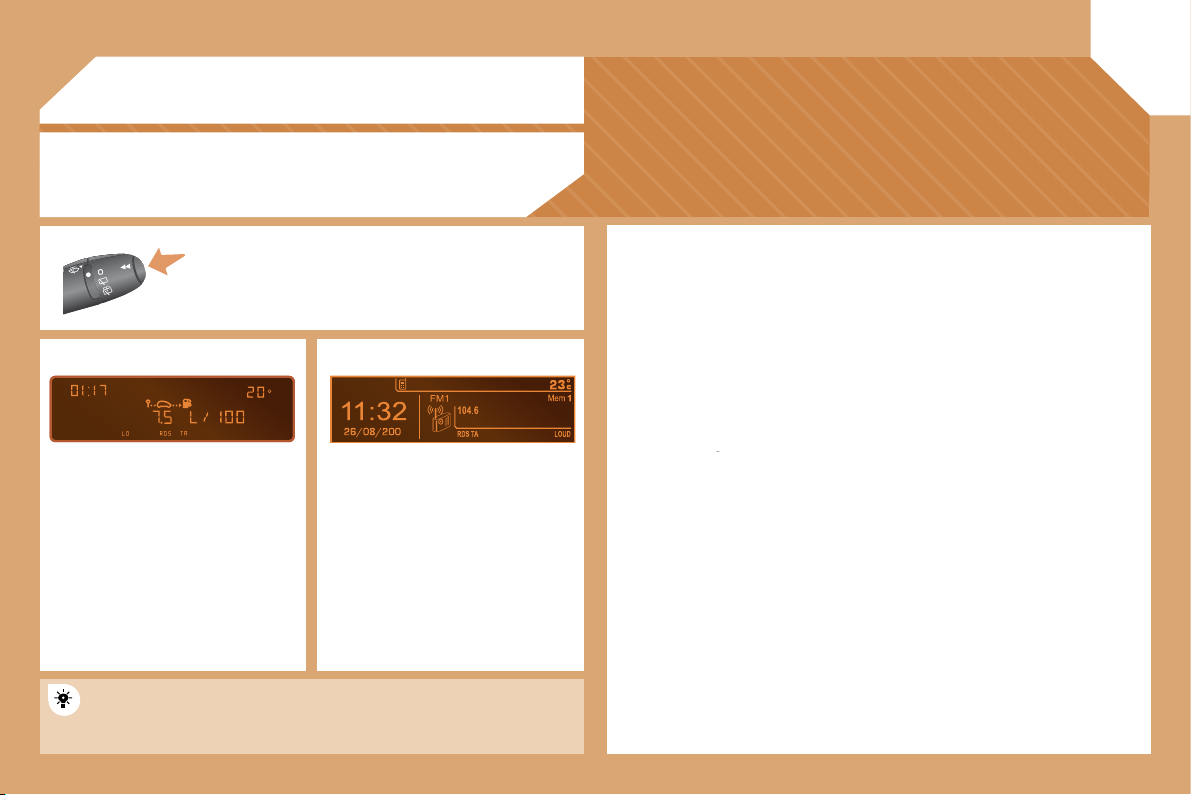
05
8
NRJ
87
TRIP COMPUTER
Each press of the button, located at the end
of the wipers stalk , permits displaying of the different
trip computer data in succession, depending on the
display.
- the
"vehicle"
tab with:
the range, the current consump
tion and the distance remaining
to the destination,
- the
"1"
tab (route 1) with:
the average speed, the
average consumption and the
distance travelled calculated
over route
"1"
,
- the
"2"
tab (route 2) with the
same characteristics for a second
route .
A few defi nitions
Range:
Displays the distance which can be travelled with the remaining fuel
detected in the tank, in relation to the average consumption over the last few
miles (kilometres).
This displayed value may vary signifi cantly following a change in the vehicle
speed or the relief of the route.
When the range falls below 20 miles (30 km), dashes are displayed. After
fi lling with at least 5 litres of fuel, the range is recalculated and is displayed
when it exceeds 60 miles (100 km).
If, whilst driving, dashes are displayed continuously in place of digits, contact
a CITROËN dealer.
If, whilst driving, dashes are displayed continuously in place of digits, contact
If, whilst driving, dashes are displayed continuously in place of digits, contact
Current consumption:
only calculated and displayed above 20 mph
(30 km/h).
Average consumption:
this is the average quantity of fuel consumed since
the last trip recorder zero reset.
Distance travelled:
calculated since the last trip computer zero reset.
Distance remaining to the destination:
calculated with reference to the
fi nal destination, entered by the user. If guidance is activated, the navigation
system calculates it as a current value.
Average speed:
this is the average speed calculated since the last trip
computer zero reset (ignition on).
Zero reset
When the required route is displayed, press the control for more than
two seconds.
VEHICLE DIAGNOSTICS
DISPLAY A
DISPLAY C
Each press displays in succession:
- Range,
- Current consumption
- Distance travelled,
- Average consumption,
- Average speed.
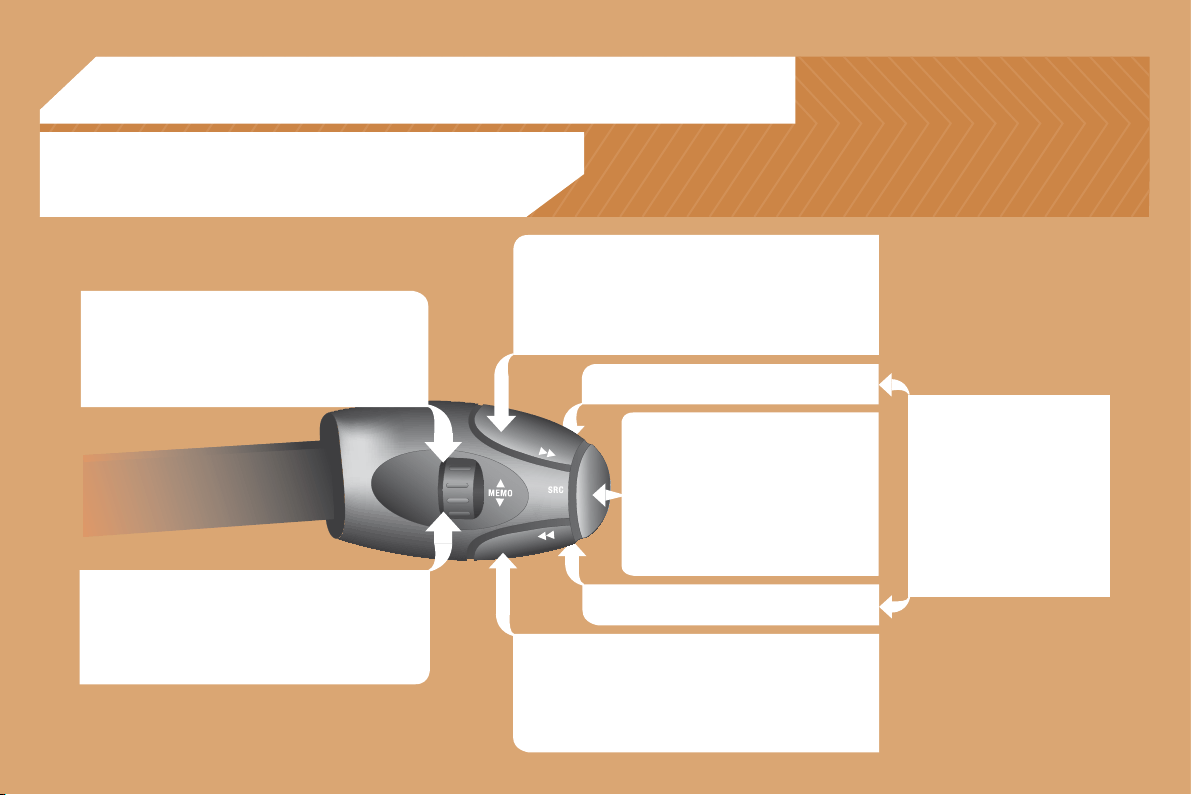
88
06
RADIO: selection of the next stored station.
CD CHANGER: selection of the next CD.
Selection of the next item on a menu.
RADIO: selection of the previous stored station.
CD CHANGER: selection of the previous CD.
Selection of the previous item on a menu.
RADIO: automatic search for a higher frequency.
CD/CD CHANGER/MP3: selection of the next track.
CD/CD CHANGER: continuous press: fast forwards
play.
Selection of the previous item.
RADIO: automatic search for a lower frequency.
CD/CD CHANGER/MP3: selection of the previous track.
CD/CD CHANGER: continuous press: fast backwards play.
Selection of the next item.
Volume increase.
Volume decrease.
CONTROL SHORT-CUTS
Mute: by pressing
the volume increase
and decrease buttons
simultaneously.
The sound is restored by
pressing one of the two
volume buttons.
- Change of sound source.
- Confi rmation of a selection.
- Pick up/Hang up the telephone.
- Press for more than 2 seconds:
access to the telephone menu.
STEERING WHEEL CONTROLS
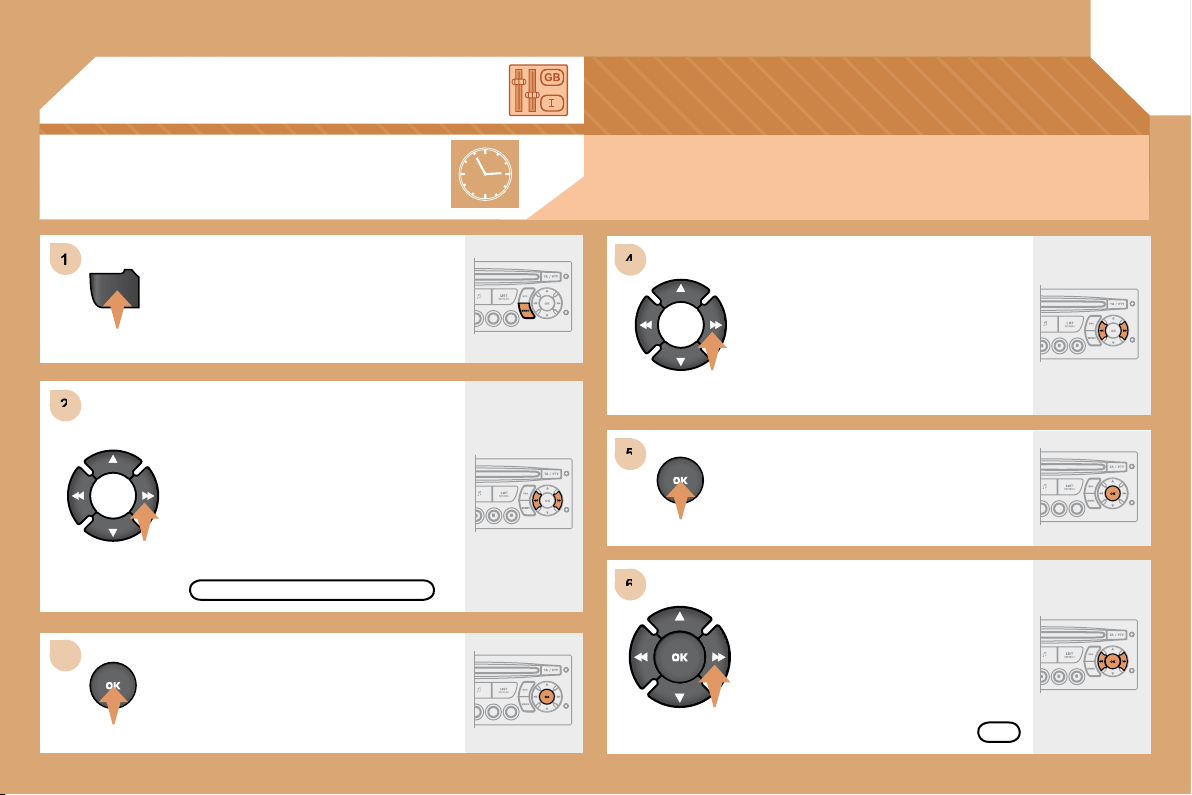
4
4
5
5
6
6
1
1
2
2
3
3
MENU
07
89
CONFIGURATION
ADJUSTING THE DATE AND TIME
Press the MENU button.
Using the arrows, select the DISPLAY
SETTINGS function.
Press to confi rm the selection.
Press to confi rm the selection.
Using the arrows, select one of these
functions: YEAR/MONTH/DAY/
HOURS/MINUTES/12 OR 24.
Adjust the parameters one by one
confi rming by pressing the OK button.
Next select the OK tab on the display
then confi rm.
OK
DISPLAY SETTINGS.
The time-display sequence is linked to the model (version). The access to the Date is only active
when the model version offers a date in words.
DISPLAY A
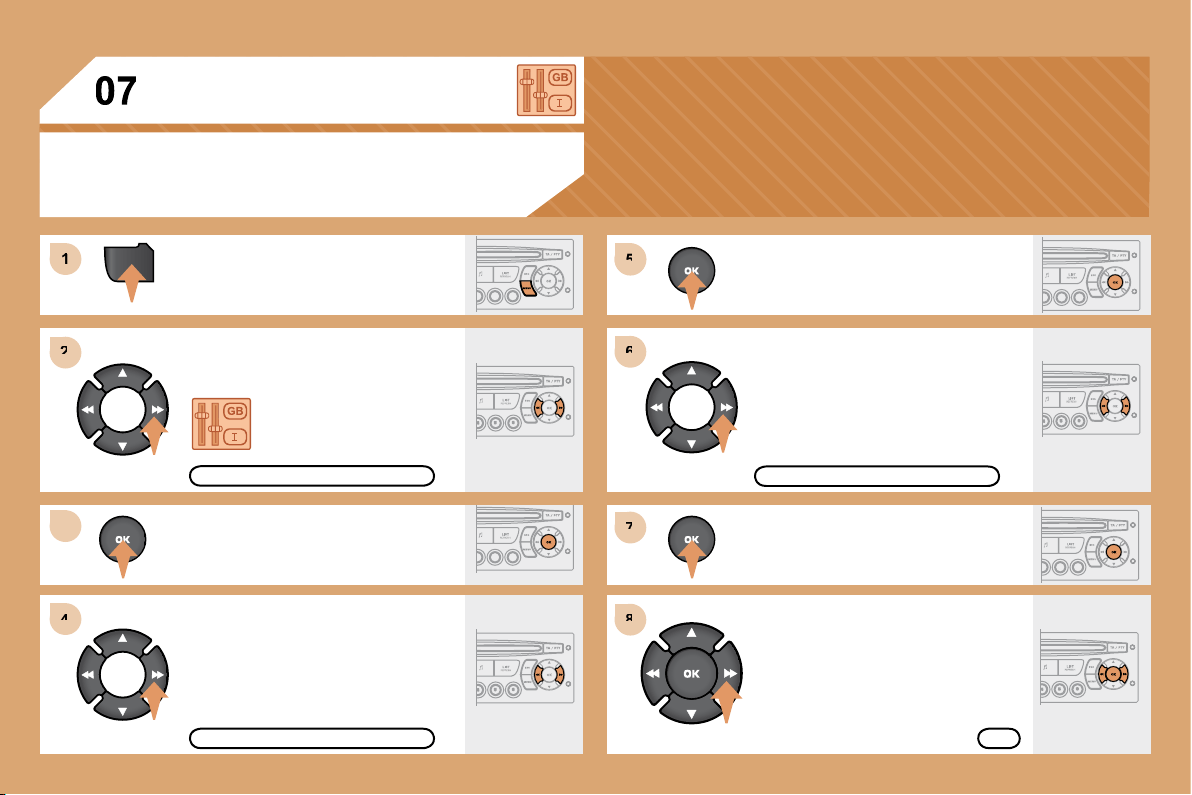
90
MENU
6
6
7
7
8
8
1
1
2
2
3
3
4
4
5
5
CONFIGURATION
Press the MENU button.
Using the arrows, select the
PERSONALISATION
CONFIGURATION function.
Press to confi rm the selection.
Using the arrows, select the DISPLAY
CONFIGURATION function.
Press to confi rm the selection.
Press to confi rm the selection.
Using the arrows, select the ADJUST
DATE AND TIME function.
Adjust the parameters one by one
confi rming by pressing the OK button.
Next select the OK tab on the display
then confi rm.
DISPLAY CONFIGURATION
ADJUST DATE AND TIME
OK
PERSONALISATION CONFIGURATION
ADJUSTING THE DATE AND TIME
DISPLAY C
1
2
3
3
2
3
3
2
3
3
2
3
3
2
3
3
1
2
3
3
2
3
3
1
2
3
3
1
2
2
2
2
2
2
1
2
2
2
2
2
2
2
2
1
2
2
1
2
3
2
3
08
A
2
3
3
2
3
3
91
RADIO-CD
REV WIPE ACT
active
inactive
LANGUAGES
FRANCAIS
ITALIANO
NEDERLANDS
PORTUGUES
PORTUGUES-BRASIL
DEUTSCH
ENGLISH
ESPANOL
PARKING ASSIST
active
inactive
OPTIONS
DISPLAY FLOW CHART monochrome A
MAIN FUNCTION
* The parameters vary according to vehicle.
REG MODE
active
inactive
RDS SEARCH
active
inactive
CHOICE A
Choice A1
Choice A2
CHOICE B...
INTROSCAN
active
inactive
CD REPEAT
active
inactive
AUTO LIGHTS
active
inactive
GUIDE LAMPS
active
inactive
VEHICLE CONFIG *
RANDOM PLAY
active
inactive
ABANDON/CONSULT LIST OF FAULTS
functions activated (or not)
warning messages
DISPLAY ADJUST
YEAR
MONTH
DAY
HOUR
MINUTES
12 H/24 H MODE
UNITS
TEMPERATURE: °CELSIUS/°FAHRENHEIT
FUEL CONSUMPTION: KM/L - L/100 - MPG
92
1
1
2
3
4
3
4
3
4
2
3
4
3
4
2
3
4
2
4
4
3
4
4
4
3
4
4
1
2
3
2
3
3
2
2
1
2
3
3
3
4
4
4
2
3
4
3
4
3
4
2
3
3
3
4
08
PERSONALISATION-CONFIGURATION
AUDIO FUNCTIONS
DISPLAY C FLOW CHART
* The parameters vary according to vehicle.
** According to compatibility of Bluetooth telephone
and service contract.
TELEPHONE
STATUS OF FUNCTIONS *
functions activated or deactivated
TRIP COMPUTER
FM BAND PREFERENCES
alternative frequencies (RDS)
activate/deactivate
regional mode (REG)
activate/deactivate
radio-text information (RDTXT)
activate/deactivate
AUDIO CD PREFERENCES
CD
changer repeat (RPT)
activate/deactivate
track random play (RDM)
activate/deactivate
ENTER DISTANCE TO DESTINATION
distance: x km
WARNING LOG
diagnostics
DEFINE THE VEHICLE PARAMETERS *
DISPLAY CONFIGURATION
video brightness adjustment
normal video
inverse video
brightness (- +) adjustment
date and time adjustment
day/month/year adjustment
hour/minute adjustment
choice of 12 h/24 h mode
choice of units
l/100 km - mpg - km/l
°Celsius/°Fahrenheit
CHOICE OF LANGUAGE
CONSULTING DIRECTORIES **
telephone directory
call log
services directory
customer contact centre
breakdown call
emergency call
CONFIGURATION
deletion of a match
list of matches
consulting matches
list of matches
choice of a mobile to connect
list of mobiles
MANAGEMENT OF A COMMUNICATION
switch**
terminate the current call
secret mode
activate/deactivate
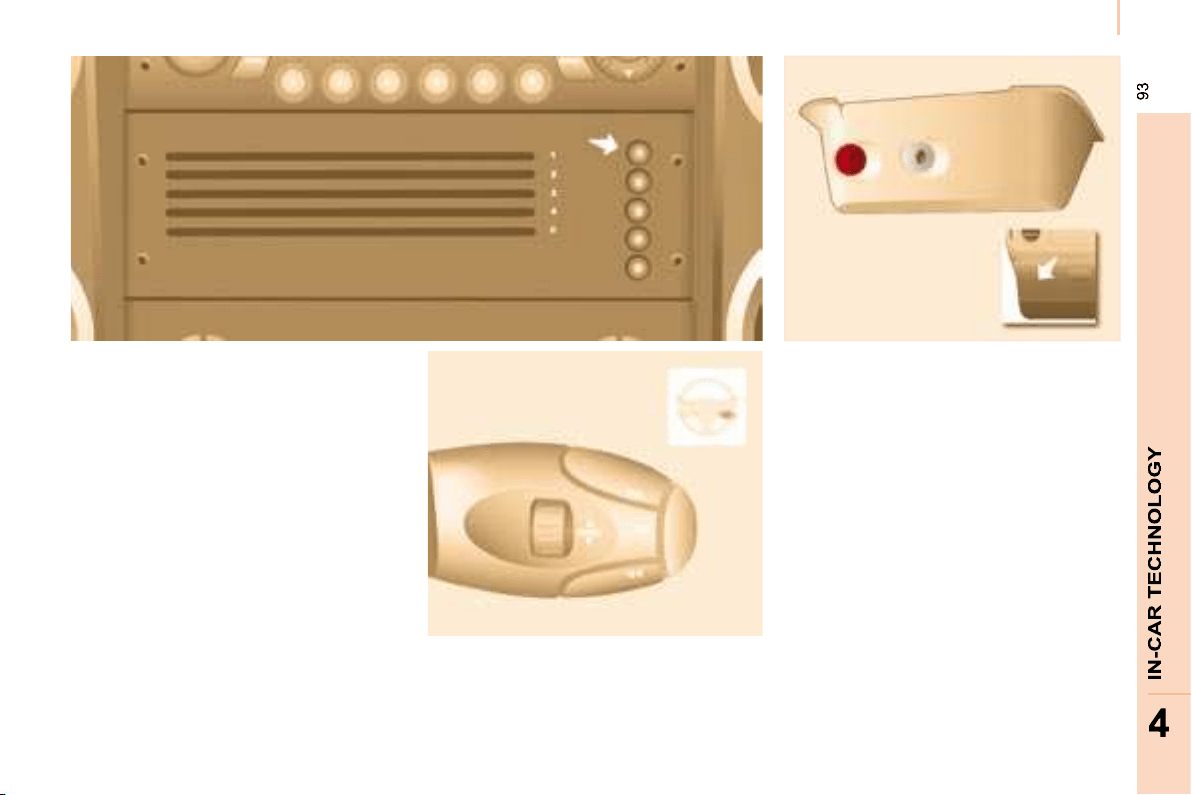
93
93
4
4
CD changer
CD CHANGER - not MP3
compatible
Playing a CD
Press one of the buttons on the
numeric keypad to select the
corresponding CD.
Press and hold one of the CD changer
buttons to eject the corresponding CD.
Press one of the buttons to select a
track on the CD.
Press and hold one of the buttons for
fast forwards or backwards play.
Insert the CDs in the changer
one by one.
Press the SOURCE button several
times in succession and select CD
CHANGER.
Using the auxiliary input (AUX)
Jack/RCA cable not supplied
The auxiliary input permits the
connection of portable equipment
(MP3 player, ...). It is activated by default.
Connect the portable equipment
(MP3 player, …) to the audio sockets
(white and red RCA type) located in
the glove box using a JACK/RCA audio
cable.
Press the SOURCE button several
times in succession and select AUX.
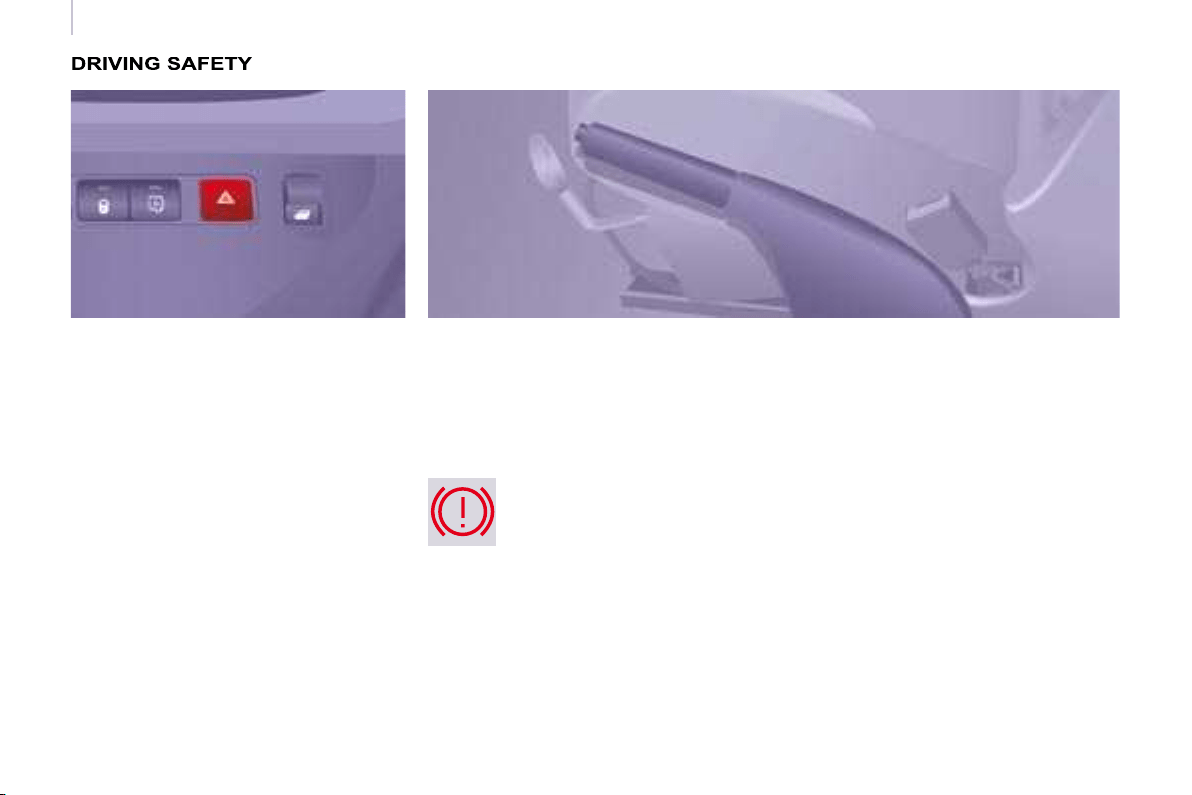
94
Driving safety
HORN
Press the centre of the steering wheel.
HANDBRAKE
Applying
Pull the handbrake to immobilise your
vehicle.
Check that the handbrake is applied
fi rmly before leaving the vehicle.
Releasing
Pull the handle and press the button to
lower the handbrake.
HAZARD WARNING LIGHTS
Press this button, the direction
indicators fl ash.
They can operate with the ignition off.
The hazard warning lights should only
be used in dangerous situations, when
stopping in an emergency or when
driving in unusual conditions.
When parking on a slope, direct your
wheels towards the pavement and pull
the handbrake.
There is no advantage in engaging
a gear after parking the vehicle,
particularly if the vehicle is loaded.
If the handbrake is still on or has
not been released properly, this is
indicated by this warning light which
comes on on the instrument panel.
Automatic lighting of hazard
warning lights
When braking in an emergency,
depending on the force of deceleration,
the hazard warning lights come
on automatically. They switch off
automatically the fi rst time you
accelerate.
It is also possible to switch them off by
pressing the button on the fascia.

ABS
ABS
95
Driving safety
SAFETY
5
ANTI-LOCK BRAKING SYSTEM
(ABS - EBFD)
The ABS and EBFD (electronic brake
force distribution) systems improve the
stability and manoeuvrability of your
vehicle on braking, in particular on
poor or slippery surfaces.
The ABS prevents locking of the
wheels, the EBFD provides control of
the braking pressure wheel by wheel.
If this warning light comes on,
accompanied by an audible
signal and a message on
the display, it indicates a
malfunction of the ABS which
could result in a loss of control of the
vehicle on braking.
If this warning light comes
on, together with the brake
and STOP warning lights,
accompanied by an audible
signal and a message on the
display, it indicates a malfunction of
the electronic brake force distribution
which could result in a loss of control of
the vehicle on braking.
EMERGENCY BRAKING
ASSISTANCE SYSTEM (EBA)
In an emergency, this system enables
the optimum braking pressure to be
reached more quickly, press the pedal
fi rmly without releasing it.
It is triggered by the speed at which the
brake pedal is activated.
This alters the resistance of the brake
pedal under your foot.
To prolong the operation of the
emergency braking assistance system:
keep your foot on the brake pedal.
Good practice
The anti-lock braking system comes
into operation automatically when
there is a risk of wheel lock. It does not
reduce the braking distance.
On very slippery surfaces (ice, oil,
etc...) the ABS may increase the
braking distance. When braking in
an emergency, do not hesitate to
press the brake pedal fi rmly, without
releasing the pressure, even on a
slippery surface, you will then be able
to continue to manoeuvre the vehicle
to avoid an obstacle.
Normal operation of the ABS may be
felt by slight vibration of the brake
pedal.
When changing wheels (tyres
and rims), ensure that these are
recommended by CITROËN .
Stop immediately.
In both cases, contact a CITROËN
dealer.
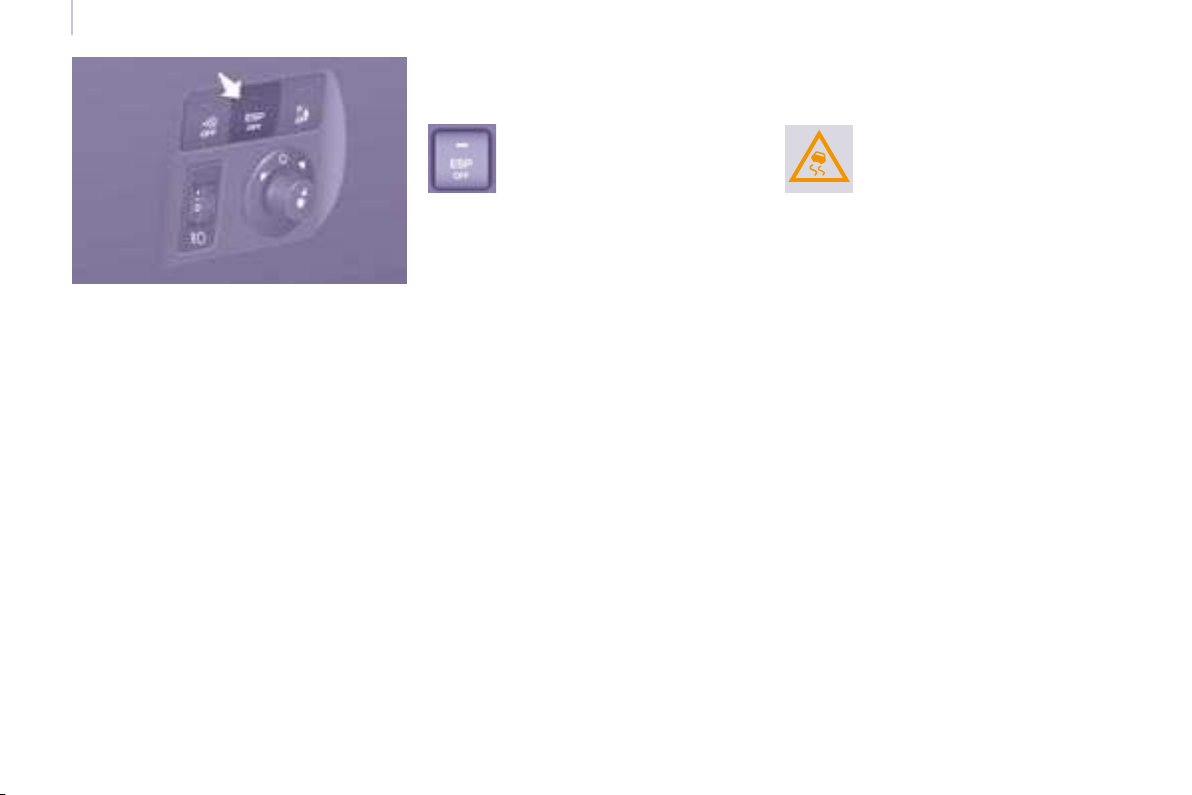
96
Driving safety
TRACTION CONTROL (ASR)
AND DYNAMIC STABILITY
CONTROL (ESP)
These systems are linked and
complement the ABS.
The ASR system is very useful for
maintaining optimum drive and
avoiding losses of control of the vehicle
on acceleration.
The system optimises drive to prevent
the wheels skidding, by acting on the
brakes of the drive wheels and on the
engine. It also allows the directional
stability of the vehicle to be improved
on acceleration.
Use the ESP to hold your course
without attempting to countersteer.
If there is a variation between the
trajectory followed by the vehicle and
that required by the driver, the ESP
system automatically acts on the
engine and the brake of one or more
wheels, in order to put the vehicle back
on course.
Disarming the ASR/ESP
systems
In certain exceptional conditions
(starting the vehicle when stuck in mud
or snow, or on loose ground...), it could
prove useful to disarm the ASR and
ESP systems to make the wheels spin
and regain grip.
- Press the button, located on the
centre console.
- The indicator light comes on: the
ASR and ESP systems no longer
act.
Operating check
Good practice
The ASR/ESP systems offer increased
safety during normal driving, but
should not incite the driver to take risks
or to drive at high speed.
The operation of these systems is
ensured if the recommendations
of the manufacturer regarding
the wheels (tyres and rims), the
braking components, the electronic
components and the fi tting and repair
procedures within the CITROËN
network are observed.
After an impact, have these systems
checked by a CITROËN dealer.
Operation of the ASR and ESP
systems
The luminous diode fl ashes
when the ASR or ESP is
triggered.
They engage again:
- automatically above 30 mph
(50 km/h),
- manually by pressing the button
again.
When a malfunction of the
systems occurs, the indicator
light comes on, accompanied
by an audible signal and a
message on the display.
Contact a CITROËN dealer to have the
system checked.
The warning light may also come on if
the tyres are under-infl ated. Check the
pressure of each tyre.
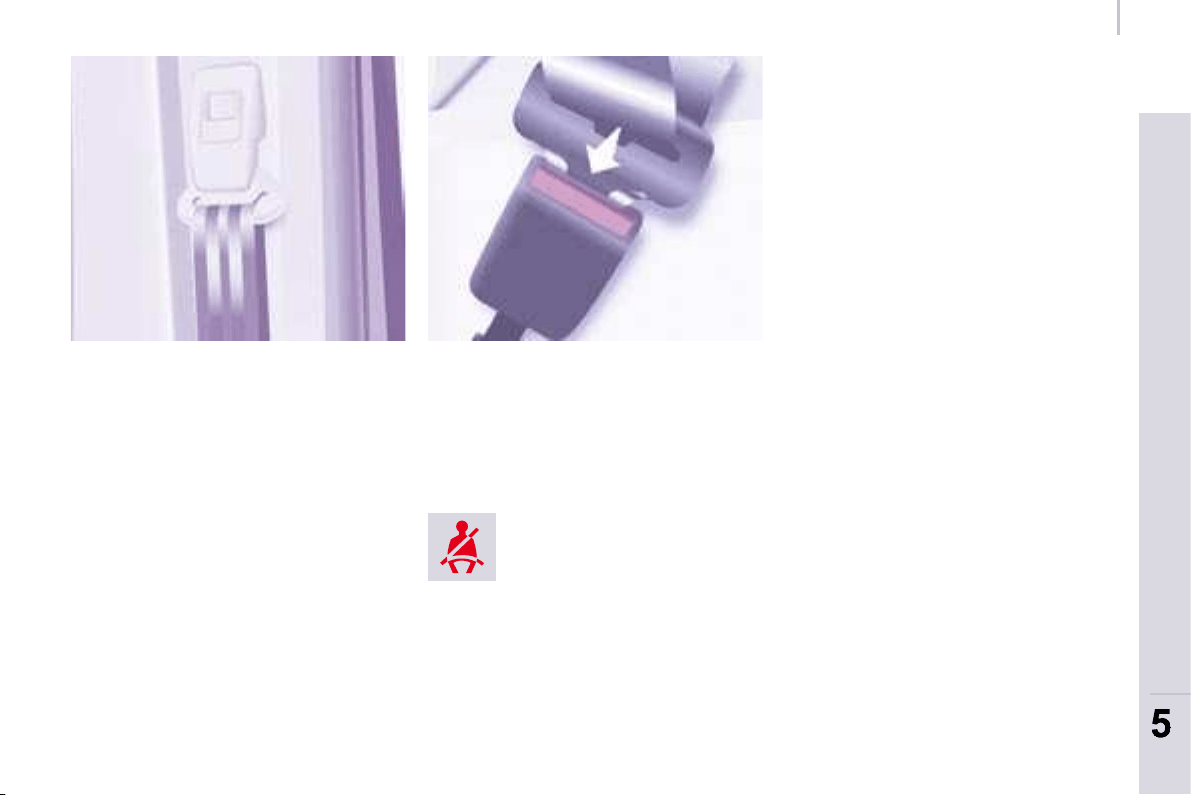
97
SAFETY
97
5
5
Seat belts
SEAT BELTS
Height adjustment
Squeeze the control with the return and
slide the assembly on the driver’s seat
side and on the individual passenger
seat side.
The height of the seat belt associated
with the centre seat of the front bench
cannot be adjusted.
Fastening
Pull the strap, then insert the tongue
into the buckle.
Check that the seat belt is fastened
correctly by pulling the strap.
Driver’s seat belt not fastened
warning light
The seat belts are fi tted with an inertia
reel which automatically adjusts the
length of the strap to your size. The
seat belt is rolled up automatically
when not in use.
Ensure that the seat belt is rolled up
correctly after use.
Depending on the nature and
seriousness of any impact, the
pretensioning device may be triggered
before and independently of infl ation
of the air bags. It instantly tightens
the seat belts against the body of the
occupants.
Triggering of the pretensioners is
accompanied by a slight discharge
of harmless smoke and a noise, due
to the activation of the pyrotechnic
cartridge incorporated in the system.
The force limiter reduces the pressure
of the seat belt against the body of the
occupants. The equipment fi tted to
these seat belts is operational when
the ignition is switched on.
The inertia reels are fi tted with a device
which automatically locks the strap in
the event of a collision or emergency
braking. You can release the seat belt
and allow the strap to roll up.
The air bag warning light comes on
if the pretensioners are triggered.
Consult a CITROËN dealer.
Unfastening
Press the red button.
When the vehicle is started,
this warning light comes on if
the driver has not fastened his
seat belt.
Good practice
Wherever you are seated in the
vehicle, always fasten your seat belt,
even for short journeys.

98
98
Seat belts
In order to be effective, a seat belt
must:
- restrain one person only,
- must not be twisted, check by
pulling in front of you with an even
movement,
- be tightened as close to the body
as possible.
The upper part of the seat belt should
be positioned in the hollow of the
shoulder.
The lap part should be placed as low
as possible on the pelvis.
Do not invert the seat belt buckles as
they will not fulfi l their role completely.
If the seats are fi tted with armrests, the
lap part of the seat belt should always
pass under the armrest.
Check that the seat belt is fastened
correctly by pulling the strap fi rmly.
Recommendations for children:
- use a suitable child seat if the
passenger is less than 12 years old
or shorter than one metre fi fty,
- never allow a child to travel on
your lap, even with the seat belt
fastened.
For further information regarding
child seats, refer to the "Children
on board" section of chapter 5.
Clean the seat belt straps with
soapy water or a textile cleaning
product, sold by CITROËN
dealers.
In accordance with current safety
regulations, your CITROËN dealer
guarantees all work or any checks,
from testing to maintenance, on your
seat belt equipment.
Have the seat belts checked regularly
(even after a minor impact) by a
CITROËN dealer: they must not show
any signs of wear, cutting or fraying
and they must not be transformed or
modifi ed.
Front seat belts
The front seats are fi tted with
pretensioners and force limiters.
The seat belt associated with the
centre seat of the front bench does not
have a pretensioner.
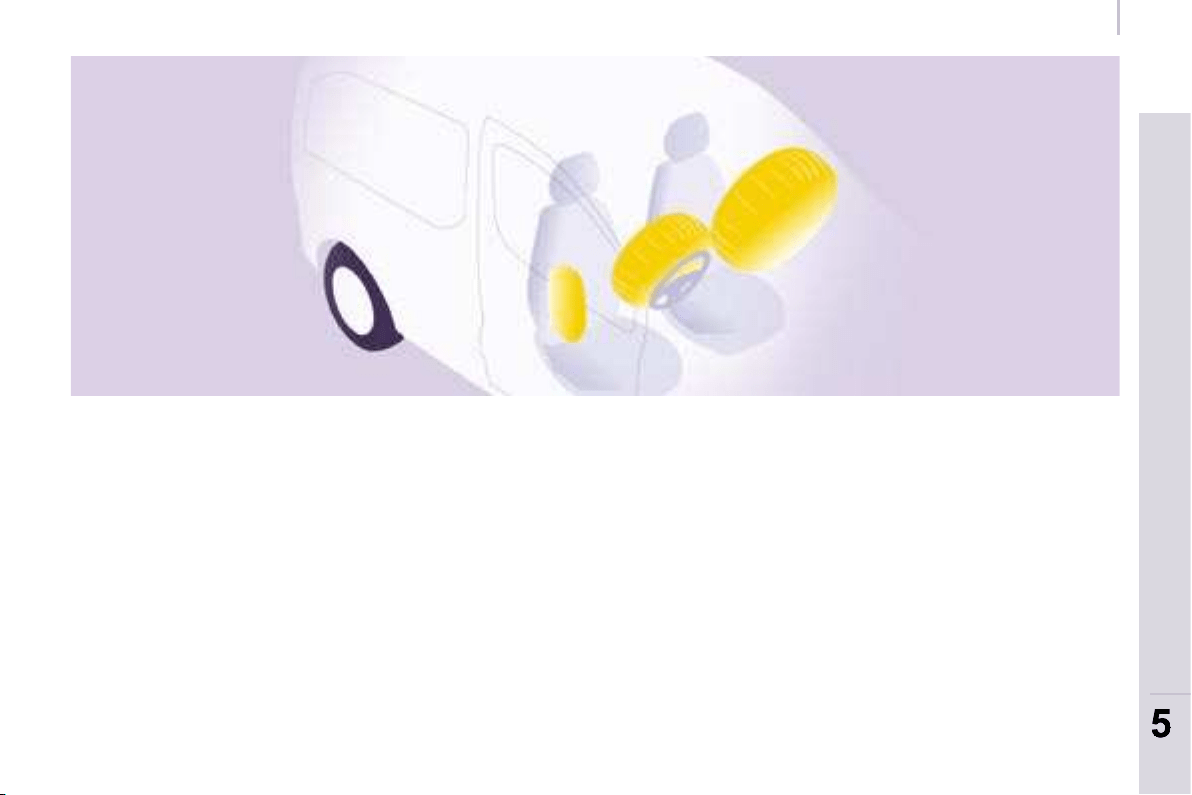
99
SAFETY
99
5
5
Airbags
AIR BAGS
The air bags have been designed to
maximise the safety of the occupants
in the event of a serious collision;
they work in conjunction with the force
limiting seat belts.
In the event of a serious collision, the
electronic detectors record and analyse
the front and side impacts suffered in
the impact detection zones:
- in the event of a serious impact, the
air bags infl ate instantly and protect
the occupants of the vehicle.
Immediately after the impact, the
air bags defl ate rapidly, so that they
do not hinder the visibility of the
occupants nor their possible exit
from the vehicle.
- in the event of a minor or rear
impact and in certain roll-over
conditions, the air bags will not
be deployed; the seat belt alone
is suffi cient to provide maximum
protection in these situations.
The seriousness of the collision
depends on the nature of the obstacle
and the speed of the vehicle at the
moment of impact.
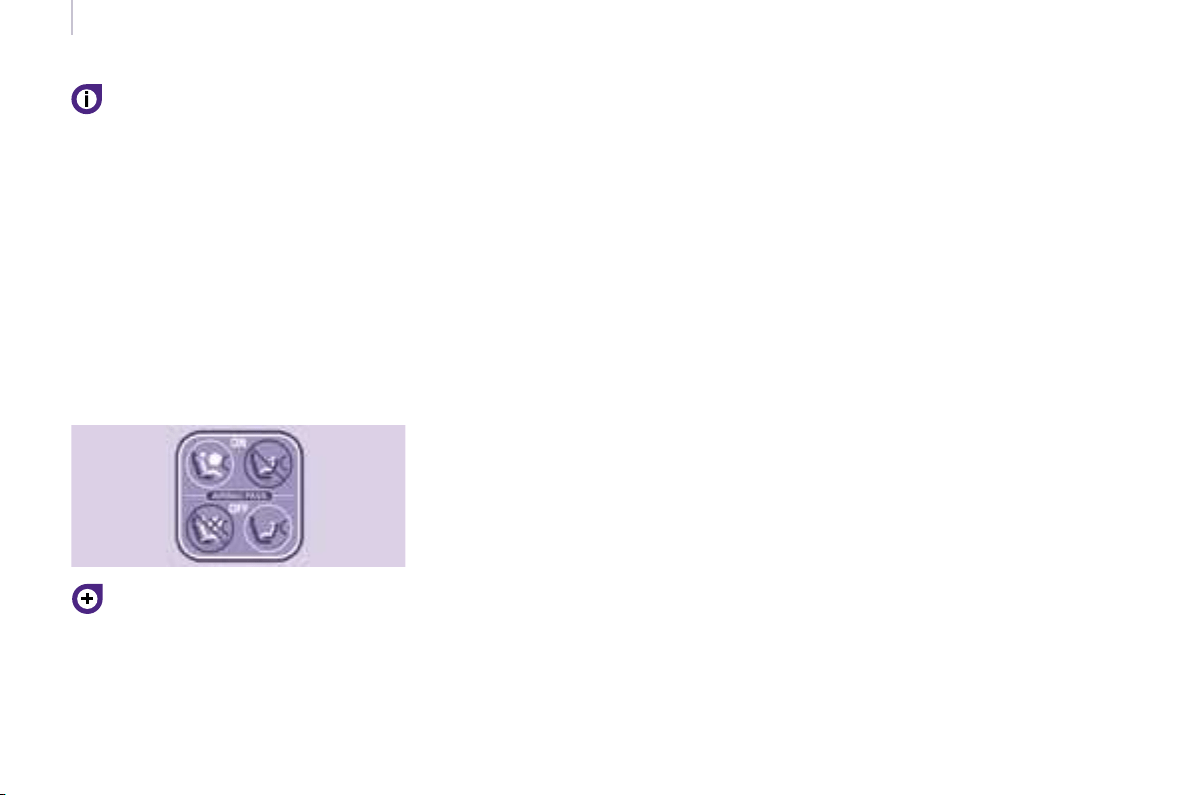
100100
Airbags
Good practice
Sit in a normal upright position.
Wear a correctly adjusted seat belt.
Do not leave anything between the
occupants and the air bags (a child,
pet, object...). This could hamper the
operation of the air bags or injure the
occupants.
After an accident or if the vehicle has
been stolen or broken into, have the air
bag systems checked.
All work on the air bag system is
strictly forbidden unless it is carried out
by qualifi ed personnel of the CITROËN
network.
Even if all of the precautions
mentioned are observed, a risk of
injury or of minor burns to the head,
chest or arms when an air bag is
triggered cannot be ruled out. In fact,
the bag infl ates almost instantly (within
a few milliseconds) then defl ates within
the same time discharging the hot gas
via openings provided for this purpose.
Side air bags
Only put recommended covers on the
seats. These will not hinder infl ation of
the side air bags. Consult a CITROËN
dealer.
Do not fi x or glue anything to the seat
backs. This could cause injury to the
chest or arms when the side air bag
infl ates.
Do not sit with the upper part of the
body any nearer to the door than
necessary.
Front air bags
Do not drive holding the steering wheel
by its spokes or resting your hands on
the centre part of the wheel.
Do not allow passengers to place their
feet on the fascia, they risk serious
injury if the air bag is triggered.
Smoke as little as possible as
deployment of the air bags can cause
burns or the risk of injury from a
cigarette or pipe.
Never remove or pierce the steering
wheel or hit it violently.
Air bags only operate when the
ignition is switched on.
This equipment only operates once.
If a second impact occurs (during the
same or a subsequent accident), the
air bag will not operate.
The triggering of an air bag or air bags
is accompanied by a slight discharge
of harmless smoke and a noise, due
to the activation of the pyrotechnic
cartridge incorporated in the system.
This smoke is not harmful, but
sensitive individuals may experience
some irritation.
The noise of the detonation may result in
a slight loss of hearing for a short time.
It is imperative that the passenger
air bag is disarmed if a child seat
is installed facing rearwards. Refer
to the "Children on board" section of
chapter 5.
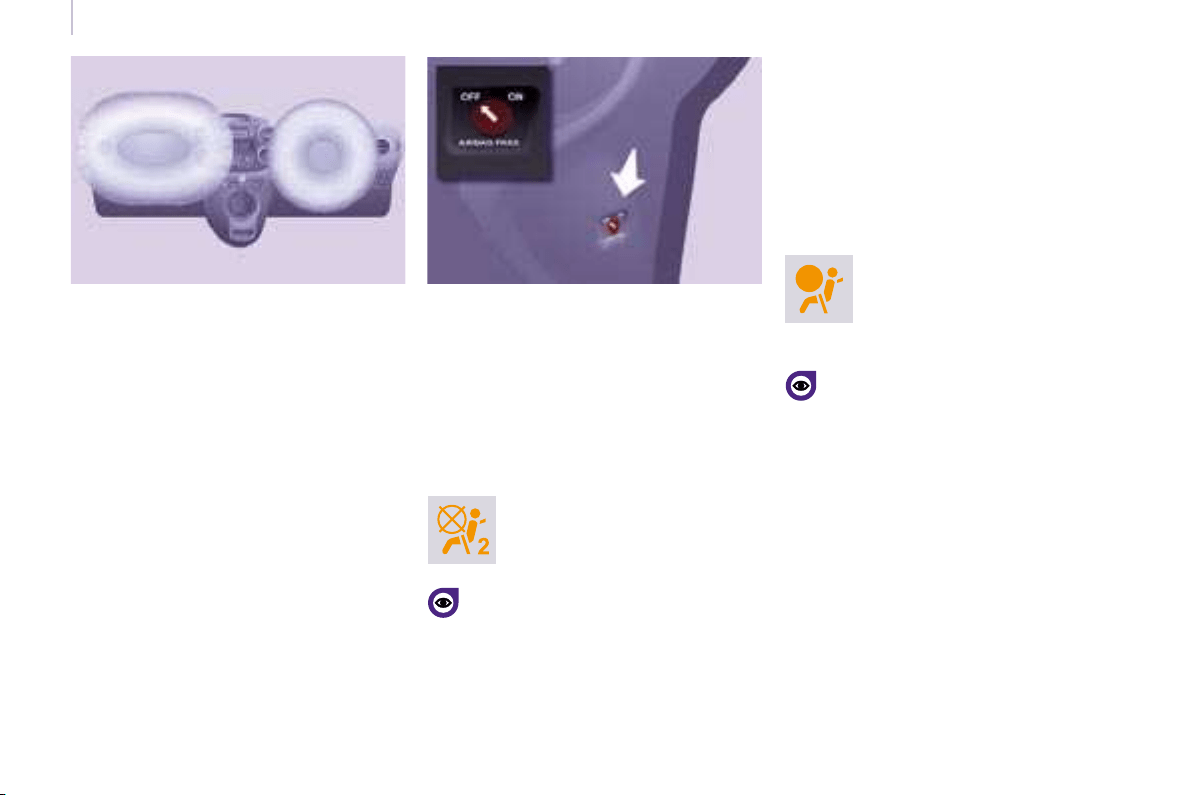
102
102
Airbags
Front air bags
The front air bags are incorporated in
the centre of the steering wheel for the
driver and in the fascia for the front
passenger(s).
Activation
They are deployed simultaneously,
unless the passenger’s front air bag
has been disarmed, in the event of a
serious front impact applied to all or
part of the front impact zone A in the
longitudinal centreline of the vehicle
on a horizontal plane directed from the
front towards the rear of the vehicle.
The front air bag infl ates between
the front occupant of the vehicle and
the fascia to cushion his forward
movement.
Disarming
The passenger’s front air bag alone
can be disarmed:
- With the ignition switched off ,
insert the key into the passenger air
bag disarming switch
- turn it to the "OFF" position,
- then remove the key keeping the
slot in this position.
The air bag warning light on the
instrument panel is lit throughout
the period of disarming.
If the two air bag warning lights
are lit continuously, do not install
a rear-facing child seat. Consult a
CITROËN dealer.
Front air bag fault
To ensure the safety of your
child, it is essential to disarm the
passenger air bag when you install
a rear-facing child seat on the front
passenger seat. Otherwise, the child
would risk being killed or seriously
injured if the air bag were to infl ate.
Reactivation
In the "OFF" position, the passenger air bag
will not be triggered in the event of an impact.
As soon as the child seat is removed, turn
the air bag slot to the "ON" position to
re-activate the air bag and thus ensure the
safety of your passenger in the event of
an impact.
If this warning light comes on,
accompanied by an audible
signal and a message on the
display, consult a CITROËN
dealer to have the system
checked.

99
SAFETY
99
5
5
Airbags
AIR BAGS
The air bags have been designed to
maximise the safety of the occupants
in the event of a serious collision;
they work in conjunction with the force
limiting seat belts.
In the event of a serious collision, the
electronic detectors record and analyse
the front and side impacts suffered in
the impact detection zones:
- in the event of a serious impact, the
air bags infl ate instantly and protect
the occupants of the vehicle.
Immediately after the impact, the
air bags defl ate rapidly, so that they
do not hinder the visibility of the
occupants nor their possible exit
from the vehicle.
- in the event of a minor or rear
impact and in certain roll-over
conditions, the air bags will not
be deployed; the seat belt alone
is suffi cient to provide maximum
protection in these situations.
The seriousness of the collision
depends on the nature of the obstacle
and the speed of the vehicle at the
moment of impact.
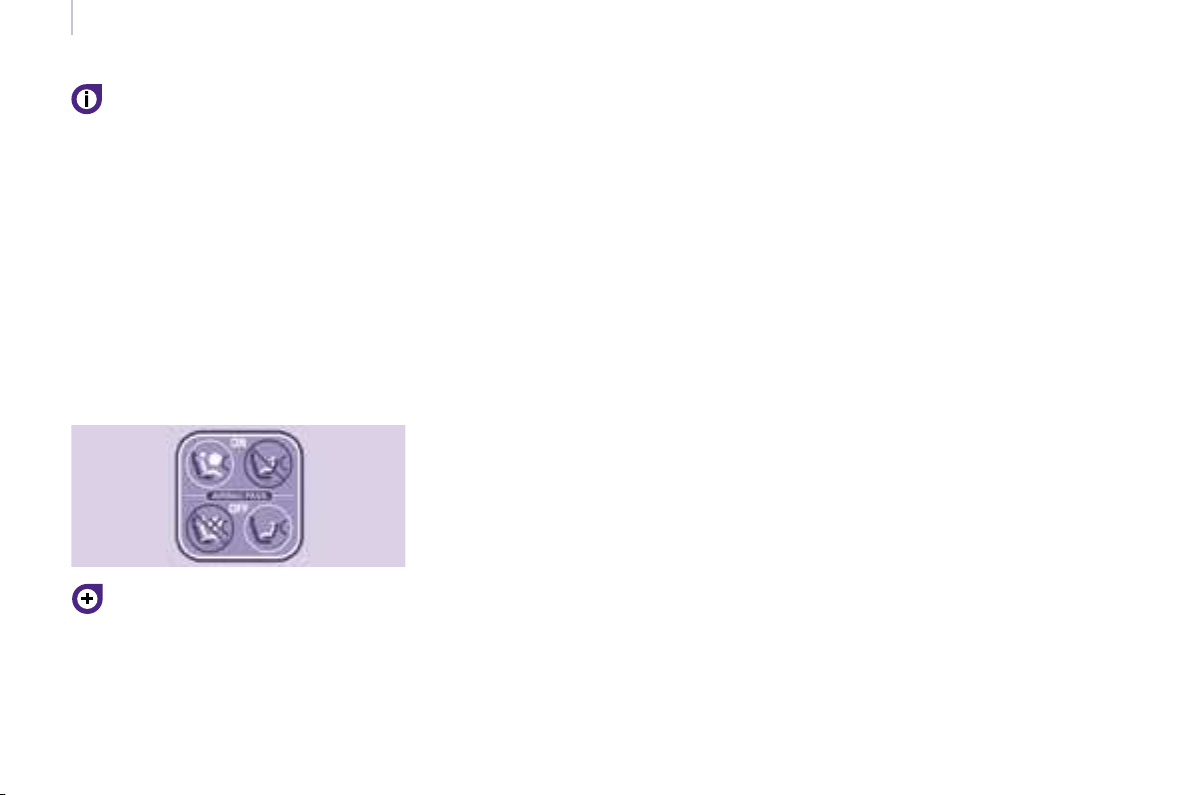
100100
Airbags
Good practice
Sit in a normal upright position.
Wear a correctly adjusted seat belt.
Do not leave anything between the
occupants and the air bags (a child,
pet, object...). This could hamper the
operation of the air bags or injure the
occupants.
After an accident or if the vehicle has
been stolen or broken into, have the air
bag systems checked.
All work on the air bag system is
strictly forbidden unless it is carried out
by qualifi ed personnel of the CITROËN
network.
Even if all of the precautions
mentioned are observed, a risk of
injury or of minor burns to the head,
chest or arms when an air bag is
triggered cannot be ruled out. In fact,
the bag infl ates almost instantly (within
a few milliseconds) then defl ates within
the same time discharging the hot gas
via openings provided for this purpose.
Side air bags
Only put recommended covers on the
seats. These will not hinder infl ation of
the side air bags. Consult a CITROËN
dealer.
Do not fi x or glue anything to the seat
backs. This could cause injury to the
chest or arms when the side air bag
infl ates.
Do not sit with the upper part of the
body any nearer to the door than
necessary.
Front air bags
Do not drive holding the steering wheel
by its spokes or resting your hands on
the centre part of the wheel.
Do not allow passengers to place their
feet on the fascia, they risk serious
injury if the air bag is triggered.
Smoke as little as possible as
deployment of the air bags can cause
burns or the risk of injury from a
cigarette or pipe.
Never remove or pierce the steering
wheel or hit it violently.
Air bags only operate when the
ignition is switched on.
This equipment only operates once.
If a second impact occurs (during the
same or a subsequent accident), the
air bag will not operate.
The triggering of an air bag or air bags
is accompanied by a slight discharge
of harmless smoke and a noise, due
to the activation of the pyrotechnic
cartridge incorporated in the system.
This smoke is not harmful, but
sensitive individuals may experience
some irritation.
The noise of the detonation may result in
a slight loss of hearing for a short time.
It is imperative that the passenger
air bag is disarmed if a child seat
is installed facing rearwards. Refer
to the "Children on board" section of
chapter 5.
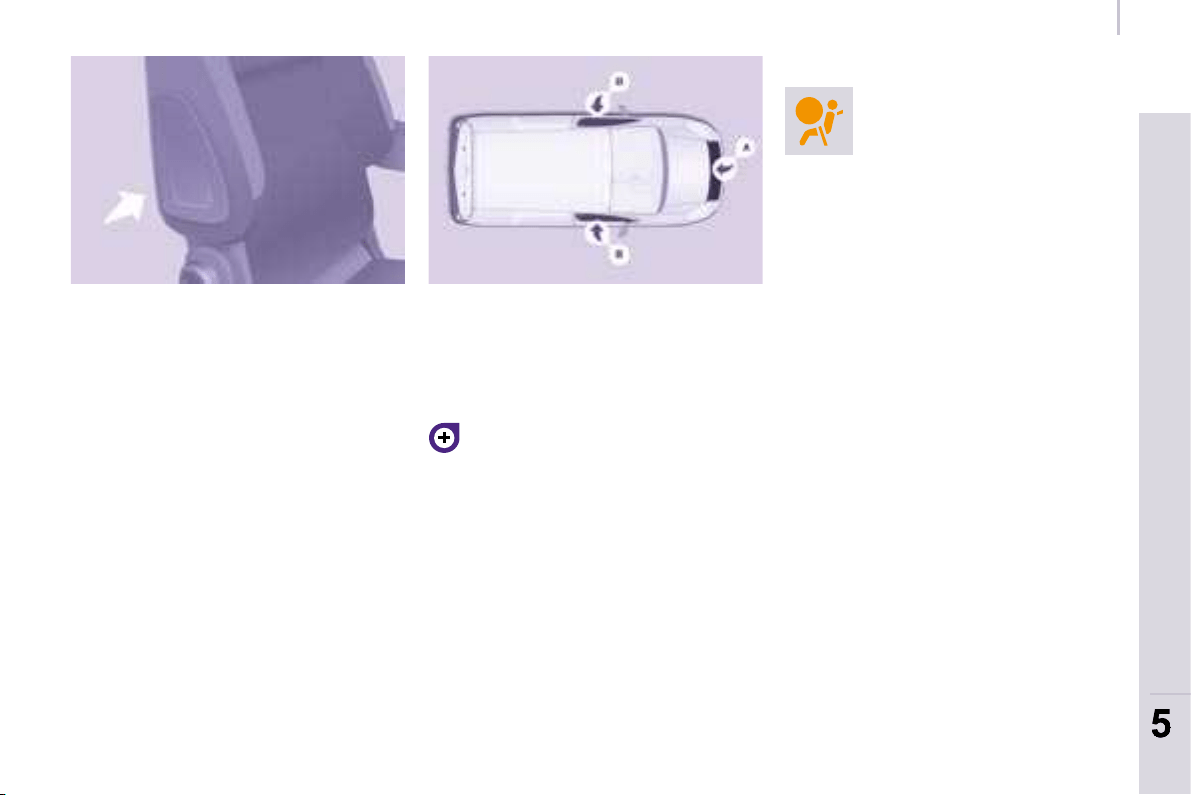
101
SAFETY
101
5
5
Airbags
Side air bags
This is a system which protects the
driver and front passenger in the event
of a serious side impact in order to limit
the risk of injury to the chest.
Each side air bag is incorporated in the
front seat back frame, on the door side.
Activation
It is triggered unilaterally in the event
of a serious side impact applied to
all or part of the side impact zone
B , perpendicular to the longitudinal
centreline of the vehicle on a horizontal
plane and directed from the outside
towards the inside of the vehicle.
The side air bag infl ates between the
front occupant of the vehicle and the
corresponding door trim pad.
Impact detection zones
A. Front impact zone.
B. Side impact zone.
In the event of a minor impact or
bump on the side of the vehicle or
if the vehicle rolls over, the air bag
may not be triggered.
Operating fault
If this warning light comes
on on the instrument panel,
accompanied by an audible
signal and a message
on the display, contact a
CITROËN dealer to have the system
checked. The air bags may no longer
be triggered in the event of a serious
impact.
Curtain air bags
This is a system which protects the
driver and passengers in the event of a
serious side impact in order to limit the
risk of head injuries.
Each curtain air bag is incorporated
in the pillars and the upper part of the
passenger compartment.
Activation
It is triggered at the same time as
the corresponding side air bag in the
event of a serious side impact applied
to all or part of the side impact zone
B , perpendicular to the longitudinal
centreline of the vehicle on a horizontal
plane and directed from the outside
towards the inside of the vehicle.
The curtain air bag infl ates between
the occupant of the vehicle and the
windows.
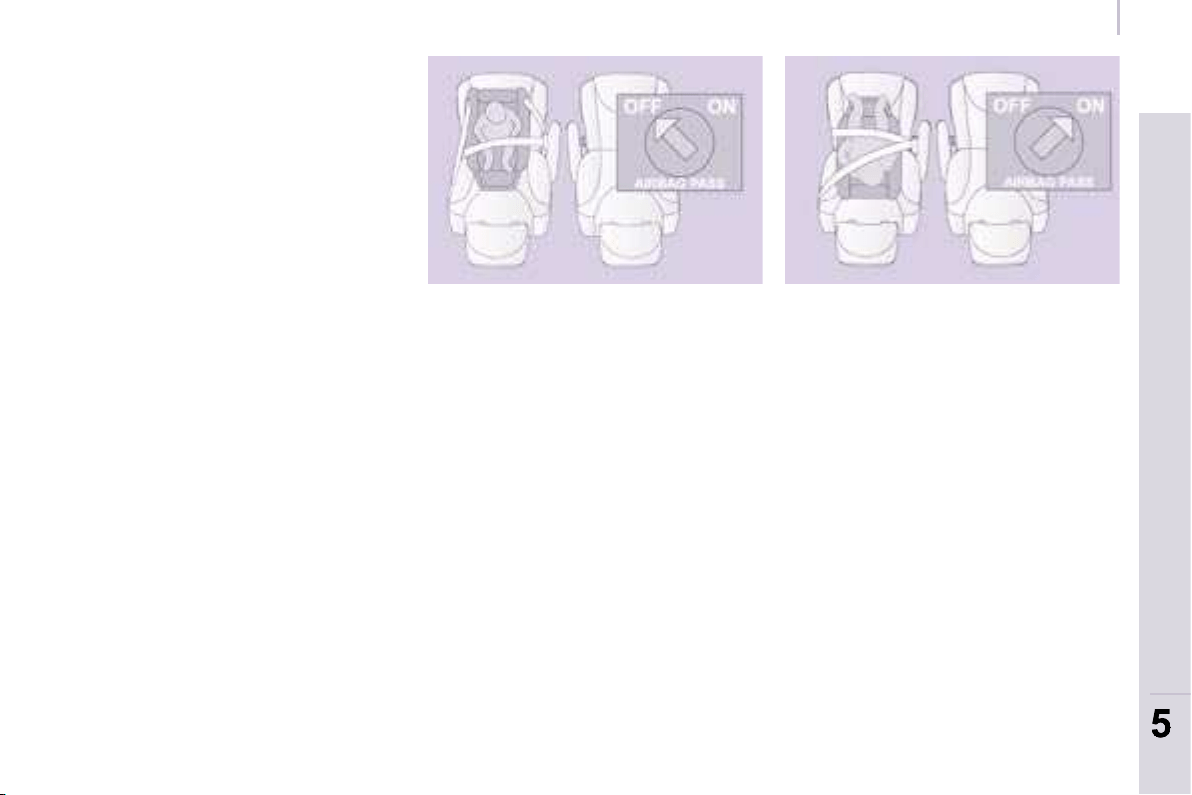
103
SAFETY
103
5
5
Child safety
GENERAL POINTS RELATING
TO CHILD SEATS
Although one of CITROËN’s main
criteria when designing your vehicle,
the safety of your children also
depends on you.
For maximum safety, please follow
these precautions:
- all children under the age of 12 or
less than one metre fi fty tall must
travel in approved child seats suited
to their weight, on seats fi tted with
a seat belt or ISOFIX mountings.
- statistically, the safest seats in your
vehicle for the transportation of
children are the rear seats,
- a child weighing less than 9 kg
must travel in the "rearwards-
facing" position both in the front
and in the rear,
- the passenger must not travel with
a child on his lap.
INSTALLING A CHILD SEAT USING A THREE POINT SEAT BELT
"Rearwards-facing"
Recommended on the rear seats up to
the age of 2.
When a "rearwards-facing" child seat is
installed on the front passenger seat, it
is essential that the passenger air bag
is disarmed. Otherwise, the child would
risk being seriously injured or killed if
the air bag were to infl ate.
"Forwards-facing"
Recommended on the rear seats over
the age of 2.
When a "forwards-facing" child seat is
installed on the front passenger seat,
leave the passenger air bag armed.
The rules for transporting children are
specifi c to each country. Consult the
current legislation in your country.
Please consult the list of seats
approved in your country. The isofi x
mountings, the rear seats, the
passenger air bag and the disarming of
this air bag depend on the version sold.
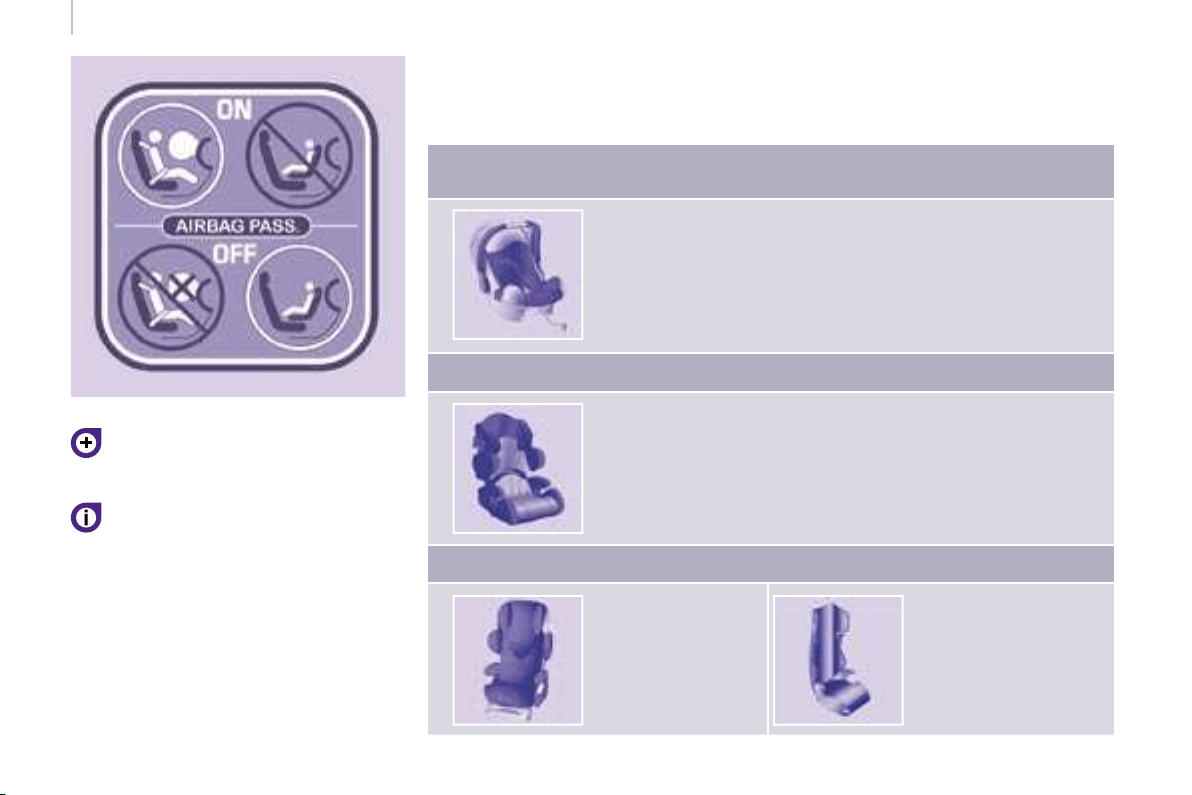
104104
Child safety
Refer to chapter 5, "Air bags" section.
The child seats function and the
passenger air bag disarming
function are common to the entire
CITROËN range.
If the passenger air bag is not
disarmed, the installation of a
"rearwards-facing" child seat in the
front is strictly prohibited.
UNIVERSAL CHILD SEATS RECOMMENDED BY CITROËN
CITROËN offers a complete range of recommended child seats which are
secured using a three point seat belt :
Group 0: from birth to 10 kg
Group 0+: from birth to 13 kg
L1
"ROMER Baby-Safe Plus"
Installed in the rear-facing position
Groups 1, 2 and 3: from 9 to 36 kg
L2
"KIDDY Life"
For the safety of young children (from 9 to 18 kg),
CITROËN recommends use of the restraining cushion.
Groups 2 and 3: from 15 to 36 kg
L3
"RECARO
Start"
L4
"KLIPPAN Optima"
From the age of
6 years
(approximately 22 kg),
the booster is used on
its own.
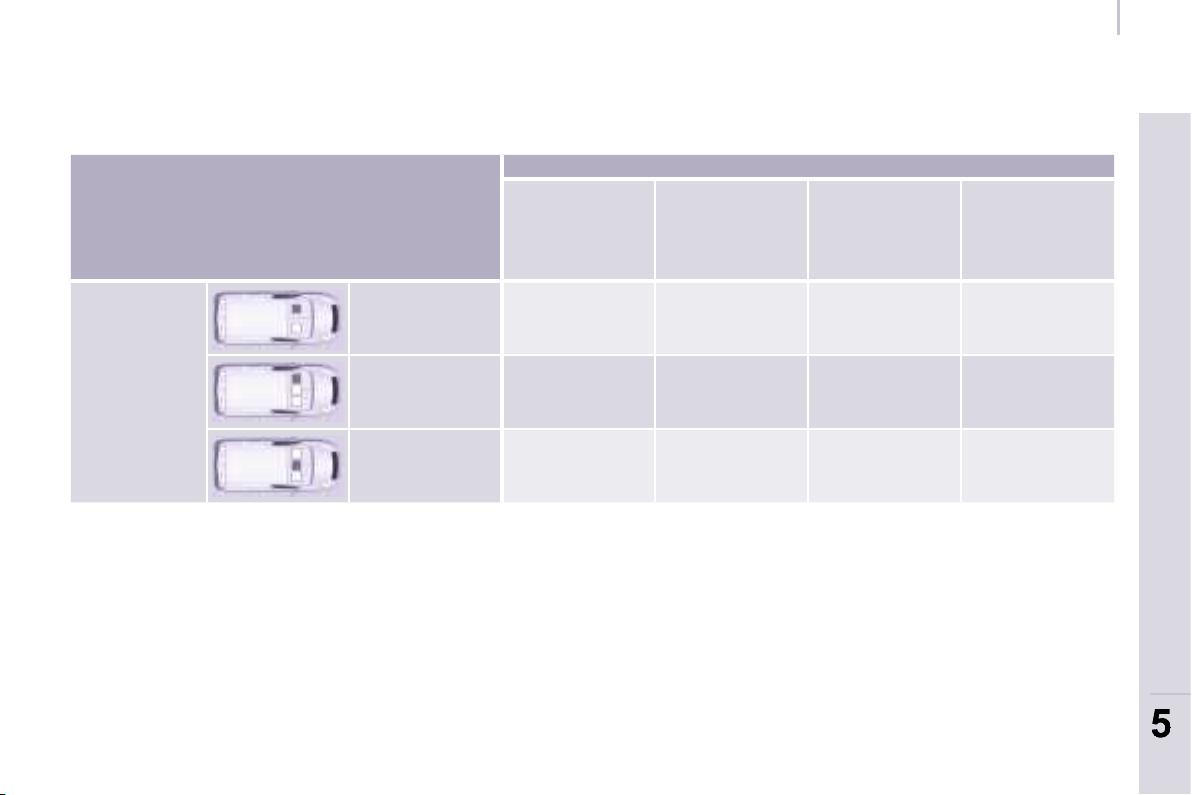
105
SAFETY
105
5
5
Child safety
INSTALLING CHILD SEATS ATTACHED USING THE SEAT BELT
In accordance with European regulations, this table indicates the options for installing child seats secured using a seat belt
and universally approved in accordance with the weight of the child and the seat in the vehicle.
a: Group 0: from birth to 10 kg.
b: consult the legislation in force in your country before installing your child on this seat.
c: the "RÖMER Baby-Safe Plus" child seat cannot be installed on this seat.
U: seat suitable for the installation of a child seat secured using a seat belt and universally approved, "rear facing" and/or
"forward facing".
CITROËN advises against installing a child seat on the centre seat, with the exception of the "KLIPPAN Optima".
Seat
Weight of the child and indicative age
Under 13 kg
(groups 0 (a)
and 0+)
Up to approx
1 year
From 9 to 18 kg
(group 1)
1 to 3 years
approx
From 15 to 25 kg
(group 2)
3 to 6 years
approx
From 22 to 36 kg
(group 3)
6 to 10 years
approx
Row 1 (b)
Individual seat U U U U
Bench, side
seat
U U U U
Bench, centre
seat (c)
U U U U

108108
Child safety
ADVICE ON CHILD SEATS
The incorrect installation of a child seat
in a vehicle compromises the child’s
protection in the event of an accident.
Remember to fasten the seat belts or
the child seat harnesses keeping the
slack in relation to the child’s body to
a minimum , even for short journeys.
For optimum installation of the "forward
facing" child seat, ensure that the back
of the child seat is in contact with the
back of the vehicle’s seat and that the
head restraint does not cause any
discomfort.
If the head restraint has to be removed,
ensure that it is stored or attached
securely to prevent it from being
thrown around the vehicle in the event
of sharp braking.
Children under the age of 10 must not
travel in the "forward facing" position
on the front passenger seat, unless
the rear seats are already occupied by
other children, cannot be used or are
absent.
Disarm the passenger air bag when a
"rear facing" child seat is installed on
the front seat.
Otherwise, the child would risk being
seriously injured or killed if the air bag
were to infl ate.
As a safety precaution, do not leave:
- one or more children alone and
unsupervised in a vehicle,
- a child or an animal in a vehicle
which is exposed to the sun, with
the windows closed,
- the keys within reach of children
inside the vehicle.
To prevent accidental opening of the
doors, use the "Child Lock".
Take care not to open the rear windows
by more than one third.
To protect young children from the rays
of the sun, fi t side blinds to the rear
windows.
Installing a booster seat
The chest part of the seat belt must
be positioned on the child’s shoulder
without touching the neck.
Ensure that the lap part of the seat belt
passes correctly over the child’s thighs.
CITROËN recommends the use of a
booster seat which has a back, fi tted
with a seat belt guide at shoulder level.
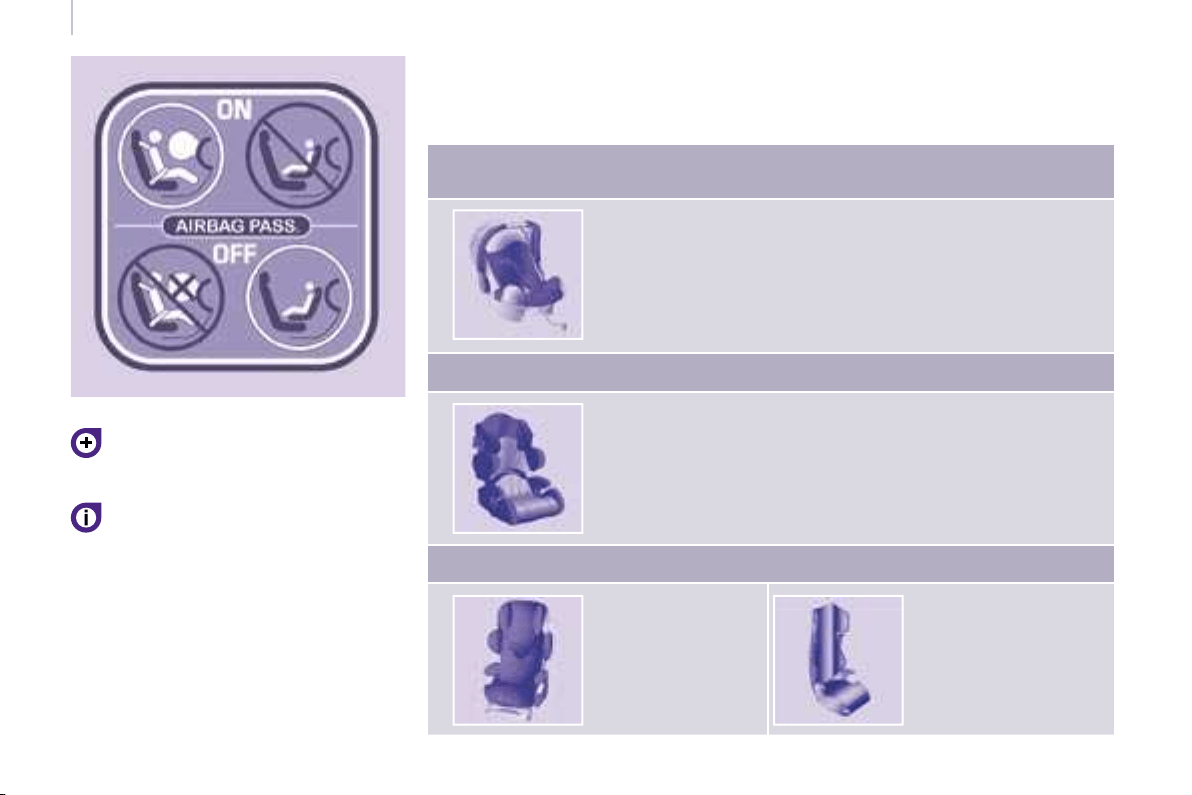
104104
Child safety
Refer to chapter 5, "Air bags" section.
The child seats function and the
passenger air bag disarming
function are common to the entire
CITROËN range.
If the passenger air bag is not
disarmed, the installation of a
"rearwards-facing" child seat in the
front is strictly prohibited.
UNIVERSAL CHILD SEATS RECOMMENDED BY CITROËN
CITROËN offers a complete range of recommended child seats which are
secured using a three point seat belt :
Group 0: from birth to 10 kg
Group 0+: from birth to 13 kg
L1
"ROMER Baby-Safe Plus"
Installed in the rear-facing position
Groups 1, 2 and 3: from 9 to 36 kg
L2
"KIDDY Life"
For the safety of young children (from 9 to 18 kg),
CITROËN recommends use of the restraining cushion.
Groups 2 and 3: from 15 to 36 kg
L3
"RECARO
Start"
L4
"KLIPPAN Optima"
From the age of
6 years
(approximately 22 kg),
the booster is used on
its own.
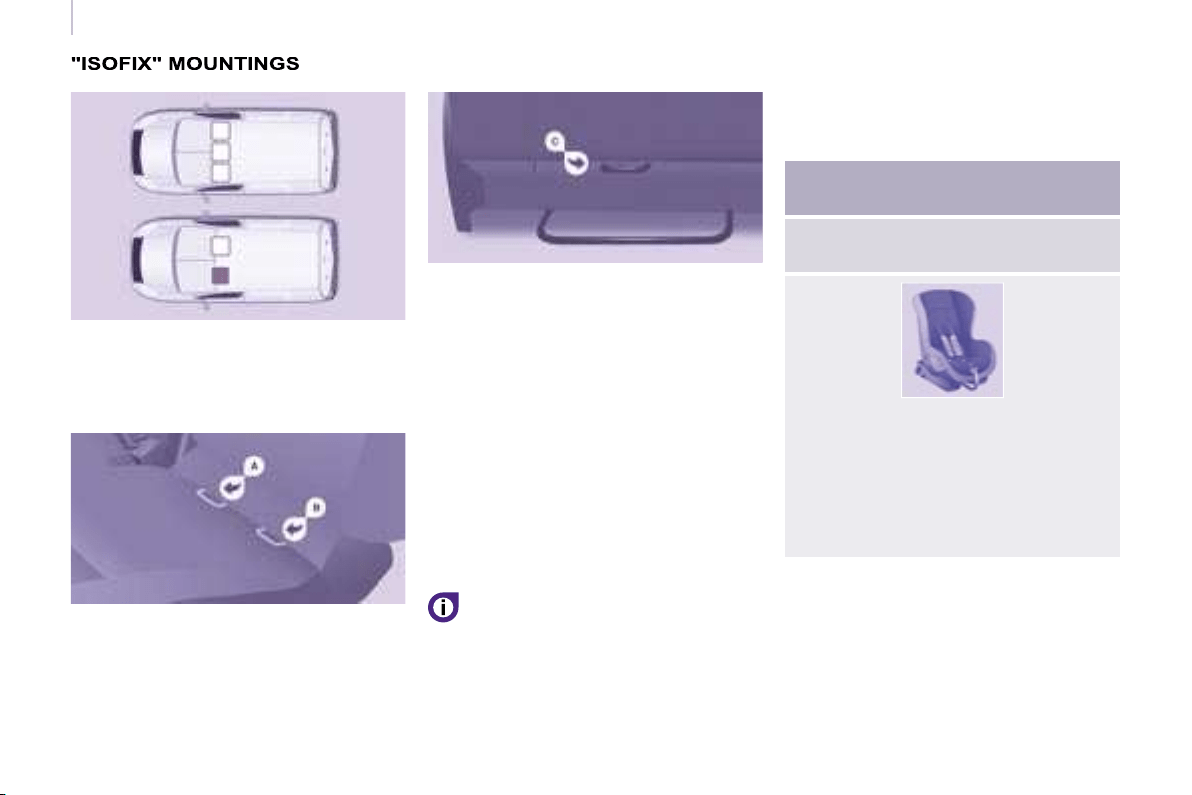
106106
Child safety
Your vehicle has been approved in
accordance with the new ISOFIX regulation.
The mountings comprise three rings for
each seat:
ISOFIX CHILD SEAT
RECOMMENDED BY CITROËN AND
APPROVED FOR YOUR VEHICLE
ISOFIX RÖMER Duo Plus
(size category B1 )
Group 1: from 9 to 18 kg
Installed in the forward facing
position.
Fitted with an upper strap to be
secured on the ISOFIX upper ring,
referred to as the TOP TETHER.
Three seat body angles: sitting,
reclining, lying.
This child seat can also be used on
seats which are not fi tted with ISOFIX
mountings.
In this case, it must be attached to the
vehicle seat using the three point seat
belt.
Follow the instructions for fi tting
the child seat given in the seat
manufacturer’s installation guide.
- two front rings A and B , located
between the vehicle seat back and
cushion,
- a rear ring C , located on the back
of the vehicle’s seat back, for
securing the upper strap referred to
as the TOP TETHER.
This ISOFIX mounting system
guarantees you fast, reliable and safe
fi tting of the child seat in your vehicle
on the side seats.
The ISOFIX child seats are fi tted with
two locks which are secured easily on
the two front rings.
Some also have an upper strap which
is attached to the rear ring C .
To attach this strap, raise the
vehicle seat’s head restraint then
pass the hook between its rods.
Then fi x the hook on the rear ring and
tighten the upper strap.
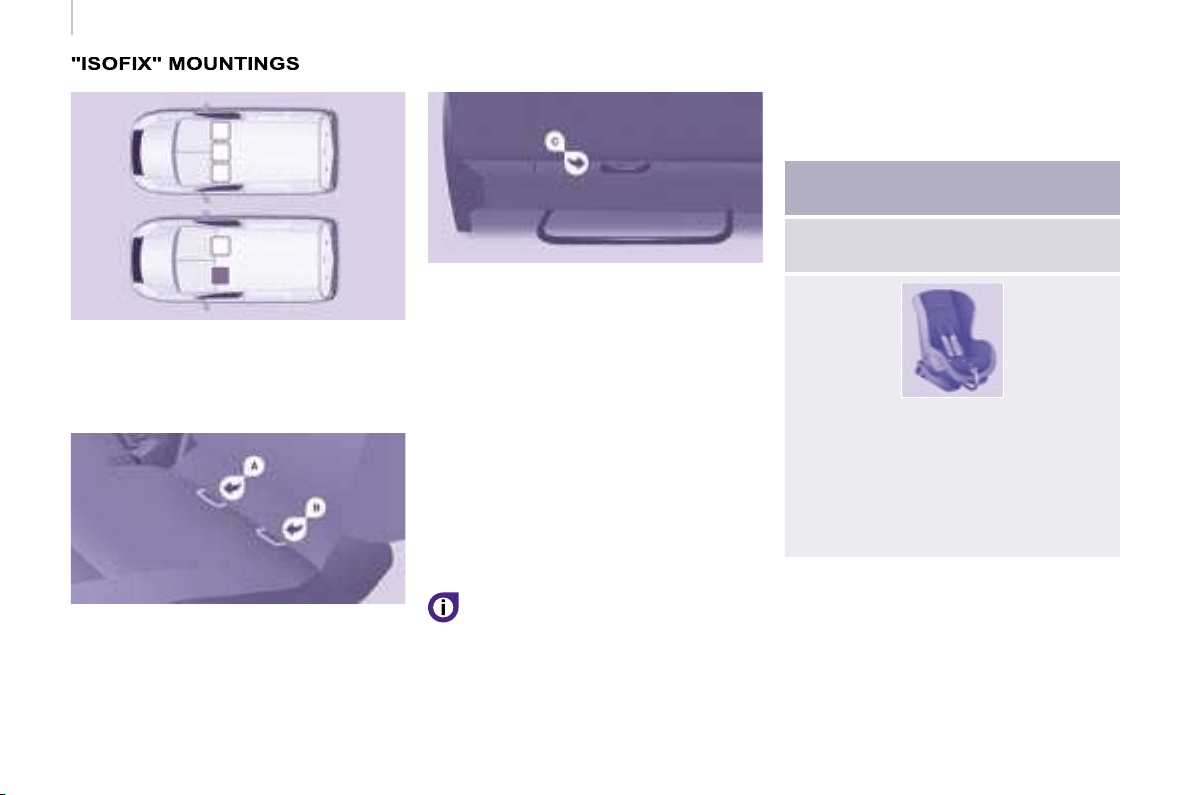
106106
Child safety
Your vehicle has been approved in
accordance with the new ISOFIX regulation.
The mountings comprise three rings for
each seat:
ISOFIX CHILD SEAT
RECOMMENDED BY CITROËN AND
APPROVED FOR YOUR VEHICLE
ISOFIX RÖMER Duo Plus
(size category B1 )
Group 1: from 9 to 18 kg
Installed in the forward facing
position.
Fitted with an upper strap to be
secured on the ISOFIX upper ring,
referred to as the TOP TETHER.
Three seat body angles: sitting,
reclining, lying.
This child seat can also be used on
seats which are not fi tted with ISOFIX
mountings.
In this case, it must be attached to the
vehicle seat using the three point seat
belt.
Follow the instructions for fi tting
the child seat given in the seat
manufacturer’s installation guide.
- two front rings A and B , located
between the vehicle seat back and
cushion,
- a rear ring C , located on the back
of the vehicle’s seat back, for
securing the upper strap referred to
as the TOP TETHER.
This ISOFIX mounting system
guarantees you fast, reliable and safe
fi tting of the child seat in your vehicle
on the side seats.
The ISOFIX child seats are fi tted with
two locks which are secured easily on
the two front rings.
Some also have an upper strap which
is attached to the rear ring C .
To attach this strap, raise the
vehicle seat’s head restraint then
pass the hook between its rods.
Then fi x the hook on the rear ring and
tighten the upper strap.
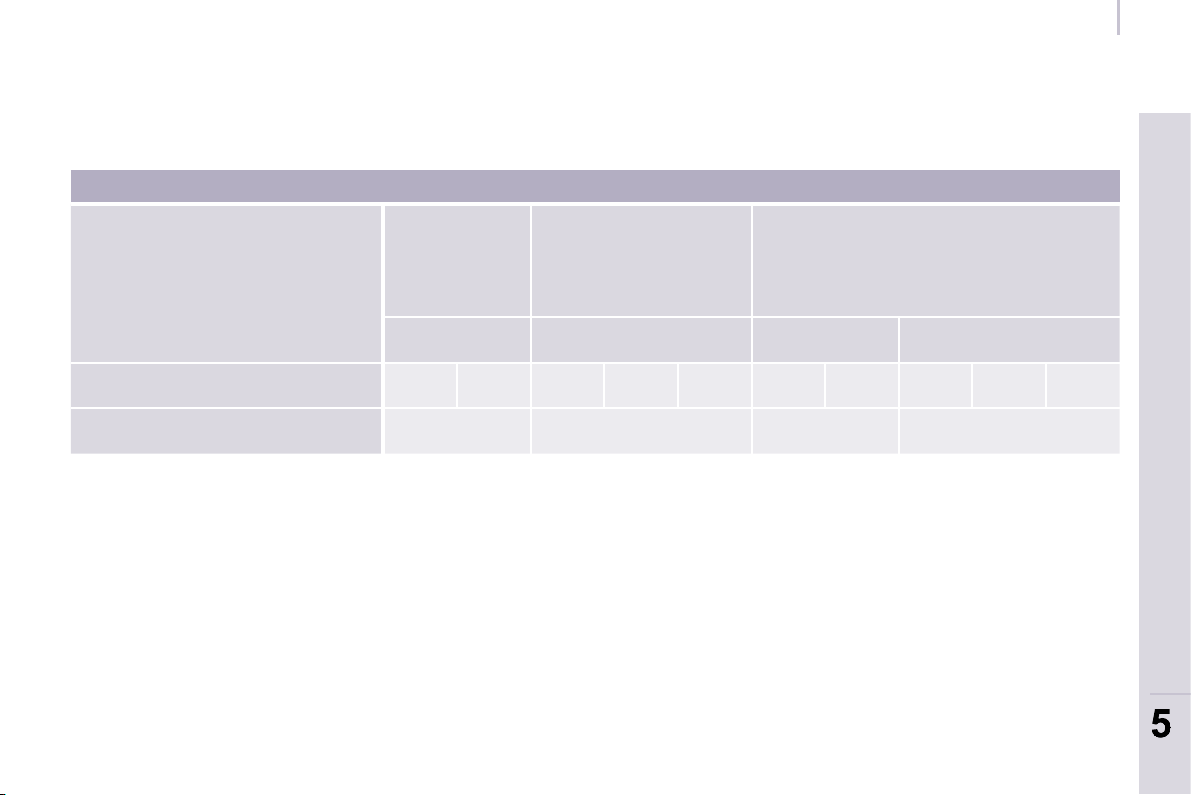
107
SAFETY
107
5
5
Child safety
SUMMARY TABLE FOR THE INSTALLATION OF ISOFIX CHILD SEATS
In accordance with European regulations, this table indicates the options for the installation of ISOFIX child seats on the
vehicle seats fi tted with ISOFIX mountings.
In the case of the universal and semi-universal ISOFIX child seats, the child seat’s ISOFIX size category, determined by a
letter from A to G , is indicated on the child seat next to the ISOFIX logo.
Weight of the child /indicative age
Less than 10 kg
(group 0)
Up to 6 months
approx
Less than 10 kg (group 0)
Less than 13 kg (group 0+)
Up to 1 year approx
From 9 to 18 kg (group 1)
From 1 to 3 years approx
Type of ISOFIX child seat Infant car seat "rear facing" "rear facing" "forward facing"
ISOFIX size category F G C D E C D A B B1
Row 1 X IL-SU IL-SU IUF, IL-SU
IUF: Seat suitable for the installation of an ISOFIX child seat of the universal category. "Forward facing" ISOFIX child seat
fi tted with an upper strap secured to the upper ring of the vehicle seats equipped with ISOFIX mountings.
IL-SU: Seat suitable for the installation of a semi-universal ISOFIX child seat. "Forward facing" ISOFIX child seat fi tted with
a stay. "Rear facing" ISOFIX child seat or infant car seat, fi tted with an upper strap or a stay.
X: No restraining system for children.
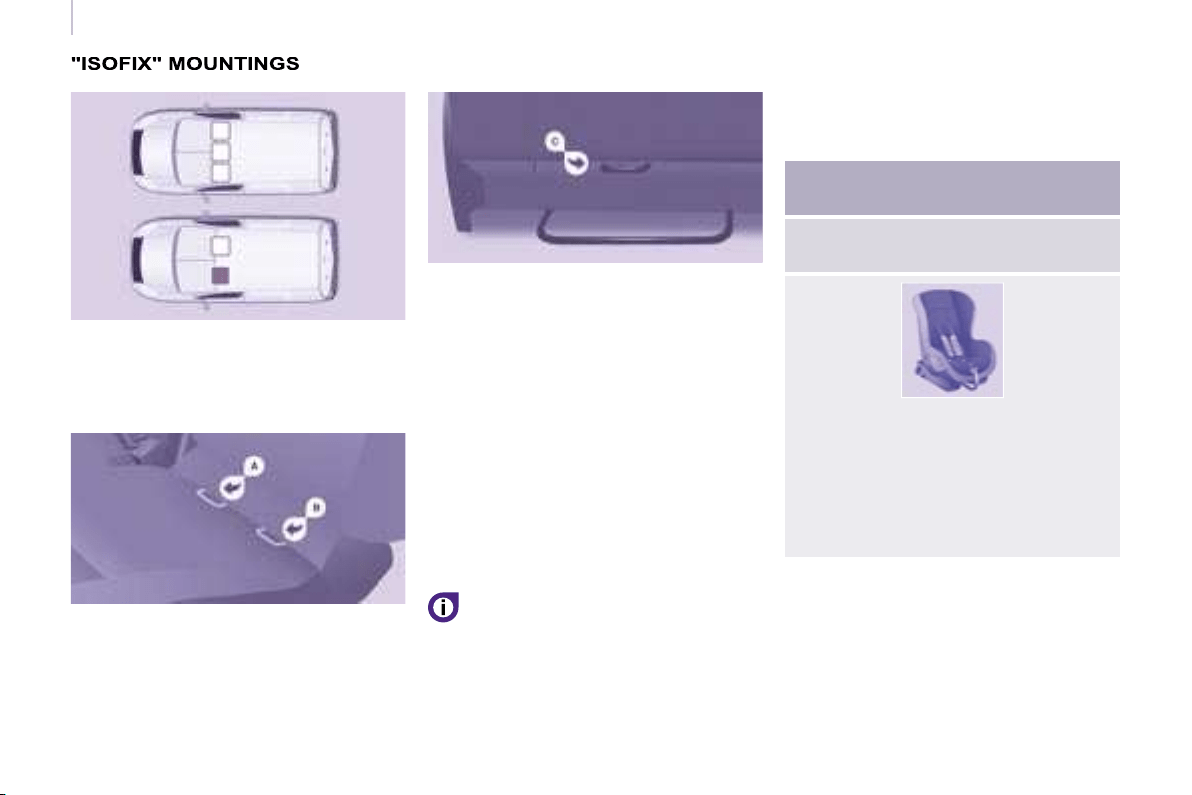
106106
Child safety
Your vehicle has been approved in
accordance with the new ISOFIX regulation.
The mountings comprise three rings for
each seat:
ISOFIX CHILD SEAT
RECOMMENDED BY CITROËN AND
APPROVED FOR YOUR VEHICLE
ISOFIX RÖMER Duo Plus
(size category B1 )
Group 1: from 9 to 18 kg
Installed in the forward facing
position.
Fitted with an upper strap to be
secured on the ISOFIX upper ring,
referred to as the TOP TETHER.
Three seat body angles: sitting,
reclining, lying.
This child seat can also be used on
seats which are not fi tted with ISOFIX
mountings.
In this case, it must be attached to the
vehicle seat using the three point seat
belt.
Follow the instructions for fi tting
the child seat given in the seat
manufacturer’s installation guide.
- two front rings A and B , located
between the vehicle seat back and
cushion,
- a rear ring C , located on the back
of the vehicle’s seat back, for
securing the upper strap referred to
as the TOP TETHER.
This ISOFIX mounting system
guarantees you fast, reliable and safe
fi tting of the child seat in your vehicle
on the side seats.
The ISOFIX child seats are fi tted with
two locks which are secured easily on
the two front rings.
Some also have an upper strap which
is attached to the rear ring C .
To attach this strap, raise the
vehicle seat’s head restraint then
pass the hook between its rods.
Then fi x the hook on the rear ring and
tighten the upper strap.
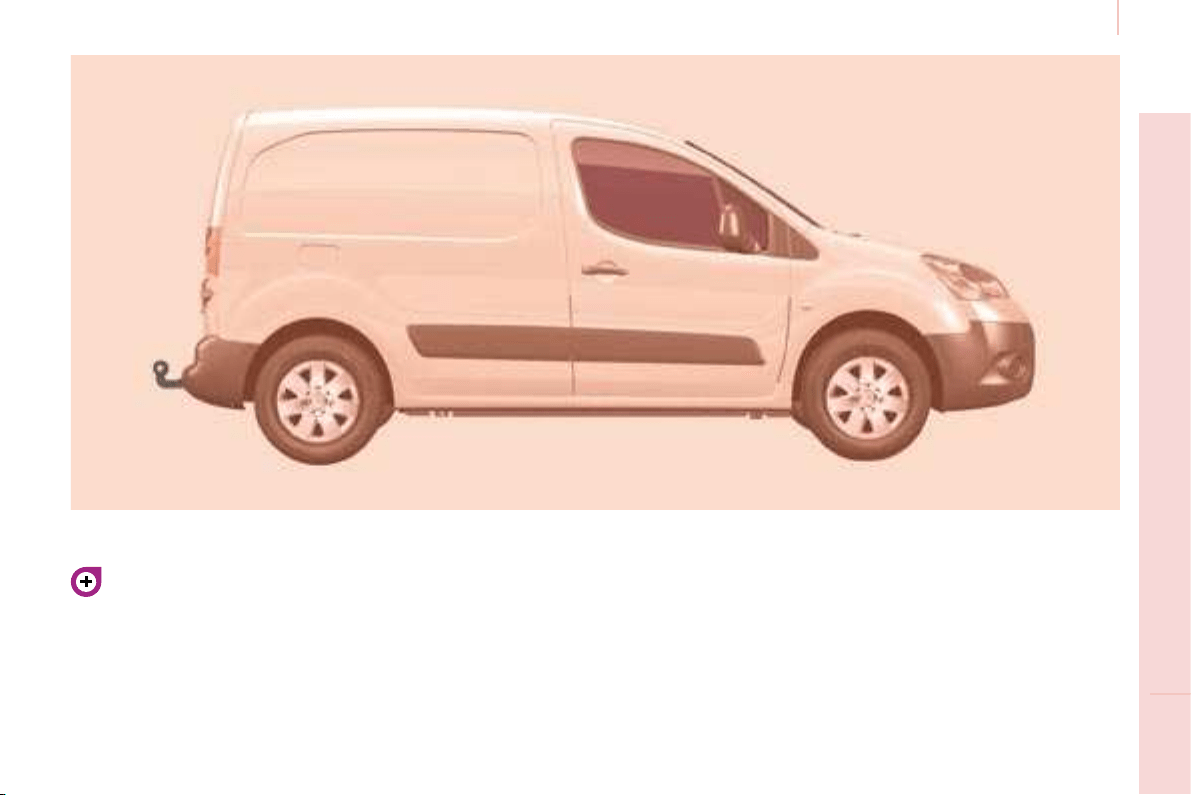
109
Towing a trailer
ACCESSORIES
6
For more information about
weights, refer to the administrative
documents (V5 registration
document, ...) or to the "Weights"
section of chapter 9.
TOWING A TRAILER, CARAVAN, BOAT, ETC...
Distribution of loads
Distribute the load in the trailer so
that the heaviest objects are as
close as possible to the axle and
the nose weight is close to the
maximum authorised without, however,
exceeding it.
Cooling
Towing a trailer on a slope increases
the coolant temperature.
As the fan is electrically controlled, its
cooling capacity is not dependent on
the engine speed.
On the contrary, use a high gear to
lower the engine speed and reduce
your speed.
In all cases, pay attention to the
coolant temperature.
Driving advice
A towed vehicle must free wheel:
gearbox in neutral.

110
Towing a trailer
Good Practice
In certain cases of particularly arduous
use (towing the maximum load up a
steep slope in high temperatures), the
engine automatically limits its power. In
this case, the automatic cutting off of
the air conditioning allows the engine
power to be recovered.
Tyres: check the tyre pressures
of the towing vehicle (see the
"Identifi cation features" section of
chapter 9) and of the trailer, observing
the recommended pressure.
See the "Levels" section of chapter 7.
If the coolant temperature
warning light comes on, stop
the vehicle and switch off the
engine as soon as possible.
Brakes
Towing increases the braking distance.
Drive at a moderate speed, change
down early and brake gradually.
Towbar
We recommend the use of original
CITROËN towbars and their
harnesses, which have been tested
and approved from the design stage of
your vehicle, and that you entrust the
fi tting of this equipment to a CITROËN
dealer.
If this equipment is not fi tted by a
CITROËN dealer, it is imperative that
it is fi tted using the electrical pre-
equipment installed at the rear of the
vehicle and in accordance with the
manufacturer’s instructions.
In accordance with the general
instructions a reminder of which has
been given above, we draw your
attention to the risk linked with fi tting
a towbar or electrical accessory not
recommended by CITROËN . Fitting
such equipment could result in the
failure of your vehicle’s electronic
system. Please contact a CITROËN
dealer for information before fi tting this
type of equipment.
Anti-theft alarm, window engraving,
fi rst aid kit, high visibility safety jacket,
rear parking assistance, warning
triangle, ...
Front seat covers compatible with air
bags, bench, rubber mats, carpet mats,
snow chains, blind, tailgate bicycle
carrier, ...
OTHER ACCESSORIES
These accessories and parts, having
been tested and approved for reliability
and safety, are all adapted to your
vehicle. A wide range of recommended
accessories and original parts is
offered.
Range of professional
equipment
The parts department publishes an
accessories catalogue offering various
equipment and fi ttings, such as:
Load retainers (all models).
Loading roller.
Towbar, towbar harness: trailer towbar
which must be fi tted by the CITROËN
network.
Separation partitions and grilles,
smooth, non-slip wooden protective
fl oor.
Protective grilles.
Side wind
Sensitivity to side wind is increased.
Drive smoothly and at a moderate
speed.
ABS/ESP
The ABS or ESP systems only control
the vehicle, not the trailer or caravan.
Rear parking assistance
The assistance does not function while
the vehicle is towing.
Another range is also available,
structured around comfort, leisure and
maintenance:

110
Towing a trailer
Good Practice
In certain cases of particularly arduous
use (towing the maximum load up a
steep slope in high temperatures), the
engine automatically limits its power. In
this case, the automatic cutting off of
the air conditioning allows the engine
power to be recovered.
Tyres: check the tyre pressures
of the towing vehicle (see the
"Identifi cation features" section of
chapter 9) and of the trailer, observing
the recommended pressure.
See the "Levels" section of chapter 7.
If the coolant temperature
warning light comes on, stop
the vehicle and switch off the
engine as soon as possible.
Brakes
Towing increases the braking distance.
Drive at a moderate speed, change
down early and brake gradually.
Towbar
We recommend the use of original
CITROËN towbars and their
harnesses, which have been tested
and approved from the design stage of
your vehicle, and that you entrust the
fi tting of this equipment to a CITROËN
dealer.
If this equipment is not fi tted by a
CITROËN dealer, it is imperative that
it is fi tted using the electrical pre-
equipment installed at the rear of the
vehicle and in accordance with the
manufacturer’s instructions.
In accordance with the general
instructions a reminder of which has
been given above, we draw your
attention to the risk linked with fi tting
a towbar or electrical accessory not
recommended by CITROËN . Fitting
such equipment could result in the
failure of your vehicle’s electronic
system. Please contact a CITROËN
dealer for information before fi tting this
type of equipment.
Anti-theft alarm, window engraving,
fi rst aid kit, high visibility safety jacket,
rear parking assistance, warning
triangle, ...
Front seat covers compatible with air
bags, bench, rubber mats, carpet mats,
snow chains, blind, tailgate bicycle
carrier, ...
OTHER ACCESSORIES
These accessories and parts, having
been tested and approved for reliability
and safety, are all adapted to your
vehicle. A wide range of recommended
accessories and original parts is
offered.
Range of professional
equipment
The parts department publishes an
accessories catalogue offering various
equipment and fi ttings, such as:
Load retainers (all models).
Loading roller.
Towbar, towbar harness: trailer towbar
which must be fi tted by the CITROËN
network.
Separation partitions and grilles,
smooth, non-slip wooden protective
fl oor.
Protective grilles.
Side wind
Sensitivity to side wind is increased.
Drive smoothly and at a moderate
speed.
ABS/ESP
The ABS or ESP systems only control
the vehicle, not the trailer or caravan.
Rear parking assistance
The assistance does not function while
the vehicle is towing.
Another range is also available,
structured around comfort, leisure and
maintenance:
111
ACCESSORIES
6
6
Equipment
Audio equipment, hands-free kit,
speakers, CD changer, navigation, ...
To prevent the mat from becoming
caught under the pedals:
- ensure that the mat and its fi xings
are positioned correctly,
- never fi t one mat on top of another.
Regardless of the audio and telematic
equipment offered on the market, the
technical constraints linked with the
fi tting of equipment of these families
of products mean that the special
features of the equipment and its
compatibility with the capacities of the
your vehicle’s standard equipment
must be taken into account. Please
contact a CITROËN dealer for
information before fi tting such
equipment.
Maximum weights on bars
- Roof rack: 120 Kg.
- Transverse bars on roof: 100 Kg.
- Transverse bars on longitudinal
bars: 75 Kg.
Installation of radiocommunication
transmitters
Before installing accessory
radiocommunication transmitters with
an external aerial on your vehicle, you
are advised to contact a representative
of the CITROËN marque.
The CITROËN Network will inform you
of the specifi cations (frequency band,
maximum output power, aerial position,
specifi c installation conditions) of the
transmitters which can be fi tted, in
accordance with the Motor Vehicle
Electromagnetic Compatibility Directive
(2004/104/CE).
Front mud fl aps, rear mud fl aps,
15/17 inch alloy wheels, wheelarch
trim, leather steering wheel, ...
Screenwash, interior and exterior
cleaning and maintenance products,
replacement bulbs, ...
The fi tting of electrical equipment
or accessories which are not
recommended by Automobiles
CITROËN may result in the failure
of your vehicle’s electronic system.
Please note this specifi c warning. You
are advised to contact a representative
of the Marque to be shown the range
of recommended equipment and
accessories.
Depending on the country in which
the vehicle is sold or operated, it is
compulsory to have a high visibility
safety jacket, warning triangle and
replacement bulbs available in the
vehicle.
"Active Fleet Data" Telematic unit
Connected directly to the heart of the
vehicle (multiplexed network: "Full CAN"),
the telematic unit, by means of a "ready to
use" service, permits the sending in real
time of information such as:
- distance travelled,
- distance remaining before the next
service,
- warnings and faults (oil level,
coolant level, oil temperature,
coolant temperature, etc...).
This enables "Fleet" managers
to optimise the monitoring and
management of their professional
vehicles.
According to country, contact
a CITROËN dealer for further
information.
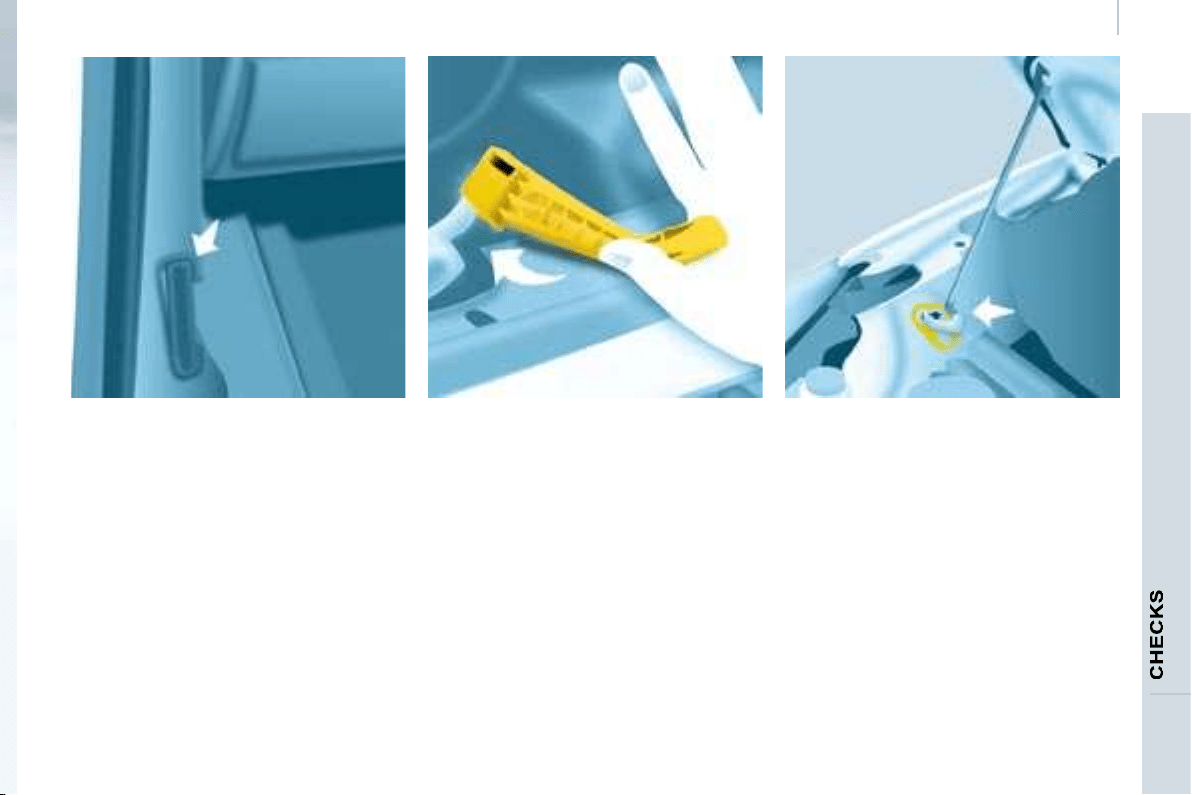
113
Opening the bonnet
7
OPENING THE BONNET
Bonnet strut
Secure the strut in its location,
identifi ed by a sticker on the left-hand
panel side of the vehicle, to hold the
bonnet open.
Before closing the bonnet, put the strut
back in its clip without using excessive
force.
On the outside
Raise the bonnet slightly by reaching
in a fl at hand, palm down, to make
access to the lever easier.
With this hand, push the lever to the
left. Raise the bonnet.
On the inside
Pull the lever under the fascia panel
towards you. The bonnet is unlocked.
To close
Lower the bonnet and release it at the
end of its travel. Check that the bonnet
is locked.
Avoid manoeuvring the bonnet in
strong winds.
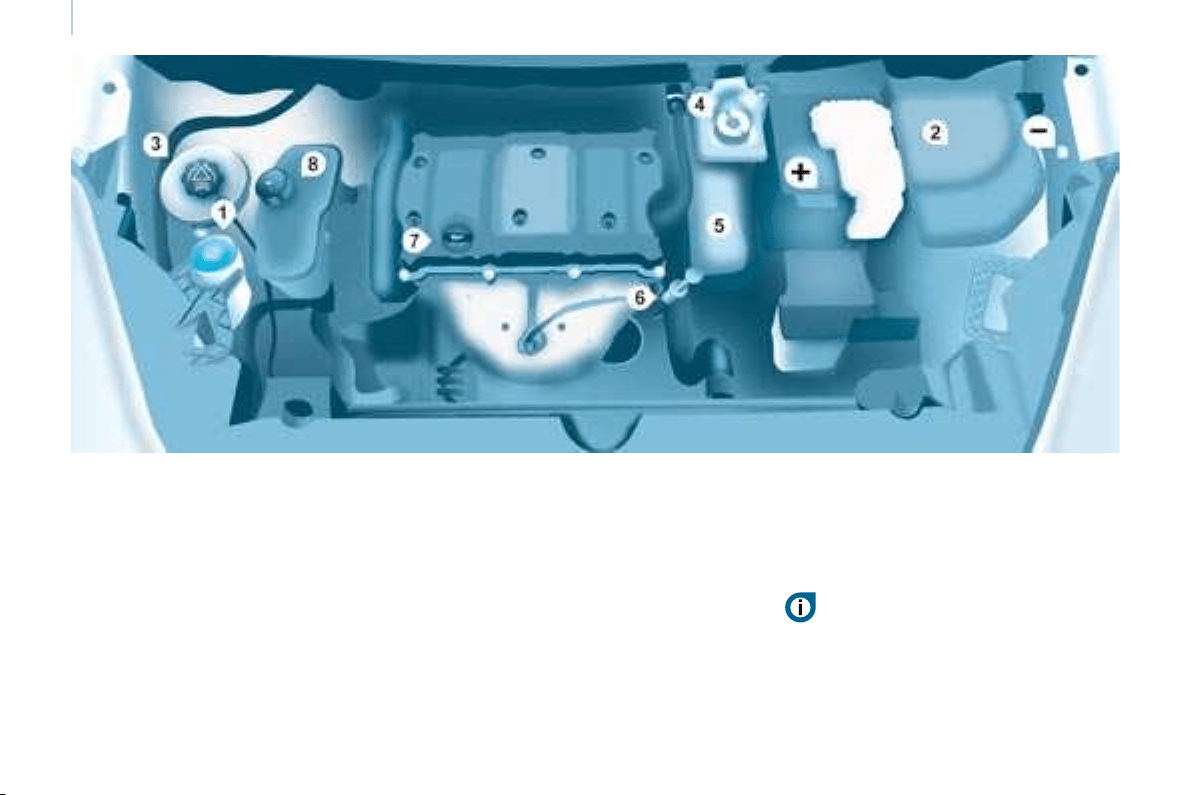
114
Under the bonnet
PETROL ENGINE
4. Brake and clutch fl uid reservoir.
5. Air fi lter.
6. Dipstick.
7. Engine oil fi ller cap.
8. Power steering fl uid reservoir.
1. Windscreen wash reservoir.
2. Fuse box.
3. Engine coolant reservoir.
Battery connections:
+ Positive metal point.
- Negative metal point (earth).
Take care when working under the bonnet.
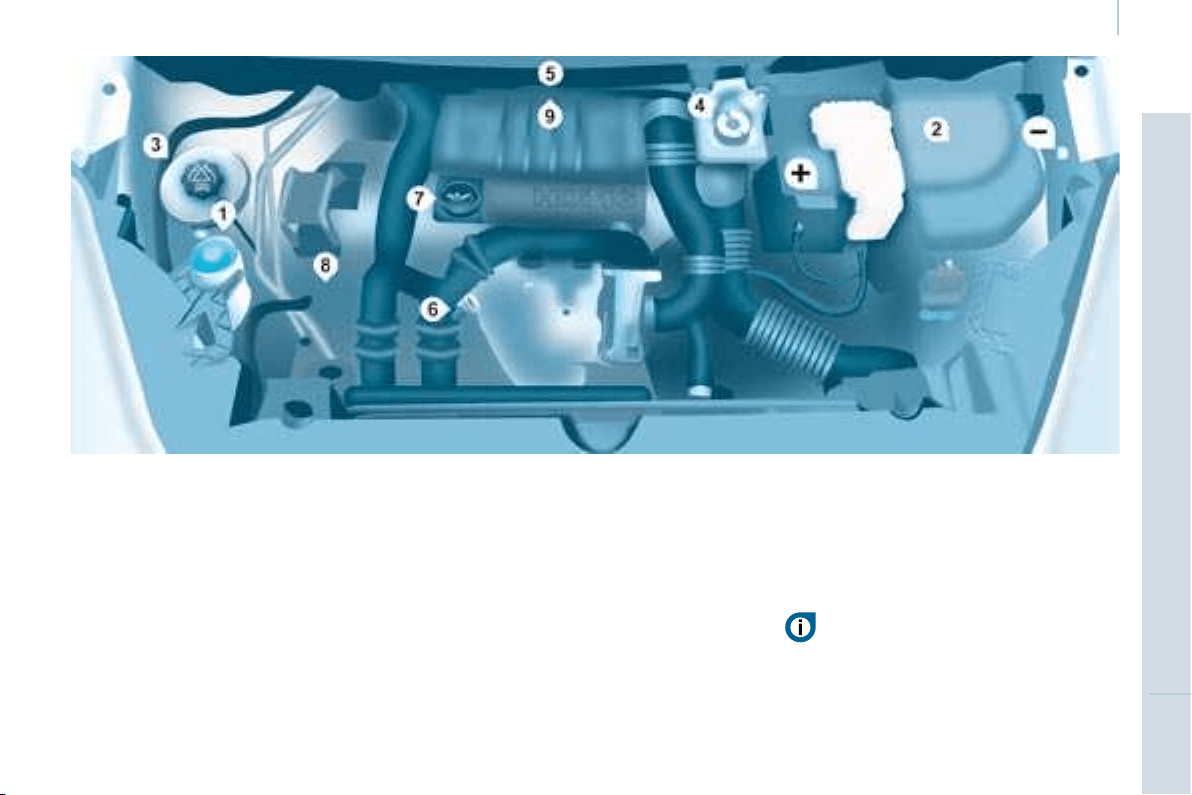
115
CHECKS
7
Under the bonnet
DIESEL ENGINE
4. Brake and clutch fl uid reservoir.
5. Air fi lter.
6. Dipstick.
7. Engine oil fi ller cap.
8. Power steering fl uid reservoir.
9. Priming pump.
1. Windscreen wash reservoir.
2. Fuse box.
3. Engine coolant reservoir.
Battery connections:
+ Positive metal point.
- Negative metal point (earth).
Take care when working under the bonnet.
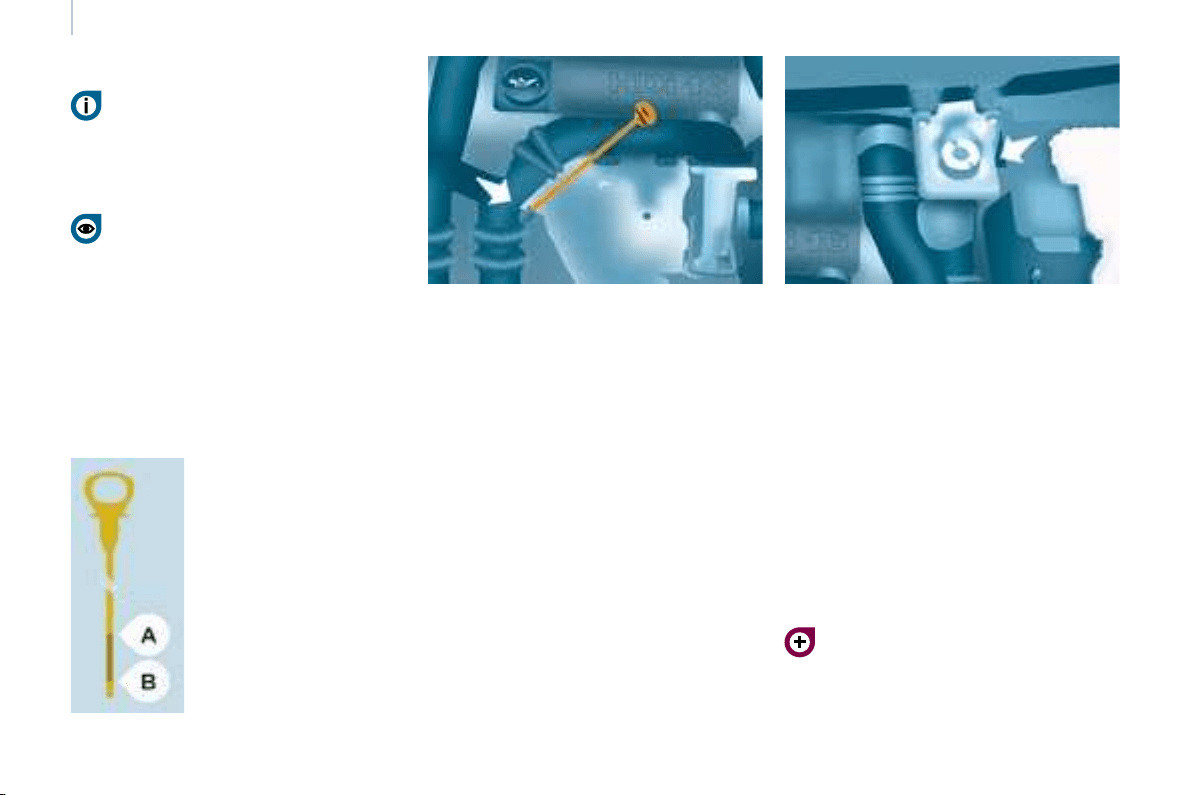
116
Levels
LEVELS
Oil change
It is imperative that this is carried out at
the intervals specifi ed and the viscosity
grade of the oil selected must fulfi l the
requirements in accordance with the
manufacturer’s servicing schedule.
Consult the instructions at a CITROËN
dealer .
Remove the dipstick before fi lling.
Check the level after fi lling (never
exceed the max mark).
Screw the cap back onto the sump
before closing the bonnet.
Changing the brake fluid
The brake fl uid must be changed at
the intervals stated, according to the
manufacturer’s servicing schedule.
Use fl uids recommended by the
manufacturer, which fulfi l DOT4
standards.
The level must be between the MIN
and MAX marks on the reservoir.
If fl uid has to be added frequently,
this indicates a failure which must be
checked by a CITROËN dealer as
soon as possible.
Warning lights
If you have to remove/refi t the
engine style cover, handle it with
care to avoid damaging the fi xing
clips.
Oil level
Check the level regularly and top up
between changes. The maximum
consumption is 0.5 litre per 600 miles
(1 000 km).
Check the level with the vehicle level,
engine cold, using the dipstick.
Dipstick
There are two marks on
the dipstick:
A = maximum
If you fi ll past this mark,
consult a CITROËN
dealer .
B = minimum
Never allow the level to
fall below this mark.
To maintain the reliability
of engines and emission
control systems, the use
of additives in engine oil
is prohibited.
Viscosity selection
In all cases, the oil selected must meet
the manufacturer’s requirements.
These regular maintenance
operations will keep your vehicle
in good running order. Consult the
instructions at a CITROËN dealer or in
the servicing booklet enclosed in the
handbook pack.
Checking by means of the warning
lights on the instrument panel is
described in chapter 2, refer to the
"Instruments and controls" section.

117
CHECKS
7
7
Levels
Cooling system
Only use the fl uid recommended by the
manufacturer.
Otherwise, you risk seriously damaging
your engine.
When the engine is warm, the
temperature of the coolant is controlled
by the engine fan. As this fan can
operate with the ignition key removed
and because the cooling system is
pressurised, wait for at least one hour
after the engine has stopped before
carrying out any work.
Slacken the cap by 1/4 of a turn to
release the pressure to prevent any
risk of scalding. When the pressure
has dropped, remove the cap and top
up the level with coolant.
If fl uid has to be added frequently,
this indicates a failure which must be
checked by a CITROËN dealer as
soon as possible.
Power steering fluid level
The vehicle must be parked on level
ground with the engine cold. Unscrew
the cap integrated with the gauge and
check the level which must be between
the MIN and MAX marks.
In order to regenerate the fi lter, you
are advised to drive at a speed higher
than 40 mph (60 km/h) for at least fi ve
minutes as soon as possible, when
traffi c conditions permit (until the
message disappears and the service
warning light is switched off).
During regeneration of the particle
emission fi lter, relay noise may be
heard under the fascia.
If the message is still displayed and if
the service warning light remains on,
consult a CITROËN dealer .
Topping up
The level must be between the MIN
and MAX marks on the expansion
bottle. If more than 1 litre of fl uid is
required to top up the level, have the
system checked by a CITROËN dealer .
Windscreen wash and headlamp
wash level
For best quality cleaning and for your
safety, we would advise that you use
products of the CITROËN range.
For optimum cleaning and to avoid
freezing, this fl uid must not be topped
up or replaced with water.
Capacity of the screenwash reservoir:
approximately 4.5 litres.
If your vehicle is fi tted with headlamp
washers, the capacity of the reservoir
is 7.5 litres.
Diesel additive level
(Diesel with particle
emission filter)
The minimum level of this
additive is indicated by lighting of the
service warning light, accompanied by
an audible signal and a message on
the display.
When this occurs with the engine
running it is due to the start of
saturation of the particle emission fi lter
(exceptionally prolonged urban type
driving conditions: low speed, long
traffi c jams, ...).
Topping up
It is imperative that this additive is
topped up by a CITROËN dealer
without delay.
Used oil
Avoid prolonged contact of used oil
with the skin.
Brake fl uid is harmful to health and
very corrosive.
Do not dispose of used oil, brake fl uid
or coolant into drains or into the ground
but into the containers dedicated to this
use at CITROËN dealer .
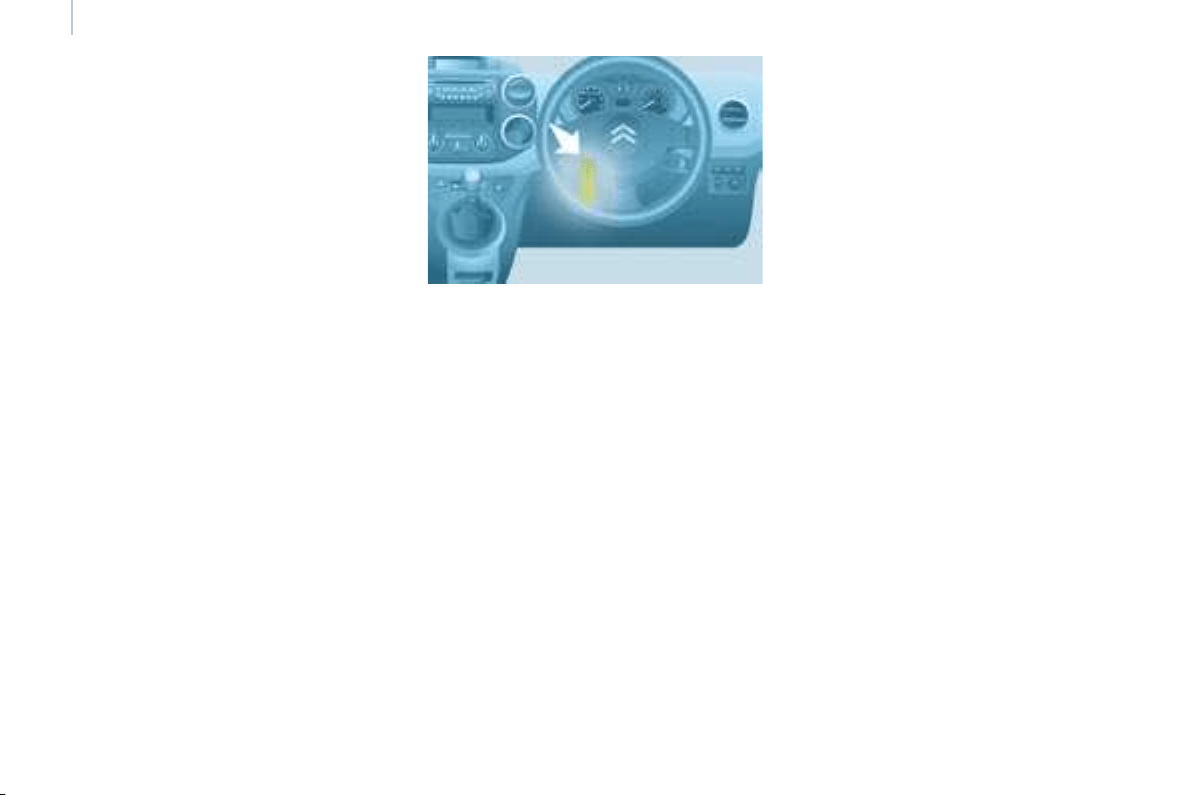
118
Checks
CHECKS
Carbon filter and passenger
compartment filter
An access fl ap below the glove box
permits replacement of the fi lters.
The carbon fi lter permits continuous
and effective fi ltering of dust.
If the passenger compartment fi lter
becomes clogged, this may reduce
the performance of the air conditioning
system and generate unpleasant
odours.
We recommend the use of a combined
passenger compartment fi lter. By
means of its second special active
fi lter, it contributes to the purifi cation
of the air breathed by the occupants
and the cleanness of the passenger
compartment (reduction of allergic
symptoms, unpleasant odours and
greasy deposits).
Particle emission filter (Diesel)
It is imperative that particle emission
fi lter maintenance is carried out by a
CITROËN dealer .
On acceleration after the vehicle has
been running for a prolonged period
at very low speed or at idle, you may,
in exceptional circumstances, notice
the emission of water vapour at the
exhaust. This water vapour does not
have any adverse effect on vehicle
handling or the environment.
Battery
At the start of winter, have your battery
checked by a CITROËN dealer .
Brake pads
Brake pad wear depends on the style
of driving, in particular for vehicles
which are used in town, over short
distances. It may be necessary to
check the thickness of the pads, even
between services.
Unless there is a leak on the circuit, a
drop in the brake fl uid level indicates
that the brake pads are worn.
Brake disc/drum wear status
For any information relating to
checking the brake disc/drum wear
status, consult a CITROËN dealer .
Handbrake
Where the handbrake travel is too
great or there is a reduction in the
performance of the system, the
handbrake should be adjusted, even
between services.
Have the system checked by a
CITROËN dealer .
Oil filter
Change the fi lter regularly in
accordance with the servicing
schedule.
Refer to the servicing booklet to fi nd
out the replacement interval for these
components.
Depending on the environment (dusty
atmosphere...) and the use of the
vehicle (urban driving...), change them
twice as often if necessary.
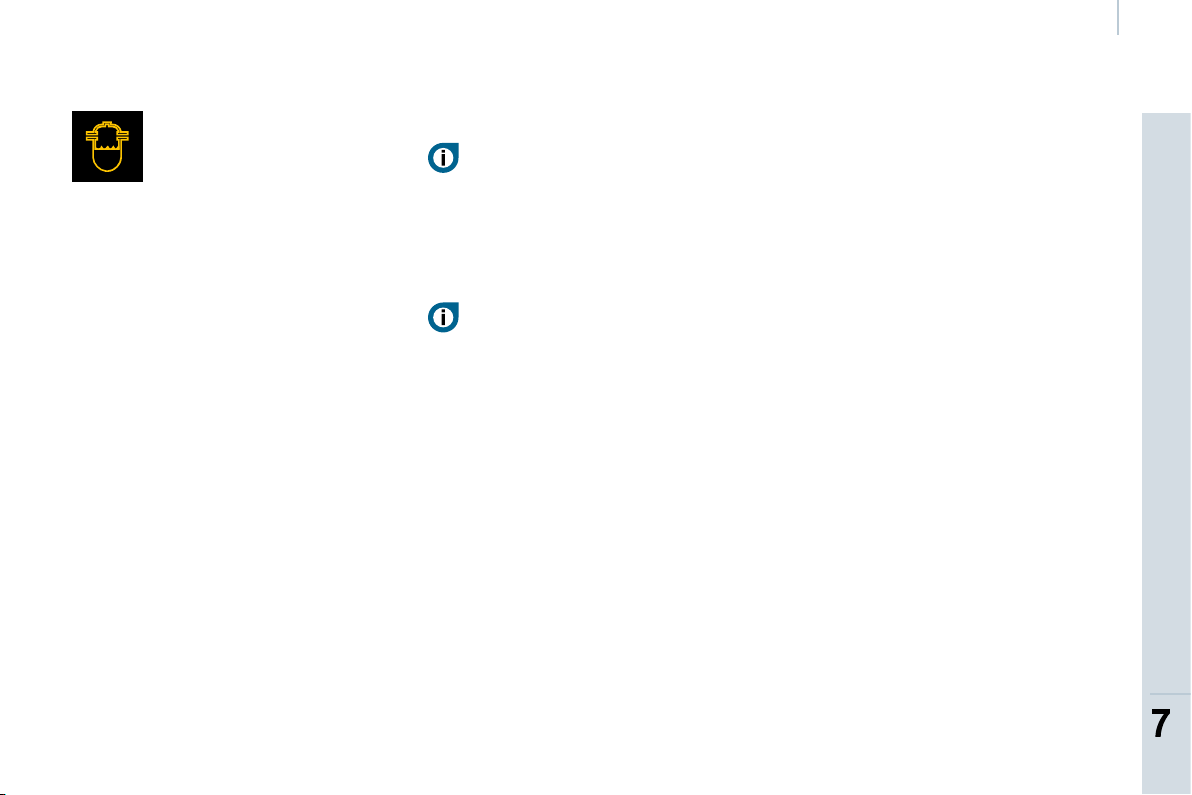
119
CHECKS
7
7
Checks
To check the main levels
and certain components,
in accordance with the
manufacturer’s servicing schedule,
refer to the pages of the servicing
booklet which correspond to your
vehicle’s engine.
Bleeding the water contained in
the diesel filter
Manual gearbox
Have the level checked in accordance
with the manufacturer’s servicing
schedule.
Only use products recommended
by CITROËN or products
of equivalent quality and
characteristics.
In order to optimise the operation
of units as important as the braking
circuit, CITROËN selects and offers
specifi c products.
In order to avoid damaging the
electrical units, high pressure washing
to clean the engine compartment is
strictly prohibited.
If this warning light comes
on, bleed the fi lter. Otherwise
bleed regularly each time the
engine is drained.
To evacuate the water,
unscrew the bleed screw located on
the fi lter.
Operate until all of the water in the
transparent pipe has been drained out
then tighten the bleed screw.
HDi engines use advanced technology.
All work requires a special qualifi cation
which is guaranteed by a CITROËN
dealer .
According to country.

120
Fuel
Low fuel level
The fuel tank must be fi lled with the
engine off .
- Open the fuel fi ller fl ap.
- Insert the key, then turn it a quarter
turn.
- Remove the cap and hook it onto
the clip located on the inside of the
fl ap.
A label affi xed to the inside of the fl ap
reminds you of the type of fuel to be
used.
When fi lling the fuel tank, do not
continue after the 3 rd cut-off of the
nozzle. This could cause malfunctions.
The capacity of the fuel tank is
approximately 60 litres.
- After fi lling the fuel tank, lock the
cap and close the fl ap.
FUEL CIRCUIT DISARMED
In a serious collision, a mechanism
automatically prevents fuel from
reaching the engine.
The fl ashing of this warning
light is accompanied by a
message on the display.
Check that there is no odour or
leakage of fuel outside the vehicle and
re-establish the fuel supply:
-
switch off the ignition (STOP position).
- remove the key.
- put the key back in the ignition.
- switch on the ignition and start.
DIESEL REPRIMING PUMP
If you should run out of fuel, it is
necessary to re-prime the circuit:
- fi ll the fuel tank with at least fi ve
litres of diesel,
- squeeze and release the manual
re-priming pump, under the bonnet
under the protective cover,
- operate the starter until the engine
starts.
Refer to the "Under the bonnet"
section of chapter 7.
When fi lling with fuel, with the fuel
fi ller fl ap open, ensure that no one
attempts to open the sliding side
door.
When the minimum fuel tank
level is reached, this warning
light comes on.
You then have
approximately 8 litres of
fuel remaining. Fill up without delay to
avoid running out of fuel.
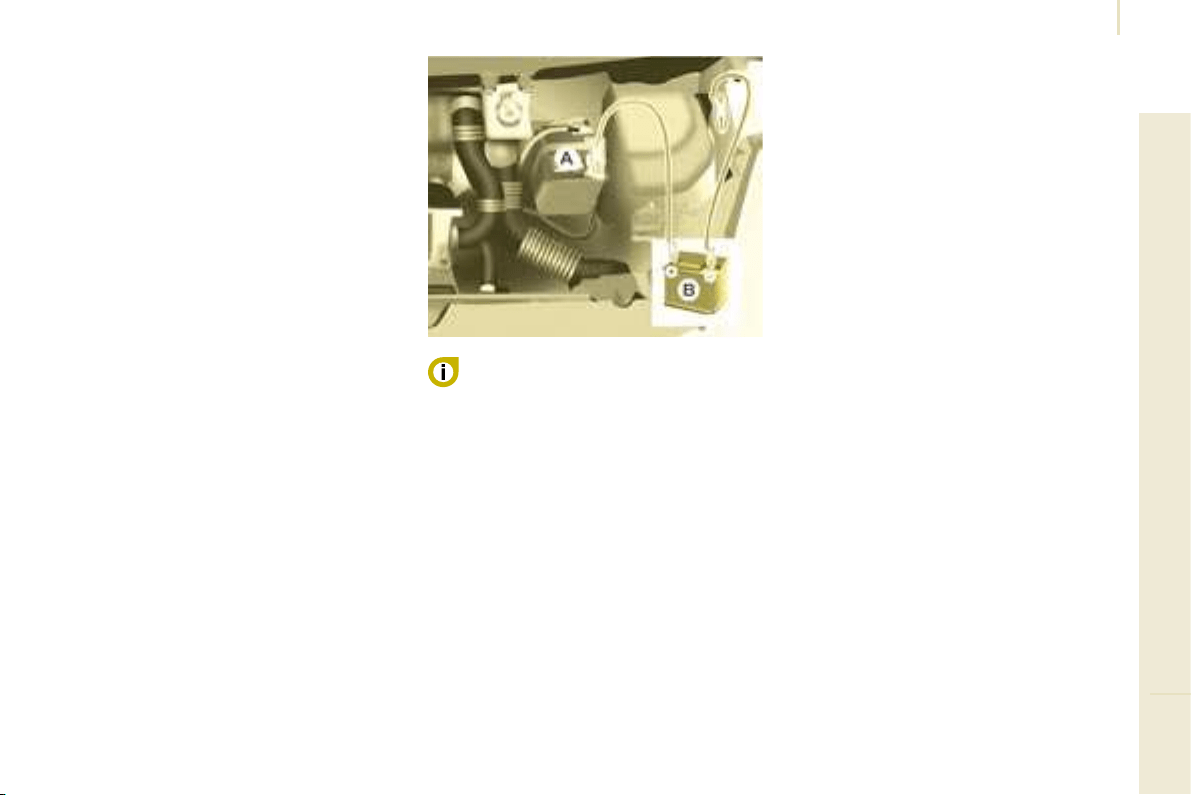
121
Battery
TROUBLESHOOTING
8
BATTERY
Before disconnecting the battery, you
must wait for 2 minutes after switching
off the ignition.
Never disconnect a terminal when the
engine is running.
Never charge a battery without fi rst
disconnecting the terminals.
After every reconnection of the battery,
switch on the ignition and wait 1 minute
before starting to allow the electronic
systems to be initialised. If slight
diffi culties are experienced after this,
please contact a CITROËN dealer.
After changing bulbs, wait
approximately 3 minutes before
reconnecting the battery.
I
t is advisable to disconnect the
battery if the vehicle is not to be used
for a period of more than one month.
ECONOMY MODE
To charge the battery using a
battery charger
- Disconnect the battery,
- Follow the instructions for use
given by the battery charger
manufacturer,
- Reconnect starting with the
negative (-) terminal,
- Check that the terminals and
connectors are clean. If they are
covered with sulphate (white or
greenish deposit), disconnect them
and clean them.
To start the vehicle from
another battery
- Connect the red cable to the
positive (+) terminals of the two
batteries,
- Connect one end of the green
or black cable to the negative (-)
terminal of the slave battery,
- Connect the other end of the green
or black cable to an earth point on
the broken down vehicle as far as
possible from the battery,
- Operate the starter, let the engine
run,
- Wait for the engine to return to idle,
then disconnect the cables.
After the engine has stopped, with
the key in the ignition position, certain
functions (windscreen wiper, electric
windows, courtesy lights, audio
equipment, etc.) can only be used for a
cumulative duration of thirty minutes, to
prevent discharging of the battery.
Once the thirty minutes are over, the
active functions are put on standby
and the battery warning light fl ashes
accompanied by a message on the
display.
To resume the use of these functions
immediately, start the engine and let it
run for a few minutes.
The time available will then be double
the time for which the engine was left
running. However, this time will always
be between fi ve and thirty minutes.
A fl at battery will prevent the engine
from starting.
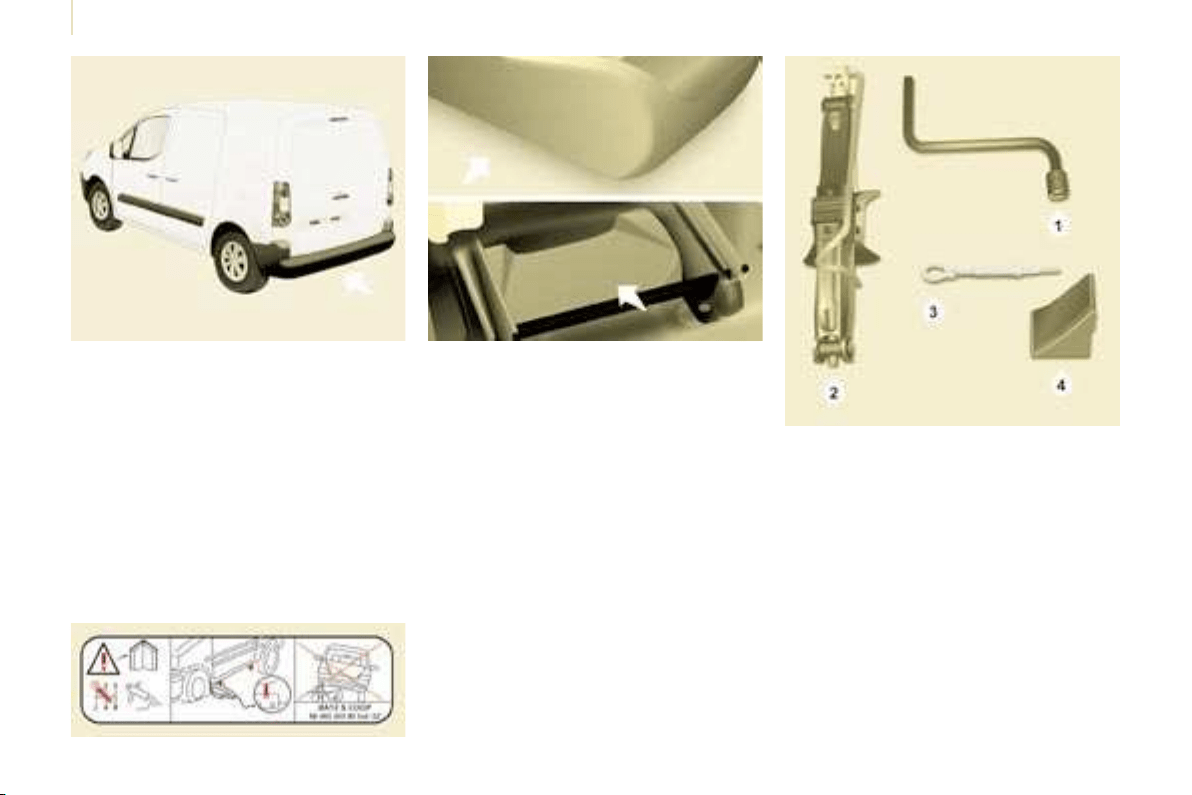
122
Changing a wheel
1. PARKING THE VEHICLE
- It is imperative that you ensure that
the occupants get out of the vehicle
and wait in a safe location.
- If possible, park the vehicle on
level, stable and non-slippery
ground.
- Apply the handbrake, switch off the
ignition and engage fi rst or reverse
gear.
- If available, place a chock under
the wheel diagonally opposite the
one to be changed.
If the vehicle is fi tted with a towbar;
it is sometimes necessary to raise
the vehicle slightly to make it easier
to remove the spare wheel from its
carrier.
On certain types of ground and/or
if considerable loads are being
transported, call a CITROËN dealer.
CHANGING A WHEEL
2. TOOLS
- Open the lid of the storage
compartment located under the
seat on the right-hand side. If
necessary, move the seat forward
to access the storage compartment
from the rear.
- Unscrew the nut then take out the
jack and the wheelbrace.
1. Wheelbrace.
2. Jack.
3. Alloy wheel embellisher remover.
4. Chock.
The jack and the tool kit are specifi c to
your vehicle. Do not use them for other
purposes.
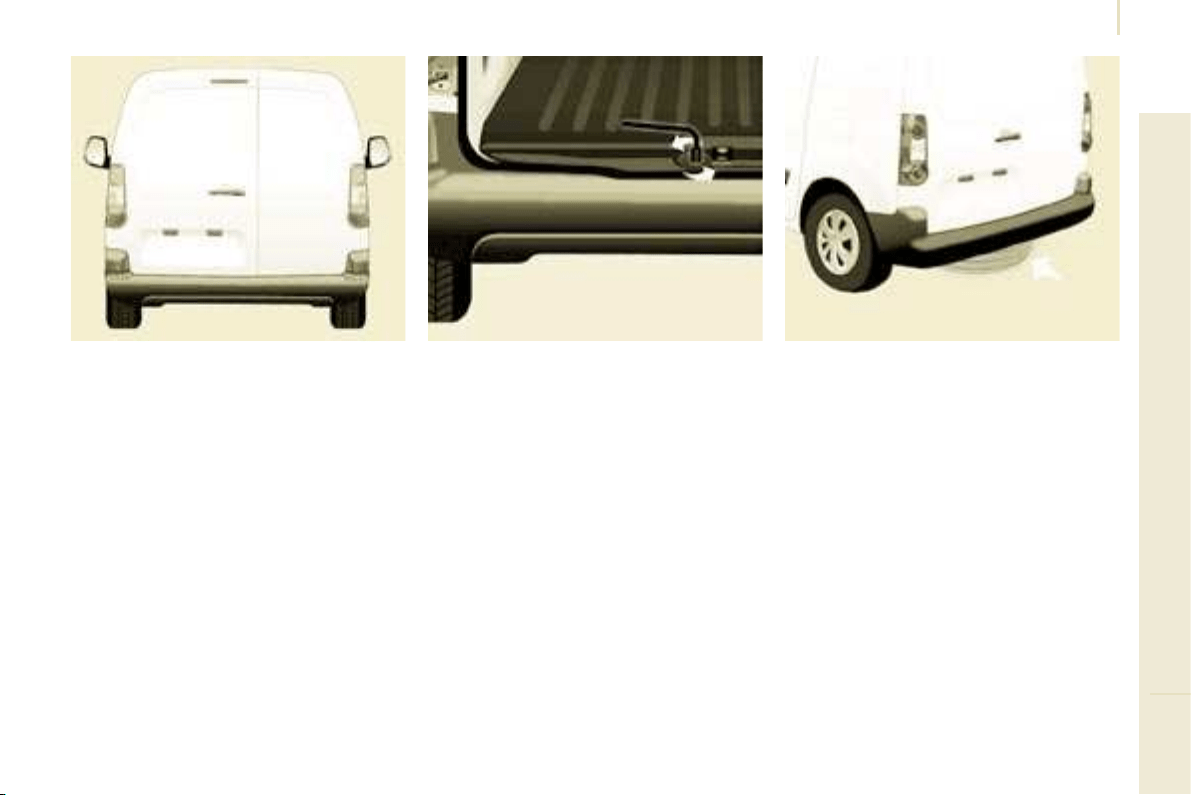
123
TROUBLESHOOTING
8
Changing a wheel
3. SPARE WHEEL
- Detach the carrier from the hook
and place the spare wheel near the
wheel to be changed.
- Unscrew the bolt using the
wheelbrace until the carrier is
lowered fully.
- Open the rear doors to gain access
to the spare wheel.
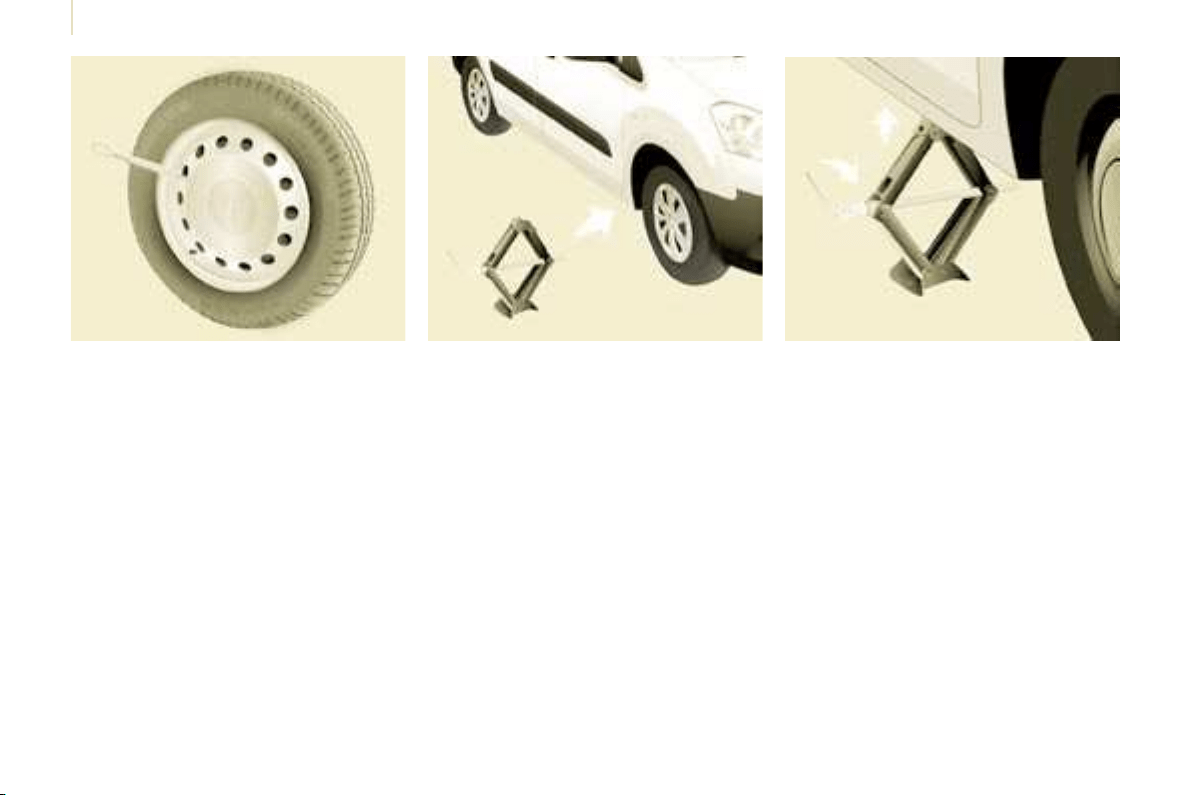
124
Changing a wheel
4. OPERATING PROCEDURE
- Place the jack in contact with the
locating point provided, the one
which is closest to the wheel to be
changed. Ensure that the jack is
straight and that the base of the jack
is fully in contact with the ground.
- Extend the jack to lift the wheel
clear of the ground.
- Resume and complete the
unscrewing of the wheel bolts.
- Remove the bolts and remove the
wheel.
Do not extend the jack until you have
started unscrewing the bolts on the
wheel to be changed and have placed
the chock under the wheel diagonally
opposite.
- Remove the trim pulling it using the
embellisher remover.
- Loosen the wheel bolts and start
unscrewing them.
Anti-theft bolts
If your vehicle is fi tted with wheels with
alloy rims:
- Each wheel has an anti-theft bolt.
- These bolts can be loosened using
your anti-theft socket (given to you
in delivery of your vehicle) and the
wheelbrace.
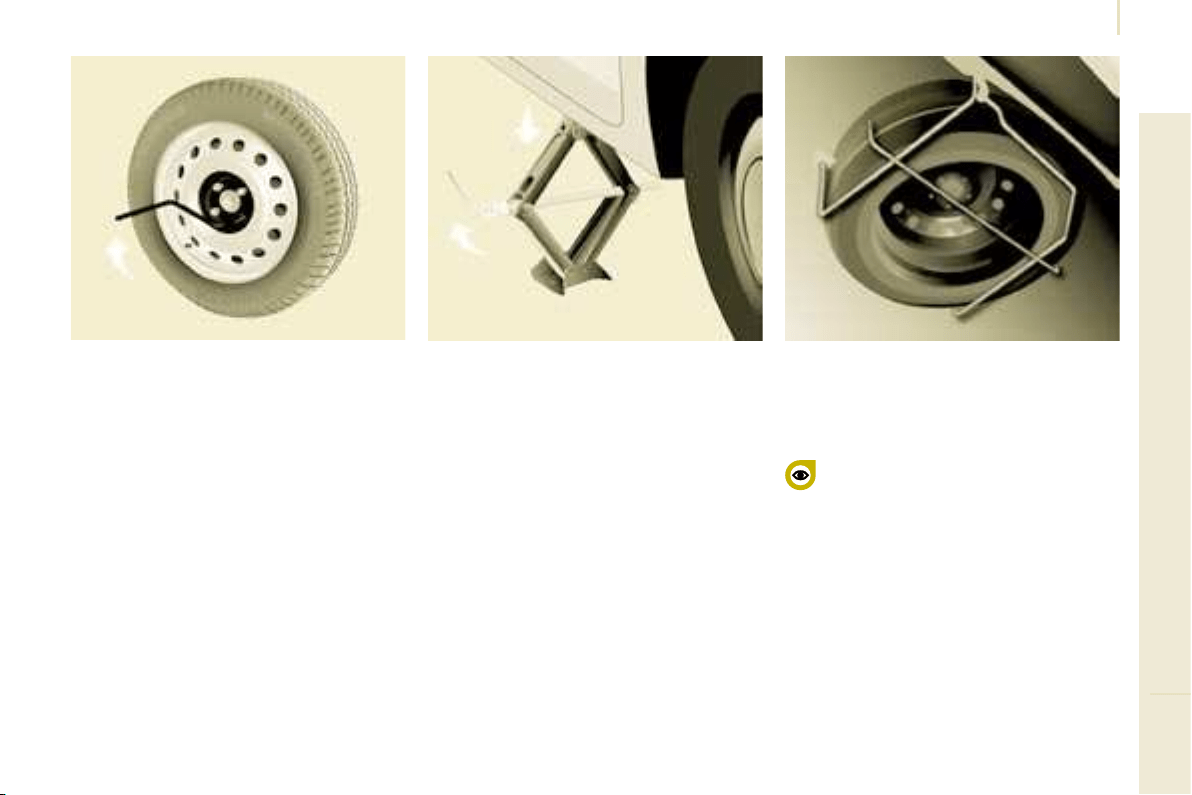
125
TROUBLESHOOTING
8
Changing a wheel
- Lower the vehicle completely by
folding the jack, then remove the
jack.
- Tighten the bolts again using the
wheelbrace, tighten them fully
without forcing them.
- Place the wheel to be repaired in
the carrier.
- Secure the carrier on the hook then
raise the carrier using the bolt and
the wheelbrace.
Never go underneath a vehicle
that is supported only by a
jack (use a ramp). Never use
a screwdriver in place of the
wheelbrace
5. FITTING THE SPARE WHEEL
- Position the wheel on the hub and
start tightening the bolts by hand.
- Carry out an initial tightening of the
bolts using the wheelbrace.

126
Snow screen
6. REFITTING THE REPAIRED
WHEEL
The wheel is refi tted as described in
step 5, not forgetting to refi t the wheel
trim.
Refer to the "Instruments and
controls" section of chapter 2,
"Tyre under-infl ation detection"
part, for recommendations after
changing a wheel fi tted with a tyre
under-infl ation detection sensor.
Refer to the "Identifi cation
features" section of chapter 9 to
locate the tyre label.
REMOVABLE SNOW SCREEN
According to country, the removable
snow screen is installed on the lower
part of the front bumper to prevent the
accumulation of snow at the radiator
cooling fan.
Do not forget to remove the snow
screen when the exterior temperature
is higher than 10 °C (no risk of
snowfall) and when towing.
FITTING
REMOVAL
- Pass a screwdriver into the hole
located near each of the clips.
- Use the screwdriver as a lever to
unclip the four clips B in turn.
- Offer up the snow screen facing its
centring pin A on the front bumper.
- Put it in place by pressing at each
clip B located in the four corners.
The spare wheel is not designed
to be used over long distances.
Have the tightening of the bolts
and the tyre pressure checked by a
CITROËN dealer as soon as possible.
Also, have the original wheel repaired
and refi tted by a CITROËN dealer as
soon as possible.
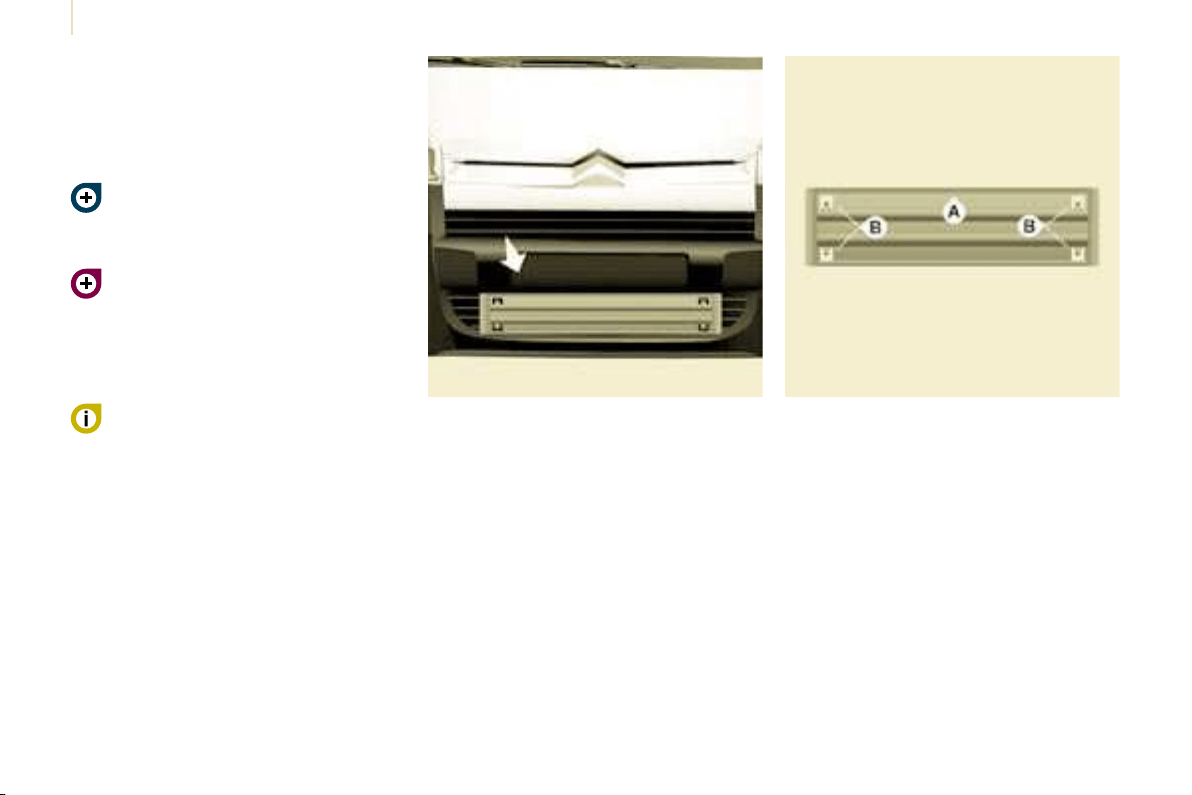
126
Snow screen
6. REFITTING THE REPAIRED
WHEEL
The wheel is refi tted as described in
step 5, not forgetting to refi t the wheel
trim.
Refer to the "Instruments and
controls" section of chapter 2,
"Tyre under-infl ation detection"
part, for recommendations after
changing a wheel fi tted with a tyre
under-infl ation detection sensor.
Refer to the "Identifi cation
features" section of chapter 9 to
locate the tyre label.
REMOVABLE SNOW SCREEN
According to country, the removable
snow screen is installed on the lower
part of the front bumper to prevent the
accumulation of snow at the radiator
cooling fan.
Do not forget to remove the snow
screen when the exterior temperature
is higher than 10 °C (no risk of
snowfall) and when towing.
FITTING
REMOVAL
- Pass a screwdriver into the hole
located near each of the clips.
- Use the screwdriver as a lever to
unclip the four clips B in turn.
- Offer up the snow screen facing its
centring pin A on the front bumper.
- Put it in place by pressing at each
clip B located in the four corners.
The spare wheel is not designed
to be used over long distances.
Have the tightening of the bolts
and the tyre pressure checked by a
CITROËN dealer as soon as possible.
Also, have the original wheel repaired
and refi tted by a CITROËN dealer as
soon as possible.
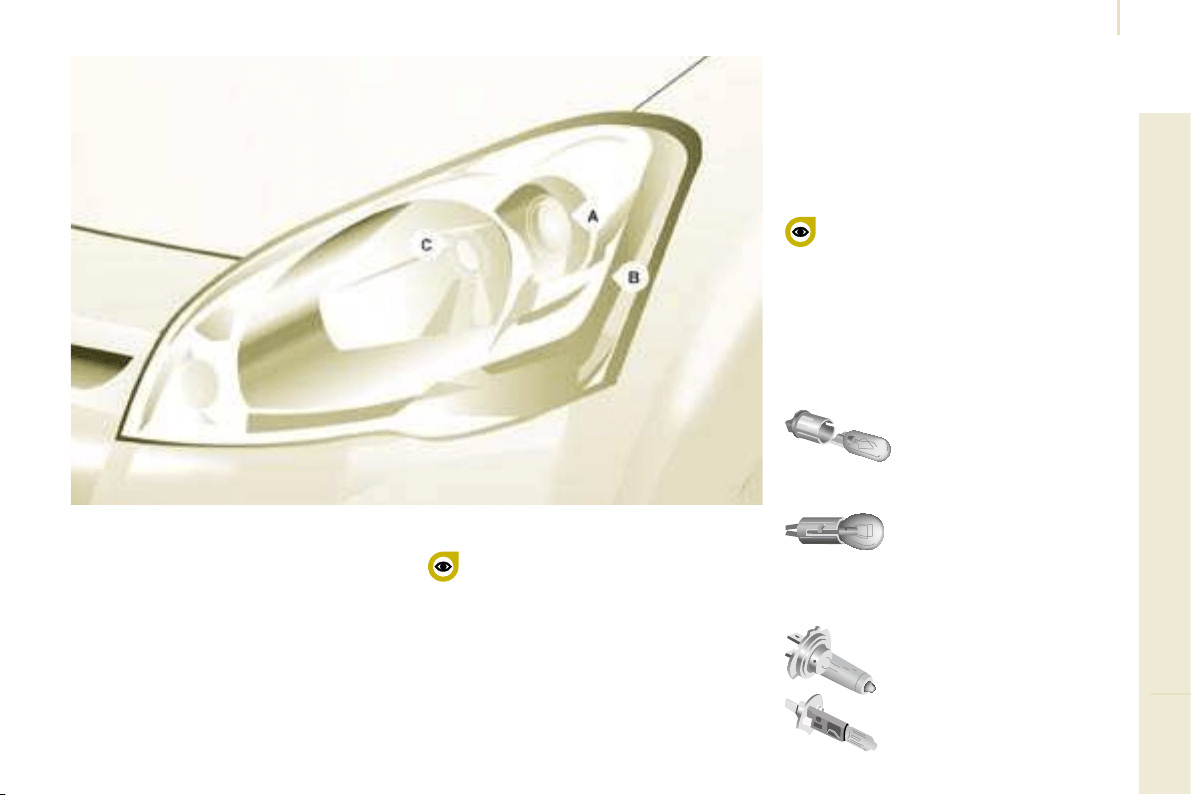
127
TROUBLESHOOTING
8
Changing a bulb
CHANGING A BULB
Type B
Bayonet bulb: press
on the bulb then turn it
anticlockwise.
Type A
Entirely glass bulb: pull
gently as it is fi tted by
pressure.
Open the bonnet. To access the bulbs,
reach behind the headlamp unit.
Carry out the operations in reverse
order to refi t each bulb and check that
the bonnet is closed securely.
Type C
Halogen bulb: release the
retaining spring from its
housing.
Halogen bulbs must be changed
with the headlamp off. Wait a few
minutes (risk of serious burns).
Do not touch the bulb directly with your
fi ngers, use lint-free cloths.
It is normal for condensation to form
inside the headlamps. Regular use of
the vehicle eliminates this misting.
The bulbs must be changed with
the ignition off or with the battery
disconnected. Wait approximately
3 minutes after changing the bulb
before reconnecting the battery.
Check that the lights operate correctly
after each operation.
High pressure washing
Types of bulb
Various types of bulb are installed on
your vehicle. To remove them:
When using this type of washing
on stubborn dirt, do not persist
on the headlamps, the lights and
their surround to avoid damaging their
coating and their seal.
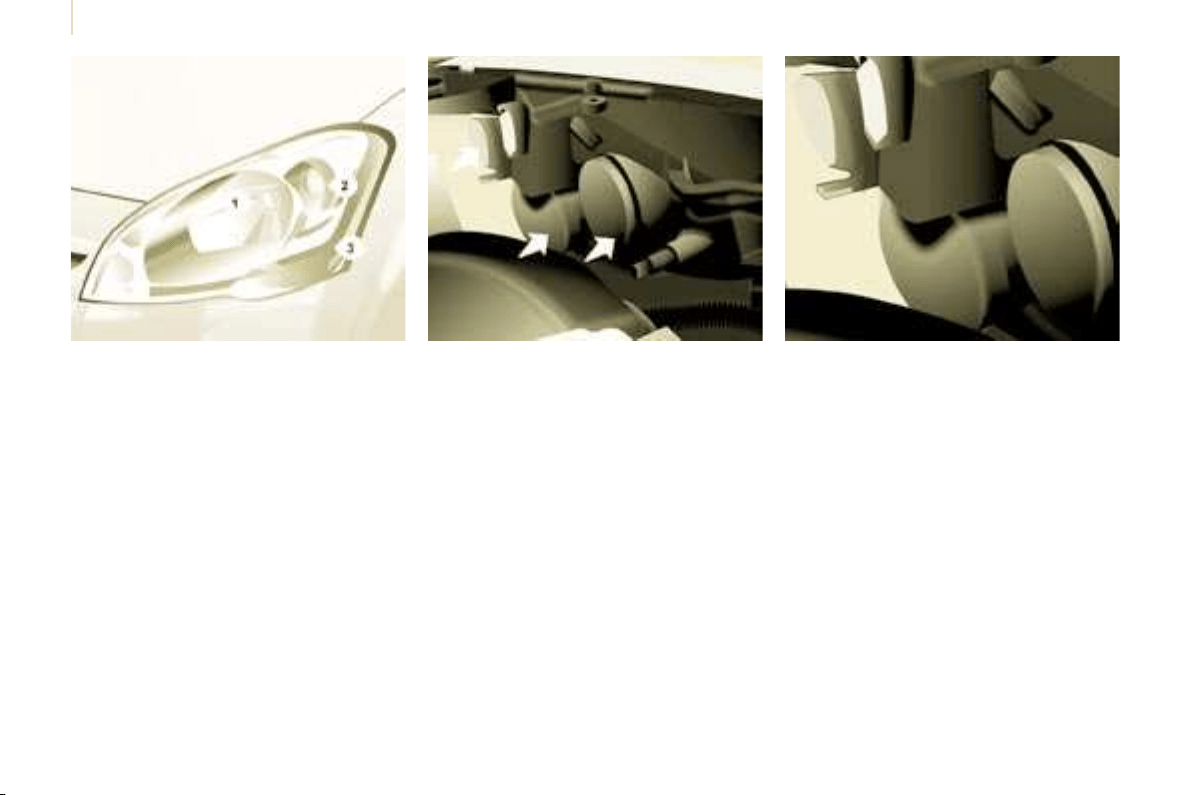
128
Changing a bulb
3. Direction indicators
Type B, PY 21 W - 21 W (amber)
- Remove the cover by pulling the
fl exible rubber tab.
- Turn the bulb holder a quarter
turn anticlockwise.
- Remove the bulb by pressing
it lightly while turning it
anticlockwise.
- Change the bulb.
- Ensure that the cover is refi tted
correctly over its entire periphery
to guarantee sealing.
2. Side lights
Type A, W 5 W - 5 W
- Remove the cover by pulling the
fl exible rubber tab.
- Remove the bulb holder fi tted by
pressure by pulling the connector.
- Change the bulb.
- Ensure that the cover is refi tted
correctly over its entire periphery
to guarantee sealing.
FRONT LIGHTS
1. Dipped headlamps/Main beam
headlamps
Type C, H4 - 55 W
- Remove the centre cover by
pulling the fl exible rubber tab.
- Disconnect the electrical
connector.
- Release the retaining tab.
- Change the bulb taking care
to align the metal part with the
grooves on the light.
- Reposition the retaining tab.
- Ensure that the cover is refi tted
correctly over its entire periphery
to guarantee sealing.
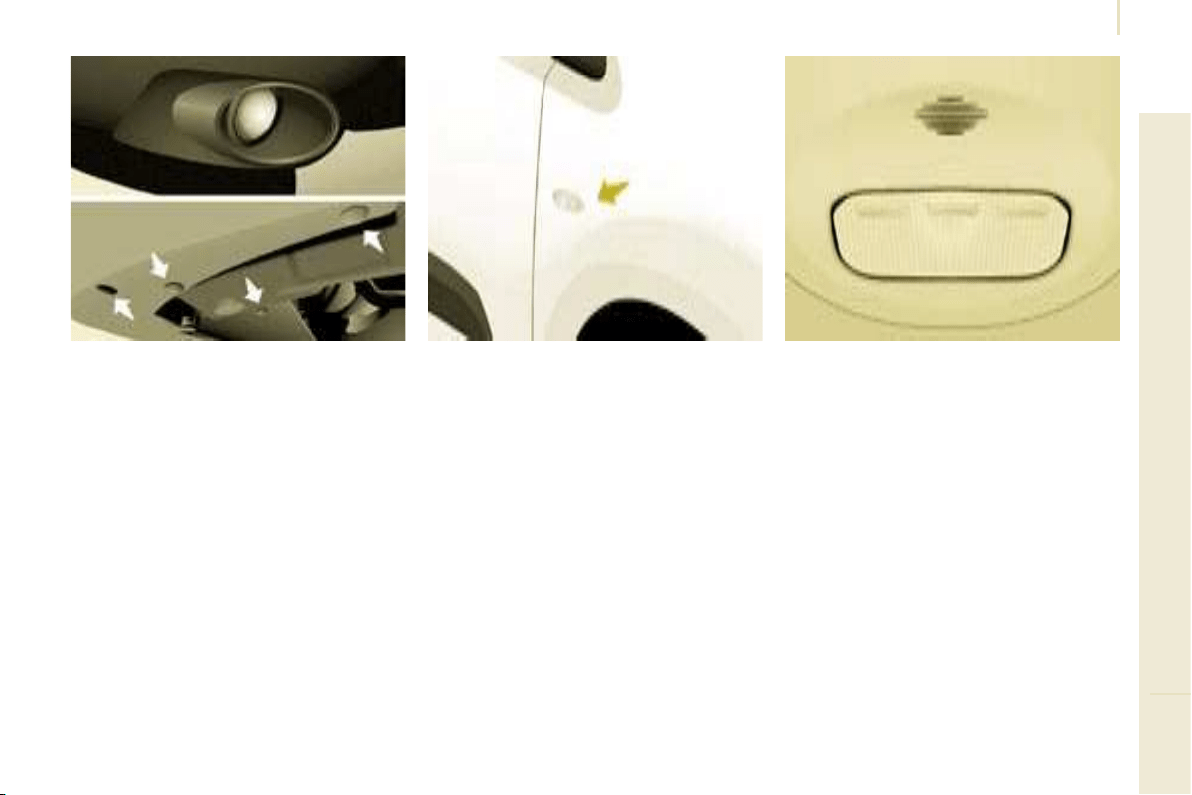
129
TROUBLESHOOTING
8
Changing a bulb
4. Fog lamps
Type C, H1 - 55 W
- Remove the fog lamp by removing
the bolt, which can be accessed via
the hole provided for this purpose
in the bumper, using a Torx
©
30
screwdriver.
- Remove the three mud guard fi xing
clips, located below the bumper.
- Move the mud guard upwards.
- Unclip the fog lamp by squeezing
the clip to release it.
-
Remove the fog lamp from the outside.
-
Turn the yellow cover a 1/4 turn to open.
- Separate the clips which secure
the base of bulb on each side to
release the bulb.
- Remove the bulb by pulling,
keeping it straight.
- Insert the new bulb, re-tighten the
clips around the base of the bulb
and carry out the operations in
reverse order to put the light unit
and the bumper back in position.
SIDE REPEATER
Type A, WY 5 W (amber)
- Push the repeater towards the rear
and disengage it by pulling the front.
- Consult a CITROËN dealer to
obtain a new repeater which is a
fully moulded part.
- To refi t, engage the repeater
towards the rear and bring it
towards the front.
Front/Rear
COURTESY LIGHTS
Type A, 12 V 5 W - 5 W
- Unclip the lens by sliding a
screwdriver in the slots on each
side of the courtesy light.
- Pull the bulb and change it.
- Clip the lens in its housing and
ensure that it is secured correctly.
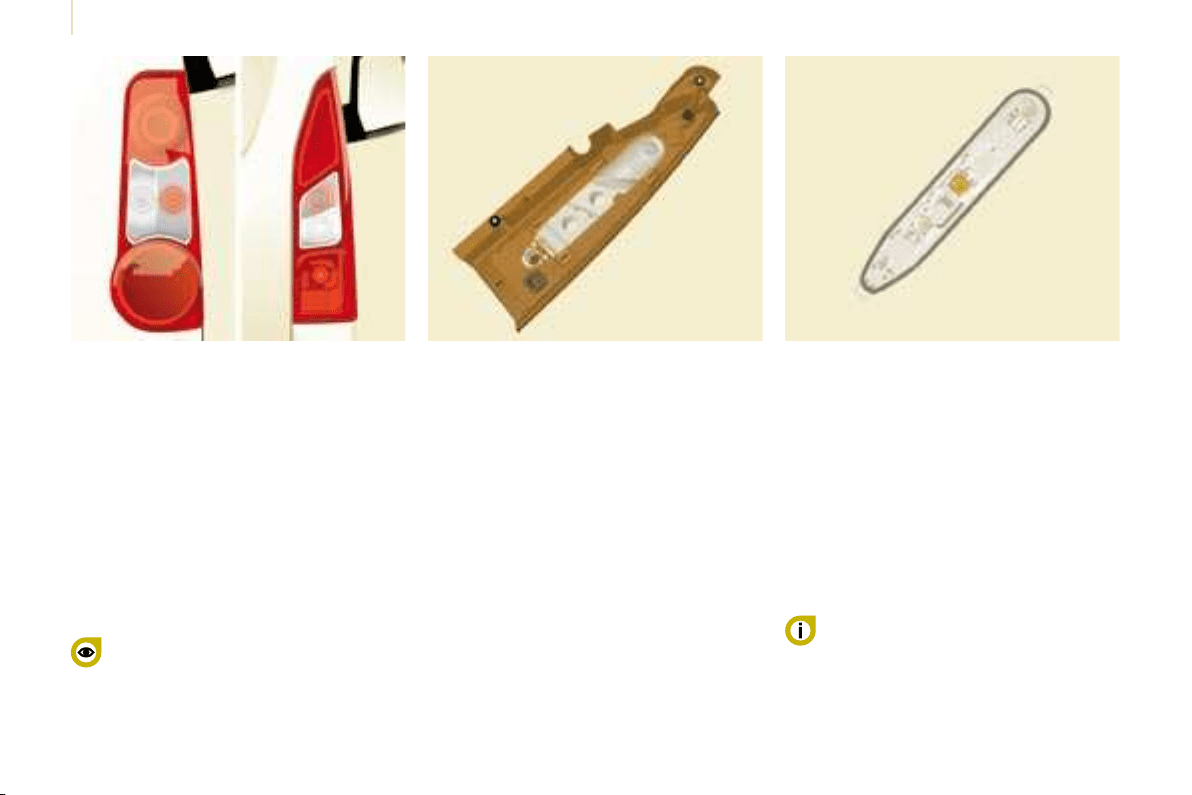
130
Changing a bulb
For further information concerning the
bulbs, refer to the "Types of bulb".
1. Brake lights/side lights
Type B, P21/5 W - 21/5 W
2. Direction indicators
Type B, PY 21 W - 21 W (amber)
3. Reversing lights
Type B, P21 W - 21 W
4. Fog lamps
Type B, P21 W - 21 W
- Identify the faulty bulb then open
the rear doors to 180°.
Refer to the "Accesses" section of
chapter 2.
- Remove the two fi xing bolts using
the screwdriver stored in the tool kit
under the right-hand seat.
- Pull the light unit from the outside.
- Holding the light, disconnect the
electrical connector.
- Move aside the 4 tabs then extract
the bulb holder.
- Remove the faulty bulb by
pressing it lightly while turning it
anticlockwise.
- Change the bulb.
When removing the light unit:
- with tailgate, pull the light unit
towards the centre of the vehicle,
- with hinged doors, pull the light unit
towards you.
When refi tting, take care to
reposition the tabs and the supply
wire correctly to avoid trapping the
wire.
After changing the rear direction
indicator bulb, the reinitialisation time is
more than approximately 2 minutes.
REAR LIGHTS
High pressure washing
When using this type of washing
on stubborn dirt, do not persist
on the headlamps, the lights and
their surround to avoid damaging their
coating and their seal.
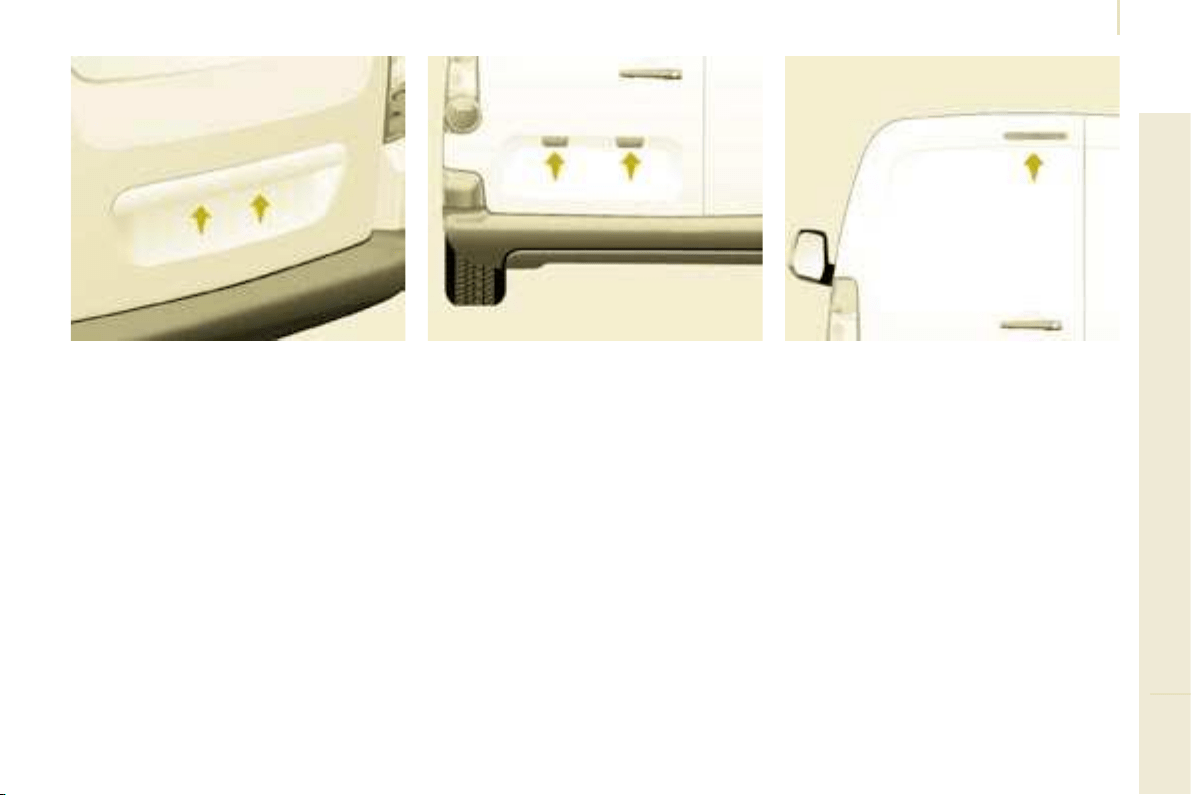
131
TROUBLESHOOTING
8
Changing a bulb
NUMBER PLATE LIGHTS
- Unscrew the two nuts.
- Push the pins.
- If necessary, disconnect the
connector to remove the light.
- Change the bulb.
With tailgate
- Move aside the plastic lens using a
screwdriver.
- Change the bulb.
- Replace the plastic lens and press
on it.
THIRD BRAKE LIGHT
Type A, W 16 W - 16 W
With hinged doors
- Unclip the interior trim.
- Disconnect the connector by
moving aside its tab.
- Turn the bulb holder a quarter turn
anticlockwise.
- Change the bulb.
- Put the bulb holder back in place
and reconnect the connector.
- Put the trim back in place.
Type A, W 5 W - 5 W
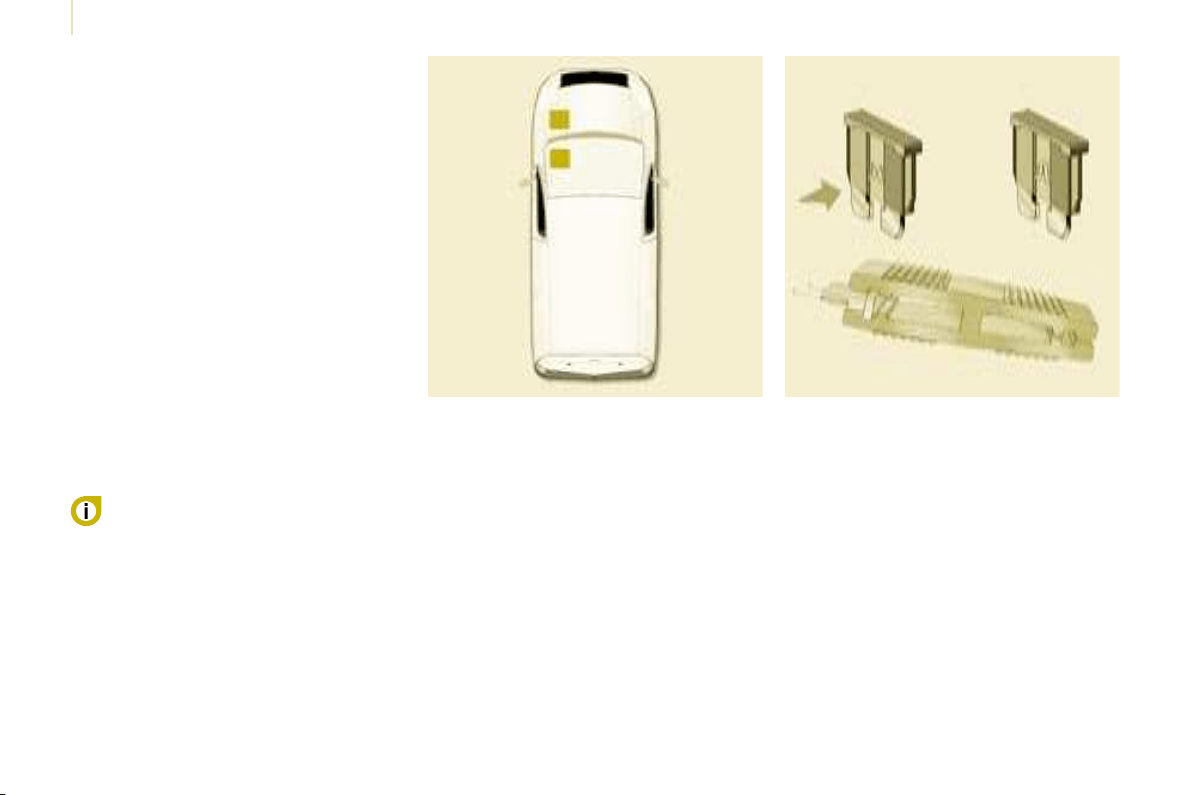
132
Changing a fuse
CHANGING A FUSE
The fuse boxes are placed:
- in the lower part of the fascia on the
left-hand side (behind the cover),
- under the bonnet (near the battery).
If fi tted on your vehicle, an additional
fuse box is used for towing, the
towbar and the connections for
the coachbuilder and platform cab
modifi cations. It is located on the right
behind the load retaining partition.
The indications communicated are only
those fuses which can be changed
by the user using the pliers and the
spare fuses, located behind the fascia
storage compartment on the right-
hand side. For any other work, visit a
CITROËN dealer.
Removing and fitting a fuse
Always replace a faulty fuse with a
fuse of the same rating.
CITROËN will not accept responsibility
for the cost incurred in repairing
your vehicle or for rectifying the
malfunctions resulting from the
installation of accessories not
supplied and not recommended by the
CITROËN network and not installed
in accordance with its instructions,
in particular when the combined
consumption of all of the additional
equipment connected exceeds
10 milliamperes.
For professionals: for complete
information concerning the fuses
and relays, consult the "Methods"
diagram via the Network.
Before replacing a fuse, the cause
of the incident must be found and
rectifi ed.
- Use the pliers.
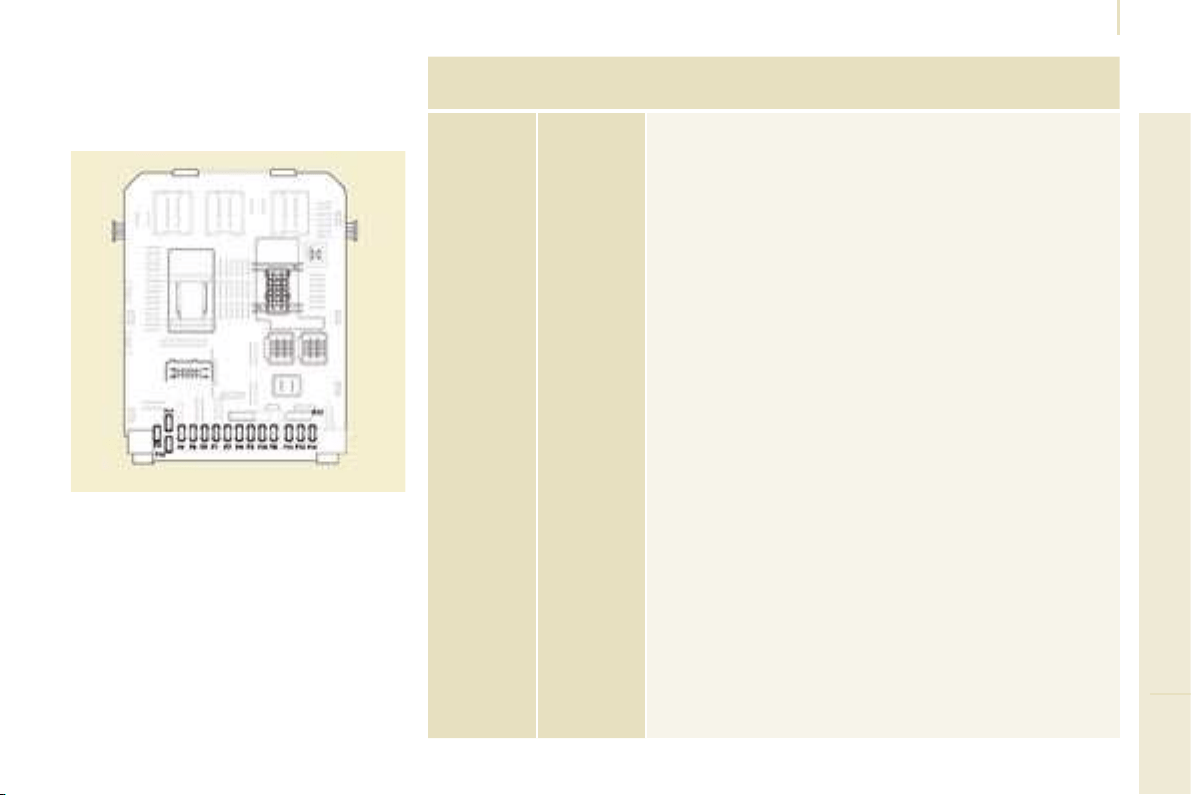
133
TROUBLESHOOTING
8
Changing a fuse
FASCIA FUSES
Tilt the cover to gain access to the
fuses.
Fuses
F
Amperes
A
Allocation
1 15 Rear wiper
2 - Spare
3 5 Air bag
4 10
Air conditioning, diagnostic socket, mirror control,
headlamp beam
5 30 Electric windows
6 30 Locks
7 5
Rear courtesy light, front map reading light,
roof console
8 20
Audio equipment, CD changer, display,
tyre under-infl ation detection, alarm and siren
9 30 Front and rear 12 V socket
10 15 Central column
11 15 Low current ignition switch
12 15 Rain and brightness sensor, air bag
13 5 Instrument panel
14 15
Parking assistance, automatic air conditioning
controls, hands-free kit
15 30 Locks
16 - Spare
17 40 Rear screen/mirrors de-icing
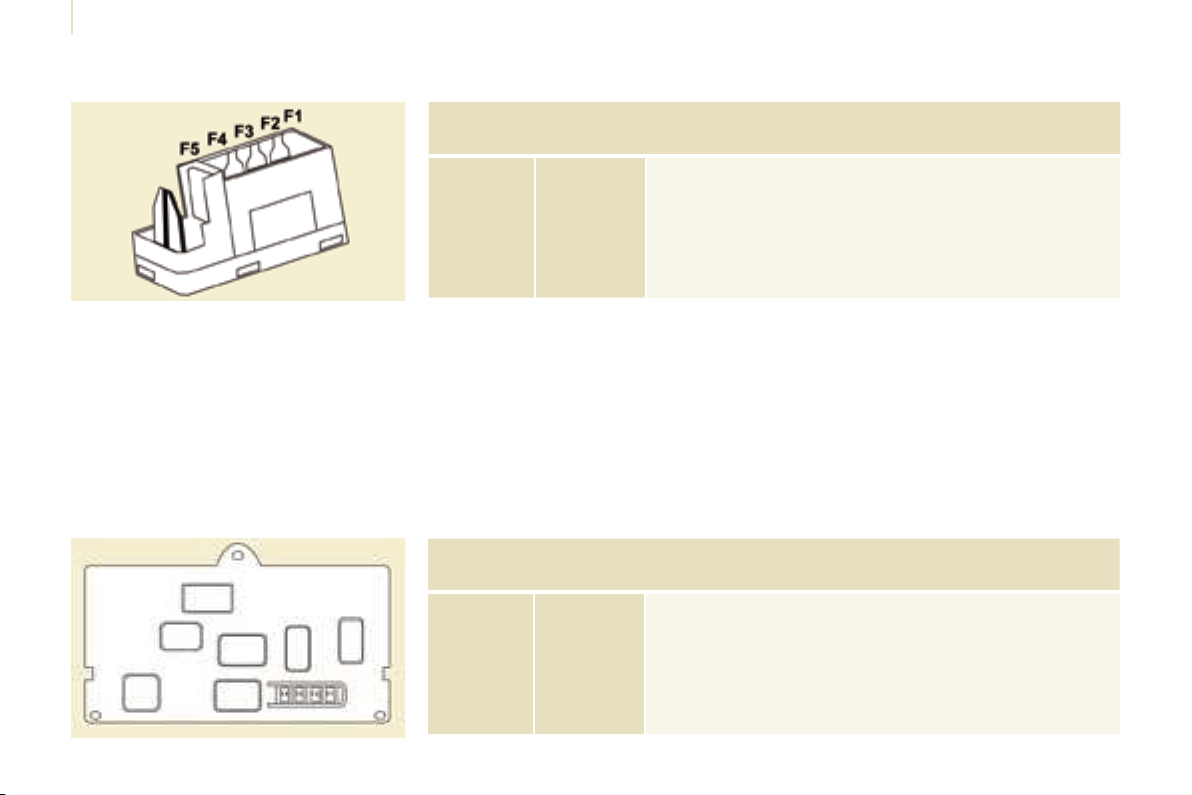
134
Changing a fuse
PASSENGER COMPARTMENT FUSES
Fuses
F
Amperes
A
Allocation
1 - Spare
2 20 Heated seats
3 - Spare
4 15 Folding mirrors relay
5 15 Refrigeration equipment socket relay
TOWING/TOWBAR/
COACHBUILDERS/PLATFORM
CAB FUSES
The designations communicated are
an indication only as this additional
box relates to other information which
depends on the modifi er-coachbuilder
for which the handbook cannot be
used as a technical support.
Fuses
F
Amperes
A
Allocation
1 15 Spare
2 15 Ignition, generator operating relay
3 15 Trailer 12 V supply
4 15 Permanent supply for the modifi ers
5 40 Hazard warning lights
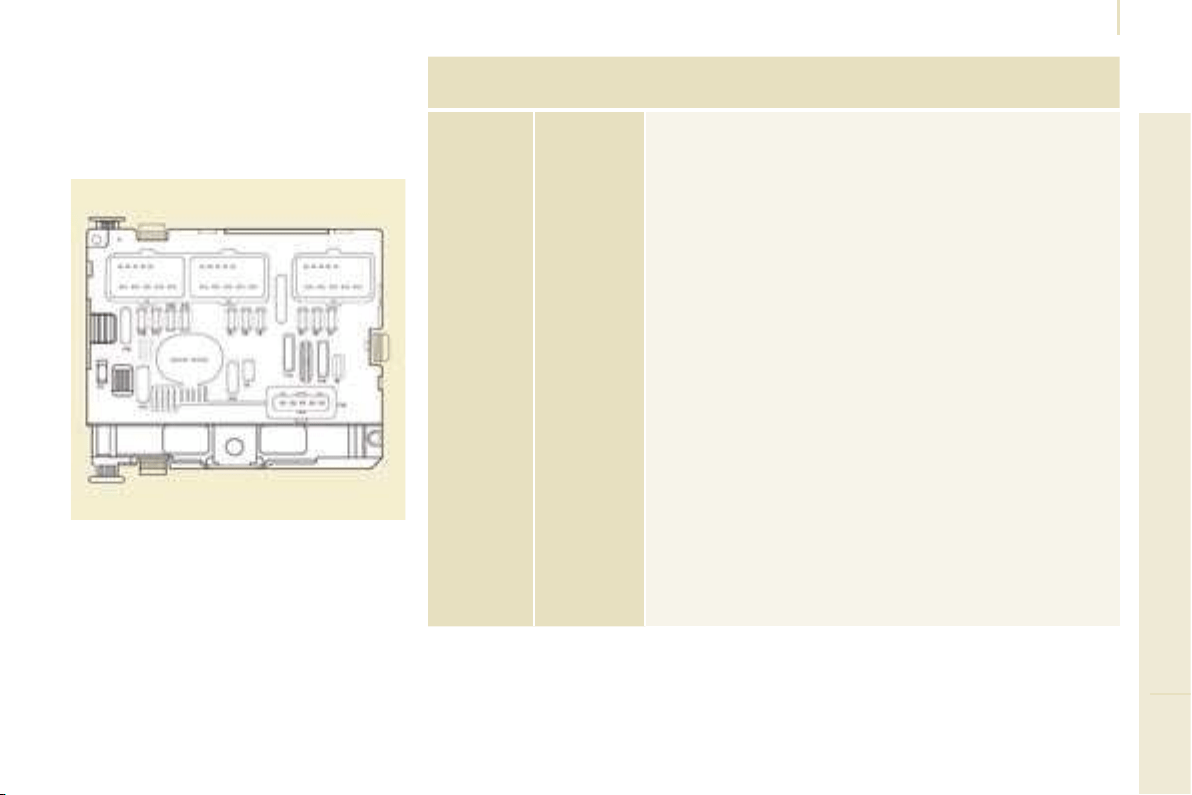
135
TROUBLESHOOTING
8
Changing a fuse
FUSES UNDER THE BONNET
After opening the bonnet, unclip and tilt
the box to gain access to the fuses.
Fuses
F
Amperes
A
Allocation
1 20 Engine management
2 15 Horn
3 10 Front and rear wash-wipe pump
4 20 Headlamp wash pump
5 15 Engine components
6 10 Steering wheel angle sensor, ESP
7 10 Brake switch, clutch switch
8 25 Starter
9 10
Headlamp beam motor,
parc management unit
10 30 Engine components
11 40 Spare
12 30 Wipers
13 40 Built-in systems interface
14 30 Pump
15 10 Right-hand main beam headlamp
16 10 Left-hand main beam headlamp
17 15 Right-hand dipped headlamp
18 15 Left-hand dipped headlamp
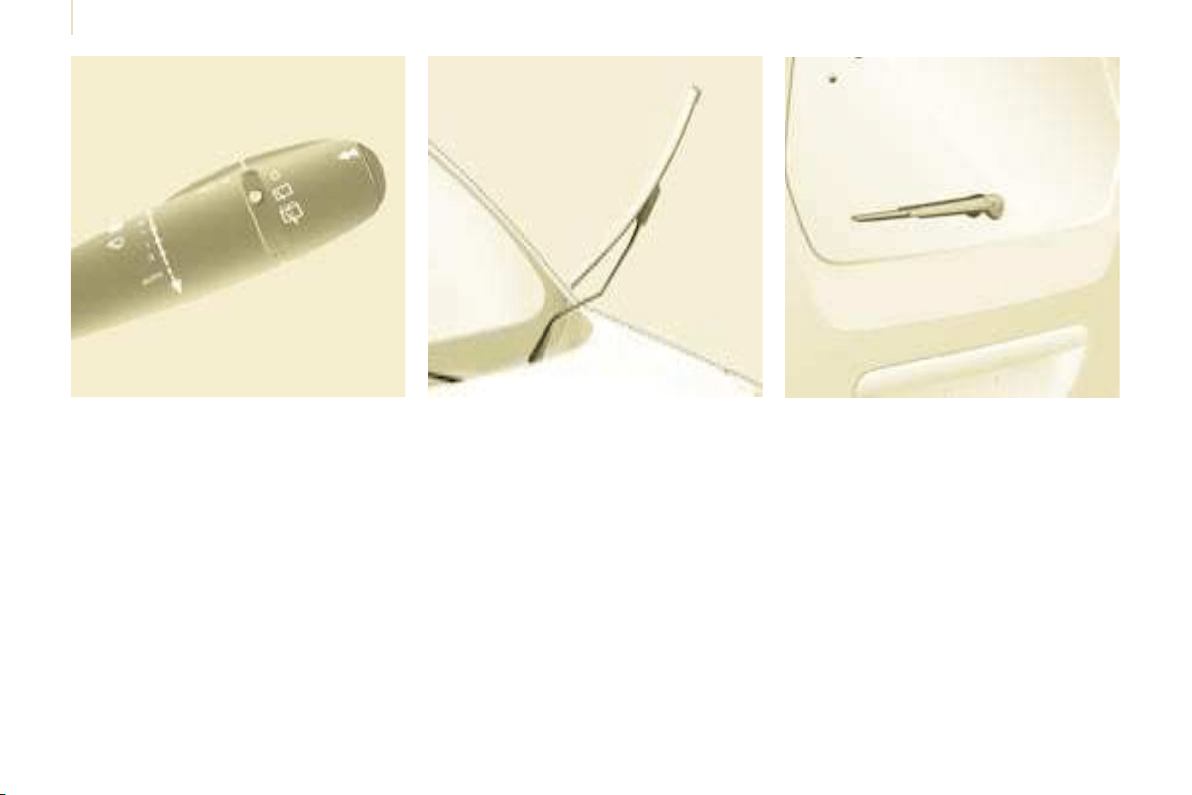
136
Changing a wiper blade
Placing the wiper blades in the
special position
- Less than a minute after switching
off the ignition, press the wipers
stalk downwards to position the
wiper blades along the windscreen
uprights (special position).
Changing a front wiper blade
- Lift the wiper arm.
- Unclip the blade and remove it.
- Fit the new blade.
- Push back the wiper arm.
To return the windscreen wipers to their
normal position, switch on the ignition
and operate the wipers stalk.
Changing the rear wiper blade
- Lift the wiper arm, then unclip the
blade and remove it.
- Fit the new blade and push back
the wiper arm.
CHANGING A WINDSCREEN WIPER BLADE
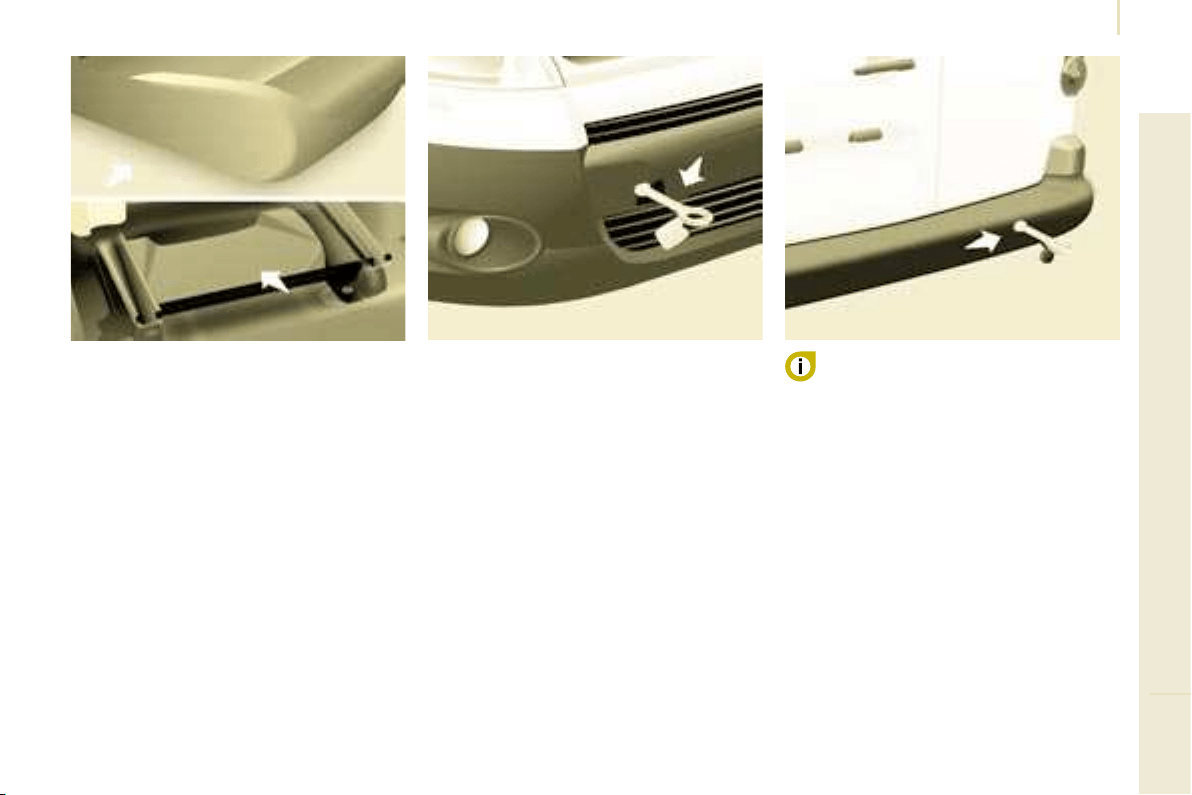
137
TROUBLESHOOTING
8
Having your vehicle towed
Without lifting
(4 wheels on the road)
You should always use a towbar.
BEING TOWED
From the front
- Unclip the cover by pressing the
bottom part.
- Screw in the removable towing eye
until it locks.
From the rear
- Unclip the cover using a coin or the
fl at part of the towing eye,
- Screw in the removable towing eye
until it locks.
When towing with the engine
switched off, there is no braking or
steering assistance.
In the case of vehicles fi tted with a
manual gearbox, the gear lever must
be in neutral, failure to observe this
special condition may result in damage
to certain braking components and the
absence of braking assistance when
the engine is started again.
Lifting (2 wheels on the road only)
It is preferable to raise the vehicle
using professional lifting equipment.
The towing eye is stored in the tool kit,
located under the right-hand seat.
Vehicles fitted with a manual
gearbox (diesel version)
In the case of vehicles fi tted with a
manual gearbox, the gear lever must
be in the neutral position, failure to
observe this special condition may
result in damage to certain braking
components and the absence of
braking assistance when the engine is
started again.

138
Dimensions
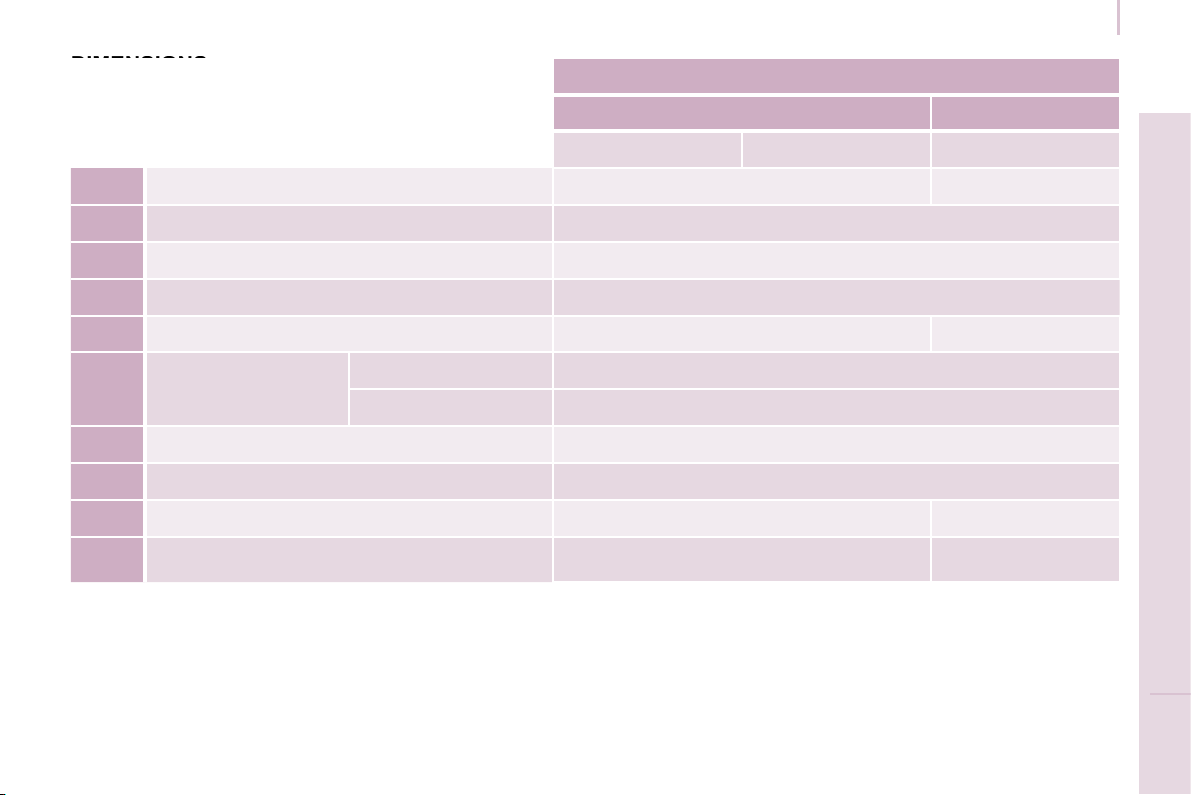
139
Dimensions
TECHNICAL DATA
9
VAN (mm)
Short - L1 Long - L2
625 850 750
L Overall length 4 380 4 628
H Overall height 1 805-1 834
A Wheelbase 2 728
B Front overhang 925
C Rear overhang 727 975
D Width over panels:
without mirrors 1 810
with mirrors 2 112
E Width of front tracks 1 505
F Width of rear tracks 1 554
G Useful length of rear fl oor 1 800 2 050
I Useful length with front passenger seat folded 3 000 3 250
DIMENSIONS
DIMENSIONS
The vehicle is available in 2 lengths (L1 and L2),
refer to the tables:
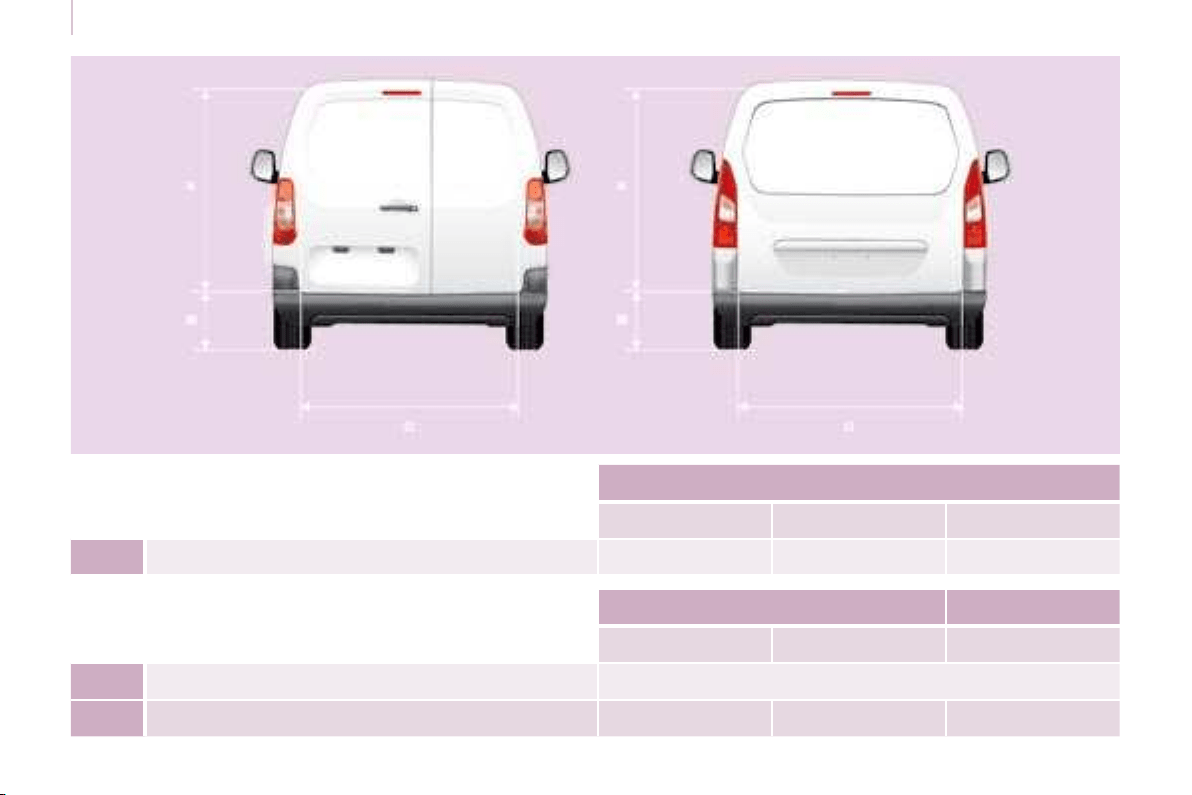
140
Dimensions
REAR DOORS (mm)
L1 - 625 L1 - 850 L2
M Maximum threshold with 195/65 R15 tyre 584 609 612
Hinged doors Tailgate
Small Large
N Useful opening height (under panel) 1 148 1 313
O Width 495 543 1 582
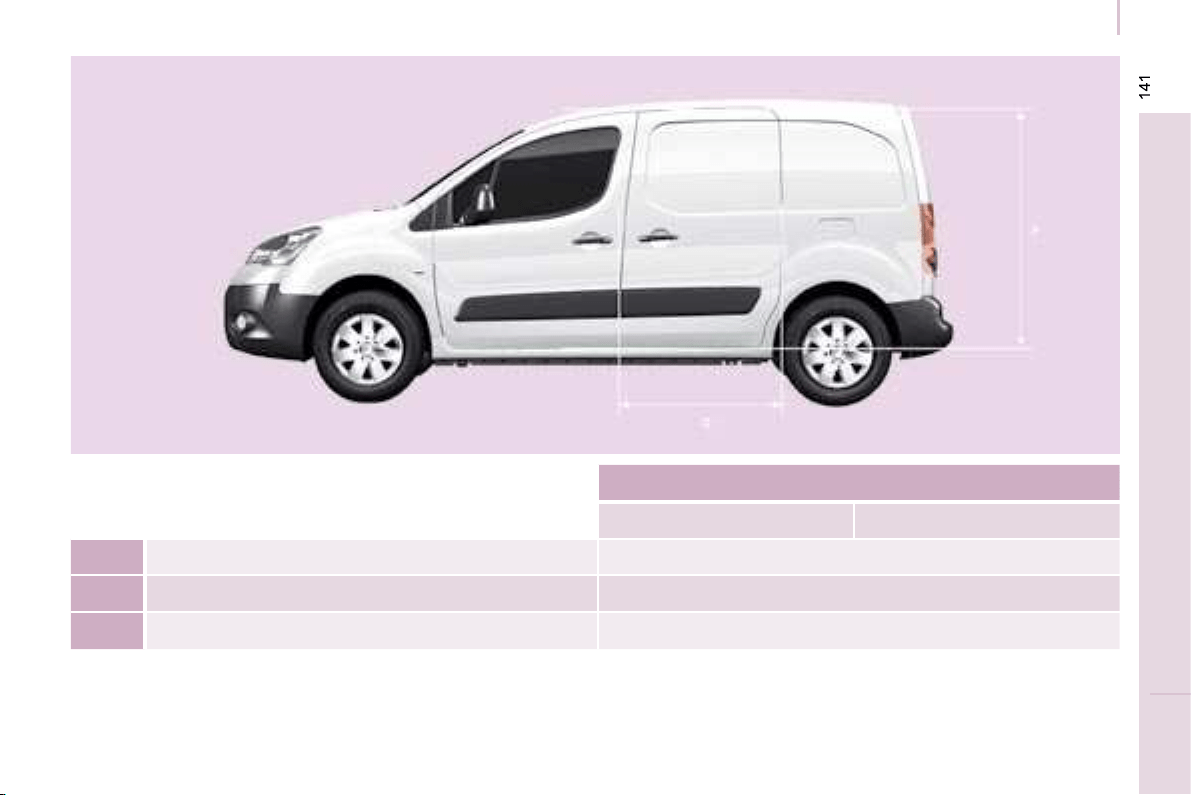
Dimensions
TECHNICAL DATA
9
SLIDING SIDE DOOR (mm)
L1 L2
P Useful height 1 100
Q Useful width 650
- Height under raised tailgate 1 892
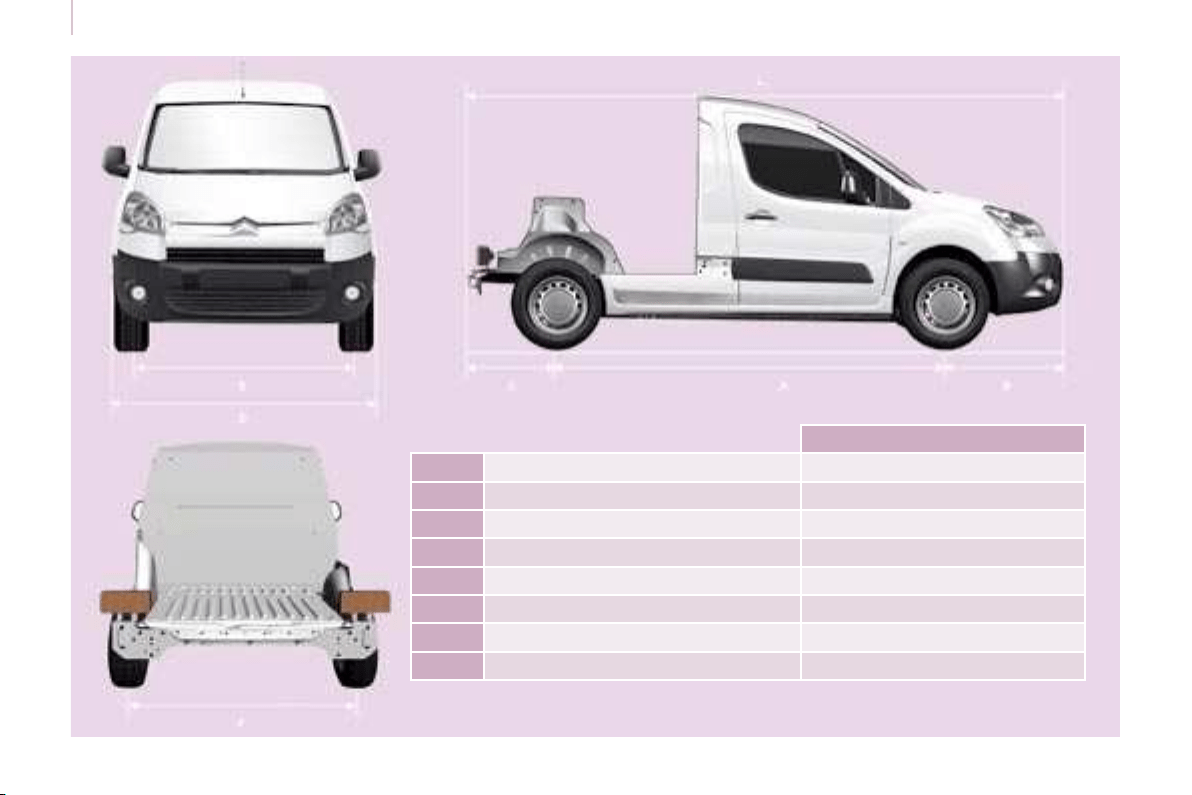
142
Dimensions
PLATFORM CAB (mm)
L Overall length 4 237
H Overall height 1 821-1 822
A Wheelbase 2 728
B Front overhang 925
C Rear overhang 584
D Width over panels (without mirrors) 1 810
E Width of front tracks 1 505
F Width of rear tracks 1 554

143
TECHNICAL DATA
9
Weights
WEIGHTS AND TOWED LOADS (KG)
General points
The GTW and towed load values
indicated are valid up to a maximum
altitude of 1 000 metres; the towed
load mentioned must be reduced by
10 % for each additional 1 000 metres.
GTW: gross train weight
GVW: gross vehicle weight
MOM: kerb weight
CVA: vertical load on the towbar
The speed of a towing vehicle must not
exceed 50 mph (80 km/h) (comply with
the legislation in force in your country).
The braked towed weight with load
transfer can be increased on condition
that the equivalent of this load is
removed from the vehicle so that the
GTW is not exceeded. Warning: towing
using a lightly loaded towing vehicle
may have an adverse effect on its road
holding.
High exterior temperatures may result
in a reduction in the performance of the
vehicle in order to protect the engine;
when the exterior temperature is higher
than 37 °C, limit the towed weight.
The kerb weight is equal to the weight
without load + driver (75 kg) + fuel tank
fi lled to 90 %.
For further information, consult your
registration certifi cate.
In each country, it is imperative that
the towed loads authorised by local
legislation are complied with. To fi nd
out your vehicle’s towing capacities
and its gross train weight, consult a
CITROËN dealer.
144
Weights
Weights Model codes
Number
of seats
Engine GTW GVW MOM CVA Body type
Engine
code
Gearbox
Van
L1 -
625 kg
2
1.6 Petrol 90
2 935 1 960 1 413 40
7A
NFR
C 1.6 HDi 75 2 935 1 960 1 411 40 9HT
1.6 HDi 90 3 135 1 960 1 411 50 9HX
3
1.6 Petrol 90
2 955 1 980 1 430 40
7B
NFR
C 1.6 HDi 75 2 955 1 980 1 429 40 9HT
1.6 HDi 90 3 105 1 980 1 429 50 9HX
L1 -
850 kg
2
1.6 Petrol 90
2 935 2 185 1 413 30
7C
NFR
C 1.6 HDi 75 2 935 2 185 1 411 30 9HT
1.6 HDi 90 3 135 2 185 1 411 40 9HX
3
1.6 Petrol 90
2 955 2 205 1 430 30
7D
NFR
C 1.6 HDi 75 2 955 2 205 1 429 30 9HT
1.6 HDi 90 3 105 2 205 1 429 40 9HX
L2 -
750 kg
2 1.6 HDi 90 3 130 2 130 1 459 40 7E 9HX C
3 1.6 HDi 90 3 100 2 150 1 476 40 7F 9HX C
Platform
cab
L1 -
1 000 kg
2 1.6 HDi 90 3 127 2 227 1 302 40 7G 9HX C
145
TECHNICAL DATA
9
Diesel - Petrol engines
ENGINES AND GEARBOXES
Petrol Diesel
TVV NFR 9HT 9HX
Name 1.6 PETROL 1.6 HDi 1.6 HDi
Power (bhp) 90 75 90
EU standard maximum power (kW/DIN) 66 55.2 66.2
Engine speed (rpm) 5 800 4 000 4 000
Cubic capacity (cm
3
) 1 587 1 560 1 560
Gearbox - manual 5 5 5
Bore x stroke (mm) 78.5 x 82 75 x 88.3 75 x 88.3
EU standard max torque (Nm) 132 185 215
Max power engine speed (rpm) 2 500 1 750 1 750
Fuel Unleaded Diesel
Catalytic converter Yes Yes Yes
146
Diesel - Petrol engines
Consumption values correct at time of printing. These consumption values were established in accordance with Directive
80/1268/CEE. They may vary depending on the style of driving, traffi c conditions, weather conditions, the load in the
vehicle, the maintenance of the vehicle and the use of the accessories.
CONSUMPTION
Petrol Diesel
TVV NFR 9HT 9HX
Name 1.6 Petrol 1.6 HDi 1.6 HDi
Body type Short - L1 Short - L1 Short - L1 Long - L2
Platform
cab
kg 625 850 625 850 625 850 750 1 000
Urban driving [mpg (l/100 km)]
26.2
(10.8)
26.2
(10.8)
40.4
(7.0)
40.4
(7.0)
40.4
(7.0)
40.4
(7.0)
40.4
(7.0)
37.7
(7.6)
Inter-urban driving [mpg (l/100 km)]
41.5
(6.8)
41.5
(6.8)
55.4
(5.1)
55.4
(5.1).
55.4
(5.1)
55.4
(5.1)
55.4
(5.1)
48.7
(5.8)
Mixed driving [mpg (l/100 km)]
34.4
(8.2)
34.4
(8.2)
48.7
(5.8)
48.7
(5.8)
48.7
(5.8)
48.7
(5.8)
48.7
(5.8)
43.5
(6.5)
Emission of CO
2
by weight (g/km) 195 195 153 153 153 153 153 173
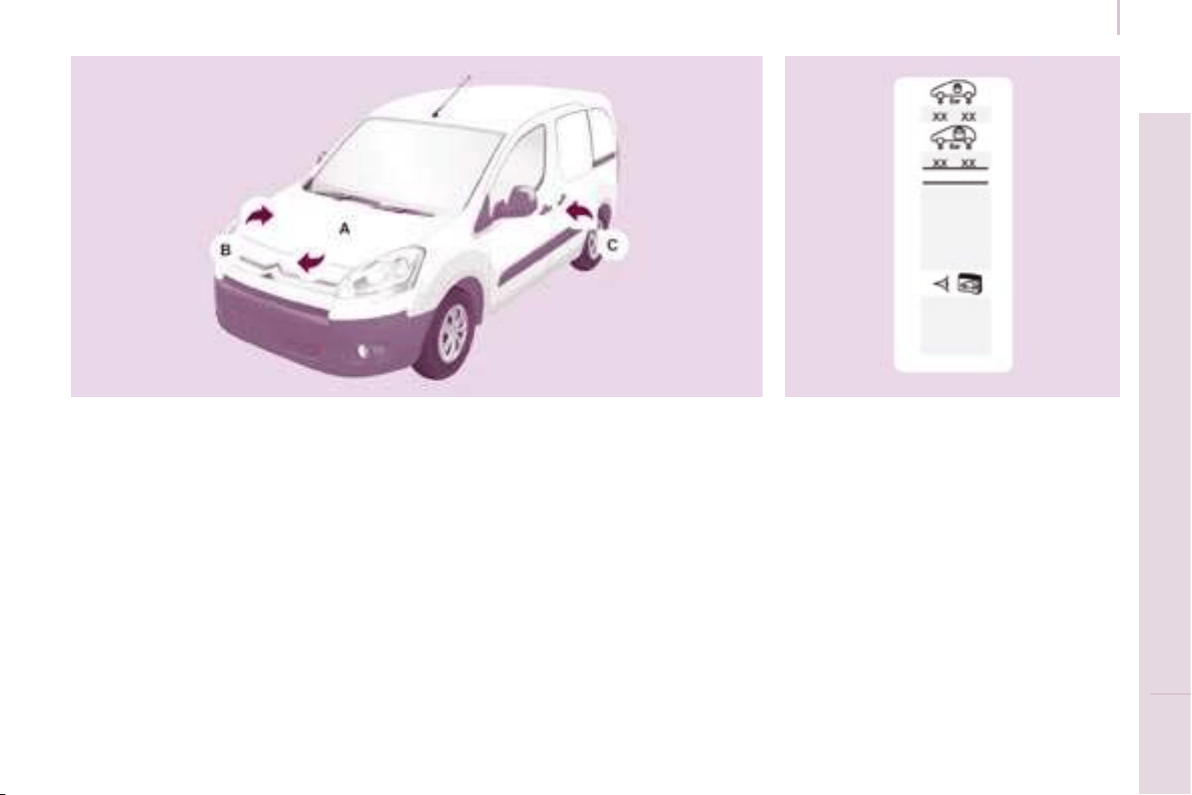
147
TECHNICAL DATA
9
Identification features
IDENTIFICATION FEATURES
A. Manufacturer’s plate. C. Tyres and paint colour reference. B. Serial number.
This is located on the engine mounting,
on the right-hand side.
1 - VF Type serial number.
2 - Gross vehicle weight (GVW).
3 - Gross train weight (GTW).
4.1 - Maximum weight on front axle.
4.2 - Maximum weight on rear axle.
This is engraved on the front right
wheelarch.
The label C , on the front door gives:
- the wheel and tyre sizes,
- the brands of tyres approved by the
manufacturer,
- the tyre pressures (the tyre
pressure must be checked when
the tyre is cold, at least once a
month),
- the paint colour reference.