

6. Maintenance and Troubleshooting
6.1 Battery Replacement
- A low battery icon will appear on the display when batteries need replacement.
- Always use fresh, high-quality batteries.
- Remove batteries if the device will not be used for an extended period.
6.2 Cleaning
Wipe the display and sensor with a soft, dry cloth. Do not use chemicals or abrasive cleaners.
6.3 Common Issues
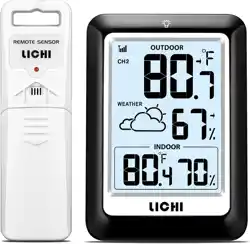
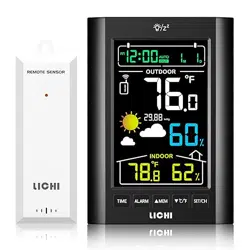
- No outdoor reading: Check sensor batteries. Ensure the sensor is within range and there are no new obstructions. Try re-syncing by removing and reinserting batteries in both units.
- Inaccurate readings: Verify the sensor is not placed near a heat source or in direct sunlight.
- Backlight not working: Ensure the unit is powered. If using USB power, check the cable connection.