
You can
f
ind
y
our handbook on the PE
UG
E
OT
website, under
"P
ersona
l
space
"
.
Re
f
errin
g
to the handbook on-line also
g
ives
y
ou access to the
latest in
f
ormation available, easil
y
identi
f
ied b
y
the bookmark,
associated with this s
y
mbol:
I
f
the "Personal space"
f
unction is not available on the PEU
G
E
OT
public website for
y
our countr
y
,
y
ou can find
y
our handbook at the
f
ollowing address:
http://public.servicebox.peu
g
eot.com
The Vehicle documentation link in the home pa
g
e
(
no re
g
istration is
n
eeded
)
,
the lan
g
ua
g
e,
the vehicle, its bod
y
st
y
le,
the print edition of
y
our handbook appropriate for the date of re
g
istration of
y
our vehicle.
Please note the
f
ollowin
g
point: the
f
ittin
g
o
f
electrical
e
quipment or accessories which are not recommended b
y
P
EU
G
E
O
T ma
y
result in a
f
ailure o
f
y
our vehicle's electronic
sy
stem. Please note this specific warnin
g
. It is advisable to
c
ontact a PEU
G
E
O
T dealer to be shown the recommended
e
quipment and accessories.
S
elect:
You have access to
y
our handbook on line, to
g
ether with the latest
in
f
ormation, identi
f
ied b
y
the s
y
mbol:
1
This new vehicle has been designed to satisfy all your
requirements in terms of practicality, comfort, safety
and aesthetics. In order to get the most out of your
vehicle, we suggest that you take a tour, from the
cab to the load space, with the "Handbook" in front
of you. The handbook presents the operation of the
equipment available on board in detail.
WELCOME
Your vehicle is fi tted with only some of the equipment
described in this document, depending on its trim level,
version and the specifi cation for the country in which it
was sold.
Please note the following point: the fi tting of electrical
equipment or accessories which are not recommended
by PEUGEOT may result in a failure of your vehicle's
electronic system. Please note this specifi c warning. It is
advisable to contact a PEUGEOT dealer to be shown the
recommended equipment and accessories.
PEUGEOT thanks you for your confi dence and wishes
you very happy motoring.
For any work on your vehicle, use a qualifi ed workshop
that has the technical information, competence and
equipment required, which a PEUGEOT dealer is able to
provide.

2
Contents
K
e
y
1
7
Re
m
o
t
e
co
ntr
o
l
1
7
D
oo
r
s
2
0
R
ear roof fl a
p
2
4
Tail
g
ate
2
5
C
entral lockin
g
2
6
Instrument
p
anel
2
7
Ad
j
ustin
g
the time
2
8
W
arnin
g
lamps
2
9
Fuel
g
au
g
e
3
5
C
oolant
3
5
T
y
re under-in
fl
ation
detection
3
6
S
ervice indicator
3
7
L
i
g
htin
g
dimmer
3
8
G
earbox
3
9
G
ear shi
f
t indicator
3
9
6
-speed electronic
g
earbox 4
0
S
teerin
g
wheel
a
d
j
ustment 4
2
S
to
p
& Start 4
3
S
tartin
g
and stoppin
g
4
6
H
ill
s
t
a
rt
ass
i
s
t 4
7
Li
g
htin
g
co
ntr
ol
4
8
wipers
5
1
C
ruise control
5
3
S
peed limiter
5
6
H
eatin
g
/
Air conditionin
g
manual
5
9
di
g
ital 6
1
D
emistin
g
and
defrostin
g
6
3
Front seats 6
5
Individual passenger seat
6
t
6
M
ulti-Flex bench seat
6
7
C
on
fi
g
urations 6
9
Front
fi
ttin
g
s
7
0
C
ourtes
y
lamps
7
2
C
rew cab
7
3
Load space
7
5
Roo
f
ba
r
s
7
7
Mi
rr
o
r
s
7
8
Toll cards
/
car park tickets
7
9
E
lectric windows
8
0
Pr
ese
nt
a
ti
o
n
4
E
xt
e
r
io
r
6
In
s
tr
u
m
e
nt
s
a
n
d
co
ntr
o
l
s
8
C
entre console
9
S
ittin
g
com
f
ortabl
y
1
0
S
eein
g
clearl
y
1
1
Drivin
g
safel
y
1
1
C
ab space
1
2
Load space
1
3
Ve
ntil
a
ti
o
n
1
4
Eco-drivin
g
1
5
H
azard warnin
g
lamps
8
1
Parkin
g
brake
8
1
Parkin
g
sensors
8
2
A
nti-lock brakin
g
s
y
stem
(
ABS
)
8
4
E
mer
g
enc
y
b
ra
ki
n
g
ass
i
s
t
a
n
ce
8
4
AS
R and D
SC
8
5
"
G
rip control"
8
6
Sea
t
be
lt
s
8
9
A
irba
g
s
9
1
D
eact
i
vat
i
n
g
the passen
g
er's airba
g
9
4
C
hild seats
9
5
R
ecommended seats
9
9
In
s
t
a
ll
a
ti
o
n
10
0
2
. READY to SET OFF
17
-
47
4
. SAFETY
81-10
1
1
. FAMILIARISATION
4-1
6
3
. EASE OF USE and
COMFORT 48-8
0

3
Contents
CONTENT
S
E
mer
g
enc
y
or ass
i
stanc
e
9
.
1
P
eu
g
eot
C
onnect
Navi
g
ation
(
RT6
)
9
.
3
Peu
g
eot
C
onnect
S
oun
d
9.6
3
Towin
g
a trailer 1
0
2
O
ther accessories 1
0
3
Trade ran
g
e
10
3
Telematic unit 1
0
4
O
penin
g
the bonnet 1
0
6
Petrol en
g
ine 1
0
7
Diesel en
g
ine
10
8
Levels 1
0
9
C
hecks 1
1
1
F
ue
l
11
3
F
ue
l
cu
t-
o
ff 1
1
4
Diesel primin
g
pump 1
1
4
B
atter
y
11
5
C
han
g
in
g
a wheel 1
1
7
Re
m
o
v
able
s
n
o
w
sc
r
een
12
1
S
n
o
w
c
h
a
in
s
1
2
2
C
han
g
in
g
a bulb 1
2
3
a
fuse
1
2
8
a
wiper blade
13
2
B
ein
g
towed 1
3
3
Dimensions 1
3
4
W
ei
g
hts
13
9
Identifi cation markin
g
s 14
0
E
xt
e
ri
o
r 14
1
I
n
s
tr
u
m
e
nt
s
a
n
d
co
ntr
ols
14
2
Int
e
ri
o
r
1
44
T
ec
hni
ca
l
da
t
a
-
Ma
int
e
n
a
n
ce
14
5
9
. TECHNOLOGY on
BOAR
D
5. ACCESSORIE
S
102-10
4
7. QUICK HELP
115-13
3
10. VISUAL SEARCH
141-14
8
6. CHECK
S
105-11
4
8
.
T
ECHNICAL DATA
134-140
WIP: World In PEUGEOT
is the name given to all of
the new equipment of the
radio/navigation range.
The "Technology on board"
section presents the new
radio/navigation systems.
The "Visual Search" section
assists you in fi nding the
controls and functions
and their associated page
numbers on the schematic
outlines of the vehicle
(visual index).

PRE
S
ENTATION
Within the chapters, symbols draw your attention to specifi c
information:
This handbook has been designed to familiarise you with
your new vehicle from the moment you get behind the
wheel and to describe the operating features.
Reading the handbook is made easy with the content
consisting of 10 identifi ed chapters, which can be located
by means of a colour code specifi c to each one. Its
sections cover, by subject, all of the functions of the
vehicle in its most complete specifi cation.
Chapter 8 gives all of the technical data relating to your
vehicle. At the end of the document, diagrams of the
outside and inside of the vehicle will assist you in locating
equipment or functions and page numbers refer you to
the relevant section of the handbook.
directs you to the chapter and section which contains
detailed information concerning a function,
indicates important information relating to use of the
equipment,
alerts you to the safety of individuals and equipment on
board.
4

5
2a
6
2b
5
2e
7b
2c
7a
4
2d
8
4
6
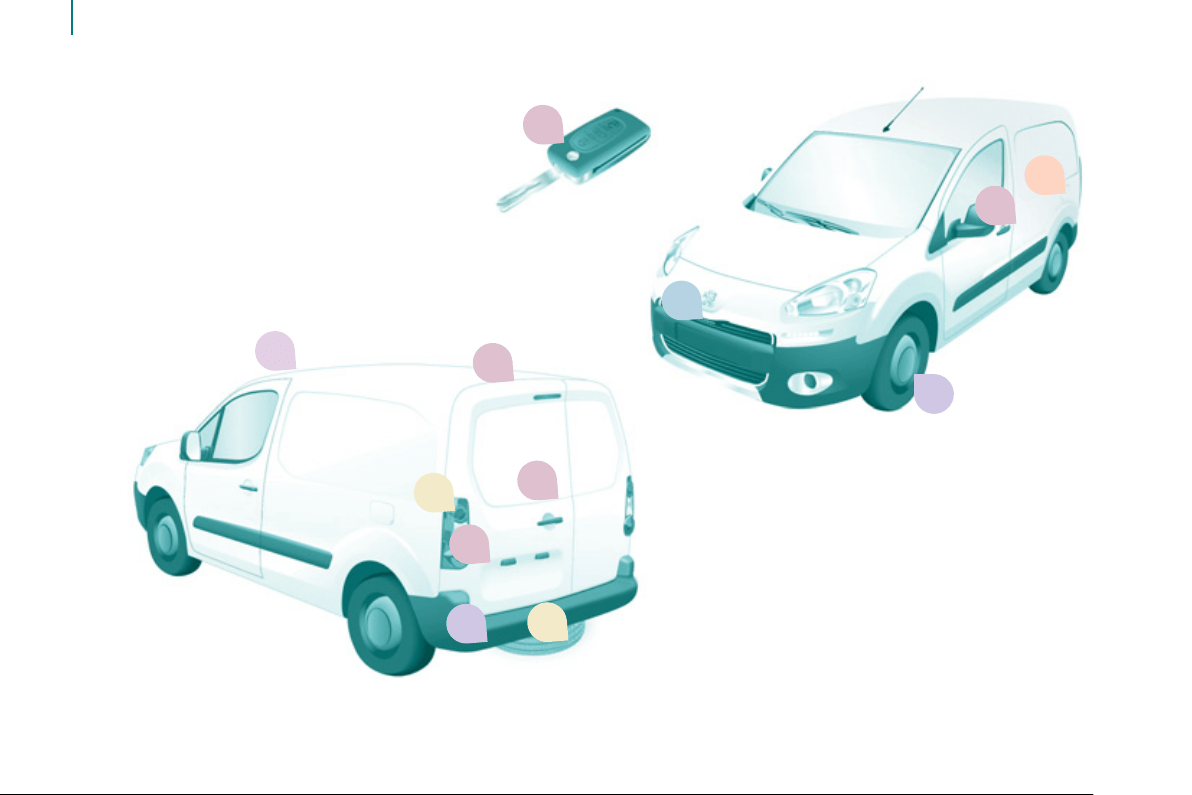
Exterior

2c
2e
2b 7a4
5
7b
2a
6
4
82d
7
1
FAMILIARISATIO
N
Exterior
17
22
25
Key
: chapter identifi cation
: page
identifi cation
82
86
Grip control Changing bulbs
123
106
Opening the bonnet
Parking sensors
Business equipment -
Accessories
103
21
Key - Remote control
Side-hinged rear doors
Sliding side door
Tailgate and rear screen
Useable dimensions
134
Spare wheel
117
24
Rear roof fl ap

8
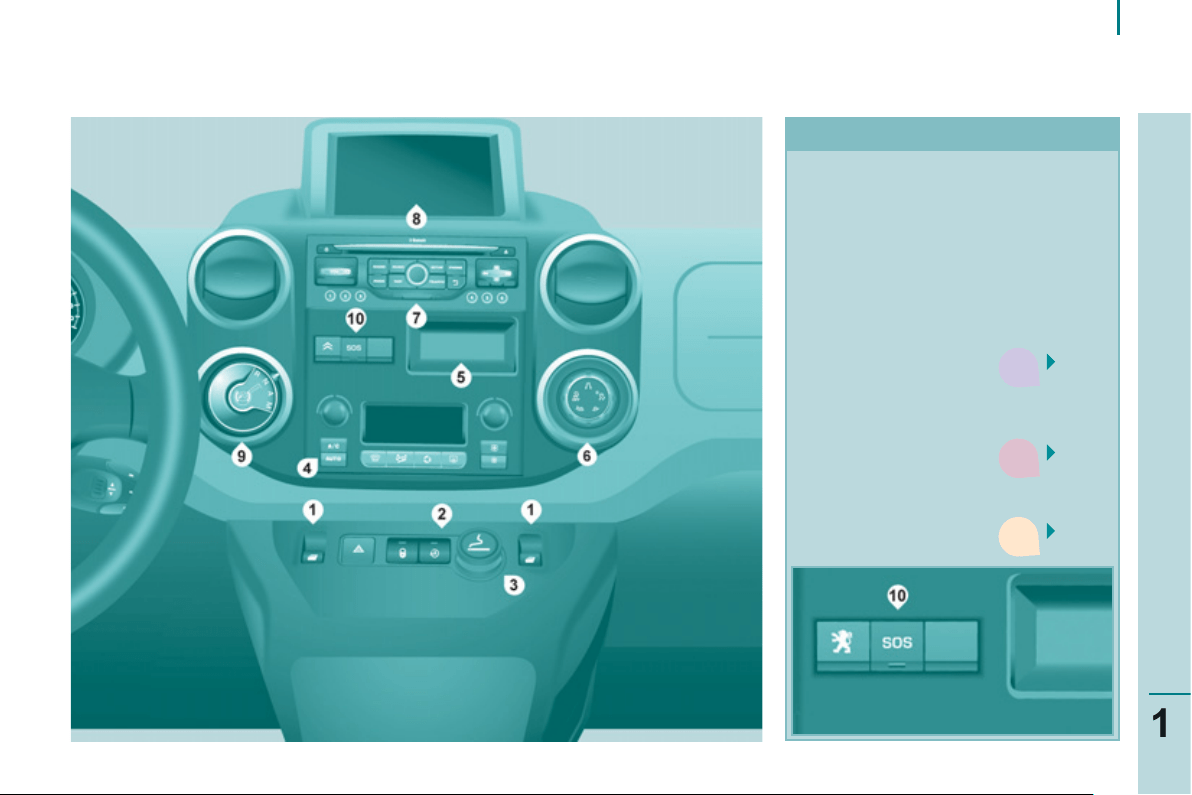
Interior
INSTRUMENTS AND CONTROLS
1. Lighting and direction indicator
control stalk.
2. Instrument panel with screen.
3. Wiper, screenwash, trip
computer control stalk.
4. Ignition.
5. Audio controls.
6. Driver's airbag, horn.
7. Steering wheel height and reach
adjustment.
8. Cruise control, speed limiter
switches.
9. Switch panel, parking sensors,
headlamp beam adjustment,
ESC, Stop & Start.
10. Bonnet release.
11. Electric door mirror adjustment.
4
2
9
9
1
FAMILIARISATIO
N
Interior
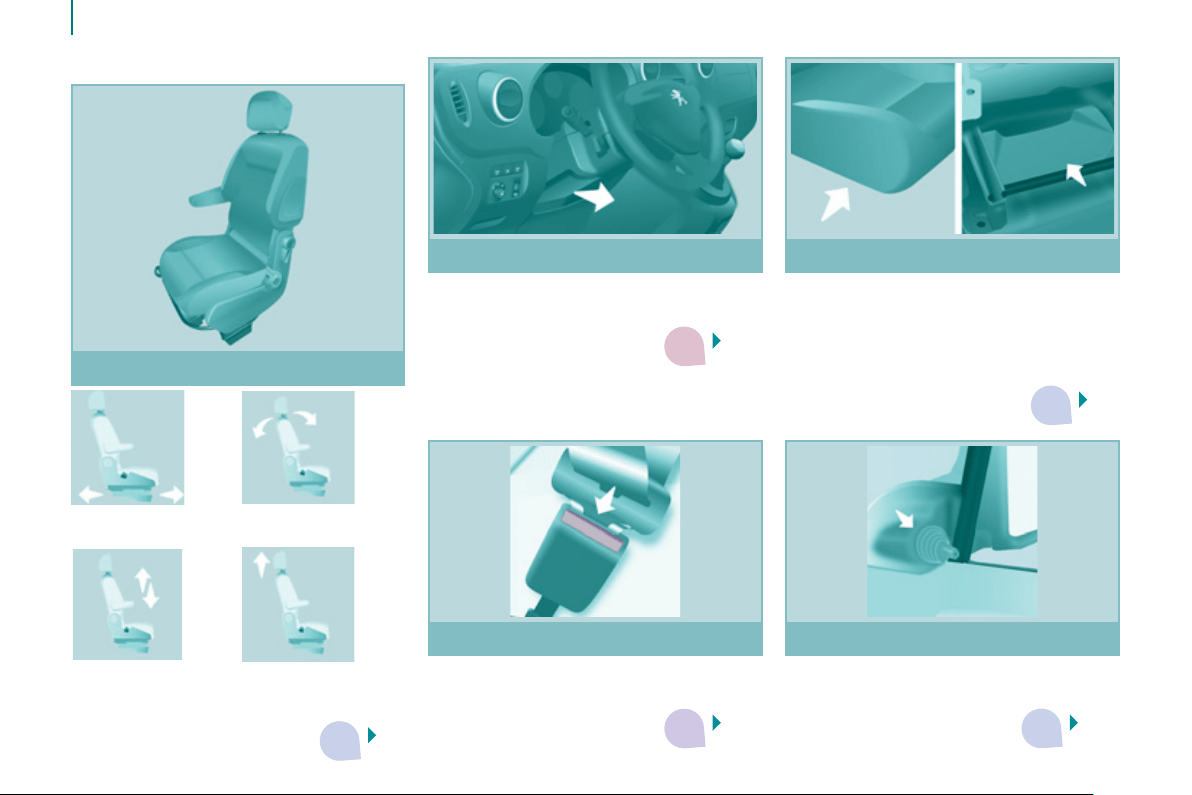
CENTRE CONSOLE
1. Switch panel: electric windows.
2. Switch panel: hazard warning
lamps, central locking
(passenger compartment, load
space).
3. Cigarette lighter.
4. Heating-ventilation controls.
5. Storage compartment.
86 6. Grip Control.
7. Audio system.
8. Screen.
40
9.1 10. Emergency or
assistance call.
9. Electronic
gearbox gear
selector
3
4
3
2
3
10
Interior
1. Forwards-backwards
adjustment.
2. Angle.
3. Height. 4. Head restraint
height and
angle.
Driver's seat
65
71
42
78
89
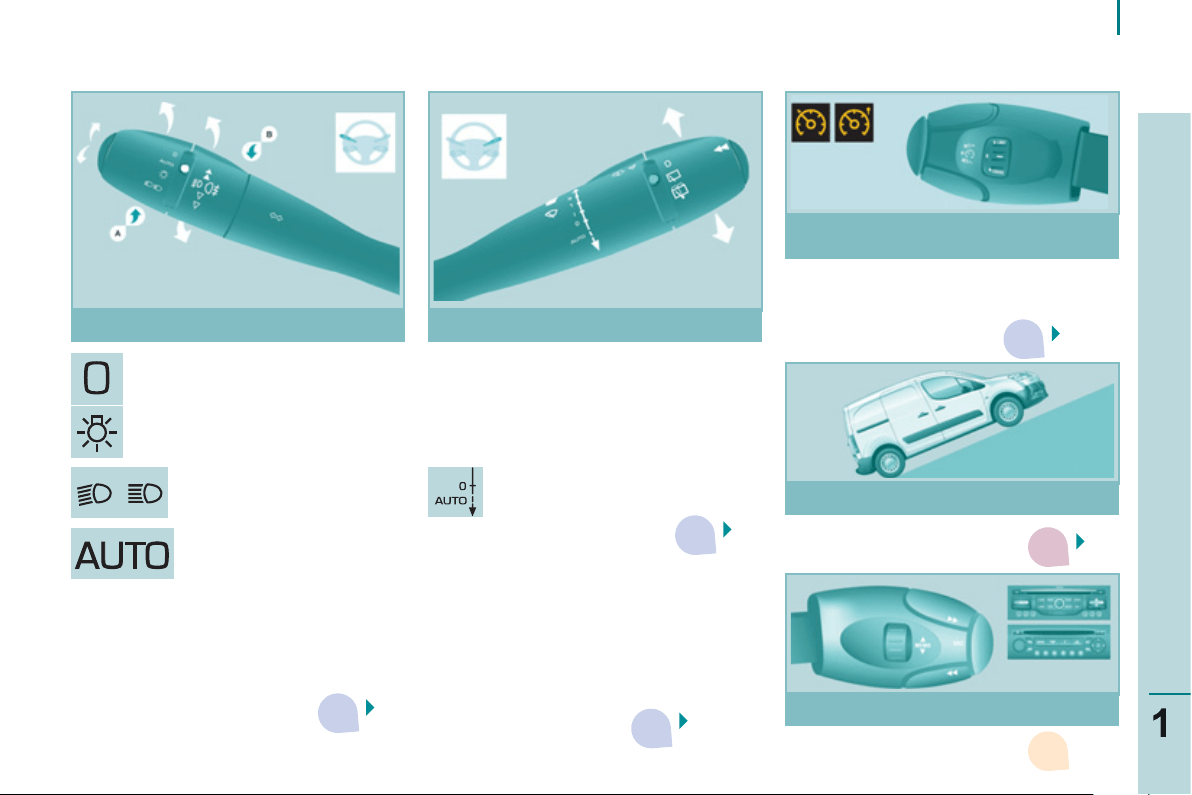
SITTING COMFORTABLY
Steering wheel
Adjust the steering wheel for height
and reach.
Storage compartments
These are placed under the front seats.
For greater ease, reach behind the seat
to access them.
The tools are stored under the left-hand
seat and can be accessed from the rear.
Seat belts
Height adjustment.
Fastening.
Mirrors
Manual adjustments.
Electric adjustments.
3
3
3
2
9
3
11
FAMILIARISATIO
N
Interior
Lighting off.
Sidelamps.
Dipped beam headlamps
(green).
Main beam headlamps (blue).
2 fast.
1 normal.
I intermittent.
0 off.
È single wipe.
AUTO, press the stalk down.
AUTO, automatic
illumination of headlamps.
48
51
In cruise control mode, the vehicle speed
must be higher than 25 mph (40 km/h)
with at least 4th gear engaged.
53, 56
47
SEEING CLEARLY DRIVING SAFELY
Motorway function: press up or down
once, without passing the point of
resistance; the corresponding direction
indicators will fl ash three times.
Lighting stalk Wiper stalk
Cruise control, Speed limiter
Hill start assist
Peugeot Connect Sound
52, 132
Special position of the windscreen
wipers
In the minute after switching off the
ignition, any action on the wiper stalk
positions the wipers vertically at the
sides of the windscreen.
33
3
3
12
Interior
CAB SPACE
67
68
68
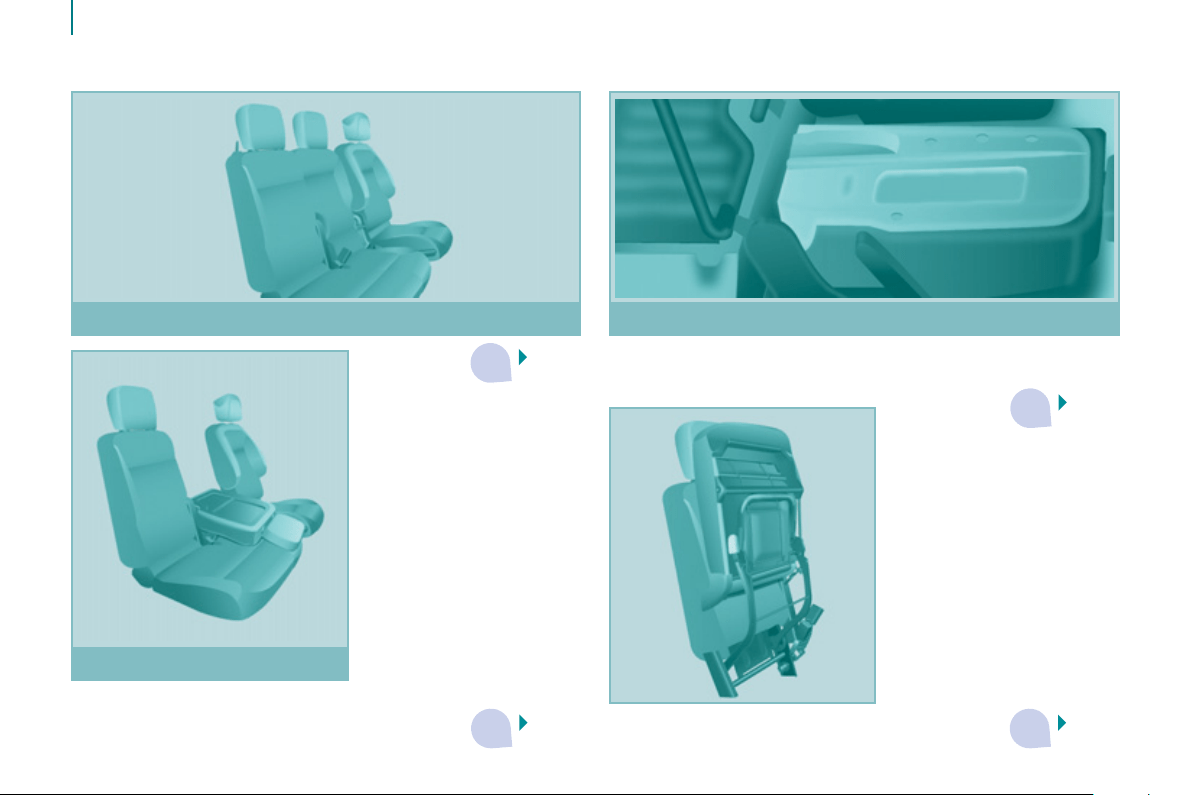
- folded position, allows long load of up to 3 metres to be
carried inside the vehicle, with the doors closed,
67
Outer seat Multi-Flex bench seat
Centre seat
A storage space under the seat cushion can
be made secure by fi tting a padlock (not
supplied).
- foldaway position: allows high loads to be
carried in the cab.
3
3
3
13
1
FAMILIARISATIO
N
Interior
LOAD SPACE
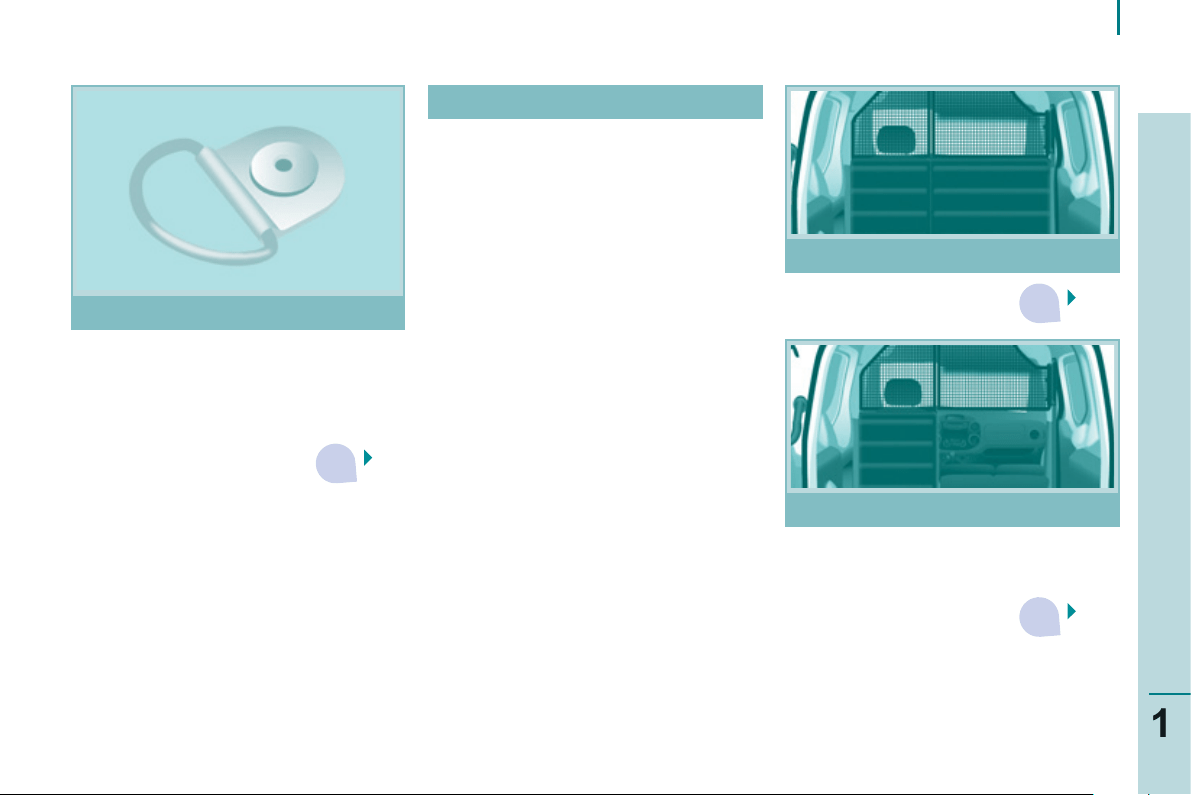
We recommend that the load is
properly secured using the lashing
rings on the fl oor and that heavy
objects are placed at the front (towards
the cab).
Overhead storage compartment: 5 kg.
Folding seat, in the seat back folded
onto seat cushion position: 50 kg.
Transverse roof bars: 75 kg.
Roof rack: 120 kg.
Rear roof fl ap: 100 kg vertically.
75
76
Partitions
Maximum loads
Lashing rings
76
Removable fl ap
This can be removed for the loading of
long objects.
3 3
4
4
3
14
Interior
VENTILATION
59
61
CHILD SAFETY
95
94
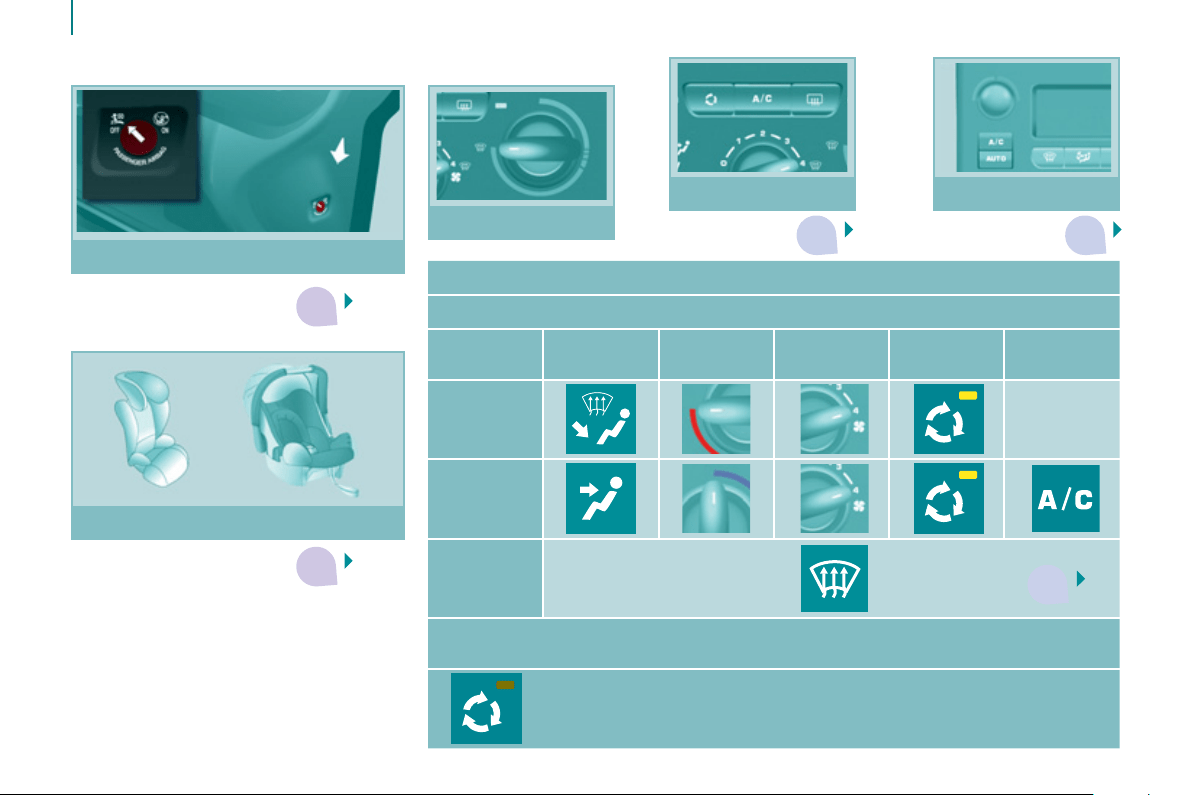
Recommended settings for Manual Air Conditioning
For optimum use of the system, we recommend:
If I require
...
Air
distribution
Temperature
Air fl ow
Air
recirculation
AC
Heating -
Cooling
Demisting
Defrosting
63
With Digital Air Conditioning, operation in AUTO mode is recommended at all
times.
Remember to switch the system off when the ambient air suits
your requirements.
Airbag deactivation
Child seats
Heating
Air conditioning
Digital air
conditioning

15
1
FAMILIARISATIO
N
E
CO-DRIVING
Eco-driving is a range of everyday practices that allow the motorist to optimise their fuel consumption and CO
2
emissions.
Optimise the use of your
gearbox
With a manual gearbox, move off
gently, change up without waiting and
drive by changing up quite soon. If
your vehicle has the system, the gear
shift indicator invites you to change
up; it is displayed in the instrument
panel, follow its instructions.
With an automatic or electronic
gearbox, stay in Drive "D" or
Auto "A" , according to the type
of gearbox, without pressing
the accelerator pedal heavily or
suddenly.
Control the use of your
electrical equipment
Before moving off, if the passenger
compartment is too warm, ventilate it
by opening the windows and air vents
before using the air conditioning.
Above 30 mph (50 km/h), close the
windows and leave the air vents open.
Remember to make use of equipment
that can help keep the temperature
in the passenger compartment down
(sunroof and window blinds...).
Switch off the headlamps and front
foglamps when the level of light does
not require their use.
Avoid running the engine before
moving off, particularly in winter; your
vehicle will warm up much faster
while driving.
Drive smoothly
Maintain a safe distance between
vehicles, use engine braking rather
than the brake pedal, and press the
accelerator progressively. These
practices contribute towards a
reduction in fuel consumption and CO
2
emissions and also helps reduce the
background traffi c noise.
If your vehicle has cruise control,
make use of the system at speeds
above 25 mph (40 km/h) when the
traffi c is fl owing well.
As a passenger, if you avoid
connecting your multimedia devices
(fi lm, music, video game...), you
will contribute towards limiting the
consumption of electrical energy, and
so of fuel.
Disconnect your portable devices
before leaving the vehicle.
Switch off the air conditioning, unless
it has automatic digital regulation, as
soon as the desired temperature is
attained.
Switch off the demisting and
defrosting controls, if not automatic.
Switch off the heated seat as soon as
possible.

16
Limit the causes of excess
consumption
Spread loads throughout the
vehicle; place the heaviest items in
the bottom of the boot, as close as
possible to the rear seats.
Limit the loads carried in the
vehicle and reduce wind resistance
(roof bars, roof rack, bicycle
carrier, trailer...). Use a roof box in
preference.
Remove roof bars and roof racks
after use.
At the end of winter, remove snow
tyres and refi t your summer tyres.
Observe the recommendations
on maintenance
Check the tyre pressures regularly,
when cold, referring to the label in the
door aperture, driver's side.
Carry out this check in particular:
- before a long journey,
- at each change of season,
- after a long period out of use.
Don't forget the spare wheel and the
tyres on any trailer or caravan.
Have your vehicle serviced regularly
(engine oil, oil fi lter, air fi lter...) and
observe the schedule of operations
recommended by the manufacturer.
When refuelling, do not continue after
the third cut-off of the nozzle to avoid
any overfl ow.
At the wheel of your new vehicle,
it is only after the fi rst 1 800 miles
(3 000 kilometres) that you will see
the fuel consumption settle down to a
consistent average.
1
7
Access
READY TO SET OFF
2
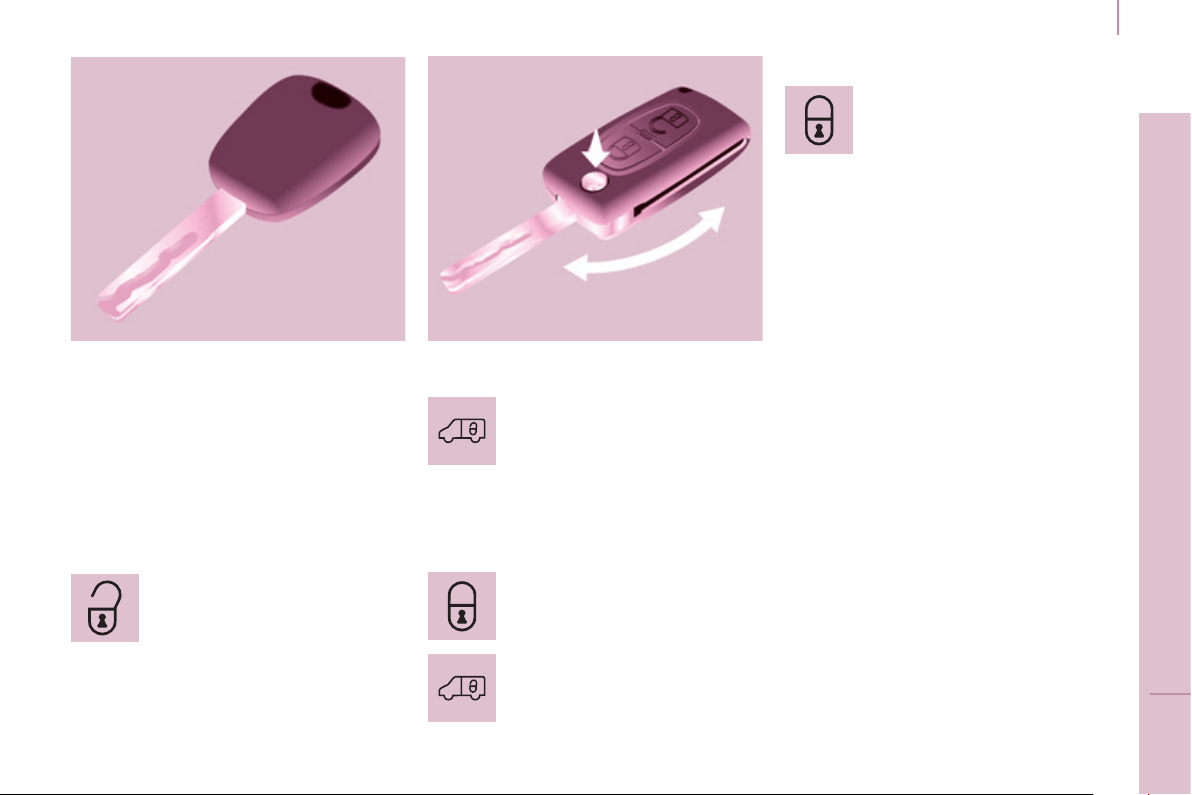
KEY
This locks and unlocks the doors on
the vehicle, opens and closes the
fuel fi ller cap, as well as starting and
stopping the engine.
ACCESS
Security of use
REMOTE CONTROL
Unlocking
Unlocking the load space
Central locking
Press this button to lock the
vehicle completely.
The direction indicators fl ash once.
If one of the doors is open
(transportation of long loads) or is not
closed correctly, the central locking will
not work.
Deadlocking
A second press on the closed padlock
on the remote control within fi ve
seconds after locking changes the
locking to deadlocking.
This is confi rmed by fi xed lighting
of the direction indicators for
approximately two seconds.
Deadlocking renders the exterior
and interior door opening handles
inoperative: do not leave anyone inside
the vehicle when it is deadlocked.
If deadlocking is activated from inside
the vehicle using the remote control, it
will change to normal locking when the
vehicle is started.
To unlock the load space only:
Press this control to unlock
the load space, the front
doors alone remain locked.
Press this control to lock the
vehicle completely.
Press this button to unlock all
of the rear doors.
Press this button once to
unlock the front doors.
Press this button again
to unlock your vehicle
completely.
The direction indicators fl ash twice.
18
Access
Good practice
Take care not to allow the remote
control to come into contact with
grease, dust, rain or a damp
environment.
A heavy object attached to the key
(keyring, ...) weighing on the shaft of
the key in the switch, may cause a
malfunction.
REMOTE CONTROL
Reinitialising the remote control
Following changing of the remote
control battery or disconnection of the
vehicle battery, the remote control may
have to be reinitialised.
Wait at least one minute before using
the remote control.
Insert the key in the ignition switch with
the buttons (padlocks) of the remote
control facing you.
Switch on the ignition.
Press the locking padlock for at least
fi ve seconds within the next ten
seconds.
Switch off the ignition.
Wait at least one minute before using
the remote control.
The remote control is now working
again.
Use only identical batteries or
batteries of an equivalent type to those
recommended by PEUGEOT dealers.
Do not discard the remote control
batteries, they contain metals which
are harmful to the environment.
Deposit them at a PEUGEOT
dealership, or at an authorised
collection point.
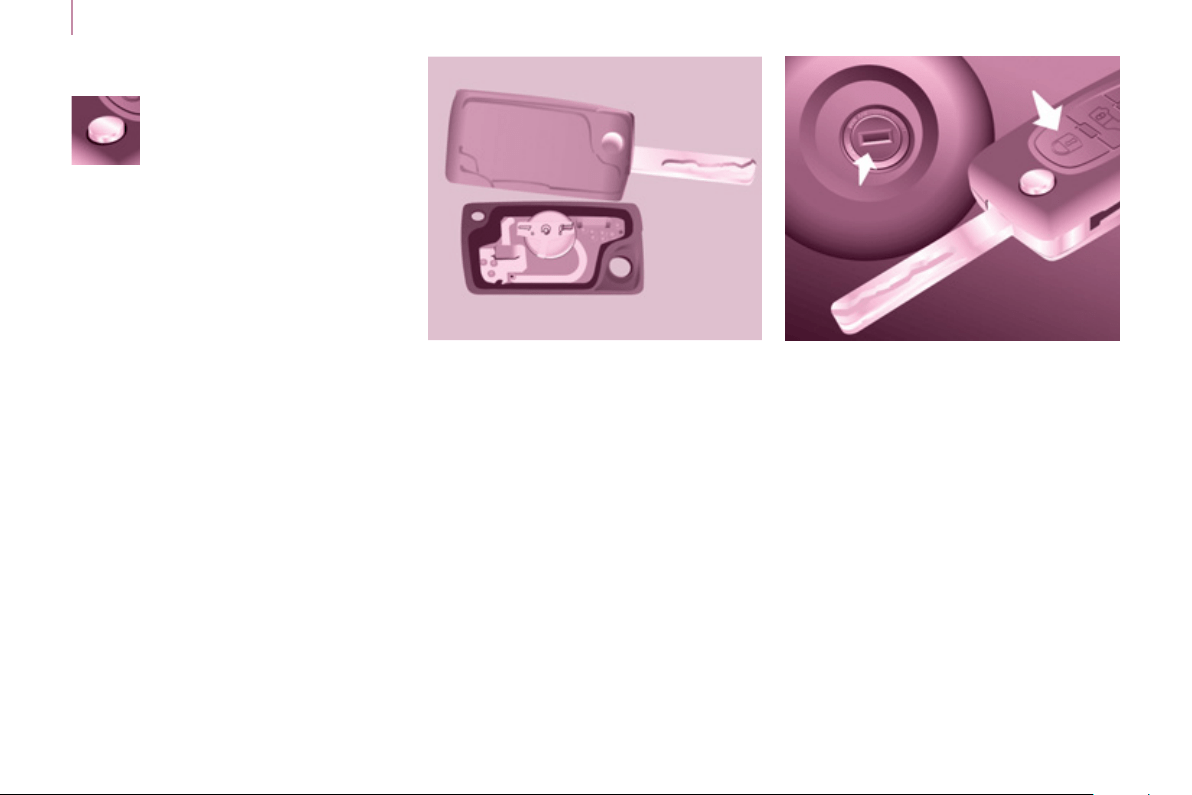
Folding / unfolding the key
Changing the battery
Battery ref.: CR1620 / 3 volts.
The "battery fl at" information is given
by an audible signal, accompanied by
a message in the screen.
To replace the battery, unclip the
casing using a coin at the ring.
If the remote control does not work
after the battery has been changed,
reinitialise the remote control.
There is a risk of damage if the
replacement battery is not the correct
type.
Press this button to release
the key from its housing.
To fold the key, press this
chromed button then fold
the key into the housing.
If you do not press the button, the
mechanism may be damaged.
19
Access
READY TO SET OFF
2
When purchasing a second-hand
vehicle:
- have the keys memorised by a
PEUGEOT dealer to ensure that
the keys in your possession are
the only ones which can start the
vehicle.
ELECTRONIC IMMOBILISER
All of the keys contain an electronic
immobiliser device.
This device locks the engine supply
system. It is activated automatically
when the key is removed from the
ignition.
After the ignition is switched on, a
dialogue is established between the
key and the electronic immobiliser
system.
The metal part of the key must be
unfolded correctly for correct dialogue
to take place.
If you lose your keys
Visit a PEUGEOT dealer with the
vehicle's V5 registration document and
your identifi cation document.
A PEUGEOT dealer will be able
to retrieve the key code and
the transponder code so that a
replacement key can be ordered.
Good practice
Do not make any modifi cations to the
electronic immobiliser system.
Operating the remote control, even
when it is in your pocket, may result in
involuntary unlocking of the doors.
The simultaneous use of other
high frequency equipment (mobile
telephones, domestic alarms…), may
interfere with the operation of the
remote control temporarily.
The remote control does not operate
while the key is in the ignition, even if
the ignition is off.
When leaving the vehicle, check that
the lamps are off and nothing of value
is visible.
As a safety precaution (with children
on board), remove the key from the
ignition when leaving the vehicle, even
for a short time.

2
0
Access
FRONT DOORS
From the inside
Use the door opening control to unlock
and open the door concerned.
From the outside
Use the remote control to lock/unlock
the vehicle.
Insert the metal part of the key in the
lock on the driver's side if the remote
control does not work.
2
1
Access
READY TO SET OFF
2
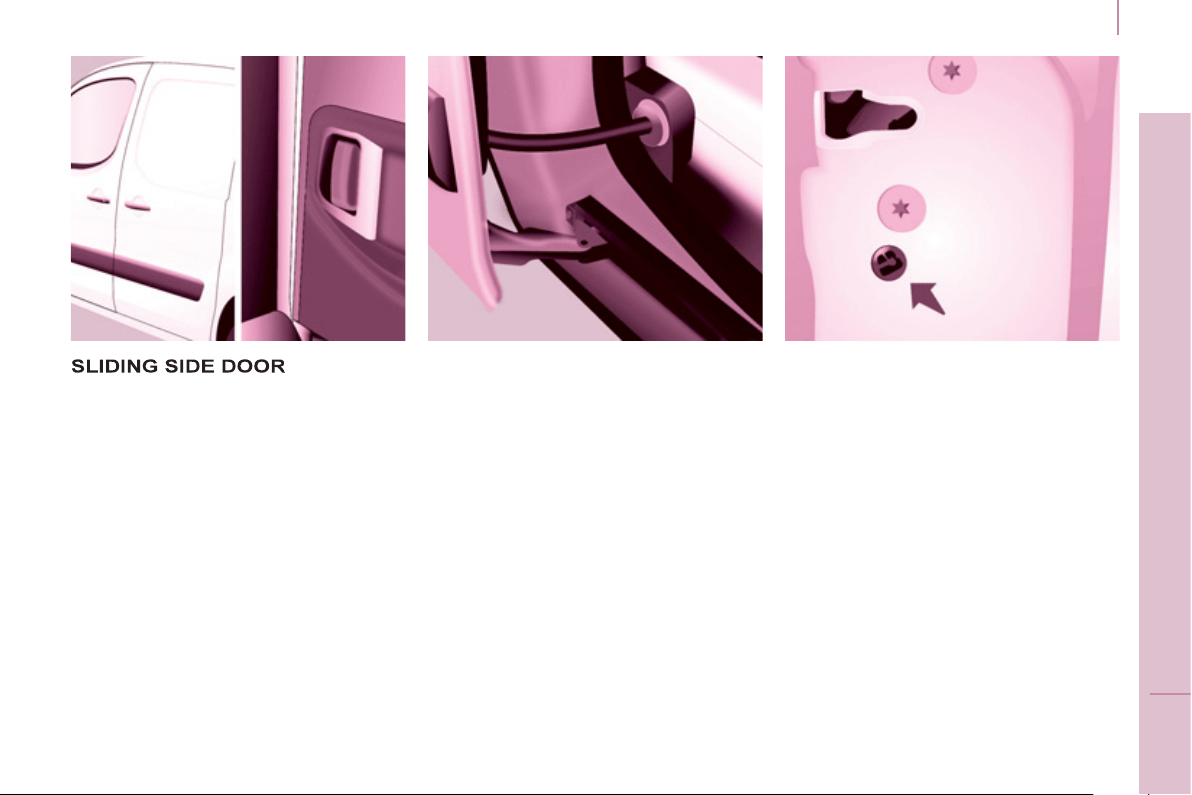
From the inside
Unlock and open the side door using
this handle, guiding the rearward
sliding to the point of resistance. Pass
this point to hold the door open.
Good practice
Take care not to block the guide space
on the fl oor to allow the door to slide
correctly.
If your vehicle is parked on a slope,
guide the sliding of the side door. In
fact, the door could open or close more
rapidly due to the slope of the ground
and could cause injury.
For safety and operation reasons, do
not drive with the sliding side door
open.
From the outside
Pull the handle towards you then
towards the rear and open the side
door, guiding the rearward sliding to
beyond the point of resistance to hold
it open.
Operation in the event of a
battery failure
Front and side passenger doors
In the event of a battery or of the
central locking fault, use the lock to
lock the doors mechanically.
- To open the door and get out of the
vehicle, pull the interior control.
- To lock the door, insert the key in
the lock, located on the edge of the
door, then turn it one eighth of a
turn .
Driver's door
- Insert the key in the lock, then turn
it to the right to lock or to the left to
unlock.
Access
In practice
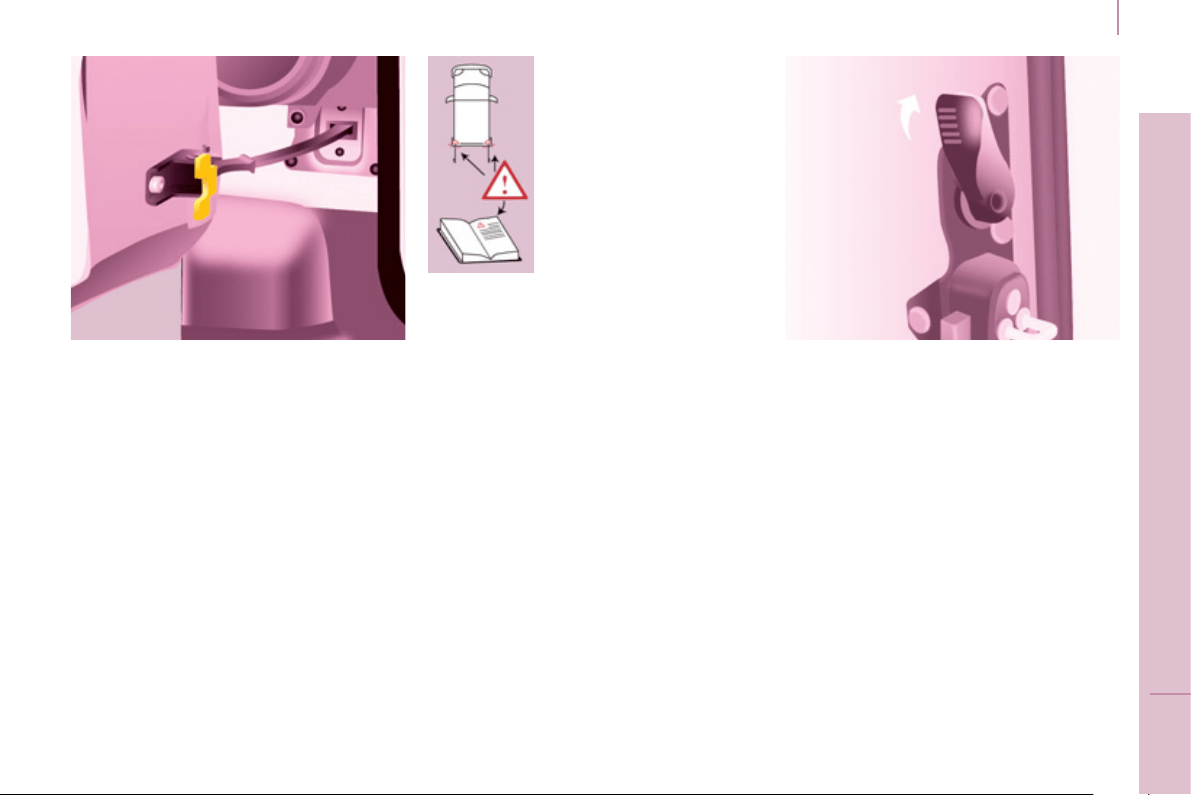
It is possible to drive with the right-
hand door open to make it easier to
carry long loads. The left-hand door is
kept closed by the distinctive "yellow"
lock, positioned at the base of the door.
This closed door must not be used as
a load retainer.
Driving with the right-hand door open
is a special dispensation. Comply with
the usual safety indications to warn
other drivers.
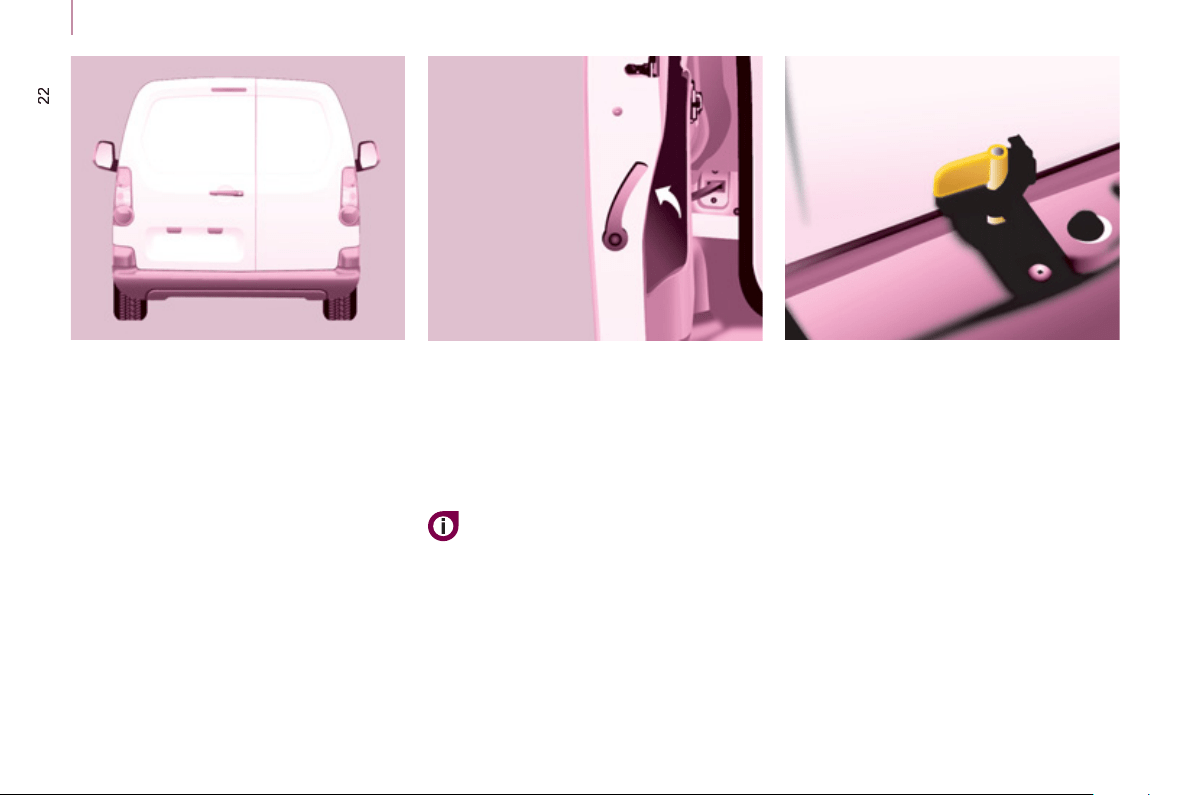
HINGED REAR DOOR
S
From outside
Pull the lever to open the right-hand
door.
To close, start with the right-hand door
then close the left-hand door.
To open, pull the handle towards you.
The hinged rear doors are
asymmetrical (2/3 - 1/3), with the
smaller door on the right.
They are fi tted with a central lock.
With the roof rear fl ap, the rear
bumper has been reinforced to
serve as a footrest when entering
the vehicle.
2
3
Access
READY TO SET OFF
2
From inside
Pull the handle towards you to open
the left-hand door.
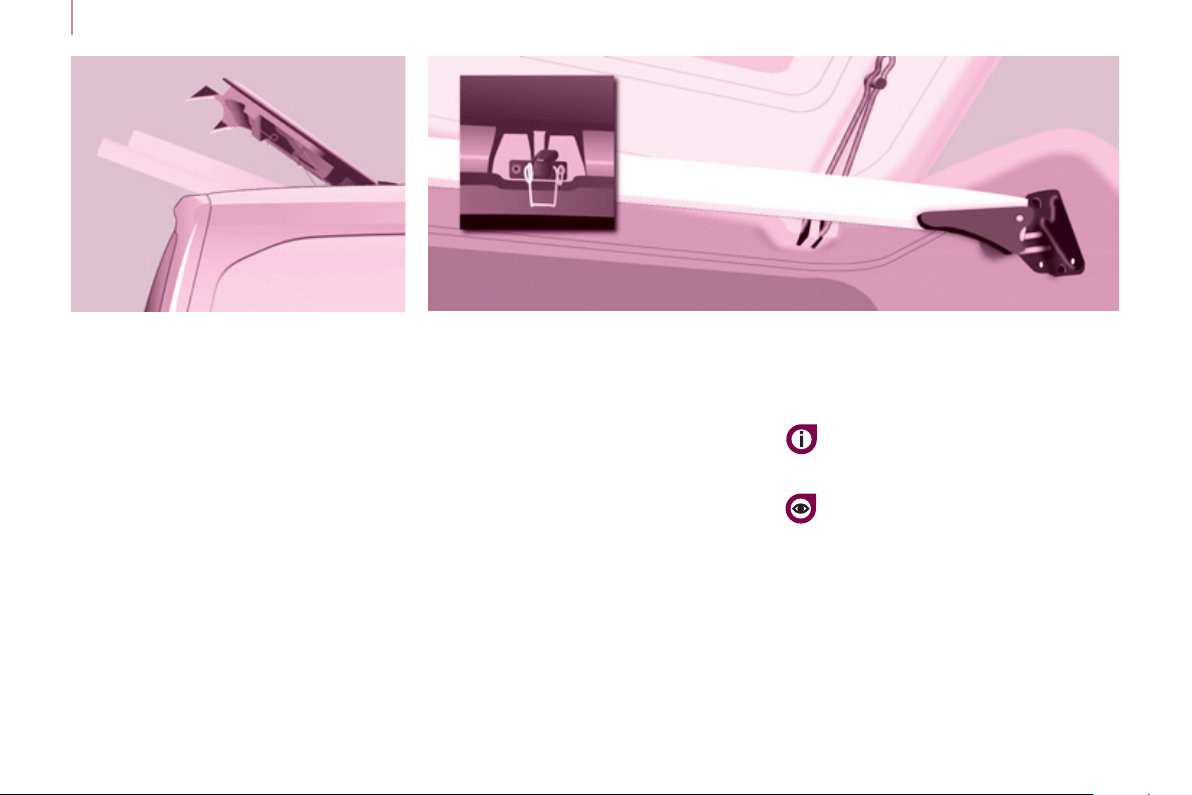
Opening to approximately 180°
A check strap system permits extension
of the opening from approximately 90°
to approximately 180°.
Pull the yellow control when the door is
open.
The check strap will engage again
automatically on closing.
When parked with the
rear doors open to 90°,
the doors mask the rear
lamps. To signal your
position to other road
users driving in the same
direction who may not
have seen your vehicle,
use a warning triangle
or other device required
by the legislation in your
country.
24
Access
REAR ROOF FLAP
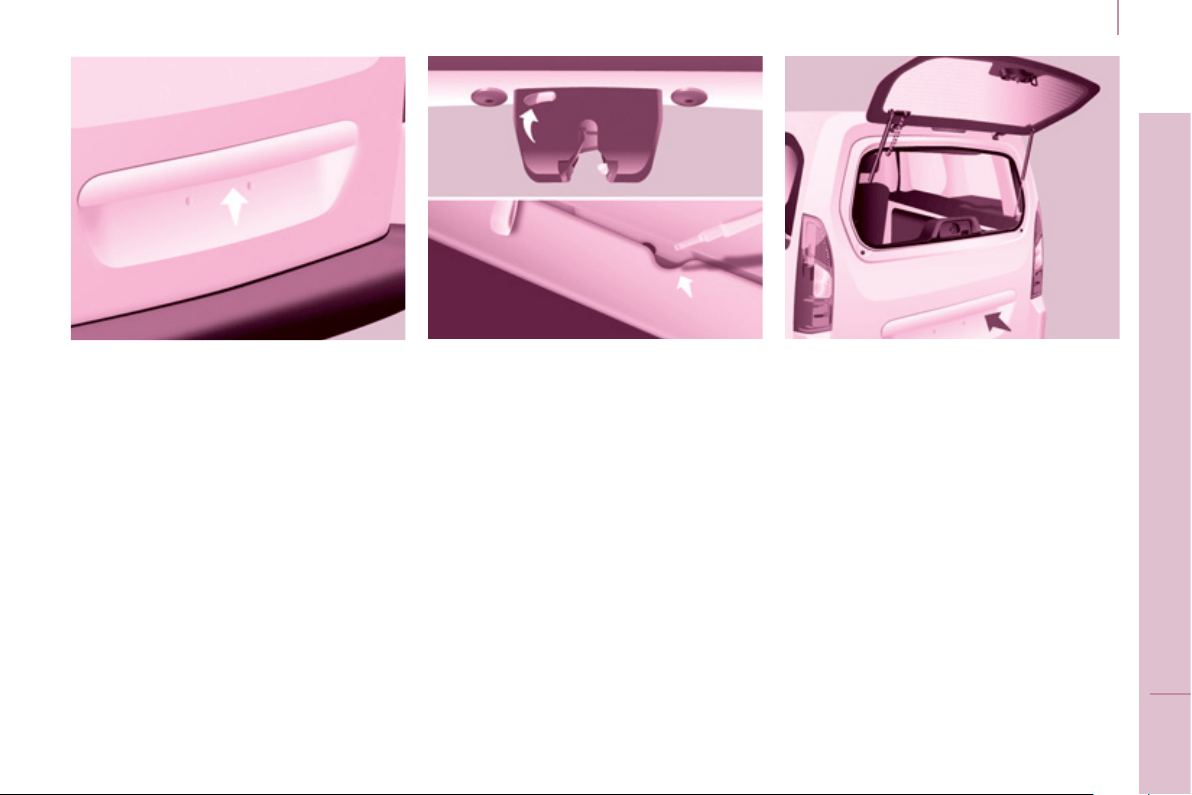
Support bar
A support bar is provided for
transporting long loads, after opening
the rear roof fl ap.
Fold back the support bar by lifting the
lever.
Support it to the door pillar.
Support the long loads to be
transported, lift them and reposition the
support bar with one hand.
Ensure that it is secured correctly by
pressing the handle downwards past
the point of resistance and secure the
loads fi rmly.
The rear bumper has been
reinforced to serve as a footrest
when entering the vehicle.
Never drive without the support
bar in place.
The side supports can be used as
hooking points.
- lower the black paddle to secure
the rear roof fl ap.
Securing the rear roof fl ap places it on
the seal correctly and ensures sealing
without noise.
To close the rear roof fl ap:
- check that the support bar is
secured correctly,
- lower the rear roof fl ap,
- while pressing the rear roof fl ap
(downwards), take hold of the two
loops of the spring then place the
hook in its housing,
This rear roof fl ap is only compatible
with the hinged doors.
To open the rear roof fl ap:
- raise the black paddle of the toggle,
- relieve the toggle by pressing the
rear roof fl ap (downwards) then
release the hook,
- lift the rear roof fl ap,
- pass the point of resistance to
secure the rear roof fl ap using the
support stays.
Never drive without the stays in place.
Never attach any load to the rear roof
fl ap.
The rear doors only lock when the
support bar is installed.
When the rear roof fl ap is open, take
care when driving where height is
restricted.
Never rest loads directly on the rear
doors.
Comply with the usual indications, to
warn other drivers.
Reserve the use of the rear roof fl ap
for short journeys.
2
5
Access
READY TO SET OFF
2
TAILGATE
From outside
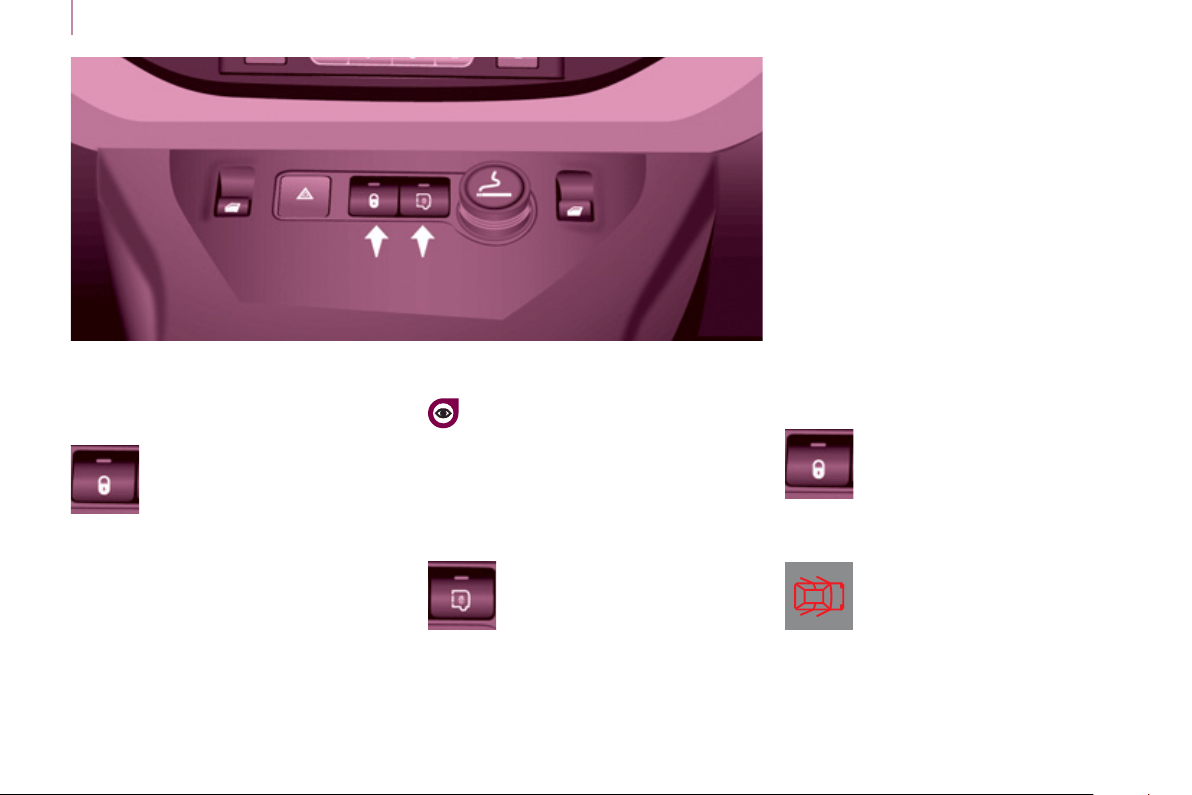
Locking/unlocking is by means of the
remote control.
To open, press the control below the
trim then raise the tailgate.
A pull strap is available to close the
tailgate in the high position.
Guide the closing of the tailgate to the
balance point of its travel then apply
a fi nal press on the tailgate to close it
fully.
From inside
Emergency control
In the event of a central unlocking
operating fault, this permits unlocking
of the tailgate from the inside.
Insert a small screwdriver in the
opening, between the door and the
fl oor. To unlock the lock, move the
catch to the left then push the tailgate.
Tailgate screen
The opening rear screen allows you to
access the rear of the vehicle directly,
without having to open the tailgate.
Opening
After unlocking the vehicle using the
remote control or the key, press the
control and raise the rear screen to
open it.
Closing
Close the rear screen by pressing
the centre of the glass until it is fully
closed.
The tailgate and tailgate screen cannot
both be open at the same time, to
prevent damage to the screen.
26
Access
Driving with the doors locked may
make access to the interior more
diffi cult in an emergency.
CENTRAL LOCKING
Cab and load space
Load space
Locking while driving
When the vehicle moves off, as soon
as you reach approximately 6 mph
(10 km/h), the system locks the doors.
The characteristic central locking noise
is heard. The LED in the control switch
on the dashboard central switch panel
comes on.
During the journey, opening a door
results in complete unlocking of the
vehicle.
Anti-intrusion protection
An initial press locks the front
and rear doors, when they
are closed.
A second press unlocks the
vehicle.
The control switch is inactive when
the vehicle has been locked using
the remote control or the key from the
outside.
Activating / deactivating the
function
With the ignition on, press
and hold this switch to
activate or deactivate the
function.
Door open warning lamp
If this warning lamp comes
on, check that all of your
vehicle's doors are closed
correctly.
Press to lock/unlock the rear
doors without changing the
locking status of the cab.
The doors can still be opened
from the inside.
The control switch LED:
- fl ashes when the doors are locked with
the vehicle stationary and the engine off,
- comes on when the doors are locked
and from the time the ignition is
switched on.
2
Instruments and controls
2
7
READY TO SET OFF
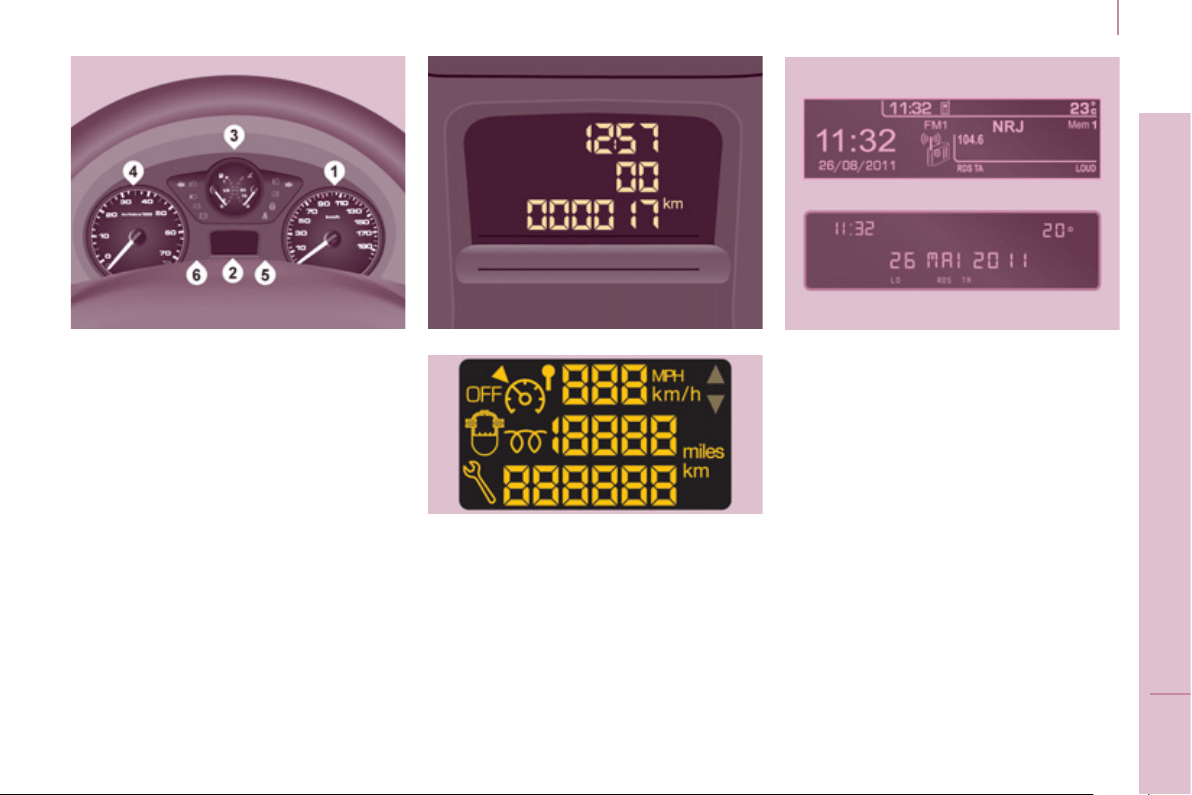
INSTRUMENTS AND CONTROLS
INSTRUMENT PANEL
Dials
1. Distance recorder in kilometres /
miles.
2. Screen.
3. Fuel level, coolant temperature.
4. Rev counter.
5. Trip distance recorder / service
indicator zero reset.
6. Instrument panel lighting dimmer.
Displays
- Speed limiter / cruise control.
- Kilometres / Miles travelled.
- Service indicator, engine oil level
indicator, total kilometres / miles.
- Presence of water in the Diesel
fi lter.
- Diesel pre-heating.
Screens
The format of the information
presented in the screen depends on
the vehicle's equipment.
Instruments and controls
28
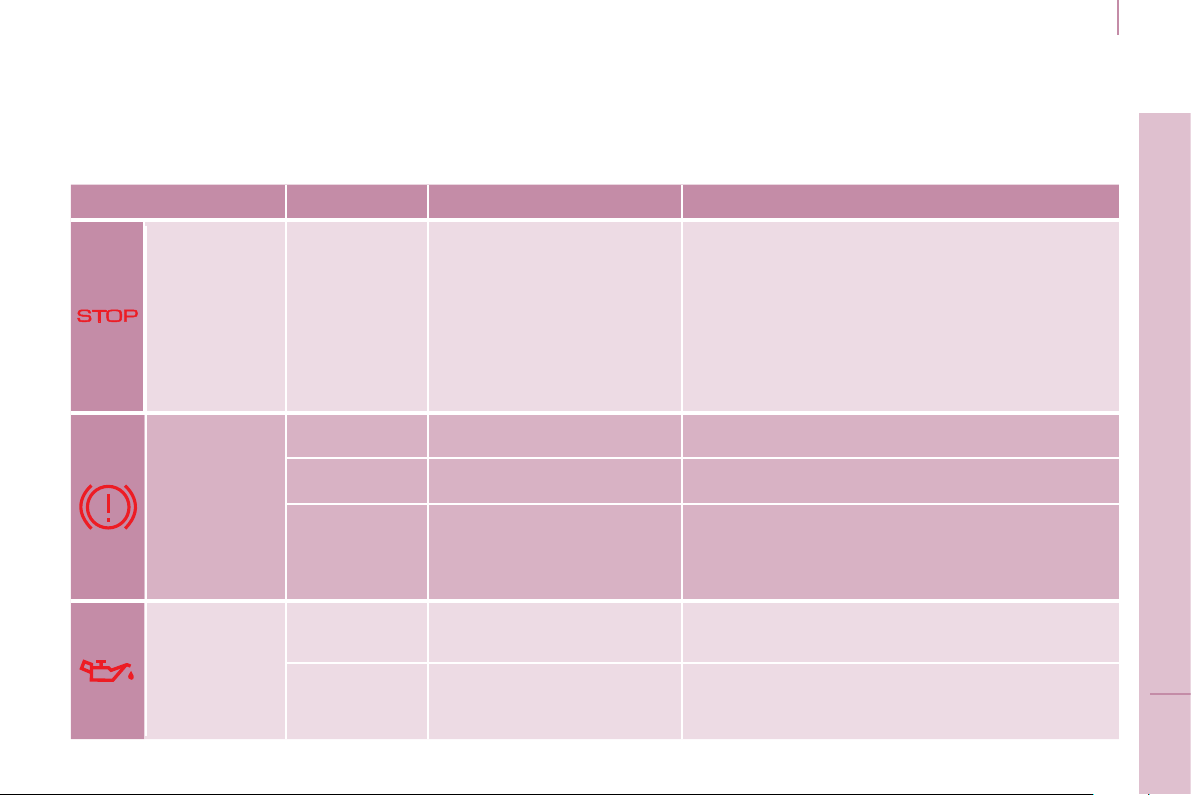
Centre console with screen
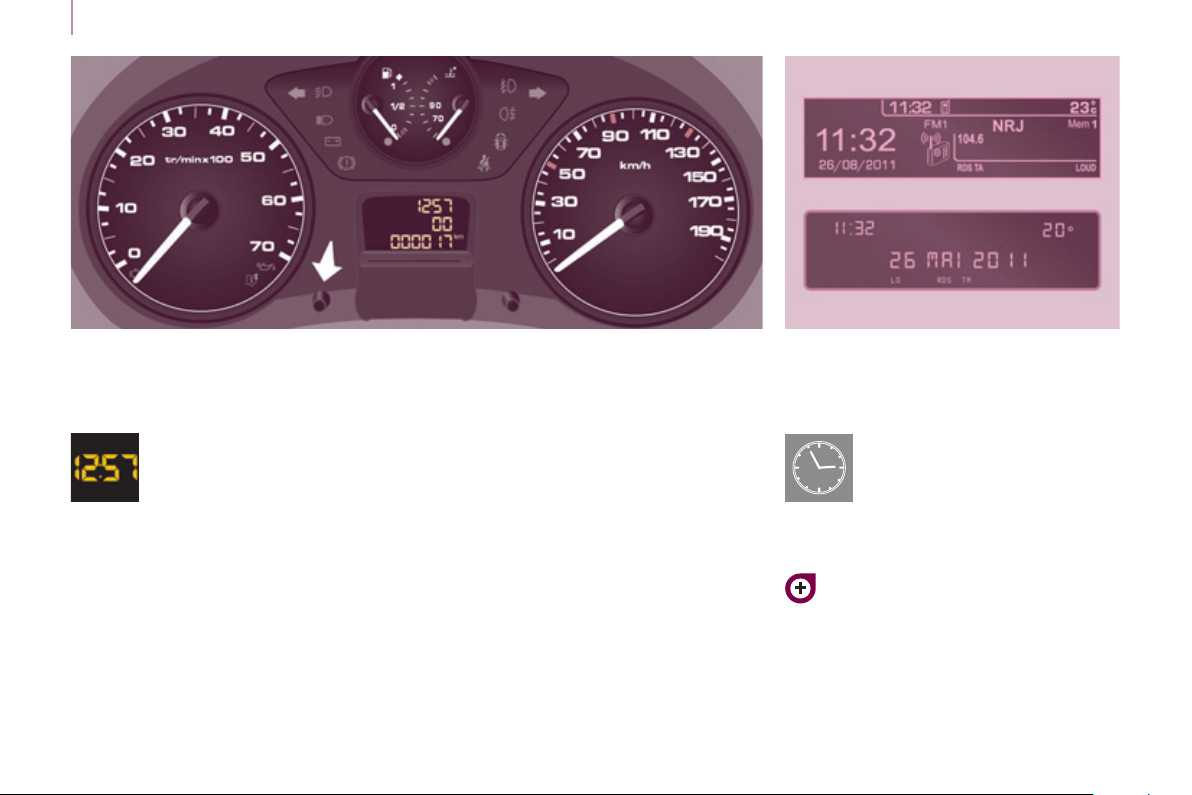
Instrument panel without screen
- turn to the right to increase the
hours (hold the button to the right
for rapid scrolling),
- turn to the left: 24H or 12H is
displayed,
- turn to the right to select 24H or
12H,
- turn to the left to complete the time
adjustment.
After approximately 30 seconds
without any action, the screen returns
to the normal display.
ADJU
S
TING THE TIME
To adjust the time and date
indicated in the screen, refer to
the "Adjusting the date and time"
section of chapter 9.
Centre console without screen
To adjust the time of the
clock, use the left-hand button
on the instrument panel then
carry out the operations in the
following order:
- turn to the left: the minutes fl ash,
- turn to the right to increase the
minutes (hold the button to the right
for rapid scrolling),
- turn to the left: the hours fl ash,
The display - time sequence
is linked according to model
(version). The access to
the "Date" adjustment is
only active when the model
version offers a date in words.
2
Instruments and controls
29
READY TO SET OFF
W
arn
i
n
g
l
amps
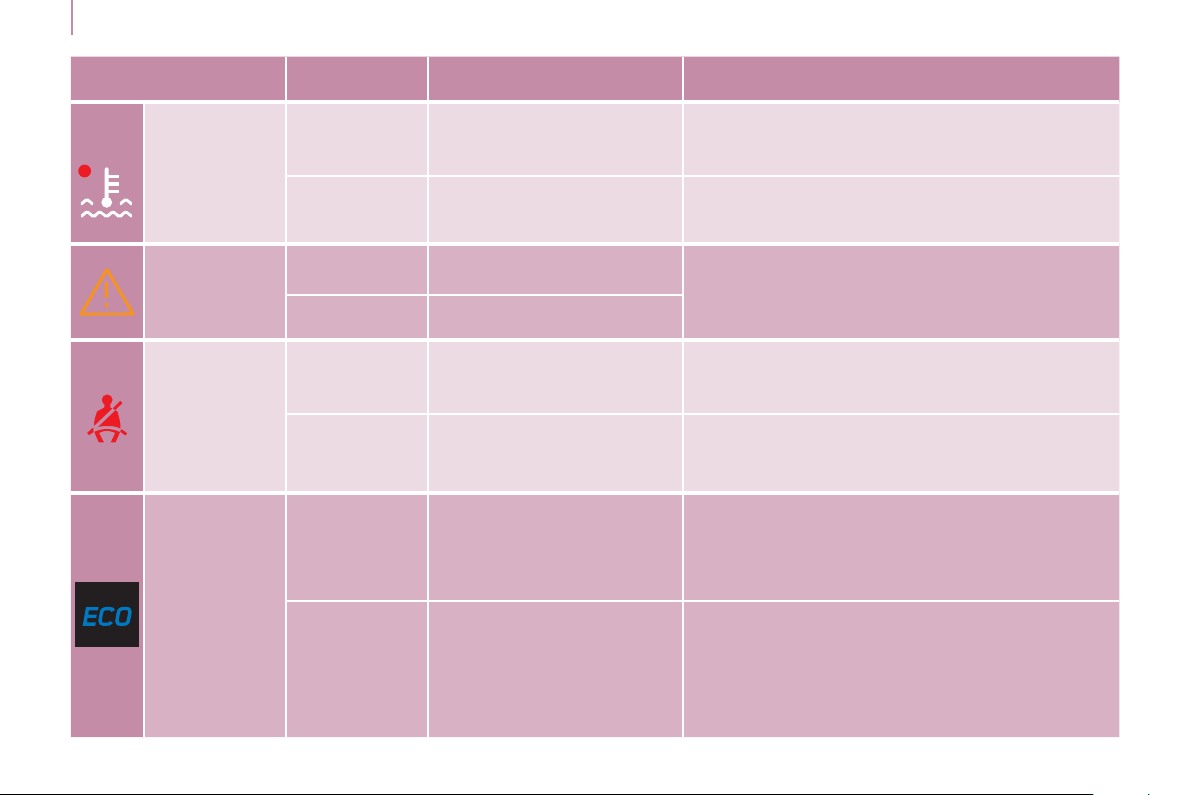
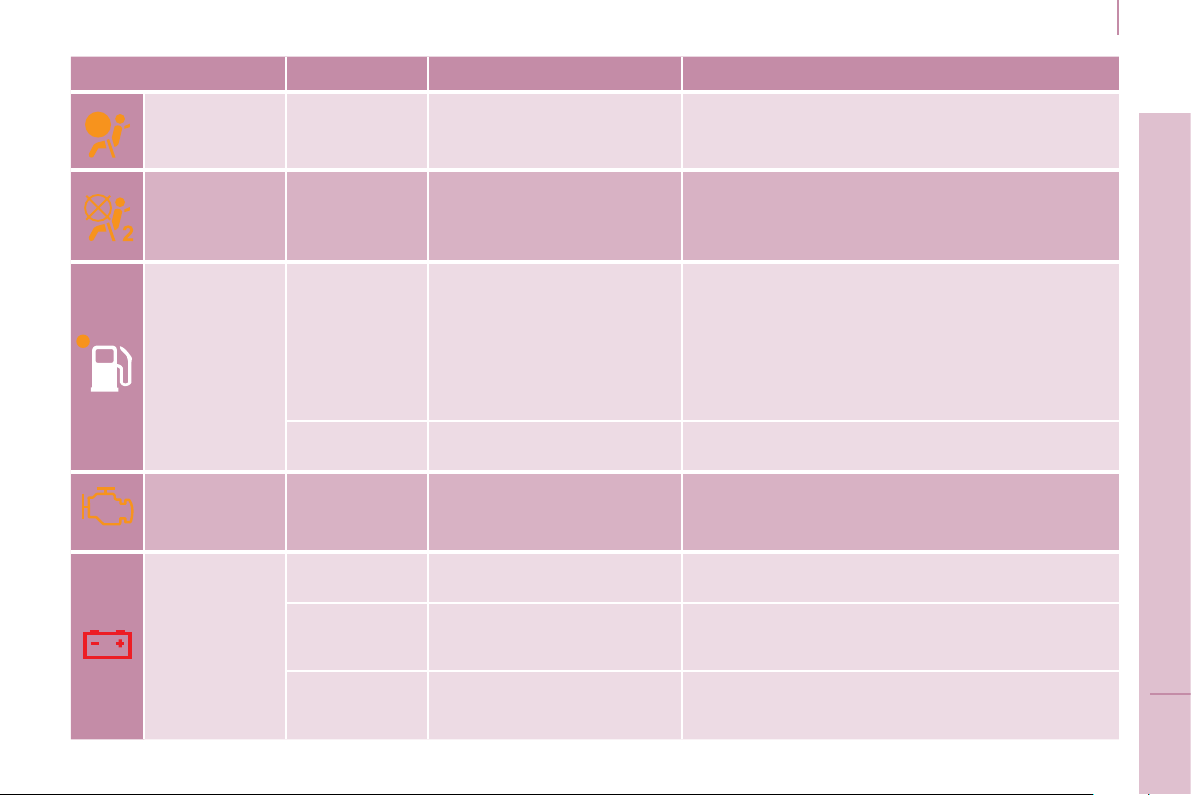
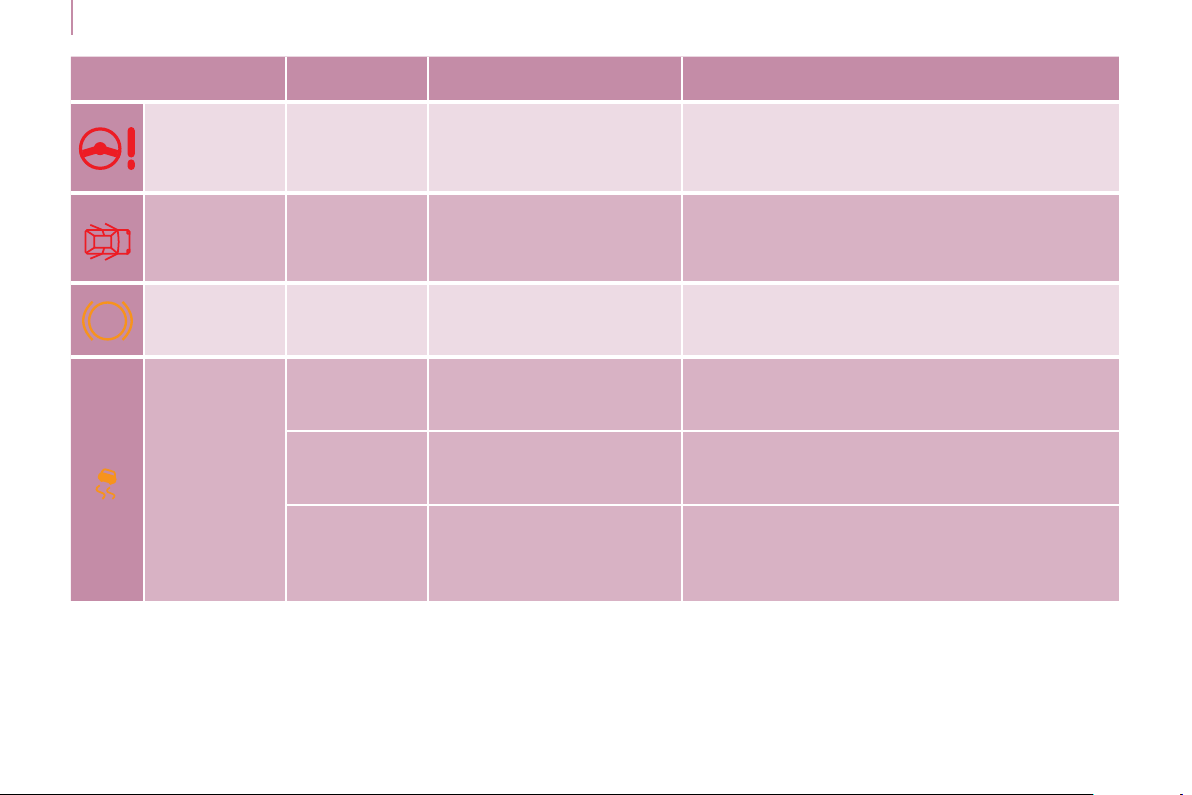
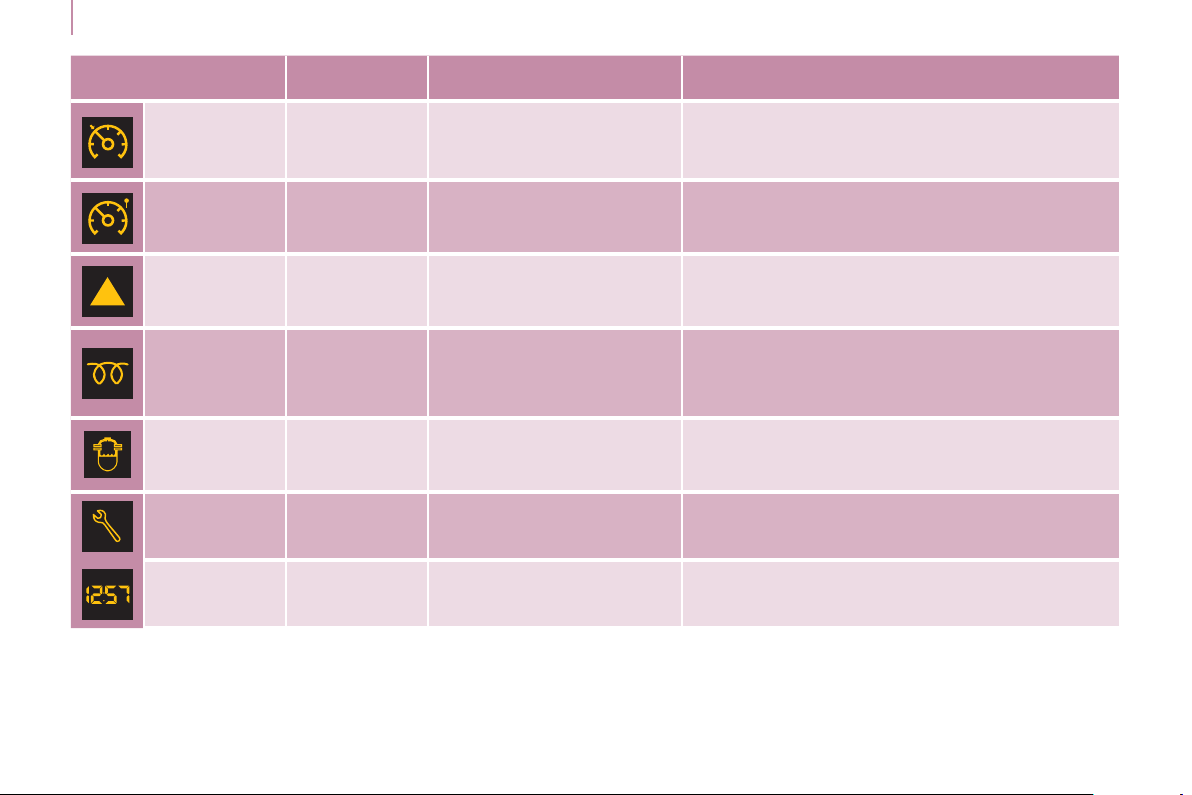
Each time the vehicle is started: a series of warning lamps comes on applying a self-test check. They go off almost
immediately. When the engine is running: the warning lamp becomes a warning if it remains on continuously or fl ashes.
This initial warning may be accompanied by an audible signal and a message which appears in the screen.
Do not ignore these warnings.
Warning lamp is indicates Solution - action
STOP
on, associated
with another
warning
lamp and
accompanied
by a message
in the screen.
major faults linked with
the "Brake fl uid level",
"Engine oil pressure and
temperature", "Coolant
temperature", "Electronic
brake force distribution",
"Power steering" and
"Under-infl ation detection"
warning lamps.
You must stop as soon as it is safe to do
so, park and switch off the ignition. Have it
checked by a PEUGEOT dealer or a qualifi ed
workshop.
Parking
brake /
Brake
fl uid level /
EBFD
on.
that the parking brake is applied
or has not been released fully.
Releasing the parking brake switches off the
warning lamp.
on. low brake fl uid level. Top up using a fl uid recommended by PEUGEOT.
remaining on
even though the
level is correct
and associated
with the ABS
warning lamp.
a fault with the electronic
brake force distribution.
You must stop as soon as it is safe to do so,
park and switch off the ignition. Have it checked
by a PEUGEOT dealer or a qualifi ed workshop.
Engine oil
pressure and
temperature
on while
driving.
low pressure or a high
temperature.
Park and switch off the ignition then allow to
cool. Visually check the level. Chapter 6, "Levels"
section.
remaining on,
even though
the level is
correct.
a major fault.
Have it checked by a PEUGEOT dealer or a
qualifi ed workshop.
Instruments and controls
30
Warning lamp is indicates Solution - action
Coolant
temperature
and level
on with needle
in the red
zone.
an abnormal increase in
temperature.
Park and switch off the ignition then allow to cool.
Visually check the level.
fl ashing. a drop in the coolant level.
Chapter 6, "Levels" section. Contact a
PEUGEOT dealer or a qualifi ed workshop.
Service
on temporarily. minor faults or warnings.
Consult the alert log in the display or screen.
If your vehicle is equipped with a trip computer
or a screen: refer to the "Audio equipment -
Trip computer" section of chapter 9. Contact a
PEUGEOT dealer or a qualifi ed workshop.
remaining on. major faults.
Driver's
seat belt not
fastened
on then
fl ashing.
the driver has not fastened
their seat belt.
Pull the strap then insert the tongue in the buckle.
accompanied
by an audible
signal then
remains on.
the vehicle is moving with
the driver's seat belt not
fastened.
Check that the seat belt is fastened by pulling the
strap. Chapter 4, "Seat belts" section.
ECO
on.
The Stop & Start system
has put the engine in STOP
mode following a vehicle
stop (red light, traffi c jam,
etc...).
As soon as you want to move off, the warning
lamp goes off and the engine restarts
automatically in START mode.
fl ashes for a
few seconds,
then goes off.
The STOP is temporarily
unavailable.
or
The START mode has been
invoked automatically.
Section 2, under "Stop & Start".
2
Instruments and controls
31
READY TO SET OFF
Warning lamp is indicates Solution - action
Front / lateral
airbag
fl ashing or
remaining on.
a failure of an airbag.
Have the system checked by a PEUGEOT
dealer or a qualifi ed workshop without delay.
Chapter 4, "Airbags" section.
Front
passenger's
airbag
deactivated
on.
the intentional deactivation
of this airbag in the
presence of a rear-facing
child seat.
Chapter 4, "Airbags-child safety" section.
Low fuel
level
on with gauge
needle in the
red zone.
When it fi rst comes on,
there remains around
8 litres of fuel in the tank.
The distance you can drive
on this fuel depends on
your style of driving and the
engine type.
You must fi ll up with fuel to avoid running out.
This warning lamp comes on each time you
switch on the ignition until you have fi lled up.
Capacity of the tank: approximately 60 litres.
Never risk driving until the tank is empty, this
could damage the emissions and injection
systems.
fl ashing.
cutting off of the fuel supply
following a serious impact.
Restore the supply. Chapter 6, "Fuel" section.
EOBD
emission
control
system
fl ashing or
remaining on.
a failure of the system.
There is a risk of damage to the catalytic
converter. Have it checked by a PEUGEOT or a
qualifi ed workshop.
Battery
charge
on.
a fault in the charging
circuit.
Check the battery terminals, … Chapter 7,
"Battery" section.
fl ashing.
placing of the active
functions on standby
(economy mode).
Chapter 7, "Battery" section.
remaining on,
in spite of the
checks.
a faulty circuit, an ignition or
injection malfunction.
Have it checked by a PEUGEOT dealer or a
qualifi ed workshop.
ABS
Instruments and controls
32
Warning lamp is indicates Solution - action
Power
steering
on. a fault with the system.
The vehicle retains conventional steering without
assistance. Have it checked by a PEUGEOT
dealer or a qualifi ed workshop.
Door open
detection
on and
accompanied
by a message
in the screen.
that a door is not closed
correctly.
Check that all of the doors are closed.
ABS remaining on.
a fault with the anti-lock
braking system.
The vehicle retains conventional braking.
Have it checked by a PEUGEOT dealer or a
qualifi ed workshop.
ESC
fl ashing.
triggering of the ASR or
ESC regulation.
The system optimises traction and improves the
directional stability of the vehicle. Chapter 4,
"Driving safety" section.
remaining on.
a fault with the system.
E.g.: under-infl ation of the
tyres.
E.g.: check the pressure of the tyres. (Wheel
speed sensor, hydraulic block, ...). Have it
checked by a PEUGEOT dealer or a qualifi ed
workshop.
remaining on
with the LED in
the button (on
the dashboard)
on.
deactivation of the system
at the request of the driver.
Operation of the system is deactivated.
Reactivation is automatic above 30 mph
(50 km/h) or after pressing the button (on the
dashboard).

2
Instruments and controls
33
READY TO SET OFF
Warning lamp is indicates Solution - action
Particle
emission fi lter
on.
a fault with the particle
emission fi lter (Diesel
additive level, risk of
blockage, ...).
Have the fi lter checked by a PEUGEOT dealer or
a qualifi ed workshop. Chapter 6, "Levels" section.
Dipped beam
headlamps /
Daytime
running lams
on.
a manual selection or
automatic illumination of
headlamps.
Turn the ring on the lighting control stalk to the
second position.
illumination of the dipped beam
headlamps from the time the
ignition is switched on: daytime
running lamps (depending on the
country in which the vehicle is sold).
Chapter 3, "Steering mounted controls" section.
Main beam
headlamps
pulling of the stalk towards
you.
Pull the stalk to return to dipped beam headlamps.
Direction
indicators
fl ashing with
audible signal.
a change of direction via the
lighting stalk, to the left of
the steering wheel.
To the Right: control to be pushed upwards.
To the Left: control to be pushed downwards.
Front
foglamps
on. a manual selection.
The foglamps only operate if the sidelamps or
dipped beam headlamps are on.
Rear
foglamps
on. a manual selection.
The foglamps only operate if the sidelamps or
dipped beam headlamps are on. In conditions of
normal visibility, switch them off to avoid breaking
the law. "This lamp is a dazzling red."
Instruments and controls
34
Warning lamp
in the screen
is indicates Solution - action
Cruise
control
on. cruise control selected.
Manual selection. Chapter 3, "Steering mounted
controls" section.
Speed limiter on. speed limiter selected.
Manual selection. Chapter 3, "Steering mounted
controls" section.
Gear shift
indicator
on.
a recommendation
independent of the type and
density of traffi c.
To reduce fuel consumption, change up with a
manual gearbox. The driver retains responsibility
to follow this indication or not.
Diesel pre-
heating
on.
climatic conditions requiring
pre-heating.
Wait until the warning lamp goes off before
operating the starter.
Presence of
water in the
Diesel fi lter
on and
accompanied by
a message in the
screen.
water in the Diesel fi lter.
Have the fi lter bled by a PEUGEOT dealer or
a qualifi ed workshop without delay. Chapter 6,
"Checks" section.
According to country.
Service
spanner
on.
that a service will be due
shortly.
Refer to the list of checks in the servicing and
warranty booklet. Have the service carried out by
a PEUGEOT dealer or a qualifi ed workshop.
Time fl ashing. adjustment of the time.
Use the left-hand button on the instrument panel.
Chapter 2, at the beginning of the "Instruments
and controls" section.
2
Instruments and controls
35
READY TO SET OFF
FUEL GAUGE COOLANT TEMPERATURE
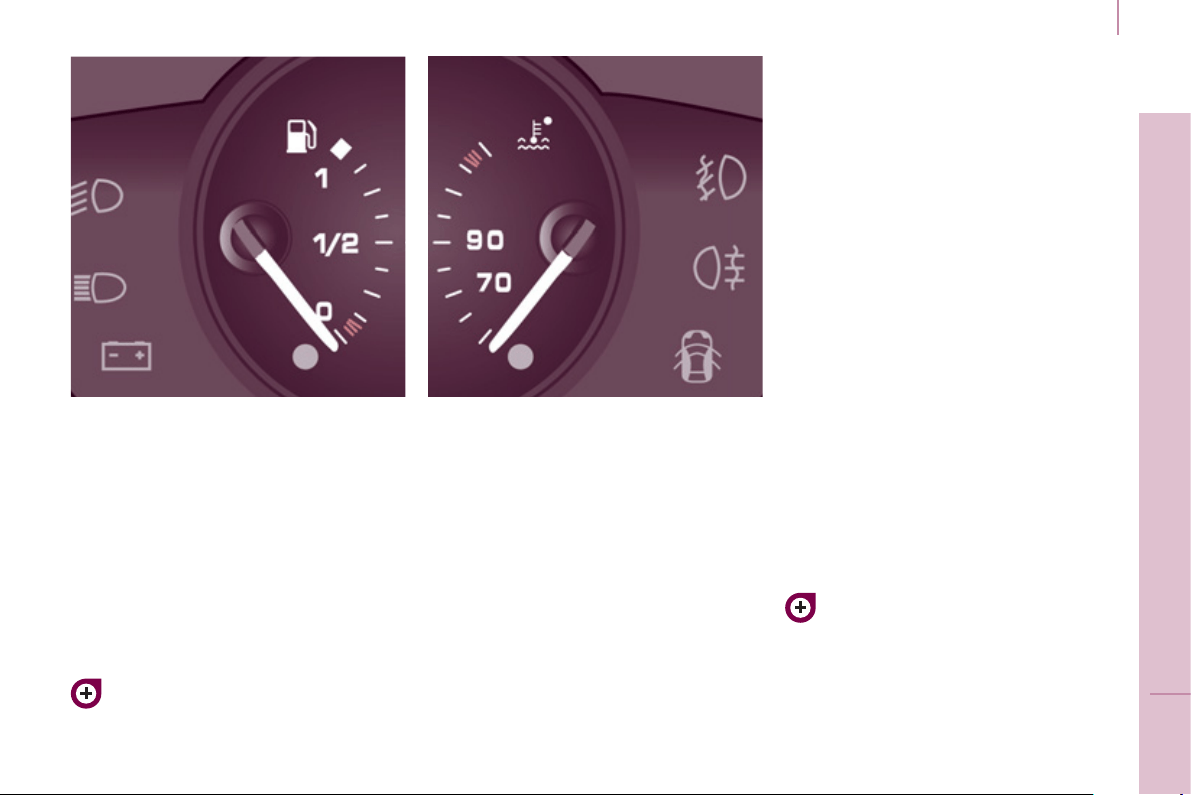
The needle is positioned before the
red zone: normal operation.
In arduous conditions of use or hot
climatic conditions, the needle may
move close to the red graduations.
What you should do if the needle
enters the red zone:
Reduce your speed or let the engine
run at idle.
What you should do if the warning
lamp comes on:
- stop immediately, switch off the
ignition. The fan may continue to
operate for a certain time, up to
approximately 10 minutes,
- wait for the engine to cool down in
order to check the coolant level and
top it up if necessary.
As the cooling system is pressurised,
follow this advice in order to avoid any
risk of scalding:
- wait at least one hour after
switching off the engine before
carrying out any work,
- unscrew the cap by 1/4 turn to
allow the pressure to drop,
- when the pressure has dropped,
check the level on the expansion
bottle,
- if necessary, remove the cap to top up.
If the needle remains in the red
zone, have the system checked by
a PEUGEOT dealer or a qualifi ed
workshop.
Refer to the "Levels" section of
chapter 6.
Refer to the "Fuel" section of
chapter 6.
The fuel level is tested each time the
key is turned to the "running" position.
The gauge is positioned on:
- 1: the fuel tank is full,
approximately 60 litres.
- 0: the reserve is now being used,
the warning lamp comes on
continuously. The reserve when
the warning fi rst comes on is
approximately 8 litres.

Instruments and controls
3
6
Puncture
The STOP warning lamp comes on.
Stop as soon as it is safe to do so,
avoiding any sudden movement of the
steering wheel and the brakes.
Make a temporary repair to the tyre
using the puncture repair kit or by
fi tting the spare wheel.
Change the damaged wheel, and have
the tyre pressures checked as soon as
possible.
Sensor(s) fault or not detected
The Service warning lamp comes on.
When changing a wheel or in the
event of a sensor fault, the tyre
pressure is no longer monitored.
Contact a PEUGEOT dealer or a
qualifi ed workshop to replace the faulty
sensor(s).
All repairs and changing of tyres on a
wheel fi tted with this system must be
carried out by a PEUGEOT dealer or a
qualifi ed workshop.
If when changing a tyre, you fi t a
wheel not detected by your vehicle
(for example: fi tting snow tyres), you
must have the system reinitialised
by a PEUGEOT dealer or a qualifi ed
workshop.
The tyre under-infl ation detection
system is a driving aid which does
not take the place of vigilance or the
responsibility of the driver.
TYRE UNDER-INFLATION
D
ETECTION
- CO (carbon monoxide),
- HC (unburnt hydrocarbons),
- NOx (nitrous oxides) or particles,
detected by oxygen sensors placed
upstream and downstream of the
catalytic converters.
The driver is warned of any malfunction
of this emission control system by the
illumination of this specifi c warning
lamp in the instrument panel.
There is a risk of damage to the
catalytic converter. Have it checked
by a PEUGEOT dealer or a qualifi ed
workshop.
EMISSIONS CONTROLS Deflated tyre
The Service warning lamp comes on.
Following a warning, the under-infl ation
of the tyre will not necessarily be
visible.
Check the tyre pressure as soon as
possible.
Refer to the "Changing a wheel"
section of chapter 7.
If the damaged wheel is replaced by
one without a sensor (for example,
the spare wheel), the message
is maintained to indicate that the
pressure of the wheel cannot be
monitored, so providing a reminder that
the damaged wheel with sensor must
be repaired.
Sensors continuously monitor the tyre
pressures and trigger a warning in the
event of under-infl ation, a puncture or
a fault with a sensor.
EOBD (European On Board
Diagnosis) is a diagnostics
system which complies with,
among others, the standards
concerning authorised
emissions of:
Any anomaly is indicated
by visual and audible
information and is
accompanied by a
message in the screen.
Good practice
This system does not avoid the need
to have the tyre pressures checked
regularly (including the spare wheel), to
ensure that the dynamic performance
of the vehicle remains at its best and
to avoid premature wear of the tyres,
in particular in the case of heavy loads
and high speeds.
Observing the recommended tyre
pressures helps reduce the vehicle's
fuel consumption.
The system may temporarily be
disturbed by electro-magnetic emissions
on a frequency close to that used by it.
2
Instruments and controls
37
READY TO SET OFF
SERVICE INDICATOR
This programmes service intervals
according to the use of the vehicle.
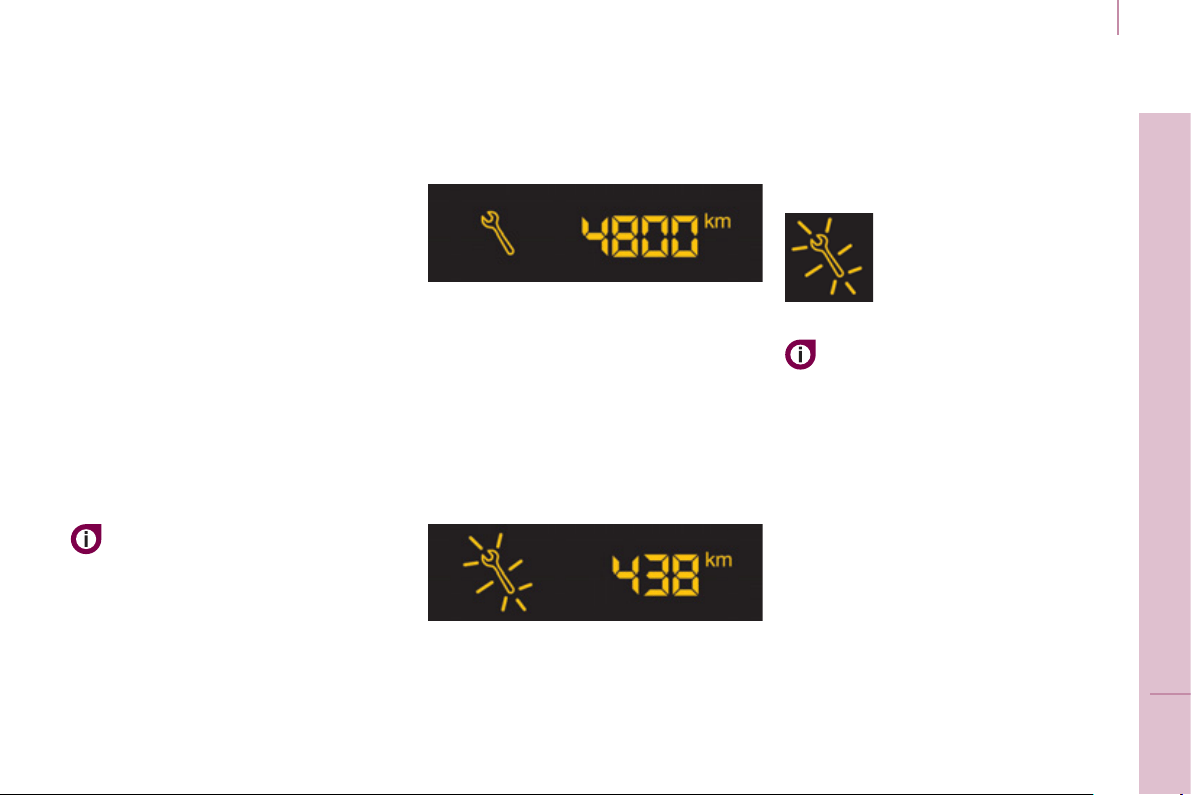
More than 1 000 miles/km before the
next service is due
Example: 4 800 miles/km remain
before the next service is due. When
the ignition is switched on and for a
few seconds, the screen shows:
A few seconds after the ignition is
switched on, the oil level is displayed,
then the total distance recorder
resumes normal operation showing the
total and trip distances.
Less than 1 000 miles/km before the
next service is due
Each time the ignition is switched on
and for a few seconds, the spanner
fl ashes and the number of miles/
kilometres remaining is displayed:
A few seconds after the ignition is
switched on, the oil level is displayed,
then the total distance recorder
resumes normal operation and the
spanner remains on. This indicates that
a service should be carried out shortly.
Service overdue
Operation
A few moments after the ignition
has been switched on, the spanner
indicating a service operation comes
on; the display for the total distance
recorder gives (in round fi gures) the
distance remaining before the next
service.
The points at which a service is due
are calculated from the last indicator
zero reset.
The point at which a service is due is
determined by two parameters:
- the distance travelled,
- the time which has elapsed since
the last service.
The distance remaining before the
next service may be weighted by
the time factor, depending on the
type of driving.
With the engine running the
spanner remains on until the
service has been carried out.
Each time the ignition is
switched on and for a few
seconds, the spanner
fl ashes and the excess
distance is displayed.
Instruments and controls
3
8
Trip recorder zero reset button
After this operation, if you wish to
disconnect the battery, lock the
vehicle and wait for at least fi ve
minutes, otherwise the zero re-set will
not be registered.
Zero re-set
Your PEUGEOT dealer or a qualifi ed
workshop carries out this operation
after each service.
However, if you carry out the service
yourself, the re-set procedure is as
follows:
- switch off the ignition,
- press and hold the trip recorder
reset button,
- switch on the ignition.
The display begins a countdown.
When the display shows "=0" , release
the button; the spanner disappears.
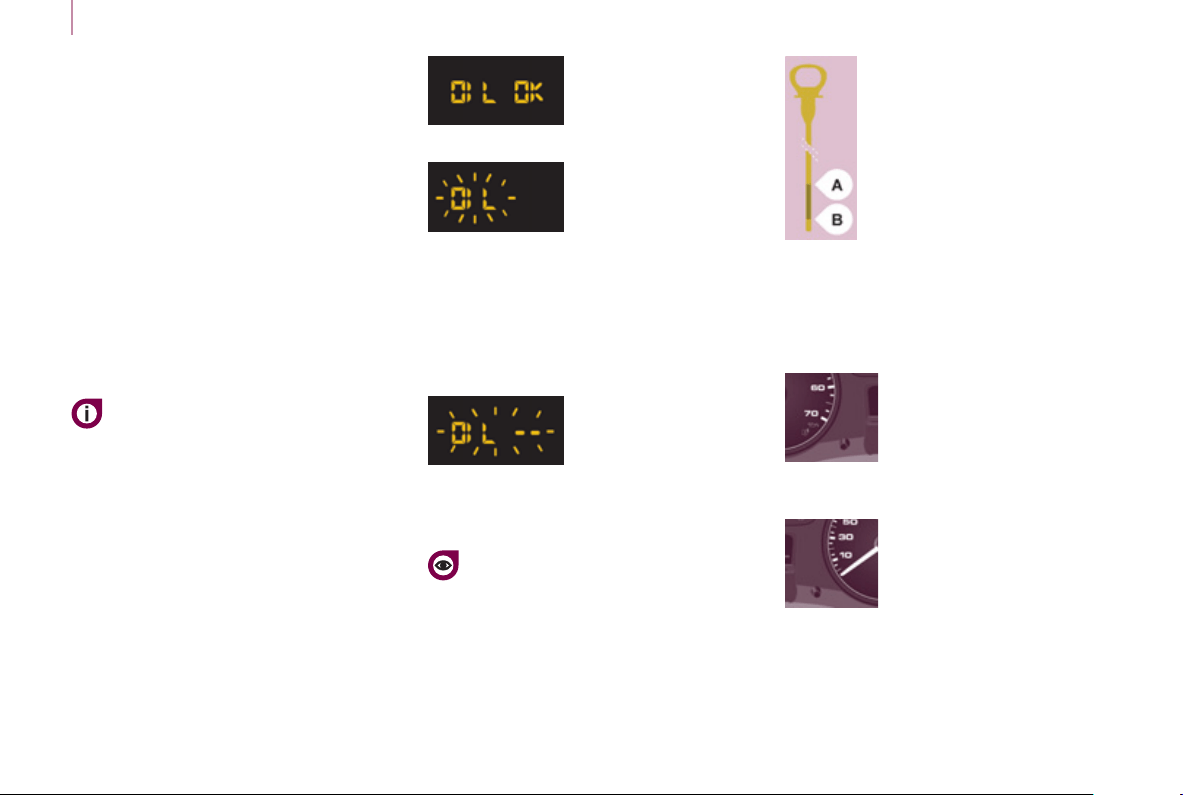
Engine oil level indicator
When the ignition is switched on, the
engine oil level is indicated for a few
seconds, after the service information.
Oil level correct
Low oil level
Flashing of "OIL" ,
linked with the
service warning lamp,
accompanied by an
audible signal and a message in the
screen, indicates a low oil level which
could damage the engine.
If the low oil level is confi rmed by a
check using the dipstick, it is essential
that the level is topped up.
Oil level gauge fault
Flashing of "OIL--"
indicates a malfunction
of the engine oil level
indicator. Contact a
PEUGEOT dealer or a qualifi ed workshop.
The level read will only be correct
if the vehicle is on level ground
and the engine has been off for
more than 30 minutes.
Dipstick
A = maximum, never exceed
this level as a surplus of oil
may damage the engine.
Contact a PEUGEOT dealer
or a qualifi ed workshop
without delay.
B = minimum, top up the level
via the oil fi ller cap, using the
grade of oil suited to your
engine.
With the lighting on,
press the button to vary
the brightness of the
instruments and controls.
When the lighting
reaches the minimum
(or maximum) setting,
release the button then press it again to
increase (or reduce) the brightness.
As soon as the lighting is of the
required brightness, release the button.
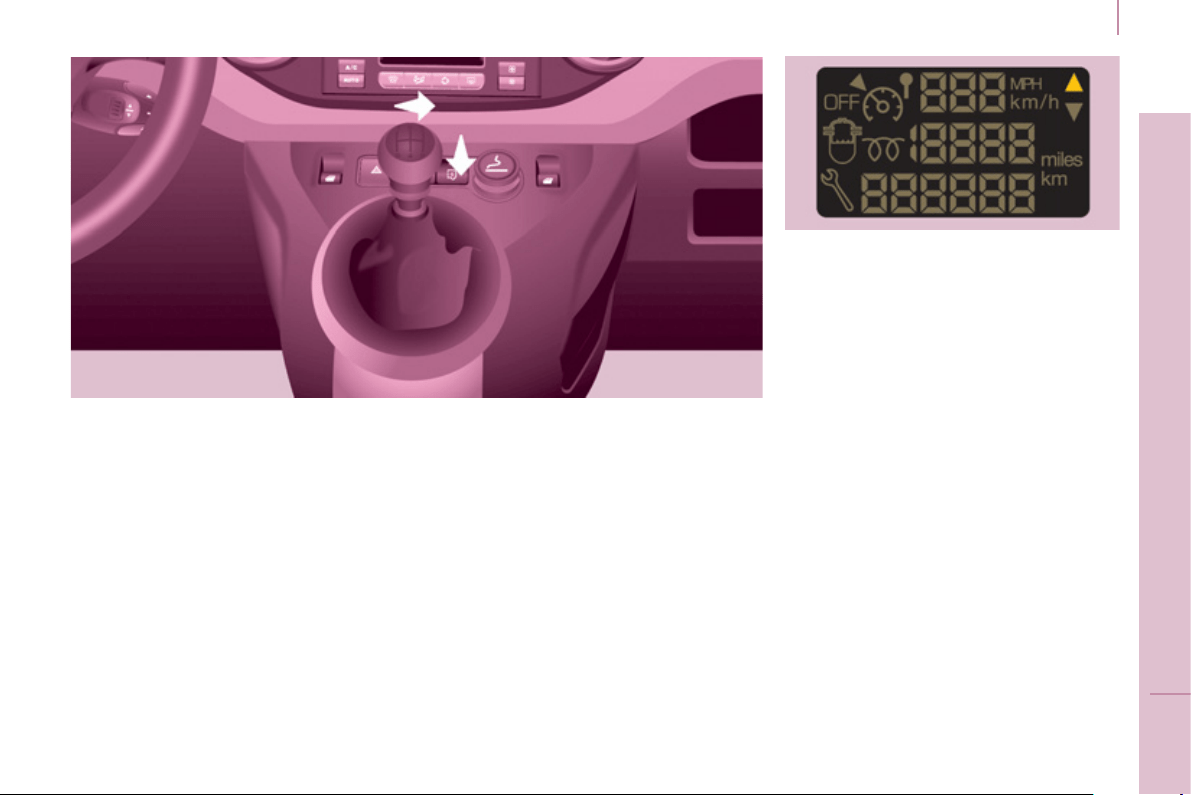
With the ignition on, press
the button until the zeros
appear.
Lighting dimmer
2
Gearbox and steering wheel
3
9
READY TO SET OFF
GEARBOX
5-speed gearbox - reverse
To change gear easily, always press
the clutch pedal fully.
To prevent the mat from becoming
caught under the pedal:
- ensure that the mat and its fi xings
on the fl oor are positioned correctly,
- never fi t one mat on top of another.
When driving, avoid leaving your hand
on the gear knob as the force exerted,
even if slight, may wear the internal
components of the gearbox over time.
Engaging 5
th
gear.
Push the gear lever fully to the right to
engage 5
th
gear.
G
EAR
S
HIFT INDICATOR
This system allows fuel consumption
to be reduced by suggesting when to
change up.
With an electronic gearbox, the system
is only active in Manual mode.
Depending on the driving conditions
and the equipment of your vehicle,
the system may recommend skipping
one or more gears. You can follow this
indication without going through the
intermediate gears.
The gear engagement
recommendations should not be
considered to be compulsory. This
because the confi guration of the road,
the traffi c density and safety remain
determining factors when choosing
the best gear. Therefore, the driver
remains responsible for deciding
whether or not to follow the advice
given by the system.
This system cannot be deactivated.
Engaging reverse
To engage reverse gear, wait until the
vehicle is stationary then push the gear
lever to the right then back.
The lever should be moved slowly to
reduce the noise on engaging reverse
gear.
Starting and stopping
6-speed electronic
g
earbox
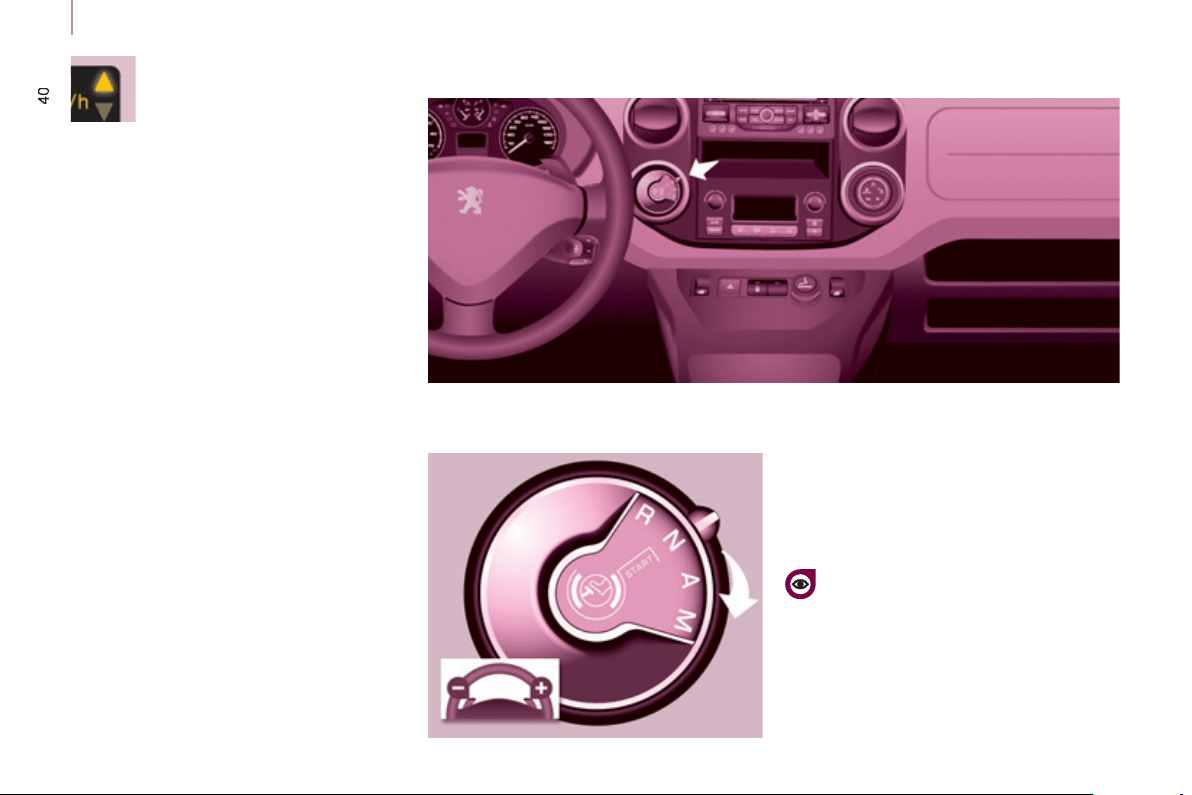
- automatic mode: gear selector in
position A .
- manual mode: gear selector in
position M .
For safety:
It is only possible to come out
of position N if the brake pedal is
pressed.
The change from position A (driving in
automatic mode) to position M (driving
in manual mode) or vice versa can be
made at any time. The warning lamp A
goes off in the instrument panel.
Mode selection
Illumination of this symbol
indicates that the driver can
change up.
On vehicles with a manual gearbox,
the arrow may be accompanied by the
recommended gear.
The system adapts its gear change
recommendations according to the
driving conditions (slope, load, ...) and
demands from the driver (for power,
acceleration, braking, ...).
The system never recommends
engaging fi rst gear or reverse, or
changing down.

2
Gearbox and steering wheel
4
1
READY TO SET OFF
Moving off
- To start the engine, the gear
selector must be in position N .
- Press fi rmly on the brake pedal.
- Operate the starter.
- When the engine is running, place
the gear selector on R , A or M as
desired.
- Release the brake pedal and
accelerate.
If the gear selector is not in position N ,
and/or if the brake pedal is not pressed,
the engine will not start. Repeat the
above procedure.
Reverse gear
Engaging reverse gear
Move the gear selector to R .
Only attempt to select reverse gear
when the vehicle is stationary.
Neutral
Changing to neutral
Move the gear selector to N . If the
vehicle is moving, do not select this
position even momentarily.
Manual mode
Changing to manual mode
Move the gear selector to M .
Automatic mode
Changing to automatic
mode
Move the gear selector to A .
The gearbox then operates in
automatic mode, without any action on
your part.
It constantly selects the gear that is
best suited to the following conditions:
- driving style,
- road profi le,
- optimum fuel consumption.
Gearbox and steering wheel
42
STEERING WHEEL ADJUSTMENT
When the vehicle is stationary,
release the steering wheel adjustment
mechanism by pulling the lever.
Adjust the steering wheel for height
and reach, then lock the mechanism by
pushing the lever fully forwards.
Acceleration
For optimum acceleration (e.g. to
overtake another vehicle), simply
press the pedal beyond the point of
resistance at the end of its travel, by
pressing down fi rmly.
Vehicle stationary, with the
engine running
In the event of a prolonged stop with
the engine running, the gearbox
changes automatically to neutral N .
Stopping the vehicle
Before stopping the engine, put the
gear selector in position N .
In all cases, it is essential to apply
the parking brake. Check that the
parking brake warning lamp is on in the
instrument panel.
Before doing anything in the
engine compartment, check that
the gear selector is in neutral N .
Changing gear
In situations of high engine speeds
(heavy acceleration), a change
up will not occur unless the driver
operates the electronic gearbox control
paddle.
Pull on the " + " control
paddle to change up.
Pull on the " - " control
paddle to change down.
- If the vehicle stops or reduces
speed (for example when
approaching a stop sign),
the gearbox changes down
automatically, to fi rst gear if
needed.
- It is not necessary to release the
accelerator completely during gear
changes.
- A gear change instruction is
accepted only if the engine speed
permits.
- For safety reasons, depending on
the engine speed, a change down
may be performed automatically.

4
3
Stop & Start
READY TO SET OFF
2
STOP & START
The Stop & Start system puts the
engine temporarily on standby - STOP
mode - during stops in the traffi c (red
lights, traffi c jams, or other...). The
engine restarts automatically - START
mode - as soon as you want to move
off. The restart takes place instantly,
quickly and silently.
Perfect for urban use, the Stop & Start
system reduces fuel consumption and
exhaust emissions as well as the noise
level when stationary.
Operation
Going into engine STOP mode
The "ECO" warning lamp
comes on in the instrument
panel and the engine goes
into standby:
- with a manual gearbox , at speeds
below 12 mph (20 km/h), when you
put the gear lever into neutral and
release the clutch pedal,
- with the 6-speed electronic
gearbox , at a speed below 5 mph
(8 km/h), when you press the brake
pedal or put the gear selector into
position N .
If your vehicle is fi tted with the system,
a time counter calculates the sum of
the periods in STOP mode during a
journey. It rests itself to zero every time
the ignition is switched on with the key.
With the electronic gearbox,
for your comfort during parking
maoeuvres, STOP mode is not
available for a few seconds after
coming out of reverse gear.
STOP mode does not affect the
functionality of the vehicle, such as
braking, power steering, for example.
Never refuel with the engine in
STOP mode; you must switch off
the ignition with the key.
Special cases: STOP mode
unavailable
STOP mode is not invoked when:
- the driver's door is open,
- the driver's seat belt is not
fastened,
- the vehicle has not exceeded
6 mph (10 km/h) since the last
engine start using the key,
- the parking brake is applied or
being applied,
- the engine is needed to maintain
a comfortable temperature in the
passenger compartment,
- demisting is active,
- some special conditions (battery
charge, engine temperature,
braking assistance, ambient
temperature...) where the engine
is needed to assure control of a
system.
In this case, the "ECO"
warning lamp fl ashes for a
few seconds, then goes off.
This operation is perfectly normal.

Stop & Start
Going into engine START mode
The "ECO" warning lamp
goes off and the engine starts:
- with a manual gearbox , when you
depress the clutch pedal,
- with the 6-speed electronic
gearbox :
● gear selector in position A or
M , when you release the brake
pedal,
● or gear selector in position N and
the brake pedal released, when
you move the gear selector to
position A or M ,
● or when you engage reverse
gear.
Special cases: START invoked
automatically
START is invoked automatically when:
- you open the driver's door,
- you unfasten the driver's seat belt,
- the speed of the vehicle exceeds
15 mph (25 km/h) with a manual
gearbox or 7 mph (11 km/h) with
the 6-speed electronic gearbox,
- the parking brake is being applied,
- some special conditions (battery
charge, engine temperature,
braking assistance, ambient
temperature...) where the engine
is needed to assure control of a
system.
In this case the "ECO"
warning lamp fl ashes for few
seconds, then goes off.
This operation is perfectly normal.
With a manual gearbox in STOP
mode, if a gear is engaged without
fully depressing the clutch pedal, a
warning lamp comes on or a message
is displayed asking you to depress the
clutch pedal to restart the engine.
Deactivation
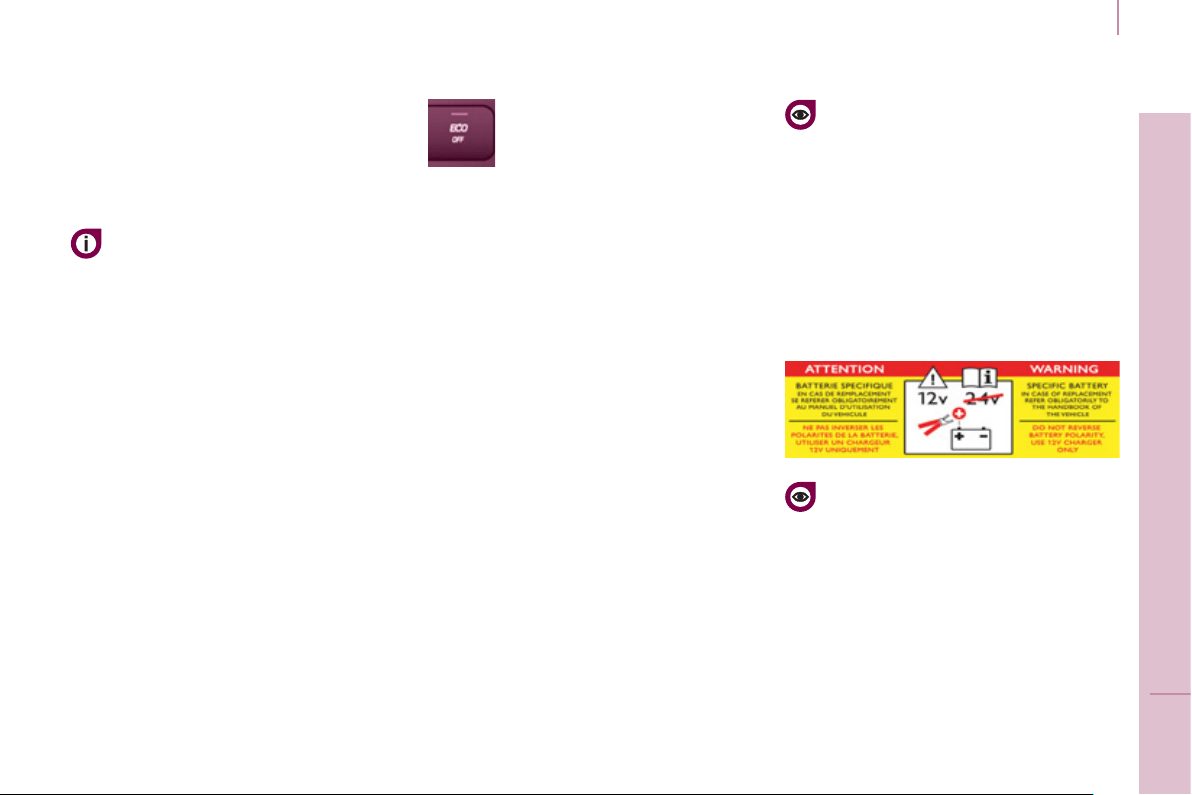
At any time, press the "ECO
OFF" switch to deactivate the
system.
This is confi rmed by the switch warning
lamp coming on accompanied by a
message in the screen.
If the system has been deactivated
in STOP mode, the engine restarts
immediately.
45
Stop & Start
READY TO SET OFF
2
Reactivation
Press the "ECO OFF" switch again.
The system is active again; this is
confi rmed by the switch warning
lamp going off and a message in the
instrument panel.
The system is reactivated
automatically at every new start
using the key.
Operating fault
In the event of a malfunction
with the system, the "ECO
OFF" switch warning lamp
fl ashes, then comes on
continuously.
have it checked by a PEUGEOT dealer
or a qualifi ed workshop.
In the event of a fault in STOP
mode, the vehicle may stall. It is then
necessary to switch off the ignition and
start the engine again using the key.
Maintenance
Before working under the bonnet,
deactivate the Stop & Start system
to avoid any risk of injury resulting
from automatic operation of START
mode.
This system requires a specifi c
battery with a special specifi cation
and technology (reference numbers
available from a PEUGEOT dealer or a
qualifi ed workshop).
Fitting a battery not listed by
PEUGEOT introduces the risk of
malfunction of the system.
The Stop & Start system makes
use of advanced technology. All
work on this type of battery must
be done only by a PEUGEOT dealer or
a qualifi ed workshop.

Starting and stopping
46
Good practice when stopping
Good practice when starting
Diesel pre-heating warning
lamp
If the temperature is high
enough, the warning lamp
comes on for less than one
second, you can start without
waiting.
In cold weather, wait for this warning
lamp to go off then operate the starter
(Starting position) until the engine
starts.
Door or bonnet open
warning lamp
If this comes on, a door or
the bonnet is not closed
correctly, check!
Minimise engine and gearbox wear
When switching off the ignition, let the
engine run for a few seconds to allow
the turbocharger (Diesel engine) to
return to idle.
Do not press the accelerator when
switching off the ignition.
There is no need to engage a gear
after parking the vehicle.
S
TARTING AND
S
TOPPING
Running and accessories position.
To unlock the steering, turn the
steering wheel gently while turning the
key, without forcing. In this position,
certain accessories can be used.
Starting position.
The starter is operated, the engine
turns over, release the key.
STOP position: steering lock.
The ignition is off. Turn the steering
wheel until the steering locks. Remove
the key.
Starting and stopping
47
READY TO SET OFF
HILL
S
TART A
SS
I
S
T
Operation
With the brake pedal and clutch pedal
pressed, from the time you release the
brake pedal you have approximately
2 seconds before the vehicle starts to
roll back and without using the parking
brake within which to move off.
During the moving off phase, the
function is deactivated automatically,
gradually releasing the braking
pressure. During this phase, the
characteristic noise of mechanical
release of the brakes may be heard,
indicating the imminent movement of
the vehicle.
Operating fault
Hill start assist is deactivated in the
following situations:
- when the clutch pedal is released,
- when the parking brake is applied,
- when the engine is switched off,
- when the engine stalls.
If a malfunction of the system
occurs, this warning lamp
comes on accompanied
by an audible signal and
confi rmed by a message
in the screen. Contact a PEUGEOT
dealer or a qualifi ed workshop to have
the system checked.
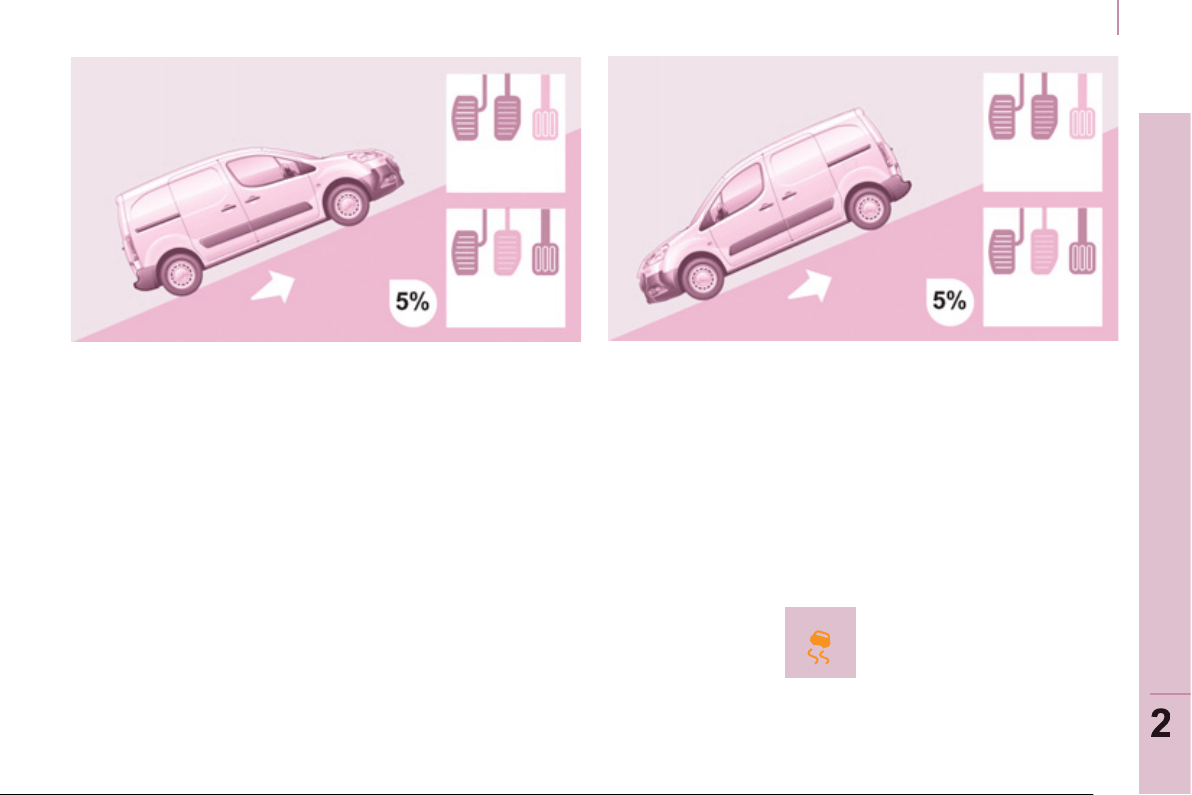
This function, linked with the ESC,
makes hill starts easier and is activated
in the following conditions:
- the vehicle must be stationary,
engine running, foot on the brake,
- the gradient of the road must be
steeper than 5%,
- uphill, the gearbox must be in
neutral or in a gear other than
reverse,
- downhill, reverse gear must be
engaged.
The HHC (Hill Holder Control) or Hill
Start Assist function is a driving comfort
system. It is not an automatic vehicle
parking function or an automatic
parking brake.
48
Steering mounted controls
DIRECTION INDICATORS
"Motorway" function
Press the control up or down to fl ash
the corresponding direction indicator
three times.
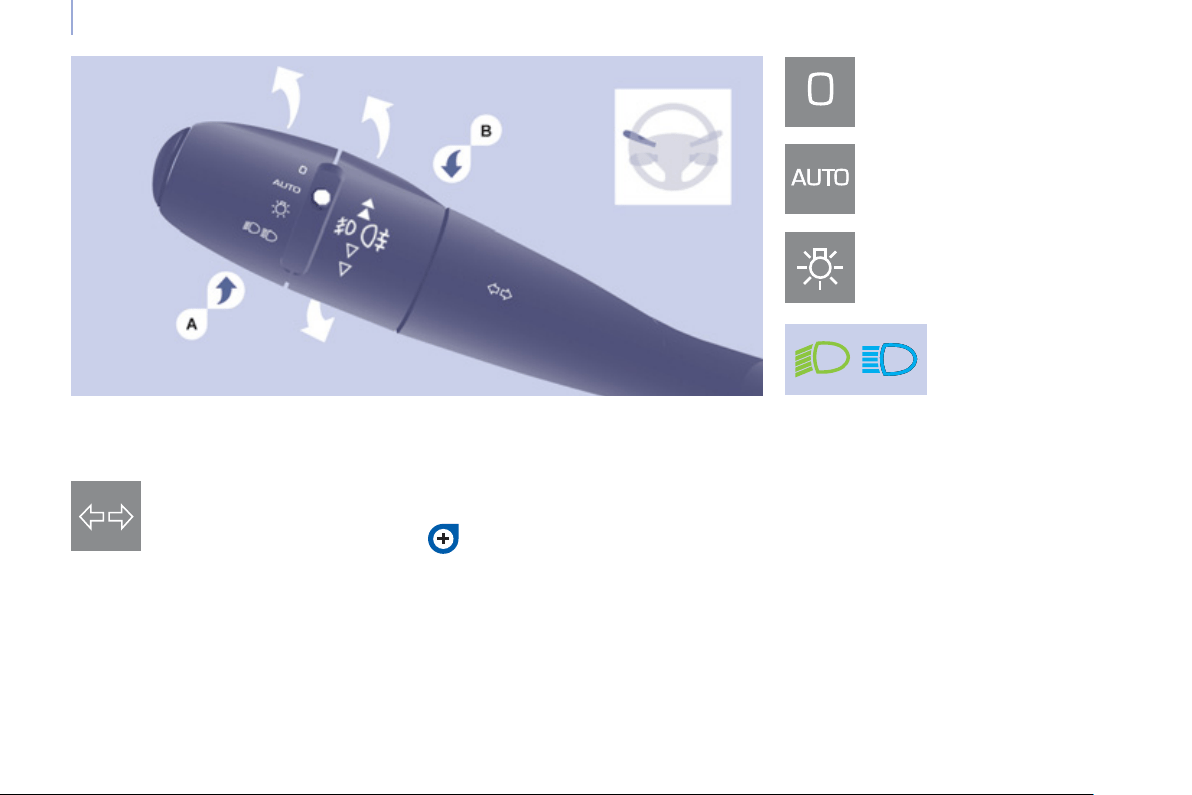
LIGHTING CONTROL
Left : downwards passing the
point of resistance.
Right : upwards passing the
point of resistance.
Front and rear lighting
Selection is by turning ring A .
Lighting off
Automatic illumination of
headlamps
Sidelamps
Dipped beam (green)
Main beam (blue)
Dipped beam/main beam change
Pull the stalk fully towards you.
Lighting-on audible warning
On switching off the ignition, all of the
lamps turn off, except dipped beam if
automatic guide-me-home lighting has
been activated.
To activate the lighting control, turn
ring A to the lighting off position "0"
then to the selection of your choice.
On opening the driver's door, there is
an audible warning if you have left the
lighting on.
Checking by means of the
indicator lamps on the instrument
panel is described in the
"Instruments and controls" section of
chapter 2.
Direction indicators
49
Steering mounted controls
EASE OF USE and COMFOR
T
3
LED da
y
time runnin
g
lamps
Rear foglamps (amber, 2nd
rotation of the ring forwards).
Front foglamps (green, 1st
rotation of the ring forwards).
Front and rear foglamps
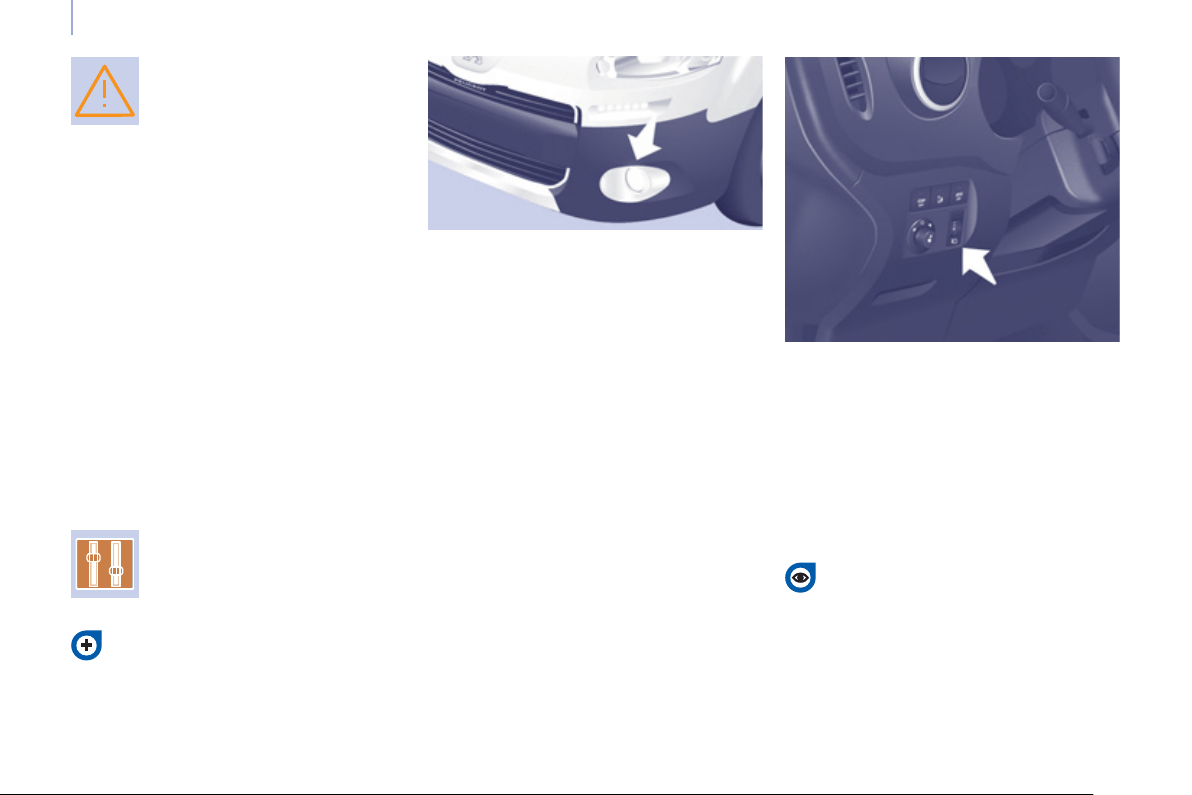
Rotate ring B forwards to switch on
and rearwards to switch off. The status
is confi rmed by the warning lamps in
the instrument panel.
They operate with the sidelamps and
dipped beam headlamps.
Do not forget to switch them off
when they are no longer needed.
Operation of the automatic illumination
of headlamps switches off the rear
foglamps, but the front foglamps
remain on.
To switch off the front and rear
foglamps, turn the ring rearwards twice
in succession.
In clear weather or in rain, both day
and night, rear foglamps dazzle and
their use is prohibited.
Automatic illumination of headlamps
In foggy weather or in snow,
the sunshine sensor may detect
suffi cient light. As a consequence,
the lighting will not come on
automatically. If necessary, you must
switch on the dipped beam headlamps
manually.
Do not cover the sunshine sensor
located on the windscreen, behind
the mirror. It is used for the automatic
illumination of headlamps and for the
automatic rain sensitive wipers.
Activation
Turn the ring to the AUTO position.
The activation of this function is
accompanied by a message in the
screen.
Deactivation
Turn the ring forwards or rearwards.
The deactivation of this function is
accompanied by a message in the
screen.
The function is deactivated temporarily
when you use the manual lighting
control stalk.
The sidelamps
and dipped beam
headlamps switch
on automatically if
the light is poor, or
during operation of the windscreen
wipers. They switch off as soon as the
light becomes bright enough or the
windscreen wipers stop.
This function is not compatible with the
daytime running lamps.
If the user does not operate any
equipment for 30 minutes, the
Economy mode engages to avoid
discharging the battery (see "Battery"
in section 7). Electrical functions are
put on standby and the battery warning
lamp fl ashes.
Sidelamp operation is not affected by
Economy mode.
On starting the vehicle, in daylight the
LED daytime running lamps come on
automatically.
If the sidelamps and headlamps are
switched on manually or automatically,
the daytime running lamps go off.
Programming
For countries where exterior lighting by
day is not a legal requirement, you can
activate or deactivate the function via
the confi guration menu.
50
Steering mounted controls
If the sunshine sensor
does not function correctly ,
the lighting comes on
accompanied by the service
warning lamp, an audible
signal and a message in the screen.
Contact a PEUGEOT dealer or a
qualifi ed workshop.
Guide-me-home lighting
Keeping the dipped beam headlamps
on temporarily with the ignition off,
makes the driver's exit easier when the
light is poor.
HEAD
L
AMP
BEAM
Depending on the load in your vehicle,
the beam setting must be adjusted.
0 - No load.
1 - Partial load.
2 - Average load.
3 - Maximum authorised load.
Manual operation
- With the ignition off, "fl ash" the
headlamps within one minute after
switching off the ignition.
The guide-me-home lighting switches
off automatically after a set time.
Automatic operation
Refer to the "Screen menu map"
section of chapter 9.
Activate the function via the
vehicle confi guration menu.
Initial setting is position 0.
Cornerin
g
li
g
htin
g
With dipped or main beam headlamps,
this function makes use of the beam
from a front foglamp to illuminate the
inside of a bend, when the vehicle
speed is below 25 mph (approximately
40 km/h) (urban driving, winding road,
intersections, parking manouevres...).
Switching on
This function starts:
- when the corresponding direction
indicator is switched on,
or
- from a certain angle of rotation of
the steering wheel.
Switching off
The system does not operate:
- below a certain angle of rotation of
the steering wheel,
- above 25 mph (40 km/h),
- when reverse gear is engaged,
Programming
The system is activated or deactivated
in the vehicle confi guration menu.
The system is activated by default.
Travelling abroad
If using your vehicle in a country
that drives on the other side of the
road, the headlamps must be adjusted
to avoid dazzling on-coming drivers.
Contact a PEUGEOT dealer or a
qualifi ed workshop.

51
Steering mounted controls
EASE OF USE and COMFOR
T
3
2 Fast wipe (heavy rain).
1 Normal wipe (moderate rain).
l Intermittent wipe.
0 Off.
È Single wipe
(press downwards).
In the I ntermittent position, the wiping
speed is in proportion to the vehicle
speed.
WINDSCREEN WIPER STALK
Manual windscreen wipers
Whenever the ignition has been
switched off for more than one minute,
with the windscreen wiper stalk in
position 2, 1 or I, the stalk must be
reactivated:
- move the stalk to any position,
- then move it back to the required
position.
Do not cover the rain sensor,
located in the centre of the
windscreen, behind the mirror.
Activation
Press the control downwards.
Activation of the function is
accompanied by a message in the
screen.
Deactivation / Switching off
Place the windscreen wipers stalk in
position I , 1 or 2 . Deactivation of the
function is accompanied by a message
in the screen.
In the event of malfunction of the
automatic windscreen wipers, the
windscreen wipers will operate in
intermittent mode.
Contact a PEUGEOT dealer or a
qualifi ed workshop to have the system
checked.
In the AUTO position, the windscreen
wipers operate automatically and
adapt their speed to the intensity of the
rainfall.
When not in AUTO mode, for the
other positions, refer to the manual
windscreen wipers section.
The automatic rain sensitive
windscreen wipers function must
be reactivated by pressing the stalk
downwards, if the ignition has been
switched off for more than one minute.
When using an automatic car
wash, switch off the ignition to
avoid triggering the automatic
wiping.
In winter, it is advisable to wait for the
windscreen to completely clear of ice
before operating automatic wipe.
Automatic rain sensitive windscreen wipers
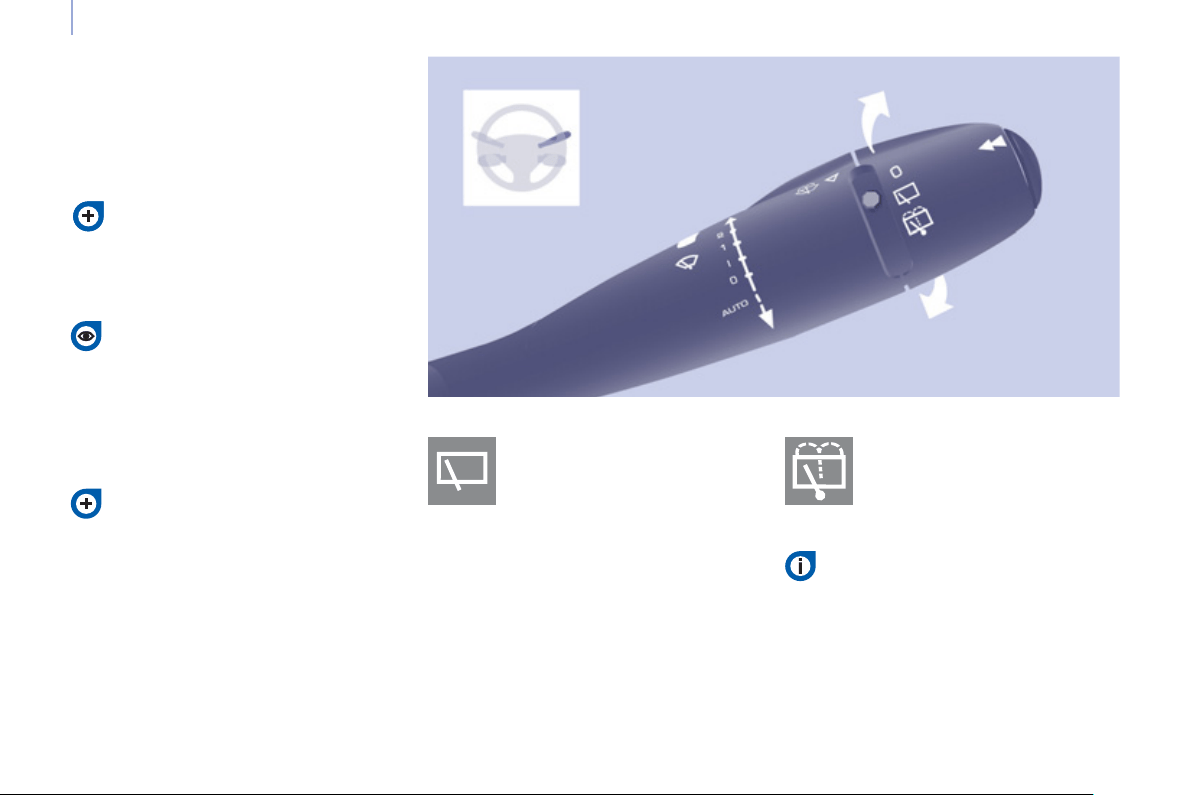
52
Steering mounted controls
Wash-wipe and headlamp wash
Pull the stalk towards you, the wash-
wipe is accompanied by a timed sweep
of the wipers.
The headlamp wash is linked with the
wash-wipe, it is triggered if the dipped
headlamps are on.
Turn the ring past the fi rst
position: the rear screenwash
then the rear wiper operates
for a fi xed time.
In winter, in the event of a
considerable amount of snow
or ice, switch on the heated
rear screen. Once the screen is
clear, remove the snow or ice which
has accumulated on the rear wiper
blade. You can then operate the rear
windscreen wiper.
To top up the levels, refer to the
"Levels" section of chapter 6.
Special position of the
windscreen wipers
Refer to the "Changing a
windscreen wiper blade" section of
chapter 7.
To park the wipers in their normal position
after this has been done, switch on the
ignition and move the stalk.
Turn the ring to the fi rst
position.
Rear screenwash Rear wiper
In the minute following switching
off of the ignition, any action on
the stalk positions the wipers
against the windscreen uprights.
This action enables you to position
the wiper blades for winter parking,
cleaning or replacement.
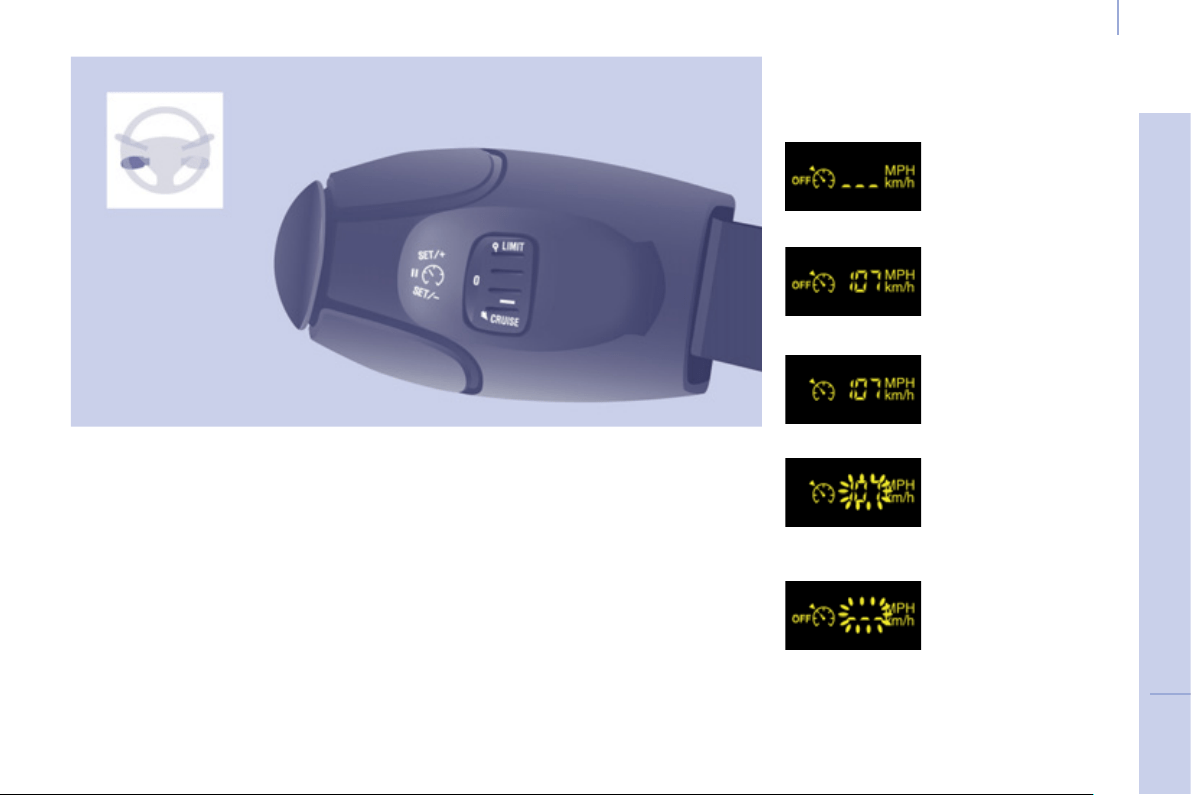
53
Steering mounted controls
EASE OF USE and COMFOR
T
3
CRUISE CONTROL "CRUISE"
In order for it to be programmed or
activated, the vehicle speed must be
greater than 25 mph (40 km/h) with at
least 4th gear engaged.
This cruise control shows the function
selection status in the instrument panel
and displays the programmed speed:
Function selected,
display of the "Cruise
Control" symbol.
Function deactivated,
OFF (example at 65 mph
(107 km/h)).
Function activated
(example at 65 mph
(107 km/h)).
Vehicle speed above
(e.g. 73 mph
(118 km/h)),
the programmed
speed is displayed
fl ashing.
Operating fault
detected,
OFF - the dashes
fl ash.
"This is the speed at which the driver
wishes to drive".
This aid to driving in free-fl owing
traffi c enables the vehicle to maintain
the speed programmed by the driver,
unless a steep gradient makes this
impossible.
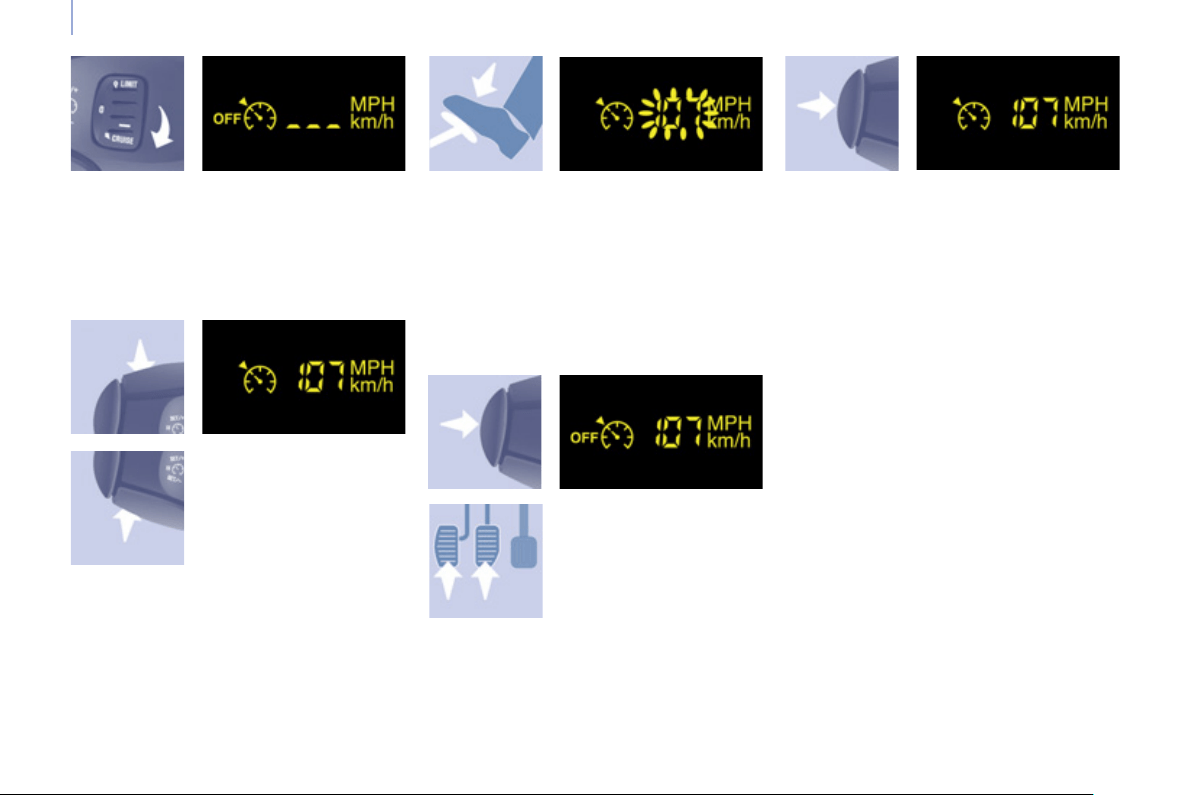
54
Steering mounted controls
Selecting the function
- Place the switch in the CRUISE
position. The cruise control is
selected but is not yet active and
no speed has been programmed.
First activation/
programming a
speed
- Reach the chosen
speed by pressing
the accelerator.
- Press the SET - or
SET + button.
Temporarily exceeding the
speed
It is possible to accelerate and drive
momentarily at a speed greater than
the programmed speed. The value
programmed fl ashes.
When the accelerator pedal is
released, the vehicle will return to the
programmed speed.
Deactivation (off)
- Press this button or
the brake or clutch
pedal.
Reactivation
- Following deactivation of the cruise
control, press this button.
Your vehicle will return to the last
programmed speed.
Alternatively, you can repeat the "fi rst
activation" procedure.
This programmes/activates the
reference speed and the vehicle will
maintain this speed.
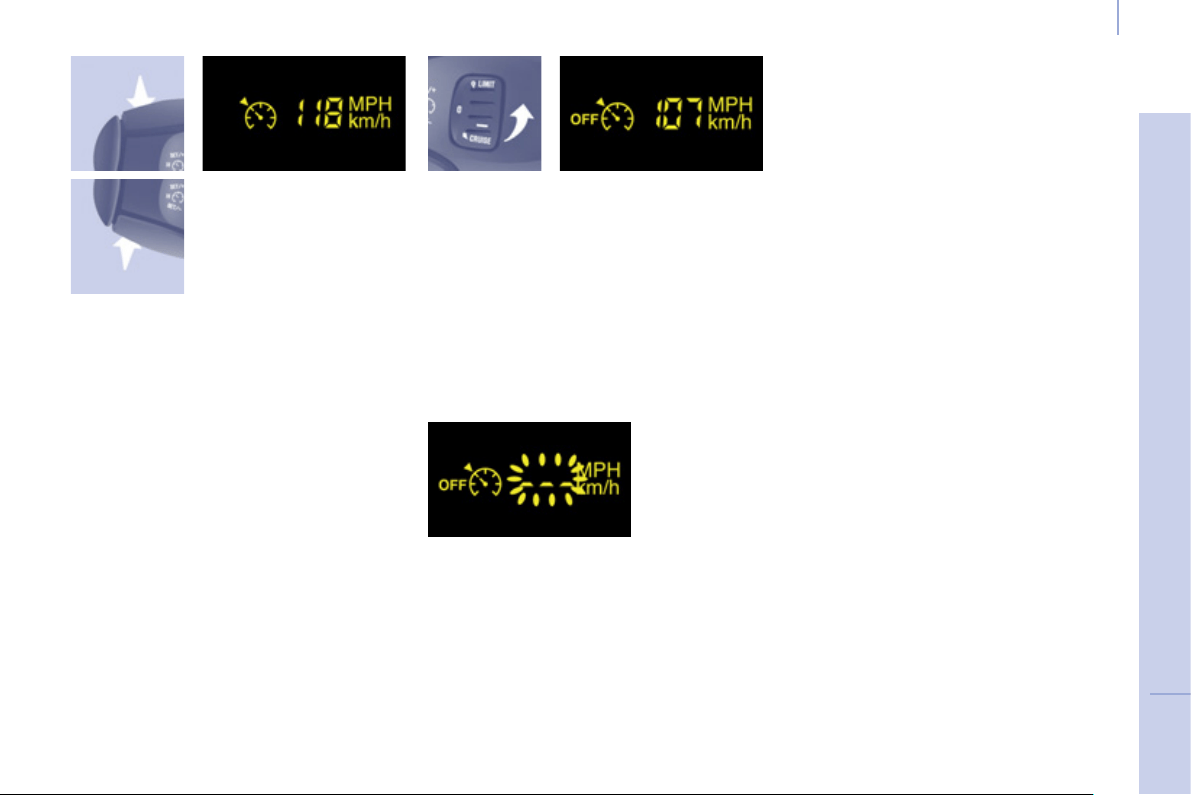
55
Steering mounted controls
EASE OF USE and COMFOR
T
3
Changing the
programmed speed
There are two methods
of memorising a
speed higher than the
previous one:
Switching the function off
Operating fault
The programmed speed is cleared then
replaced by three dashes. Contact
a PEUGEOT dealer or a qualifi ed
workshop to have the system checked.
Cancelling the programmed
reference speed
When the vehicle becomes stationary,
after switching off the ignition, the
system no longer memorises a speed.
Without using the accelerator:
- press the Set + button.
A brief press increases the speed by
1 mph (km/h).
A maintained press increases the
speed in steps of 5 mph (km/h).
Using the accelerator:
- exceed the memorised speed until
the speed required is reached,
- press the Set + or Set - button.
To memorise a speed lower than the
previous one:
- press the Set - button.
A brief press decreases the speed by
1 mph (km/h).
A maintained press decreases the
speed in steps of 5 mph (km/h).
- Place the dial in position 0 or switch
off the ignition to switch everything
off.
Good practice
When changing the programmed
reference speed by means of a
maintained press, pay attention as
the speed can increase or decrease
rapidly.
Do not use the cruise control on
slippery roads or in heavy traffi c.
In the event of a steep slope, the cruise
control cannot prevent the vehicle from
exceeding the programmed speed.
In any event, the cruise control cannot
replace the need to observe the speed
limits, nor can it replace the need for
vigilance and responsibility on the part
of the driver.
It is advisable to leave your feet near
the pedals.
To avoid any jamming under the
pedals:
- ensure that the mat and its fi xings
on the fl oor are positioned correctly,
- never place one mat on top of
another.
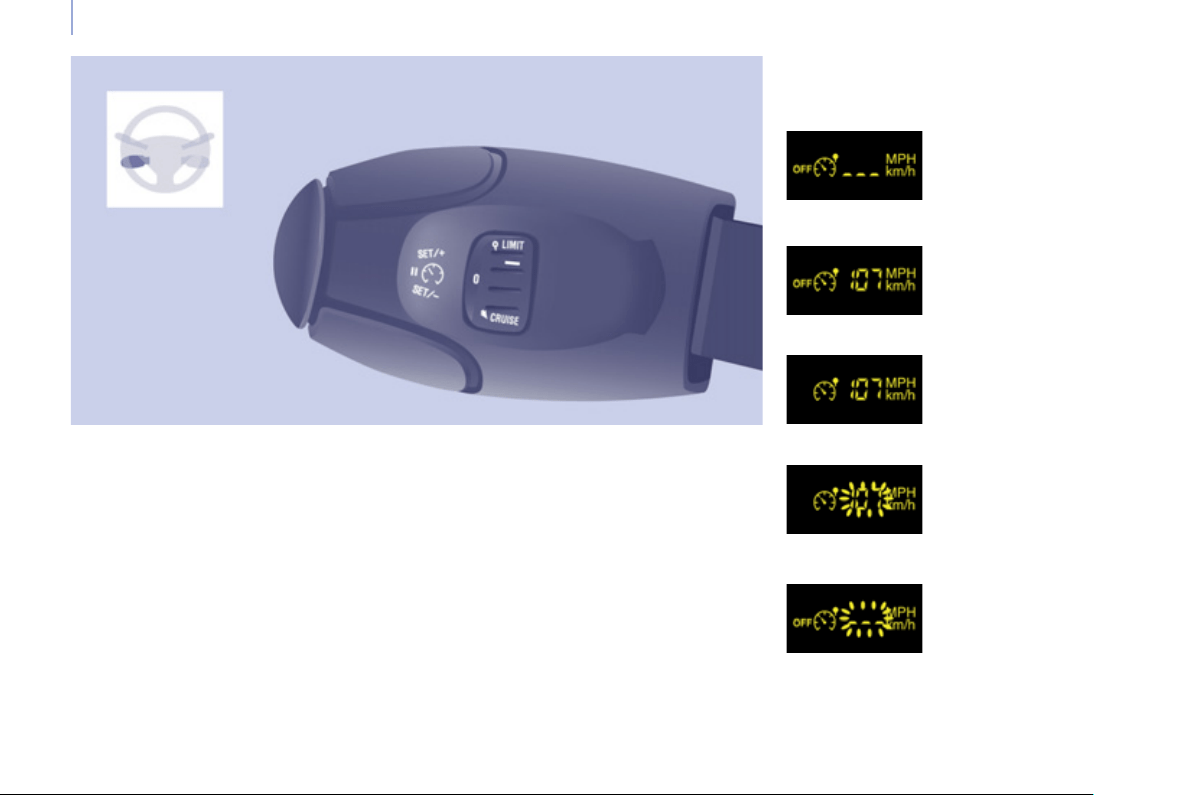
56
Steering mounted controls
However, pressing the pedal beyond
this point of resistance to the fl oor
allows the programmed speed to be
exceeded. To resume use of the limiter,
simply reduce the pressure on the
accelerator pedal gradually and return
to a speed below that programmed.
The operating actions may be
carried out when stationary, with the
engine running, or with the vehicle
moving.
This speed limiter shows the function
selection status in the instrument panel
and displays the programmed speed:
SPEED LIMITER "LIMIT"
Function selected,
displaying of the
"Speed Limiter"
symbol.
Function deactivated,
last programmed
speed - OFF
(example at 65 mph
(107 km/h)).
Function activated
(example at 65 mph
(107 km/h)).
Vehicle speed above
(example 70 mph
(118 km/h)),
the programmed
speed is displayed
fl ashing.
Operating fault
detected,
OFF - the dashes
fl ash.
"This is the selected speed which the
driver does not wish to exceed".
This selection is made with the engine
running while stationary or with the
vehicle moving. The minimum speed
which can be programmed is 20 mph
(30 km/h).
The speed of the vehicle responds
to the pressure of the driver's foot as
far as the accelerator pedal point of
resistance which indicates that the
programmed speed has been reached.
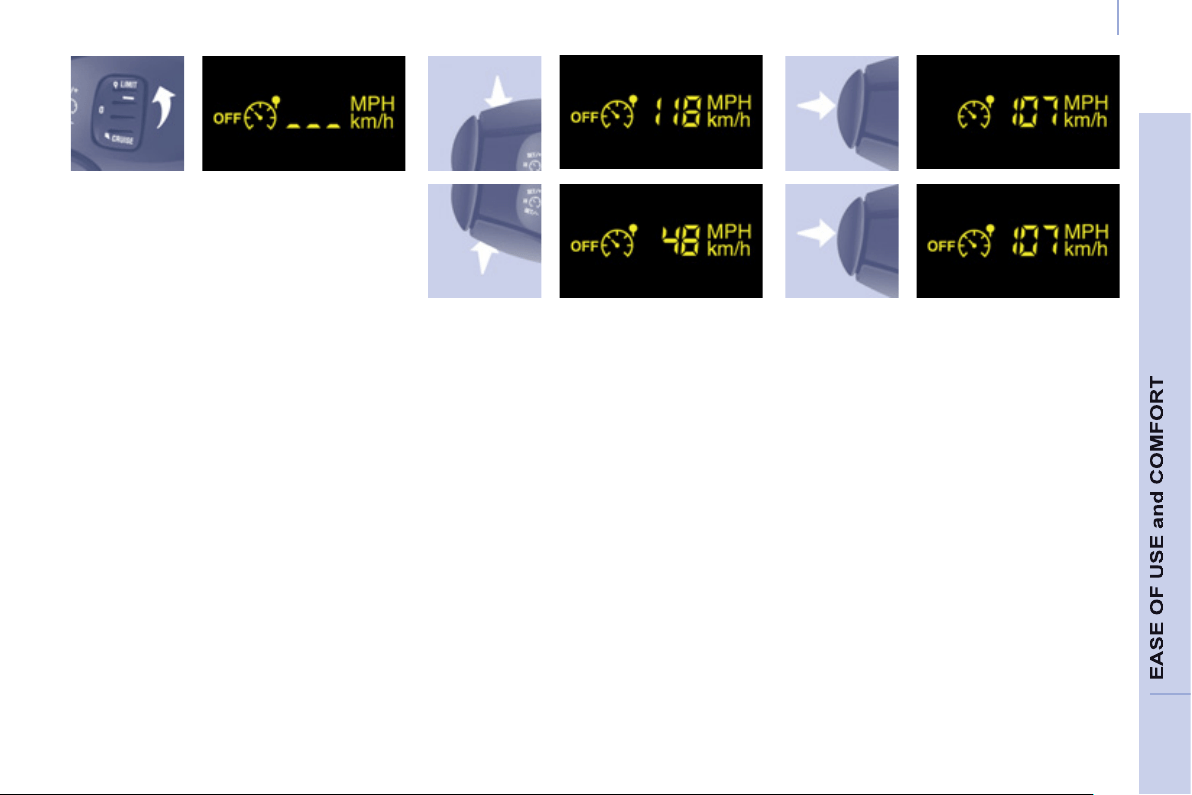
57
Steering mounted controls
3
Selecting the function
- Place the switch in the LIMIT
position. The limiter is selected
but is not yet active. The screen
indicates the last programmed
speed.
Programming a speed
A speed can be programmed without
activating the limiter but with the
engine running.
Activation/Deactivation (off)
Pressing this button once activates
the limiter, pressing the button again
deactivates it (OFF).
To memorise a speed higher than the
previous one:
- press the Set + button.
A brief press increases the speed by
1 mph (km/h).
A maintained press increases the
speed in steps of 5 mph (km/h).
To memorise a speed lower than the
previous one:
- press the Set - button.
A brief press decreases the speed by
1 mph (km/h).
A maintained press decreases the
speed in steps of 5 mph (km/h).
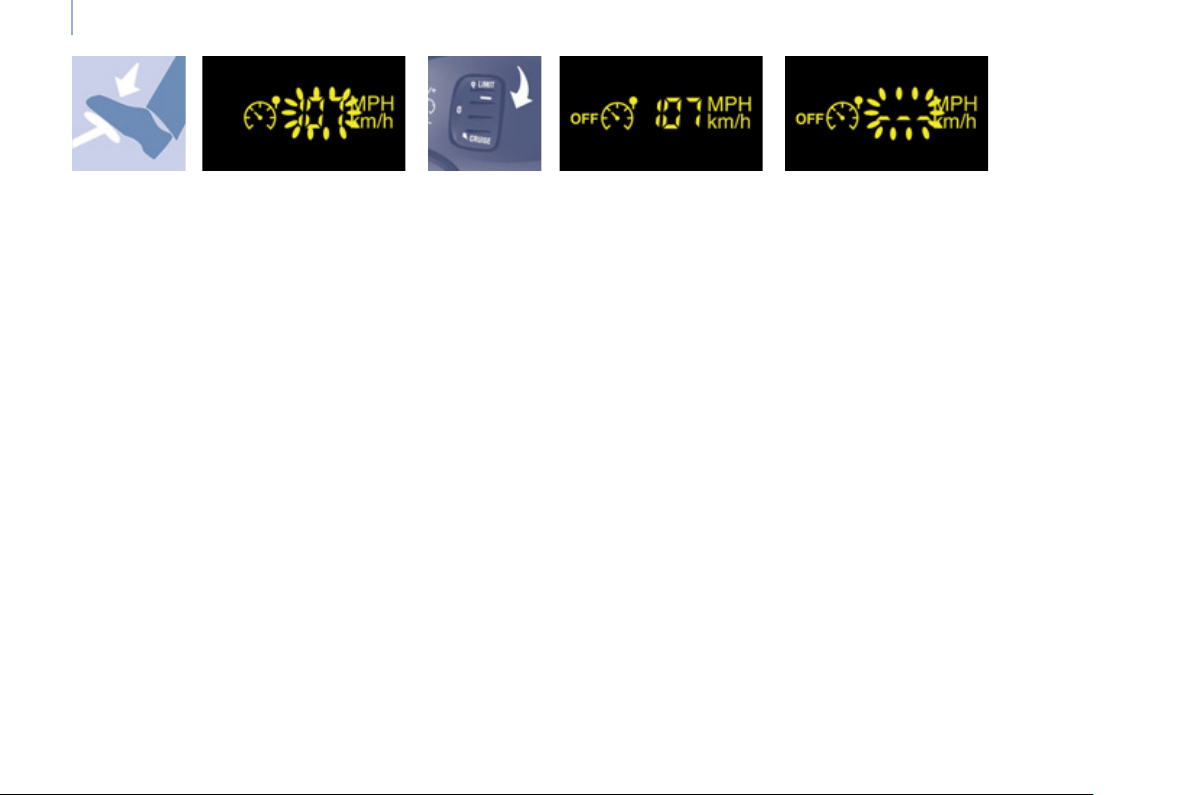
58
Steering mounted controls
Exceeding the programmed
speed
Pressing the accelerator pedal in order
to exceed the programmed speed
will have no effect unless you press
the pedal fi rmly beyond the point of
resistance .
The limiter is deactivated temporarily
and the programmed speed fl ashes.
To return to the limiter function, reduce
your speed to below the programmed
speed.
Switching the function off
- Place the switch in position 0 or
switch off the ignition to switch the
system off.
The last programmed speed remains in
the memory.
Operating fault
The programmed speed is cleared
then replaced by three dashes.
Contact a PEUGEOT dealer or a
qualifi ed workshop to have the system
checked.
Good practice
Flashing of the speed
The speed fl ashes:
- following forcing of the accelerator
point of resistance,
- when the limiter cannot prevent an
increase in the vehicle speed due
to the profi le of the road or on a
steep descent,
- in the event of sharp acceleration.
In any event, the speed limiter cannot
replace the need to observe speed
limits, nor can it replace the need for
vigilance and responsibility on the part
of the driver.
Always pay attention to the profi le of the
road and sharp acceleration and stay in
complete control of your vehicle.
To avoid any jamming under the pedals:
- ensure that the mat and its fi xings
on the fl oor are positioned correctly,
- never place one mat on top of
another.
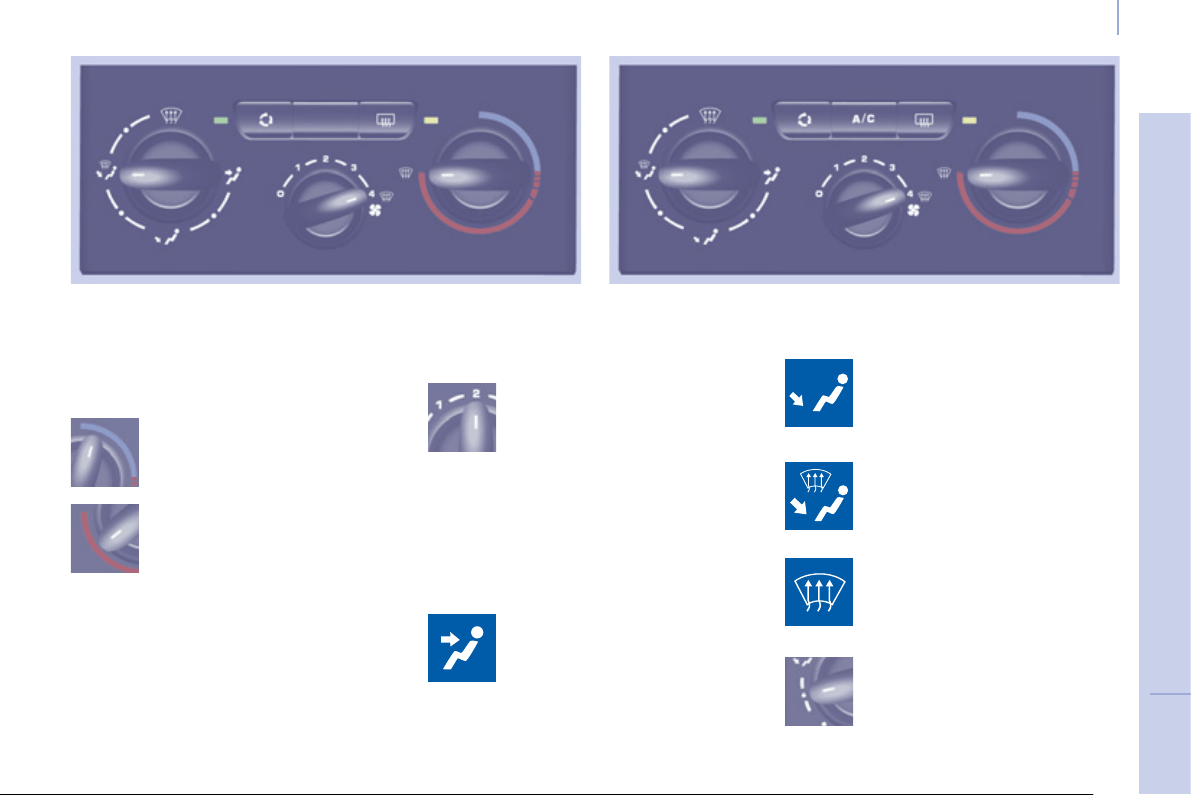
3
Ventilation
59
E
ASE OF USE and COMFOR
T
V
ENTILATION
the side vents and the central
vents,
Air flow
the footwells,
the windscreen and the footwells,
the windscreen.
The air distribution can be
modulated by placing the
control in the intermediate
positions, marked "●".
Manual settings:
Air distribution
The air supply distribution is
determined by the following symbols:
in the red zone, provides
heating of the passenger
compartment.
Control positioned:
in the blue zone, provides
ambient air,
The speed of the blown air at
the vents varies from 1 to the
fastest 4. Position 0 switches
it off.
Heating control panel Air conditioning control panel
Adjust this control in order to attain the
desired comfort level.
Temperature
Ventilation
60
Intake of exterior air
Recirculation of interior air
Air conditioning A/C
The LED in the button is
off. This is the preferred
operating position.
Pressing the button starts
the air conditioning system,
the LED is on. Pressing the
button again switches the
function off and the LED goes
off.
The air conditioning does not operate if
the fan speed is set to 0.
The air conditioning can only operate
with the engine running.
The LED in the button is on.
Recirculation temporarily
prevents exterior odours
and smoke from entering the
passenger compartment.
Used with the setting of the fan speed
(from 1 to 4), recirculation enables you
to attain the desired comfort level more
quickly with both hot or cold settings.
This position should only be temporary.
When your desired comfort level has
been reached, return to the intake
of exterior air position to permit
renewal of the air in the passenger
compartment and avoid misting. This is
the preferred operating mode.
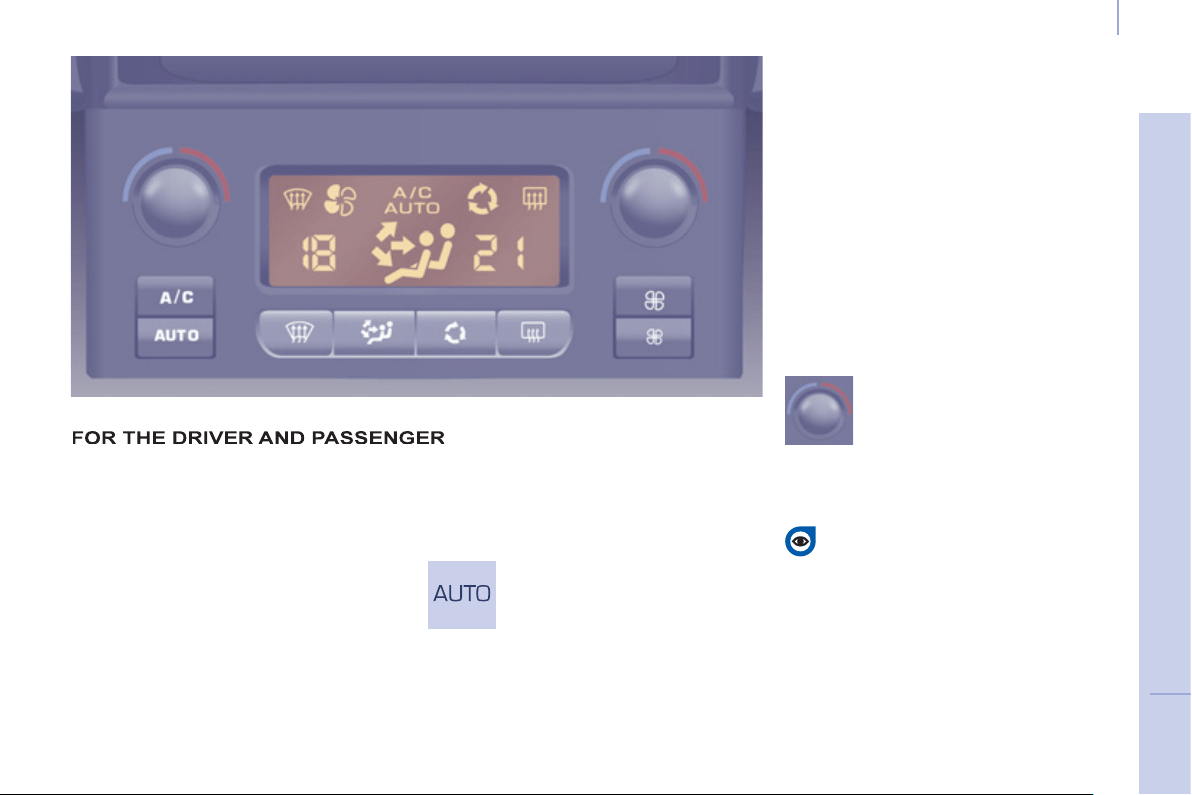
3
Ventilation
61
EASE OF USE and COMFOR
T
Good practice
For maximum cooling or heating of the
passenger compartment, it is possible
to exceed the value 15 by turning until
LO is displayed or the value 27 by
turning until HI is displayed.
On entering the vehicle, the inside
temperature may be much colder (or
warmer) than is comfortable. There is
no advantage in changing the value
displayed in order to quickly reach the
level of comfort required. The system
will use its maximum performance to
reach the comfort value set.
DIGITAL AIR CONDITIONING WITH SEPARATE SETTINGS
Automatic operation
AUTO comfort programme
This is the normal air conditioning
system operating mode.
Driver or passenger side comfort
value
The value indicated in the screen
corresponds to a level of comfort and
not a temperature in degrees Celsius
or Fahrenheit.
Turn this control to the left
or to the right to decrease or
increase the value. A setting
around the value 21 provides
optimum comfort. However,
depending on your requirements, a
setting between 18 and 24 is usual.
Do not cover the sunshine sensor
located on the dashboard.
Press this button, the AUTO
symbol is displayed.
In accordance with the comfort
value selected, the system
controls the distribution, the fl ow
and the intake of air to guarantee comfort
and a suffi cient circulation of air in the
passenger compartment. No further action
on your part is required.
When the engine is cold, to prevent an
excessive diffusion of cold air, the air diffuser
will reach its optimum level gradually.
For your comfort, the settings are
stored when the ignition is switched off
and are reinstated the next time the
vehicle is started.
The automatic function will no longer
be maintained if you change a setting
manually (AUTO is cleared).
Ventilation
62
Manual operation
You can, according to your requirements,
make a different selection from that offered
by the system by changing a setting.
The other functions will still be controlled
automatically. Pressing the AUTO button
restores fully automatic operation.
Air distribution
Pressing this button several
times in succession directs
the air fl ow towards:
- the windscreen,
- the windscreen and footwells,
- the footwells,
- the side vents, central vents and
footwells,
- the side vents and central vents.
Air fl ow
Press the small fan button to
reduce the fl ow or the large
fan button to increase the
fl ow.
On the display, the blades of the fan fi ll
when the fl ow is increased.
Switching the air
conditioning On / Off
Press this button, the A/C
symbol is displayed and the
air conditioning is activated.
Deactivating the system
Press the air fl ow small fan
button until the fan symbol
disappears from the display.
This action deactivates all
of the system's functions, with the
exception of the air recirculation and
rear screen demisting (if fi tted on your
vehicle). Your comfort setting is no
longer maintained and is switched off.
Intake of exterior air /
Recirculation of interior air
Press this button to
recirculate the interior air.
The recirculation symbol is
displayed.
For your comfort, do not
deactivate the system for
long periods. Pressing the
large fan button or the AUTO
button reactivates the system
with the values set before it was
deactivated.
Recirculation prevents exterior odours
and smoke from entering the passenger
compartment. Avoid prolonged operation
in interior air recirculation mode (risk of
condensation, odour and humidity).
Pressing this button again activates the
intake of exterior air.
Pressing this button again switches off
the air conditioning.
The ventilation outlet, located
in the glove box, diffuses cool
air (if the air conditioning is
on) regardless of the reference
temperature requested in the
passenger compartment and
regardless of the exterior temperature.
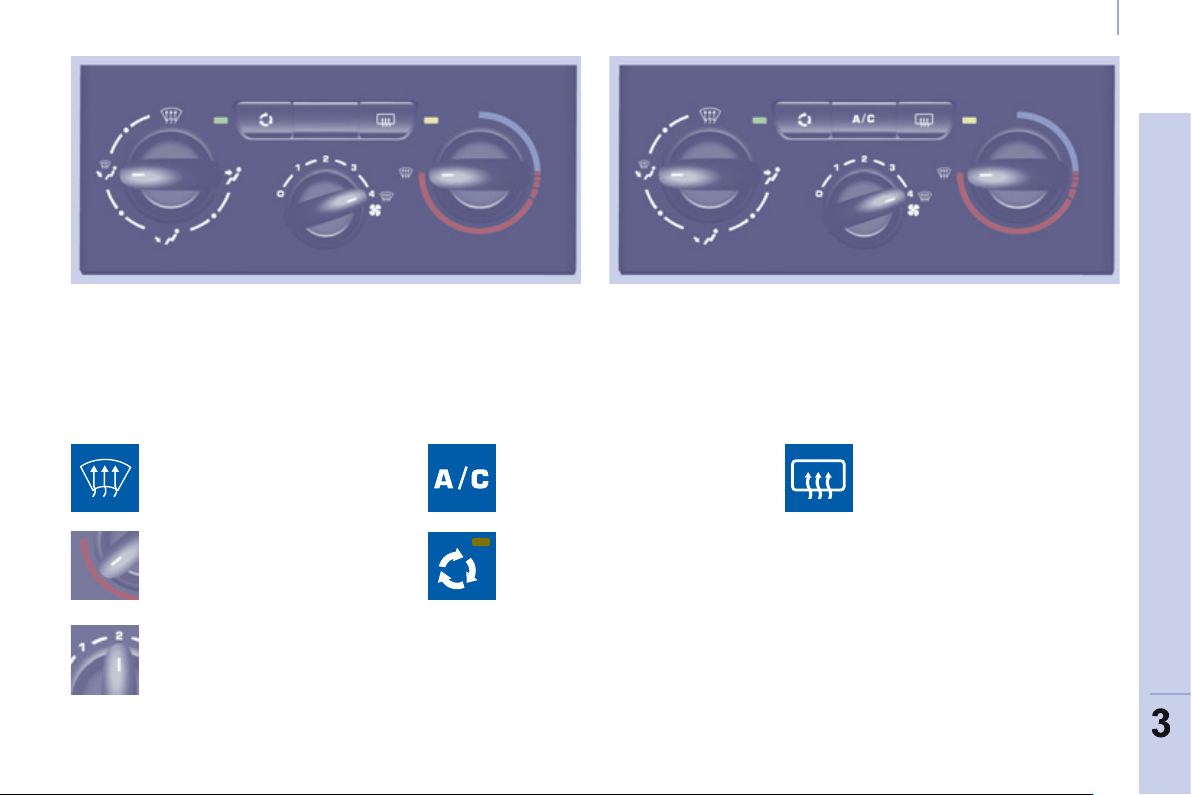
Ventilation
63
EASE OF USE and COMFOR
T
DEMISTING AND DEFROSTING
Manual mode
Turn the control to this
temperature setting.
Increase the air fl ow setting.
Press the air conditioning button.
Returning to exterior air
intake open permits renewal
of the air in the passenger
compartment (LED off).
Turn the control to this air
distribution setting.
Demisting the rear screen and/
or mirrors
Pressing this button, with the
engine running, activates the
rapid demisting - defrosting of
the rear screen and/or electric
mirrors.
This function switches off:
- when the button is pressed,
- when the engine is switched off,
- automatically to prevent excessive
energy consumption.
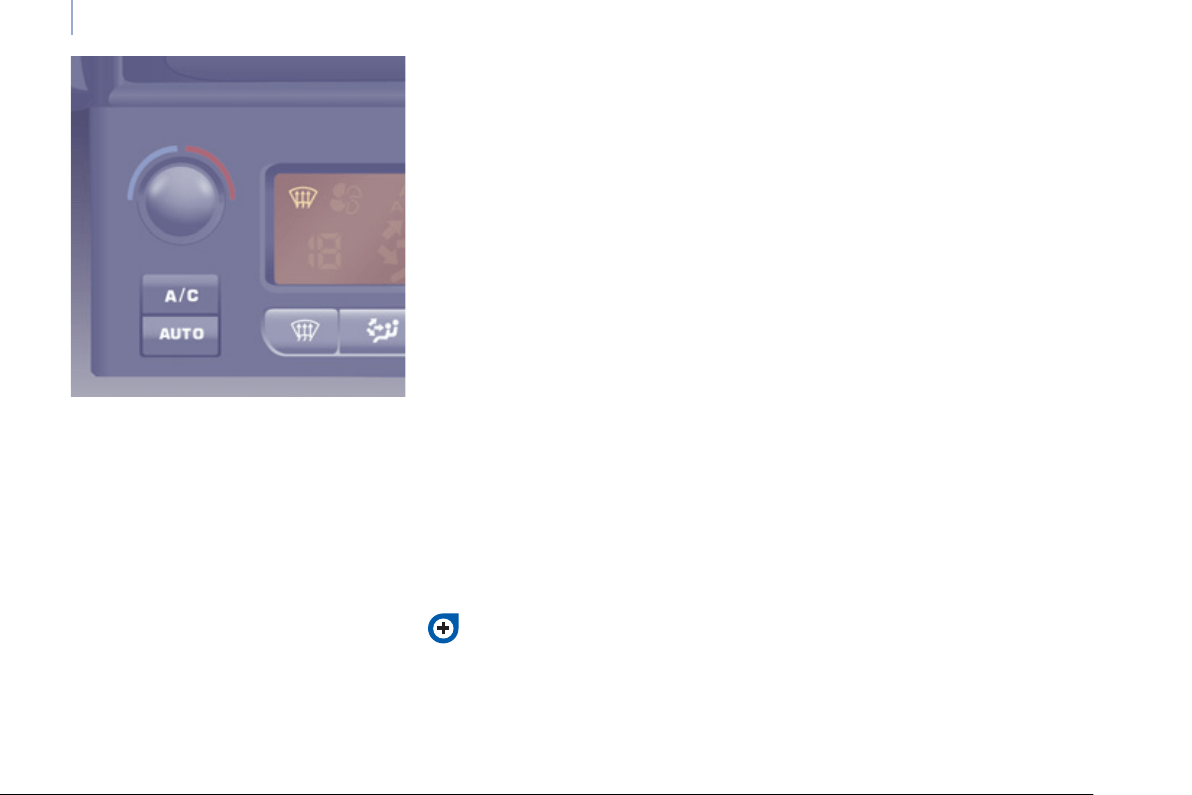
Ventilation
64
DEMISTING AND DEFROSTING
GOOD PRACTICE
Vents
"Leave them open"
For optimum distribution and diffusion
of hot or cool air in the passenger
compartment, there are adjustable
central and side vents which can
be directed sideways (right or left)
or vertically (up or down). For your
comfort while driving, do not close
them and direct the fl ow of air towards
the windows instead.
Air vents in the footwells and directed
towards the windscreen complete the
equipment.
Do not block the vents located at the
windscreen or the air extractor located
in the boot.
Dust filter, odour filter (activated
carbon)
This fi lter traps certain dust and limits
odours.
Ensure that this fi lter is in good
condition and have all of the fi lter
elements replaced regularly.
Refer to the "Checks" section of
chapter 6.
Air conditioning
In all seasons, the air conditioning
should only be used with the windows
closed. However, if the interior
temperature remains high after a
prolonged period parked in the sun, do
not hesitate to ventilate the passenger
compartment for a few minutes.
Use the AUTO mode as much as
possible as it permits optimised
control of all of the functions: air fl ow,
passenger compartment comfort
temperature, air distribution, air
intake mode or air recirculation in the
passenger compartment.
Operate the air conditioning system for
5 to 10 minutes, once or twice a month,
to keep it in good working order.
It is normal that the condensation
created by the air conditioning system
results in a fl ow of water which may
form a puddle under the vehicle when
parked.
If the system does not produce cold air,
do not use it and contact a PEUGEOT
dealer or a qualifi ed workshop.
Automatic mode: visibility
programme
The comfort programme (AUTO) may
not be suffi cient to quickly demist or
defrost the windows (humidity, several
passengers, ice).
In this case, select the visibility
programme. The visibility programme
indicator comes on.
It activates the air conditioning, the air
fl ow and provides optimum distribution
of the ventilation to the windscreen and
side windows.
It deactivates the air recirculation.
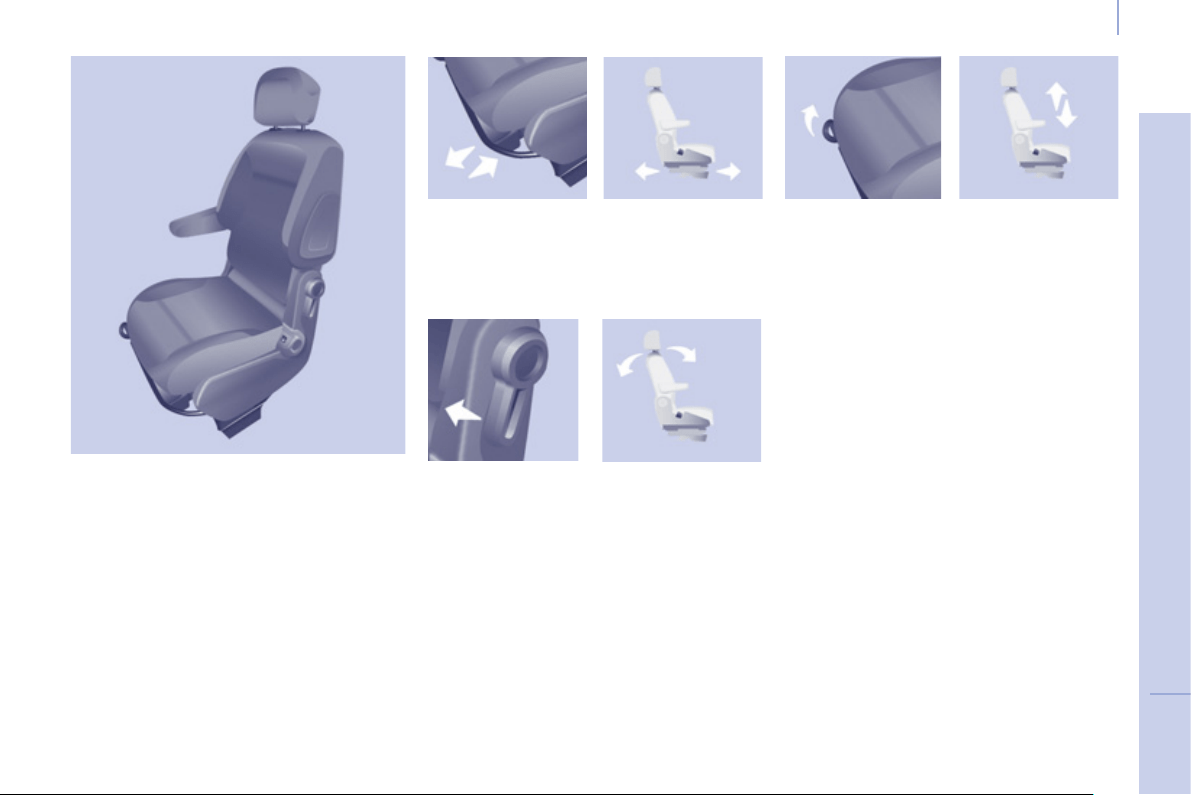
3
Seats
65
E
ASE OF USE and COMFOR
T
FRONT SEATS
Depending on the version and
confi guration of your vehicle, different
front seats are fi tted, either:
- a driver's seat and a passenger's
seat,
- an individual driver's seat and a
modular bench.
Depending on the models, the
following adjustments are available:
1 - Forwards/backwards adjustment
Lift the bar and slide the seat forwards
or backwards.
3 - Driver's seat height adjustment
To raise the seat, pull the handle
upwards then take your weight off the
seat cushion.
To lower the seat, pull the handle
upwards then push on the seat
cushion.
2 - Seat back angle adjustment
With your back pressed against the
seat back, move the lever forward and
set the required angle.
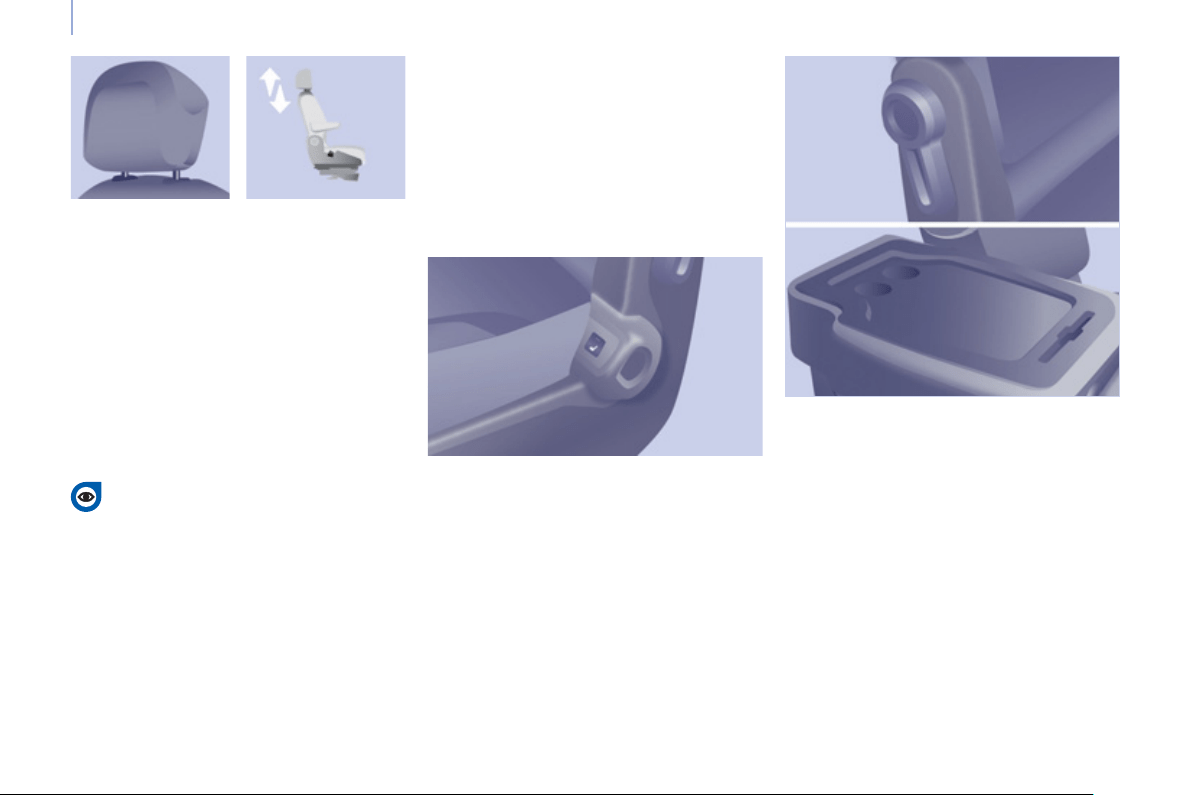
Seats
66
Never drive with the head
restraints removed; they must be
in place and correctly adjusted.
Armrest
To put the armrest into the vertical
position, raise the armrest until it locks.
Lower the armrest to put it back in the
position for use.
To remove the armrest, press the
release button from the vertical position
and move aside the armrest.
Front heated seats control
Each individual front seat may be fi tted
with a control located on the side of the
seat base.
With the 2+1 bench, the driver's seat
control also switches the bench outer
seat heated cushion on or off.
Press to switch on the cushion heating.
Press again to switch it off.
PASSENGER SEAT
The back of the individual passenger
seat can be folded to form a writing
table.
This position also permits the
transportation of long loads.
Head restraint height adjustment
To raise the head restraint, slide it
vertically upwards.
To lower the head restraint, press the
button and slide the head restraint
vertically downwards.
The adjustment is correct when the
upper edge of the head restraint is
level with the top of the head.
To remove the head restraint, press the
button and pull the head restraint upwards.
To re-install, engage the head restraint
rods in the holes, making sure they are
aligned with the seat back.
Folding the seat back
Pull the lever forwards then tilt the seat
back.
Returning the seat back to its
original position
Pull the lever forwards then raise the
seat back until it locks.
To put the armrest back in place, clip it
in the vertical position.
If the vehicle is fi tted with the additional
console and an armrest, to fold the
passenger seat to the table position
remove the console or the armrest.
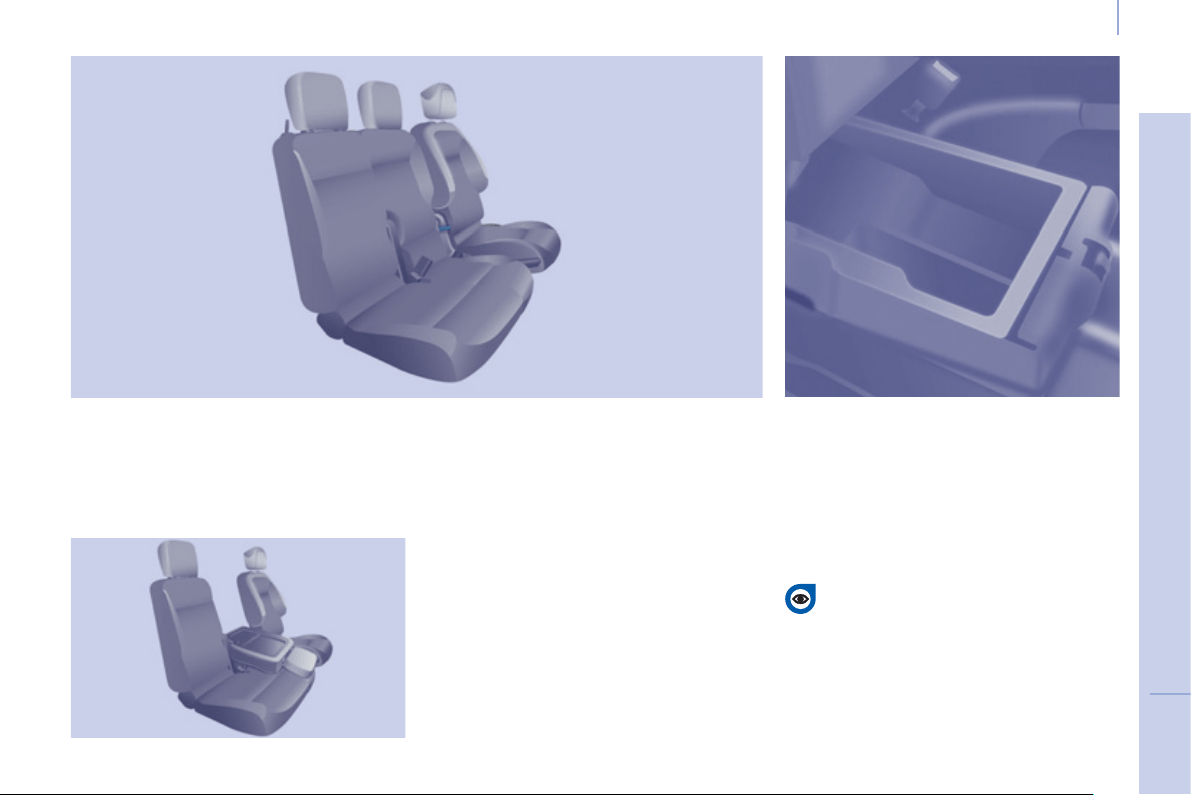
3
Seats
67
EASE OF USE and COMFOR
T
Mobile offi ce position
Pull the tab located on the lower edge
of the seat to lower the seat back
incorporating a writing table equipped
with a strap.
To return the seat back to the upright
position, pull the tab and guide the seat
back until it locks.
During the operations, take care not to
trap the tab under the seat cushion.
Storage compartment under the seat
cushion
Raise the centre seat cushion to gain
access to the storage compartment.
This space can be made secure by
fi tting a padlock (not supplied).
Multi-Flex bench seat
Centre seat
This is fi tted with a 3-point seat belt
with the seat belt upper anchorage on
the load retaining ladder behind the
driver.
Before locking the seat in the
sitting position, always take care
to leave the seat belt buckles
visible and the associated straps
available for the passengers.
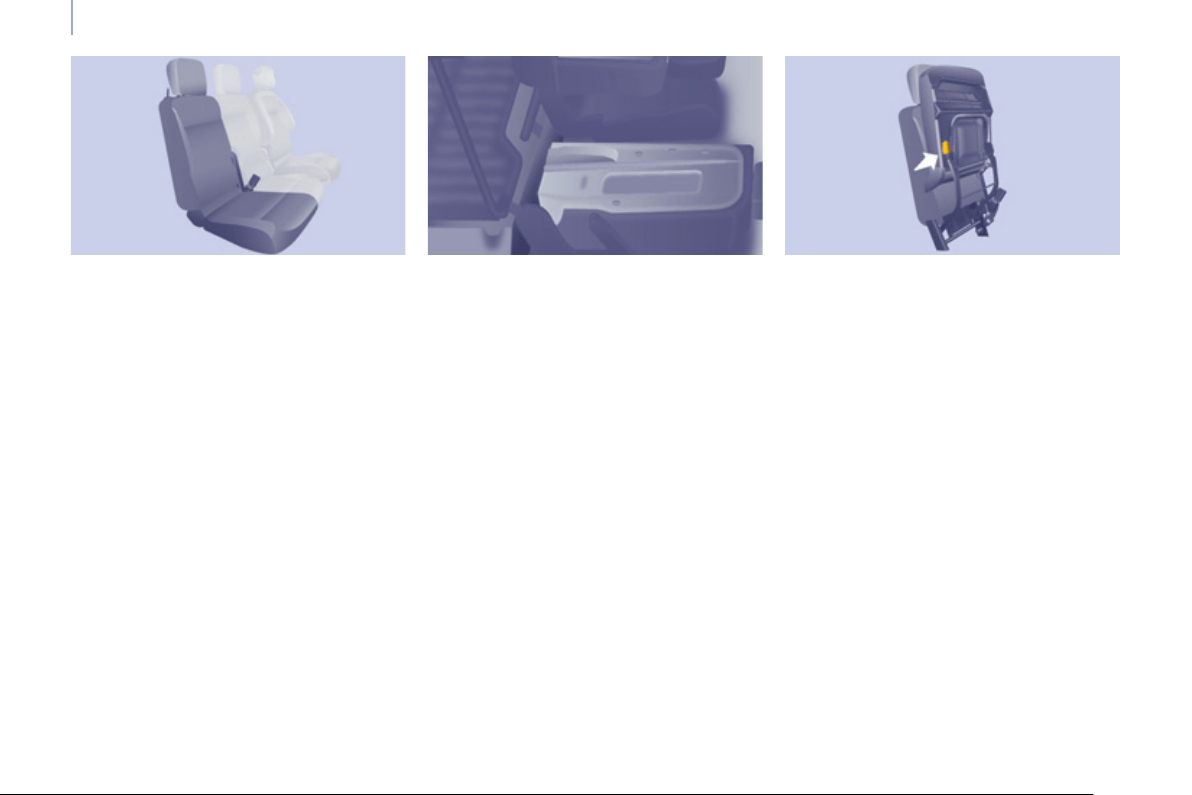
Seats
68
Foldaway position
Raise the yellow lever located at the
base of the seat to release and raise
the entire seat to the foldaway position
(seat cushion raised against the seat
back) until it locks.
This position allows tall loads to be
carried in the cab part.
To return the seat to the sitting position,
push the yellow lever located under the
seat cushion and lower the entire seat
until it is upright and locked on the fl oor
in the seat position.
Outer seat
The back of the outer seat has a metal
shell.
Fully folded position
Pull the tab located on the upper edge
of the seat by the head restraint to tilt
and guide the entire seat.
It inserts itself into the fl oor in the
front seat position and so forms a
continuous fl at fl oor with the load
space.
This position allows long loads to
be carried inside the vehicle, up to
3 m (3.25 m in the case of the long
versions) with the doors closed.
In the fully folded position, the
maximum weight on the seat back is
50 Kg.
To return the seat to the sitting position,
raise the seat back until it locks on the
fl oor in the seat position.
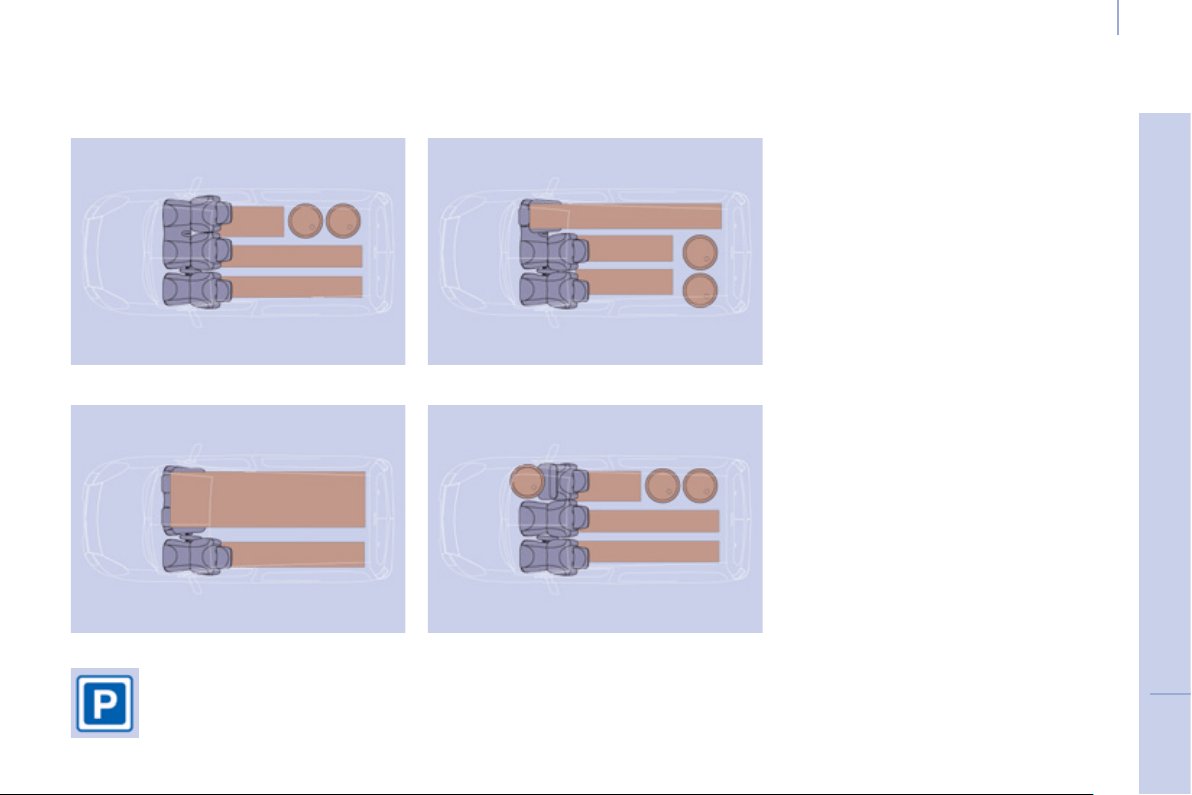
3
Seats
69
E
ASE OF USE and COMFOR
T
CONFIGURATIONS
Examples of various layouts combining comfort and practicality
The various operations
must be carried out while
stationary.
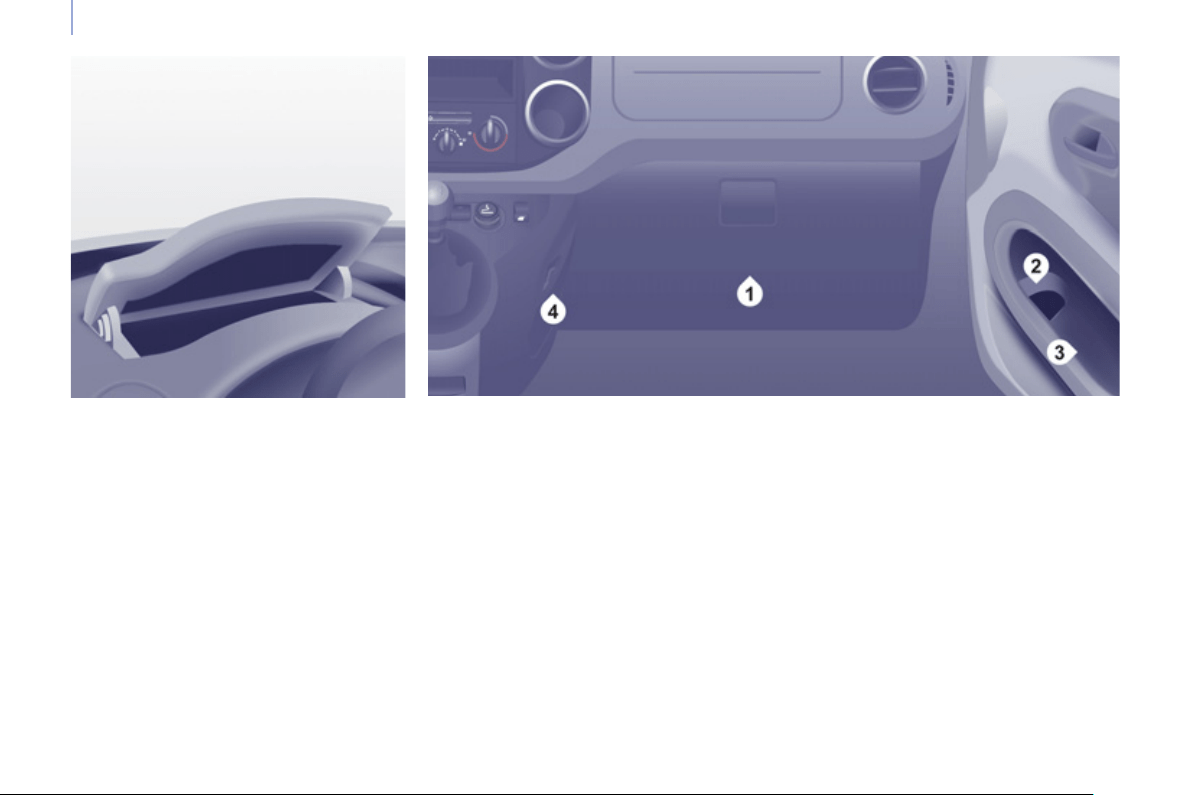
Practical information
70
FRONT FITTINGS
1. Lower glove box
This may or may not be fi tted with a lid.
Upper storage compartment
This is located on the dashboard,
behind the steering wheel.
A recess makes lifting of the lid easier
when opening. Guide it to its rest
position.
To close, guide the lid then press the
centre gently.
Any liquid which could spill risks
causing an electrical short circuit and
therefore a potential fi re.
3. Side storage compartment
4. Bag hook
Only hang fl exible bags which are not
too heavy on this hook.
2. Storage tray and bottle holder
(1.5 L)
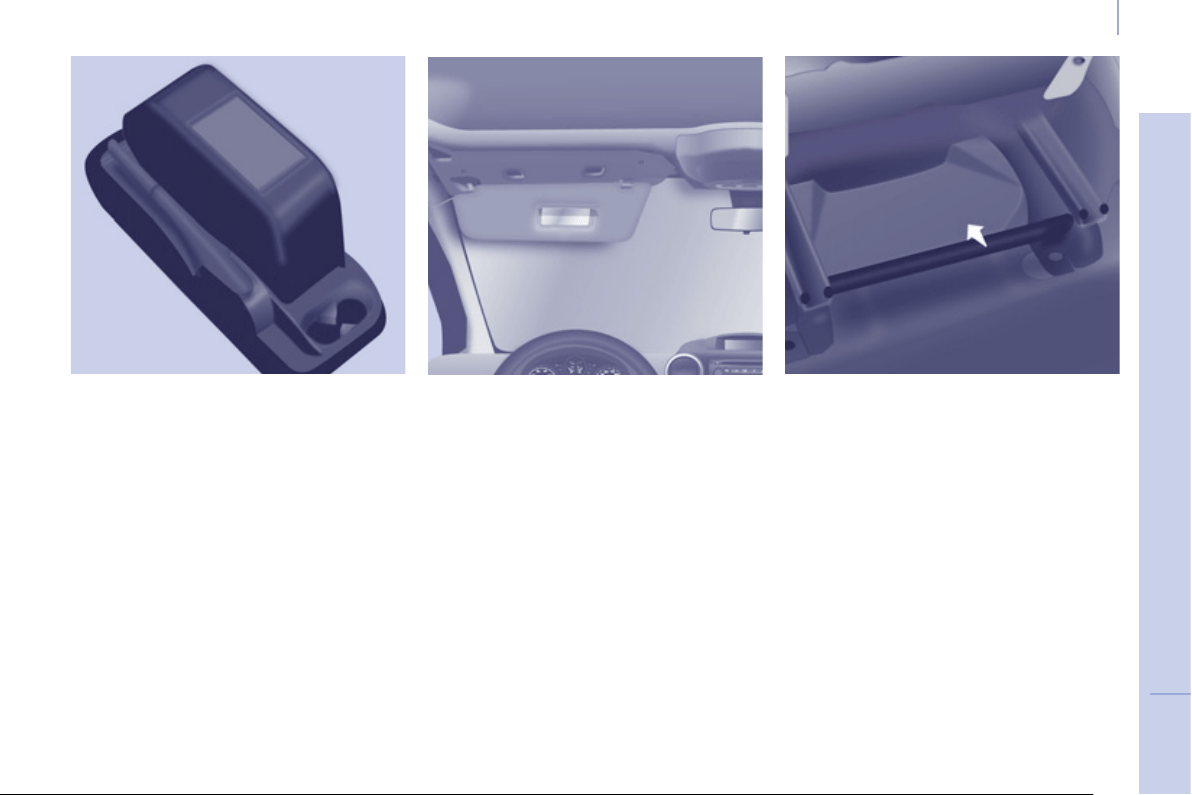
3
Comfort and safety
71
E
ASE OF USE and COMFOR
T
Overhead storage unit
This is located above the sun visors
and can accommodate various objects
(a jumper, fi le, gloves ...).
The openings concealed by the sun
visors allow you to see and access the
objects stored in the overhead storage
unit.
The maximum weight permitted in the
overhead storage unit is 5 Kg.
Do not place objects in this storage
unit which could present a risk to the
occupants.
Central storage console
This console offers an appreciable
additional storage area: it can be
removed and clips onto a base which
also incorporates two cup holders at
the rear.
Ensure that the object (bottle, can...)
placed in the cup holder is retained
securely and does not risk being
dislodged while driving.
Any liquid which could spill presents
a risk of damage on contact with the
instrument panel and centre console
controls.
Take care.
Sun visor
To prevent dazzle from ahead, fold the
sun visor down.
A pocket is provided in the driver's sun
visor for storing toll cards, tickets, ...
Storage compartments under
seats
Storage compartments may be provided
in the fl oor under the front seats.
The tools are stored under the left-
hand seat. Move the seat forward
for easier access to the storage
compartment.
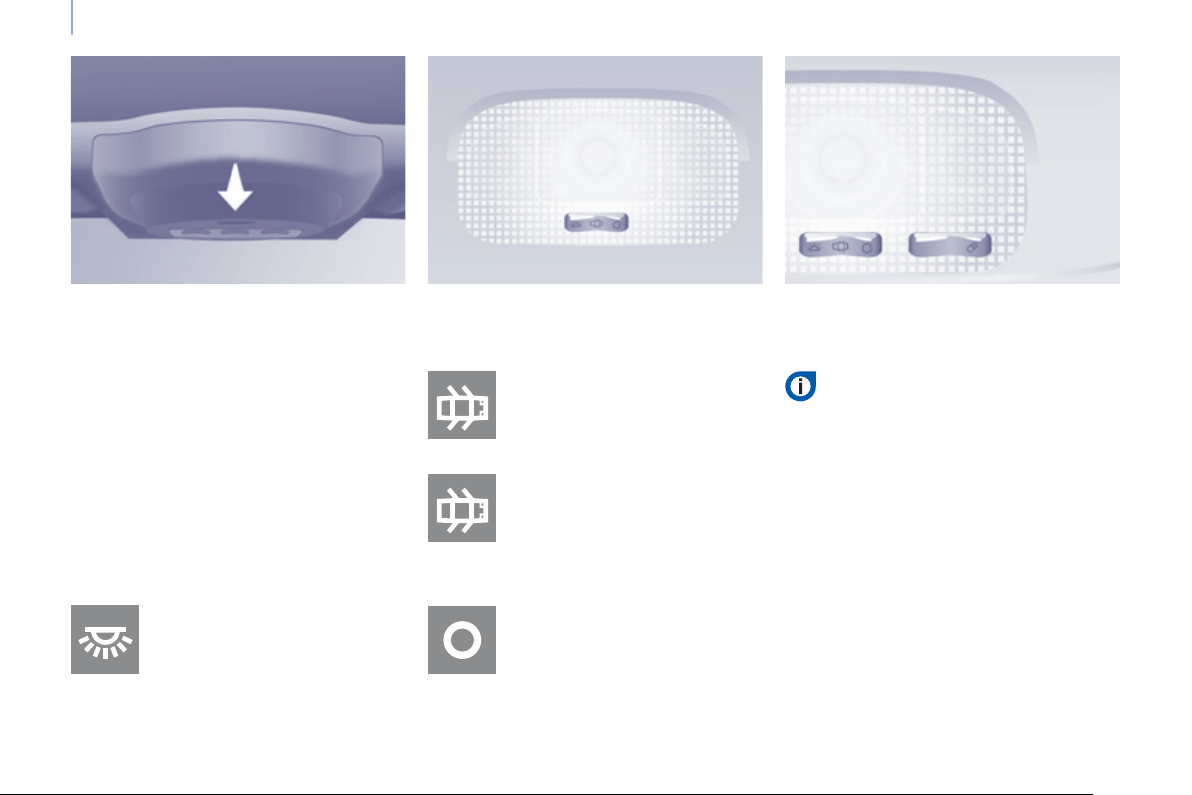
Practical information
72
Automatic operation
The front courtesy lamp comes on
when the key is removed from the
ignition, when the vehicle is unlocked,
when one of the front doors is opened
and for location of the vehicle using the
remote control.
It goes off gradually after the ignition
is switched on and when the vehicle is
locked.
Cab: comes on when one of
the front doors is opened.
These are switched on and off by
means of a manual switch, with
the ignition on.
Load space: comes on when
one of the rear doors is
opened.
If the doors remain open for
a few minutes, the courtesy
lamps go off.
Permanently off.
Permanently on, ignition on.
Front courtesy lamp
COURTE
S
Y LAMP
S
Rear courtesy lamp Front individual reading lamps
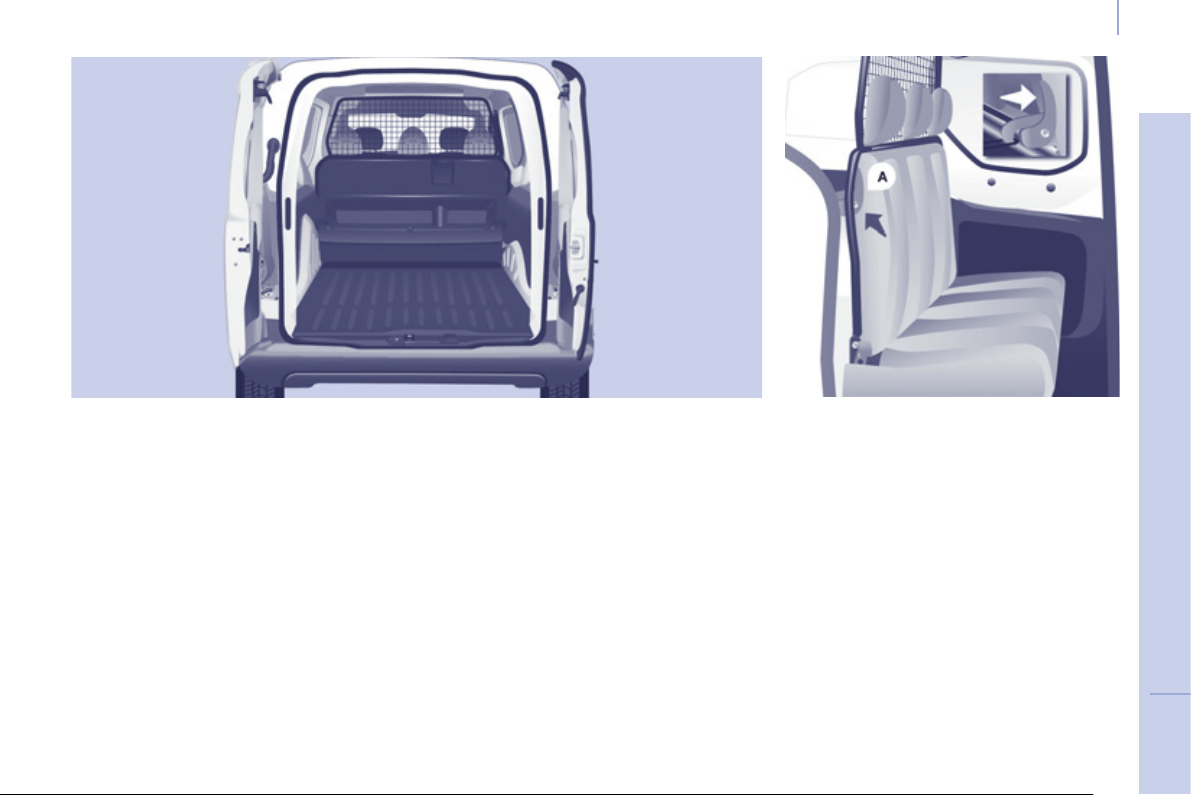
3
Comfort and safety
73
E
ASE OF USE and COMFOR
T
C
REW
C
AB
Bench seat
The crew cab consists of a 3-seat
bench, located in row 2, the one-piece
back of which is in unit with the "load
retainer" grille.
Access to the rear seats is via the
sliding side door.
Head restraints and seat belts
The three seats are equipped with
inertia reel seat belts. The seat belts
of the outer seats are secured to the
body, whereas the seat belt of the
centre seat is secured to the back of
the bench seat.
Each seat has a head restraint bolted
onto the load retaining grille and which
can be removed.
Do not store a head restraint inside the
vehicle unless it is properly stowed or
fi xed to a support.
Do not drive with rear passengers
without fi rst bolting the head restraints
in place.
Placing the bench seat in the
fully folded position
- If necessary, move the front seats
forward and fasten the strap of the
seat belt of the centre seat.
- Check that the seat belt straps and
buckles are positioned correctly
along the side panels, to ensure
that the sliding of the seat back is
not hindered.
- Release the seat back using the
control A .
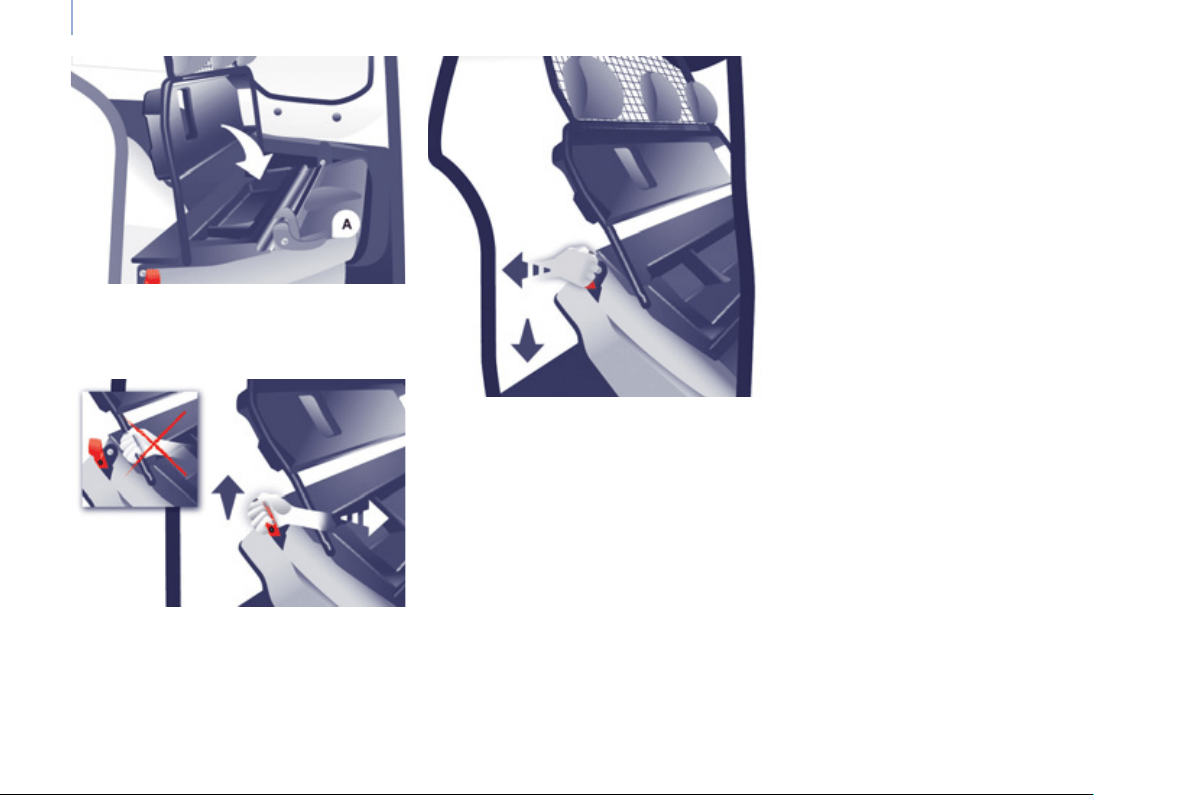
Practical information
74
Putting the bench seat back in
the seat position
- In a single movement: take hold of
the red strap and pull the assembly
horizontally towards the rear. Guide
the movement until the feet of the
bench seat lock on the fl oor.
- Raise the seat back. The control A
locks in place automatically.
- Check that the bench is locked on
the fl oor correctly once it has been
returned to the seat position.
Do not let the assembly fall sharply.
Good practice
There is no need to assist, guide or
support the tilting movement using
your free arm.
The rear seat belt casings are not
designed for securing the load
transported. Use the stowing rings on
the fl oor only.
The bench seat of the crew cab is not
suitable for the installation of a child
seat.
- Using the same hand, fold the seat
back and the associated grille onto
the seat cushion.
- Take hold of the red strap (like
a handle) and lift the assembly
vertically, guiding the movement to
the fully folded position.
The raised seat rests against the backs
of the seats of row 1.
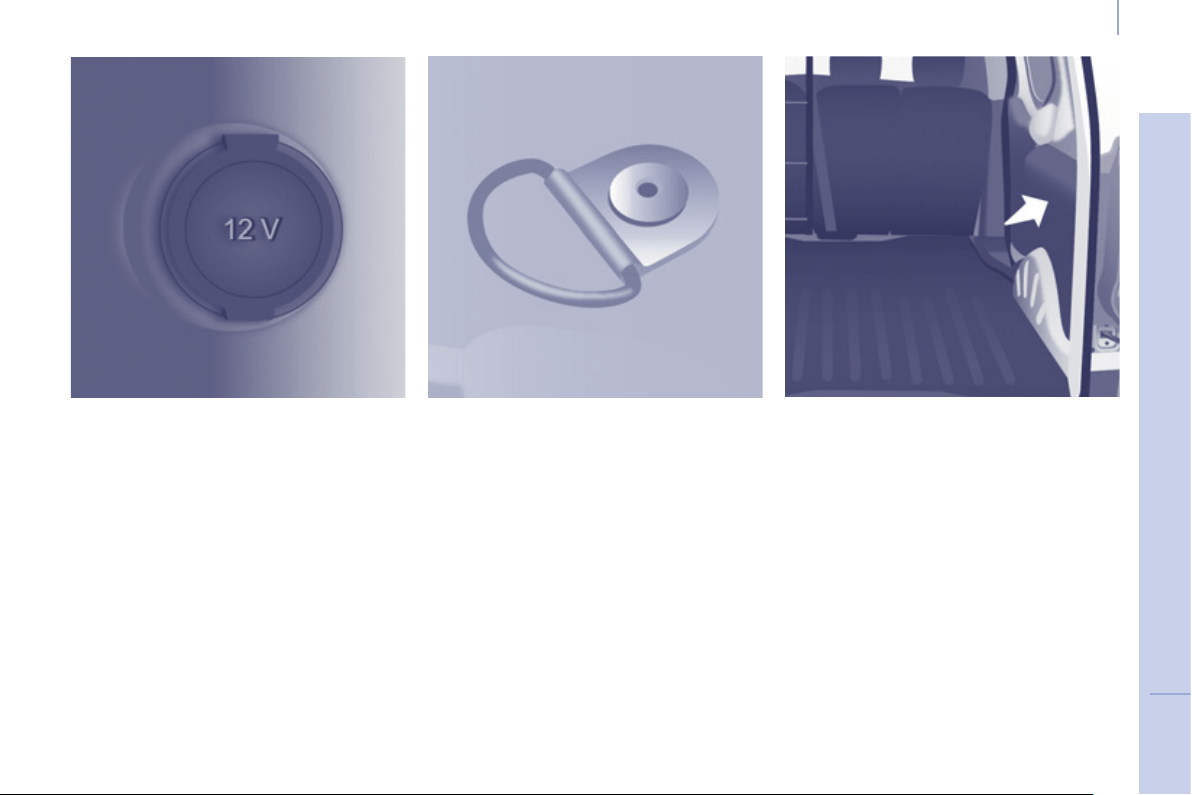
3
Comfort and safety
75
E
ASE OF USE and COMFOR
T
LOAD SPACE FITTINGS
12 volt socket (120 W max)
It is advisable to limit its use to avoid
discharging the battery.
Lashing rings
Use the lashing rings on the rear fl oor
to secure your loads.
As a safety precaution in case of sharp
braking, you are advised to immobilise
the load by securing it fi rmly using the
stowing rings and place heavy objects
as far forwards as possible (towards
the cab).
Trim panels
The lower parts of the sides are fi tted
with load protection trim panels.
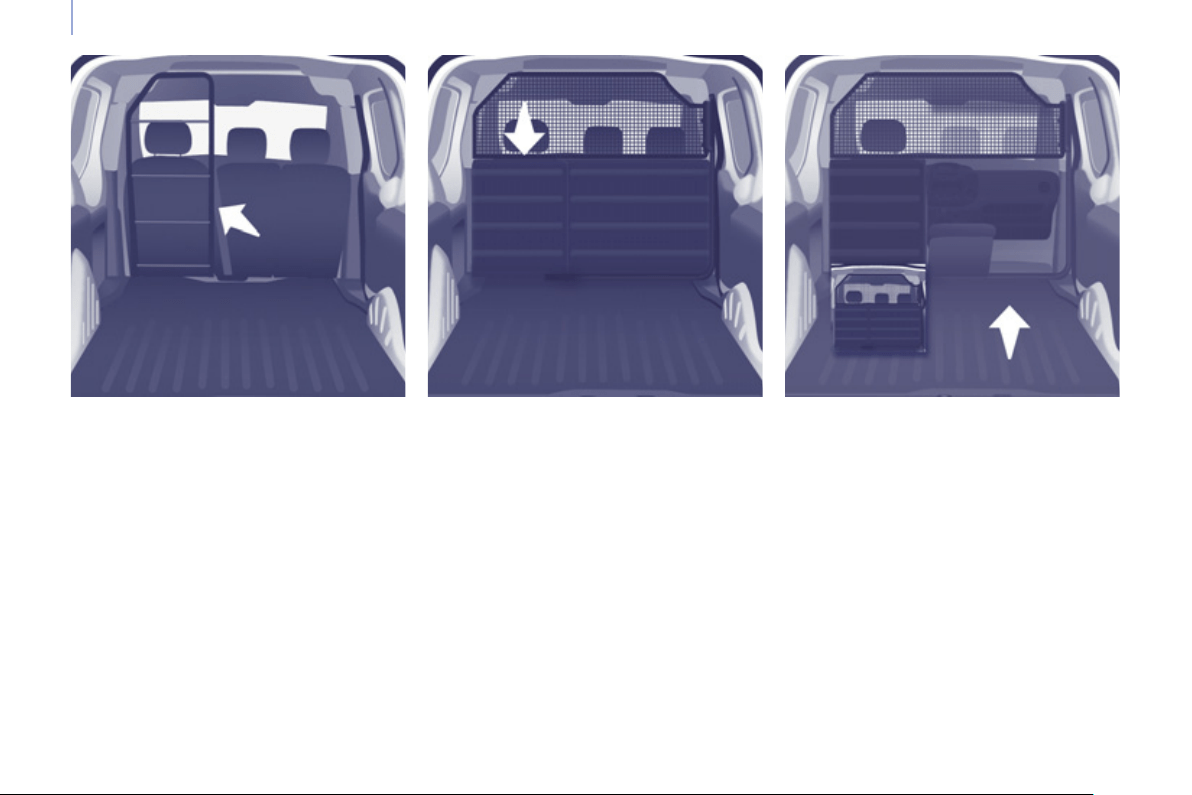
Practical information
76
Ladder Partition with fl ap Mid-height partition
Load retainers
Your vehicle can be equipped with
a wide range of load retainers to
effectively protect the driver and front
passenger(s), while maintaining the
loading adaptability.
Removable flap
The fl ap located on the panel section
of the mid-height partition, behind the
passenger seat(s), can be removed to
permit the loading of long objects.
- Turn the control located at the top
of the fl ap to release it.
- Lift the fl ap to remove it from its
location.
- Pivot the fl ap by 90° to the right.
- Store it behind the driver's seat,
clipping it into the securing lugs.
Contact a PEUGEOT dealer for
information about the different models
of accessory load retainer available.
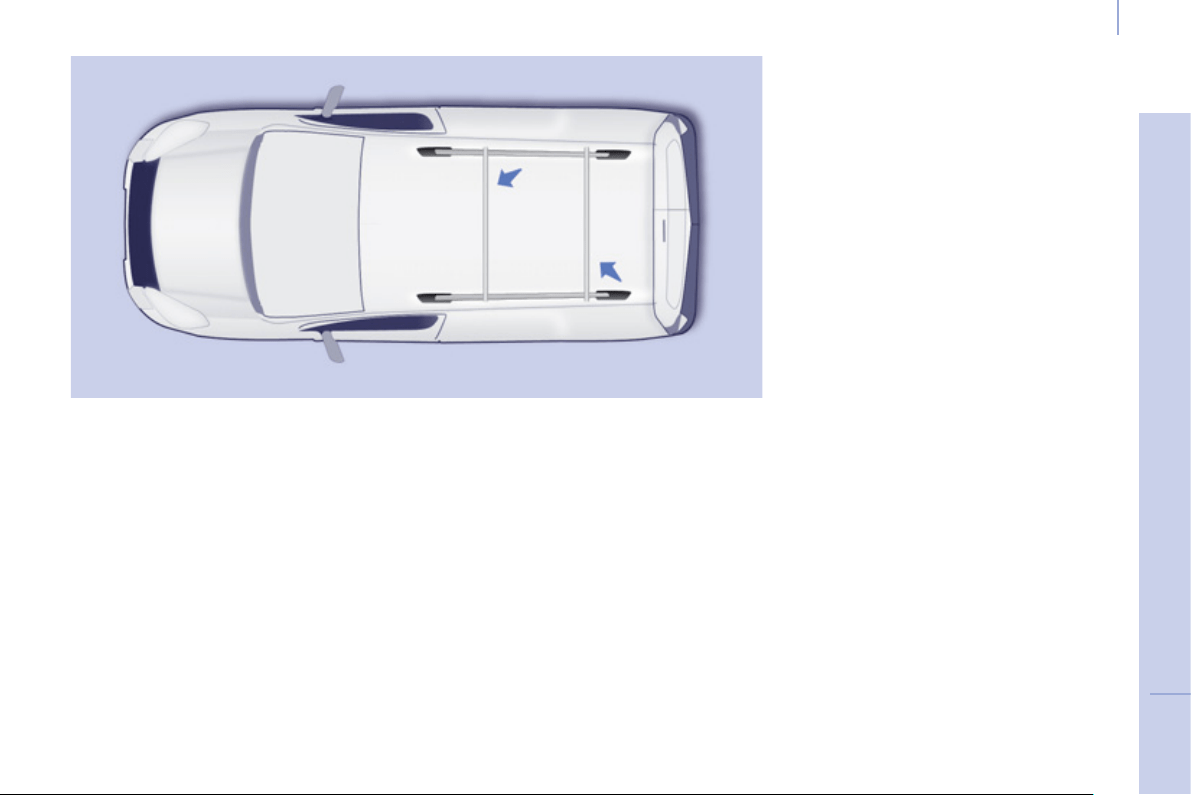
3
Comfort and safety
77
EASE OF USE and COMFOR
T
ROOF BARS
If you install transverse bars on these bars, refer to the weight values indicated
by the manufacturer but do not exceed 75 Kg.
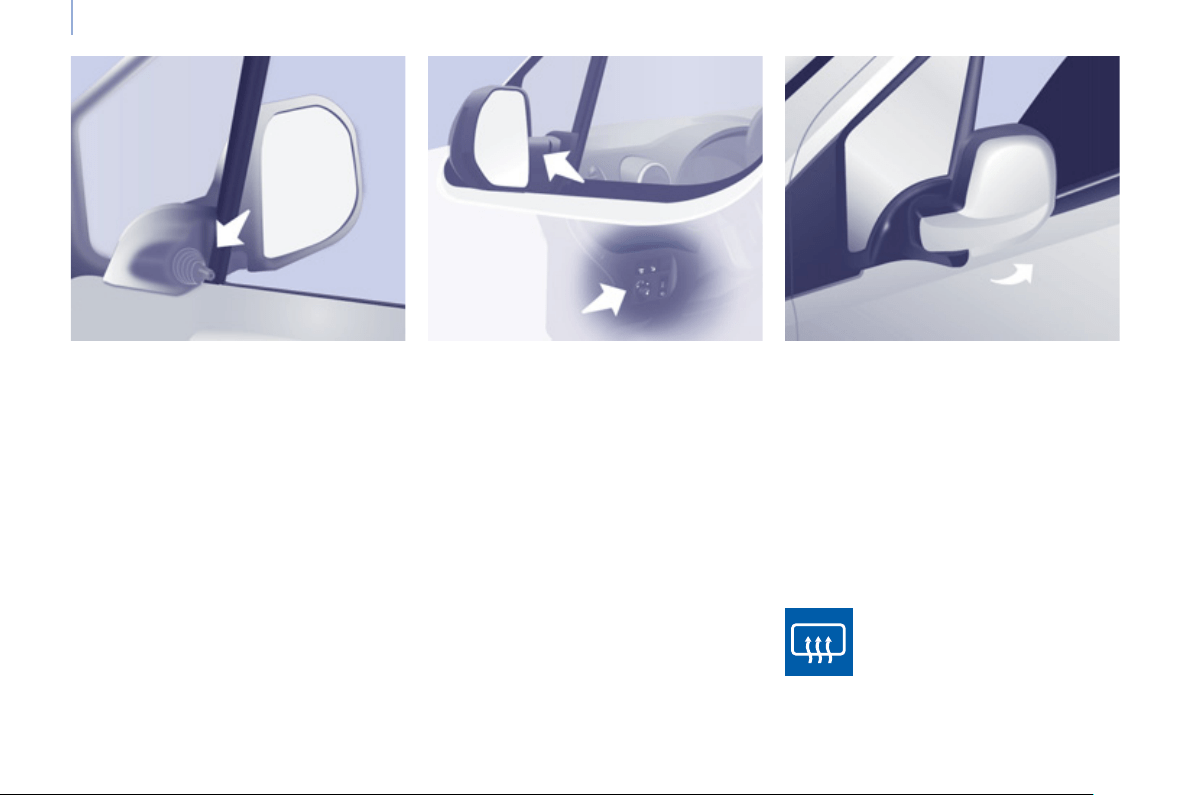
Mirrors and windows
78
Electric door mirrors
- Move the control to the right or to
the left to select the corresponding
mirror.
- Move the control in all four
directions to adjust.
- Return the control to the central
position.
Electric folding / unfolding
The mirrors can be folded or unfolded
electrically from the inside, with the
vehicle parked and the ignition on:
- Place the control in the central
position.
- Turn the control downwards.
MIRRORS
Heated mirrors
Manual door mirrors
Move the lever in all four directions to
adjust.
When the vehicle is parked, the door
mirrors can be folded back manually.
The mirrors are not equipped with
automatic heating.
The electric mirrors can be
heated. Press the heated rear
screen button.
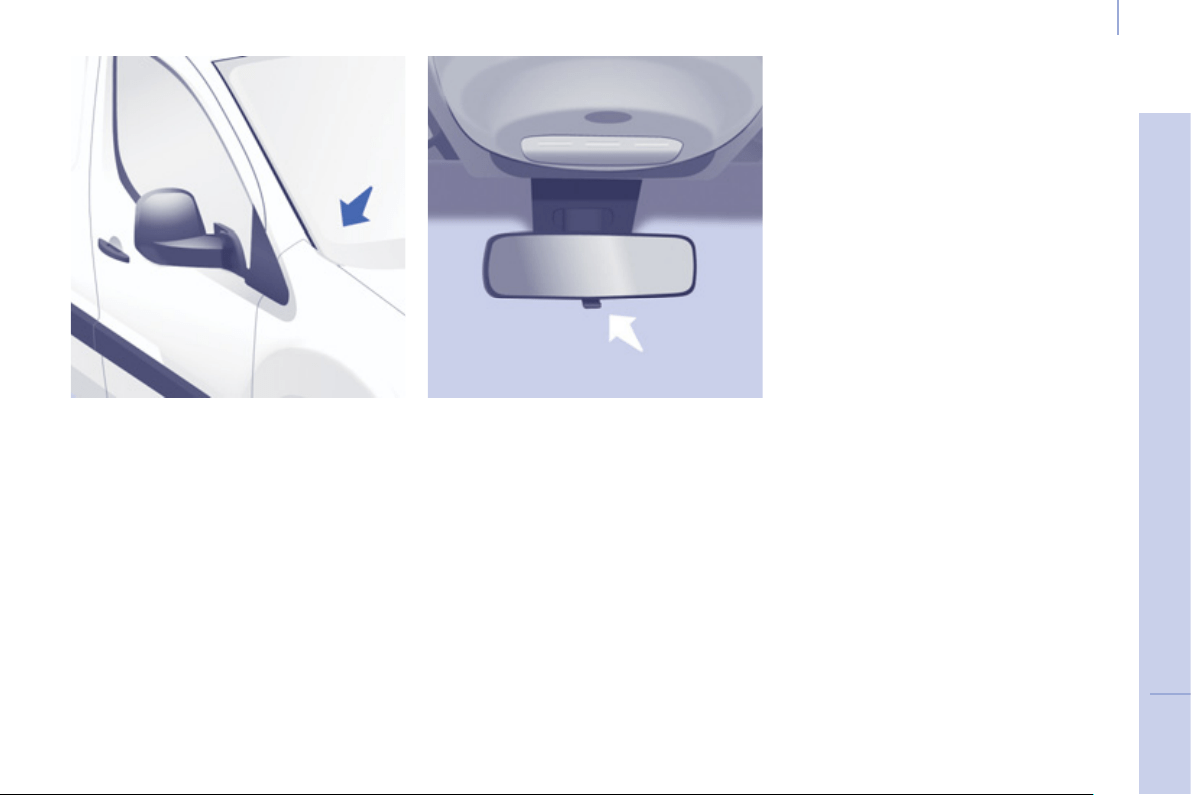
3
Mirrors and windows
79
EASE OF USE and COMFOR
T
Forced folding
If the mirror casing has come out of
its initial location, with the vehicle
stationary reposition the mirror casing
manually or use the electric folding
control.
Manual rear view mirror
The rear view mirror has two positions:
- day (normal),
- night (anti-dazzle).
To change from one to the other, push
or pull the lever on the lower edge of
the mirror.
Areas for toll cards / car park
tickets
The athermic windscreen has two non-
refl ective zones located either side of
the base of the interior mirror.
They are intended for affi xing toll cards
and/or car park tickets.
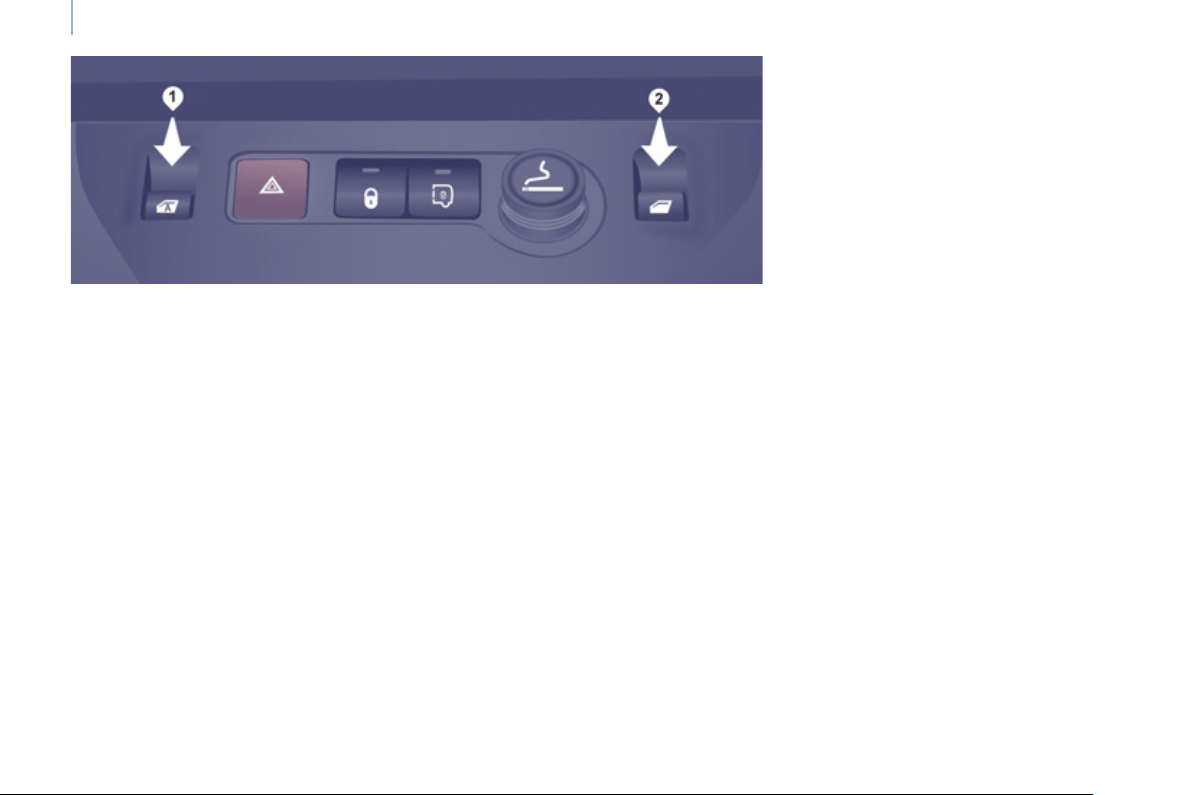
Mirrors and windows
80
ELECTRIC WINDOWS
1. Driver's electric window control
2. Passenger electric window control
There are two operating modes:
Safety anti-pinch
When the window rises and meets an
obstacle, it stops and partially lowers.
One-touch mode
Press or pull the control, beyond the
point of resistance. The window opens
or closes fully when the control is
released. Pressing the control again
stops the movement of the window.
The electrical functions of the electric
windows are deactivated:
- approximately 45 seconds after the
ignition is switched off,
- after one of the front doors is
opened, if the ignition is off.
Manual mode
Press or pull the control, without passing
the point of resistance. The window stops
when you release the control.
Reinitialisation
Following reconnection of the battery,
or in the event of a malfunction, the
safety anti-pinch function must be
reinitialised.
Good practice
If the electric windows meet an
obstacle during operation, you must
reverse the movement of the window.
To do this, press the control concerned.
When the driver operates the
passenger electric window controls,
they must ensure that no one is
preventing correct closing of the
windows.
The driver must ensure that the
passengers use the electric windows
correctly.
Be aware of children when operating
the windows.
Following several consecutive closing/
opening operations of the electric
window control, a protection system is
triggered which only authorises closing
of the window. After closing, wait
approximately 40 minutes. Once this
time has elapsed, the control becomes
operational again.
Lower the window fully, then raise it, it
will rise in steps of a few centimetres
each time the control is pressed.
Repeat the operation until the window
is fully closed.
Continue to press the control for at
least one second after the window
closed position has been reached.
The safety anti-pinch does not operate
during these operations.
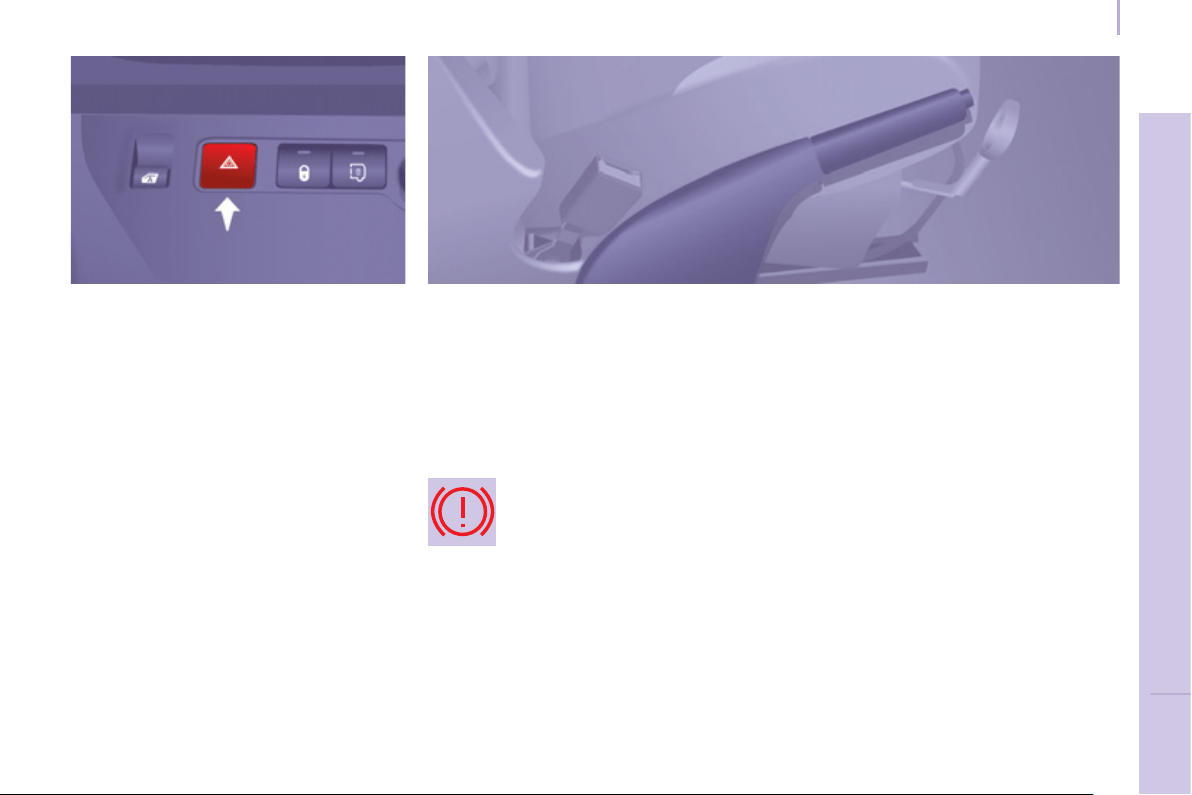
81
Driving safely
SAFETY
4
DRIVING SAFELY
HORN
Press the centre of the steering wheel.
PARKING BRAKE
Applying
Pull the parking brake lever up to
immobilise your vehicle.
Check that the parking brake is applied
fi rmly before leaving the vehicle.
Pull on the parking brake lever, only
with the vehicle stationary .
In the exceptional case of use of the
parking brake when the vehicle is
moving, apply the brake by pulling
gently to avoid locking the rear wheels
(risk of skidding).
HAZARD WARNING LAMPS
Press this button, the direction
indicators fl ash.
They can operate with the ignition off.
The hazard warning lamps should only
be used in dangerous situations, when
stopping in an emergency or when
driving in unusual conditions.
When parking on a slope, direct your
wheels towards the pavement and pull
the parking brake lever up.
There is no advantage in engaging
a gear after parking the vehicle,
particularly if the vehicle is loaded.
If the parking brake is still on or has
not been released properly, this is
indicated by this warning lamp which
comes on on the instrument panel.
Automatic operation of hazard
warning lamps
When braking in an emergency,
depending on the force of deceleration,
the hazard warning lamps come
on automatically. They switch off
automatically the fi rst time you
accelerate.
It is also possible to switch them off by
pressing the switch on the dashboard.
Releasing
Pull the lever and press the button to
lower the parking brake lever.

82
Parking sensors
The audible and/or visual rear parking
sensor system consists of four
proximity sensors, installed in the
rear bumper. The sensors detect any
obstacle which enters the fi eld: person,
vehicle, tree, fence, behind the vehicle
during the manoeuvre.
Certain objects detected at the
beginning of the manoeuvre will no
longer be detected at the end of the
manoeuvre due to the blind spots
between and below the sensors.
Examples: stake, roadworks cone or
pavement post.
Engage reverse gear
REAR PARKING SENSORS
Display in the screen
Stop the assistance
Change to neutral.
An audible signal confi rms the
activation of the system by engaging
reverse gear.
The proximity information is indicated
by an audible signal which becomes
more rapid as the vehicle approaches
the obstacle. When the distance
between the rear of the vehicle and
the obstacle is less than approximately
thirty centimetres, the audible signal
becomes continuous.
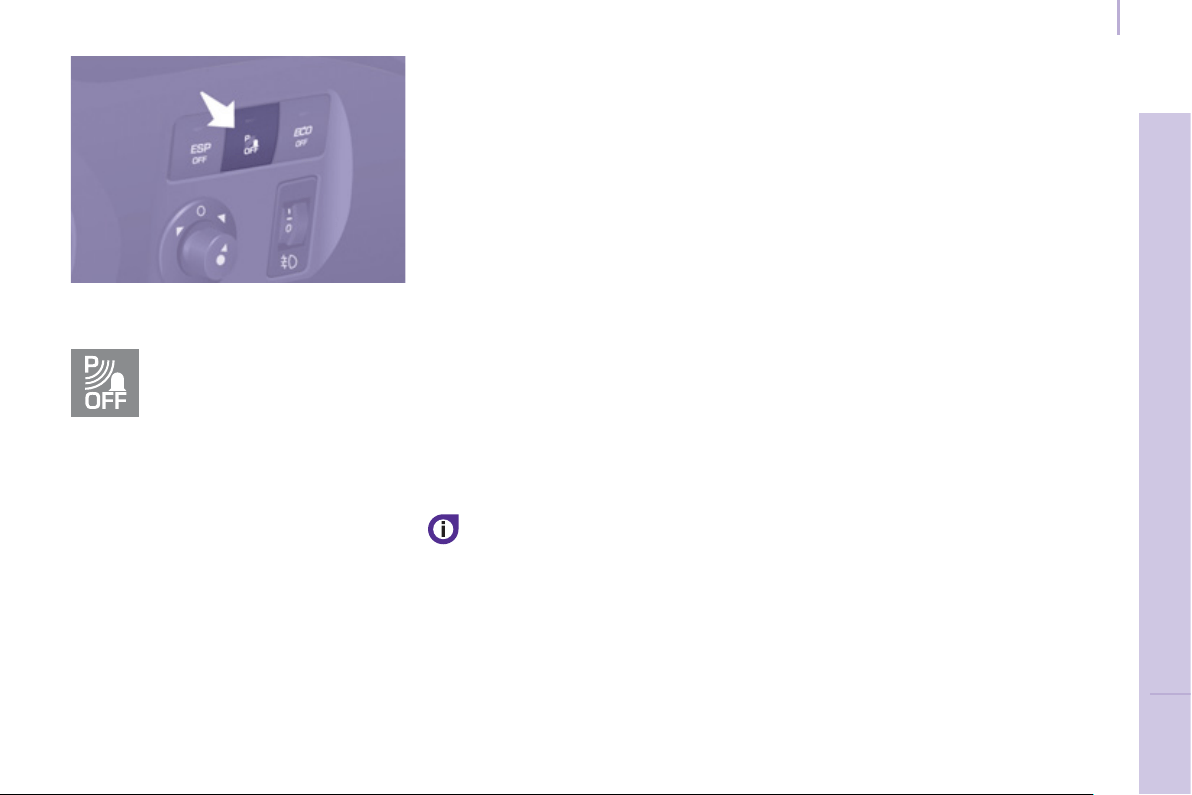
83
Parking sensors
SAFETY
4
Activation / Deactivation
Malfunction
In the event of a malfunction, when
reverse gear is engaged the LED in the
button comes on, accompanied by an
audible signal and a message in the
screen. Contact a PEUGEOT dealer or
a qualifi ed workshop.
Good practice
In bad weather or in winter, ensure that
the sensors are not covered with mud,
ice or snow.
The system will be deactivated
automatically if a trailer is being towed
or if a bicycle carrier is fi tted (vehicle
fi tted with a towbar or bicycle carrier
recommended by PEUGEOT).
The parking assistance cannot, in
any circumstances, take the place of
the vigilance and responsibility of the
driver.
You can activate or deactivate
the system by pressing this
button.
The activation or deactivation
of the system is stored when
the vehicle stops.
You are advised to deactivate
the system if your vehicle is fi tted
with a rear ladder or if you are
transporting a load which exceeds the
length of the vehicle.
ABS
ABS
84
Driving safely
(
ABS - EBFD
)
The ABS and EBFD (electronic brake
force distribution) systems improve the
stability and manoeuvrability of your
vehicle on braking, in particular on
poor or slippery surfaces.
The ABS prevents locking of the
wheels, the EBFD provides control of
the braking pressure wheel by wheel.
If this warning lamp comes
on, accompanied by an
audible signal and a message
in the screen, it indicates a
malfunction of the ABS which
could result in a loss of control of the
vehicle on braking.
If this warning lamp comes
on, together with the brake
and STOP warning lamps,
accompanied by an audible
signal and a message in the
screen, it indicates a malfunction of
the electronic brake force distribution
which could result in a loss of control of
the vehicle on braking.
EMERGENCY BRAKING
ASSISTANCE SYSTEM
(
EBA
)
In an emergency, this system enables
the optimum braking pressure to be
reached more quickly, press the pedal
fi rmly without releasing it.
It is triggered by the speed at which the
brake pedal is activated.
This alters the resistance of the brake
pedal under your foot.
To prolong the operation of the
emergency braking assistance system:
keep your foot on the brake pedal.
Good practice
The anti-lock braking system comes
into operation automatically when
there is a risk of wheel lock. It does not
reduce the braking distance.
On very slippery surfaces (ice, oil,
etc...) the ABS may increase the
braking distance. When braking in
an emergency, do not hesitate to
press the brake pedal fi rmly, without
releasing the pressure, even on a
slippery surface, you will then be able
to continue to manoeuvre the vehicle
to avoid an obstacle.
Normal operation of the ABS may be
felt by slight vibration of the brake
pedal.
When changing wheels (tyres
and rims), ensure that these are
recommended by PEUGEOT.
Stop as soon as it is safe to do so.
In both cases, contact a PEUGEOT
dealer or a qualifi ed workshop.

ESP OFF
85
Driving safely
SAFETY
4
ANTI-SLIP REGULATION
(
ASR
)
AND DYNAMIC STABILITY
CONTROL
(
DSC
)
These systems are linked and
complement the ABS.
The ASR system is very useful for
maintaining optimum drive and
avoiding losses of control of the vehicle
on acceleration.
The system optimises drive to prevent
the wheels skidding, by acting on the
brakes of the drive wheels and on the
engine. It also allows the directional
stability of the vehicle to be improved
on acceleration.
Use the DSC to hold your course
without attempting to countersteer.
If there is a variation between the
trajectory followed by the vehicle and
that required by the driver, the DSC
system automatically acts on the
engine and the brake of one or more
wheels, in order to put the vehicle back
on course.
Deactivating the ASR/ESC
systems
In certain exceptional conditions
(starting the vehicle when stuck in mud
or snow, or on loose ground...), it could
prove useful to deactivate the ASR and
ESC systems to make the wheels spin
and regain grip.
Operating check
Good practice
The ASR/ESC systems offer increased
safety during normal driving, but
should not incite the driver to take risks
or to drive at high speed.
The operation of these systems is
ensured if the recommendations
of the manufacturer regarding
the wheels (tyres and rims), the
braking components, the electronic
components and the fi tting and repair
procedures within the PEUGEOT
network are observed.
After an impact, have these systems
checked by a PEUGEOT dealer or a
qualifi ed workshop.
Operation of the ASR and DSC
systems
The LED fl ashes
when the ASR or
DSC is triggered.
They engage again:
- automatically above 30 mph
(50 km/h),
When a malfunction of the
systems occurs, the warning
lamp comes on, accompanied
by an audible signal and a
message in the screen.
Contact a PEUGEOT dealer or a
qualifi ed workshop to have the system
checked.
The warning lamp may also come on if
the tyres are under-infl ated. Check the
pressure of each tyre.
- Press the button
or turn the dial
to the ESC
OFF position
(depending on
model).
- The warning lamp comes on: the
ASR and ESC systems no longer
come into play.
- manually by pressing the
button again or by turning
the dial to this position
(depending on model).
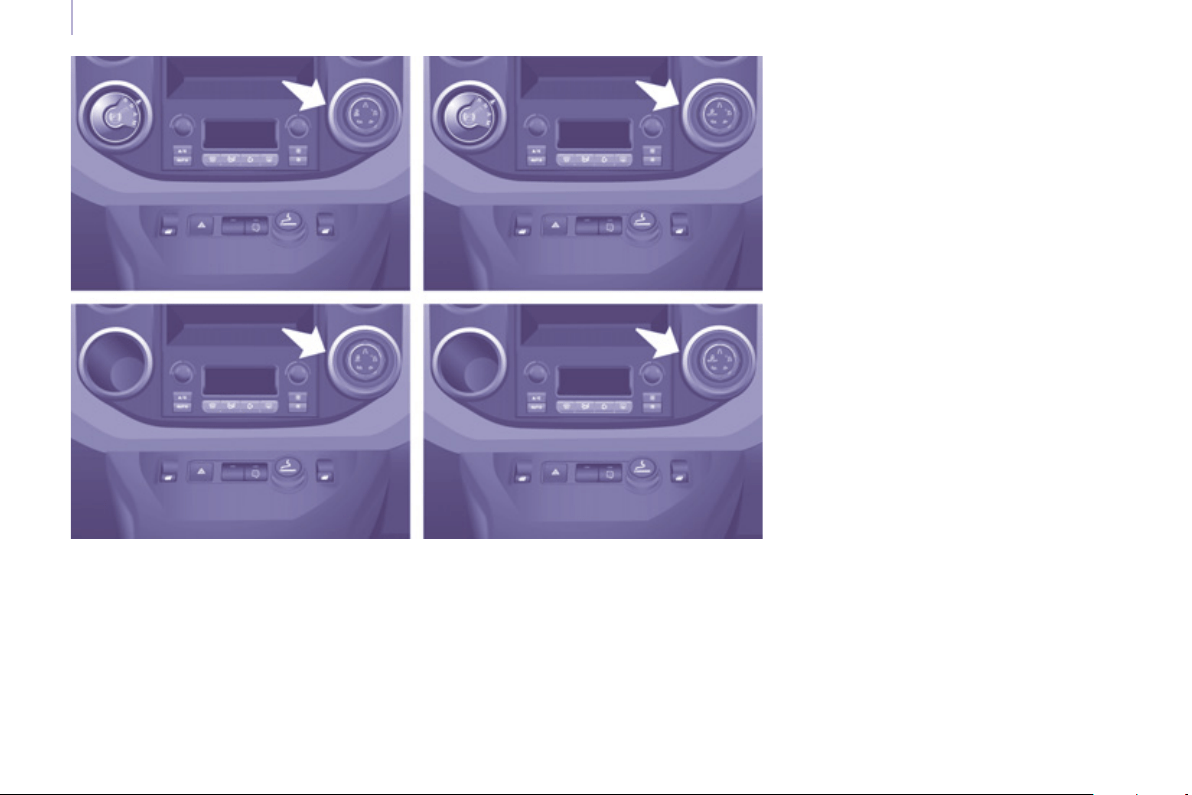
86
Driving safely
"GRIP CONTROL"
The accelerator pedal must be pressed
enough for there to be adequate
engine power to manage the various
parameters in the best way.
On snow, mud and sand, traction
control is obtained by a compromise
between safety, grip and traction,
which is associated with the Michelin
®
Latitude Tour HP M+S tyres.
It adapts to allows most conditions of
poor grip to be accommodated.
Correct use
Your vehicle is designed principally to
drive on tarmac roads but it allows you
to drive on other less passable terrain
occasionally.
However, particularly when your
vehicle is heavily laden, it does not
permit off-road activities such as:
- crossing and driving on ground
which could damage the underbody
or tear off components (fuel pipe,
fuel cooler, ...), particularly by
obstacles or stones,
- driving on ground with steep
gradients and poor grip,
- crossing a stream.
ESP OFF
87
Driving safely
SAFETY
4
This snow mode allows the
vehicle to adapts its strategy
to the conditions of grip
encountered for each of the
two front wheels, on moving off.
When moving, the system optimises
wheelspin to provide the best
acceleration possible for the grip
available.
This off-road mode (mud,
wet grass...) allows, when
moving off, considerable
wheelspin on the wheel
with the least grip to favour
clearing of the mud and regain "grip".
At the same time, the wheel with the
most grip is controlled in such a way as
to transmit as much torque as possible.
When moving, the system optimises
wheelspin to meet the driver's
requirements as fully as possible.
This DSC mode is calibrated
for a low level of skidding,
based on different conditions
of grip encountered on the
road.
When the ignition is switched off, the
system returns automatically to DSC
mode.
This DSC OFF
mode is only
suitable for
specifi c conditions
encountered when
moving off or at low speed.
Above 30 mph (50 km/h) the system
returns to DSC mode automatically.
This sand mode allows a
little wheelspin on the two
driving wheels at the same
time to allow the vehicle to
move forward and reduces
the risk of getting stuck in the sand.
Do not use the other modes on sand
as the vehicle may become stuck.

88
Driving safely
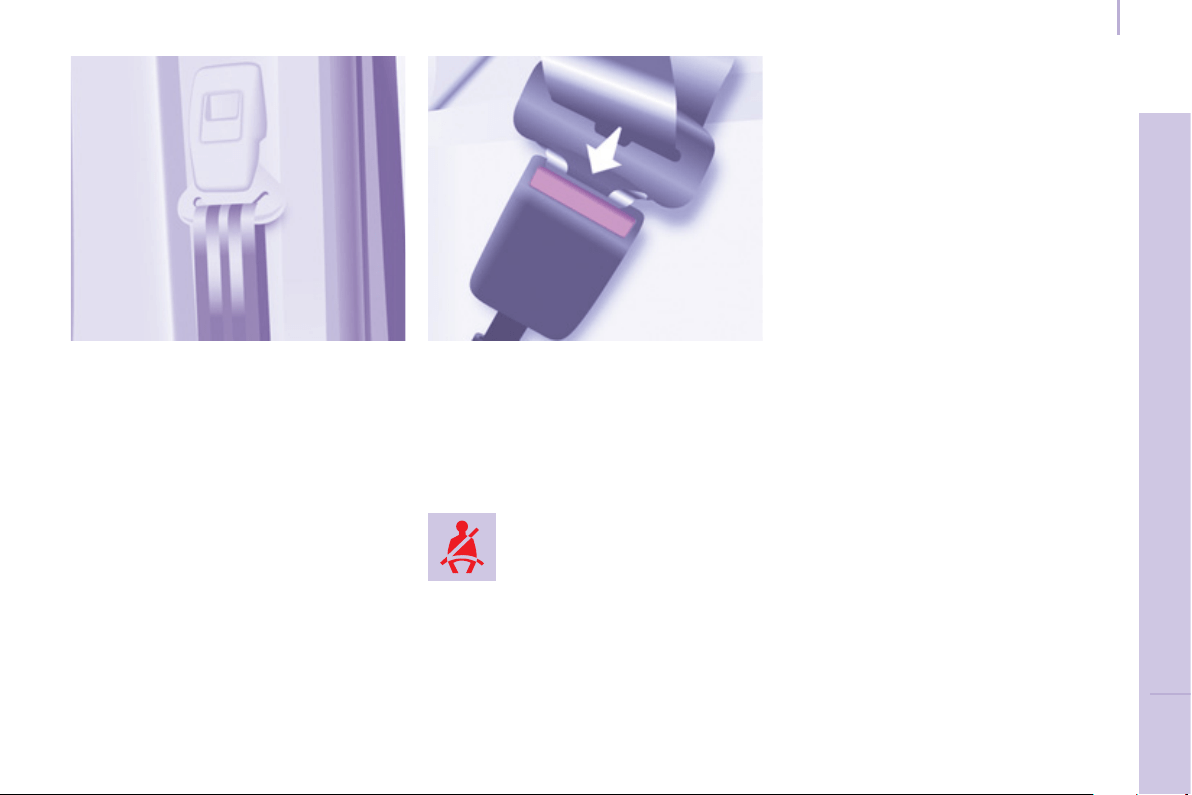
Seat belts
89
SAFETY
4
S
EAT BELT
S
Height adjustment
Squeeze the control on the upper
anchorage and slide the assembly
on the driver's seat side and on the
individual passenger's seat side.
The height of the seat belt for the
centre seat of the front bench cannot
be adjusted.
Fastening
Pull the strap, then insert the tongue
into the buckle.
Check that the seat belt is fastened
correctly by pulling the strap.
Driver's seat belt not fastened
warning lamp
Wherever you are seated in the
vehicle, always fasten your seat belt,
even for short journeys.
The seat belts are fi tted with an inertia
reel which automatically adjusts the
length of the strap to your size.
Do not use accessories (clothes pegs,
clips, safety pins, etc.) which allow the
seat belt straps to fi t loosely.
Ensure that the seat belt has reeled in
correctly after use.
After folding or moving a seat or a rear
bench seat, ensure that the seat belt
has reeled in correctly and that the
buckle is ready to accommodate the
tongue.
Depending on the nature and
seriousness of any impact, the
pretensioning device may be deployed
before and independently of infl ation
of the airbags. It instantly tightens
the seat belts against the body of the
occupants.
Deployment of the pretensioners is
accompanied by a slight discharge
of harmless smoke and a noise, due
to the activation of the pyrotechnic
cartridge incorporated in the system.
The force limiter reduces the pressure
of the seat belt against the body of the
occupants.
The pretensioning seat belts are active
when the ignition is switched on.
Unfastening
Press the red button.
When the vehicle is started,
this warning lamp comes on
if the driver has not fastened
their seat belt.
Good practice
The driver must ensure that
passengers use the seat belts correctly
and that they are all strapped in
securely before moving off.

Seat belts
90
The inertia reels are fi tted with a device
which automatically locks the strap in
the event of a collision or emergency
braking or if the vehicle rolls over.
You can unfasten the seat belt by
pressing the red button on the buckle.
Guide the seat belt after unfastening.
The airbag warning lamp comes on
if the pretensioners are deployed.
Contact a PEUGEOT dealer or a
qualifi ed workshop.
Recommendations for children:
- use a suitable child seat if the
passenger is less than 12 years old
or shorter than one metre fi fty,
- never allow a child to travel on
your lap, even with the seat belt
fastened.
For more information on child
seats, refer to the "Children on
board" section of chapter 4.
Clean the seat belt straps with
soapy water or a textile cleaning
product, sold by PEUGEOT
dealers.
In accordance with current safety
regulations, your PEUGEOT dealer
can guarantee all work or any checks,
from testing to maintenance, on your
seat belt equipment.
Have the seat belts checked regularly
(even after a minor impact) by a
PEUGEOT dealer or a qualifi ed
workshop: they must not show any
signs of wear, cutting or fraying
and they must not be converted or
modifi ed.
Front seat belts
The front seats are fi tted with
pretensioners and force limiters.
The seat belt associated with the
centre seat of the front bench does not
have a pretensioner.
In order to be effective, a seat belt
must:
- restrain one person only,
- must not be twisted, check by
pulling in front of you with an even
movement,
- be tightened as close to the body
as possible.
The upper part of the seat belt should
be positioned in the hollow of the
shoulder.
The lap part should be placed as low
as possible on the pelvis.
Do not invert the seat belt buckles as
they will not fulfi l their role completely.
If the seats are fi tted with armrests, the
lap part of the seat belt should always
pass under the armrest.
Check that the seat belt is fastened
correctly by pulling the strap fi rmly.
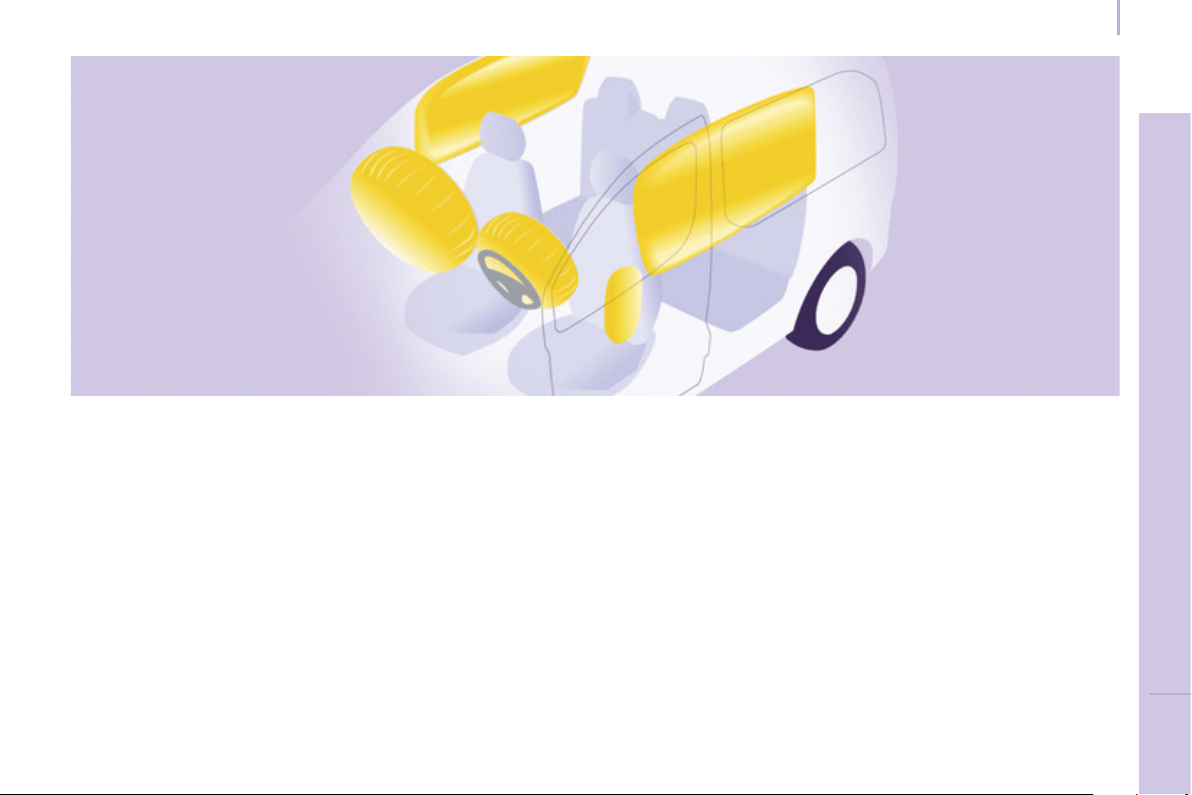
Airbags
91
SAFETY
4
AIRBAGS
The airbags have been designed to
maximise the safety of the occupants
in the event of a serious collision;
they work in conjunction with the force
limiting seat belts.
In the event of a serious collision, the
electronic detectors record and analyse
the front and side impacts suffered in
the impact detection zones:
- in the event of a serious impact,
the airbags infl ate instantly and
contribute towards better protecting
the occupants of the vehicle.
Immediately after the impact, the
airbags defl ate rapidly, so that they
do not hinder the visibility of the
occupants nor their possible exit
from the vehicle.
- in the event of a minor or rear
impact and in certain roll-over
conditions, the airbags will not be
deployed; the seat belt alone is
suffi cient to contribute towards your
protection in these situations.
The seriousness of the collision
depends on the nature of the obstacle
and the speed of the vehicle at the
moment of impact.
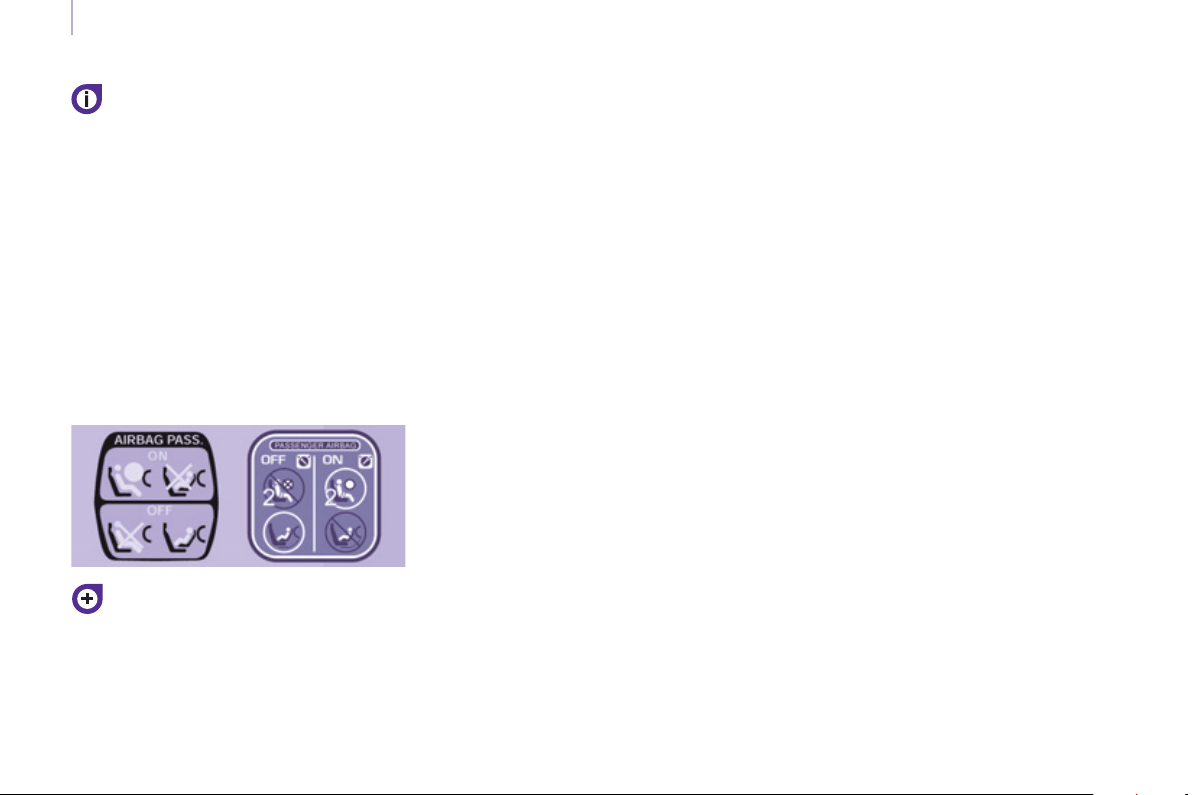
Airbags
92
Good practice
Sit in a normal upright position.
Wear a correctly adjusted seat belt.
Do not leave anything between the
occupants and the airbags (a child,
pet, object...). This could hinder the
operation of the airbags or injure the
occupants.
After an accident or if the vehicle has
been stolen or broken into, have the
airbag systems checked.
All work on the airbag system is strictly
forbidden unless it is carried out by
qualifi ed personnel at a PEUGEOT
dealer or a qualifi ed workshop.
Even if all of the precautions
mentioned are observed, a risk of
injury or of minor burns to the head,
chest or arms when an airbag is
deployed cannot be ruled out. In fact,
the bag infl ates almost instantly (within
a few milliseconds) then defl ates within
the same time discharging the hot gas
via openings provided for this purpose.
Lateral airbags
Only put recommended covers on
the seats. These will not hinder
infl ation of the lateral airbags. Contact
a PEUGEOT dealer or a qualifi ed
workshop.
Do not fi x or attach anything to the seat
backs. This could cause injury to the
chest or arms when the lateral airbag
infl ates.
Do not sit with the upper part of the
body any nearer to the door than
necessary.
Front airbags
Do not drive holding the steering wheel
by its spokes or resting your hands on
the centre part of the wheel.
Do not allow passengers to place
their feet on the dashboard, they risk
serious injury if the airbag is deployed.
Smoke as little as possible as
deployment of the airbags can cause
burns or the risk of injury from a
cigarette or pipe.
Never remove or pierce the steering
wheel or hit it violently.
Airbags only operate when the
ignition is switched on.
This equipment only operates once.
If a second impact occurs (during the
same or a subsequent accident), the
airbag will not operate.
The deployment of an airbag or airbags
is accompanied by a slight discharge
of smoke and a noise, due to the
activation of the pyrotechnic cartridge
incorporated in the system.
This smoke is not harmful, but
sensitive individuals may experience
some irritation.
The noise of the detonation may result
in a slight loss of hearing for a short
time.
It is imperative that the
passenger's airbag is deactivated
if a child seat is installed facing
rearwards. Refer to the "Children on
board" section of chapter 4.
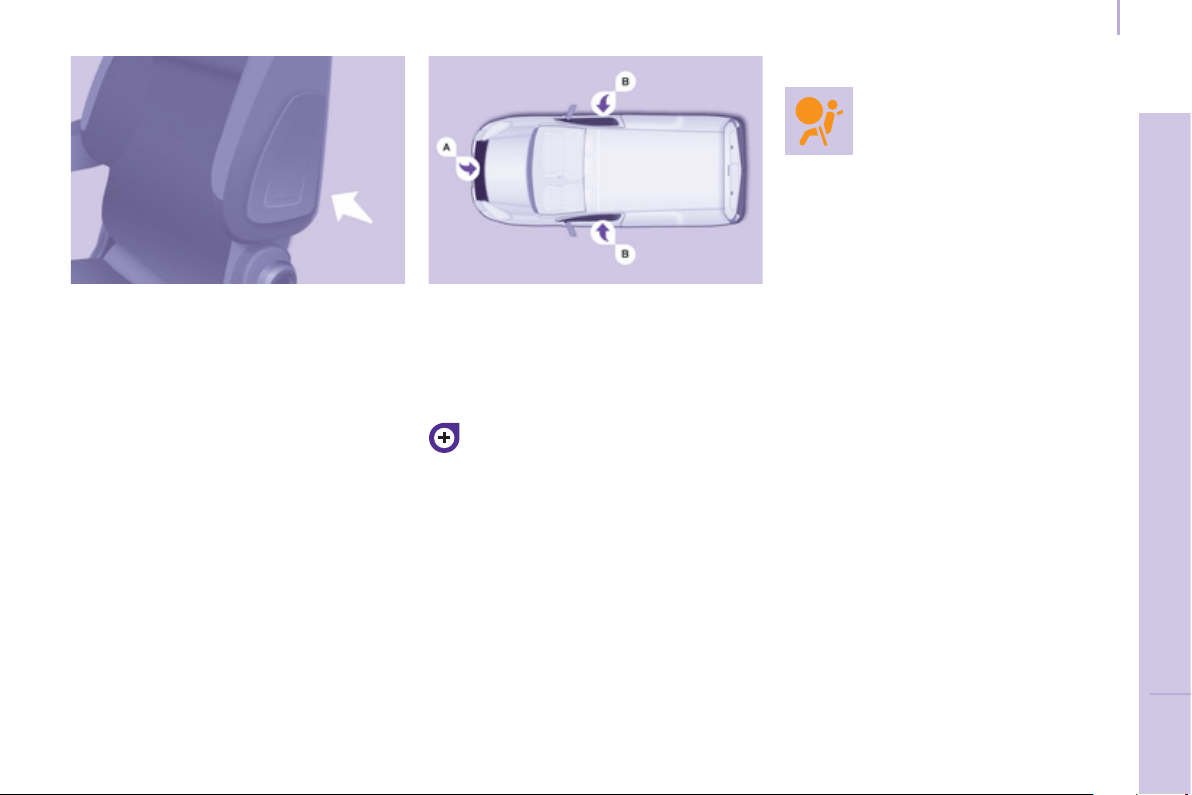
Airbags
93
SAFETY
4
Lateral airbags
This is a system which protects the
driver and front passenger in the event
of a serious side impact in order to limit
the risk of injury to the chest.
Each lateral airbag is fi tted in the front
seat backrest frame, on the door side.
Deployment
It is deployed unilaterally in the event
of a serious side impact applied to
all or part of the side impact zone B ,
perpendicular to the longitudinal
centreline of the vehicle on a horizontal
plane and directed from the outside
towards the inside of the vehicle.
The lateral airbag infl ates between the
front occupant of the vehicle and the
corresponding door trim panel.
Impact detection zones
A. Front impact zone.
B. Side impact zone.
In the event of a minor impact or
bump on the side of the vehicle or
if the vehicle rolls over, the airbag
may not be deployed.
Operating fault
If this warning lamp comes
on in the instrument panel,
accompanied by an audible
signal and a message in the
screen, contact a PEUGEOT
dealer or a qualifi ed workshop to have
the system checked. The airbags may
no longer be deployed in the event of a
serious impact.
Curtain airbags
This is a system which protects the
driver and passengers in the event of a
serious side impact in order to limit the
risk of head injuries.
Each curtain airbag is fi tted in the
pillars and the upper part of the
passenger compartment.
Deployment
It is deployed at the same time as the
corresponding lateral airbag in the
event of a serious side impact applied
to all or part of the side impact zone B ,
perpendicular to the longitudinal
centreline of the vehicle on a horizontal
plane and directed from the outside
towards the inside of the vehicle.
The curtain airbag infl ates between
the occupant of the vehicle and the
windows.
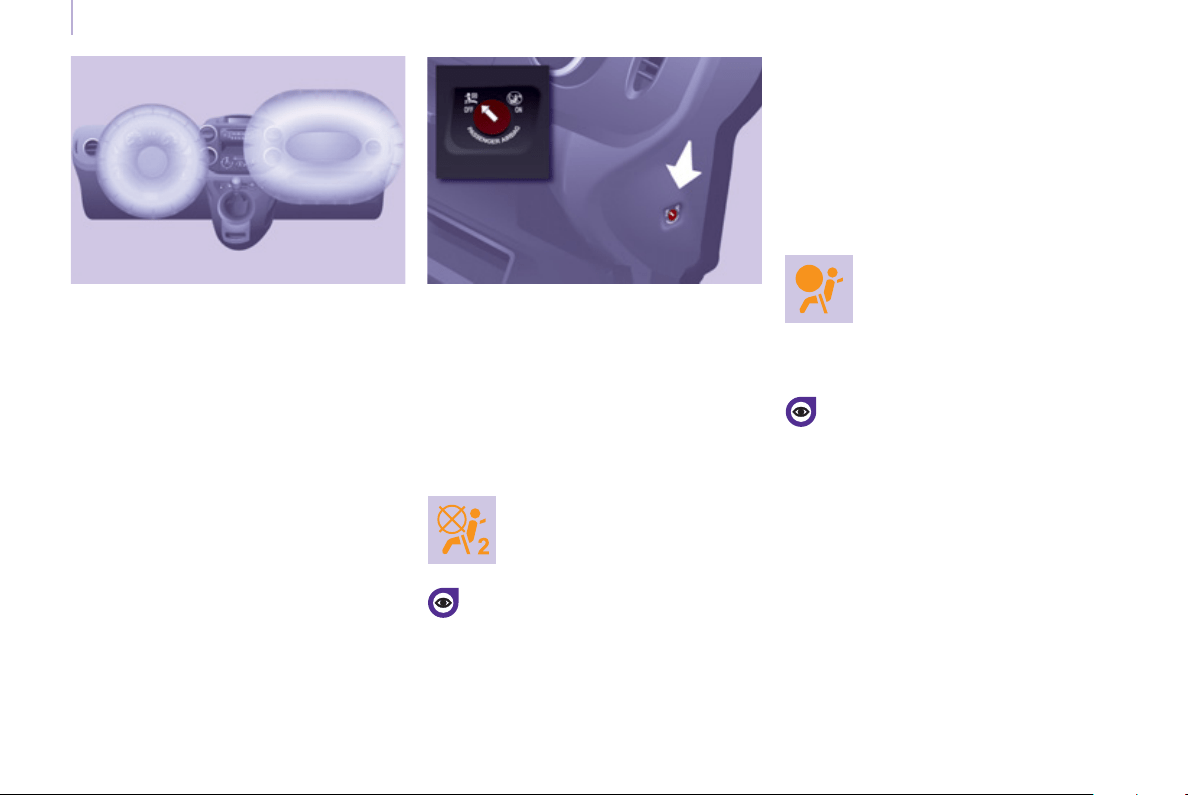
Airbags
94
Front airbags
The front airbags are fi tted in the
centre of the steering wheel for the
driver and in the dashboard for the
front passenger(s).
Deployment
They are deployed simultaneously,
unless the passenger's front airbag
has been deactivated, in the event of
a serious front impact applied to all or
part of the front impact zone A in the
longitudinal centreline of the vehicle
on a horizontal plane directed from the
front towards the rear of the vehicle.
The front airbag infl ates between the
front occupant of the vehicle and the
dashboard to cushion their forward
movement.
Deactivation
Only the passenger's front airbag can
be deactivated:
- With the ignition switched off ,
insert the key into the passenger's
airbag deactivation switch
- turn it to the "OFF" position,
- then remove the key keeping the
switch in the new position.
The airbag warning lamp
in the instrument panel
remains on while the airbag is
deactivated.
If the two airbag warning lamps
are on continuously, do not install
a rear-facing child seat. Contact
a PEUGEOT or a qualifi ed
workshop.
Front airbag fault
To ensure the safety of your child,
it is essential to deactivate the
passenger airbag when you install
a rear-facing child seat on the front
passenger seat. Otherwise, the child
would risk being killed or seriously
injured if the airbag were to infl ate.
Reactivation
In the "OFF" position, the passenger airbag
will not be deployed in the event of an impact.
As soon as the child seat is removed,
turn the airbag switch to the "ON"
position to reactivate the airbag
and thus ensure the safety of your
passenger in the event of an impact.
If this warning lamp comes
on, accompanied by an
audible signal and a message
in the screen, consult a
PEUGEOT dealer or a
qualifi ed workshop to have
the system checked.
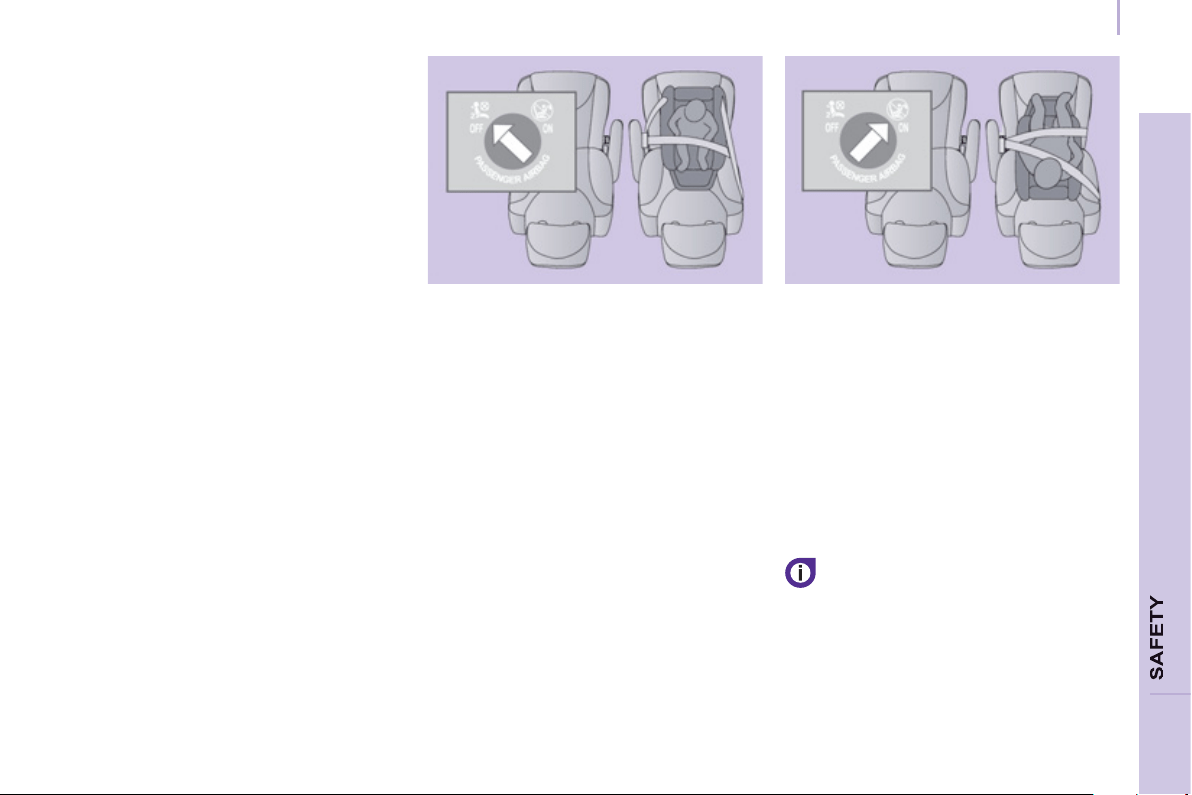
Child safety
95
4
GENERAL POINTS RELATING
T
O CHILD SEATS
Although one of PEUGEOT's main
criteria when designing your vehicle,
the safety of your children also
depends on you.
For maximum safety, please follow
these precautions:
- all children under the age of 12 or
less than one metre fi fty tall must
travel in approved child seats suited
to their weight, on seats fi tted with
a seat belt or ISOFIX mountings,
- statistically, the safest seats in your
vehicle for the transportation of
children are the rear seats,
- a child weighing less than 9 kg
must travel in the "rearwards-
facing" position both in the front
and in the rear,
- the passenger must not travel with
a child on his lap.
CHILD SEAT IN THE FRONT
"Rearwards-facing"
Recommended on the rear seats up to
the age of 2.
When a "rearwards-facing" child seat is
installed on the front passenger seat, it
is essential that the passenger airbag
is deactivated. Otherwise, the child
would risk being seriously injured or
killed if the airbag were to infl ate.
"Forwards-facing"
Recommended on the rear seats over
the age of 2.
When a "forwards-facing" child seat is
installed on the front passenger seat,
leave the passenger airbag activated.
The rules for carrying children are
specifi c to each country. Consult
the current legislation in your
country.
Please consult the list of seats
approved in your country. The Isofi x
mountings, the rear seats, the
passenger airbag and the deactivation
of this airbag depend on the version
sold.
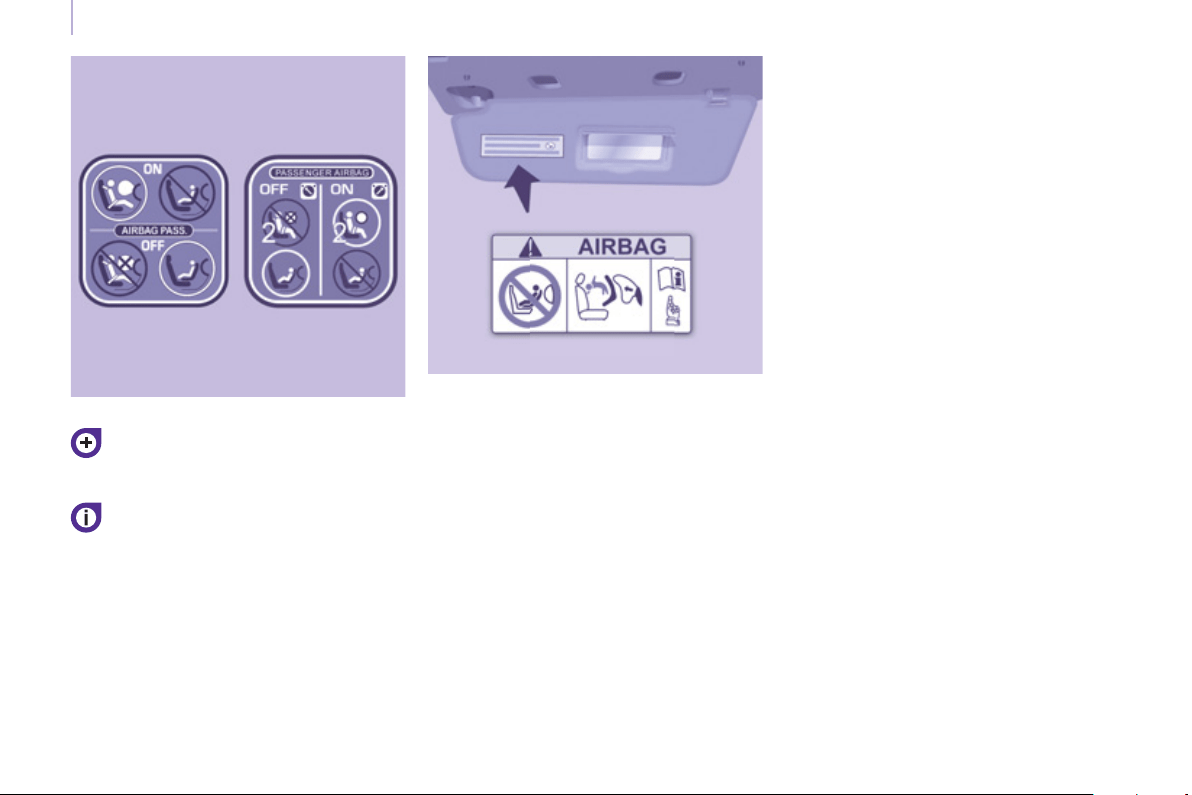
Child safety
96
Refer to chapter 4, "Airbags" section.
The child seats function and the
passenger's airbag deativation
function are common to the entire
PEUGEOT range.
If the passenger's airbag is not
deactivated, the installation of a
"rearwards-facing" child seat in the
front is strictly prohibited.
Passenger airbag OFF
Label present on both sides of the
passenger's sun visor
AR
BG НИКОГА НЕ инсталирайте детско столче на седалка с АКТИВИРАНА предна ВЪЗДУШНА ВЪЗГЛАВНИЦА. Това можеда
причини СМЪРТ или СЕРИОЗНО НАРАНЯВАНЕ на детето.
CS NIKDY neumisťujte dětské zádržné zařízení orientované směrem dozadu na sedadlo chráněné AKTIVOVANÝM čelním AIRBAGEM.
Hrozí nebezpečí SMRTI DÍTĚTE nebo VÁŽNÉHO ZRANĚNÍ.
DA Brug aldrig en bagudvendt barnestol på et sæde der er beskyttet af en aktiv airbag. Død eller alvorlig skade på barnet kan
forekomme.
DE Verwenden Sie NIEMALS einen Kindersitz oder Babyschale gegen die Fahrtrichtung bei AKTIVIERTEM Airbag, TOD oder
ERNSTHAFTE VERLETZUNGEN können die Folge sein.
EL Μη χρησιμοποιείτε ΠΟΤΕ παιδικό κάθισμα με την πλάτη του προς το εμπρός μέρος του αυτοκινήτου, σε
μια θέση που
προστατεύεται από ΜΕΤΩΠΙΚΟ αερόσακο που είναι ΕΝΕΡΓΟΣ. Αυτό μπορεί να έχει σαν συνέπεια το ΘΑΝΑΤΟ ή το ΣΟΒΑΡΟ
ΤΡΑΥΜΑΤΙΣΜΟ του ΠΑΙΔΙΟΥ
EN NEVER use a rearward facing child restraint on a seat protected by an ACTIVE AIRBAG in front of it, DEATH or SERIOUS INJURY
to the CHILD can occur
ES NO INSTALAR NUNCA EL SISTEMA DE RETENCIÓN PARA NIÑOS DE ESPALDAS AL SENTIDO DE LA CIRCULACIÓN SOBRE
UN ASIENTO PROTEGIDO CON UN COJÍN INFLABLE FRONTAL ( AIRBAG ) ACTIVADO. ESTO PUEDE CAUSAR LA MUERTE
DEL BEBE O HERIRLO GRAVEMENTE.
ET Ärge kasutage kunagi lapse turvatooli seljaga sõidusuunas sõiduki istmel mis on kaitstud AKTIVEERITUD TURVAPADJAGA. See
võib põhjustada lapsele RASKEID VIGASTUSI või SURMA.
FI ÄLÄ KOSKAAN aseta lapsen turvaistuinta selkä ajosuuntaan istuimelle, jonka edessä suojana on käyttöön aktivoitu TURVATYYNY.
Sen laukeaminen voi aiheuttaa LAPSEN KUOLEMAN tai VAKAVAN LOUKKAANTUMISEN.
FR NE JAMAIS installer de système de retenue pour enfants faisant face vers l’arrière sur un siège protégé par un COUSSIN
GONFLABLE frontal ACTIVÉ.
Cela peut provoquer la MORT de l’ENFANT ou le BLESSER GRAVEMENT
HR NIKADA ne postavljati dječju sjedalicu leđima u smjeru vožnje na sjedalo zaštićeno UKLJUČENIM prednjim ZRAČNIM JASTUKOM.
To bi moglo uzrokovati SMRT ili TEŠKU OZLJEDU djeteta.
HU SOHA ne használjon menetiránynak háttal beszerelt gyermekülést olyan ülésen, amely AKTIVÁLT ÁLLAPOTÚ (BEKAPCSOLT)
FRONTLÉGZSÁKKAL van védve. Ez a gyermek halálát vagy súlyos sérülését okozhatja.
IT NON installare MAI seggiolini per bambini posizionati in senso contrario a quello di marcia su un sedile protetto da un AIRBAG
frontale ATTIVATO. Ciò potrebbe provocare la MORTE o FERITE GRAVI al bambino.
LT NIEKADA neįrenkite vaiko prilaikymo priemonės su atgal atgręžtu vaiku ant sėdynės, kuri saugoma VEIKIANČIOS priekinės ORO
PAGALVĖS. Išsiskleidus oro pagalvei vaikas gali būti MIRTINAI arba SUNKIAI TRAUMUOTAS.
Child safety
97
SAFETY
4

LV NAV PIEĻAUJAMS uzstādīt uz aizmuguri vērstu bērnu sēdeklīti priekšējā pasažiera vietā, kurā ir AKTIVIZĒTS priekšējais
DROŠĪBAS GAISA SPILVENS.
Tas var izraisīt BĒRNA NĀVI vai radīt NOPIETNUS IEVAINOJUMUS.
MT Qatt m’ghandek thalli tifel/tifl a marbut f’siggu dahru lejn l-Airbag attiva, ghaliex tista’ tikkawza korriment serju jew anke mewt lit-tifel/
tifl a
NL Plaats NOOIT een kinderzitje met de rug in de rijrichting op een zitplaats waarvan de AIRBAG is INGESCHAKELD. Bij het afgaan
van de airbag kan het KIND ERNSTIG OF DODELIJK GEWOND raken.
NO Installer ALDRI et barnesete med ryggen mot kjøreretningen i et sete som er beskyttet med en frontal AKTIVERT
KOLLISJONSPUTE, BARNET risikerer å bli DREPT eller HARDT SKADET.
PL NIGDY nie instalować fotelika dziecięcego w pozycji «tyłem do kierunku jazdy»na siedzeniu wyposażonym w CZOŁOWĄ
PODUSZKĘ POWIETRZNĄ w stanie AKTYWNYM.W przeciwnym razie dziecko narażone będzie na ŚMIERĆ lub BARDZO
POWAŻNE OBRAŻENIA CIAŁA w momenicie wyzwolenia poduszki powietrznej
PT NUNCA instale um sistema de retenção para crianças de costas para a estrada, num banco protegido por um AIRBAG frontal
ACTIVADO. Esta instalação poderá provocar FERIMENTOS GRAVES ou a MORTE da CRIANÇA.
RO Nu instalati NICIODATA un sistem de retinere pentru copii, dispus cu spatele in directia de mers, pe un loc din vehicul protejat cu
AIRBAG frontal ACTIVAT. Aceasta ar putea provoca MOARTEA COPILULUI sau RANIREA lui GRAVA.
RU ВО ВСЕХ СЛУЧАЯХ ЗАПРЕЩАЕТСЯ использовать обращенное назад
детское удерживающее устройство на сиденье,
защищенном ФУНКЦИОНИРУЮЩЕЙ ПОДУШКОЙ БЕЗОПАСНОСТИ, установленной перед этим сиденьем.
Это может привести к ГИБЕЛИ РЕБЕНКА или НАНЕСЕНИЮ ЕМУ СЕРЬЕЗНЫХ ТЕЛЕСНЫХ ПОВРЕЖДЕНИЙ
SK NIKDY nepoužívajte na prednom sedadle chránenom AKTÍVNYM AIRBAGOM detské zadržiavacie zariadenie umiestnené v proti
smere jazdy. Môže to spôsobiť SMRŤ, alebo VÁŽNE ZRANENIE DIEŤAŤA.
SL NIKOLI ne nameščajte otroškega sedeža s hrbtom v smeri vožnje, če je VARNOSTNA BLAZINA pred sprednjim sopotnikovim
sedežem AKTIVIRANA. Takšna namestitev lahko povzroči SMRT OTROKA ali HUDE POŠKODBE.
SR NIKADA ne koristite dečje sedište koje se okreće unazad na sedištu zaštićenim AKTIVNIM VAZDUŠNIM JASTUKOM ispred njega,
jer mogu nastupiti SMRT ili OZBILJNA POVREDA DETETA.
SV Använd ALDRIG en bakåtvänd barnstol i ett säte skyddat av en AKTIV AIRBAG framför det. Det kan orsaka ALLVARLIGA eller
DÖDLIGA skador på barnet.
TR KESİNLKLE HAVA YASTIĞI AKTİF olan ön koltuğa yüzü arkaya dönük bir çocuk koltuğu yerleştirmeyiniz. Bu ÇOCUĞUN
ÖLMESİNE veya ÇOK AĞIR YARALANMASINA sebep olabilir.
Child safety
98
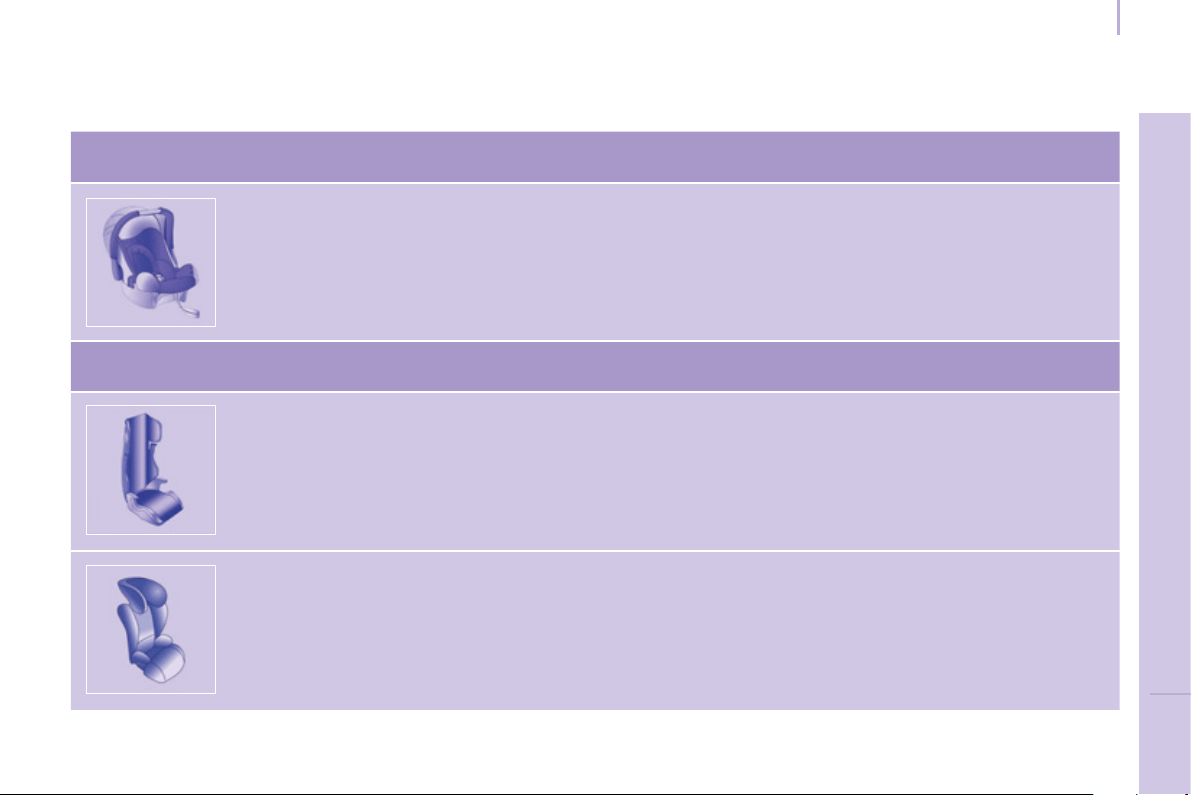
Child safety
99
SAFETY
4
CHILD SEATS RECOMMENDED BY PEUGEOT
PEUGEOT offers a complete range of recommended child seats which are
secured using a three point seat belt :
Group 0+: from birth to 13 kg
L1
"ROMER Baby-Safe Plus"
Installed in the rear-facing position
Groups 2 and 3: from 15 to 36 kg
L4
"KLIPPAN Optima"
From the age of 6 years (approximately 22 kg), the booster is used on its own.
L5
"RÖMER KIDFIX"
Can be fi xed on the vehicle's ISOFIX mountings.
The child is restrained by the seat belt.
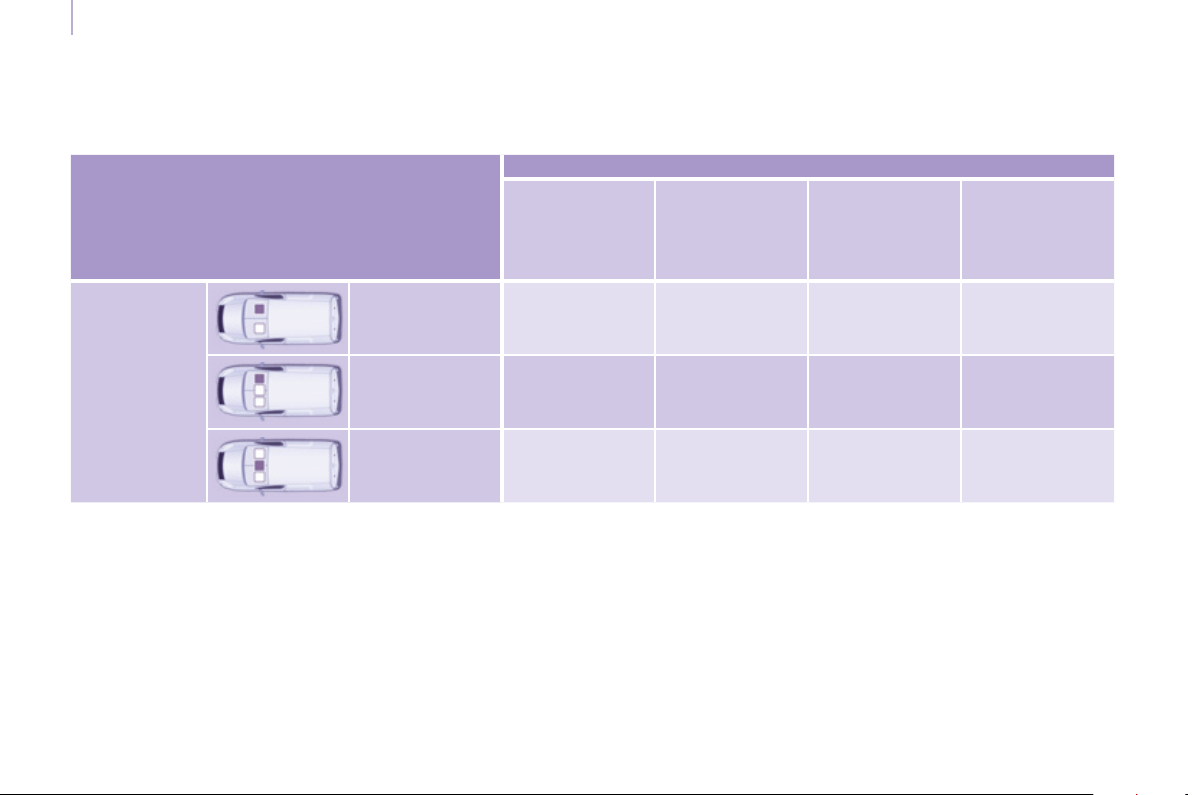
Child safety
100
INSTALLING CHILD SEATS ATTACHED USING THE SEAT BELT
In accordance with European regulations, this table indicates the options for installing child seats secured using a seat belt
and universally approved in accordance with the weight of the child and the seat in the vehicle.
a: Group 0: from birth to 10 kg.
b: consult the legislation in force in your country before installing your child on this seat.
c: the "RÖMER Baby-Safe Plus" child seat cannot be installed on this seat.
U: seat suitable for the installation of a child seat secured using a seat belt and universally approved, "rear facing" and/or
"forward facing".
With the exception of the "KLIPPAN Optima", PEUGEOT advises against installing a child seat on the centre seat.
Seat
Weight of the child and indicative age
Under 13 kg
(groups 0 (a)
and 0+)
Up to approx
1 year
From 9 to 18 kg
(group 1)
1 to 3 years
approx
From 15 to 25 kg
(group 2)
3 to 6 years
approx
From 22 to 36 kg
(group 3)
6 to 10 years
approx
Row 1 (b)
Individual seat U U U U
Bench, outer
seat
U U U U
Bench, centre
seat (c)
U U U U

Child safety
101
SAFETY
4
ADVICE ON CHILD SEATS
The incorrect installation of a child seat
in a vehicle compromises the child's
protection in the event of an accident.
Remember to fasten the seat belts or
the child seat harnesses keeping the
slack in relation to the child's body to a
minimum , even for short journeys.
For optimum installation of the "forward
facing" child seat, ensure that the back
of the child seat is in contact with the
back of the vehicle's seat and that the
head restraint does not cause any
discomfort.
If the head restraint has to be removed,
ensure that it is stored or attached
securely to prevent it from being
thrown around the vehicle in the event
of sharp braking.
Children under the age of 10 must not
travel in the "forward facing" position
on the front passenger seat, unless
the rear seats are already occupied by
other children, cannot be used or are
absent.
Deactivate the passenger's airbag
when a "rear facing" child seat is
installed on the front seat.
Otherwise, the child would risk being
seriously injured or killed if the airbag
were to infl ate.
As a safety precaution, do not leave:
- one or more children alone and
unsupervised in a vehicle,
- a child or an animal in a vehicle
which is exposed to the sun, with
the windows closed,
- the keys within reach of children
inside the vehicle.
To prevent accidental opening of the
doors, use the "Child Lock".
Take care not to open the rear windows
by more than one third.
To protect young children from the rays
of the sun, fi t side blinds to the rear
windows.
Installing a booster seat
The chest part of the seat belt must
be positioned on the child's shoulder
without touching the neck.
Ensure that the lap part of the seat belt
passes correctly over the child's thighs.
PEUGEOT recommends the use of a
booster seat which has a back, fi tted
with a seat belt guide at shoulder level.
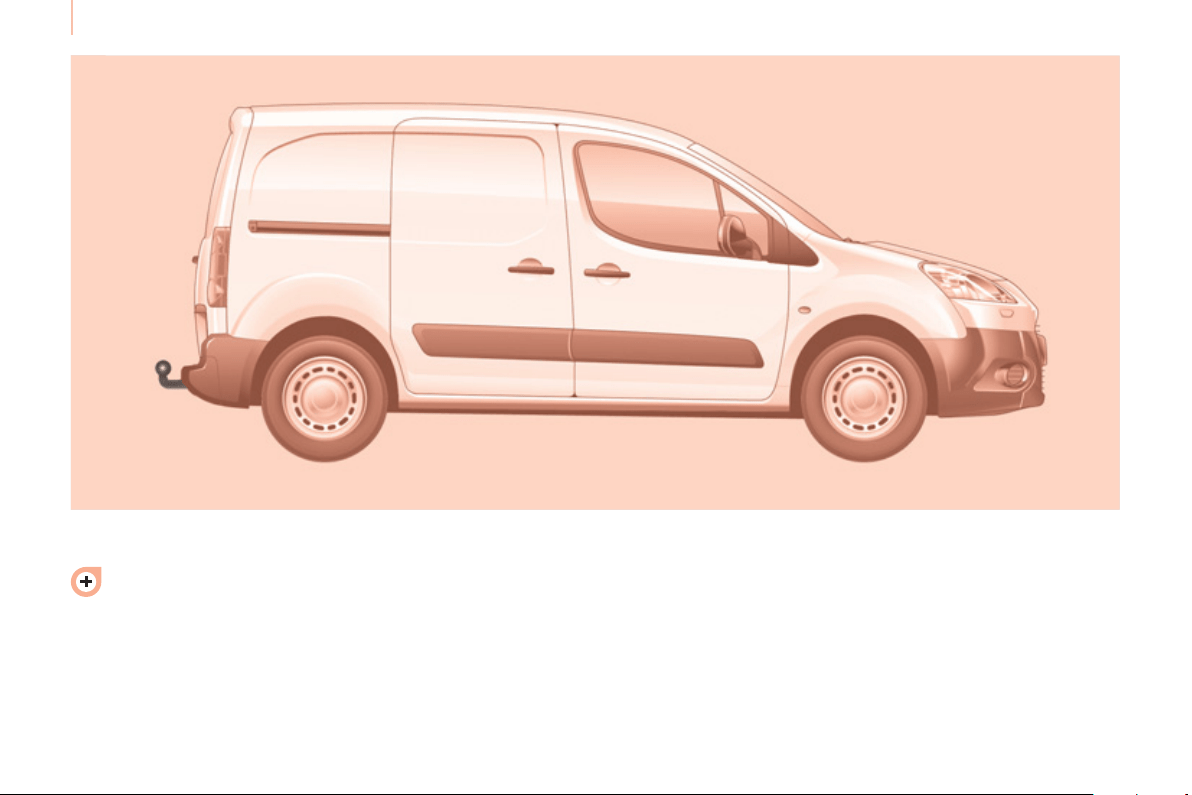
102
Towing a trailer
For more information about
weights, refer to the administrative
documents (registration
document, …) or to the "Weights"
section of chapter 8.
TOWING A TRAILER, CARAVAN, BOAT, ETC…
Distribution of loads
Distribute the load in the trailer so
that the heaviest objects are as
close as possible to the axle and
the nose weight is close to the
maximum authorised without, however,
exceeding it.
Cooling
Towing a trailer on a slope increases
the coolant temperature.
As the fan is electrically controlled, its
cooling capacity is not dependent on
the engine speed.
You should therefore use a high gear
to lower the engine speed and reduce
your speed.
In all cases, pay attention to the
coolant temperature.
Driving advice
A towed vehicle must free wheel:
gearbox in neutral.

103
Towing a trailer
A
CCESSORIE
S
5
Good Practice
In certain cases of particularly arduous
use (towing the maximum load up a
steep slope in high temperatures), the
engine automatically limits its power.
In this case, the air conditioning is
automatically cut off to save engine
power.
Tyres
Check the tyre pressures of the
towing vehicle (see the "Identifi cation
markings" section of chapter 8) and of
the trailer, observing the recommended
pressures.
See the "Levels" section of chapter 6.
If the coolant temperature
warning lamp comes on, stop
the vehicle and switch off the
engine as soon as possible.
Brakes
Towing increases the braking distance.
Drive at a moderate speed, change
down early and brake gradually.
Towbar
We recommend the use of genuine
PEUGEOT towbars and their harnesses,
which have been tested and approved
from the design stage of your vehicle,
and that you entrust the fi tting of this
equipment to a PEUGEOT dealer.
If this equipment is not fi tted by a
PEUGEOT dealer, it is imperative that
it is fi tted using the electrical pre-
equipment installed at the rear of the
vehicle and in accordance with the
manufacturer's instructions.
In accordance with the general
instructions a reminder of which has
been given above, we draw your
attention to the risk associated with
fi tting a towbar or electrical accessory
not recommended by PEUGEOT.
Fitting such equipment could result in
the failure of your vehicle's electronic
system. Please obtain information from
the Manufacturer before fi tting this type
of equipment.
OTHER ACCESSORIES
These accessories and parts, having been
tested and approved for reliability and
safety, are all adapted to your vehicle. A
wide range of recommended accessories
and genuine parts is available.
Range of trade equipment
The parts department publishes an
accessory catalogue offering various
equipment and fi ttings, such as:
Load retainers (all models).
Loading roller.
Towbar, towbar harness: trailer towbar
which should preferably be fi tted by a
PEUGEOT dealer.
Separation partitions and grilles,
smooth, non-slip wooden protective
fl oor.
Protective grilles.
Side wind
Sensitivity to side wind is increased.
Drive smoothly and at a moderate
speed.
ABS/DSC
The ABS or DSC systems only control
the vehicle, not the trailer or caravan.
Rear parking sensors
The parking sensors system does not function
while the vehicle is towing.
Another range is also available,
structured around comfort, leisure and
maintenance:

Equipment
104
Anti-theft alarm, window etching, fi rst
aid kit, high visibility vest, front and
rear parking sensors, warning triangle,
security bolts for alloy wheels
Front seat covers compatible with
airbags, bench, rubber mats, carpet
mats, snow chains, blind, tailgate
bicycle carrier,
Audio equipment, hands-free kit,
speakers, CD changer, satellite navigation
system, USB Box, Video kit, …
To prevent the mat from becoming
caught under the pedals:
- ensure that the mat and its fi xings
are positioned correctly,
- never fi t one mat on top of another.
Regardless of the audio and telematic
equipment offered on the market,
the technical constraints associated
with the fi tting of equipment of these
families of products mean that the
special features of the equipment and
its compatibility with the capacities of
the your vehicle's standard equipment
must be taken into account. Please
contact a PEUGEOT dealer for
more information before fi tting such
equipment.
Maximum weights on bars
- Roof rack: 120 Kg.
- Transverse bars on roof: 100 Kg.
- Transverse bars on longitudinal
bars: 75 Kg.
Installation of radiocommunication
transmitters
Before installing accessory
radiocommunication transmitters with
an external aerial on your vehicle, you
are advised to contact a representative
of the PEUGEOT marque.
The PEUGEOT dealer network will
inform you of the specifi cations
(frequency band, maximum output
power, aerial position, specifi c
installation conditions) of the
transmitters which can be fi tted, in
accordance with the Motor Vehicle
Electromagnetic Compatibility Directive
(2004/104/CE).
Front mud fl aps, rear mud fl aps,
15/17 inch alloy wheels, wheelarch
trim, leather steering wheel, …
Screenwash, interior and exterior
cleaning and maintenance products,
replacement bulbs, …
The fi tting of electrical equipment
or accessories which are not
recommended by Automobiles
PEUGEOT may result in the failure of your
vehicle's electronic system. Please note
this specifi c warning. You are advised to
contact a representative of the Marque
to be shown the range of recommended
equipment and accessories.
Depending on the country in which
the vehicle is sold or operated, it is
compulsory to have a high visibility
safety jacket, warning triangle and
replacement bulbs available in the
vehicle.
"Active Fleet Data" Telematic unit
Connected directly to the heart of the
vehicle ("Full CAN" multiplexed network),
as part of a comprehensive service, the
telematic unit allows the sending in real
time of information such as:
- distance travelled,
- distance remaining before the next
service,
- warnings and faults (oil level,
coolant level, oil temperature,
coolant temperature, etc…).
This enables Fleet managers
to optimise the monitoring and
management of their business vehicles.
Availability according to country; contact
a PEUGEOT dealer for more information.
Maintenance with TOTAL
105
CHECK
S
6
RECOMMENDS
Partners in performance and
protection of the environment
Innovation at the service of performance
The TOTAL Research and Development
teams develop lubricants for PEUGEOT
which satisfy the requirements of the
latest technical innovations incorporated in
PEUGEOT vehicles.
This ensures that you obtain the best
performance and the maximum engine life.
Reduced exhaust emissions
TOTAL lubricants are formulated to
optimise the effi ciency of engines and
the protection of the emissions post-
treatment systems. It is crucial to observe
the servicing recommendations made by
PEUGEOT to ensure correct operation.
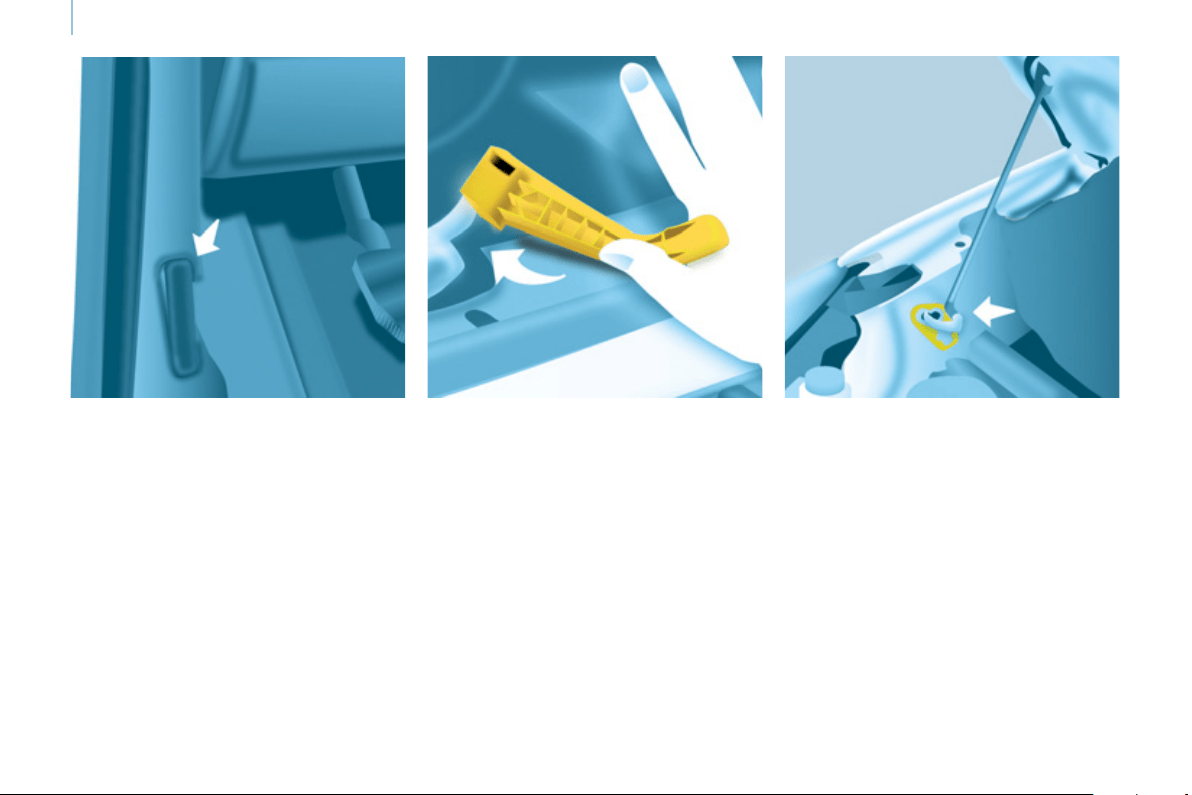
106
Opening the bonnet
OPENING THE BONNET
Bonnet stay
Secure the stay in its location,
identifi ed by a sticker on the right-hand
side of the vehicle, to hold the bonnet
open.
Before closing the bonnet, put the stay
back in its clip without using excessive
force.
On the outside
Raise the bonnet slightly by reaching
in a fl at hand, palm down, to make
access to the lever easier.
With this hand, push the safety catch
to the left. Raise the bonnet.
On the inside
Pull the lever below the dashboard
towards you. The bonnet is released.
To close
Lower the bonnet and release it at the
end of its travel. Check that the bonnet
is secure.
Avoid opening the bonnet in strong
winds.
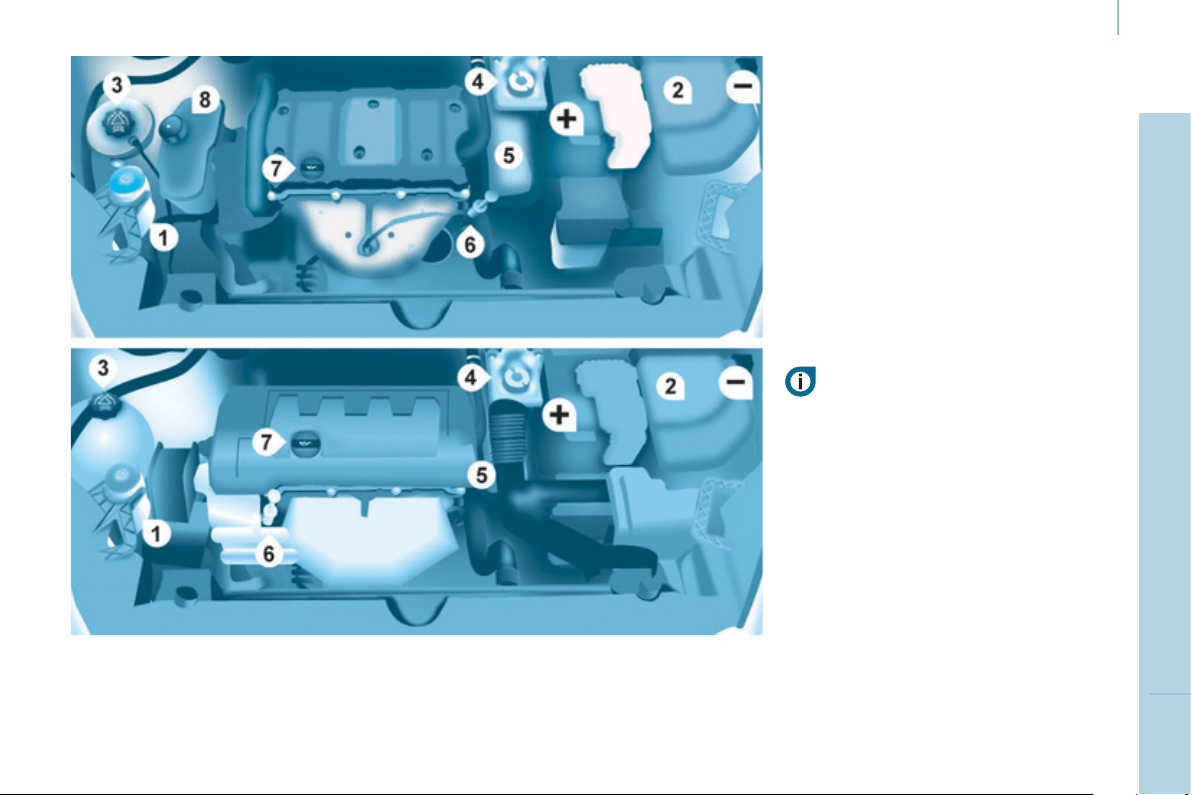
Under the bonnet
107
CHECK
S
6
PETROL ENGINE
1. Screenwash reservoir.
2. Fusebox.
3. Engine coolant header tank.
4. Brake and clutch fl uid reservoir.
5. Air fi lter.
6. Engine oil dipstick.
7. Engine oil fi ller cap.
8. Power steering fl uid reservoir.
Battery connections:
+ Positive terminal.
- Negative point (earth).
Take care when working under the
bonnet.
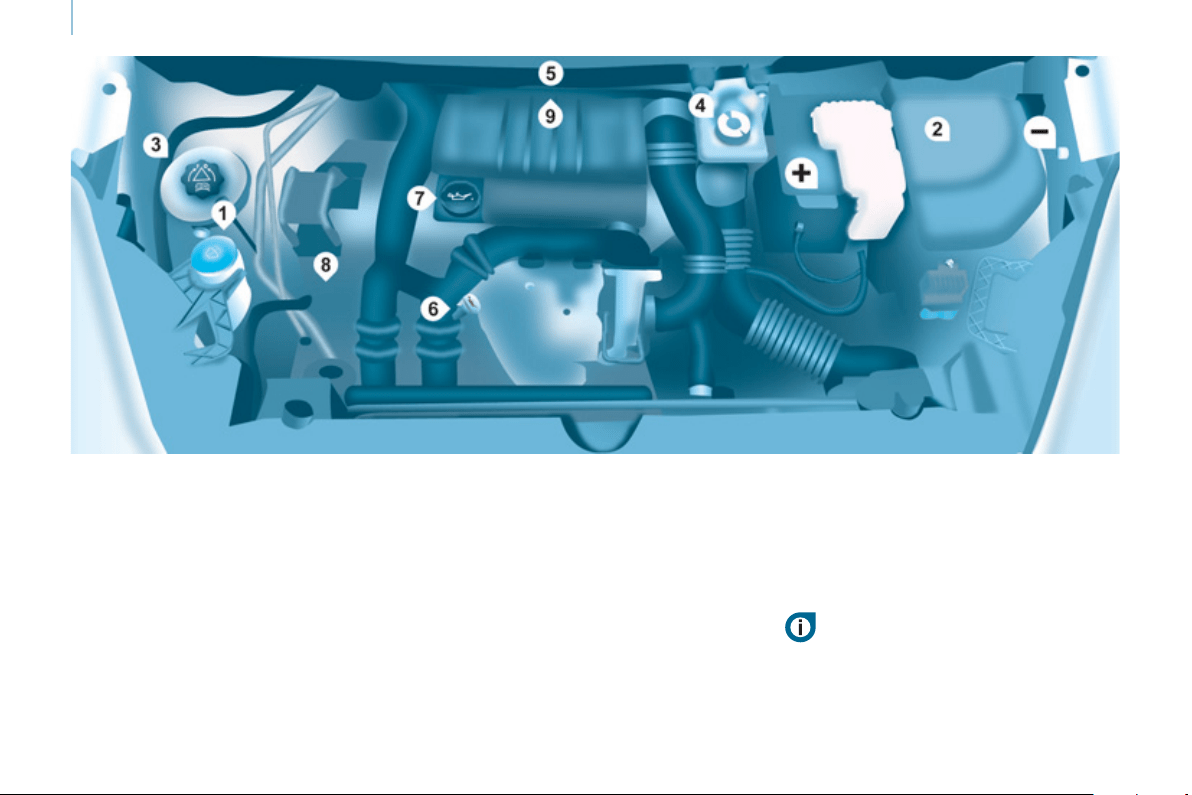
Under the bonnet
108
DIESEL ENGINE
4. Brake and clutch fl uid reservoir.
5. Air fi lter.
6. Engine oil dipstick.
7. Engine oil fi ller cap.
8. Power steering fl uid reservoir.
9. Priming pump.
1. Screenwash reservoir.
2. Fusebox.
3. Engine coolant header tank.
Battery connections:
+ Positive terminal.
- Negative point (earth).
Take care when working under the bonnet.
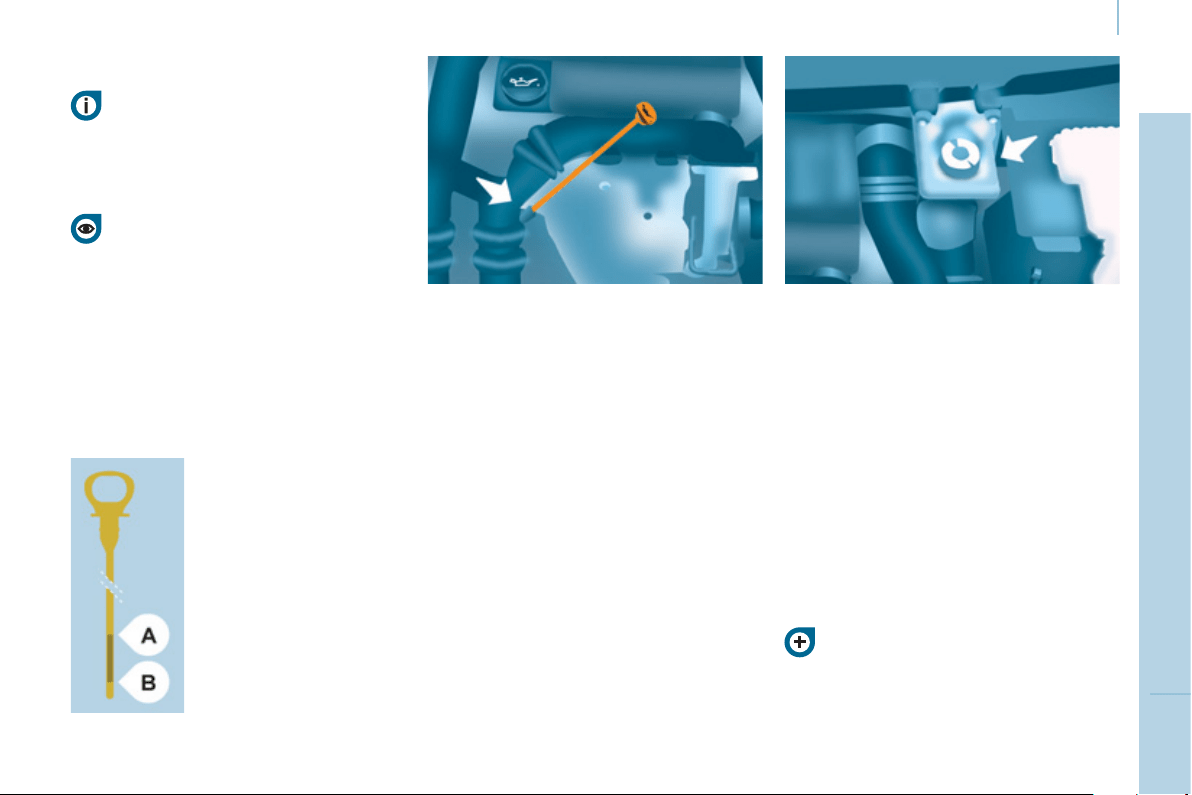
Levels
109
CHECK
S
6
LEVELS
Oil change
This must be carried out at the
intervals specifi ed and the viscosity
grade of the oil selected must fulfi l the
requirements in the manufacturer's
servicing schedule. Ask for advice from
a PEUGEOT dealer.
Remove the dipstick before fi lling.
Check the level after fi lling (never
exceed the max mark).
Refi t the oil fi ller cap before closing the
bonnet.
Changing the brake fluid
The brake fl uid must be changed at
the intervals stated, according to the
manufacturer's servicing schedule.
Use fl uids recommended by the
manufacturer, which fulfi l DOT4
standards.
The level must be between the MIN
and MAX marks on the reservoir.
If fl uid has to be added frequently,
this indicates a fault which must be
checked by a PEUGEOT dealer or
a qualifi ed workshop as soon as
possible.
Warning lamps
If you have to remove / refi t the
engine style cover, handle it with
care to avoid damaging the fi xing
clips.
Oil level
It is recommended that the oil level be
checked every 3 000 miles (5 000 km)
and topped up if necessary between oil
changes.
Check the level with the vehicle level,
engine cold, using the dipstick.
Dipstick
There are two marks on
the dipstick:
A = maximum
If you fi ll past this mark,
consult a PEUGEOT
dealer or a qualifi ed
workshop.
B = minimum
Never allow the level to
fall below this mark.
To maintain the reliability
of engines and emission
control systems, the use
of additives in engine oil
is prohibited.
Viscosity selection
In all cases, the oil selected must meet
the manufacturer's requirements.
These regular maintenance
operations will keep your vehicle
in good working order. Ask for
advice from a PEUGEOT dealer or
refer to the servicing and warranty
booklet in the handbook pack.
Checks using the warning
lamps in the instrument panel is
described in chapter 2, refer to the
"Instruments and controls" section.

Levels
110
Cooling system
Only use the fl uid recommended by the
manufacturer.
Otherwise, you risk seriously damaging
your engine.
When the engine is warm, the
temperature of the coolant is controlled
by the engine fan. As this fan can
operate with the ignition key removed
and because the cooling system is
pressurised, wait for at least one hour
after the engine has stopped before
carrying out any work.
Slacken the cap by 1/4 of a turn to
release the pressure to prevent any
risk of scalding. When the pressure
has dropped, remove the cap and top
up the level with coolant.
If fl uid has to be added frequently,
this indicates a fault which must be
checked by a PEUGEOT dealer as
soon as possible.
Power steering fluid level
The vehicle must be parked on level
ground with the engine cold. Unscrew
the cap integrated with the gauge and
check the level which must be between
the MIN and MAX marks.
In order to regenerate the fi lter, you
are advised to drive at a speed higher
than 40 mph (60 km/h) for at least fi ve
minutes as soon as possible, when
traffi c conditions permit (until the
message disappears and the service
warning lamp goes off).
During regeneration of the particle
emission fi lter, the noise of a relay
operating may be heard under the
dashboard.
If the message is still displayed and
if the service warning lamp remains
on, consult a PEUGEOT dealer or a
qualifi ed workshop.
Topping up
The level must be between the MIN
and MAX marks on the expansion
bottle. If more than 1 litre of fl uid is
required to top up the level, have
the system checked by a PEUGEOT
dealer or a qualifi ed workshop.
Screenwash and headlamp
wash level
For best quality cleaning and for your
safety, we would advise that you use
products of the PEUGEOT range.
For optimum cleaning and to avoid
freezing, this fl uid must not be topped
up or replaced with plain water.
Capacity of the screenwash reservoir:
approximately 3 litres.
If your vehicle is fi tted with headlamp
washers, the capacity of the reservoir
is 6 litres.
Diesel additive level
(Diesel with particle
emission filter)
Topping up
This additive must be topped up by
a PEUGEOT dealer or a qualifi ed
workshop without delay.
Waste products
Avoid prolonged contact of used oil
with the skin.
Brake fl uid is harmful to health and
very corrosive.
Do not dispose of used oil, brake fl uid
or coolant into drains or into the ground
but into the containers dedicated to this
use at PEUGEOT dealer (France) or
an authorised waste disposal site.
The minimum level of this additive
is indicated by lighting of the service
warning lamp, accompanied by an
audible signal and a message in the
screen.
When this occurs with the engine
running it is due to the start of
saturation of the particle emission fi lter
(exceptionally prolonged urban type
driving conditions: low speed, long
traffi c jams, ...).

Checks
111
CHECK
S
6
CHECKS
Carbon filter and passenger
compartment filter
An access fl ap below the glove box
permits replacement of the fi lters.
The carbon fi lter permits continuous
and effective fi ltering of dust.
If the passenger compartment fi lter
becomes blocked, this may reduce the
performance of the air conditioning
system and generate unpleasant
odours.
We recommend the use of a combined
passenger compartment fi lter. By
means of its second special active
fi lter, it contributes to the purifi cation
of the air breathed by the occupants
and the cleanness of the passenger
compartment (reduction of allergic
symptoms, unpleasant odours and
greasy deposits).
Particle emission filter (Diesel)
maintenance of the particle emission
fi lter must be carried out by a
PEUGEOT dealer.
On acceleration after the vehicle has
been running for a prolonged period
at very low speed or at idle, you may,
in exceptional circumstances, notice
the emission of water vapour at the
exhaust. This water vapour does not
have any adverse effect on vehicle
handling or the environment.
Battery
At the start of winter, have your battery
checked by a PEUGEOT dealer or a
qualifi ed workshop.
Brake pads
Brake pad wear depends on the style
of driving, in particular for vehicles
which are used in town, over short
distances. It may be necessary to
check the thickness of the pads, even
between services.
Unless there is a leak on the circuit, a
drop in the brake fl uid level indicates
that the brake pads are worn.
Brake disc / drum wear
For information on checking the brake
disc / drum wear, consult a PEUGEOT
dealer.
Parking brake
Where the parking brake travel is too great
or there is a reduction in the performance
of the system, the parking brake should be
adjusted, even between services.
Have the system checked by a PEUGEOT
dealer or a qualifi ed workshop.
Oil filter
Change the fi lter regularly in
accordance with the servicing
schedule.
Refer to the servicing and warranty
booklet for the replacement interval for
these components.
Depending on the environment (dusty
atmosphere...) and the use of the
vehicle (urban driving...), change them
twice as often if necessary.

Checks
112
To check the main levels
and certain components,
in accordance with the
manufacturer's servicing schedule,
refer to the pages of the servicing and
warranty booklet which correspond to
your vehicle's engine.
Bleeding water from the Diesel
filter
Manual gearbox
Have the level checked in accordance with
the manufacturer's servicing schedule.
Only use products recommended
by PEUGEOT or products
of equivalent quality and
specifi cation.
In order to optimise the operation
of units as important as the braking
system, PEUGEOT selects and offers
specifi c products.
In order to avoid damaging the
electrical units, high pressure washing
to clean the engine compartment is
strictly prohibited.
After washing the vehicle dampness,
or in winter, ice may form on the brake
discs and pads: braking effi ciency may
be reduced. Make some light brake
applications to dry and de-ice the
brakes.
If this warning lamp comes
on, bleed the fi lter. Otherwise
bleed regularly each time the
engine oil is changed.
To drain the water, unscrew the bleed
screw located on the fi lter.
Operate until all of the water no longer
fl ows in the transparent pipe, then
tighten the bleed screw.
HDi engines use advanced technology.
All work requires special training, which
is assured by a PEUGEOT dealer.
Depending on country of sale.
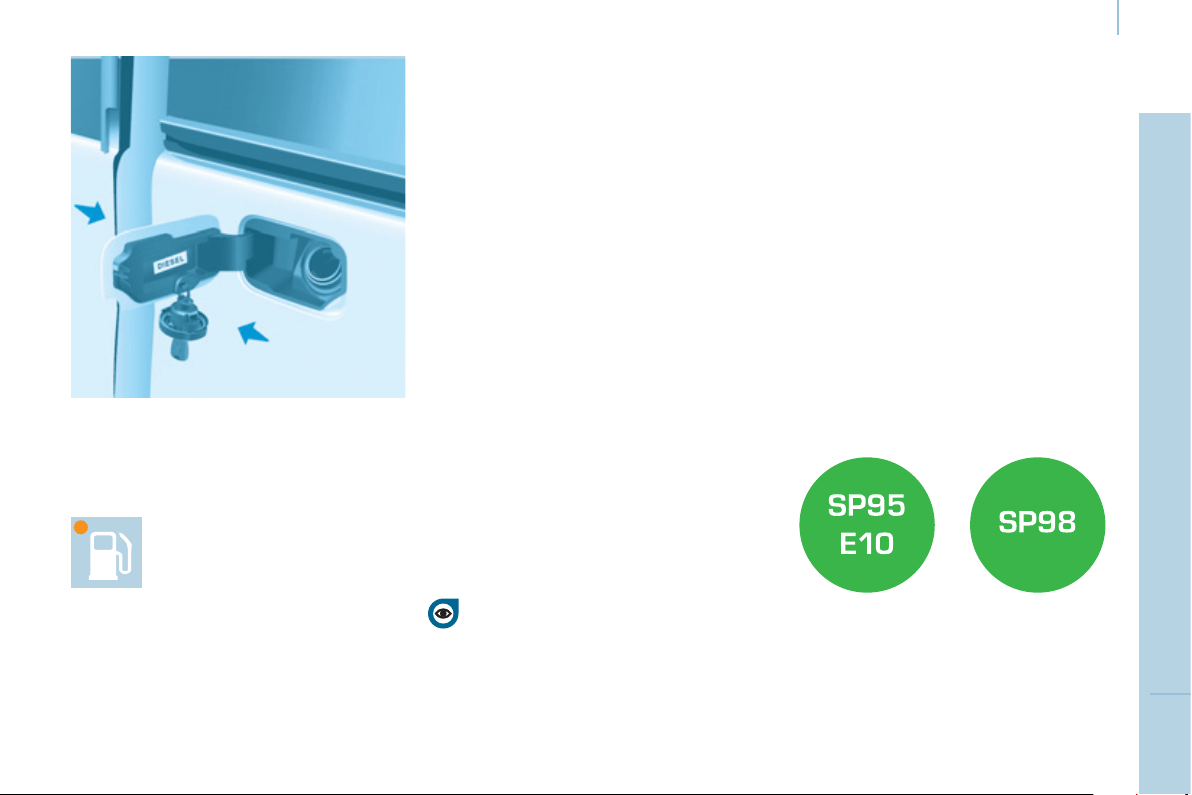
Fuel
113
CHECK
S
6
FILLING WITH FUEL
Low fuel level
Filling
The fuel tank must be fi lled with the
engine off .
- Open the fuel fi ller fl ap.
- Insert the key, then turn it a quarter
turn.
- Remove the cap and hook it onto
the clip located on the inside of the
fl ap.
When fi lling with fuel, with the fuel
fi ller fl ap open, ensure that no one
attempts to open the sliding side
door.
When the minimum fuel tank
level is reached, this warning
light comes on.
You then have approximately 8 litres
of fuel remaining. Fill up without delay
to avoid running out of fuel.
Never risk driving until you run out of
fuel as this may damage the emissions
control and injection systems.
Quality of the fuel used for
petrol engines
A label affi xed to the inside of the fl ap
reminds you of the type of fuel to be
used.
You must fi ll with at least 5 litres of fuel
for it to be registered by the fuel gauge.
When the fuel fi ller cap is opened,
there may be a slight air suction noise.
This vacuum is entirely normal and is
due to the sealing of the fuel circuit.
When fi lling the fuel tank, do not
continue after the 3 rd cut-off of the
nozzle. This could cause malfunctions.
The capacity of the fuel tank is
approximately 60 litres.
- After fi lling the fuel tank, lock the
cap and close the fl ap.
The petrol engines are perfectly
compatible with E10 or E24 type petrol
biofuels (containing 10 % or 24 %
ethanol), conforming to European
standards EN 228 and EN 15376.
E85 type fuels (containing up to 85 %
ethanol) are reserved exclusively for
vehicles marketed for the use of this
type of fuel (BioFlex vehicles). The
quality of the ethanol must comply with
European standard EN 15293.
For Brazil only, special vehicles are
marketed to run on fuels containing up
to 100 % ethanol (E100 type).
DIESEL
Fuel
114
FUEL CUT-OFF
In a serious collision, a mechanism
automatically prevents fuel from
reaching the engine.
The fl ashing of this warning
lamp is accompanied by a
message in the screen.
Check that there is no odour or
leakage of fuel outside the vehicle and
re-establish the fuel supply:
- switch off the ignition (STOP position),
- remove the key,
- put the key back in the ignition,
- switch on the ignition and start.
DIESEL PRIMING PUMP
If you should run out of fuel, it is
necessary to prime the fuel circuit:
- fi ll the fuel tank with at least fi ve
litres of Diesel,
- squeeze and release the manual
priming pump, under the bonnet
under the protective cover,
- operate the starter until the engine
starts.
Refer to the "Under the bonnet"
section of chapter 6.
Quality of the fuel used for
Diesel engines
The Diesel engines are perfectly
compatible with biofuels which conform
to current and future European
standards (Diesel fuel which complies
with standard EN 590 mixed with a
biofuel which complies with standard
EN 14214) available at the pumps
(containing up to 7 % Fatty Acid Methyl
Ester).
The B30 biofuel can be used in certain
Diesel engines; however, this use
is subject to strict application of the
special servicing conditions. Contact
a PEUGEOT dealer or a qualifi ed
workshop.
The use of any other type of (bio)fuel
(vegetable or animal oils, pure or
diluted, domestic fuel...) is strictly
prohibited (risk of damage to the
engine and fuel system).
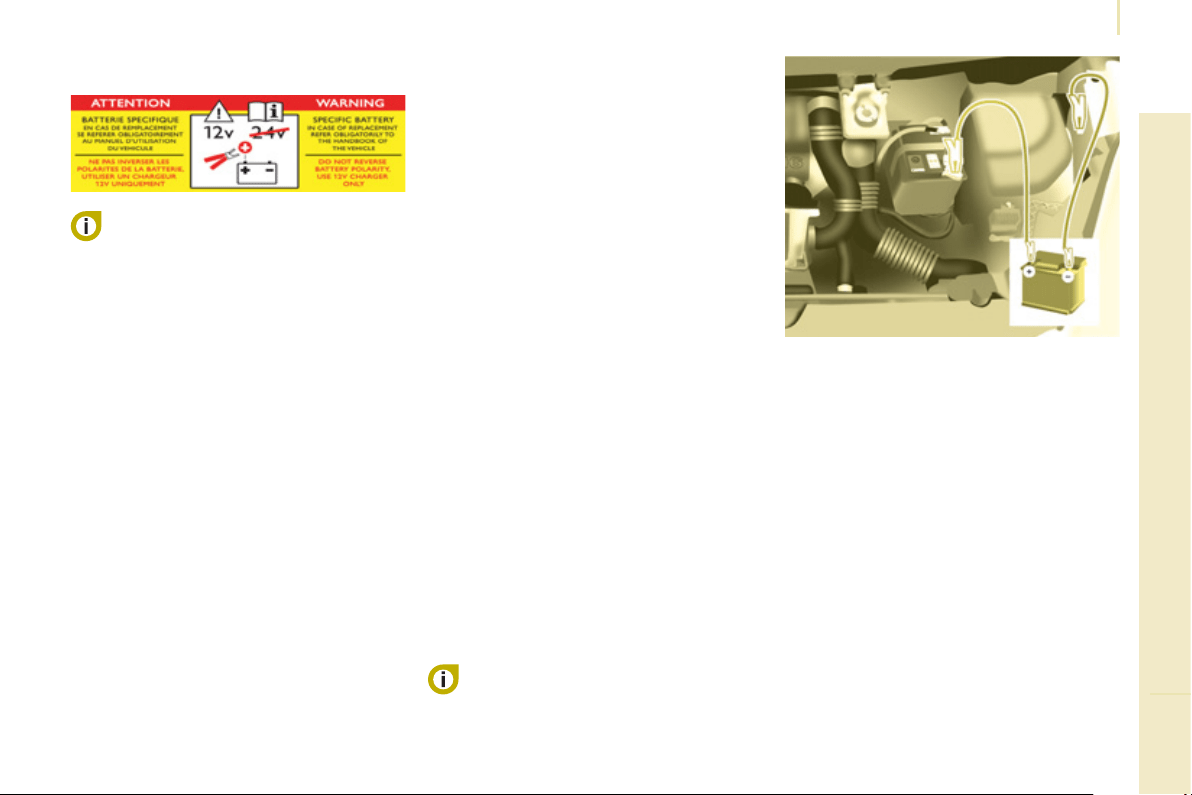
115
Battery
QUICK HELP
7
BATTERY
Before disconnecting the battery, you
must wait for 2 minutes after switching
off the ignition.
Never disconnect a terminal when the
engine is running.
Never charge a battery without fi rst
disconnecting the terminals.
After every reconnection of the battery,
switch on the ignition and wait 1 minute
before starting to allow the electronic
systems to be initialised. If problems
remain after doing this, please contact
a PEUGEOT dealer or a qualifi ed
workshop.
After changing bulbs, wait
approximately 3 minutes before
reconnecting the battery.
It is advisable to disconnect the
battery if the vehicle is not to be used
for a period of more than one month.
To charge the battery using a
battery charger
- Disconnect the battery,
- Follow the instructions for use
given by the battery charger
manufacturer,
- Reconnect starting with the
negative (-) terminal,
- Check that the terminals and
connectors are clean. If they are
covered with sulphate (white or
greenish deposit), disconnect them
and clean them.
To start the vehicle from
another battery
- Connect the red cable to the
positive (+) terminals of the two
batteries,
- Connect one end of the green
or black cable to the negative (-)
terminal of the slave battery,
- Connect the other end of the green
or black cable to an earth point on
the broken down vehicle as far as
possible from the battery,
-
Operate the starter, let the engine run,
- Wait for the engine to return to idle,
then disconnect the cables.
The presence of this label
indicates the use of a 12 V
lead-acid battery with special
technology and specifi cation, for which
the involvement of a PEUGEOT dealer
or qualifi ed workshop is required when
replacing or disconnecting the battery.
Failure to observe this
recommendation may cause premature
wear of the battery.
After refi tting the battery, the Stop & Start
system will only be active after several
hours depending on the climatic conditions
and the state of charge of the battery (up
to about 8 hours).
The Stop & Start battery does not have
to be disconnected for charging.

116
Battery
ECONOMY MODE
After the engine has stopped, with
the key in the ignition position, certain
functions (windscreen wiper, electric
windows, courtesy lamps, audio
equipment, etc.) can only be used for a
cumulative duration of thirty minutes, to
prevent discharging of the battery.
Once the thirty minutes are over, the
active functions are put on standby
and the battery warning lamp fl ashes
accompanied by a message in the
screen.
To resume the use of these functions
immediately, start the engine and let it
run for a few minutes.
The time available will then be double
the time for which the engine was left
running. However, this time will always
be between fi ve and thirty minutes.
A fl at battery will prevent the engine
from starting.
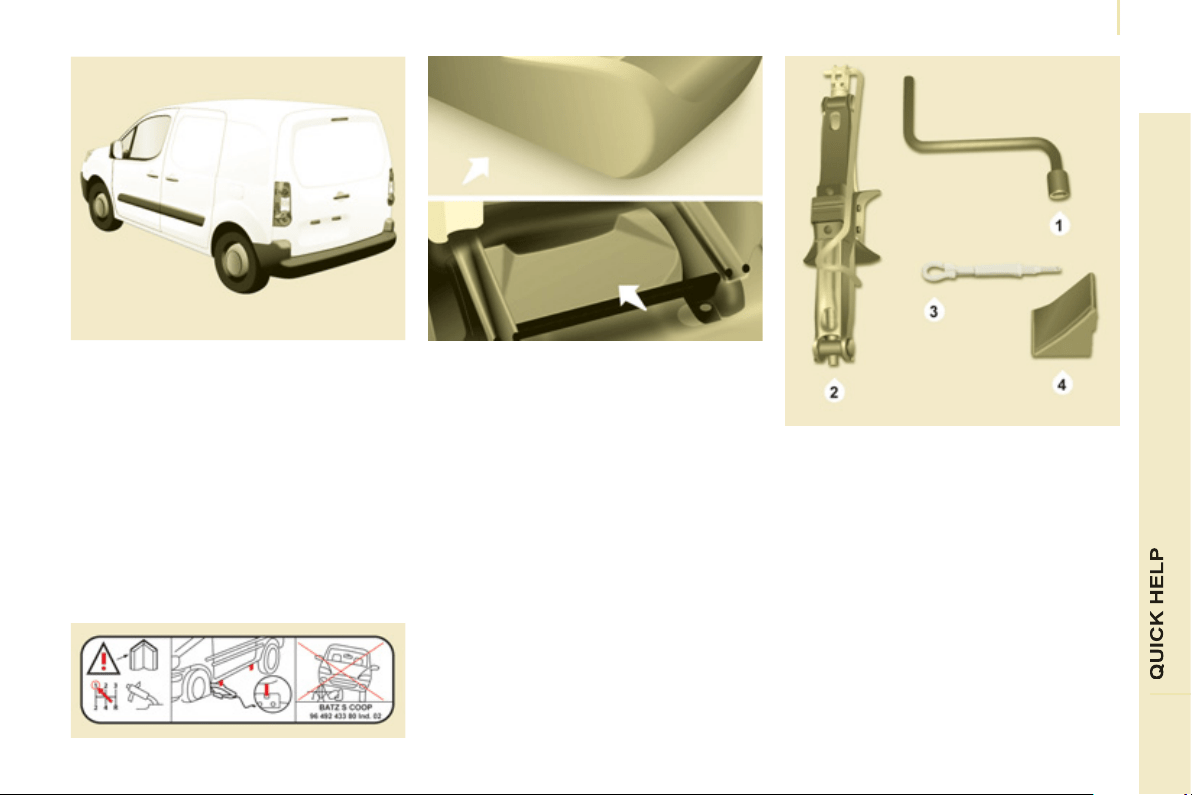
Changing a wheel
117
7
1. PARKING THE VEHICLE
- The occupants must get out of the
vehicle and wait in a safe location.
- If possible, park the vehicle on level,
stable and non-slippery ground.
- Apply the parking brake, switch
off the ignition and engage fi rst or
reverse gear.
- If available, place a chock under
the wheel diagonally opposite the
one to be changed.
If the vehicle is fi tted with a towbar,
it is sometimes necessary to raise
the vehicle slightly to make it easier
to remove the spare wheel from its
carrier.
On certain types of ground and/or
if considerable loads are being
transported, call a PEUGEOT dealer or
a qualifi ed workshop.
CHANGING A WHEEL
2. TOOLS
- The tools are stowed in a storage
compartment located under the left
hand front seat. If necessary, move
the seat to access the storage
compartment from the rear.
- Unscrew the nut then take out the
jack and the wheelbrace.
1. Wheelbrace.
2. Jack.
3. Alloy wheel embellisher remover.
4. Chock.
The jack and the tool kit are specifi c to
your vehicle. Do not use them for other
purposes.
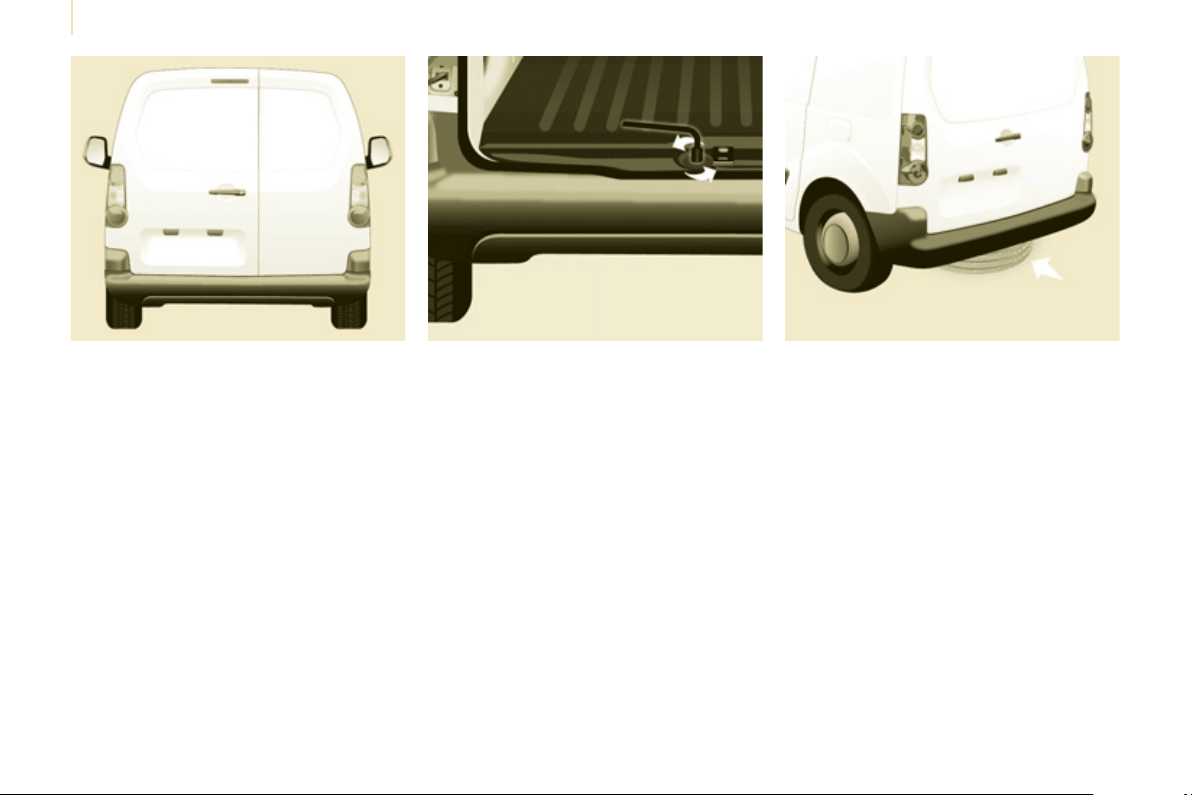
Changing a wheel
118
3. SPARE WHEEL
- Detach the carrier from the hook
and place the spare wheel near the
wheel to be changed.
- Unscrew the bolt using the
wheelbrace until the carrier is
lowered fully.
- Open the rear doors to gain access
to the spare wheel.
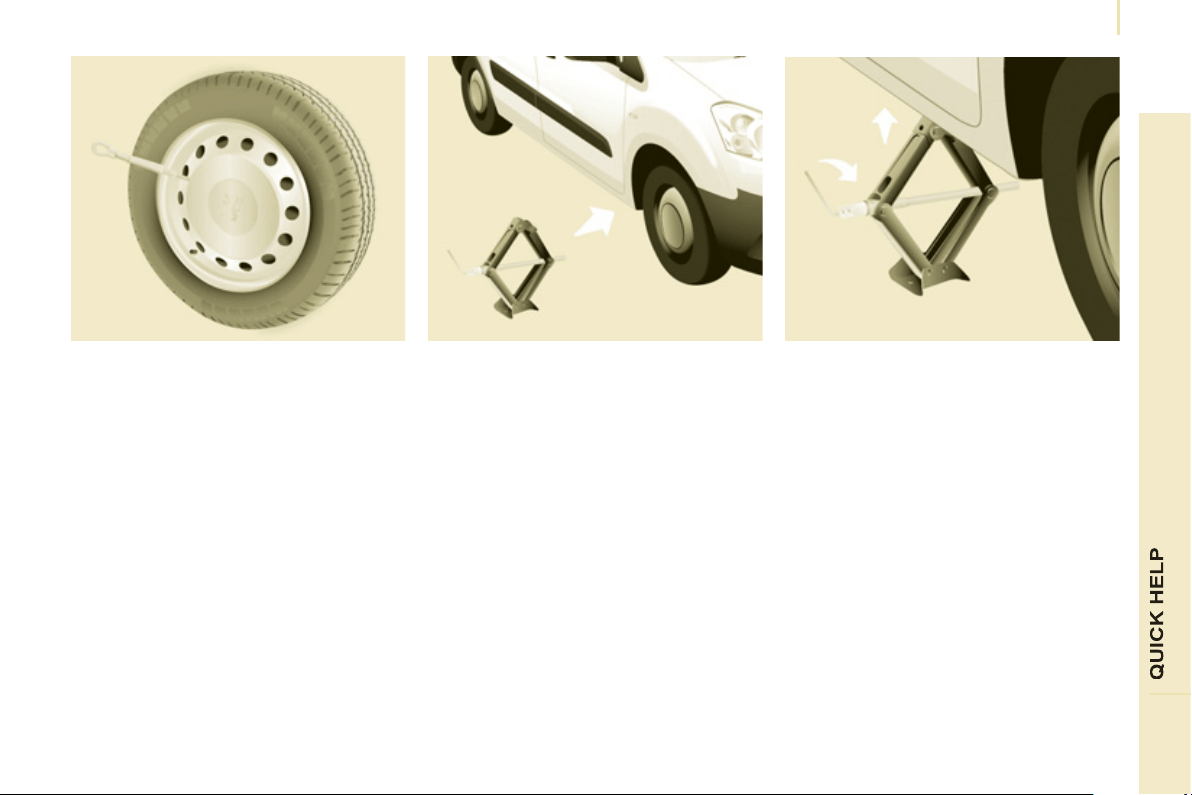
Changing a wheel
119
7
4. OPERATING PROCEDURE
- Place the jack in contact with the
locating point provided, the one
which is closest to the wheel to be
changed. Ensure that the jack is
straight and that the base of the jack
is fully in contact with the ground.
- Extend the jack to lift the wheel clear
of the ground.
- Resume and complete the
unscrewing of the wheel bolts.
- Remove the bolts and remove the
wheel.
- Remove the trim using the removal
tool.
- Loosen the wheel bolts and start
unscrewing them.
Do not extend the jack until you have
started unscrewing the bolts on the
wheel to be changed and have placed
the chock under the wheel diagonally
opposite.
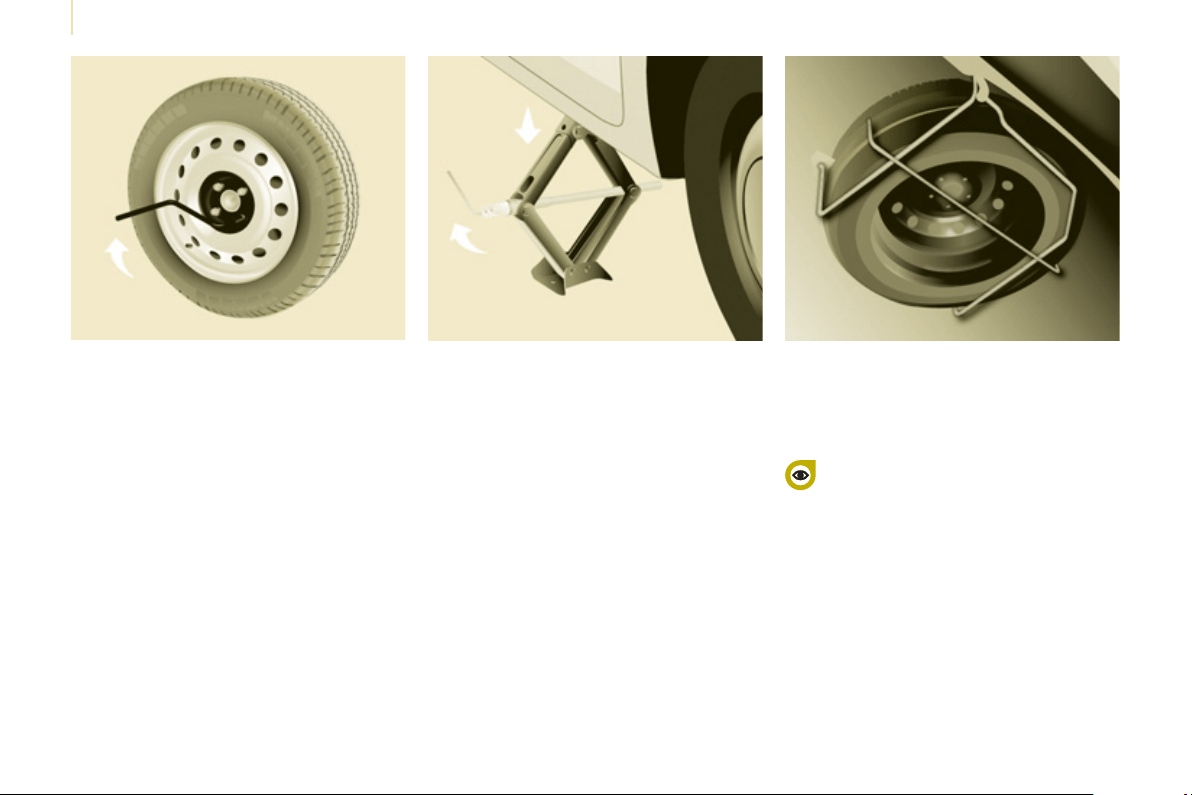
Changing a wheel
120
- Lower the vehicle completely by
folding the jack, then remove the jack.
- Tighten the bolts again using the
wheelbrace, tighten them fully
without forcing them.
- Place the wheel to be repaired in
the carrier.
- Secure the carrier on the hook then
raise the carrier using the bolt and
the wheelbrace.
Never go underneath a vehicle
that is supported only by a
jack (use a ramp). Never use a
screwdriver in place of the wheelbrace
5. FITTING THE SPARE WHEEL
- Position the wheel on the hub and
start tightening the bolts by hand.
- Carry out an initial tightening of the
bolts using the wheelbrace.
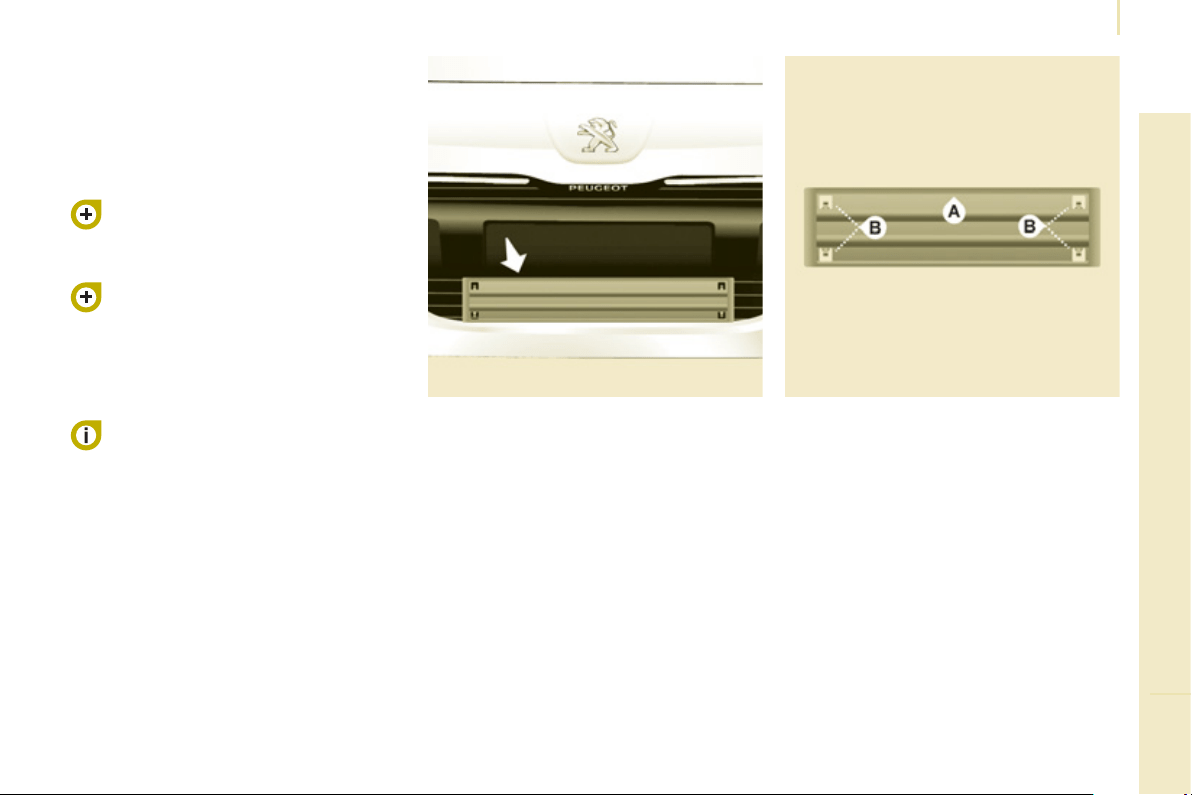
Snow screen
121
QUICK HELP
7
REMOVABLE SNOW SCREEN
According to country, the removable
snow screen is installed on the lower
part of the front bumper to prevent the
accumulation of snow at the radiator
cooling fan.
Do not forget to remove the snow
screen when the exterior temperature
is higher than 10°C (no risk of snowfall)
and when towing.
FITTING
REMOVAL
- Pass a screwdriver into the hole
located near each of the clips.
- Use the screwdriver as a lever to
unclip the four clips B in turn.
- Offer up the snow screen facing its
centring pin A on the front bumper.
- Put it in place by pressing at each
clip B located in the four corners.
6. REFITTING THE REPAIRED
WHEEL
The wheel is refi tted as described
in step 5, not forgetting to refi t the
wheel trim.
Refer to the "Identifi cation
markings" section of chapter 8 to
locate the tyre label.
Refer to the "Instruments and
controls" section of chapter 2,
"Tyre under-infl ation detection"
part, for recommendations after
changing a wheel fi tted with a tyre
under-infl ation detection sensor.
The spare wheel is not designed
to be used over long distances.
Have the tightening of the bolts
and the tyre pressure checked by
a PEUGEOT dealer or a qualifi ed
workshop as soon as possible. Have
the original wheel repaired and refi tted
by a PEUGEOT dealer or a qualifi ed
workshop as soon as possible.
Snow chains
122
SNOW CHAINS
In wintry conditions, snow chains
improve traction as well as the
behaviour of the vehicle when braking.
The snow chains must be fi tted
only to the driving wheels. They
must never be fi tted to "space-
saver" type spare wheels.
Take account of the legislation in
force in your country on the use
of snow chains and the maximum
running speed authorised.
Advice on installation
) If you have to fi t the chains during
a journey, stop the vehicle on a fl at
surface on the side of the road.
) Apply the parking brake and
position any wheel chocks to
prevent movement of your vehicle.
) Fit the chains following the
instructions provided by the
manufacturer.
) Move off gently and drive for a
few moments, without exceeding
30 mph (50 km/h).
) Stop your vehicle and check that
the snow chains are correctly
tightened.
Avoid driving on roads that have
been cleared of snow, to avoid
damaging your vehicle's tyres and
the road surface. It is recommended
that before you leave, you practise
fi tting the snow chains on a level and
dry surface. If your vehicle is fi tted with
alloy wheels, check that no part of the
chain or its fi xings is in contact with the
wheel rim.
Use only the chains designed to be
fi tted to the type of wheel fi tted to your
vehicle:
Original tyre size
Maximum link
size.
195/65 R15
9 mm
195/70 R15
205/65 R15
215/55 R16
215/50 R17
For more information on snow chains,
contact a PEUGEOT dealer or a
qualifi ed workshop.
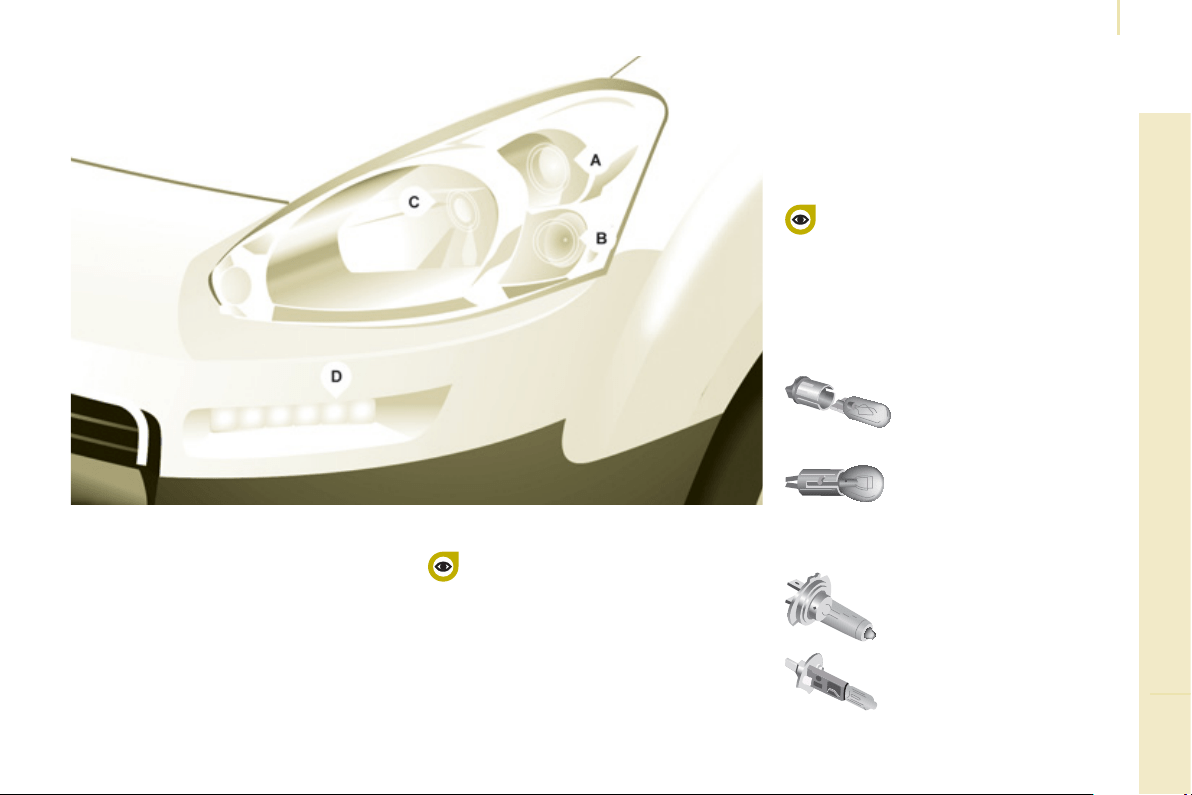
Changing a bulb
123
QUICK HELP
7
CHANGING A BULB
Type B
Bayonet bulb: press
on the bulb then turn it
anticlockwise.
Type A
All glass bulb: pull gently
as it is fi tted by pressure.
Open the bonnet. To access the bulbs,
reach behind the headlamp unit.
Carry out the operations in reverse
order to refi t each bulb and check that
the bonnet is closed securely.
Type C
Halogen bulb: release the
retaining spring from its
housing.
Halogen bulbs must be changed
with the headlamp off. Wait a few
minutes (risk of serious burns).
Do not touch the bulb directly with your
fi ngers, use lint-free cloths.
It is normal for condensation to form
inside the headlamps. Regular use of
the vehicle eliminates this misting.
The bulbs must be changed with the ignition
off or with the battery disconnected. Wait
approximately 3 minutes after changing the
bulb before reconnecting the battery.
Check that the lamps operate correctly after
each operation.
High pressure washing
Types of bulb
Various types of bulb are fi tted to your
vehicle. To remove them:
When using this type of washing
on stubborn dirt, do not persist on
the headlamps, the lamps and their
edges to avoid damaging their coating
and seals.
Type D
Light emitting diode (LED):
for replacement of the
daytime running lamps,
contact a PEUGEOT dealer
or a qualifi ed workshop.
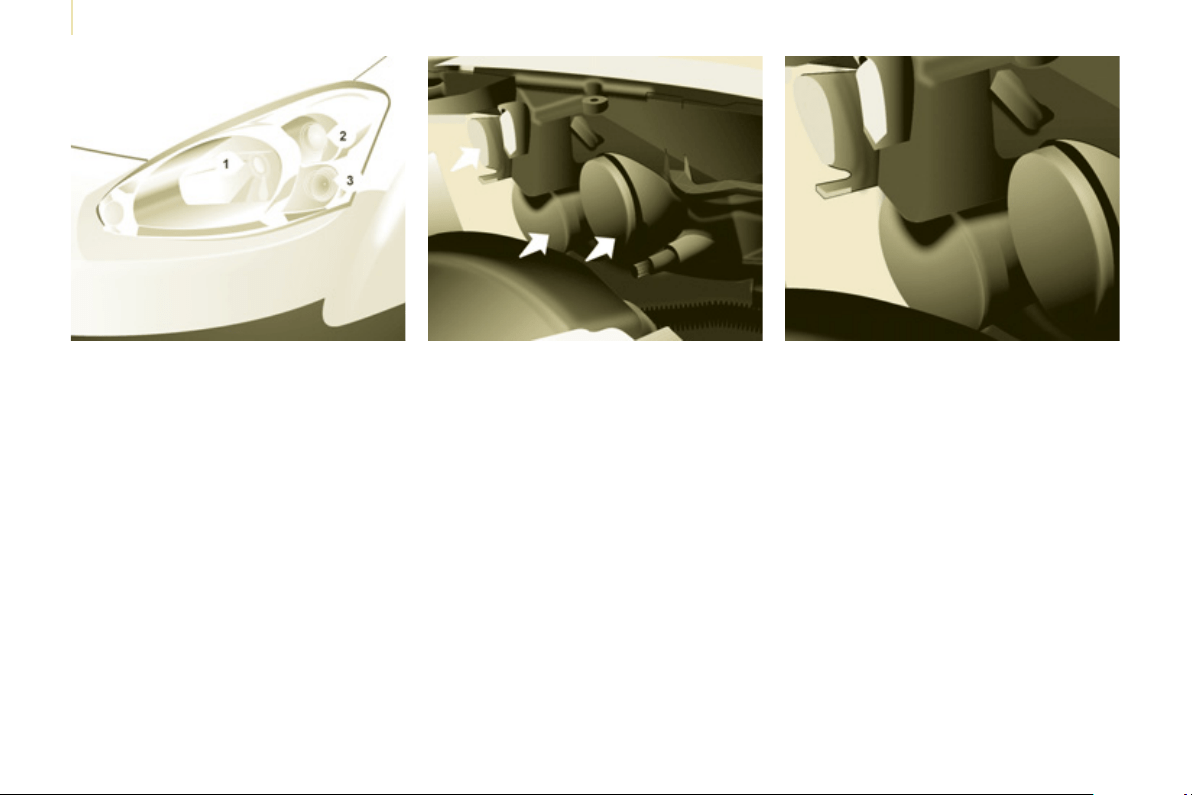
Changing a bulb
124
3. Direction indicators
Type B , PY21W - 21W (amber)
- Remove the cover by pulling the
fl exible rubber tab.
- Turn the bulb holder a quarter
turn anticlockwise.
- Remove the bulb by pressing
it lightly while turning it
anticlockwise.
- Change the bulb.
- Ensure that the cover is refi tted
correctly all round to assure
correct sealing.
2. Sidelamps
Type A , W5W - 5W
- Remove the cover by pulling the
fl exible rubber tab.
- Remove the bulb holder fi tted by
pressure by pulling the connector.
- Change the bulb.
- Ensure that the cover is refi tted
correctly all round to assure
correct sealing.
FRONT LAMPS
1. Dipped / Main beam headlamps
Type C , H4 - 55W
- Remove the centre cover by
pulling the fl exible rubber tab.
- Disconnect the electrical
connector.
- Release the retaining tab.
- Change the bulb taking care
to align the metal part with the
grooves on the lamp.
- Reposition the retaining tab.
- Ensure that the cover is refi tted
correctly all round to assure
correct sealing.
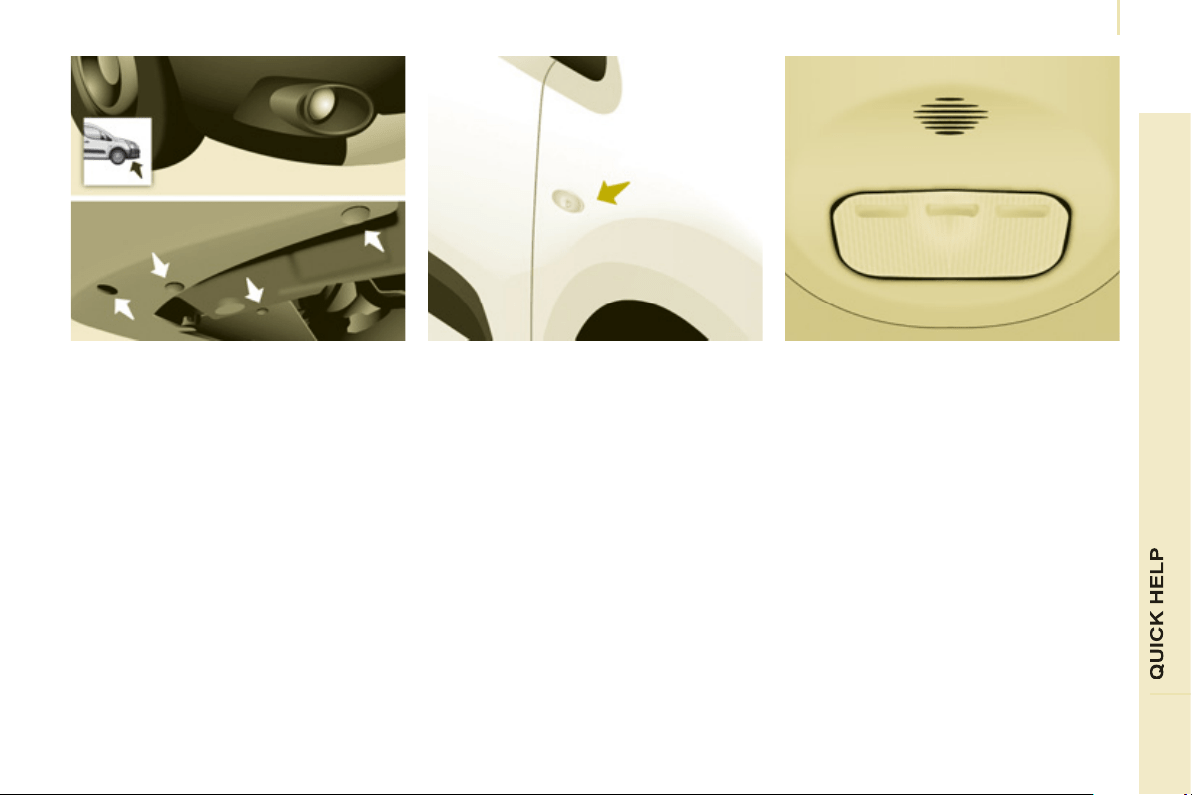
Changing a bulb
125
7
4. Foglamps
Type C , H1 - 55W
- Remove the three clips and the
screw securing the wheelarch liner,
located below the bumper.
- Move the wheelarch liner upwards.
- Remove the foglamp by removing the
screw, which can be accessed via the
hole provided for this purpose in the
bumper, using a Torx
©
30 screwdriver.
- Unclip the foglamp by squeezing the
clip to release it.
- Remove the foglamp from the outside.
- Turn the yellow cover a 1/4 turn to open.
- Separate the clips which secure the
base of bulb on each side to release
the bulb.
- Remove the bulb by pulling, keeping
it straight.
- Insert the new bulb, reposition the
clips around the base of the bulb and
carry out the operations in reverse
order to put the lamp unit and the
bumper back in position.
SIDE REPEATER
Type A , WY5W - 5W (amber)
- Push the repeater towards the rear
and disengage it by pulling the
front.
- Contact a PEUGEOT dealer to
obtain a new repeater which is a
sealed component.
- To refi t, engage the repeater
towards the rear and bring it
towards the front.
Front / Rear
COURTESY LAMPS
Type A , 12V5W - 5W
- Unclip the lens by sliding a
screwdriver in the slots on each
side of the courtesy lamp.
- Pull the bulb out and change it.
- Clip the lens in its housing and
ensure that it is secured correctly.
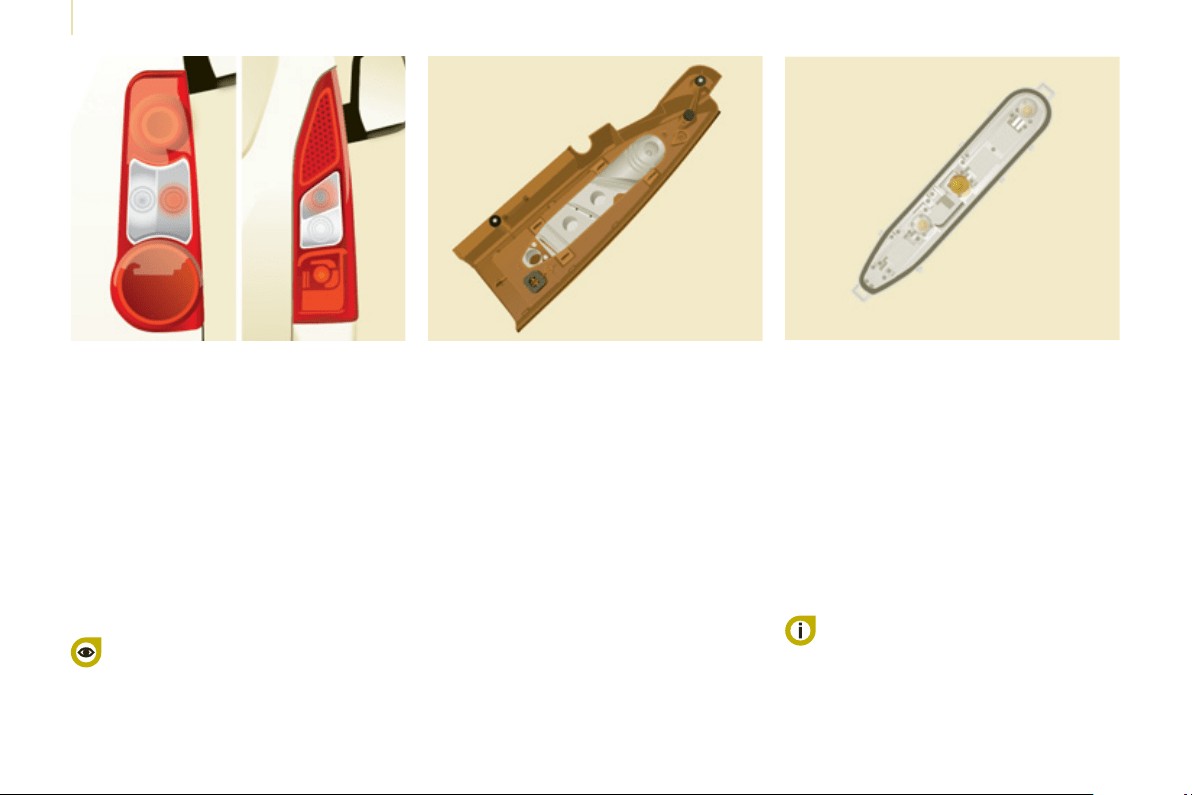
Changing a bulb
126
For more information concerning the
bulbs, refer to the "Types of bulb".
1. Brake lamps / sidelamps
Type B , P21/5W - 21/5W
2. Direction indicators
Type B , PY21W - 21W (amber)
3. Reversing lamps
Type B , P21W - 21W
4. Foglamps
Type B , P21W - 21W
- Identify the faulty bulb then open
the rear doors to 180°.
Refer to the "Access" section of chapter 2.
- Remove the two fi xing bolts using
the screwdriver stored in the tool kit
under the right-hand seat.
- Pull the lamp unit from the outside.
- Holding the lamp, disconnect the
electrical connector.
- Move aside the 4 tabs then extract
the bulb holder.
- Remove the faulty bulb by
pressing it lightly while turning it
anticlockwise.
- Change the bulb.
When removing the lamp unit:
- with tailgate, pull the lamp unit
towards the centre of the vehicle,
- with hinged doors, pull the lamp
unit towards you.
When refi tting, take care to reposition
the tabs and the supply wire correctly
to avoid trapping the wire.
After changing the rear direction
indicator bulb, the reinitialisation time is
above 2 minutes.
REAR LAMPS
High pressure washing
When using this type of washing
on stubborn dirt, do not persist on
the headlamps, the other lamps
and their edges to avoid damaging
their coating and seals.
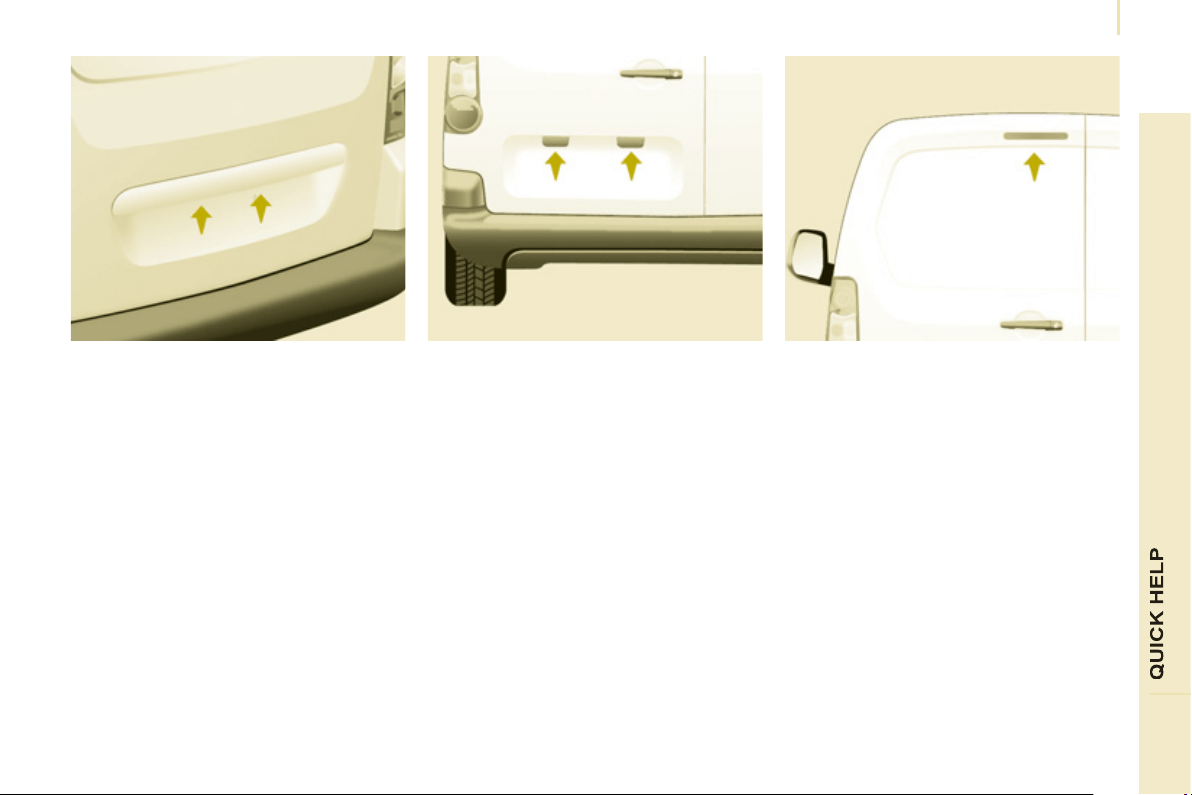
Changing a bulb
127
7
NUMBER PLATE LAMPS
- Unscrew the two nuts.
- Push the pins.
- If necessary, disconnect the
connector to remove the lamp.
- Change the bulb.
With tailgate
- Disengage the plastic lens using a
screwdriver.
- Change the bulb.
- Replace the plastic lens and press
on it.
THIRD
BRAKE
L
AMP
Type A , W16W - 16W
With hinged doors
- Unclip the interior trim.
- Disconnect the connector by
moving aside its tab.
- Turn the bulb holder a quarter turn
anticlockwise.
- Change the bulb.
- Put the bulb holder back in place
and reconnect the connector.
- Put the trim back in place.
Type A , W5W - 5W
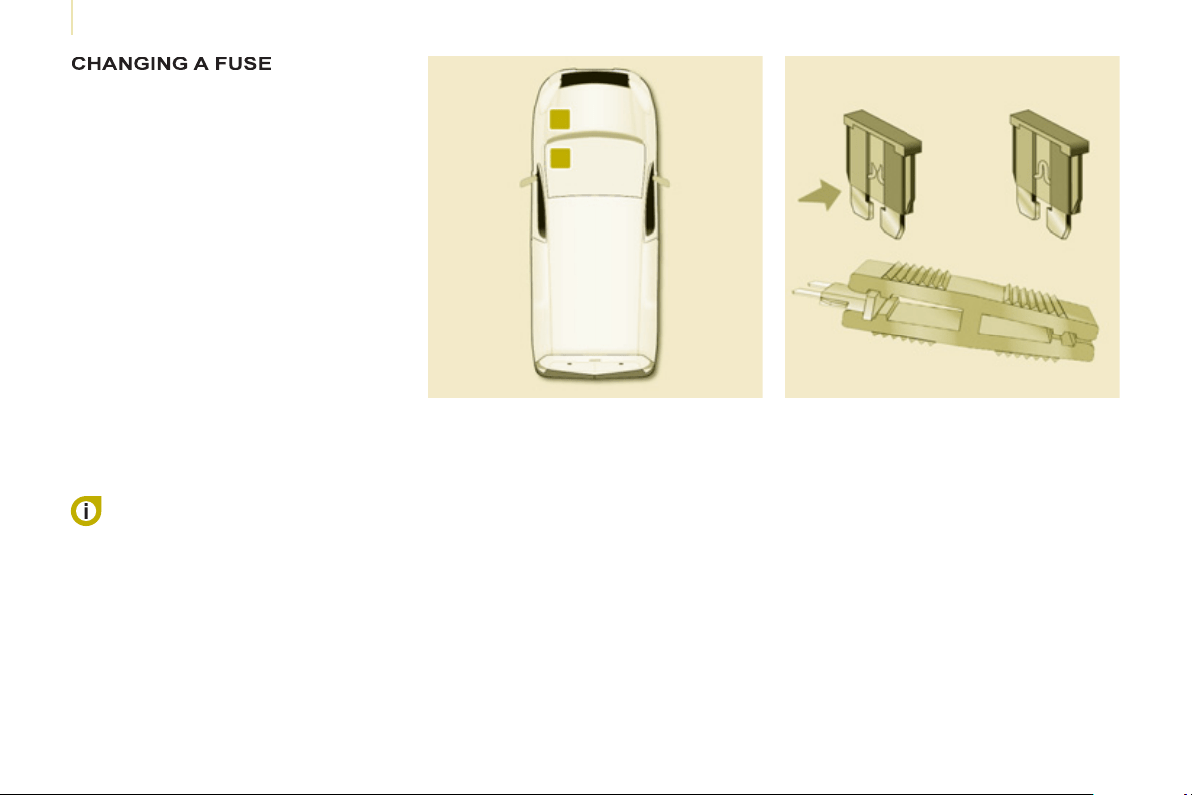
Changing a fuse
128
The fuseboxes are located:
- in the lower dashboard on the left-
hand side (behind the cover),
- under the bonnet (near the battery).
If fi tted on your vehicle, an additional
fusebox is used for towing, the
towbar and the connections for
the coachbuilder and platform cab
modifi cations. It is located on the right
behind the load retaining partition.
The indications communicated
are only those fuses which can be
changed by the user using the tweezer,
located behind the dashboard storage
compartment on the right-hand side.
For any other work, visit a PEUGEOT
dealer or a qualifi ed workshop.
Removing and fitting a fuse
Always replace a failed fuse with a
fuse of the same rating.
PEUGEOT will not accept
responsibility for the cost incurred in
repairing your vehicle or for rectifying
the malfunctions resulting from
the installation of accessories not
supplied and not recommended by the
PEUGEOT network and not installed
in accordance with its instructions,
in particular when the combined
consumption of all of the additional
equipment connected exceeds
10 milliamperes.
Motor trade technicians: for
complete information on the fuses
and relays, refer to the "Repair
manual" diagram via the dealer
network.
Before replacing a fuse, the cause
of the incident must be found and
rectifi ed.
- Use the tweezer.

Changing a fuse
129
7
DASHBOARD FUSES
Tilt the cover to gain access to the
fuses.
Fuses
F
Amperes
A
Allocation
1 15 Rear wiper
2 - Spare
3 5 Airbags
4 10
Air conditioning, diagnostic socket, mirror control,
headlamp beam
5 30 Electric windows
6 30 Locks
7 5
Rear courtesy lamp, front map reading lamp, roof
console
8 20
Audio equipment, screen, tyre under-infl ation
detection, alarm and siren
9 30 Front and rear 12 V socket
10 15 Central column
11 15 Low current ignition switch
12 15 Rain and sunshine sensor, airbag
13 5 Instrument panel
14 15
Parking sensors, digital air conditioning controls,
hands-free kit
15 30 Locks
16 - Spare
17 40 Heated rear screen/mirrors
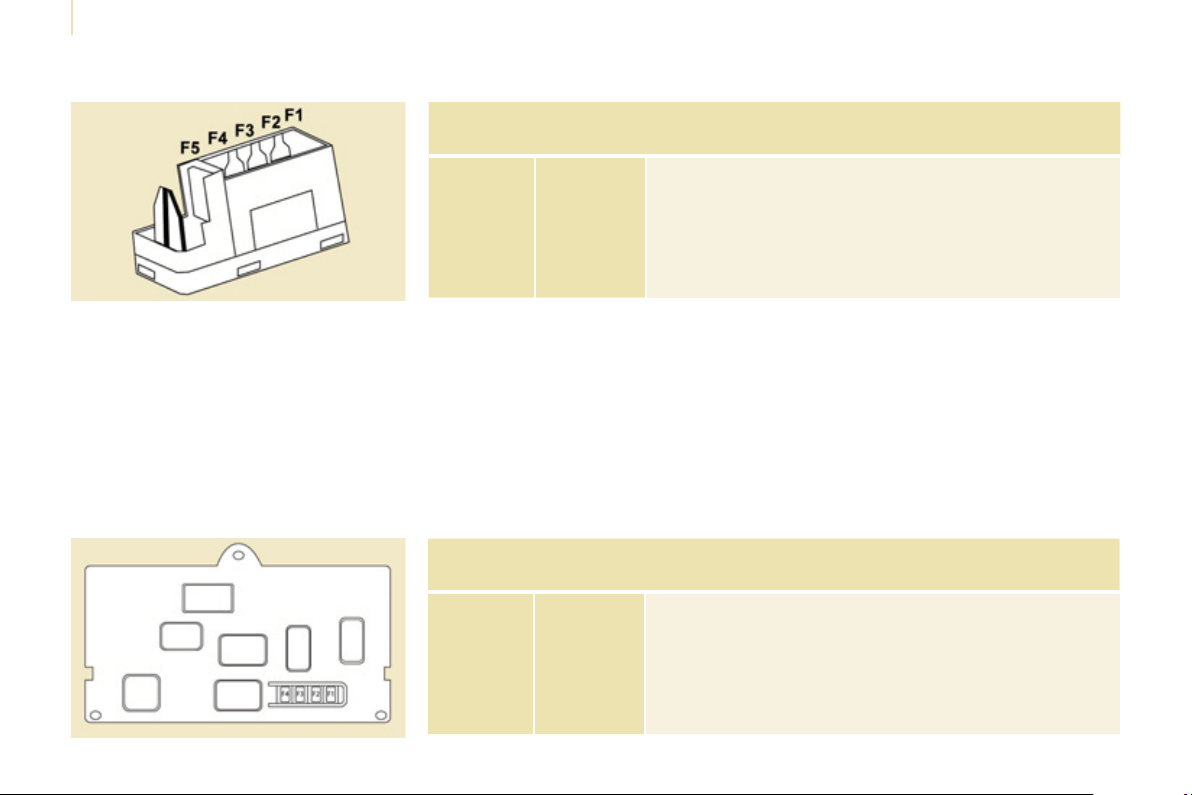
Changing a fuse
130
PASSENGER COMPARTMENT FUSES
Fuses
F
Amperes
A
Allocation
1 - Spare
2 20 Heated seats
3 - Spare
4 15 Folding mirrors relay
5 15 Refrigeration equipment socket relay
TOWING / TOWBAR /
COACHBUILDERS / PLATFORM
CAB FUSES
The designations communicated are
an indication only as this additional
box relates to other information which
depends on the converter-coachbuilder
for which the handbook cannot be
used as a technical support.
Fuses
F
Amperes
A
Allocation
1 15 Spare
2 15 Ignition, generator operating relay
3 15 Trailer 12V supply
4 15 Permanent supply for the modifi ers
5 40 Hazard warning lamps
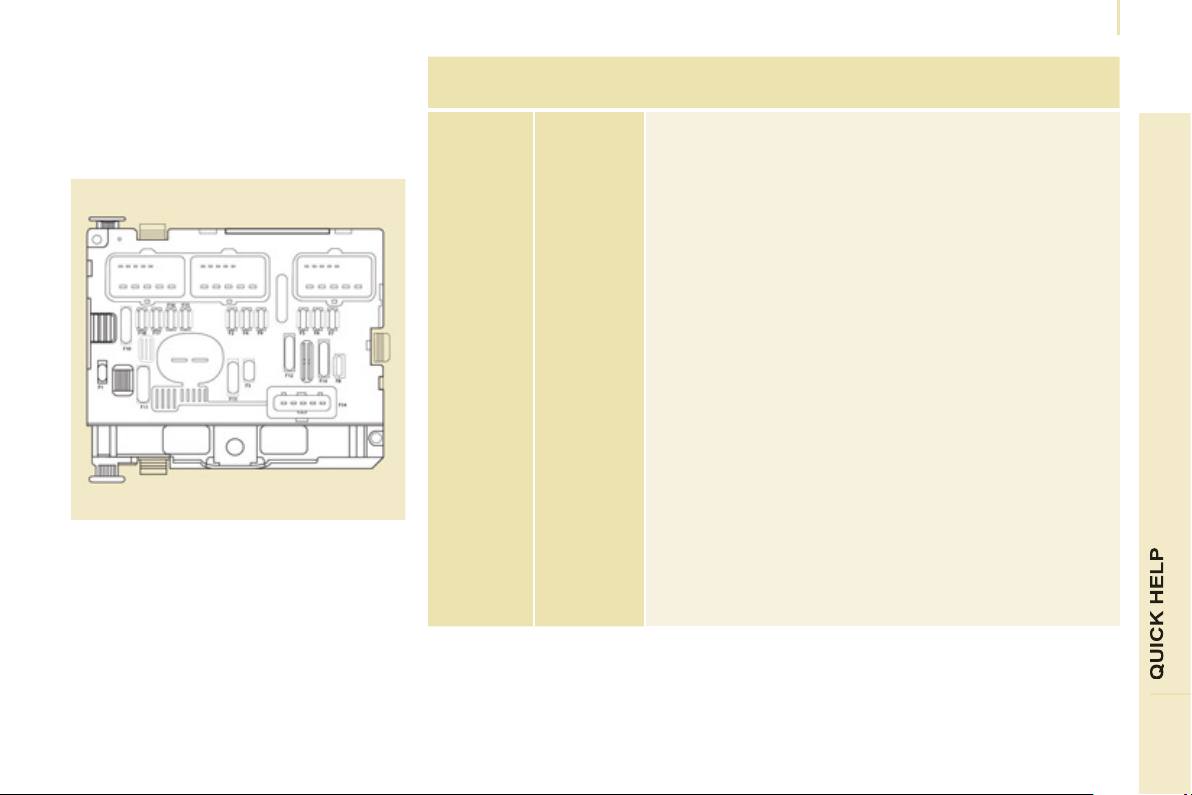
Changing a fuse
131
7
FUSES UNDER THE BONNET
After opening the bonnet, unclip and tilt
the box to gain access to the fuses.
Fuses
F
Amperes
A
Allocation
1 20 Engine management
2 15 Horn
3 10 Front and rear screenwash pump
4 20 Headlamp wash pump or LED
5 15 Engine components
6 10 Steering wheel angle sensor, ESC
7 10 Brake switch, clutch switch
8 25 Starter
9 10 Headlamp beam motor, parc management unit
10 30 Engine components
11 40 Spare
12 30 Wipers
13 40 Built-in systems interface
14 30 Pump
15 10 Right-hand main beam headlamp
16 10 Left-hand main beam headlamp
17 15 Right-hand dipped beam headlamp
18 15 Left-hand dipped beam headlamp
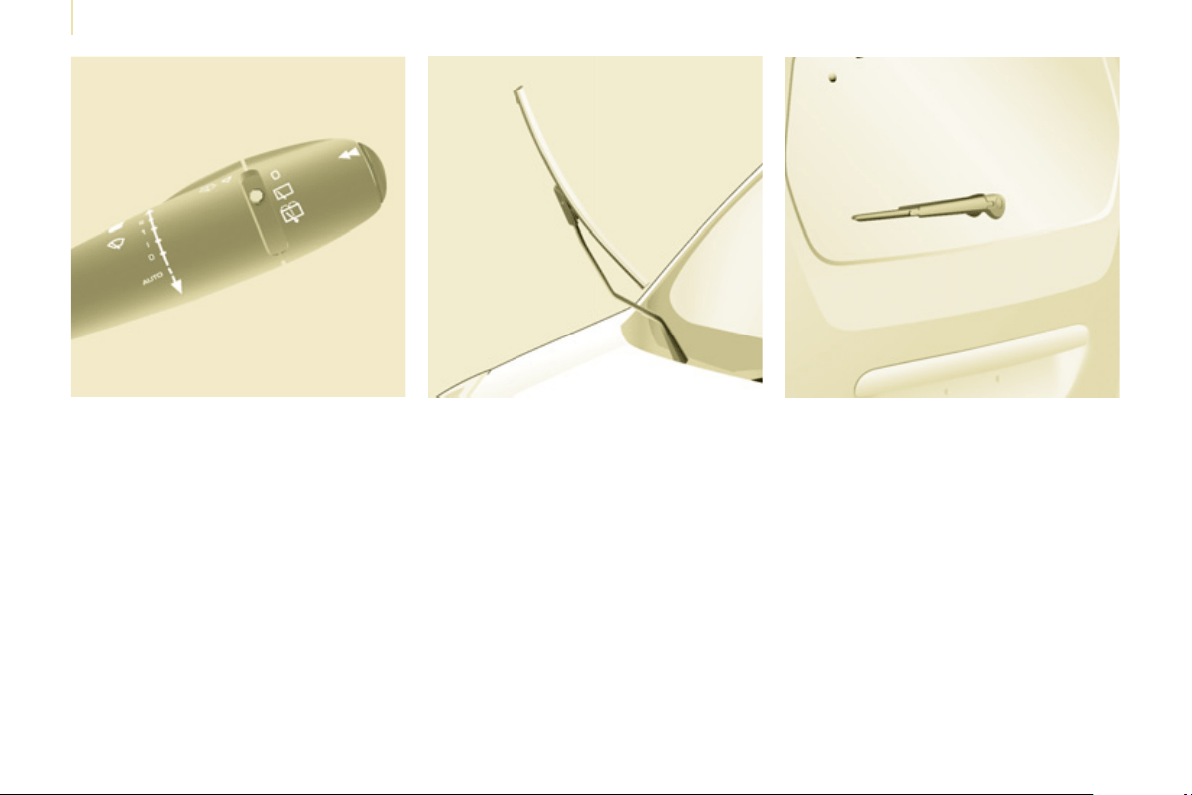
Changing a wiper blade
132
Placing the windscreen wiper
blades in the special position
- Less than a minute after switching
off the ignition, press the wiper stalk
downwards to position the wiper
blades along the windscreen pillars
(special position).
Changing a front wiper blade
- Lift the wiper arm.
- Unclip the blade and remove it.
- Fit the new blade.
- Push back the wiper arm.
To return the windscreen wipers to
their normal position, switch on the
ignition and operate the wiper stalk.
Changing the rear wiper blade
- Lift the wiper arm, then unclip the
blade and remove it.
- Fit the new blade and push back
the wiper arm.
CHANGING A WIPER BLADE
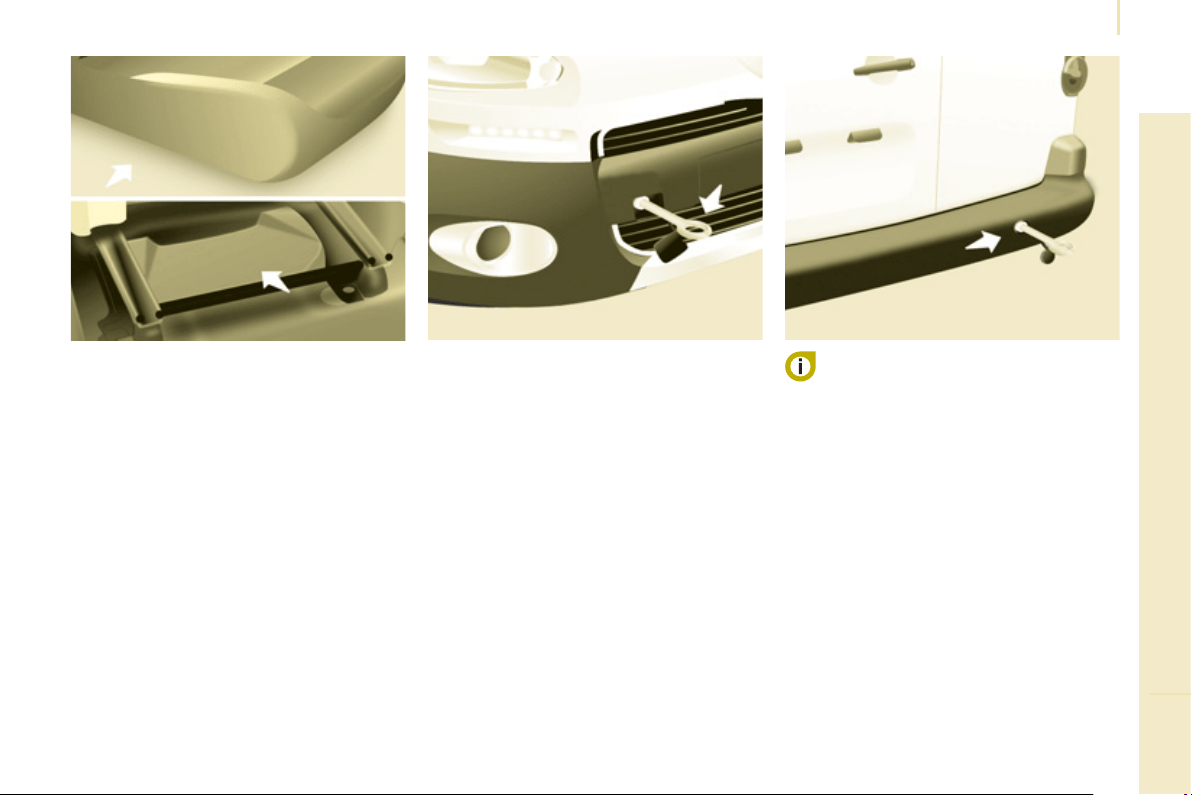
Having your vehicle towed
133
QUICK HELP
7
Without lifting (4 wheels on the
road)
You should always use a towing bar.
BEING TOWED From the front
- Unclip the cover by pressing the
bottom part.
- Fully screw in the removable towing
eye.
From the rear
- Unclip the cover using a coin or the
fl at part of the towing eye,
- Fully screw in the removable towing
eye.
When towing with the engine
switched off, there is no braking or
steering assistance.
Lifting (2 wheels on the
road only)
It is preferable to raise the vehicle
using professional lifting equipment.
The towing eye is stored in the tool kit,
located under the left-hand seat.
Vehicles fitted with a manual
gearbox (Diesel version)
In the case of vehicles fi tted with a
manual gearbox, the gear lever must
be in the neutral position, failure to
observe this special condition may
result in damage to transmission and
braking components and the absence
of braking assistance when the engine
is started again.
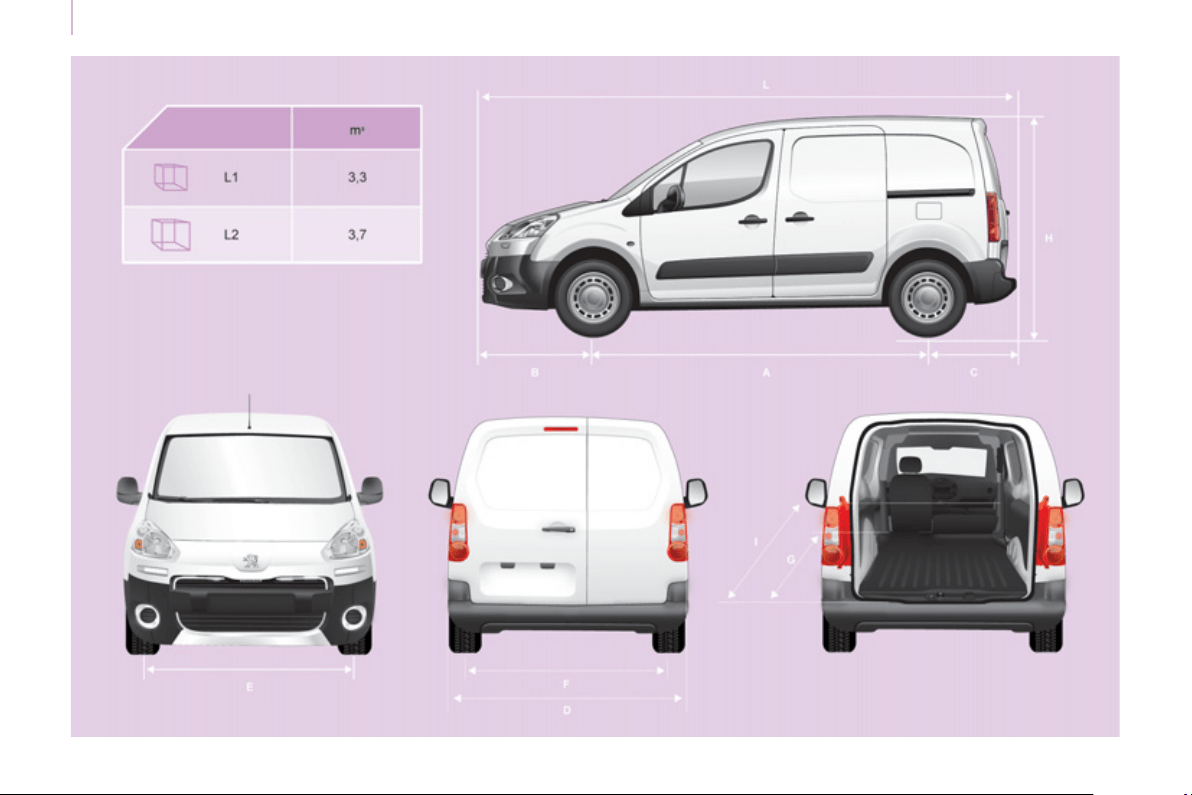
1
3
4
Dimensions
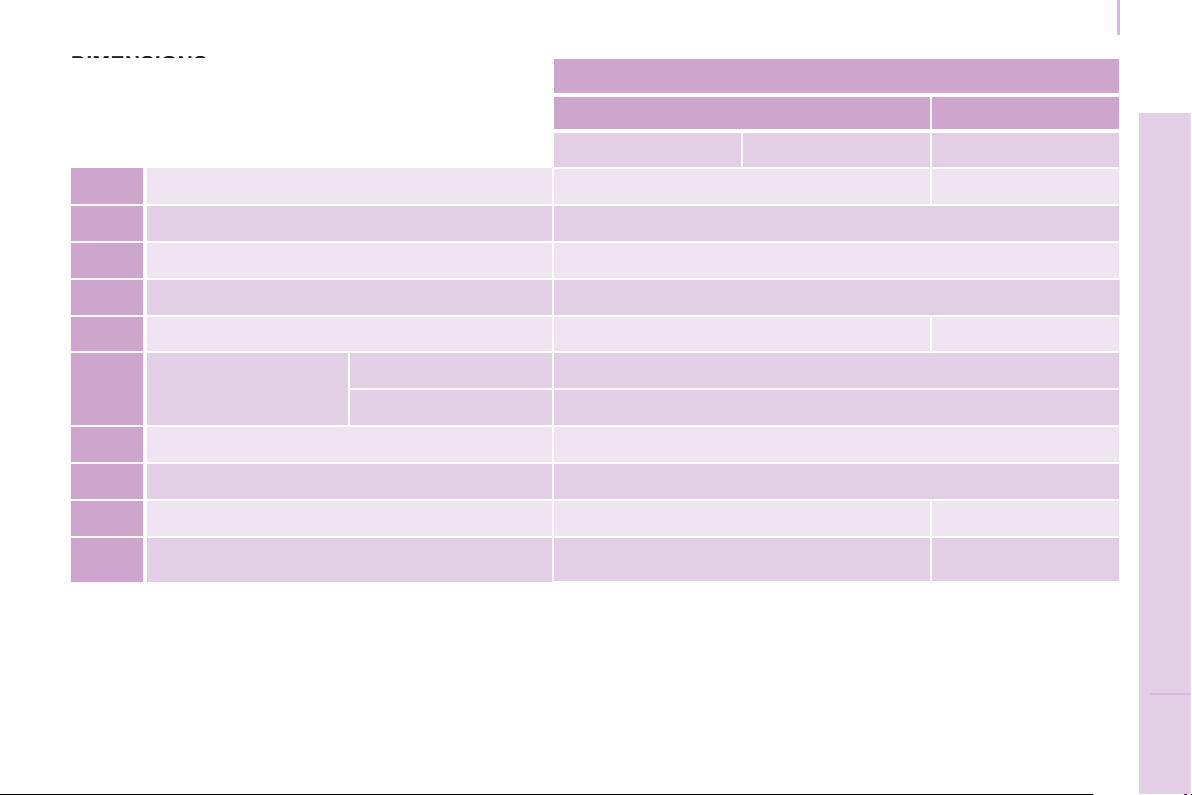
1
3
5
Dimensions
T
ECHNICAL DAT
A
8
VAN (mm)
Short - L1 Long - L2
625 850 750
L Overall length 4380 4628
H Overall height 1805-1834
A Wheelbase 2728
B Front overhang 925
C Rear overhang 727 975
D Width over panels:
without mirrors 1810
with mirrors 2112
E Width of front track 1505
F Width of rear track 1554
G Usable rear fl oor length 1800 2050
I
Usable length with front passenger seat
folded
3000 3250
DIMENSIONS
DIMENSIONS
The vehicle is available in 2 lengths (L1 and L2), refer to
the tables:
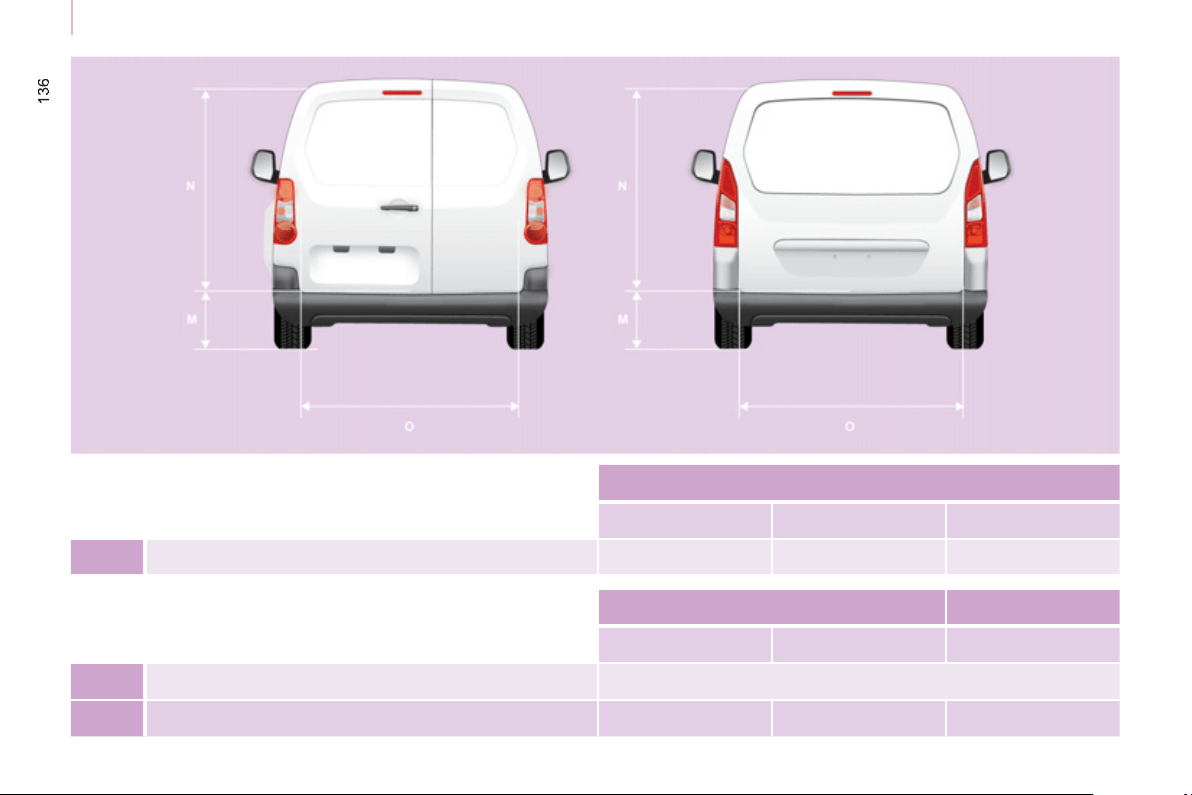
Dimensions
REAR DOORS (mm)
L1 - 625 L1 - 850 L2
M Maximum load sill with 195/65 R15 tyre 584 609 612
Hinged doors Tailgate
Small Large
N Usable opening height (under panel) 1148 1313
O Width 495 543 1582
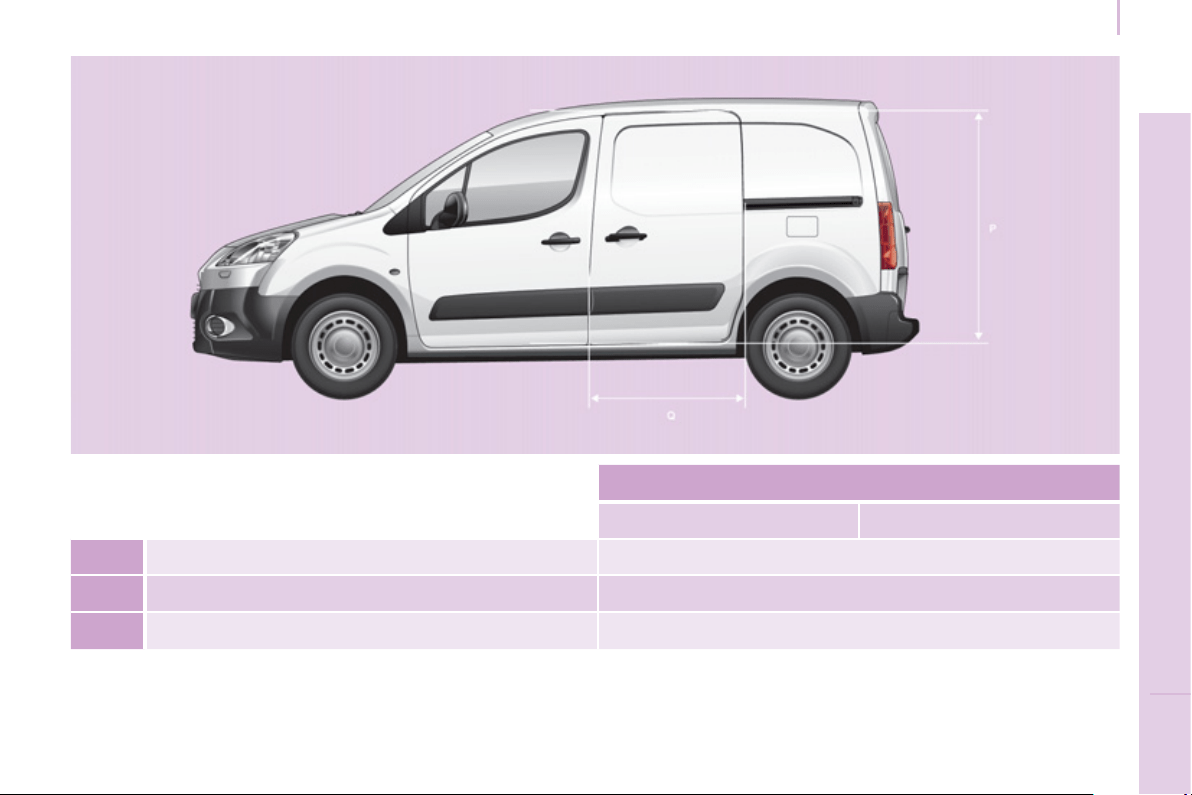
1
37
Dimensions
T
ECHNICAL DAT
A
8
SLIDING SIDE DOOR (mm)
L1 L2
P Usable height 1100
Q Usable width 650
- Height under raised tailgate 1892
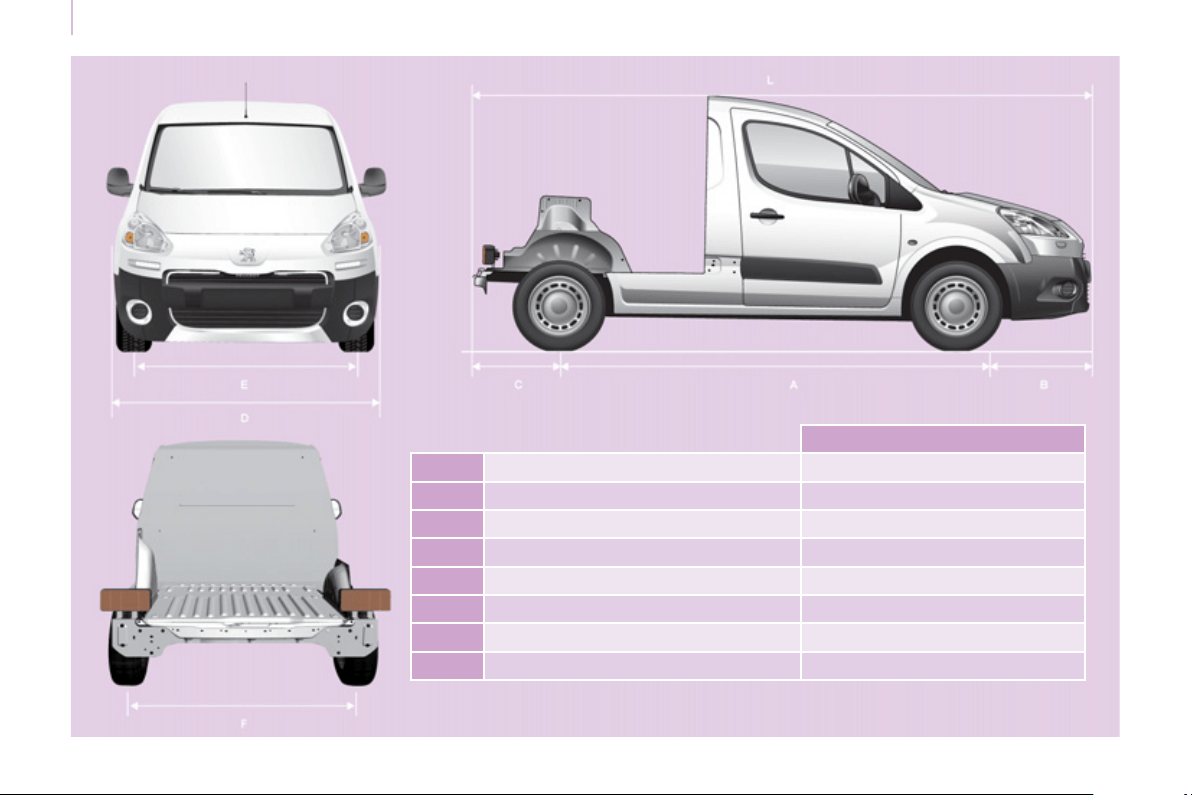
1
38
Dimensions
PLATFORM CAB (mm)
L Overall length 4237
H Overall height 1821-1822
A Wheelbase 2728
B Front overhang 925
C Rear overhang 584
D Width over panels (without mirrors) 1810
E Width of front track 1505
F Width of rear track 1554

Weights
1
39
T
ECHNICAL DAT
A
8
WEIGHTS AND TOWED LOADS
(
KG
)
General points
The GTW and towed load values
indicated are valid up to a maximum
altitude of 1000 metres; the towed load
mentioned must be reduced by 10 %
for each additional 1000 metres.
The speed of a towing vehicle must not
exceed 50 mph (80 km/h) (comply with
the legislation in force in your country).
With load transfer, the braked trailer
weight can be increased, on condition
that the equivalent of this load is
removed from the vehicle so that the
GTW is not exceeded. Warning: towing
with a lightly loaded towing vehicle
may have an adverse effect on its road
holding.
High ambient temperatures may result
in a reduction in the performance
of the vehicle in order to protect the
engine; when the ambient temperature
is higher than 37 °C, limit the towed
weight.
The kerb weight is equal to the weight
without load + driver (75 kg) + fuel tank
fi lled to 90%.
For more information, refer to your
registration certifi cate.
In each country, it is imperative that
the towed loads authorised by local
legislation are complied with. To fi nd
out your vehicle's towing capacities
and its gross train weight, consult a
PEUGEOT dealer.
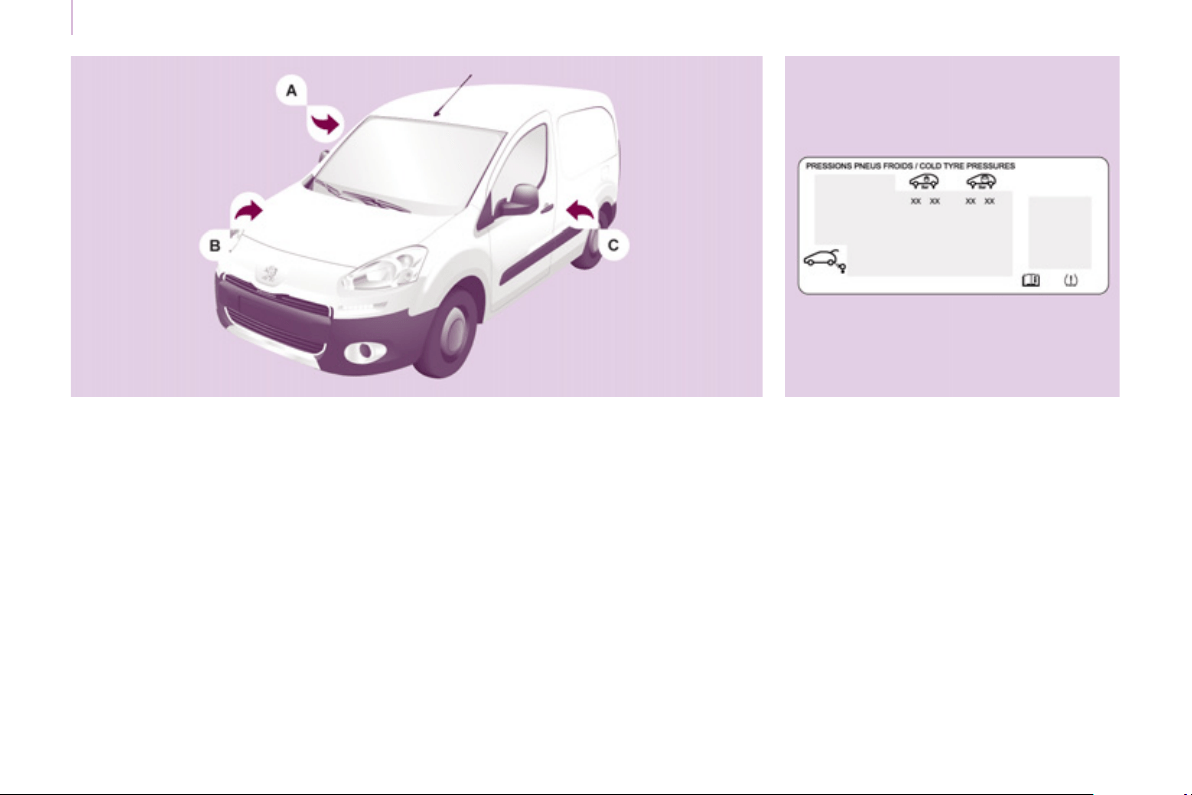
Identification markings
140
IDENTIFICATION MARKINGS
A. Manufacturer's plate. C. Tyres and paint colour code.
B. Serial number.
This is located on the right-hand
middle pillar.
1 - VF Type serial number.
2 - Gross vehicle weight (GVW).
3 - Gross train weight (GTW).
4.1 - Maximum weight on front axle.
4.2 - Maximum weight on rear axle.
This is engraved on the front right
wheelarch.
The label C , on the front door gives:
- the wheel and tyre sizes,
- the brands of tyres recommended
by the manufacturer,
- the tyre pressures (the tyre
pressures must be checked when
the tyres are cold, at least once a
month),
- the paint colour code.
9
.
1
EMERGENCY OR ASSISTANCE CALL
9
.
2
E
MERGENCY OR ASSISTANCE CALL
In an emer
g
enc
y
, press this button for more than
2
seconds. Flashin
g
of the
g
reen LED and a voice
messa
g
e con
fi
rm that the call has been made to the
PEU
G
E
O
T
CO
NNE
C
T
SOS
call centre
*
.
The
g
reen LED remains on
(
without
fl
ashin
g)
when communication is
e
stablished. It
g
oes o
ff
at the end o
f
communication.
Wh
en t
h
e
ig
n
i
t
i
on
i
s sw
i
tc
h
e
d
on, t
h
e
g
reen
LED comes on
f
or 3 seconds indicatin
g
that
t
h
e s
y
stem
i
s operat
i
n
g
correct
ly
.
Pressin
g
this button a
g
ain immediatel
y
cancels the request.
The cancellation is confi rmed b
y
a voice messa
g
e.
Press this button for more than 2 seconds to request
ass
i
s
t
a
n
ce
if th
e
v
e
hi
c
l
e
b
r
ea
k
s
do
wn.
A
voice messa
g
e con
fi
rms that the call has been made
**
.
OPERATION OF THE SYSTEM
Pressin
g
this button a
g
ain immediatel
y
cancels the request. The
g
reen
L
ED
g
oes off. Cancellation is confi rmed b
y
a voice messa
g
e
To cancel a call, tell the PEUGE
O
T C
O
NNECT S
O
S call centre that the
call
w
as
a
m
is
t
ake
.
PEUGE
O
T C
O
NNECT S
O
S immediatel
y
locates
y
our vehicle, starts
c
ommunication with
y
ou in
y
our lan
g
ua
g
e ** , and where necessar
y
sends
the appropriate public emer
g
enc
y
services ** . In countries where the
s
erv
i
ce
i
s not ava
il
a
bl
e, or w
h
en t
h
e
l
ocat
i
n
g
serv
i
ce
h
as
b
een express
ly
declined, the call sent directl
y
to the emer
g
enc
y
services
(
112
)
without the
v
e
hi
c
l
e
l
oca
ti
o
n.
If an impact is detected b
y
the airba
g
control unit, and
independentl
y
of the deplo
y
ment of an
y
airba
g
s, an emer
g
enc
y
call
is made automaticall
y
.
* Sub
j
ect to the
g
eneral conditions for the service available from dealers
a
nd to technolo
g
ical and technical limitations.
**
Dependin
g
on the
g
eo
g
raphical cover o
f
PEU
G
E
O
T
CO
NNE
C
T
SOS
,
PEU
G
E
O
T
CO
NNE
C
T A
SS
I
S
TAN
C
E and the o
ffi
cial national lan
g
ua
g
e
s
elected by the owner o
f
the vehicle.
Th
e
li
s
t
of
cou
ntri
es
co
v
e
r
ed
a
n
d
PE
UG
E
O
T
CO
NNE
C
T
se
rvi
ces
a
r
e
a
vailable
f
rom dealers or at www.peu
g
eot.co.uk.
If the oran
g
e LED fl ashes: there is a s
y
stem
f
au
lt.
If the oran
g
e LED is on continuousl
y
: the
b
ac
k
up
b
atter
y
must
b
e rep
l
ace
d
.
In either case, contact a PEU
G
E
O
T dealer.
I
f
you purchased your vehicle outside the PEU
G
E
O
T dealer network,
we invite
y
ou to have a dealer check the con
fi
g
uration o
f
these services
and, i
f
desired, modi
fi
ed to suit
y
our wishes. In a multi-lin
g
ual countr
y
,
c
on
fi
g
uration is possible in the o
ffi
cial national lan
g
ua
g
e o
f
y
our choice.
For technical reasons and in particular to improve the qualit
y
o
f
P
EU
G
E
O
T
CO
NNE
C
T services to customers, the manu
f
acturer reserves
t
h
e r
igh
t to carr
y
out up
d
ates to t
h
e ve
hi
c
l
e
'
s on-
b
oar
d
te
l
emat
i
c s
y
stem.
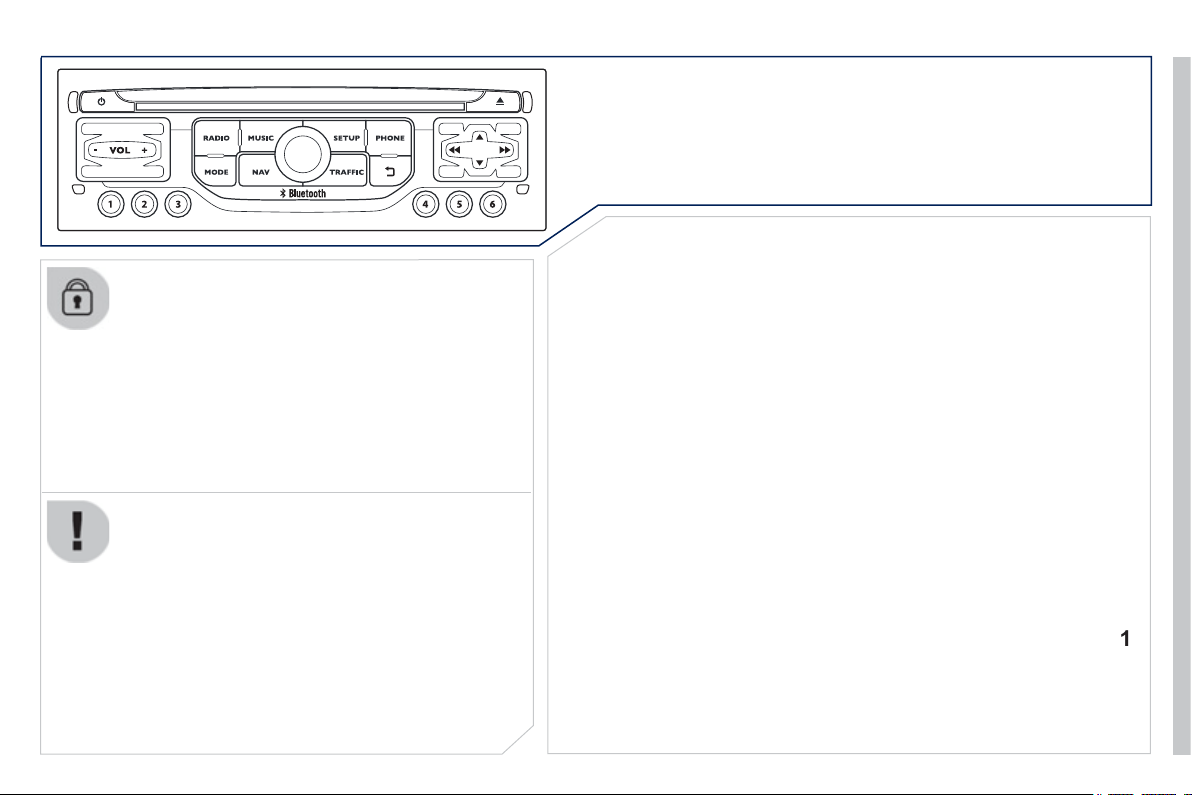
9
.
3
The s
y
stem is protected in such a wa
y
that it will onl
y
operate
i
n
y
our ve
hi
c
l
e.
01 First steps - Control panel
For safet
y
reasons, the driver must carr
y
out operations
which require prolon
g
ed attention while the vehicle is
s
tationar
y
.
When the en
g
ine is switched o
ff
and to prevent
dischar
g
in
g
o
f
the batter
y
, the s
y
stem switches o
ff
f
ollowing the activation o
f
the energy economy mode.
CONTENT
S
02 General o
p
eration
03 Steerin
g
mounted controls
04 Audio settin
g
s
05 Navi
g
ation - Guidance
06 Traffic information
07 Usin
g
the telephone
0
8
Radio
09 Music media pla
y
ers
10 Confi
g
uration
11 Tri
p
com
p
ute
r
p
.
p
.
p
.
p
.
p
.
p
.
p
.
p
.
p
.
p
.
p
.
9
.
4
9
.
6
9
.
8
9
.
9
9.
1
0
9
.2
3
9.27
9.
3
8
9
.
4
2
9.
4
8
9.
5
1
P
eu
g
eot Connect Navi
g
ation
(
RT6
)
12 Screen menu ma
p
p
.
9.
5
2
Frequentl
y
asked questions
p
.
9.
5
6
SATELLITE NAVIGATION SYSTEM
MULTIMEDIA BLUETOOTH TELEPHONE AUDIO
SYSTEM
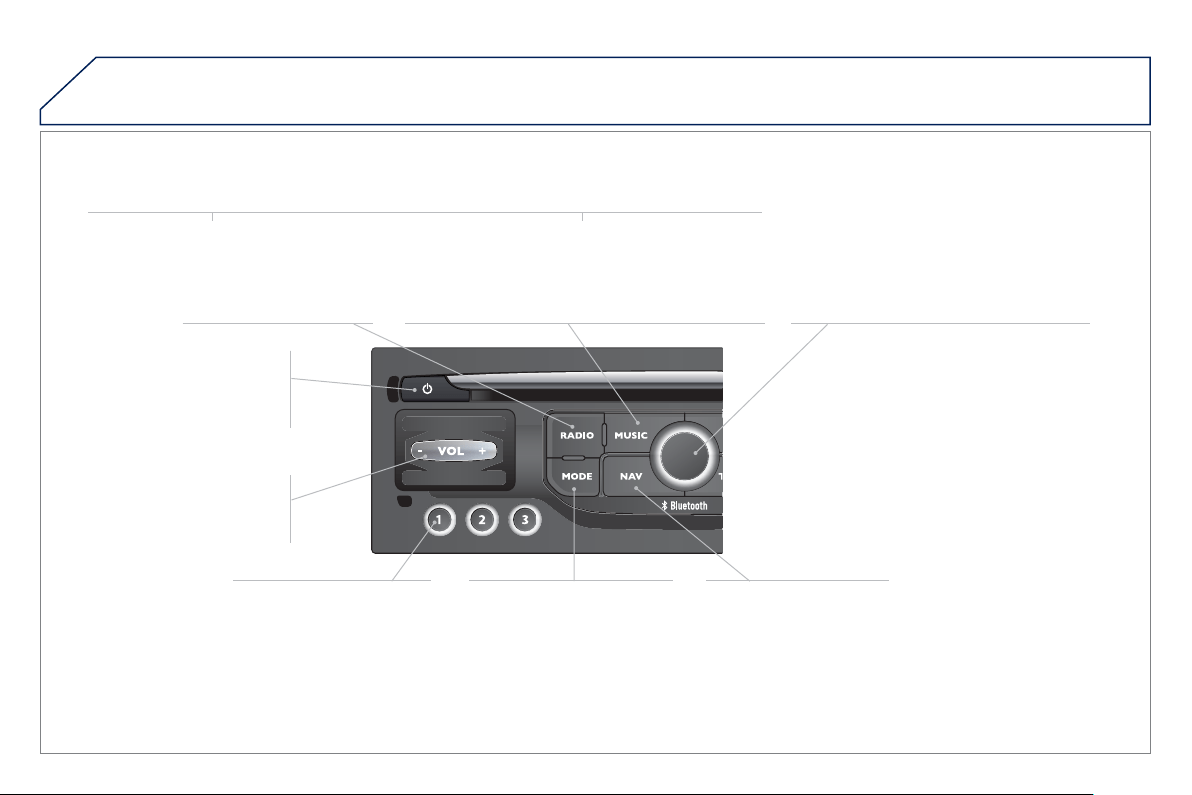
9
.4
01
FIRST STEPS
Access
t
o
t
he
"
N
av
ig
at
i
on -
guidanc
e
"
m
e
n
u
a
n
d
displa
y
the recent
des
tin
a
ti
o
n
s
.
Short
p
ress without the
e
n
g
ine runnin
g
: on / off.
S
hort press with the en
g
ine
runnin
g
: audio source o
ff
/
r
esto
r
e
.
S
hort press: select pre-set
rad
i
o
s
t
a
ti
o
n.
Lon
g
press: pre-set the
cu
rr
e
nt
s
t
a
ti
o
n.
MODE button:
S
election o
f
the
type o
f
permanent display.
Lon
g
press: black screen
(
DARK
)
.
A
ccess
t
o
th
e
"
M
USI
C
" menu, and displa
y
of the
C
D/MP3/A
pp
le
®
tracks and folders.
®
Lon
g
press: displa
y
the audio settin
g
s screen for the
"
MEDIA
(
CD/USB/iPod/Streamin
g
/AUX
)
" sources.
L
on
g
press: open t
h
e
"
A
u
di
o sett
i
n
g
s" menu: music ambience, bass, treble, loudness, left/ri
g
ht
balance,
f
ront
/
rear
f
ader, automatic volume ad
j
ustment.
A
ccess
t
o
th
e
" RADIO " m
e
n
u
a
n
d
displa
y
the list of stations received.
Lon
g
press: displa
y
the audio settin
g
s
sc
r
ee
n f
o
r th
e
r
ad
i
o
t
u
n
e
r
sou
r
ce
.
S
election and confi rmation
O
K dial :
S
election o
f
an item on the screen or in
a
list or a menu, then con
fi
rmation with a
s
hort press.
O
ther than
f
or menus and lists, a short
press displa
y
s a contextual menu
dependin
g
on the current screen.
Rotation with map displa
y
ed: zoom the
map sca
l
e
i
n an
d
out.
Volume ad
j
ustment
(
each
source is independent,
includin
g
TA messa
g
es and
navi
g
ation instructions
)
.
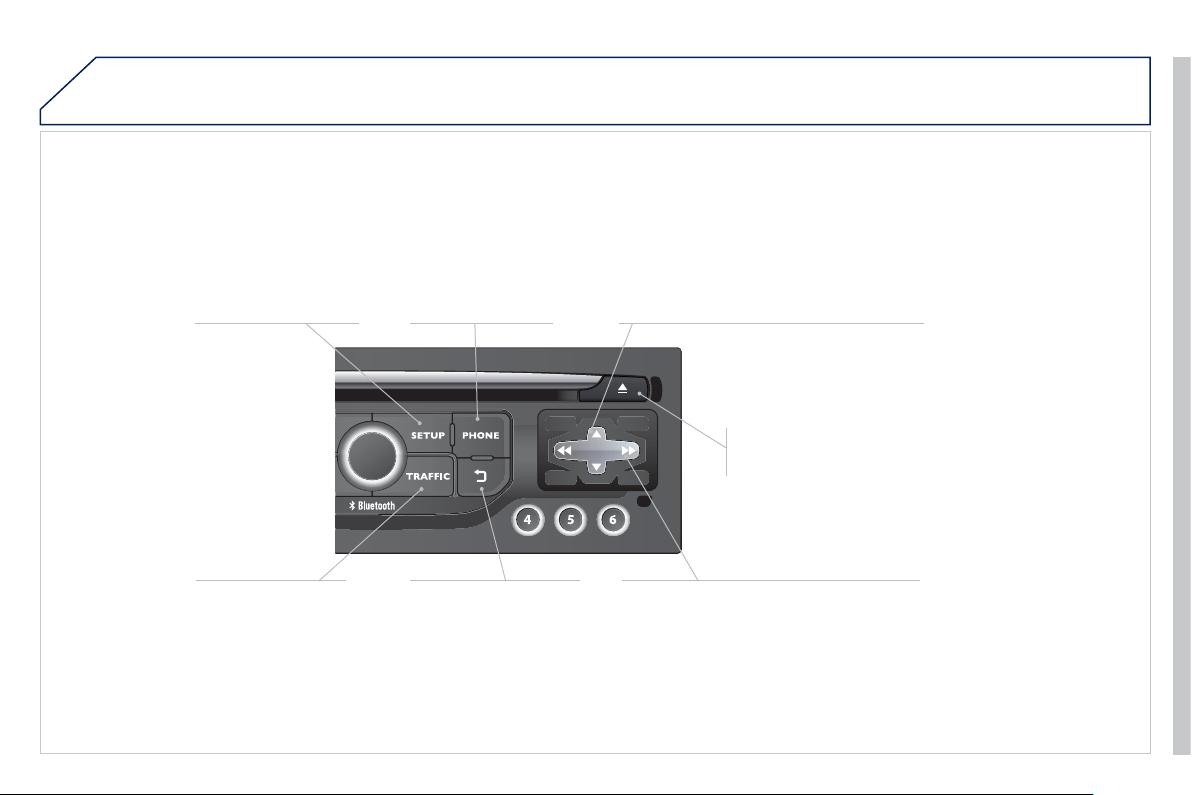
9
.
5
01
S
elect:
- the next lower / hi
g
her radio frequenc
y
automaticall
y
.
- the previous
/
next
C
D track, MP3 track or media.
- the le
f
t
/
ri
g
ht o
f
the screen when a menu is displa
y
ed.
Move le
f
t
/
ri
g
ht in "Move the ma
p
" m
ode
.
Aba
n
do
n th
e
cu
rr
e
nt
operation, up one level in
t
he
m
e
n
u
.
L
on
g
press: return to t
h
e
p
ermanent display.
Continuous
p
ress:
reinitialisation of the s
y
stem.
O
pen the
"
T
elephon
e
" m
e
n
u
and displa
y
the list o
f
r
ecent calls or accept
an
i
ncom
i
n
g
ca
ll
.
O
pen the
"
Confi
g
uration " m
e
n
u
.
L
on
g
press: access
to the GPS covera
g
e
a
nd the navi
g
ation
de
m
o
n
s
tr
a
t
io
n m
ode
.
O
pen the "
T
raffi c
i
nformation
"
m
e
n
u
a
n
d
di
sp
l
a
y
t
h
e
cu
rr
e
nt tr
affi
c
a
l
e
rt
s
.
S
elect:
- the previous
/
next line in a list or menu.
- the previous
/
next media
f
older.
- step b
y
step selection of the previous/next radio frequenc
y
.
- the previous / next MP3 folder.
Move up/down, in "
M
ove t
h
e ma
p
"
m
ode
.
FIRST STEPS
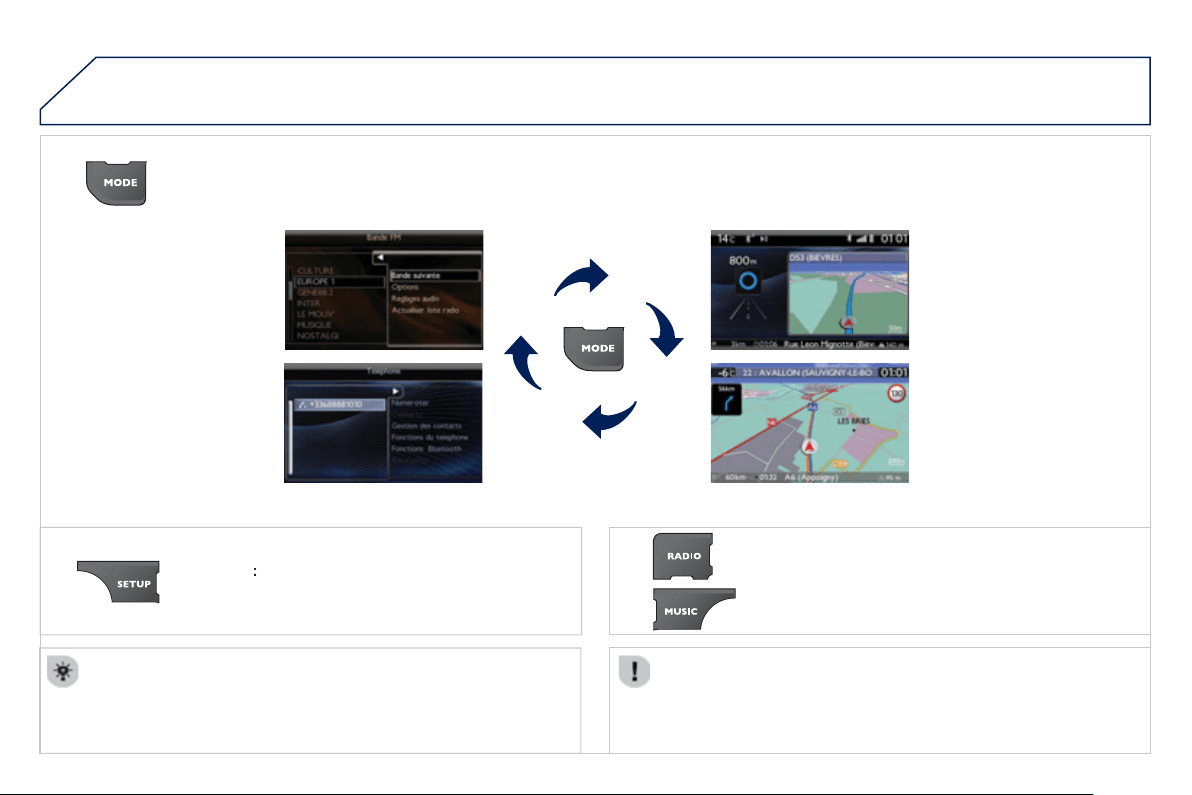
9
.
6
02
For a detailed
g
lobal view o
f
the menus available, re
f
er to the
"
S
creen menu map" section.
For cleanin
g
the screen, the use of a soft, non-abrasive cloth
(
spectacles cloth
)
is recommended, with no additional product.
"RADIO "
"
T
ELEPHON
E
"
(
I
f
conversation in pro
g
ress
)
SETUP
:
PARAMETER
S
date and time, display con
fi
guration, sound.
C
han
g
in
g
the audio source:
R
ADI
O
: RADI
O
broadcasts.
M
U
S
I
C
: pla
y
in
g
MU
S
I
C
.
Pr
ess
th
e
M
OD
E
button several times in succession
f
or access to the
f
ollowin
g
displa
y
s:
GENERAL OPERATION
"
FULL SCREEN MA
P
"
"
M
AP IN WINDO
W
"
(
I
f
navi
g
ation
g
uidance in
p
ro
g
ress
)
9
.
7
02
A
press on t
h
e
di
a
l
gi
ves access to
sh
ort-cut menus accor
di
n
g
to t
h
e
di
sp
l
a
y
i
n t
h
e screen.
GENERAL OPERATION
D
ISPLAY ACCORDING TO CONTEXT
RADIO:
Activate / Deactivate T
A
Activate / Deactivate RDS
MUSIC MEDIA PLAYERS,
CD or USB
(
accordin
g
to
m
edia
)
:
Pla
y
modes:
Normal
Random
R
an
d
om on a
ll
me
di
a
R
e
p
et
i
t
i
on
TELEPHONE
(
call in
pro
g
ress
)
:
Private mode
FULL SCREEN MAP OR IN
A
NEW WINDOW:
Stop / Restore
g
uidance
Select destination
E
nter an a
dd
ress
D
irector
y
G
PS coordinate
s
Divert route
M
ove t
h
e ma
p
Info. on location
S
elect as destination
Select as sta
ge
Save this place
(
contacts
)
Quit ma
p
mod
e
Guidance criteria
Put call on hold
DTMF
r
i
n
g
tones
Hang up
1
1
1
1
1
1
1
1
2
2
2
2
2
1
2
2
2
1
1
1
1
1
1
Chan
g
e waveband
F
M
AM
2
2
1
T
A
1
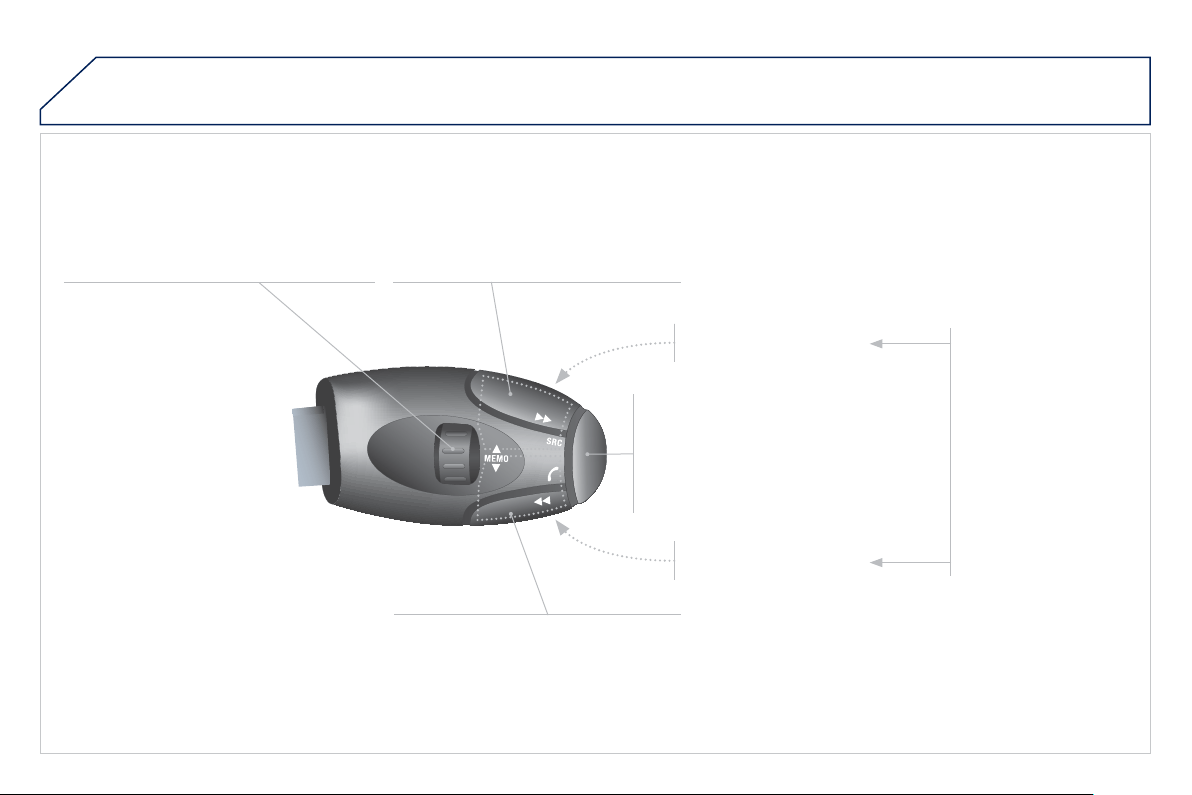
9
.
8
03 STEERING MOUNTED CONTROLS
RADI
O
: select the previous
/
next preset
s
t
a
t
io
n.
S
elect the next entr
y
in the address book.
Chan
g
e the audio source.
S
tart a call from the address book.
C
all
/
End call on the telephone.
Pr
ess
fo
r m
o
r
e
th
a
n 2
seco
n
ds
:
access
t
o
th
e
add
r
ess
boo
k.
RADI
O
: chan
g
e to the previous radio
s
t
a
ti
o
n in th
e
li
s
t.
Lon
g
press: automatic search for a
lower frequenc
y
.
C
D: select the previous track.
C
D: continuous press:
f
ast reverse.
RADI
O
: chan
g
e to the next radio station
in th
e
li
s
t.
Lon
g
press: automatic search for a
h
i
g
her
f
requenc
y
.
C
D: select the next track.
C
D: continuous press:
f
ast
f
orward pla
y
.
V
o
l
u
m
e
in
c
r
ease
.
V
o
l
u
m
e
dec
r
ease
.
M
ute: press t
h
e vo
l
ume
i
n
c
r
ease
a
n
d
dec
r
ease
b
uttons s
i
mu
l
taneous
ly
.
Restore the sound by
p
ressin
g
one o
f
the two
v
o
l
u
m
e
bu
tt
o
n
s
.
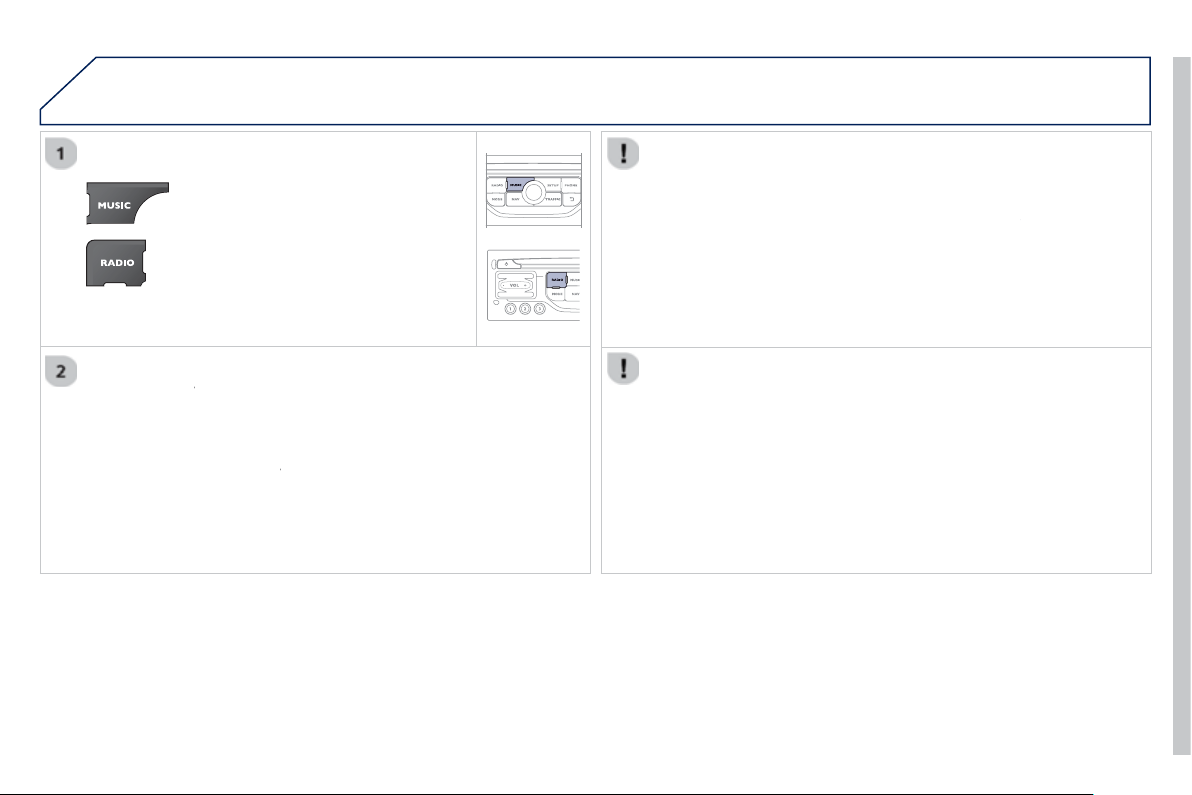
9
.
9
04
A
UDIO SETTINGS
The
y
are accessible b
y
the
M
U
S
IC
button in the control panel or b
y
a lon
g
p
ress on RADI
O
accordin
g
to the source
in
use
.
- "
Eq
ualize
r
" (choice of 6 musical ambiences)
r
- " Bass"
-"Trebl
e
"
-"Loudness"
(
Activate/Deactivate
)
-
"
Di
str
ib
ut
i
on"
(
"
Driver
", "
r
All
passen
g
er
s
"
)
-
"
Le-
Ri
b
a
l
anc
e
"
(
Le
f
t
/
Ri
g
ht
)
- " Fr-Re balanc
e
"
(
Front
/
Rear
)
- "
A
uto. Volum
e
" dependin
g
on road speed
(
Activate
/
Deactivate
)
The audio settings
(
Equalizer
,
r
Bas
s
,
T
rebl
e
a
n
d
L
oudness
)
are
di
ff
erent and independent
f
or each sound source.
The settin
g
s for distribution and balance are common to all sources.
The distribution
(
or spatialisation usin
g
the Arkam
y
s
©
system) of sound
©
i
s an au
di
o process t
h
at a
ll
ows t
h
e au
di
o qua
li
t
y
to
b
e a
d
apte
d
to t
h
e
n
u
m
be
r
of
li
s
t
e
n
e
r
s
in th
e
v
e
hi
c
l
e
.

9
.1
0
05
"
"
"
"
"
"
"
"
"
"
"
"
gg
gg
gg
gg
gg
Navigation
guidance
Navigation guidance
Navigation guidance
Navigation guidance
Navigation guidance
Navigation - guidance
Navigation - guidance
Navigation - guidance
Navigation - guidance
Navigation guidance
Navigation guidance
Navigation guidance
Navigation guidance
N i ti id
N i ti id
N i ti id
N i ti id
N i ti id
N i ti id
N i ti id
N i ti id
N i ti id
Ni i id
"
"
"
"
"
"
"
"
"
"
"
"
To delete the list of recent destinations, select "
G
uidance
o
p
tions" in the navi
g
ation menu then select "
D
elete last
d
est
i
nat
i
ons
" and confi rm. Select "
Yes
" th
e
n
co
nfi rm.
D
e
l
et
i
n
g
j
ust one
d
est
i
nat
i
on
i
s not poss
ibl
e.
Go from the list to the menu
(
left/ri
g
ht
)
.
NAVIGATION - GUIDANCE
Access to the "NAVIGATION" menu
Pr
ess
NAV
.
o
r
C
ontact a PE
UG
E
O
T
dealer for mappin
g
up
d
ates.
A short press on the end o
f
the
li
g
htin
g
control stalk repeats
the last navi
g
ation messa
g
e.
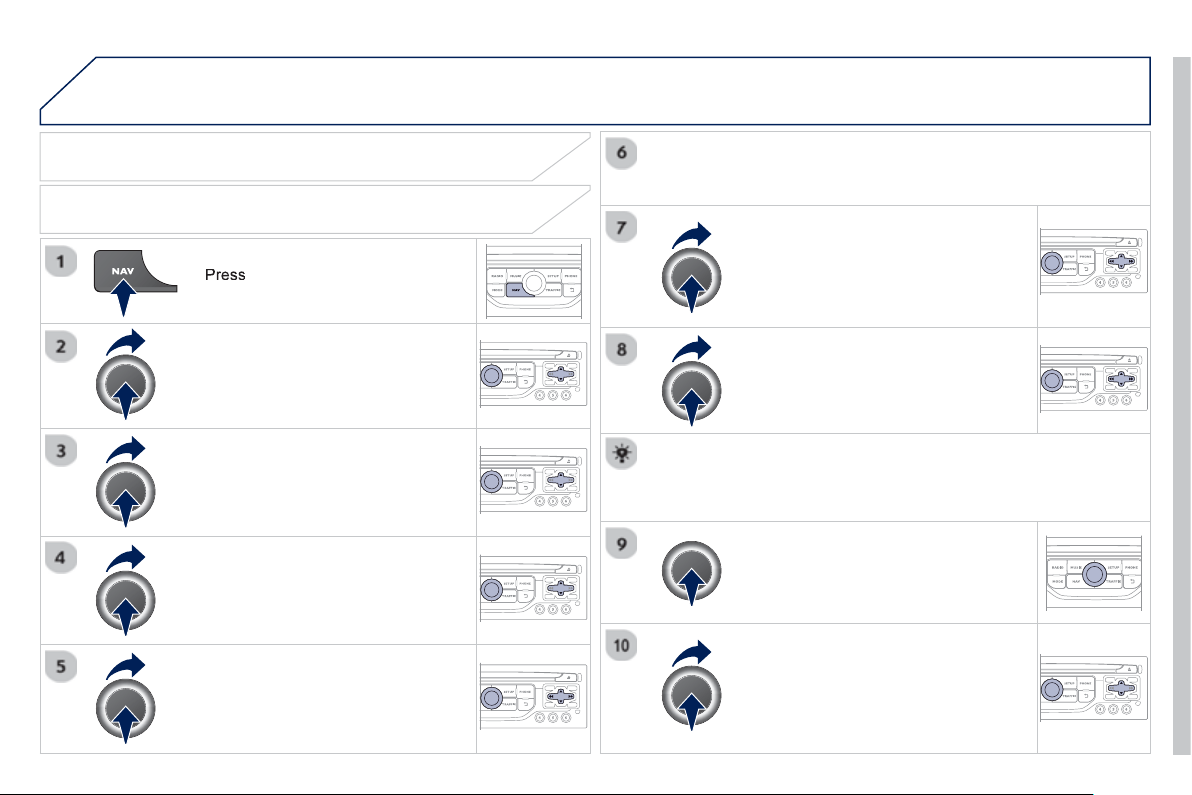
9
.1
1
05
NAV
to displa
y
the
"
N
av
ig
at
i
on -
g
u
id
anc
e
"
m
e
n
u
.
TOWARDS A NEW DESTINATION
NAVIGATION - GUIDANCE
SELECTING A DESTINATION
S
elect "Select destination "
a
n
d
c
onfi rm, then select "
E
nter an address"
a
n
d
co
nfi rm.
S
elect the "
C
ountr
y
"
fu
n
c
ti
o
n th
e
n
co
n
fi
rm.
S
elect "
T
own" f
u
n
c
ti
o
n th
e
n
co
nfi rm t
o
e
nt
e
r th
e
des
tin
a
ti
o
n t
o
wn.
S
elect the letters in the name of the
town one at a time, con
fi
rmin
g
each one
w
i
t
h
t
he
dial
.
S
election the town
f
rom the list o
ff
ered, then con
fi
rm
A
pre-set list
(
by entering the
fi
rst
f
ew letters
)
o
f
the towns in the country selected
c
an be accessed directl
y
b
y
selectin
g
and con
fi
rmin
g
"
List
"
o
n th
e
sc
r
ee
n.
t
Tu
rn t
he
dial
a
n
d
selec
t
"
OK
"
t
he
n
co
n
fi
rm.
If possible, enter the "
R
oad "
a
n
d
"N°
/X
"
information in the same wa
y
.
Se
l
ec
t "Archiv
e
" t
o
sa
v
e
th
e
add
r
ess
e
nt
e
r
ed
in
a
co
nt
ac
t
fi
l
e
.
The s
y
stem allows up to 400 contact
fi
les to be recorded.
C
on
fi
rm " OK " to start guidance.
S
elect the
g
uidance criteria: "
F
astest
rout
e
"
,
"
S
hortest rout
e
"
or opt
i
m
i
se
d
"
D
istance
/
Tim
e
", then select the
des
ir
ed
r
es
tri
c
ti
o
n
c
rit
e
ri
a
: "With tolls",
"
With Ferr
y
", or "
T
raffi c info" th
e
n
co
nfi rm "OK".
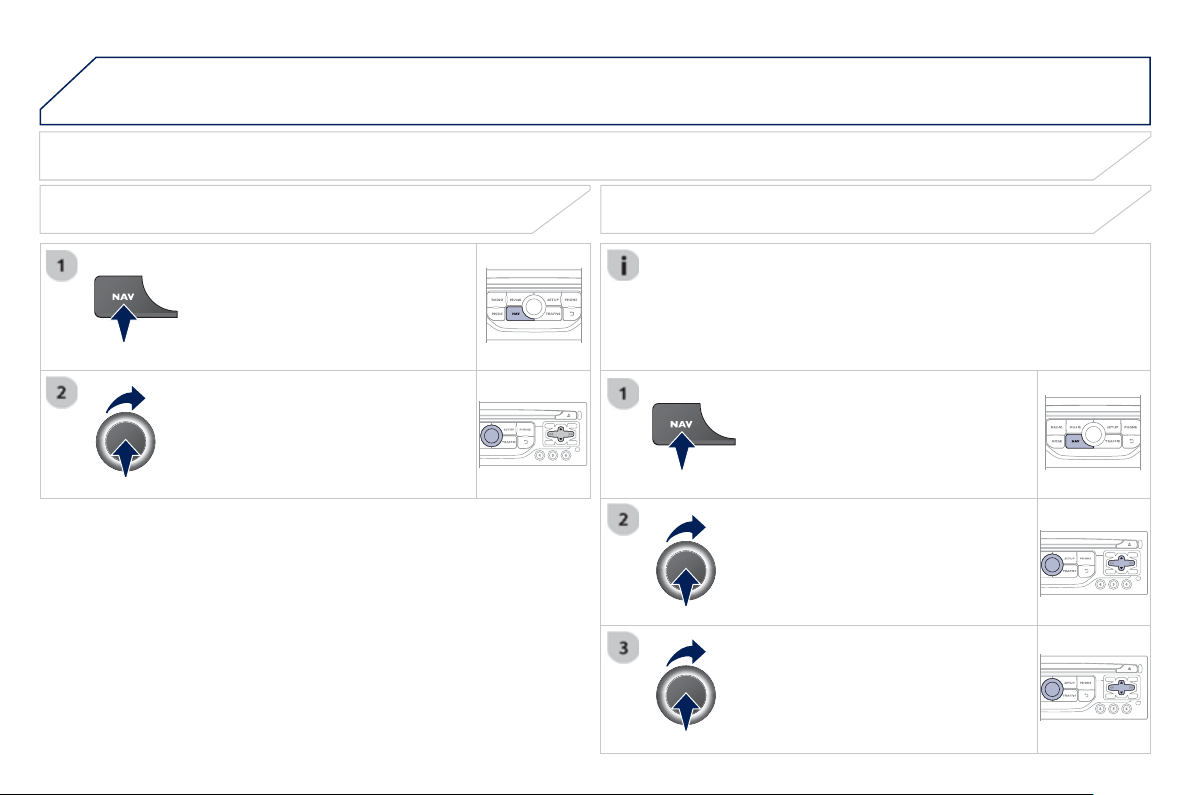
9
.1
2
05
SELECTING A DESTINATION
NAVIGATION - GUIDANCE
TO ONE OF THE RECENT DESTINATIONS
P
r
ess
NAV
to
di
sp
l
a
y
t
h
e
"
N
av
ig
at
i
on -
g
u
id
anc
e
"
m
e
n
u
.
S
elect the desired destination and
c
onfi rm to start
g
uidance.
TOWARDS A CONTACT IN THE CONTACTS DIRECTORY
S
elect " Select destination"
a
n
d
c
onfi rm
,
then select "
Di
rector
y
"
a
n
d
co
n
fi
rm.
Se
l
ec
ti
o
n th
e
des
ir
ed
des
tin
a
ti
o
n
f
r
o
m
y
our contacts and confi rm " OK " t
o
s
t
a
rt
the
g
uidance.
Pr
ess
NAV to displa
y
the
"
Navi
g
ation -
g
uidanc
e
" m
e
n
u
.
Navi
g
ation towards a contact imported
f
rom
y
our telephone is onl
y
possible i
f
the address is compatible with the system.
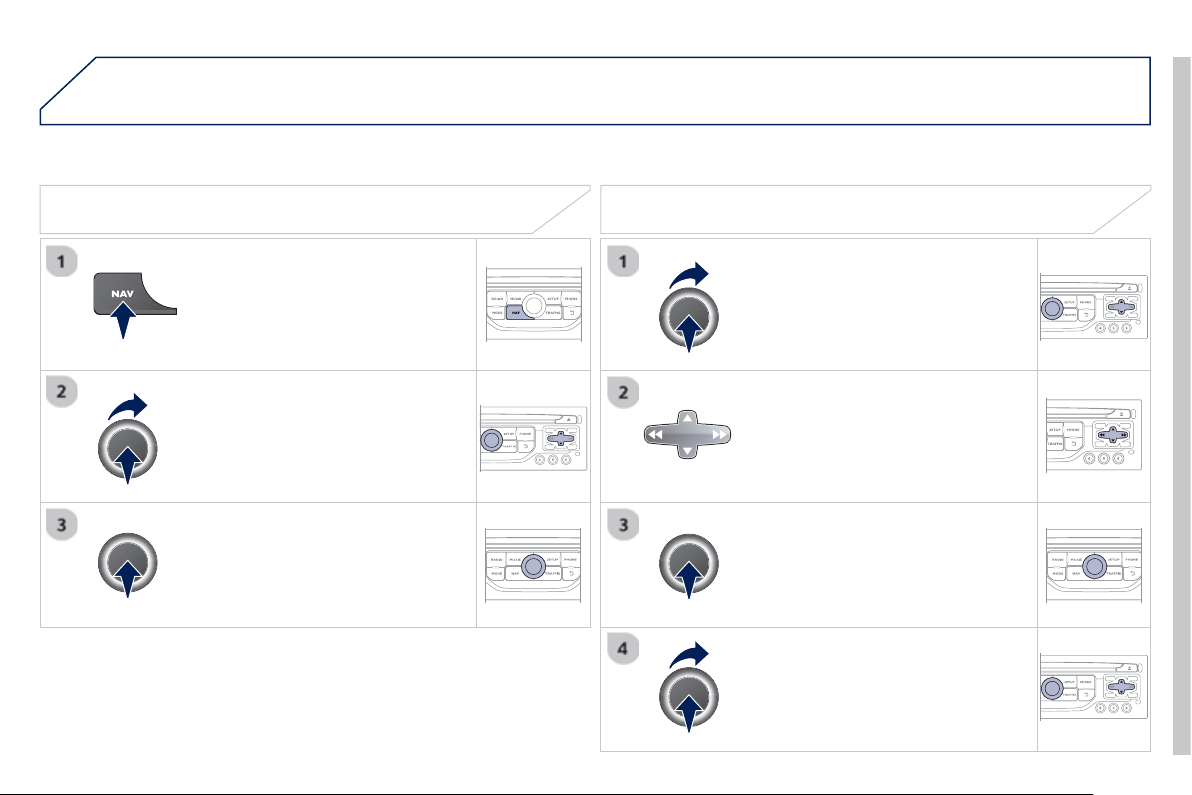
9
.1
3
05
Se
l
ec
t "
S
elect destination"
a
n
d
c
on
fi
rm, then select " GPS coordinate
s
"
a
n
d
co
nfi rm.
Enter the
G
P
S
coordinates and confi rm
"
O
K
"
to start t
h
e
g
u
id
ance.
Pr
ess
NAV to displa
y
the
"Navi
g
ation -
g
uidanc
e
" m
e
n
u
.
NAVIGATION - GUIDANCE
T
OWARDS GPS COORDINATES TOWARDS A POINT ON THE MAP
With the map displa
y
ed, press
O
K t
o
displa
y
the contextual menu.
S
elect
"
Move the map "
a
n
d
co
nfi rm.
Pr
ess
OK to displa
y
the contextual
m
e
n
u
fo
r "
M
ove the ma
p
" m
ode
.
S
elect " Select as destination "
or
"
Select as sta
ge
"
a
n
d
co
nfi rm.
Move the cursor usin
g
the control to
identif
y
the desired destination.
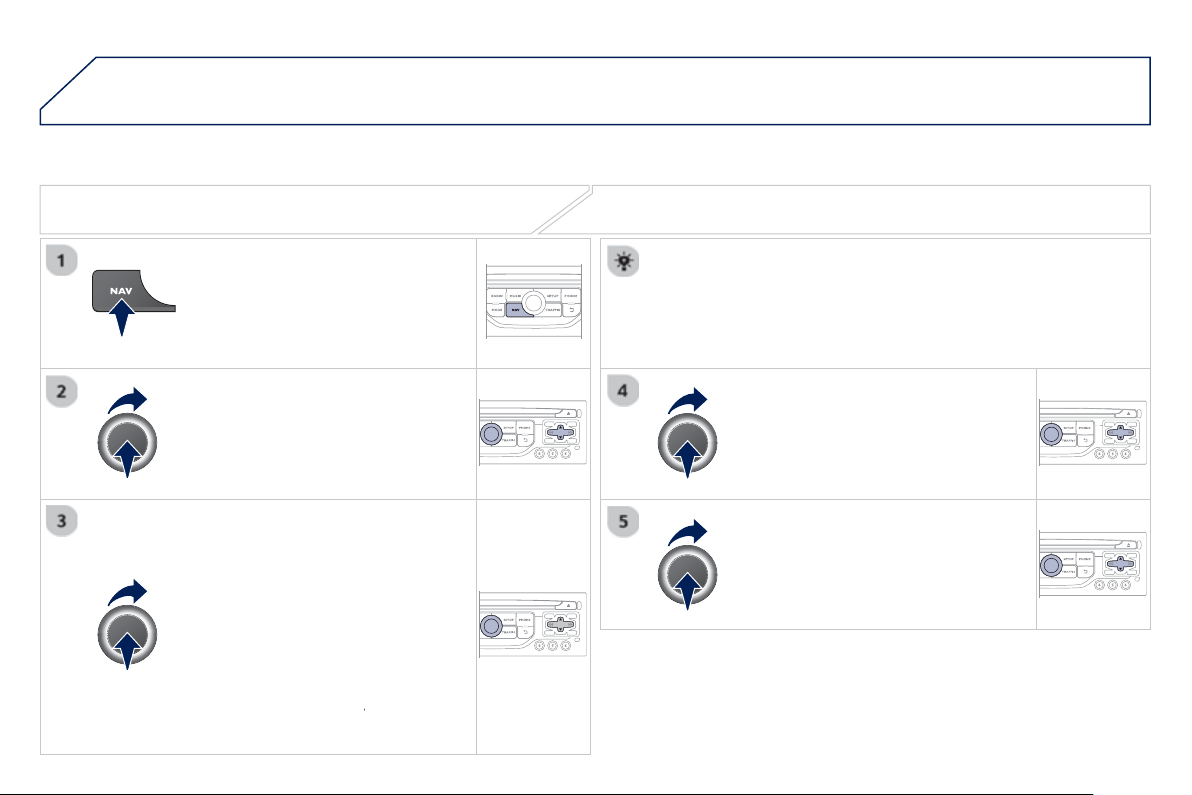
9
.1
4
05
TOWARDS POINTS OF INTEREST
(
POI
)
NAVIGATION - GUIDANCE
The points o
f
interest
(
P
O
I
)
indicate all o
f
the service locations in the vicinit
y
(
hotels, various businesses, airports...
)
.
S
elect the "
E
nter an a
dd
ress "
fu
n
c
ti
o
n
and con
fi
rm, then select Select
destination
a
n
d
co
n
fi
rm.
To select a P
O
I close to your current
l
ocation, select "POI" and con
fi
rm, then
se
l
ec
t "
A
round the current
p
lac
e
"
a
n
d
co
nfi rm.
To select a P
O
I as a sta
g
e on the route,
se
l
ec
t " PO
I
" and confi rm, then select " On
t
h
e rout
e
"
a
n
d
co
nfi rm.
To select a P
O
I as a destination,
fi
rst
e
nter the country and town
(
see "Towards
a new destination"
)
, select "POI"
a
n
d
c
on
fi
rm,
fi
nall
y
select "
Near
" and confi rm.
r
Search for P
O
Is in the cate
g
ories
su
gg
ested in the followin
g
pa
g
es.
S
elect " Search b
y
Nam
e
" to search for P
O
Is b
y
name and not b
y
p
roximit
y
.
Se
l
ec
t th
e
P
O
I
a
n
d
co
n
fi
rm " O
K
" t
o
s
t
a
rt
the
g
uidance.
Pr
ess
NAV to displa
y
the
"Navi
g
ation -
g
uidanc
e
" m
e
n
u
.
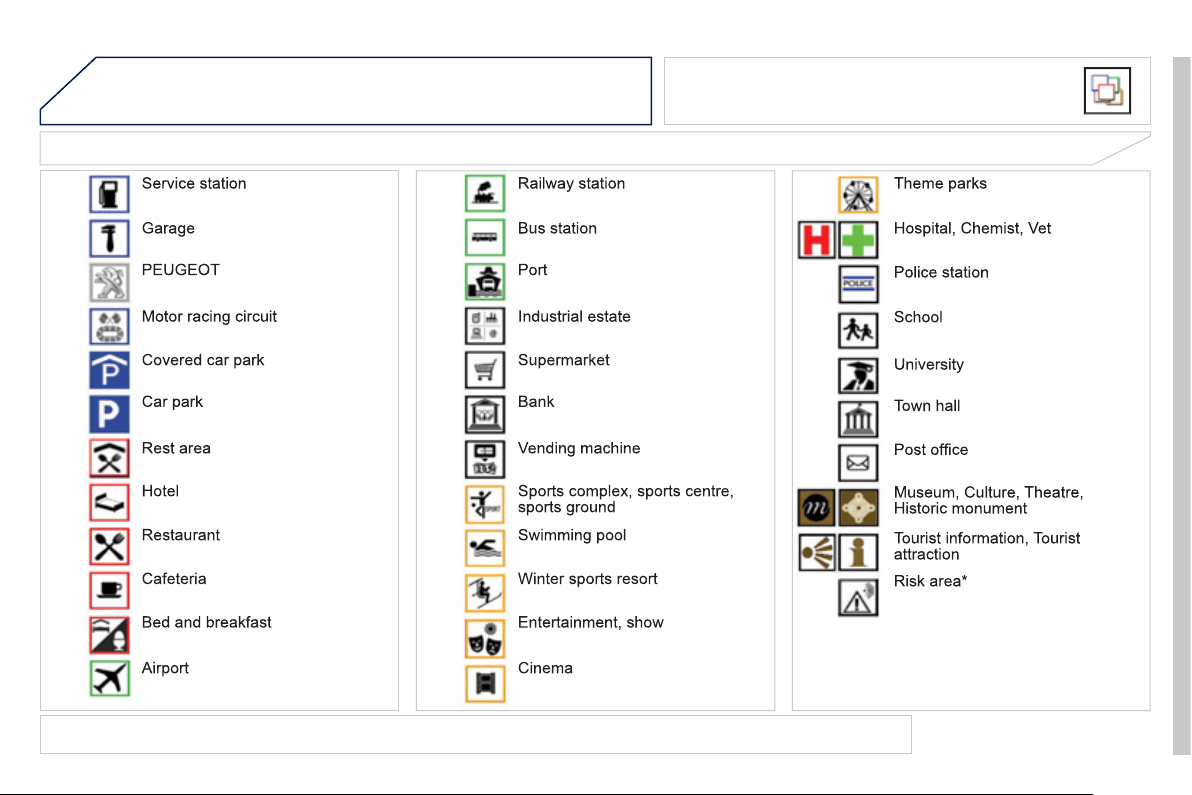
9
.1
5
05
LIST OF PRINCIPAL POINTS OF INTEREST
(
POI
)
NAVIGATION - GUIDANCE
This icon appears when several P
O
Is are
g
rouped
to
g
ether in the same area. Zoomin
g
in on this icon
s
hows details of the P
O
Is.
*
Accordin
g
to availabilit
y
in the
c
ountr
y
.
The detailed procedure
f
or updatin
g
P
O
Is can be
f
ound at "http:
//
peu
g
eot.navi
g
ation.com".
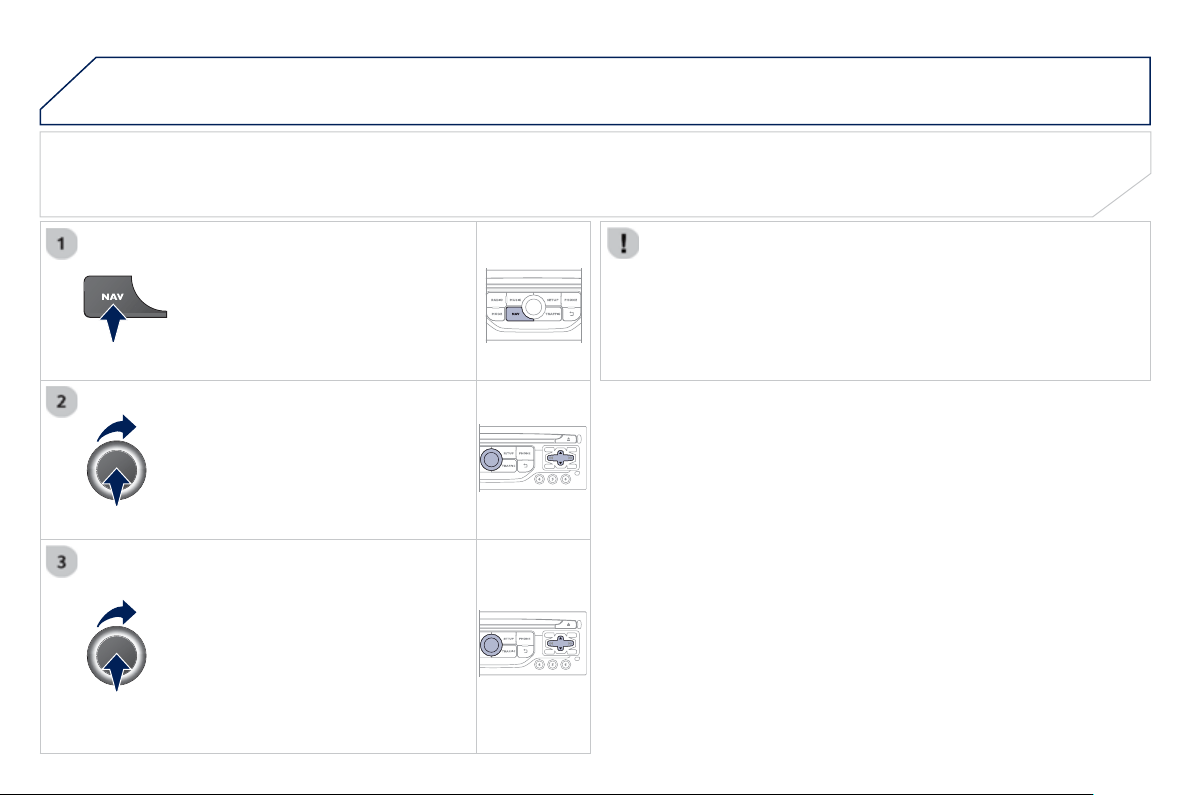
9
.1
6
05 NAVIGATION - GUIDANCE
ALERT PARAMETERS
R
ISK AREAS
S
elect:
- "Vi
sua
l
a
l
e
rt"
- "A
ud
i
b
l
e
a
l
e
rt"
-
"Al
ert on
ly
i
n
g
u
id
ance
"
- "
O
verspeed alarm onl
y
".
Th
e
c
h
o
i
ce
of
tim
e
of
n
o
ti
fi
ca
ti
o
n
defi
n
es
h
ow lon
g
in advance that Risk area
warnin
g
s are
g
iven.
S
elect " OK " t
o
co
nfi rm th
e
sc
r
ee
n.
S
elect "
G
uidance o
p
tions " and con
fi
rm,
th
e
n
se
l
ec
t "Set
p
arameters for risk
areas
"
a
n
d
co
n
fi
rm.
These
f
unctions are onl
y
available i
f
risk areas have been
downloaded and installed on the s
y
stem.
The detailed procedure for updatin
g
risk area P
O
Is can be found at
www.peu
g
eot.com.
P
r
ess
NAV
to
di
sp
l
a
y
t
h
e
"
N
av
ig
at
i
on -
g
u
id
anc
e
"
m
e
n
u
.
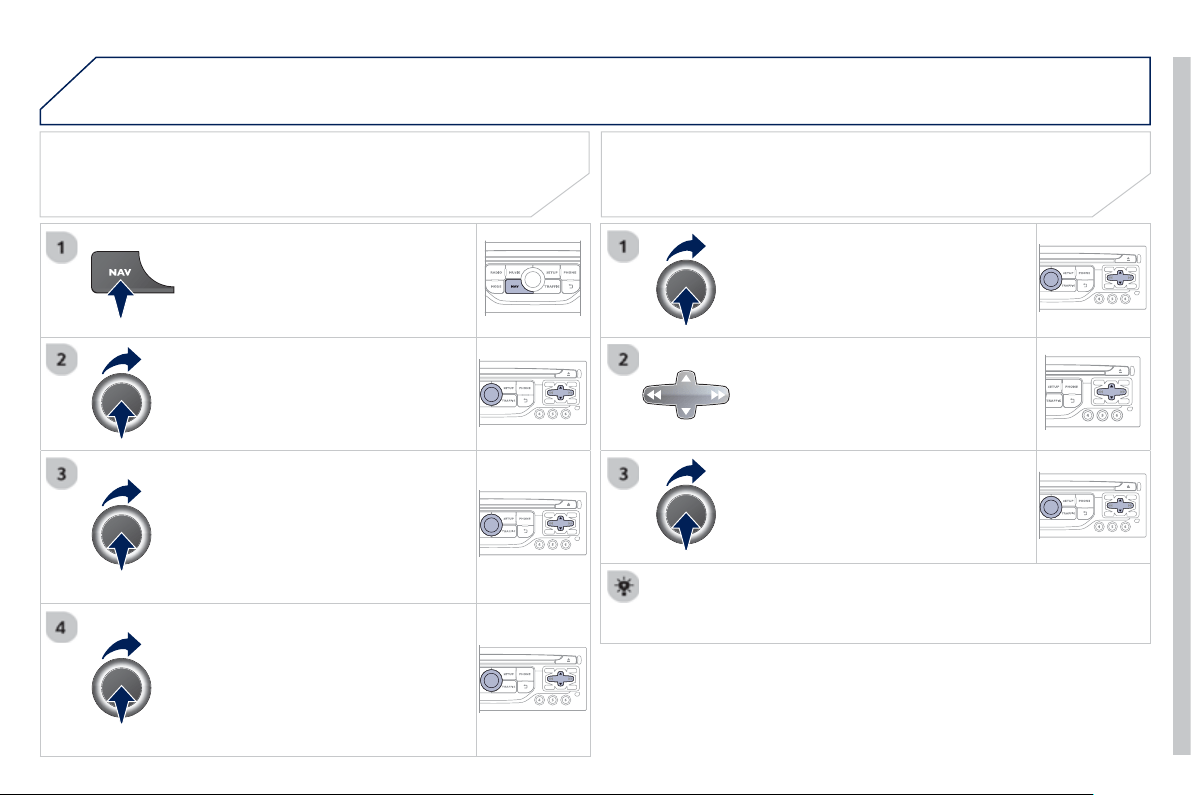
9
.1
7
05 NAVIGATION - GUIDANCE
ADDING A STAGE
Pr
ess
NAV
to displa
y
the
"
Navi
g
ation -
g
uidanc
e
" m
e
n
u
.
Se
l
ec
t "
J
ourne
y
le
g
and rout
e
" th
e
n
co
n
fi
rm.
S
elect " Close t
o
" a route passin
g
c
lose to the sta
g
e or " Stric
t
" f
o
r
a
r
ou
t
e
pass
i
n
g
t
h
rou
gh
t
h
e sta
g
e.
C
on
fi
rm " OK
"
to start t
h
e
g
u
id
ance, an
d
g
ive a
g
eneral indication o
f
the
g
uidance
r
oute
.
S
elect "Add a stag
e
" th
e
n
co
n
fi
rm
The address o
f
the sta
g
e is entered as
a destination, b
y
"
E
nter an address",
a
co
nt
ac
t in "
D
irector
y
", or "
P
revious
d
estinations"
.
ORGANISING STAGES
To or
g
anise sta
g
es, carr
y
out operations
1
to
2 a
g
ain, then select "Order/delete
j
ourne
y
l
e
g
s"
a
n
d
co
nfi rm.
S
elect and confi rm to save the
m
od
ifi
ca
ti
o
n
s
.
S
elect the sta
g
e that
y
ou want to move
in th
e
o
r
de
r.
Se
l
ec
t "
D
elet
e
" to delete the sta
g
e.
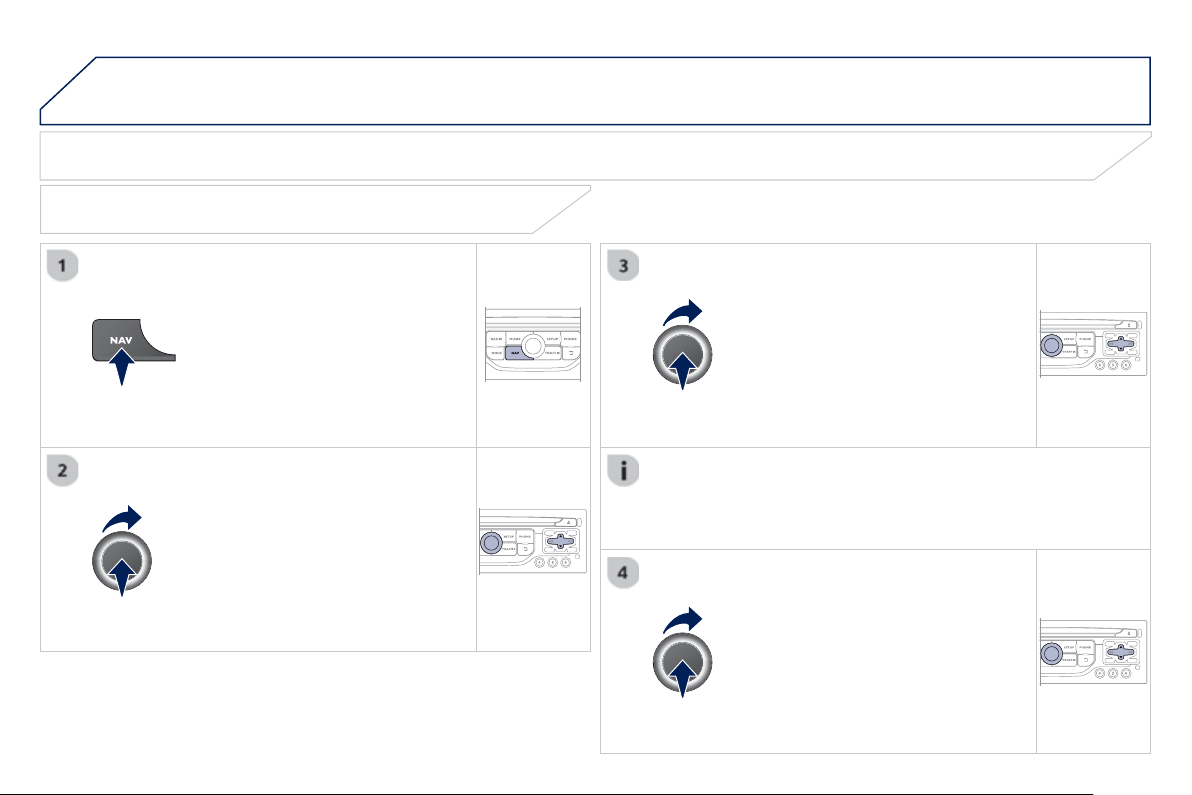
9
.1
8
05 NAVIGATION - GUIDANCE
ROUTE OPTIONS
CALCULATION CRITERIA
S
elect " Guidance o
p
tion
s
"
a
n
d
co
nfi rm.
S
elect " OK "
a
n
d
co
nfi rm t
o
sa
v
e
th
e
m
od
ifi
ca
ti
o
n
s
.
S
elect "
D
efi ne calculation criteri
a
"
a
n
d
co
nfi rm.
Thi
s
f
u
n
c
ti
o
n
a
ll
o
w
s
m
od
ifi
ca
ti
o
n
o
f:
- the
g
uidance criteria:
(
"
F
astest
rout
e
", "
S
hortest rout
e
",
"
D
istance
/
Tim
e
"
)
,
- the exclusion criteria:
(
" With tolls"
o
r "With Ferr
y
"
)
,
- traffi c avoidance:
(
"
T
raffi c inf
o
"
)
.
P
r
ess
NAV
to
di
sp
l
a
y
t
h
e
"
N
av
ig
at
i
on -
g
u
id
anc
e
"
m
e
n
u
.
I
f
tra
ffi
c avoidance
(
Tra
ffi
c in
f
o
)
is selected, the s
y
stem su
gg
ests
an alternative route if there is a dela
y
on the
g
uidance route.
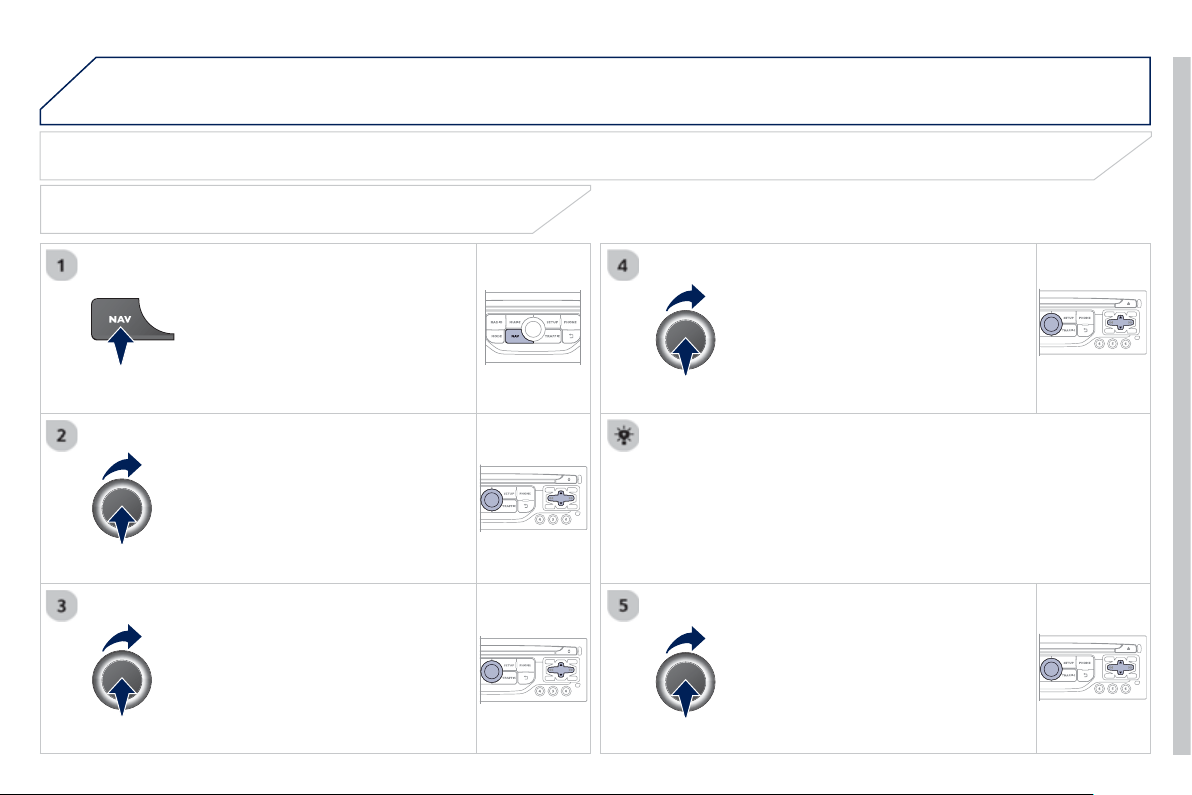
9
.1
9
05 NAVIGATION - GUIDANCE
Pr
ess
NAV to display the
"Navi
g
ation -
g
uidanc
e
" m
e
n
u
.
MAP MANAGEMENT
S
ELECTING THE POINT
S
OF INTERE
S
T DI
S
PLAYED ON THE
MAP
S
elect "
M
ap mana
g
emen
t
"
a
n
d
co
nfi rm.
S
elect
f
rom the various cate
g
ories the
ones that
y
ou want to displa
y
on the
sc
r
ee
n.
Se
l
ec
t "Ma
p
details"
a
n
d
co
n
fi
rm.
S
elect "
By
defaul
t
" to have onl
y
"Oil stations,
g
ara
g
es"
a
n
d
"
Accident-
p
rone are
a
" appear on the map
(
if installed in the
s
y
stem
)
.
S
elect " OK " th
e
n
co
n
fi
rm
a
n
d
se
l
ec
t
"
O
K
" a
g
ain then con
fi
rm to save the
m
od
i
fi
ca
ti
o
n
s
.
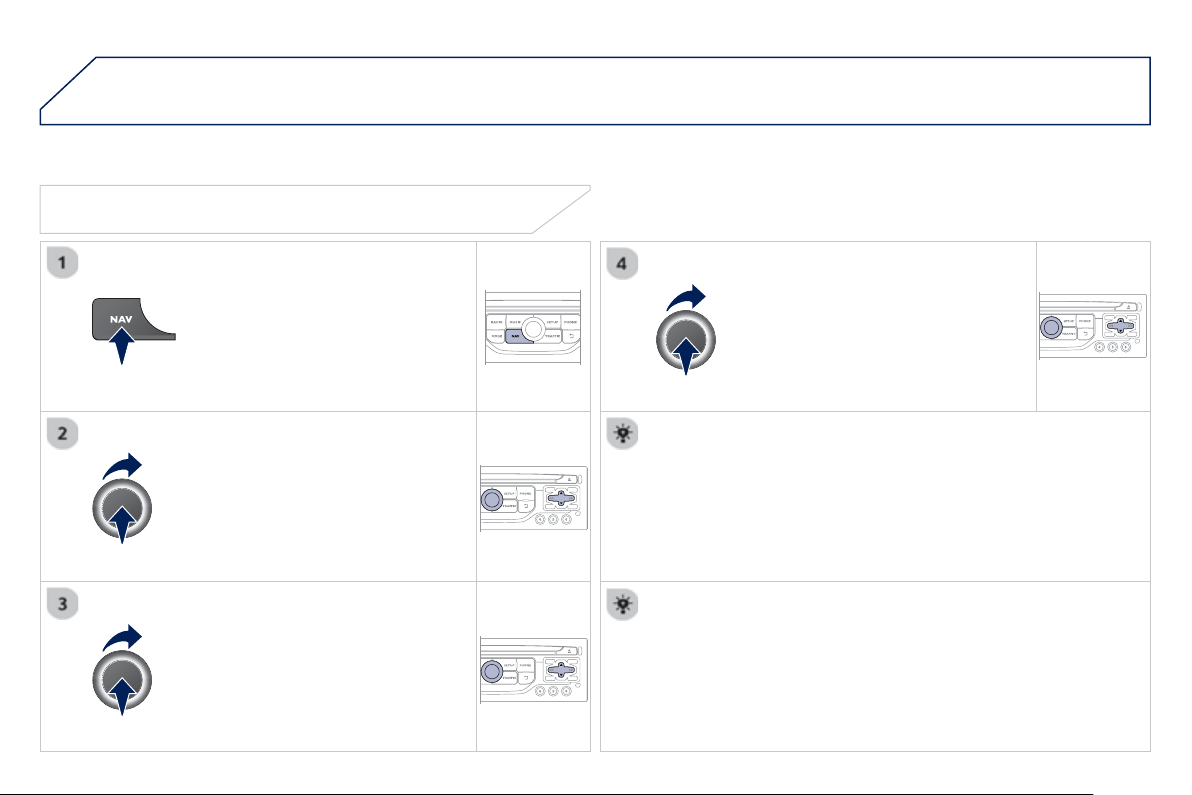
9
.2
0
05 NAVIGATION - GUIDANCE
S
elect "
M
ap mana
g
emen
t
"
a
n
d
co
nfi rm.
S
elect:
-
"
V
e
hi
c
l
e
di
rect
i
on
"
to
h
ave t
h
e map
f
ollow the direction o
f
travel,
- "North direction" to keep the map
alwa
y
s North up,
-"Perspective view " to displa
y
a
p
erspective view.
Se
l
ec
t "Ma
p
orientation "
a
n
d
co
n
fi
rm.
The colour o
f
the map, di
ff
erent
f
rom the day and night mode, is
c
on
fi
g
ured in the "
S
ETUP" m
e
n
u
.
MAP ORIENTATION
Pr
ess
NAV to displa
y
the
" Navi
g
ation -
g
uidanc
e
" m
e
n
u
.
S
treet names are visible on the map
f
rom the 100 m scale.
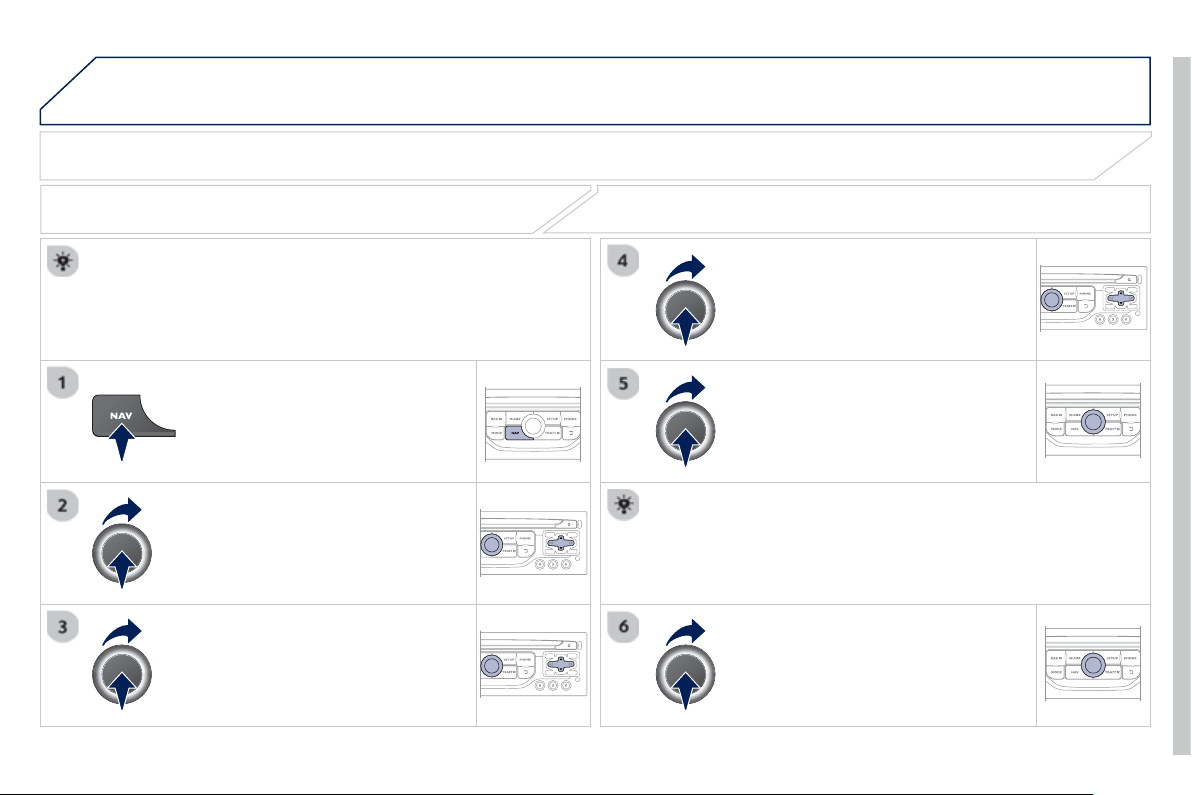
9
.2
1
05 NAVIGATION - GUIDANCE
P
r
ess
NAV
to
di
sp
l
a
y
t
h
e
"
N
av
ig
at
i
on -
g
u
id
anc
e
"
m
e
n
u
.
ADJUSTING THE GUIDANCE SPEECH SYNTHESIS
S
elect " Guidance o
p
tion
s
"
a
n
d
co
n
fi
rm.
ADJUSTING THE VOLUME/DEACTIVATION
S
elect " Set speech synthesis"
a
n
d
co
n
fi
rm.
S
elect the volume
g
raph and con
fi
rm.
S
elect "
D
eact
i
vat
e
"
to
d
eact
i
vate vo
i
ce messa
g
es.
S
elect " OK
"
an
d
press t
h
e
di
a
l
to
co
n
fi
rm.
A
d
j
ust the volume to the desired level
a
n
d
co
nfi rm.
The volume o
f
messages can be adjusted during the transmission
of
the messa
g
e usin
g
the volume ad
j
ustment control.
The volume settin
g
o
f
g
uidance messa
g
es is also accessible via the
"
S
ETU
P
"
/
"
V
oice synthesi
s
" m
e
n
u
.

9
.2
2
05 NAVIGATION - GUIDANCE
MALE VOICE / FEMALE VOICE
P
r
ess
SETU
P
to
di
sp
l
a
y
t
h
e
c
on
fi
g
uration menu.
Se
l
ec
t "
S
elect male voic
e
"
o
r "
S
elect
f
emale voic
e
" then confi rm "
Yes
" t
o
ac
tiv
a
t
e
a
m
a
l
e
o
r f
e
m
a
l
e
v
o
i
ce
. Th
e
sy
stem restarts.
S
elect "
V
o
i
ce s
y
nt
h
es
i
s "
a
n
d
co
n
fi
rm.
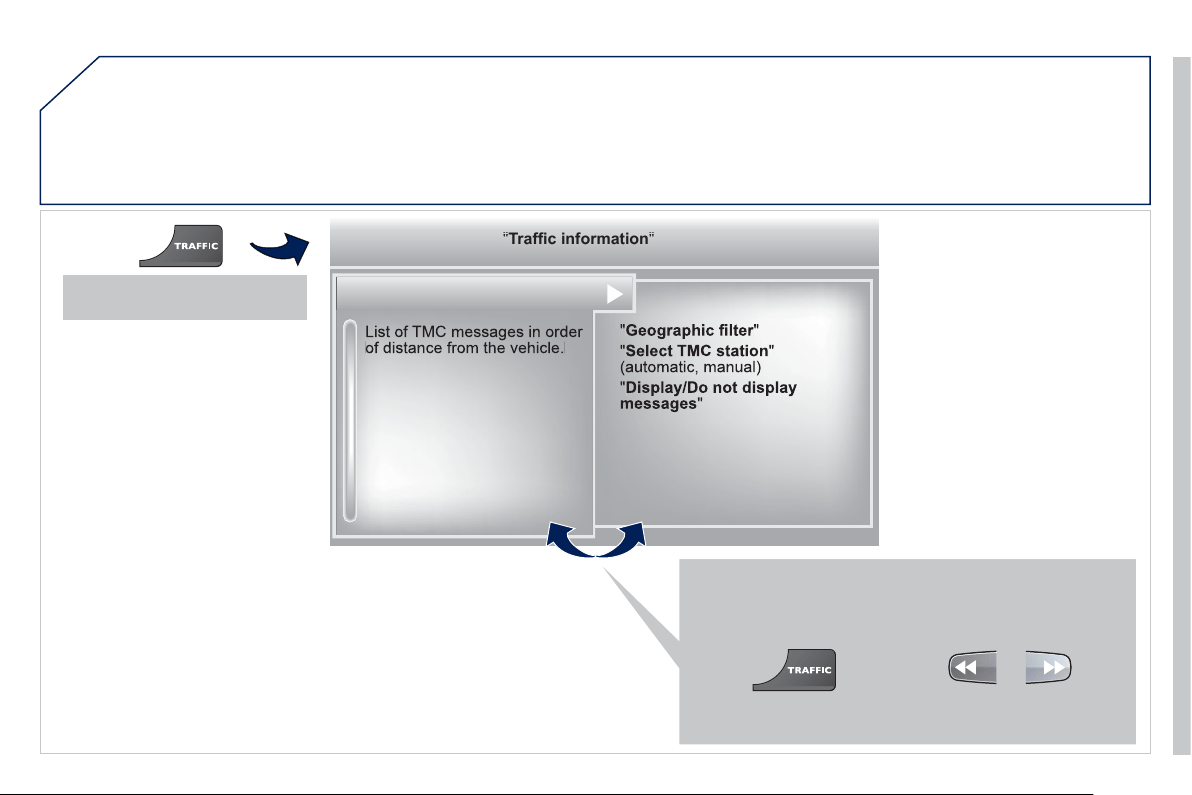
9
.2
3
06
TRAFFIC INFORMATION
Access to the "TRAFFIC INFORMATION" menu
G
o
f
rom the list to the menu
(
le
f
t
/
ri
g
ht
)
.
"
"
"
"
"
"
"
a c o at o
Traffi
c
information
Traffic information
Traffic information
Traffic information
Traffic information
Traffic information
Traffic information
Traffic information
Traffic information
Traffic information
Traffic information
Traffic information
Traffic information
Traffic information
Tffi if ti
Tffi if ti
Tffi if ti
Tffi if ti
"
"
"
"
"
"
"
o
r
P
r
ess
"
T
RAFFI
C
".
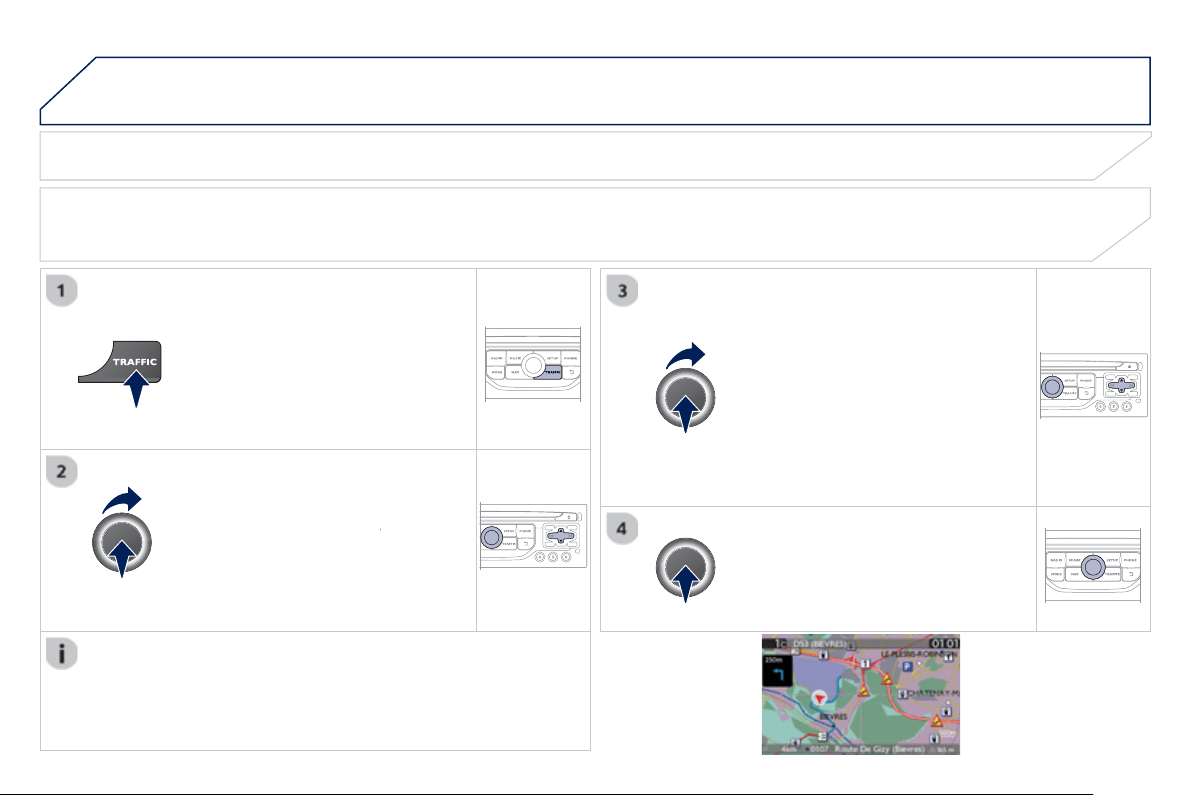
9
.2
4
06 TRAFFIC INFORMATION
CONFIGURE THE FILTERING AND DISPLAY OF TMC MESSAGES
TM
C
(
Tra
ffi
c Messa
g
e
C
hannel
)
messa
g
es contain in
f
ormation on tra
ffi
c and weather conditions, received in real time and transmitted to the
driver in the
f
orm o
f
audible announcements and s
y
mbols on the navi
g
ation map.
The navi
g
ation s
y
stem can then su
gg
est an alternative route to avoid a traffi c problem.
Pr
ess
th
e
T
RAFFI
C
button to displa
y
the
T
raffi c information m
e
n
u
.
Se
l
ec
t th
e
"
Geographic fi lter
"
fu
n
c
ti
o
n
r
a
n
d
co
nfi rm.
The s
y
stem o
ff
ers a choice o
f
:
- " Retain all the messa
g
es",
o
r
-"Retain the messa
g
e
s
"
●
"
A
roun
d
t
h
e ve
hi
c
le
",
(
confi rm
the milea
g
e to modi
fy
and select
the distance
)
,
● " On the rout
e
".
C
onfi rm " OK " t
o
sa
v
e
th
e
m
od
ifi
ca
ti
o
n
s
.
We
r
eco
mm
e
n
d
:
-
a
fi
lt
e
r
o
n th
e
r
ou
t
e
a
n
d
-
a
fi
lt
e
r
a
r
ou
n
d
th
e
v
e
hi
c
l
e
of
:
- 12 miles
(
20 km
)
in urban areas,
- 30 miles
(
50 km
)
on motorwa
y
s.
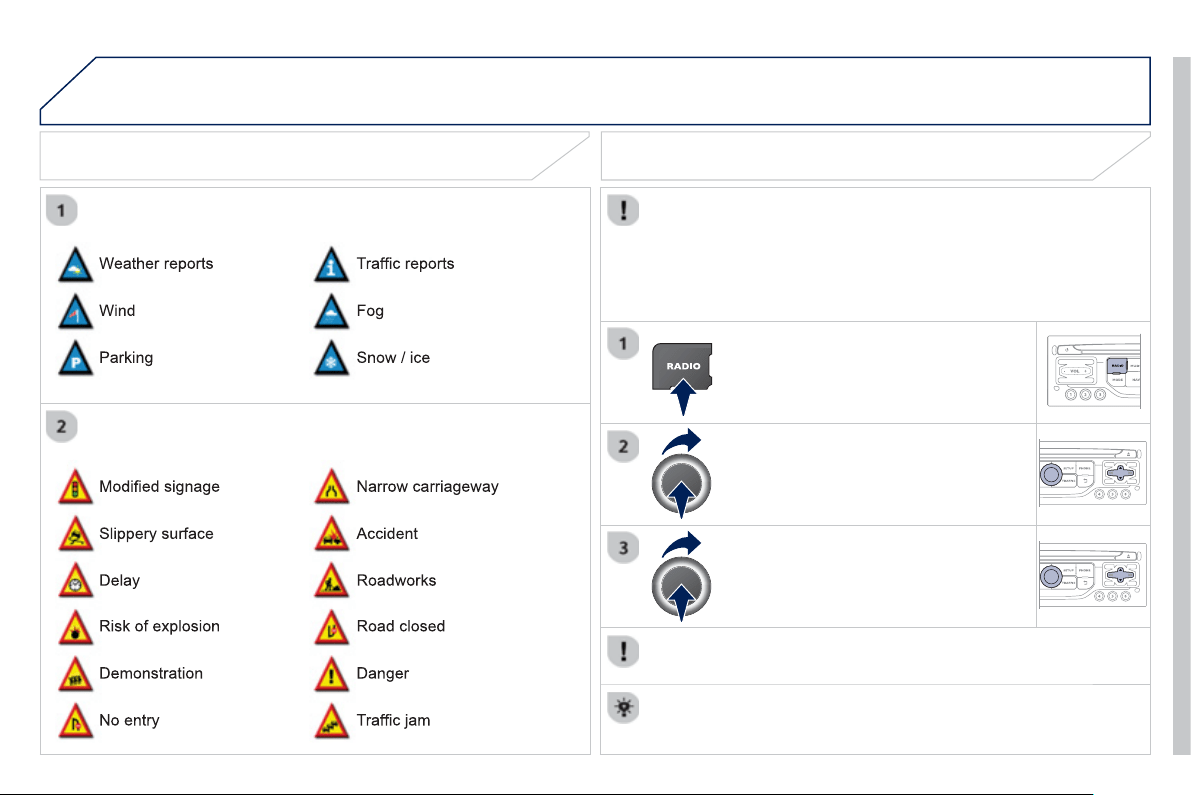
9
.2
5
06 TRAFFIC INFORMATION
PRINCIPAL TMC SYMBOLS
Red and
y
ellow trian
g
le: tra
ffi
c in
f
ormation,
f
or example:
Black and blue trian
g
le:
g
eneral information, for example:
RECEIVING TA MESSAGES
The TA
(
Traffi c Announcement
)
function
g
ives priorit
y
to TA alert
m
essa
g
es. To operate, this function needs
g
ood reception of a
r
adio station transmittin
g
this t
y
pe of messa
g
e. When a traffi c report
is transmitted, the current audio source
(
Radio,
C
D, U
S
B, ...
)
is
i
nterrupte
d
automat
i
ca
lly
to p
l
a
y
t
h
e
TA
messa
g
e.
N
orma
l
p
l
a
yb
ac
k
of
th
e
aud
i
o
sou
r
ce
r
esu
m
es
a
t th
e
e
n
d
of
th
e
tr
a
n
s
mi
ss
i
o
n
of
th
e
message
.
Pr
ess
R
ADIO to displa
y
the "FM
/
AM
b
an
d
"
m
e
n
u
.
S
elect " Guidance o
p
tion
s
" th
e
n
co
nfi rm.
A
c
tiv
a
t
e
o
r
deac
tiv
a
t
e
"
TA
" th
e
n
co
nfi rm.
The volume settin
g
for TA messa
g
es can be ad
j
usted onl
y
durin
g
the
transmission of this t
y
pe of alert.
A
ctivate or deactivate the
f
unction at any time by pressing the button.
Durin
g
a messa
g
e, press the button to interrupt it.

9
.2
6
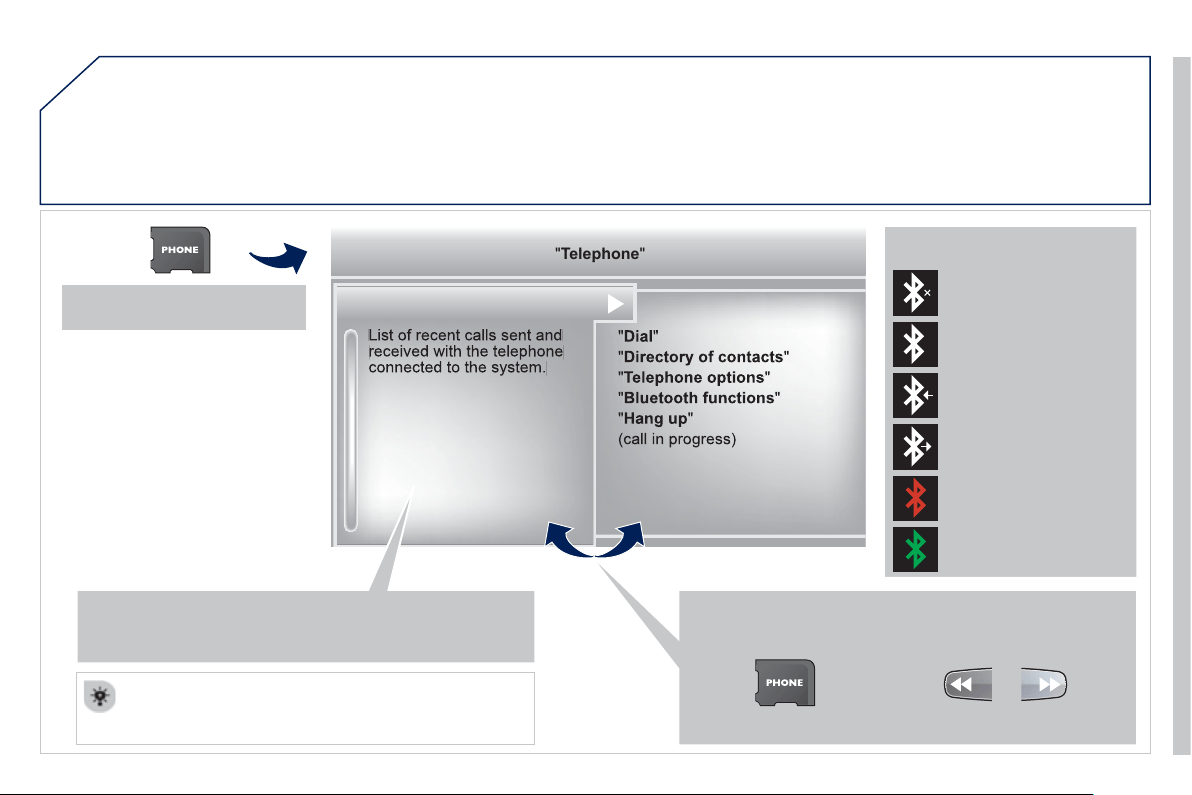
9
.2
7
07
USING THE TELEPHONE
Access to the "TELEPHONE" menu
"
"
"
"
"
"
"
p
p
p
p
eepoe
Telephone
Telephone
Telephone
Telephone
Telephone
Telephone
Telephone
Telephone
Telephone
Telephone
Telephone
Telephone
Telephone
Telephone
Tl h
Tl h
Tl h
Tl h
"
"
"
"
"
"
"
G
o
f
rom the list to the menu
(
le
f
t
/
right
)
.
or
P
r
ess
PHON
E
.
To make a call, select a number in the list and con
fi
rm "OK
"
t
o
s
t
a
rt th
e
ca
ll.
C
onnecting a di
ff
erent telephone deletes the list o
f
rece
nt
ca
ll
s
.
N
o te
l
ep
h
one connecte
d
.
Tele
p
hone connected.
Incomin
g
call.
O
ut
g
oin
g
call.
S
y
nchronisation
of
add
r
ess
boo
k in
progress
.
Tele
p
hone call in
p
ro
g
ress.
In the top bar of the permanent
d
ispla
y
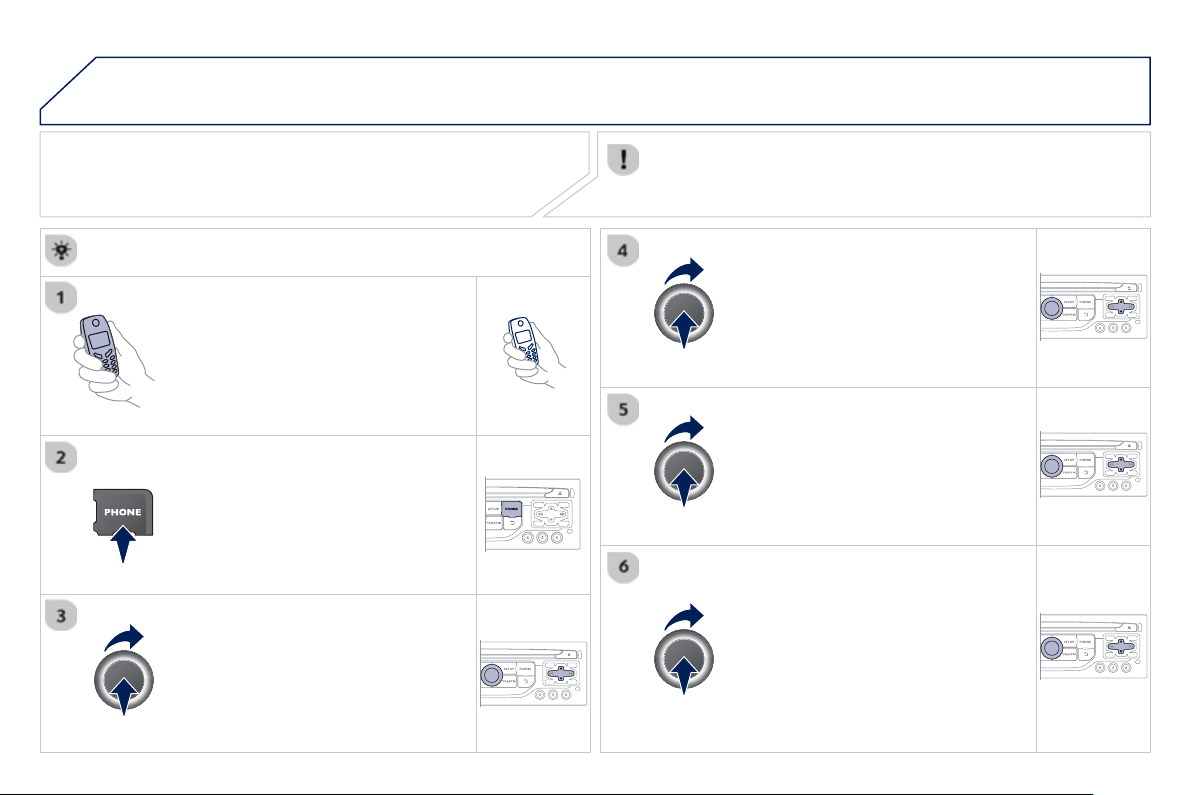
9
.2
8
07
PAIRING A BLUETOOTH TELEPHONE
FIRST CONNECTION
For reasons of safet
y
and because the
y
require prolon
g
ed attention
on the part o
f
the driver, the operations
f
or pairin
g
the Bluetooth
m
obile telephone to the hands-
f
ree s
y
stem o
f
the audio unit must be
ca
rri
ed
ou
t with th
e
v
ehicle stationar
y
.
A
ct
i
vate t
h
e te
l
ep
h
one
'
s
Bl
uetoot
h
fu
n
c
ti
o
n
a
n
d
e
n
su
r
e
th
a
t it i
s
"
s
h
o
wn t
o
a
ll"
(
telephone con
fi
guration
)
.
Pr
ess
thi
s
bu
tt
o
n.
S
elect the name o
f
the desired
peripheral
f
rom the list o
f
devices
de
t
ec
t
ed
th
e
n
se
l
ec
t "Connec
t
"
a
n
d
co
n
fi
rm.
The s
y
stem offers to connect the
tele
p
hone:
-
in
"
H
ands-free mod
e
"
(
telephone
o
nl
y)
,
-
in "
A
u
di
o" mode
(
streamin
g
: pla
y
in
g
music
fi
les on the telephone
)
,
-
o
r "All "
(f
or selection o
f
both
modes
)
.
S
elect " OK "
a
n
d
co
nfi rm.
S
elect "
B
luetooth functions
"
a
n
d
co
n
fi
rm.
S
elect "Peripherals search"
a
n
d
co
nfi rm.
The list of peripherals detected is
di
sp
l
a
y
e
d
.
W
a
i
t unt
il
t
h
e
"
Connec
t
"
bu
tt
o
n
is
a
v
ailable
.
USING THE TELEPHONE
Visit www.peugeot.co.uk
f
or more in
f
ormation
(
compatibility,
additional help, ...
)
.
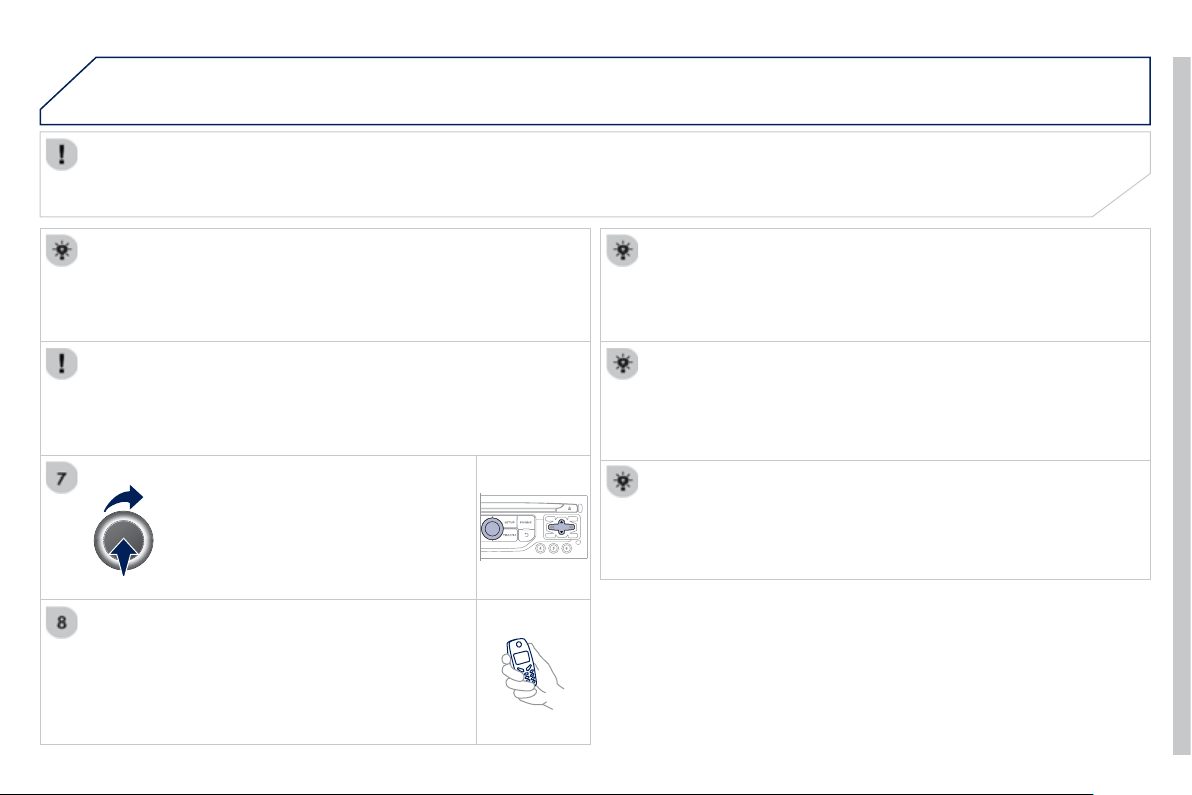
9
.2
9
07
E
nter t
h
e same co
d
e on t
h
e te
l
ep
h
one t
h
en accept
t
he
co
nn
ec
t
io
n.
Then accept automatic connection on the telephone to allow the
te
l
ep
h
one to reconnect automat
i
ca
lly
ever
y
t
i
me t
h
e ve
hi
c
l
e
i
s
s
t
a
rt
ed
.
The abilit
y
o
f
the s
y
stem to connect in onl
y
one mode depends on
the telephone. The two modes ma
y
both connect b
y
de
f
ault.
USING THE TELEPHONE
Th
e
"Hands-free mod
e
" should be used in pre
f
erence i
f
"S
treamin
g
" is not desired.
The services available depend on the network, the
S
IM card and the compatibility o
f
the Bluetooth telephone used.
C
heck the telephone
m
anual and with
y
our network provider
f
or details o
f
the services available to
y
ou.
S
elect a code for the connection then
co
nfi rm "OK
".
Dependin
g
on the t
y
pe of telephone, the s
y
stem will ask
y
ou to
accept or not the transfer of
y
our contacts.
O
n return to the vehicle,the last telephone connected
automaticall
y
reconnects, within around 30 seconds after
s
witchin
g
on the i
g
nition
(
Bluetooth activated and visible
)
.
To modif
y
the automatic connection mode, remove the pairin
g
an
d
pa
i
r t
h
e te
l
ep
h
one a
g
a
i
n w
i
t
h
t
h
e
d
es
i
re
d
mo
d
e.
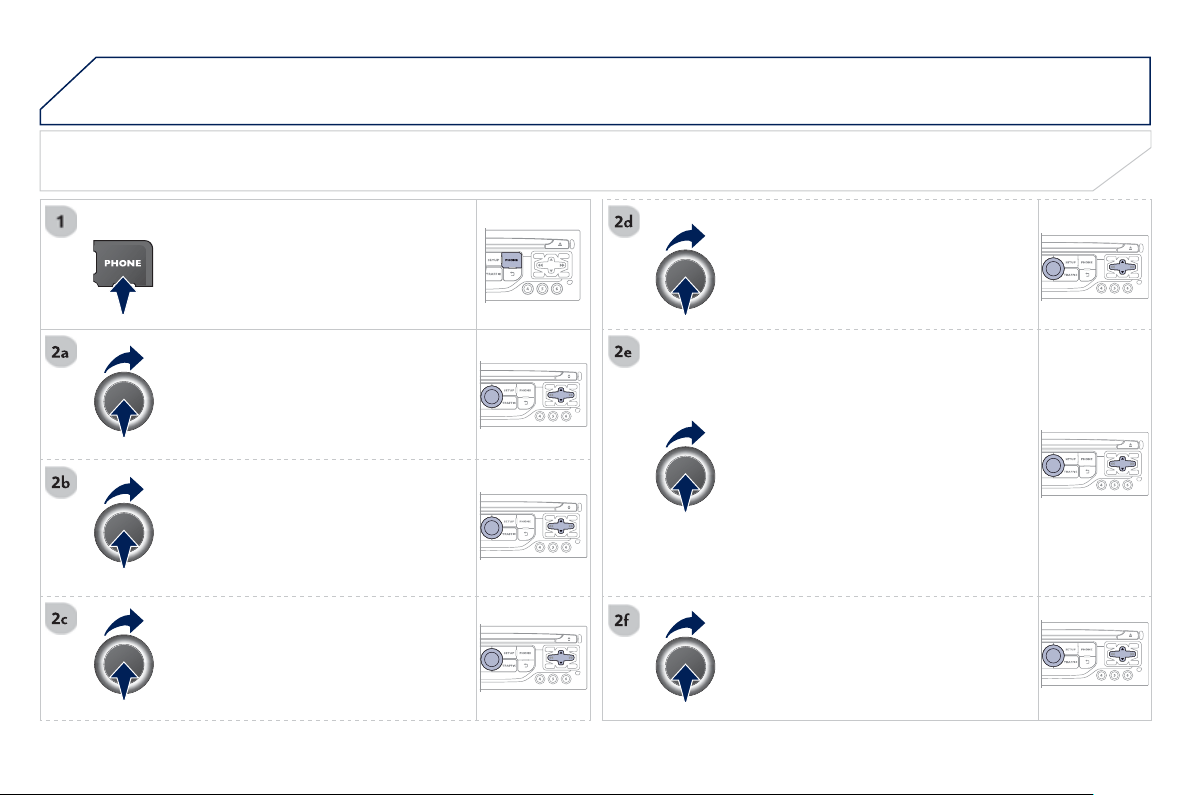
9
.
30
07 USING THE TELEPHONE
DIRECTORY / SYNCHRONIZING CONTACTS
P
r
ess
PHON
E
t
he
n
selec
t
"
Contacts
managemen
t
"
a
n
d
co
n
fi
rm.
S
elect "New contac
t
" t
o
e
nt
e
r
a
n
e
w
co
nt
ac
t.
S
elect "Sort by Name/First nam
e
" t
o
c
hoose the order in which the
y
appear.
S
elect "
D
e
l
ete a
ll
contacts
"
t
o
dele
t
e
t
h
e contacts save
d
i
n t
h
e s
y
stem.
S
election "S
y
nchronization options"
:
- No s
y
nchronization: onl
y
the
c
ontacts save
d
i
n t
h
e s
y
stem
(
alwa
y
s present
)
.
- Display telephone contacts: only the
c
ontacts saved in the telephone.
- Displa
y
S
IM card contacts: onl
y
the
c
ontacts saved on the
S
IM card.
- Displa
y
all phone contacts:
c
ontacts on the
S
IM card and in the
te
l
ep
h
one.
S
elect "
I
m
p
ort all the entries" to import
all the contacts in the telephone and
s
ave them in the s
y
stem.
O
nce im
p
orted, a contact remains visible
whatever tele
p
hone is connected.
S
elect "Contact mem. status
"
t
o
see
t
he
n
umber o
f
contacts saved in the s
y
stem
o
r imported, and the
f
ree memory.
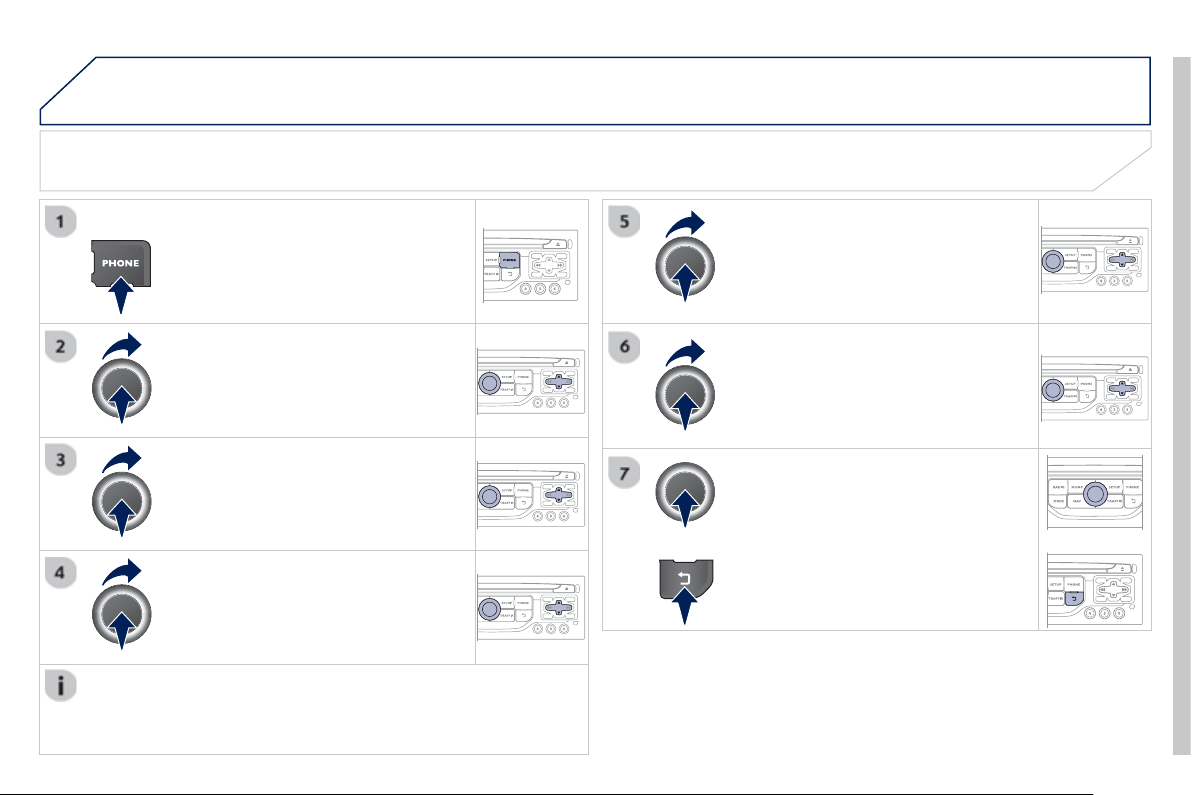
9
.
31
07
MANAGING CONTACTS
Pr
ess
P
HON
E
th
e
n
se
l
ec
t "
D
irector
y
of
c
ontacts"
a
n
d
co
n
fi
rm.
S
elect the desired contact and confi rm.
S
elect " Im
p
or
t
" to cop
y
one contact to
t
h
e s
y
stem.
S
elect " Call" t
o
s
t
a
rt th
e
ca
ll.
S
elect " O
p
en " t
o
vi
e
w
a
n
e
xt
e
rn
a
l
co
nt
ac
t
or modif
y
a contact saved in the s
y
stem.
S
elect OK
S
elect "
D
elet
e
" t
o
de
l
e
t
e
a
co
nt
ac
t
sa
v
ed
in the s
y
stem.
It is necessar
y
to import an external contact to modif
y
the record.
It will be saved in the s
y
stem. It is not possible to modi
fy
or delete
c
ontacts in the telephone or the
S
IM card via the Bluetooth
co
nn
ec
ti
o
n.
USING THE TELEPHONE
or
press the back button to exit this menu.
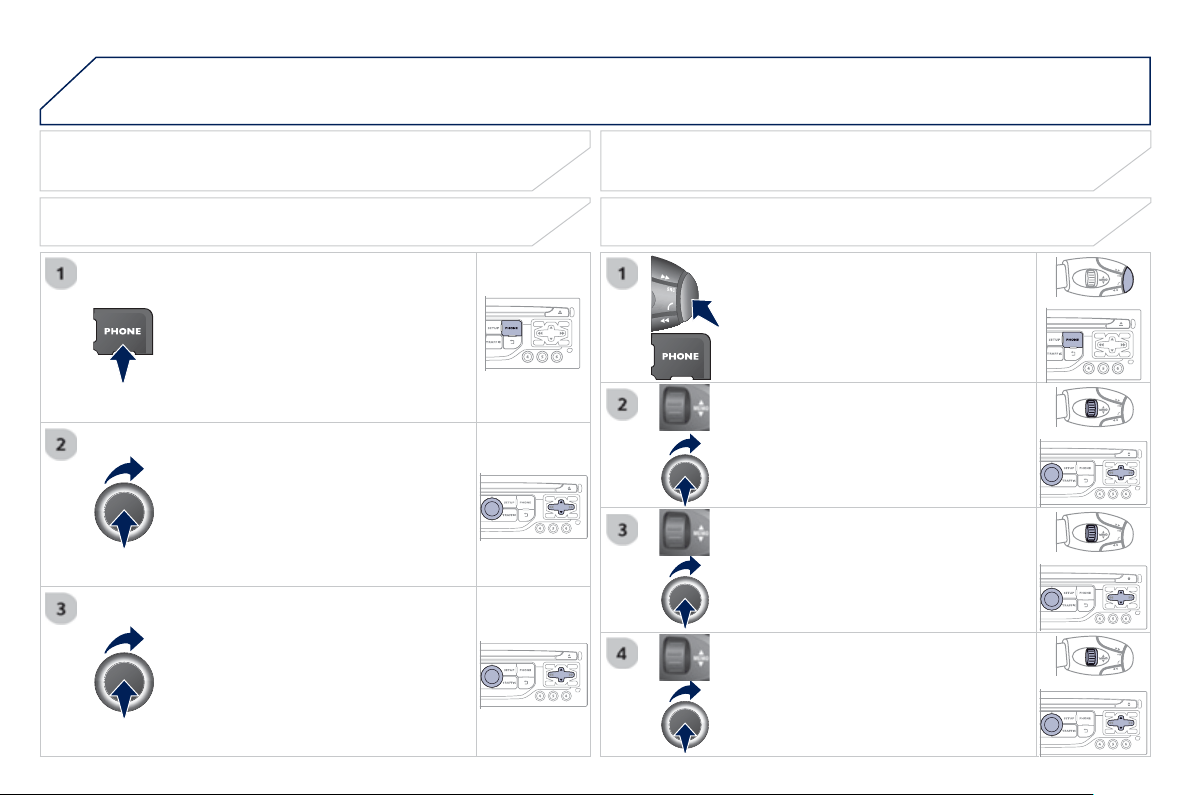
9
.
32
07 USING THE TELEPHONE
Pr
ess
P
HON
E
twi
ce
.
S
elect "
Di
a
l
" th
e
n
co
n
fi
rm.
S
elect "
D
irectory of contacts" th
e
n
co
n
fi
rm.
Dial the telephone number usin
g
the
virtual ke
y
pad selectin
g
each number
i
n t
u
rn.
C
on
fi
rm " OK
"
t
o
m
ake
t
he
call
.
Pr
ess
TEL
o
r twi
ce
o
n
P
HON
E
.
CALLING A NEW NUMBER CALLING A CONTACT
S
elect the desired contact and con
fi
rm.
I
f
access
w
as
vi
a
th
e
P
HON
E
b
utton,
se
l
ec
t "Cal
l
"
a
n
d
co
n
fi
rm.
S
elect the number and con
fi
rm to start
th
e
ca
ll.
M
AKING A CALL
Use o
f
the telephone is not recommended while drivin
g
. We
r
ecommended that
y
ou park sa
f
el
y
or make use o
f
the steerin
g
mou
nt
ed
co
ntr
o
l
s
.
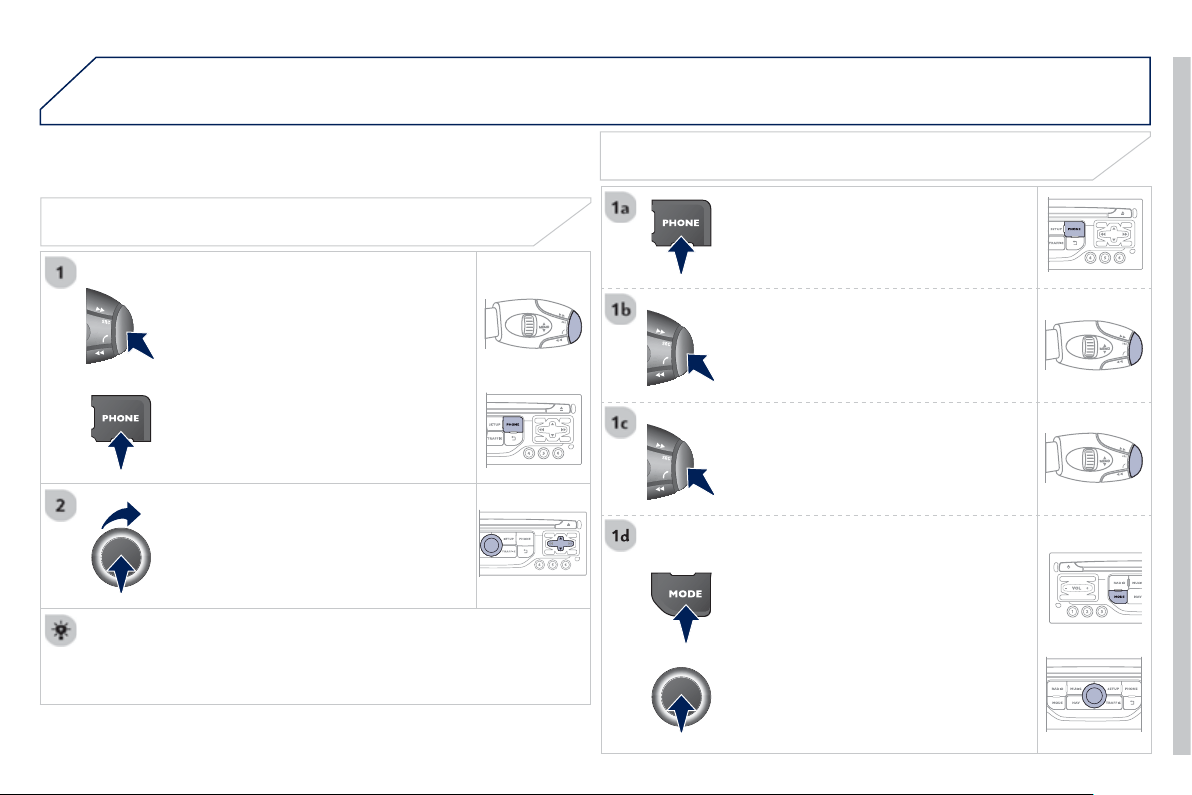
9
.
33
07 USING THE TELEPHONE
CALLING A RECENTLY ENTERED NUMBER
Pr
ess
TEL
, select "Call lis
t
"
a
n
d
c
onfi rm,
S
elect the desired number and con
fi
rm.
To erase the calls lo
g
, press
P
HONE twice, select "
P
hone
f
unctions"
a
n
d
co
nfi rm th
e
n
se
l
ec
t "
D
elete calls lo
g
"
a
n
d
co
nfi rm.
ENDING A CALL
P
r
ess
P
HON
E
t
he
n
selec
t
"
O
K
"
t
o
e
n
d
t
he
call
.
O
r make a lon
g
press on
T
EL
a
t th
e
steerin
g
mounted controls.
O
r make two short
p
resses on
T
E
L
a
t
the steerin
g
mounted controls.
O
r
p
ress the MODE button, as man
y
times as necessar
y
, until the telephone
screen
i
s
di
sp
l
a
y
e
d
.
p
ress
P
HONE to displa
y
the calls lo
g
.
or
P
r
ess
"
O
K
"
to
di
sp
l
a
y
t
h
e contextua
l
m
e
n
u
t
he
n
selec
t
"
H
an
g
up
"
a
n
d
co
n
fi
rm.
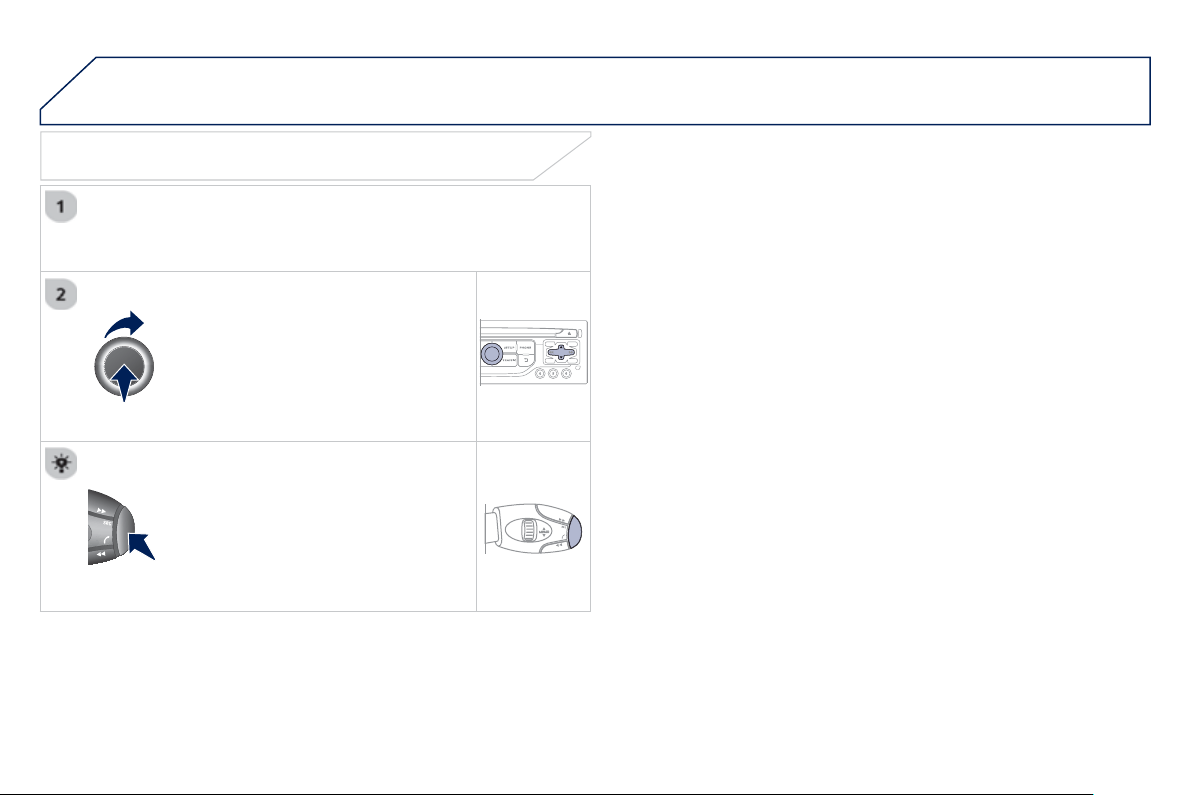
9
.
34
07 USING THE TELEPHONE
RECEIVING A CALL
A
n incomin
g
call is announced b
y
a rin
g
and a superimposed displa
y
o
n th
e
sc
r
ee
n.
"
Y
e
s
"
to accept t
h
e ca
ll
i
s se
l
ecte
d
by
defau
lt.
Pr
ess
" O
K
" to accept the call.
S
elect " N
o
" and confi rm to re
j
ect the
ca
ll.
A
short press on
T
E
L
accep
t
s an
i
ncomin
g
call.
A
lon
g
press on
T
EL re
j
ects an incomin
g
ca
ll.
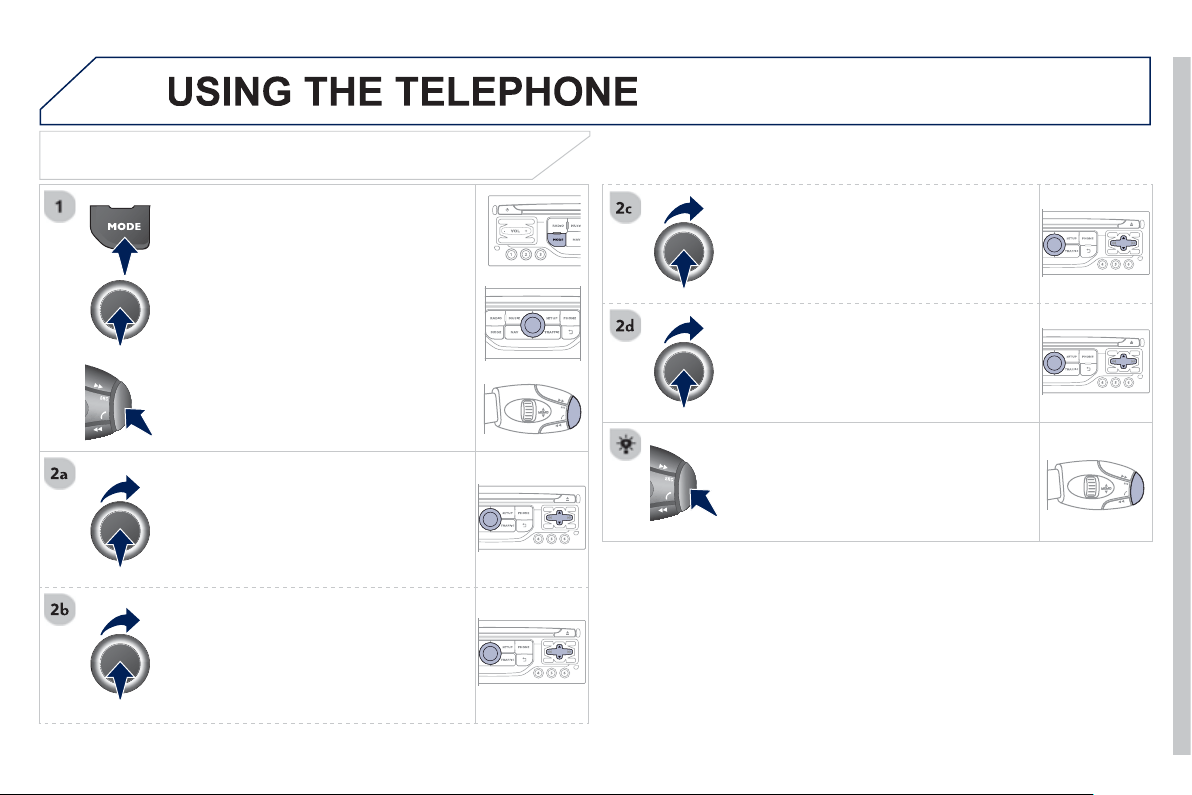
9
.
35
07
OPTIONS DURING A CALL *
Durin
g
a call, press the
M
OD
E
bu
tt
o
n
several times to select displa
y
of the
te
l
ep
h
one screen, t
h
en press
"
OK
"
t
o
open t
h
e contextua
l
menu.
Se
l
ec
t "
P
rivate mod
e
"
a
n
d
co
n
fi
rm t
o
t
a
k
e
th
e
ca
ll
o
n th
e
h
a
n
dse
t.
O
r select "
H
ands-free mod
e
"
a
n
d
co
nfi rm t
o
t
a
k
e
th
e
ca
ll vi
a
th
e
v
e
hi
c
l
e
'
s
speakers.
Se
l
ec
t "
P
ut call on hold"
a
n
d
co
n
fi
rm t
o
p
ut the current call on hold.
O
r select "
R
esume the call"
a
n
d
co
nfi rm t
o
r
esu
m
e
th
e
ca
ll
o
n h
o
l
d
.
Se
l
ec
t "
D
TMF rin
g
tones " t
o
use
th
e
numerical ke
y
pad, so as to navi
g
ate
throu
g
h the menu of an interactive vocal
ser
v
er
.
S
elect "
H
an
g
u
p
"
t
o
e
n
d
t
he
call
.
*
Dependin
g
on the compatibilit
y
o
f
the phone and
y
our service plan.
it is possible to hold a 3-wa
y
conference
c
all b
y
makin
g
2 calls in succession*.
S
elect "Conferenc
e
m
ode call" in th
e
c
ontextua
l
menu access
ibl
e us
i
n
g
t
hi
s
bu
tt
o
n.
O
r make a short press on this button.
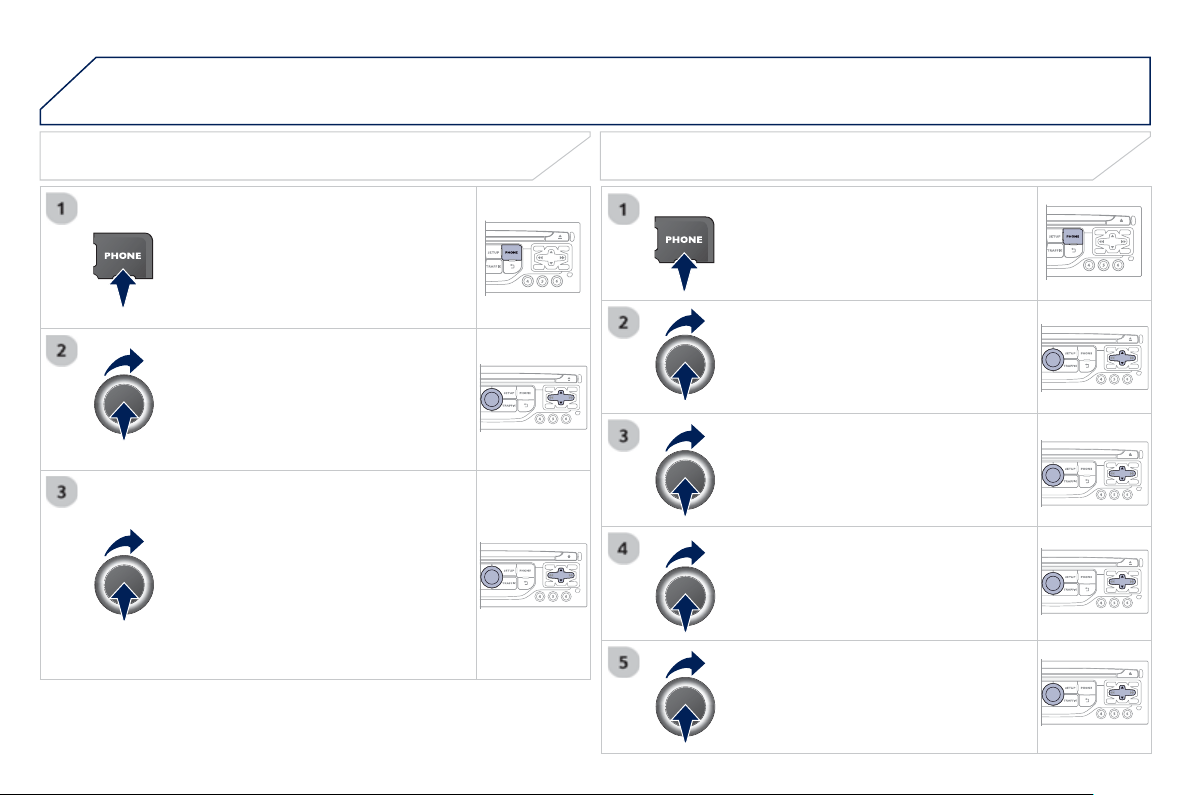
9
.
36
07
Pr
ess
P
HON
E
twi
ce
.
Se
l
ec
t "
L
ist of the
p
aired
p
eri
p
herals"
a
n
d
co
n
fi
rm.
It is
p
ossible to:
-"Connec
t
"
o
r "
D
isconnec
t
" th
e
s
elected telephone,
- delete the pairin
g
o
f
the selected
te
l
ep
h
one.
It is also possible to select all pairings.
USING THE TELEPHONE
MANAGING PAIRED TELEPHONES CHANGING THE RING TONE
Pr
ess
P
HON
E
twi
ce
.
Se
l
ec
t "
P
hone functions "
a
n
d
co
n
fi
rm.
S
elect "
R
in
g
options"
a
n
d
co
nfi rm.
You can ad
j
ust the volume and the t
y
pe
o
f
rin
g
tone.
S
elect "
B
luetooth functions
".
S
elect " OK "
a
n
d
co
n
fi
rm t
o
sa
v
e
th
e
ch
an
g
es.
9
.
37
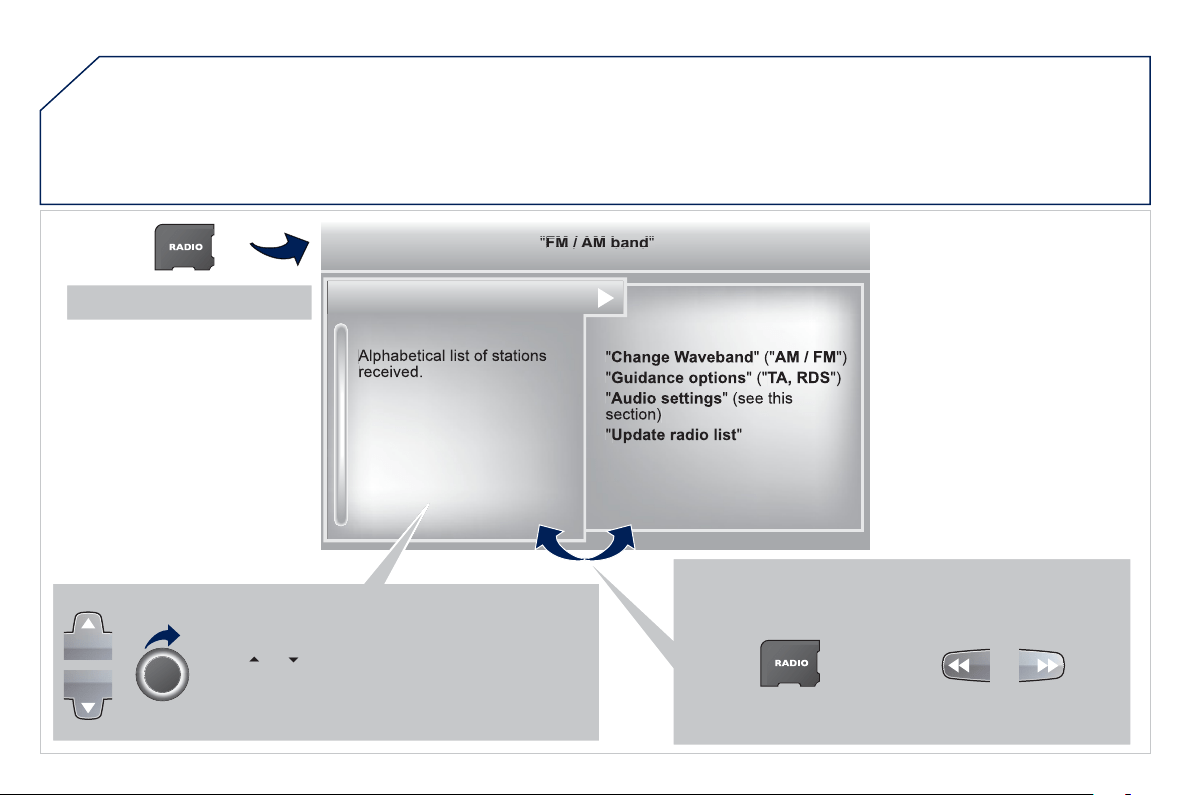
9
.
38
08
RADIO
Access to the "RADIO" menu
"
"
"
"
"
"
"
"
FM
/
AM
band
FM / AM band
FM / AM band
FM / AM band
FM / AM band
FM / AM band
FM / AM band
FM / AM band
FM / AM band
FM / AM band
FM / AM band
FM / AM band
FM / AM band
FM / AM band
FM / AM b d
FM / AM b d
FM / AM b d
FM / AM b d
FM / AM b d
"
"
"
"
"
"
"
"
Pr
ess
o
r
or use the rotar
y
control to select the
p
revious or next station in the list.
G
o
f
rom the list to the menu
(
le
f
t
/
ri
g
ht
)
.
or
P
r
ess
RADIO
.
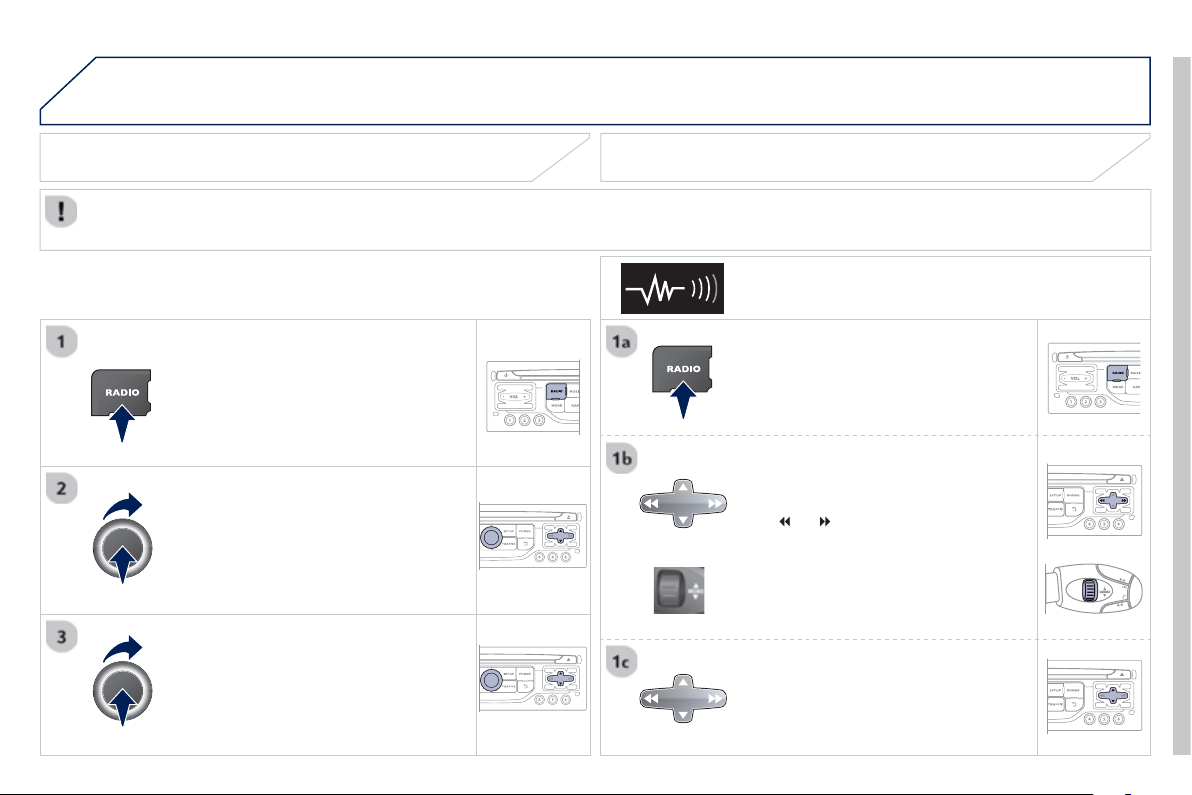
9
.
39
08 RADIO
B
y
alphabetical list
Pr
ess
RADIO, select the station o
f
y
our
c
h
o
i
ce
a
n
d
co
nfi rm.
B
y
automatic frequenc
y
search
Pr
ess
or
fo
r th
e
au
t
o
m
a
ti
c
sea
r
c
h
f
or a lower or hi
g
her radio
f
requenc
y
.
O
r turn the thumb wheel at the steerin
g
mou
nt
ed
co
ntr
o
l
s
.
B
y
manual frequenc
y
search
Pr
ess
or
to ad
j
ust the radio
frequenc
y
step b
y
step.
SELECTING A STATION
The external environment
(
hill, buildin
g
, tunnel, under
g
round car park...
)
ma
y
interfere with the reception, includin
g
in RDS station trackin
g
mode.
T
his phenomenon is a normal result of the wa
y
in which radio waves are transmitted and does not in an
y
wa
y
indicate a fault with the audio
sy
stem.
The qualit
y
of reception is represented b
y
the number o
f
active waves in this s
y
mbol.
Pr
ess
RADIO
or
OK to displa
y
the
co
nt
e
xt
ua
l m
e
n
u
.
CHANGING WAVEBAND
S
elect "Chan
g
e waveband
"
.
S
elect "AM
/
F
M
"
a
n
d
co
nfi rm.
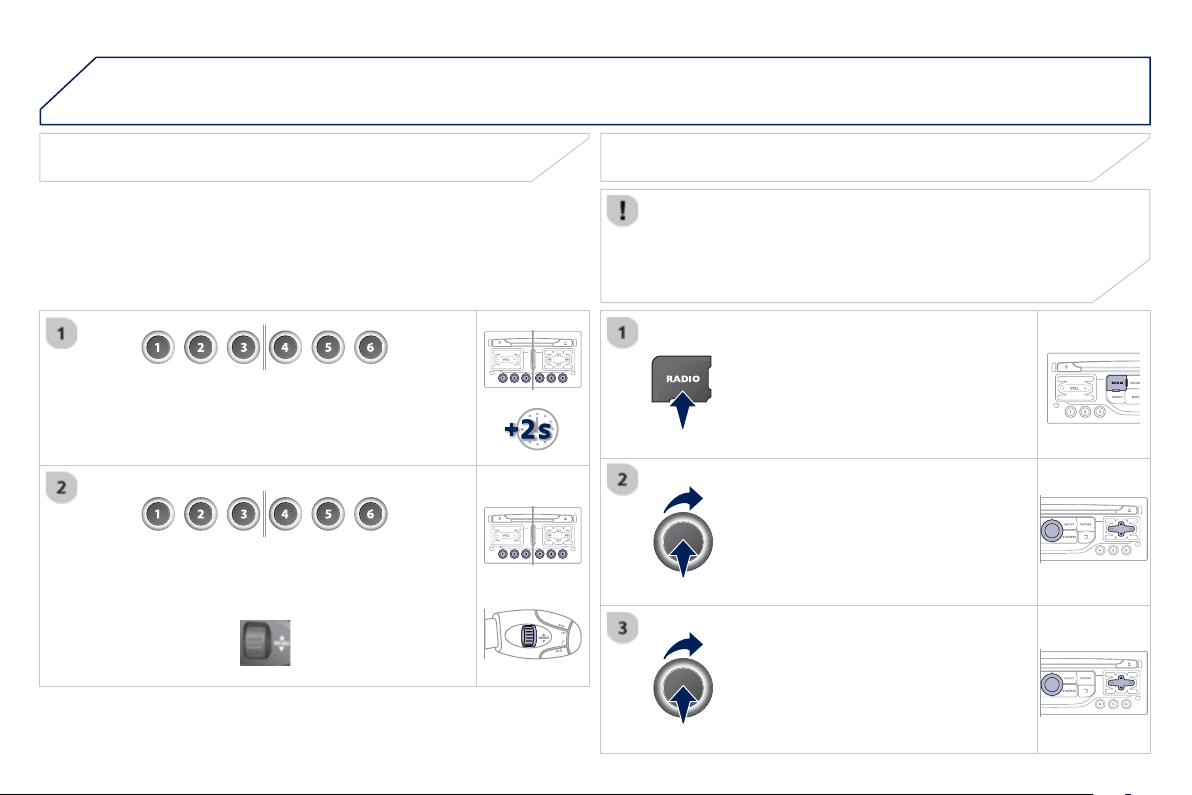
9
.4
0
08
Press the button on the numerical keypad to recall a
preset station.
O
r press then turn the thumb wheel at the steerin
g
m
ou
nt
ed
co
ntr
o
l
s
.
PRESETTING A STATION
Af
ter selectin
g
a station, press one o
f
the buttons
o
n the numerical ke
y
pad for 2 seconds to preset the
cu
rr
e
nt
s
t
a
ti
o
n.
An audible si
g
nal confi rms that the station has been preset.
Pr
ess
R
ADI
O
.
ACTIVATE / DEACTIVATE RDS
RD
S
, i
f
activated, allows
y
ou to continue listenin
g
to the same
s
tation b
y
automatic retunin
g
to alternative
f
requencies. However,
in certain conditions, covera
g
e of an RDS station ma
y
not be
assured throu
g
hout the entire countr
y
as radio stations do not
c
over 100 % of the territor
y
. This explains the loss of reception o
f
t
h
e stat
i
on
d
ur
i
n
g
a
j
ourne
y
.
S
elect " Guidance o
p
tions " th
e
n
co
nfi rm.
A
c
tiv
a
t
e
o
r
deac
tiv
a
t
e
"
R
D
S
" th
e
n
co
nfi rm.
RADIO
9
.4
1
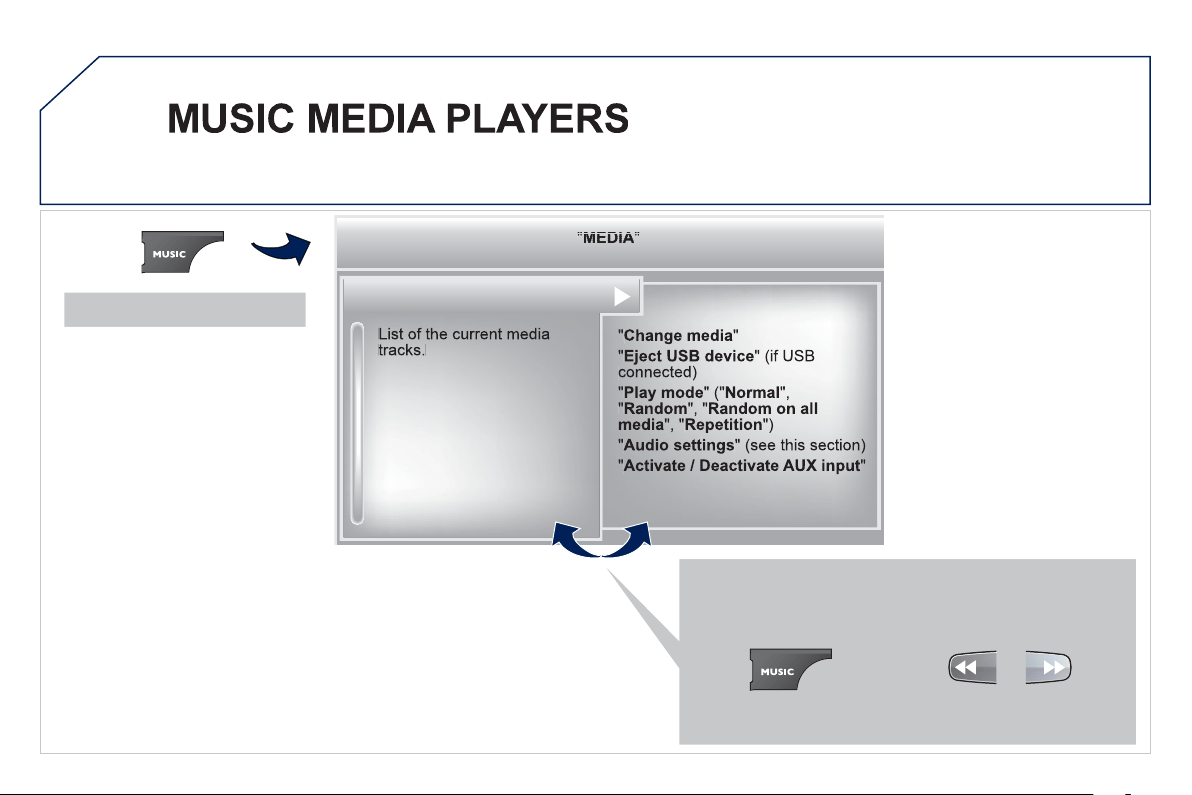
9
.4
2
09
Access to the "MUSIC MEDIA PLAYER" menu
"
"
"
"
"
"
"
"
MEDIA
MEDIA
MEDIA
MEDIA
MEDIA
MEDIA
MEDIA
MEDIA
MEDIA
MEDIA
MEDIA
MEDIA
MEDIA
MEDIA
MEDIA
MEDIA
MEDIA
MEDIA
MEDIA
"
"
"
"
"
"
"
"
G
o
f
rom the list to the menu
(
le
f
t
/
ri
g
ht
)
.
o
r
P
r
ess
M
USI
C
.
9
.4
3
09 MUSIC MEDIA PLAYERS
CD, MP3 CD / USB PLAYER
The audio equipment will onl
y
pla
y
audio
fi
les with ".wma, .aac, .
fl
ac,
.
o
gg
and .mp3"
fi
le extensions and with a bit rate o
f
between 32 Kbps
and 320 Kb
p
s.
It also supports VBR
(
Variable Bit Rate
)
mode.
No other t
y
pe of fi le
(
.mp4, .m3u...
)
can be pla
y
ed.
WMA
fi
les must be o
f
the standard wma 9 t
y
pe.
The samplin
g
rates supported are 11, 22, 44 and 48 KHz.
It is advisable to restrict fi le names to 20 characters, without usin
g
o
f
s
pecial characters
(
e.
g
.: " " ? ; ù
)
to avoid an
y
pla
y
in
g
and displa
y
in
g
p
ro
bl
ems.
In order to be able to pla
y
a recorded
C
DR or
C
DRW, when recordin
g
it is pre
f
erable to select the I
SO
9660 level 1, 2 or Joliet standard.
If the disc is recorded in another format it ma
y
not be pla
y
ed correctl
y
.
It is recommended that the same recordin
g
standard is alwa
y
s used
for an individual disc, with as low a speed as possible
(
4x maximum
)
f
or optimum sound qualit
y
.
In the particular case o
f
a multi-session
C
D, the Joliet standard is
reco
mm
e
n
ded
.
INFORMATION AND ADVICE
The s
y
stem supports U
S
B mass stora
g
e or iPod
devices via the U
S
B port
(
suitable cable not supplied
)
.
I
f
a partitioned U
S
B memory key is connected to the
sy
stem, onl
y
the
fi
rst partition is reco
g
nised.
C
ontrol o
f
the peripheral device is with the audio
sy
stem controls.
The number of tracks is limited to 2000 maximum,
9
99 tracks per folder.
I
f
the current consumption at the U
S
B port exceeds
5
00 mA , the s
y
stem
g
oes into protection mode and
deactivates the port.
O
ther peripherals, not reco
g
nised on connection, must
be connected to the auxiliar
y
socket usin
g
a Jack cable
(
not supplied
)
.
In order to be read, a USB memor
y
stick must be formatted FAT 16 or 32.
The s
y
stem does not support the operation o
f
an Apple
®
pla
y
er and a
U
SB memor
y
stick connected at the same time.
It is recommended that o
ffi
cial Apple
®
USB cables are used to ensure
®
c
orrect operat
i
on.
9
.4
4
09 MUSIC MEDIA PLAYERS
Insert the
C
D in the player, insert the U
S
B
m
emor
y
stick in the U
S
B pla
y
er or connect the
US
B peripheral to the U
S
B port usin
g
a suitable
c
able
(
not supplied
)
The s
y
stem builds pla
y
lists
(
in temporar
y
m
emor
y)
, an operation which can take from
a
f
e
w
seco
n
ds
t
o
se
v
e
r
a
l min
u
t
es
a
t th
e
fi r
s
t
co
nn
ec
t
io
n.
R
educe
th
e
n
u
m
be
r
of
n
o
n-m
us
i
c
fi
l
es
a
n
d
th
e
n
umber o
f
f
olders to reduce the waitin
g
time.
The pla
y
lists are updated ever
y
time the i
g
nition
is switched off or connection of a USB memor
y
s
tick. However, the s
y
stem memorises these
lists and if the
y
are not modifi ed, the loadin
g
t
i
m
e
w
ill
be
sho
rt
e
r.
Pla
y
starts automaticall
y
a
f
ter a period which
depends on the capacit
y
o
f
the U
S
B memor
y
s
ti
c
k.
SELECTION OF SOURCE
Th
e
SOURC
E
button on the steerin
g
mounted controls allows a
direct chan
g
e to the next media source.
" CD / CD MP
3
"
"
U
SB, iPod"
"
AUX
"
"
STREAMIN
G
"
"
RADIO
"
P
r
ess
M
USI
C
to
di
sp
l
a
y
t
h
e
"
MEDIA
"
menu
.
S
elect "
F
o
ll
ow
i
n
g
me
di
a sourc
e
"
a
n
d
co
n
fi
rm.
Repeat the operation as man
y
times as necessar
y
to obtain the
desired media source
(
except for radio which is accessible either
w
ith
SOURCE
or
RADIO
)
.
SOURCES
9
.4
5
09
/
/
/
/
/
/
/
+
/
/
/
MUSIC MEDIA PLAYERS
SELECTING A TRACK
P
r
e
v
ious
tr
ack
.
Ne
xt tr
ack
.
Pr
e
vi
ous
fo
l
de
r.
N
e
xt f
o
l
de
r.
F
as
t f
o
rw
a
r
d
.
F
as
t
bac
kw
a
r
d
.
Pause: lon
g
press on SR
C
.
MUSIC: List of USB or CD tracks o
r
f
olders
U
p or
d
own
i
n t
h
e
li
st.
C
on
fi
rm, next menu level.
U
p one menu
l
eve
l
.
L
on
g
press
Lon
g
press
9
.4
6
09
A
UDIO STREAMING
S
treaming allows audio
fi
les on your telephone to be played via the
vehicle's speakers.
C
onnect the telephone: see "U
S
IN
G
THE TELEPH
O
NE".
S
elect "
A
udio"
o
r "
A
ll" pro
fi
le.
I
f
play does not start automatically, it may be necessary to start the
a
udio pla
y
back
f
rom the telephone.
Control is from the peripheral device or b
y
usin
g
the audio s
y
stem
bu
tt
o
n
s
.
O
nce connected in streamin
g
mode, the telephone is considered to be
a
m
edia
sou
r
ce
.
It is recommended that you activate "
R
e
p
ea
t
"
o
n th
e
Bl
ue
t
oo
th
peripheral.
MUSIC MEDIA PLAYERS
CONNECTING APPLE
®
PLAYERS
®
C
onnect the A
pp
le
®
pla
y
er to the U
S
B port usin
g
a suitable cable
(
not
supplied
)
.
Pla
y
starts automaticall
y
.
C
ontrol is via the audio system.
The classifi cations available are those of the portable device
c
onnected
(
artists / albums /
g
enres / pla
y
lists / audiobooks /
p
odcasts
)
.
The de
f
ault classi
fi
cation used is b
y
artist. To modi
fy
the classi
fi
cation
u
sed, return to the
fi
rst level o
f
the menu then select the desired
c
lassi
fi
cation
(
pla
y
lists
f
or example
)
and con
fi
rm to
g
o down throu
g
h
th
e
m
e
n
u
t
o
th
e
des
ir
ed
tr
ac
k.
The "
S
huffl e tracks" mode on an iPod
®
corresponds to the "Random"
®
mode on the audio s
y
stem.
The "
S
huffl e albums" mode on an iPod
®
corresponds to the "Random
®
a
ll"
on t
h
e au
di
o s
y
stem.
"
S
hu
ffl
e tracks" is restored b
y
de
f
ault on each connection.
The version of software in the audio s
y
stem ma
y
not be compatible
with the
g
eneration of
y
our Apple
®
pla
y
er.
The list of devices compatible with software versions is available from
PE
UG
E
O
T dealers.
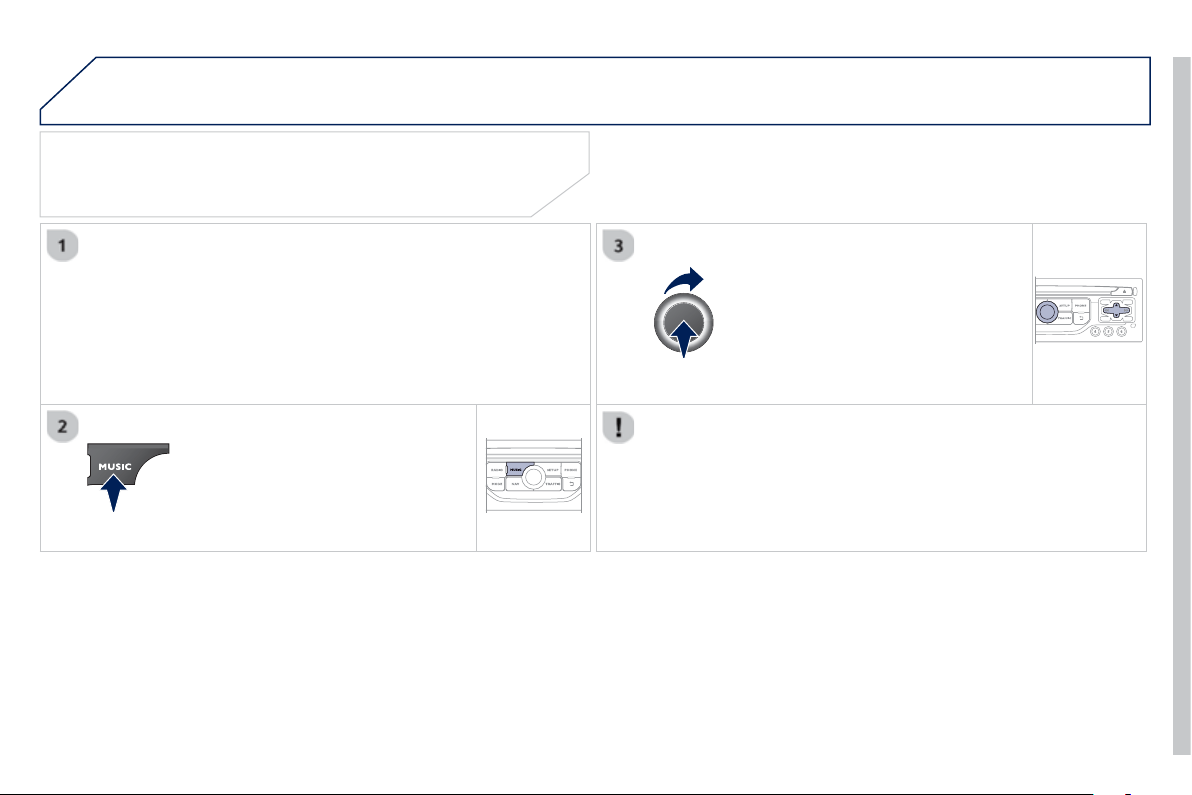
9
.4
7
09 MUSIC MEDIA PLAYERS
U
SING THE AUXILIARY INPUT
(
AUX
)
JACK AUDIO/USB CABLE NOT SUPPLIED
C
onnect the portable device
(
MP3, WMA pla
y
er…
)
to the JA
C
K
auxiliary audio socket or U
S
B port using a suitable cable.
Pr
ess
M
USI
C
to displa
y
the "MUSIC "
m
e
n
u
.
S
elect "Activate / Deactivate AUX
i
n
p
u
t
"
a
n
d
co
n
fi
rm.
First adjust the volume o
f
your portable
device
(
to a hi
g
h level
)
. Then ad
j
ust the
volume o
f
y
our audio s
y
stem.
Displa
y
and mana
g
ement o
f
the controls are via the portable device.
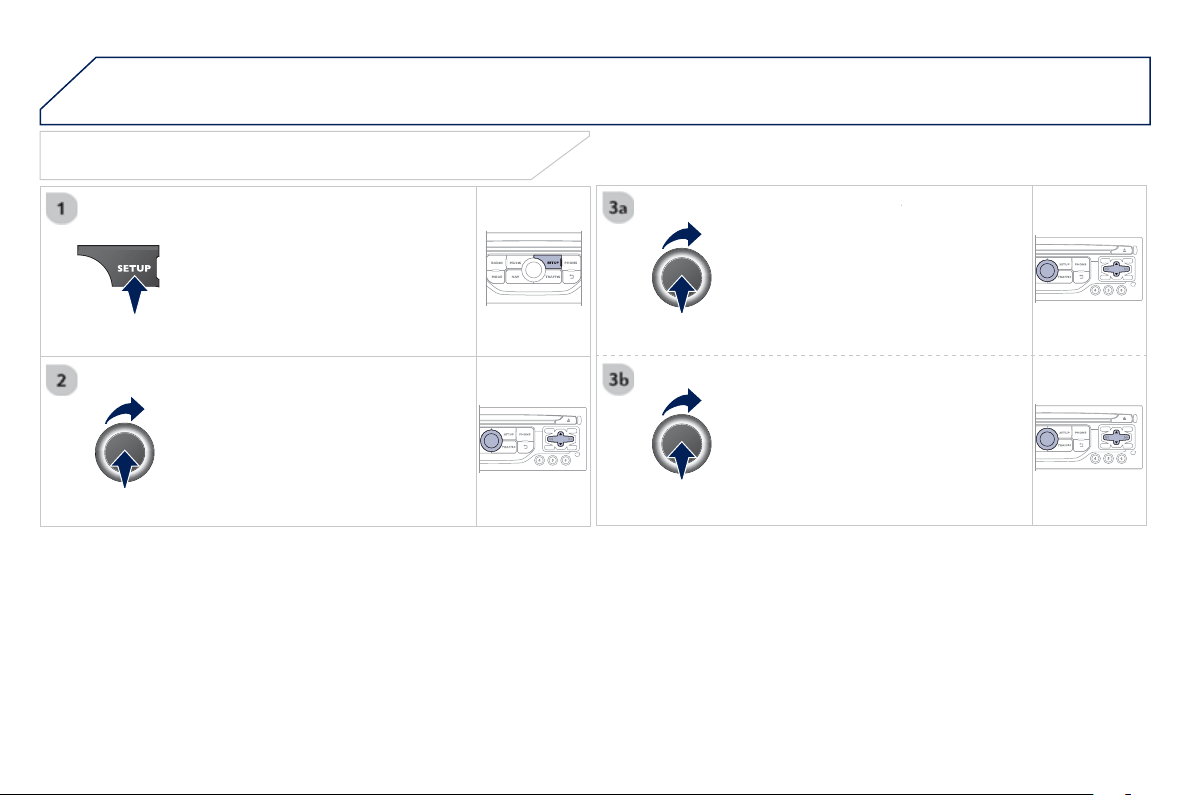
9
.4
8
10 CONFIGURATION
Pr
ess
SETU
P
to displa
y
the
"
Confi
g
uration
"
m
e
n
u
.
S
elect "
Choose colour
"
a
n
d
co
nfi rm t
o
r
se
l
ect t
h
e screen co
l
our
h
armon
y
an
d
t
h
e map presentat
i
on mo
d
e:
-
d
a
y
mo
d
e,
- night mode,
- automatic da
y/
ni
g
ht mode,
a
ccordin
g
to whether the
headlam
p
s are on.
S
elect "
Adj
ust
l
um
i
nos
i
t
y
"
a
n
d
co
n
fi
rm
to a
dj
ust t
h
e screen
b
r
igh
tness.
Pr
ess
" O
K
" to save the chan
g
es.
The settin
g
s
f
or da
y
and ni
g
ht are
i
ndependent.
S
elect "
D
ispla
y
confi
g
uratio
n
"
a
n
d
co
nfi rm.
DISPLAY CONFIGURATION
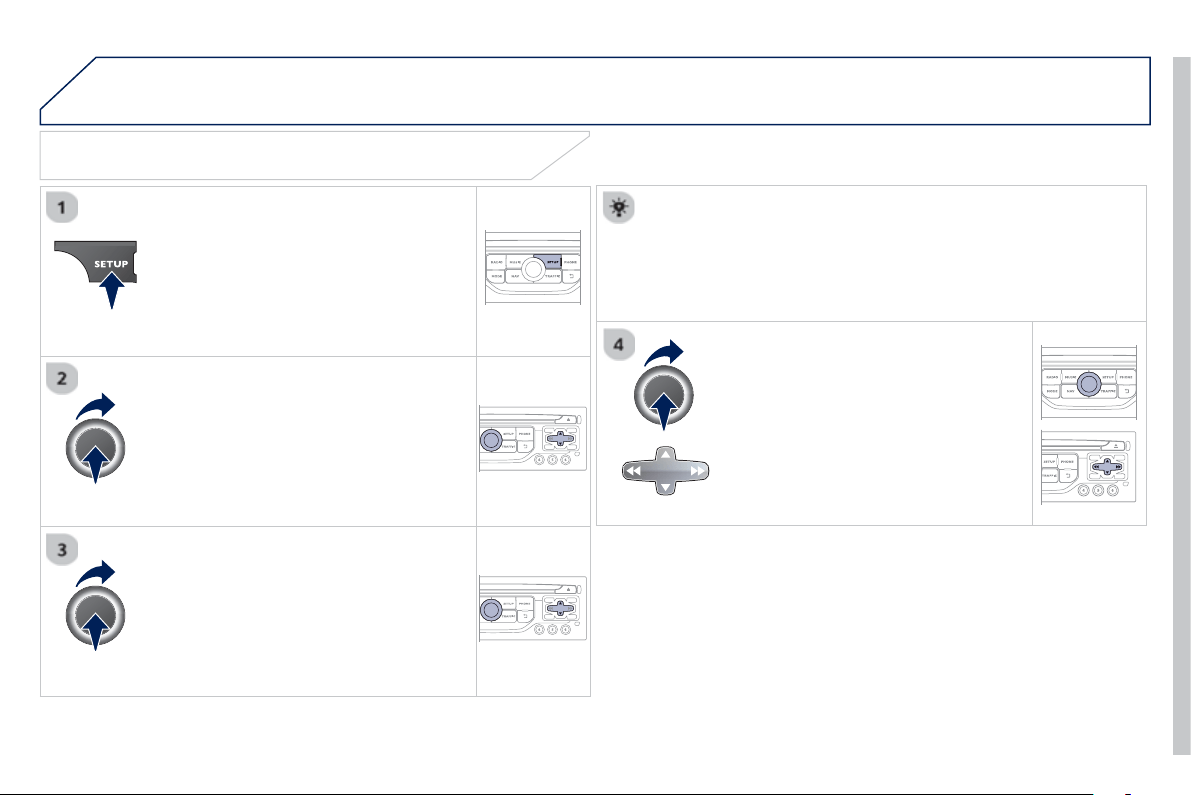
9
.4
9
10 CONFIGURATION
SETTING THE DATE AND TIME
Select the settin
g
to ad
j
ust.
Confi rm b
y
pressin
g
O
K, then ad
j
ust
the settin
g
and confi rm a
g
ain to save
th
e
m
od
ifi
ca
ti
o
n.
Pr
ess
SETUP to displa
y
the
"
Confi
g
uration " m
e
n
u
.
A
d
j
ust the settin
g
s one b
y
one.
Th
e
n
se
l
ec
t " OK "
o
n th
e
sc
r
ee
n
a
n
d
c
onfi rm to save the settin
g
s.
Se
l
ec
t " S
y
nchronize the minutes with GP
S
" so that settin
g
the
minutes is done automaticall
y
b
y
satellite reception.
S
elect "
D
ispla
y
confi
g
uration
"
a
n
d
co
n
fi
rm.
S
elect " Set date and tim
e
"
a
n
d
co
n
fi
rm.

9
.
50
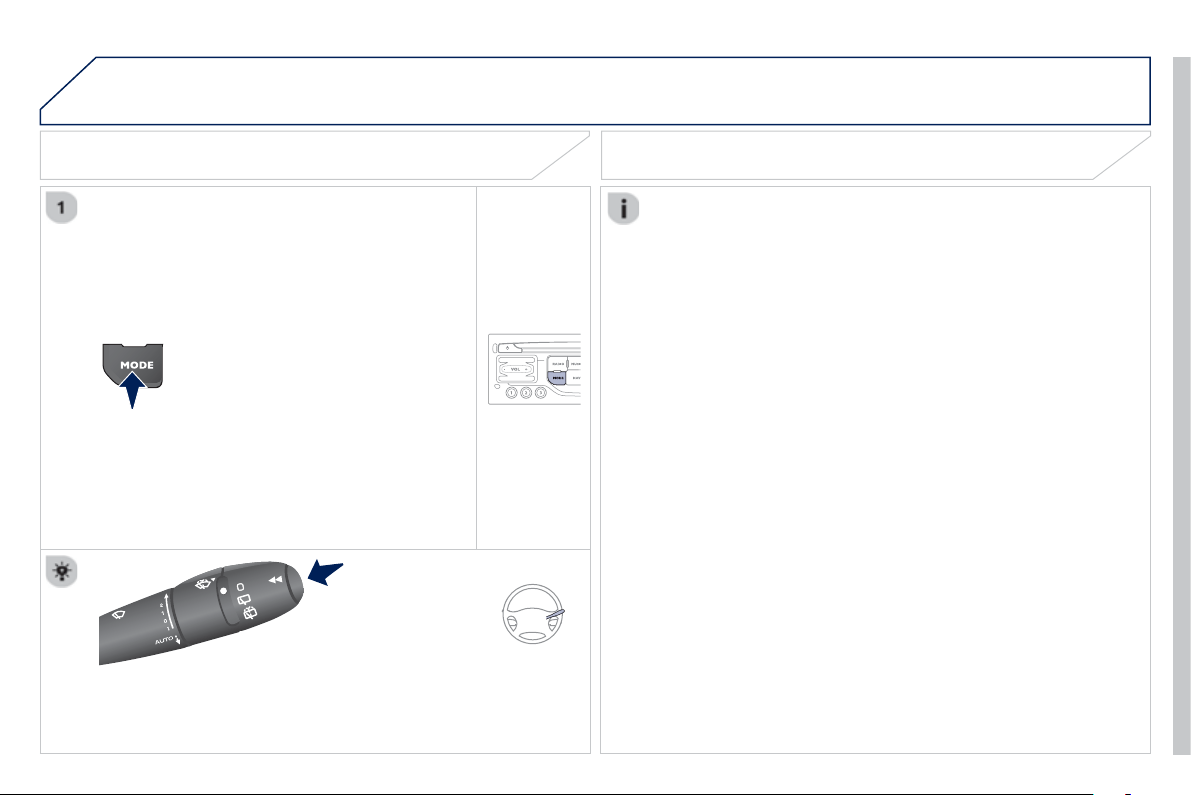
9
.
51
11 TRIP COMPUTER
TRIP COMPUTER
Press the M
O
DE button several
times in succession until the tri
p
c
omputer is displa
y
ed.
Ran
g
e
:
displa
y
s the distance which can travelled with the
remainin
g
f
uel detected in the tank, basd on the avera
g
e
c
onsumption over the last few miles
(
kilometres
)
.
This displa
y
ed value ma
y
var
y
si
g
nifi cantl
y
followin
g
a chan
g
e in
the vehicle speed or the relief of the route.
When the ran
g
e
f
alls below 20 miles
(
30 km
)
, dashes are
displa
y
ed. A
f
ter
fi
llin
g
with at least 10 litres o
f
f
uel, the ran
g
e is
recalculated and is displayed when it exceeds 60 miles
(
100 km
)
.
I
f
, whilst drivin
g
, dashes are displa
y
ed continuousl
y
in place o
f
the
di
g
its, contact a PEU
G
E
O
T dealer.
Each press o
f
the button at the end o
f
the wiper stalk displays the
di
ff
erent trip computer in
f
ormation in succession, accordin
g
to the
screen
.
A FEW DEFINITIONS
- Th
e
"v
e
hi
c
l
e
" t
ab
:
The ran
g
e, the current
f
uel
c
onsum
p
tion and the distance
r
emainin
g
.
- The "1"
(
trip 1
)
tab with:
Th
e avera
g
e spee
d
, t
h
e avera
g
e
f
uel consumption and the
dis
t
a
n
ce
tr
a
v
elled
calcula
t
ed
o
v
e
r r
ou
t
e
"
1
".
- The "2"
(
trip 2
)
tab with the same
f
u
n
c
ti
o
n
s
f
o
r
a
seco
n
d
r
ou
t
e
.
Current fuel consum
p
tion
:
on
ly
ca
l
cu
l
ate
d
an
d
di
sp
l
a
y
e
d
a
b
ove
20 mph
(
30 km
/
h
)
.
Avera
g
e fuel consumption: this is the avera
g
e fuel consumption
s
ince the last trip computer zero reset.
D
istance travelled
:
calculated since the last tri
p
com
p
uter zero
r
ese
t.
D
istance remainin
g
to the destination
:
ca
l
cu
l
a
t
ed
with r
efe
r
e
n
ce
to the
fi
nal destination, entered b
y
the user. I
f
g
uidance is activated,
the navi
g
ation s
y
stem calculates it as a current value.
A
vera
g
e spee
d
: t
hi
s
i
s t
h
e avera
g
e spee
d
ca
l
cu
l
ate
d
s
i
nce t
h
e
l
ast
trip computer zero reset
(
i
g
nition on
)
.
9
.
52
12 SCREEN MENU MAP
"N
av
ig
at
i
on -
g
u
id
ance
"
M
ENU
Enter an address
Select destination
Director
y
GP
S
coordinates
J
ourne
y
l
e
g
an
d
route
Add a sta
g
e
E
nter an address
D
irector
y
P
revious destinations
Order/delete
j
ourne
y
le
g
s
Di
vert route
Chosen destination
Guidance o
p
tions
Defi ne calculation criteria
Delete last destinations
Map mana
g
ement
Ma
p
orientation
M
AIN FUNCTION
option A
1
o
p
tion A2
OPTION A
OPTION B...
M
a
p
d
eta
il
s
M
ove t
h
e ma
p
M
app
i
n
g
an
d
up
d
at
i
n
g
Descri
p
tion of risk areas database
Stop / Restore
g
uidance
1
2
3
1
3
3
2
2
2
2
1
3
1
1
2
2
2
2
2
2
2
2
2
2
1
1
Set parameters for risk areas
2
Fastest rout
e
2
Shortest rout
e
D
istance/Tim
e
Wi
t
h
to
ll
s
2
2
2
With Ferr
y
2
T
raffi c info
2
Set speech s
y
nthesis
Fastest rout
e
S
hortest rout
e
3
3
2
D
istance/Tim
e
With tolls
3
3
Wi
t
h
F
err
y
T
raffi c inf
o
3
3
3
3
3
North direction
V
ehicle direction
P
ers
p
ective vie
w
9
.
53
12 SCREEN MENU MAP
Select TMC station
Automatic TMC
Manual TMC
List of TMC stations
Displa
y
/
Do not displa
y
messages
"TRAFFIC" MENU
Geo
g
raphic filter
Retain all the messages
Retain the messages
Around the vehicl
e
On the rout
e
1
2
2
2
1
2
2
3
3
1
Dial
Director
y
of contacts
Call
O
p
en
I
m
p
ort
Phone MENU
1
2
2
2
1
2
2
2
2
1
2
3
3
3
2
2
2
1
1
1
3
3
3
2
3
2
2
3
List of the
p
aired
p
eri
p
herals
Connec
t
D
isconnec
t
D
elet
e
D
elete al
l
Contact mem. status
Phone functions
Ri
n
g
opt
i
ons
D
e
l
ete ca
ll
s
l
o
g
Bluetooth functions
Peri
p
herals search
Rename radiotele
p
hone
H
an
g
up
D
isplay all phone contacts
D
e
l
ete
Contacts mana
g
ement
New contact
Delete all contacts
Im
p
ort all the entries
S
y
nchronization options
D
ispla
y
telephone contacts
No s
y
nchronization
D
ispla
y
SIM card contacts
2
Cancel
2
Sort b
y
First name/Name
3
Cance
l
9
.
54
12 SCREEN MENU MAP
1
1
2
1
1
2
2
2
2
2
2
2
3
3
2
2
2
1
R
an
d
om on a
ll
me
di
a
R
e
p
et
i
t
i
on
A
udio settin
g
s
A
ctivate
/
Deactivate AUX
i
n
p
ut
"MUSIC" MENU
Chan
g
e Media
R
ea
d
mo
d
e
N
orma
l
R
an
d
om
All
passen
g
ers
Le-
Ri
b
a
l
ance
F
r-
R
e
b
a
l
ance
A
uto.
V
o
l
ume
U
p
date radio list
Bass
Treble
Loudness
Di
str
ib
ut
i
on
D
r
i
ve
r
1
2
2
1
1
3
3
3
3
3
3
2
E
q
ualize
r
"RADIO" MENU
Chan
g
e Waveband
Guidance o
p
tions
T
A
RDS
A
u
di
o sett
i
n
g
s
Non
e
Classical
Jaz
z
Roc
k
T
echn
o
V
ocal
2
2
2
2
USB/iPod
A
UX
C
D
BT Streamin
g
2
AM
/
FM
3
Activated / Deactivated
3
Activated / Deactivated
9
.
55
12 SCREEN MENU MAP
2
3
3
1
4
2
2
1
4
4
2
2
Ni
g
ht mode
A
uto Da
y
/Ni
g
ht
Ad
j
ust luminosit
y
Set date and time
"SETUP" MENU
Displa
y
confi
g
uration
Choose colou
r
Harmon
y
Carto
g
raph
y
Da
y
mode
Speech s
y
nthesis settin
g
Guidance instructions volume
Select male voice / Select female voice
2
Select units
2
3
3
2
Li
g
htin
g
confi
g
uration
Parkin
g
assistance
E
n
g
a
g
e rear wiper in REVERS
E
D
uration of
g
uide-me home li
g
htin
g
1
Define vehicle parameters *
2
O
p
eration of wi
p
ers
3
D
irectional headlam
p
s
3
M
oo
d
ligh
t
i
n
g
3
D
a
y
time runnin
g
lamp
s
*
The parameters var
y
accordin
g
to the vehicle.
2
Al
ert
l
o
g
1
T
r
ip
com
p
uter
2
Status of functions
2
Fran
ç
ais
1
Select lan
g
ua
g
e
2
En
g
lish
2
Italiano
2
Portu
g
uese
2
Es
p
añol
2
Deutsch
2
N
e
d
er
l
an
d
s
2
Turkish
2
Polski
2
Р
у
сски
й

9
.
56
The followin
g
table
g
roups to
g
ether the answers to the most frequentl
y
asked questions concernin
g
y
our audio s
y
stem.
FREQUENTLY ASKED QUESTIONS
Q
UESTIO
N
A
NSWER SOLUTIO
N
Th
e
r
ou
t
e
ca
l
cu
l
a
ti
o
n i
s
no
t
success
f
u
l.
The
g
uidance criteria ma
y
con
fl
ict with the current location
(
exclusion o
f
toll roads on a toll motorwa
y)
.
C
heck the
g
uidance criteria on the Navi
g
ation
M
enu, "Guidance o
p
tions"\ "Defi ne calculation
c
rit
e
ri
a
".
The P
O
Is do not appear. The P
O
Is have not been selected.
S
elect the P
O
Is in the list o
f
P
O
Is.
Th
e
P
O
I
s
h
a
v
e
n
o
t
bee
n
do
wnl
oaded
. D
o
wnl
oad
th
e
P
O
I
s
f
r
o
m th
e
w
ebs
it
e
:
"
http://peu
g
eot.navi
g
ation.com".
Th
e
ri
s
k
a
r
eas
aud
i
b
l
e
warnin
g
does not work.
The audible warning is not active.
A
ctivate audible warnings in the
G
uidance options
m
enu, "Navi
g
ation -
g
uidance", "
S
et parameters
fo
r ri
s
k
a
r
eas
".
Th
e s
y
stem
d
oes not
s
u
gg
est a
d
etour aroun
d
a
n
i
n
cide
nt
o
n t
he
r
ou
t
e
.
The
g
uidance criteria do not take account of TMC messa
g
es.
S
elect the "Traffi c info" function in the list o
f
g
u
id
ance cr
i
ter
i
a.
I r
ece
iv
e
a
Ri
s
k
a
r
ea
a
l
e
rt
which is not on m
y
route.
O
ther than
g
uidance, the s
y
stem announces all Risk areas positioned in a
c
one located in front of the vehicle. It ma
y
provide an alert for a Risk area
l
ocated on nearb
y
or parallel roads.
Zoom in on the ma
p
to view the exact
p
osition of
the Risk area. Select "
O
n the route" to no lon
g
er
r
eceive alerts other than
g
uidance or to reduce the
tim
e
f
o
r th
e
a
nn
ou
n
ce
m
e
nt.

9
.
57
FREQUENTLY ASKED QUESTIONS
Q
UESTIO
N
A
NSWER SOLUTIO
N
Certain traffi c
j
ams
a
l
on
g
t
h
e route are not
i
n
dica
t
ed
i
n r
eal
t
i
m
e
.
O
n startin
g
, it is several minutes before the s
y
stem be
g
ins to receive the
tr
affi
c
in
fo
rm
a
ti
o
n.
Wait until the traffi c information is bein
g
received
c
orrectl
y
(
displa
y
o
f
the tra
ffi
c in
f
ormation icons on
the map
)
.
Th
e
fi lt
e
r
s
a
r
e
t
oo
r
es
tri
c
tiv
e
. Modif
y
the "Geo
g
raphic fi lter" settin
g
s.
In certain countries, onl
y
ma
j
or routes
(
motorwa
y
s...
)
are listed for the
tr
affi
c
in
fo
rm
a
ti
o
n.
Thi
s p
h
enomenon
i
s norma
l
.
Th
e s
y
stem
i
s
dependent on the tra
ffi
c in
f
ormation available.
The
al
t
i
t
ude
is
n
o
t
di
sp
l
a
y
e
d
.
O
n startin
g
, the initialisation of the GPS ma
y
take up to 3 minutes to
r
ece
i
ve more t
h
an
4
sate
lli
tes correct
ly
.
W
a
i
t unt
il
t
h
e s
y
stem
h
as starte
d
up comp
l
ete
ly
.
C
heck that there is a
G
P
S
covera
g
e o
f
at least
4 satellites
(
lon
g
press on the
S
ETUP button, then
s
elect "
G
P
S
coverage"
)
.
Dependin
g
on the
g
eo
g
raphical environment
(
tunnel...
)
or the weather,
the conditions o
f
reception o
f
the
G
P
S
si
g
nal ma
y
var
y
.
Thi
s p
h
enomenon
i
s norma
l
.
Th
e s
y
stem
is dependent on the
G
P
S
si
g
nal reception
co
n
di
t
io
n
s
.
I
cannot connect m
y
Bl
uetoot
h
te
l
ep
h
one.
The telephone's Bluetooth
f
unction ma
y
be switched o
ff
or the telephone
may not
b
e v
i
s
ibl
e.
-
C
heck that
y
our telephone's Bluetooth
fu
n
c
ti
o
n i
s
s
wit
c
h
ed
o
n.
-
C
heck in the telephone settin
g
s that it is
"
vi
s
i
b
l
e
t
o
a
ll".
The Bluetooth telephone is not compatible with the s
y
stem.
A
list o
f
compatible Bluetooth mobile telephones is
a
v
a
il
ab
l
e
f
r
o
m th
e
dea
l
e
r n
e
tw
o
rk.
Th
e
v
o
l
u
m
e
of
th
e
telephone connected
in Bl
ue
t
oo
th m
ode
i
s
in
aud
i
b
l
e
.
The volume depends both on the system and on the telephone. Increase the volume o
f
the audio system, to
m
aximum i
f
required, and increase the volume o
f
the telephone i
f
necessar
y
.
The ambient noise level has an in
fl
uence on the quality o
f
telephone
co
mm
u
ni
ca
ti
o
n.
Reduce the ambient noise level
(
close the windows,
r
educe the booster
f
an speed, slow down, ...
)
.

9
.
58
Q
UESTIO
N
A
NSWER SOLUTIO
N
So
m
e
co
nt
ac
t
s
a
r
e
du
p
licated in the list.
The options
f
or s
y
nchronizin
g
contacts are s
y
nchronizin
g
the contacts
on the SIM card, the contacts on the tele
p
hone, or both . When both
s
y
nchronizations are selected, some contacts ma
y
be duplicated.
S
elect "Displa
y
S
IM card contacts" or "Displa
y
tele
p
hone contacts".
C
ontacts are not shown
in alphabetical order.
S
ome telephones o
ff
er displa
y
options. Dependin
g
on the settin
g
s
c
hosen, contacts can be trans
f
erred in a speci
fi
c order.
Modi
fy
the displa
y
settin
g
in the telephone
directory.
The s
y
stem does not
receive SMS text messa
g
es.
The Bluetooth mode does not permit sendin
g
SMS text messa
g
es to the
s
y
stem.
The CD is e
j
ected
automat
i
ca
lly
or
i
s not
pl
a
y
e
d
by
t
h
e p
l
a
y
er.
The CD is inserted upside down, is unpla
y
able, does not contain an
y
a
udio data or contains an audio format which the pla
y
er cannot pla
y
.
- Check that the CD is inserted in the pla
y
er the
r
igh
t wa
y
up.
-
C
heck the condition o
f
the
C
D: the
C
D cannot
be played i
f
it is too damaged.
-
C
h
ec
k th
e
co
nt
e
nt in th
e
case
of
a
r
eco
r
ded
C
D: r
efe
r t
o
th
e
ad
vi
ce
in th
e
"A
U
DI
O
"
sec
ti
o
n.
-
The audio s
y
stem's CD pla
y
er does not pla
y
DVDs.
- Some recorded CDs will not be pla
y
ed b
y
the audio s
y
stem because the
y
are not o
f
the
c
orrect qua
li
t
y
.
Le
C
D has been recorded in a
f
ormat that is not compatible with the pla
y
er.
The
C
D is protected b
y
an anti-piratin
g
protection s
y
stem which is not
r
eco
g
nised b
y
the audio s
y
stem.
Th
ere
i
s a
l
on
g
wa
i
t
i
n
g
p
eriod
f
ollowin
g
the insertion
o
f
a
C
D or connection o
f
a
US
B memory stick.
When a new medium is inserted, the s
y
stem reads a certain amount o
f
data
(
director
y
, title, artist, etc.
)
. This ma
y
take
f
rom a
f
ew seconds to a
fe
w min
u
t
es
.
Thi
s p
h
enomenon
i
s norma
l
.
The CD pla
y
er sound is
p
oor.
The CD used is scratched or of poor qualit
y
. Insert
g
ood qualit
y
CDs and store them in suitable
co
n
d
iti
o
n
s
.
The audio equipment settin
g
s
(
bass, treble, ambiences
)
are unsuitable.
S
et the treble or bass level to 0, without selectin
g
a
n
a
m
bie
n
ce
.

9
.
59
FREQUENTLY ASKED QUESTIONS
Q
UESTIO
N
A
NSWER SOLUTIO
N
S
ome characters in the
med
i
a
in
fo
rm
a
ti
o
n
a
r
e
n
o
t
displayed correctly while
p
la
y
in
g
.
The audio s
y
stem does not displa
y
some t
y
pes o
f
characters.
U
se stan
d
ar
d
c
h
aracters to name trac
k
s an
d
fo
l
de
r
s
.
Pla
y
in
g
o
f
streamin
g
fi
les
does
n
o
t
s
t
a
rt.
Th
e per
i
p
h
era
l
d
ev
i
ce connecte
d
d
oes not support automat
i
c p
l
a
y
.
S
tart the pla
y
back
f
rom the device.
Th
e
n
a
m
es
of
tr
ac
k
s
a
n
d
the track length are not
displa
y
ed on the screen
when streamin
g
audio.
The Bluetooth pro
fi
le does not allow the trans
f
er o
f
this in
f
ormation.
The qualit
y
of reception
o
f th
e
r
ad
i
o
s
t
a
ti
o
n
li
stene
d
to
g
ra
d
ua
lly
de
t
e
r
io
r
a
t
es
o
r t
he
s
t
o
r
ed
s
t
a
ti
o
n
s
do
n
o
t
fu
n
c
ti
o
n
(
no sound, 87.5 Mhz is
displa
y
ed...
)
.
The vehicle is too far from the transmitter used b
y
the station listened
to or there is no transmitter in the
g
eo
g
raphical area throu
g
h which the
ve
hi
c
l
e
i
s trave
lli
n
g
.
A
ctivate the "RDS" function b
y
means of the
s
hort-cut menu to enable the s
y
stem to check
whether there is a more powerful transmitter in the
g
eo
g
rap
hi
ca
l
area.
The environment
(
hills, buildin
g
s, tunnels, basement car parks...
)
block
r
eception, includin
g
in RDS mode.
This phenomenon is normal and does not indicate
a fault with the audio s
y
stem.
The aerial is absent or has been dama
g
ed
(f
or example when
g
oin
g
through a car wash or into an underground car park
)
.
Have the aerial checked b
y
a PEU
G
E
O
T dealer.
I
ca
nn
o
t
fi
n
d
so
m
e
r
ad
i
o
s
t
a
ti
o
n
s
in th
e
li
s
t
of
s
t
a
ti
o
n
s
r
ece
iv
ed
.
The station is not received or its name has changed in the list.
Some radio stations send other information in place of their name
(
the
title of the son
g
for example
)
.
The s
y
stem interprets this in
f
ormation as the name o
f
the station.
Th
e
n
a
m
e
of
th
e
r
ad
i
o
s
tation chan
g
es.

9
.
60
FREQUENTLY ASKED QUESTIONS
Q
UESTIO
N
A
NSWER SOLUTIO
N
I
n c
h
an
gi
n
g
t
h
e sett
i
n
g
of
tr
eb
l
e
a
n
d
bass
th
e
e
qua
li
zer sett
i
n
g
i
s
dese
l
ec
t
ed
.
The selection of an equalizer settin
g
imposes the balance settin
g
s.
Modi
fy
in
g
one without the other is not possible.
Modif
y
the balance or equalizer settin
g
s to obtain
t
he
desi
r
ed
m
usical
a
m
bie
n
ce
.
In chan
g
in
g
the equalizer
s
ettin
g
, treble and bass
re
t
u
rn t
o
z
e
r
o
.
Wh
en c
h
an
gi
n
g
t
h
e
balance settings, the
distribution settin
g
is
dese
l
ec
t
ed
.
The selection o
f
a distribution settin
g
imposes the balance settin
g
s.
Modi
f
ying one without the other is not possible.
Modi
fy
the balance or distribution settin
g
s to
ob
t
a
in th
e
des
ir
ed
m
us
i
ca
l
a
m
b
i
e
n
ce
.
When chan
g
in
g
an
distribution settin
g
,
t
h
e
b
a
l
ance sett
i
n
g
i
s
deselec
t
ed
.
Th
e
r
e
i
s
a
d
i
ffe
r
e
n
ce
in
s
ound qualit
y
between
th
e
d
iff
e
r
e
nt
aud
i
o
s
ources
(
radio, CD...
)
.
For optimum sound qualit
y
, the audio settin
g
s
f
or Volume, Bass, Treble,
E
q
ualizer and Loudness can be ada
p
ted to the different sound sources,
which ma
y
result in audible differences when chan
g
in
g
source
(
radio,
CD...
)
.
C
heck that the audio settin
g
s
f
or
(
Volume , Bass,
Treble, Equalizer, Loudness
)
are adapted to
th
e
sou
r
ces
li
s
t
e
n
ed
t
o
. It i
s
ad
vi
sab
l
e
t
o
se
t th
e
A
UDI
O
functions
(
Bass, Treble, Fr-Re balance,
Le-Ri balance
)
to the middle position, select the
"N
one
"
, mus
i
ca
l
am
bi
ence an
d
set t
h
e
l
ou
d
ness
c
orrection to the "Active" position in
C
D mode or
to the "Inactive" position in radio mode.

9
.
61
FREQUENTLY ASKED QUESTIONS
Q
UESTIO
N
A
N
S
WER
S
OLUTIO
N
With the en
g
ine off, the
sy
stem switches off after
a
fe
w min
u
t
es
of
use
.
When the en
g
ine is switched off, the s
y
stem's operatin
g
time depends on
t
h
e
b
atter
y
c
h
ar
g
e.
The switch-o
ff
is normal: the s
y
stem switches to econom
y
mode and
switches o
ff
to prevent dischar
g
in
g
o
f
the vehicle's batter
y
.
Start the vehicle's en
g
ine to increase the batter
y
ch
ar
g
e.
Pla
y
back of m
y
USB
m
emor
y
stick starts onl
y
after a ver
y
lon
g
wait
(
around 2 to 3 minutes
)
.
Some fi les supplied with the memor
y
stick ma
y
g
reatl
y
slow down access
to readin
g
the memor
y
stick
(
multiplication b
y
10 of the catalo
g
ue time
)
.
Delete the fi les supplied with the memor
y
stick
a
n
d
limit th
e
n
u
m
be
r
o
f
sub
-f
o
l
de
r
s
in th
e
fi l
e
s
tructure on the memor
y
stick.
Wh
en
I
connect m
y
iPhone as telephone and
to the U
S
B port at the
s
ame time, I am unable
to pla
y
the music fi les.
When the iPhone connects automaticall
y
as a telephone, it
f
orces the
streaming
f
unction. The streaming
f
unction takes the place o
f
the U
S
B
f
unction which is then not useable, there is a period without sound o
f
the
track bein
g
pla
y
ed with Apple
®
players.
®
Disconnect and reconnect to the U
S
B port
(
the
US
B
f
unction takes priority over streaming
)
.

9
.
62
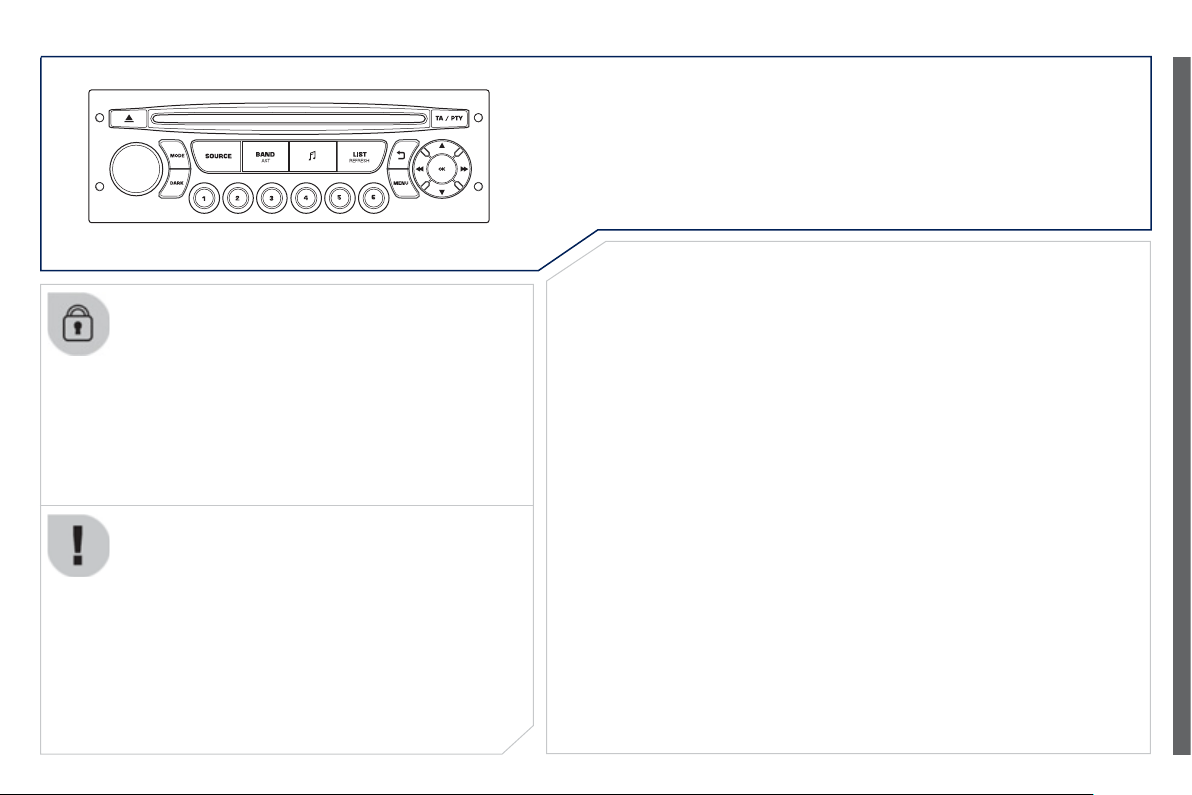
9
.
63
Peu
g
eot Connect Sound
Your Peu
g
eot
C
onnect
S
ound is coded in such a wa
y
that it will only operate in your vehicle.
For safet
y
reasons, the driver must carr
y
out operations
which require prolon
g
ed attention while the vehicle is
s
tationar
y
.
When the en
g
ine is switched off and to prevent
dischar
g
in
g
o
f
the batter
y
, the audio equipment ma
y
s
wit
c
h
off
af
t
e
r
a
fe
w min
u
t
es
.
A
UDIO SYSTEM / BLUETOOTH
01 First ste
p
s
02 Steerin
g
mounted controls
03 Main menu
04 Audio
05 Peu
g
eot Connect USB
06 Bluetooth
07 Confi
g
uration
08 Tri
p
com
p
uter
CONTENTS
09 Screen menu ma
p
Frequentl
y
asked questions
p
.
p
.
p
.
p
.
p
.
p
.
p
.
p
.
p
.
p
.
9.
6
4
9.
6
5
9.
6
6
9.
6
7
9.7
0
9.7
3
9.7
6
9.7
7
9.7
8
9.8
3
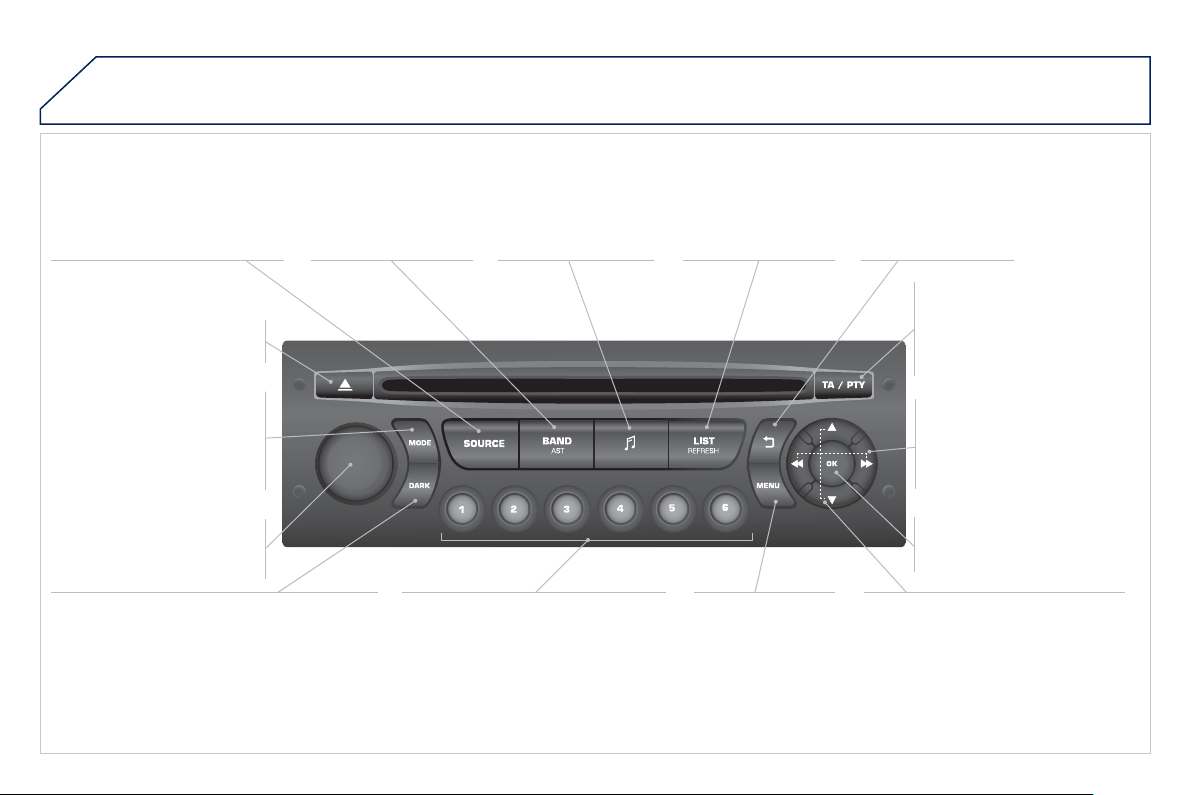
9
.
64
01
FIRST STEPS
E
j
ect
C
D.
S
elect source:
r
adio, audio
C
D
/
MP3
C
D, U
S
B,
J
ack connection,
S
treaming,
AU
X.
S
elect the screen display
mode
:
D
ate, audio
f
unctions, trip
c
om
p
uter, tele
p
hone.
A
utomatic
f
requenc
y
search
down
/
up.
S
elect
p
revious/next CD, MP3
or
US
B track.
A
udio settin
g
s: front/
r
ear
f
ader, le
f
t
/
ri
g
ht
balance, bass
/
treble,
l
oudness, audio
a
m
b
i
e
n
ces
.
Displa
y
the list o
f
local
s
t
a
t
io
n
s
.
Lon
g
press:
C
D
tracks or MP
3
f
olders
(C
D
/
U
S
B
)
.
TA
(
Traffi c Announcements
)
on
/
off.
Lon
g
press: PTY *
(
radio
Pro
g
ramme TYpe
)
mode.
Display main menu.The DARK button changes the screen display
f
or improved drivin
g
com
f
ort at ni
g
ht.
1
st
press: upper bar onl
y
illuminated.
2
n
d
p
ress: black screen.
3
rd
press: return to standard displa
y
.
O
n/off, volume settin
g
.
Buttons 1 to 6:
S
elect a pre-set radio station.
Lon
g
press: pre-set a station.
S
elect next
f
requency down
/
up.
S
elect previous
/
next MP3
f
older.
S
elect previous
/
next
f
older
/
g
enre
/
artist / pla
y
list
(
USB
)
.
C
on
fi
rm.
S
elect wavebands
F
M1, FM2, FMast and
A
M.
A
ba
n
do
n th
e
cu
rr
e
nt
operation.
*
Available according to version.
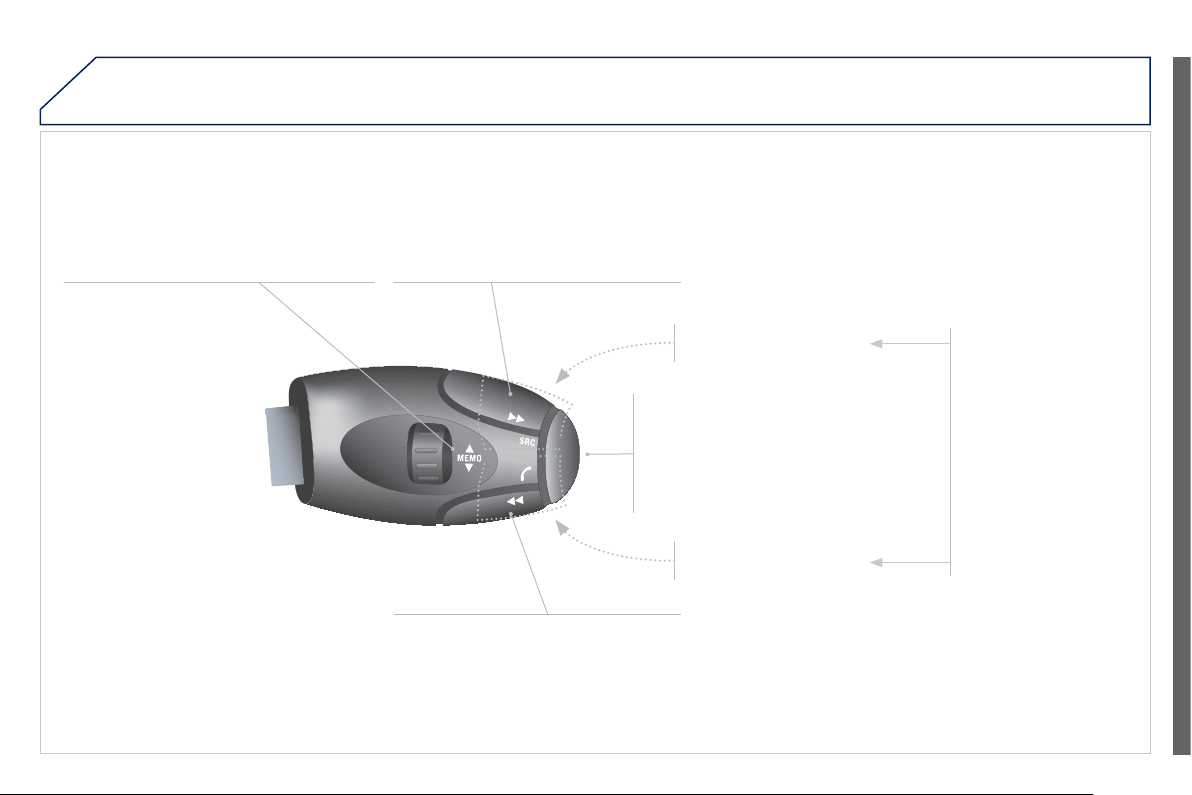
9
.
65
02
STEERING MOUNTED CONTROLS
R
adio: select the previous/next pre-set
s
t
a
t
io
n.
U
S
B: select
g
enre
/
artist
/
f
older
f
rom the
c
l
ass
i
fi
ca
ti
o
n li
s
t.
S
elect the previous
/
next item in a menu.
Chan
g
e audio source.
C
onfi rm a selection.
Call/end call on the telephone.
Pr
ess
fo
r m
o
r
e
th
a
n 2
seco
n
ds
:
telephone main menu.
R
ad
i
o
:
au
t
o
m
a
ti
c
sea
r
c
h f
o
r
a
l
o
w
er
frequenc
y
.
C
D
/
MP
3
/
US
B: selection of the
p
rev
i
ous trac
k
.
C
D
/
U
S
B: continuous press:
f
ast
re
v
erse
.
M
o
v
e
in th
e
li
s
t.
Radio: automatic search for a hi
g
her
frequenc
y
.
C
D
/
MP
3
/
US
B: selection of the next
tr
ack
.
C
D
/
U
S
B: continuous press:
f
ast
f
orwards pla
y
.
M
o
v
e
in th
e
li
s
t.
V
o
l
u
m
e
in
c
r
ease
.
V
o
l
u
m
e
dec
r
ease
.
M
ute: press t
h
e vo
l
ume
i
n
c
r
ease
a
n
d
dec
r
ease
b
uttons s
i
mu
l
taneous
ly
.
The sound is restored by
p
ressin
g
one o
f
the two
v
o
l
u
m
e
bu
tt
o
n
s
.

9
.
66
03
AUDIO FUNCTION
S
:
r
adio,
C
D, U
S
B, options.
> MONOCHROME SCREEN C
For a detailed
g
lobal view o
f
the menus available, re
f
er to
the "
S
creen menu map" in this
sec
ti
o
n.
T
ELEPHON
E
:
Bluetooth hands-
f
ree,
pairin
g
, mana
g
ement
of
a
ca
ll.
P
ERSONALISATION-
CONFIGURATIO
N
:
vehicle
p
arameters,
displa
y
, lan
g
ua
g
es.
T
RIP COMPUTER : enterin
g
o
f distances, alerts, status of
f
u
n
c
ti
o
n
s
.
> MONOCHROME
S
CREEN
A
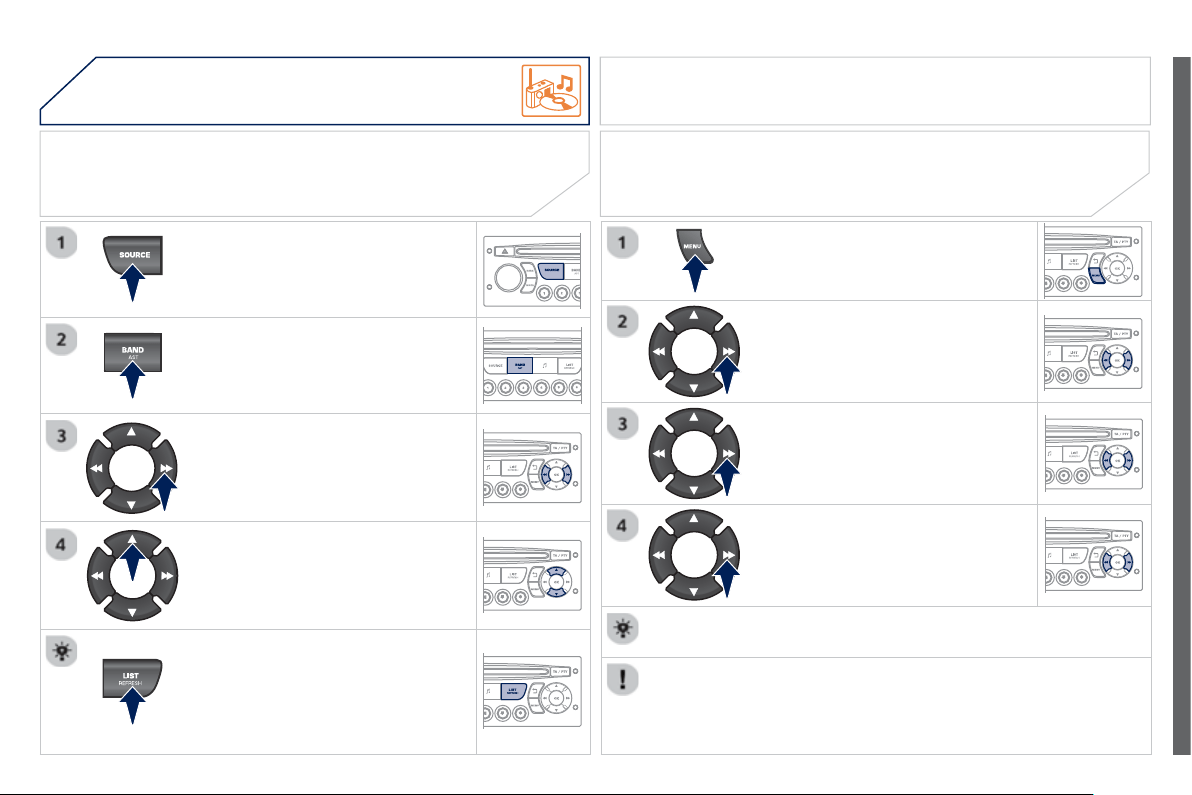
9
.
67
04 AUDIO
Press the
SOU
R
C
E button several
tim
es
in
success
i
o
n
a
n
d
se
l
ec
t th
e
rad
i
o
.
Press the BAND A
S
T button to select
a waveband: FM1
,
FM2
,
FMast
,
AM.
Briefl
y
press one of the buttons to
c
arr
y
out an automatic search o
f
the
radio
s
t
a
t
io
n
s
.
Press one o
f
the buttons to carry out
a manual search up
/
down
f
or radio
f
requencies.
Press the LI
S
T REFRE
S
H button to
displa
y
the list of stations received
locall
y
(
30 stations maximum
)
.
To update this list, press for more
t
ha
n tw
o
seco
n
ds
.
The external environment
(
hills, buildin
g
s, tunnels, basement car parks, ...
)
m
a
y
block reception, includin
g
in RD
S
mode. This is a normal e
ff
ect o
f
the
way in which radio waves are transmitted and does not indicate any
f
ailure
of
the audio s
y
stem.
RDS
R
ADIO
SELECTING A STATION
Press the MENU button.
S
elect A
U
DI
O
F
U
N
C
TI
O
N
S
then
p
ress
O
K.
S
elect the FM WAVEBAND
P
REFERENCES function then press
O
K.
S
elect A
C
TIVATE RD
S
then press
O
K. RD
S
appears on the screen.
In radio mode, press
O
K directl
y
to activate / deactivate RDS
mode
.
The RDS, if displa
y
ed, enables
y
ou to continue listenin
g
to the same
s
tation b
y
automatic retunin
g
to alternative frequencies. However, in certain
c
onditions, covera
g
e of an RDS station ma
y
not be assured throu
g
hout the
c
ountr
y
as radio stations do not cover 100
%
o
f
the territor
y
. Under conditions
of
ver
y
weak reception, the s
y
stem ma
y
chan
g
e to a re
g
ional station.
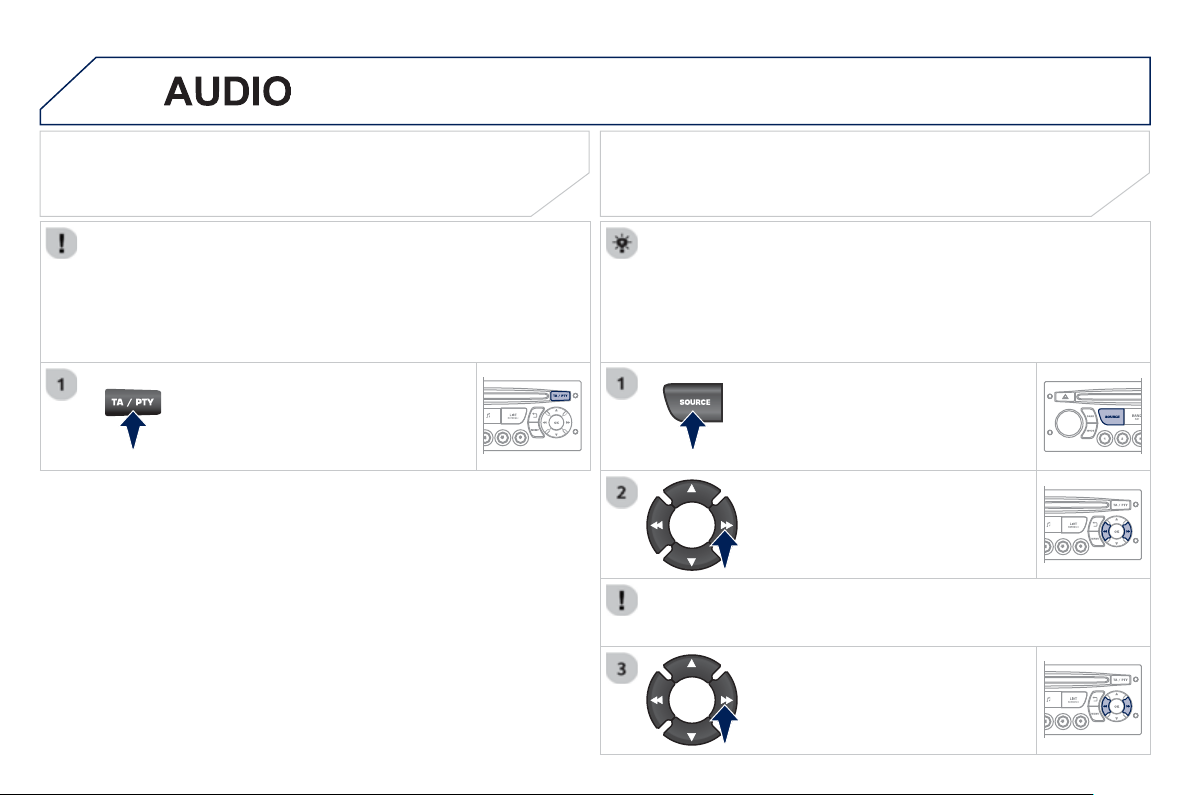
9
.
68
04
Insert circular compact discs only.
S
ome anti-piratin
g
s
y
stems, on ori
g
inal discs or
C
Ds copied usin
g
a
personal recorder, ma
y
cause faults which are no refl ection on the
q
ualit
y
of the ori
g
inal pla
y
er.
Without pressin
g
the EJECT button, insert a CD in the pla
y
er, pla
y
b
e
gi
ns automat
i
ca
lly
.
C
D
PLAYING A CD
To pla
y
a disc which has alread
y
been
inserted,
p
ress the S
O
URCE button
se
v
e
r
a
l tim
es
in
success
i
o
n
a
n
d
s
elect
C
D.
Pr
ess
o
n
e
of
th
e
bu
tt
o
n
s
t
o
se
l
ec
t
a
track on the
C
D.
Press the LI
S
T REFRE
S
H button to display the list o
f
tracks on the
C
D.
Pr
ess
a
n
d
h
o
l
d
o
n
e
o
f th
e
bu
tt
o
n
s
f
o
r
f
as
t f
o
rw
a
r
ds
o
r f
as
t
bac
kw
a
r
ds
.
RECEIVING TA MESSAGES
Pr
ess
th
e
TA
bu
tt
o
n t
o
ac
tiv
a
t
e
o
r
deactivate traffi c messa
g
es.
The TA
(
Traffi c Announcement
)
function
g
ives priorit
y
to TA alert
m
essa
g
es. To operate, this
f
unction needs
g
ood reception o
f
a
radio station transmittin
g
this t
y
pe o
f
messa
g
e. When a tra
ffi
c
report is transmitted, the current audio source
(
Radio,
C
D, ...
)
is
interrupted automaticall
y
to pla
y
the TA messa
g
e. Normal pla
y
back
of
th
e
aud
i
o
sou
r
ce
r
esu
m
es
a
t th
e
e
n
d
of
th
e
tr
a
n
s
mi
ss
i
o
n
of
th
e
m
essa
g
e.
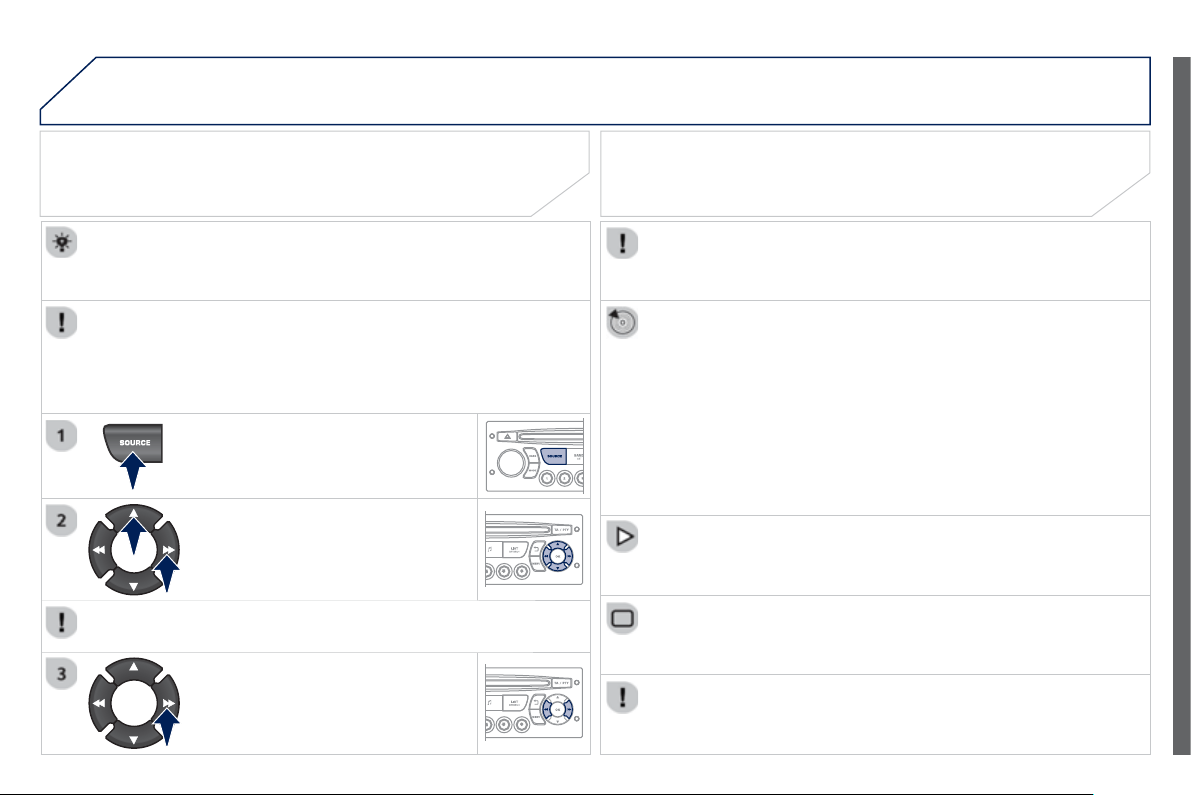
9
.
69
04
The MP3 format, an abbreviation of MPEG 1.2 & 2.5 Audio La
y
er 3,
is an audio compression standard which permits the recordin
g
o
f
s
everal tens o
f
music
fi
les on a sin
g
le disc.
In order to be able to play a recorded
C
DR or
C
DRW, when
r
ecordin
g
, the I
SO
9660 level 1.2 or Joliet
fi
le
f
ormat is
reco
mm
e
n
ded
.
If the disc is recorded in another format, it ma
y
not be pla
y
ed
c
orrectl
y
.
It is recommended that the same recordin
g
format is alwa
y
s used
f
or an individual disc, with as low a speed as possible
(
4x maximum
)
f
or optimum sound qualit
y
.
In the particular case o
f
a multi-session
C
D, the Joliet
f
ormat is
reco
mm
e
n
ded
.
The audio s
y
stem will onl
y
pla
y
fi les with the extension ".mp3" with
a samplin
g
rate o
f
22.05 KHz or 44.1 KHz. No other t
y
pe o
f
fi
le
(
.wma, .mp4, .m3u...
)
can be pla
y
ed.
It is advisable to restrict fi le names to 20 characters without usin
g
s
pecial characters
(
e.
g
. " ?; ù
)
to avoid an
y
pla
y
in
g
or displa
y
in
g
p
roblems.
M
P3 CD
INFORMATION AND ADVICE
AUDIO
Empt
y
CDs are not reco
g
nised and ma
y
dama
g
e the s
y
stem.
Insert an MP3 compilation in the pla
y
er.
The audio equipment searches
f
or all o
f
the music tracks, which
ma
y
take an
y
thin
g
between a
f
ew seconds and several tens o
f
s
econds, be
f
ore pla
y
be
g
ins.
MP3 CD
PLAYING AN MP3 COMPILATION
O
n a sin
g
le disc, the
C
D pla
y
er can read up to 255 MP3
fi
les
sp
read over 8 folder levels. However, it is advisable to kee
p
to
a limit of two levels to reduce the access time before the
C
D is
p
la
y
ed.
While the CD is bein
g
pla
y
ed, the folder structure is not followed.
A
ll o
f
the
fi
les are displa
y
ed on a sin
g
le level.
T
o p
l
a
y
a
di
sc w
hi
c
h
h
as a
l
rea
dy
been inserted, press the
SO
UR
C
E
bu
tt
o
n
se
v
e
r
a
l tim
es
in
success
i
o
n
a
n
d
se
l
ec
t
C
D.
Pr
ess
o
n
e
of
th
e
bu
tt
o
n
s
t
o
se
l
ec
t
a
fo
l
de
r
o
n th
e
C
D.
Press the LI
S
T REFRE
S
H button to displa
y
the list o
f
directories o
f
the MP3 com
p
ilation.
Pr
ess
a
n
d
h
o
l
d
o
n
e
of
th
e
bu
tt
o
n
s
fo
r
f
ast
f
orward or backward pla
y
.
Pr
ess
o
n
e
o
f th
e
bu
tt
o
n
s
t
o
se
l
ec
t
a
track on the
C
D.
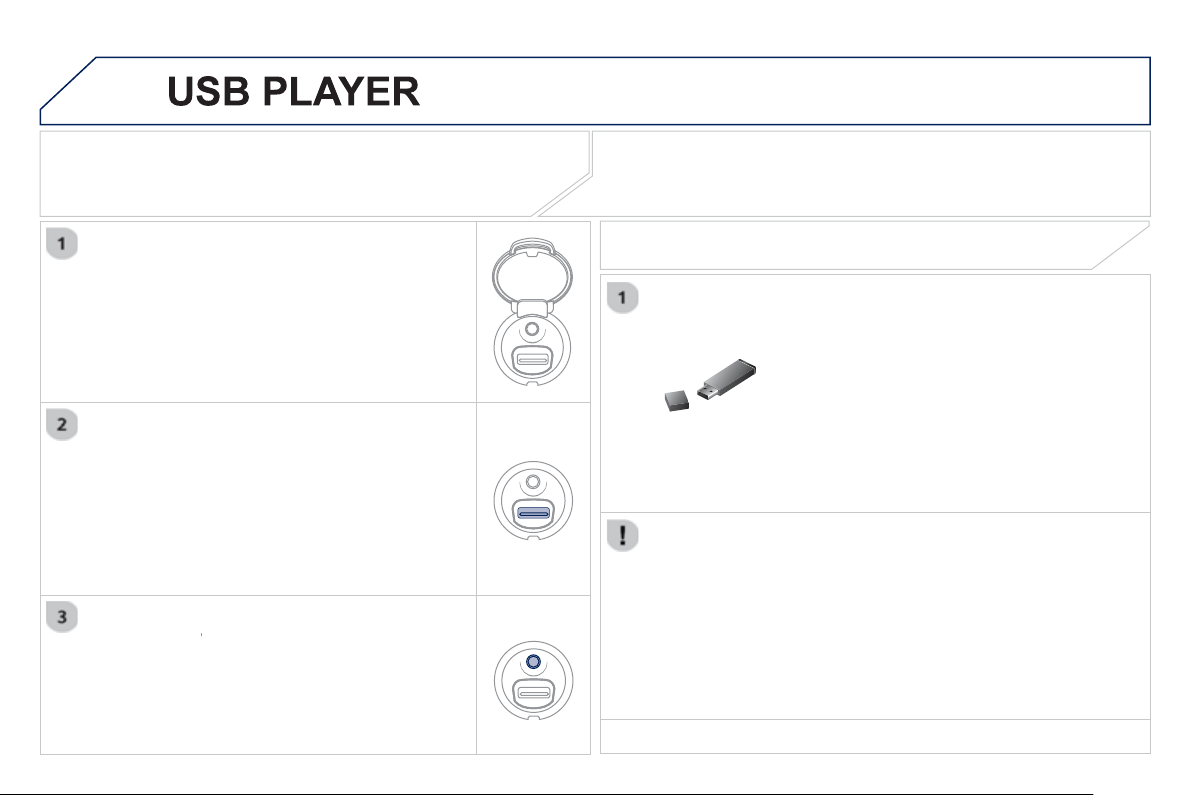
9
.7
0
05
The s
y
stem puts to
g
ether pla
y
lists
(
temporar
y
memor
y)
created
o
ver a period which depends on the capacity o
f
the U
S
B device.
The other sources are available durin
g
this time.
The pla
y
lists are updated each time the i
g
nition is switched off or
e
ach time a USB memor
y
stick is connected.
When connectin
g
for the fi rst time, the classifi cation su
gg
ested
is b
y
folder. When
y
ou reconnect, the classifi cation selected
prev
i
ous
ly
i
s reta
i
ne
d
.
C
onnect the memor
y
stick to the port, directl
y
or
u
sin
g
a lead. If the audio equipment is switched
on, the USB source is detected as soon as it
is connected. Pla
y
be
g
ins automaticall
y
after a
dela
y
which depends on the capacit
y
of the USB
m
emor
y
st
i
c
k
.
The
fi
le
f
ormats supported are .mp3
(
mpe
g
1
l
ayer 3 only
)
and .wma
(
standard 9 only,
128 kbits
/
sec compression
)
.
C
ertain pla
y
list
f
ormats are supported
(
.m3u, ...
)
O
n reconnection of the previous memor
y
stick
u
sed, pla
y
is resumed automaticall
y
with the last
trac
k
p
l
a
y
e
d
.
This unit consists o
f
a U
S
B port and an auxiliar
y
J
ack socket * . The audio fi les are transmitted
from a portable device - di
g
ital pla
y
er or a USB
m
emor
y
stick - to
y
our Peu
g
eot Connect Sound
(
RD5
)
and heard via the vehicle's speakers.
USB memor
y
stick
(
1.1, 1.2 and 2.0
)
or Apple
®
p
la
y
er o
f
g
eneration 5 or later:
- U
S
B memory sticks should be
f
ormatted
F
AT or FAT 32
(
NTF
S
not supported
)
,
- the Apple
®
pla
y
er lead is essential,
- navi
g
ation throu
g
h the fi le database is also
possible b
y
means of the steerin
g
mounted
co
ntr
o
l
s
.
The list o
f
compatible equipment and the compression rates supported
a
r
e
a
v
a
il
ab
l
e
f
r
o
m PE
UG
E
O
T
dea
l
e
r
s
.
U
SING THE PEUGEOT CONNECT USB
CONNECTING A USB MEMORY STICK
O
ther Apple
®
players of earlier generations and
®
p
la
y
ers usin
g
the MTP protocol * :
- pla
y
via Jack-Jack lead onl
y
(
not supplied
)
,
- navi
g
ation throu
g
h the fi le database is from
t
h
e porta
bl
e
d
ev
i
ce.
* Accordin
g
to vehicle.
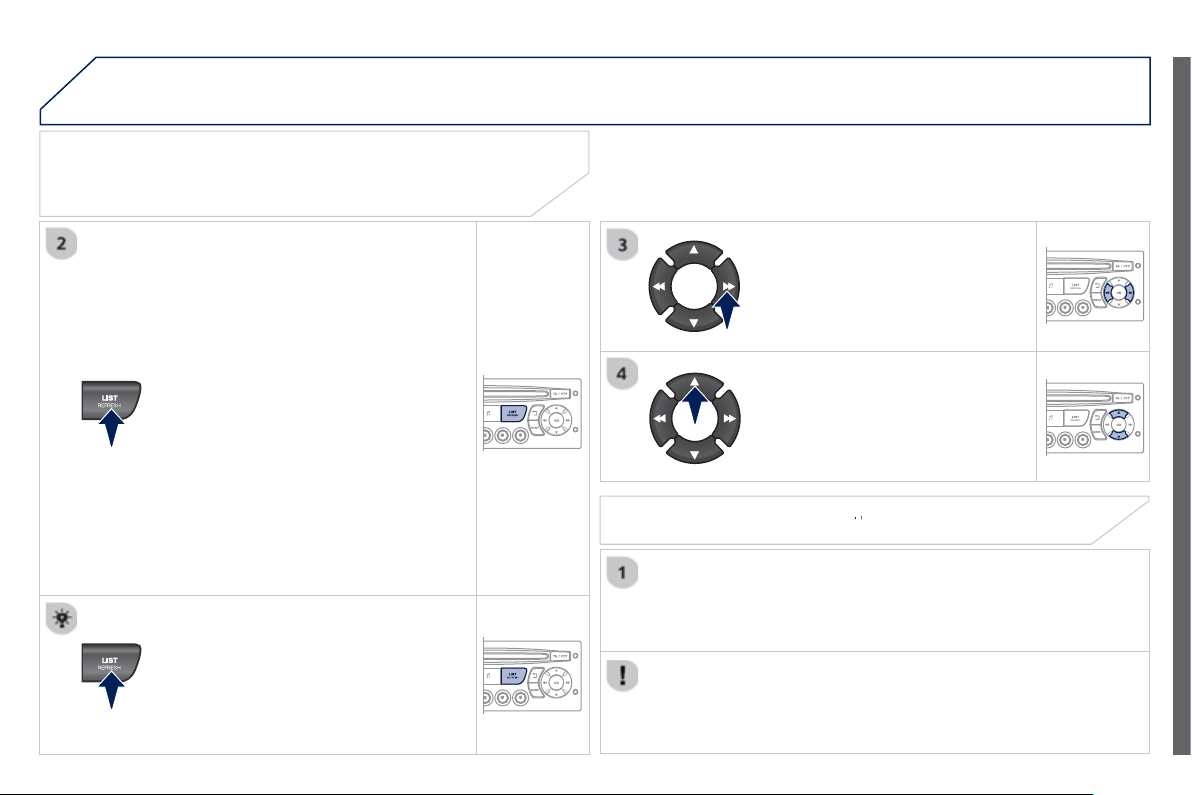
9
.7
1
05
USING THE PEUGEOT CONNECT USB
Press LIST briefl
y
to displa
y
the
p
reviousl
y
selected classifi cation.
Navi
g
ate throu
g
h the list usin
g
the left/
r
i
g
ht and up
/
down buttons.
C
on
fi
rm the selection b
y
pressin
g
O
K.
The lists available are Artist, Genre and Pla
y
list
(
as defi ned in the
Apple
®
pla
y
er
)
.
S
election and Navi
g
ation are described in steps 1 to 4 above.
Do not connect a hard disk or
US
B connection device other
than audio equipment to the USB port. This could dama
g
e
y
ou
r
in
s
t
a
ll
a
ti
o
n.
CONNECTING AN APPLE
®
PLAYER VIA THE USB PORT
®
Press one of these buttons to
g
ain
access to the
p
revious / next track on
the classifi cation list currentl
y
bein
g
pl
a
y
e
d
.
Pr
ess
a
n
d
h
o
l
d
o
n
e
of
th
e
bu
tt
o
n
s
fo
r
f
ast
f
orward or backward pla
y
.
Pr
ess
o
n
e
o
f th
ese
bu
tt
o
n
s
t
o
g
ain access to the previous / next
Genre, Folder, Artist or Pla
y
list on
the classi
fi
cation list currentl
y
bein
g
pl
a
y
e
d
.
Press and hold LI
S
T to displa
y
the
d
i
ffe
r
e
nt
c
l
ass
i
fi
ca
ti
o
n
s
.
Select b
y
Folder / Artist / Genre / Pla
y
list,
p
ress
O
K to select the classifi cation
r
equired, then press
O
K a
g
ain to confi rm.
- b
y
Folder: all folders containin
g
audio
fi
les reco
g
nised on the peripheral
de
v
ice
.
- by Artist: all o
f
the artist names
de
fi
ned in the ID3 Ta
g
s, classi
fi
ed in
a
lphabetical order.
- b
y
Genre: all of the
g
enres defi ned in
the ID3 Ta
g
s.
- b
y
Pla
y
list: in accordance with the
pla
y
lists recorded on the USB device.
USB PLAYER
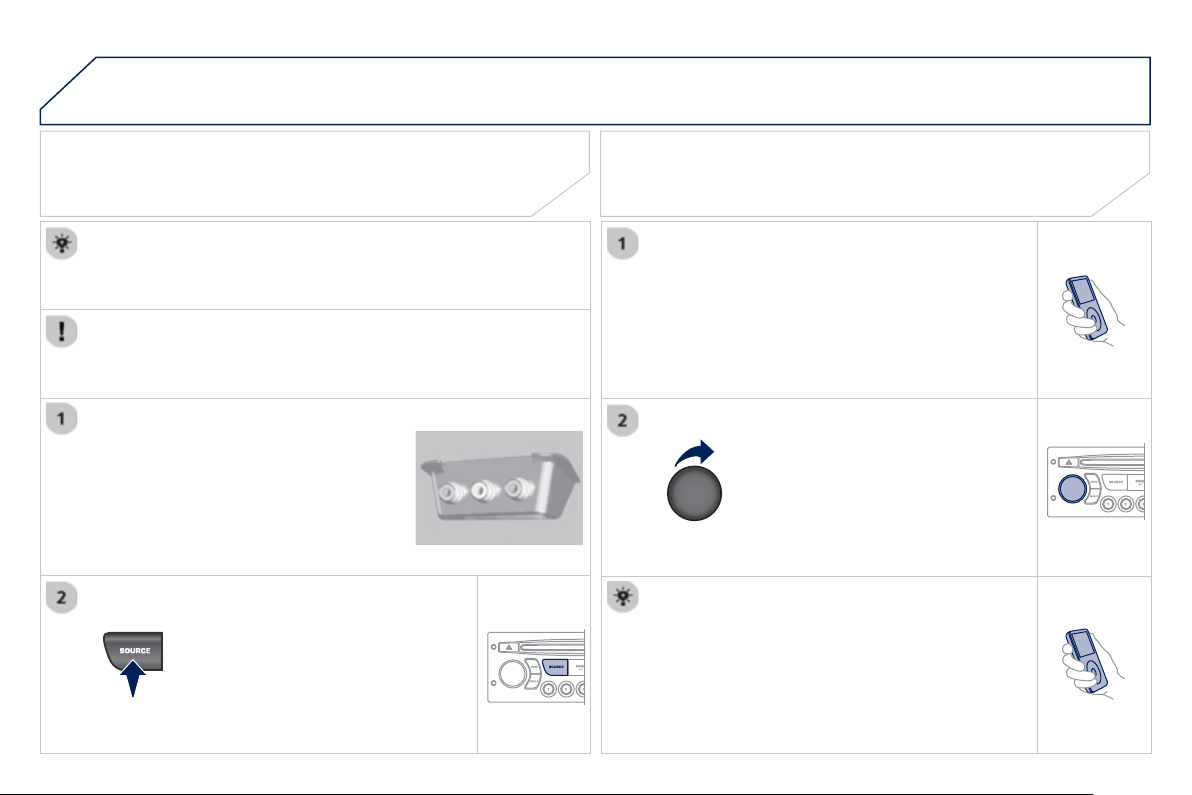
9
.7
2
05
The displa
y
and control is via the portable device.
First ad
j
ust the volume of
y
our portable device.
Then ad
j
ust the volume o
f
y
our audio
sy
stem.
U
SING THE AUXILIARY INPUT
(
AUX
)
ADJUSTING THE VOLUME OF THE
AUXILIARY SOURCE
JACK socket or USB port (according to vehicle)
USB PLAYER
Do not connect a device to both the
J
A
C
K socket and the
US
B
p
ort at the same time.
C
onnect the portable device
(
MP3
p
la
y
er…
)
to the JA
C
K socket or to the
U
SB port, usin
g
a suitable cable
(
not supplied
)
.
Press the
SOU
R
C
E button several
times in succession and select A
U
X.
The auxiliar
y
input, JA
C
K or U
S
B, allows the connection o
f
a
p
ortable device
(
MP3 pla
y
er...
)
.
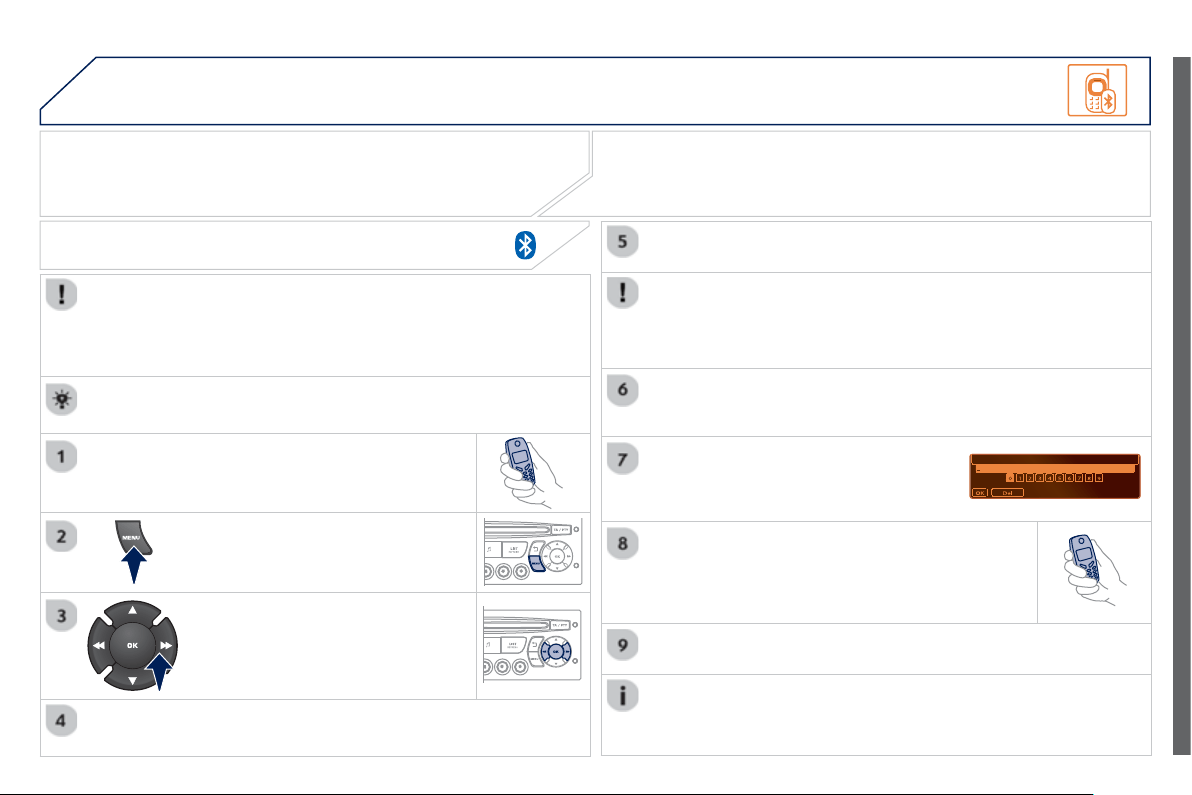
9
.7
3
06 BLUETOOTH
For safet
y
reasons and because the
y
require prolon
g
ed attention
o
n the part of the driver, the operations for pairin
g
of the Bluetooth
m
obile telephone with the Bluetooth hands-free s
y
stem of
y
our
au
di
o equ
i
pment must
b
e carr
i
e
d
out w
i
t
h
t
h
e ve
hi
c
l
e stat
i
onar
y
an
d
t
h
e
ig
n
i
t
i
on on.
Pr
ess
th
e
MEN
U
bu
tt
o
n.
A
w
i
n
d
ow
i
s
di
sp
l
a
y
e
d
w
i
t
h
a messa
g
e t
h
at a searc
h
i
s
i
n pro
g
ress.
Activate the telephone's Bluetooth
f
unction
and ensure that it is "visible to all"
(
telephone
c
on
fi
g
uration.
In the menu, select:
- Bluetooth telephone
f
unction -
A
ud
i
o
- Bluetooth confi
g
uration
- P
e
rf
o
rm
a
Bl
ue
t
oo
th
sea
r
c
h
The services o
ff
ered depend on the network, the
S
IM card and the
c
ompatibility o
f
the Bluetooth equipment used.
C
onsult
y
our telephone's manual and
y
our operator to
fi
nd out which
services are available to
y
ou.
BLUETOOTH TELEPHONE
S
CREEN C
The TELEPH
O
NE menu permits access to the followin
g
functions
in particular: Director
y
* , Call list, Pairin
g
mana
g
ement.
The
fi
rst 4 telephones reco
g
nised are displa
y
ed in this window.
A virtual ke
y
pad is displa
y
ed in the
s
creen: enter a co
d
e w
i
t
h
at
l
east
4
digi
ts.
C
on
fi
rm b
y
pressin
g
O
K.
A messa
g
e that the pairin
g
has been success
f
ul appears in the
screen
.
Select the telephone to be connected from the list.
O
nl
y
one
te
l
ep
h
one can
b
e connecte
d
at a t
i
me.
A messa
g
e is displa
y
ed in the screen of the
te
l
ep
h
one c
h
osen.
T
o accept t
h
e pa
i
r
i
n
g
, enter t
h
e
s
ame code on the telephone, then con
fi
rm with
O
K.
The automatic connection authorised is onl
y
active after the
telephone has been con
fi
g
ured.
The directory and the call list can be accessed a
f
ter the
sy
nchronisation period.
(
Available accordin
g
to model and version
)
*
I
f
y
our telephone is
f
ull
y
compatible.
I
f
pairin
g
f
ails, the number o
f
attempts is not limited.
Go to www.peu
g
eot.co.uk for more information
(
compatibilit
y
, more
h
elp, ...
)
.
PAIRING A TELEPHONE / FIR
S
T CONNECTION
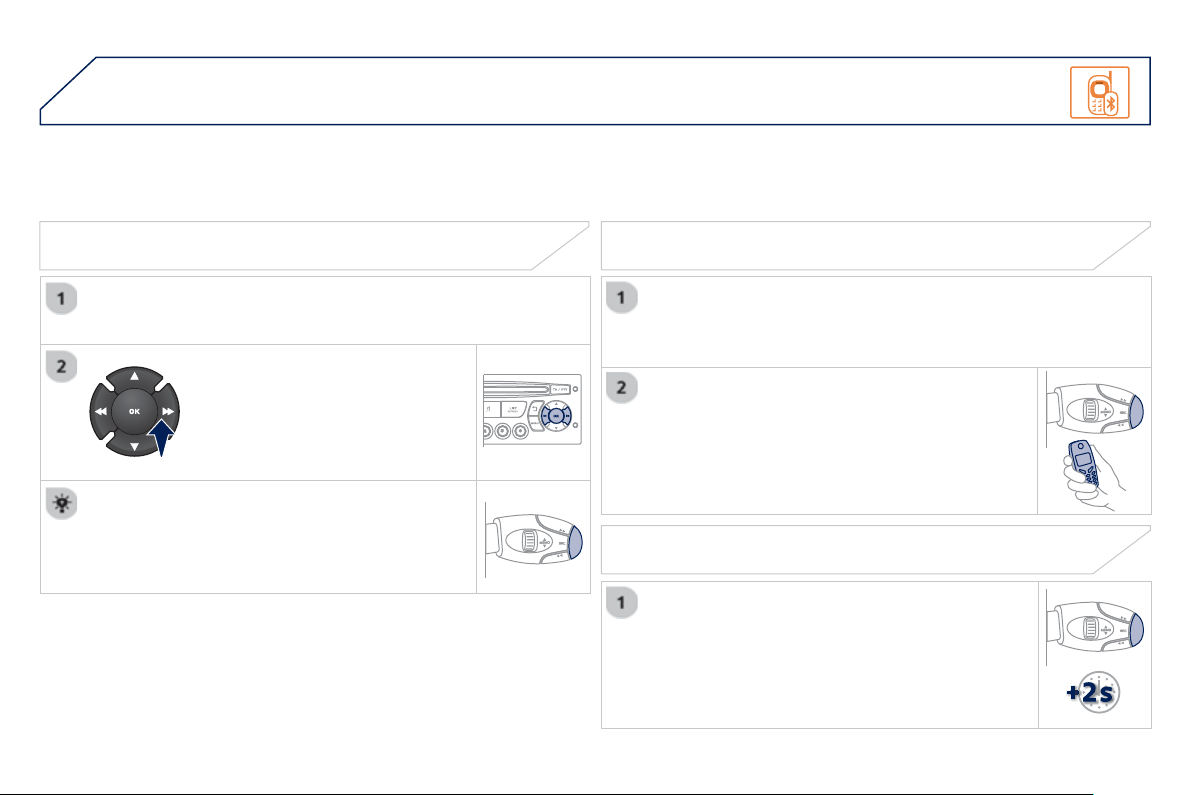
9
.7
4
06
RECEIVING A CALL
An incomin
g
call is announced b
y
a rin
g
and a superimposed
displa
y
in the vehicle's screen.
S
elect the YE
S
tab on the displa
y
usin
g
the buttons and confi rm b
y
p
ressin
g
O
K.
Press this button to acce
p
t the call.
MAKING A CALL
From the Bluetooth telephone
f
unction Audio menu, select Mana
g
e
the telephone call then
C
all,
C
all list or Director
y
.
Pr
ess
thi
s
bu
tt
o
n
fo
r m
o
r
e
th
a
n tw
o
seco
n
ds
fo
r
access to
y
our director
y
, then navi
g
ate with the
th
u
m
b
wh
ee
l.
O
r
T
o
di
a
l
a num
b
er, use
y
our te
l
ep
h
one
'
s
k
e
y
pa
d
,
wi
t
h
t
h
e ve
hi
c
l
e stat
i
onar
y
.
Durin
g
a call, press this button
f
or more than
2
seco
n
ds
.
Co
n
fi
rm with
O
K t
o
e
n
d
th
e
ca
ll.
BLUETOOTH
ENDING A CALL
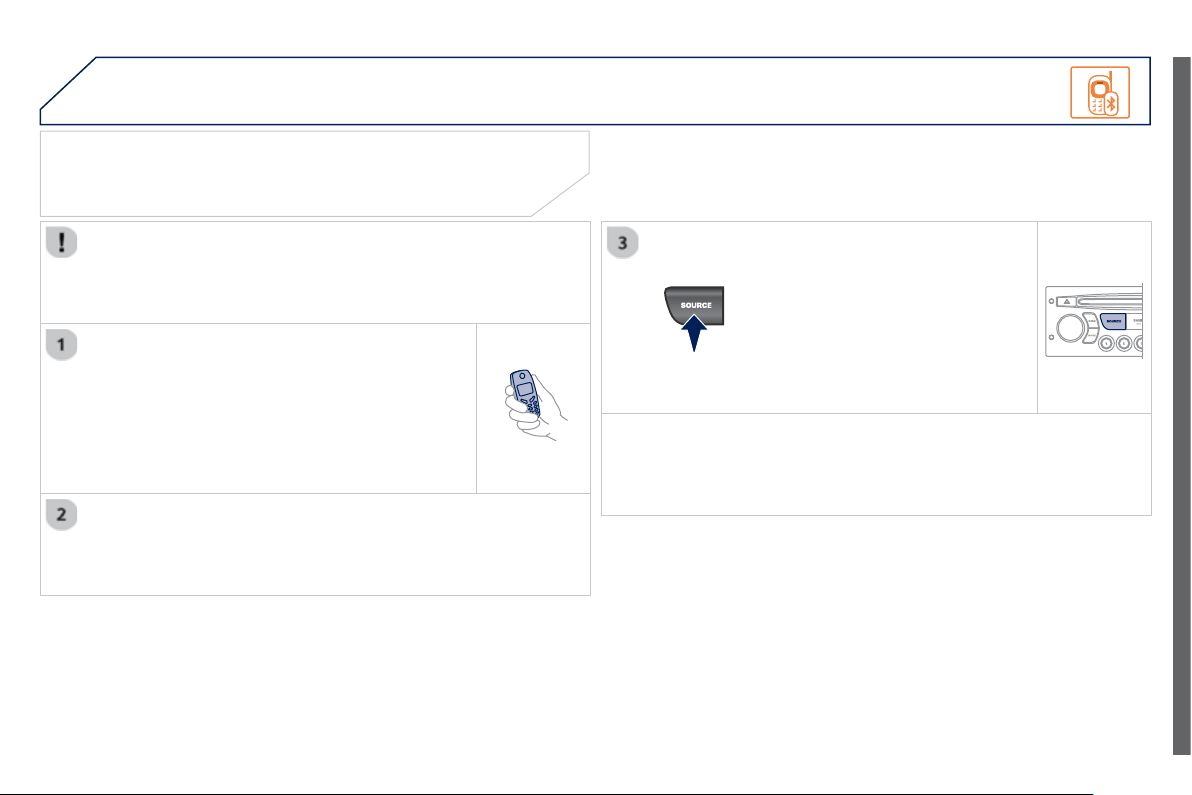
9
.7
5
06
Initiate the pairin
g
between the telephone and
the vehicle. This pairin
g
can be initiated from
the vehicle's telephone function menu or via the
telephone's ke
y
pad.
S
ee steps 1 to 9 on the
p
rev
i
ous pa
g
es.
D
ur
i
n
g
t
h
e pa
i
r
i
n
g
p
h
ase, t
h
e
vehicle must be stationary with the key in the
i
g
nition.
S
elect the telephone to be connected
f
rom the telephone
f
unction
menu
.
The audio s
y
stem connects to a newl
y
paired telephone
a
utomaticall
y
.
BLUETOOTH AUDIO STREAMING *
Wireless transmission o
f
the telephone's music
fi
les via the audio
e
quipment. The telephone must be able to mana
g
e the appropriate
Bluetooth profi les
(
Profi les A2DP / AVRCP
)
.
*
Depending on the compatibility o
f
the telephone.
**
In certain cases, pla
y
in
g
o
f
the Audio
fi
les must be initiated
f
rom the
ke
y
pad.
*** If the tele
p
hone su
pp
orts the function.
Activate the streaming source by
pressin
g
the
SO
UR
C
E button
**
.
The tracks to be pla
y
ed can be
co
ntr
o
ll
ed
as
usua
l vi
a
th
e
bu
tt
o
n
s
o
n
the audio s
y
stem control panel and
the steerin
g
mounted controls *** .
Th
e
co
nt
e
xt
ua
l inf
o
rm
a
ti
o
n
ca
n
be
di
sp
l
a
y
e
d
on t
h
e screen.
BLUETOOTH
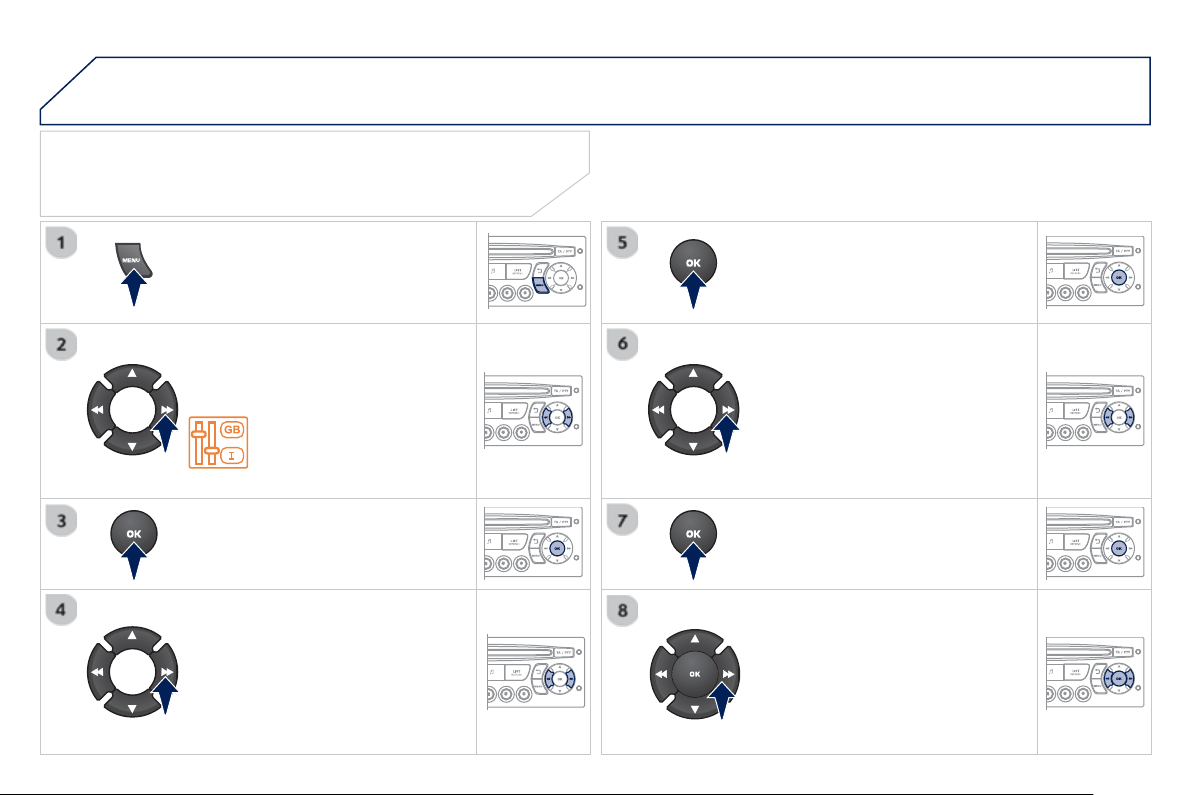
9
.7
6
07
CONFIGURATION
Press the MEN
U
button.
Usin
g
the arrows, select
PER
SO
NALI
S
ATI
O
N
CO
NFI
GU
RATI
O
N.
Pr
ess
t
o
co
n
fi
rm th
e
se
l
ec
ti
o
n.
Usin
g
the arrows, select DISPLAY
CO
NFI
GU
RATI
O
N.
Pr
ess
t
o
co
n
fi
rm th
e
se
l
ec
ti
o
n.
Pr
ess
t
o
co
nfi rm th
e
se
l
ec
ti
o
n.
Usin
g
the arrows, select ADJUST
DATE AND TIME.
Adj
ust t
h
e sett
i
n
g
s one
by
one
c
on
fi
rming by pressing the
O
K
bu
tt
o
n. N
e
xt
se
l
ec
t th
e
O
K t
ab
o
n th
e
sc
r
ee
n th
e
n
co
n
fi
rm.
SETTING THE DATE AND TIME
SCREEN C

9
.7
7
08
13
TRIP COMPUTER
Each press o
f
the button, located at the end o
f
the
wiper stalk, displa
y
s the di
ff
erent trip computer
in
f
ormation in succession, dependin
g
on the screen.
- t
he
"
v
ehicle"
t
ab
w
i
t
h
:
● the ran
g
e, the current
f
uel consumption and the distance
remainin
g
to the destination,
- the "1" tab
(
trip 1
)
with:
● the avera
g
e speed, the avera
g
e consumption and the distance
travelled calculated over trip
"1
" ,
- the "2" tab
(
trip 2
)
with the same information for a second trip.
A FEW DEFINITIONS
Range: displays the distance which can travelled with the remaining
f
uel
detected in the tank, basd on the avera
g
e consumption over the last
f
ew
m
iles
(
kilometres
)
.
This displa
y
ed value ma
y
var
y
si
g
nifi cantl
y
followin
g
a chan
g
e in the
vehicle speed or the relief of the route.
When the ran
g
e falls below 20 miles
(
30 km
)
, dashes are displa
y
ed.
Af
ter
fi
llin
g
with at least 10 litres o
f
f
uel, the ran
g
e is recalculated and is
displa
y
ed when it exceeds 60 miles
(
100 km
)
.
I
f
, whilst driving, dashes are displayed continuously in place o
f
the digits,
co
nt
ac
t
a
PE
UG
E
O
T
dea
l
e
r.
Current fuel consumption
:
onl
y
calculated and displa
y
ed above
20 mph
(
30 km/h
)
.
Avera
g
e fuel consumption
:
this is the avera
g
e fuel consumption since
t
h
e
l
ast tr
i
p computer zero reset.
D
istance travelled
:
calculated since the last trip computer zero reset.
D
istance remainin
g
to the destination
:
ca
l
cu
l
a
t
ed
with r
efe
r
e
n
ce
t
o
the fi nal destination, entered b
y
the user. If
g
uidance is activated, the
n
avi
g
ation s
y
stem calculates it as a current value.
A
vera
g
e spee
d:
t
hi
s
i
s t
h
e avera
g
e spee
d
ca
l
cu
l
ate
d
s
i
nce t
h
e
l
ast tr
i
p
c
omputer zero reset
(
i
g
nition on
)
.
Z
e
r
o
r
ese
t
When the required trip is displa
y
ed, press the control for more than
tw
o
seco
n
ds
.
V
EHICLE DIAGNOSTICS
9
.7
8
09 SCREEN MENU MAP
RADIO-CD
MAIN FUNCTION
* The parameters var
y
accordin
g
to vehicle.
OPTION
A
OPTION B...
M
ONOCHROME
A
OPTION A
1
OPTION A2
REG MODE
CD REPEAT
RANDOM PLAY
V
EHICLE CONFIG *
REV WIPE A
C
T
OPTIONS
GUIDE LAMPS
DIAGNO
S
TIC
S
RDS SEARCH
CONSUL
T
ABANDO
N
1
2
3
3
1
2
2
2
2
1
2
3
2
3
1
2
2
9
.7
9
09
TEMPERATURE: °CELSIUS / °FAHRENHEIT
FUEL CON
S
UMPTION: KM/L -
L
/100 - MPG
1
2
2
SCREEN MENU MAP
DI
S
PLAY ADJU
S
T
MONTH
DATE
HOUR
MINUTES
YEAR
12 H/24 H MODE
LANGUAGE
ITALIANO
NEDERLANDS
PORTUGUES
PORTUGUES-BRASIL
FRANCAIS
DEUTSCH
ENGLISH
ESPANOL
1
2
2
2
2
2
2
1
2
2
2
2
2
2
2
2
9
.
80
09
SCREEN MENU MAP
Press the
O
K dial for access to short-cut menus accordin
g
to the displa
y
o
n t
he
sc
r
ee
n:
M
ONOCHROME C
a
ctivate / deactivate RD
S
a
ctivate / deactivate REG mod
e
a
ctivate
/
deactivate radiotex
t
RADIO
a
ctivate / deactivate Intro
CD / MP3 CD
a
ctivate
/
deactivate track repeat
(
the
entire current CD for CD, the entire
c
urrent folder for MP3 CD
)
a
ctivate
/
deactivate random pla
y
(
the
entire current CD for CD, the entire
c
urrent folder for MP3 CD)
a
ctivate / deactivate track repeat
(
of the
c
urrent folder / artist /
g
enre / pla
y
list
)
USB
a
ctivate / deactivate random pla
y
(
of the
c
urrent folder / artist /
g
enre / pla
y
list
)
1
1
1
1
1
1
1
1
9
.
81
09
SCREEN MENU MAP
MONOCHROME C
AUDIO FUNCTION
S
a
lternative frequencies
(
RDS
)
activate
/
deactivate
FM BAND PREFERENCE
S
r
e
g
ional mode
(
REG
)
activate
/
deactivate
r
adio-text information (RDTXT)
ac
tiv
a
t
e
/
deac
tiv
a
t
e
1
2
3
4
3
4
3
4
PLAY MODES
a
lbum repeat
(
RPT
)
activate
/
deactivate
track random play
(
RDM
)
activate
/
deactivate
2
3
4
3
4
TRIP COMPUTER
D
istance: x miles
ENTER DI
S
TANCE TO DE
S
TINATION
D
ia
g
nostic
s
A
LERT LOG
Functions activated or deactivated
S
TATU
S
OF THE FUNCTION
S
*
1
2
3
3
2
3
2
Pressin
g
the MENU button displa
y
s:
*
The parameters vary according to vehicle.
9
.
82
09
SCREEN MENU MAP
BLUETOOTH TELEPHONE
Connect/Disconnect a devic
e
C
onsult the paired device
BLUETOOTH CONFIGURATION
T
elephone function
Audio Streamin
g
function
Delete a
p
aired device
P
e
r
fo
rm
a
Bl
ue
t
oo
th
sea
r
c
h
Calls lis
t
C
ALL
Di
rector
y
T
erminate the current call
MANAGE THE TELEPHONE CALL
Activate private mod
e
1
2
3
3
3
4
4
4
2
3
4
2
3
3
video bri
g
htness ad
j
ustmen
t
DISPLAY CONFIGURATION
DEFINE THE VEHICLE PARAMETERS *
PER
S
ONALI
S
ATION-CONFIGURATION
n
o
rm
al
v
ideo
i
nv
e
r
se
v
ideo
bri
g
htness
(
- +
)
ad
j
ustment
d
ate an
d
t
i
me a
dj
ustmen
t
day
/
month
/
year adjustment
hour
/
minute ad
j
ustment
c
h
o
i
ce
of
12 h
/
24 h m
ode
c
hoice of units
l/100 km - mp
g
- km/l
°
C
elsius
/
°Fahrenheit
CHOICE OF LANGUAGE
1
2
4
3
2
4
4
3
4
4
2
3
4
4
4
*
The parameters var
y
accordin
g
to vehicle.

9
.
83
FREQUENTLY ASKED QUESTIONS
Q
UESTIO
N
A
NSWER SOLUTIO
N
Th
e
r
e
i
s
a
d
iff
e
r
e
n
ce
in
s
oun
d
qua
li
t
y
b
etween
th
e
d
i
ffe
r
e
nt
aud
i
o
s
ources
(
radio,
C
D...
)
.
For optimum sound qualit
y
, the audio settin
g
s
(
Volume, Bass, Treble,
Ambience, Loudness
)
can be adapted to the di
ff
erent sound sources,
which ma
y
result in audible di
ff
erences when chan
g
in
g
source
(
radio,
C
D...
)
.
Check that the audio settin
g
s
(
Volume, Bass,
Treble, Ambience, Loudness
)
are adapted to
t
he
sou
r
ces
lis
t
e
n
ed
t
o
.
I
t
is
ad
v
isable
t
o
se
t
the AUDI
O
f
unctions
(
Bass, Treble, Front-Rear
Balance, Le
f
t-Ri
g
ht Balance
)
to the middle
p
osition, select the musical ambience "None" and
s
et the loudness correction to the "Active"
p
osition
in CD mode or to the "Inactive"
p
osition in radio
mode
.
The CD is e
j
ected
automat
i
ca
lly
or
i
s not
pl
a
y
e
d
by
t
h
e p
l
a
y
er.
The CD is inserted upside down, is unpla
y
able, does not contain an
y
a
udio data or contains an audio
f
ormat which the pla
y
er cannot pla
y
.
The
C
D is protected b
y
an anti-piratin
g
protection s
y
stem which is not
r
ecognised by the audio equipment.
- Check that the CD is inserted in the pla
y
er the
r
igh
t wa
y
up.
-
C
heck the condition o
f
the
C
D: the
C
D cannot
be played i
f
it is too damaged.
-
C
h
ec
k th
e
co
nt
e
nt in th
e
case
of
a
r
eco
r
ded
C
D: consult the advice in the "Audio" section.
- The audio equipment's CD pla
y
er does not
pla
y
DVDs.
-
D
ue to t
h
e
i
r qua
li
t
y
l
eve
l
, certa
i
n wr
i
tea
bl
e
C
Ds will not be pla
y
ed b
y
the audio s
y
stem.
The message "U
S
B
p
eripheral error" is
displa
y
ed on the screen.
Th
e
Bl
ue
t
oo
th
co
nn
ec
ti
o
n
i
s
cu
t.
The battery o
f
the peripheral may not be su
ffi
ciently charged. Recharge the battery o
f
the peripheral device.
The USB memor
y
stick is not reco
g
nised.
The memor
y
stick ma
y
be corrupt.
Reformat the memor
y
stick.
The
C
D pla
y
er sound is
poor
.
The
C
D used is scratched or o
f
poor qualit
y
. Insert
g
ood qualit
y
C
Ds and store them in suitable
co
n
di
t
io
n
s
.
The audio equipment settin
g
s
(
bass, treble, ambiences
)
are unsuitable.
S
et the treble or bass level to 0, without selectin
g
a
n
a
m
b
i
e
n
ce
.

9
.
84
Q
UESTIO
N
A
NSWER SOLUTIO
N
Th
e
s
t
o
r
ed
s
t
a
ti
o
n
s
do
n
ot
f
unction
(
no sound,
8
7.5 Mhz is displa
y
ed...
)
.
An in
co
rr
ec
t w
a
v
eba
n
d
i
s
se
l
ec
t
ed
. Press the BAND A
S
T button to return to the
waveband
(
AM, FM1, FM2, FMA
S
T
)
on which the
s
t
a
ti
o
n
s
a
r
e
s
t
o
r
ed
.
Th
e
tr
a
ffi
c
a
nn
ou
n
ce
m
e
nt
(
TA
)
is displa
y
ed. I do
n
ot receive an
y
tra
ffi
c
in
fo
rm
a
ti
o
n.
The radio station is not part of the re
g
ional traffi c information network. T
u
n
e
t
o
a
r
ad
i
o
s
t
a
ti
o
n whi
c
h
b
r
oadcas
t
s
tr
a
ffi
c
in
fo
rm
a
ti
o
n.
The qualit
y
o
f
reception
o
f th
e
r
ad
i
o
s
t
a
ti
o
n
listened to
g
raduall
y
de
t
e
ri
o
r
a
t
es
o
r th
e
s
t
o
r
ed
s
t
a
ti
o
n
s
do
n
o
t f
u
n
c
ti
o
n
(
no sound, 87.5 Mhz is
displa
y
ed...
)
.
The vehicle is too
f
ar
f
rom the transmitter used b
y
the station listened
to or there is no transmitter in the
g
eo
g
raphical area throu
g
h which the
vehicle is travellin
g
.
A
ctivate the RD
S
f
unction to enable the s
y
stem
to check whether there is a more
p
owerful
transmitter in the
g
eo
g
raphical area.
The environment
(
hills, buildin
g
s, tunnels, basement car parks...
)
block
r
eception, includin
g
in RD
S
mode.
Thi
s p
h
enomenon
i
s norma
l
an
d
d
oes not
i
n
di
cate
a
f
ailure o
f
the audio equipment.
The aerial is absent or has been dama
g
ed
(f
or example when
g
oin
g
throu
g
h a car wash or into an under
g
round car park
)
.
Have the aerial checked b
y
a PEU
G
E
O
T dealer.
S
ound cut-outs of 1 to
2
seco
n
ds
in r
ad
i
o
m
ode
.
Durin
g
this brief sound cut-out, the RDS searches for an
y
frequenc
y
permittin
g
better reception of the station.
Deactivate the RDS function if the phenomenon is
too frequent and alwa
y
s on the same route.
With the en
g
ine o
ff
,
the audio equipment
s
wit
c
h
es
o
ff
a
ft
e
r
a
f
e
w
m
in
u
t
es
o
f
use
.
When the en
g
ine is switched o
ff
, the audio equipment operatin
g
time
depends on the batter
y
char
g
e.
The switch-off is normal: the audio equipment switches to econom
y
mode
a
nd switches off to prevent dischar
g
in
g
of the vehicle's batter
y
.
S
tart the vehicle's en
g
ine to increase the batter
y
c
har
g
e.
Th
e messa
g
e
"
t
h
e au
di
o
s
ystem is overheated"
appears on the displa
y
.
In order to protect the installation i
f
the surroundin
g
temperature is too
high, the audio equipment switches to an automatic thermal protection
mode leadin
g
to a reduction o
f
the volume or stoppin
g
o
f
the pla
y
in
g
o
f
th
e
C
D.
S
witch the audio s
y
stem o
ff
f
or a
f
ew minutes to
allow the system to cool.
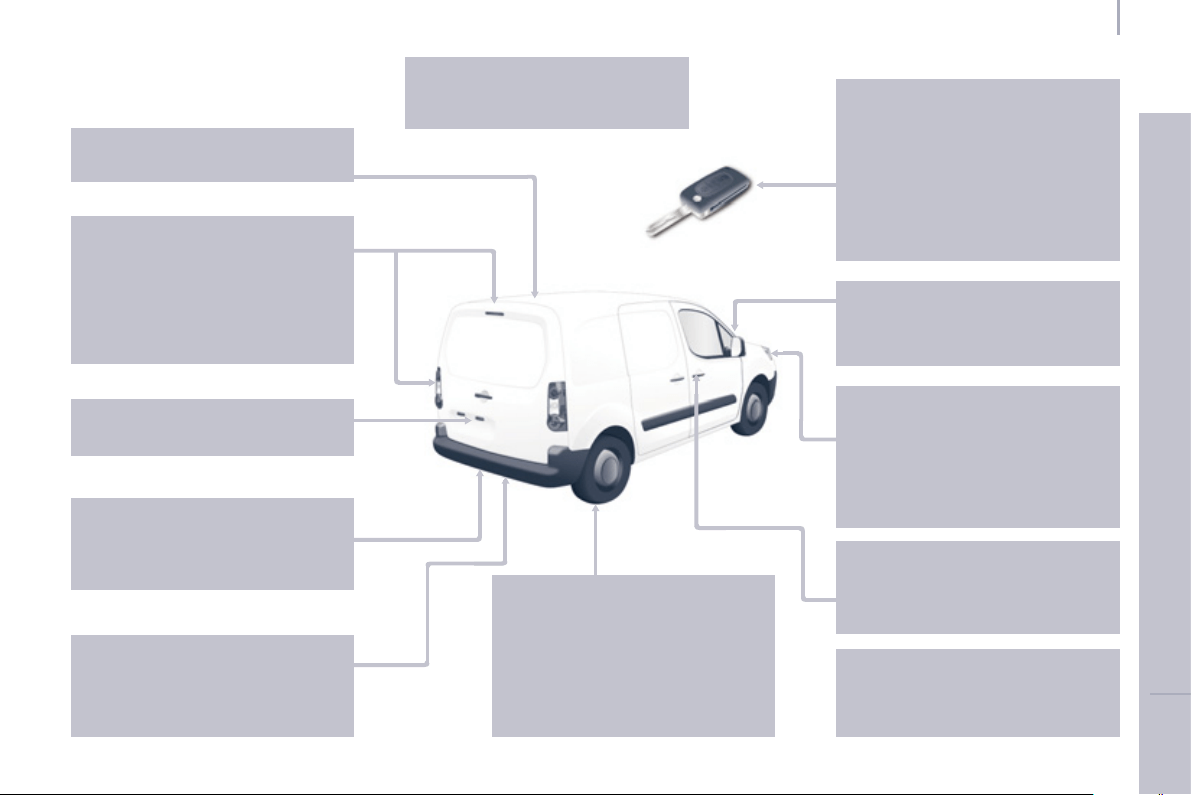
141
Exterior
V
ISUAL SEARCH
1
0
EXTERIOR
Remote control 17-18
Changing the battery,
reinitialisation 18
Key 17
Starting 46
Hill start assist 47
Central locking /
unlocking 17, 26
Locking / unlocking
the load space 17, 26
Filler cap,
fuel tank 113-114
Fuel cut-off,
Diesel priming 114
Wiper blades 132
Door mirrors 78-79
Side repeater 125
Front lamps, foglamps, direction
indicators 48-49, 124-125
Headlamp beam height
adjustment 50
Changing front bulbs 123-125
Headlamp wash 52, 110
Snow cover 121
Front doors 20
Sliding side door 21
Key 17
Opening the bonnet 106
Infl ation,
pressures 140
Towing, lifting 102-103, 133
Towbar 102-103
Rear parking
sensors 82-83
Number
plate lamp 127
Spare wheel, jack,
changing a wheel,
tools 117-121
Rear lamps,
direction indicators 48-49, 125-126
3rd brake lamp 127
Changing
rear bulbs 126-127
Load space,
opening 17, 26
Doors, tailgate 22-25
Accessories 103
Roof bars 77
Rear roof fl ap 24
Emergency control 25
Dimensions 134-138
Floor cab dimensions 138
Brakes, pads 81, 109, 111
Emergency braking 84
ABS, EBFD 84
ASR, ESC 85
"Grip control" 86-87
Tyre, pressures 140
Tyre under-infl ation detection 36
Snow chains 122
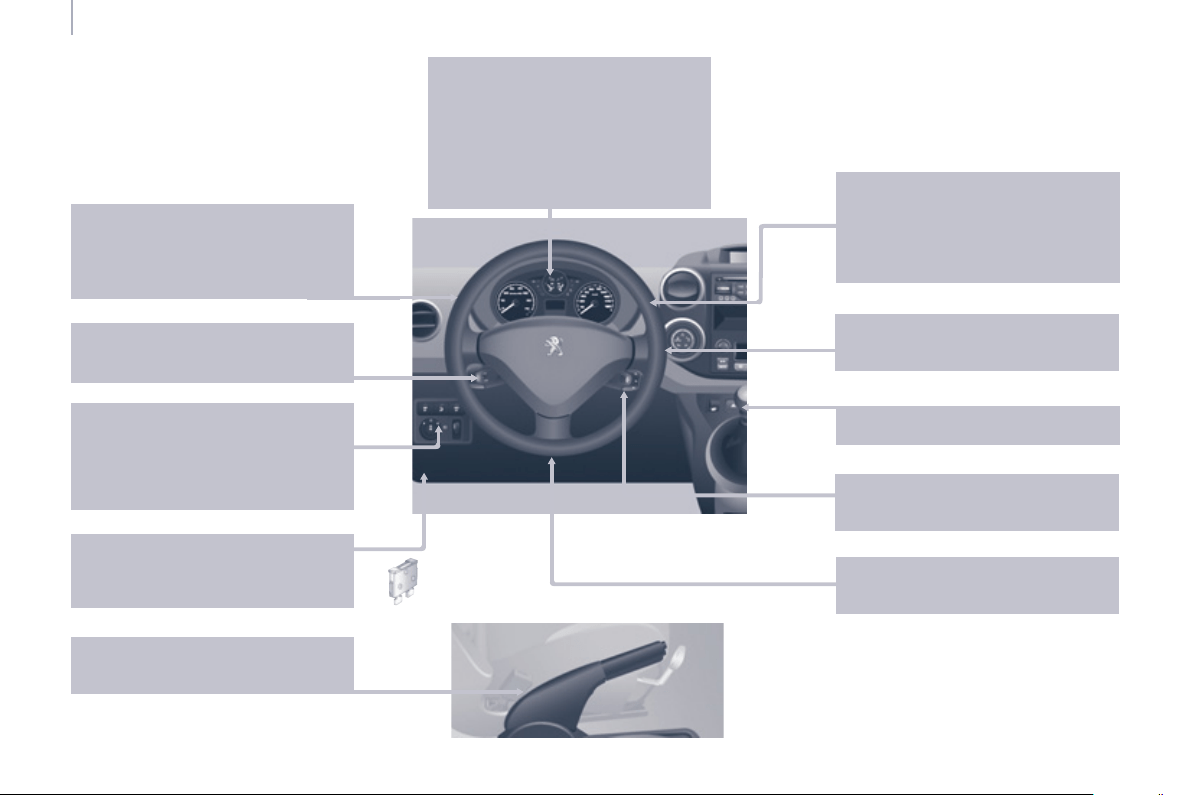
142
Instruments and controls
ESC 85
Parking sensors 82-83
Electric mirrors 78
Headlamp beam height adjustment
50
Stop & Start 43-45
Starter, ignition 46
Wipers controls 51-52
Automatic wiping 51
Windscreen / headlamp wash
52, 110
Trip computer Section 9
Cruise control 53-55
Speed limiter 56-58
Lighting controls 48-50
Automatic illumination of
headlamps 49-50
Foglamps 49
LED daytime runing lamps 49
INSTRUMENTS AND CONTROLS
Dashboard, passenger
compartment fuses 128-130
Opening the bonnet 106
Parking brake,
handbrake 81
Instrument panels,
screens,
dials 27-28
Warning lamps,
indicator lamps 29-34
Indicators, gauge 35, 37-38
Setting the time in the instrument panel
28
Lighting dimmer 38
Gear shift indicator 39-40
Audio equipment steering
mounted controls Section 9
Steering wheel adjustment 42
Horn 81
Gearbox 39
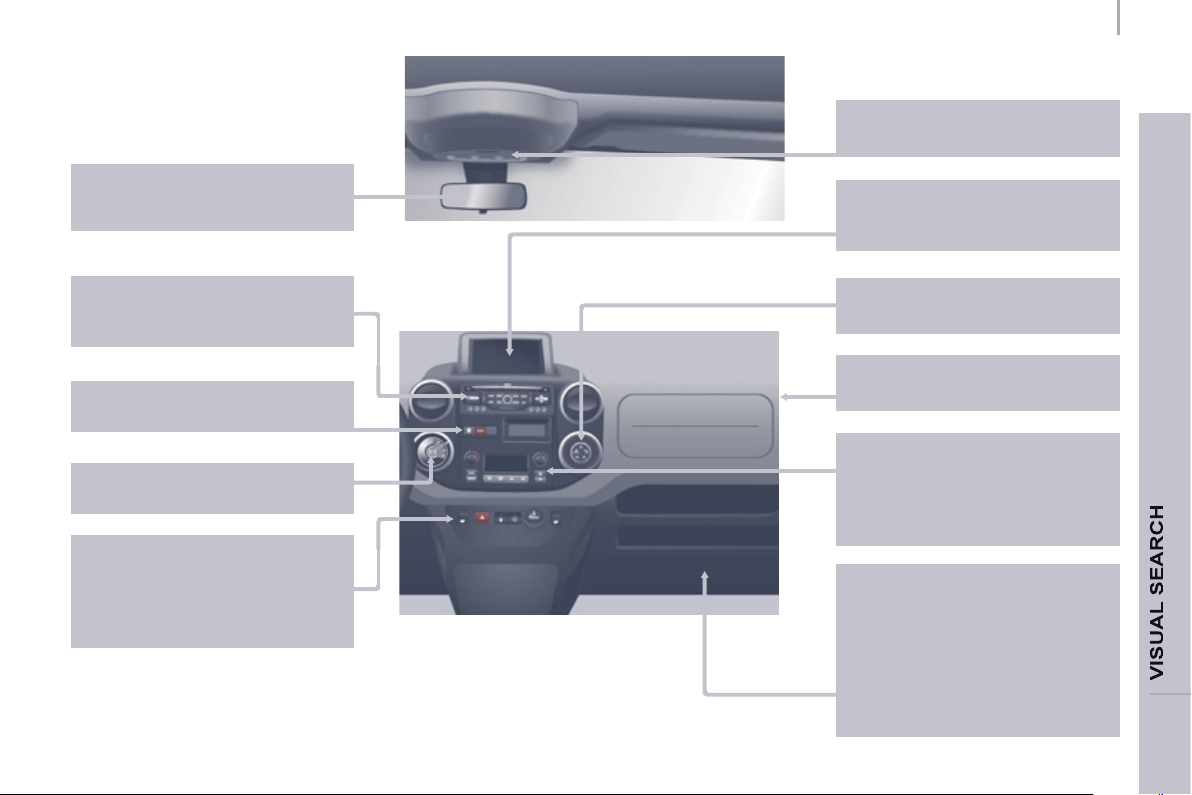
143
Instruments and controls
1
0
Rear view mirror 79
Toll cards, car park tickets 79
On-board technology Section 9
- Peugeot Connect Navigation (RT6)
- Peugeot Connect Sound
Controls
- central locking 26
- load space locking 26
- electric windows 80
- hazard warning lamps 81
Emergency or
assistance call Section 9
Electronic
gearbox 40-42
Heating, ventilation
- heating 59
- air conditioning 60
Digital air conditioning 61-62
Demisting/defrosting 63-64
"Grip control" 86-87
Courtesy lamps 72, 125
Cab fi ttings 70-71
- glove box,
- overhead storage,
- console,
- sun visor,
- bottle holder,
- bag holder,
- storage compartments under
seats,
- storage compartment.
Screens, display 27, Section 9
Setting the time
in the screen Section 9
Passenger's airbag
deactivation 93
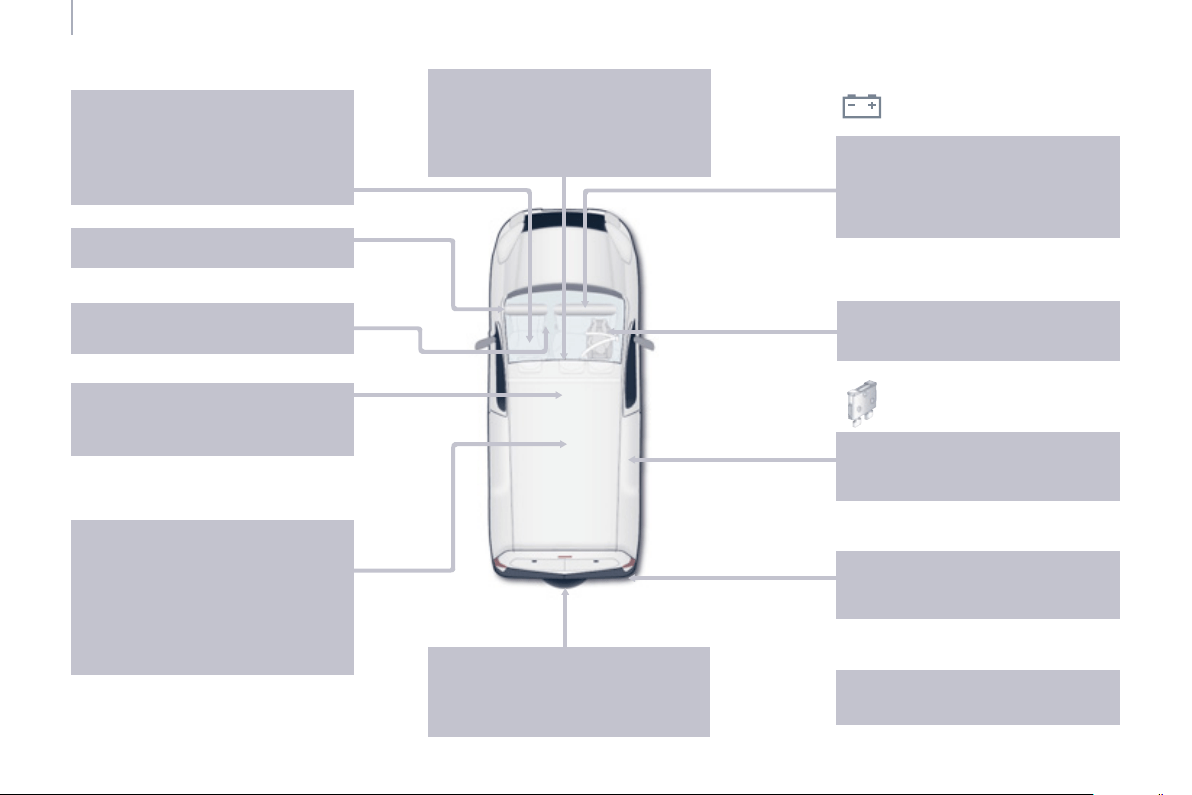
144
Interior
Rear view mirror 79
Toll cards, car park tickets 79
Front courtesy lamp 72
Changing courtesy
lamp bulbs 125
Spare wheel, jack,
changing a wheel, tools 117-121
Snow chains 122
Front, lateral airbags 91-94
Passenger's airbag
deactivation 94
Battery, recharging, starting 115
Opening the bonnet 106
Towing, towbar, coachbuilders,
fl oor cab fuses 130
Front seats, adjustments,
head restraint 65-66
Multi-Flex bench seat 67-68
Seat,
bench confi gurations 69
Seat belts 89-90
Accessories 103
INTERIOR
Rear courtesy lamp 72
Changing
courtesy lamp bulbs 125
Load space 75-76
- stowing rings,
- load retainer,
- trim,
- 12 volt socket,
- ladder separation or partition,
- removable fl ap.
Child seats 95-101
Parking brake,
handbrake 81
Towing, lifting,
towbar 102-103, 133
Towed loads 139
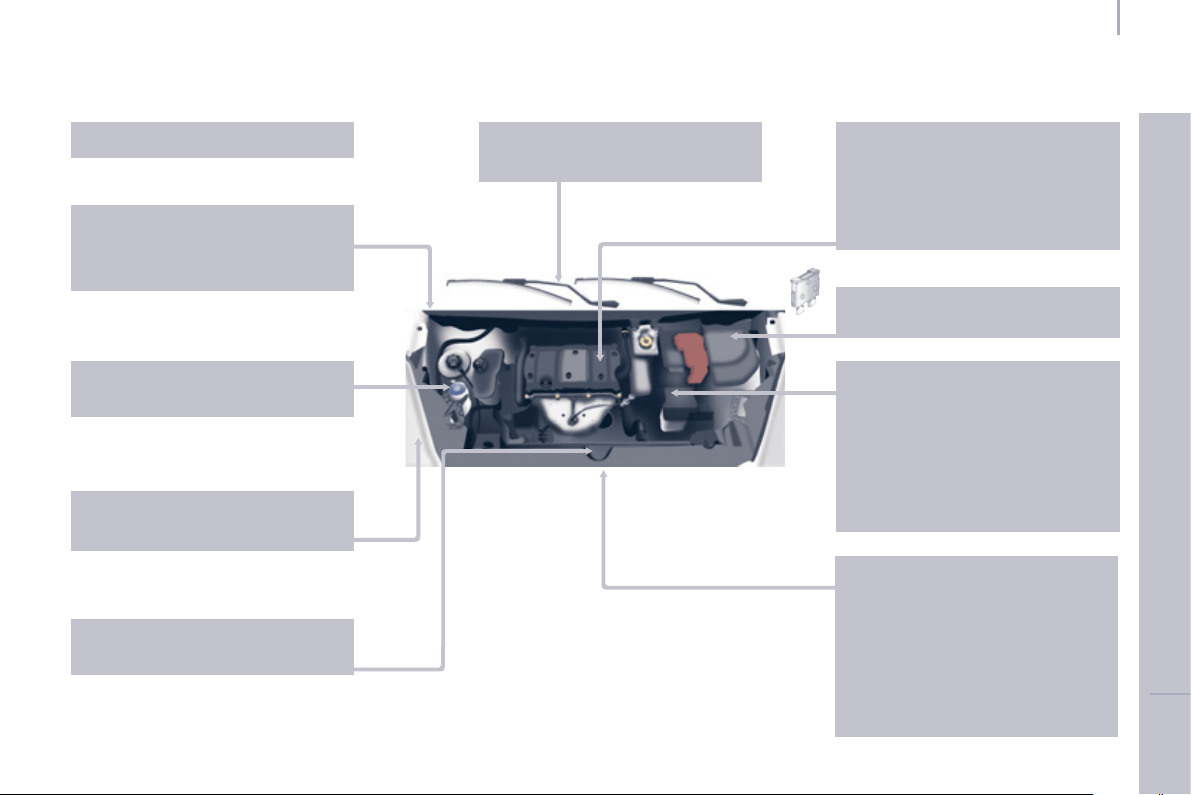
145
Technical data - Maintenance
V
ISUAL SEARCH
1
0
TECHNICAL DATA - MAINTENANCE
Identifi cation markings,
serial number, paint code,
tyres 140
Snow chains 122
Windscreen / headlamp wash,
levels 110
Changing bulbs,
lighting 123-127
Checks 111-112
- battery,
- gearbox,
- air/passenger compartment fi lter,
- oil fi lter,
- particle emission fi lter,
- parking brake,
- brake pads,
- brake drums, discs.
Emissions controls 36
Engine fuses 128, 131
Under the bonnet
- Diesel 108
- petrol 107
Fuel cut-off,
Diesel priming 114
Dimensions 134-137
Floor cab dimensions 138
Weights 139
Opening the bonnet, stay 106
Levels 109-110
- Diesel additive,
- dipstick,
- power steering fl uid,
- brake fl uid,
- coolant.
Bleeding water, Diesel fi
lter 112
Warning lamps 29-34
Changing a wiper
blade 132
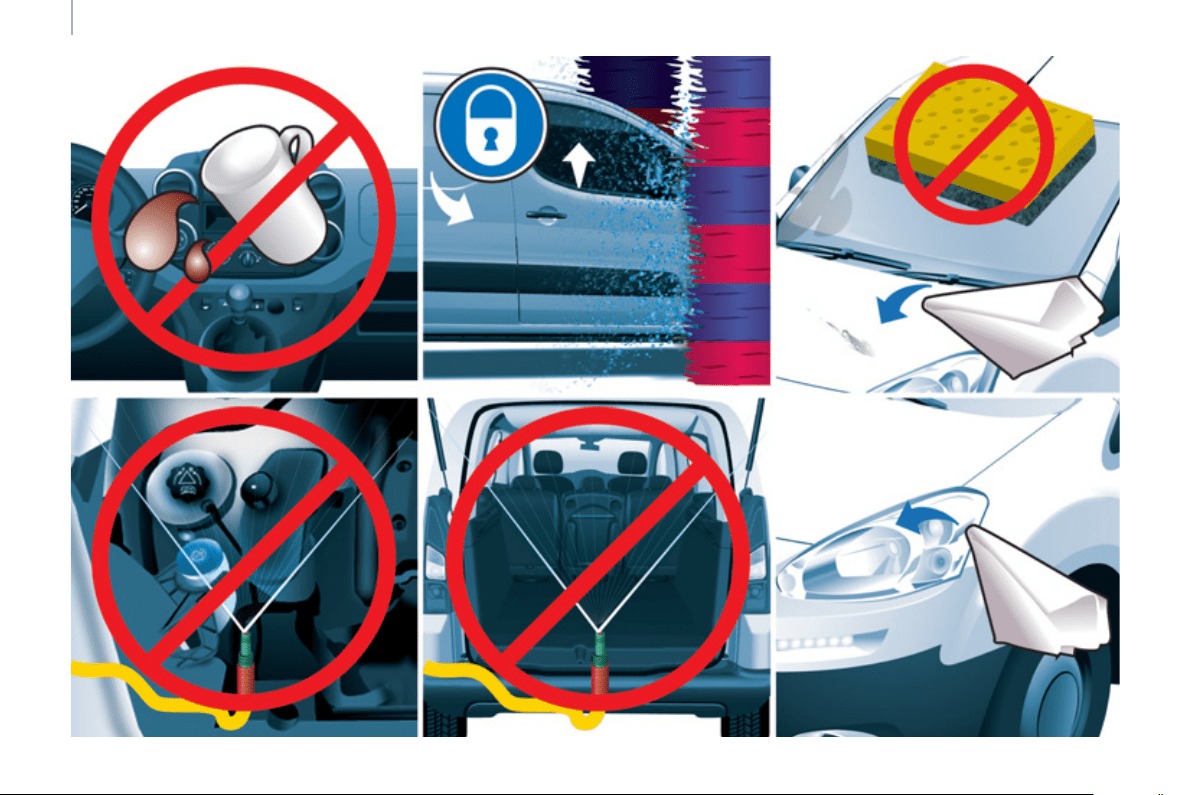
146
Precautions



01-13
This handbook describes all of the
equipment available in the whole
range.
Your vehicle will be fi tted with some
of this equipment described in this
document, depending on its trim level,
version and the specifi cation for the
country in which it is sold.
The descriptions and illustrations
are given without any obligation.
Automobiles PEUGEOT reserves
the right to modify the technical
specifi cations, equipment and
accessories without having to update
the current handbook.
This document is an integral part of
your vehicle. It should be passed on
to the new user in the event of sale or
transfer.
Automobiles PEUGEOT declares,
by application of the provisions of
the European regulation (Directive
2000/53) relating to End of Life
Vehicles, that it achieves the objectives
set by this regulation and that recycled
materials are used in the manufacture
of the products that it sells.
Reproduction or translation of all or
part of this handbook is prohibited
without written authorisation from
Automobiles PEUGEOT.
Printed in the EU
Anglais
The rear bodywork components of
your vehicle have been designed to
minimise spray.

www.peu
g
eot.com
An
g
lais
A
N. 1
3
PAR.064
0