Lenovo ThinkPad X1 Yoga Gen 4 Lenovo ThinkPad X1 Yoga Gen 3 ThinkPad L13 Yoga
ThinkPad X380 Yoga
HP
HP Elitebook 840 g5
HP Spectre x360
HP Spectre x360 Convertible 13-aeOxx HP Elitebook 830 g6
HP Elitebook 850 GS
HP Spectre Folio - 13-ak0015nr
HP Spectre x360 Laptop - 13t touch HP Spectre x360 Laptop - 15t touch HP Spectre x 360 Convertible 13-WOxx HP ZBook 15 G5 Mobile Workstation HP Probook 450 G6
Dell New XPS 15 New XPS 15 Touch Laptop Precision 7520 XPS 15 9500
Microsoft
Microsoft Surface Book 2 Surface Go
Surface Pro 7
MsI
MSI WS75 workstation
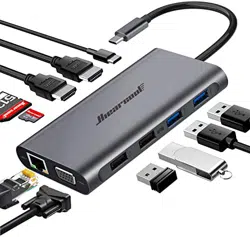
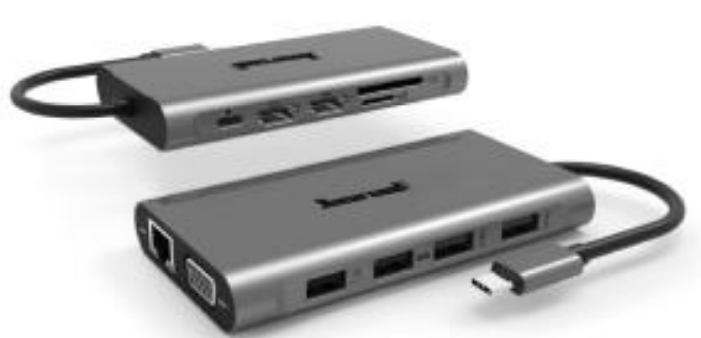
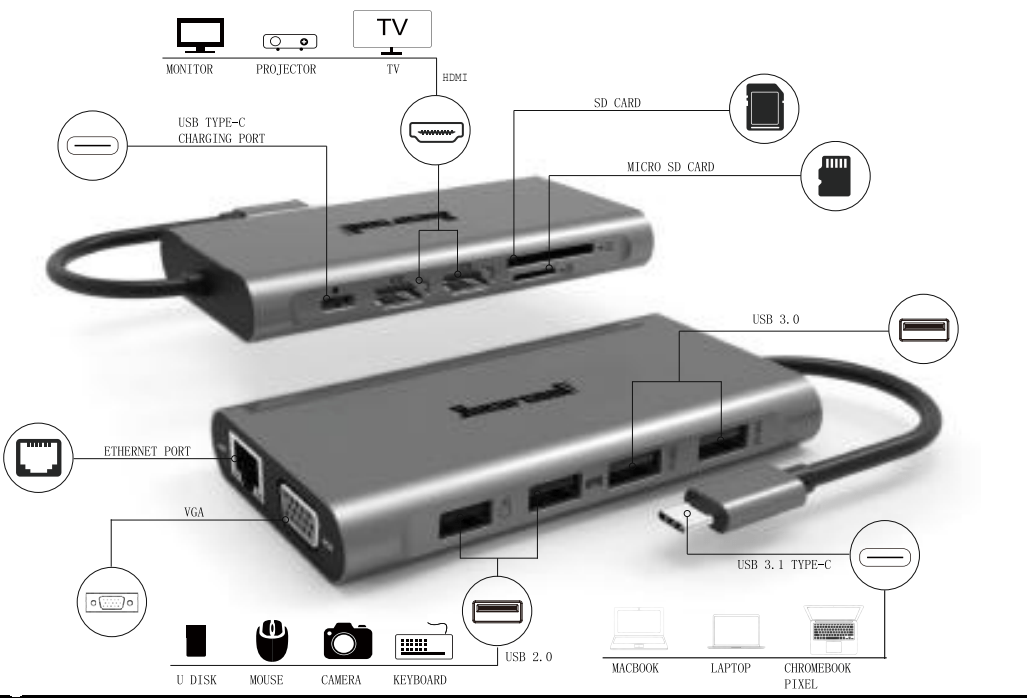
Hiearcool 11-in-1Premium USB C Hub:
1 * Type-C Charging Port
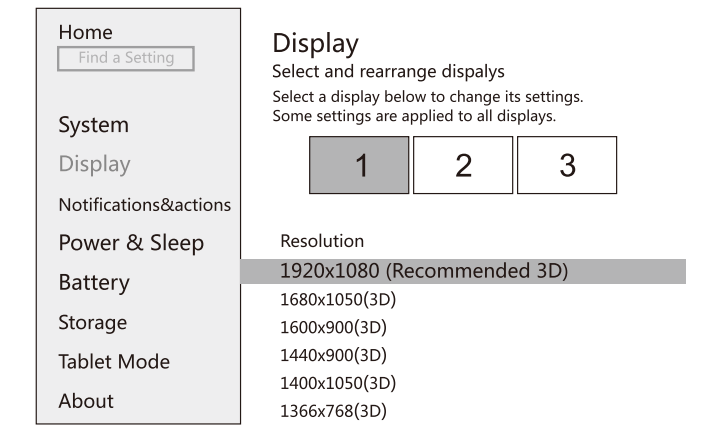
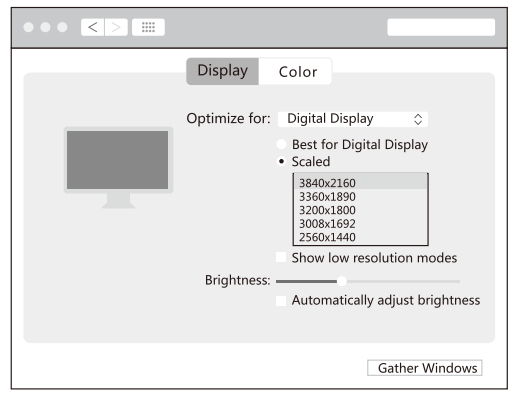
Resolution Setting for win 10&Mac
Right Click Desktop > Display Setting
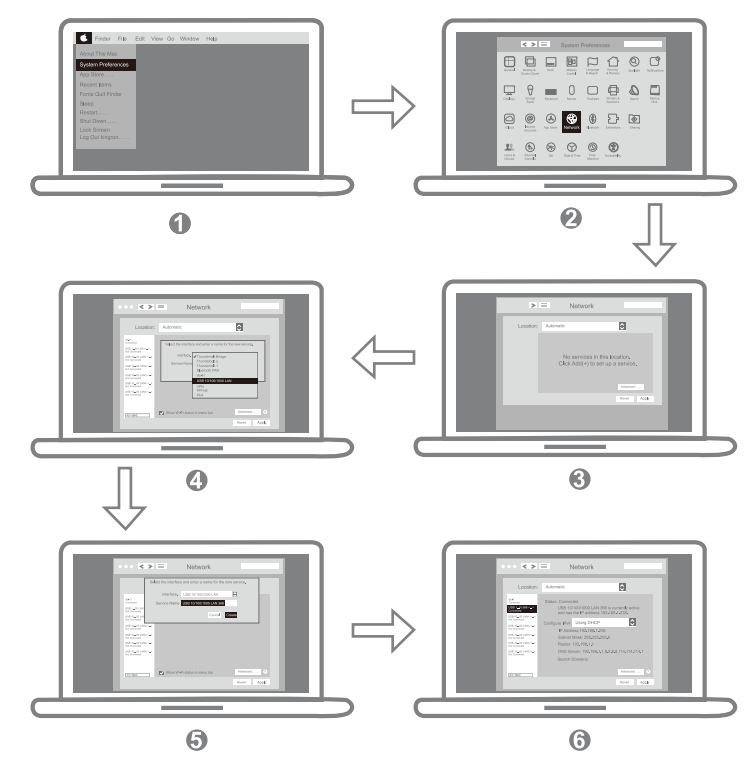
Apple Icon > System Preferences > Displays
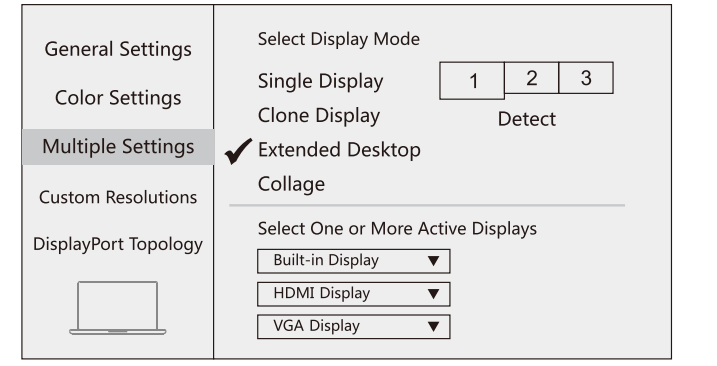
Display Setting for win 10
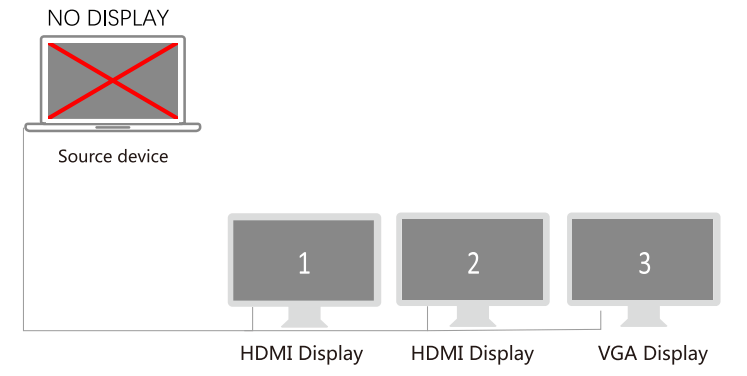
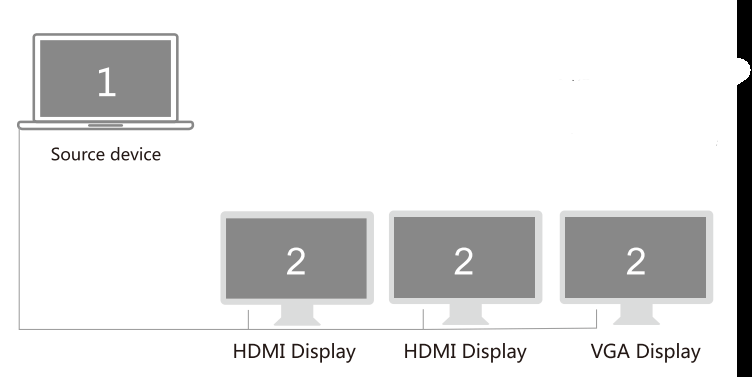
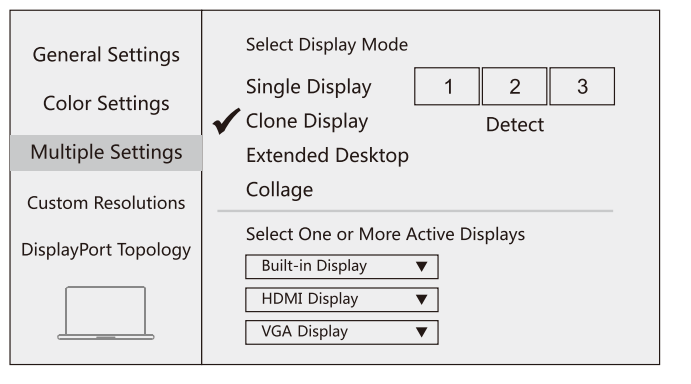
Clone mode
Right click desktop >Graphics Settings >Display
Other Graphics Card (e.g. AMD)
Intel Graphics Card
NO DISPLAY
2.Extended Desktop
Right click desktop >Graphics Settings >Display
Other Graphics Card (e.g. AMD)
Intel Graphics Card only supports 3 monitors display, thus one of four
monitors will not be displayed.
MST FUNCTION, but only Windows support MST, Mac OS DOSE NOT support,
Intel Graphics Card
Display Settings for Mac
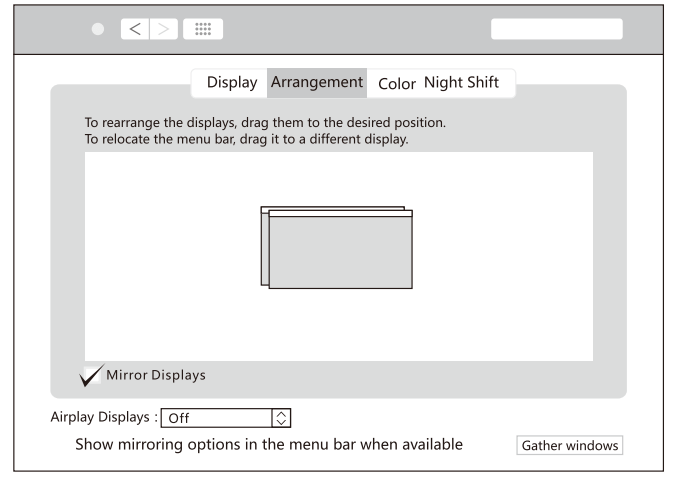
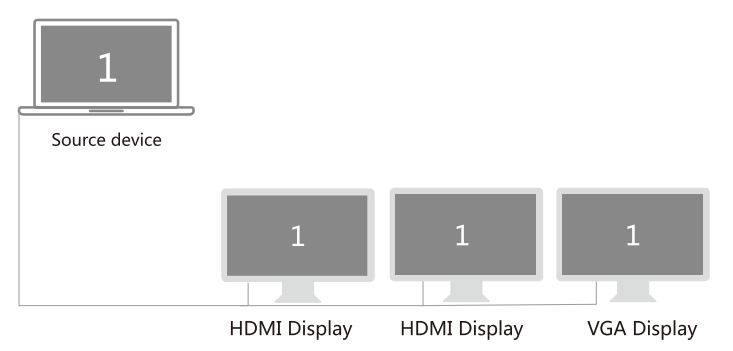
1 .Mirror Display
Apple Icon > System Preferences > Displays
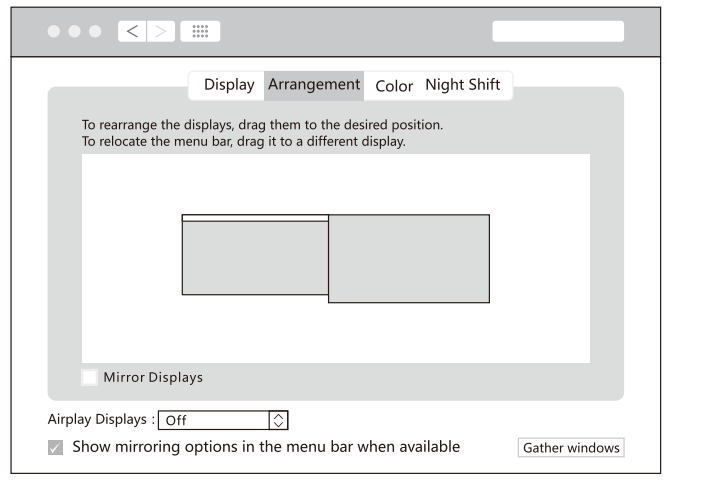
2.Extend Display
Apple Icon > System Preferences > Displays
For Mac OS system, due to the Apple system restrictions(OS system only could extend an external monitor via one usb c port, if you would extend more monitors, you need to Install window system on your device or extend the display via multiple usb c port. It was an issue with the current Mojave software.)
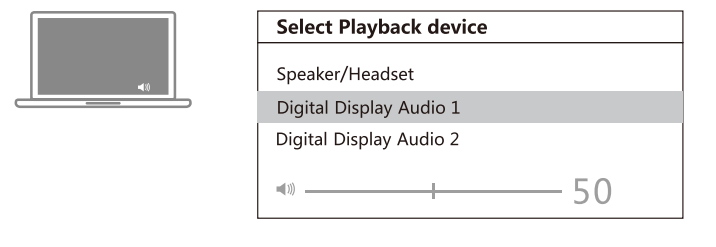
Sound Settings for win10
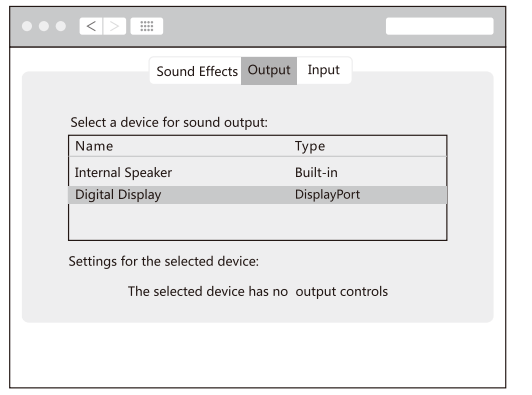
Sound Setting for Mac
Apple logo System Preferences > Sound
Package Includes:
1 X Hiearcool Multiport USB C Hub
1 X User Manual
1 X Travel Pouch
After-Sales Service:
All of our products has 12 months warranty after receiving. Your satisfaction is always our top priority. If you have any question or inquiry, please don't hesitate to contact us. Our customer service team is always stand by you.
 Other Graphics Card (e.g. AMD)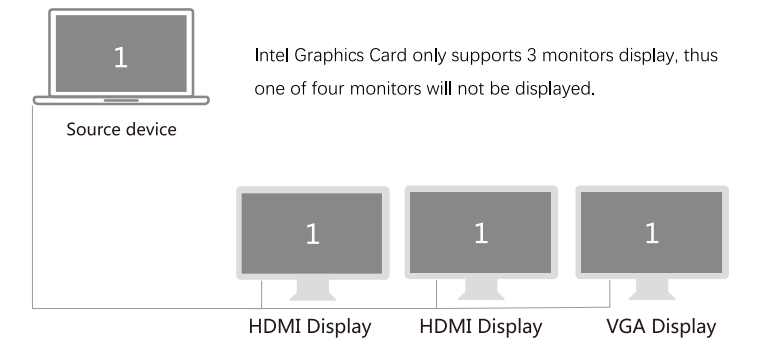
 Intel Graphics Card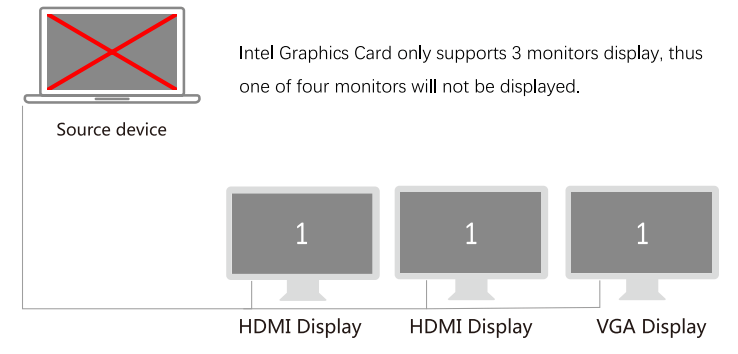

 Intel Graphics Card only supports 3 monitors display, thus one of four