HT-XT1 4-487-195-21(2)
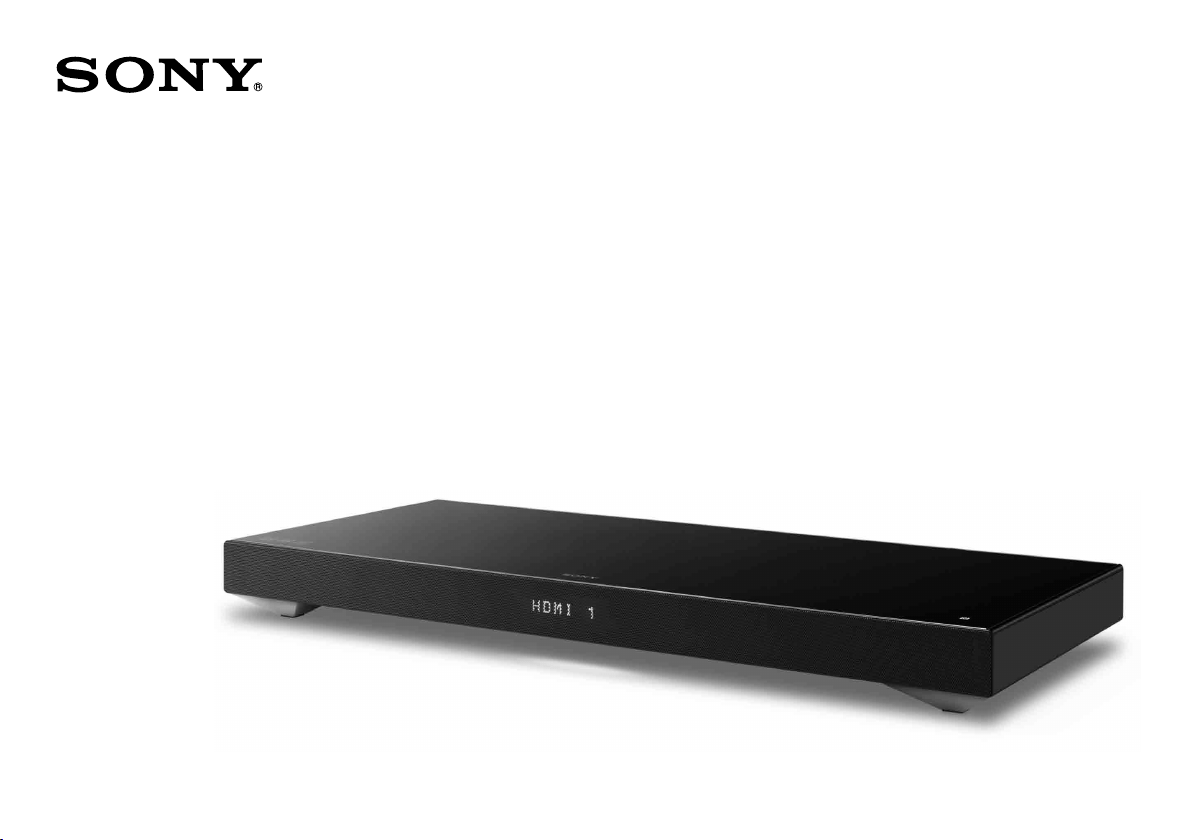
Home Theatre System
Startup Guide
HT-XT1

2
HT-XT1 4-487-195-21(2)
Table of contents
Setup
1 What’s in the box
3
2 Installation
4
3 Connection
6
4 Turning on the system
8
5 Listening to the sound
9
Basic Operations
Enjoying the sound effects
10
Listening to the sound from BLUETOOTH devices
12
Refer to the supplied Operating Instructions for more information on other features.
3
HT-XT1 4-487-195-21(2)
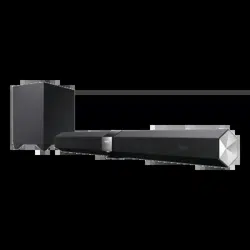
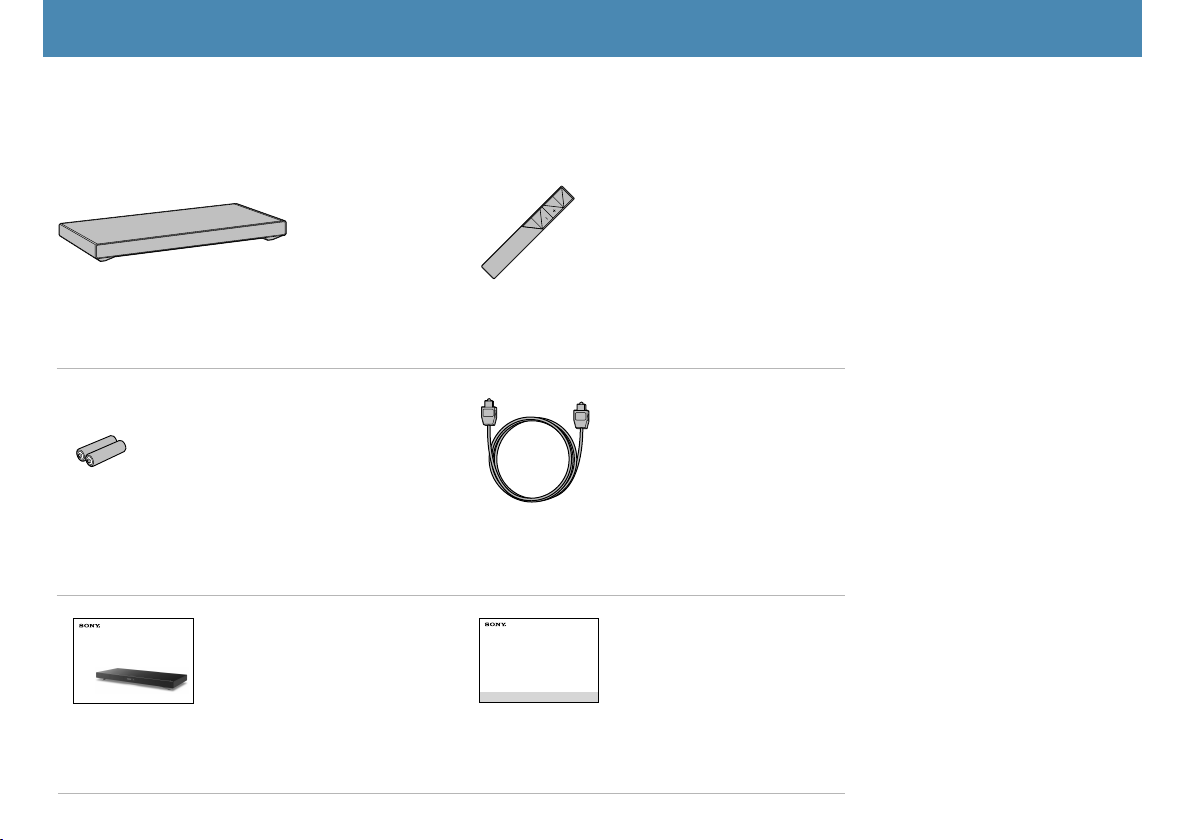
Active speaker (1) Remote control (1)
R03 (size AAA) batteries (2) Optical digital cable for a TV (1)
Home Theatre System
Startup Guide
HT-XT1
Home Theatre System
Startup Guide (this book) (1) Operating Instructions (1)
Setup
1 What’s in the box
4
HT-XT1 4-487-195-21(2)
Setup / Setup / Setup
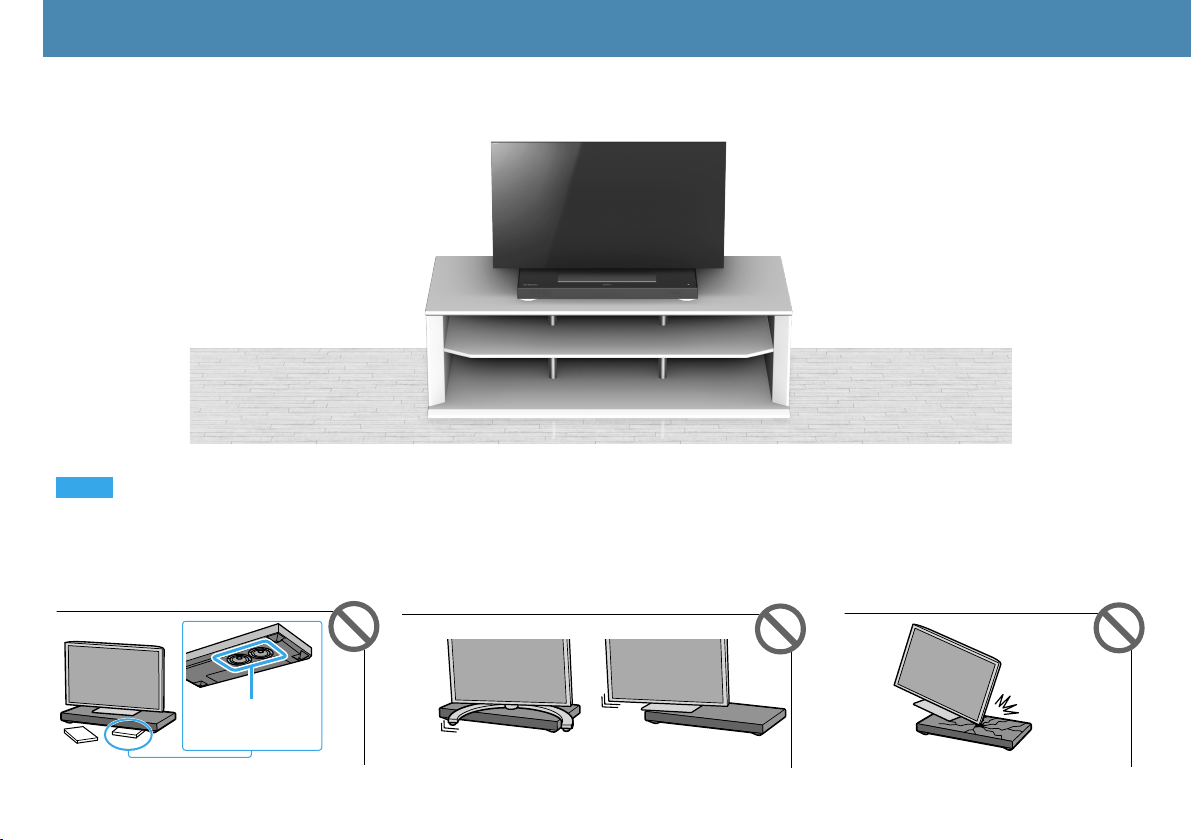
2 Installation
Setup
Notes
•Becarefulthatthesubwooferdoesnot
contact anything.
•PlacetheTVstandatthecenterofthesystemsothat
no part of it protrudes beyond the perimeter of the
system.
•Donotimpartanimpacttotheglasstop
of the system.
Subwoofer

5
HT-XT1 4-487-195-21(2)
1.
2.
Setting up the remote control
1.Facetherearoftheremotecontrolupward
andslidedownthecover.
2. Pullupthebatterycompartmentcover
andinsertintheorientationshownin
illustrationtwoAAAbatteries.
6
HT-XT1 4-487-195-21(2)
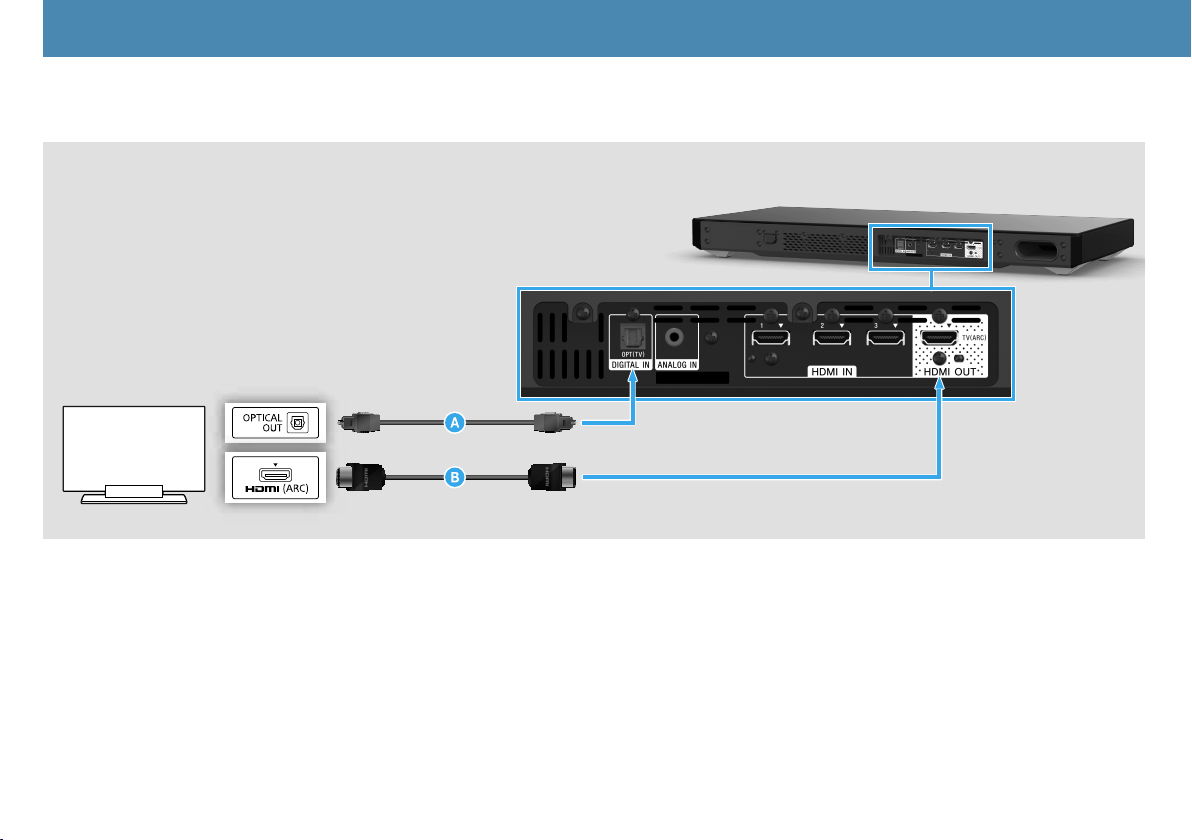
IftheTVtobeconnectedisnotequippedwithanopticalaudiooutputterminal,connectanHDMIcable(not
supplied,HighSpeedtype)totheHDMIinputterminallabeled“ARC.”IftheHDMIinputterminallabeled“ARC”
isconnectedwithanotherdevice,disconnectthatdeviceandconnectthissystem.
Or
3 Connection
Setup / Setup / SetupSetup
Connecting with TV
7
HT-XT1 4-487-195-21(2)
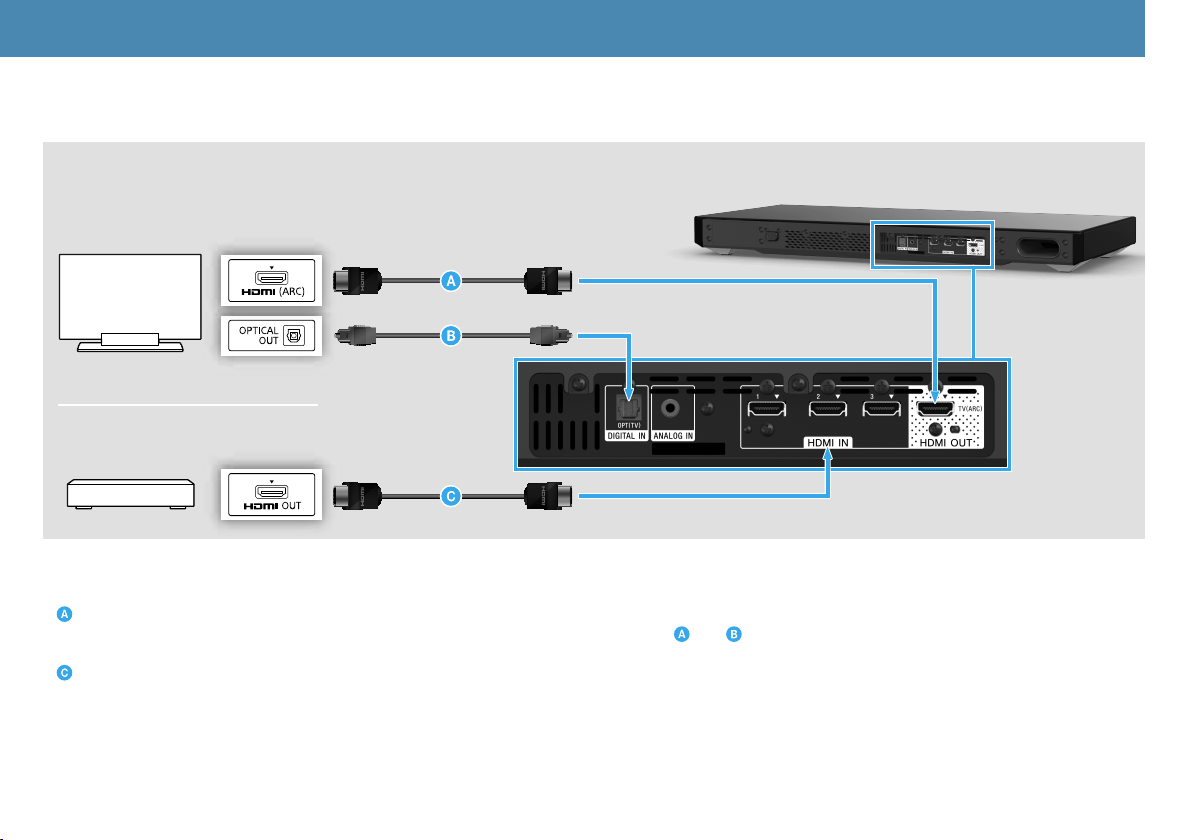
This is a connection for enjoying surround sound more effectively.
HDMIcable(notsupplied,HighSpeedtype)
IftheHDMIinputterminalontheTVisnotlabeled“ARC,”performconnectionsboth and .
HDMIcable(notsupplied,HighSpeedtype)
IfitisconnectedtotheTV,disconnectitandconnectittothesystem.
TV
When connecting with TV and other devices
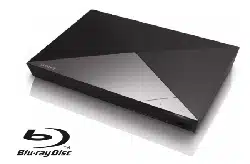
Blu-rayDisc
TM
player,etc.

8
HT-XT1 4-487-195-21(2)
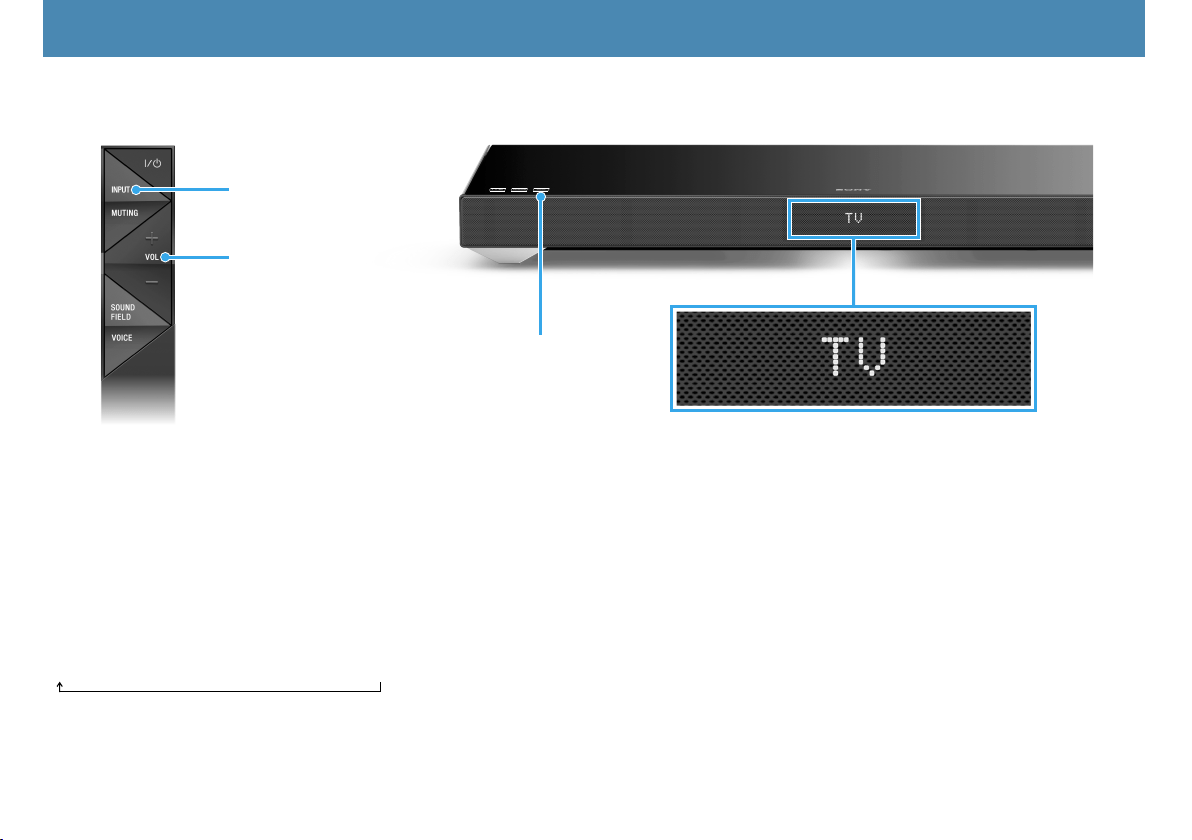
1 ConnecttheACpowercord(mainslead).
2 Pressthe
(on/standby) button on the remote control or touch the
(on/standby) touch key on the system.
The display of the system lights.
3 Turn on the connected device.
4 Turning on the system
Setup / Setup / SetupSetup
Display
9
HT-XT1 4-487-195-21(2)
5 Listening to the sound
Setup / Setup / SetupSetup
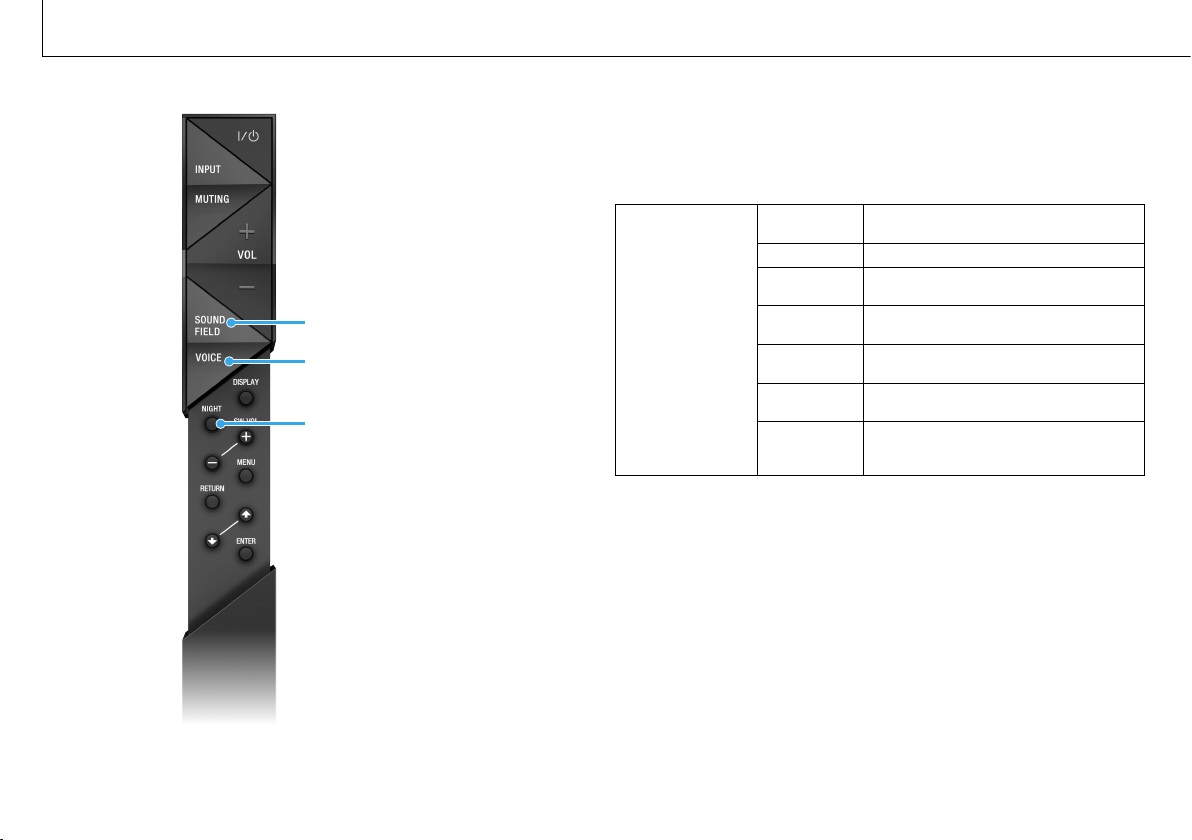
1 PresstheINPUTbuttonontheremotecontrolortouchtheINPUTtouchkeyonthesystemrepeatedlyto
select“TV”input.
2 PresstheVOLbuttonontheremotecontroltoadjustthevolume.
To listen to audio from an input device other than the TV
PresstheINPUTbuttonontheremotecontrolortouchtheINPUTtouchkeyonthesystemrepeatedlyuntilthe
desired input device is indicated on the display.
TV
HDMI1
HDMI2
HDMI3
ANALOG
BT AU
Setup completed! Enjoy!
INPUT
INPUT
Input device selected
VOL
Listening to the audio of the TV
10
HT-XT1 4-487-195-21(2)
Basic Operations
Enjoying the sound effects
SOUNDFIELD
VOICE
NIGHT
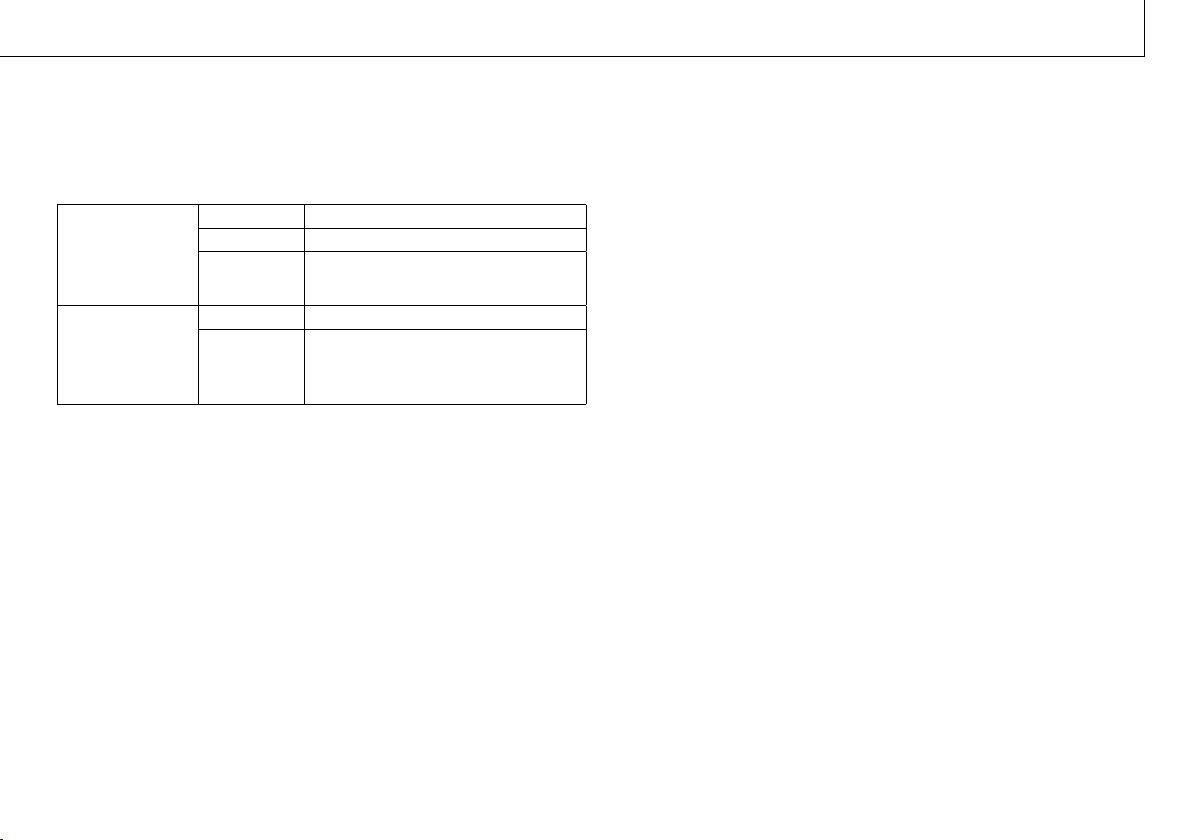
Tosetasoundeffect,pressoneofthesoundeffectbuttonsonthe
remotecontrolrepeatedlytoselectthedesiredmodewhilechecking
the display.
SOUND FIELD:
Effects to suit to the
input sound.
CLEARAUDIO+
The suitable sound setting is automatically
selected for the sound source.
STANDARD Corresponds to every source.
MOVIE
Dialogueisclear,andsoundispowerfuland
realistic.
SPORTS
Commentaryisclear,cheersareheardas
surround-sound,andsoundsarerealistic.
GAME
Soundsarepowerfulandrealistic,suitable
for game play.
MUSIC
Sounds are played back to suit to a music
program,musicBlu-rayDiscs,orDVDs.
P.AUDIO
(Portable
audio)
Sounds are played back to suit to a portable
musicplayerusingDSEE*.
11
HT-XT1 4-487-195-21(2)
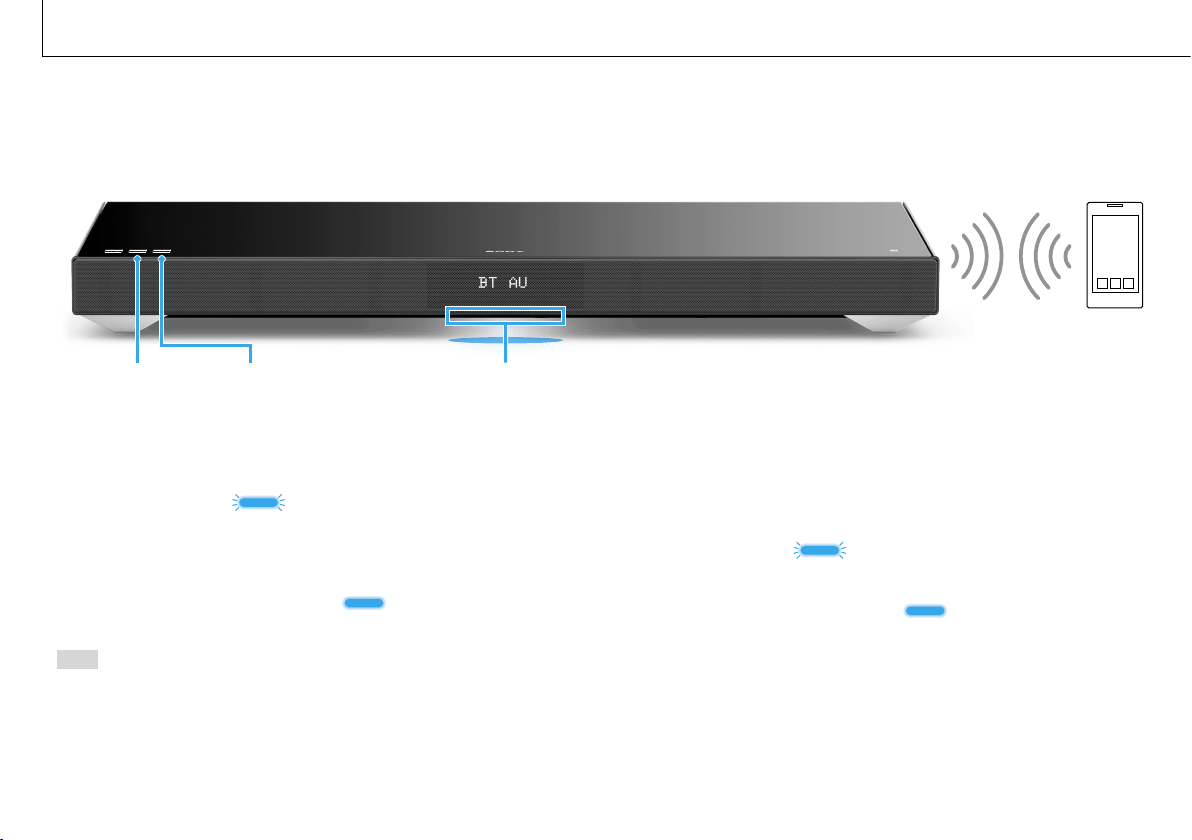
VOICE:
Helps make
dialogues clearer.
TYPE1 Standard
TYPE2 Dialoguerangeisstressed.
TYPE3
Dialoguerangeisstressed,andthepartsof
range difficult to be discerned by the elderly
are boosted.
NIGHT:
Sound is output at
lowvolumewith
minimum loss of
fidelity and clarity of
dialogue.
ON ActivatestheNightmodefunction.
OFF InactivatestheNightmodefunction.
*DSEEstandsforDigitalSoundEnhancementEngine,ahighrangecompensationandfine
sound restoration technology developed independently by Sony.
12
HT-XT1 4-487-195-21(2)
To pair the system with the device (Pairing)
1 TouchthePAIRINGtouchkey.
TheilluminationLED
flashes quickly during BLUETOOTH
pairing.
2 Set your BLUETOOTH device to pairing mode and select
“SONY:HT-XT1.”
IfaPasskeyisrequested,enter“0000.”
3 MakesurethattheilluminationLED lights up. (Connection has
been established.)
Hint
OncetheBLUETOOTHconnectionisestablished,anindicationrecommending
whichapplicationtodownloadwillbedisplayed,accordingtowhatequipment
you have connected.
Followingtheinstructionsdisplayed,anapplicationcalled“SongPal,”whichwill
enableyoutooperatethissystem,canbedownloaded.
Referto“Controllingthesystemusingasmartphoneortabletdevice(SongPal)”in
thesuppliedOperatingInstructionsfordetailson“SongPal.”
To listen to the sound of the registered device
1 TouchtheINPUTtouchkeyonthesystemrepeatedlytodisplay“BT
AU.”
TheilluminationLED
flashes during attempting BLUETOOTH
pairing.
2 OntheBLUETOOTHdevice,select“SONY:HT-XT1.”
3 MakesurethattheilluminationLED lights up. (Connection has
been established.)
4 Starttheaudioplaybackwiththemusicsoftwareintheconnected
BLUETOOTH device.
Listening to the sound from BLUETOOTH devices
When registering BLUETOOTH devices
Basic Operations
Illumination LED (blue)PAIRING INPUT
13
HT-XT1 4-487-195-21(2)
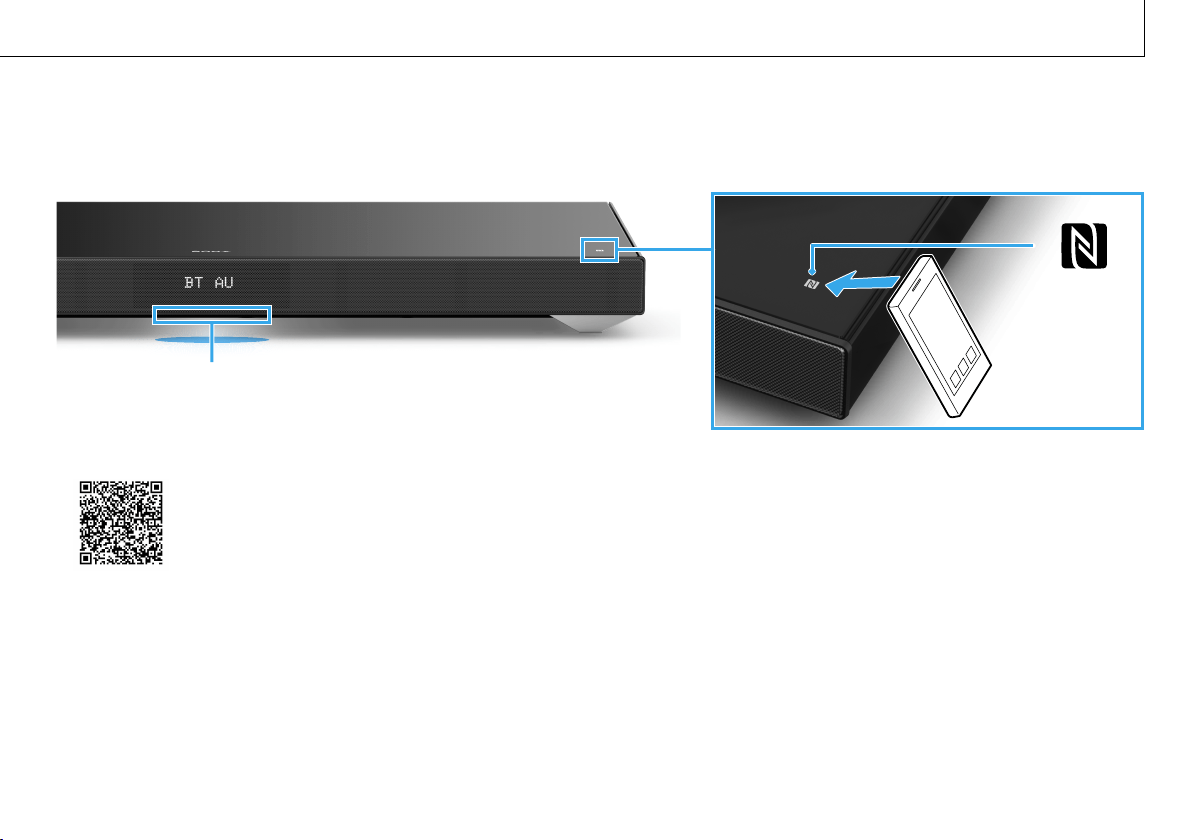
1 Download,install,andstartthe“NFCEasyConnect”apponyoursmartphone.
2 TouchtheNmarkofthissystemwiththesmartphone.
3 MakesurethattheilluminationLED(blue)lightsup.(Connectionhasbeenestablished.)
•Compatibledevices
Smartphones,tablets,andmusicplayerswiththeNFCfunctionbuilt-in
(OS:Android™2.3.3orlater,excludingAndroid3.x)
Illumination LED (blue)
When using one-touch connection (NFC)

HT-XT1 4-487-195-21(2)

HT-XT1 4-487-195-21(2)

HT-XT1 4-487-195-22(1)
©2014SonyCorporationPrintedinMalaysia 4-487-195-22(1)