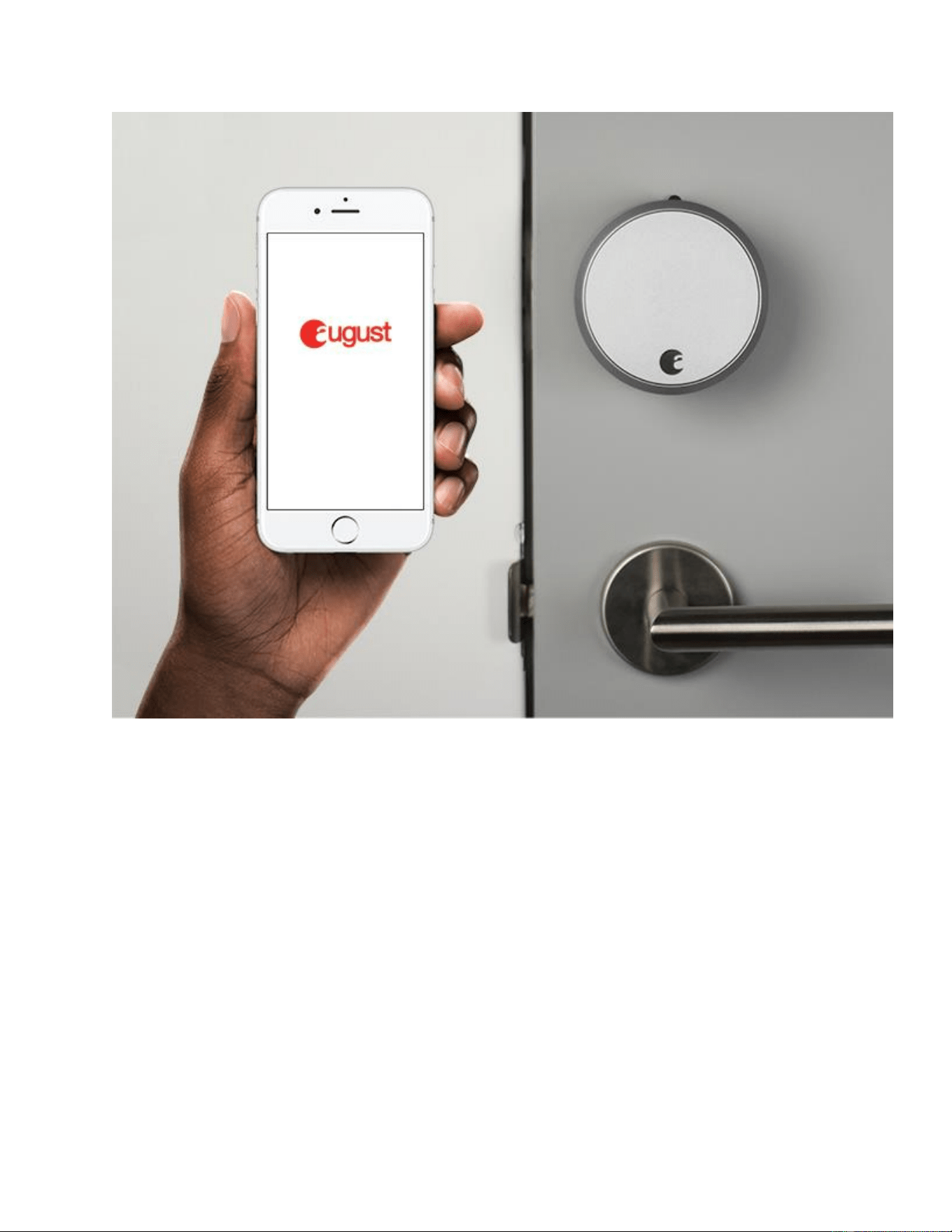
Install Smart Lock Pro, 3rd Gen Technology
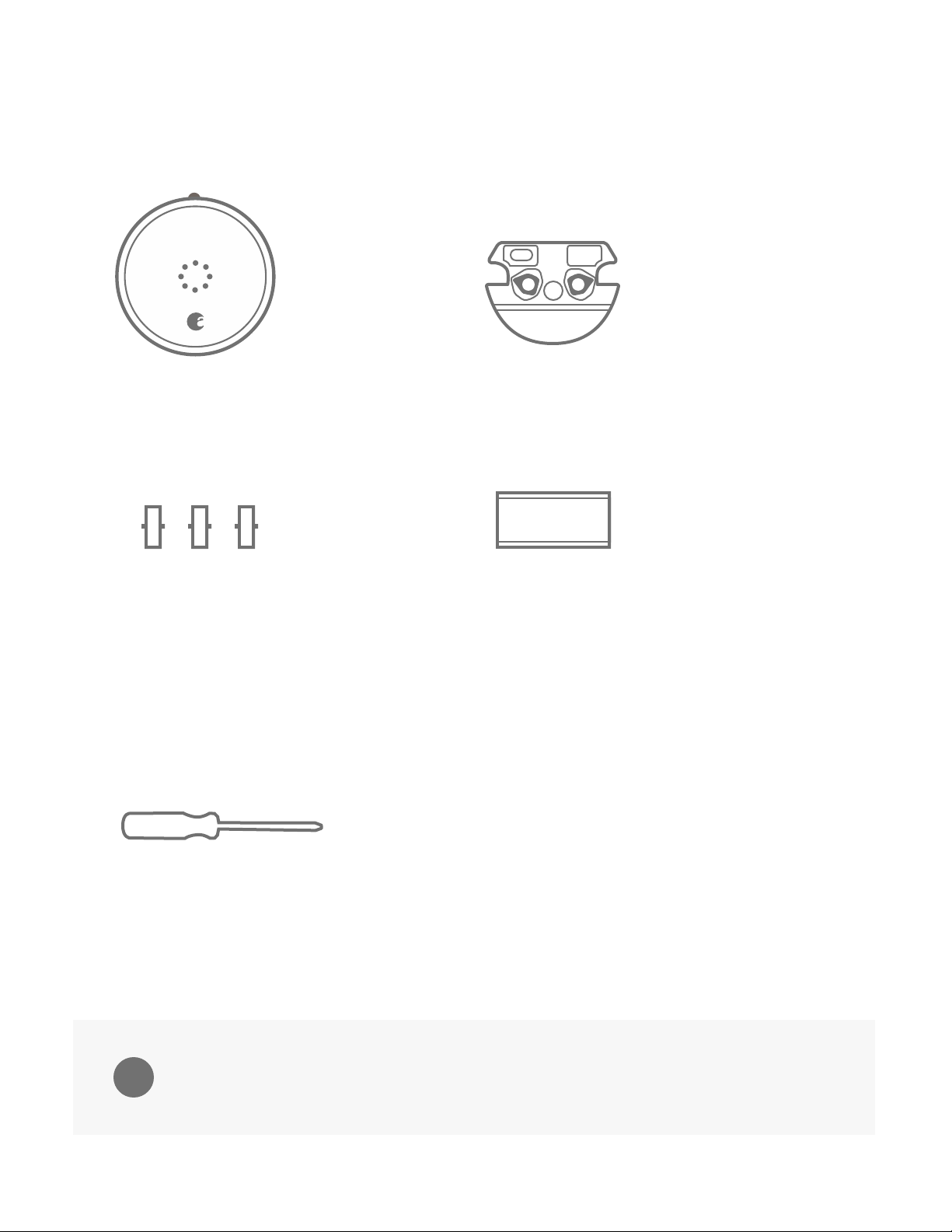
What’s in the box
What you’ll need to provide
1. Prepare your existing deadbolt
Use the supplied adhesive strip to hold the keyed side of the lock in place.
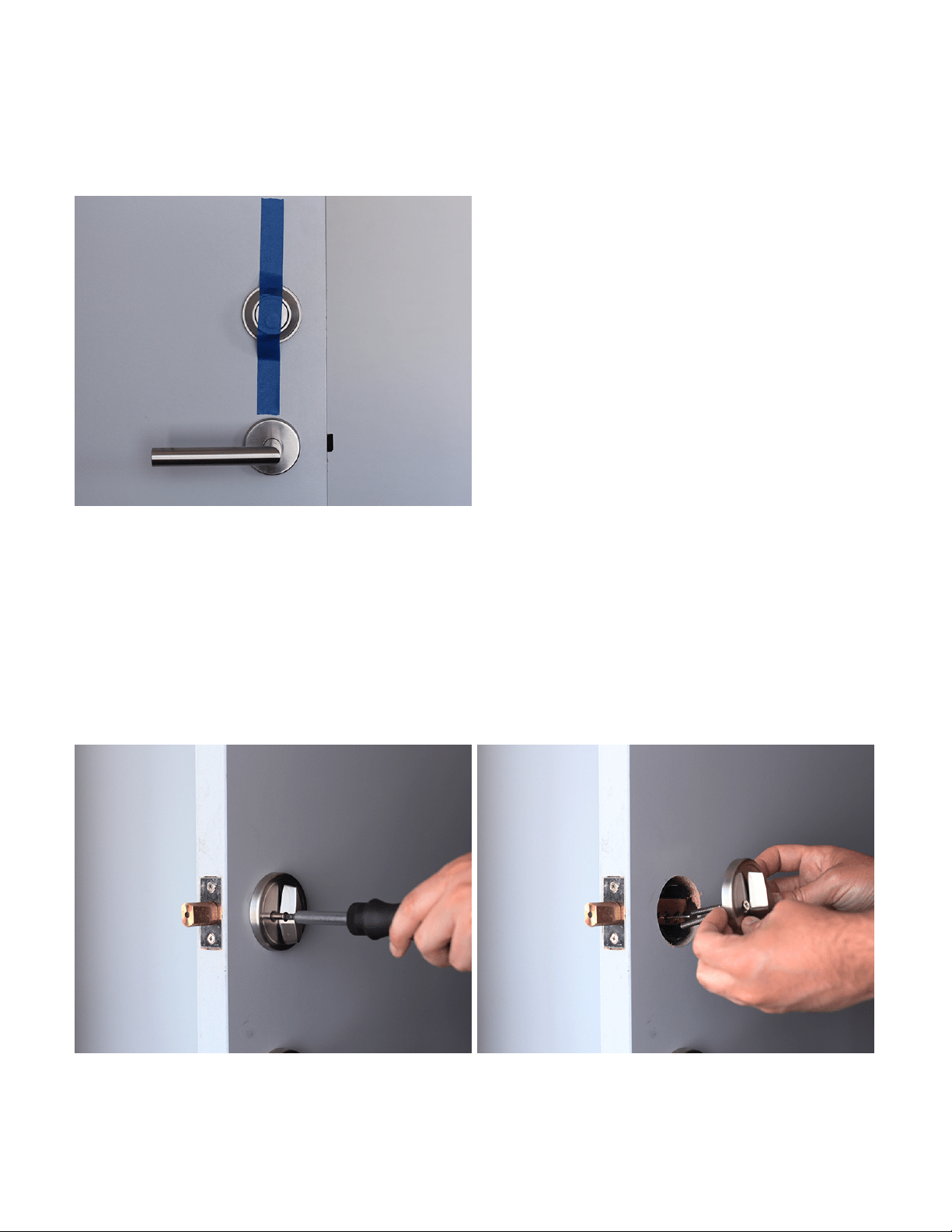
2. Remove your existing thumb-latch
Unscrew and remove the screws from your existing deadbolt thumb-latch. If there is an
additional back plate, remove that as well. Be sure to unlock your deadbolt before removing the
thumb-latch entirely.
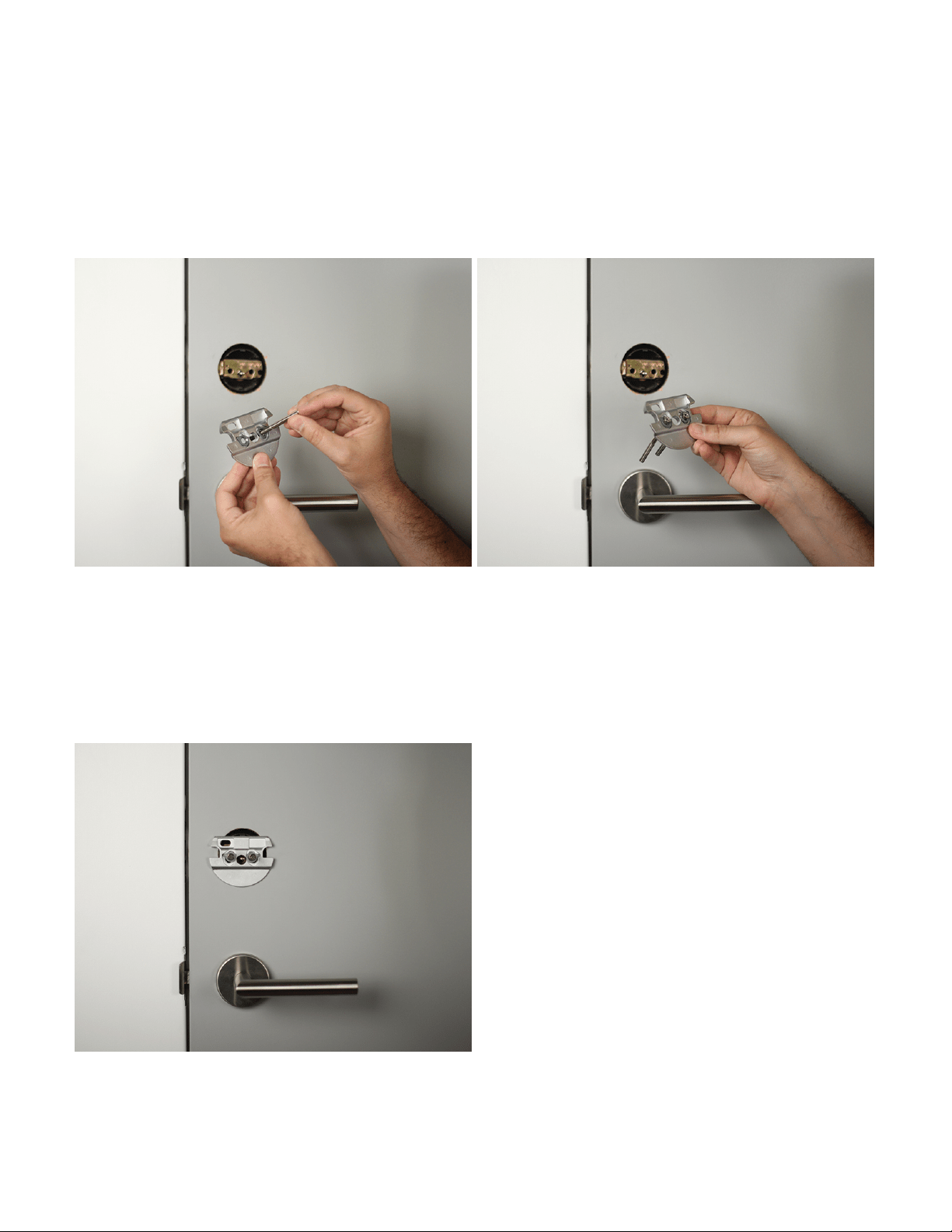
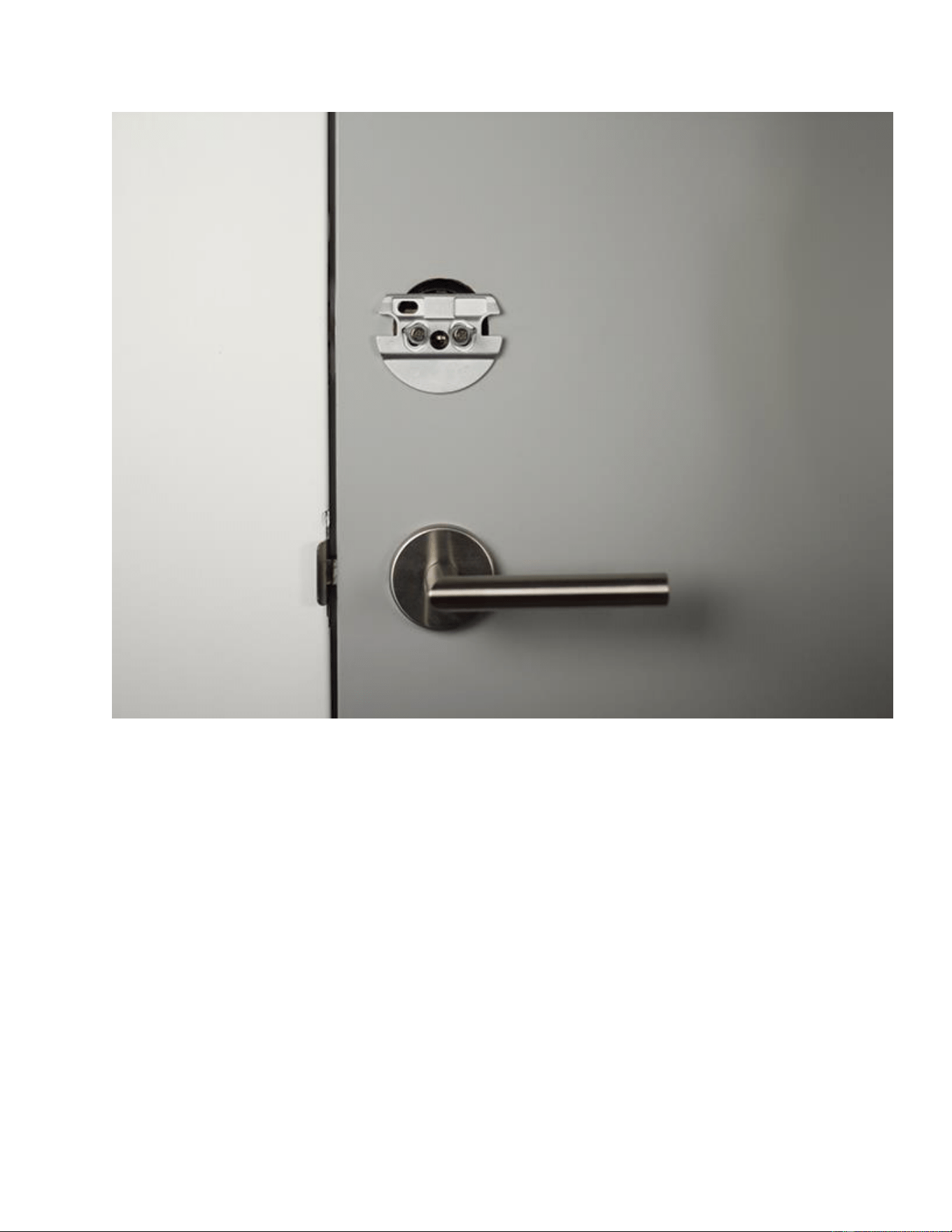
3. Prepare the Mounting Plate
The included mounting plate has two adjustable screw-holes that can be repositioned as needed.
Remove the screws from the thumb-latch and insert them into the front of the mounting plate.
4. Attach the Mounting Plate
Tighten the screws by hand until the mounting plate is settled securely against the door.
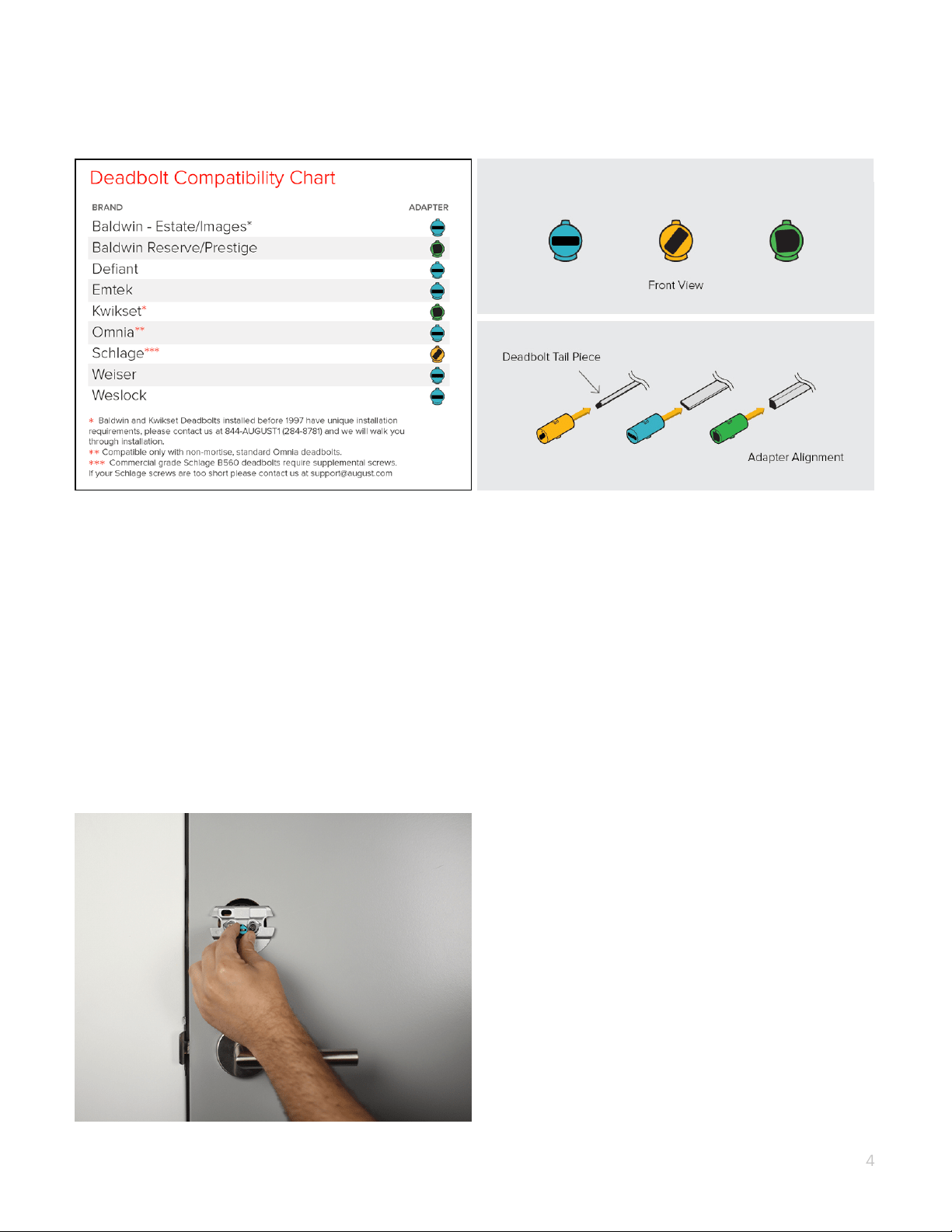
5. Choose your adapter
Select your adapter from the Compatibility Chart above.
If your lock brand is not in the chart, slide each adapter onto the tailpiece to find the right one.
The correct adapter will have the small nub pointing up.
NOTE: The adapters can be placed in the mounting plate backwards. So if the shape is correct,
but it seems backwards, try flipping the adapter around.
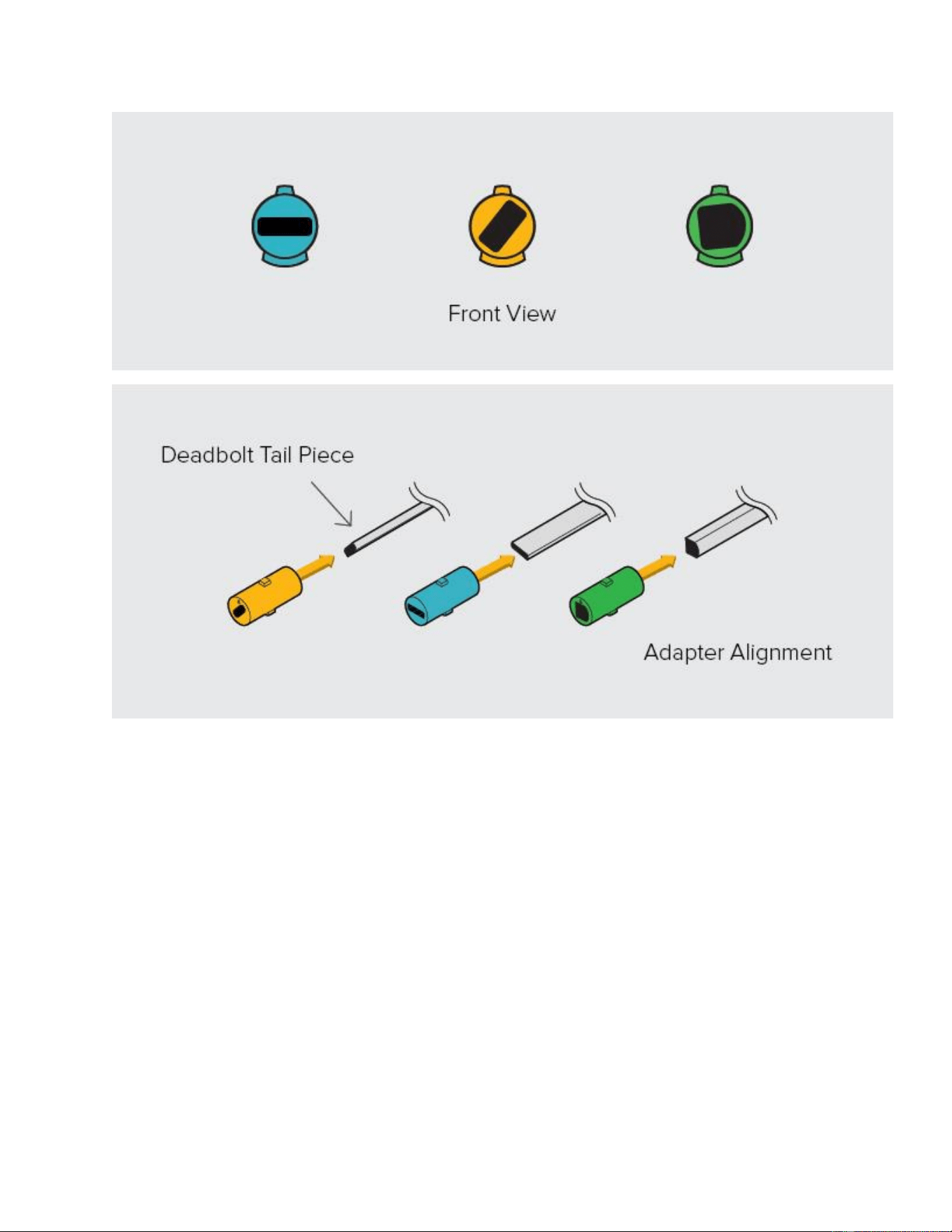
6. Attach the Correct Adapter
Place the correct adapter onto the tail piece with the small nub pointing up
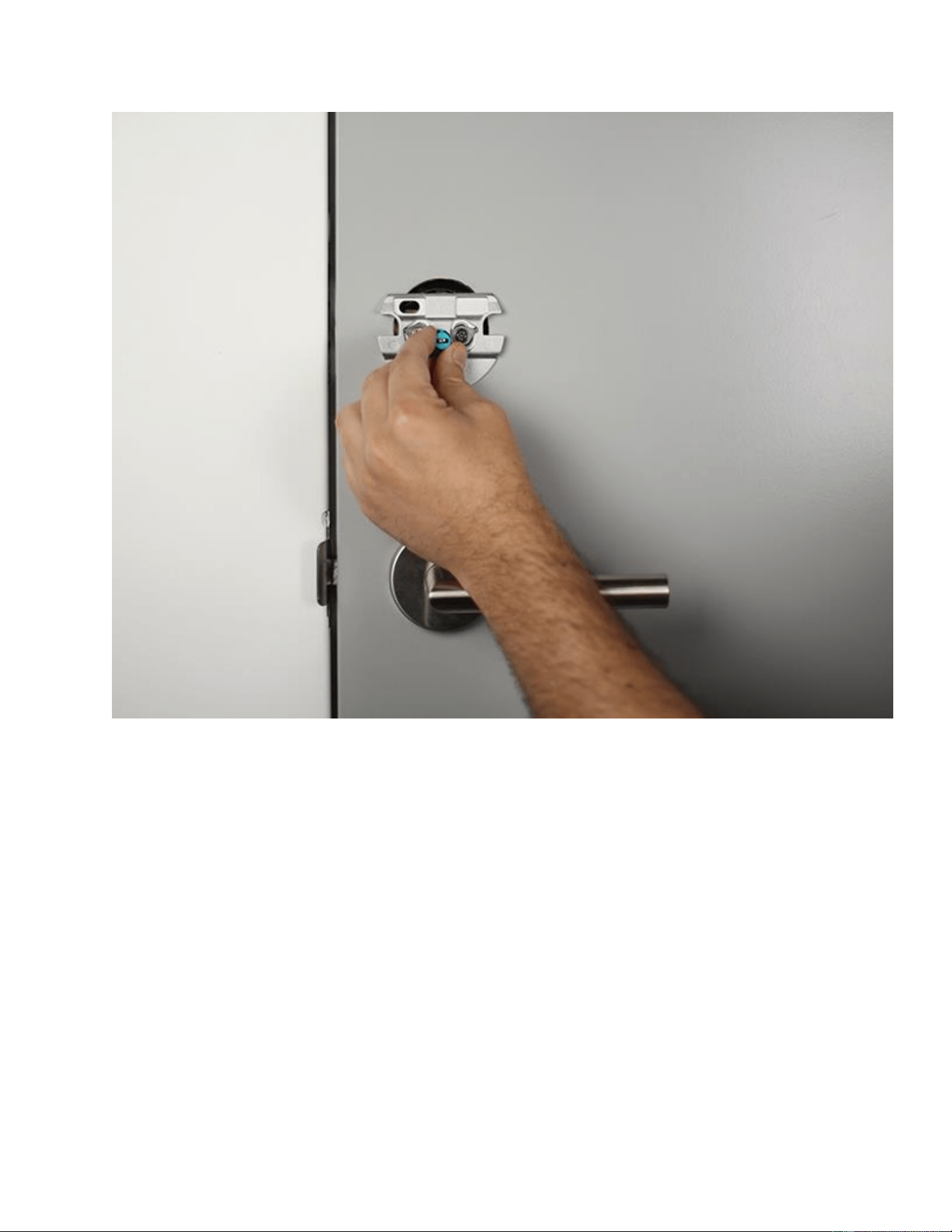
7. Open the wing latches
Pull out both side wing latches to prepare for mounting.
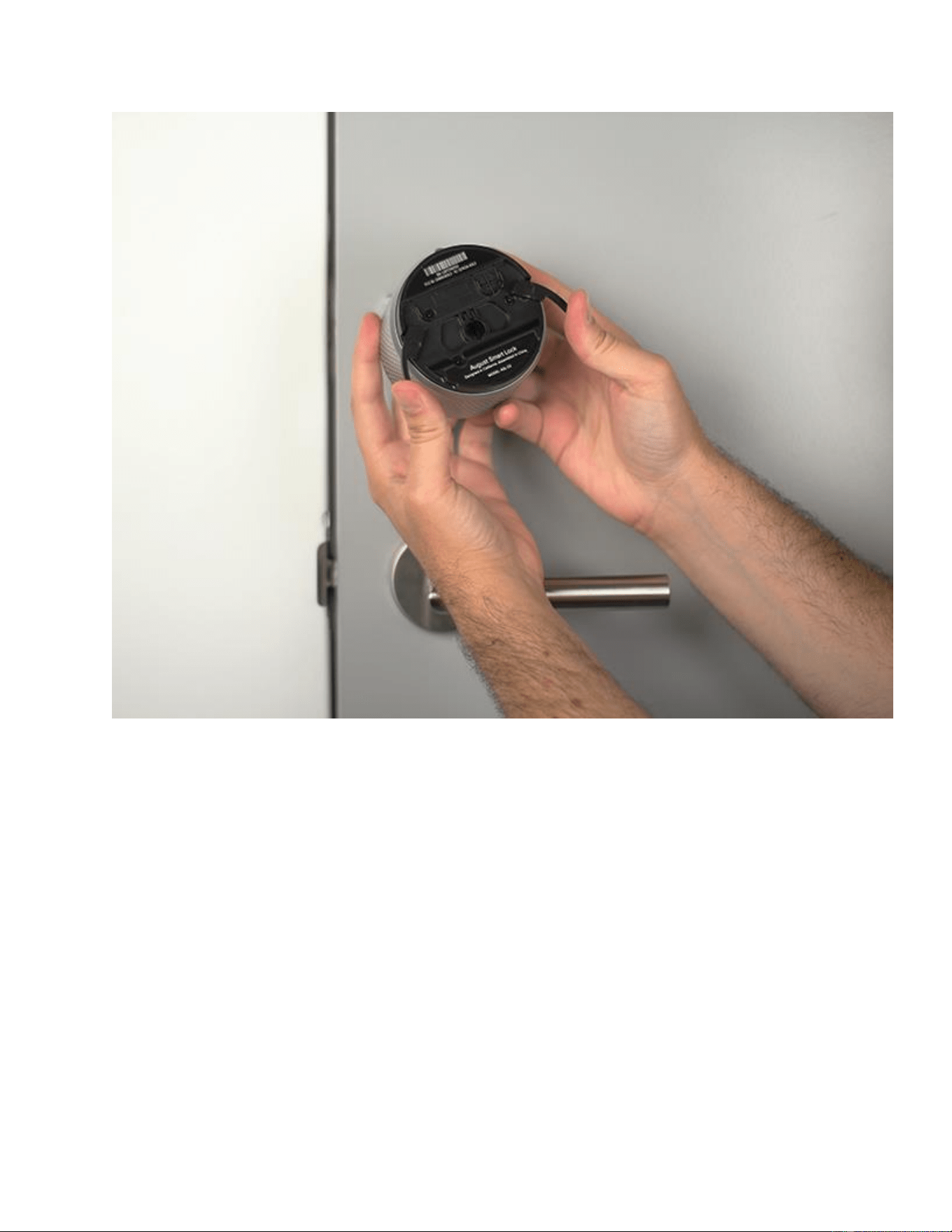
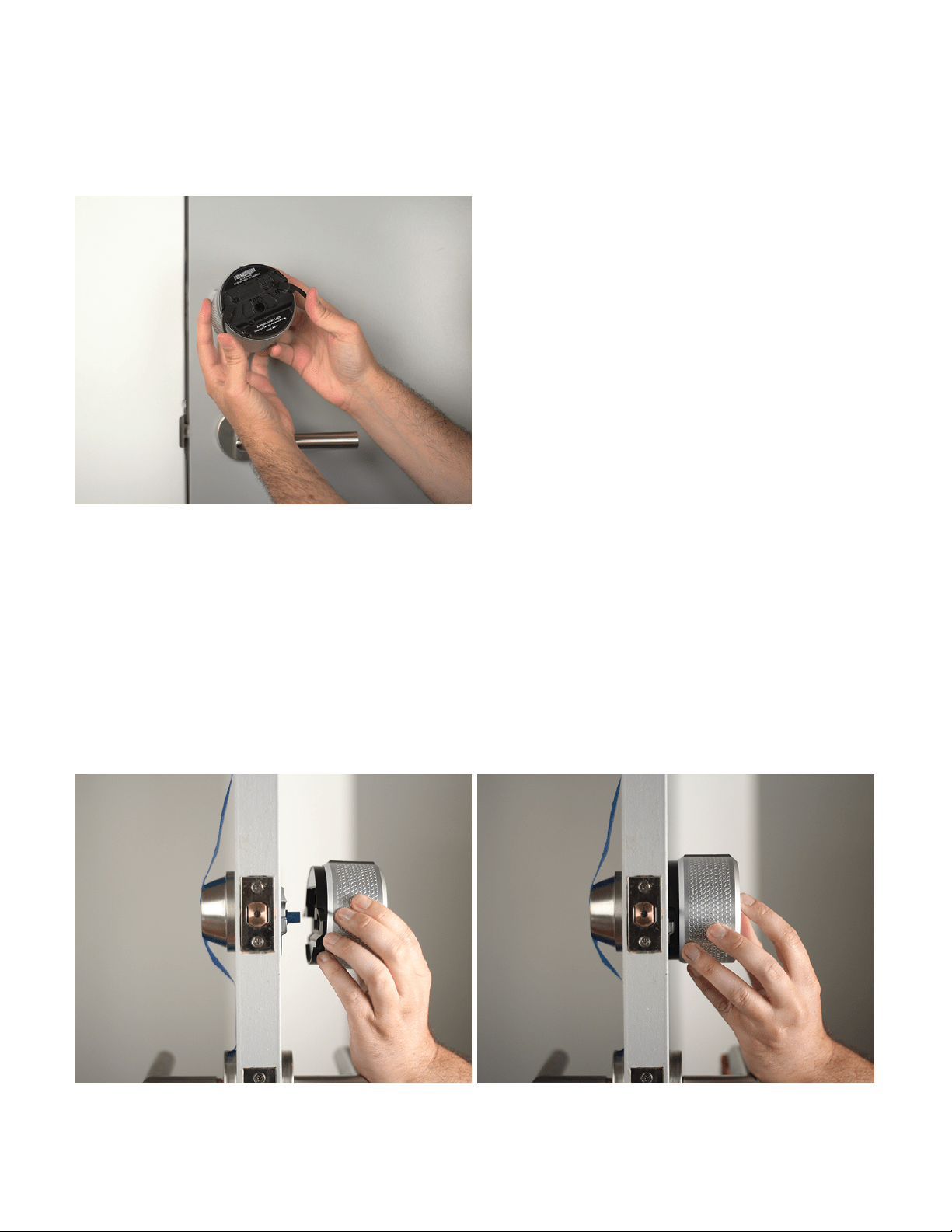
8. Attach the August Smart Lock Pro
Slide the August Smart Lock Pro over the tailpiece and attach it to the mounting plate. Make sure
the back of the lock is flush with the door. To secure the August Smart Lock Pro, clamp down
both side wing latches to the mounting plate completely.
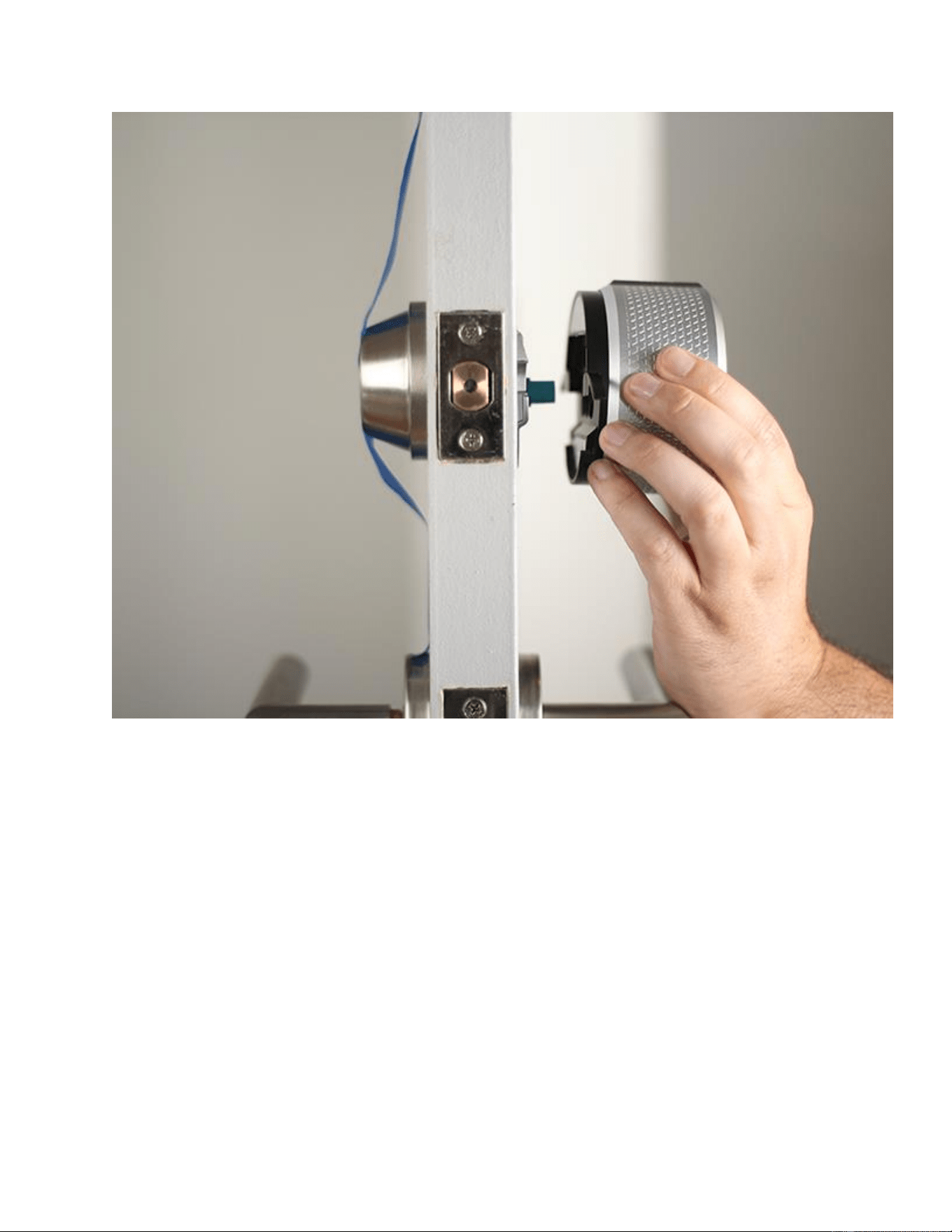
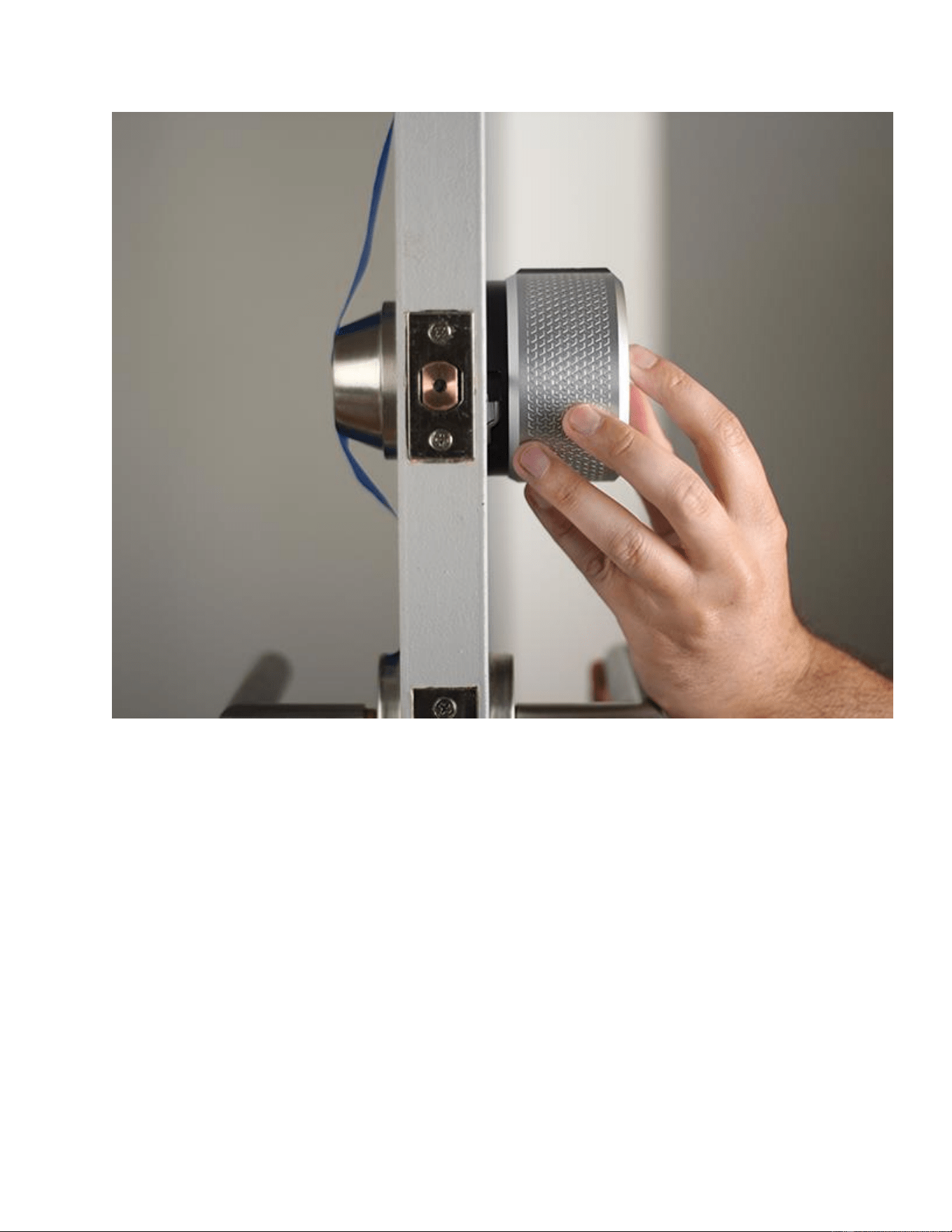
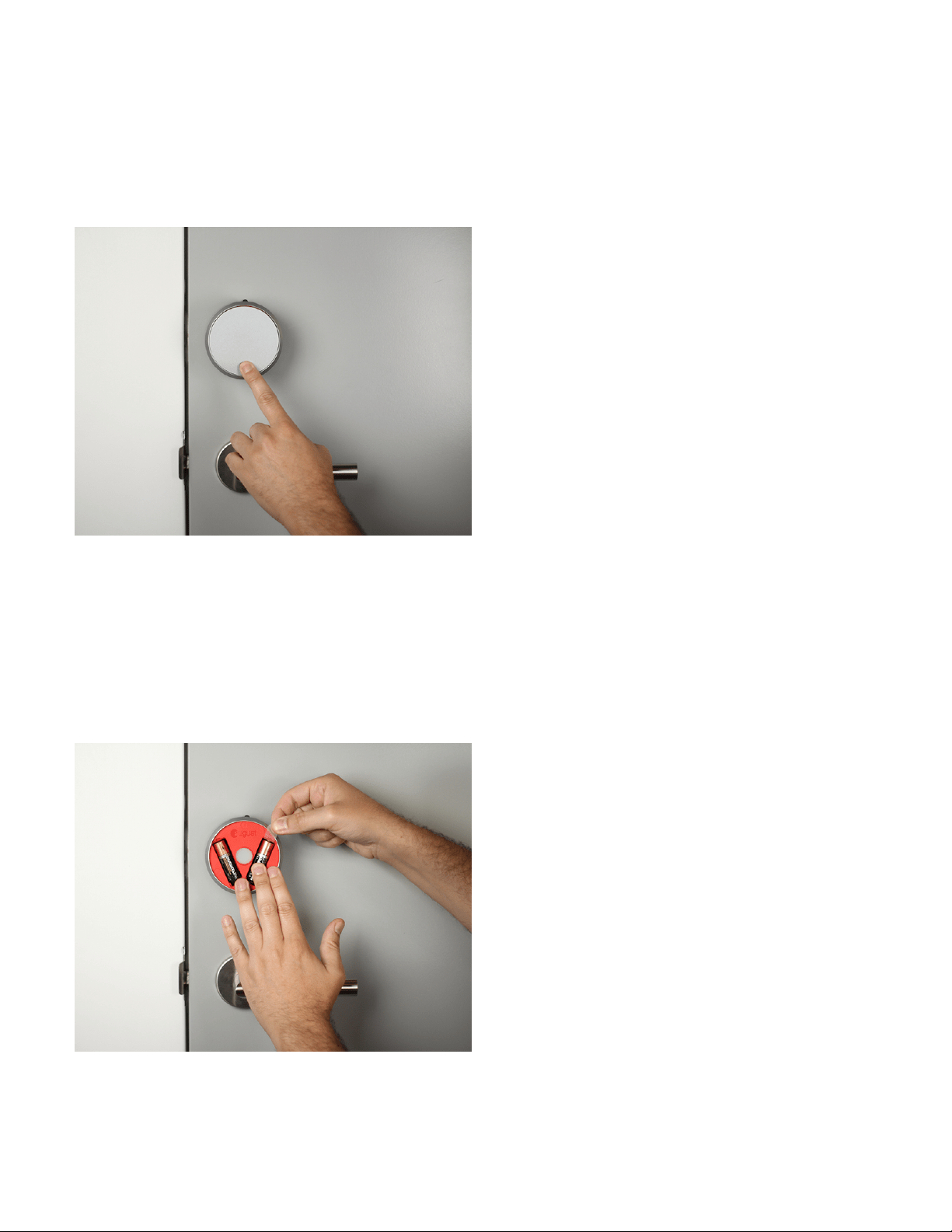
9. Remove the faceplate
Press down on the August logo located at the bottom of the face plate. Grab the top of the
faceplate and remove it.
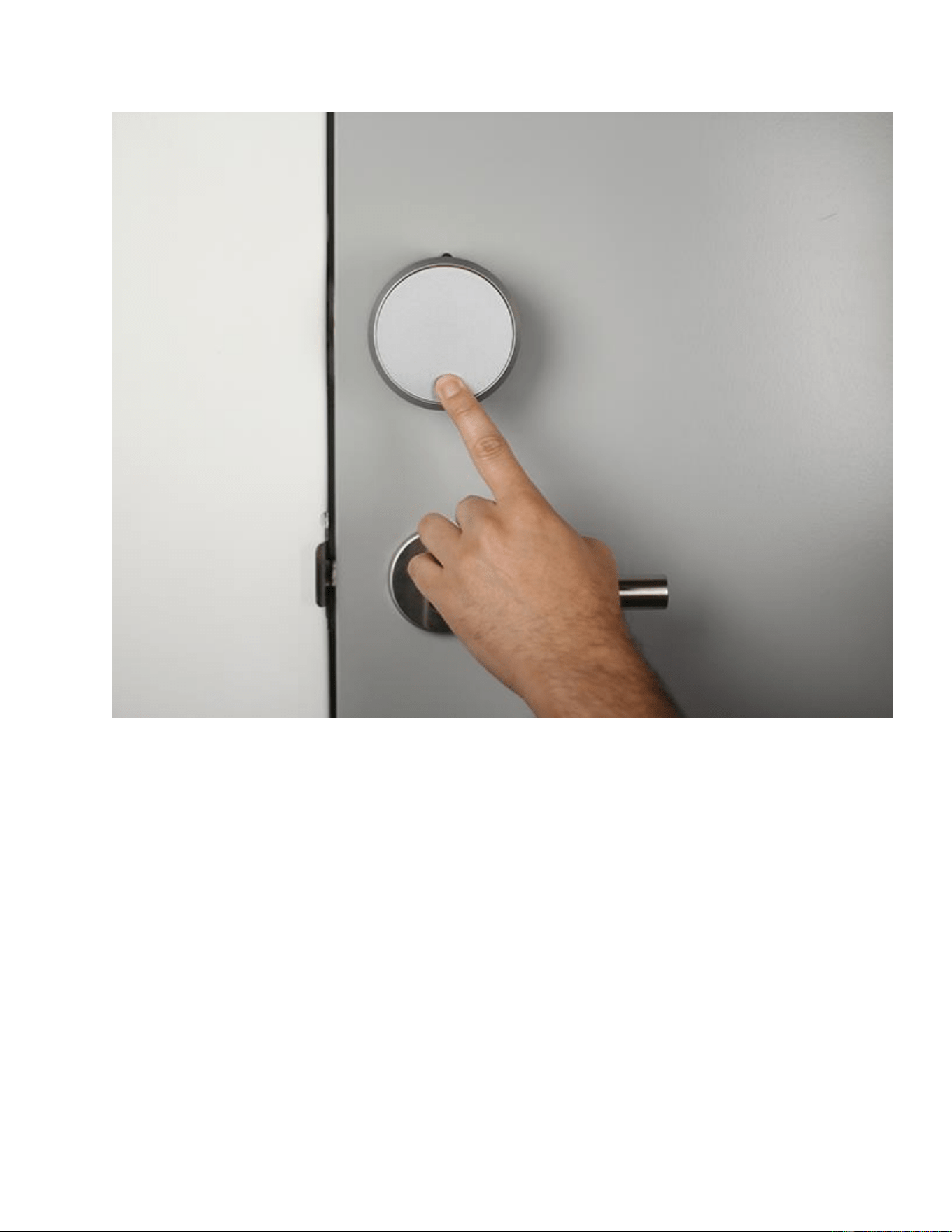
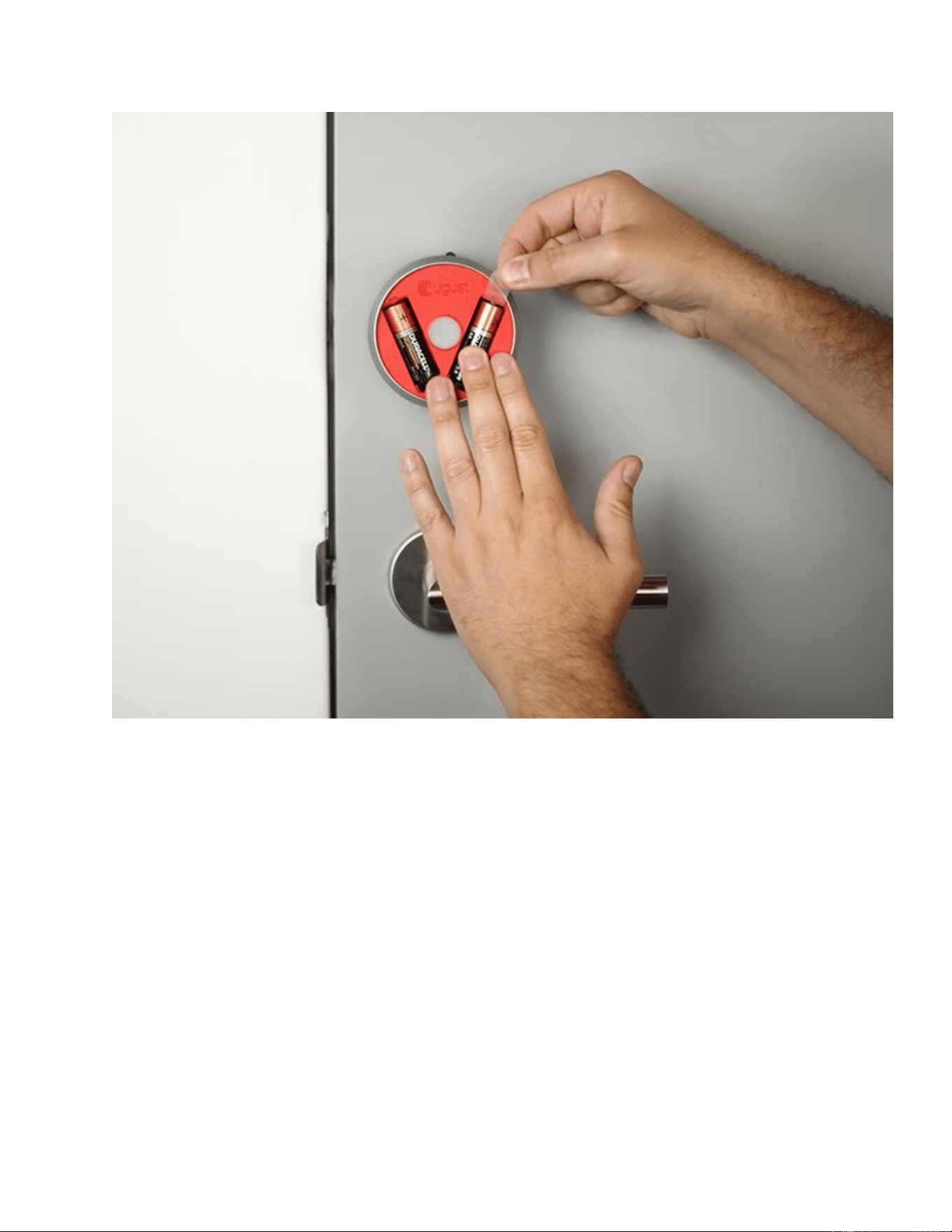
10. Remove the battery tab
While holding the batteries in place, remove the plastic battery isolation tab. Make sure that the
battery is properly seated in its compartment.
11. Replace the faceplate
Place the faceplate back onto the August Smart Lock Pro, with the August logo at the bottom
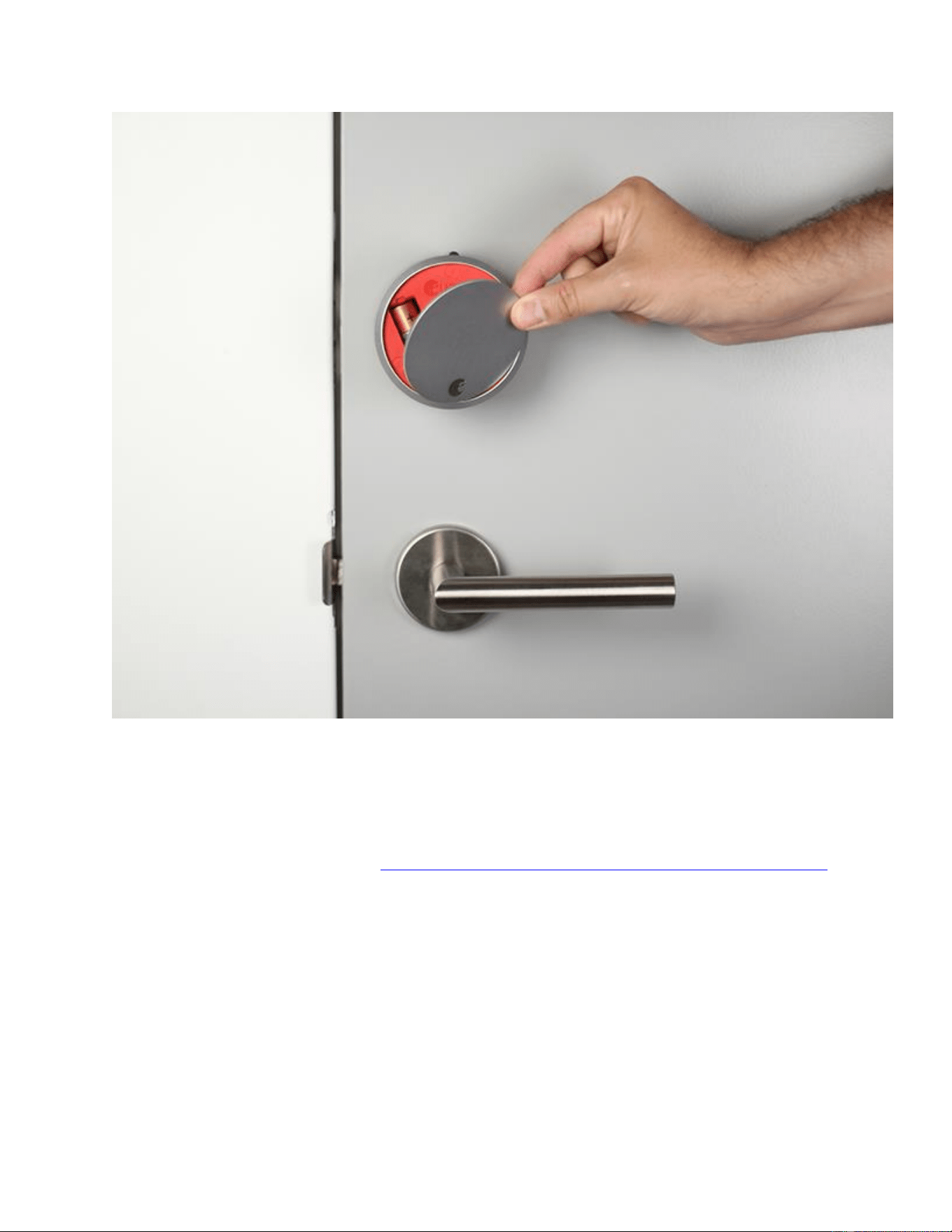
12. Install DoorSense™
DoorSense™ enables your lock to know when the door is open and closed. For instructions on
installing DoorSense™, please see: DoorSense™ Installation Guide for August Smart Lock Pro
13. Use the August Home app to complete setup
Download and install the August Home app. Select "Get Started" from the home screen, or, if
already logged in to the app, select "Set Up a Lock" from the main menu.