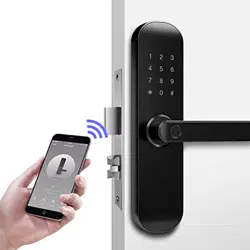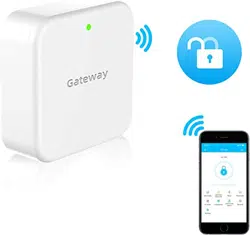

How to connect Alexa and gateway
1. After downloading "Amazon Alexa" on your mobile phone and connecting,
find "Skills & Games" in the menu bar in the upper left corner
2. Search for “TTlock”
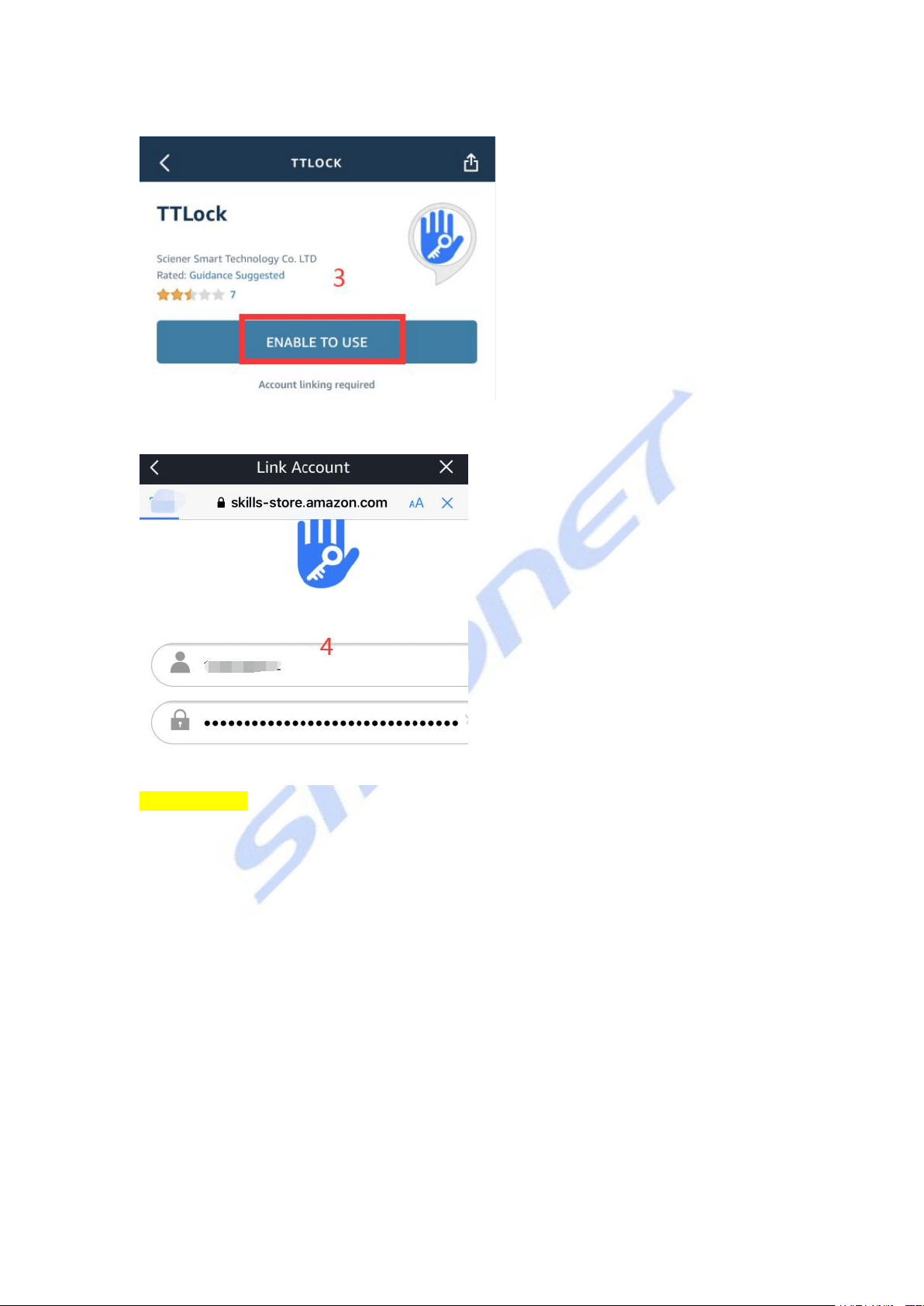
3. Enable
4. Enter the login interface, enable
Please Note: If the login failed, please fill in the area code "+1" at front of account.
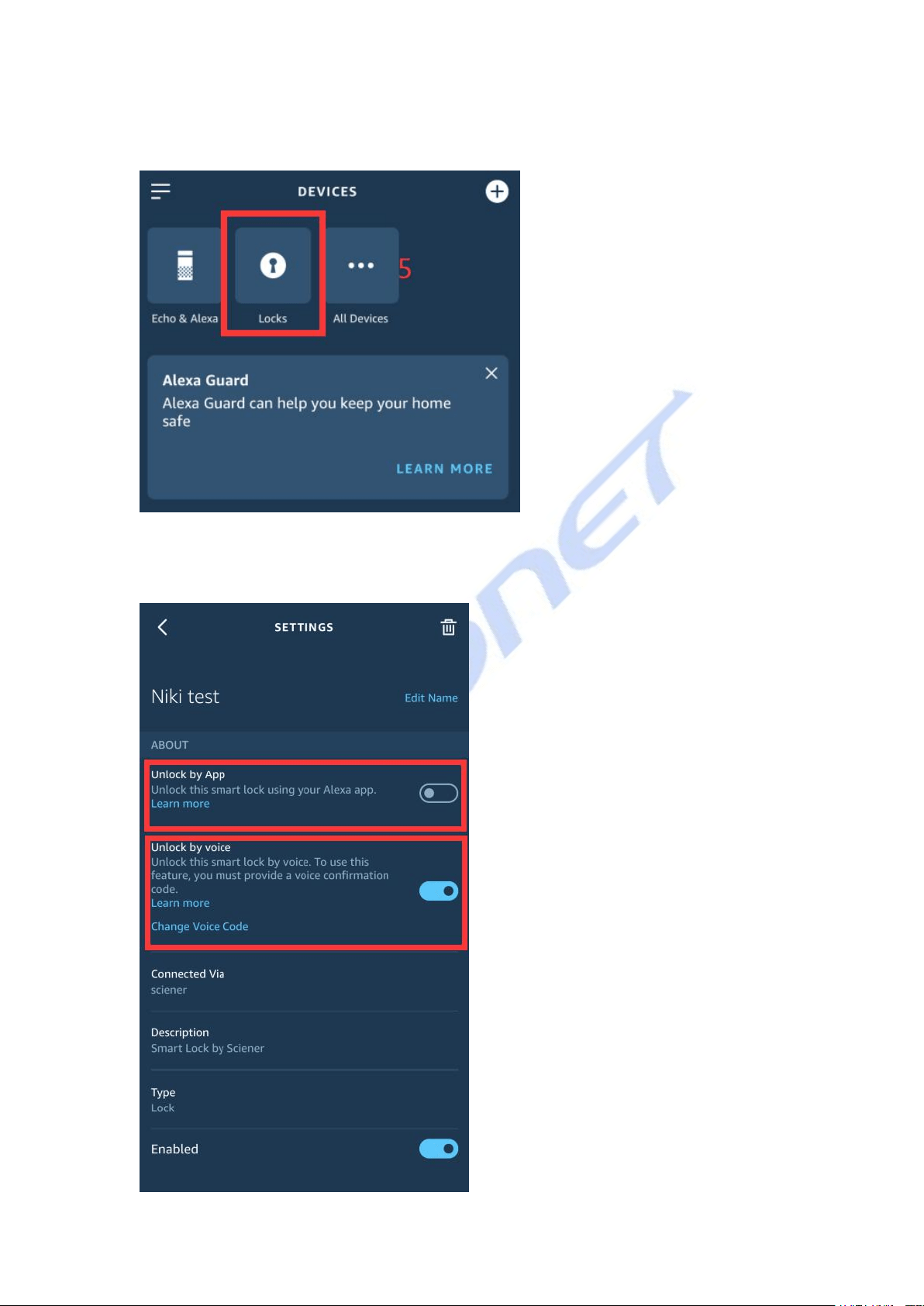
5. Give Alexa the "discover" command, and the Locks option appears on the
page
6. Enter the setting interface, authorize APP control and voice control, and
then complete the matching after saving