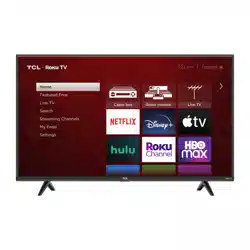
TCL 43S431 Questions & Answers
You can find answers or submit your question.
In ManualsFile, you can ask and answer questions about your issues. We - volunteers - or other people who own the product will help you.
You should also read the documentation for your own answers. Download documentation for this product here.
Is there a button on the tv to turn it on and off?
Yes, there is a button on the TV to turn it on and off.
The POWER and OPTIONS BUTTON is located at the bottom center of the TV, just beneath the screen. Press once to open the menu. Press and hold to turn off the TV.
Is there a way to turn on the tv without the remote?
Yes, you can turn on the TV without the remote.
You can use the same POWER and OPTIONS BUTTON to turn the TV on or off manually. It is located at the bottom center of the TV, just beneath the screen.Can I control the volume and channels without a remote control?
You can download the free Roku app on your smartphone or tablet to use with your TCL Roku TV. Through the Roku mobile app, you gain access to power toggle, volume toggle, private listening, voice search, and more. Hope this helps!
How do I shut off Roku to get back to my Spectrum cable channels?
where can i order the stand pieces?

Submit your question
If you have any questions about this product, please ask here.