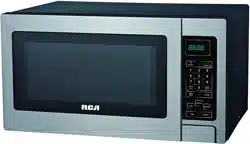
RCA RMW727 Questions & Answers
You can find answers or submit your question.
In ManualsFile, you can ask and answer questions about your issues. We - volunteers - or other people who own the product will help you.
You should also read the documentation for your own answers. Download documentation for this product here.
1 Questions
how to set clock
To enter the digital clock time, press the TIMER/CLOCK pad once and then press the number pads to set the time of day.
For example: to set the time of 6:35.
- Press TIMER/CLOCK pad once.
- Touch number pad to enter clock time.
- Press TIMER/CLOCK pad again to confirm.
NOTE: This is a 12 or 24 hour clock, you can press TIMER/CLOCK pad once to select 12 hour cycle or press TIMER/CLOCK pad twice to select 24 hour cycle.

Submit your question
If you have any questions about this product, please ask here.