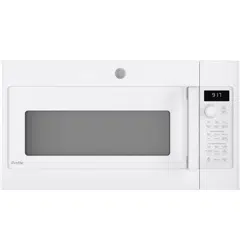
GE - General Electric PVM9179DK1WW Questions & Answers
You can find answers or submit your question.
In ManualsFile, you can ask and answer questions about your issues. We - volunteers - or other people who own the product will help you.
You should also read the documentation for your own answers. Download documentation for this product here.
1 Questions
How do I set the clock
To set the clock: 1. Press the "Settings" button and turn the dial to select "Clock Set". Press the dial to enter. 2. Turn the dial to set hours. Press the dial to enter. 3. Turn the dial to set minutes. Press the dial to enter. 4. Turn the dial to set AM/PM. Press the dial to enter.

Submit your question
If you have any questions about this product, please ask here.