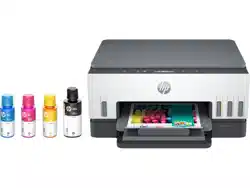
HP 6001 Questions & Answers
You can find answers or submit your question.
In ManualsFile, you can ask and answer questions about your issues. We - volunteers - or other people who own the product will help you.
You should also read the documentation for your own answers. Download documentation for this product here.
1 Questions
How to scan on HP Smart Tank 6001?
To scan a document or photo to a file (Windows):
- Place the original print-side up in the document feeder or print-side down on the scanner glass (aligned to the corner with an icon).
- In the HP printer software (available from the Start menu), click Scan, and then click Scan a Document or Photo.
- Select the type of scan you want, and then click Scan. Choose the file format to save the document (or photo).

Submit your question
If you have any questions about this product, please ask here.