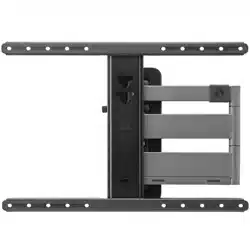
ONE FOR ALL WM 5650 Questions & Answers
You can find answers or submit your question.
In ManualsFile, you can ask and answer questions about your issues. We - volunteers - or other people who own the product will help you.
You should also read the documentation for your own answers. Download documentation for this product here.
1 Questions
The product is fixed to the wall. How do I attach it to the television?
- First, confirm that your TV is within the supported screen size (up to 100") and weight capacity (up to 80 kg). Make sure your TV has the correct VESA mounting pattern: up to 600x400 mm.
- Align the vertical mounting brackets with the VESA holes on the back of your TV. Choose the correct screws + washers (choose correct length so they don’t damage the panel). See Figure 6.
- Tighten screws firmly, but don’t overtighten. Both vertical brackets should now be firmly attached to the TV. See Figure 7.
- Two people lift the TV and hook the mounted brackets onto the wall plate. The top part of the brackets fits over the rail on the wall plate. See Figure 8.
- Either tighten the lock screws or flip the safety latch. This prevents accidental lifting of the TV off the wall plate. See Figure 9.
- Checking that the TV is level. See Figure 10.
- Pull gently forward on the TV and release to make sure the brackets are locked securely. See Figure 11.
Please download the Manual from the link below to see detailed figures: https://manualsfile.com/download/k40kg5qfilx.html

Submit your question
If you have any questions about this product, please ask here.