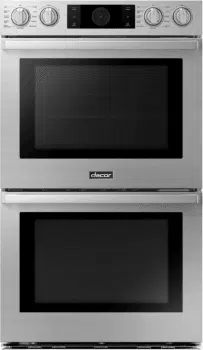
Dacor DOB30P977DS Questions & Answers
You can find answers or submit your question.
In ManualsFile, you can ask and answer questions about your issues. We - volunteers - or other people who own the product will help you.
You should also read the documentation for your own answers. Download documentation for this product here.
1 Questions
HOW TO SET OR CHANGE THE TIME OF DAY CLOCKCLOCK
How to set the timer:
- Touch Timer. The display will be change to the timer screen.
- Tap + Add timer.
- Tap the time area to set time.
- Tap OK. The timer is displayed on the screen.
- Tap START. When the set time has elapsed, the oven will beep and the display will show the Timer has finished.
How to change timer name:
- Tap the timer name area. The keyboard appears.
- Enter the new timer name, and then tap OK. The display shows the changed timer name.

Submit your question
If you have any questions about this product, please ask here.