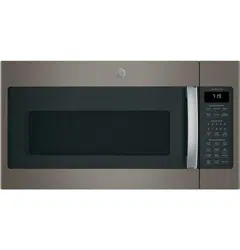
GE - General Electric DVM7195EK2ES Questions & Answers
You can find answers or submit your question.
In ManualsFile, you can ask and answer questions about your issues. We - volunteers - or other people who own the product will help you.
You should also read the documentation for your own answers. Download documentation for this product here.
There appears to be a cardboard piece secured on the inside right hand side of the microwave. Little tabs are holding it in place along with a screw in the upper left hand corner. Is this piece supposed to be removed? My husband says it isn't cardboard but it looks like cardboard to me.
The cardboard (mica) covers the waveguide system that feeds microwave energy into the cavity and should not be removed. The microwave should not be used for any function if this cardboard cover is not in place. If removed, it would require service to replace.
How do I reset filter?
Reset by pushing and holding the Reset Filter Button for 3 seconds. https://manualsfile.com/product/bzj3ov2nb.html#:~:text=3%20%2D%20loud-,Reset%20Filter%20Button,-The%20light%20will

Submit your question
If you have any questions about this product, please ask here.