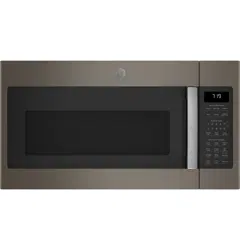
GE - General Electric JVM7195EK3ES Questions & Answers
You can find answers or submit your question.
In ManualsFile, you can ask and answer questions about your issues. We - volunteers - or other people who own the product will help you.
You should also read the documentation for your own answers. Download documentation for this product here.
GE Profile JVM7195EK3ES how to remove grill top - it's flush with the cabinet above, no screws to access. Does front panel come off by prying out
To remove the top grille, first unplug the unit. Although the grille appears flush and has no visible screws, they are located on the underside of the cabinet above the microwave. Open the upper cabinet and remove the two mounting screws that secure the microwave from the top.
Once these are removed, the microwave can tilt forward slightly, giving you access to slide or unclip the vent grille. Do not pry the front panel, it’s not designed to pop off. Always access the grille by removing the top screws first.how to change light
You can find instructions on replacing the surface light on page 23 of the Owner’s Manual, found here: https://manualsfile.com/download/3ei8afgqf.html

Submit your question
If you have any questions about this product, please ask here.