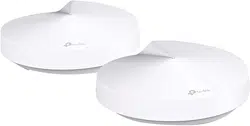
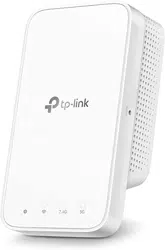
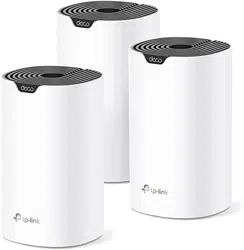
User Guide AC2200 Smart Home Mesh Wi-Fi System Deco M9 Plus
Appearance
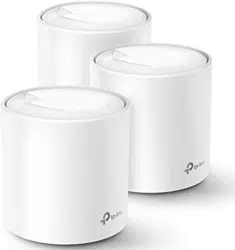
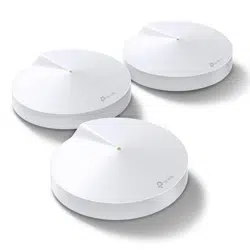
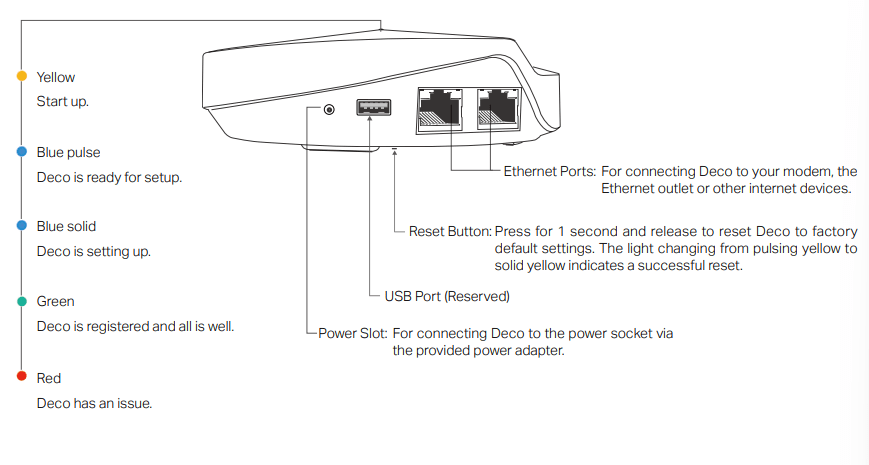
Each Deco has an LED that changes color according to its status, two RJ-45 Ethernet ports and a power slot. See the explanation below:
Set Up Your Deco
The intuitive Deco app guides you through an easy setup process that gets each unit up and running and all your devices connected and online. Follow the steps below to set up your Deco Whole Home Mesh Wi-Fi System.
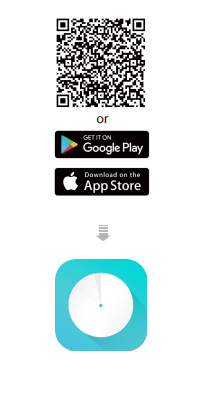
- Download and install the Deco app
Scan the QR code below or go to Google Play or the Apple App Store to download the Deco app. Install the app on your Android or iOS smartphone or tablet.
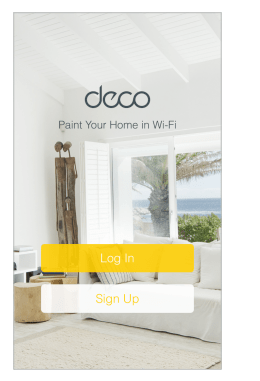
- Log in or sign up with TP-Link ID Open the app.
Open the app. Use your TP-Link ID to log in.
If you don’t have a TP-Link ID, tap SIGN UP. The Deco app will guide you through the rest.
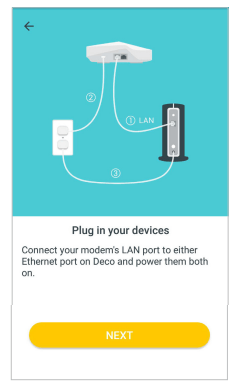
- Connect your modem to Deco
Find and power off your modem. Connect your Deco to the modem and power them both on.
If you don't have a modem, connect the Ethernet outlet directly to your Deco
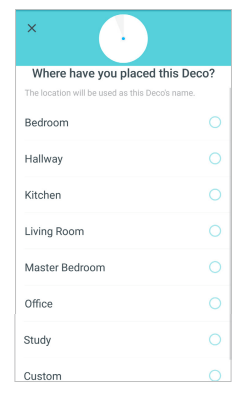
- Select a location
Select a location for this Deco. If its location is not listed, you can create a new one by choosing Custom.
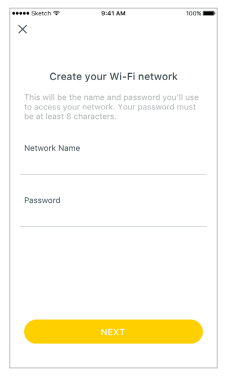
- Create your Wi-Fi network
Set a network name and a password. These will be the name and password you use to connect your devices to Wi-Fi.
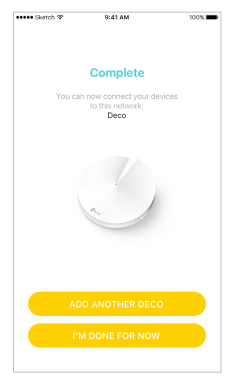
- Add more Decos
You can add more Decos to expand Wi-Fi coverage. The app will guide you through the process of adding more Decos one by one.
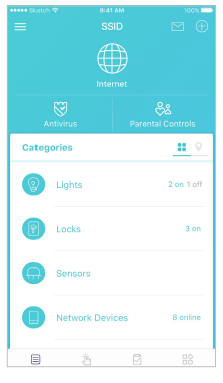
Dashboard
After you successfully set up your Deco network, you will see the dashboard of the Deco app. Here you can view the working status of all Decos, test the internet speed, check the connected devices and manage your network.
Deco Status & Devices
Swipe right
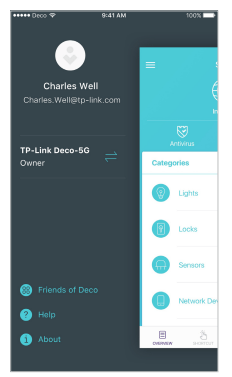
Tap MORE
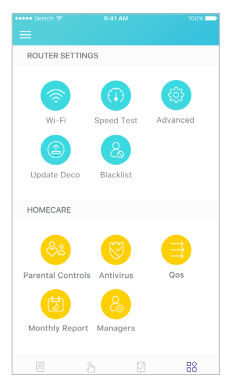
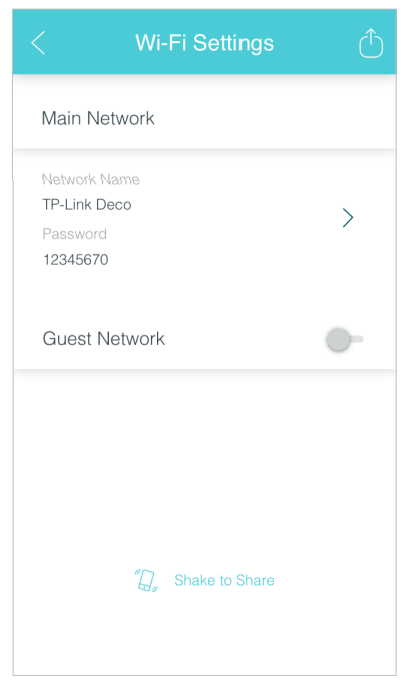
Wi-Fi Settings
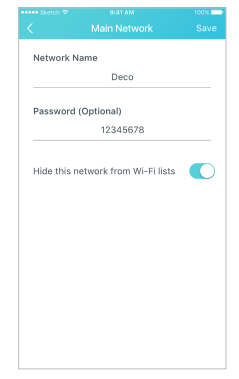
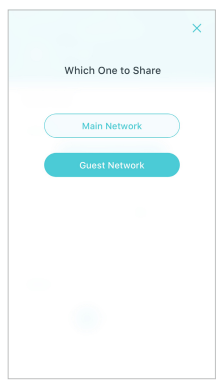
Customize the network name and password of your main network or create a separate network just for guests. You can set a guest network name and an easy-to-remember password. You can shake your device to share the network details easily with family and friends.
Enable a guest network
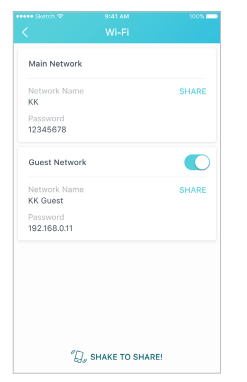
Create the network name and password
Shake to share
Set Up Smart Home Devices
Deco M9 Plus not only delivers seamless wireless connectivity, but also acts as a smart home control point, letting you replace your older smart hubs. It connects Wi-Fi, ZigBee and Bluetooth devices to your network and lets you manage them from the Deco App. Whether you're on the couch or on the go, you're always in reach of your lights, thermostats, switches and door locks. Follow the steps below to add smart home devices to your Deco network.
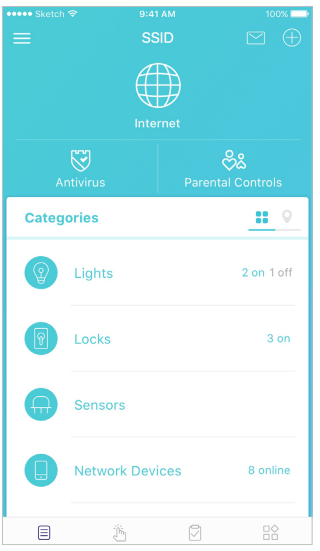
- On the Dashboard page, tap

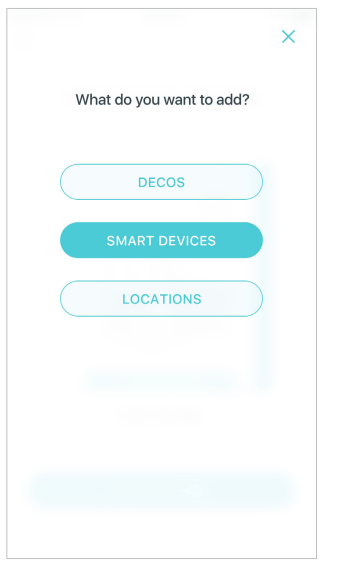
- Tap SMART DEVICES.
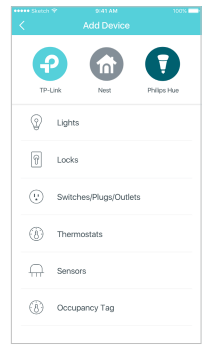
- Select the smart device type
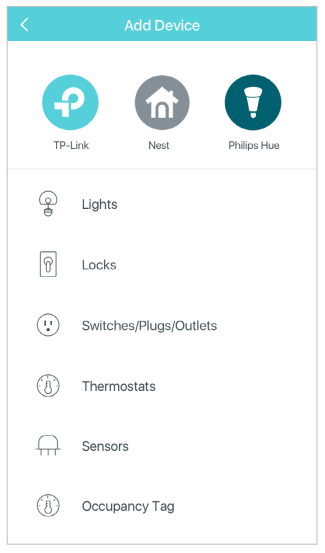
- Select your smart device. If not listed, select Other Light, for example.
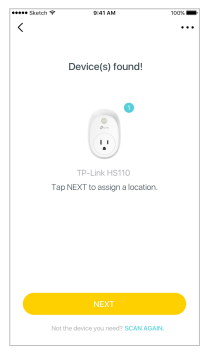
- Follow the app's guide to find your smart device(s).
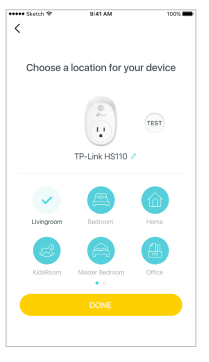
- Assign a location for your device and tap Done.
Automation
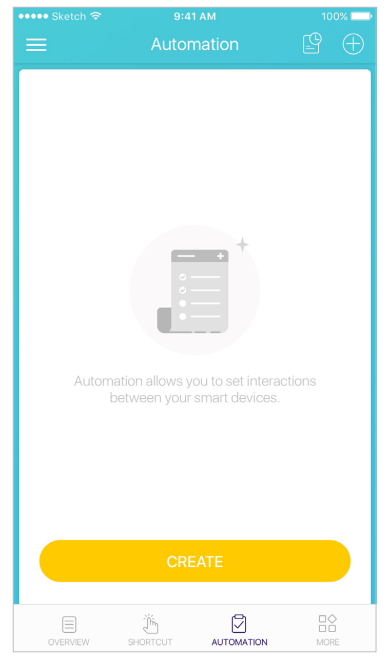
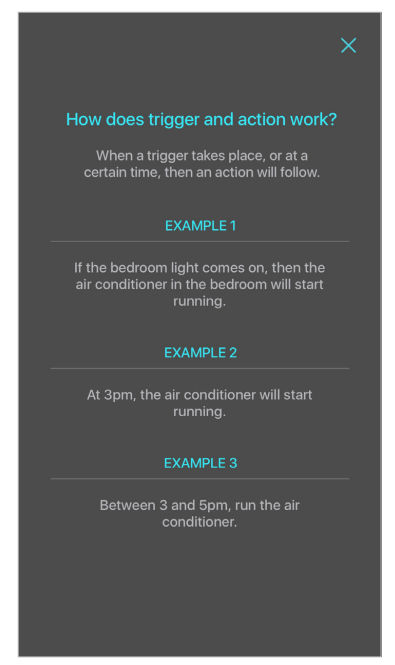
Automation allows you to set interactions between your smart devices. For example, if the bedroom light comes on (which is a trigger), then the air conditioner in the bedroom will start running (which is an action). Follow the steps below to create an automation.
- Tap Create or

- Specify the time when this automation will take effect.
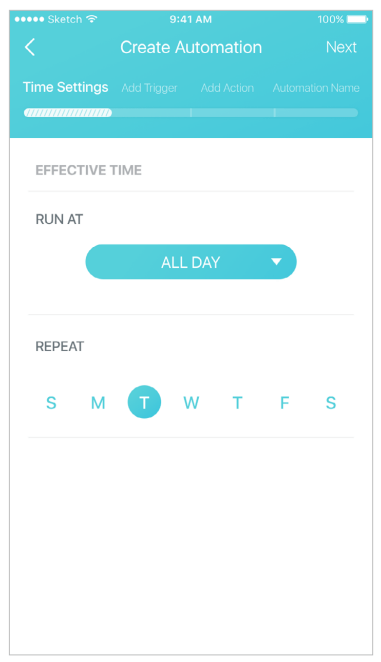
- Follow the app's guide to add a trigger. If you set a specific time for the automation, then a trigger is optional.
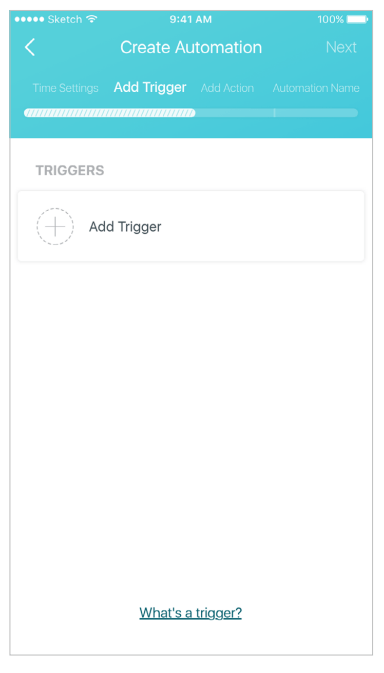
- Follow the app's guide to add an action.
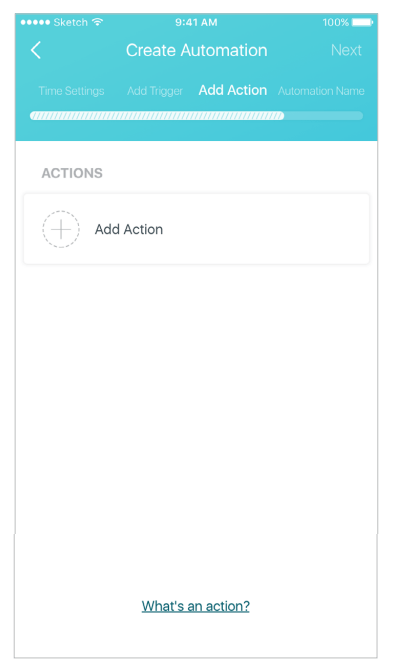
You can delay an action when triggers are fired by setting the delay action .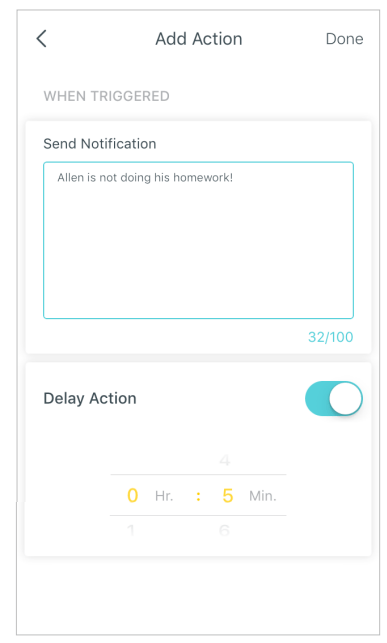
- Describe the automation and tap Done.
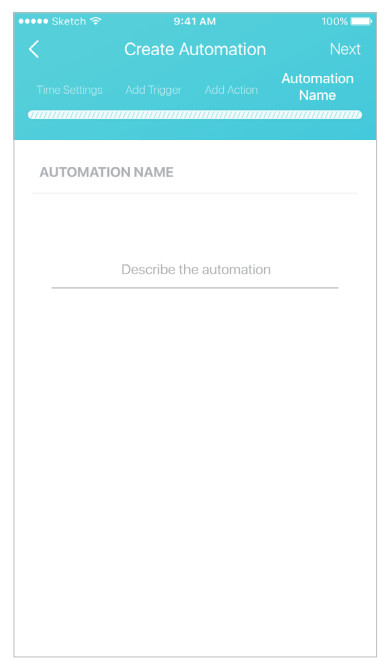
Automation allows you to set interactions between your smart devices. For example, if the bedroom light comes on (which is a trigger), then the air conditioner in the bedroom will start running (which is an action).
How trigger and action work
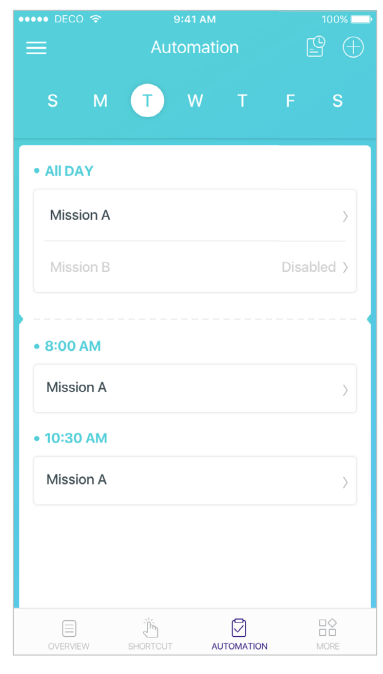
The automations you created are displayed here.
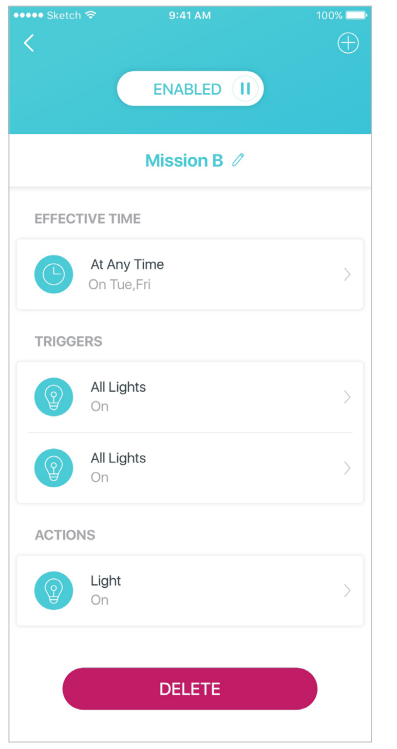
Tap an automation to delete, enable or disable it. You can also delete, edit or tap  to add triggers and actions.
Automation allows you to set interactions between your smart devices. For example, if the bedroom light comes on (which is a trigger), then the air conditioner in the bedroom will start running (which is an action).
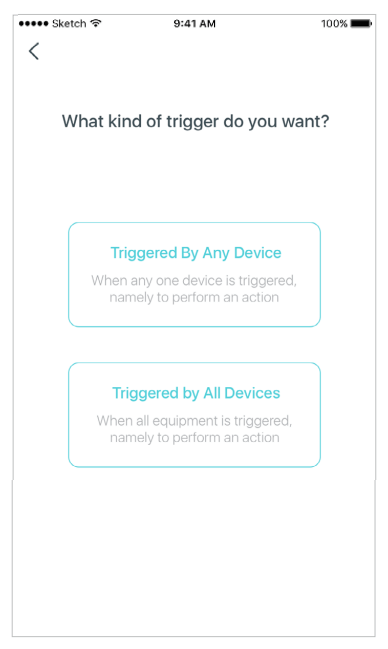
When multiple devices are selected for a trigger, then you have to specify the trigger type.
Shortcut
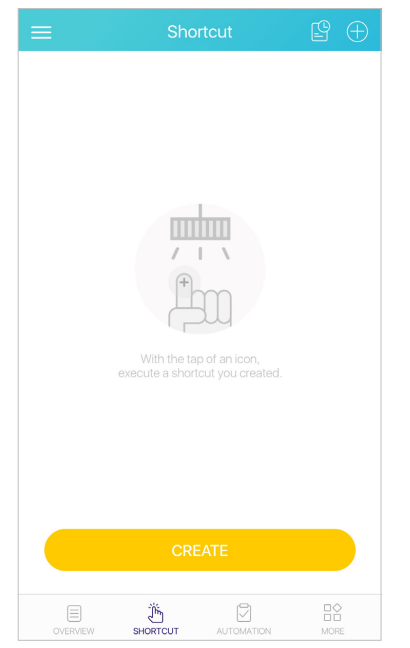
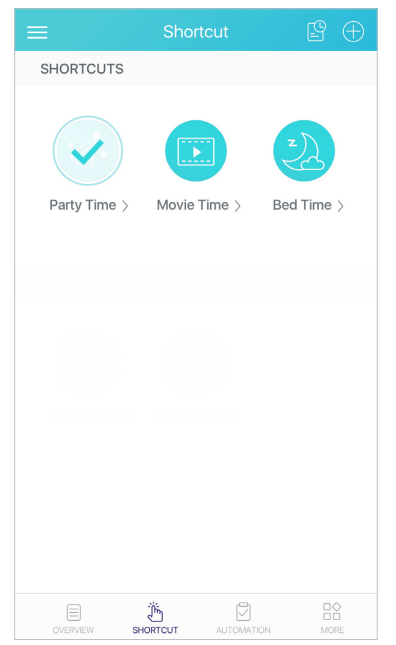
With the tap of an icon, execute a shortcut you created. Follow the steps below to create a shortcut.
- Tap Create or .
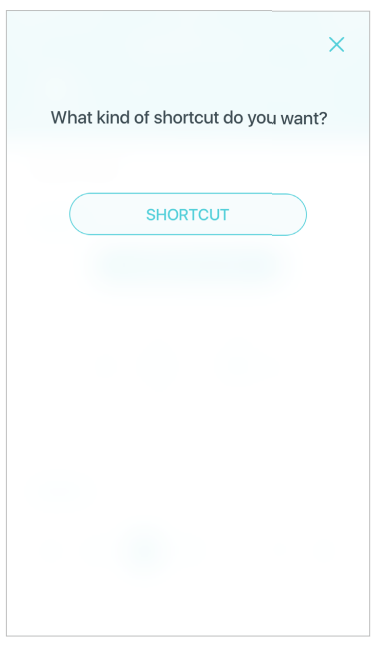
- Select the shortcut type.
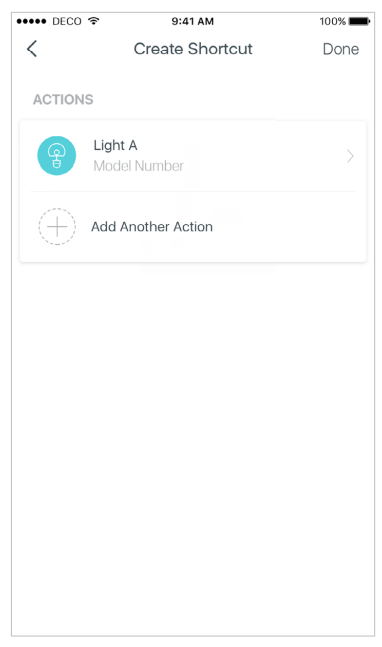
- Follow the app's guide to add an action.
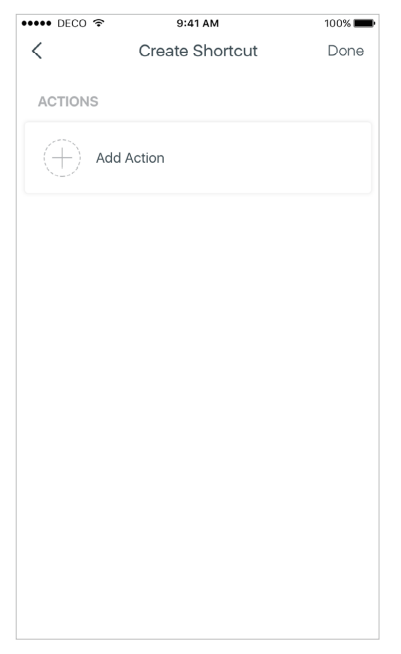
- If needed, you can add more actions for one shortcut. And tap Done.
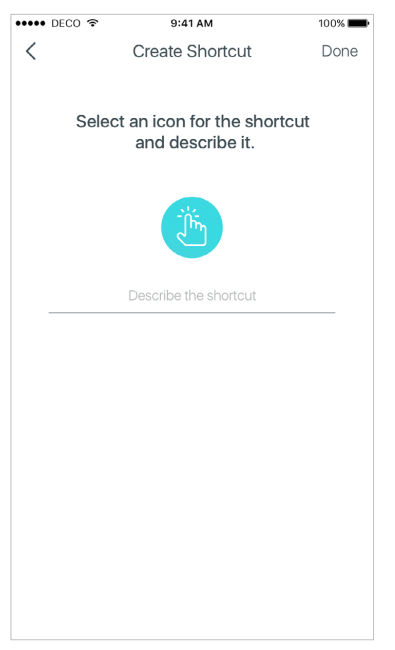
- Select an icon for the shortcut and descirbe it.
Shortcut executed
Parental Controls
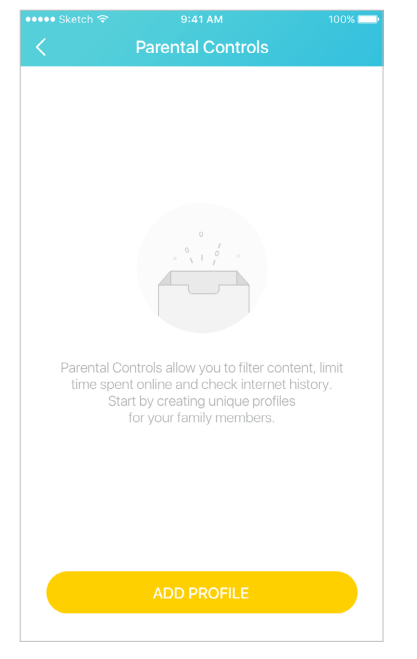
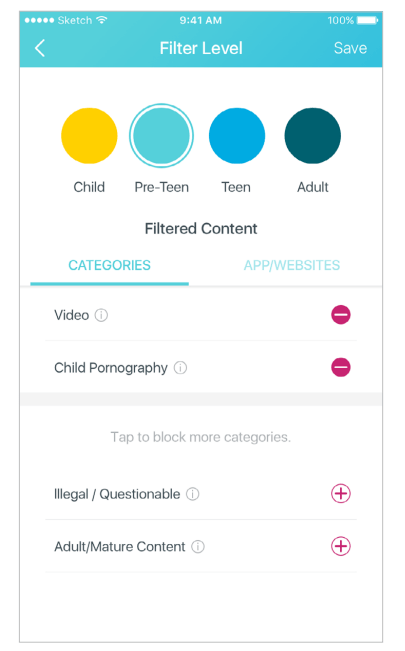
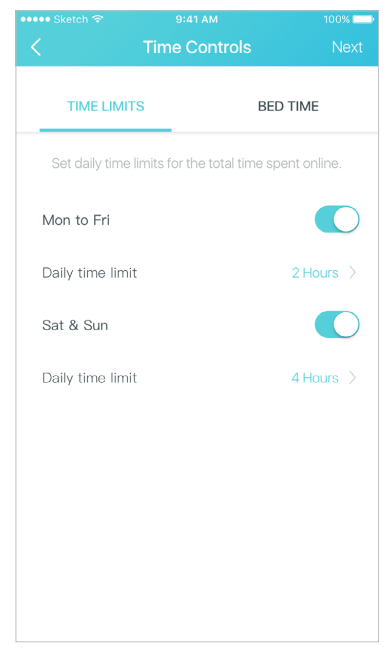
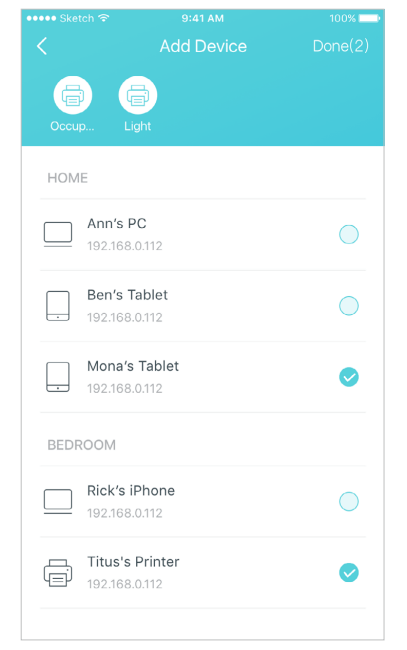
Create profiles for family members and specify the devices that belong to each. Set individualized parental controls including when and for how long each person can access the internet. Block inappropriate content and pause the internet. Follow the steps below to set up parental controls
- Tap ADD PROFIE to create a new profile.
- Set filter level.
- Set time controls.
- Add devices to this profile and tap Done.
Antivirus
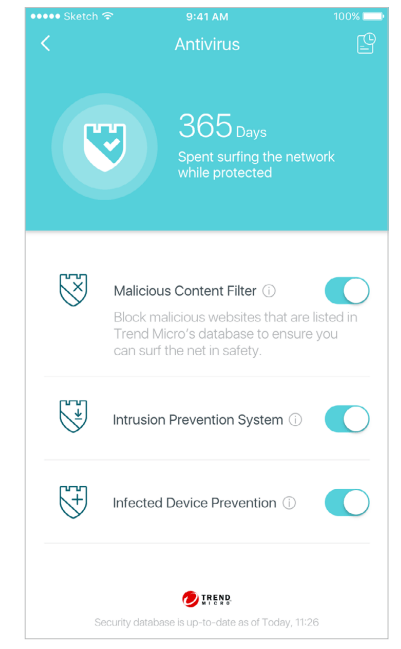
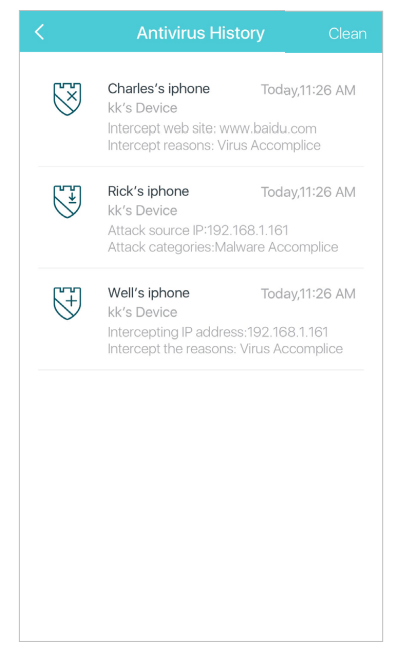
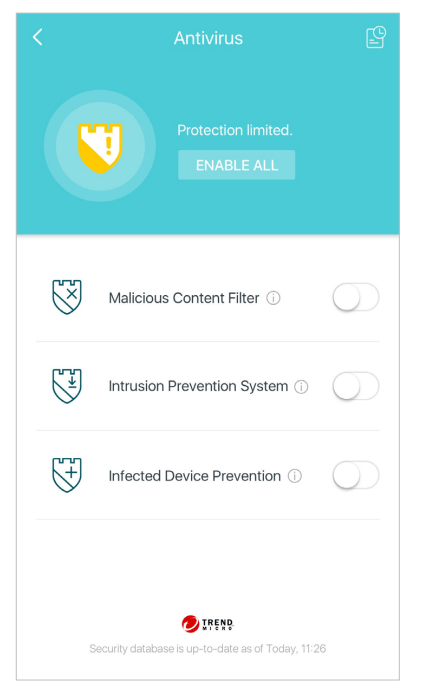
There are three ways Deco ensures your home network remains safe: by blocking malicious websites, by protecting the system and applications against external attacks and eliminating vulnerabilities, and by preventing infected devices from sending sensitive information outside your network.
Protection enabled
Alert history
Protection disabled
QoS
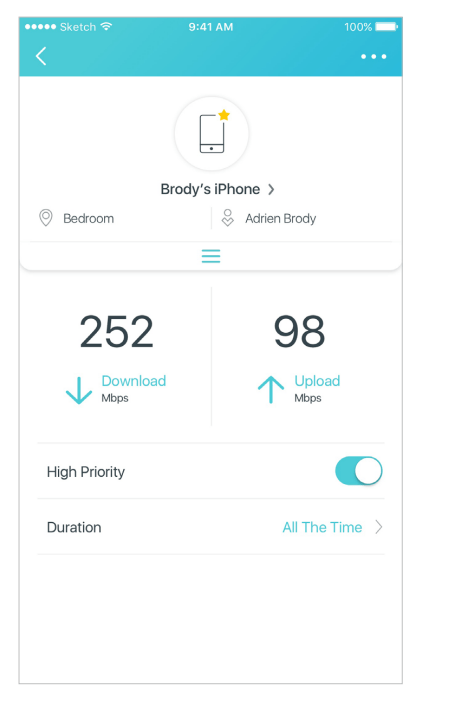
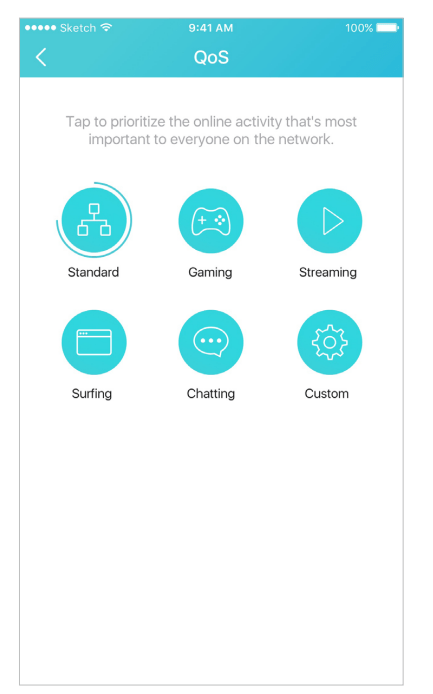
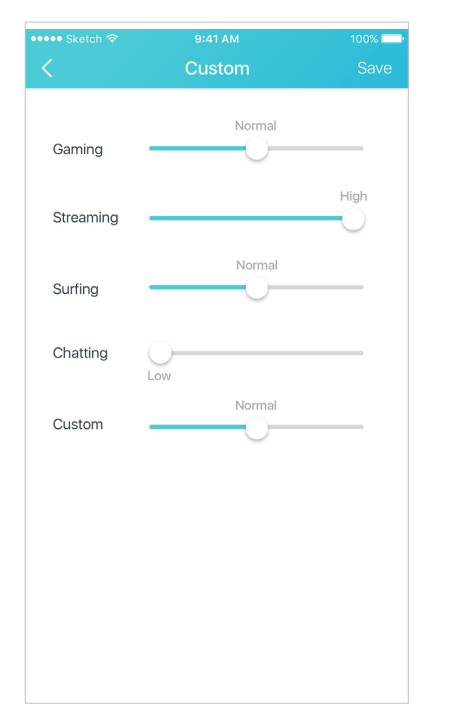
There are two ways to use the QoS (Quality of Service) function. You can prioritize the connection of a particular device for a set duration, such as a family member's laptop for one hour during a video call. You can also prioritize the online activity that's most important to the whole family, such as Streaming or Gaming.
Prioritize a device
Prioritize an activity
Customize
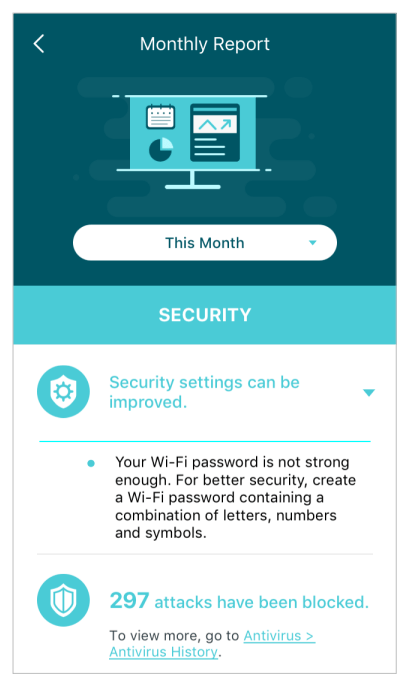
Monthly Report
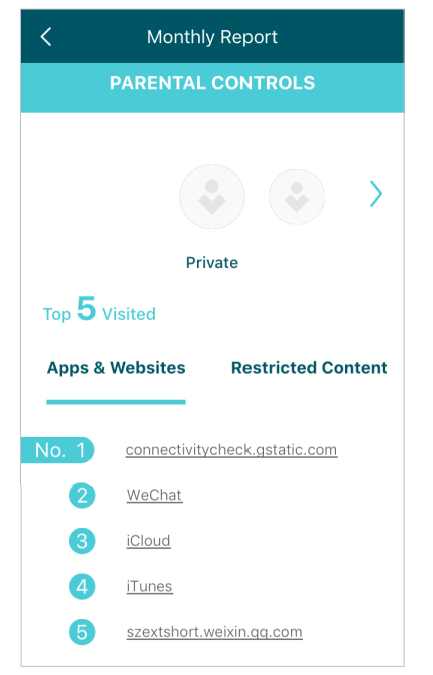
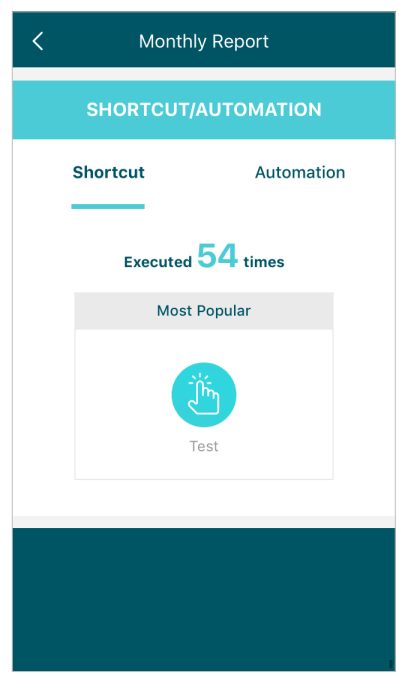
Review a monthly list of usage, top 5 visited content, most frequently executed automations and shortcuts, and security threats.
Safeguard your Deco network
Top 5 visited content under Parental Controls
Most frequently executed Shortcut and Automation
Switch and Create Network
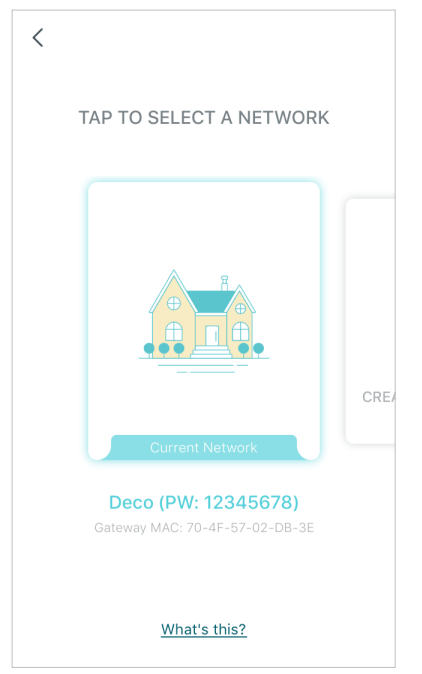
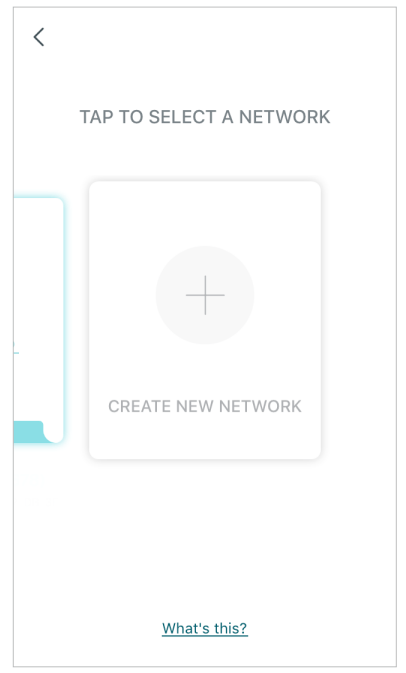
You can create, manage and switch between different Deco networks bound to your TP-Link ID
Swipe right and tap 
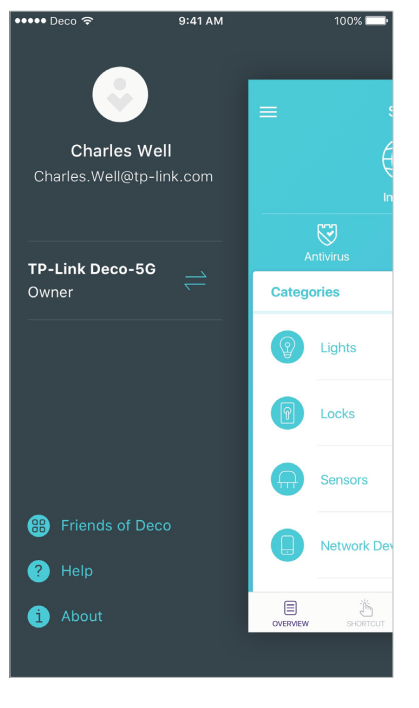
Swipe to switch a network to manage
Swipe to create a new network
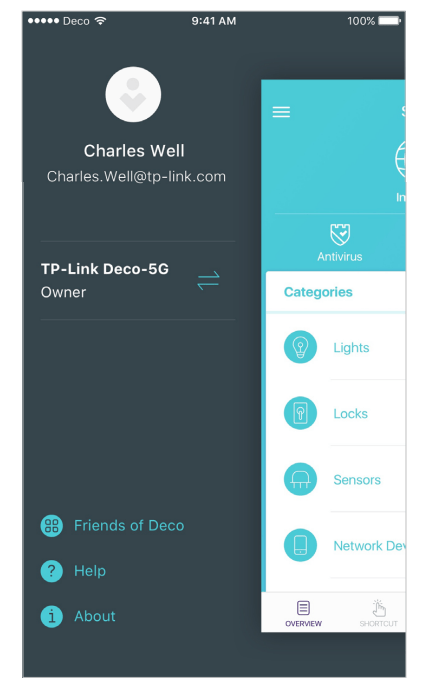
Friends of Deco
TP-Link works with Alexa and IFTTT. With Alexa, you can use your voice to control functions of the AC2200 Tri-Band Mesh Wi-Fi System. With IFTTT, you can create useful connections between devices, apps, services and websites to make your home smarter.
Friends of Deco
Alexa and IFTTT
Advanced Features
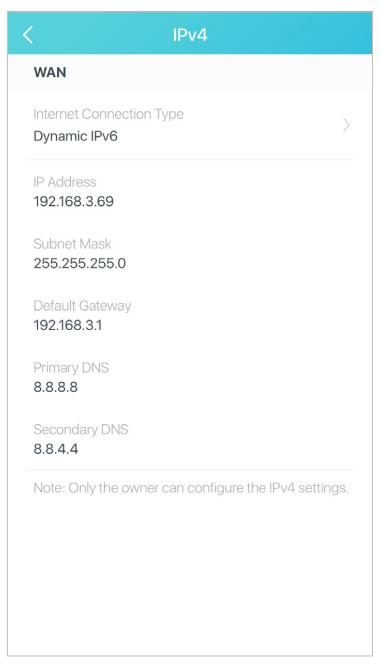
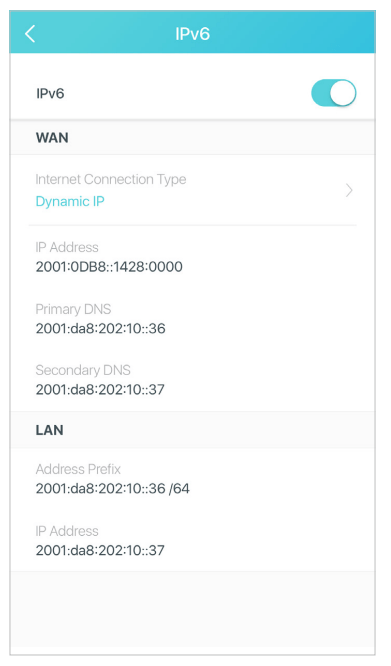
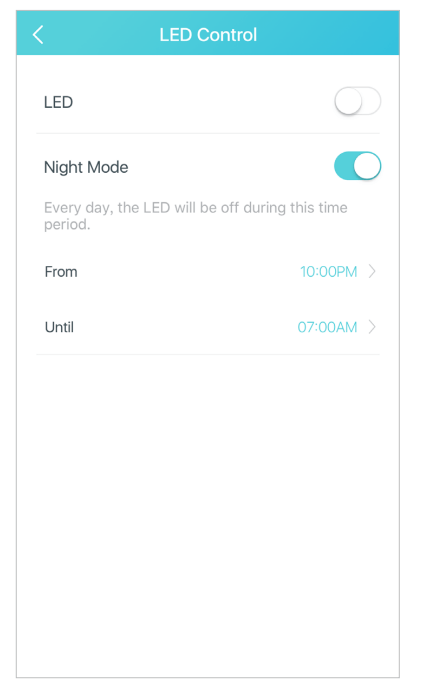
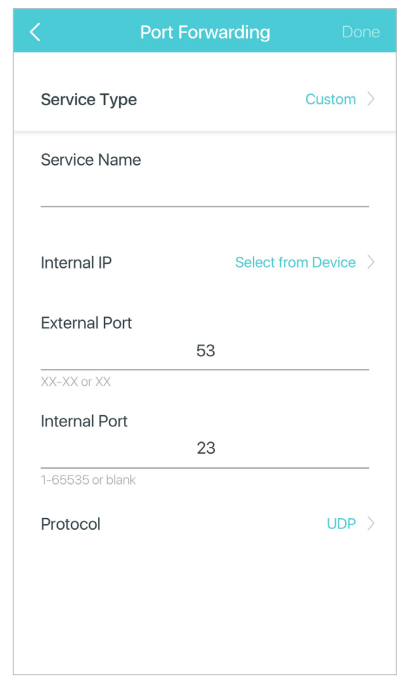
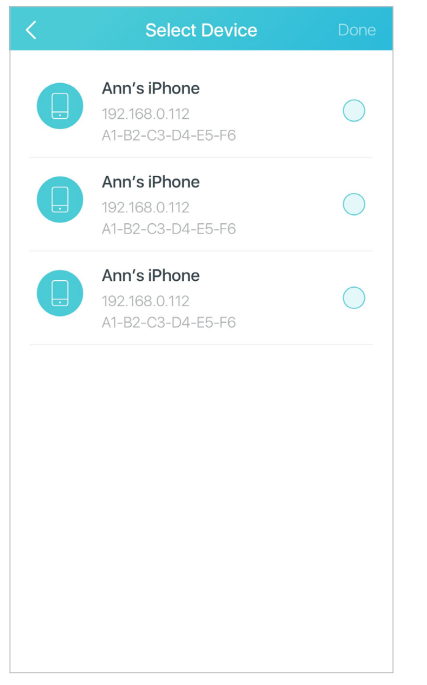
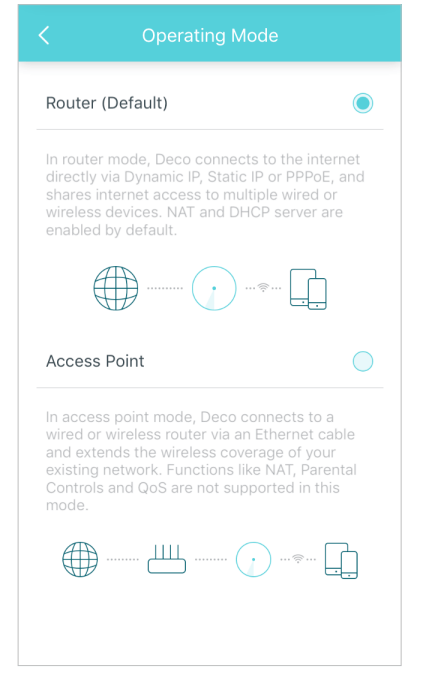
Additional features are available under the Advanced menu. You can modify WAN settings (IPv4 & IPv6), control Deco's LED, turn notifications off and on, create a domain name for your Deco, set up port forwarding rules to make your local computers accessible to other devices over the internet, reserve an IP address for a specific device and change the operating mode.
IPv4
IPv6
LED Control
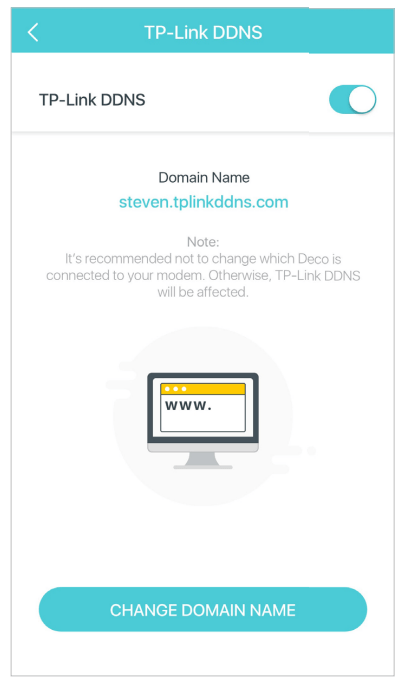
Register a TP-Link DDNS domain name
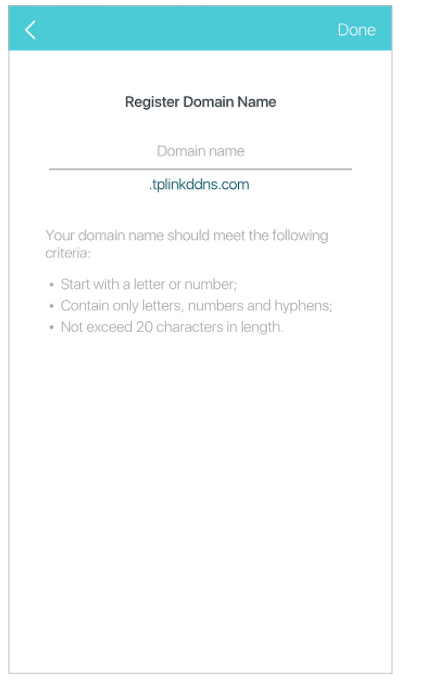
Enable or disable TP-Link DDNS feature
Set up port forwarding rules
Reserve IP addresses for specific devices
Change the operating mode
Online Upgrade
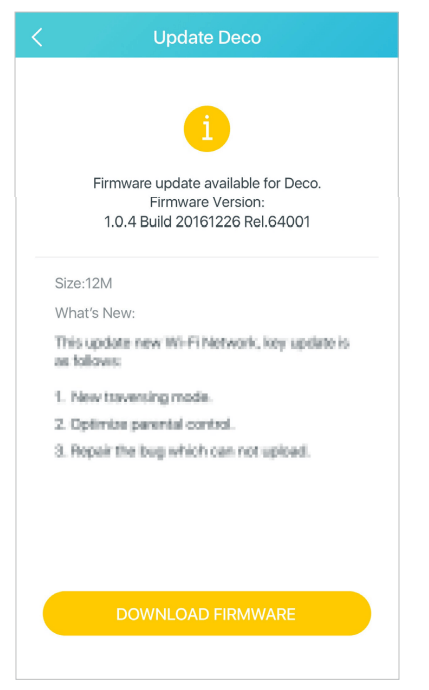
TP-Link is dedicated to improving product features and providing a better customer experience. Update Deco when prompted in the Deco app
Download new firmware
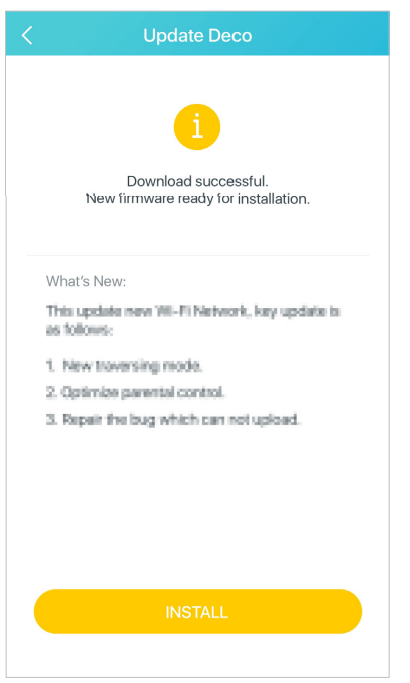
Install new firmware
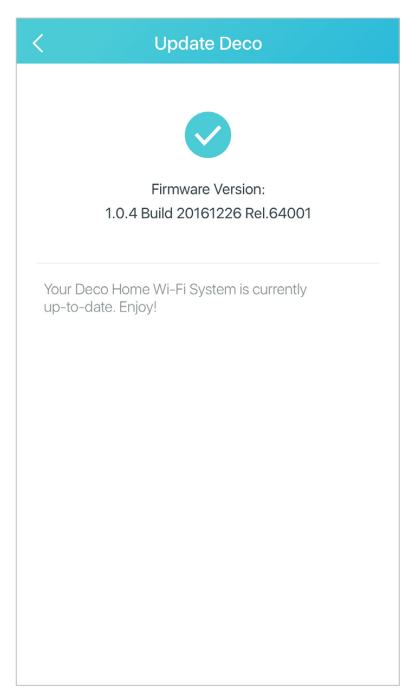
Up-to-date
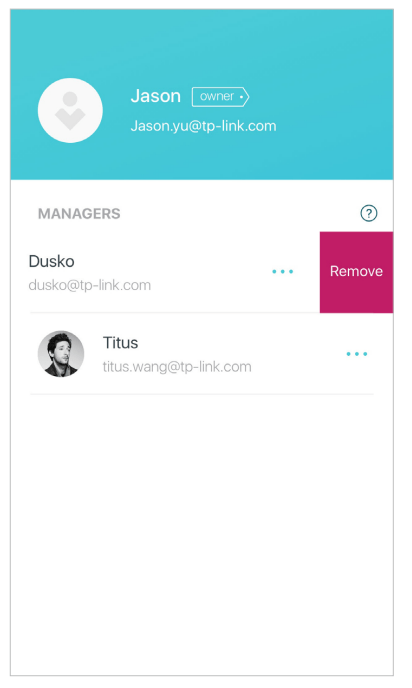
Managers
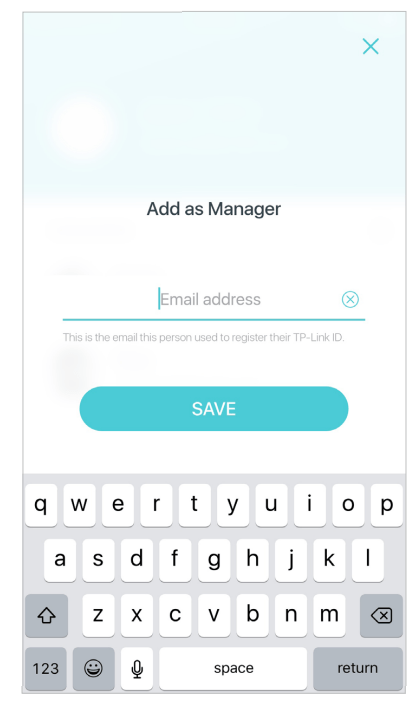
Add friends and family members to help manage your network. Each manager should have their own TP-Link ID.
Add as manager
Manager list
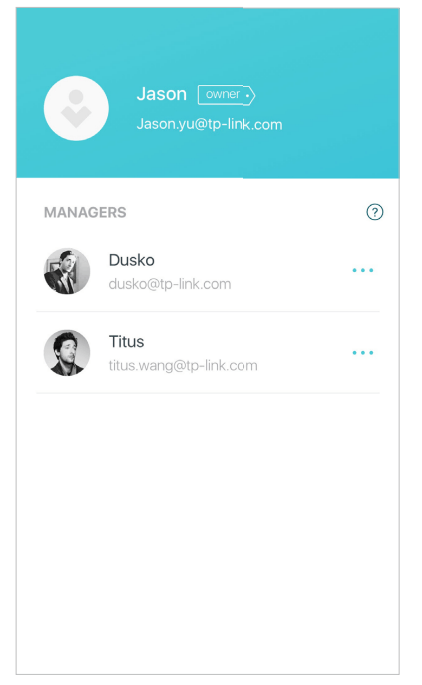
Remove a manager