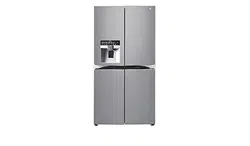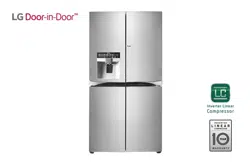
LG Electronics GSJ761PZXV A+ Energy Rated Refrigerator

Product's Documents

Below are documents related to this product, you can read online or download:
GSJ761PZXV photo

User Manual

This is the main product document for model GSJ761PZXV.

The file format is pdf, 39 pages, you can download this manual here .

background
MFL69124625
background
background
12
12
background
background
background
background
background
background
background
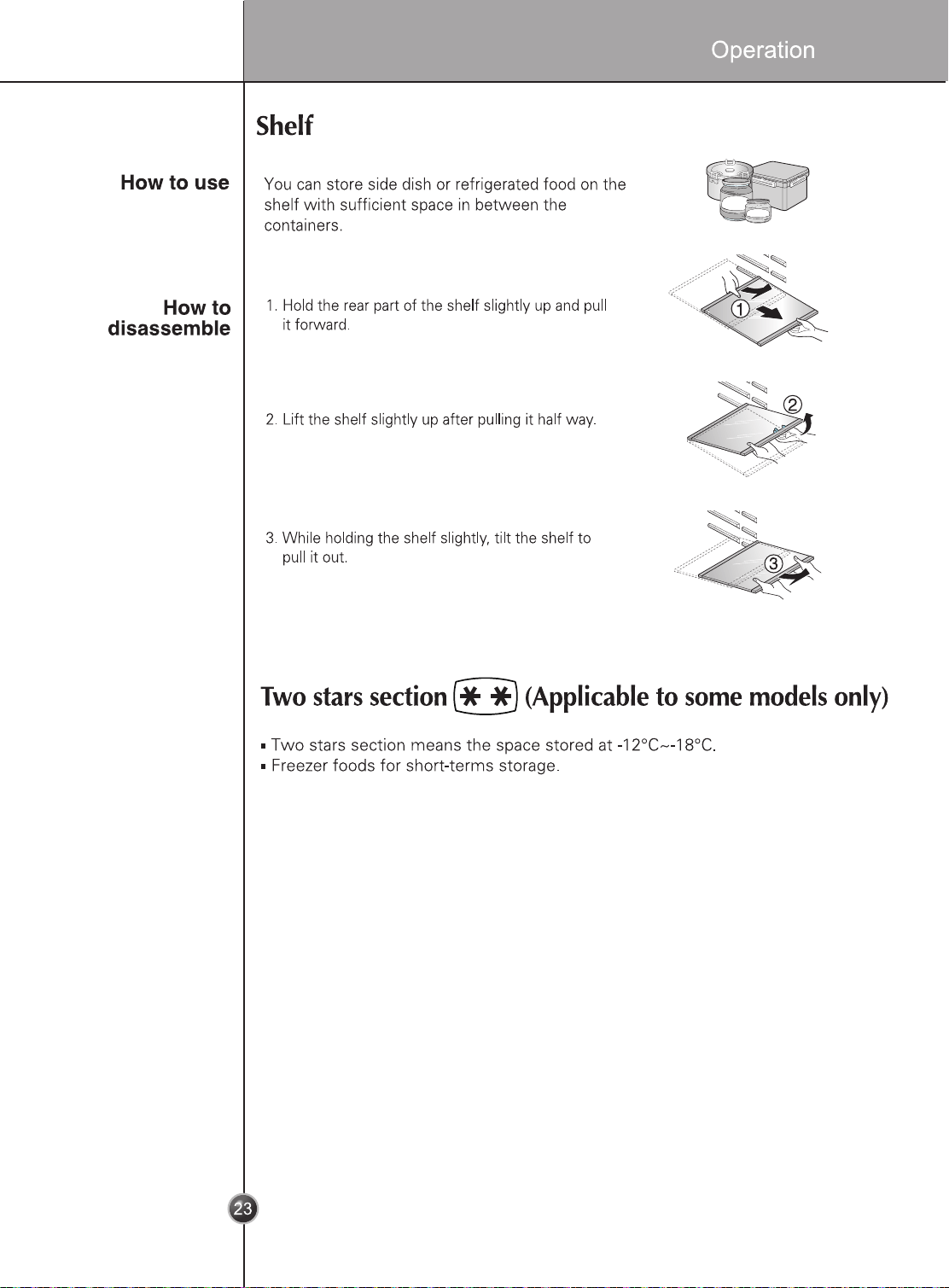
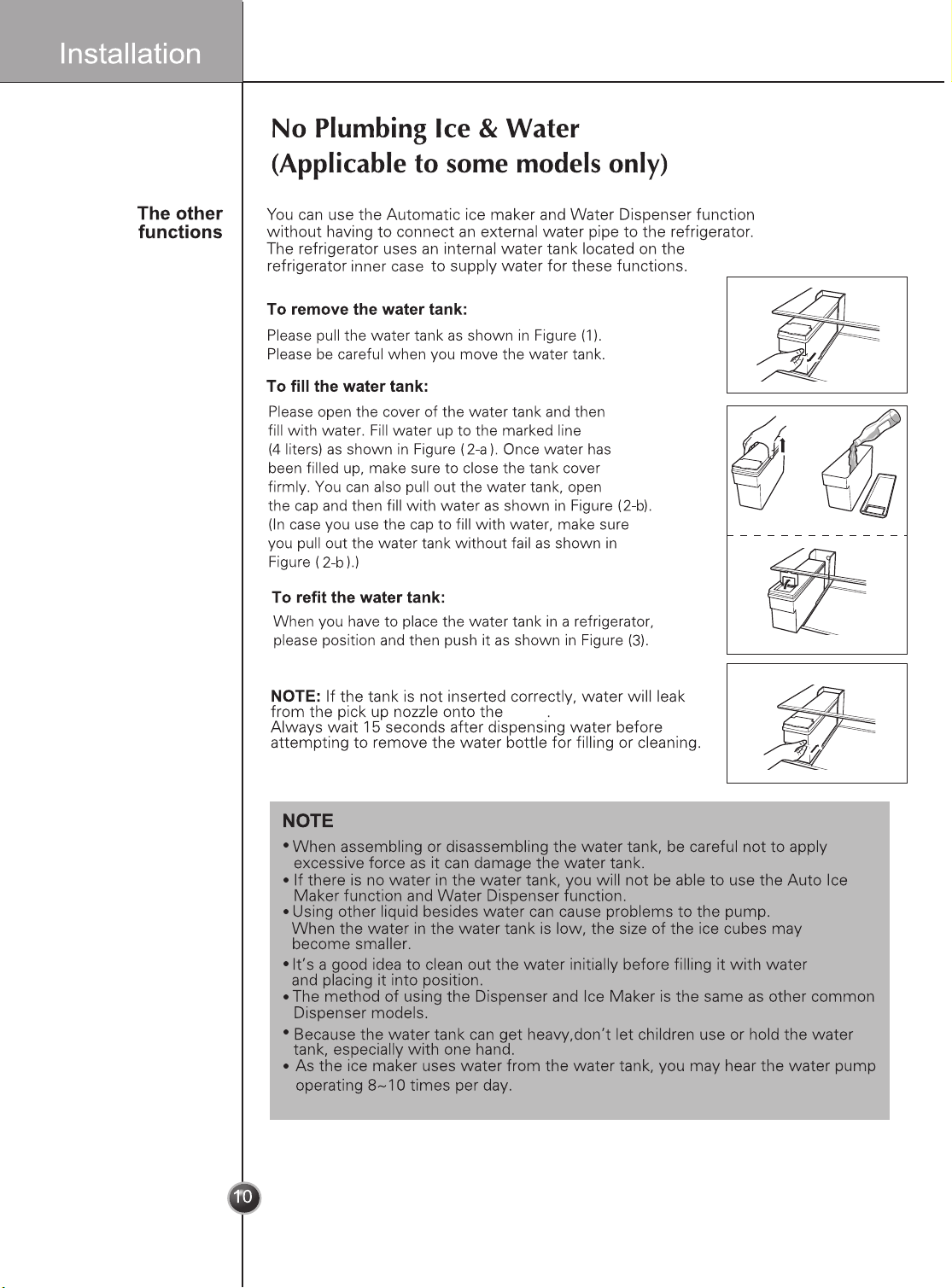
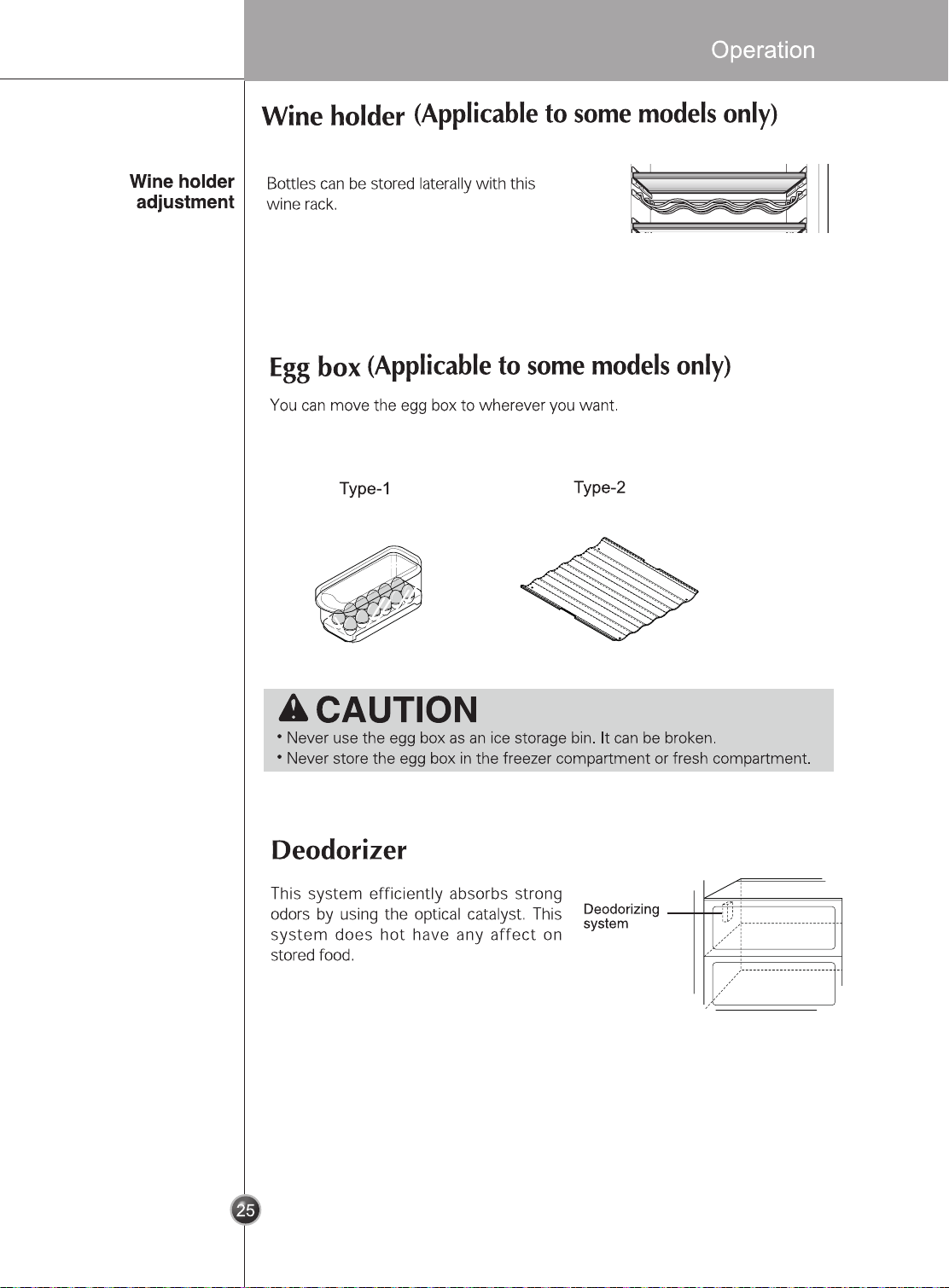
shelf
1
2-a
2-b
3
background
background
background
background
background
background
background
background
background
background
background
background
background
background
background
background
background
background
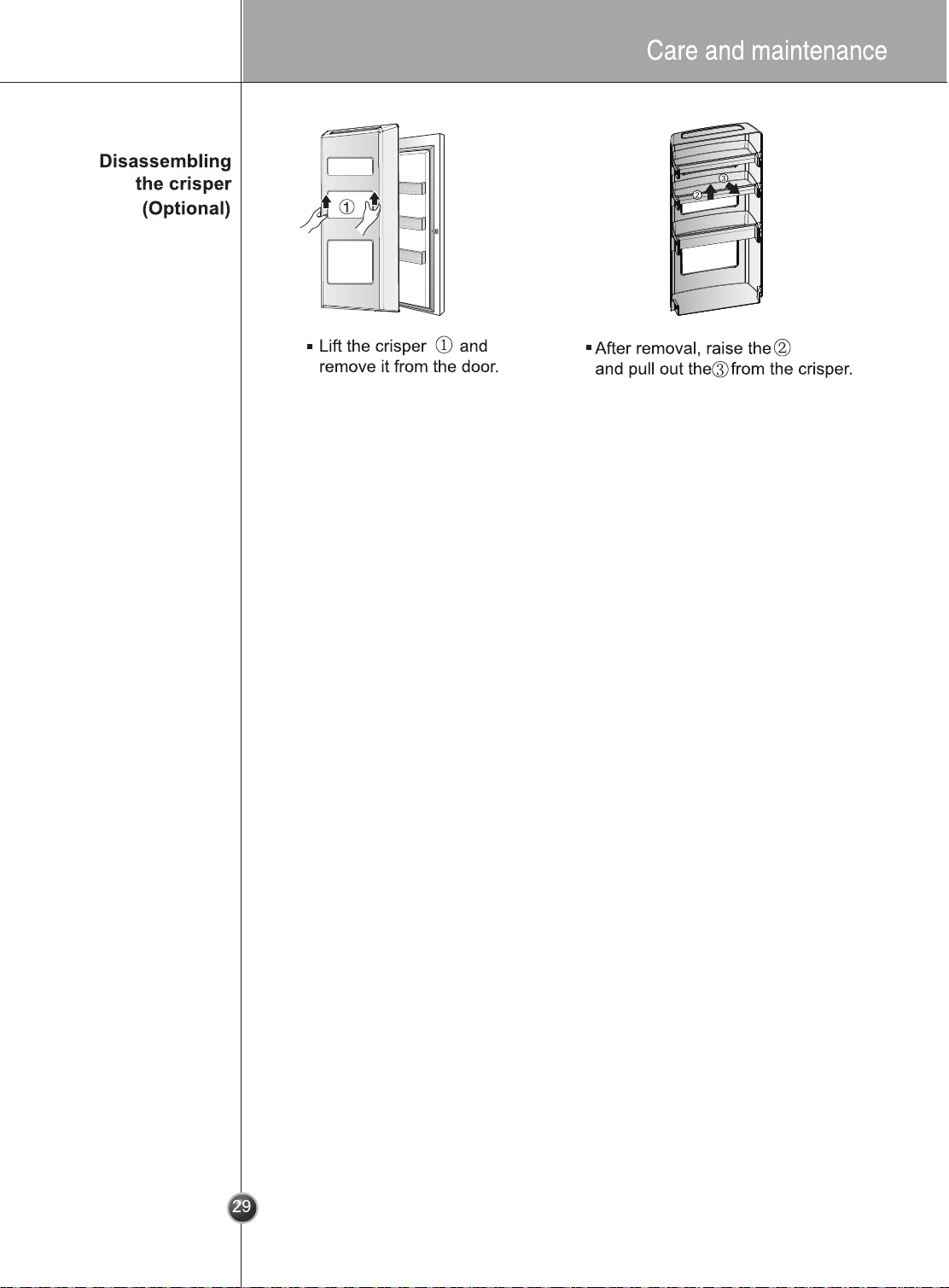
(supporting it with left hand and holding it
right hand).
background
background
background
background
background
background
background
background
background
Smart Diagnosis™ Through the Customer Information Center
Smart Diagnosis™ Using the Smart Phone
1. Download the LG Smart ThinQ application
on a smart phone.
2. Open the LG Smart ThinQ application on
the smart phone. Create an account and
sign in.
3. Select the refrigerator in dashboard.
4. Select the , then start and tag on it.
Smart Diagnosis
background
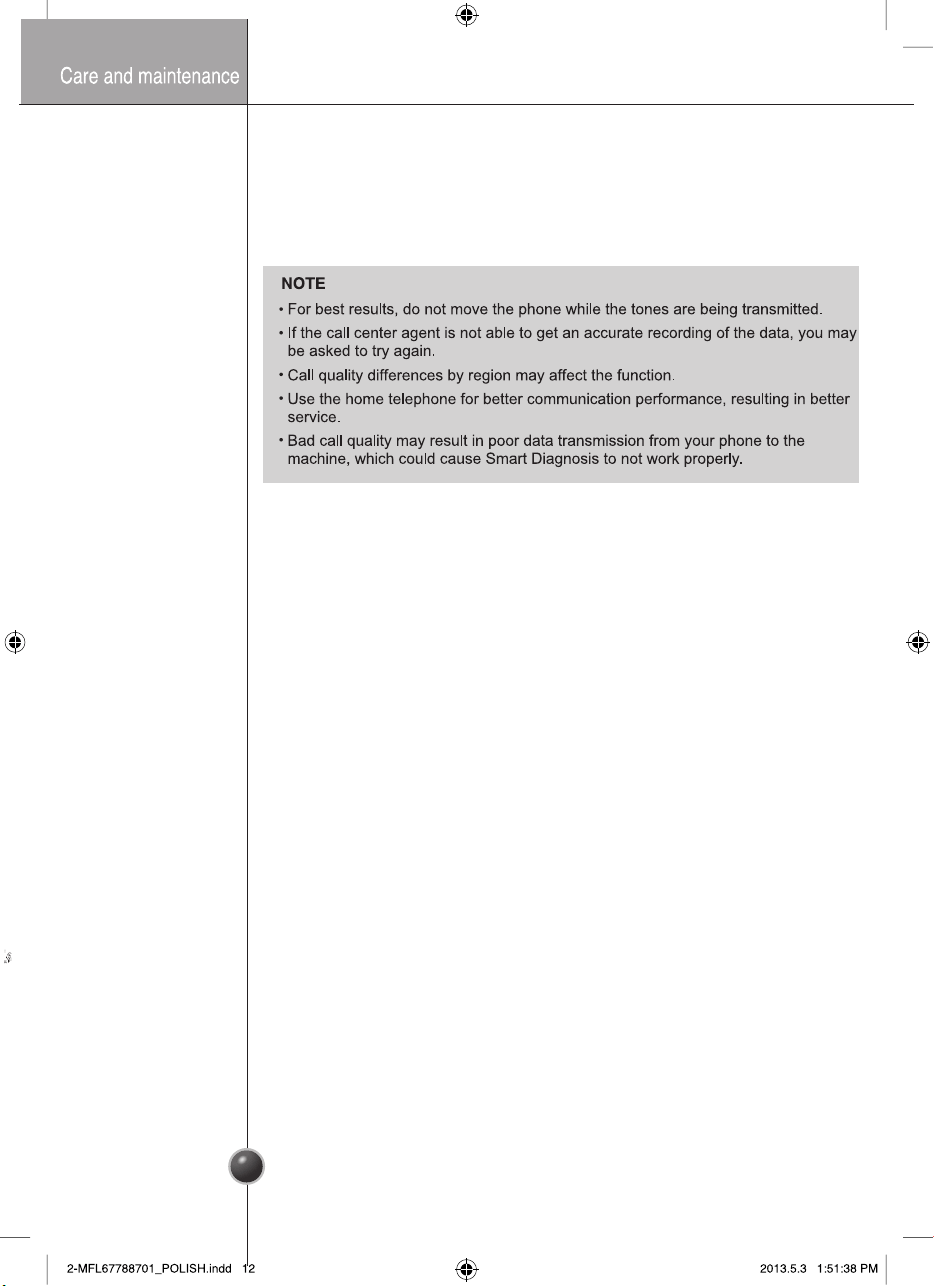
NOTE
If the diagnosis is failed many times, then use the follow instructions continue.
5. Select the Audible Diagnosis.
6. Place the mouthpiece of the smart phone close to the Smart Diagnosis™ icon.
38
background

Specifications

LG Electronics GSJ761PZXV Questions and Answers

Questions and Answers

Related Products