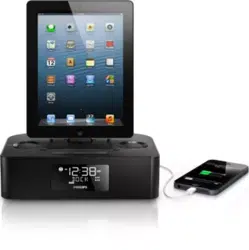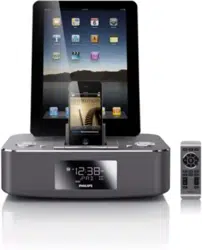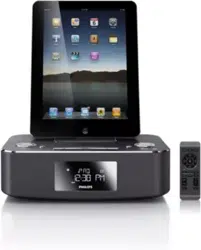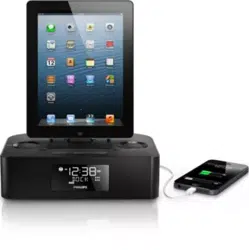
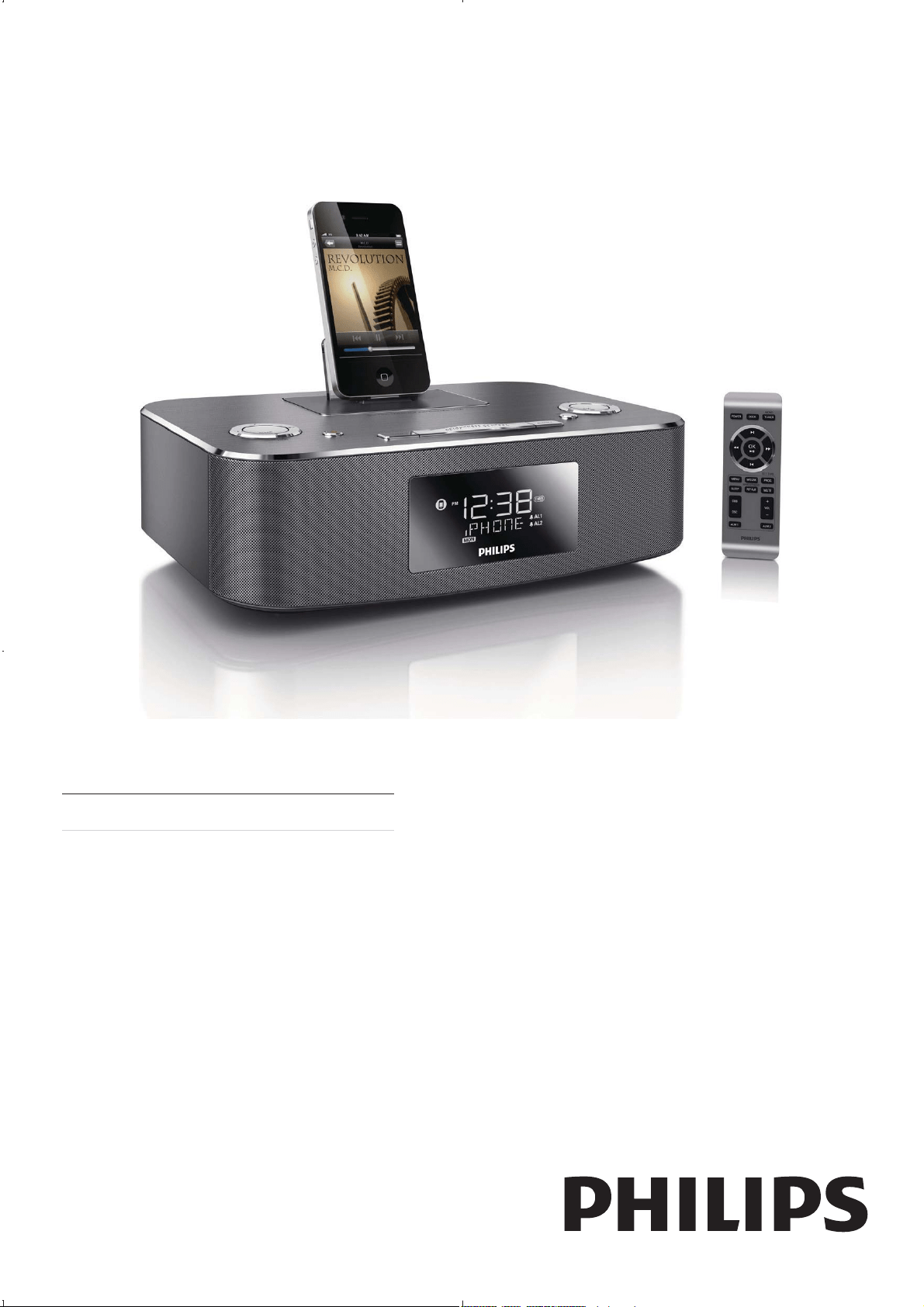
DC291
Register your product and get support at
www.philips.com/welcome
EN User manual

3EN
8 Product information 17
9 Troubleshooting 18
Contents
1 Important 4
2 Your Docking Entertainment System 7
3 Get started 10
4 Play 12
5 Listen to radio 14
6 Other features 15
7 Adjust sound 16

l Unplug this apparatus during lightning
storms or when unused for long periods
of time.
m
personnel. Servicing is required when
the apparatus has been damaged in any
way, such as power-supply cord or plug
is damaged, liquid has been spilled or
objects have fallen into the apparatus,
the apparatus has been exposed to rain
or moisture, does not operate normally,
or has been dropped.
n Battery usage CAUTION – To prevent
battery leakage which may result in
bodily injury, property damage, or
damage to the unit:
o Apparatus shall not be exposed to
dripping or splashing.
p Do not place any sources of danger on
lighted candles).
q Where the MAINS plug or an appliance
coupler is used as the disconnect device,
the disconnect device shall remain
readily operable.
1 Important
Safety
Important Safety Instructions
a Read these instructions.
b Keep these instructions.
c Heed all warnings.
d Follow all instructions.
e Do not use this apparatus near water.
f Clean only with dry cloth.
g Do not block any ventilation openings.
Install in accordance with the
manufacturer’s instructions.
h Do not install near any heat sources
such as radiators, heat registers, stoves,
that produce heat.
i Protect the power cord from being
walked on or pinched, particularly at
plugs, convenience receptacles, and
the point where they exit from the
apparatus.
j Only use attachments/accessories
k Use only with the cart, stand, tripod,
manufacturer or sold with the apparatus.
When a cart is used, use caution when
moving the cart/apparatus combination
to avoid injury from tip-over.
EN
Warning
Notice
Hearing safety
Listen at a moderate volume.
To establish a safe volume level:
Listen for reasonable periods of time:
Be sure to observe the following guidelines
when using your headphones.
EN

Class II equipment symbol:
Environmental information
EN

2 Your Docking
Entertainment
System
Introduction
What’s in the box
EN
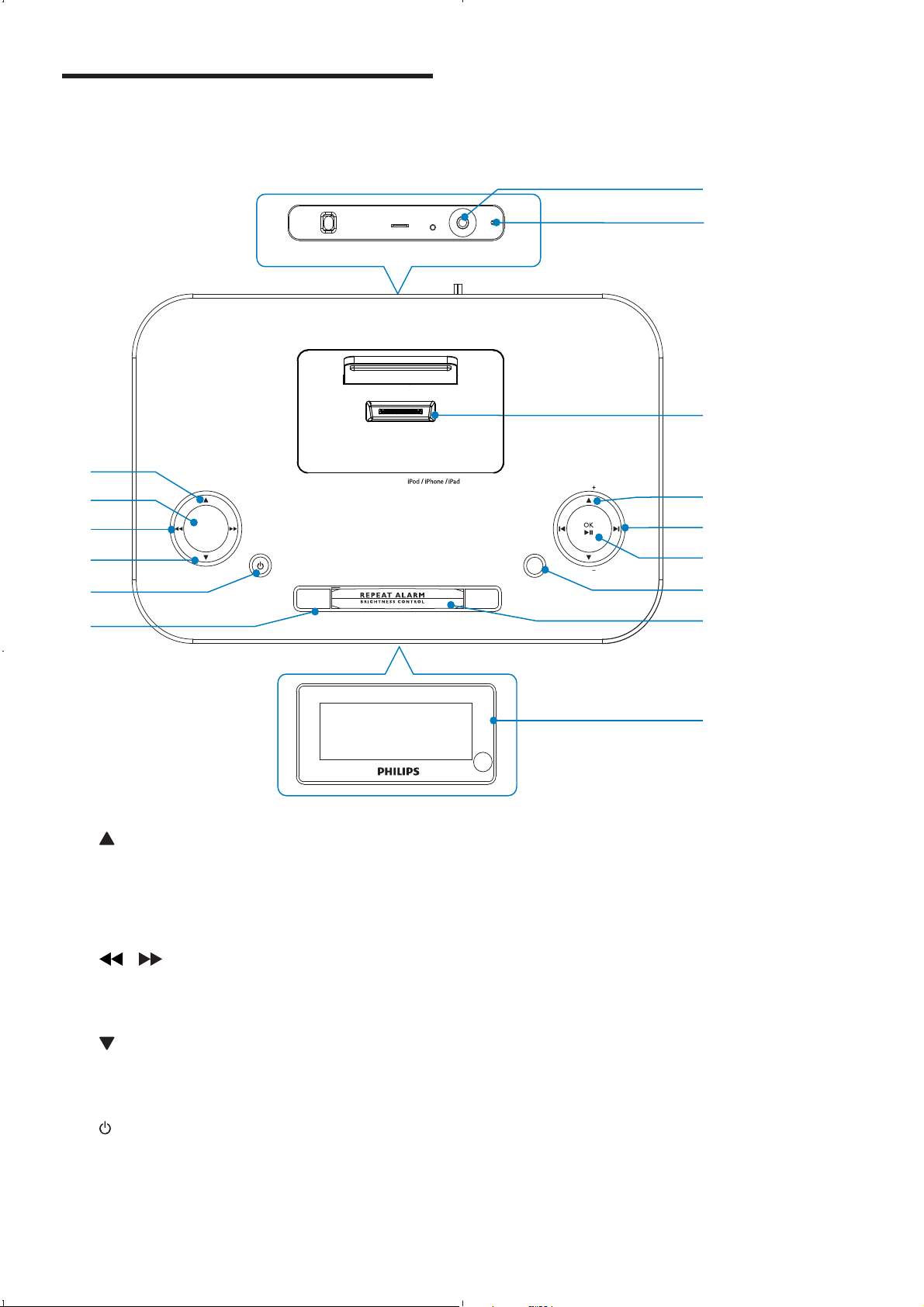
f ALARM 1/ALARM 2`
g Display panel
h REPEAT ALARM/BRIGHTNESS
CONTROL
Overview of the main unit
VOL
VOL
SOURCE
ALARM 1 ALARM 2
SLEEP
SET TIME
PROG
DATE
MP3 LINK
FM
ANTENNA
AC ~
BUZZER
g
k
i
h
j
m
l
c
e
d
f
a
b
n
o
DOCKING SYSTEM FOR
a /DATE
b SLEEP
c
/
d
/SET TIME/PROG
e
EN
9
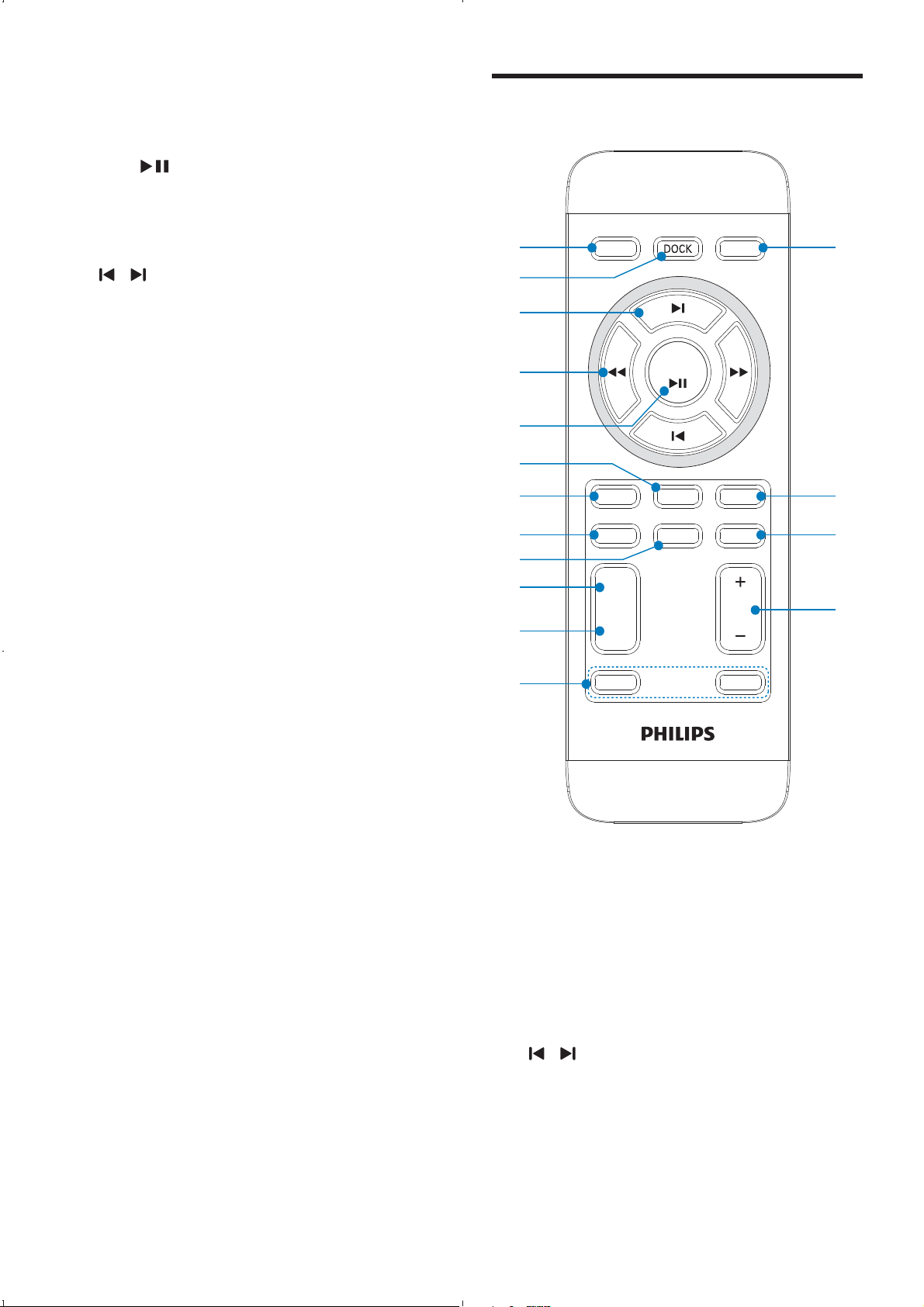
Overview of the remote
control
a POWER
b DOCK
c
/
REP ALM
SLEEP
SET TIME
MENU
VOL
DSC
DBB
POWER
OK
TUNER
MP
3
LINK
MUTE
BRIGHTNESS
PROG
ALM 1
ALM 2
d
c
e
a
b
g
f
h
j
i
k
l
p
o
n
m
i SOURCE
j OK/
k
/
l VOL +/-
m Dock for iPod/iPhone/iPad
n FM antenna
o MP3-LINK
EN
3 Get started
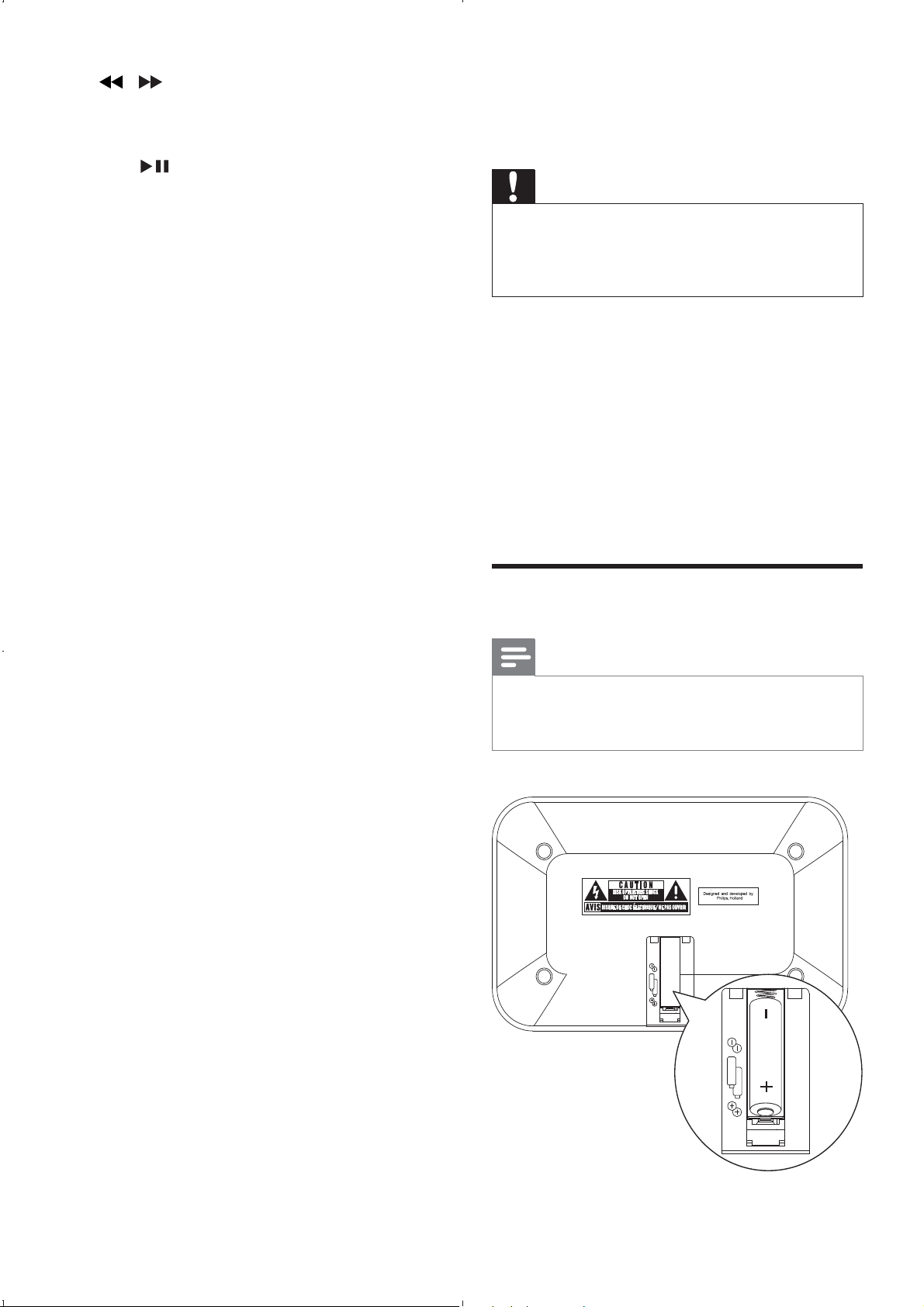
Caution
Install batteries
Note
2
x AA
2
x AA
d /
e OK/
f MP3 LINK
g MENU
h SLEEP
i BRIGHTNESS/REP ALM
j DBB
k DSC
l ALM 1/ALM 2
m VOL +/-
n MUTE
o SET TIME/PROG
p TUNER
EN
11
1
Set time and date
1 SET
TIMEPROG
»
2OK
3
4SET TIMEPROG
»
5
Tip
Turn on
1POWER
»
Switch to standby
1POWER
»
MP3 LINK FM
ANTENNA
1
2
3
Caution
Caution
Note
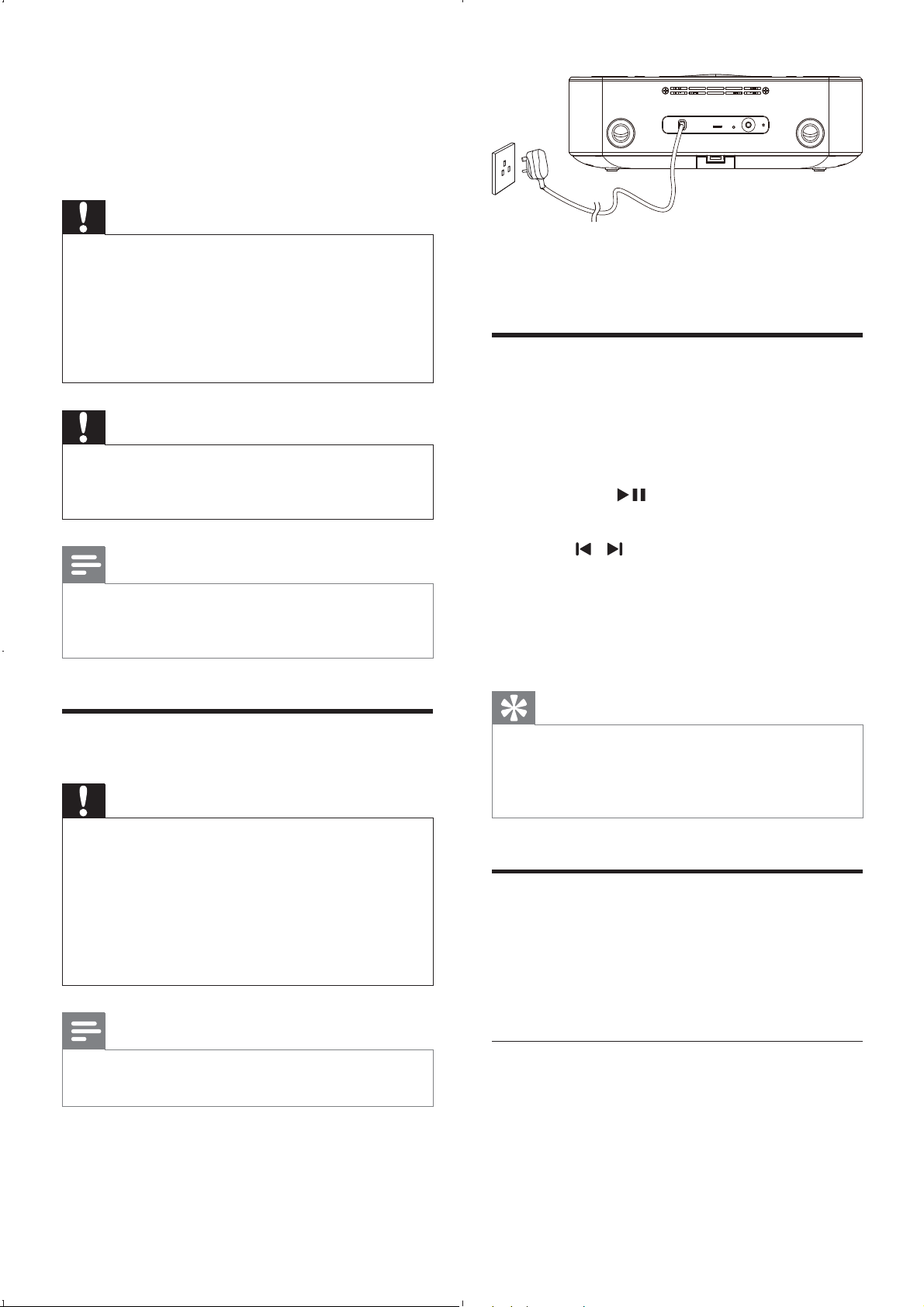
Connect power
Caution
Note
EN
12
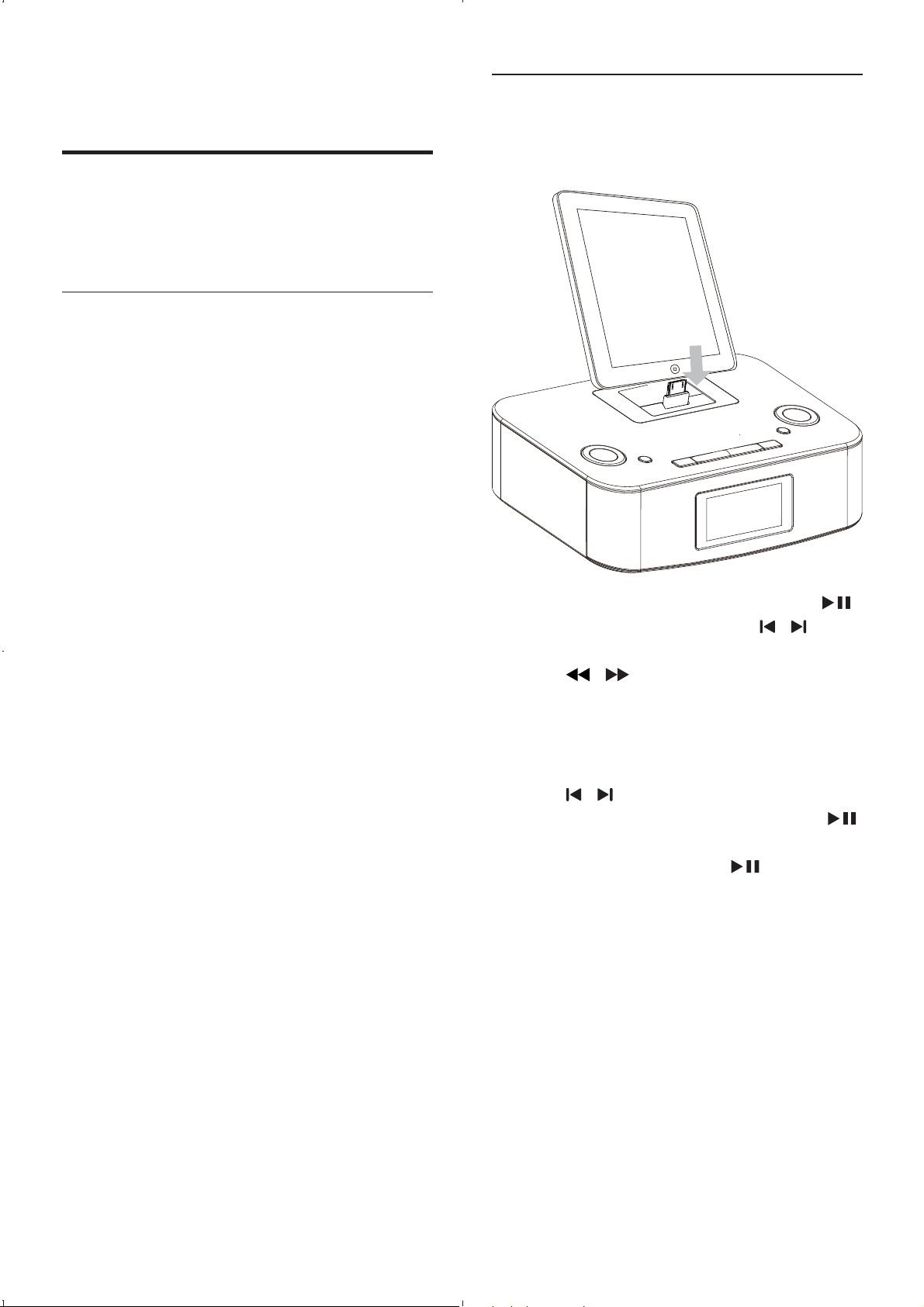
Listen to the iPod/iPhone/iPad
1DOCK
2
OK
MENU
OK
»
OK
4 Play
Play from iPod/iPhone/iPad
Compatible iPod/iPhone/iPad
EN
13
Play from an external device
1MP3 LINK
2
MP3 LINK
3
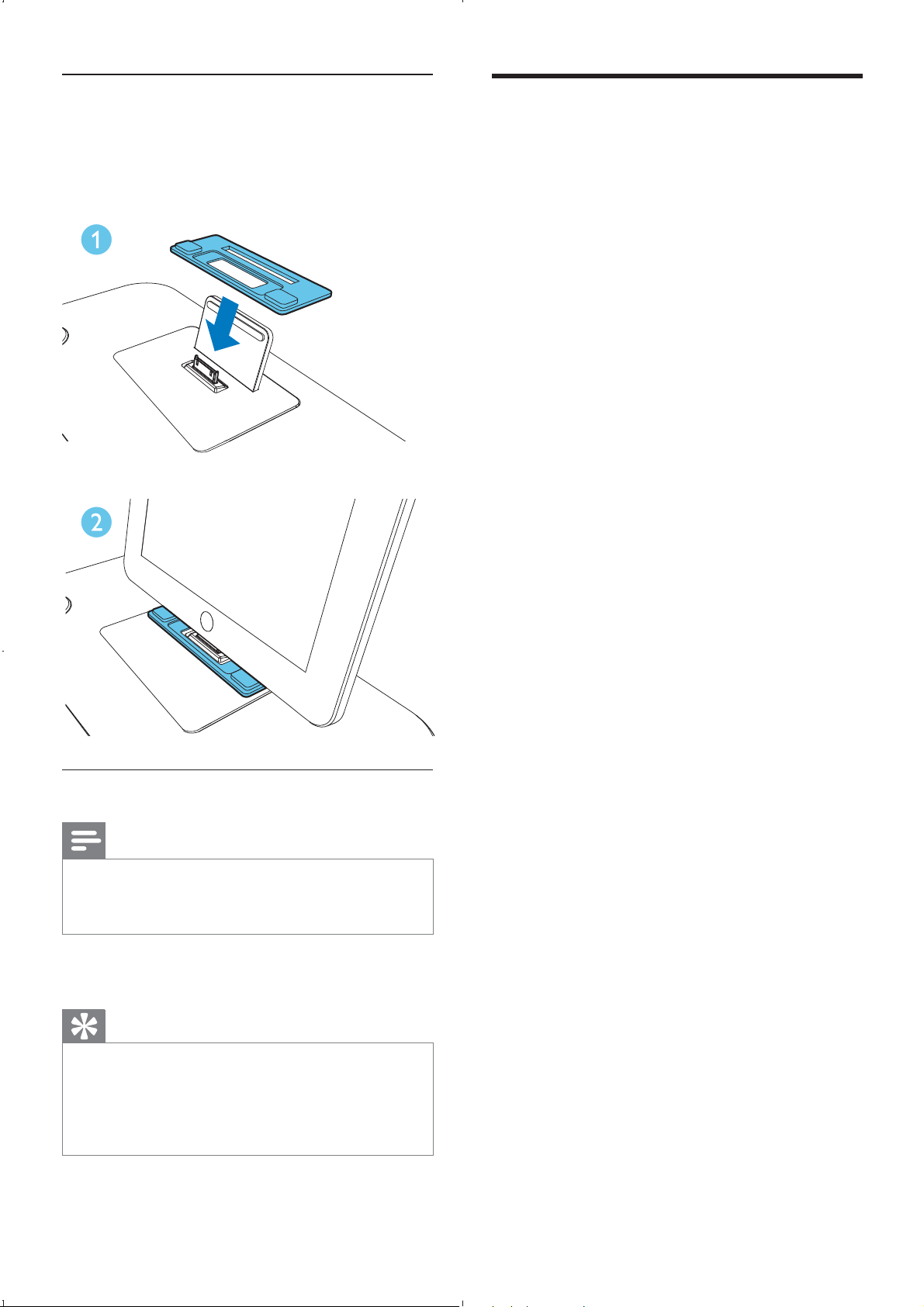
Install the rubber pad
Charge the iPod/iPhone/iPad
Note
Tip
EN
Program radio stations
automatically
1 SET
TIMEPROG
»
»
»
Program radio stations
manually
1
2SET TIMEPROG
3
4SET TIMEPROG
5
Tip
OK
Select a preset radio station
1
5 Listen to radio
Note
Tune to a radio station
Tip
[STEREO]
OK
[STEREO]
[MONO]
1TUNER
2
»
»
3
EN
Activate and deactivate the alarm
timer
1ALM 1ALM 2
»
»
Repeat alarm
1
BRIGHTNESSREP ALM
»
Tip
Stop alarm ring
1
ALM 1ALM 2
»
View the alarm settings
1ALM 1ALM 2
6 Other features
Set the alarm timer
1
2 ALM 1ALM 2
»
3SOURCE
4ALM 1ALM 2
»
5
6ALM 1ALM 2
»
7
8
9
Tip
EN

7 Adjust sound
Adjust volume level
1 VOL +/-
Mute sound
1 MUTE
Select a preset sound effect
1 DSC
[ROCK]
[JAZZ]
[POP]
[CLASSIC]
[FLAT]
Enhance bass
1 DBB
»
Set the sleep timer
1SLEEP
»
To deactivate sleep timer
1SLEEP[OFF]
»
Adjust display brightness
1BRIGHTNESSREP ALM
EN
General information
<1 W
8 Product
information
Note
!
"
FM
<2%
Speakers
EN

9 Troubleshooting
Warning
No power
#
#
#
No sound
#
No response from the unit
#
Poor radio reception
#
#
Timer does not work
#
#
Clock/timer setting erased
#
#

© 2011 Koninklijke Philips Electronics N.V.
All rights reserved.
DC291_05_UM_V4.0