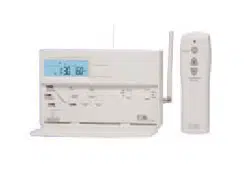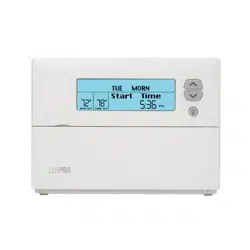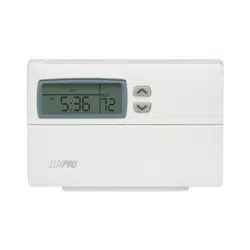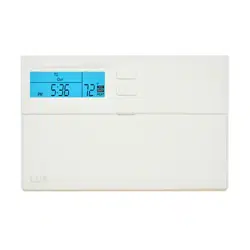
WIN100 SERIES
SMART TEMP
®
ELECTRONIC THERMOSTAT
Complete, Easy To Read
INSTALLATION AND
OPERATING INSTRUCTIONS
IMPORTANT!
Please read all instructions carefully before
beginning installation.
Save them for future reference.
COMPATIBILITY
Thank you for your confidence in our product.
To obtain the best results from your investment,
please read these instructions and acquaint
yourself with your purchase before installing your
new thermostat. Then follow the installation pro-
cedures, one step at a time. This will save you
time and minimize the chance of damaging the
thermostat and the systems it controls. These
instructions may contain information beyond that
required for your particular installation. Please
save for future reference.
W A R N I N G :
FOR USE ONLY WITH AIR CONDITIONERS AND
SPACE HEATERS THAT AUTOMATICALLY
RESTART COOLING OR HEATING OPERATION
AFTER POWER RECONNECTION
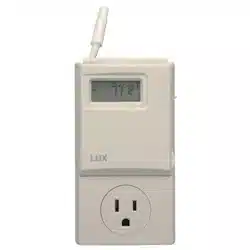
Your WIN100 Programmable Outlet Thermostat
is compatible with 120Volt, 15 Amp Plug, 60 Hz
Window Air Conditioning Units and Portable
Space Heaters only. It cannot be used with typi-
cal 24 V systems, hydronics systems, or heat
pumps. Ask your dealer for other LUX
®
thermo-
stats to control those systems.
LUX PRODUCTS CORPORATION
Philadelphia, PA 19112
43382-05
FEATURES
●
Heating and Cooling
●
Electronic
●
Programmable
●
Plugs into normal 110 Volt 15
Amp Electrical Outlet
●
5/2 Day Programming
(Weekdays and Weekends can
be different)
●
Energy Star
®
Compliant
●
Default Energy Star
®
Approved Program
●
Positive On/Off Switch
●
Easy to Install
●
4 Periods Per Day
●
120VAC Powered with
Batteries
●
2 G13A size 1.5V Alkaline
Button Cell Batteries Included
(For Clock Only)
●
Temporary and Constant
Temperatur
e Override
●
Separate Programs for
Heating and Cooling
●
Armchair Programming
●
Easy Programming with LUX
Speed Dial
®
(Patent #
5,673,850)
●
Battery Free Nonvolatile
Memory For All Programs And
Settings
●
ETL Approved
●
User Calibration
●
On Screen Low Battery
Indicator
●
F/C Temperature Display
●
Soft Touch Buttons
●
2 Minute Short Cycle
Protection
●
Adjustable Temperature dif-
ferential/Cycle Rate (#1 thru #9)
●
1 Year Warranty
ELECTRICAL RATINGS
●
120V/60 Hz
●
Maximum load is 15 Amps at 120 Volts
●
Power Consumption 2 W (maximum)
●
Plug and Receptacle NEMA 5-15R (normal household 15 Amp
receptacle)
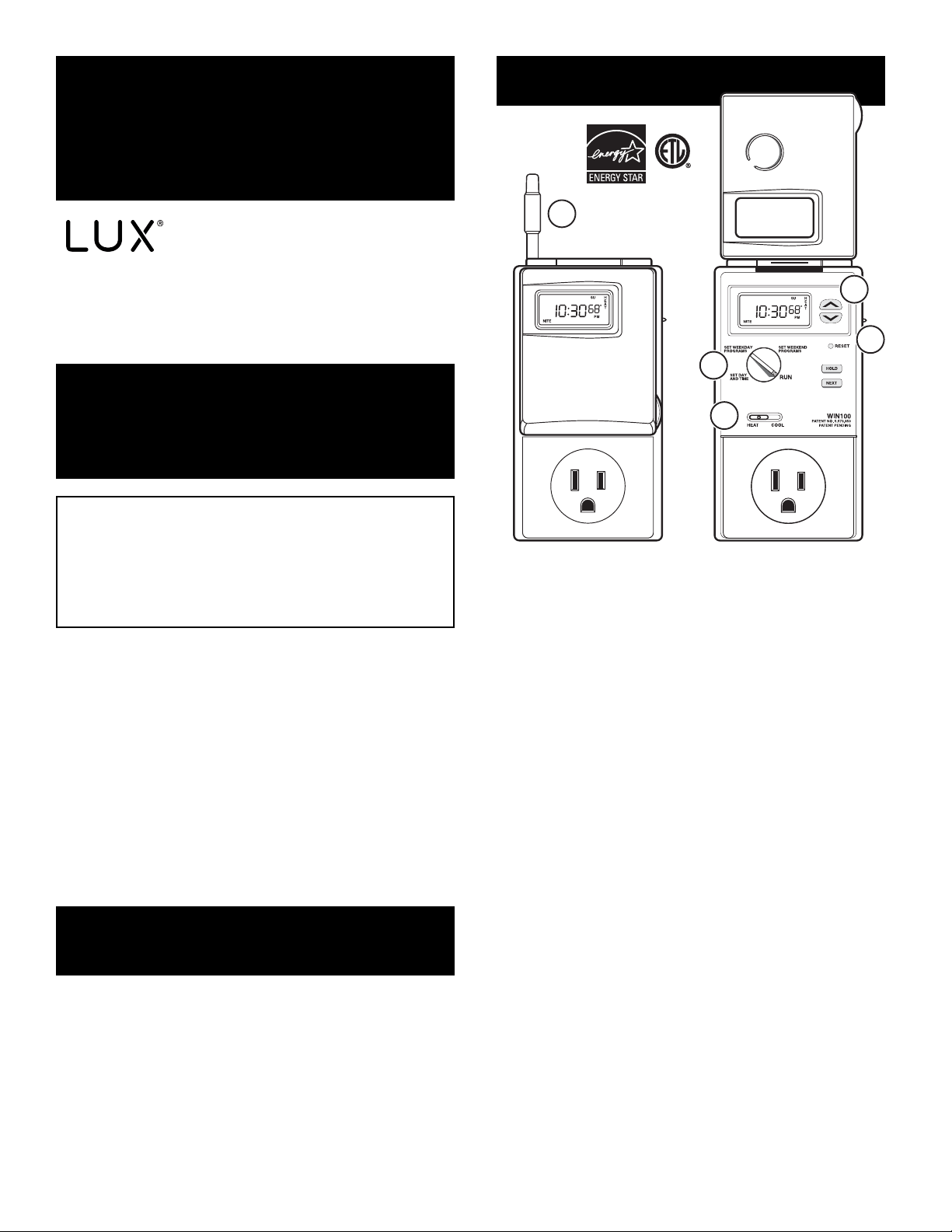
1
2
3
4
5
1. ON/OFF SWITCH
2. SOFT TOUCH BUTTONS
3. LUX SPEED DIAL
®
4. HEAT/COOL SWITCH
5. EXTERNAL TEMPERA
TURE
SENSOR

WARNINGS:
●
Read all instructions before using this ther-
mostat.
●
To reduce the risk of electric shock, this
product has a grounding type plug that has a
third (grounding) pin. This pin will only fit into a
grounding type power outlet. If the plug does
not fit into the outlet, contact a qualified electri-
cian to install the proper outlet. Do not change
the plug in any way.
●
Do not use Outdoors.
●
Do not use in a bathroom. Never locate
where it may fall into a bathtub or other water
container.
●
Do not insert or allow foreign objects to enter
any openings as this may cause electric shock,
fire, or damage to the thermostat.
●
Do not use in areas where gasoline, paint,
flammable liquids are used or stored.
●
Space Heaters can be dangerous if used
improperly. Be sure to follow all the Warnings
and Cautions that came with the instruction
manual written by the manufacturer of the
Space Heater.
●
Avoid the use of an extension cord because
the extension cord may overheat and cause
risk of fire. However, if you have to use an
extension cord, the cord should be a 3-wire,
grounding type, with No. 14 AWG minimum
size and rated not less than 1875 Watts.
●
Use this thermostat only as described in this
manual. Any other use not recommended by
the manufacturer may cause fire, electric
shock, or injury to persons.
●
Never clean this thermostat while it is
plugged in. Turn On/Off switch to Off, pull out
of the wall, and then clean by using a rag only.
CAUTIONS:
●
Your thermostat is protected against normal
static electric discharges. To minimize the risk
of damaging the unit in extremely dry weather,
touch a grounded metal object before touching
your thermostat.
●
Be careful not to drop the unit or disturb
electronic parts.
INSTALLATION
TOOLS REQUIRED:
Small regular screwdriver
LOCATION:
●
Do not locate where air circulation is poor,
such as in a corner or an alcove; or behind an
open door.
●
Do not install it where there are unusual heat-
ing conditions, such as: in direct sunlight; near a
lamp, television, radiator, register, or fireplace;
near hot water pipes in a wall; near a stove on
the other side of the wall.
●
Do not locate in unusual cooling conditions,
such as: on a wall separating an unheated
room; or in a draft from a stairwell, door, or win-
dow.
●
Do not locate in a damp area. This can lead
to corrosion that will shorten thermostat life.
●
Do not install the unit until all construction
work and painting has been completed.
PREPARING THE UNIT
1. The WIN100 comes with (2) G13A size 1.5V
Alkaline Button Cell Batteries already installed.
These batteries power the clock only during nor-
mal operation. They also provide backup power
to retain the thermostats programs and settings
while it is not plugged into the wall. In order to
"activate" them, you must remove the black rib-
bon from between the two batteries prior to
using it. Use a small regular screwdriver to pry
open the battery holder and pull out the black
ribbon.
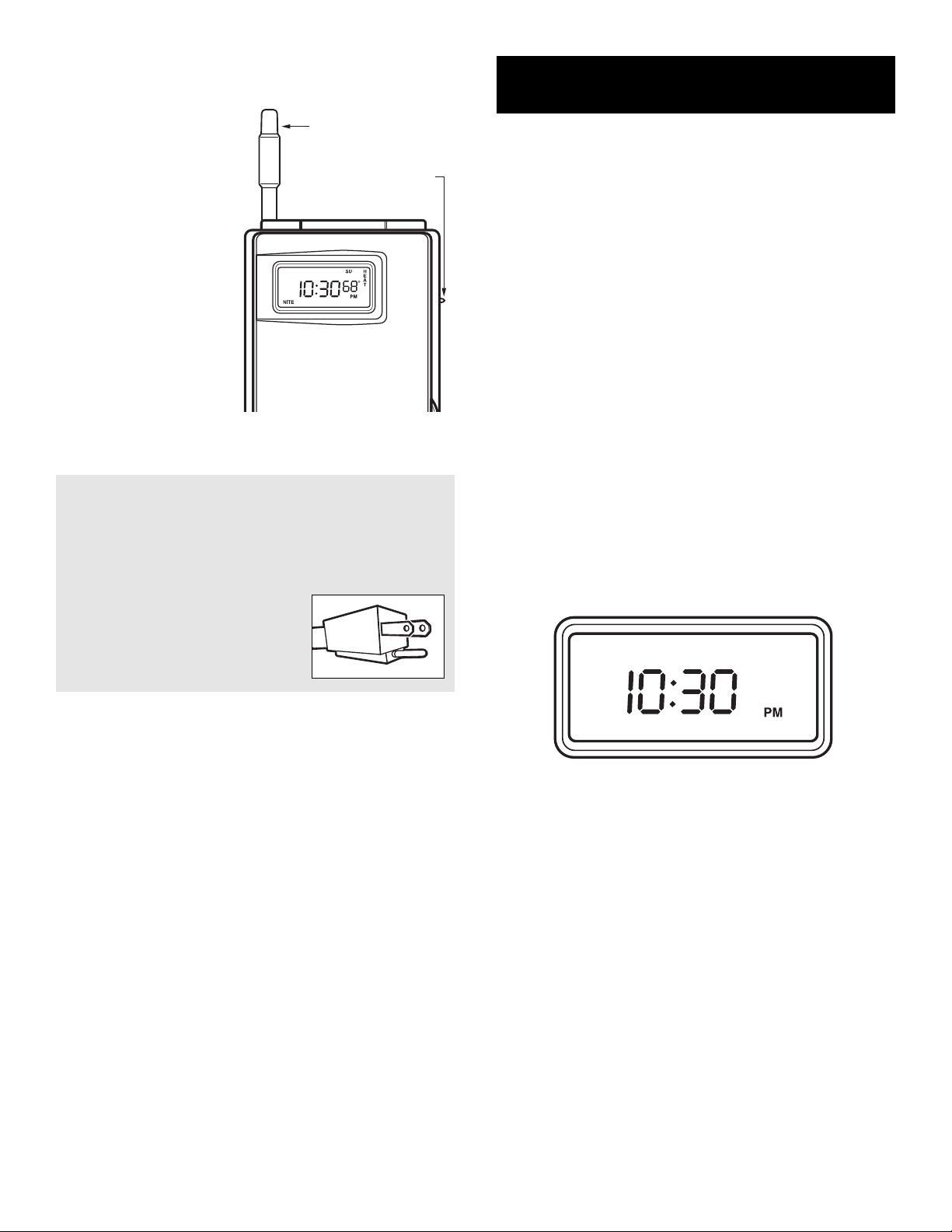
BACK OF UNIT
SCREWDRIVER
EXTERNAL
TEMPERATURE
SENSOR
BATTERY PANEL
RIBBON
WARNING:
●
If any plugs do not fit into the receptacle that you
are trying to plug into, Stop, the WIN100 is not
designed for this application.
●
If the cord you are plugging into the WIN100 only
has 2 prongs, STOP, not having
a ground wire is unsafe. Your
Window Air Conditioner or Spacer
Heater must have a plug with 3
prongs on it.
5. Plug the WIN100 straight into a 110 V
olt electrical out-
let on the wall nearest your Air Conditioning Unit or
Space Heater
.
6. Plug in the electrical cor
d from your Window Air
Conditioner or Space Heater directly into the front of the
WIN100.
COMPLETING YOUR INSTALLATION
7. Configure your thermostat at this time. Refer to
OPERATING INSTRUCTIONS.
8. T
urn the ON/OFF switch on the upper right side to the
ON position.
9. T
urn on your Air Conditioner or Space Heater and turn
the thermostat all the way up. (This will allow the
WIN100 to control the room temperature and maintain a
specific temperature)
10. Verify that the Window Air Conditioner or Space
Heater and its fan are operating properly. When set to a
high temperature, the heating system should provide
warm air after a short time. Likewise, a cooling system
should provide cool air after a short time. Usually sound
can be heard while they are running. The rush of mov-
ing air should be heard within a short time after either
has been started.
11. Y
our installation is now complete.
2. When you have the black ribbon out, simply push the
battery compartment back in while lining up the arr
ows.
3. On the back of the
WIN100, ther
e is an
External Temperature
Sensor that looks like
an antenna. Pull this
sensor out of its clip
and bend the wire so
that it point straight up.
This is required for
accurate temperature
contr
ol.
4. On the upper right
side of the unit, ther
e is
an On/Off switch.
Place this switch in the
OFF position for right
now
.
ON/OFF SWITCH
EXTERNAL TEMPERATURE
SENSOR
MOUNTING
OPERATING BASICS
RUN MODE
For the thermostat to function, the dial on the face of
the thermostat must be turned to the RUN position. If
you forget to do this, it will not work and the door will
not close all the way.
UP/DOWN CHANGE KEYS
●
These are the two upper keys, just right of the unit’s
display. They are used to adjust set temperatures, and
make other setting changes.
●
Pressing these keys once will adjust a setting one
step in the associated direction.
●
If there are many choices for a value, usually that set-
ting will advance while holding one of these keys. Some
settings though, must be changed one press at a time.
SET DAY AND TIME
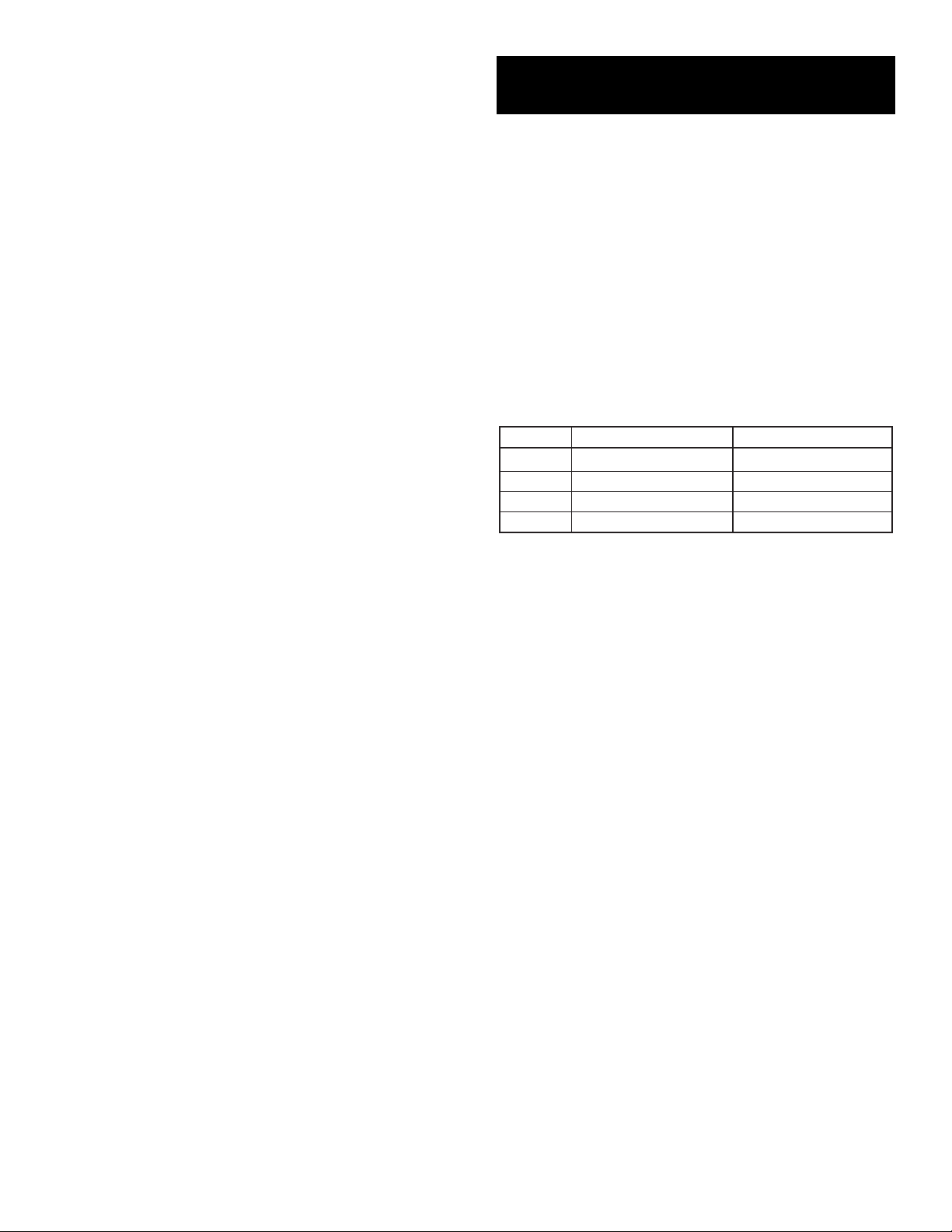
To set the correct time after the unit has lost power or
after reset:
1. Open the door on the fr
ont of the thermostat by lifting
up the bottom of the door.
2. Rotate the dial to SET DA
Y AND TIME
.
The abbr
eviation for the day of week will flash.
W
E
3. Use the UP key to advance to the current day.
4. Pr
ess NEXT to adjust the time. Time will flash.
5. Use the UP/DOWN keys to set the time.
6. Pr
essing NEXT again will toggle from Set Time to Set
Day, or vice versa.
7. Retur
n the dial to its RUN position.
TEMPERATURE CONTROL MODES
When a unit has first been powered up with the dial in
the RUN position, your thermostat will begin to control
your heating and/or air conditioning system according to
it's default ENERGY STAR
®
approved program. There is
a 2-position slide switch to change temperature control
modes. Slide the switch to the mode you would like to
use.
HEAT
●
Use HEAT mode to warm your home with a Space
Heater.
●
In HEAT mode, HEAT is displayed right of the set
temperature.
COOL
●
Use COOL mode to control your Window Air
Conditioner, cooling your home.
●
In COOL mode, COOL is displayed right of the set
temperature.
ON/OFF SWITCH
Slide the SLIDE switch to OFF when no heating or
cooling is desired. Heating and cooling will be disabled,
even though the set temperature, room temperature,
and time will still be in the display.
DEFAULT PROGRAM
As supplied from the factory, your thermostat will use
its default ENERGY STAR
®
approved program for tem-
perature control. This program and all other settings
may be restored to their default values via a SOFTWARE
RESET. Please refer to DEFAULT TEMPERATURE PRO-
GRAM for program times and temperatures.
HOLD
Hold is the simplest method to maintain fixed set tem-
peratures.
●
Press HOLD once to enter the temperature HOLD
while in RUN or OVERRIDE. HOLD will be displayed on
the bottom of the display.
●
Pressing this button again will toggle HOLD off and
return the unit to RUN and the programmed set temper-
ature.
●
Changing system mode or rotating the SPEED DIAL
®
will also cancel a HOLD.
TEMPERATURE OVERRIDE
●
OVERRIDE allows you to change the current SET
TEMPERATURE in HEAT of COOL until the next pro-
gram period without changing your temperature control
programs.
●
Press an arrow key once.
●
While the Set Temperature is flashing; press an UP or
DOWN key to adjust the set temperature by one degree
in the associated direction. Holding the key will auto-
matically advance the setting in the associated direction.
●
The OVERRIDE will be canceled at the start of the
next program period, and the temperature setting will
return to its programmed value.
●
An OVERRIDE may be terminated by rotating the dial,
switching the mode to OFF, or initiating a Hold.
●
Adjusting the set temperature to its program value will
also cancel an OVERRIDE.
PROGRAMMING
EDITING HEAT OR COOL PROGRAMS
The WIN100 provides two separate programs, one for heat-
ing and the other for cooling. Each program has separate
settings for weekdays and weekends. Every day a program
cycles through four independent periods. You can use the
default programs or alter them to suit your schedule.
DEFAULT TEMPERATURE PROGRAM
As supplied from the factory, the following ENERGY STAR
®
approved program will be used for temperature control in
RUN MODE. This program and all other software settings
may be restored to their default values via a SOFTWARE
RESET.
Morning
Day
Evening
Night
6:00 AM 70°F (21°C)
8:00 AM 62°F (17°C)
6:00 PM 70°F (21°C)
10:00 PM 62°F (17°C)
6:00 AM 78°F (26°C)
8:00 AM 85°F (30°C)
6:00 PM 78°F (26°C)
10:00 PM 82°F (28°C)
PERIOD HEAT MODE COOL MODE
WEEKDAY PROGRAMMING
To change the HEAT or COOL program:
●
Set to HEAT if you are using a Space heater.
●
Set to COOL if you are using a Window Air
Conditioner
●
Rotate dial to SET WEEKDAY PROGRAMS.
MORN, Mo, Tu, We, Th, Fr will be displayed, with the
Start Time flashing.
Pr
ogramming is performed in the following order.
1. W
eekday Morn Start Time
2. W
eekday Morn Set Temperature
3. W
eekday Day Start Time
4. W
eekday Day Set Temperature
5. Weekday Eve Start Time
6. W
eekday Eve Set Temperature
7. W
eekday Nite Start Time
8. W
eekday Nite Set Temperature
9. . . . and so on until Fri Nite is fully pr
ogrammed at
which point pressing NEXT again will begin the list at
Mo - Fri Morn Start Time.
●
Use the UP/DOWN keys to change the start time for
this period. Press UP/DOWN buttons to change the
time in 15-minute increments. Hold UP/DOWN button
to change the time at a faster rate.
●
One period ends at the start time of the next period.
The end of one period may not be any closer to the
beginning of the next period than one 15-minute incre-
ment. Moving a start time too close to the next start
time results in the latter time being pushed ahead too.
Press NEXT to accept the displayed start time and
advance to the SET TEMPERATURE, it will flash to show
that it may be edited.
●
The SET TEMPERATURE will be displayed on the
right side of the display with the HEAT or COOL indica-
tor visible (depending on which mode you have it in)
●
Edit the SET TEMPERATURE, then press NEXT to
accept and advance to the next period.
●
When all the periods for the weekdays have been set,
the start time for the next weekday Morning period will
be displayed to begin editing the settings for that day.
●
Complete programming for all weekdays and rotate
the dial back to RUN to accept all current values and
end the programming session.
WEEKEND PROGRAMMING
Weekend programming is identical to weekday pro-
gramming except that you must rotate the dial to SET
WEEKEND PROGRAMS and the days that you will
program are Sa and Su together. This two day program
will repeat.
ADVANCED FEATURES
CALIBRATION OFFSET
Your thermostat is accurately calibrated at the factory
to within + 1°F. An offset value up to +5°F may be
added to the temperature value that the thermostat
measures. This may allow you to match this thermostat
to another.
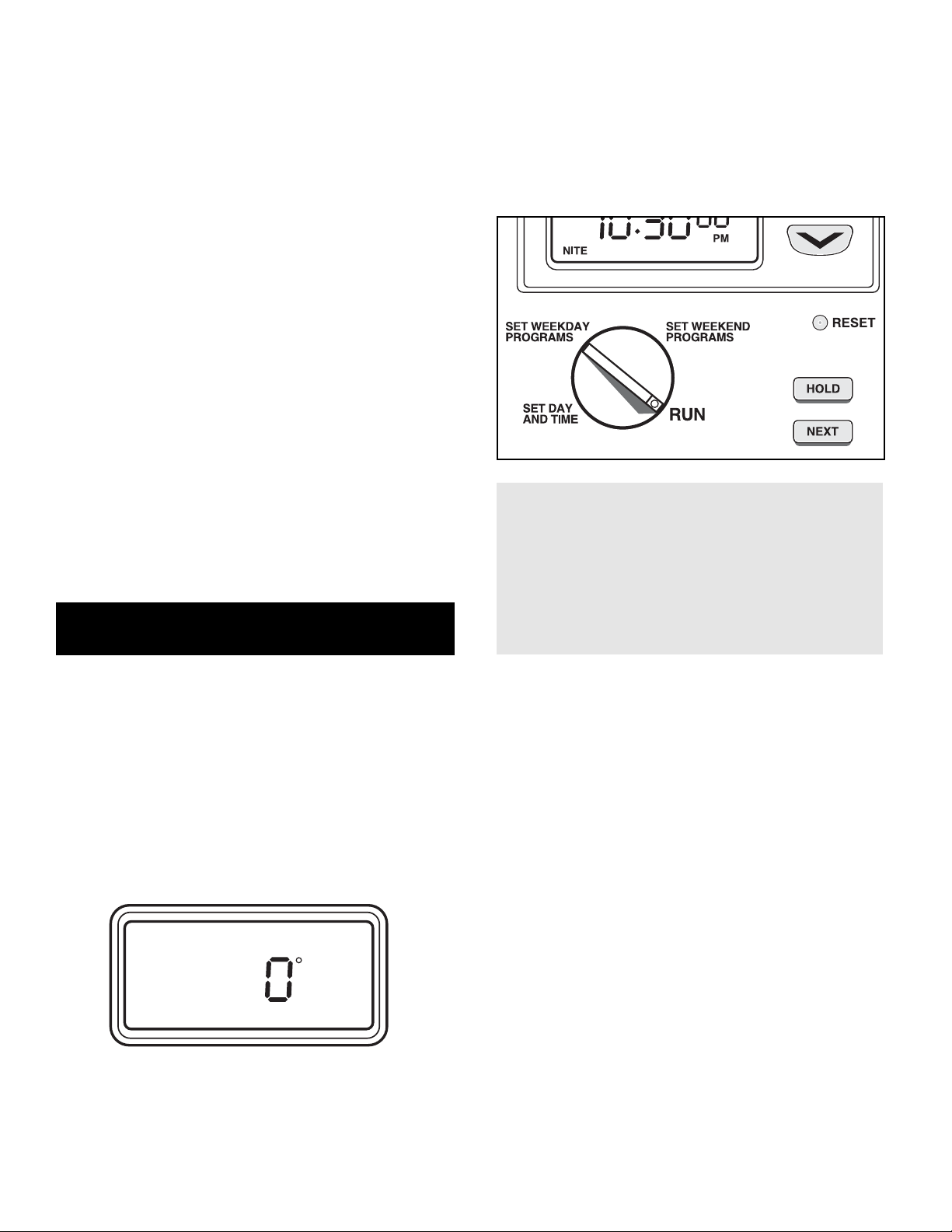
To change this offset from its default value of 0:
1. Open the door on the front of the thermostat.
2. Rotate the dial to SET DAY/TIME.
3. Simultaneously press NEXT and HOLD. The
Temperature Offset value will flash.
4. The default value is 0 and in most cases should
remain untouched.
5. Use the UP/DOWN keys to adjust the offset value.
6. Return the dial to its RUN position to accept the new
value.
SOFTWARE RESET
Use this feature to make all settings and programs
return to their default values. Press and release [RESET]
button using a pen or pencil. It will perform a system
check and then returns all settings to their original
default values before initiating normal operation.
NOTE:
Pressing this button will overwrite your
program and install the default values of all
temperature programs and setup values into the
unit's nonvolatile memory. To ease reprogram-
ming later, record your thermostat's programs
and settings in the table provided at the page
bottom before using this button.
TEMPERATURE VARIATION / SWING
Your thermostat works by turning your heating or
cooling system on and off whenever the room temper-
ature varies a certain number of degrees from the set-
point temperature. This variation is the "swing". Your
system should cycle on about 3 to 6 times per hour. A
smaller swing number increases the number of cycles,
so room temperature is more constant. A larger swing
number decreases the number of cycles, saving ener-
gy in most cases.
SWING ADJUSTMENT
This setting controls when the heating or cooling
turns on and off.
●
The Swing setting sets the temperature variation the
system allows above or below the set temperature
before turning on the heating or Cooling. To change
this value:
1. Rotate the SPEED DIAL
®
to RUN.
2. Press NEXT and HOLD simultaneously. The
Temperature section of the display shows a single digit
number between 1 and 9.