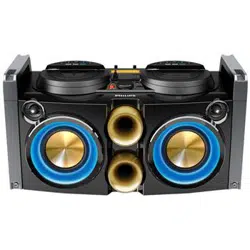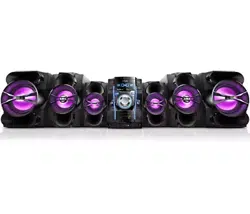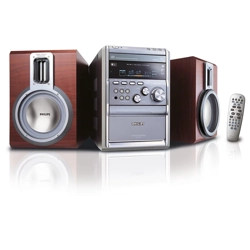
8000 Series
TAM8905
Micro Music System
User manual
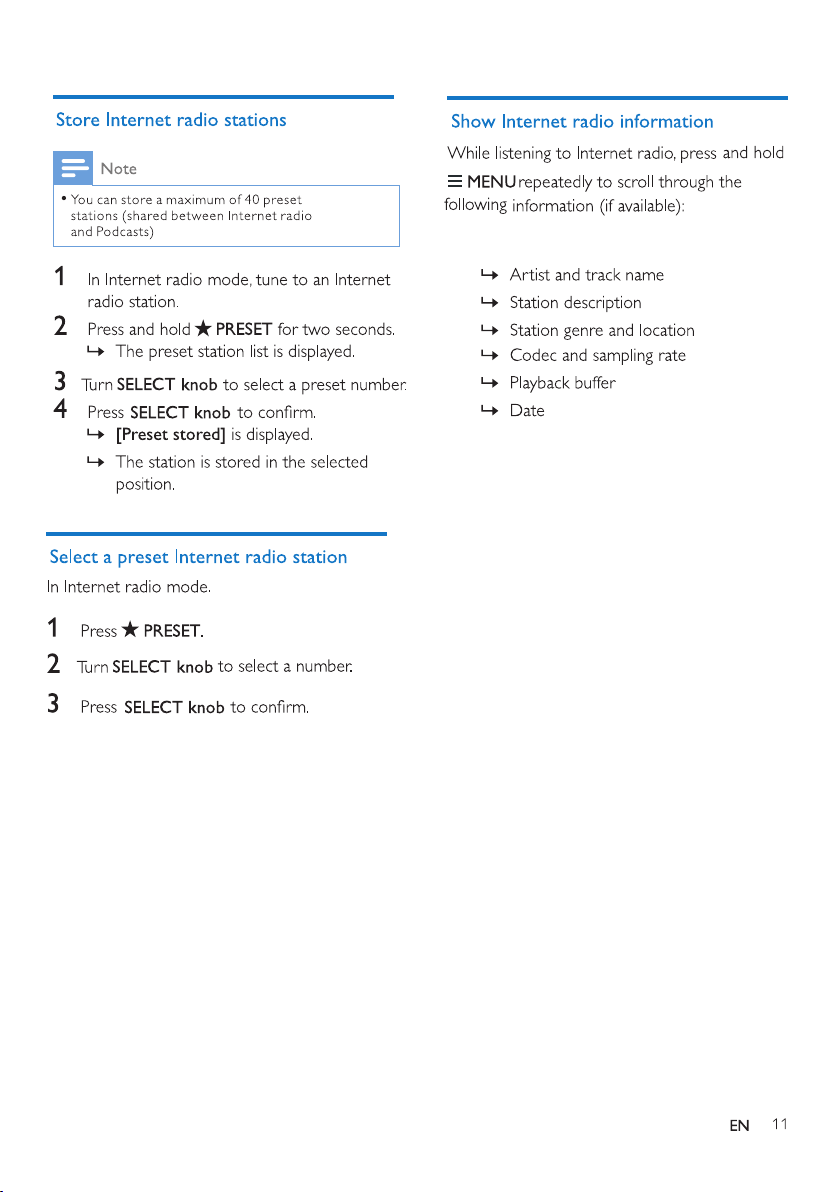
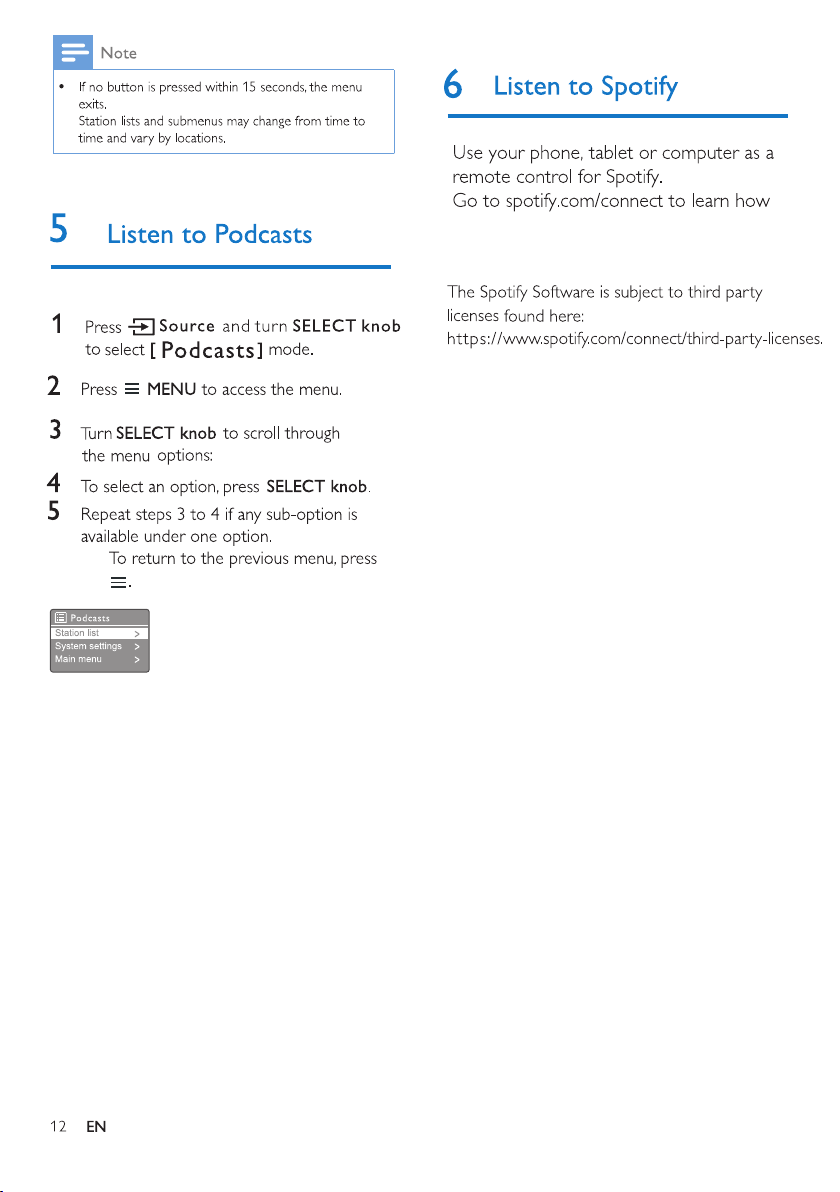
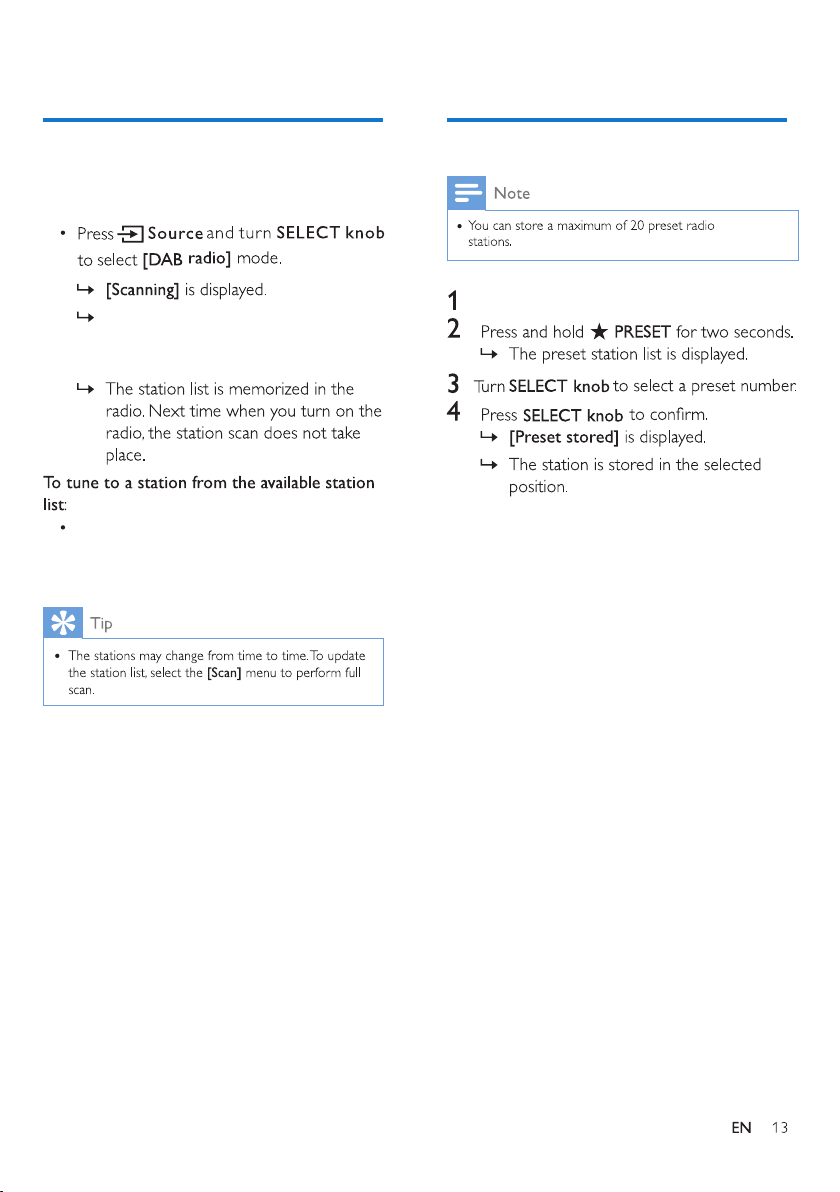
7 Listen to DAB+ radio
Tune to DAB+ radio stations
Store DAB+ radio stations
Select a preset DAB+ radio station
Use menu in DAB+ mode
Show DAB+ information
listen to FM and Digital Audio
Br
oadcasting(DAB+) radio;
Press and hold to diaplay information
in FM/DAB+mode.
FM/DAB+ antena
Improve FM/DAB+ reception.
Press and hold to diaplay informat
in
FM/DAB+mode.
[Update from DAB+]:
synchronize time
with DAB+ stations.
7 Listen to DAB+ radio
Tune to DAB+ radio stations
The rst time you select DAB+ radio mode, or if
the station list is empty, the radio performs a full
scan automatically.
Store DAB+ radio stations
The radio scans and stores all the DAB+
radio stations automatically, and then
broadcasts the rst available station.
In DAB+ mode, turn SELECT knob to
navigate through the available DAB+
stations.
In DAB+ mode, tune to a DAB+ radio station.
Select a preset DAB+ radio station
In DAB+ mode, you have two ways to select a
preset radio station.
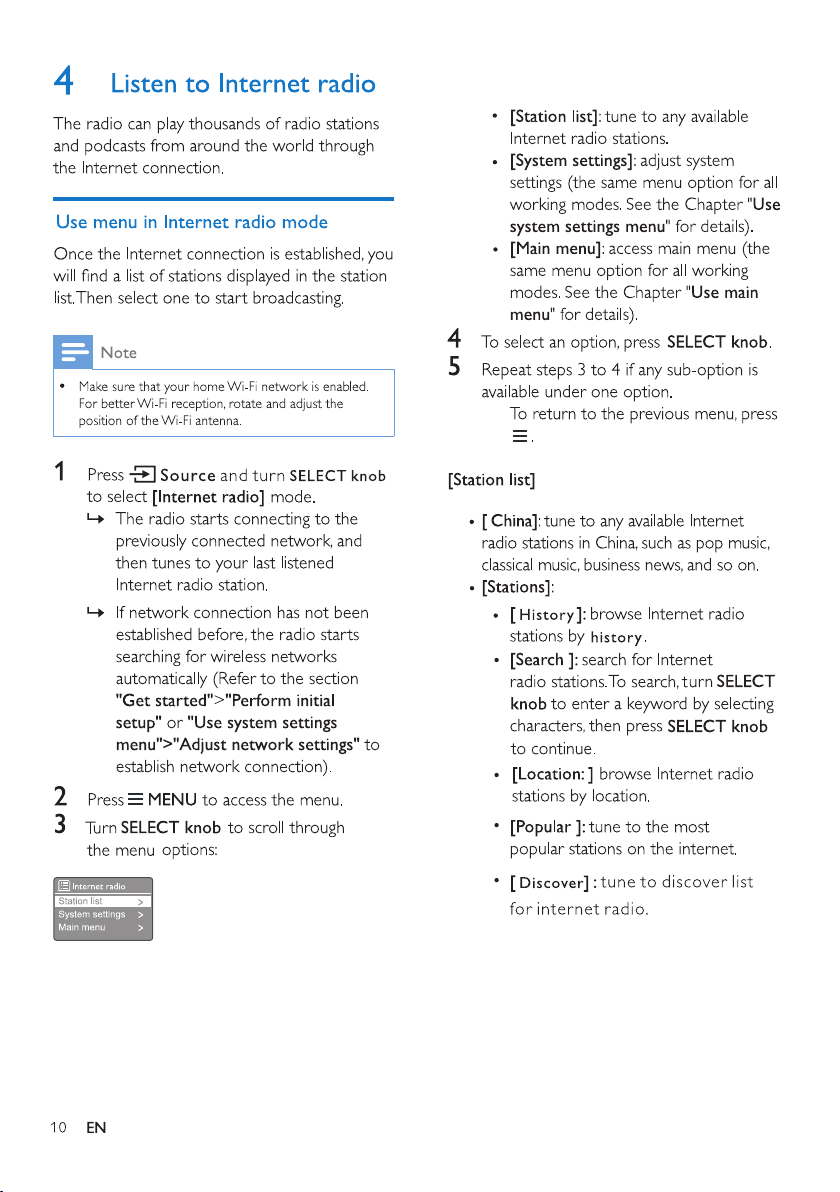
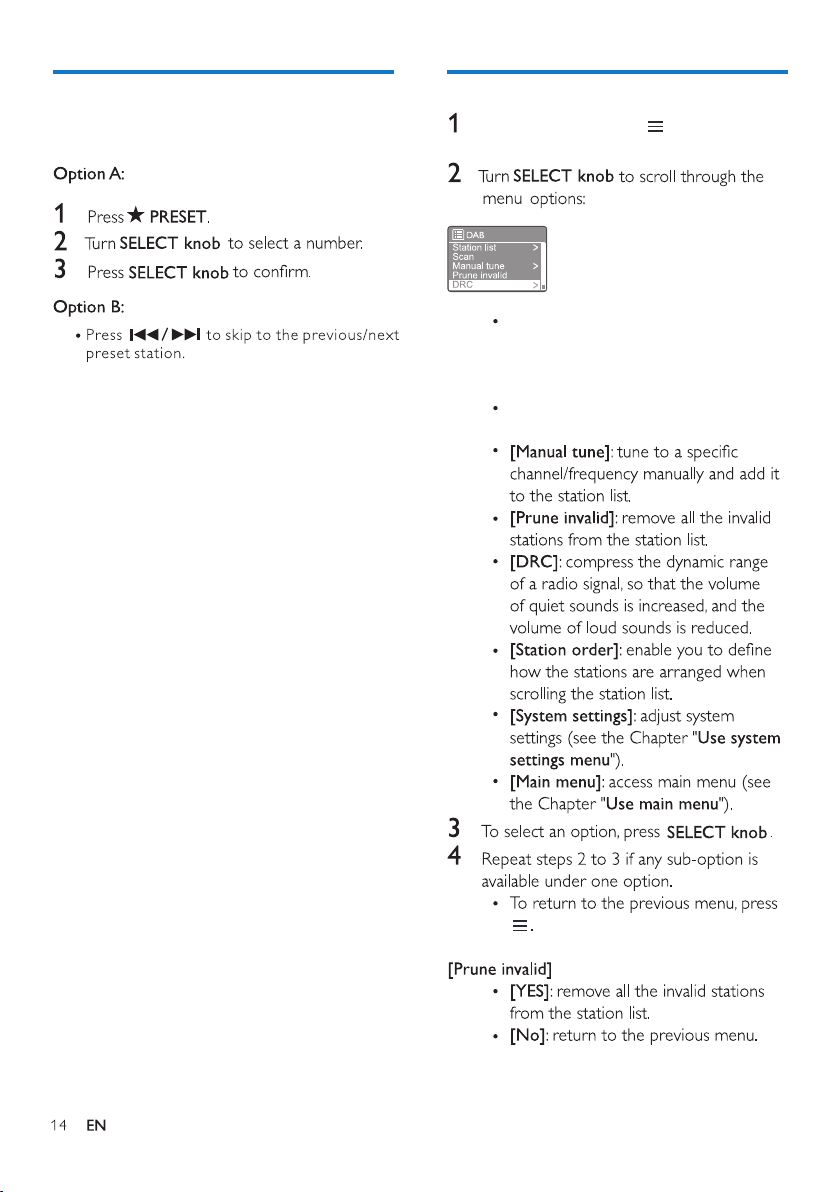
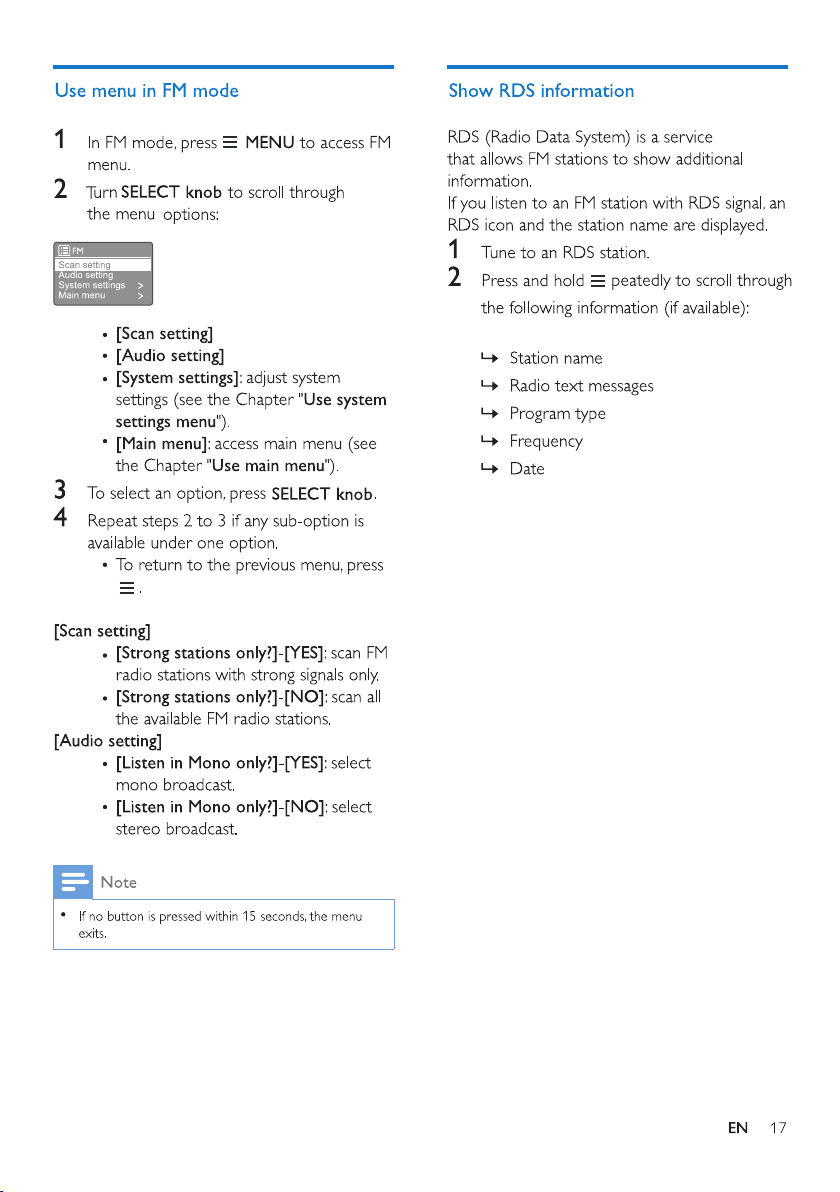
Use menu in DAB+ mode
MENU to access
In DAB+ mode, press
DAB+ menu.
[Station list]: display all DAB+ radio
stations. If no station is found, the
radio starts to scan DAB+ stations
and add them to the station list
[Scan]: scan and store all the
available DAB+ radio stations.
Show DAB+ information
While listening to DAB+ radio, press and
hold repeatedly to scroll through the
following information (if available):
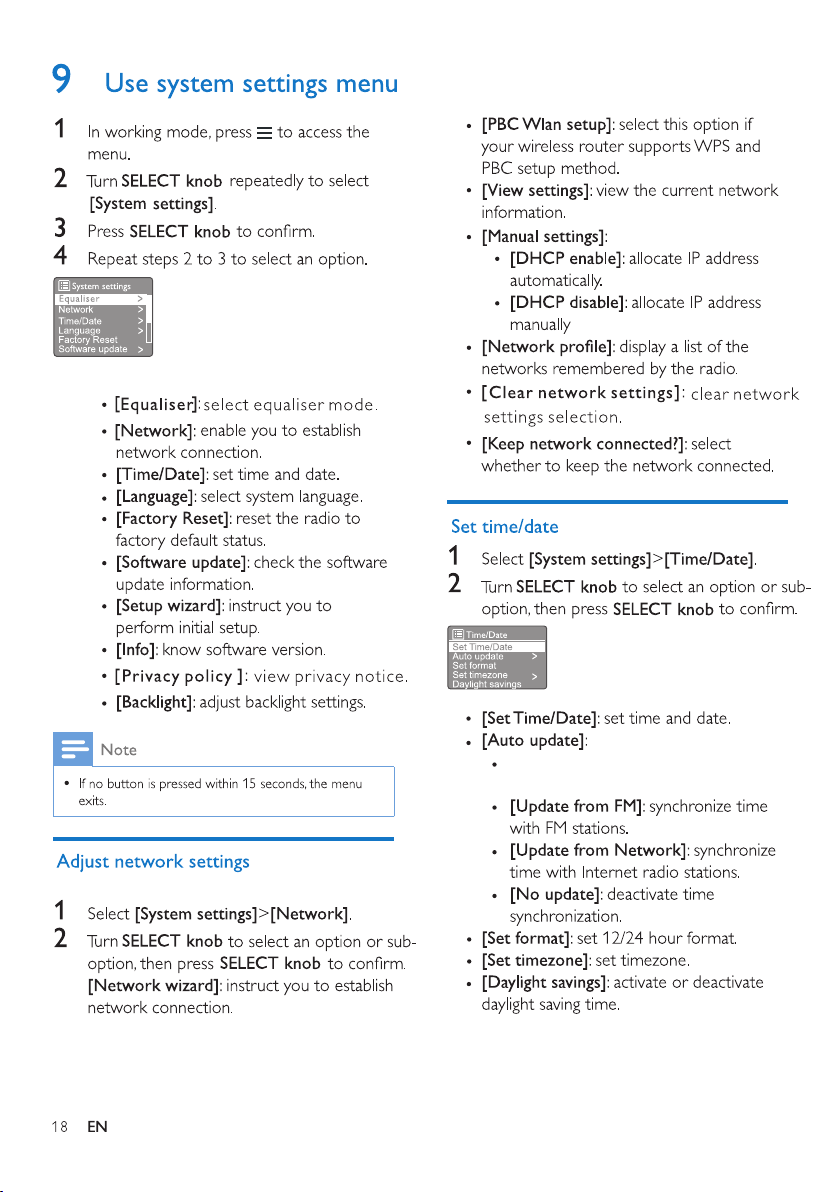
[Update from DAB+]: synchronize time
with D
AB+ stations.
If
you are updating time from DAB+ or FM, the
daylight savings option has no effect.
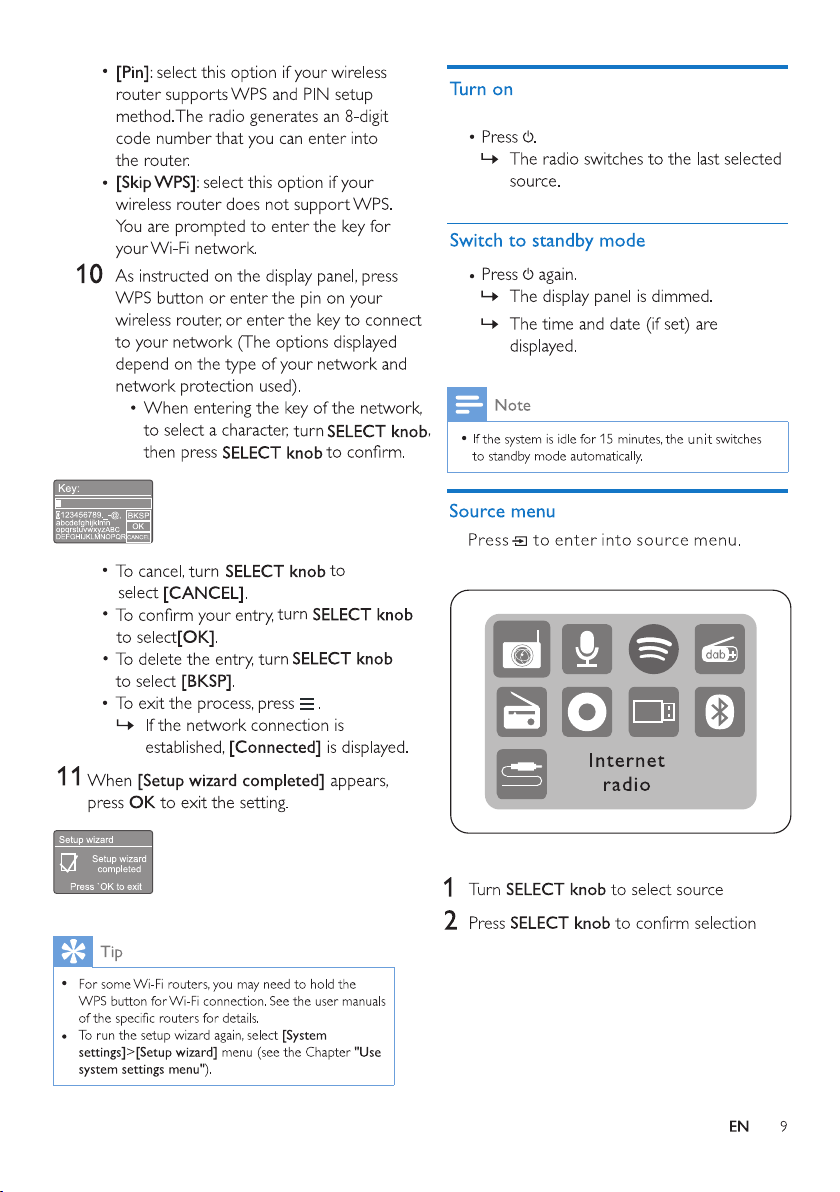
[DAB+]: select DAB+ mode.
In
ternet radio, Podcasts, Spotify, DAB+
radio, FM radio, CD, USB, Bluetooth or
AUDIO IN.
[DAB+]: select your last listened
DAB+ radio station as alarm source.
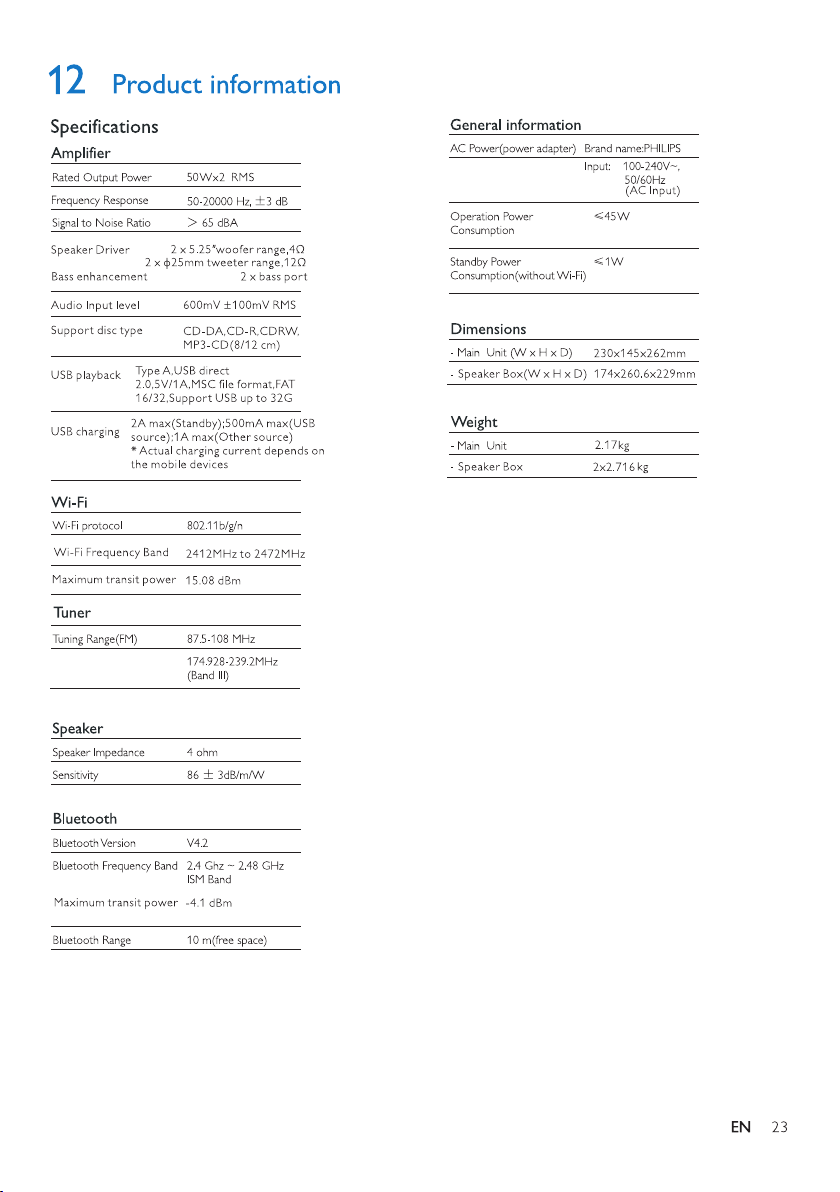
Tuning Range
(DAB/DAB+)