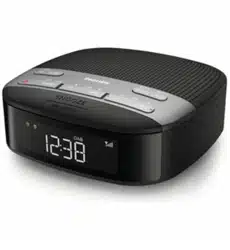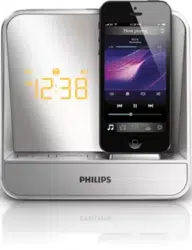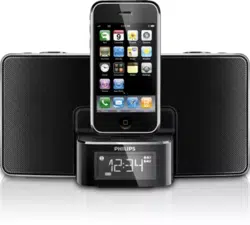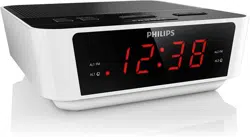
DAB+ radio
Your FM/DAB radio
the main unit
Adjust the volume level
Set alarm timer
Set sleep timer
Your FM/DAB radio
FM/DAB radio
know the time.
set two alarms.
.
Warranty leaflet
Quick start guide
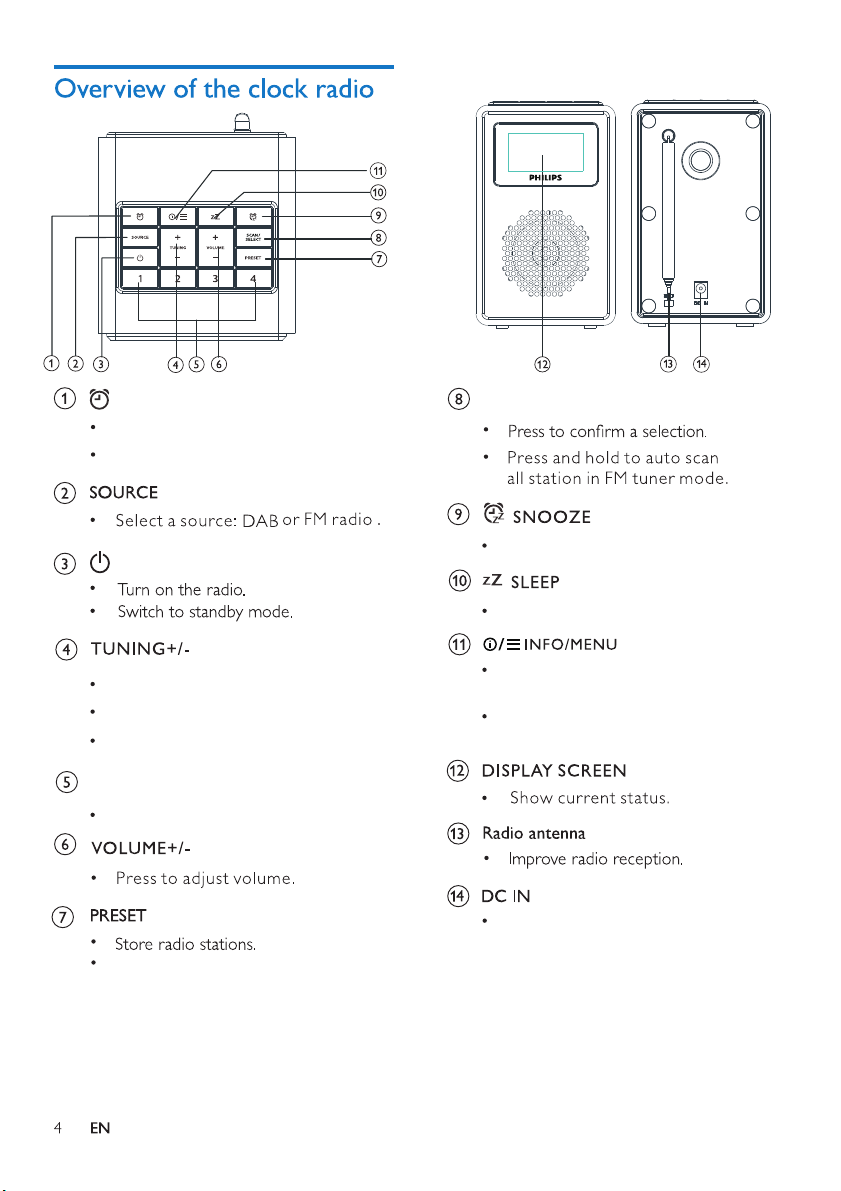
Tune to an FM station.
Navigate a DAB station list.
Navigate an FM/DAB menu.
Preset stations (1, 2, 3, 4)
Store/directly access preset 1, 2, 3 or 4.
Display and select preset stations.
SCAN/SELECTAlarm
Snooze the alarm.
Press to display information in
FM/DAB mode.
In working mode, press and hold
to access the top menu.
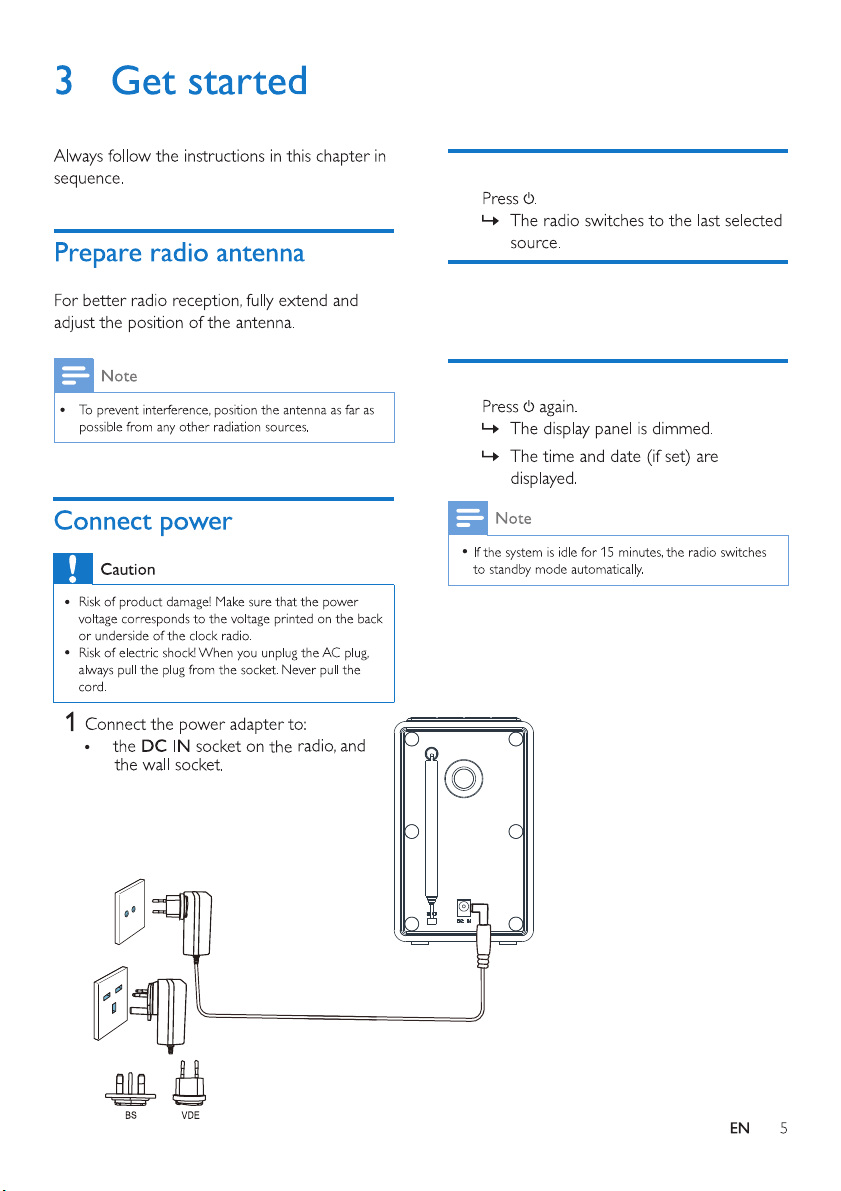
Connect to the supplied power adaptor .
Activate or deactivate alarm timer.
Set alarm.
Set the sleep timer.
Press VOLUME +/- repeatedly to adjust
volume.
Adjust the volume level
Switch to standby mode
Turn on
•
•
•
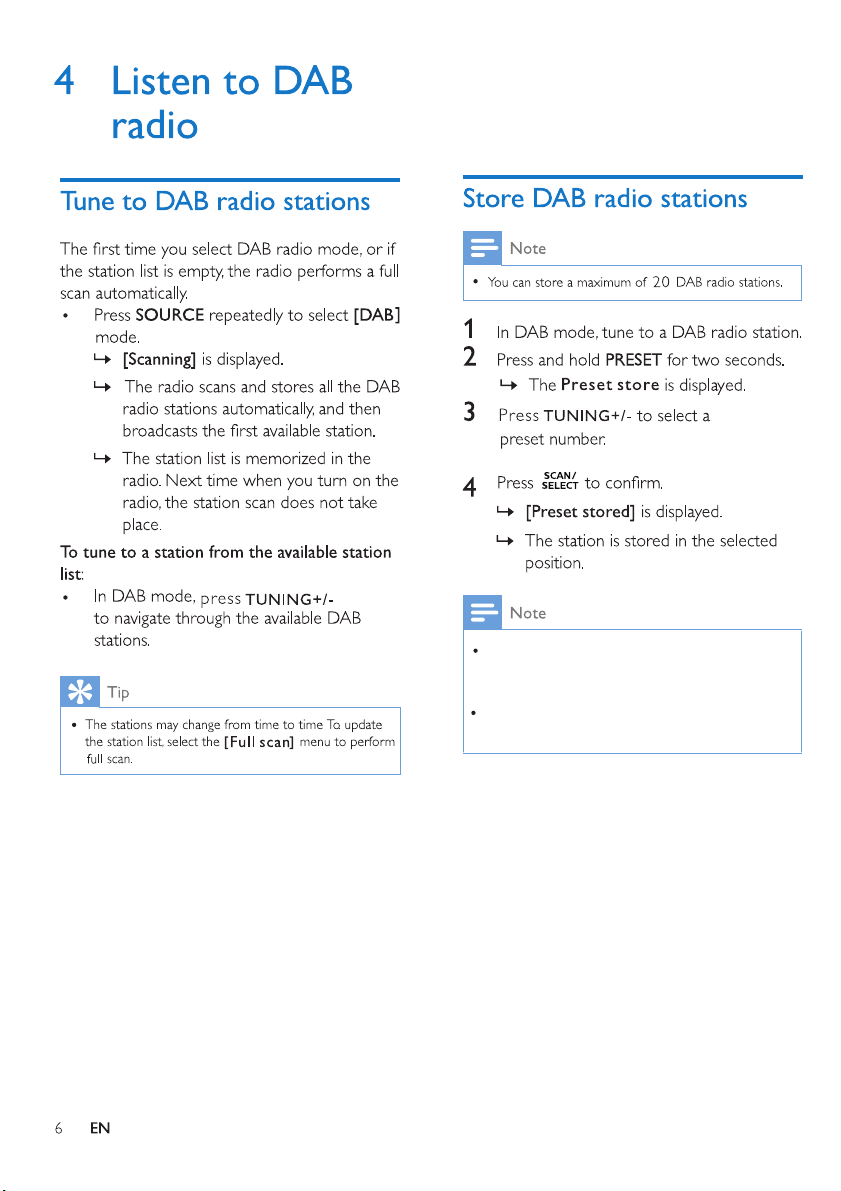
At step 2, you can also press and hold preset key 1, 2, 3
or 4 to save the current station to the corresponding
position directly.
To remove a preset DAB radio station, store another
station in its place.
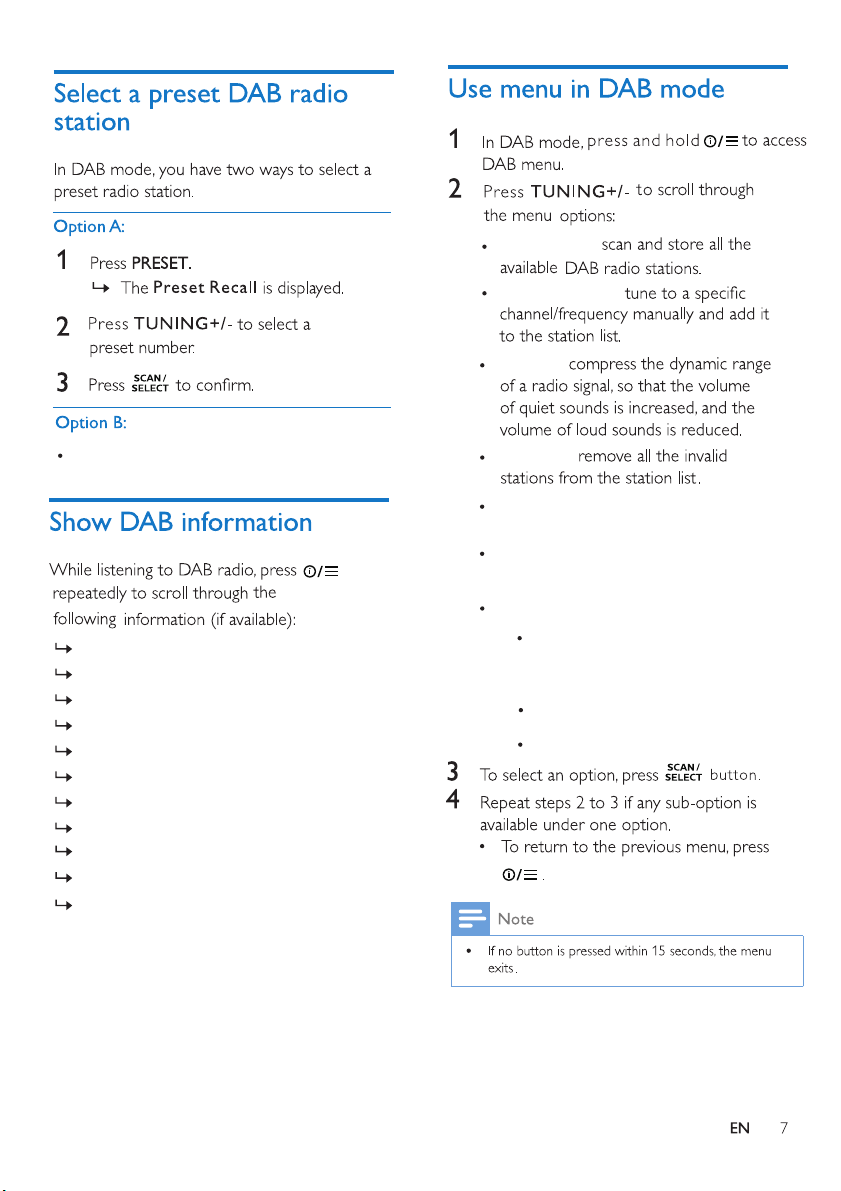
Press the numeric key 1-4 directly.
Radio mode
Sleep timer
Dynamic Label Segment (DLS)
Signal strength
Program type (PTY)
Ensemble name
Frequency
Signal error rate
Bit rate and audio status
Time
Date
[ Clock ] : set time/date, select 12/24 hour,
and set time synchronization.
adjust backlight settings
adjust system settings:
(3 options : Time out/ On level/ Dim level)
[ Language ] : set system language
(English/ Deutsch/ Italiano/ Francais/
Nederlands/ Norwegian)
[ System ] :
[ Backlight ] :
[ Prune ] :
[ DRC ] :
[ Manual tune ] :
[ Full scan ] :
[ Factory Reset ] : reset the unit.
[ SW version ] : view software version.
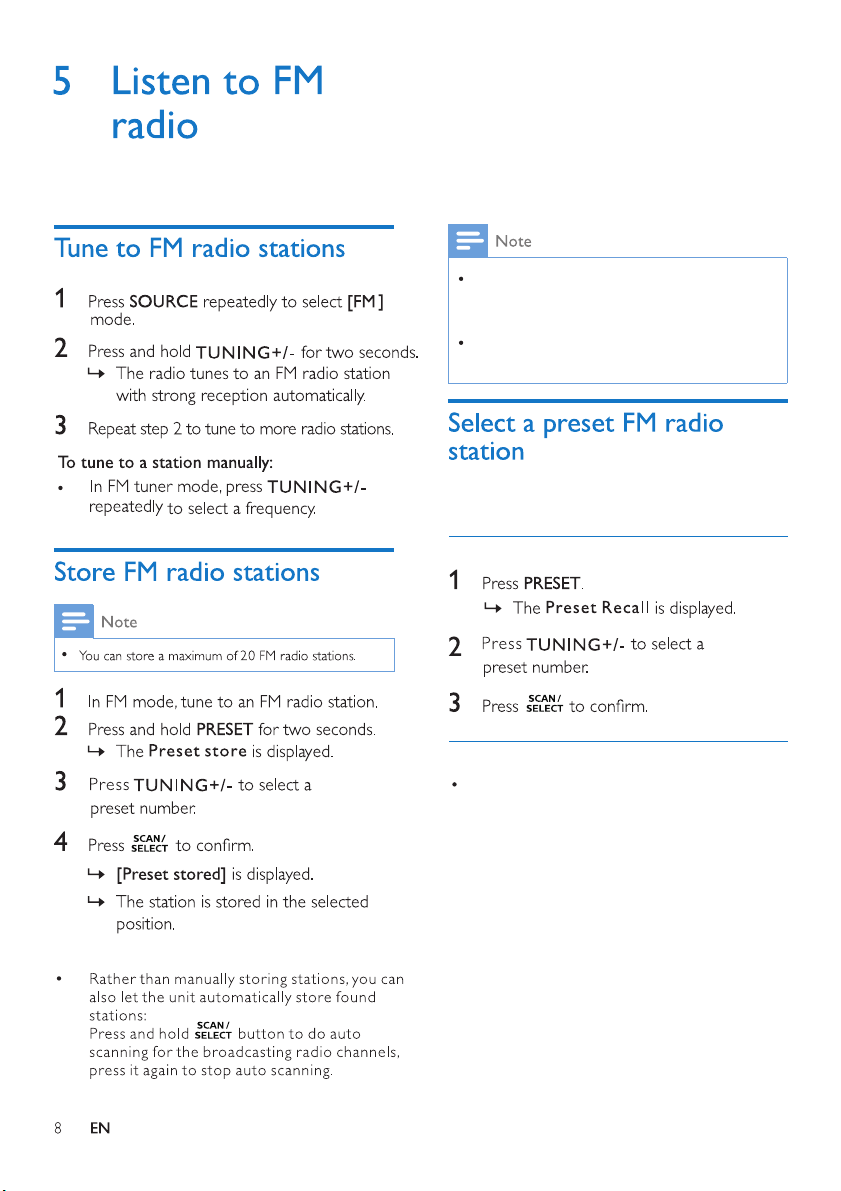
At step 2, you can also press and hold preset
key 1, 2, 3 or 4 to save the current station to
the corresponding position directly.
To store FM radio stations automatically
In FM mode, you have two ways to select a
preset radio station
.
Option B:
Press the numeric key 1-4 directly.
Option A:
To remove a pre-stored FM radio station, store
another station in its place.
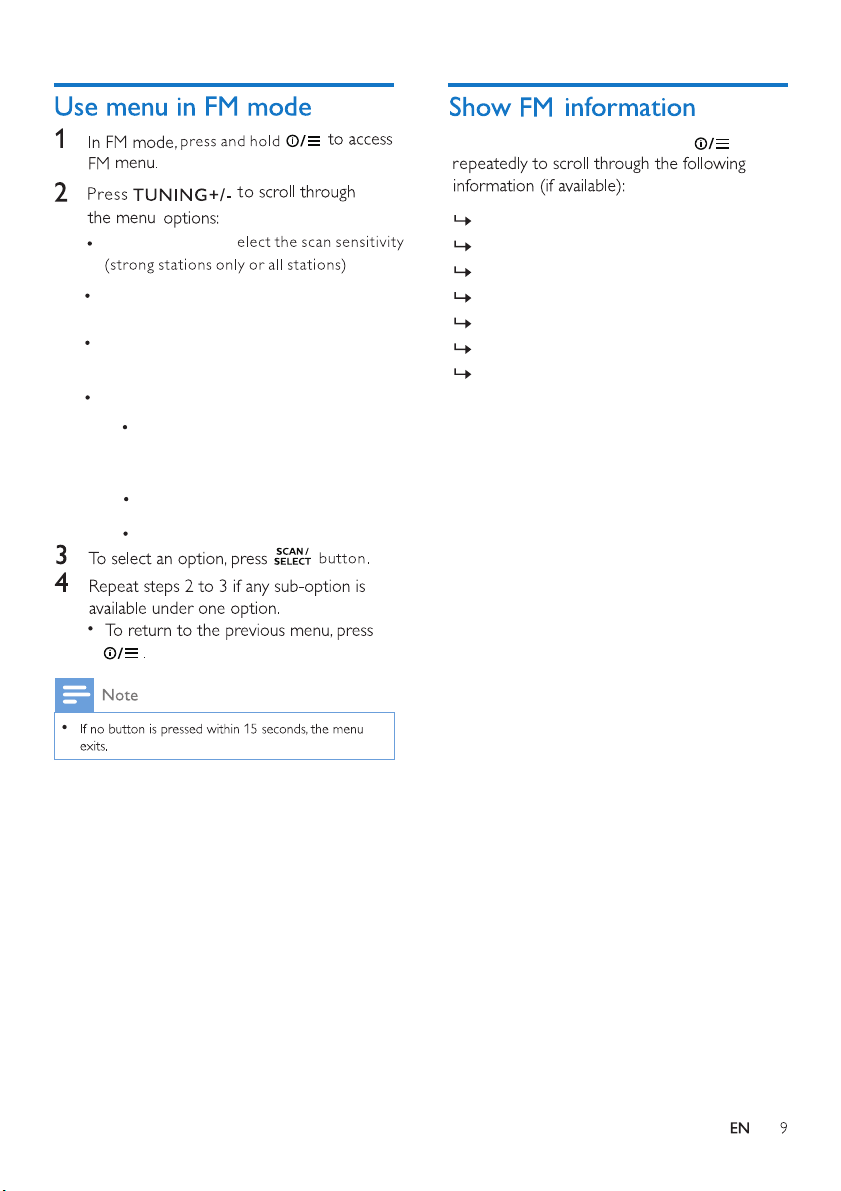
[ Clock ] : set time/date, select 12/24 hour,
and set time synchronization
adjust backlight settings
adjust system settings:
(3 options : Time out/ On level/ Dim level)
[ Language ] : set system language
(English/ Deutsch/ Italiano/ Francais/
Nederlands/ Norwegian)
[ System ] :
[ Backlight ] :
[ Scan setting ] :
s
[ Factory Reset ] : reset the unit.
[ SW version ] : view software version.
Radio mode
Sleep timer
Radio text messages
Program type
Name
Time
While listening to FM radio, press
Date
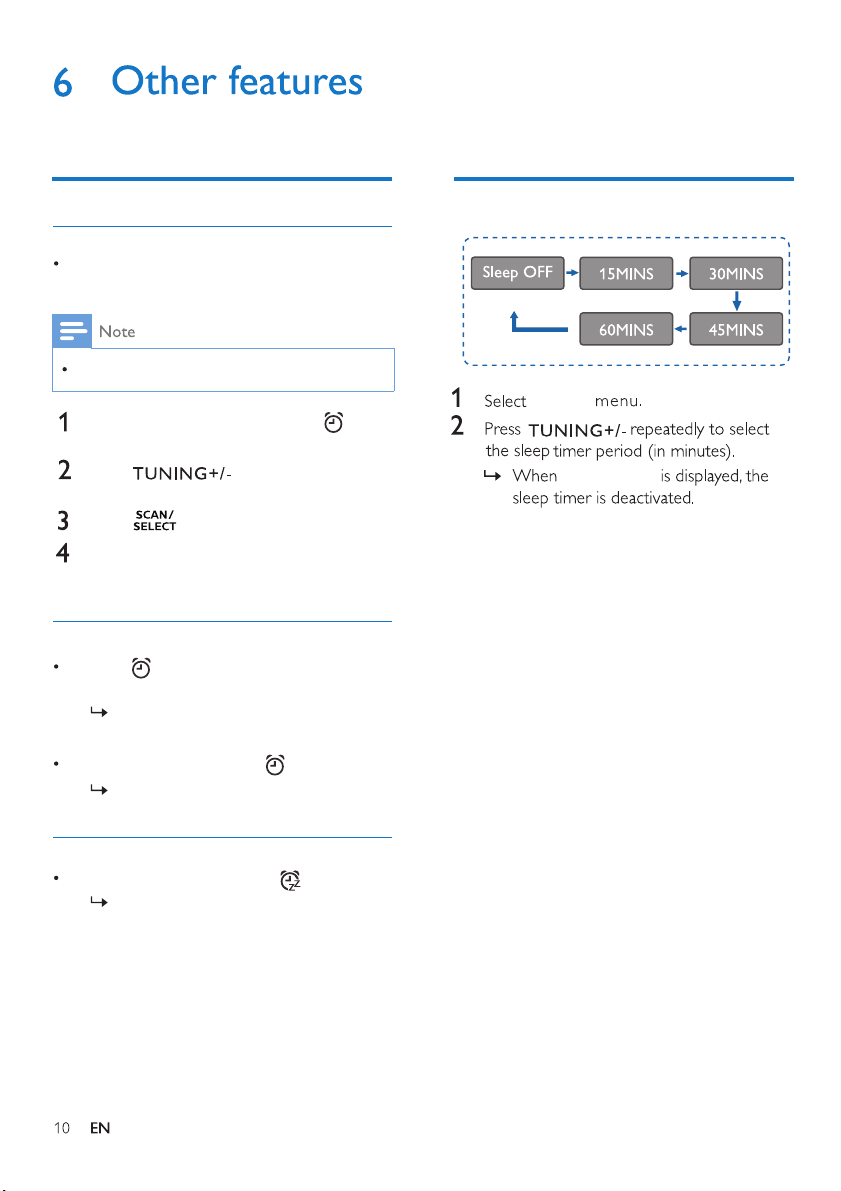
Make sure that the clock is set correctly.
You can set two alarms to ring at different
time.
In standby mode, press and hold for
two seconds to access alarm menu.
Press repeatedly to activate or
deactivate the alarm timer.
When alarm sounds, press .
The alarm snoozes and repeats ringing
nine minutes later.
The alarm repeats ringing for the next
day.
If the alarm timer is activated, [AL1] or
[AL2] is displayed.
Set alarm timer
Set alarm
Activate/deactivate alarm timer
Snooze the alarm
Set sleep timer
Press to select Alarm 1 or
Alarm 2.
Press to confirm.
Repeat steps 2 to 3 if any sub-option is
available (alarm time, duration, source, days,
volume, on/off)
To stop the alarm, press .
[ Sleep ]
[ Sleep OFF ]
Alarm does not work
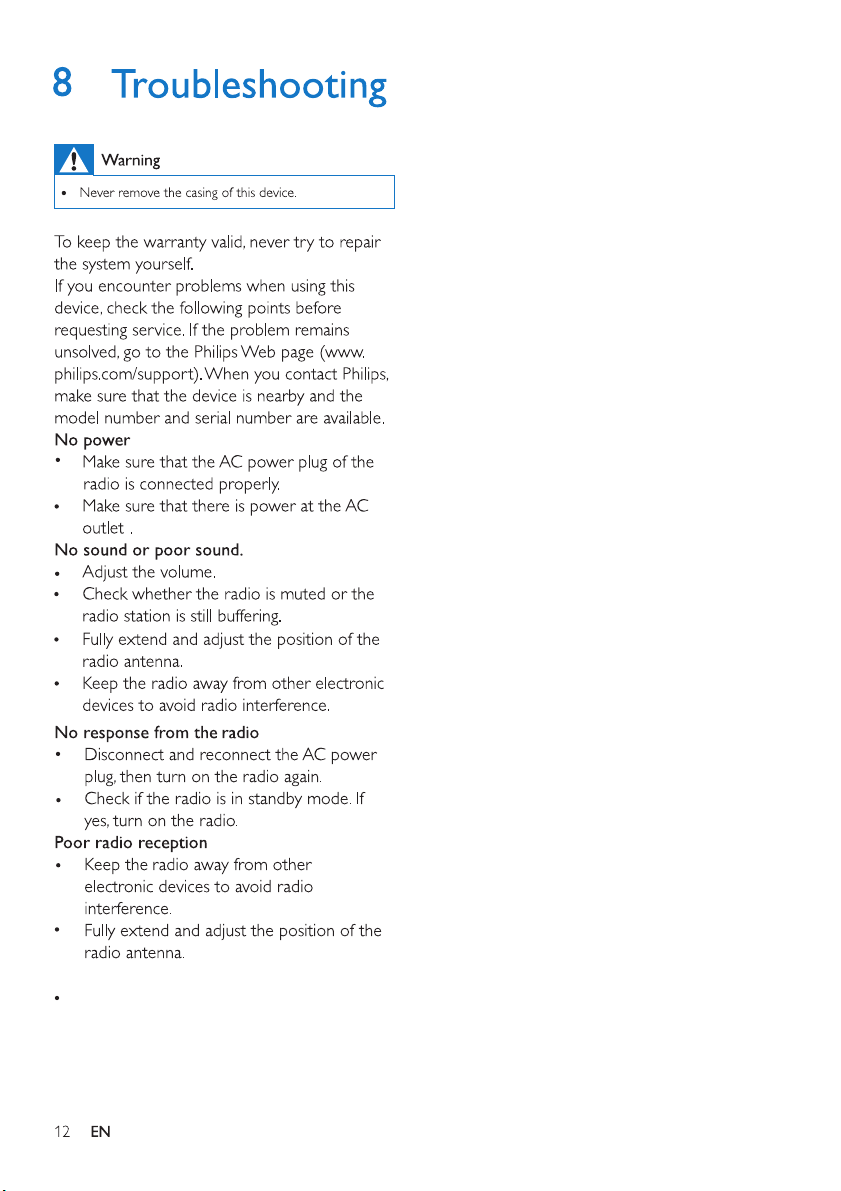
Set the clock/alarm correctly.
TP Vision Europe B.V.
MMD Hong Kong Holding Limited
MMD Hong Kong Holding Limited