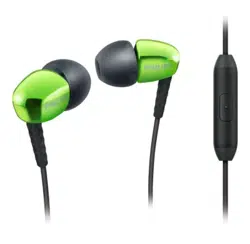
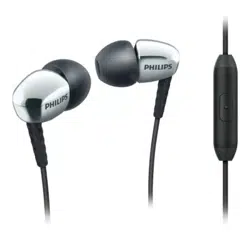
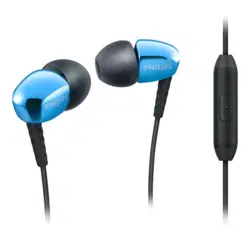
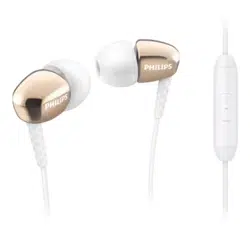
Philips SHE3905GD/00 Inear Headphones With Mic

Product's Documents

Below are documents related to this product, you can read online or download:
User Manual Specification

User Manual

This is the main product document for model SHE3905GD/00.

The file format is pdf, 1 pages, you can download this manual here .

background
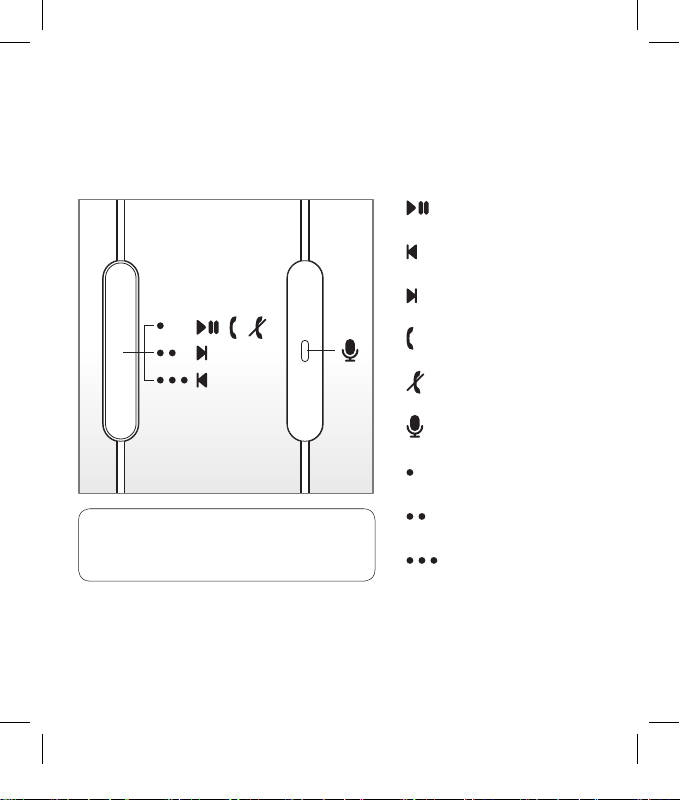
How to use the in-line control
Play / pause
Replay the track/
Previous track
Next track
Answer calls
End calls
Microphone
Single click
Double click
Triple click
HP_Micinst
V3.0_wk16222
Compatible with latest
smartphones and tablets
(operating system dependent)
HP mic instruction 160531.indd 1 31/05/2016 17:29:23

Specifications

Philips SHE3905GD/00 Questions and Answers


#1 How to clean my Philips headphones?

Use a soft cloth (dampened with a minimum amount of water or diluted mild soap if necessary) to clean the product. To avoid damage or malfunction: * Do not use any cleaning agents containing alcohol, ammonia, benzene, or abrasives * Do not submerge the product in water * The headphone shall not be exposed to dripping or splashing

#2 How to improve sound from my Philips headphones?

First of all, choose a correct size for the ear cap for your ears. Fix the ear cap onto the earbuds. Here are some tips on how to wear the earbuds:

Tips on how to wear the earbuds
Loosen your jaw slightly by slowly opening your mouth. You can repeat this action for a few times until you find your jaw has been loosened and not as tight. 2. Tilt your head to one side (say, to your right) 3. Insert the tip of the earbud to your left ear into your ear canal slowly 4. Turn on music for your earphones. Set the volume at a level that you can hear, but not loudly. 5. Adjust the position of the earbud until you can hear a more focused sound. This is the ?sweet spot? where the earbud is pointing at the eardrum. 6. Repeat the above step for your other ear Note: For hearing protection, do not listen to loud volume for a prolonged period. Seek medical advice when in doubt.
Questions and Answers

Related Products