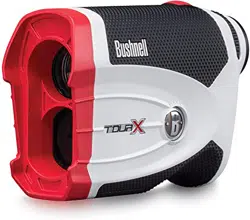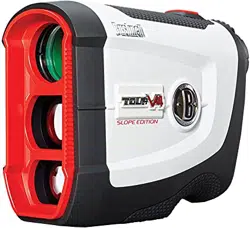
Tour v4 Slope Quick Start Guide
The TOUR V4 can be used to measure distances in yards or meters.
Users also have the option of turning the SLOPE feature ON or OFF.
To select between yards/meters and SLOPE on/off,
1) Wait for the unit to timeout and fully power down
2) Press and hold the POWER/FIRE button.
3) The display will begin to cycle through the setup options:
A) Yards & SLOPE ON -> Seen in display as “ + ---° ” and “Y”
(This is the option needed for YARDS and SLOPE to work)
B) Yards & SLOPE OFF -> Seen in display as “Y”
C) Meters & SLOPE ON -> Seen in display as “ + ---° ” and “M”
D) Meters & SLOPE OFF -> Seen in display as “M”
4) Once you have your desired mode highlighted release the POWER/FIRE
button to select that mode.