SLSFKEY25
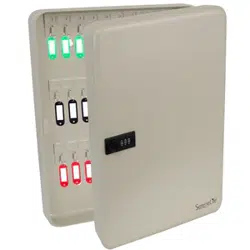
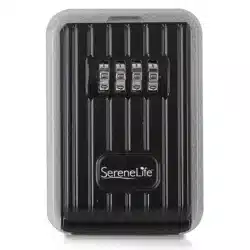
Single-Door Metal Mini Key Safe Box
INSTRUCTIONS
To open the key box:
1. Pull the weather cover down to reveal
the dials.
2. Rotate dials to the current combination
(the combination of the key box is set
at factory to 0-0-0-0).
3. Pull the door fully open and add or
remove the keys.
4. Close the door, realign the combination
dials to lock the door and conceal your
combination.
5. Close the weather cover.
To set your combination:
1. Open the key box (see instruction above)
2. With the key box internal door facing you
(the reset button should be on the left
side), Push the RESET lever on the back of
the door to the right and upward (see
picture 1).
Picture 1
3. Rotate dials to your desired combination.
• Ensure they are correctly aligned so that the code is entered accurately
(see picture 2).
www.SereneLifeHome.com

4. Push the RESET lever downward and left,
back to the original position. Make sure to
check the reset lever is fully back in its
original position.
5. Press the latch to make sure it move down
smoothly (see picture 1).
Now you have se your password correctly.
6. Close the door, realign the combination dials to lock the door and
conceal your combination
7. Close the weather cover.
Important:
1. Keep the weather cover closed to increase weather resistance.
2. We do not recommend using combinations such as 'A-A-A-A’ which is
easy to crack.
3. It is recommend the dials are rotated weekly to keep them moving freely.
www.SereneLifeHome.com