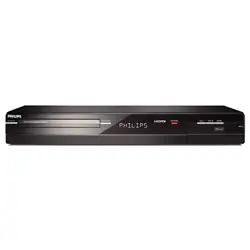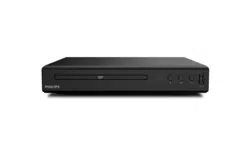
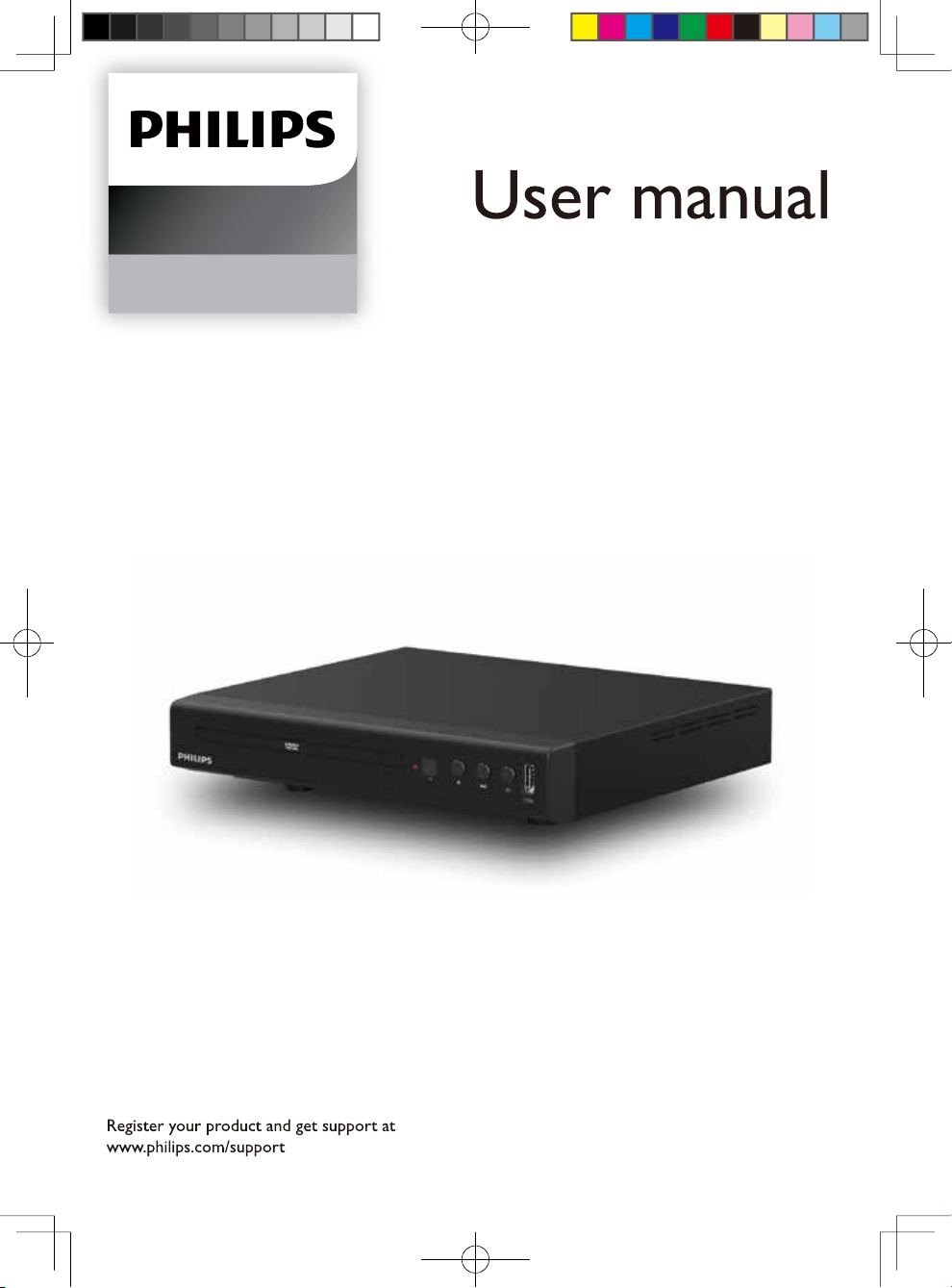
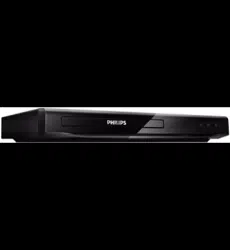
Philips TAEP200/12 DVD Player

Product's Documents

Below are documents related to this product, you can read online or download:
User Manual Installation Instruction
TAEP200/12 photo

User Manual

This is the main product document for model TAEP200/12. Series: 2000 Series
Additionally, the document applies to other Philips models: EP200

The file format is pdf, 17 pages, you can download this manual here .

background
DVD Player
EP200
background
2
background
3
background
4
background
5
background
6
background
7
background
8
background
9
background
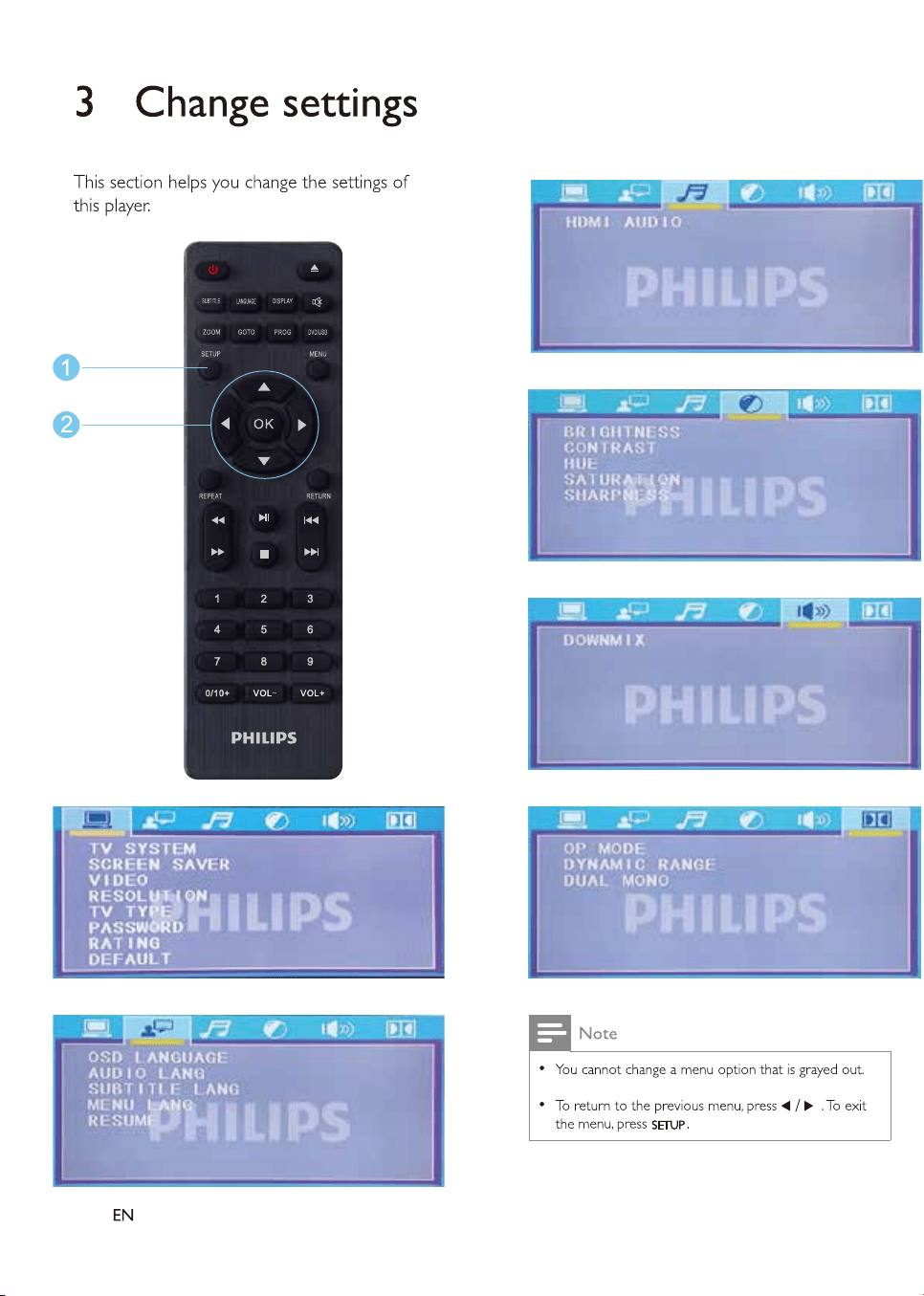
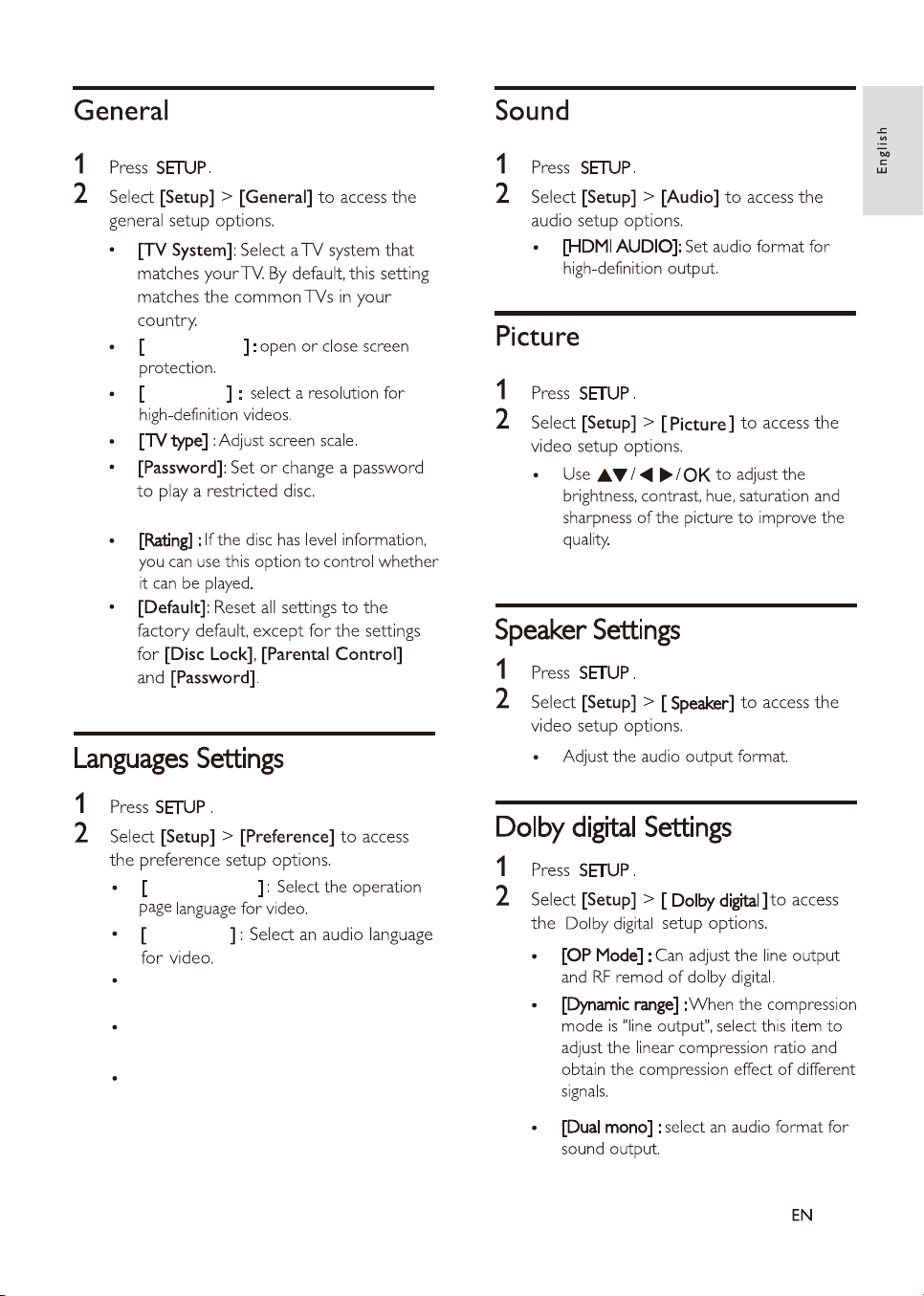
The default
password is 1234.
Screen saver
Resolution
OSD language
Audio lang
[Subtitle lang]: Select a subtitle language
for video.
[Menu lang]: Select a menu language
for a video disc.
[Resume]: Turn off the DVD and restart,
you can return to the upper a playback
page(some disc may not supported this
feature).
10
background
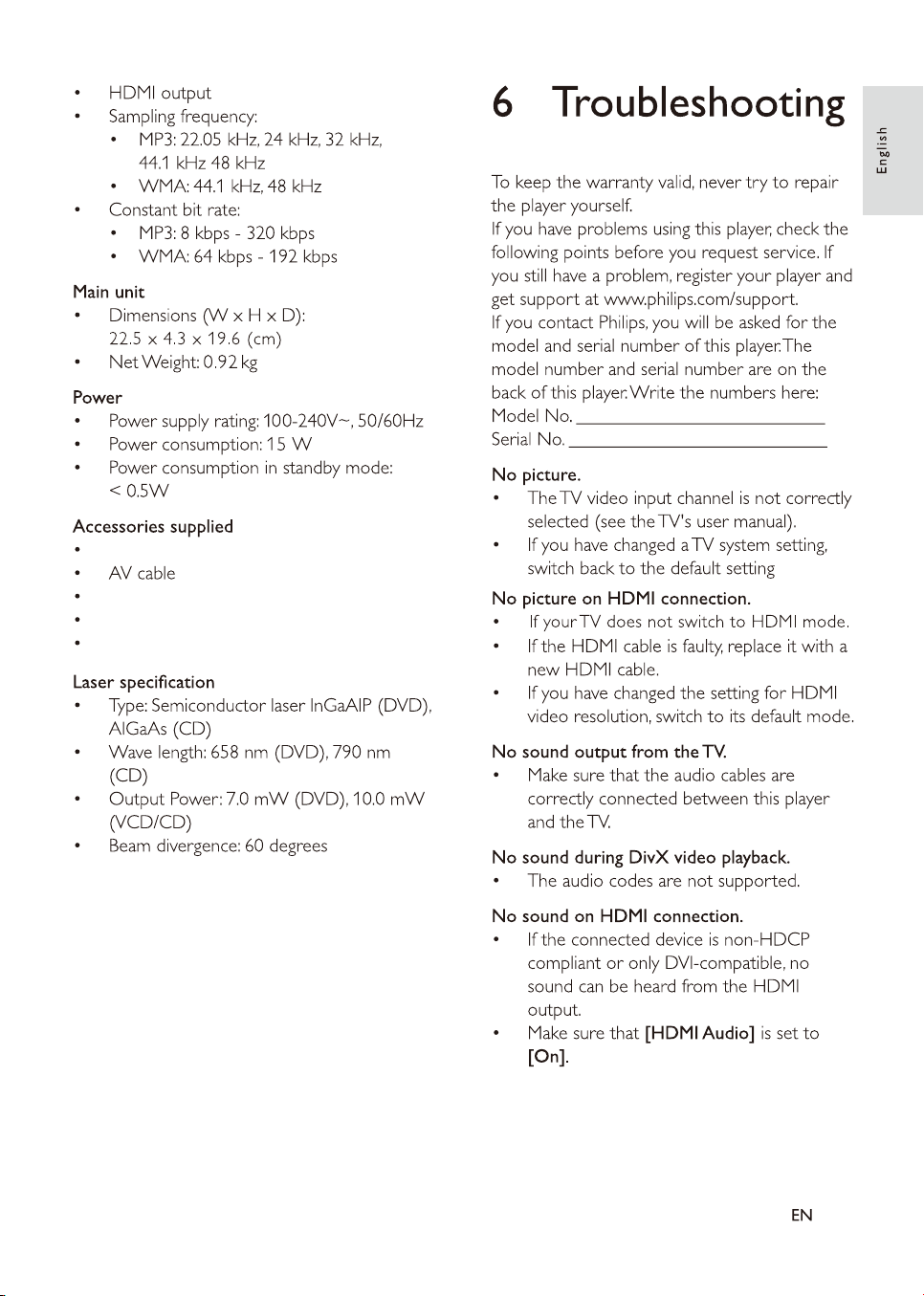
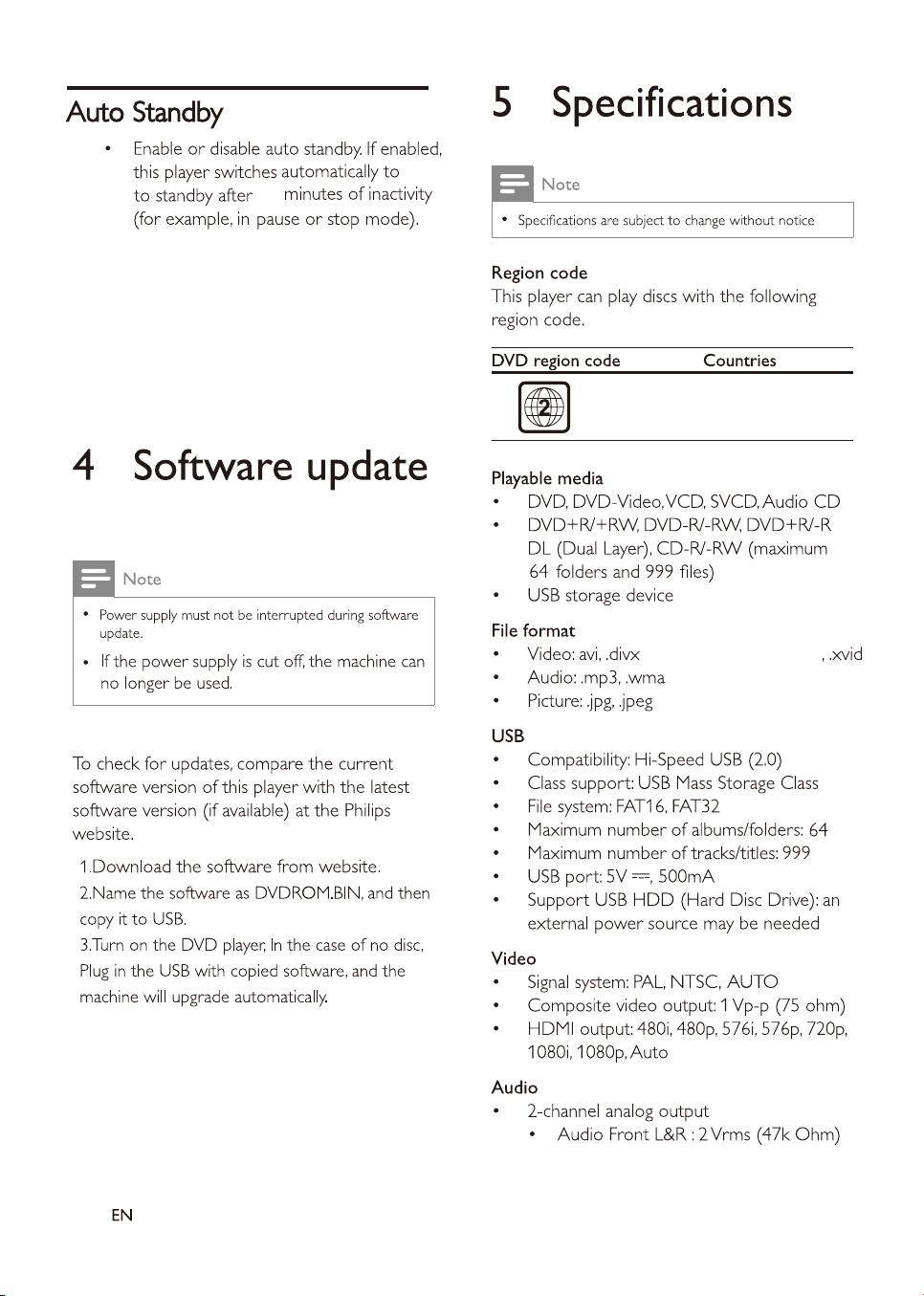
(nonsupport DIVX3.11)
EU
30
11
background
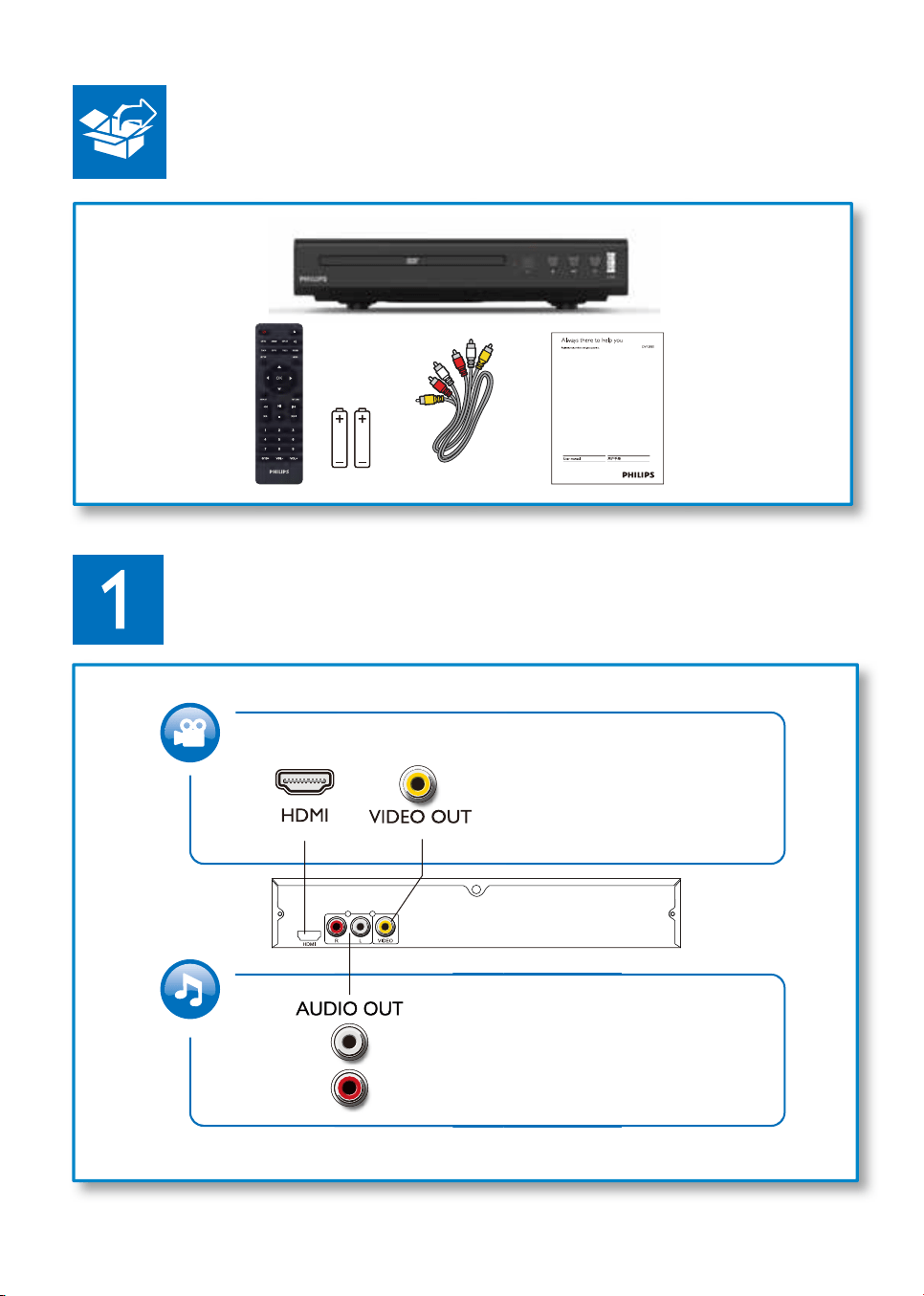
Remote control and one pair batteries
QSG
Warranty card
Safety sheet
12
background
13
background
14
background
15
background
16
background
Copyright © MMD Hong Kong Holding Limited
2019. All rights reserved.
This product has been manufactured by and
is sold under the responsibility of MMD Hong Kong
Holding Limited and MMD Hong Kong Holding Limited
is the warrantor in relation to this product.
Philips and the Philips Shield Emblem are
registered trademarks of Koninklijke Philips N.V.
and are used under license.

Specifications

Philips TAEP200/12 Questions and Answers


#1 Why is the Bluetooth connection to an external device being dropped after some time?

We fixed this issue with the latest software release. Please update your device with software version FS2340-0000-0134_v4.5.7.e518da-1A37.

#2 Why is the home theater system unable to start up?

Please try the following recovery procedure:
- Power off the unit by disconnecting it from main power supply.
- Wait for approximately 20 seconds.
- Press the SOURCE button on the unit itself while powering it back on.
- The device should be functioning again.

#3 Why am I unable to connect the device with the PS Fine Tune app?

We fixed this issue with our latest PS Fine Tune app release. Please upgrade the app to version 1.0.41 or newer.

#4 Why is Ambilight Air no longer working if the speaker is configured to surround mode?

This is normal behavior and in accordance with the specifications of the product.

Questions and Answers

Related Products

Product Philips DVP2880 image
Philips DVP2880 DVD Player
2022-04-24 1 docs