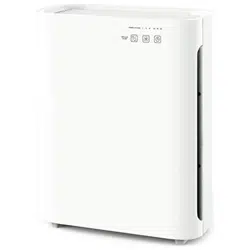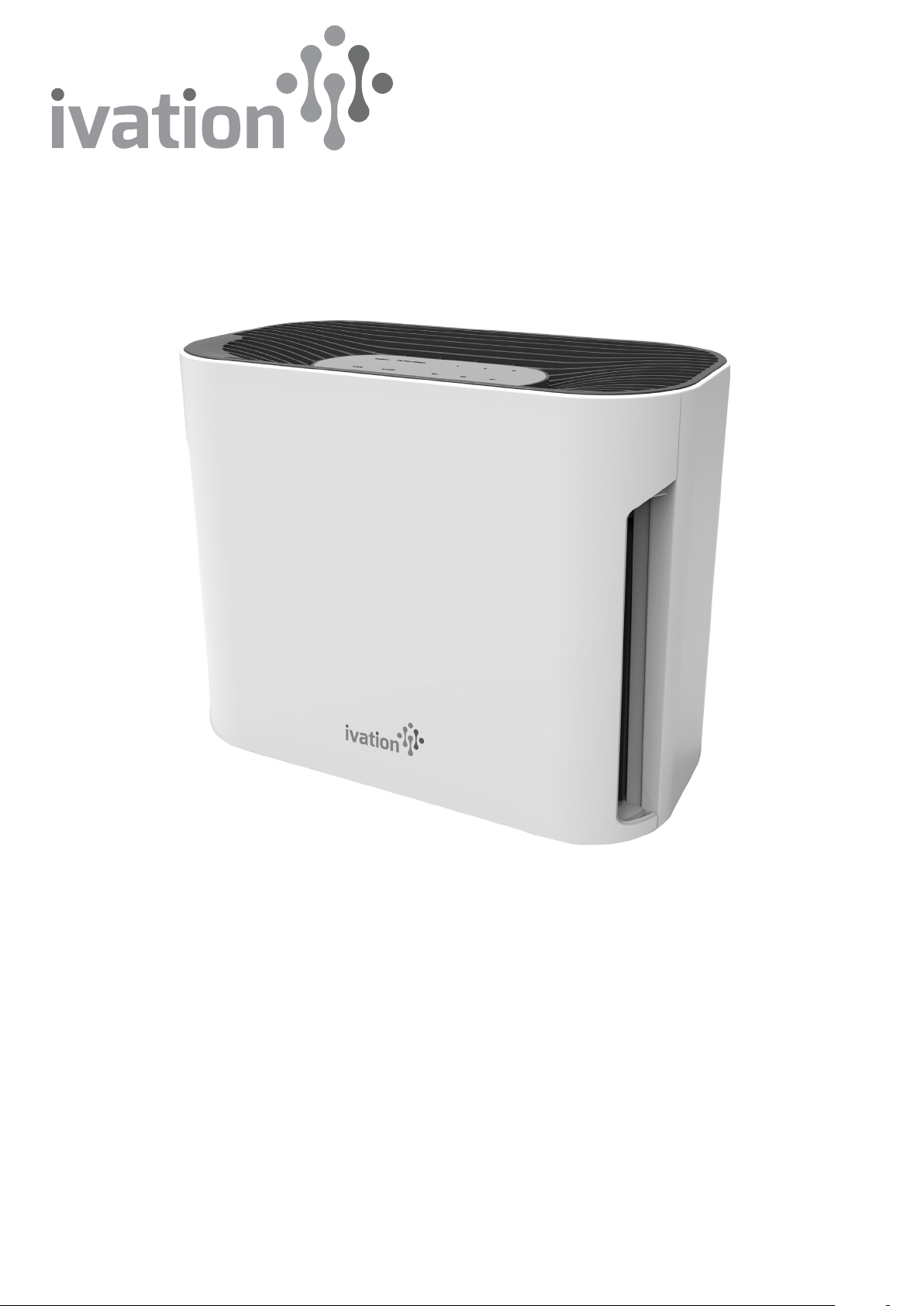
Compact Combination Air Purifier
User Guide
IVAHAP100
Thank you for purchasing the Ivation Compact Combination Air Purifier. This User Guide is intended to provide you with
guidelines to ensure that operation of this product is safe and does not pose risk to the user. Any use that does not
conform to the guidelines described in this User Guide may void the limited warranty.
Please read all directions before using the product and retain this guide for reference. This product is intended for
household use only.
This product is covered by a limited one-year warranty. Coverage is subject to limits and exclusions. See warranty
for details.
Box Contents
Air purifier
User guide
1

Parts
1. Main unit
2. Air vent
3. Control panel
4. 3-in-1 filter
(pre-filter, activated
carbon filter, HEPA
filter)
5. UV-C light
6. Removable cover
7. Power button
8. Timer button
9. Speed button
10. UV-C/Ion button
11. On/off indicator light
12. Filter reset light
13. UV-C indicator light
14. Ionizer indicator light
15. Time indicator lights
16. Speed level lights
2
1
2
5 6
3 4
7
8
9
10
11 12 16
13 14 15
Safety Precautions
• Always plug this device into a grounded socket that is compatible with the unit’s polarized plug.
• Do not place the cord under rugs, near heat sources, or in heavily trafficked areas. Risk of fire or electric shock.
• Do not place the unit in or near water or other liquids. Risk of electric shock.
• Keep out of reach of children and pets.
• Always unplug the unit before attempting to move or change the filter.
• Never drop or insert objects into one of the openings on the unit.
• Do not route the cord under furniture or appliances.
• Do not use the unit if the cord or plug is damaged, the motor fails to rotate, or the device otherwise malfunctions.
• This device is intended for household use only.
• Do not block the air vents.
• Do not attempt to repair or alter the unit. Doing so will void the warranty.
Setup
1. Place the air purifier on a level surface at least 1 foot from any walls or furniture.
2. Plug the power cord into a grounded AC outlet.
Operation
1. Turn on the unit with the power button.
2. To set the duration of time the unit will run, press the timer button until the desired time (2 hours, 4 hours, 8 hours) is
lit on the control panel. To set it to run continuously, press the timer button until no time indicator lights are lit.
3. To change the speed of the fan, press the speed button until the desired speed level (I, II, III) is lit on the control panel.
4. To turn on/off the UV lamp and ionizer, press the UV-C/Ion button. The UV-C indicator light will activate when this
feature is turned on.
Changing the Filter
When it is time to change the filter, the filter reset light will flash. For best results, change the filter every 6 months.
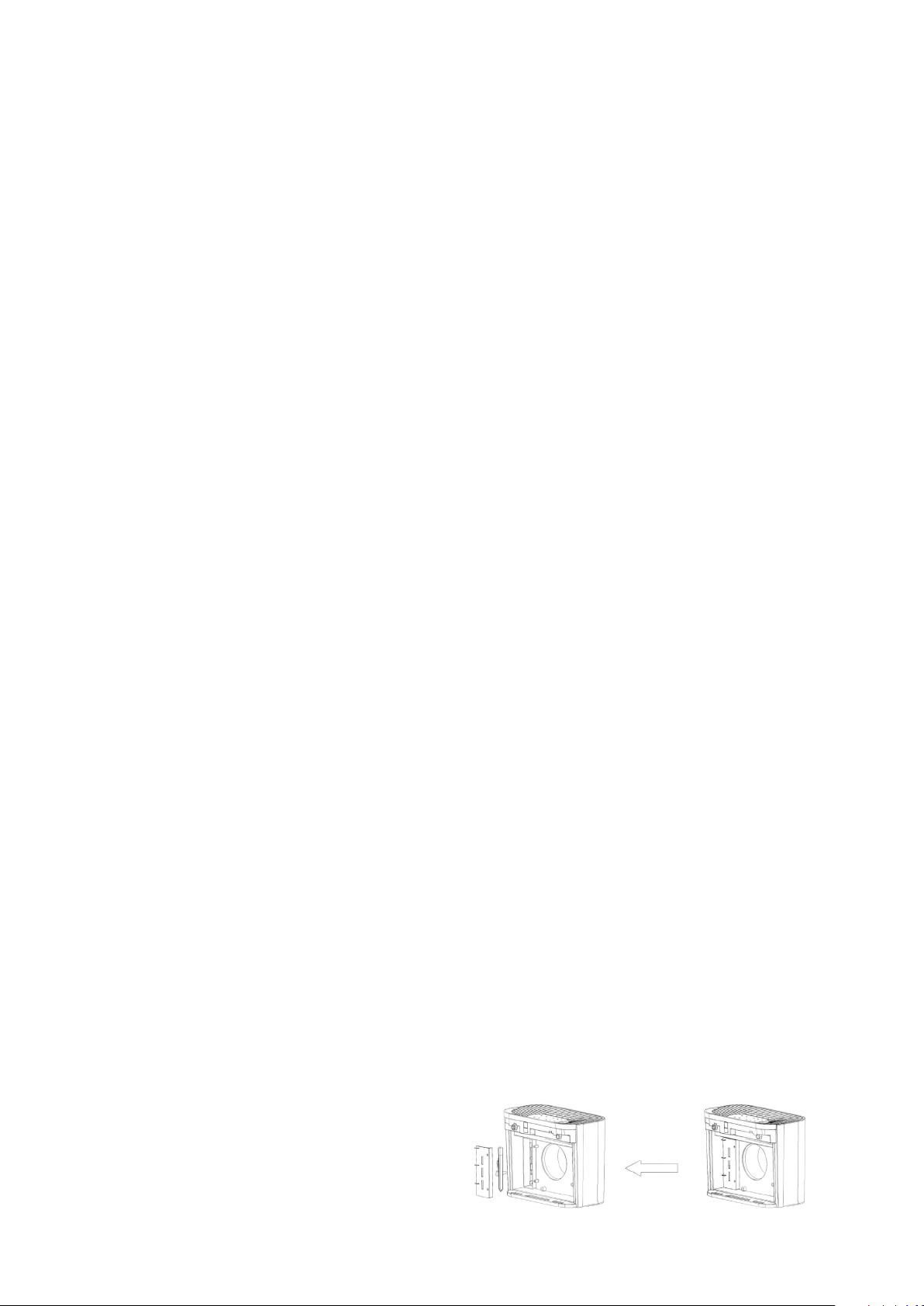
1. Open the front cover from the top of the unit.
2. Remove the old filter by pulling on the two attached strips.
3. Insert the new filter.
4. Replace the front cover of the unit and latch securely in place.
5. To turn off the filter reset light, press and hold the power button for 5 seconds.
Care and Maintenance
To clean the body of the unit, wipe with a soft, dry cloth. Do not insert any foreign objects or fingers inside the unit.
Do not use gasoline, benzene, thinner, or harsh cleaners on or in the unit or risk damage to the product.
To clean the front pre-filter
1. Remove the pre-filter from the combination filter.
2. Use the brush attachment of a vacuum cleaner to remove any lint or dirt from the filter. For best results, clean the
pre-filter at least once a month.
NOTE: Only the pre-filter is washable. Do not attempt to wash the back HEPA filter. Do not place back into the combination
filter unless completely dry.
To replace the UV lamp
1. Use a screwdriver to open the UV lamp cover.
2. Carefully remove the UV lamp from the holder
and unplug the connector.
3. Secure the new UV lamp to the connector.
4. Replace the UV lamp cover.
NOTE: never look directly at the UV light while it is on or risk eye damage.
3

If there is insufficient air flow
1. Check that the filters are clean.
2. Check for obstructions in the air vents.
If the unit will not start
1. Check that the unit is plugged in.
2. Check that the front cover is latched firmly in place.
3. Check that the filter is firmly in place.
If there is excessive noise coming from the unit
1. Check for any foreign objects in contact with the fan.
2. Check if the filter is clogged and needs replacement.
3. Check that the unit is on a flat surface.
Specifications
Rated voltage: 12V, 50Hz
Rated power: 12W
Noise level: ≤40dB
UV light wavelength: 254nm
Lamp life: approx. 20,000 hours
Weight: 3 lbs. (1.3kg)
Dimensions: 9.8” x 5.4” x 7.5” (250 x 138 x 191mm)
Coverage area: approx. 108 sq. ft. (10 sq. m)
Customer service
866-849-3049
4
info@myivation.com
Made in China
Ivation is a registered trademark
of C&A IP Holdings, LLC
©2017 All rights reserved
Distributed by
C&A Marketing, Inc.
114 Tived Lane East
Edison, NJ 08837 USA
C&A Marketing UK LTD
167 Hermitage Road
Crusader Industrial Estate
London N4 1LZ, UK