4
IMPORTANT
SAFEGUARDS
When using any electrical appliance, some basic safety
precautions should always be observed to reduce the risk
of re, electric shock, and/or injury to persons. Read all
instructions carefully before using the appliance. Specically:
Danger!
Failure to observe the warning may result in life
threatening injury by electric shock.
- The appliance must not be located
immediately below a xed socket-outlet.
- When the heater is used with feet do not
use in the vicinity of bathtubs, wash basins,
showers, sinks and swimming pools.
- If you intend to x your appliance to the wall,
make sure that the switch or other control
devices are not within reach of persons in the
bath or shower.
- If the power cable has been damaged, it
must be replaced by the manufacturer or
the technical service centre or by a qualied
person so as to avoid all risks.
Important!
Failure to observe the warning could result in
injury or damage to the appliance.
- The appliance is not intended for use by
persons (including children) with reduced
physical, sensory or mental capabilities, or
lack of experience and knowledge, unless they
have been given supervision or instruction
concerning use of the appliance by a person
responsible for their safety. Children should
be supervised to ensure that they do not play
with the appliance.
- ATTENTION: in order to avoid any danger
caused by an accidental resetting of the safety
system, this appliance must not be powered
through an external timer.
- Do not use the appliance in small rooms when
they are occupied by persons that are not
capable of leaving the room, unless constant
supervision is provided.
- Do not position the appliance on long hair
carpets, in order to avoid obstruction to the
air intake grille located under it.
- Do not obstruct the hot air outlet grilles or
the air intake grille on the bottom of the
appliance.
- Do not use this appliance in a room smaller
than 43 square feet (4 m²).
- The heater must be positioned at least 3 feet
(90cm) from furniture or other objects.
Danger of burns!!
Failure to observe the warning could result in
burns or scalds.
- WARNING: In order to avoid
overheating, never under any
circumstances cover the appliances
during operation, as this would lead to
dangerous overheating.
- Never use the heater to dry laundry.
- Never place the power cable on top of the
heater while it is hot.
- The use of an extension cord is not
recommended, as overheating of the
extension lead may occur during the
operation of the heater.
Please note:
This symbol indicates recommendations and
important information for the user.
- We recommend that you not place the heater
in a draft, because strong draft of air may
adversely aect the equipment’s operational
eciency.
- Only use the heater in an upright position.
- The rst time you use the appliance, operate
it of at least 15 minutes with the thermostat
at maximum to eliminate the “new” smell. A
little smoke due to the protective substances
applied to the heating element before
transport may be given o.
- Position the appliance so that the plug and
the outlet can be easily reached even after
installation.
- A tip over safety device turns the appliance o
if it falls over or is positioned inappropriately
in such a way as to jeopardise safety. The

5
appliance emits a beep and a dot ashes on
the display. The appliance resumes operation
a few seconds after being placed in an
upright position again. See troubleshooting
session. See the following paragraph:
"troubleshooting".
- The appliance is tted with a safety device
which will switch the appliance o in case of
accidental overheating. To reset, disconnect
the plug from the power socket for a few
minutes, remove the cause of overheating
then plug the appliance in again. If this
abnormal situation happens several times,
please contact the customer service.
SAVE THESE
INSTRUCTIONS
THIS PRODUCT IS FOR HOUSEHOLD USE
ONLY
DESCRIPTION
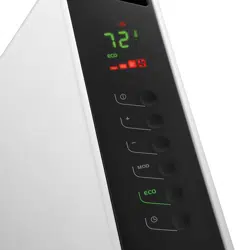
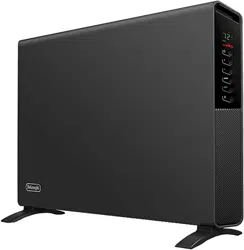
A Power indicator light
B ON/STAND-BY button
C +/- adjustment buttons
D MODE button (selects the operating mode)
E “ECO plus” button
F Timer button
General instructions
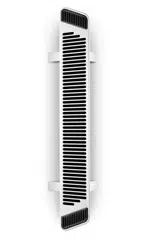
Remove the heater from the packaging. Check that neither
the heater nor the power cable has been damaged during
transport. Do not operate the heater if damaged. Remove all
publicity material present on the appliance. The appliance
is suitable for free-standing or wall-mounted usage. Do not
assemble the feet if wall-mounted.
Electrical connection
- Before connecting the appliance to the current outlet,
check that the voltage indicated on the appliance rating
plate is the same as your electric plant and that it can
stand the power consumption (Watt) indicated by the
labelling.
- If more than one appliance is used at once, it is
important to ensure that the electric plant is able to
support the power required.
Mounting the feet
Turn the appliance upside down on a rug or soft surface in
order to prevent damaging the paint nish.
Fix the feet to the appliance with the nr. 4 screws 4.8x13 PH
G supplied (see g. 1), 2 screws for each foot.
Wall-Mounting Installation
The wall mounting kit contains:
4 metal brackets (H)
4 screws 4.5x25PH (I)
2 buttery screws M5 (J)
4 plastic anchors 6x30 (K)
Required tools for assembly and estimated assembly
time
Drill
Screwdriver PH 2 x 100 (Phillips type)
Estimated assembly time: 30 minutes
Before installing the unit , make sure of the following:
a. The appliance must not be located directly
beneath a current outlet.
b. The plug and outlet must be easy to reach after
installation.
c. No electric cables or other pipes could be
damaged during the installation.
d. Keep away from curtains or ammable materials.
To wall-mount, proceed as follows:
Turn the appliance upside down on a at stable surface.
Fix the 2 brackets H with the 2 buttery screws J as shown
in Fig. 2. For brick walls use a 6 mm concrete drill bit. For
plaster board or false/hollow walls, it is recommended to use
appropriate screws and anchors (not supplied).
1. Before drilling the wall, mark the exact points,
respecting the minimum distances as shown in g. 3.
2. Drill the wall where previously marked, and insert the
plastic anchors K.
3. Fix the 2 metal brackets H using the two screws I
provided.
4. Hang the appliance on the bracket.
5. Mark out the 2 lower xing points. Remove the
appliance, drill the lower holes and insert the wall
anchors K.
6. Now, you can hang back the heater on the bracket and
x the lower part of the appliance with the 2 remaining
screws I.
6
USE
Operation and use
1. Plug into the outlet socket.
2. The appliance emits a beep. The power indicator light
(A)
comes on and remains lit while the appliance is
powered.
3. The appliance switches to stand-by.
4. Press the ON/STAND-BY
(B)
to turn the appliance on.
It begins heating the room according to the current
settings.
5. Press the MODE
(D)
button to select one of the following
operating modes:
Freeze prevention
Heating 1
Heating 2
Heating 3
Heating 3 + Fan
5.1 Freeze prevention
In this mode, the appliance keeps the room at a
temperature of 45°F (7°C) to avoid freezing.
5.2 Heating 1, 2, 3 and Heating 3 + Fan
In this mode, the desired temperature can be selected by
pressing the adjustment buttons + and –. By pushing
the + or - button once, the temperature (shown on the
display) will increase or decrease by 1 degree.
Heating 1
The appliance operates at low power.
Heating 2
The appliance operates at medium power.
Heating 3
The appliance operates at high power.
Heating 3 + Fan
The appliance operates at the maximum power with
the fan. The setting temperature range available is from
61°F to 90°F (16°C to 32°C).
6. “ECO plus” function
The “ECO plus” function is available in Heating 1, 2 3 and 3
+ fan modes only. To activate the function, press the “ECO
plus”
(E)
button. When this function is active the appliance
automatically sets the most appropriate power level
to guarantee optimum comfort while reducing energy
consumption.
While the “ECO plus” function is active, the appliance may
switch automatically to a lower heating power than the one
displayed.
Working indicator
The symbol indicates the heating status by means of its
colors.
RED: the unit is heating at the maximum power.
YELLOW: the unit is heating at the medium power.
GREEN: the unit is heating at the minimum power.
absent: the unit is not heating.
Brightness of the display
The appliance allows two dierent brightness settings for the
display. The highest is active when any key button is pressed.
After a few seconds of keyboard inactivity, the brightness will
decrease to the operating brightness level.
Key lock
In order to avoid accidental operation, you can lock the
keyboard using the keylock function. To activate this function
press buttons + and -
(C)
together for at least 3 seconds. The
display shows the symbol and a double acoustic signal
will be emitted. To deactivate the function proceed in the
same way.
Timer function
This function can be activated in two dierent ways.
Delayed start: With the appliance on-standby, press the
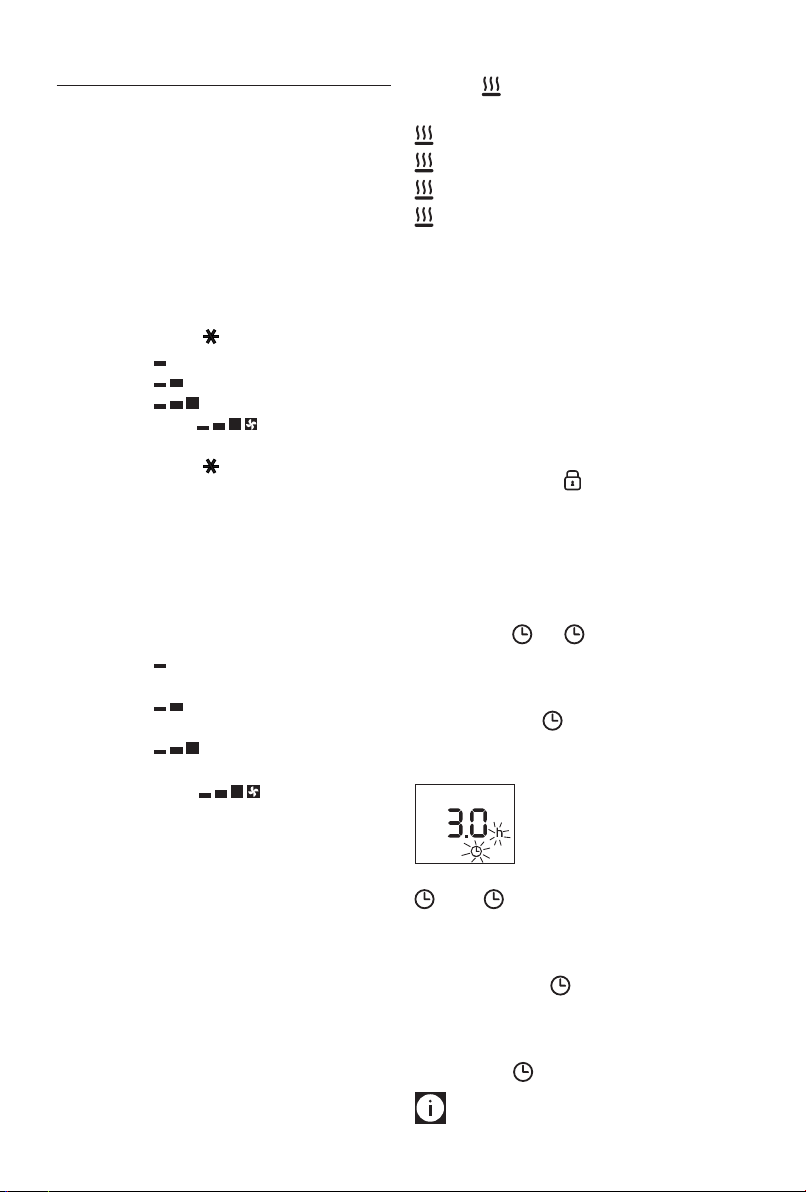
timer button (F) . The symbol is displayed ashing
together with the hours left before the appliance comes on.
Change the hours using the + and -
(C)
buttons, then wait
a few seconds for the program to be stored. The display will
return to o and the symbols remains on. When the
programmed time has elapsed, the appliance will come on
with the previous settings.
Delayed stop: with the appliance on, press the timer button
(F)
. The symbol is displayed ashing together with
the hours left before the appliance goes on-standby. Change
the hours using the + and -
(C)
buttons, then wait a few
seconds for the program to be stored.
The current settings and symbol are displayed.
At the end of the set time the appliance switches on-standby
automatically. To go back to operating without the timer,
press the timer button twice.
The timer symbol disappears from the display.
Please note: the time is settable from 0.5 to 24 hours.
7
Changing of the temperature scale
The display can show the temperature in both °F (Fahrenheit)
and °C (Celsius). To select the desired temperature scale,
when the unit is in standby position, press and hold the "+"
key for at least 10 seconds, then release.
The change of scale will be indicated by two short beeps.
MAINTENANCE
Before carrying out any maintenance, unplug the heater from
the outlet and wait for it to cool o completely. This heater
requires no particular maintenance. It is sucient to remove
the dust with a soft, dry cloth. Never use abrasive powders or
solvents. If necessary remove concentrated areas of dirt with
a vacuum cleaner.
TECHNICAL CHARACTERISTICS
Power supply See rating label
Absorbed power “
TROUBLESHOOTING
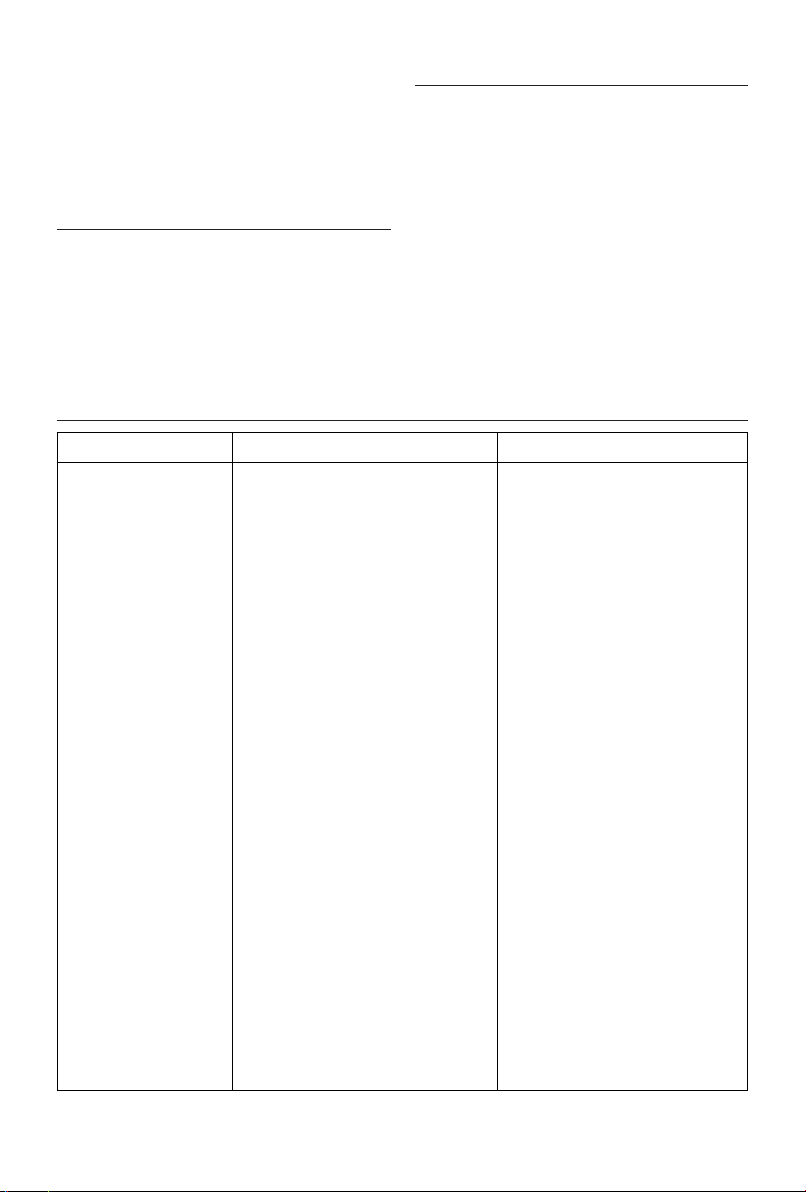
PROBLEM CAUSE SOLUTION
The appliance doesn't work
The appliance doesn't work
(the display could blink
and you could hear an
intermittent "beep")
The display shows a
blinking dot and you hear an
intermittend "beep"
The display shows "PF"
The display shows "Ht"
blincking (the heating
power will progressively and
automatically be reduced)
Be sure it is plugged in and that the electrical
outlet is working
The temperature may be set too low
The Key lock may be activated
The air intake or outlet grille is obstructed
The appliance could be tipped over or is
positioned in an improper way
The temperature sensor is malfunctioning
The internal temperature is too high
Plug into the power outlet
Set the temperature to a higher position
See the section "Key lock"
Remove the obstruction
remove the plug
from the outlet
and let the appliance cool
down. After few minutes plug the appliance
again. If the appliance doesn't work please
contact the De longhi toll free number.
Make sure the appliance is standing
upright on a at surface. Position the
appliance correctly
Contact the De longhi toll free number.
T
o remove the cause of this alarm check
that the unit is not covered or obstructed.
The appliance will operate again after few
minutes.
Check the appliance is correctly positioned
respecting the minum distances from the
wall, or objects, as indicated on the rating
label, if not, position the appliance correctly.
The appliance will operate again after few
minutes.