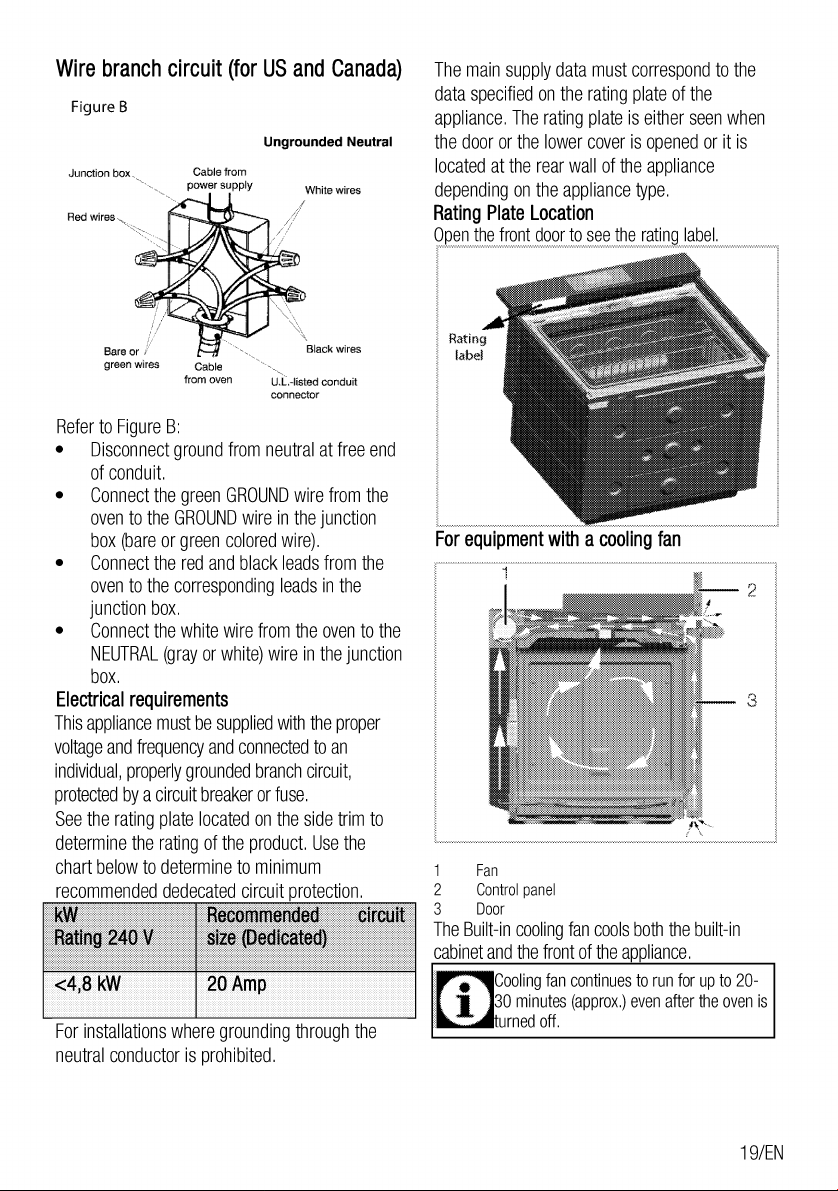
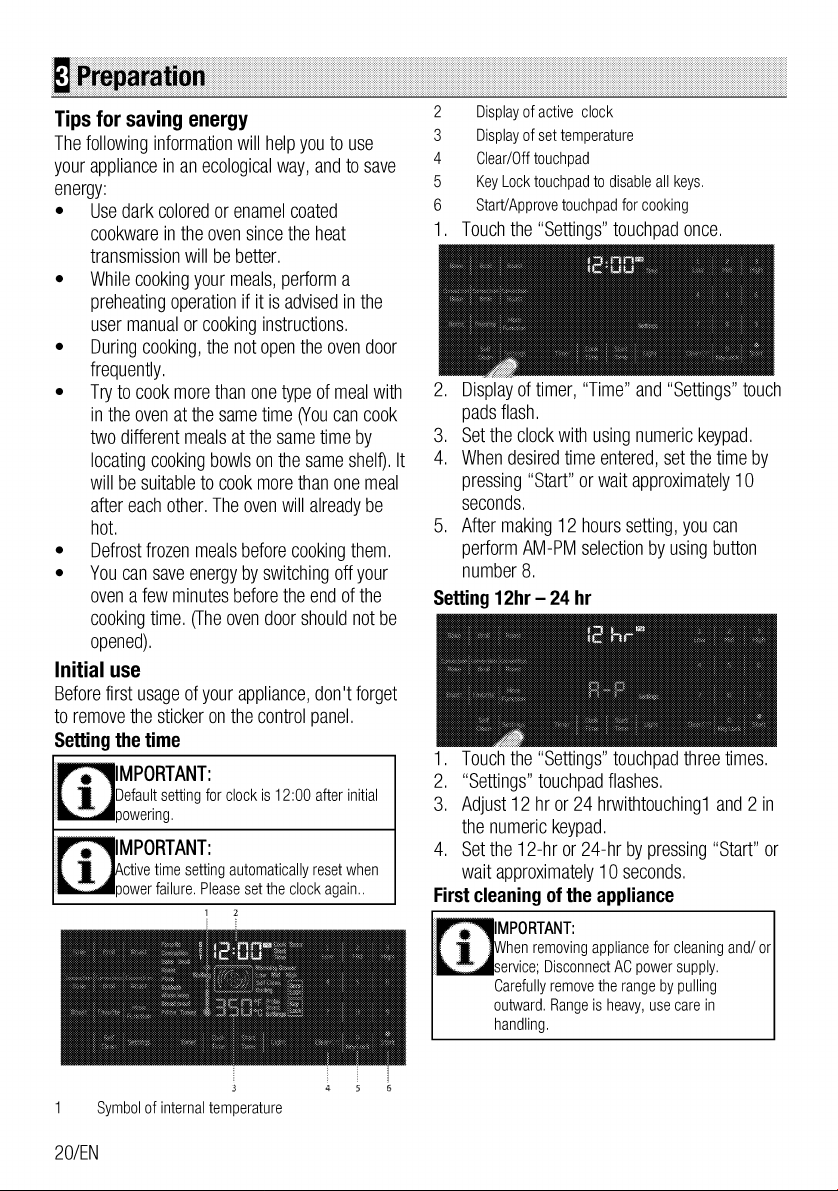
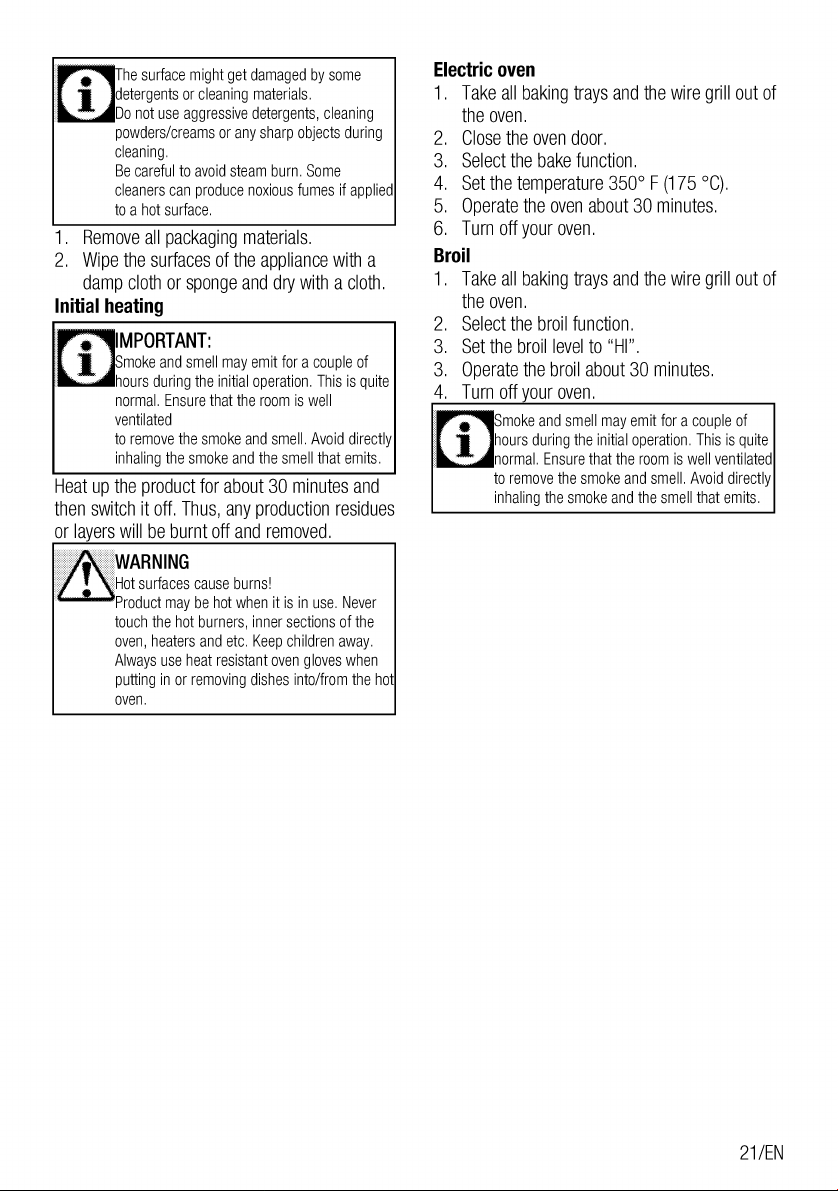
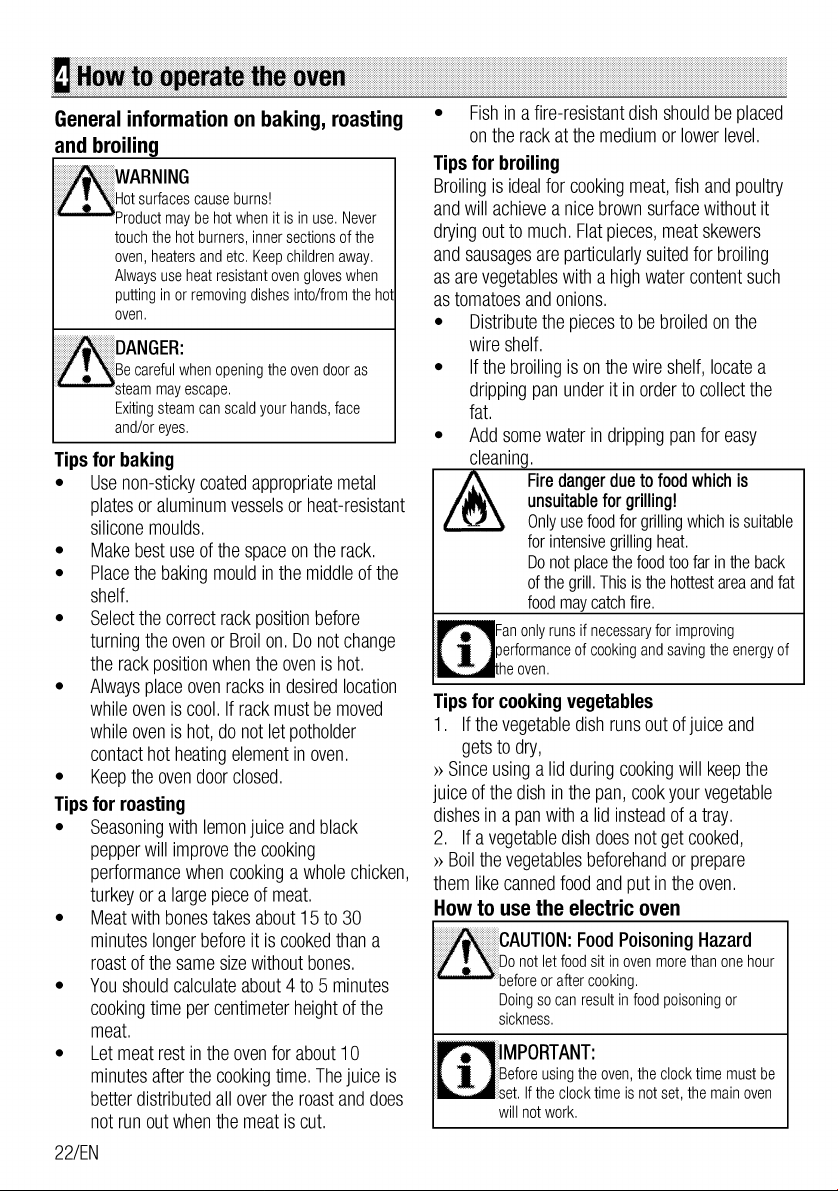
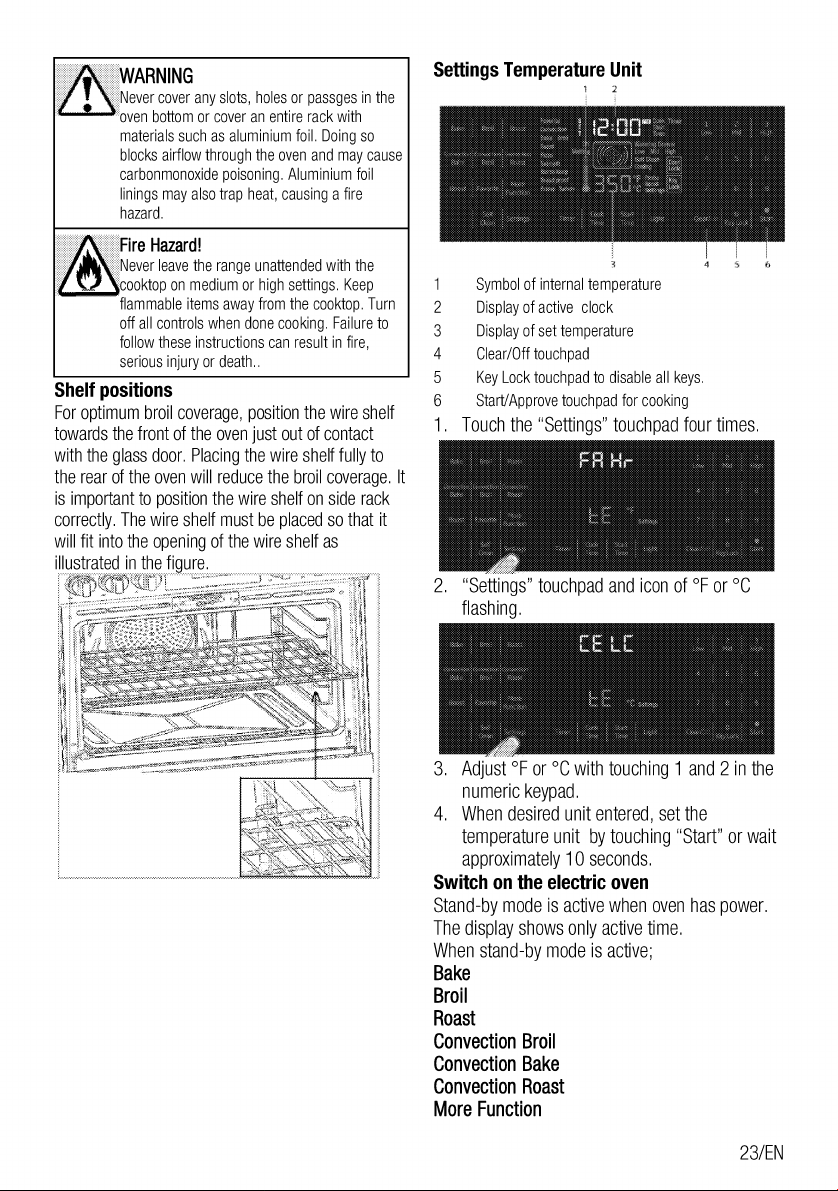
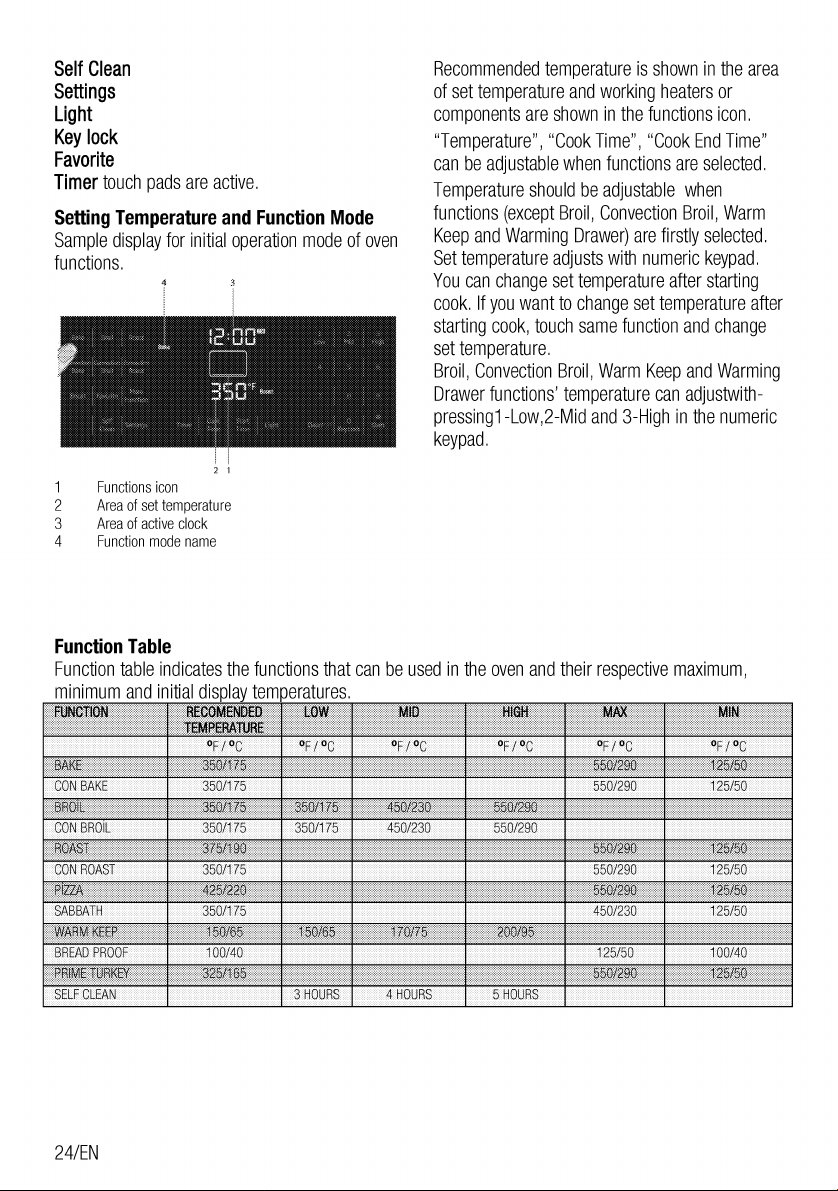
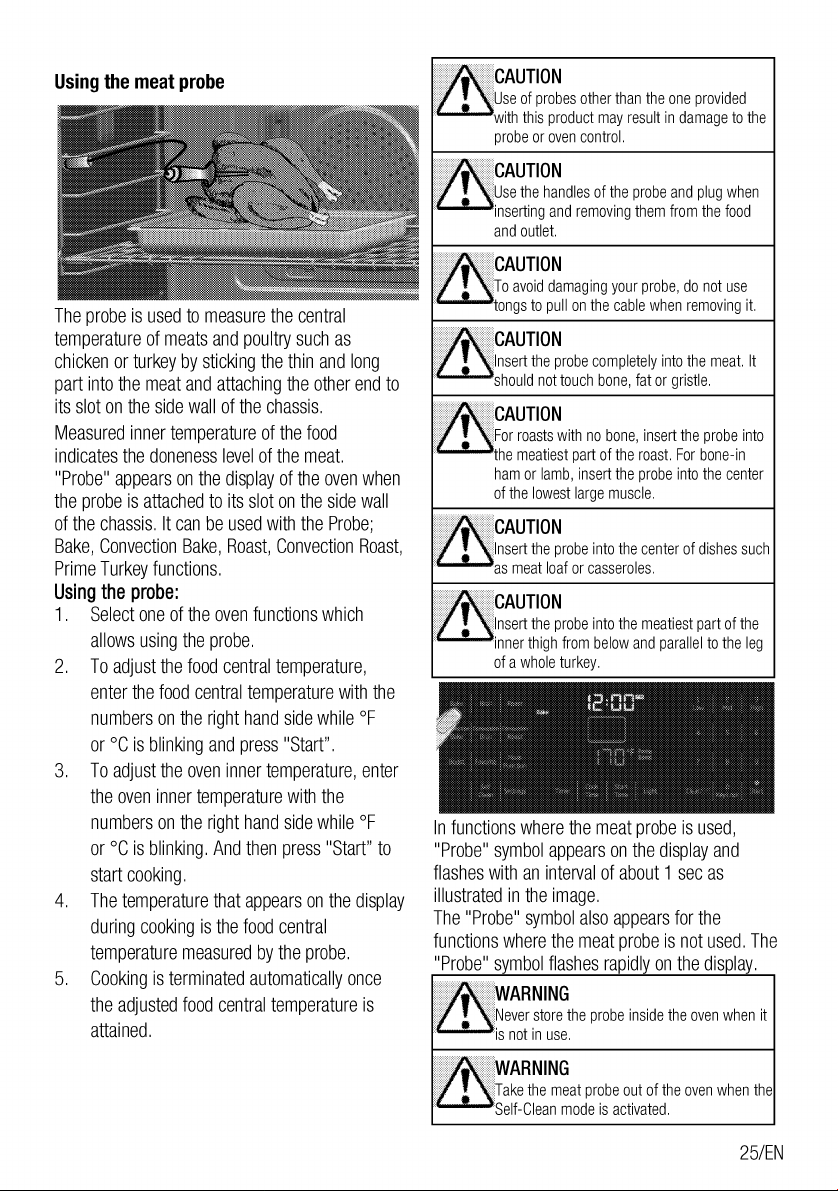
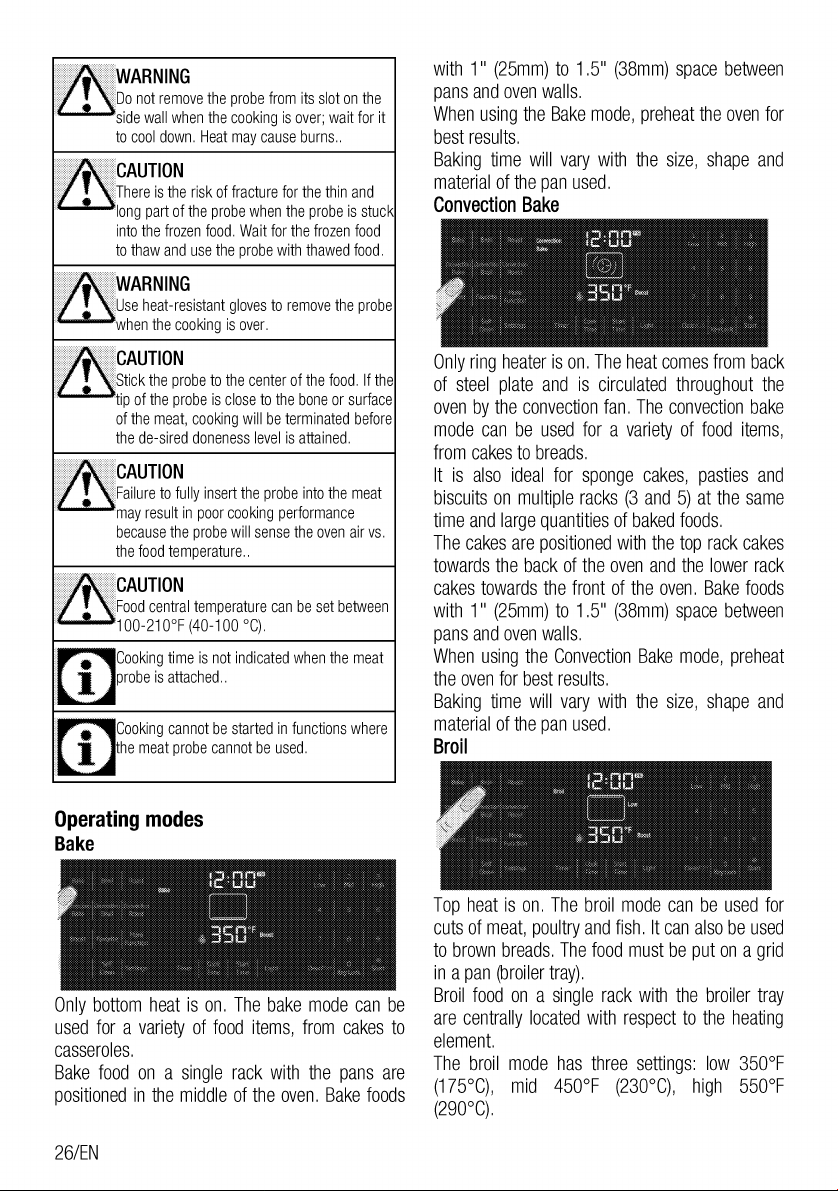
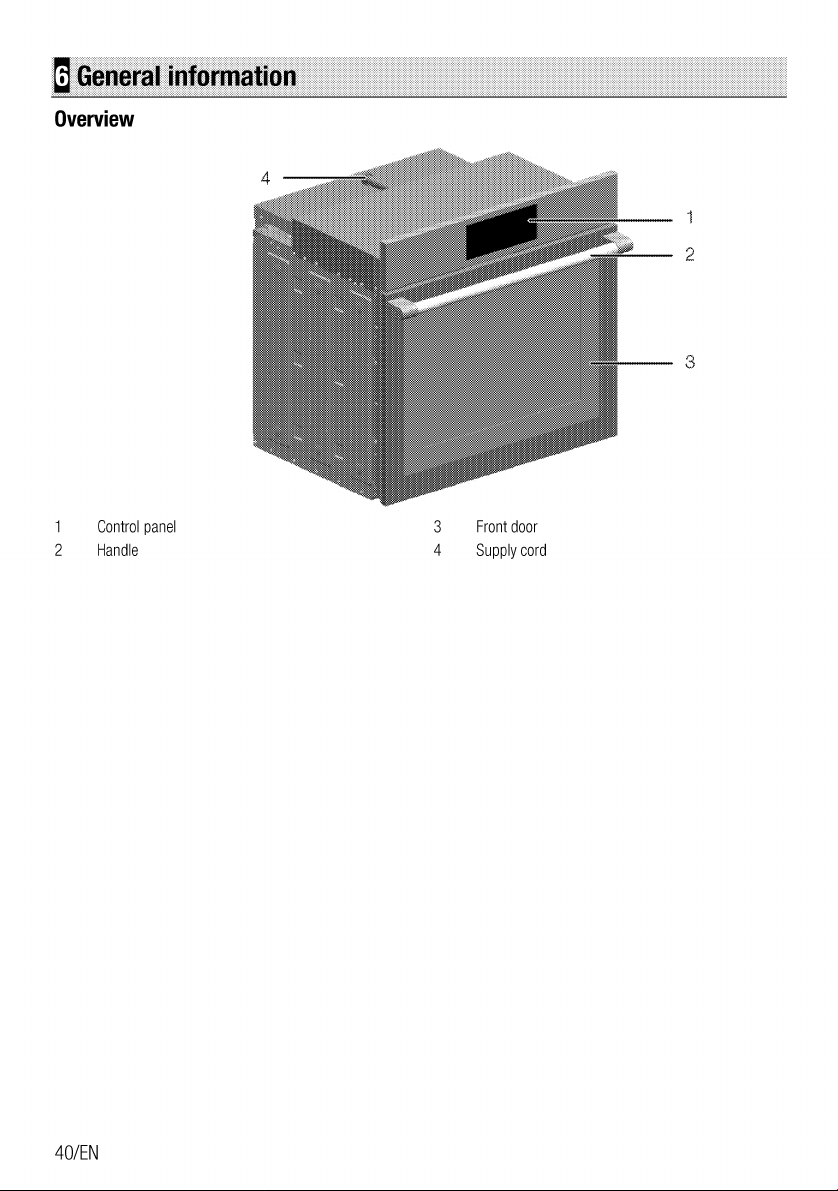
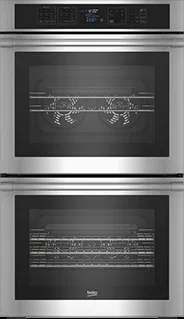
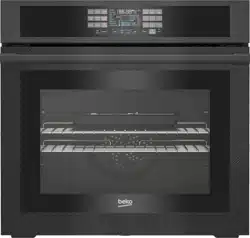
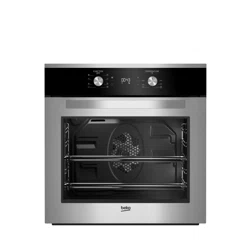
Beko WOS30100SS 30" Built-in Stainless Steel Wall Oven

Product's Documents

Below are documents related to this product, you can read online or download:
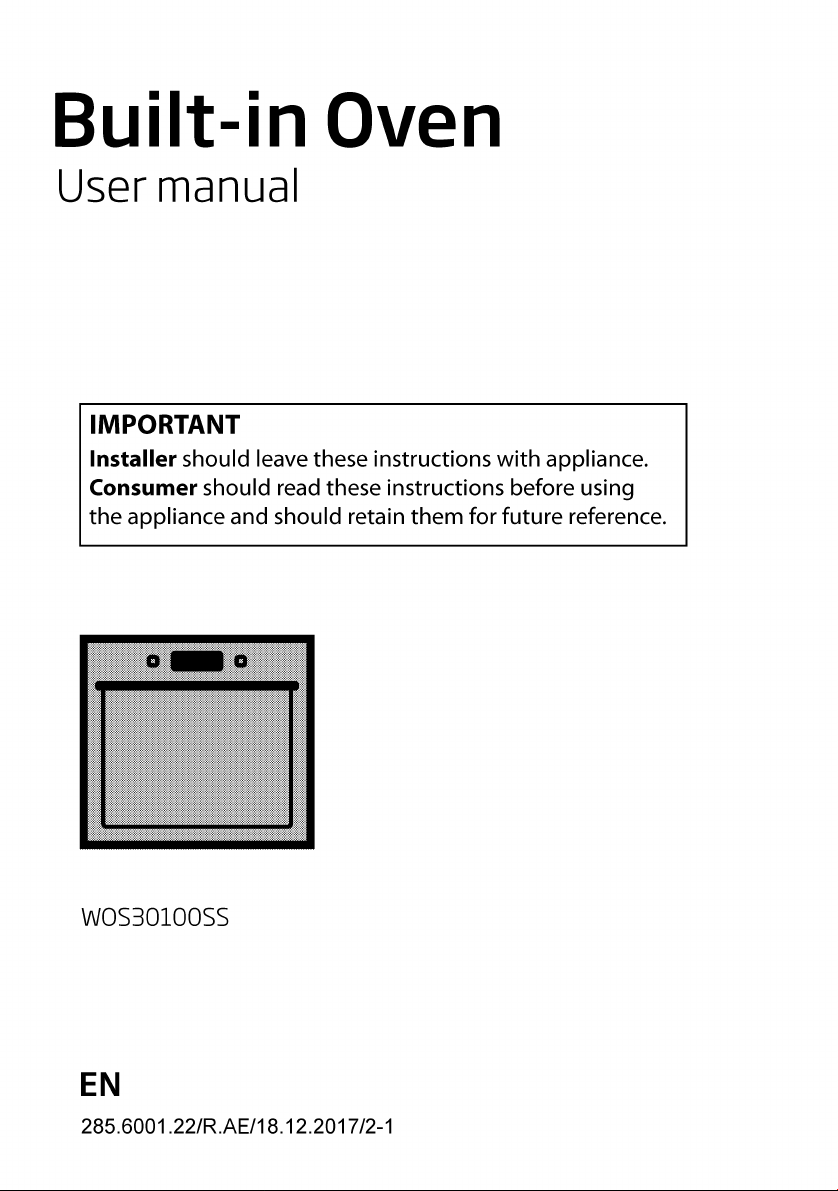
WOS30100SS photo

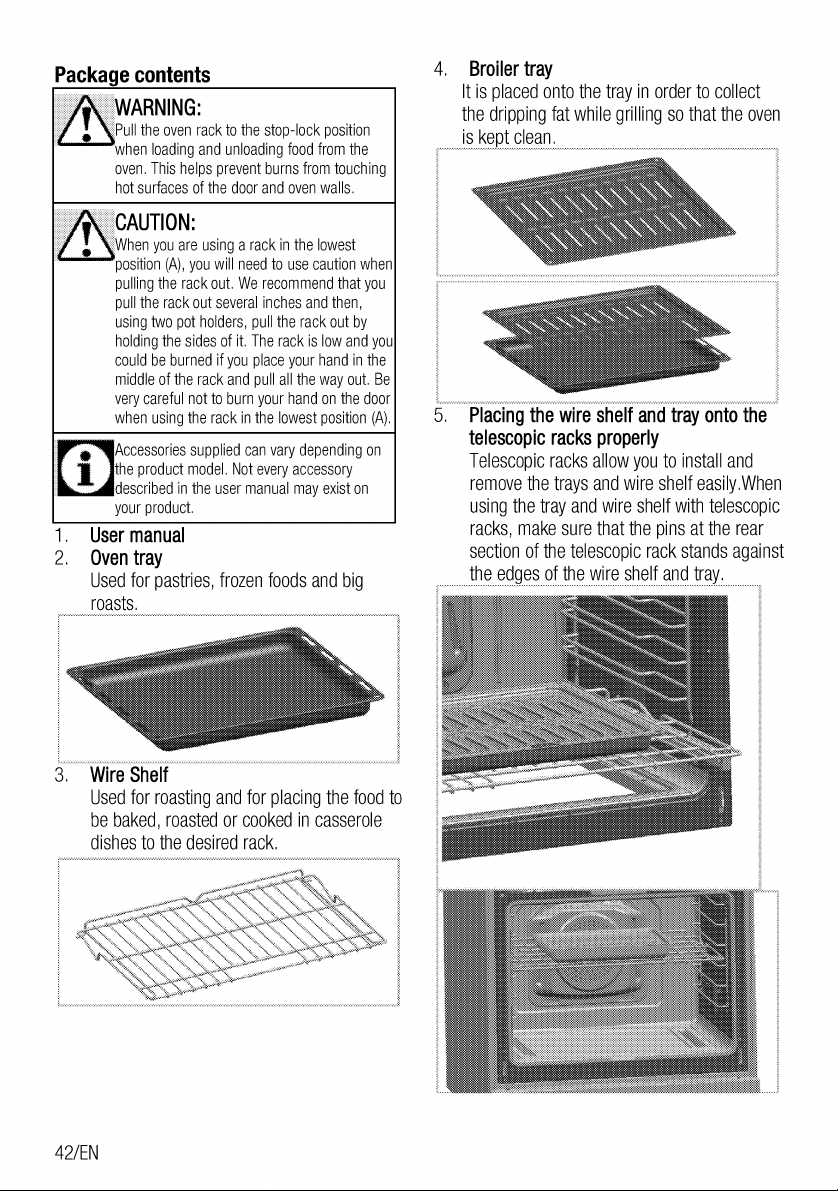
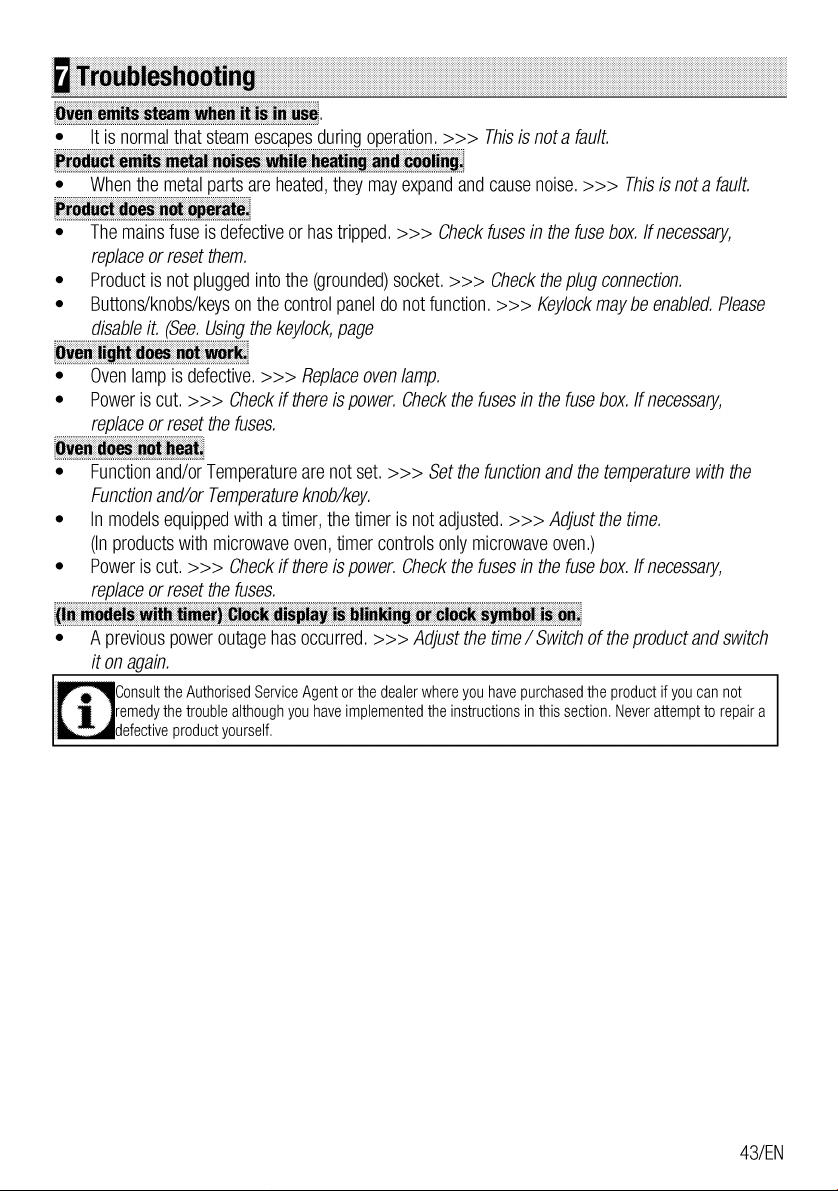
User Manual

This is the main product document for model WOS30100SS.

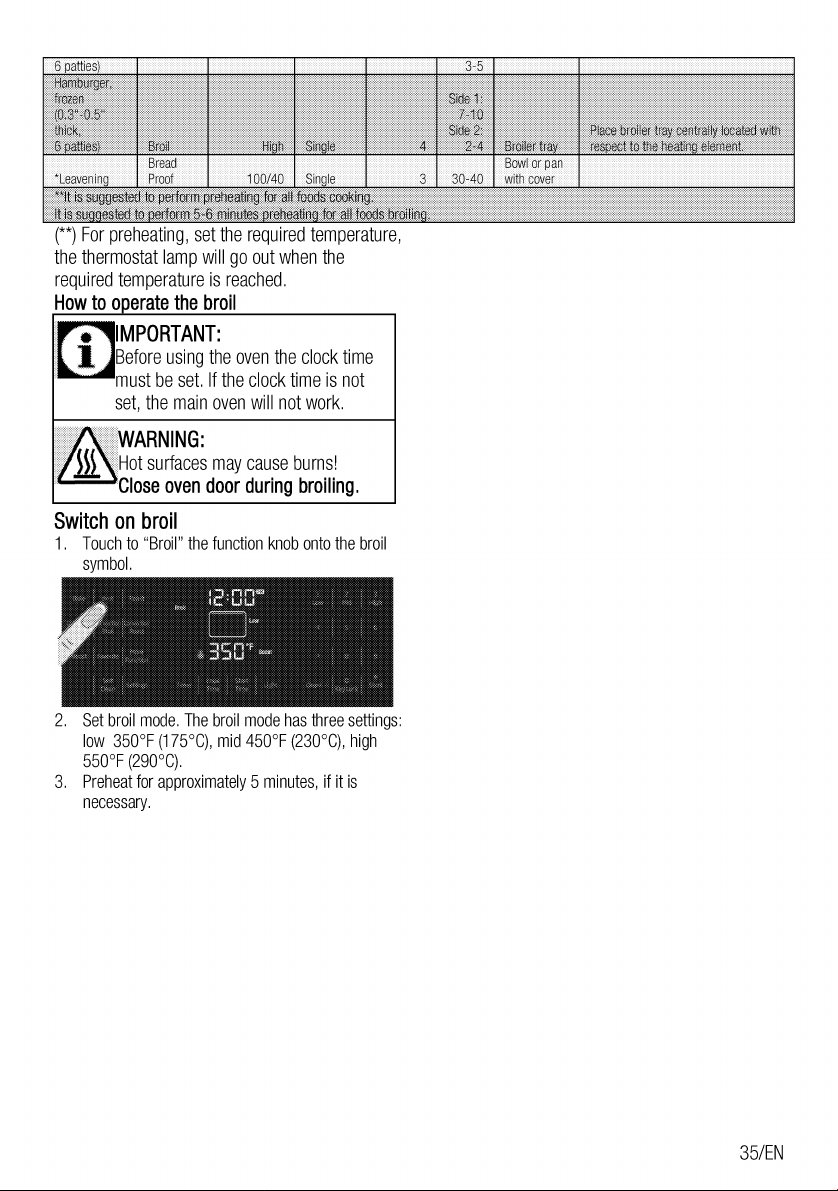
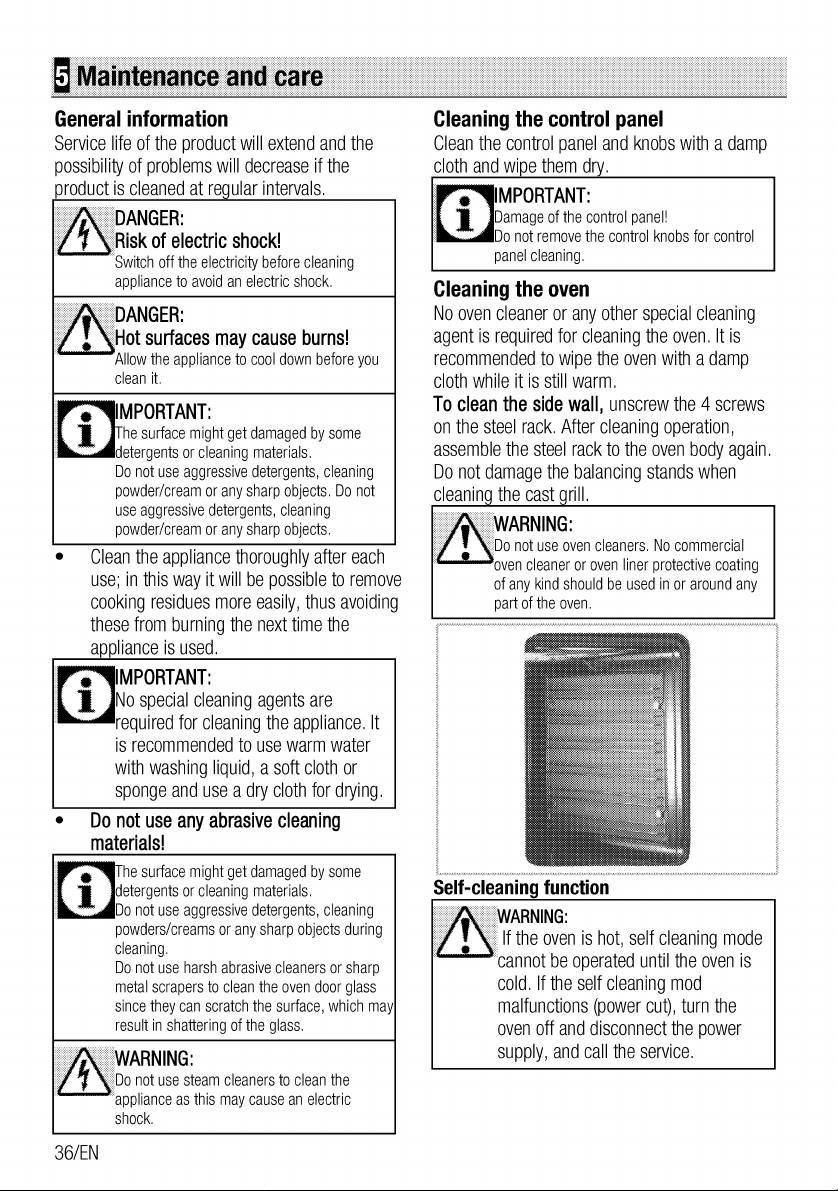
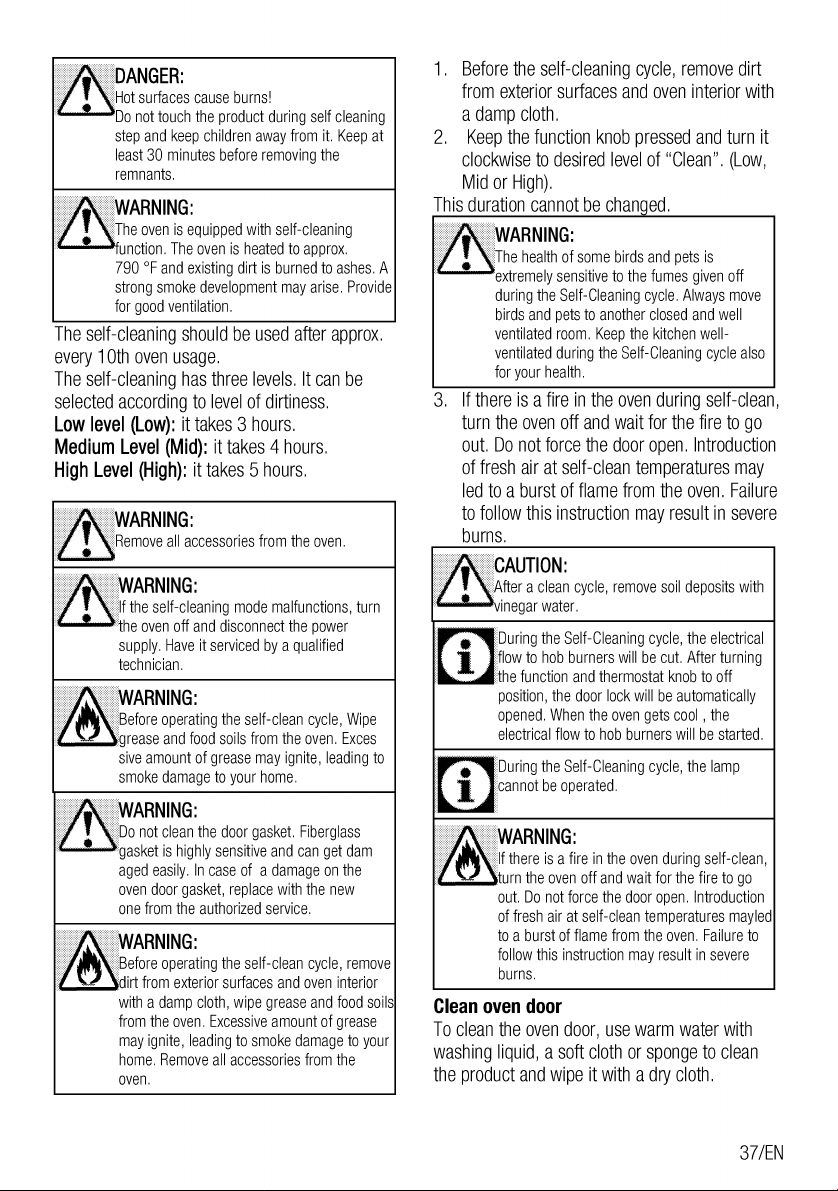
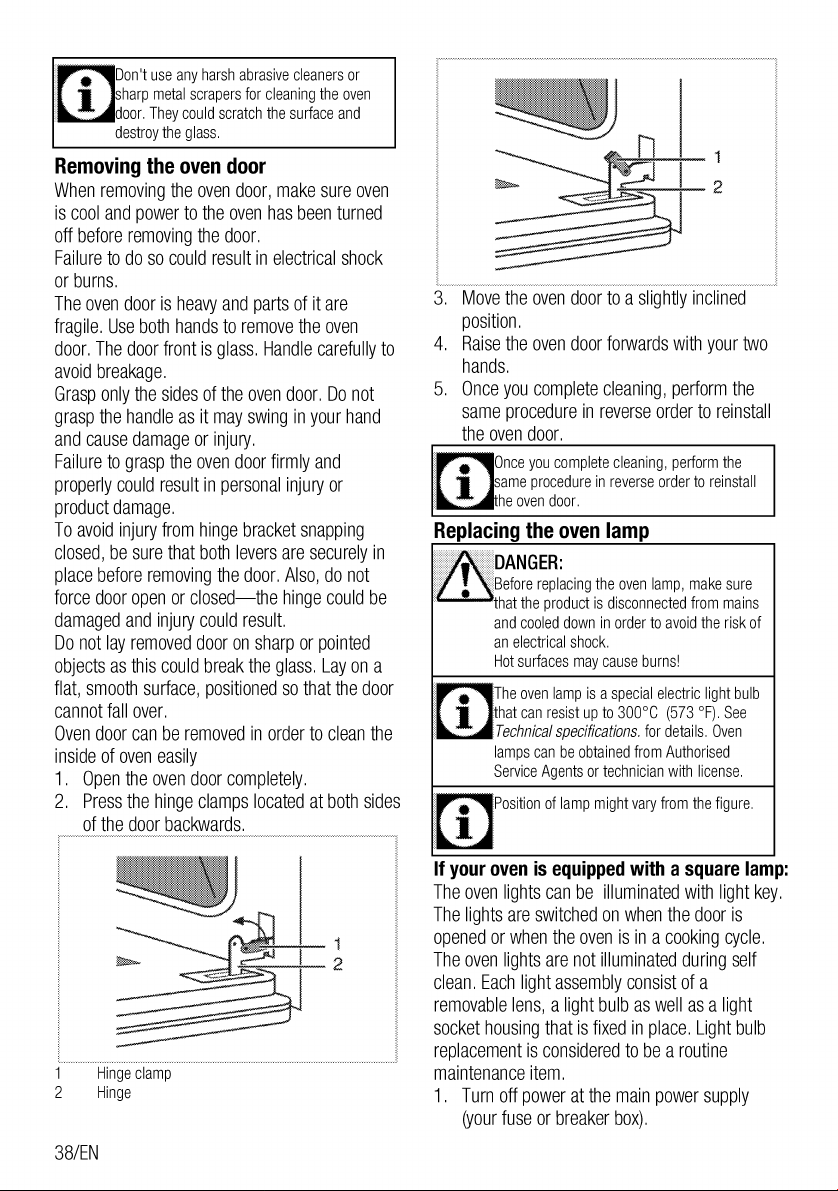
The file format is pdf, 48 pages, you can download this manual here .

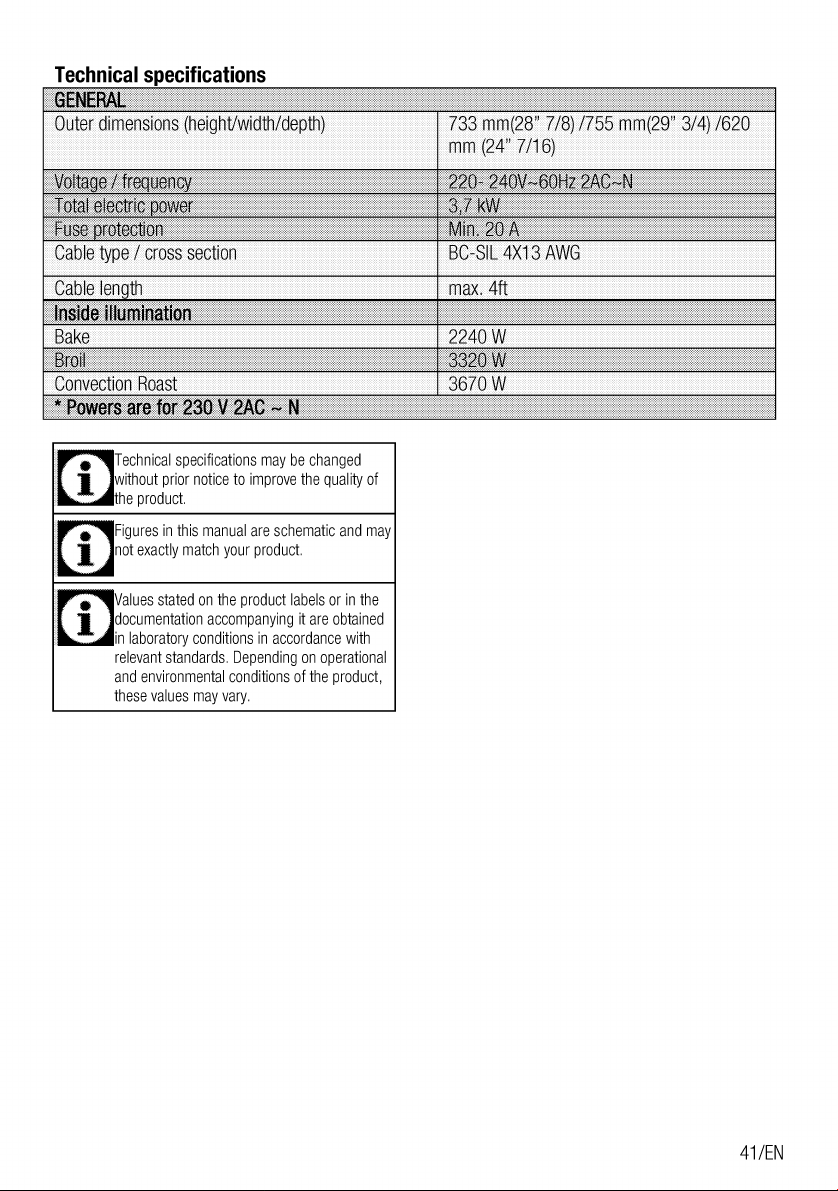
Specifications

Indexed Terms: Built-In Oven, Built In

Beko WOS30100SS Questions and Answers


#1 Does my range/oven need temperature calibration? How to evaluate if temperature calibration is required?

If your range or wall oven is cooking or baking your food unevenly, it may need temperature calibration.
Use an oven thermometer to see if calibration is required. Place the thermometer inside the product and set your oven to a temperature of your choice. After around 30 minutes, check the thermometer to see if it’s showing the temperature you set.
If your range or oven is running hot or cold, it needs calibration. Please contact an authorized service agent to have your appliance calibrated.
#2 Where can I find my Beko range or wall oven's serial number?

Every Beko product has a unique serial number.
In Range Cookers, it's located on the top wall of the inside frame. Please see our video that shows how to find it.
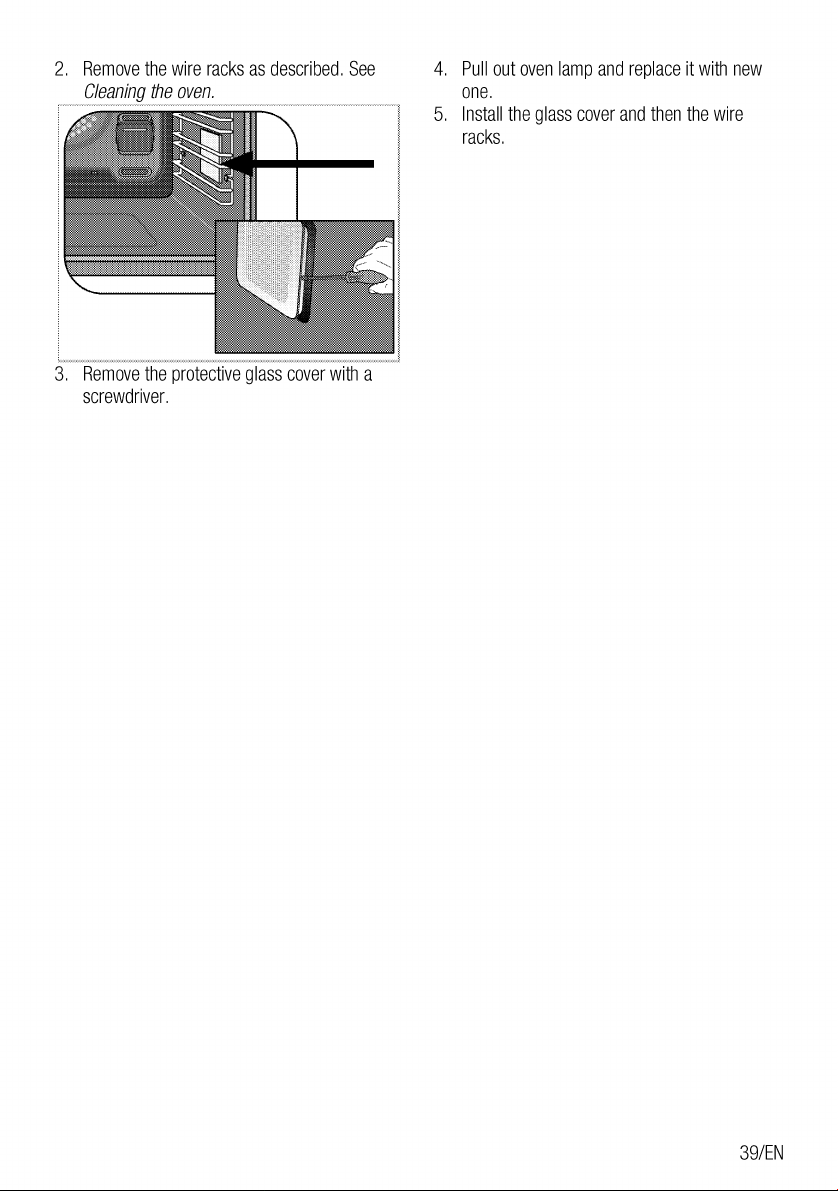
In Wall Ovens, it’s located behind the door, on the bottom of the inside frame.

#3 Why does my range or wall oven’s fan keep running after I have turned it off?

It’s normal for your range or oven's fan to run for a while after it has been turned off. This helps cool the product and its electrical controls. It’ll stop automatically once the product has cooled down.

Questions and Answers

Related Products