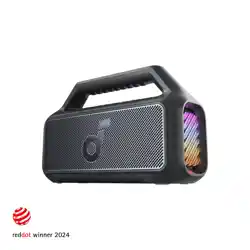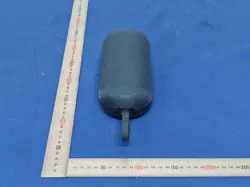
• Bluetooth Speaker (1pc)
• Micro USB Charging Cable (1pc)
• 3.5mm Aux cable (1pc)
• User Manual (1pc)
VT-6133
TUBE FACRIC PORTABLE
BLUETOOTH SPEAKER
VT-6133
Package Contents
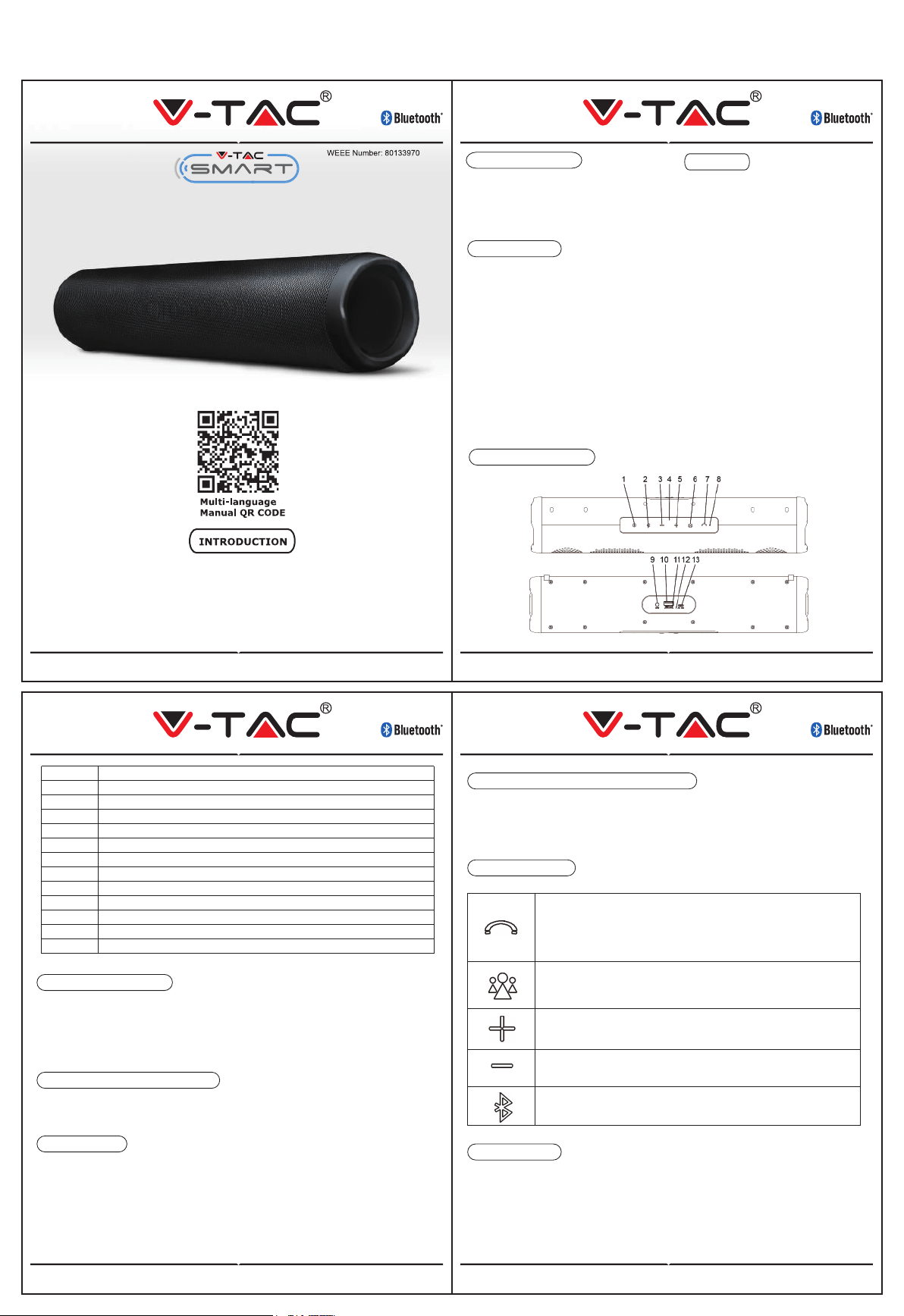
Description of Parts
1 ON/OFF Button
Bluetooth Button
Previous track/Volume Decrease
LED Indicator
Next track/Volume Increase
Mode Button
Play/Pause/Phone/TWS Button
Built-in Mic
AUX-Input
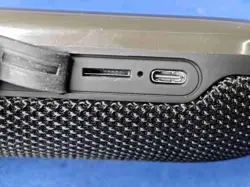
USB Slot
Micro SD (TF) Card Slot
Charge Indicator
USB Charging Port
2
3
4
5
6
7
8
9
10
11
12
13
VT-6133 VT-6133
To charge the Bluetooth speaker, connect the supplied micro USB cable to the USB
charging port and the other end to your computer or USB charging device.
Make sure you charge your Bluetooth speaker fully for the first time.
Before using it for the first time we recommend you charge the battery fully.
Charging the speaker
Before Turning ON the speaker, please ensure that it is fully charged.
Press the power button to switch the device ON/OFF.
Turning ON/OFF the Speaker
It is possible to use two copies of this speaker,paired together,to benefit from a
stereo sound.
To do this,turn on both speakers,then press the Pause/pone button on one of them
once.
The two speaker will connect to each other.
You can then pair your device with the stereo unit by following the procedure below.
Ensure that both speakers are spaced less than 10 meters.
TWS function
1.Turn on the Bluetooth speaker.
2. Open Bluetooth function on your device and search for ”SKU-7726”.
3. If a PIN is required, enter the password ‘0000’ to confirm to finalize pairing.
4. Connect it with your bluetooth enabled device.
Press the Phone once to answer an incoming call.
Then short press the Phone button to end a call.
Press and hold the Phone button for 2 seconds to reject a call.
Press the button to pause a song while playing music, press again
to resume playing.
Mode: Switch between Bluetooth/ Aux/ TF card/USB
playing/FM radio
Pairing speaker with bluetooth device
Button functions
1.Insert the USB cord (included) into the charging port. Leave the other end of the
cord open. USB cord serves as FM Antenna while in FM Radio mode.
2.Short press Mode button each time until FM mode is selected.
3.Short press Play/Pause/Phone button and the device would automatically search
and store all the FM Radio stations.
4.Short press + or - button to change the FM Radio stations.
USE FM radio
Bluetooth® Version : 4.2
Working distance : Up to 10m
in open space
Speaker output : 2x3W
FM frequency range : 87.5-108MHz
Power Input : DC 5V
Play time : about 3-4 hours
Charging Time : about 3 -4 hours
Built-In Rechargeable
Lithium Battery : 3.7V /1200mAh
Micro SD (TF) Card/ : Support up to 32GB
Unit Size :394x82x82 mm
Specifications
Press and hold the button to increase the volume,
press shortly to next track
Press and hold the button to decrease the volume;
press shortly to previous track
Press to disconnect bluetooth from your phone, press again to
re-connect with your phone
Features
• Supports TWS function for better
sound effect.
• Compatible with wireless products
featuring Bluetooth® technology
• AUX Input Function
• Supports TF Card
• Supports USB Card
• Built-in Mic for Hands Free Calls
• With FM Radio Function
• Micro USB charging cable included
• Operation distance: Up to 10 meters
(Note: Battery life & charging time may
vary based on usage, types of devices
connected & wireless distance.)
IN CASE OF ANY QUERY/ISSUE WITH THE PRODUCT, PLEASE REACH OUT TO US AT:
FOR MORE PRODUCTS RANGE, INQUIRY PLEASE CONTACT OUR DISTRIBUTOR OR NEAREST
DEALERS. V-TAC EUROPE LTD. BULGARIA, PLOVDIV 4000, BUL.L.KARAVELOW 9B
SUPPORT@V-TAC.EU
Thank you for selecting and buying V-TAC Product. V-TAC will serve you the best.
Please read these instructions carefully & keep this user manual handy for future
reference. If you have any another query, please contact our dealer or local vendor
from whom you have purchased the product. They are trained and ready to serve
you at the best.